 0
Ugreen NASync DXP4800 GT Review
Test Setup & Methodology »Software
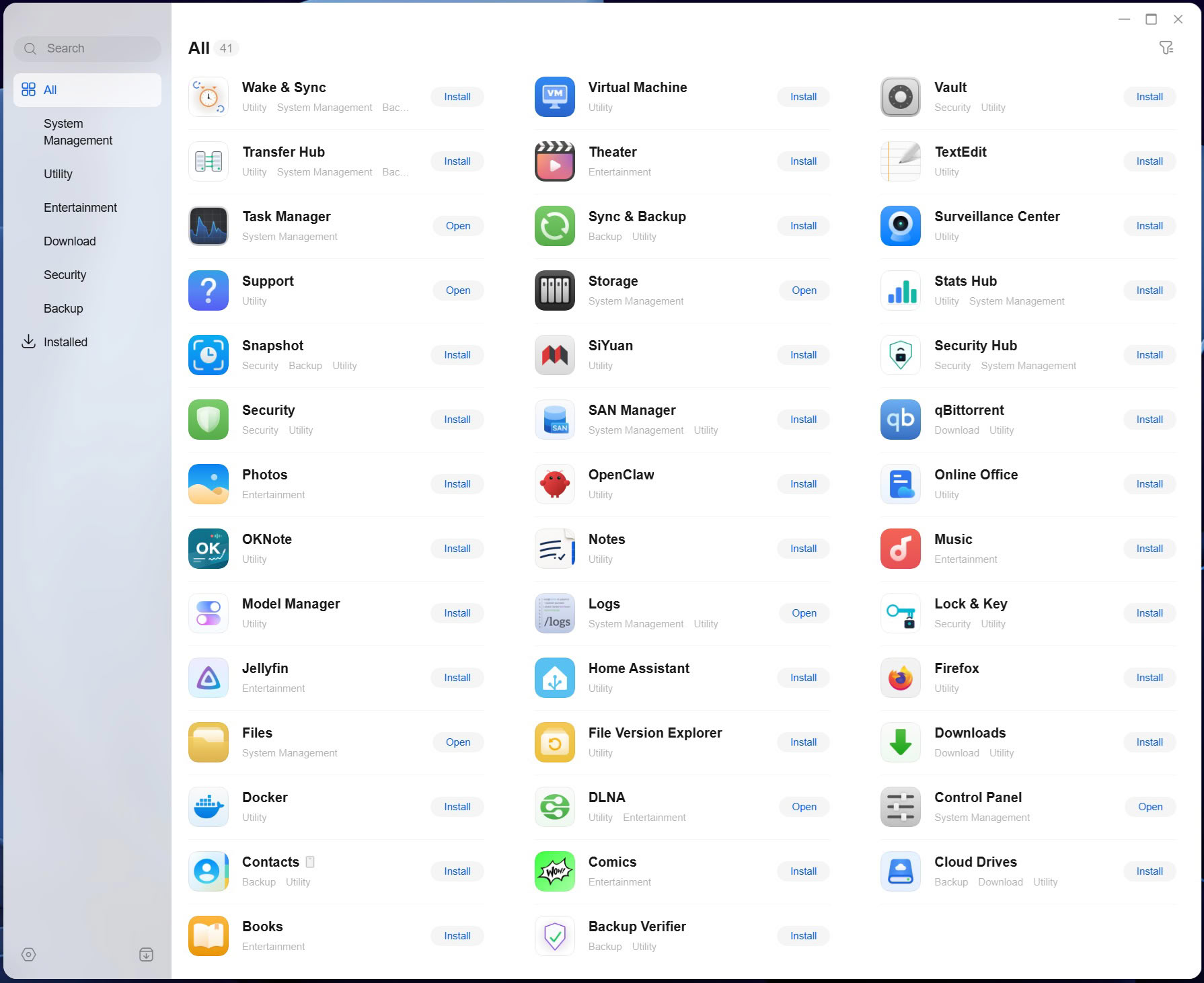
Not too much has happened on the software side, although Ugreen has opened up UGOS to allow for third party apps, which has led to a few new additions in what is still a relatively meager software ecosystem. You can see the entire extent of what's available in the screenshot above. We'd also suggest not using some of the third party apps that Ugreen has added, such as Jellyfin, as the versions provided are sadly outdated, but this appears to be something of an industry norm. It's better to install these things yourself, using Docker. We should also point out that some apps, such as comics and books, can only be accessed from the mobile app, and you can't actually access them from a browser, for whatever reason.
The mobile app
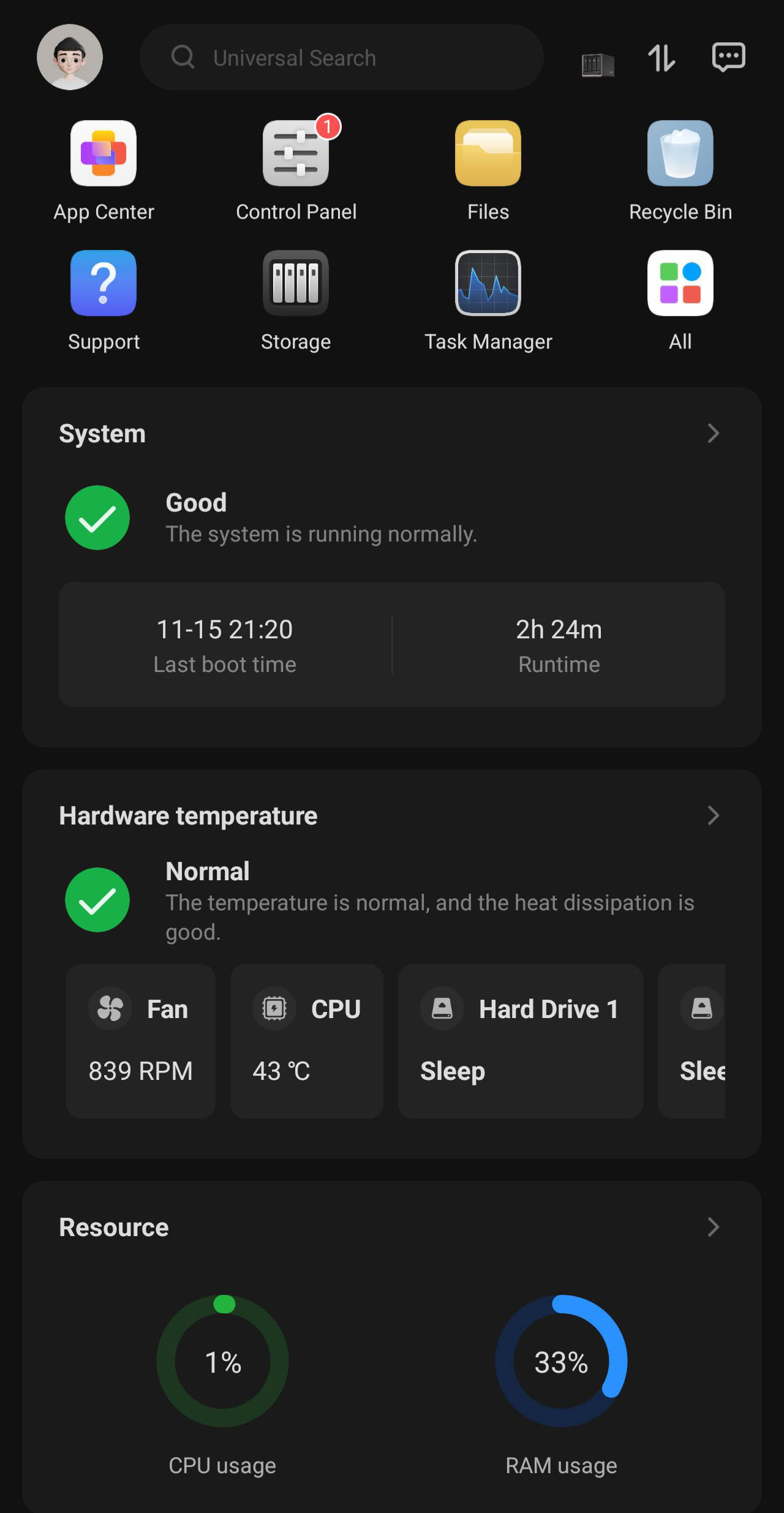
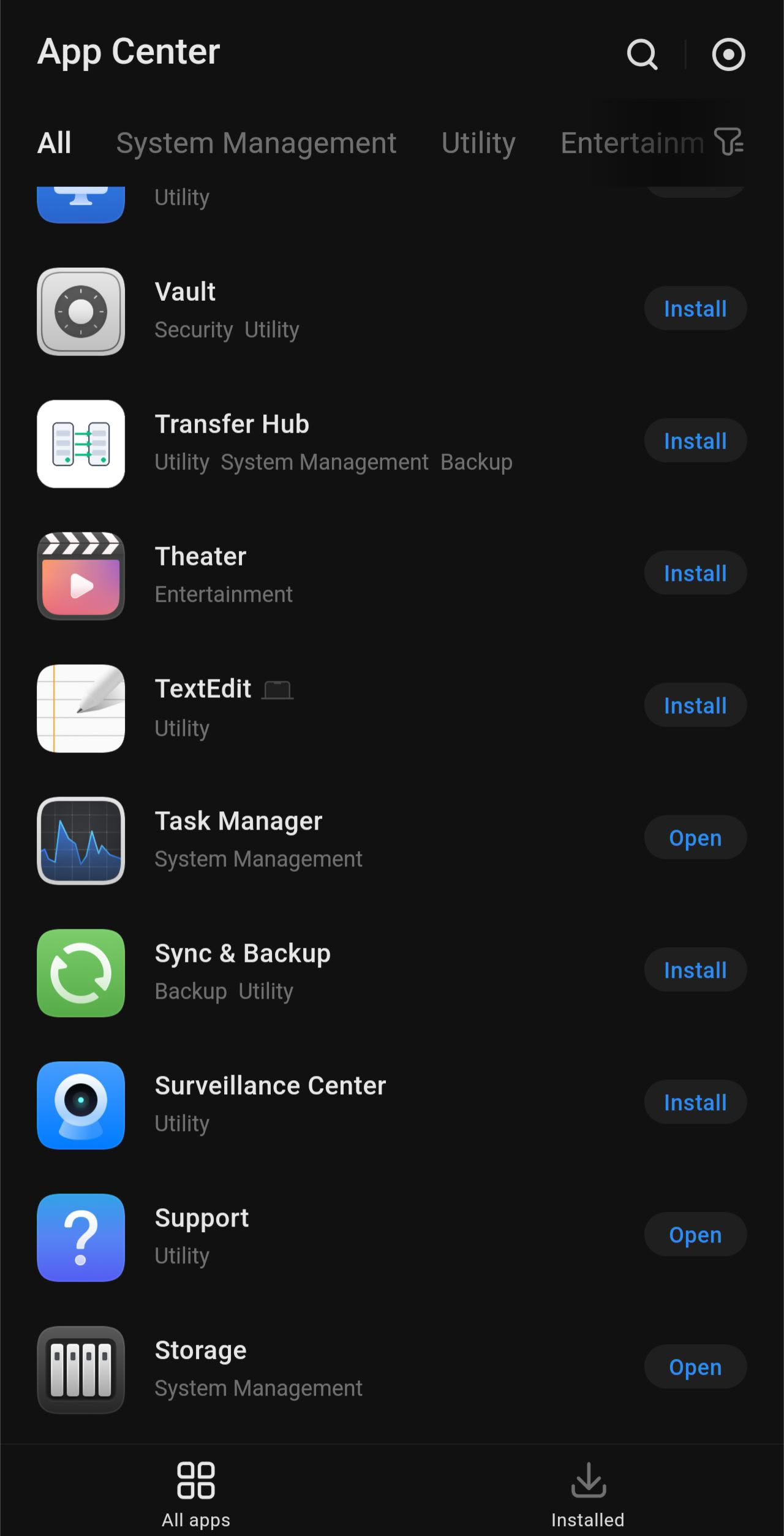
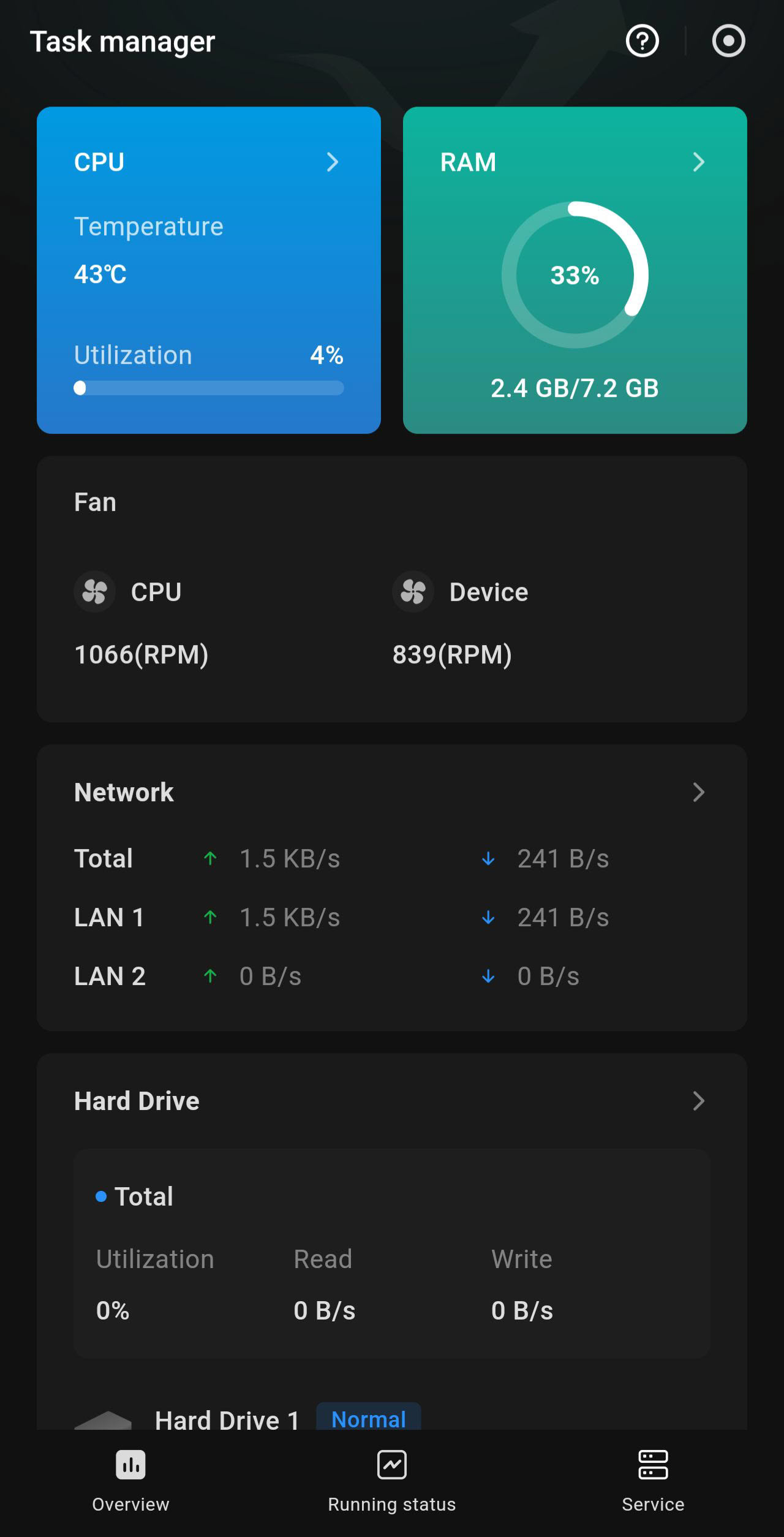
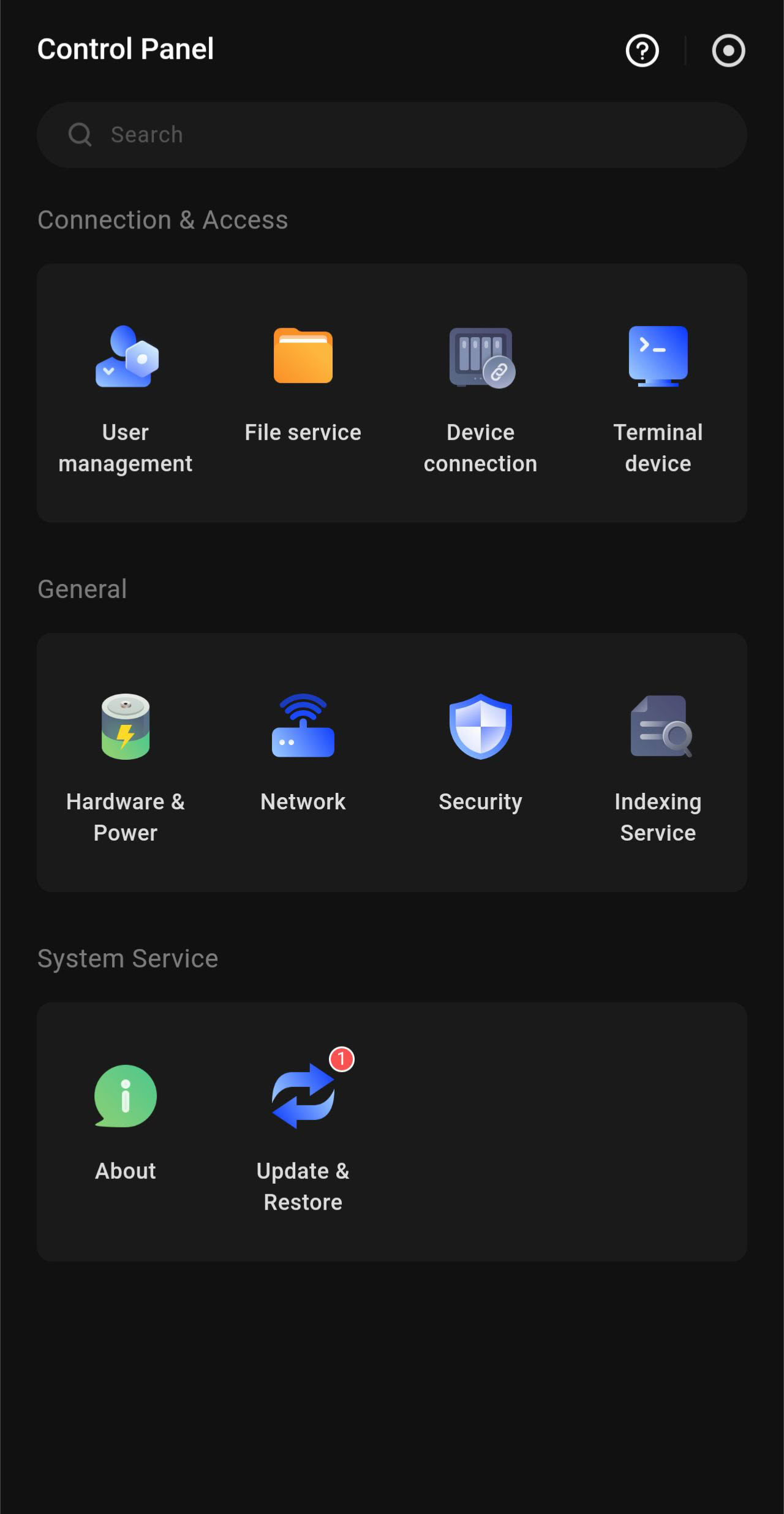
Ugreen's mobile app is getting better with every release, and we somewhat skipped past it when we reviewed the NASync iDX6011 Pro, which means it's been almost a year since we last mentioned it in a review. A handy feature that has been added in the past year is support for biometrics when it comes to logging in to the app, so you no longer have to type in your password or ask the app to remember it. Support for a few new apps has been added too, although we're not sure how useful some of those will be on the go, but things like the comics and the more recently added books apps might be handy, as they allow you to read your content on your mobile devices.
Nov 18th, 2026 14:14 CST
change timezone
Latest GPU Drivers
New Forum Posts
- WarpCoreBench scores! (67)
- Honestly, do you care about GTA VI? (144)
- Acer Predator BiFrost Radeon RX 9070 OC (9)
- DTS DCH Driver for Realtek HDA [DTS:X APO4 + DTS Interactive] (2814)
- Very unusual two gaming-pc scenarios. (9)
- Free Games Thread (5382)
- RX 580 2048SP 8GB Samsung – Black Screens in Games, Looking for a Compatible BIOS (3)
- All Final Fantasy Discussion Thread (123)
- [Poll] 12V-2x6 Connector Protection: What Are You Using? (WireView / Ampinel / Equalizer / Other / Nothing) (38)
- Wireless Internet sharing between PC and router both-ways, is it possible? (18)
Popular Reviews
- Acemagic Retro X3 Review
- Upcoming Hardware Launches 2027 (Updated Nov 2026)
- AMD Zen 6 Technical Deep Dive
- ASUS ROG Strix B850-I Gaming Wi-Fi7 W Review
- Corsair HX1000i Shift Crystal Review
- Biwin Black Opal NV7400 2 TB Review
- Chieftec Iceberg PRO 360 DARK Review
- AMD Ryzen 7 9800X3D Review - The Best Gaming Processor
- Phantom Blade Zero Performance Benchmark Review - 35 GPUs Tested
- Pulsar Office Tour & First Look at P1 Dual-Sensor Mouse
TPU on YouTube
Controversial News Posts
- NVIDIA Co-Founder and CEO Jensen Huang Officially Resigns (477)
- Report: Jensen Huang Eyes NVIDIA Comeback (186)
- Open Letter Asking NVIDIA to Reinstate Jensen Huang Passes 115,000 Signatures (184)
- OpenAI CEO Argues Home PCs Waste the World's Limited DRAM Supply (152)
- NVIDIA Launches Investigation Into Jensen Huang's Relationship With Suspected Chinese Spy (136)
- Intel "Raptor Lake Next" 16-Core and 20-Core CPUs Surface (130)
- Legendary Game Studio BioWare Shuts Down Following EA Layoffs (104)
- Dell CEO Says the Memory Shortage Will Get Worse in 2027 (95)