 57
Ugreen NASync iDX6011 Pro Review
(57 Comments) »Introduction


Almost two years ago we looked at the first NAS from Ugreen, the NASync DXP4800 Plus, and since then the company has released a pair of lower-cost Arm based models in the DH series, which we've also taken a look at. Now, it's time for the latest addition, and we're going high-end in just about every way imaginable, without going with a server CPU. The NASync iDX6011 Pro is Ugreen's new flagship NAS, which is likely to generate a lot of different opinions, as it brings an interesting mix of hardware and features along with it. Ugreen refers to its two new models that include two different SKUs of the NASync iDX6011—with 32 or 64 GB of RAM—as AI NAS. Admittedly Ugreen has added a local LLM and several features that tie into it, but the question is if people want these built-in to their NAS or not. We will of course take a closer look at these features, to see if they're worth using, but we'll also be putting the iDX6011 Pro through our standard NAS tests and look at what has changed on the software side over these past two years.
The NASync iDX6011 Pro is a massive NAS that weighs in at over 9 kg, without drives. The unit we were sent should be a pre-production unit, but we'll go into the details about that when we take a closer look at the hardware. The chassis is very roomy compared to the DXP4800 Plus, most of it is for good reasons that you'll see, and it's clear from the get-go that we're looking at an entirely different class of hardware here. Back in 2024, Ugreen launched a couple of higher-end models than the DXP4800 Plus that we got sent for review, with the 6-bay DXP6800 Pro and the 8-bay DXP8000 Plus, both of which had a slightly higher-end CPU and a pair of 10 Gbps Ethernet ports, plus two Thunderbolt 4 ports, which set them apart from the DXP4800 Plus. The iDX6011 Pro comes with two major upgrades, firstly it has a two generation newer CPU with more P-cores and a higher clock speed, secondly it comes with 64 GB of LPDDR5x memory as standard, where the previous high-end models only shipped with 8 GB of DDR5. The older models could be upgraded to 64 GB, but as Ugreen has now moved to LPDDR5x, there are no means of upgrading the RAM. For Ugreen's sake, we hope they've secured enough stock to meet their expected production, considering how much memory prices have gone up since the iDX-series was announced.
On the software side of things, a lot has improved over the past two years and Ugreen has kept adding new features and made improvements to the OS, although it still feels like things are lacking and that not enough attention is being spent on the little details at times. A perfect example of that is that some German has snuck into the English text in the UI, so instead of RPM/min it says U/min, something we also saw in the DH2300 review. That said, Ugreen does keep the underlying software up to date and appears to have moved from Debian 12 to 13, at least based on the move to the 6.12 Linux kernel. As mentioned, there are also several new AI features this time around that we'll cover, to see if they really bring something useful to a NAS. Without further ado, let's take a look at what came in the box.
Specifications
| Ugreen NASync iDX6011 Pro Specs & Features | |
|---|---|
| Processor | Intel Core Ultra 7 255H 16c/16t 6 P-cores, 8 E-cores, 2 LPE-cores 5.1 GHz max turbo, 2 GHz base frequency for the P-cores 4.4 GHz max turbo, 1.5 GHz base frequency for the E-cores 2.5 GHz max turbo, 700 MHz base frequency for the LPE-cores 96 peak TOPS 28 W base power, 115 W max turbo power |
| Memory | 64 GB LPDDR5x 8533 MT/s, soldered |
| Storage | 6× SATA 6 Gbps 3.5" or 2.5" drives 2× NVMe M.2 PCIe 4.0 |
| RAID Levels: | Single Disk, JBOD, RAID 0, 1, 5, 6, 10 |
| Capacity | Up to 208 TB (6× 32 TB HDD + 2× 8 TB M.2 SSD) |
| Operating System | UGOS Pro 1.13.1.0125 (Linux Kernel 6.12.30+) |
| File System (Internal Drives) | EXT4, BTRFS |
| File System (External Drives) | NTFS, BTRFS, HFS+, EXT4, EXT3, FAT32, exFAT |
| Networking | 2× 10 Gbit Ethernet |
| I/O Ports | 2× Thunderbolt 4 1× OCuLink 2× USB 3.2 Gen 2 (10 Gbps) Type-A 2× USB 2.0 1× HDMI 2.1 1× SD 4.0 (UHS-II) card reader |
| Expansion slots | 1× PCIe 4.0 x8 slot |
| Other features | 3.71-inch vertical LCD screen Non-accessible 128 GB M.2 NVMe SSD for the OS |
| Dimensions | 212 (H) × 349 (W) × 260 (D) mm |
| Weight | 9.2 kg without drives |
| Power Consumption | Operation: Not provided by the manufacturer HDD Idle: Not provided by the manufacturer |
| Power Supply | Internal, 300 W, 100–240 V input |
| Fans | 2× 120 mm CoolCox CC12025H12S 2× Blower fans of unknown size |
| Warranty | Three-years |
| Price Excluding VAT (at time of review) | $2599 |
Packaging and Bundle
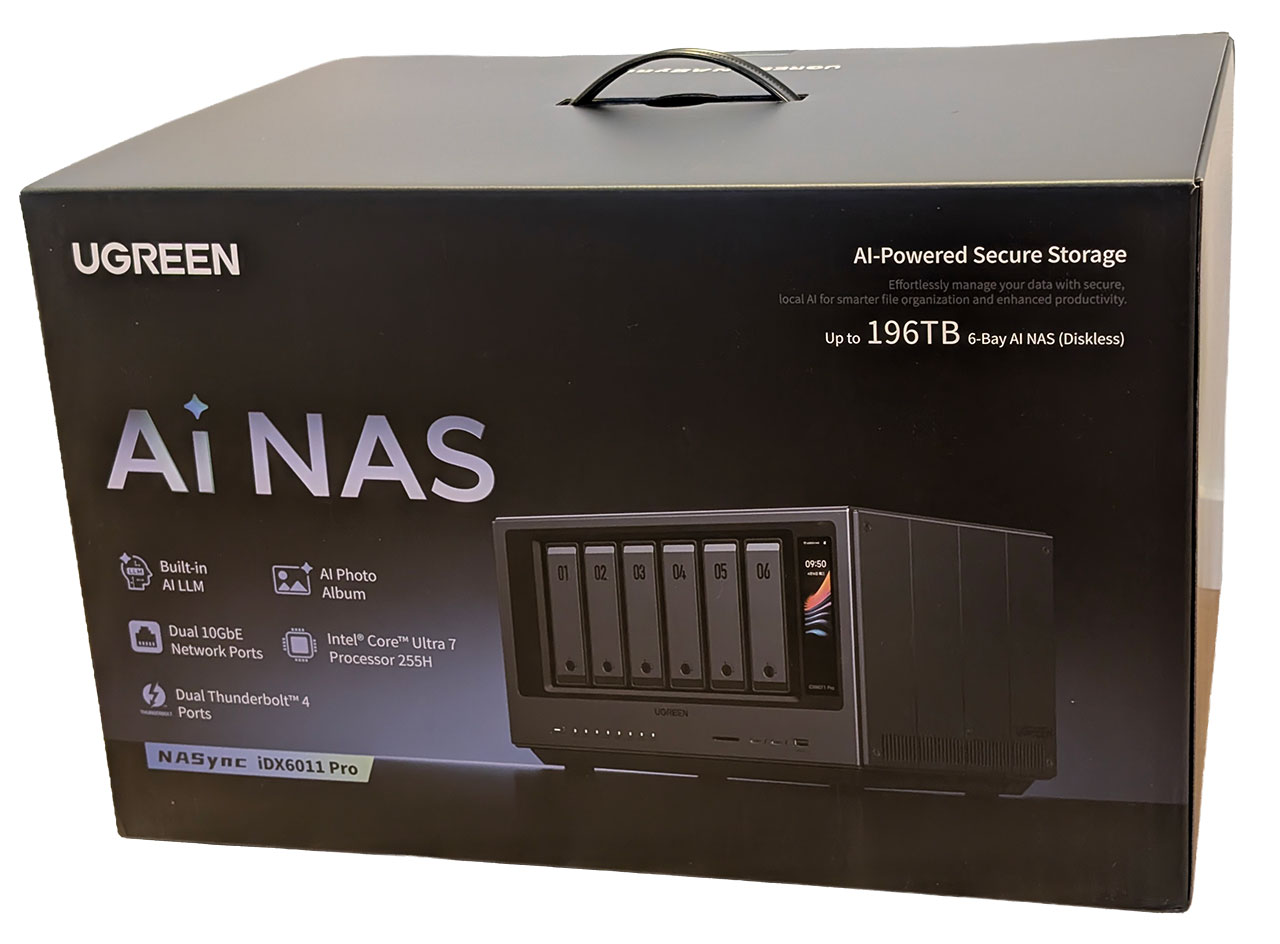
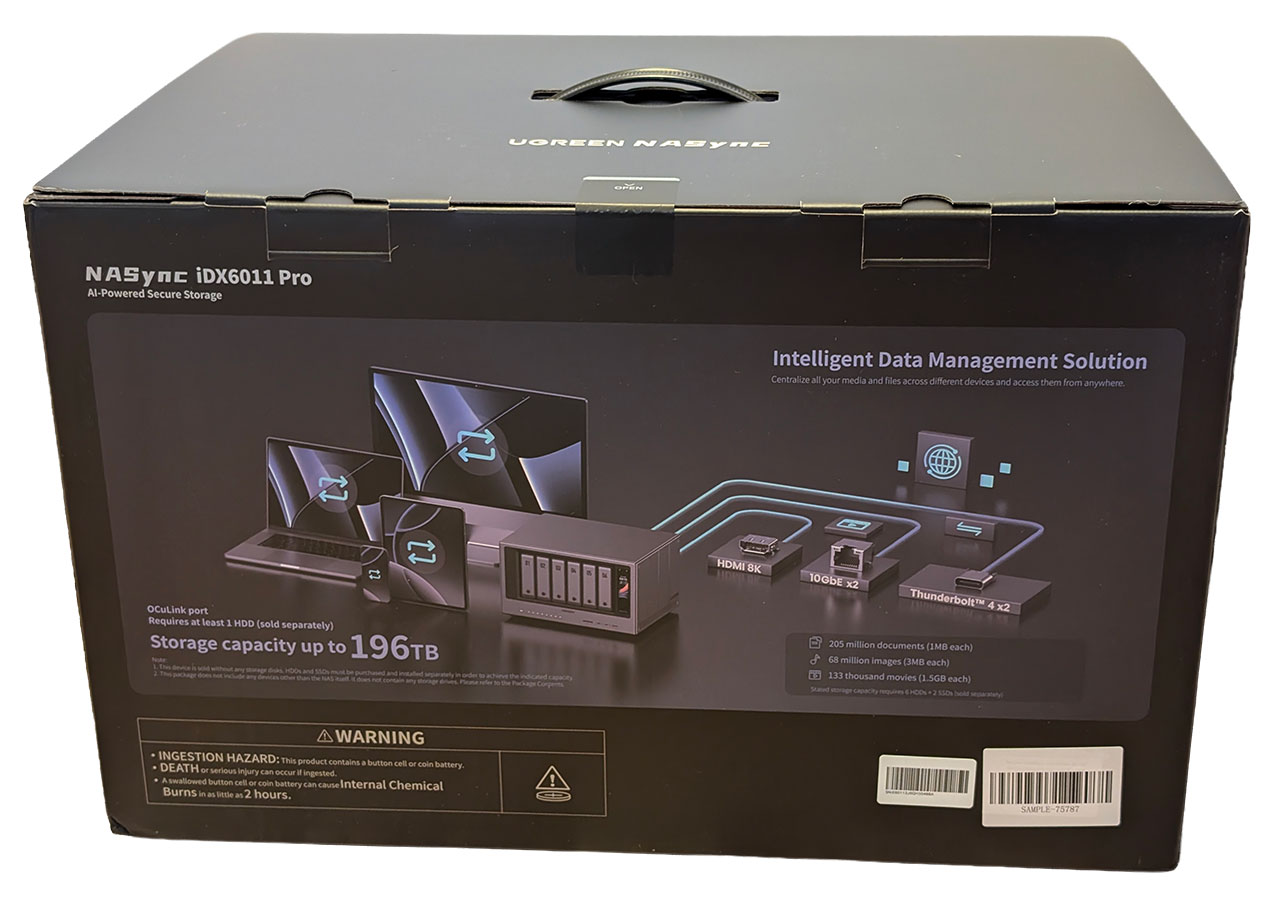
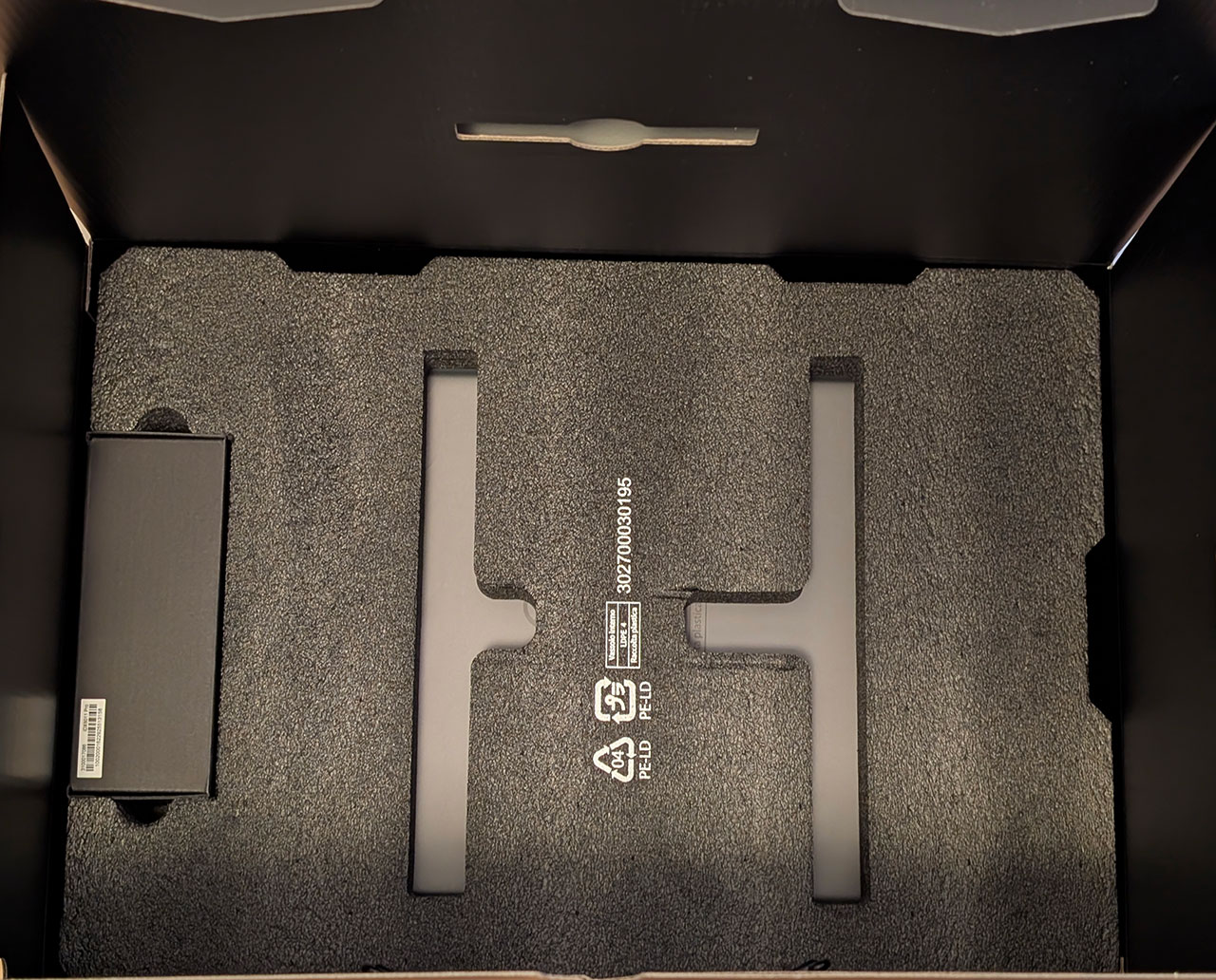
The NASync iDX6011 Pro arrived in a large brown cardboard outer box with the retail packaging inside listing most of the core specifications. The iDX6011 Pro came packaged in thick foam padding, which was very much needed considering that we're looking at over 9 kg of NAS here. A box of accessories was tucked in on the left-hand side.

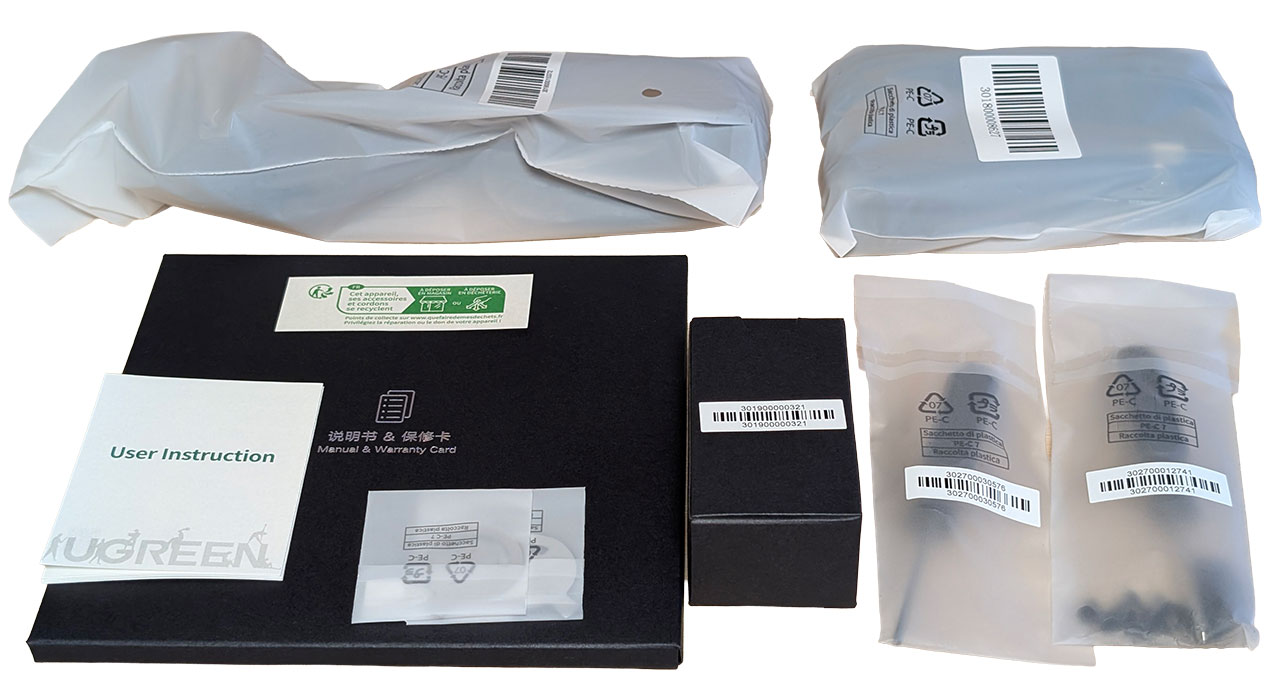
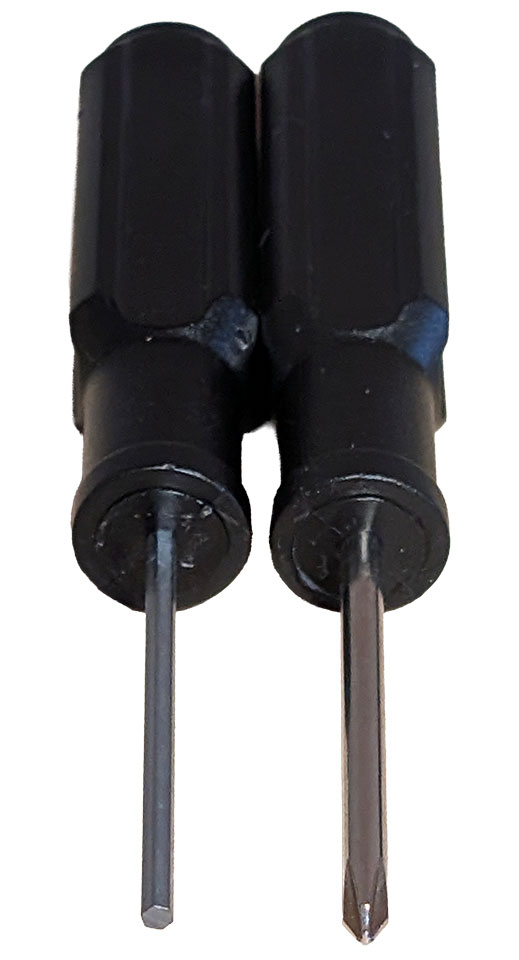
The accessory bundle is quite different this time around, for starters, there's no power brick, as the iDX6011 Pro comes with an internal PSU.
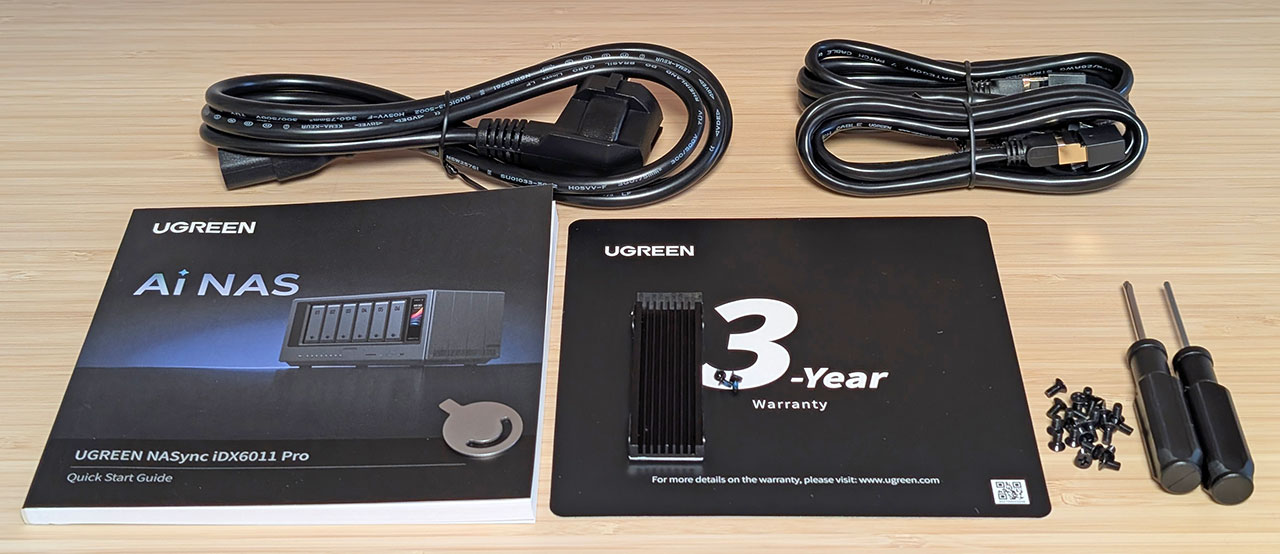
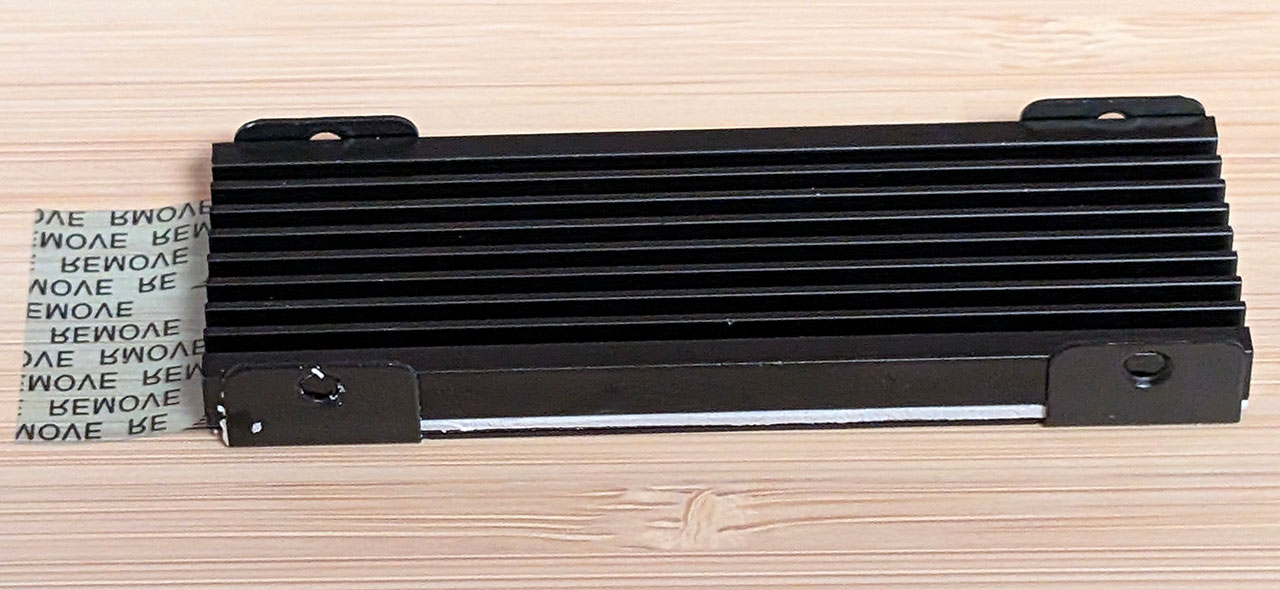
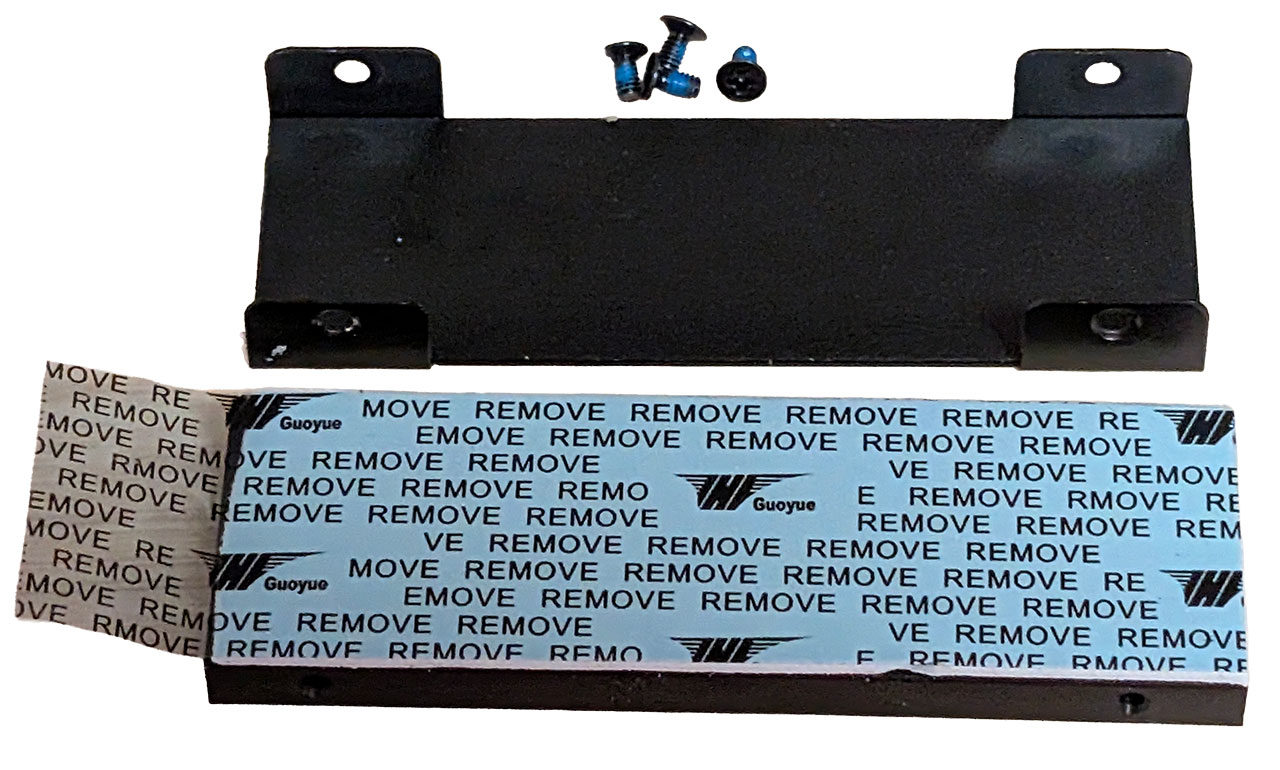
Besides the manual and quick user instructions, there's a power cable, two Ethernet cables, a pair of "keys" for the drive trays, a small box with a pair of M.2 drive heatsinks, two different screwdrivers, and a set of screws. We're happy to see that Ugreen has included heatsinks for the two M.2 NVMe SSDs that can be installed and these are of decent, if not great quality. The screwdrivers, on the other hand, aren't that impressive, but they'll do the job in a pinch and are at least not the really tiny ones that TerraMaster has bundled with some of its products. The reason for two screwdrivers is that one of them is for the hex screws that have been used on the sides of the chassis. The metal "keys" for the drive caddies won't really keep anyone from stealing your drives, but they'll at least prevent people from popping out the drive trays out of curiosity.
The Exterior
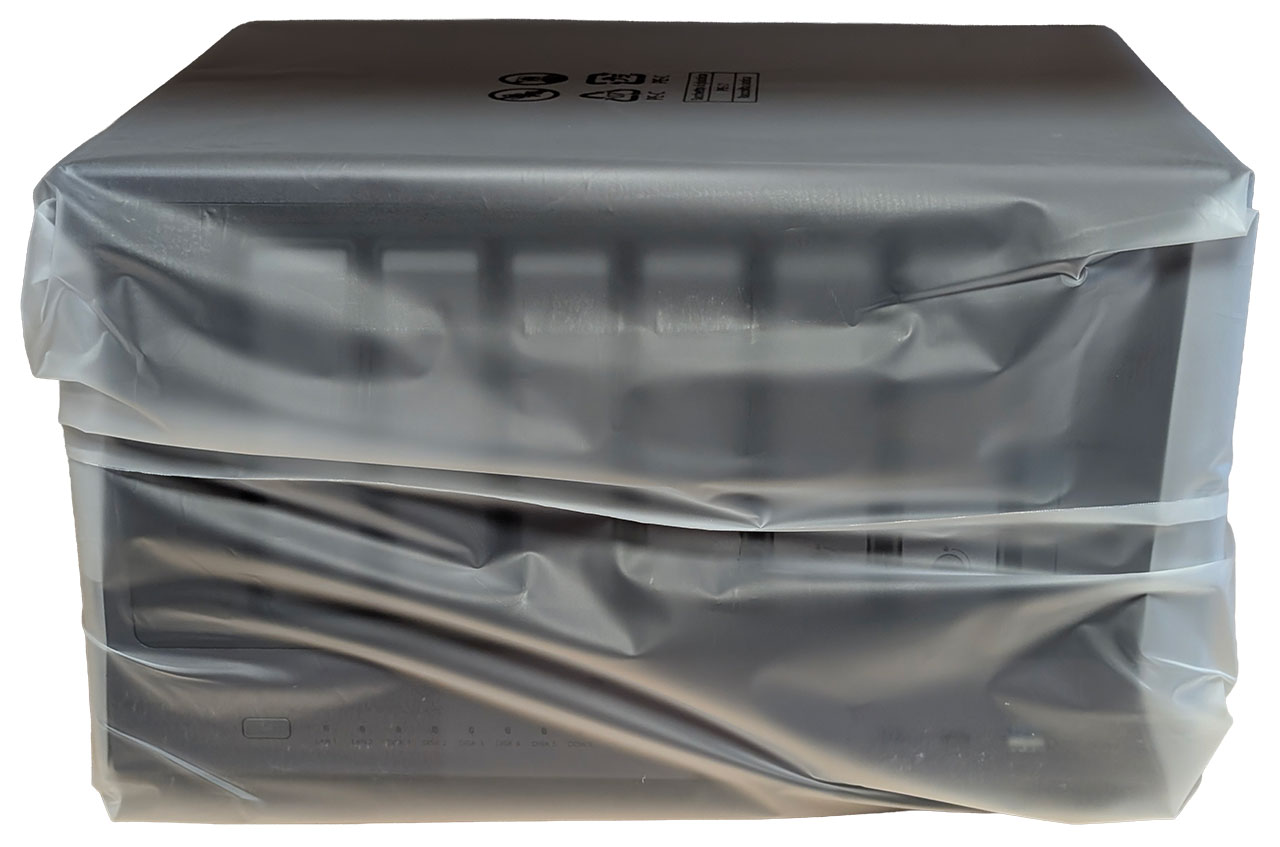
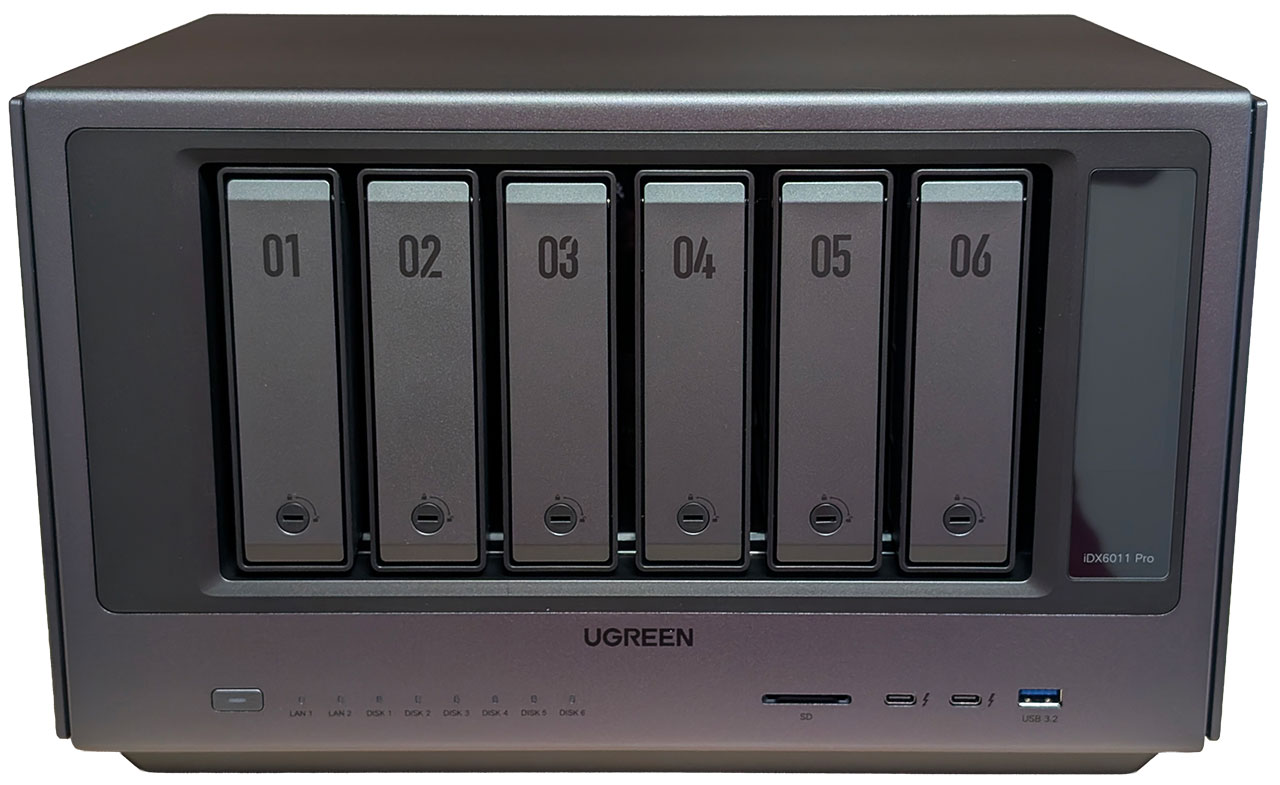
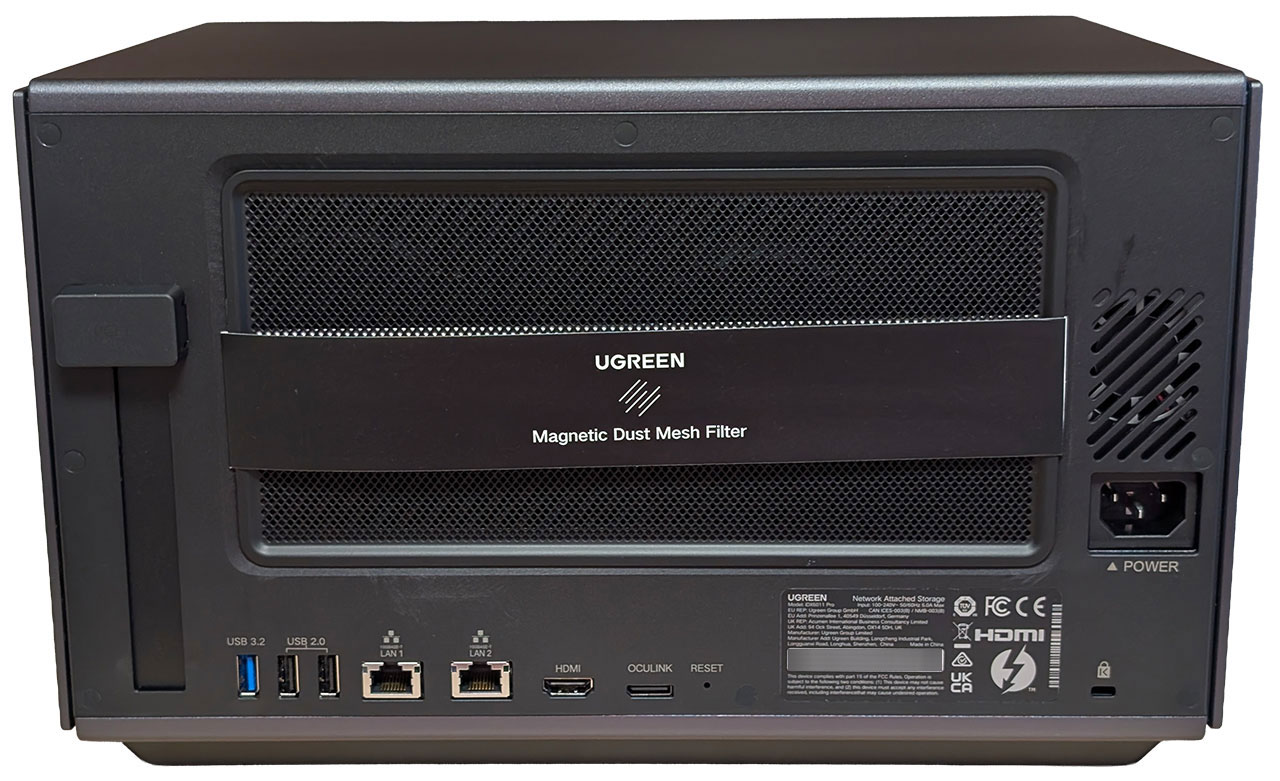
It's pretty obvious that the NASync iDX6011 Pro is an evolution of Ugreen's design language. While the cheaper non-Pro versions only received a new paint job in a darker color, the iDX6011 Pro is an entirely different beast. Everything from the drive caddies to the chassis has a refreshed design and while this means that there is no longer a unibody aluminium chassis, the build quality is still excellent, even in our pre-production unit. The frame of the chassis is still made from aluminium, but more parts are made from steel and plastic this time around. The plastic does at least feel higher-end than the material used in the DXP4800 Plus.
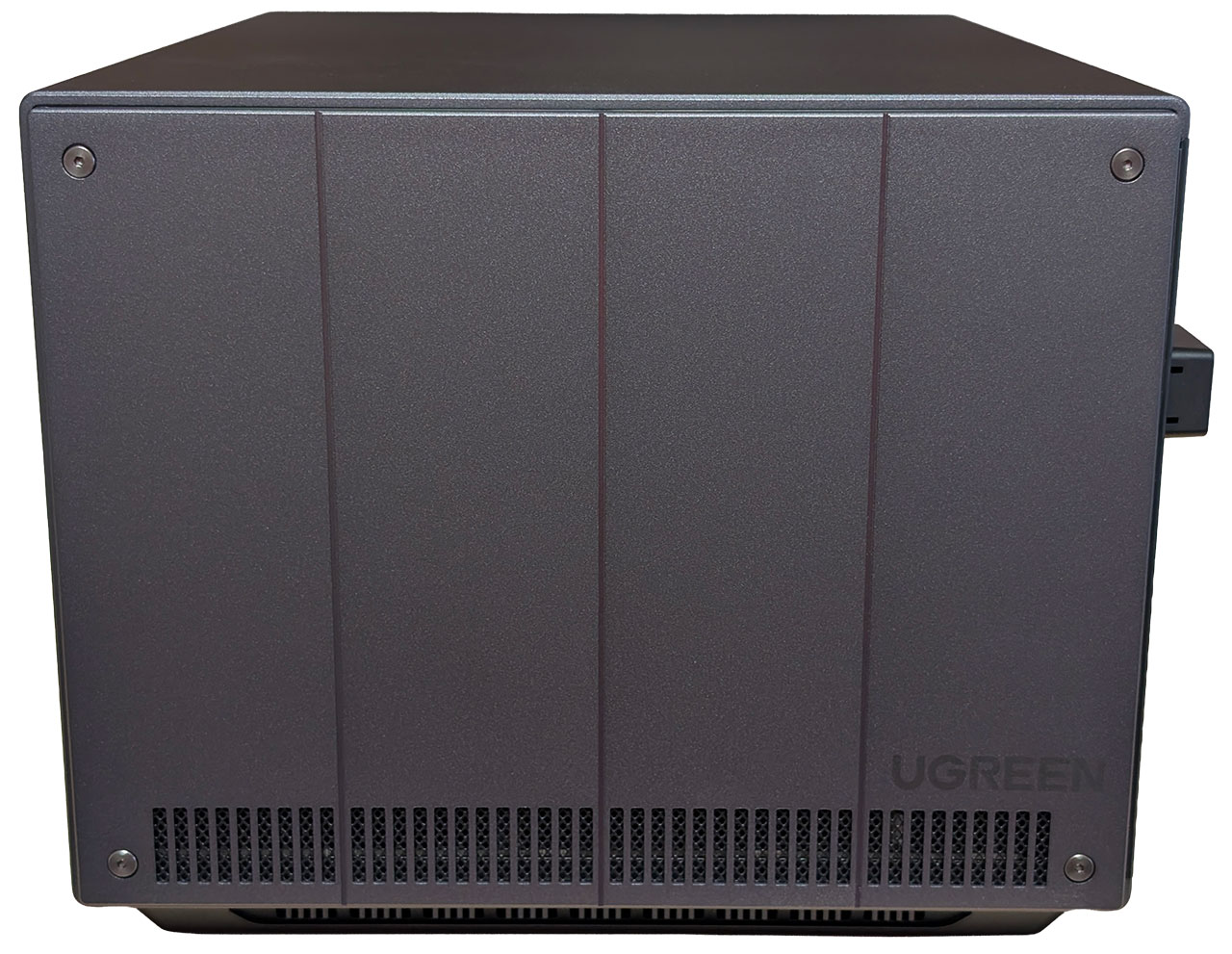
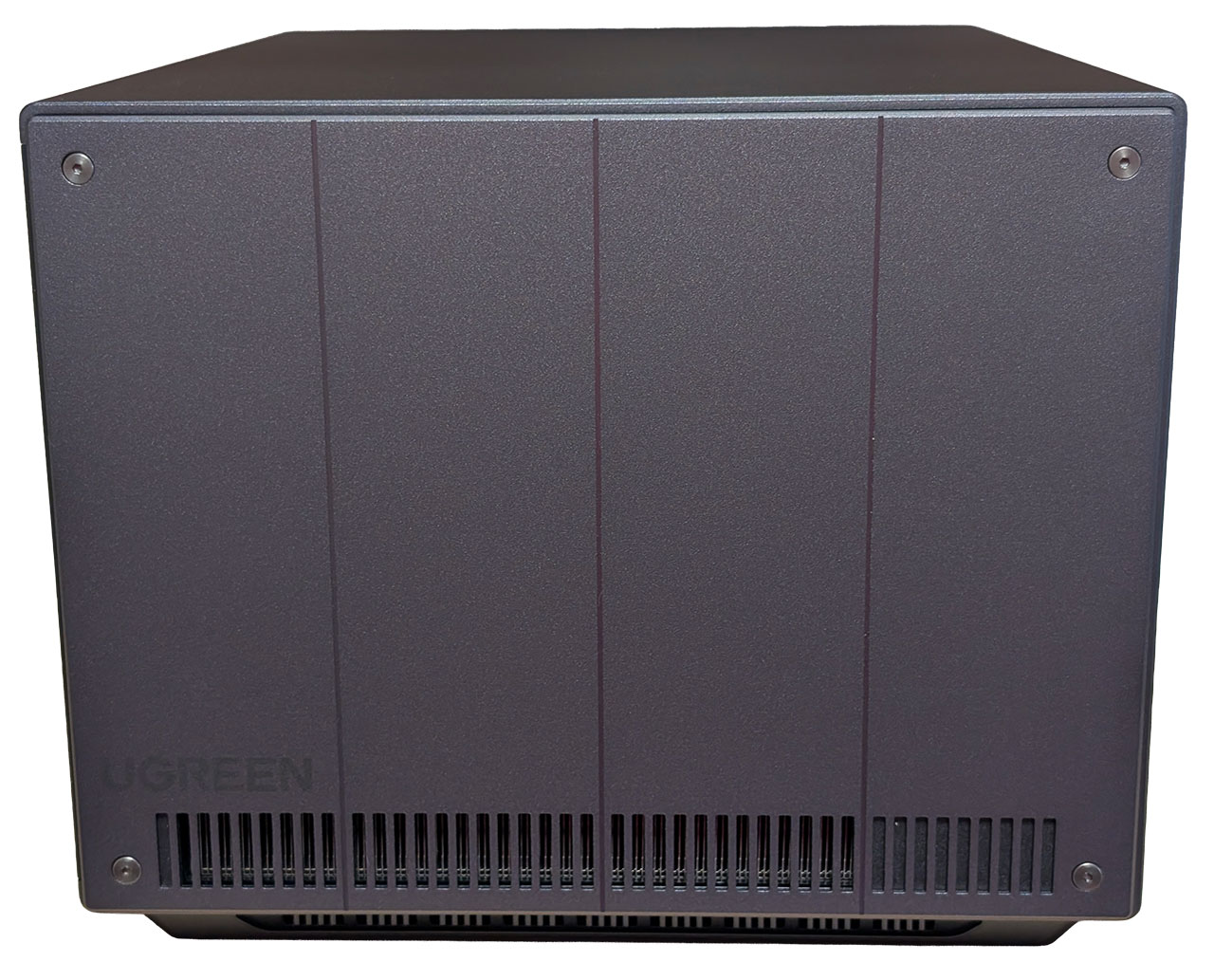
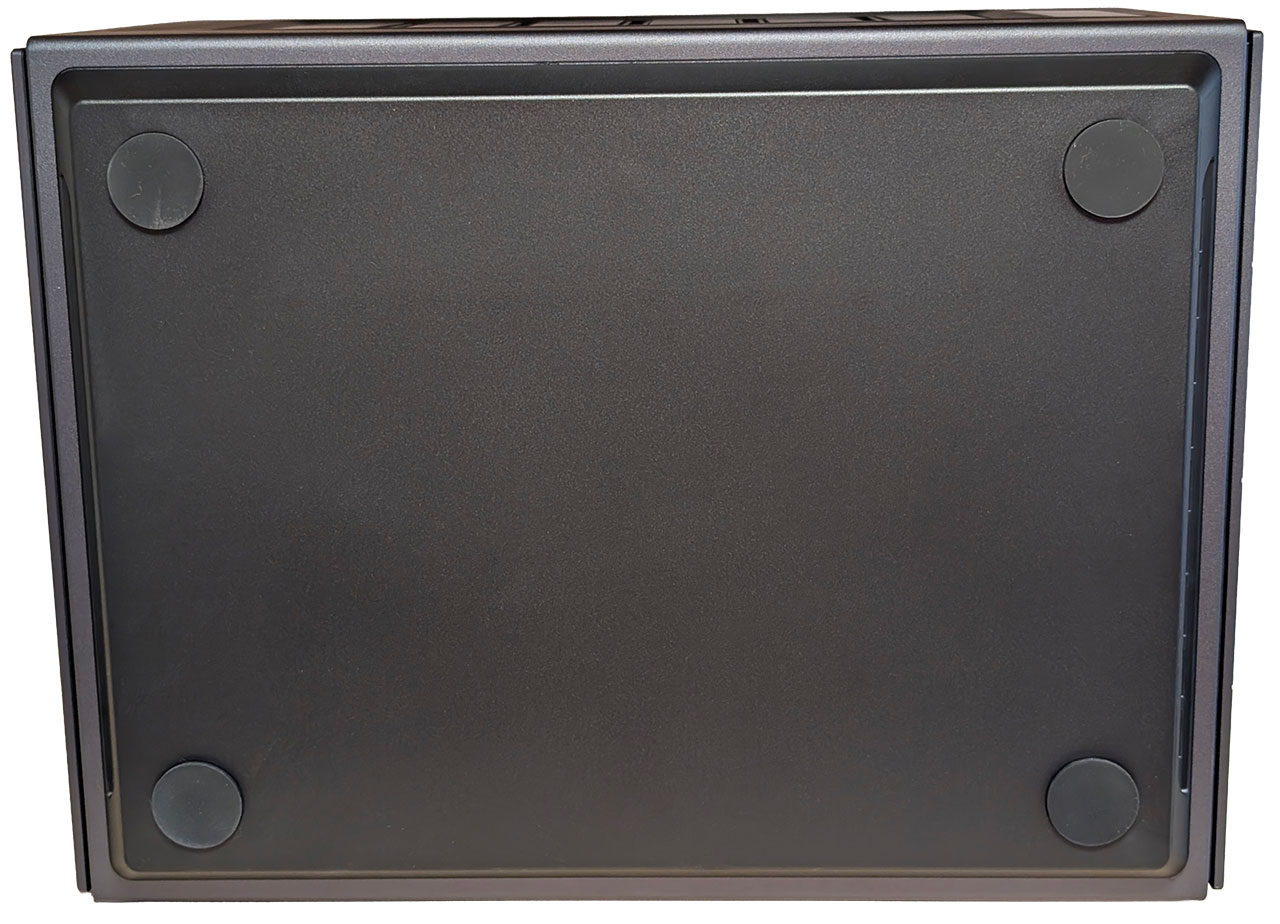
Both sides of the chassis can be removed and consist of a metal plate that is attached to a plastic back. Only the right side has a dust/particle guard, whereas the other side simply has slots for the air to exhaust. Each side is held in place with both clips and screws, where the screws have hex heads, but we'd like to have seen hex 2.5 rather than hex 2.0 screw heads. This is simply because it takes a fair bit of force to unscrew the screws and over time, it's likely that the screw heads will wear out, despite being hex screws. A minor annoyance, but one of many little things that can be improved upon, since at least the left side will only be coming off from time to time. The bottom is only home to four rubber feet this time around.
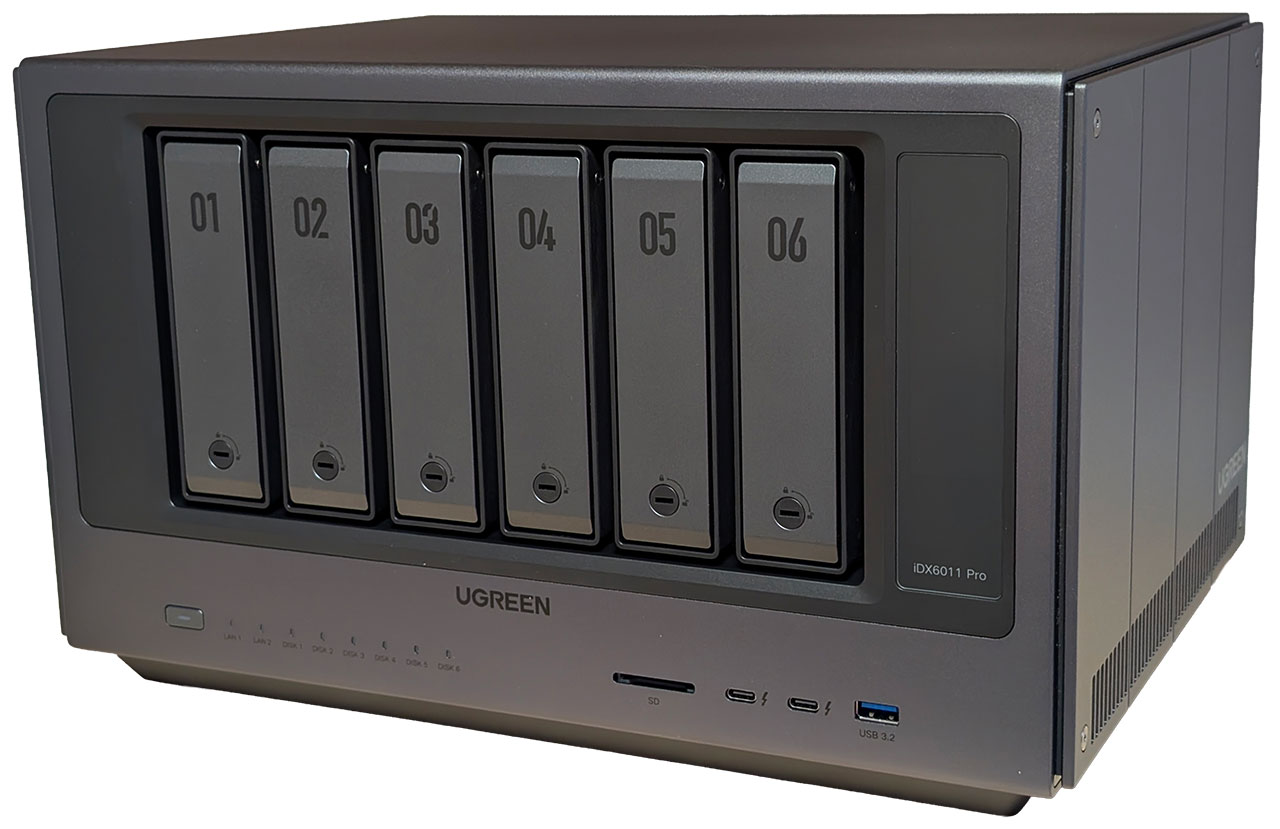
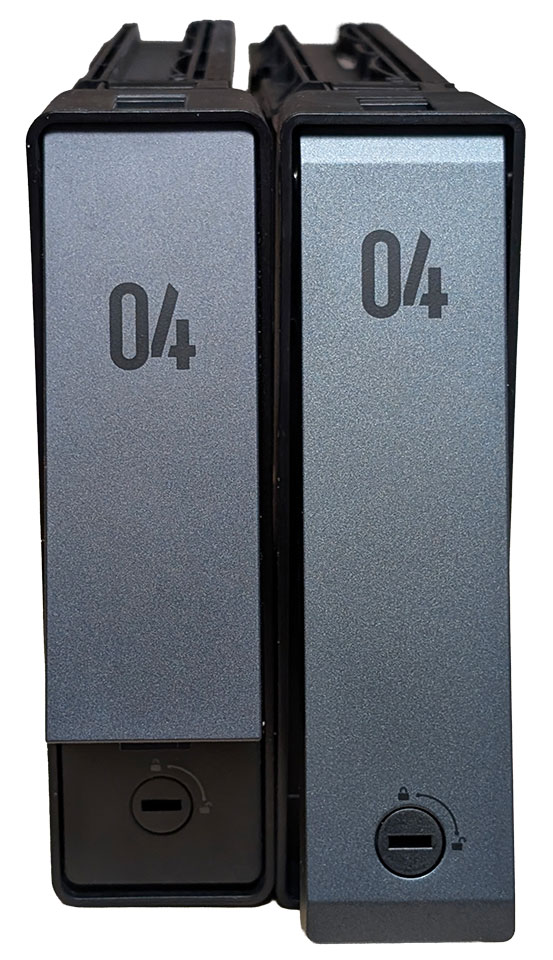
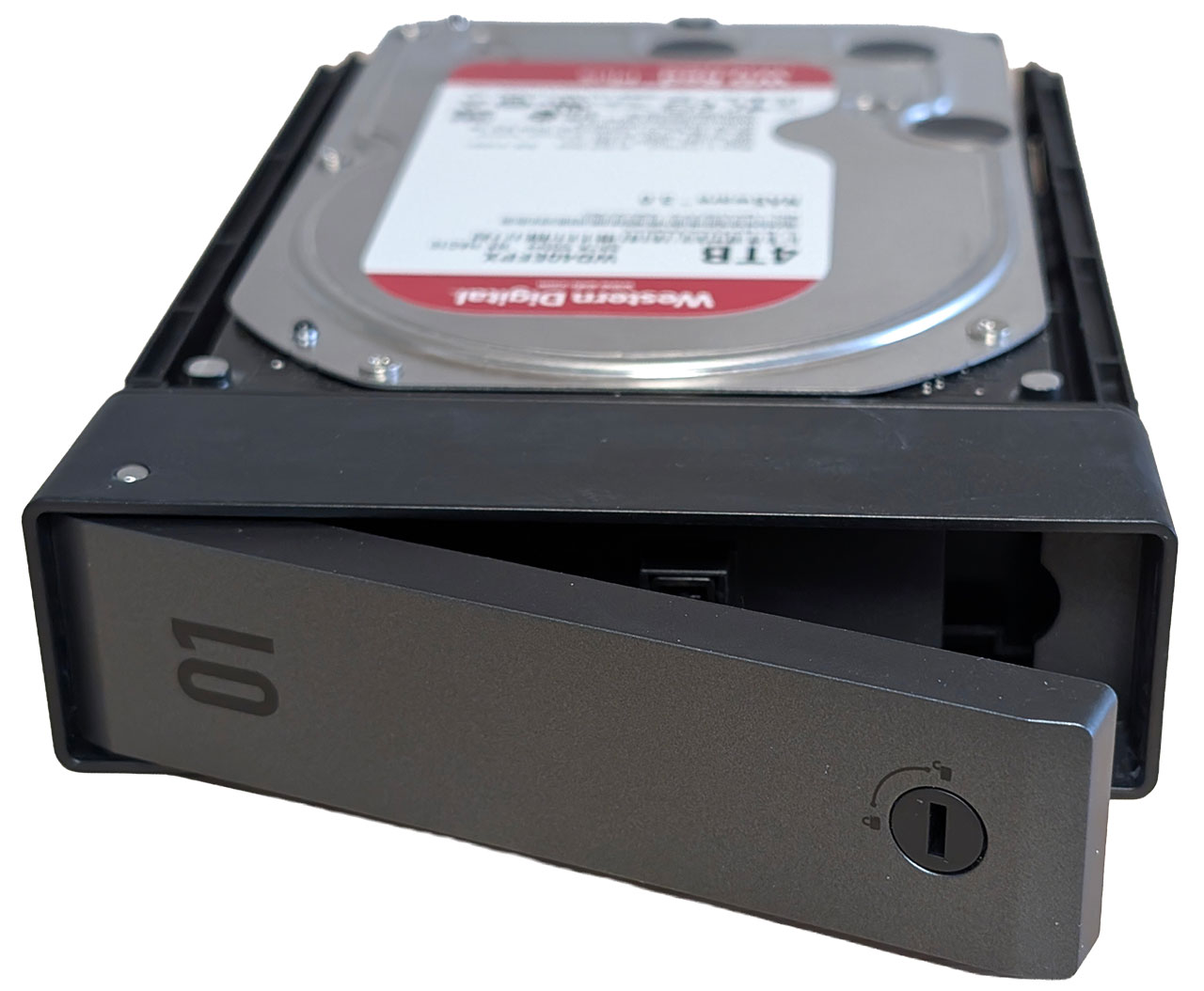
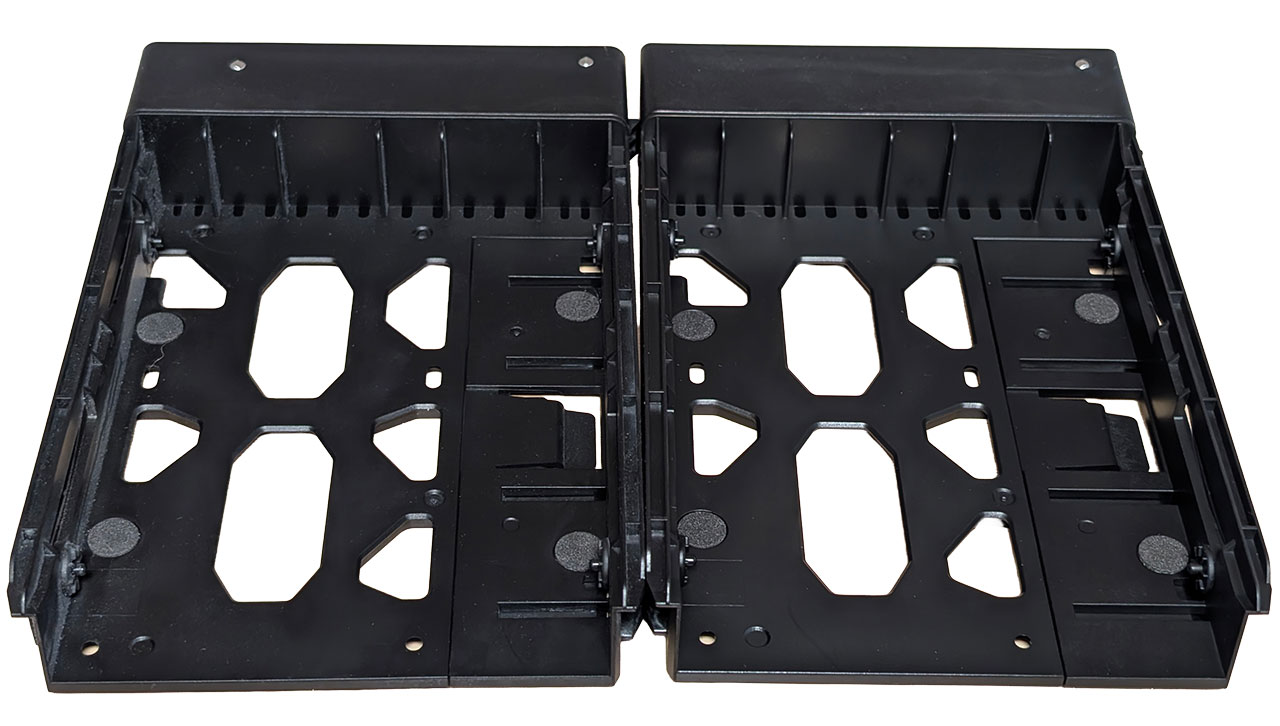
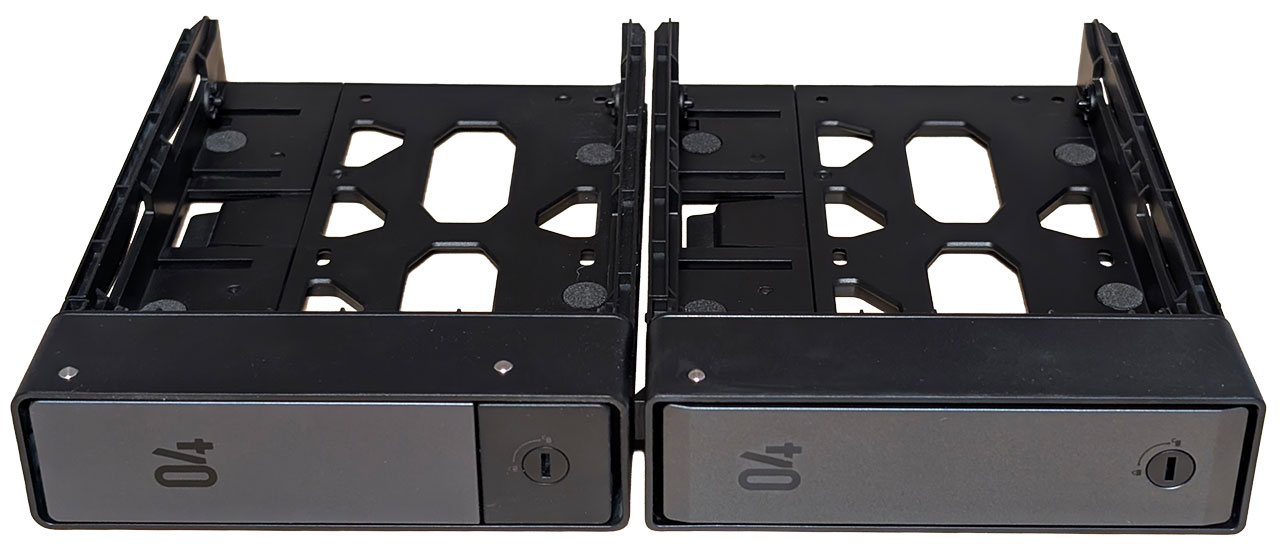
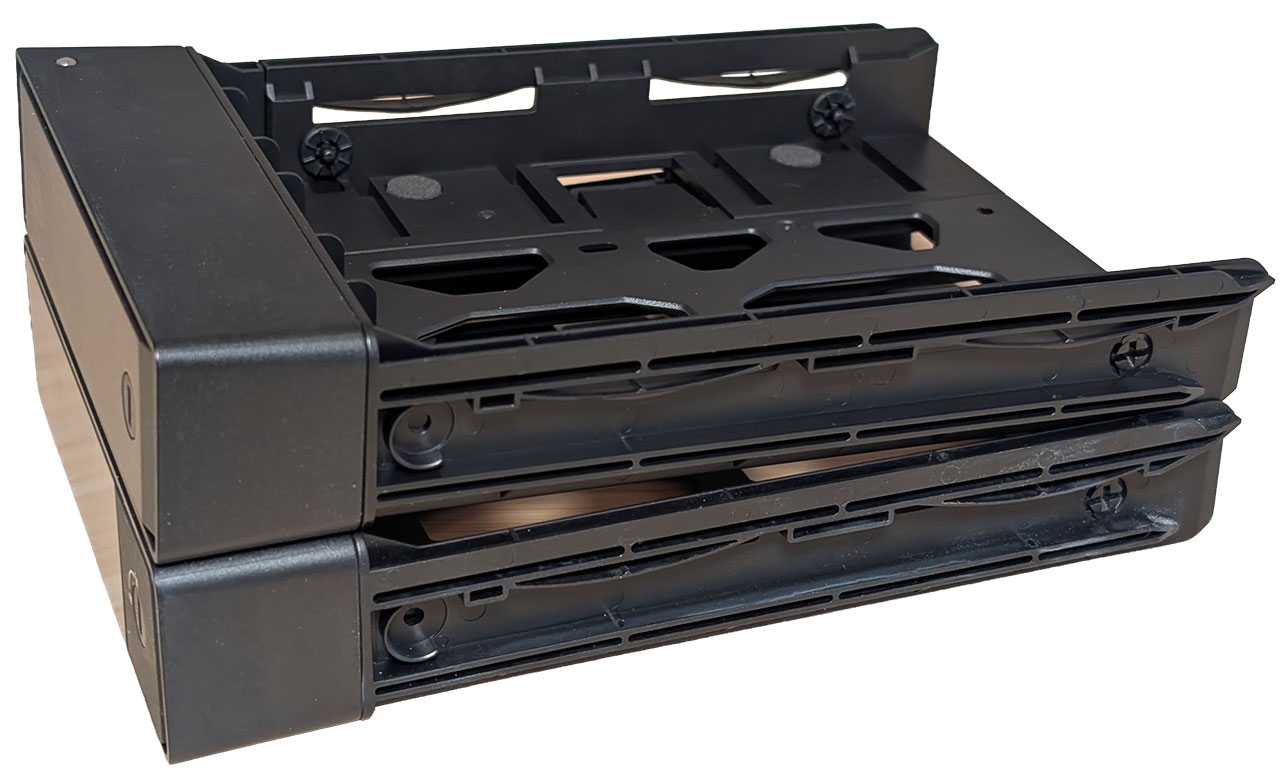
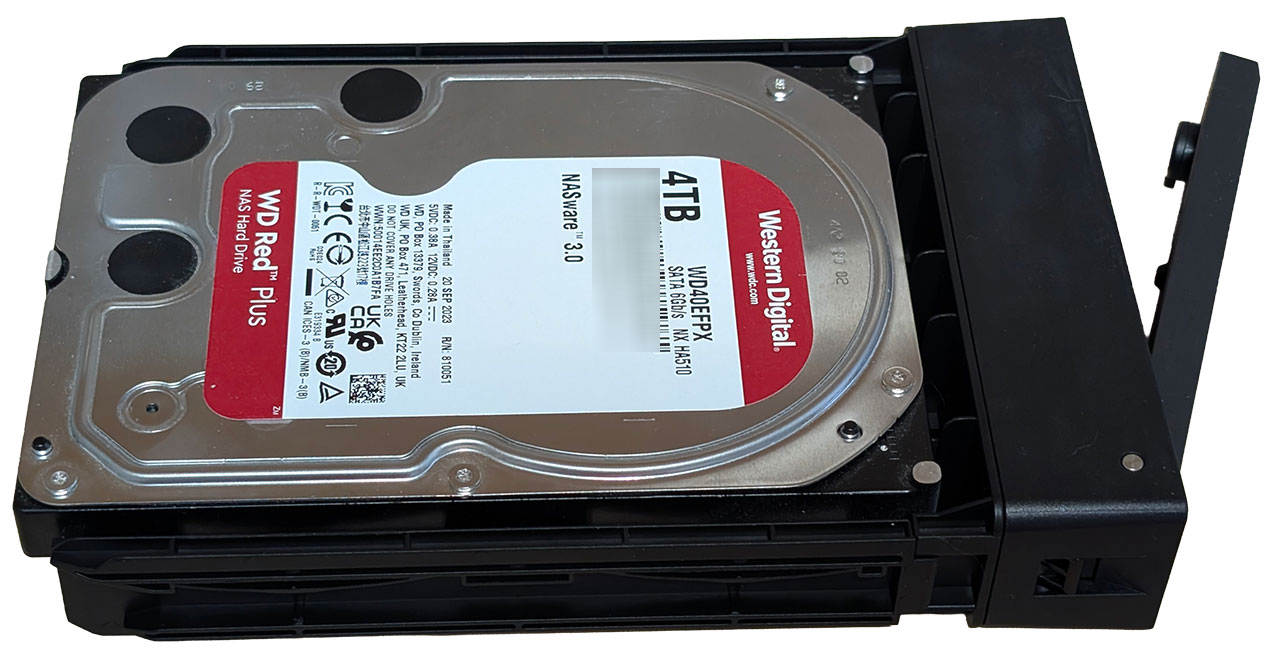
The front of the NASync iDX6011 Pro is home to six 3.5-inch drive caddies and as mentioned in the intro, these are now of a new type where the entire front pops out, whereas the older model has a fixed part for the locking mechanism. Beyond that, they're functionally identical. We included some pictures above of both types for comparison.
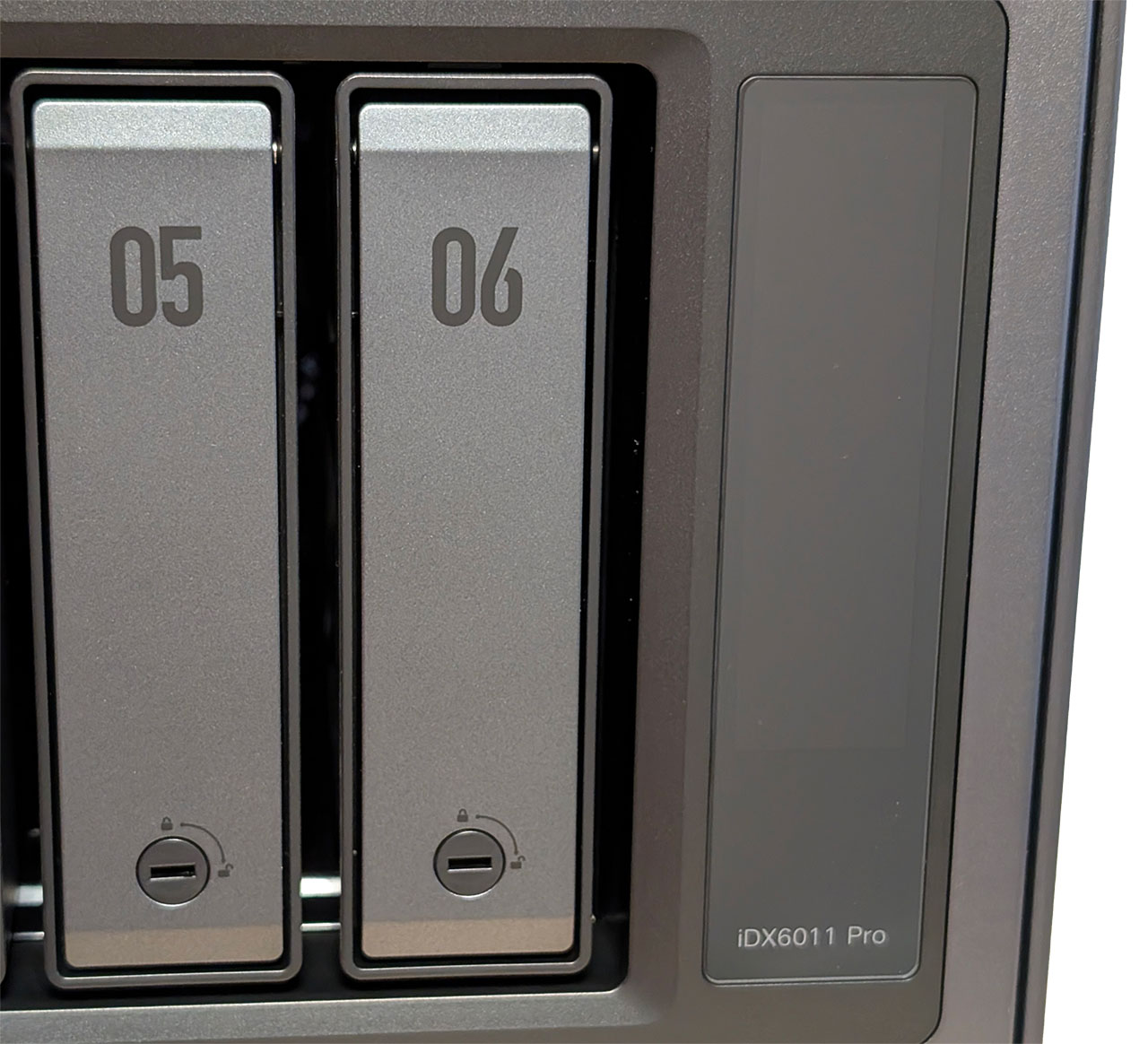
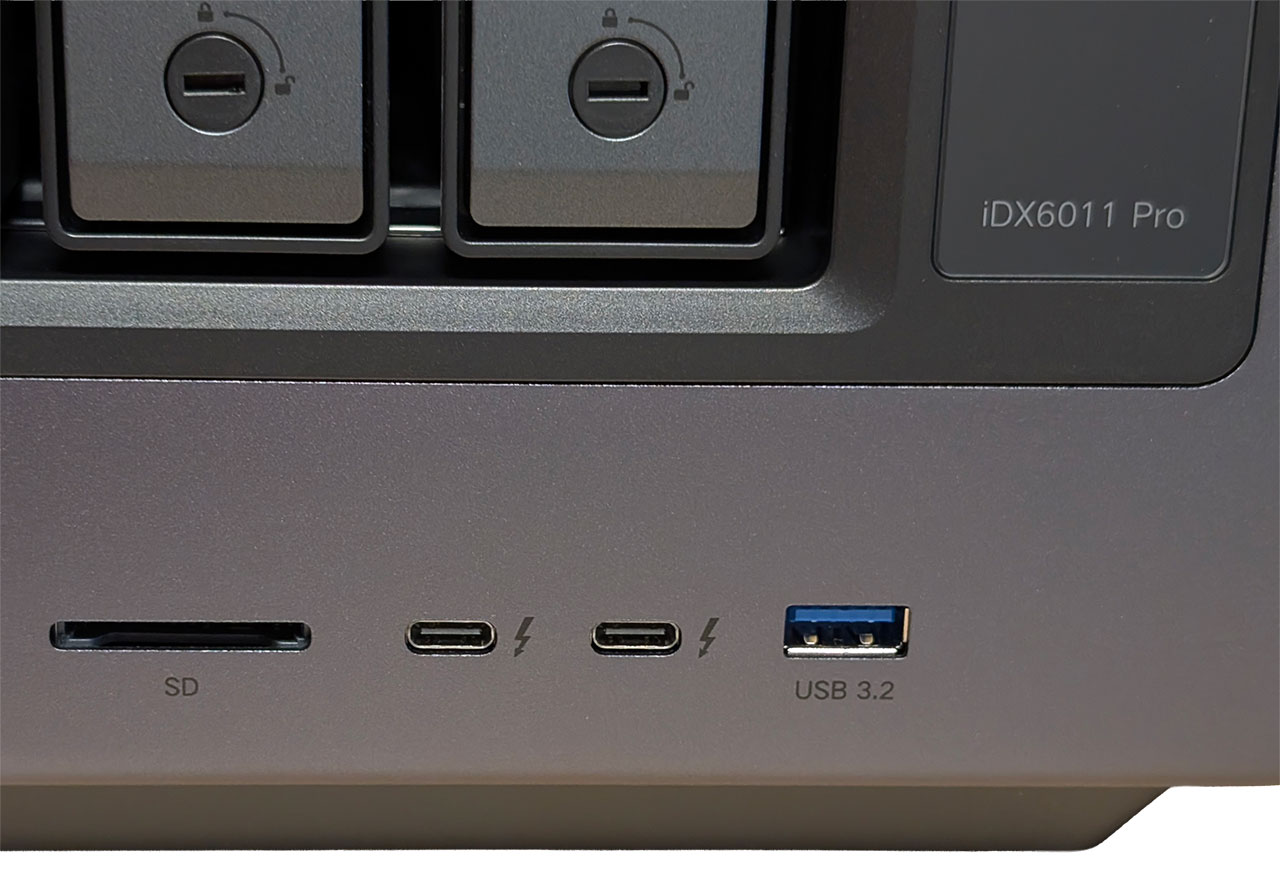
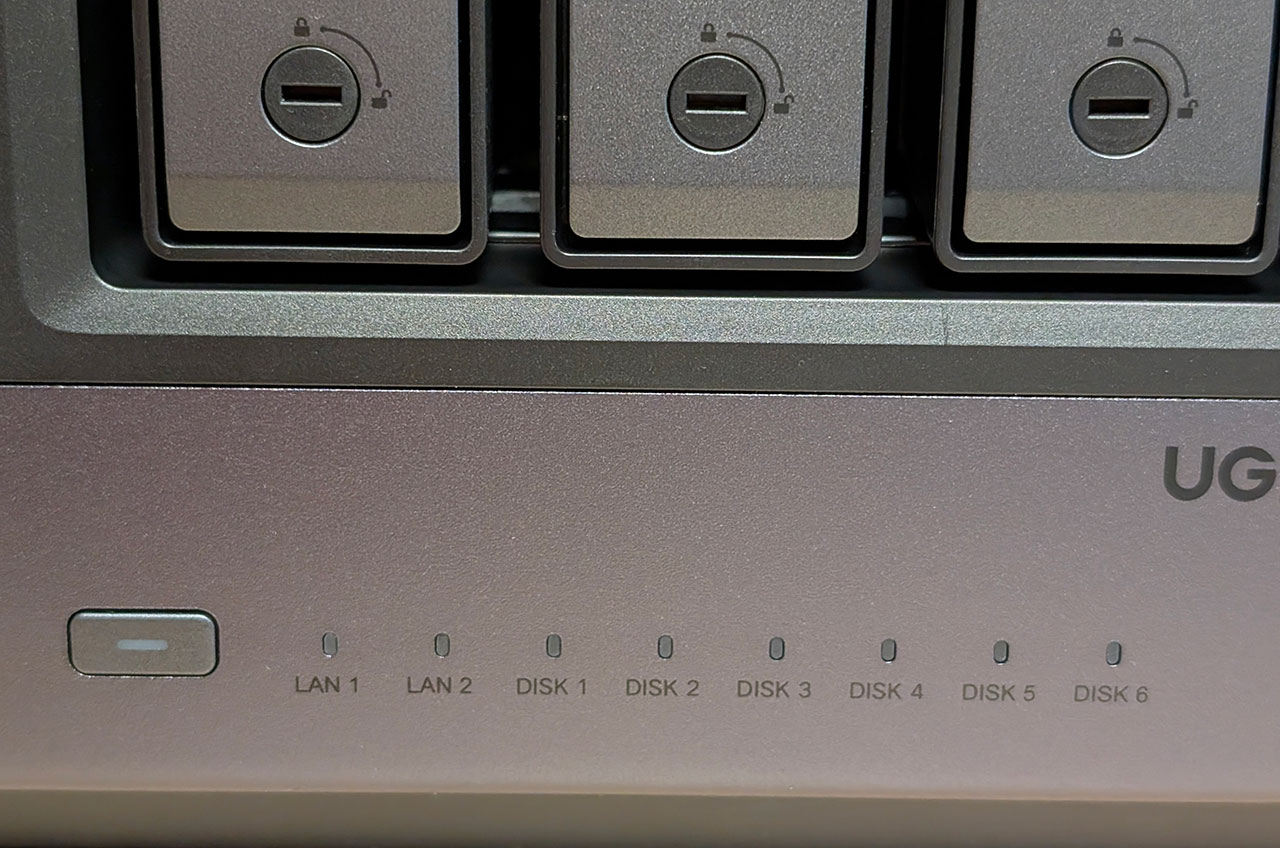
On the right of the drive caddies is a 3.71-inch vertical LCD screen with touch support that we'll go into more detail about a little bit later in the review. Below it is a USB 3.2 Gen 1 port, to the left of that is a pair of Thunderbolt 4 ports, and to the left of those is an SD card reader. On the bottom left side of the front is the power button, with a set of LAN and drive activity LEDs to the right of that.
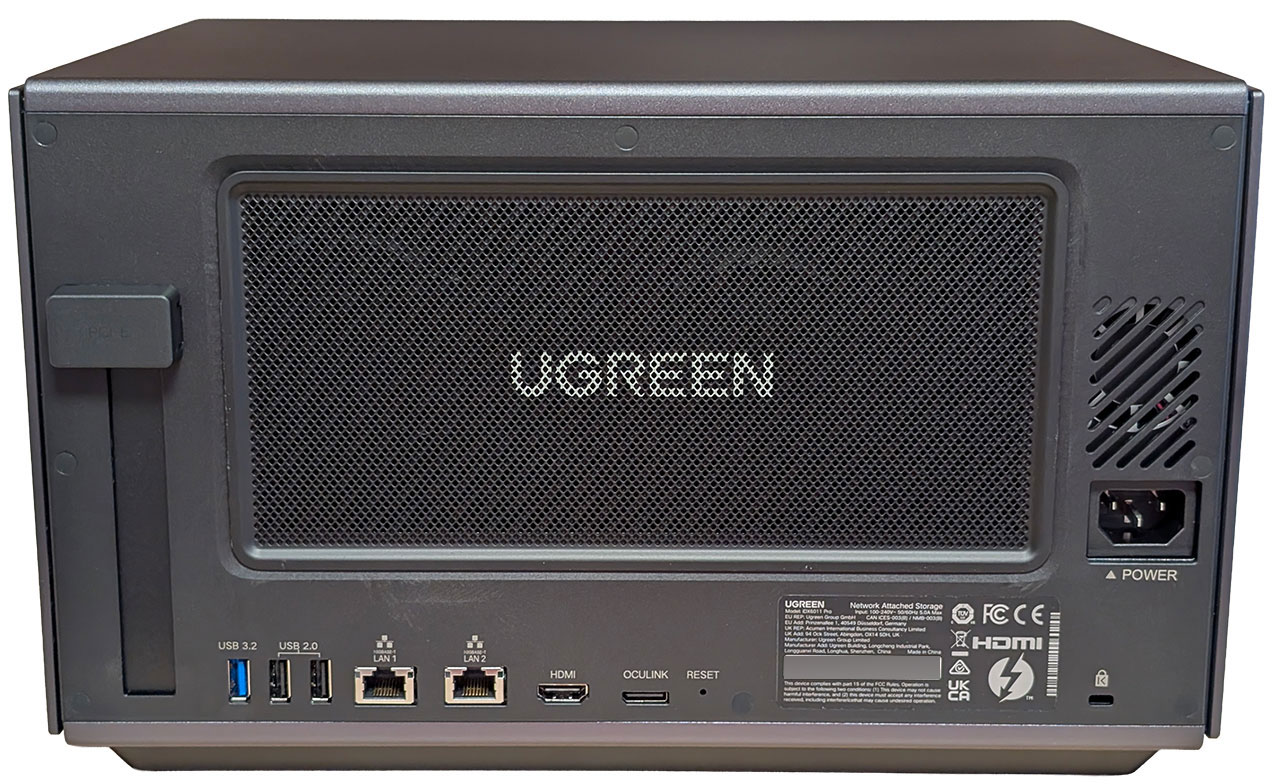
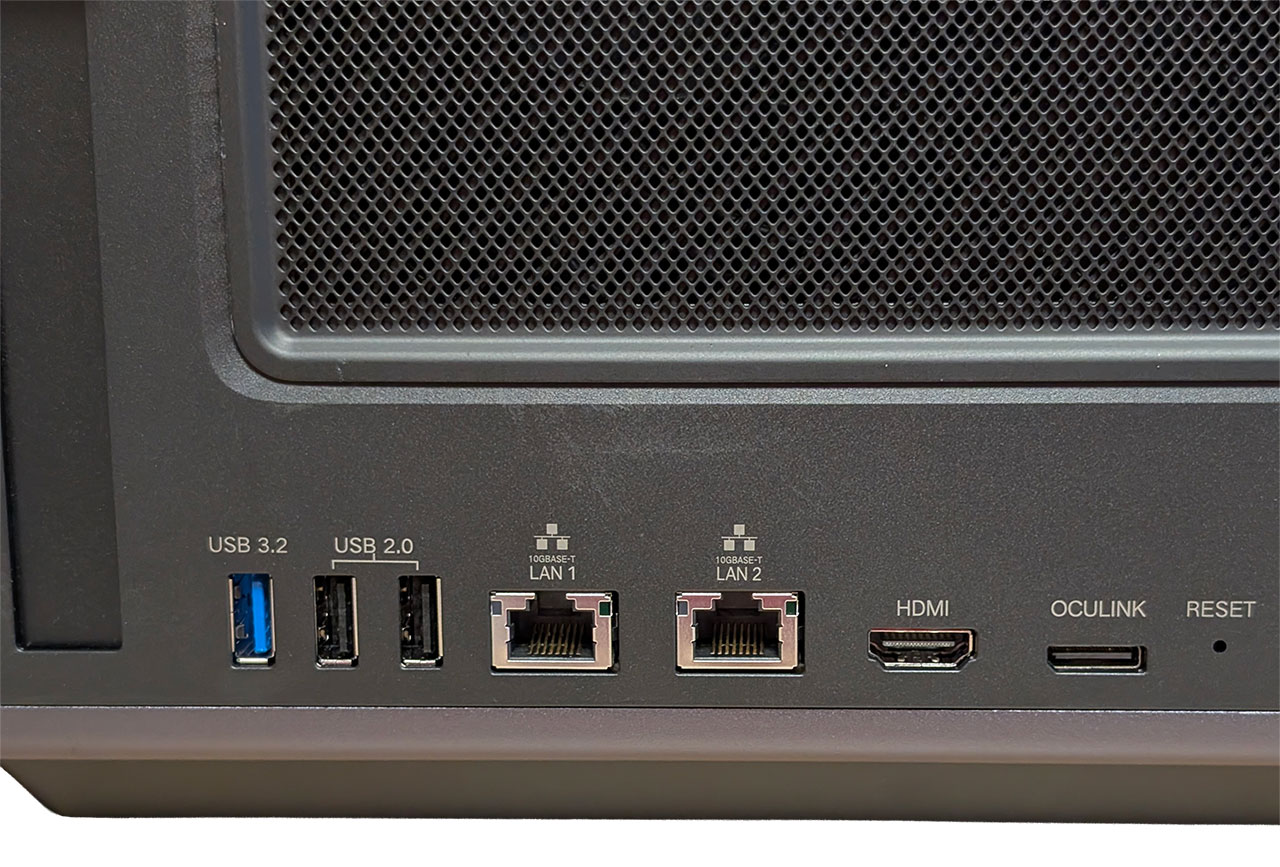
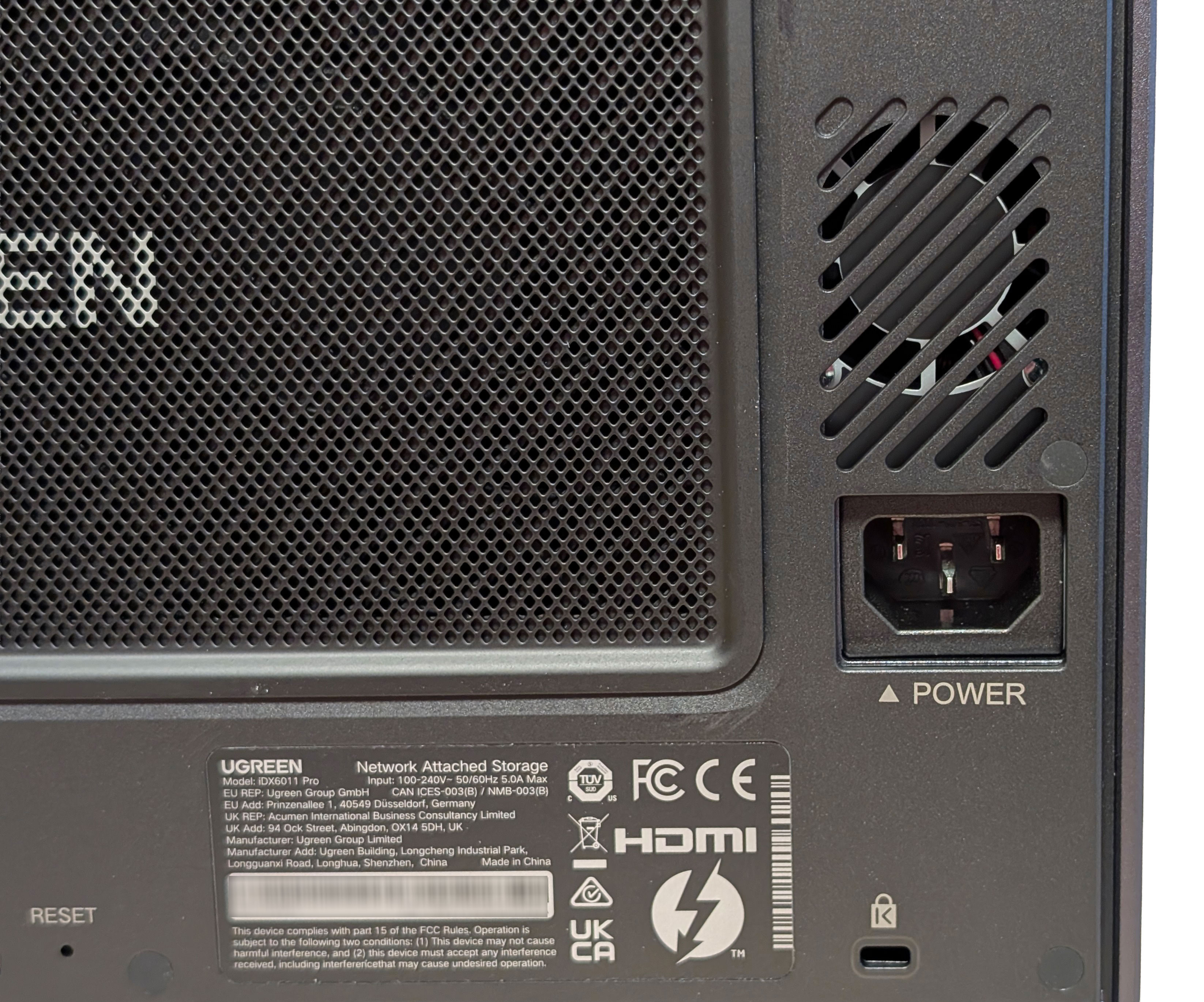
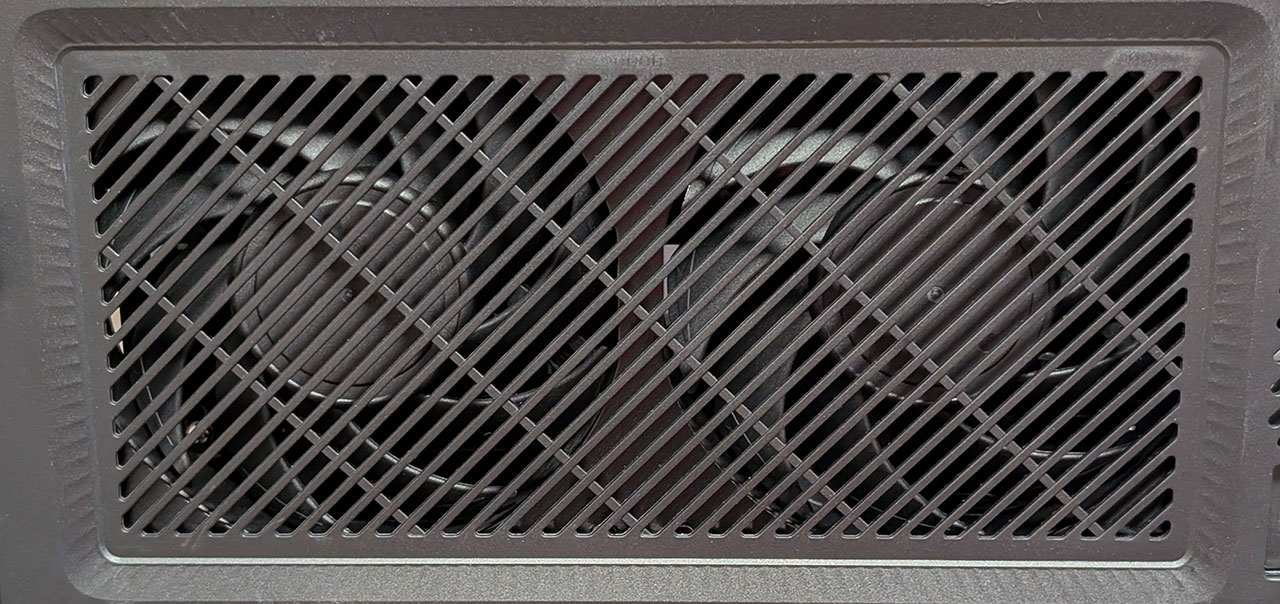
Around the rear, there's an expansion slot, another USB 3.2 Gen 1 port, two USB 2.0 ports, two 10 Gbps Ethernet ports, an 8K 60 Hz capable HDMI 2.1 port, an OCuLink port, and a reset pin-hole. On the right is the power connector and a Kensington lock slot. This is also where the two 120 mm fans are located, once again with a magnetic dust filter in front of them.
The Interior
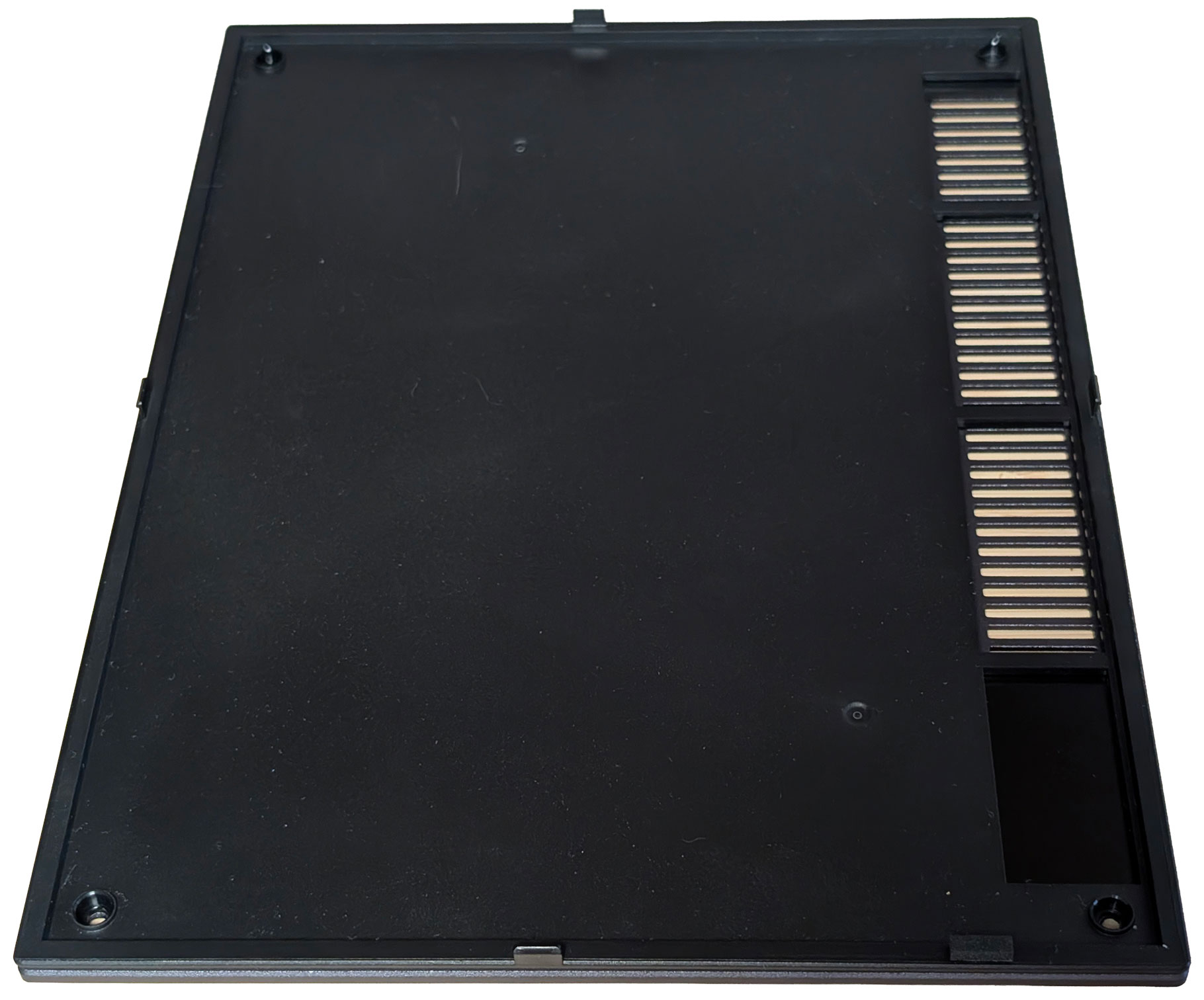
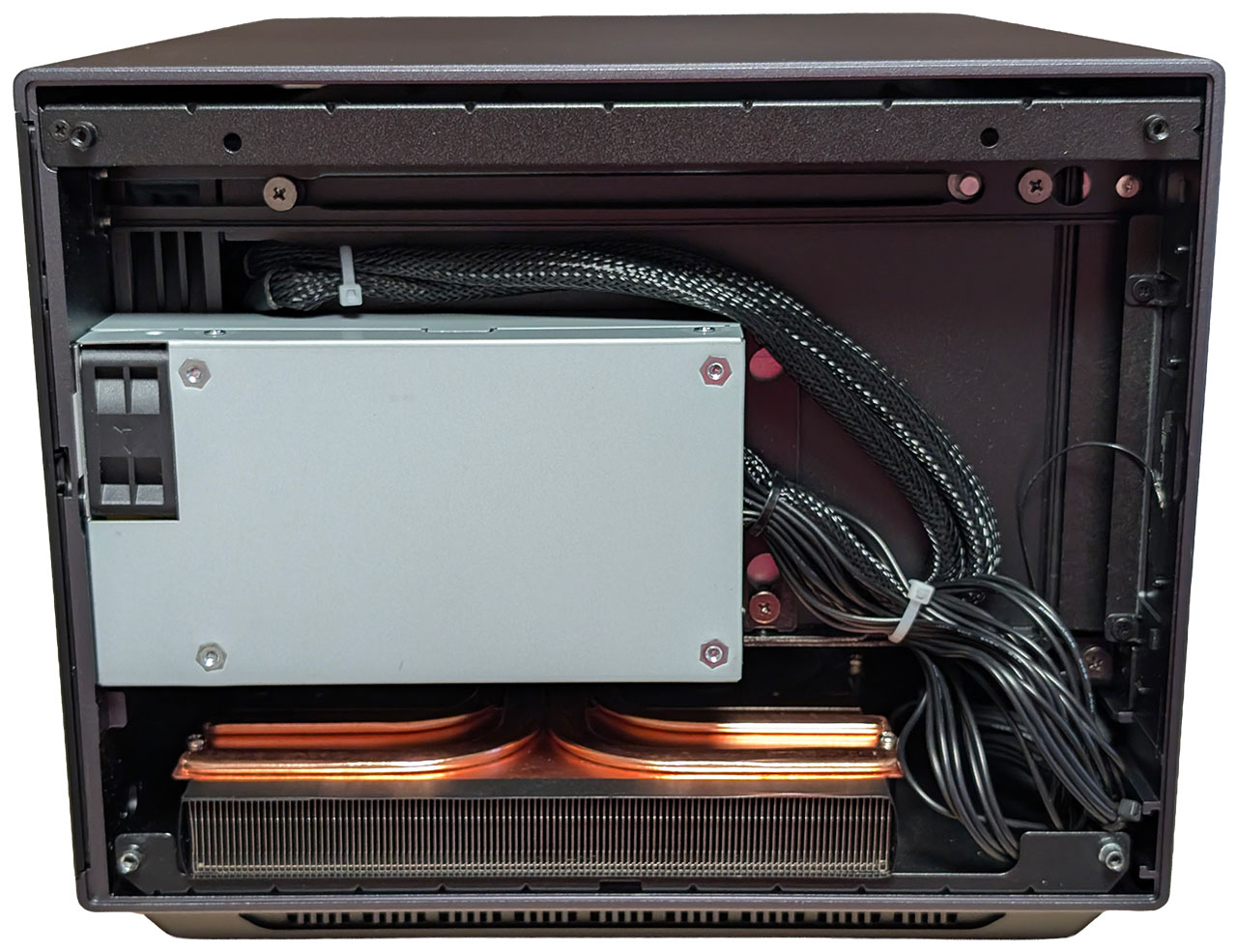
The left side of the housing is where the 300 W Flex ATX power supply is installed, and there's really nothing much else to see here. We're a little bit surprised by the cable clutter here, and it feels like Ugreen could've come up with a neater solution, although it would most likely have increased the cost further.
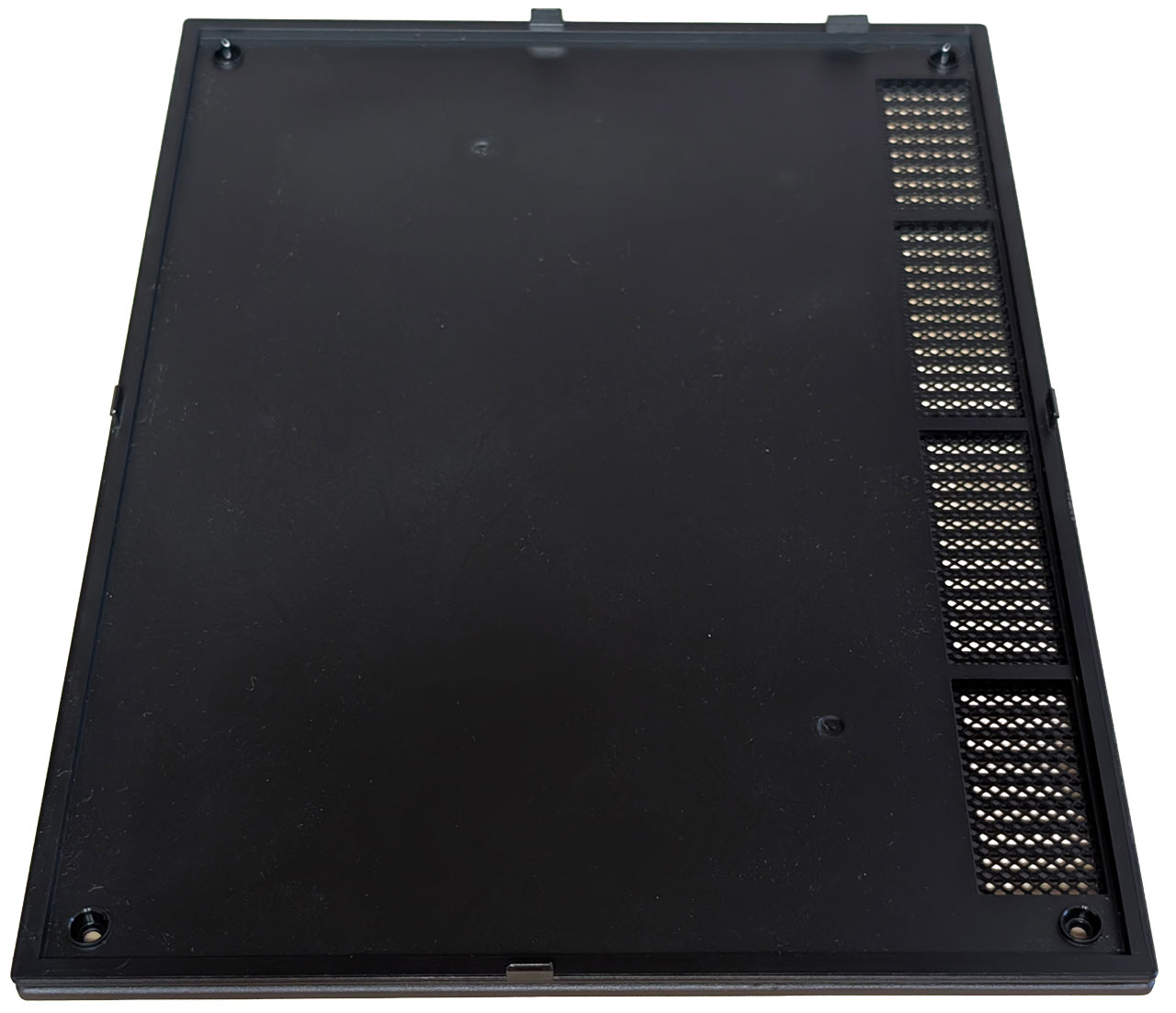
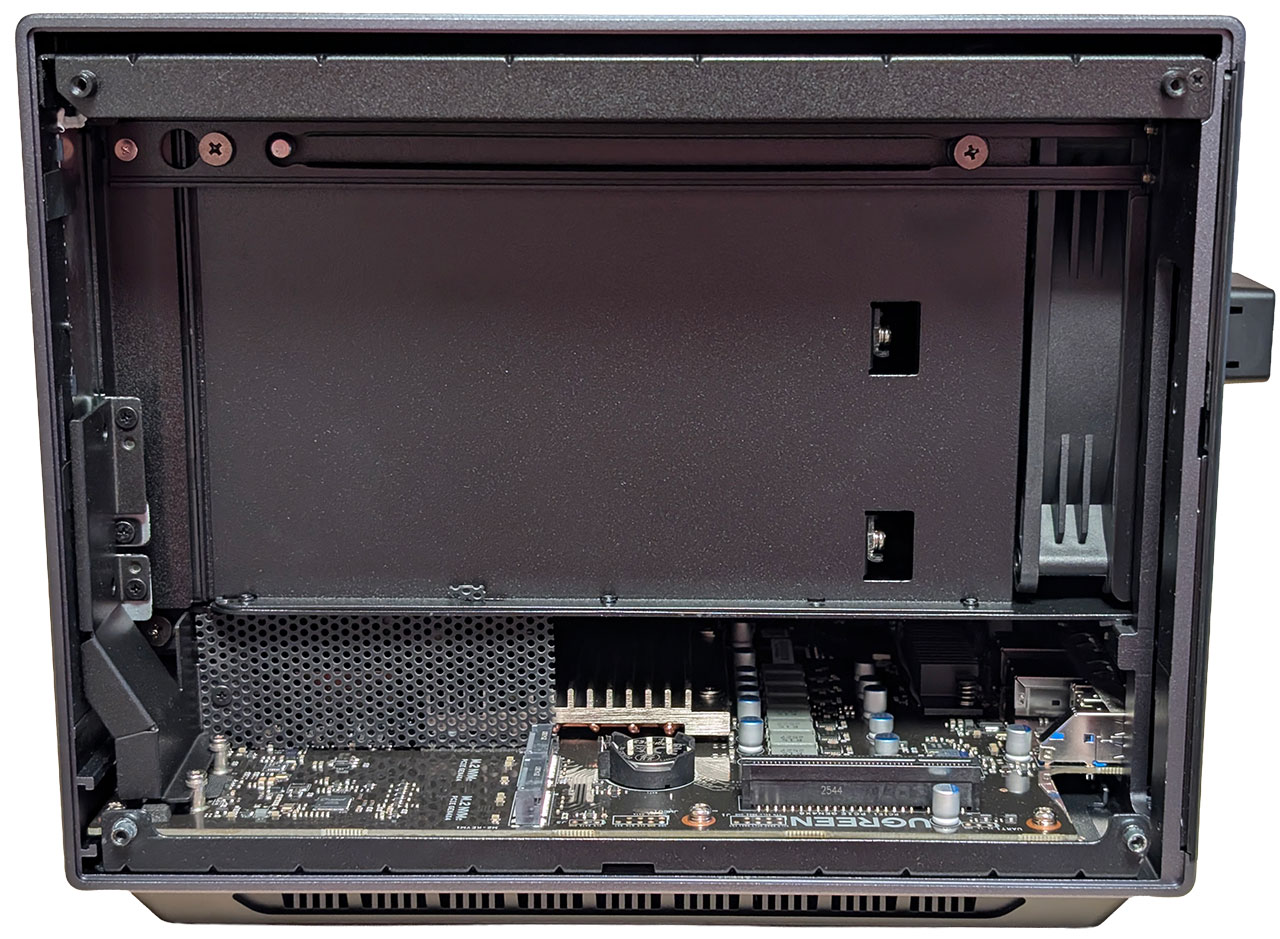
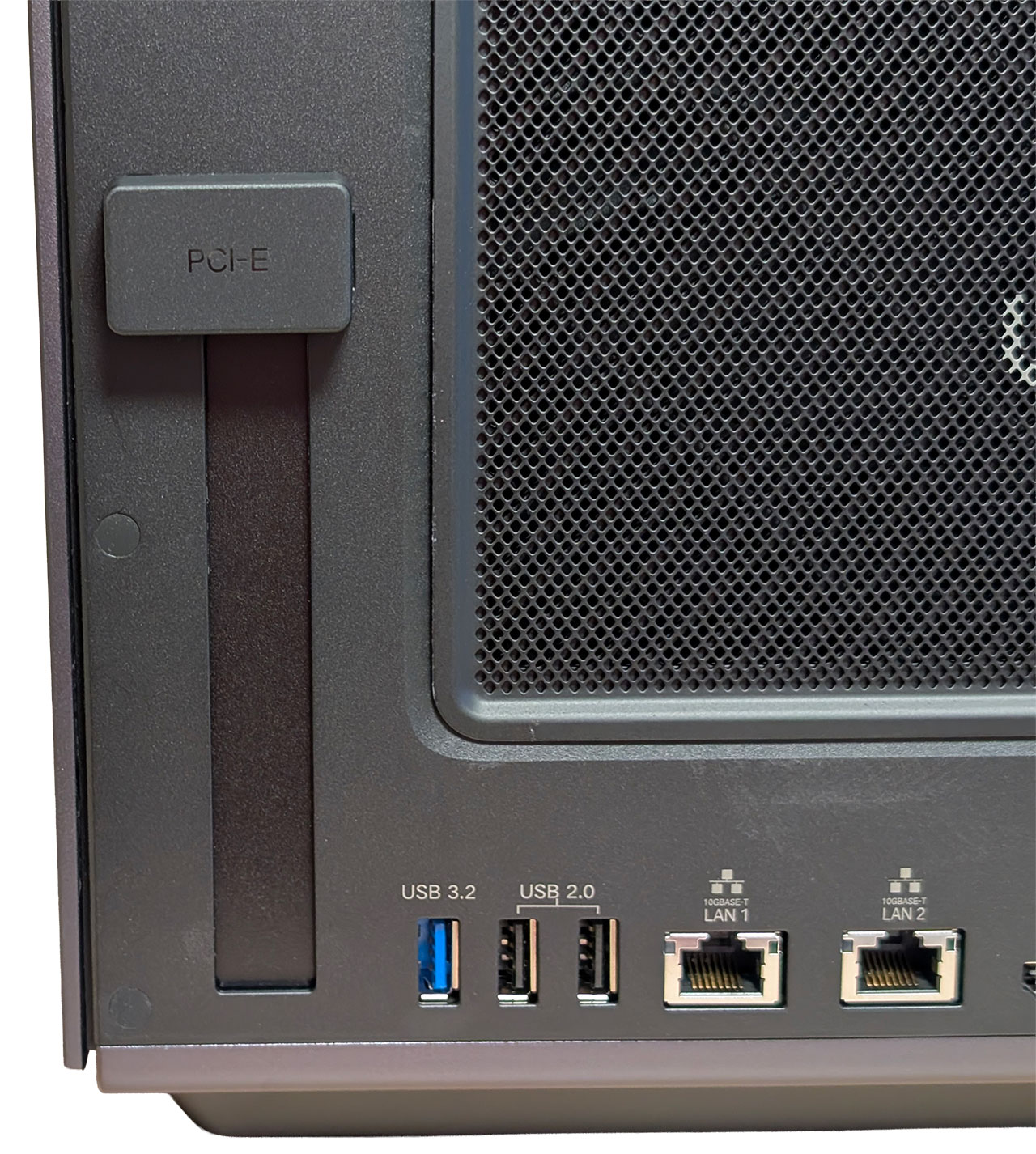
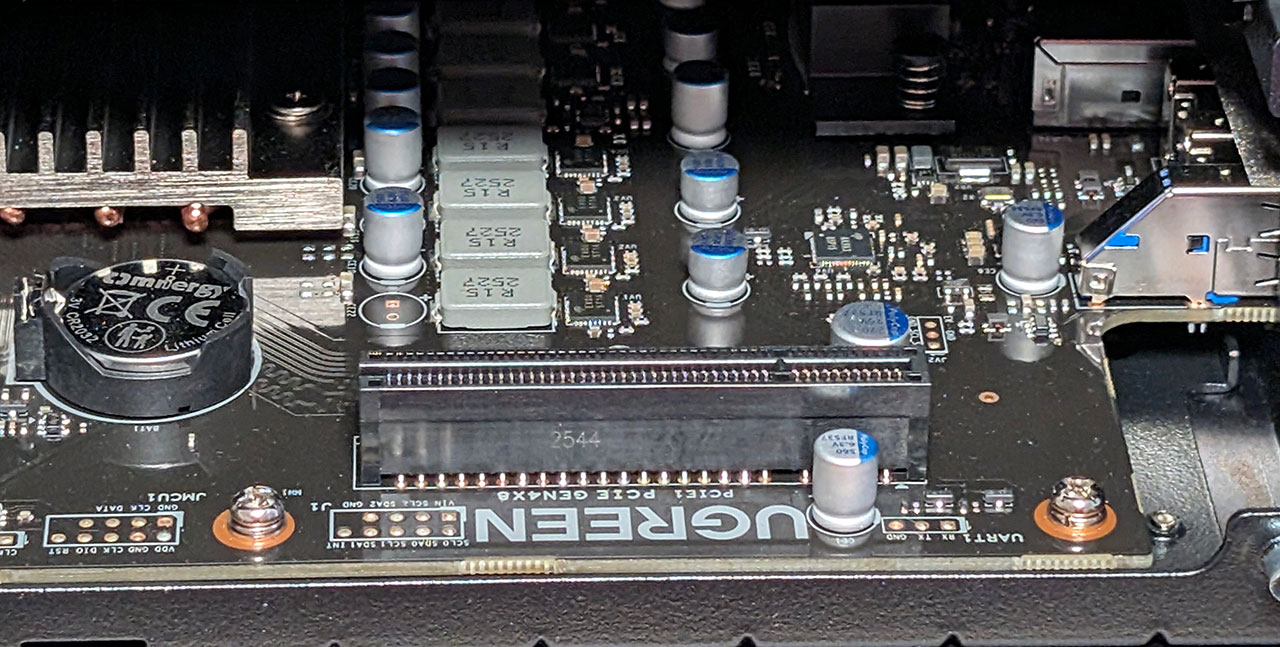
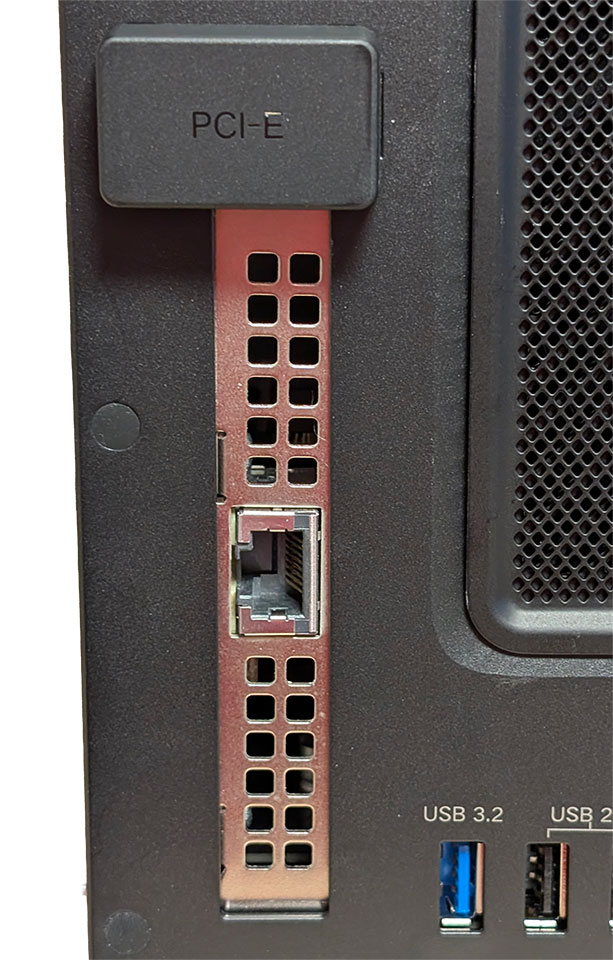
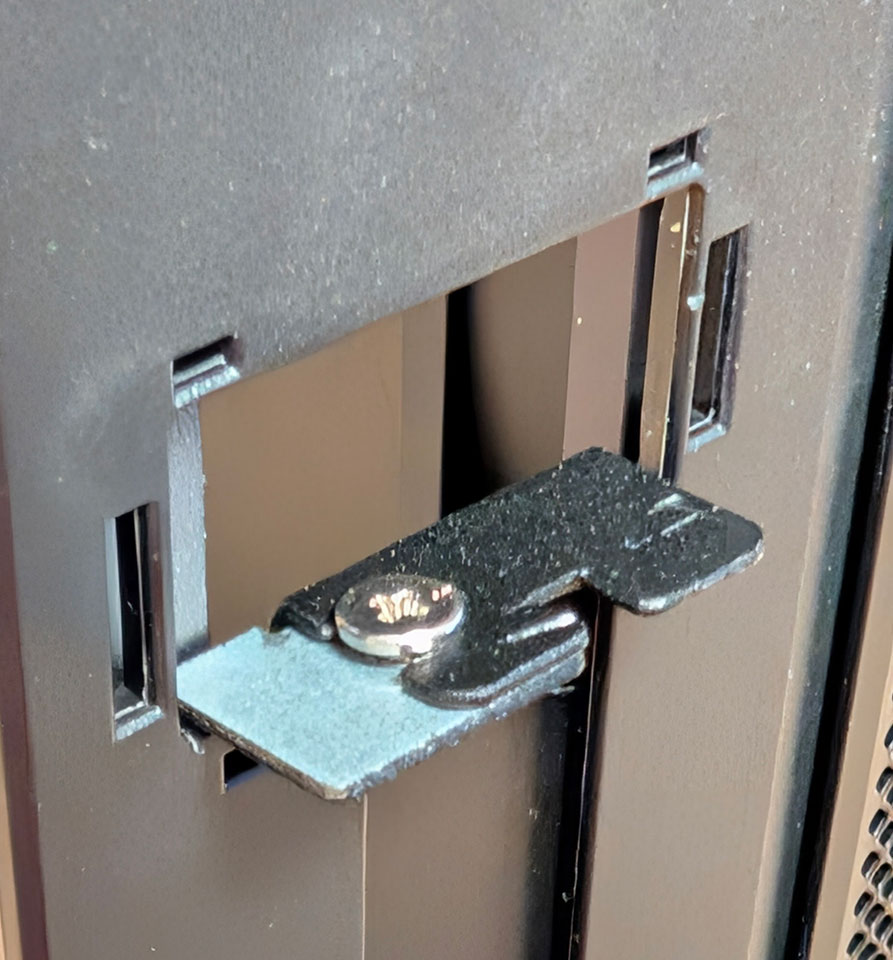
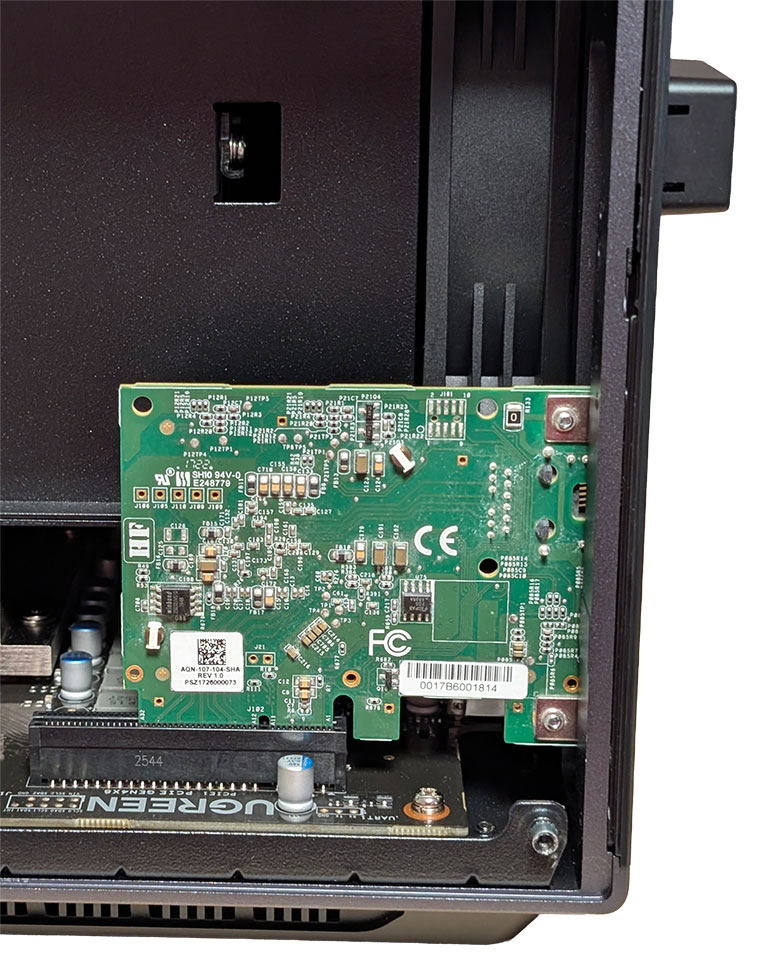
The right side is where the action is, so to speak, as this is where you'll find a pair of PCIe 4.0 x4 M.2 NVMe slots, as well as an open-ended PCIe 4.0 x8 slot that supports add-in cards with up to 75 W power draw. We tested by adding an old Aquantia AQC-107 card and it worked flawlessly. You're unlikely to fit most graphics cards in here, though, as it's only a single-width slot, and it's a tad quirky to work with. Ugreen added a small plastic cap that covers the part where you fasten the add-in card with a screw. At least in our unit, the metal parts here were slightly off, which made it a tad fiddly to screw in the network card we tested with.
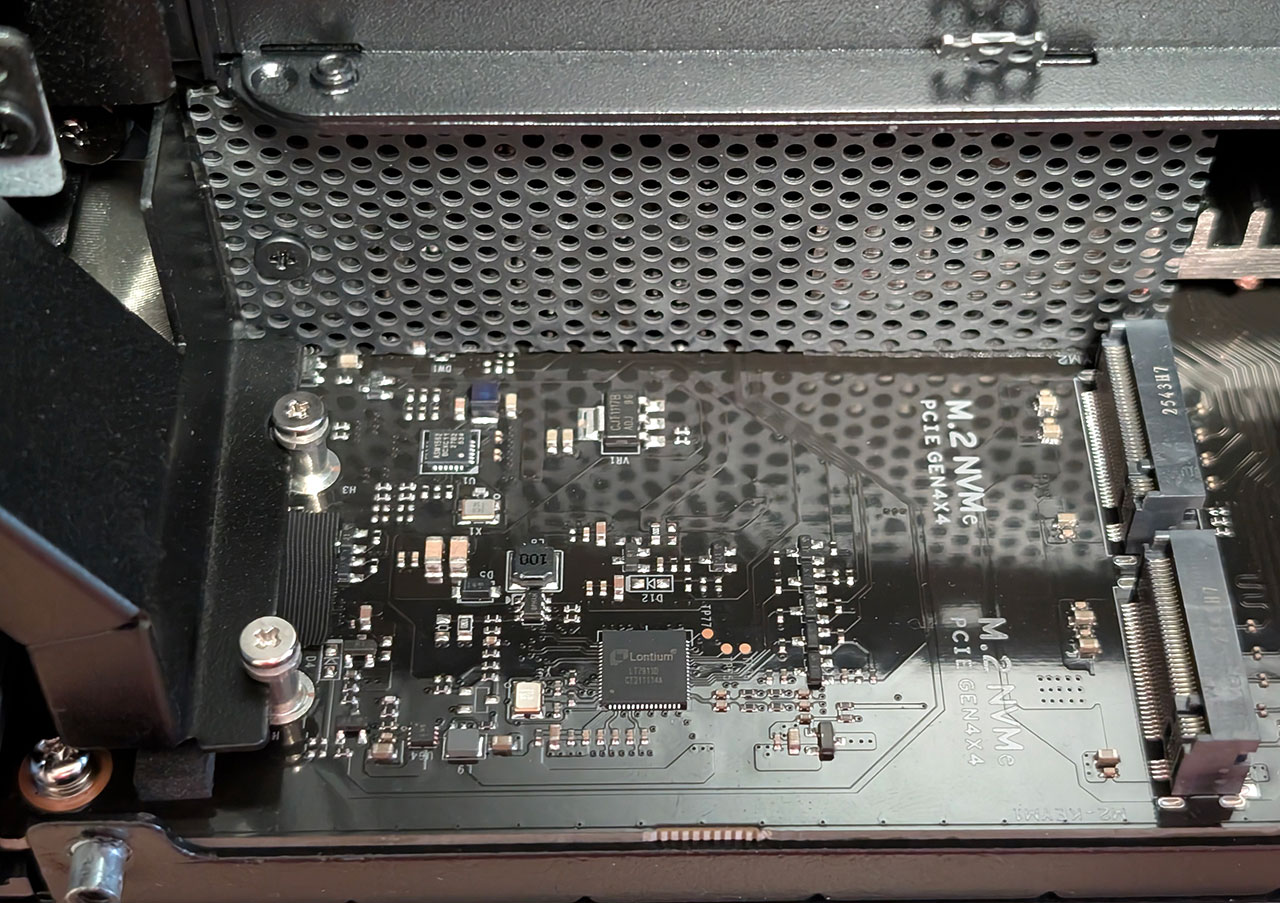
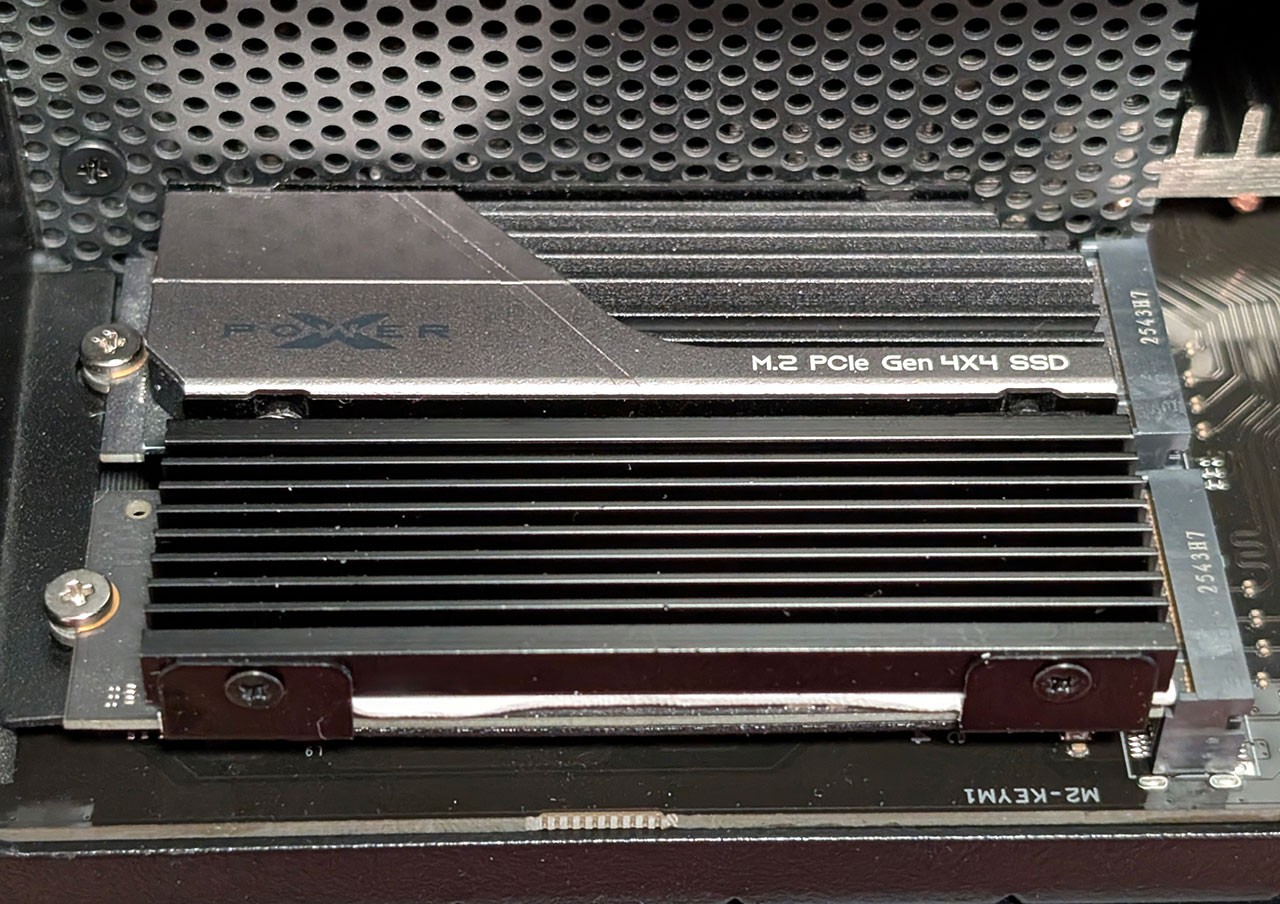
As far as space for the SSDs goes, it's quite roomy, but as there's a metal bracket just above the inner of the two SSDs which makes it a bit quirky to fasten the screw for that one. We really wish Ugreen had gone for one of the more modern screw-less fastening options used on many motherboards. This is also where the CMOS battery is located, and it'll be very easy to swap out a few years down the line.
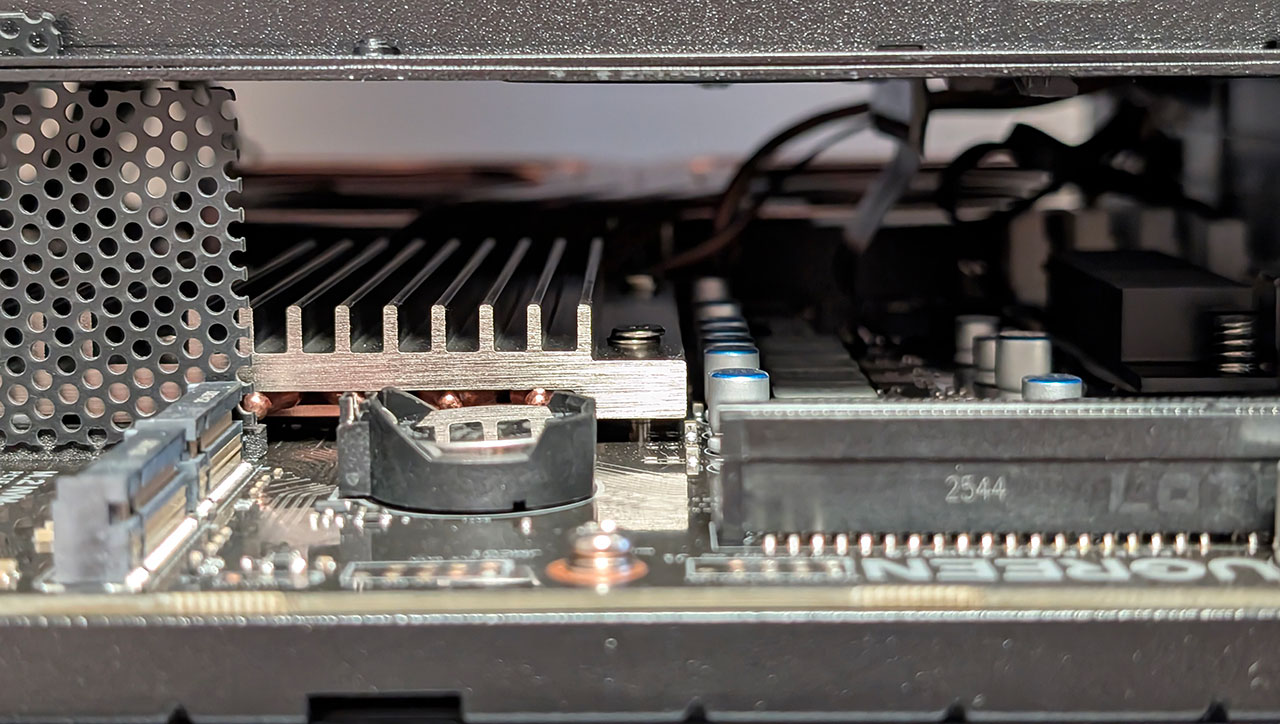
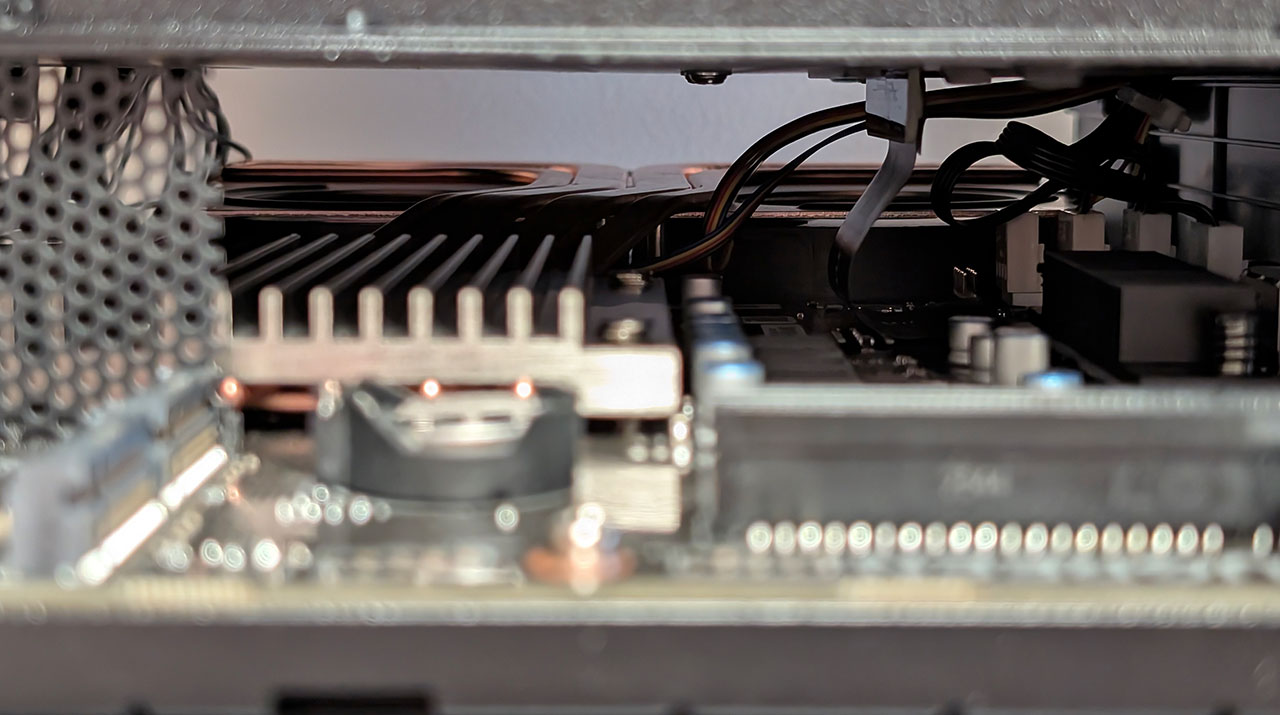
The not so easy to get parts include the Intel Core Ultra 7 255H 16 core CPU and the 64 GB of LPDDR5x memory, as well as the 128 GB SSD with a Phison E13 DRAM-less controller that the UGOS operating system comes pre-installed on. The CPU is cooled by a pretty large heatsink that is connected to four copper heatpipes clearly visible on the left side of the chassis. A pair of CoolCox blower fans can be hinted a bit further in, that blow cool air through the heatsink and out of the left side of the chassis. The CPU is located closer to the right side of the chassis and a small heatsink sits on top of the CPU, with the four heatpipes underneath it and what appears to be a copper contact plate below the heatpipes. The heatsink measures around 165 × 65 × 20 mm, not including the blower fans, but these are rough measurements, since it has a plastic shroud that made it hard to measure accurately. Also note the flexible PCB that connects the hard drive backplane with the motherboard, which is right next to the fan connectors.
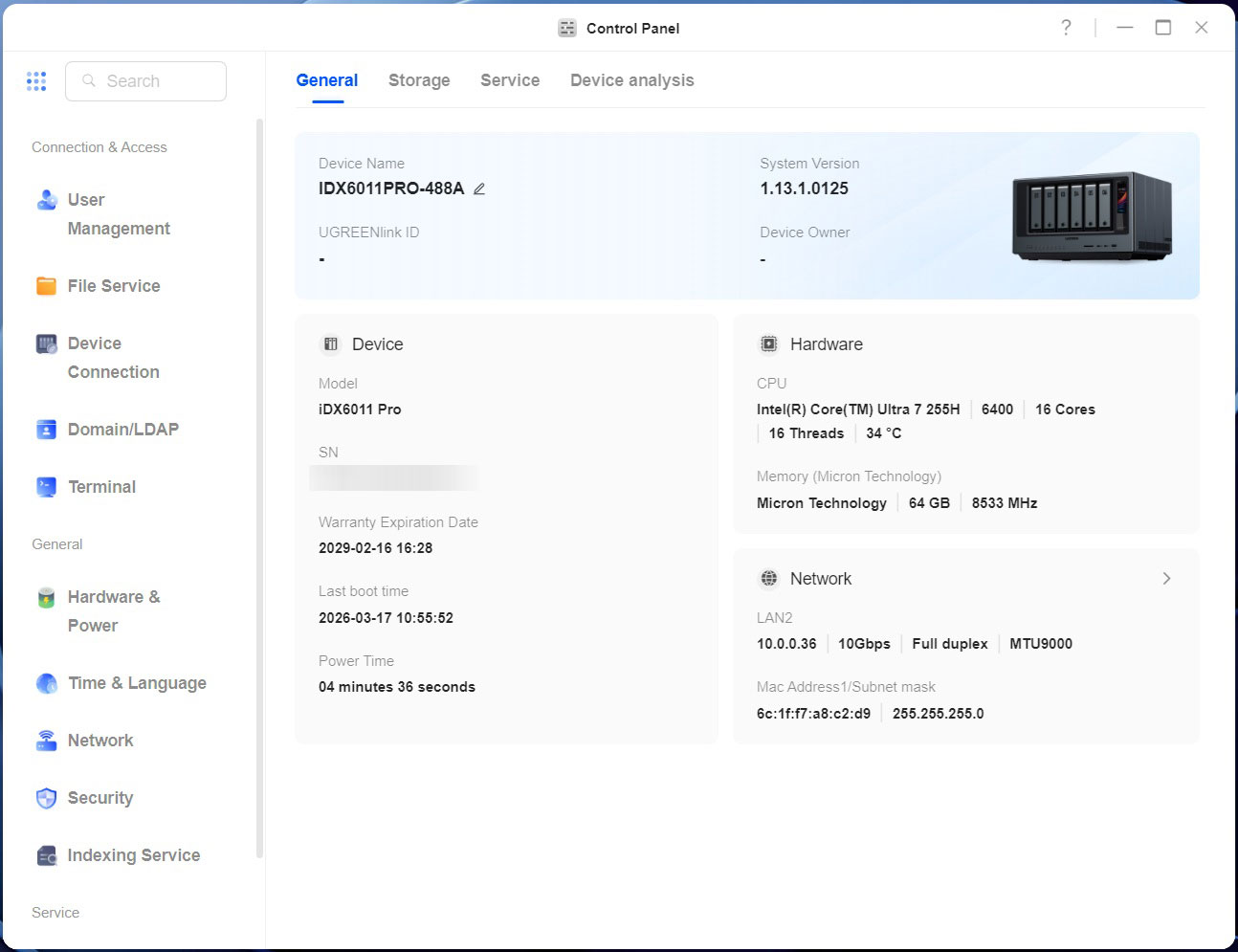
According to the information in the control panel in UGOS, the Micron LPDDR5x memory is listed as operating at 8533 MT/s, even though the Intel Core Ultra 7 255H processor only supports memory speeds of up to 8400 MT/s, so we're not sure if there's a slight overclock going on there or something else. A quick SSH later and running dmidecode -t memory command tells us that the memory is indeed 8533 MT/s, but it only operates at 8400 MT/s, so this seems to be a reporting discrepancy in UGOS. In total, there appear to be eight banks of 8 GB, each with a 16-bit bus for a combined memory bus of 128-bit. Note that Ugreen lists LPDDR5/x in the specs, so it seems like the company has reserved the right to supply either type of DRAM, but to be clear, the difference between the two types of memory shouldn't significantly affect the performance as long as the same speed memory is installed by Ugreen. We couldn't find any 8533 MT/s LPDDR5 memory from Micron, which suggests this is LPDDR5x memory.
That brings us to the connectivity options, where Ugreen has gone for a pair of Marvell/Aquantia AQtion AQC113 10 Gbps Ethernet controllers. There's also a pair of Thunderbolt 4 ports and for those that have a computer or laptop that also has a Thunderbolt 3/4/5 port, Thunderbolt networking is an option, we've run a few quick tests from a laptop equipped with Thunderbolt 4, to show the kind of performance that's on offer, but more on that in the benchmark section of the review. The advantage here is that you just need a Thunderbolt 3 (or better) or a USB4 cable to make it work, which can be handy for connecting a laptop to offload bigger files onto the NAS. It's also possible to connect external storage devices here, but we really wish Ugreen would've put at least one Thunderbolt port around the back. Finally, we have the OCuLink port around the back, which Ugreen didn't provide any information about, beyond that it can be used to connect an external GPU. As such we don't know what kind of data speeds are supported, nor what Ugreen intends it to be used for, but it seems to be a PCIe 4.0 x4 interface.
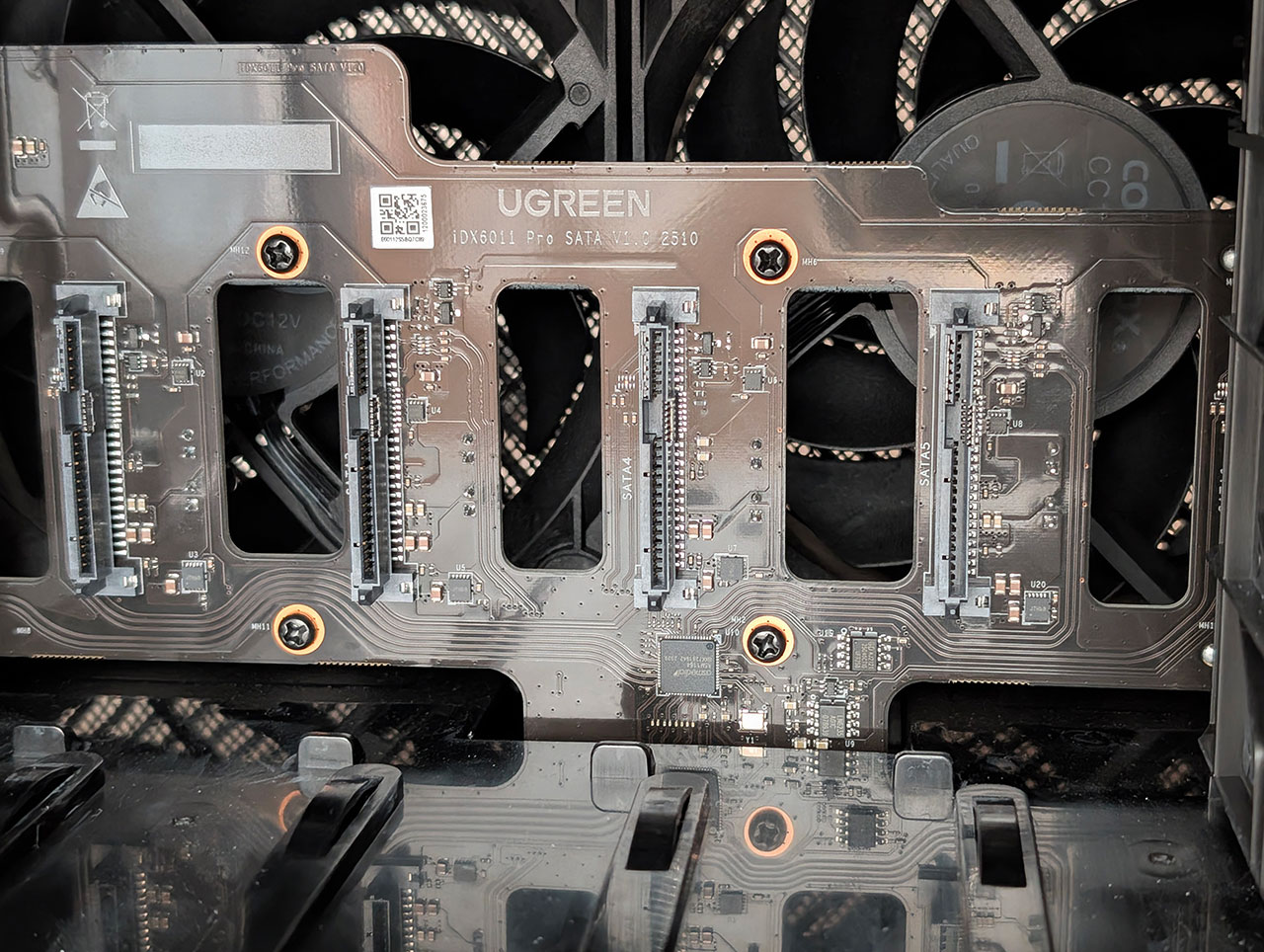
The hard drive backplane is a rather interesting affair too, as two out of the six SATA ports appear to be connected straight to the CPU, whereas the four outer ones, are connected via an ASMedia ASM1164 SATA controller, that is connected over a PCIe 3.0 x2 bus. It appears to share lanes with the OS drive, as both are on an 8 GT/s bus, which is PCIe 3.0 speeds and both are using two PCIe lanes. This is slightly disappointing, the boot drive doesn't need massive amounts of bandwidth, but at the same time, we expected it to be connected to a PCIe 4.0 x4 bus like the user-accessible SSDs. It seems like the OS SSD ended up slightly gimped in favor of the OCuLink interface.
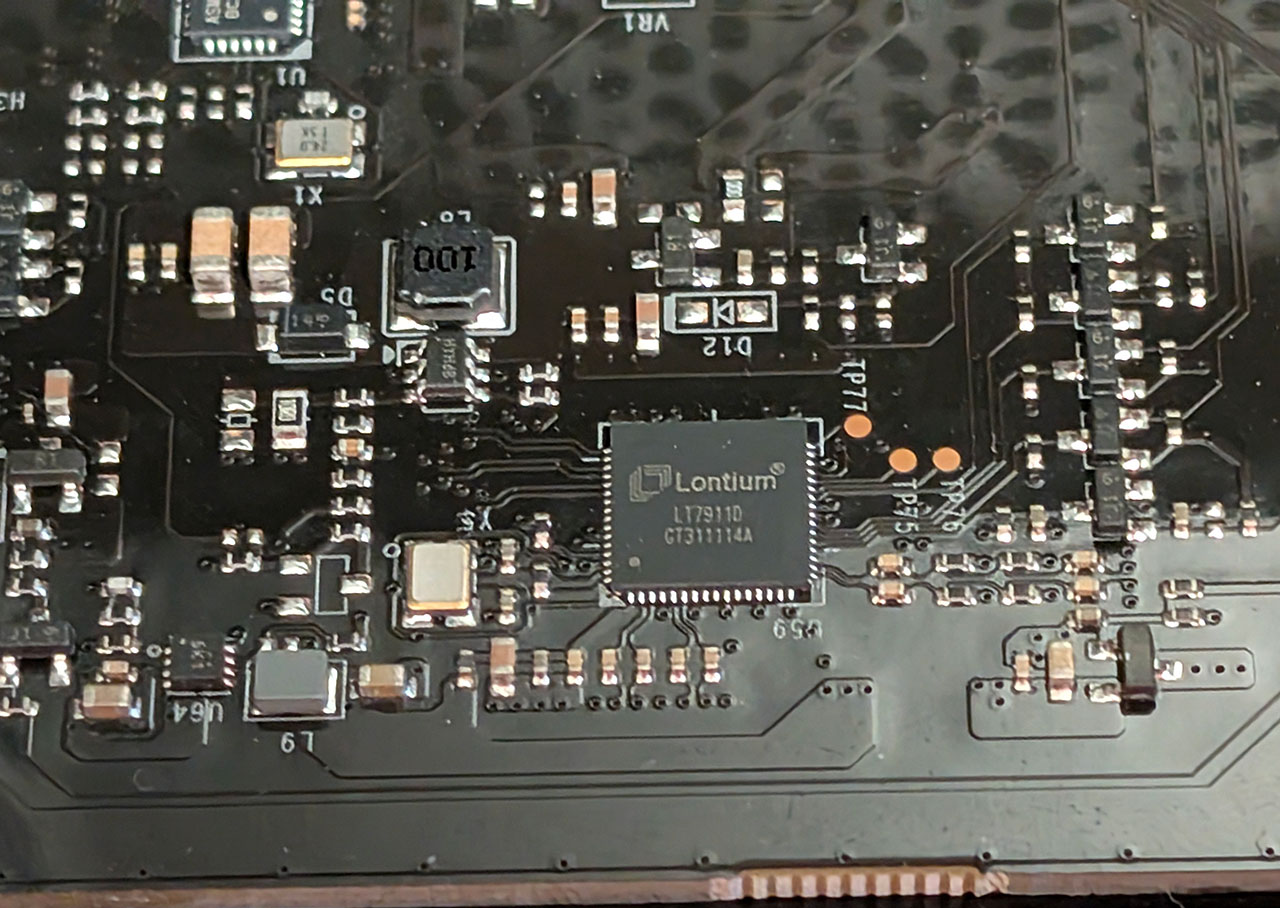
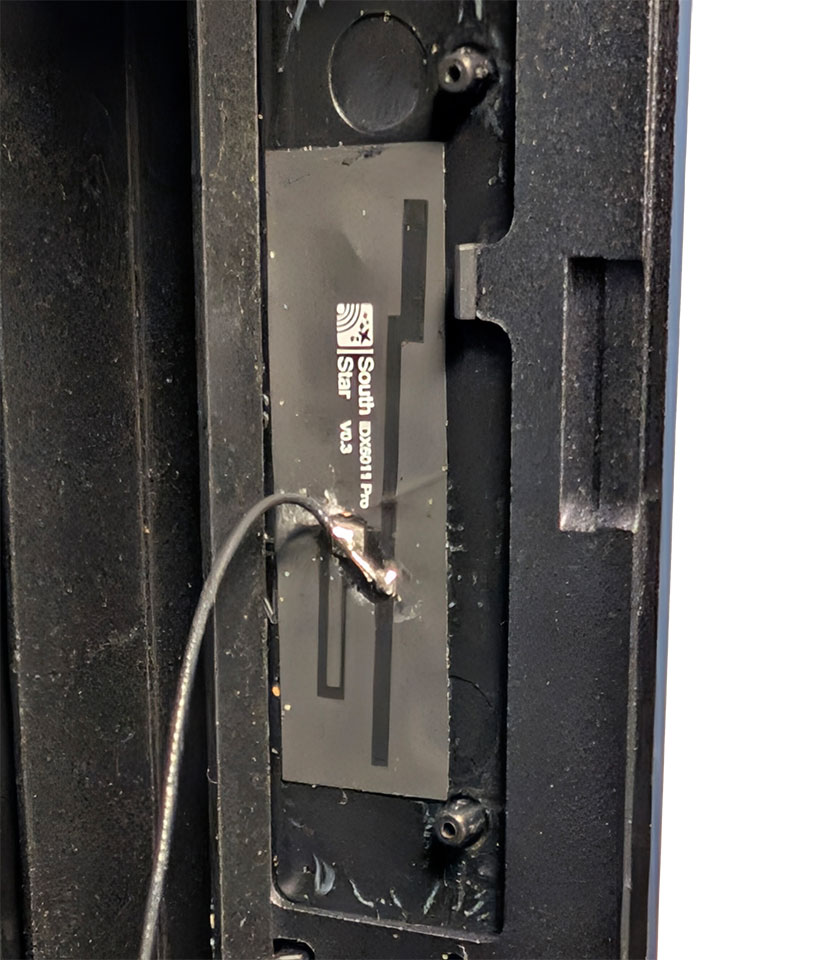
There are also several other chips visible on the PCB, such as the Lontium LT7911D, which appears to be used to drive the LCD at the front of the iDX6011 Pro. There's also an ASMedia ASM1562 USB 3.1 Gen 2 10 Gbps retimer just behind the Lontium chip. Finally, we found a wireless antenna at the front of the housing that is attached to something deep inside the NAS. There's no option in the UEFI to enable anything wireless, nor have we been able to find any device in the system that it would belong to. It's not an NFC antenna, instead it looks like a Wi-Fi antenna or possibly a Bluetooth or other 2.4 GHz antenna. Regardless of what it's for, it's currently not doing anything, and it may or may not be included in the retail models.
Because there's so much hardware this time around, we decided to include the output of the lspci command in Linux below. Devices 01, 03, and 04 are the ones that were added by us; the rest are all part of the system.
00:00.0 Host bridge: Intel Corporation Device 7d06 (rev 05)
00:02.0 VGA compatible controller: Intel Corporation Arrow Lake-P [Intel Graphics] (rev 03)
00:06.0 PCI bridge: Intel Corporation Device 774d
00:06.1 PCI bridge: Intel Corporation Device 7eca (rev 10)
00:06.2 PCI bridge: Intel Corporation Device 7ecb (rev 10)
00:07.0 PCI bridge: Intel Corporation Meteor Lake-P Thunderbolt 4 PCI Express Root Port #0 (rev 10)
00:07.2 PCI bridge: Intel Corporation Meteor Lake-P Thunderbolt 4 PCI Express Root Port #2 (rev 10)
00:0a.0 Signal processing controller: Intel Corporation Meteor Lake-P Platform Monitoring Technology (rev 01)
00:0b.0 Processing accelerators: Intel Corporation Meteor Lake NPU (rev 05)
00:0d.0 USB controller: Intel Corporation Meteor Lake-P Thunderbolt 4 USB Controller (rev 10)
00:0d.2 USB controller: Intel Corporation Meteor Lake-P Thunderbolt 4 NHI #0 (rev 10)
00:0d.3 USB controller: Intel Corporation Meteor Lake-P Thunderbolt 4 NHI #1 (rev 10)
00:14.0 USB controller: Intel Corporation Device 777d
00:14.2 RAM memory: Intel Corporation Device 777f
00:15.0 Serial bus controller: Intel Corporation Arrow Lake-H [Serial IO I2C Host Controller]
00:15.1 Serial bus controller: Intel Corporation Arrow Lake-H [Serial IO I2C Host Controller]
00:15.2 Serial bus controller: Intel Corporation Arrow Lake-H [Serial IO I2C Host Controller]
00:16.0 Communication controller: Intel Corporation Device 7770
00:17.0 SATA controller: Intel Corporation Device 7763
00:1c.0 PCI bridge: Intel Corporation Device 7738
00:1c.4 PCI bridge: Intel Corporation Device 773c
00:1c.6 PCI bridge: Intel Corporation Device 773e
00:1c.7 PCI bridge: Intel Corporation Device 773f
00:1f.0 ISA bridge: Intel Corporation Device 7702
00:1f.3 Audio device: Intel Corporation Device 7728
00:1f.4 SMBus: Intel Corporation Device 7722
00:1f.5 Serial bus controller: Intel Corporation Device 7723
02:00.0 Non-Volatile memory controller: Phison Electronics Corporation E18 PCIe4 NVMe Controller (rev 01)
03:00.0 Non-Volatile memory controller: Kingston Technology Company, Inc. KC3000/FURY Renegade NVMe SSD [E18] (rev 01)
58:00.0 SATA controller: ASMedia Technology Inc. ASM1164 Serial ATA AHCI Controller (rev 02)
59:00.0 Non-Volatile memory controller: Phison Electronics Corporation PS5013 E13 NVMe Controller (rev 01)
5a:00.0 Ethernet controller: Aquantia Corp. AQtion AQC113 NBase-T/IEEE 802.3an Ethernet Controller [Antigua 10G] (rev 03)
5b:00.0 Ethernet controller: Aquantia Corp. AQtion AQC113 NBase-T/IEEE 802.3an Ethernet Controller [Antigua 10G] (rev 03)
Our Patreon Silver Supporters can read articles in single-page format.
Nov 13th, 2026 23:02 CST
change timezone
Latest GPU Drivers
New Forum Posts
- no "PhysX" workable (9)
- What are you playing? (26215)
- Tell me about your favourite graphics card (32)
- AI generated images... (224)
- Crimson Desert (31)
- RenoDX HDR - how to view the differnce Before&After in game? (0)
- Displayport DP80 3M (10ft) cable that can achieve 80gbps stable? (5)
- I'll flash a ASUS ROG Strix RX480 O8G in Cause of Code 43, as a Newbie (1)
- Opinion on Monitor Replacement (6)
- TMOG - post your benchmark results here (16)
Popular Reviews
- AMD Zen 6 Technical Deep Dive
- Corsair HX1000i Shift Crystal Review
- NZXT C1200 Platinum Review
- Upcoming Hardware Launches 2027 (Updated Nov 2026)
- ASUS ROG Strix B850-I Gaming Wi-Fi7 W Review
- Montech King 95 3D PRO Review
- NZXT H7 RGB+ Review
- NZXT H5 Review
- Phantom Blade Zero Performance Benchmark Review - 35 GPUs Tested
- XPG NIMBUS PLUS Review - Mid-range Chair With Strong Competitors
TPU on YouTube
Controversial News Posts
- NVIDIA Co-Founder and CEO Jensen Huang Officially Resigns (380)
- OpenAI CEO Argues Home PCs Waste the World's Limited DRAM Supply (152)
- NVIDIA Launches Investigation Into Jensen Huang's Relationship With Suspected Chinese Spy (136)
- Intel "Raptor Lake Next" 16-Core and 20-Core CPUs Surface (130)
- Legendary Game Studio BioWare Shuts Down Following EA Layoffs (104)
- Dell CEO Says the Memory Shortage Will Get Worse in 2027 (95)
- NVIDIA GeForce RTX 50-Series Scheduled for up to $500 Price Hike This Week (89)
- Modder Fits RTX 5090 With Four 8-Pin Connectors, Halving Current per Wire (80)