 4
UPERFECT GR14BU Review - A Touch-Enabled OLED for the Road
Connectivity & Power Consumption »Design and Ergonomics
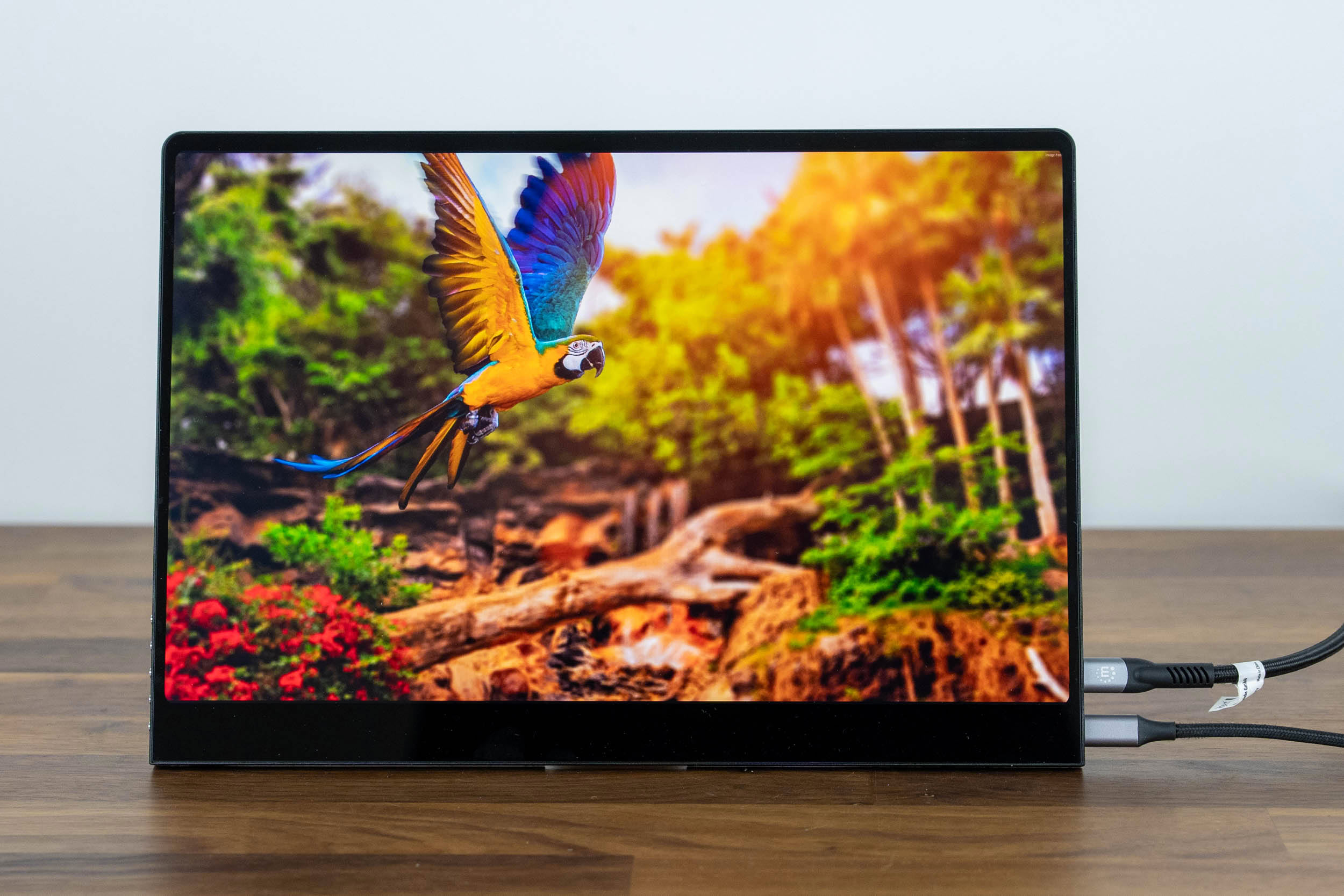
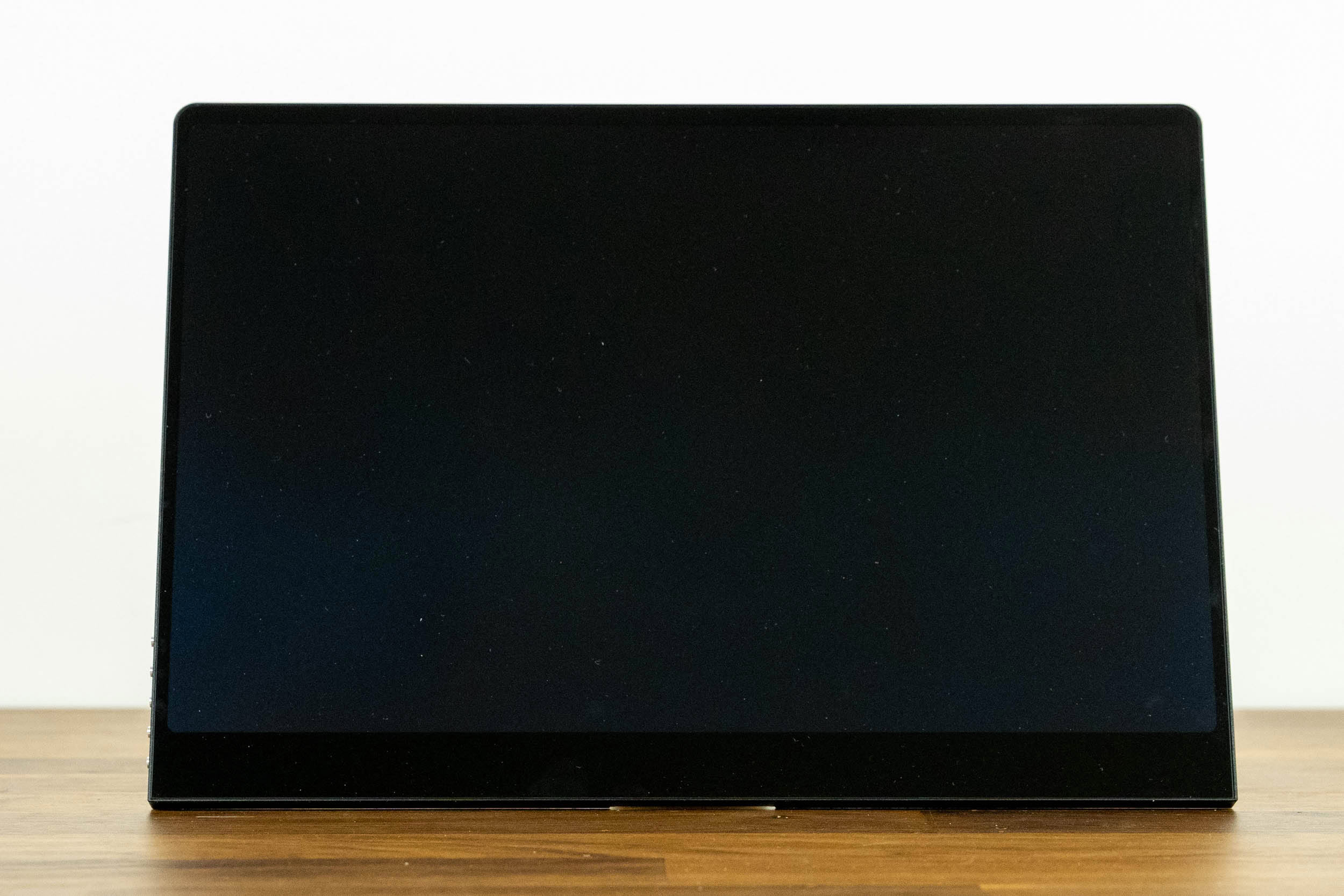
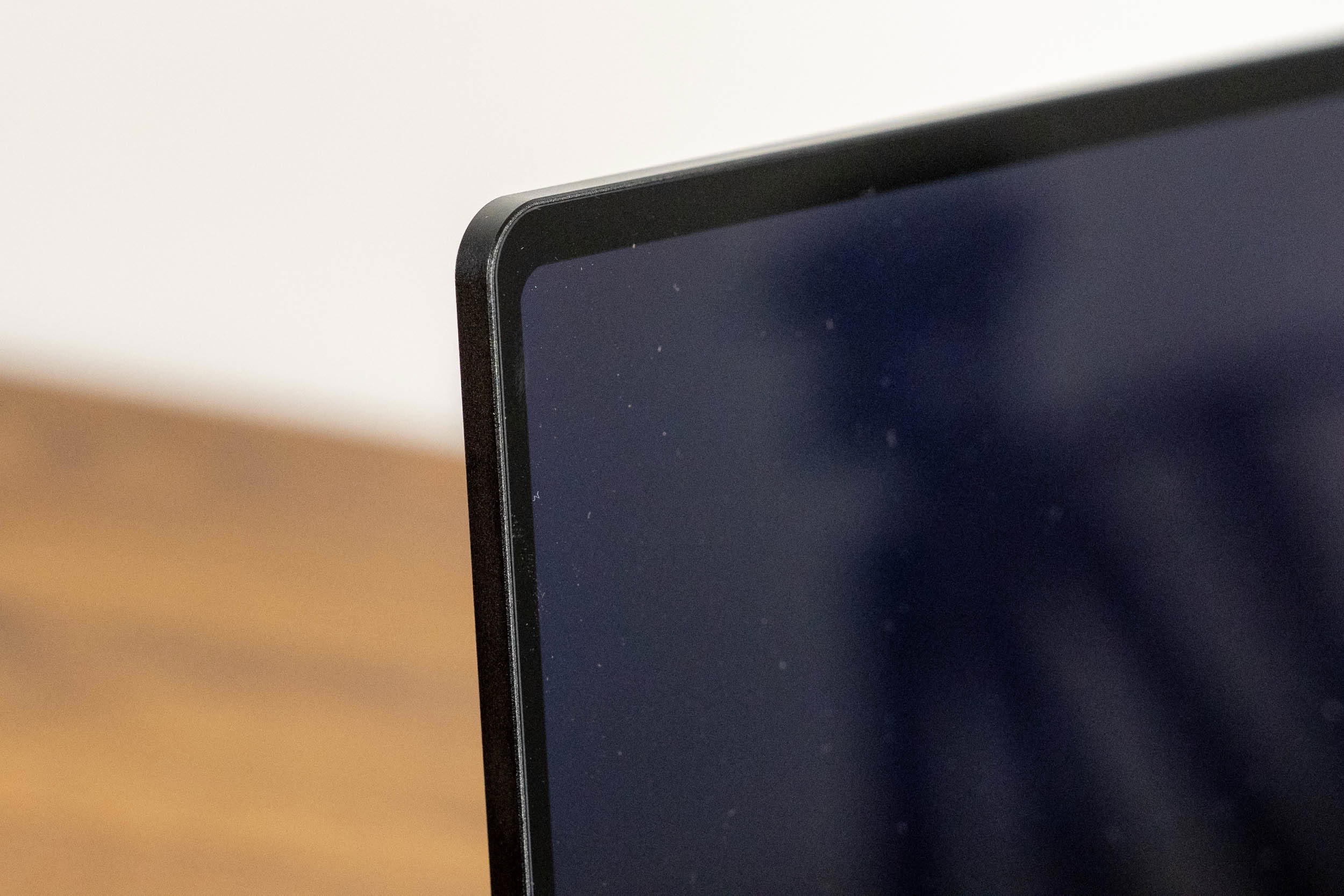
The GR14BU looks like a large tablet. The glossy glass covers the entire front and is framed by a thin aluminium edge, with slim bezels on the top and sides and a slightly thicker one at the bottom. The corners of the glass are rounded, and there's no logo anywhere on the front. It's an elegant, minimalist design, and it pairs nicely with any modern laptop. The flip side of all that glass is that the screen acts as a mirror in a bright room, and as with any touchscreen, you can expect fingerprints on it.
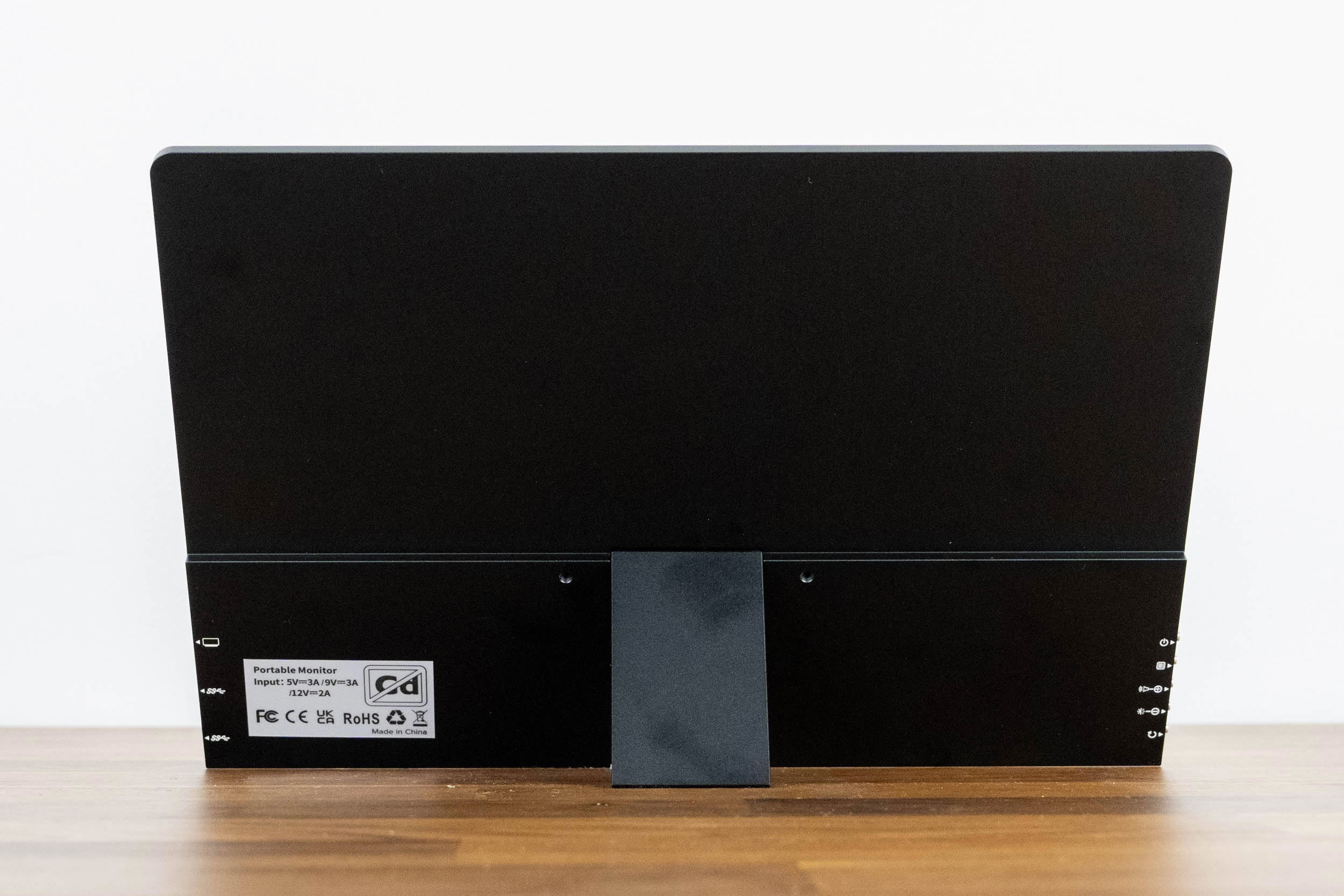
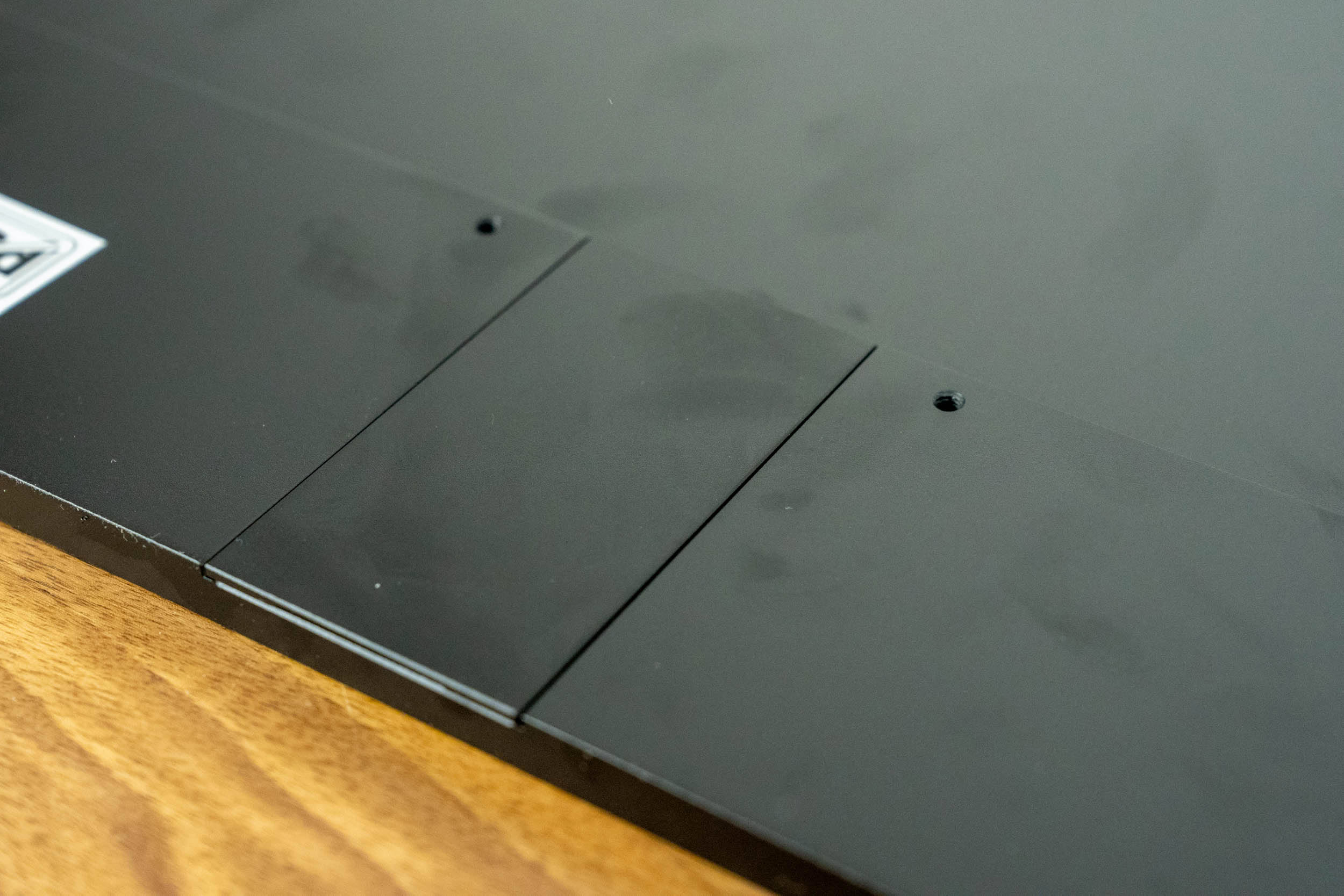
The back is matte black aluminium. Most of it is perfectly flat, with a slightly raised strip along the bottom edge that houses the electronics, the ports, the buttons, and the kickstand hinge. There's a label with the input rating and certification marks, and that's about it. The surface feels solid and doesn't flex or creak when you handle the monitor, but it shows smudges and fingerprints very easily, as you can see in the photos.
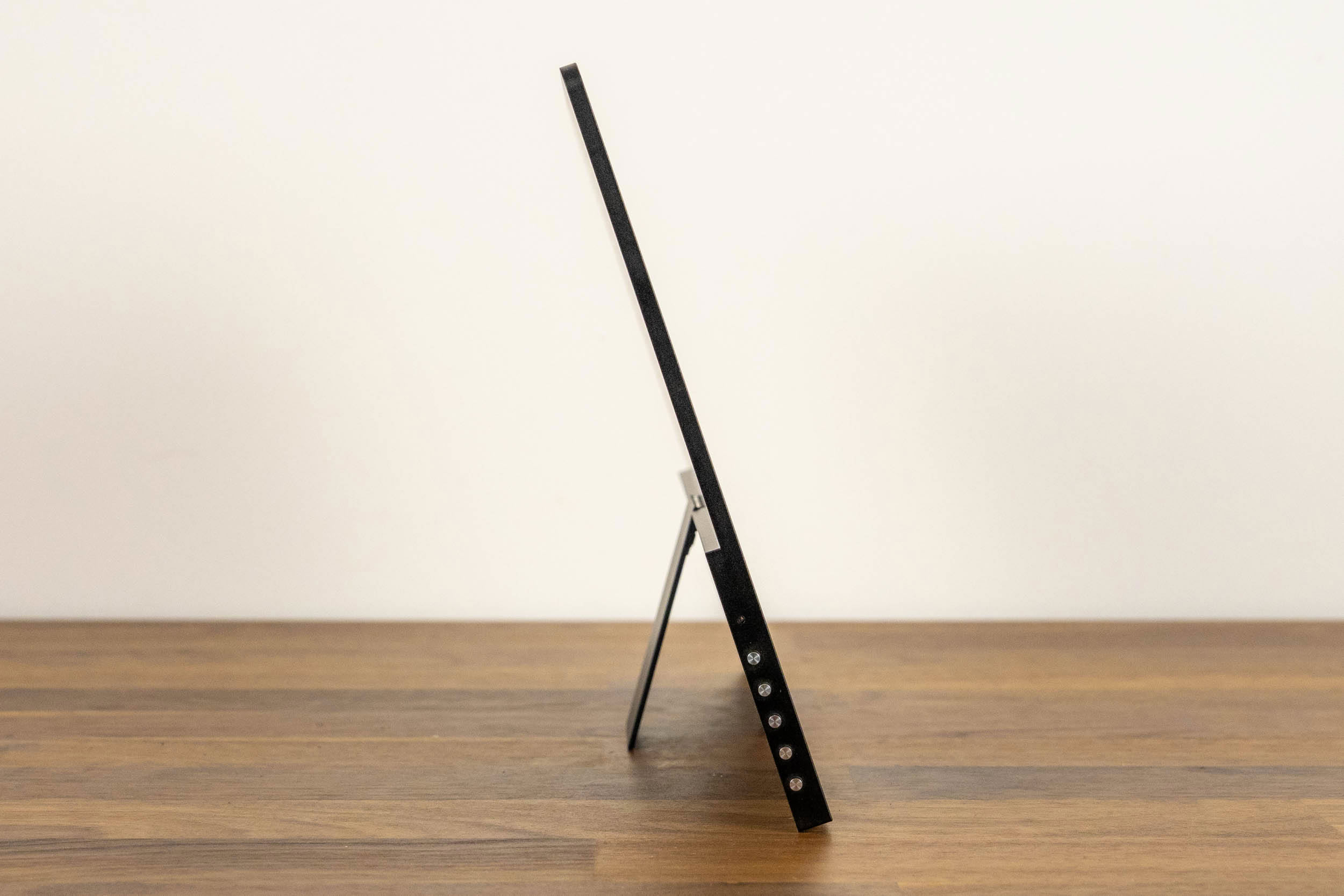
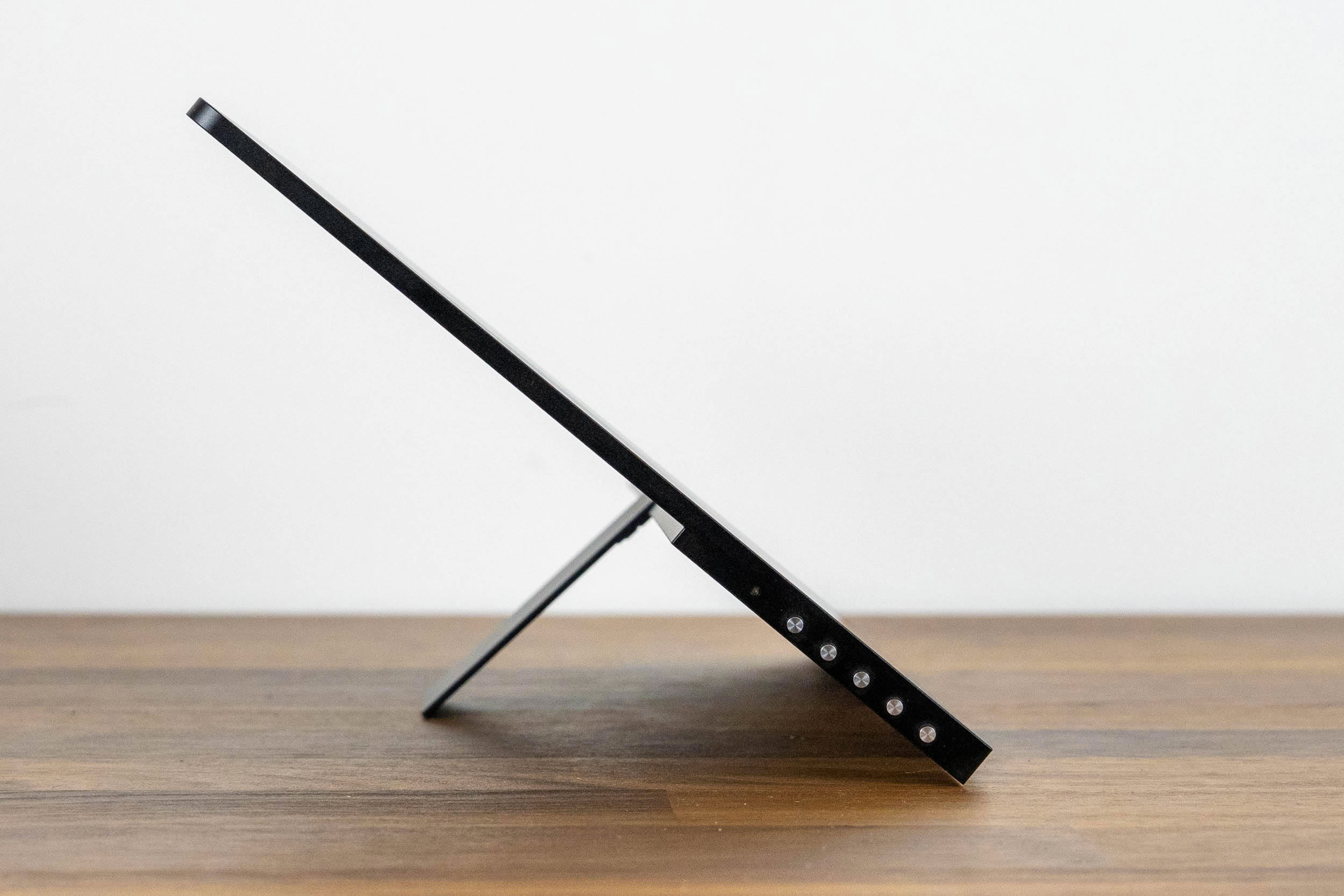
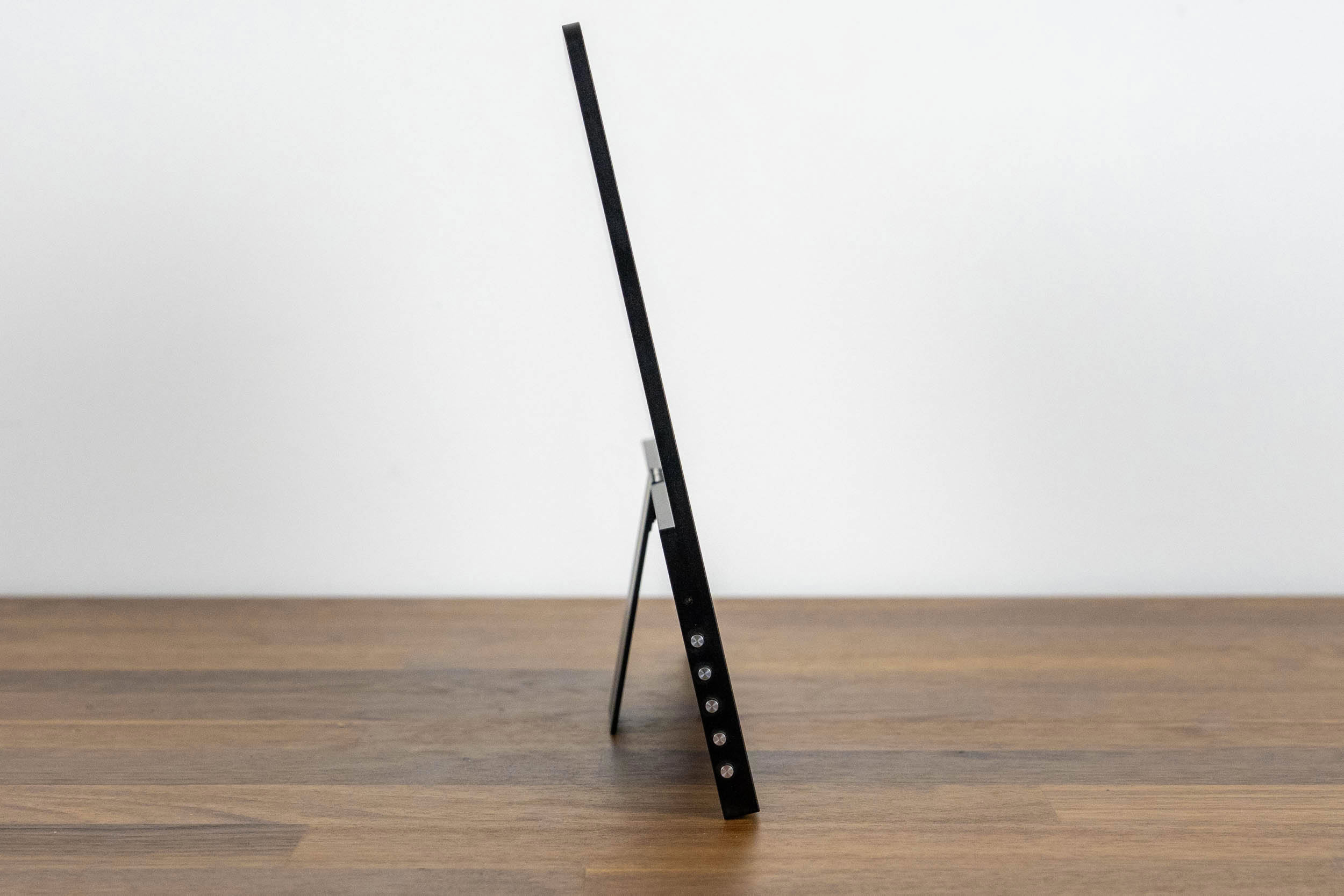
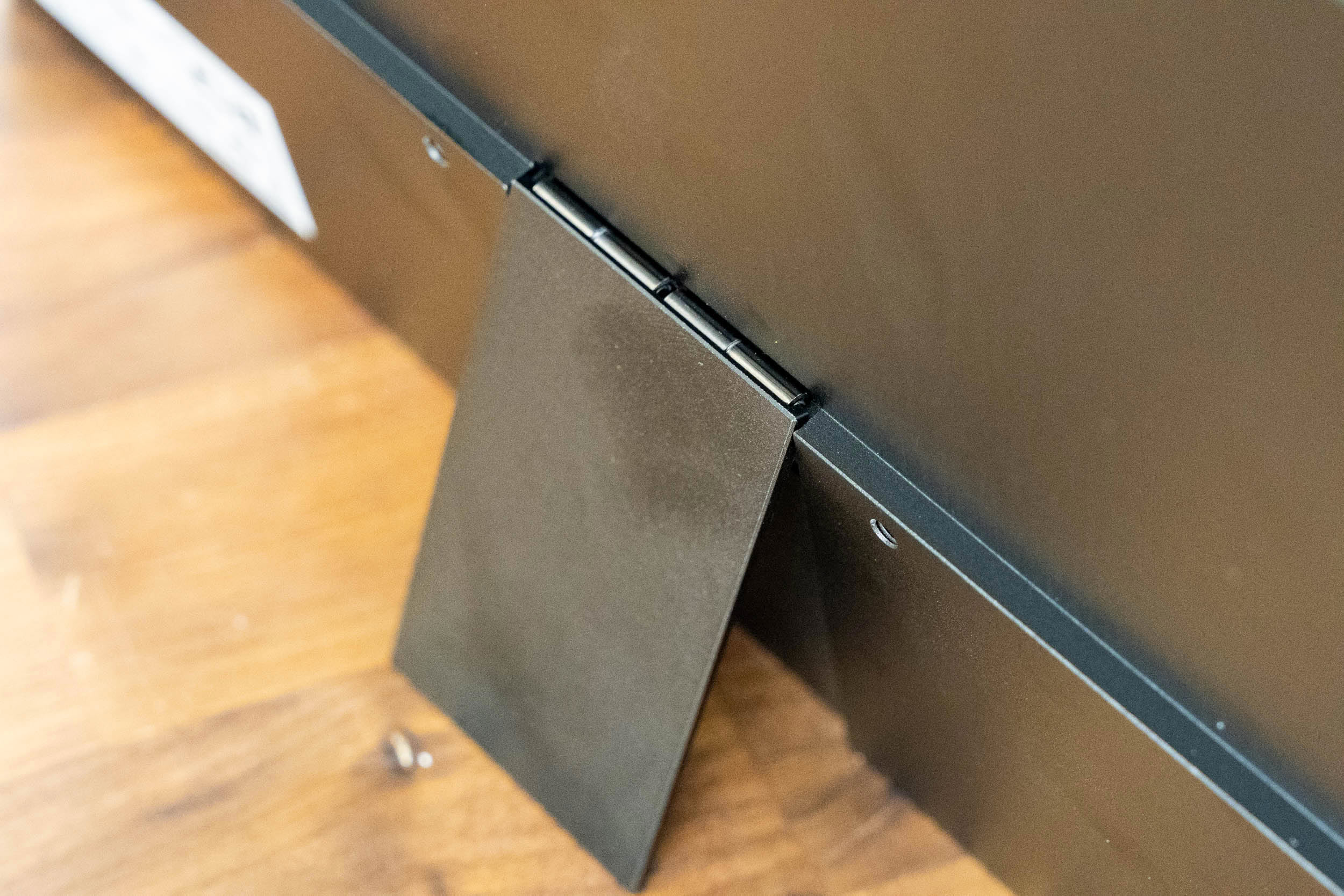
The integrated kickstand is the GR14BU's best design decision. It's a metal flap attached to the middle of the lower strip with a piano-style hinge, and it folds out from the back in a second. Compared to the folding magnetic cover of the 16-inch UColor O2, which offered only two fixed angles and had a tendency to slide off, this is a far more practical solution. The kickstand allows a wide range of tilt angles, up to roughly 135°, so you can stand the screen nearly upright next to a laptop or recline it for touch input. It stops there, though, so the screen can't be laid almost flat, which some users would probably prefer for drawing or handwritten notes. The hinge is also very stiff. I understand why UPERFECT made it that way, since it guarantees the monitor won't change its position on its own, especially when you're tapping on the screen, but adjusting it requires more force than it should, and the hinge could have been more refined. Since the kickstand sits in the middle of the long edge, the GR14BU can only stand in landscape orientation.
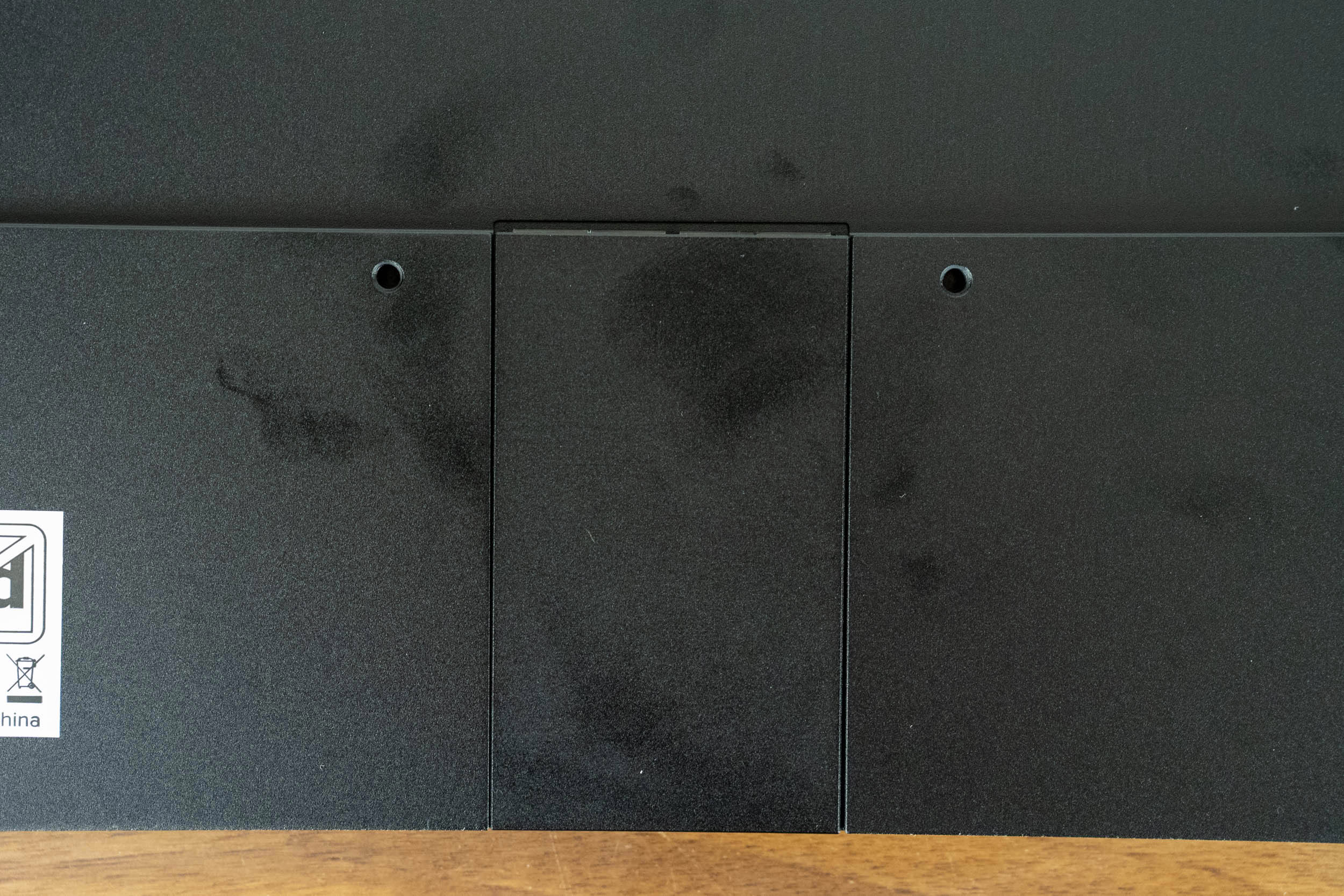
The VESA mounting holes flank the kickstand hinge. There are only two of them, spaced 75 mm apart, instead of the usual four. UPERFECT's manual addresses this directly, stating that two holes are stable enough, and with a monitor that weighs 590 grams, I have no reason to doubt that. Just make sure your mount or arm works with a two-screw configuration.
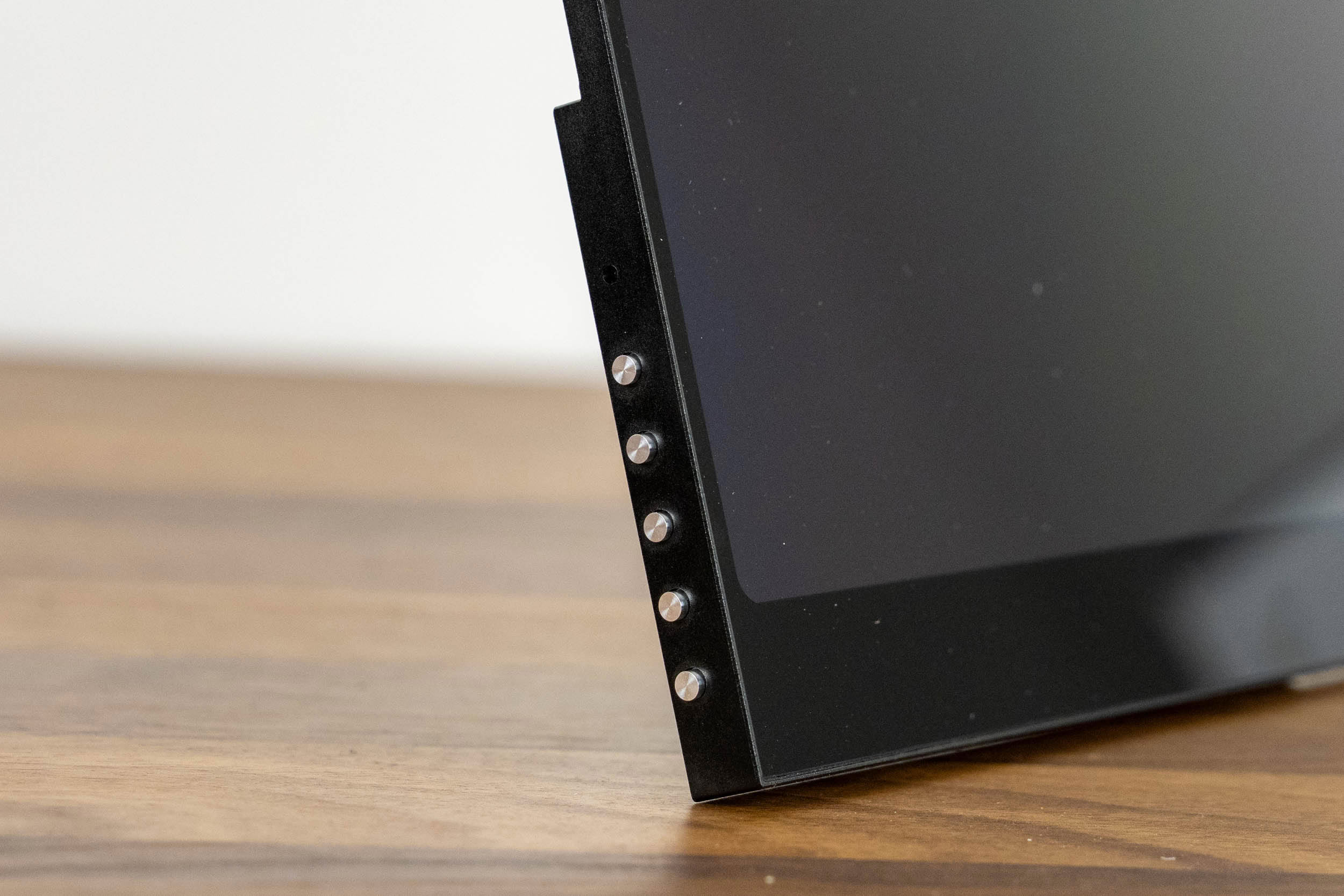
The left edge of the monitor, as seen from the front, holds five OSD buttons, while the ports are located on the right edge.
Nov 18th, 2026 13:38 PST
change timezone
Latest GPU Drivers
New Forum Posts
- Can i play GTA 6 now? (Joke) (6)
- Very unusual two gaming-pc scenarios. (12)
- Dell Workstation Owners Club (3513)
- Any other old-timers here planning to play WoW Forever? (151)
- Time to upgrade CPU and MOBO (33)
- The Filthy, Rotten, Nasty, Helpdesk-Nightmare picture clubhouse (2876)
- WarpCoreBench scores! (67)
- Honestly, do you care about GTA VI? (144)
- Acer Predator BiFrost Radeon RX 9070 OC (9)
- DTS DCH Driver for Realtek HDA [DTS:X APO4 + DTS Interactive] (2814)
Popular Reviews
- Acemagic Retro X3 Review
- Upcoming Hardware Launches 2027 (Updated Nov 2026)
- AMD Zen 6 Technical Deep Dive
- ASUS ROG Strix B850-I Gaming Wi-Fi7 W Review
- Corsair HX1000i Shift Crystal Review
- Biwin Black Opal NV7400 2 TB Review
- Chieftec Iceberg PRO 360 DARK Review
- AMD Ryzen 7 9800X3D Review - The Best Gaming Processor
- Pulsar Office Tour & First Look at P1 Dual-Sensor Mouse
- Phantom Blade Zero Performance Benchmark Review - 35 GPUs Tested
TPU on YouTube
Controversial News Posts
- NVIDIA Co-Founder and CEO Jensen Huang Officially Resigns (478)
- Report: Jensen Huang Eyes NVIDIA Comeback (187)
- Open Letter Asking NVIDIA to Reinstate Jensen Huang Passes 115,000 Signatures (184)
- OpenAI CEO Argues Home PCs Waste the World's Limited DRAM Supply (152)
- NVIDIA Launches Investigation Into Jensen Huang's Relationship With Suspected Chinese Spy (136)
- Intel "Raptor Lake Next" 16-Core and 20-Core CPUs Surface (130)
- Legendary Game Studio BioWare Shuts Down Following EA Layoffs (104)
- Dell CEO Says the Memory Shortage Will Get Worse in 2027 (95)