 5
UPERFECT UColor O2 Review - A Panel Worth Packing
Picture Quality, Uniformity & Viewing Angles »Controls and OSD
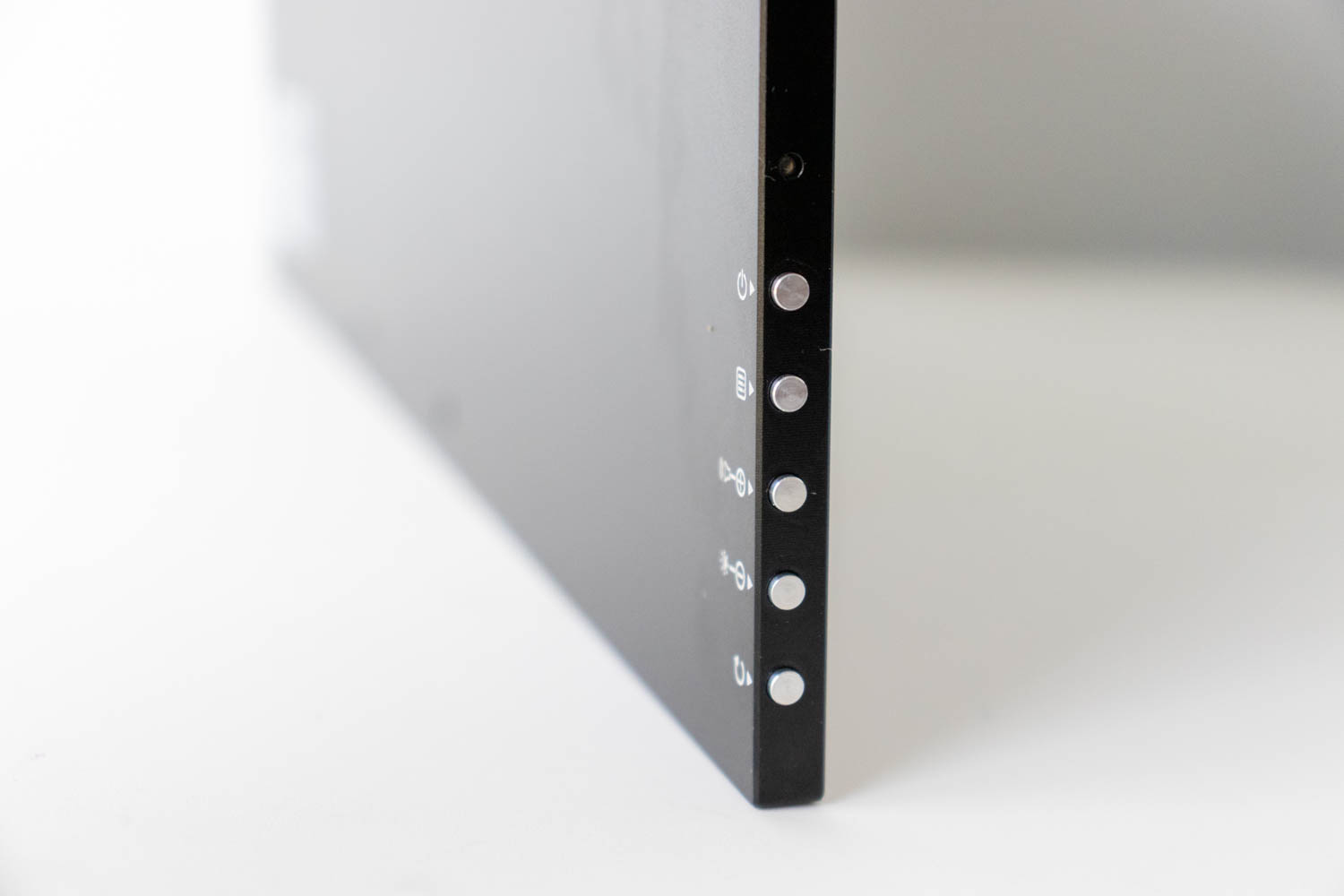

The UPERFECT UColor O2 uses the same hard plastic buttons as the UMax 24 (reviewed here) for OSD navigation, but they're spaced further apart and are therefore significantly more intuitive to use.
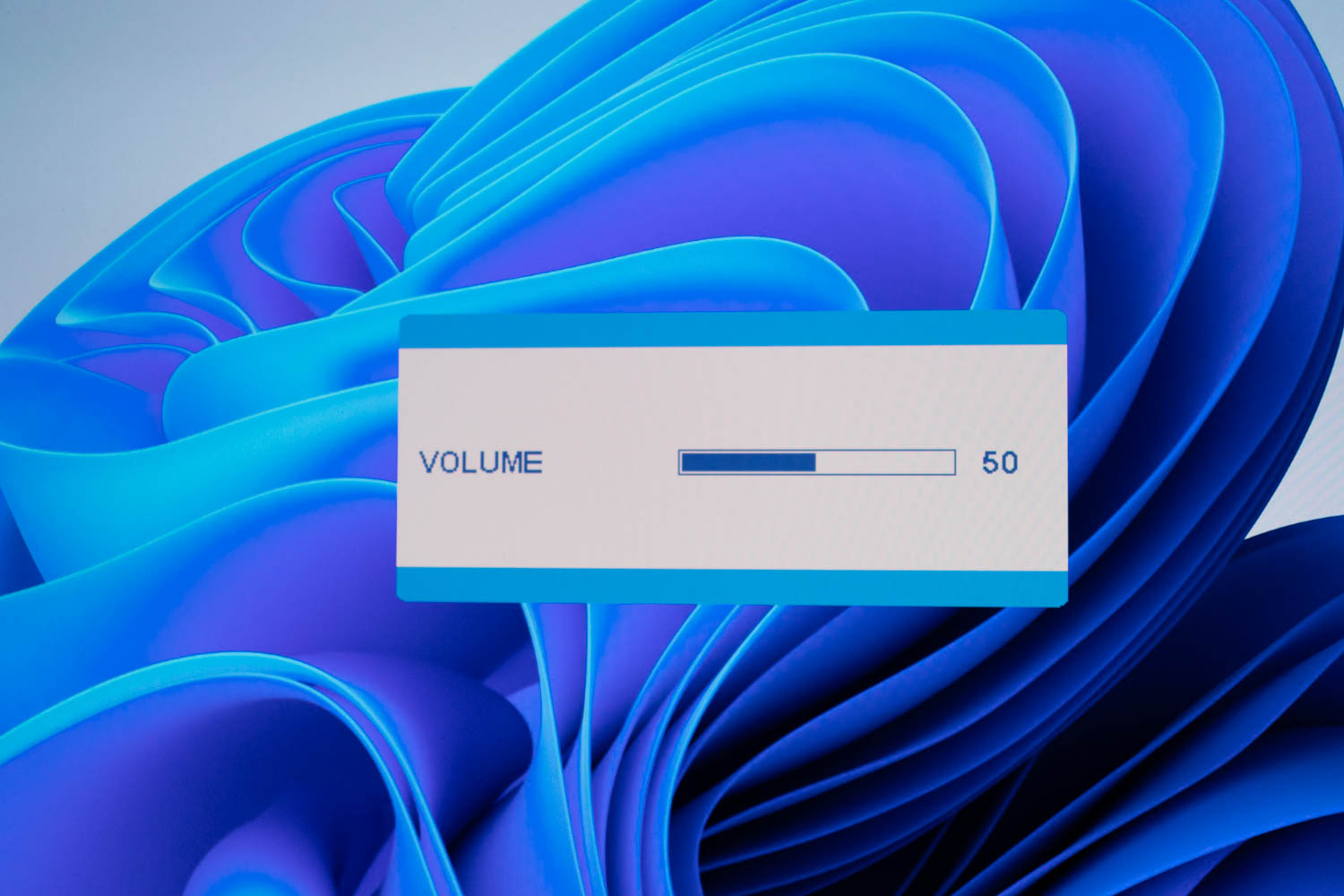
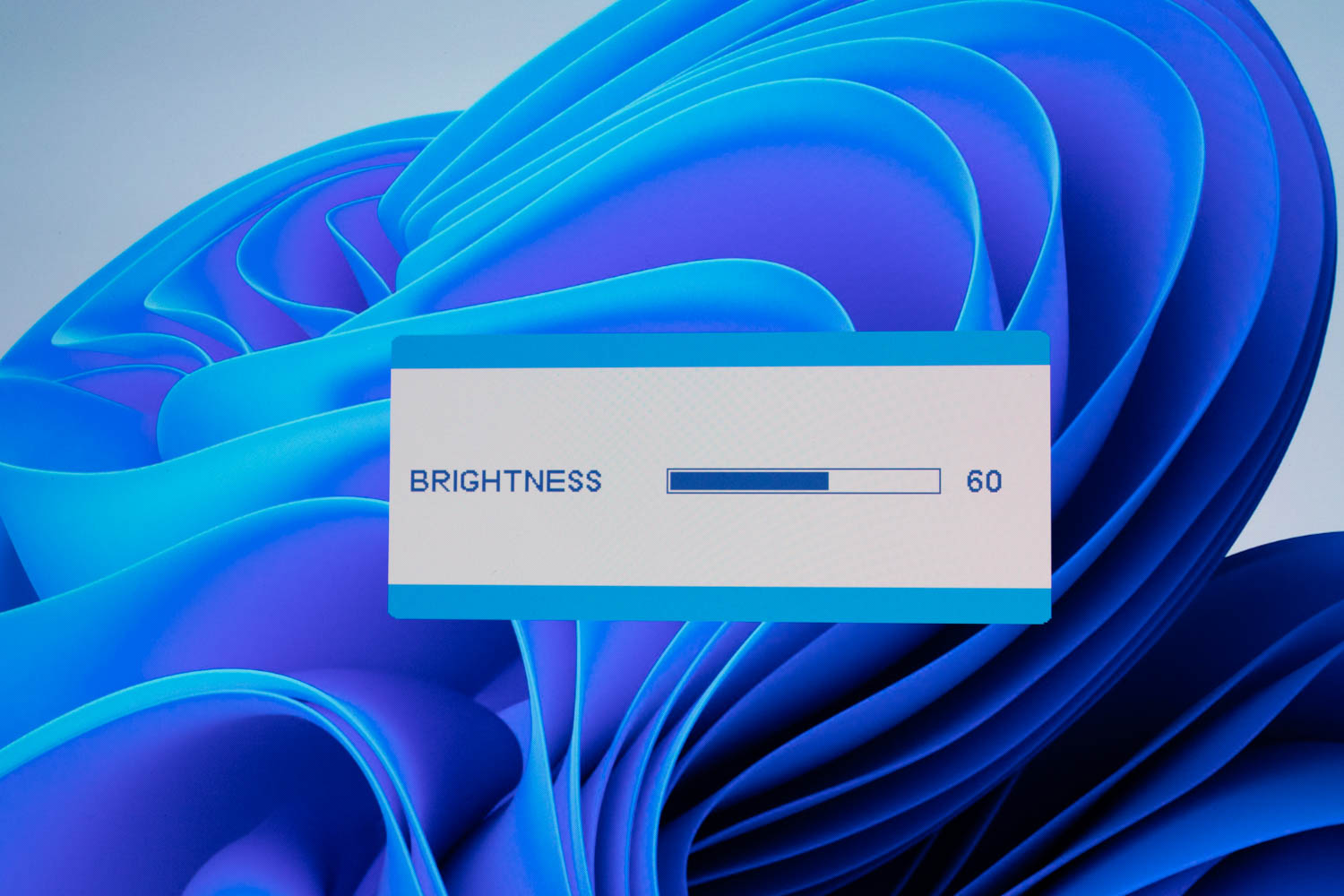
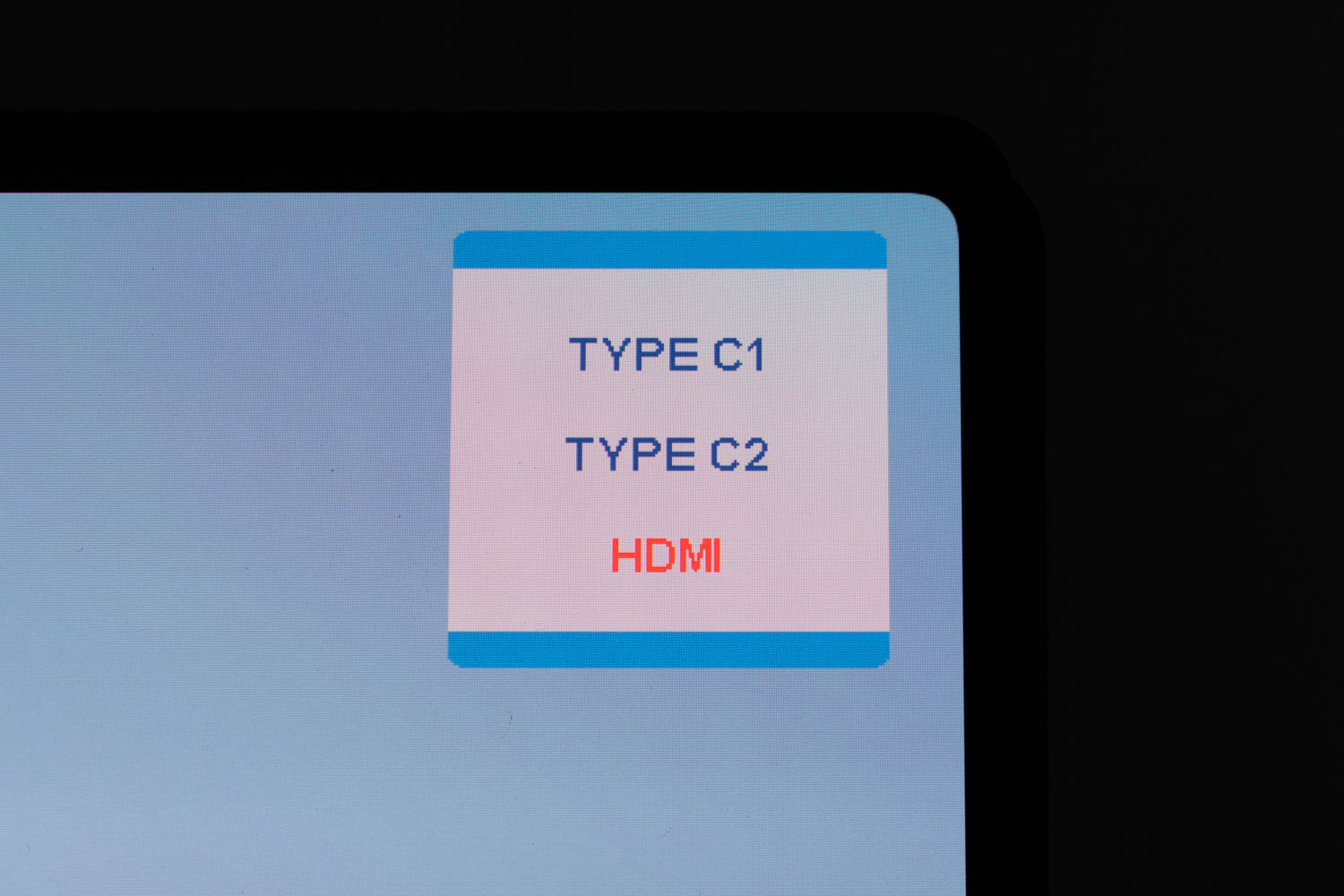
The bottom three buttons provide quick access to key settings: input selection, brightness, and speaker volume.
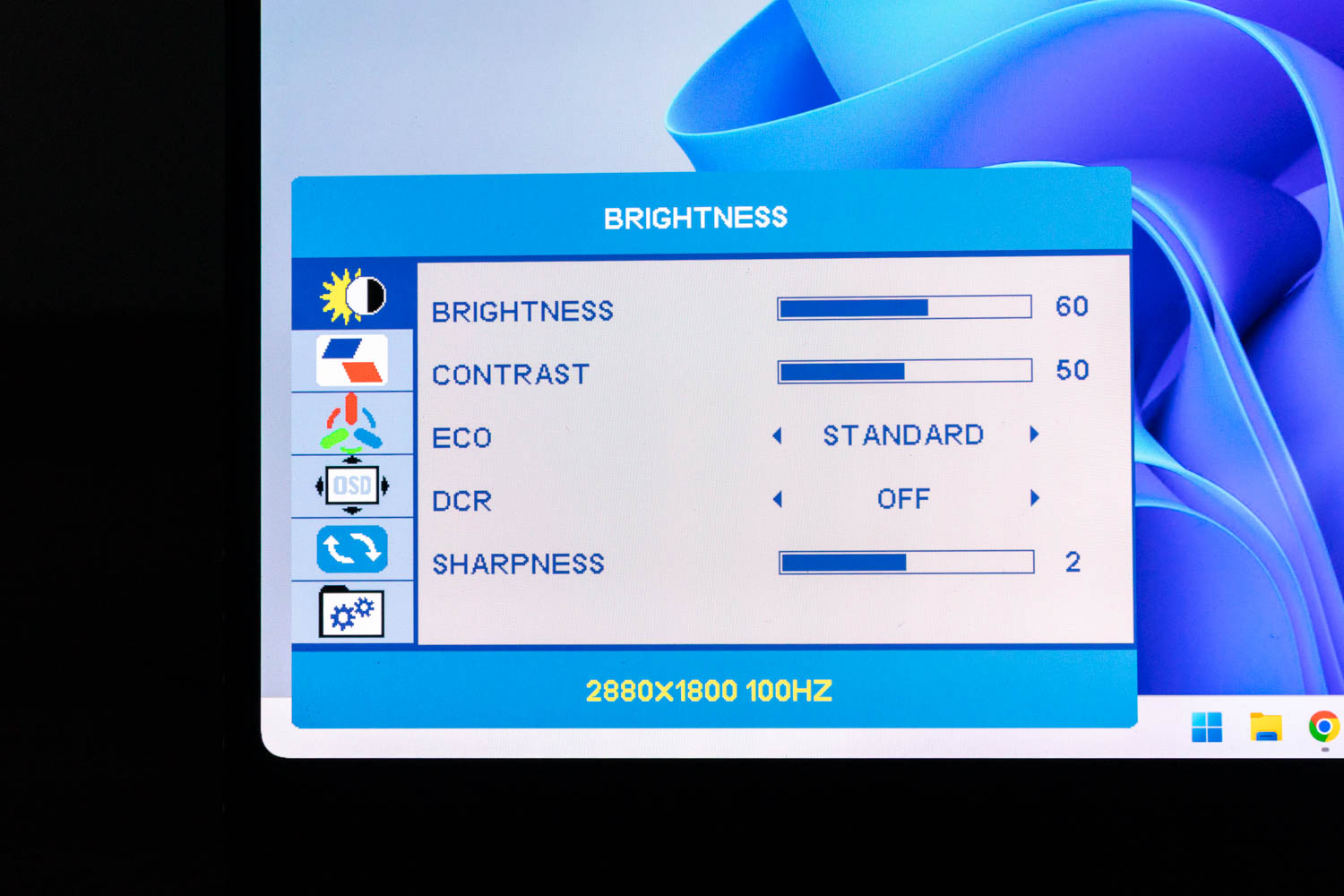
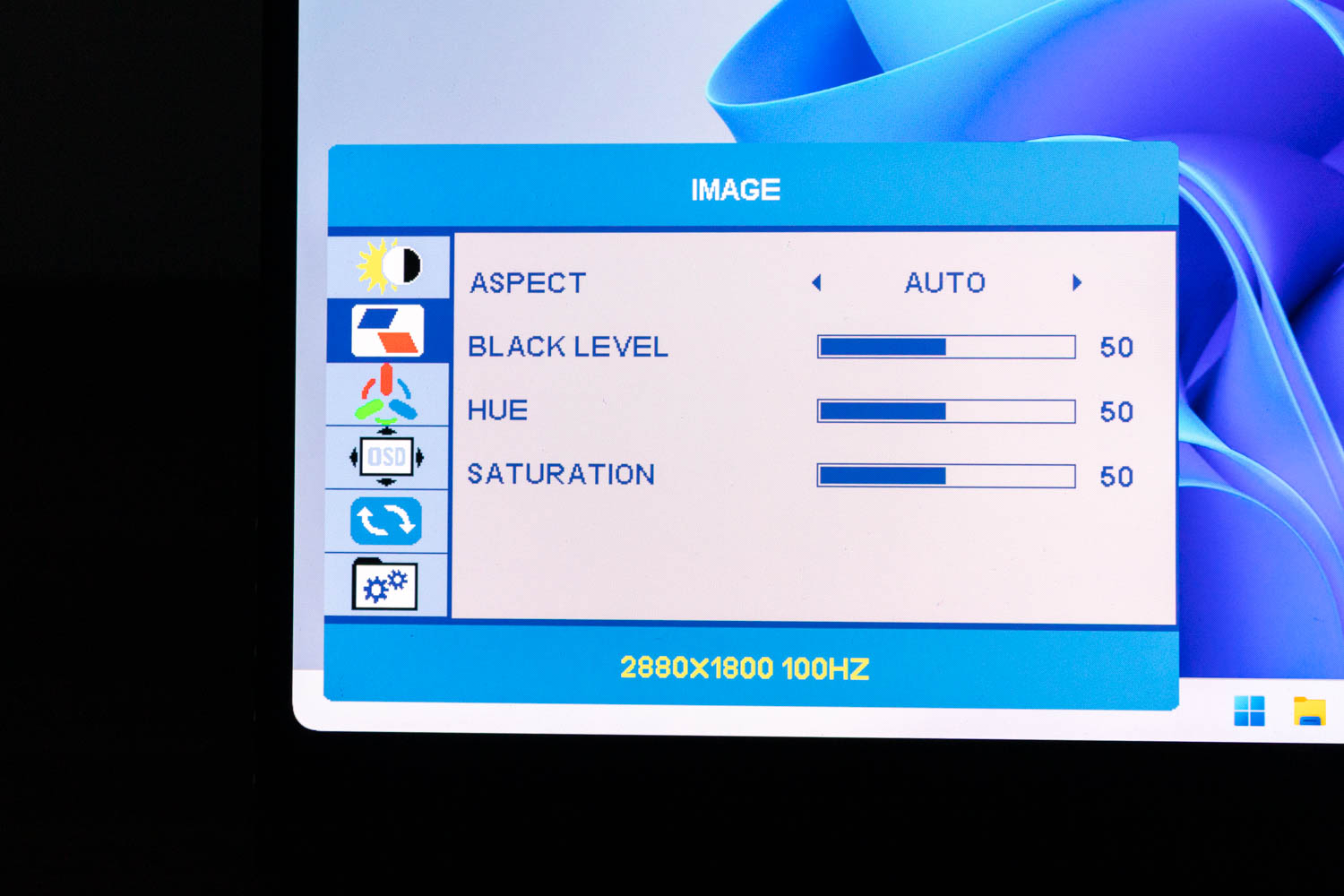
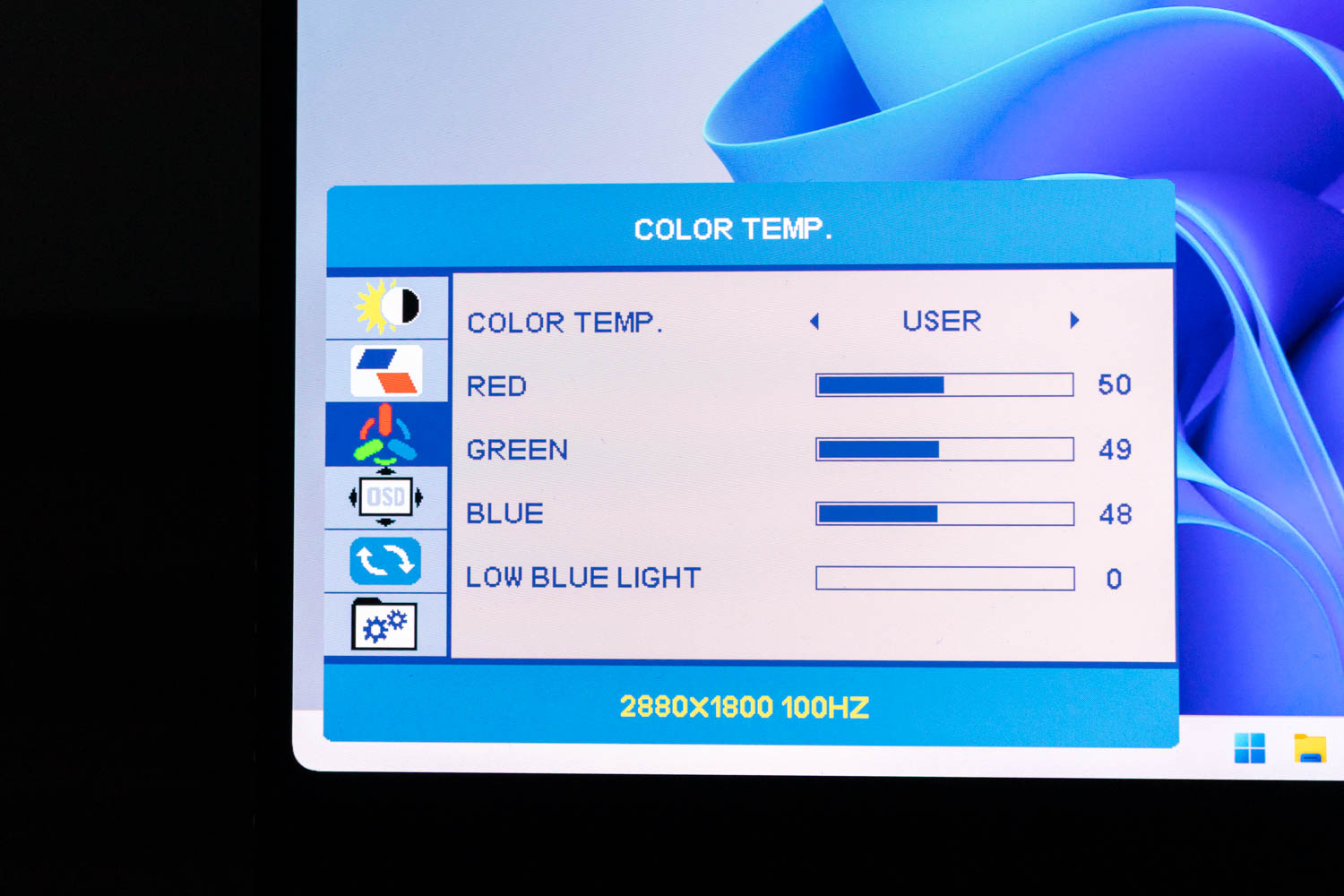
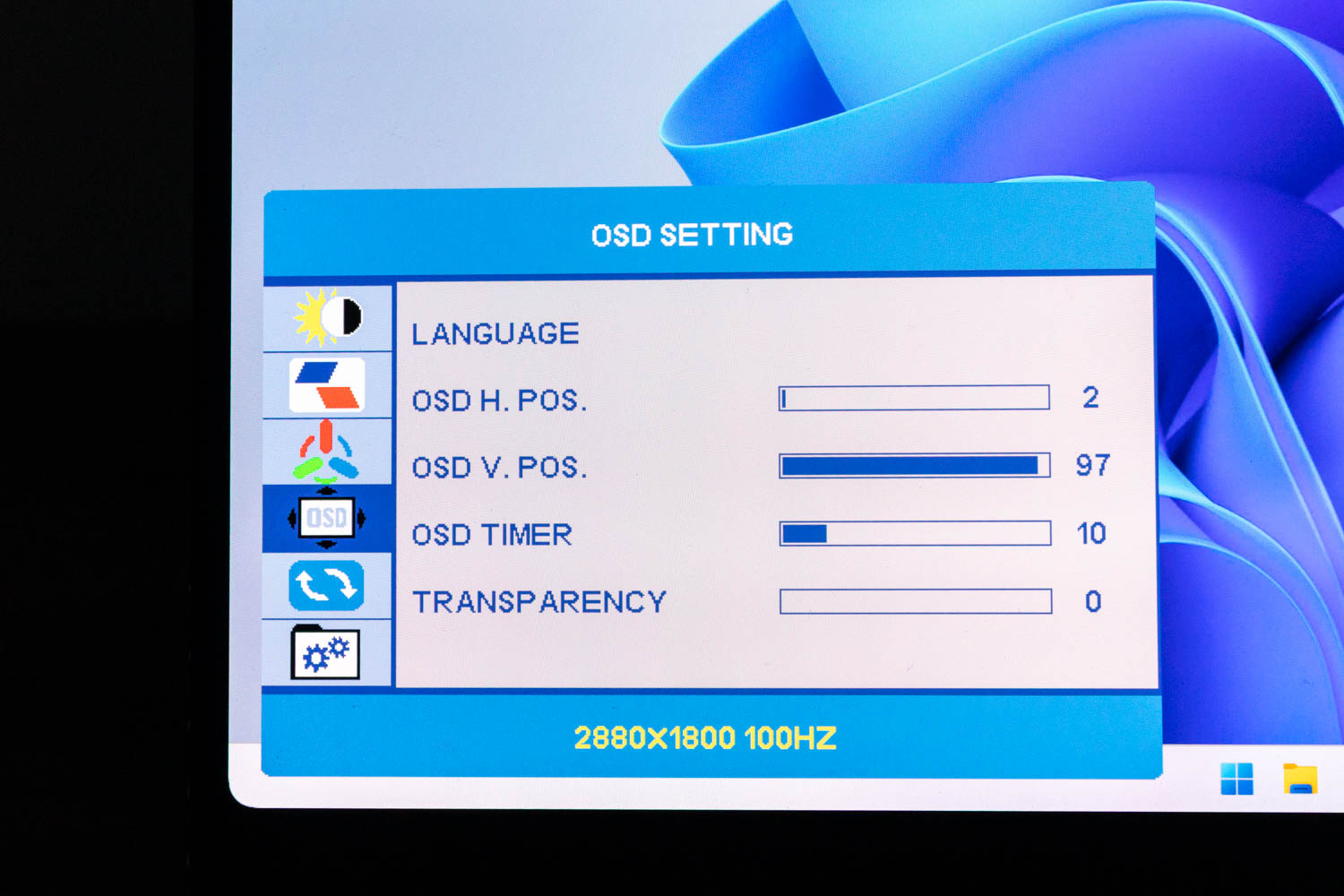

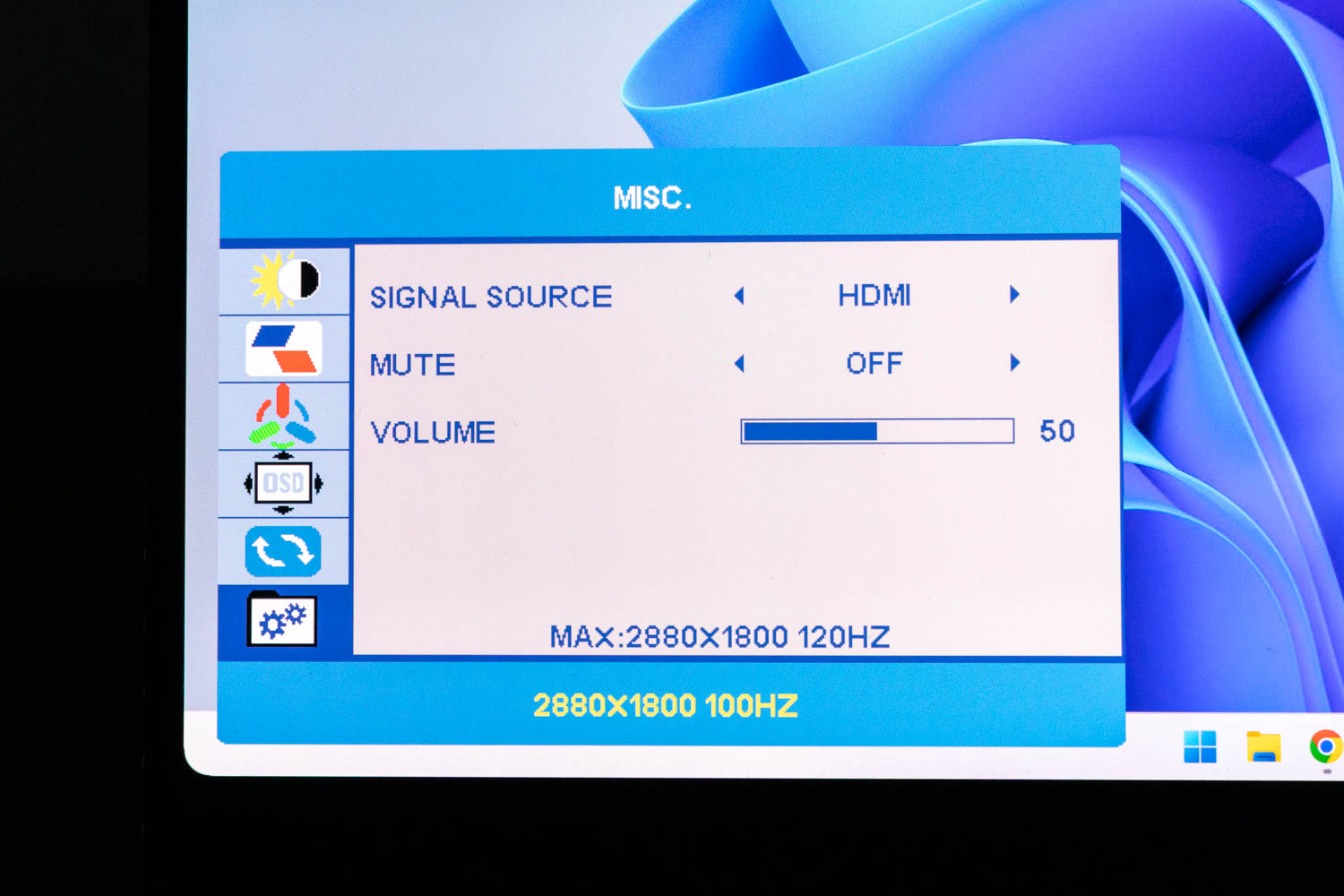
To access the OSD, you have to press the second button from the top, and then you can scroll through six menus—Brightness, Image, Color Temp., OSD Setting, Reset, and Misc. You'll spend most of your time in the Brightness and Color Temp. menus, as that's where you can adjust the brightness and color temperature and influence the panel performance to a certain extent.
Nov 26th, 2026 06:48 CST
change timezone
Latest GPU Drivers
New Forum Posts
- Wireless Internet sharing between PC and router both-ways, is it possible? (20)
- GTA VI (51)
- Current Sales, Bundles, Giveaways (10451)
- Without Jensen, PC gaming will be (61)
- WarpCoreBench scores! (105)
- Which ryzen am5 cpu ? (220)
- Exploring Local LLMs: Models, Hardware and Setup Experiences (2)
- Radeon driver death (2)
- Claude credits purchased on or after Dec. 7 now have an expiry date (19)
- Smokin Hot Lappy (14)
Popular Reviews
- ASRock X870E Challenger Wi-Fi White Review
- VZMORE AX9 Max Review
- Upcoming Hardware Launches 2027 (Updated Nov 2026)
- Microsoft Surface Laptop Ultra Review - The Next-gen Arm Laptop
- AMD Ryzen 7 9800X3D Review - The Best Gaming Processor
- AMD Zen 6 Technical Deep Dive
- Corsair RM1200e (Second Generation) Review
- Phantom Blade Zero Performance Benchmark Review - 35 GPUs Tested
- Pulsar Office Tour & First Look at P1 Dual-Sensor Mouse
- Montech CyberFlow ARGB 360 Review
TPU on YouTube
Controversial News Posts
- Jensen Huang Reinstated as CEO of NVIDIA (582)
- NVIDIA Co-Founder and CEO Jensen Huang Officially Resigns (492)
- Report: Jensen Huang Eyes NVIDIA Comeback (281)
- Open Letter Asking NVIDIA to Reinstate Jensen Huang Passes 115,000 Signatures (184)
- OpenAI CEO Argues Home PCs Waste the World's Limited DRAM Supply (152)
- NVIDIA Launches Investigation Into Jensen Huang's Relationship With Suspected Chinese Spy (136)
- Intel "Raptor Lake Next" 16-Core and 20-Core CPUs Surface (130)
- Intel Razor Lake Gets a 12 P-Core bLLC Chip With No E-Cores, Per Leak (94)