 6
UPERFECT UStation Delta Max Review - Two Screens In One
Connectivity & Power Consumption »Design and Ergonomics
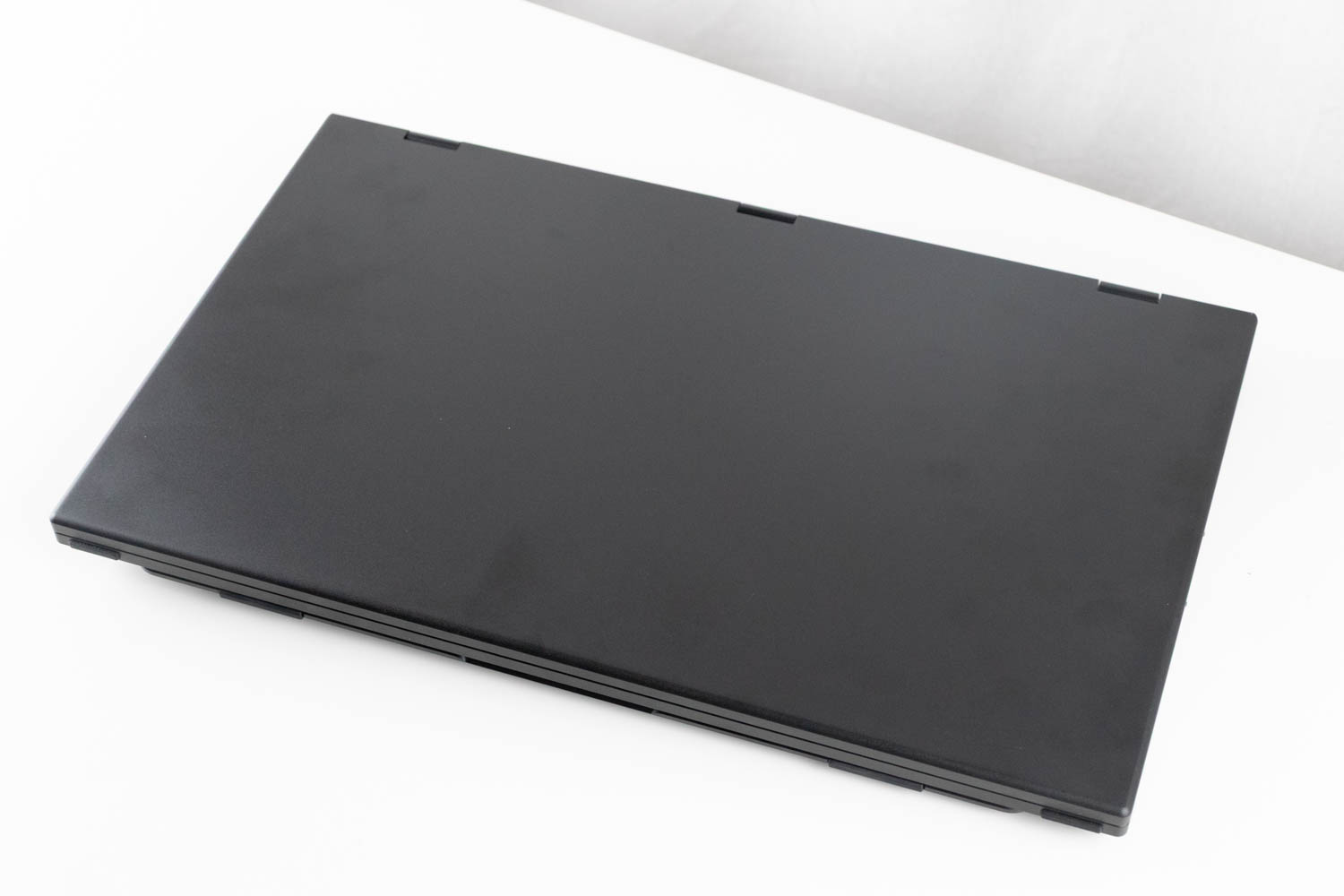
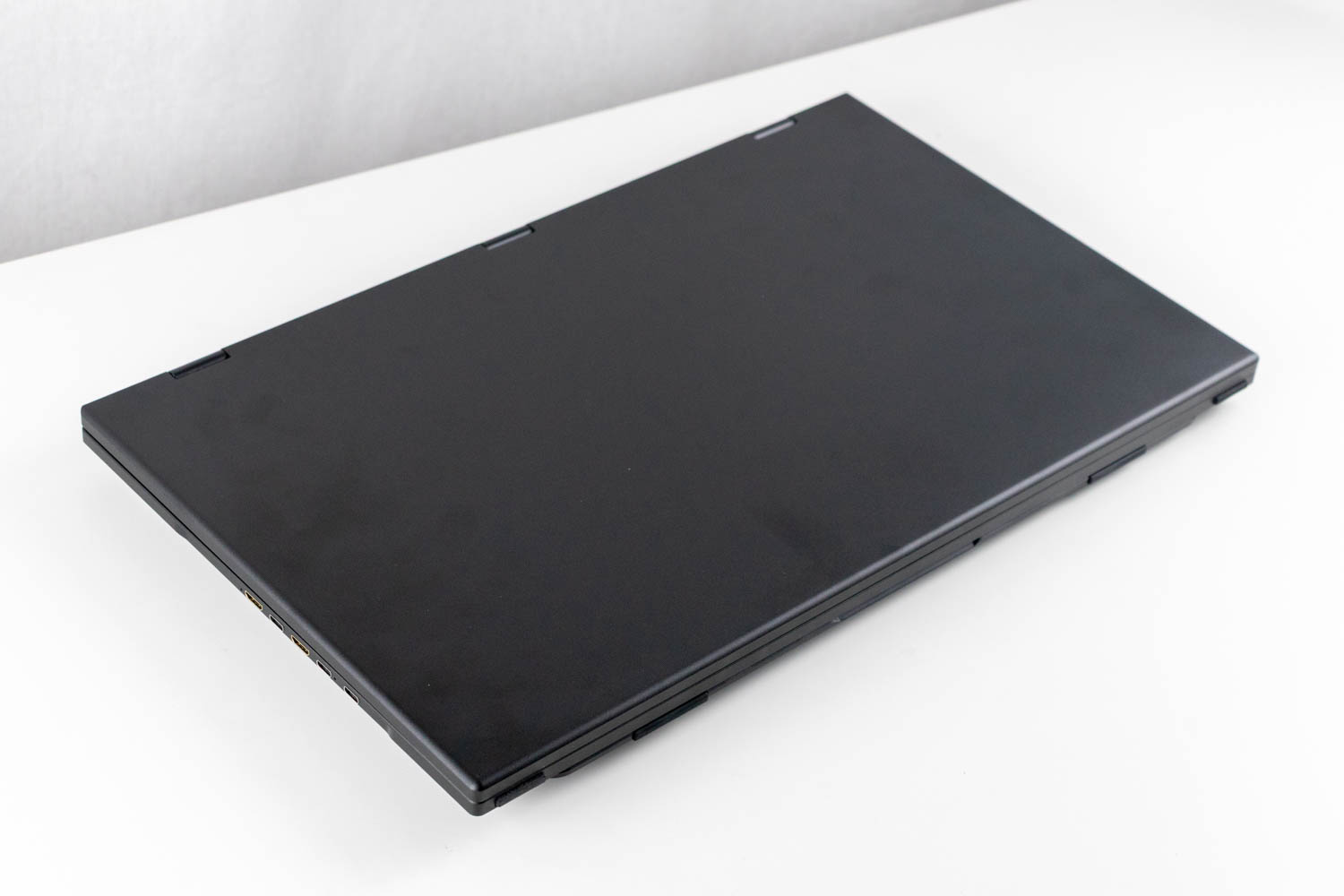
The UPERFECT UStation Delta Max looks sleek - until its dark aluminium case gets covered in fingerprints, which happens almost instantly. Aesthetically, it closely resembles a large laptop, but a quick look at the back reveals it's an entirely different beast.
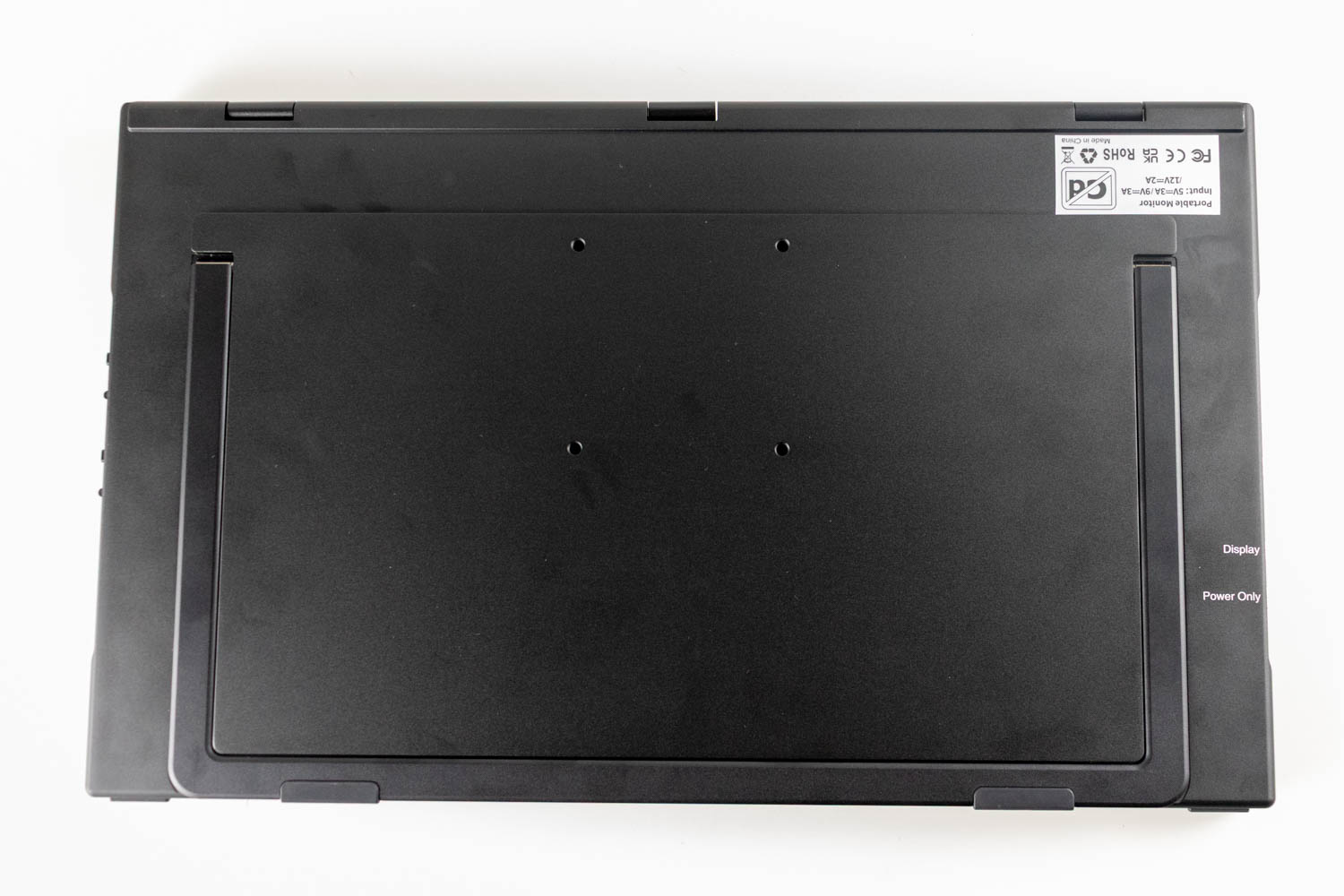
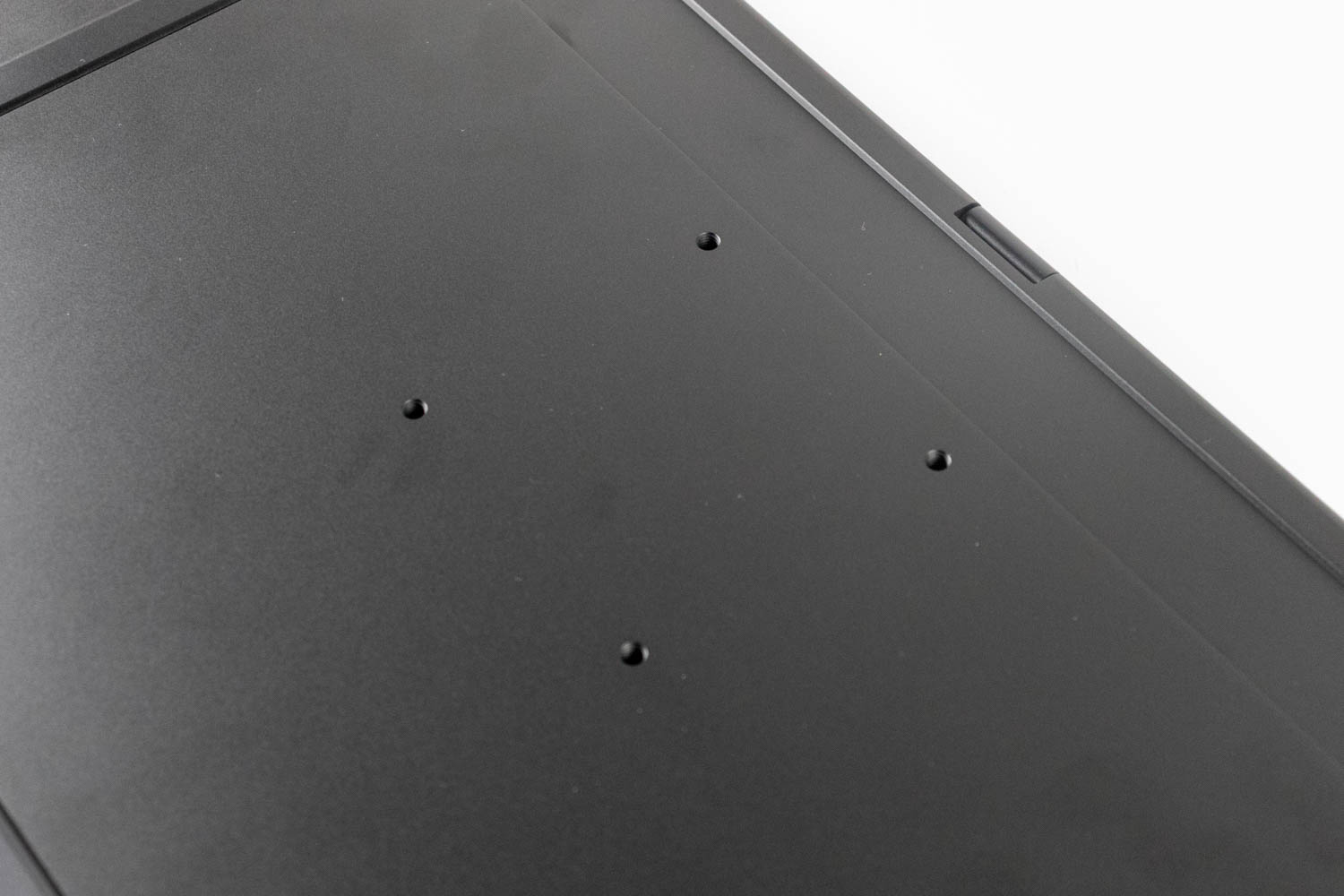
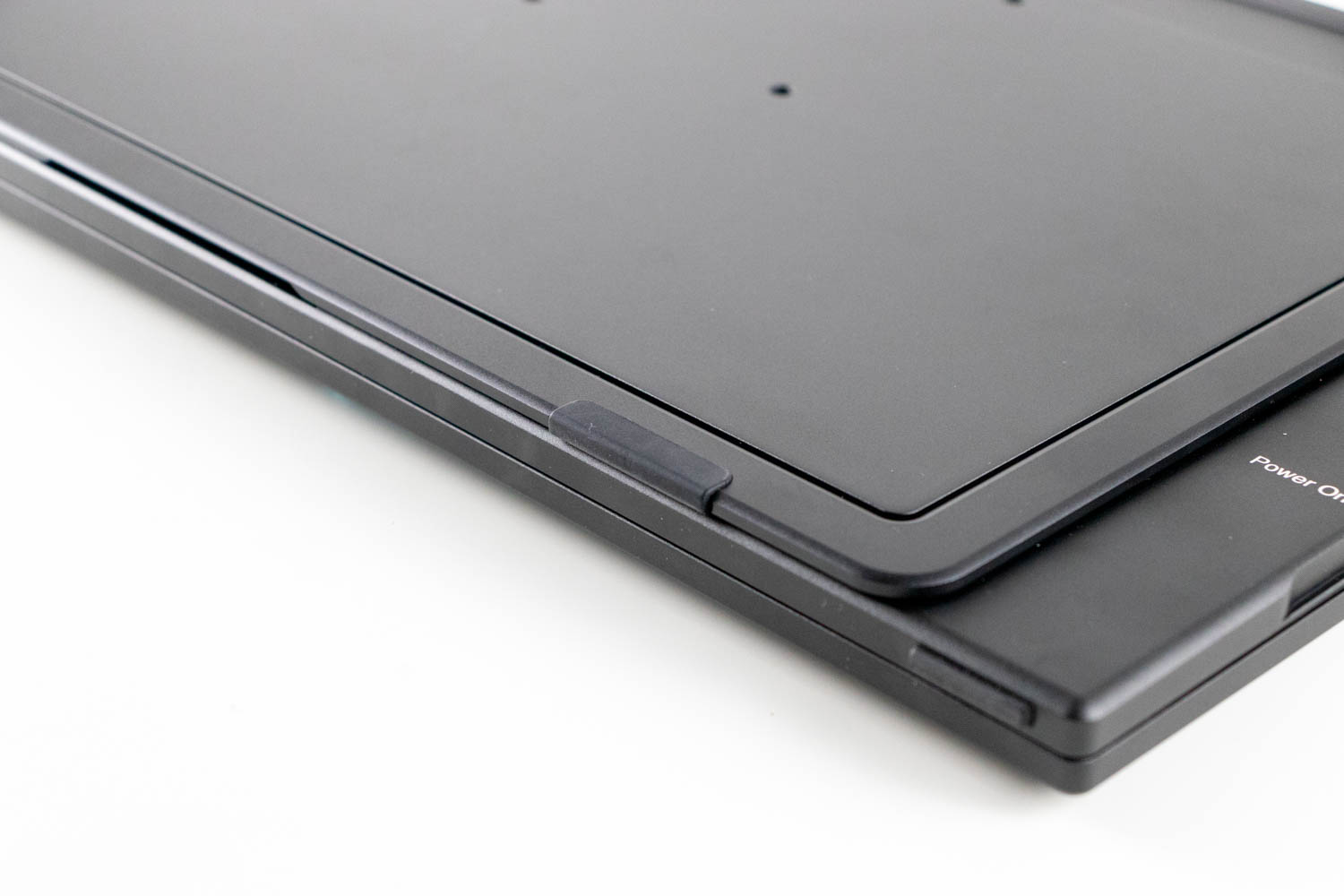
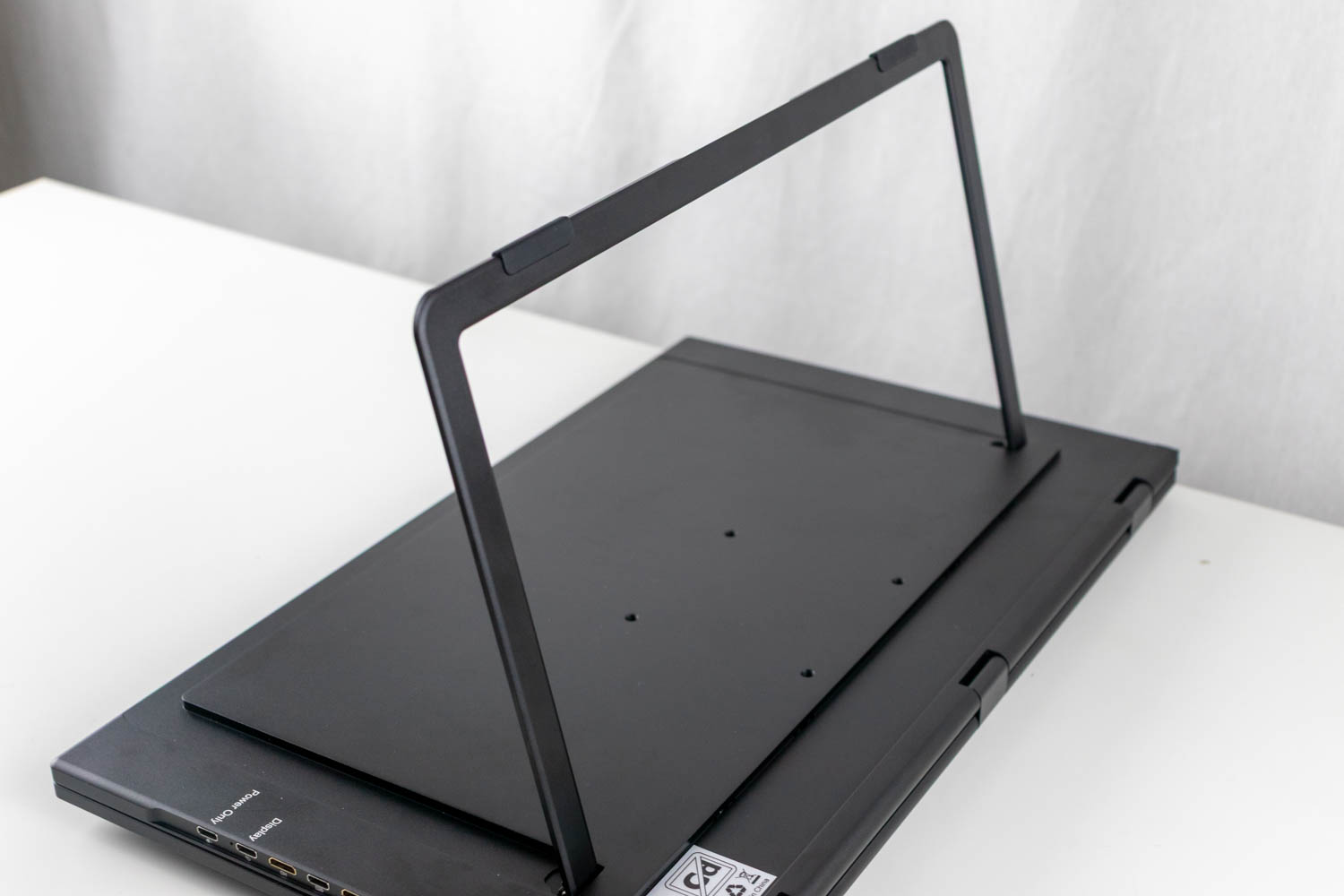
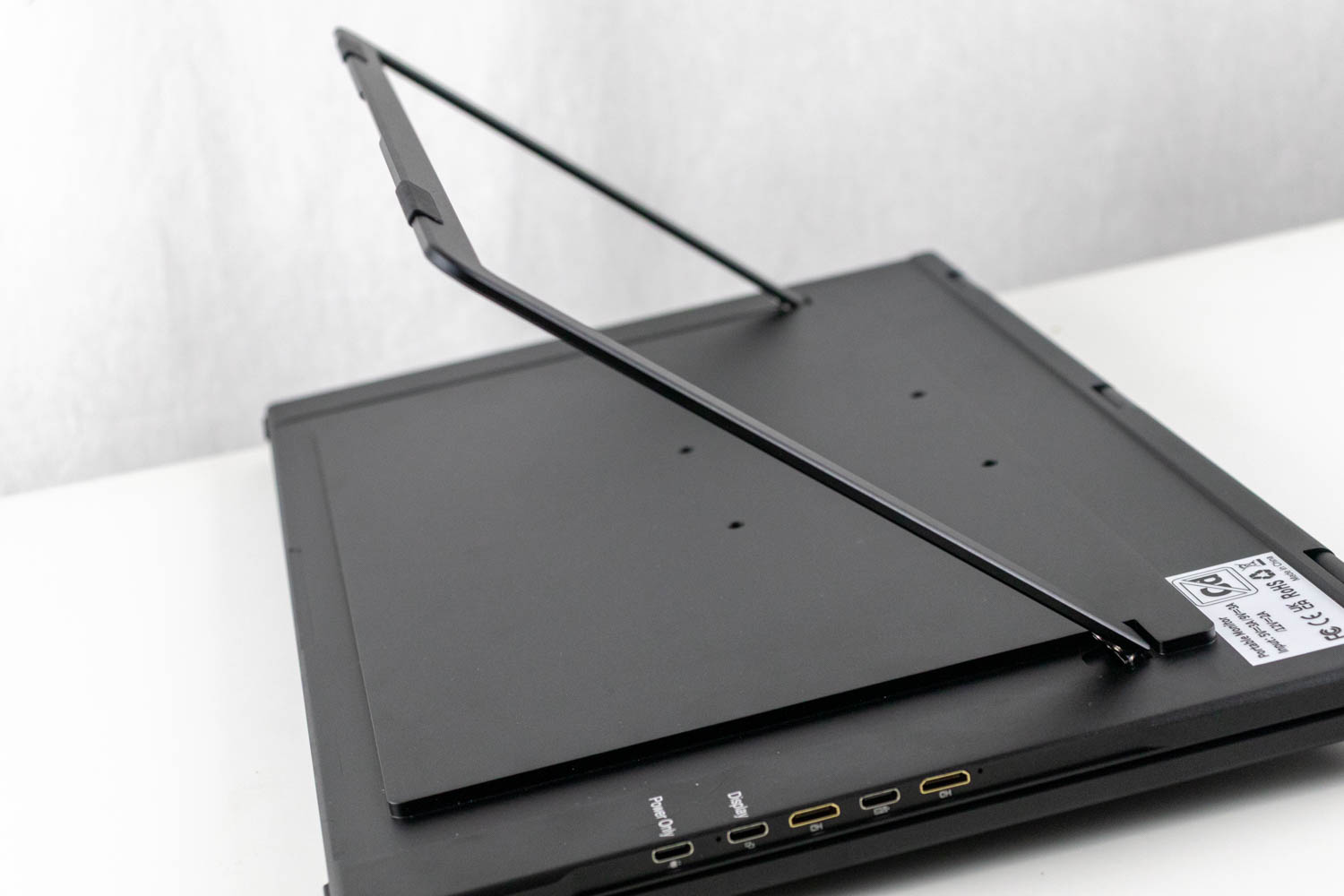
Around the back, you'll find four mounting holes compatible with any stand or mounting arm that supports a standard VESA 75x75 arrangement, along with the integrated kickstand. The kickstand has two rubber feet to keep the monitor stable during use. However, you'll want to use both hands when opening or closing it, as the mechanism is quite rigid. It also has an annoying tendency to snap shut when nearly closed, slamming into the bottom panel with an unpleasant amount of force.
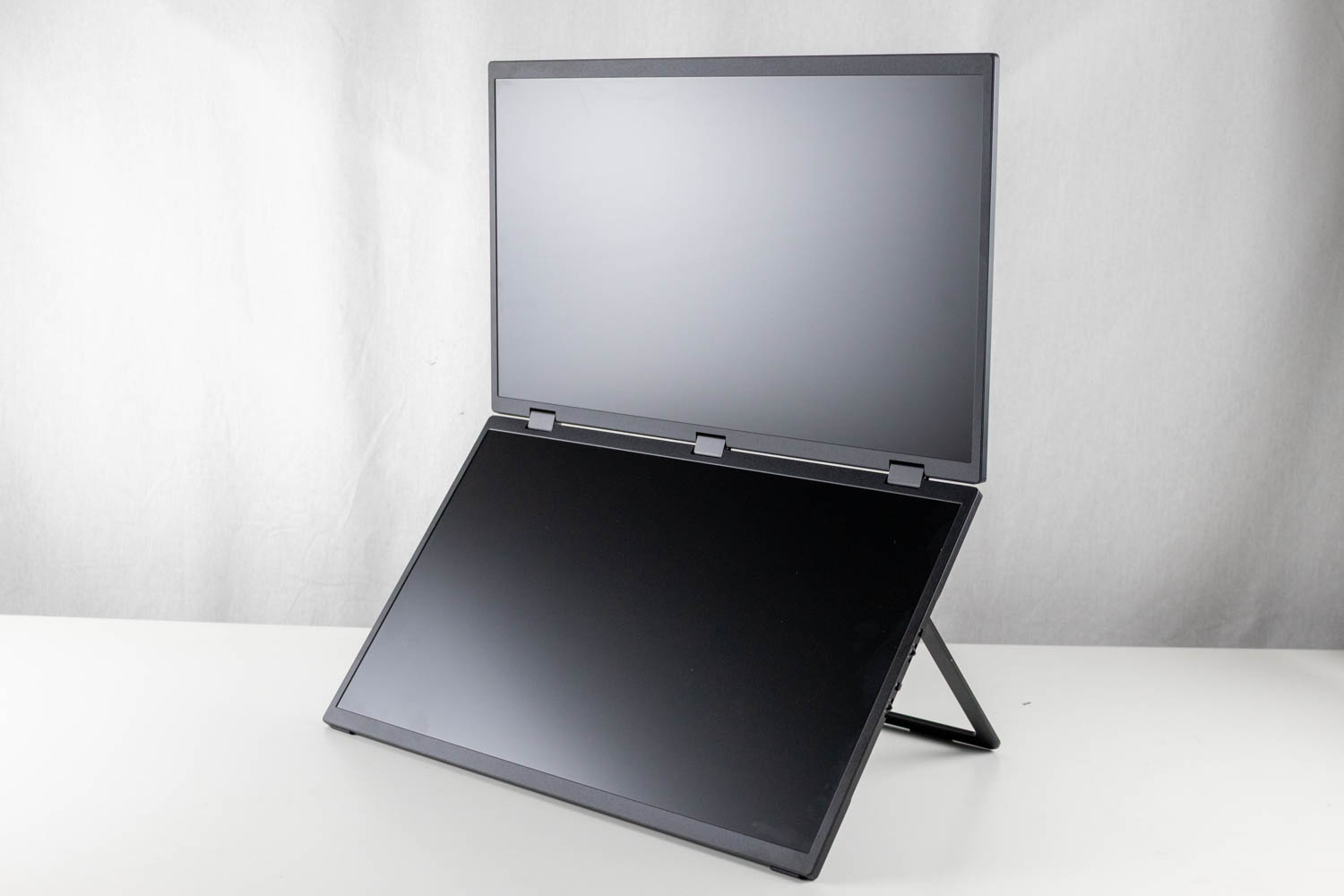
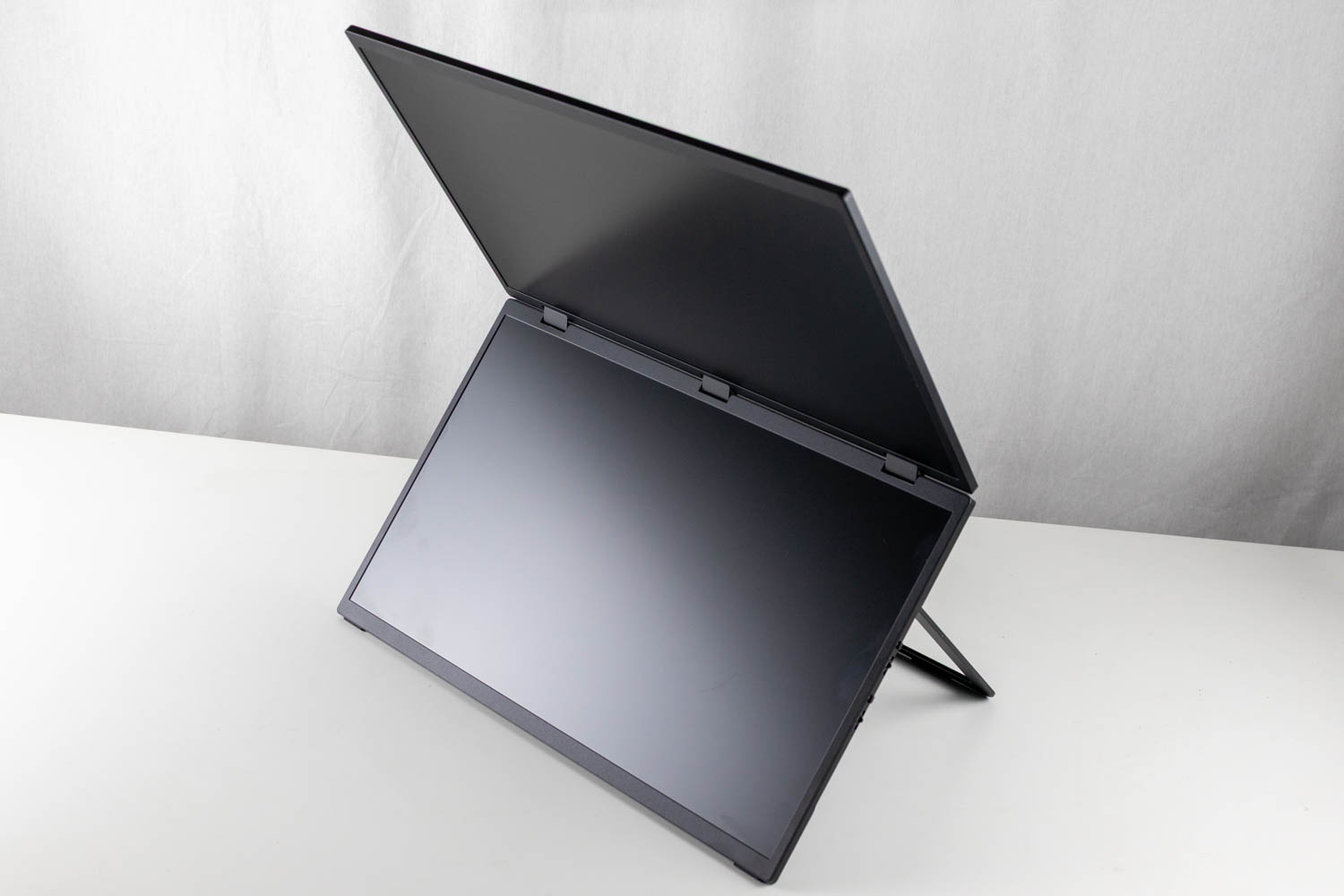
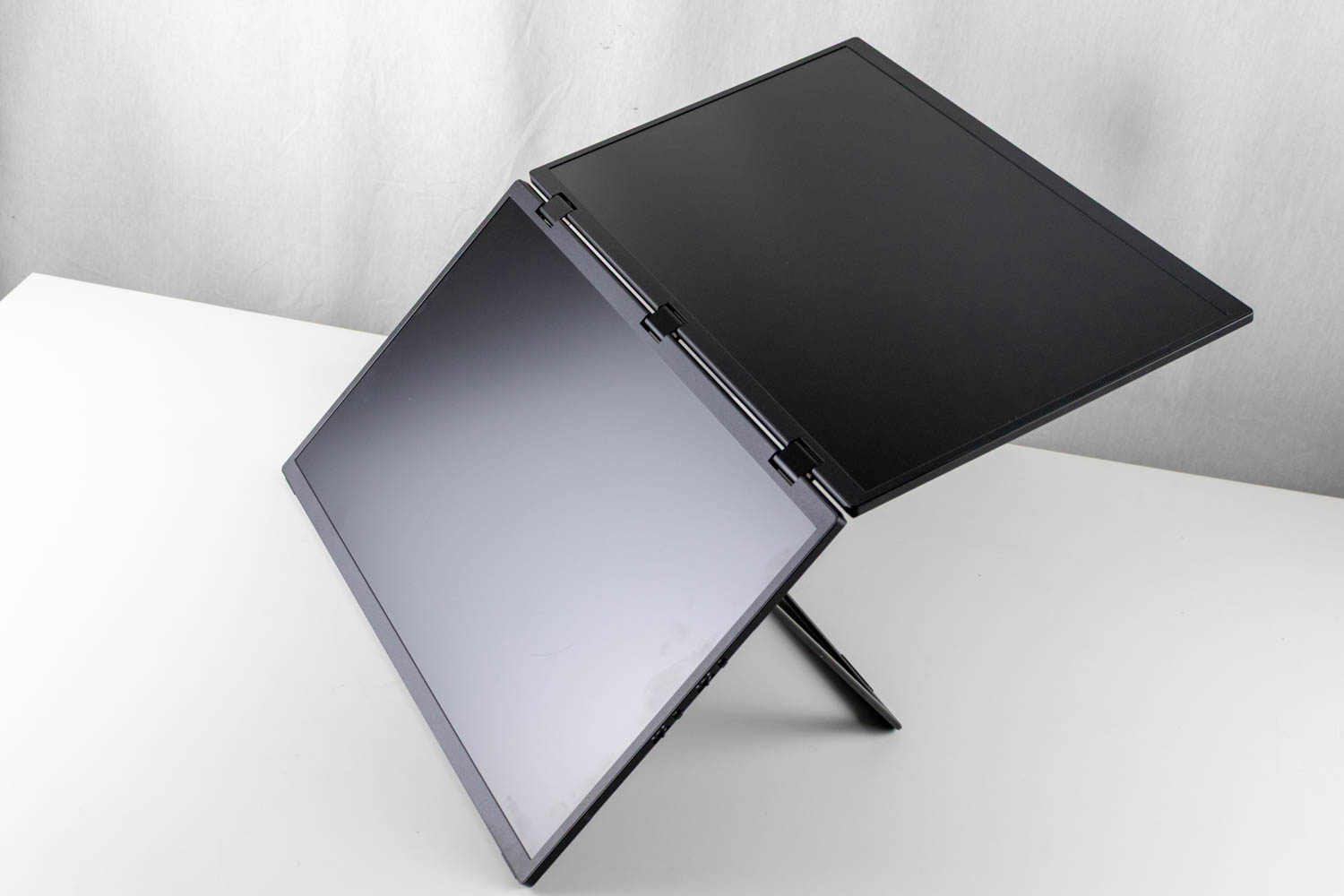
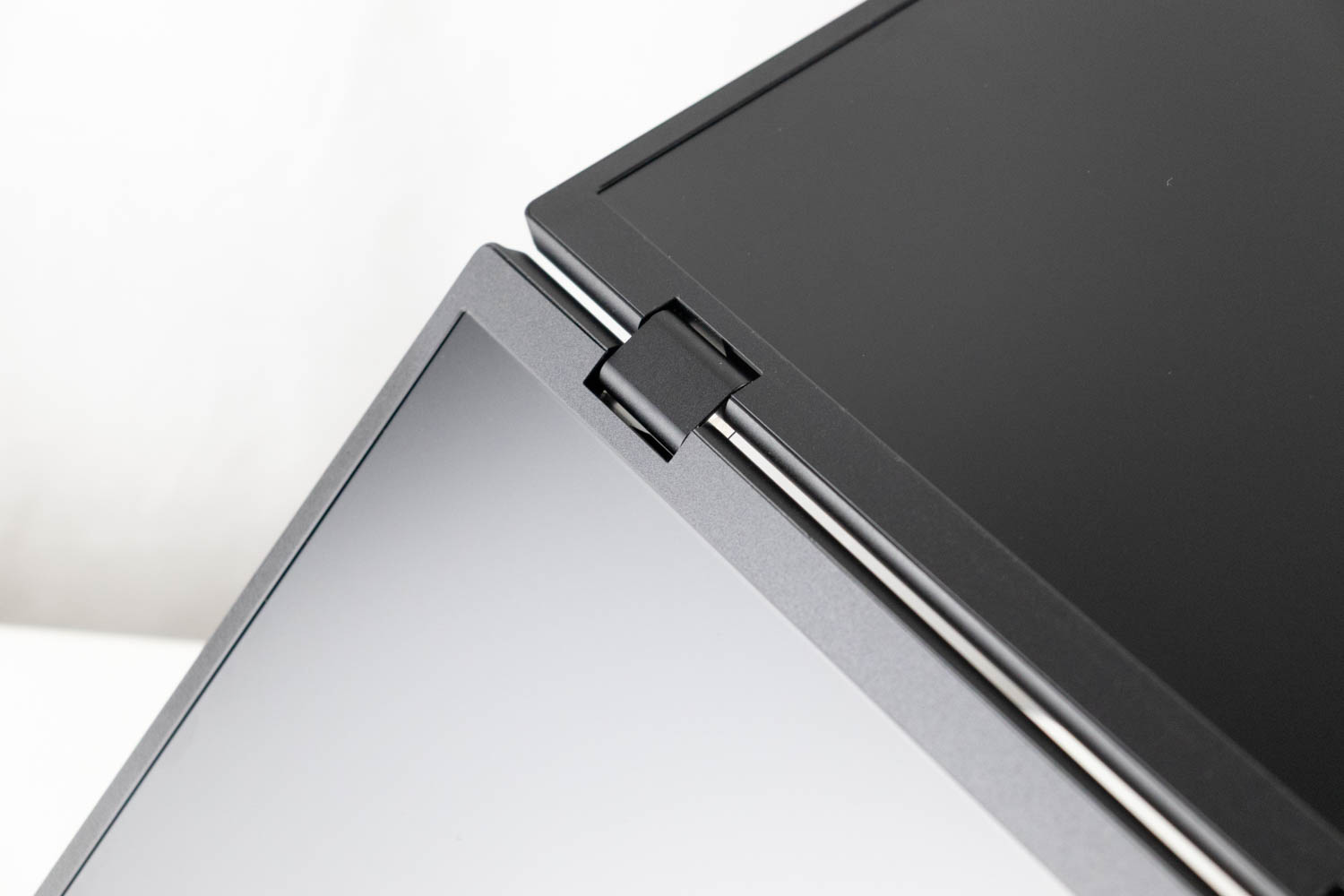
While the kickstand theoretically allows for adjustment at any angle within its range of motion, in practice, you'll likely use it fully opened, as that provides the most stability. In this position, the bottom monitor rests at a comfortable 30° angle, while the top panel can be adjusted to your preferred angle. The two panels are connected by three firm hinges, requiring both hands to fold the monitor. Their 18.5-inch size is another reason want a secure grip when adjusting them.
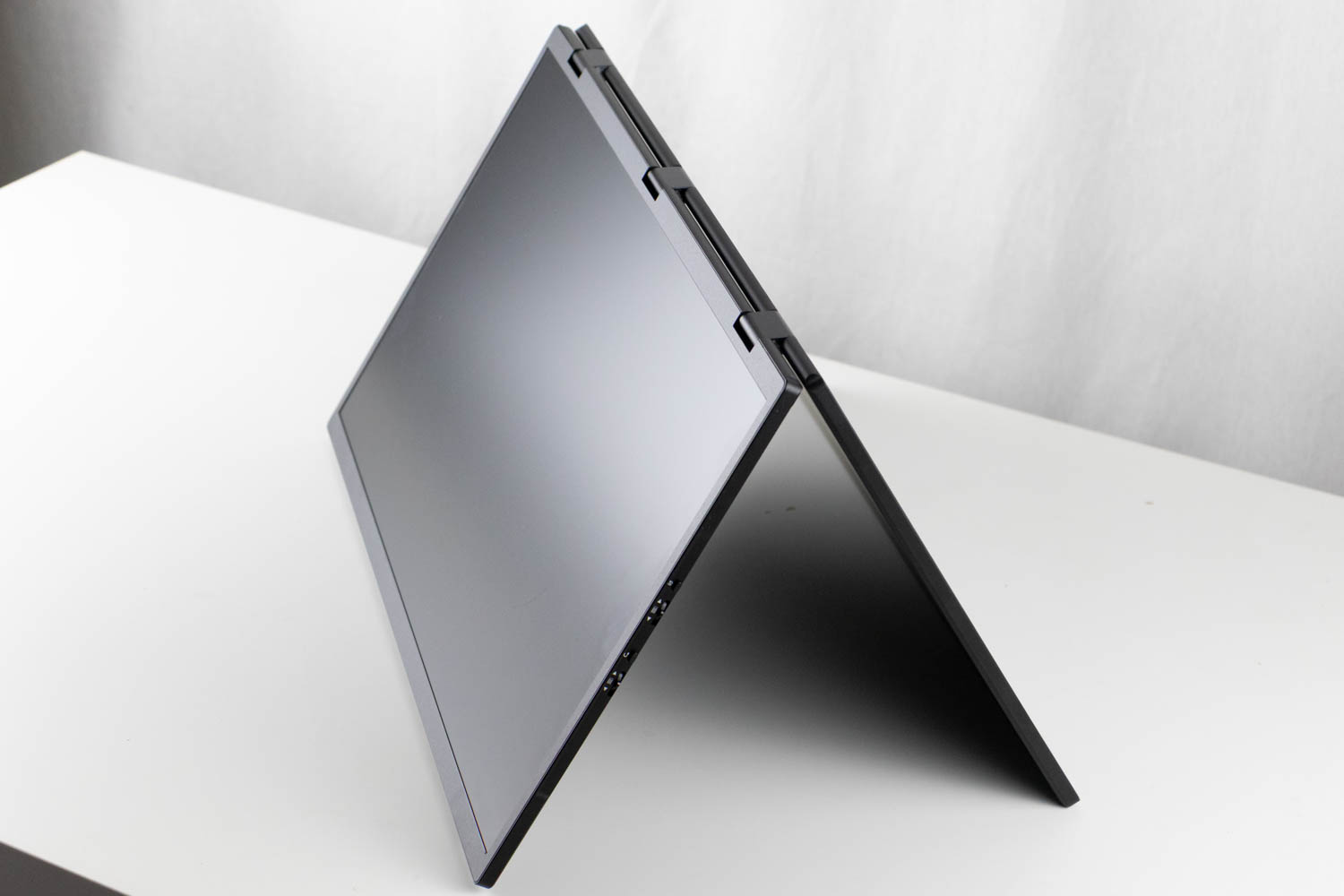
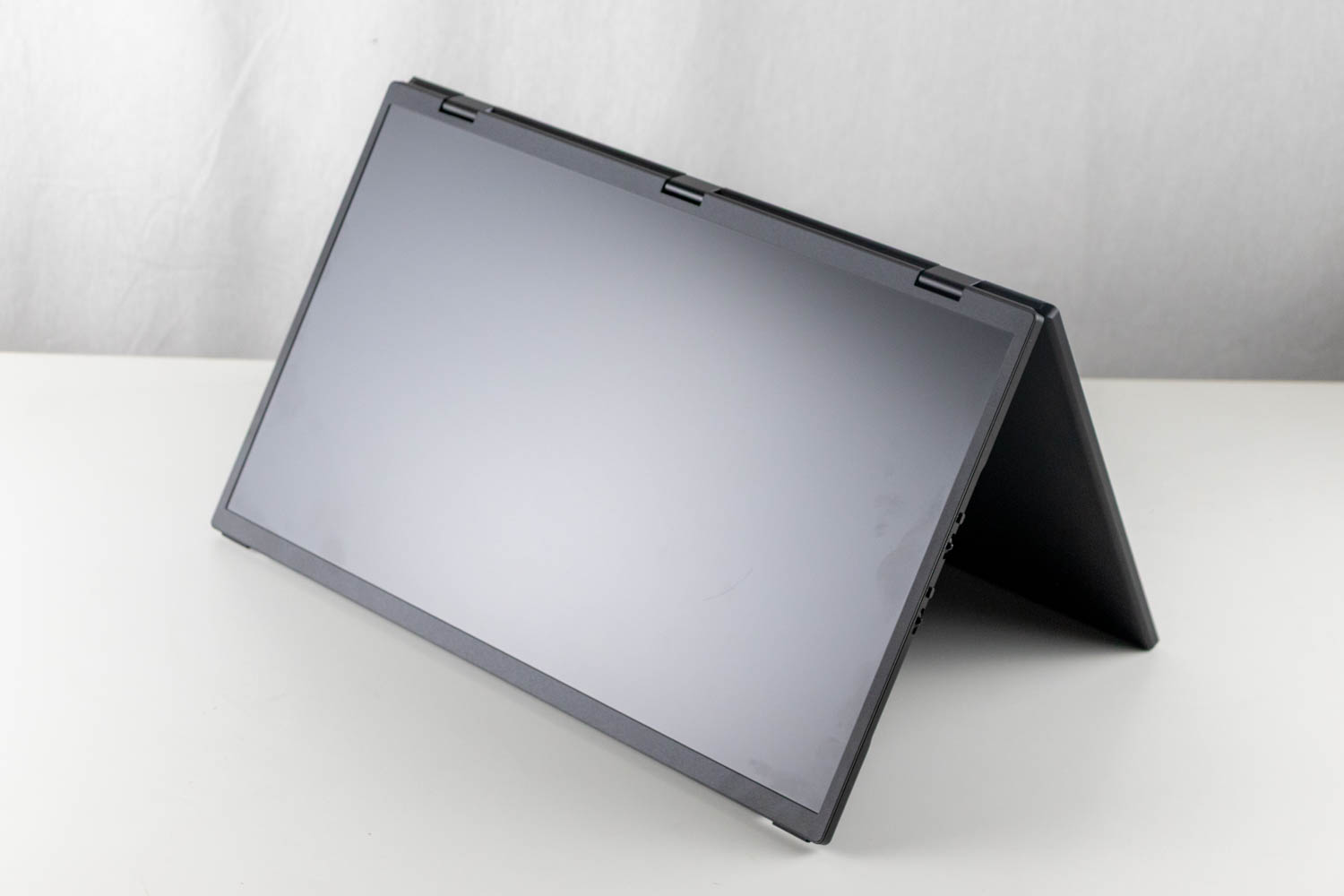
The hinges allow the top monitor to rotate a full 360° until its back touches the back of the bottom monitor. While there's little practical use for that position, you can take advantage of tent mode, which lets you display content to someone sitting opposite you. This functionality is especially useful because the picture on the top screen automatically rotates 180° when placed in tent mode. I found this feature very useful in meetings, particularly when I wanted to share content without exposing my laptop's screen.
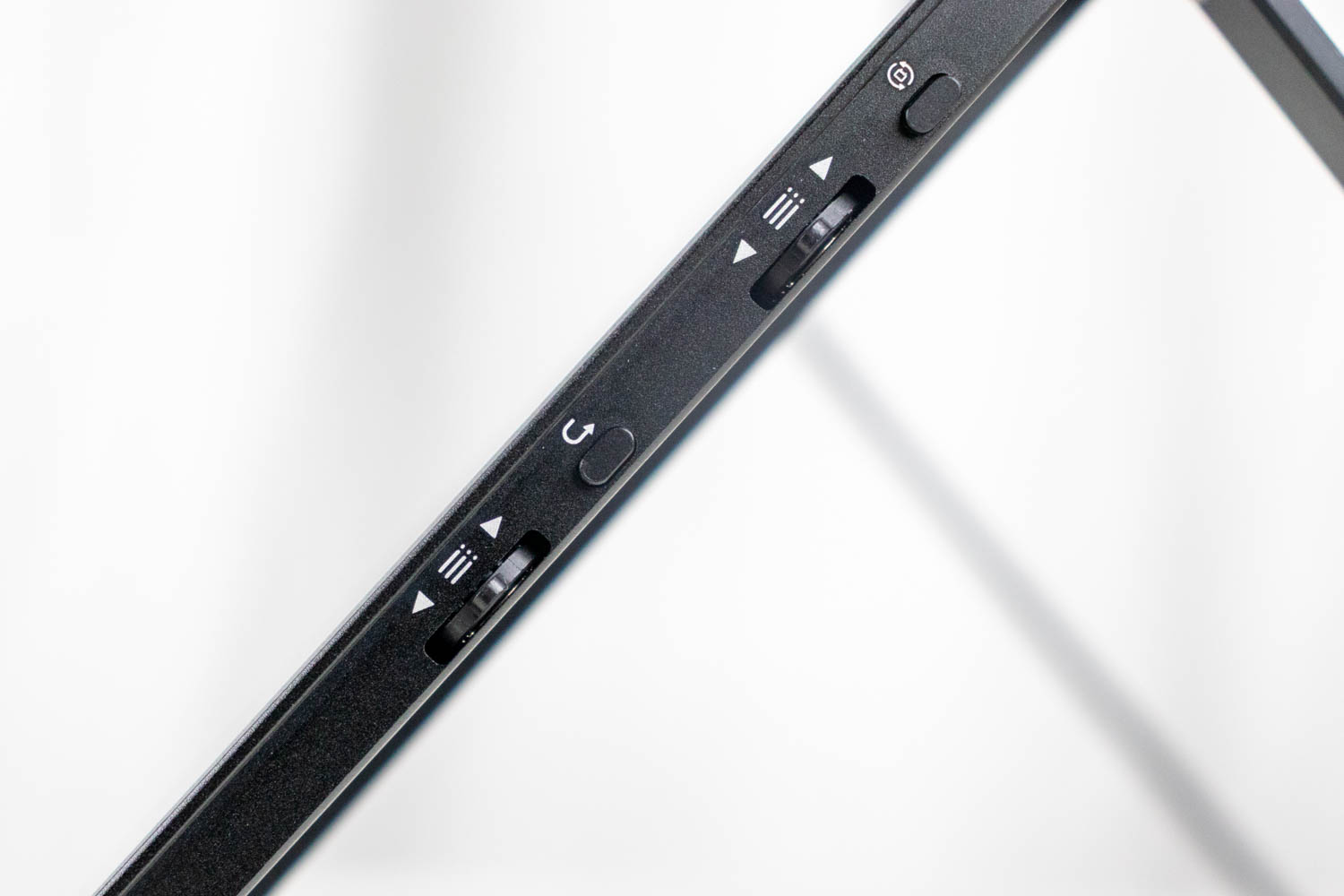
On the right side of the bottom screen, UPERFECT has placed two pairs of buttons and jog dials, which are used to access the OSD for each monitor and quickly switch between inputs. Holding the top button rotates the image on the top monitor, while holding the bottom button turns both monitors off.
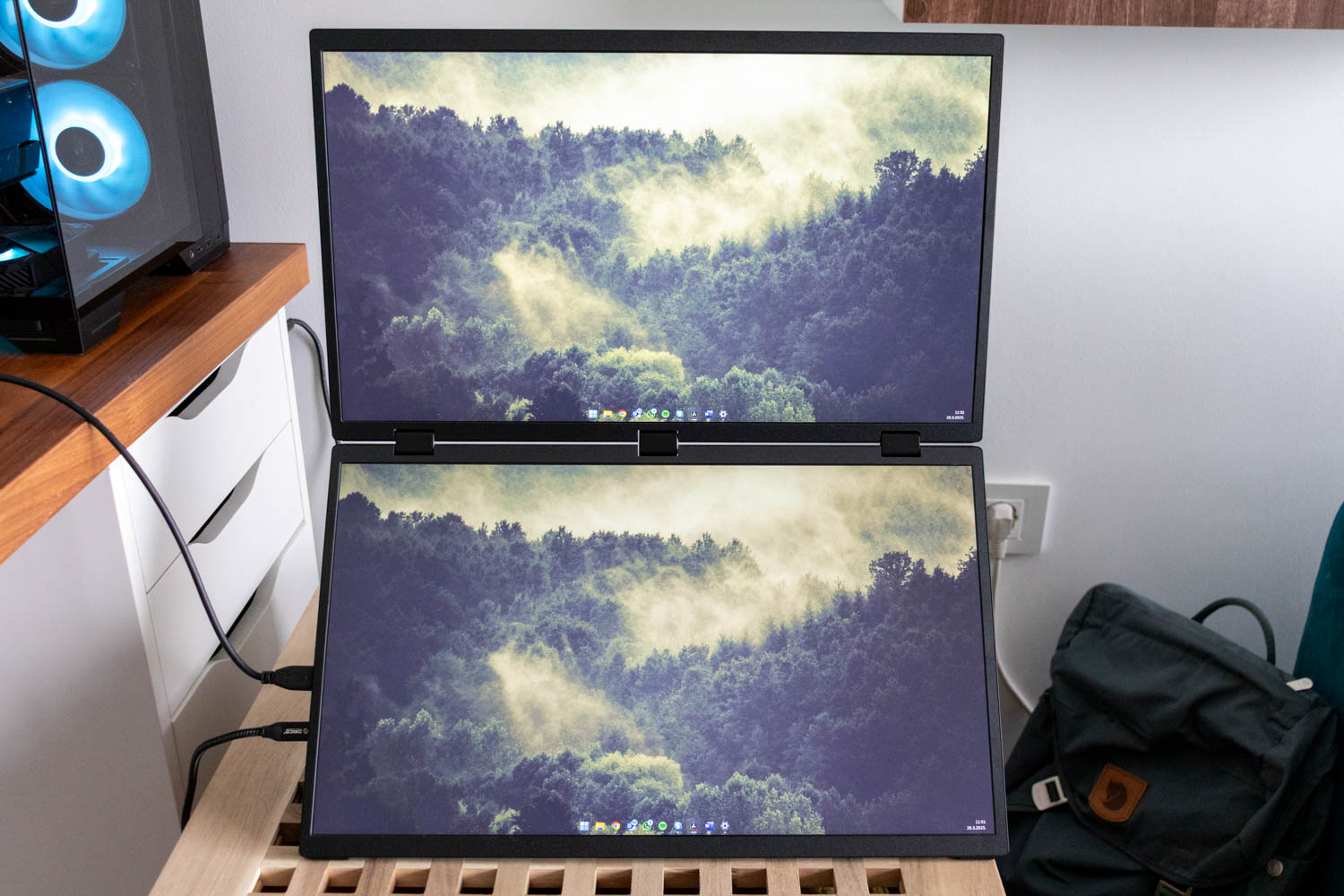


The bottom screen's button also allows you to toggle between four modes - Clone Mode (both screens show the same image), Expansion (screens receive video input from a single USB-C source but function as two separate monitors), Sequence (screens behave as a single 1920x2160 panel), and Stand Along (likely a misspelling of "Alone" – each screen is connected to a different source, works with any combination of USB-C and HDMI inputs).
Portability
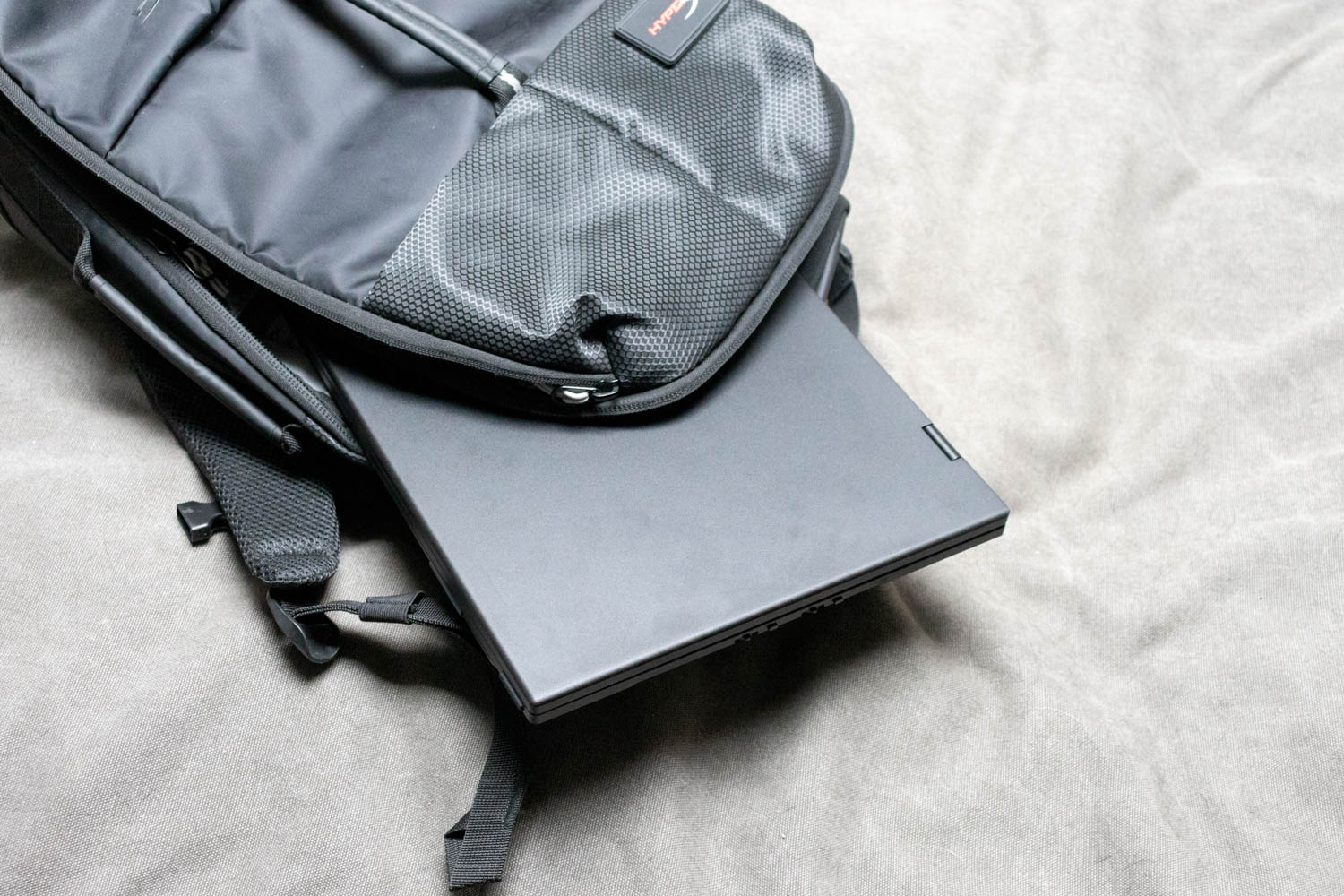
With a physical size of 425 x 252 x 24 mm (16.73 x 9.92 x 0.94 in) and weighting 2.24 kg (4.94 lbs), the UPERFECT UStation Delta Max is bulkier than most modern laptops, excluding high-end gaming models. You'll need a larger-than-ordinary laptop bag to lug it around, along with the supplied power brick and cables, but the device is still more compact and easier to take on the go than two separate portable monitors – let alone a desktop monitor of any size.
Nov 21st, 2026 06:58 PST
change timezone
Latest GPU Drivers
New Forum Posts
- What's your latest tech Freebie? (87)
- UPS what one to get? (3)
- Differences i might've missed between these ultrawides to decide which to buy during BF. (0)
- Honestly, do you care about GTA VI? (220)
- Anthrophics IPO (31)
- Without Jensen, PC gaming will be (53)
- WarpCoreBench scores! (88)
- TPU's Nostalgic Hardware Club (22179)
- [Poll] 12V-2x6 Connector Protection: What Are You Using? (WireView / Ampinel / Equalizer / Other / Nothing) (50)
- Windows 11 General Discussion (7743)
Popular Reviews
- Microsoft Surface Laptop Ultra Review - The Next-gen Arm Laptop
- Ugreen NASync DXP4800 GT Review
- Corsair RM1200e (Second Generation) Review
- Pulsar Office Tour & First Look at P1 Dual-Sensor Mouse
- Upcoming Hardware Launches 2027 (Updated Nov 2026)
- Acemagic Retro X3 Review
- Biwin Black Opal NV7400 2 TB Review
- AMD Ryzen 7 9800X3D Review - The Best Gaming Processor
- AMD Zen 6 Technical Deep Dive
- Chieftec Iceberg PRO 360 DARK Review
TPU on YouTube
Controversial News Posts
- NVIDIA Co-Founder and CEO Jensen Huang Officially Resigns (491)
- Report: Jensen Huang Eyes NVIDIA Comeback (258)
- Open Letter Asking NVIDIA to Reinstate Jensen Huang Passes 115,000 Signatures (184)
- OpenAI CEO Argues Home PCs Waste the World's Limited DRAM Supply (152)
- NVIDIA Launches Investigation Into Jensen Huang's Relationship With Suspected Chinese Spy (136)
- Intel "Raptor Lake Next" 16-Core and 20-Core CPUs Surface (130)
- Legendary Game Studio BioWare Shuts Down Following EA Layoffs (104)
- NVIDIA GeForce RTX 50-Series Scheduled for up to $500 Price Hike This Week (89)