 1
Valkyrie V240 LITE Review
Finished Looks »Installation
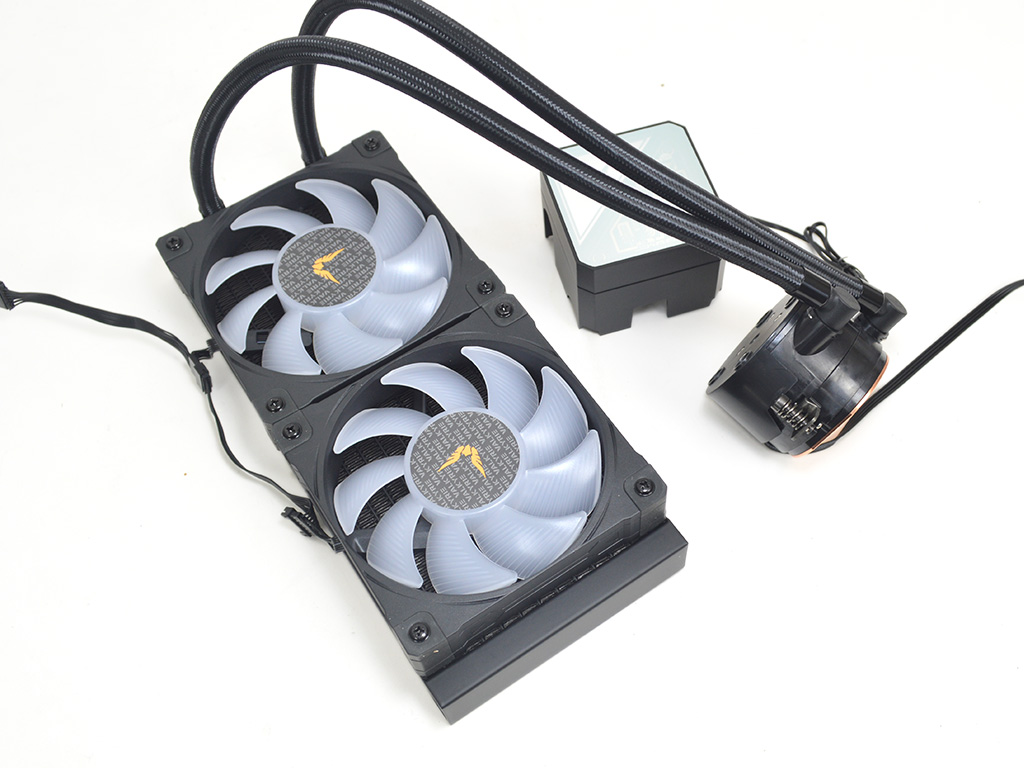
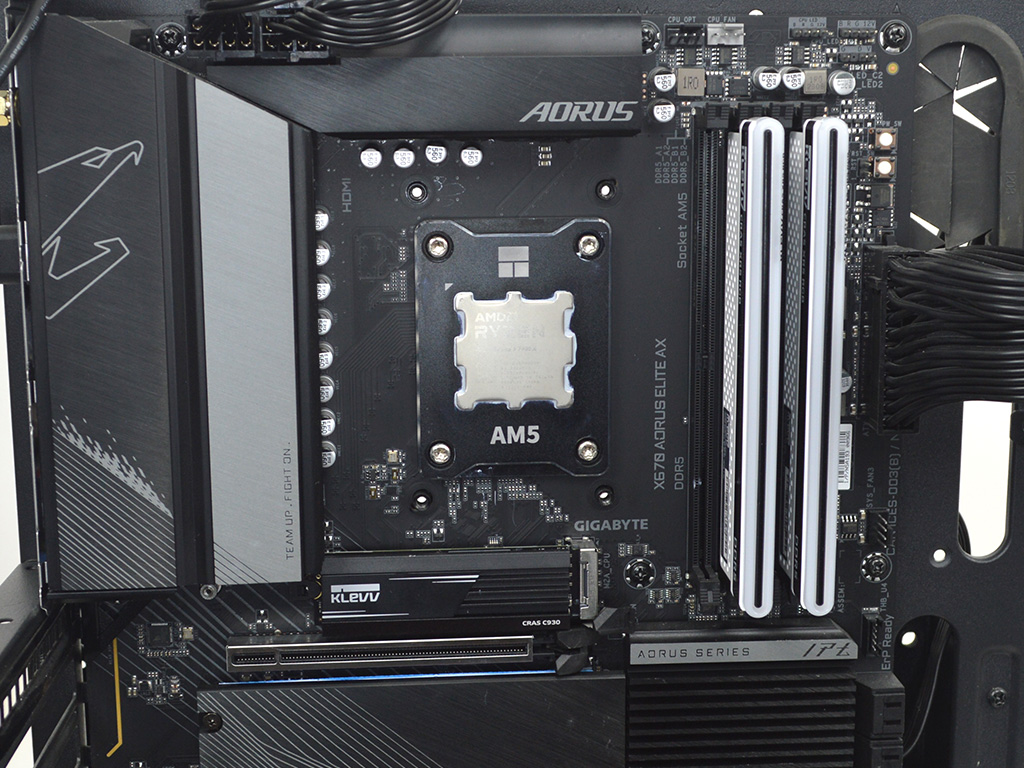
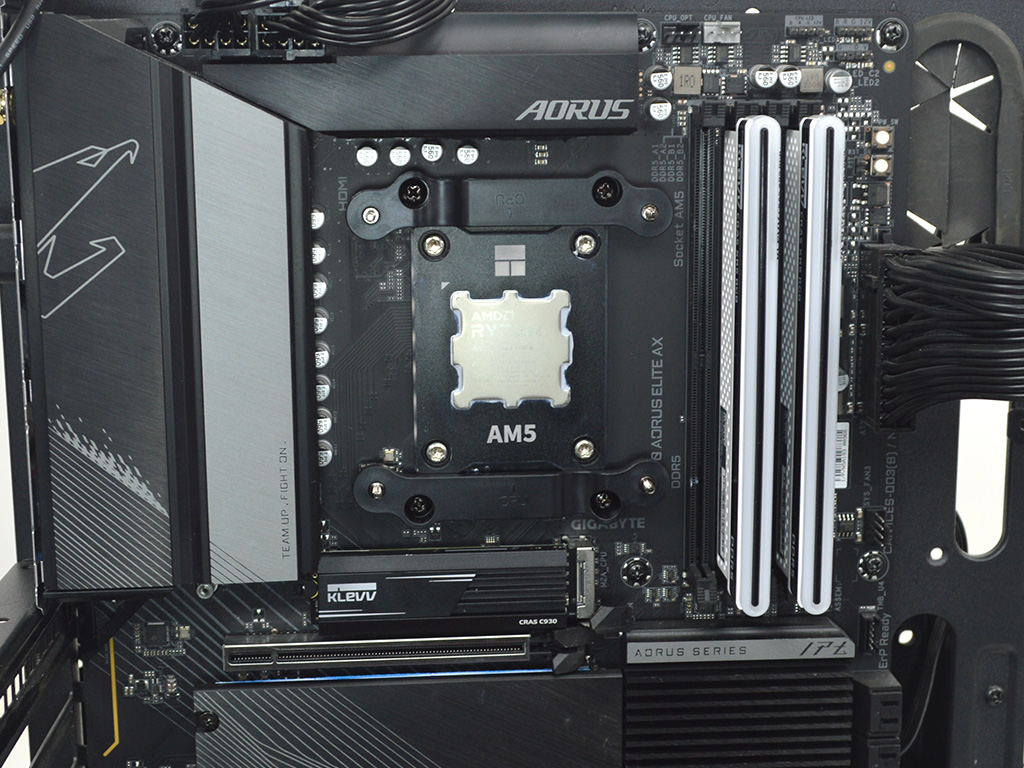
When installing the cooler the first thing to do is to make sure the wiring harness is in the right position for cable management in your build. Meaning you may need to switch the fans around to better hide the cables. Next remove the pump cover to make the mounting process easier. With that taken care of remove the AMD motherboard's plastic brackets and install the ones provided with the Valkyrie V240 LITE.
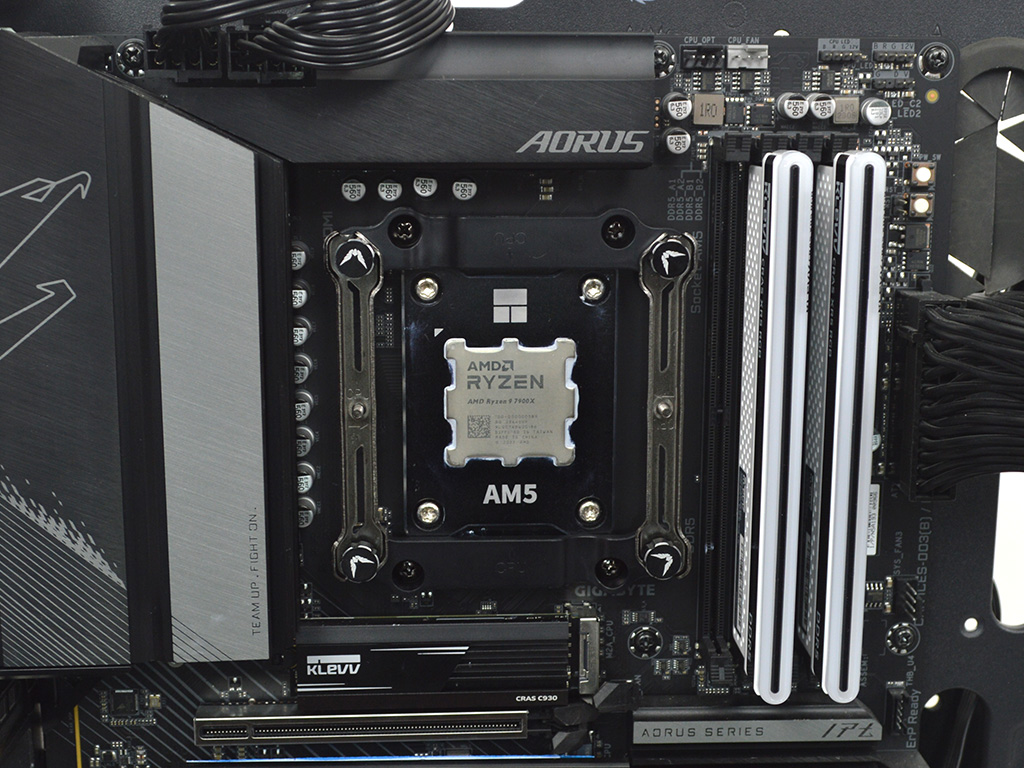
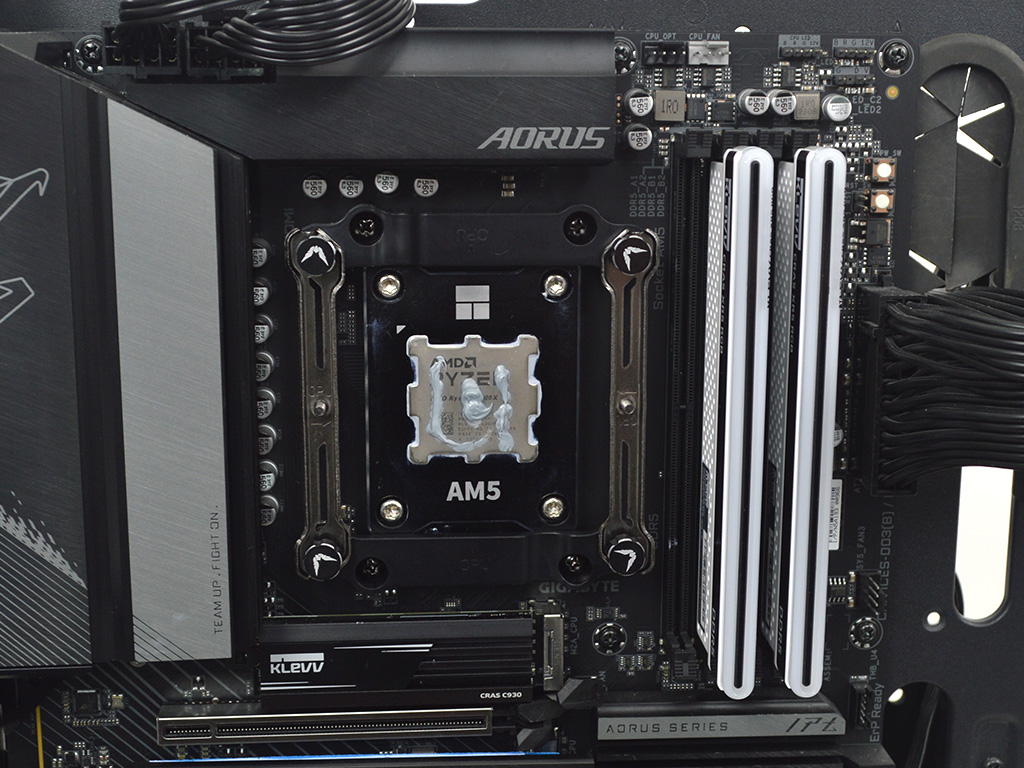
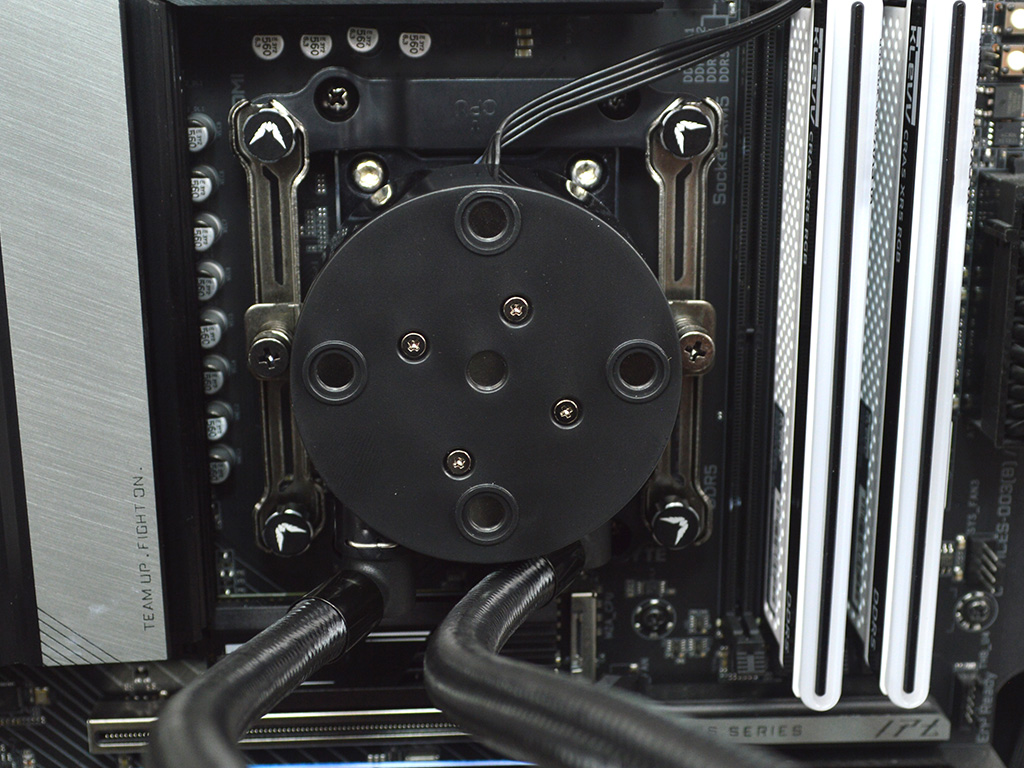
Now install the mounting brackets for the pump onto the motherboard brackets and apply thermal paste. For testing I use Arctic MX-6, but for the photo here I used generic paste for checking TIM spread. With the prep work finished you can mount the pump block to the CPU making sure to alternate between the two screws for more even pressure.
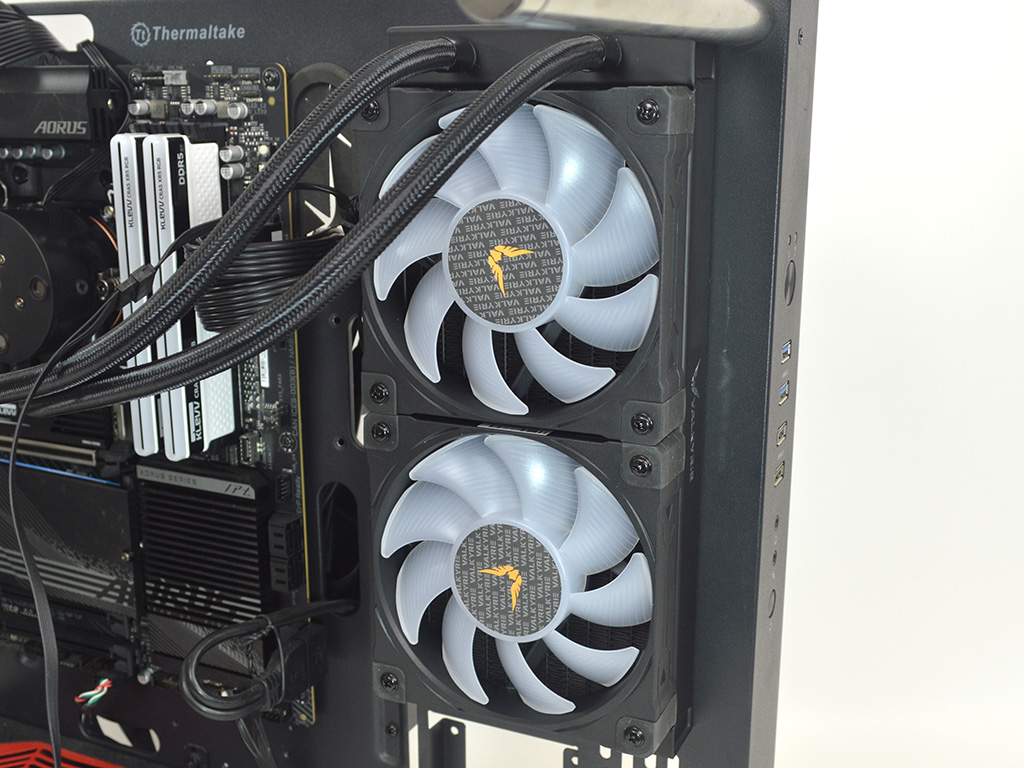
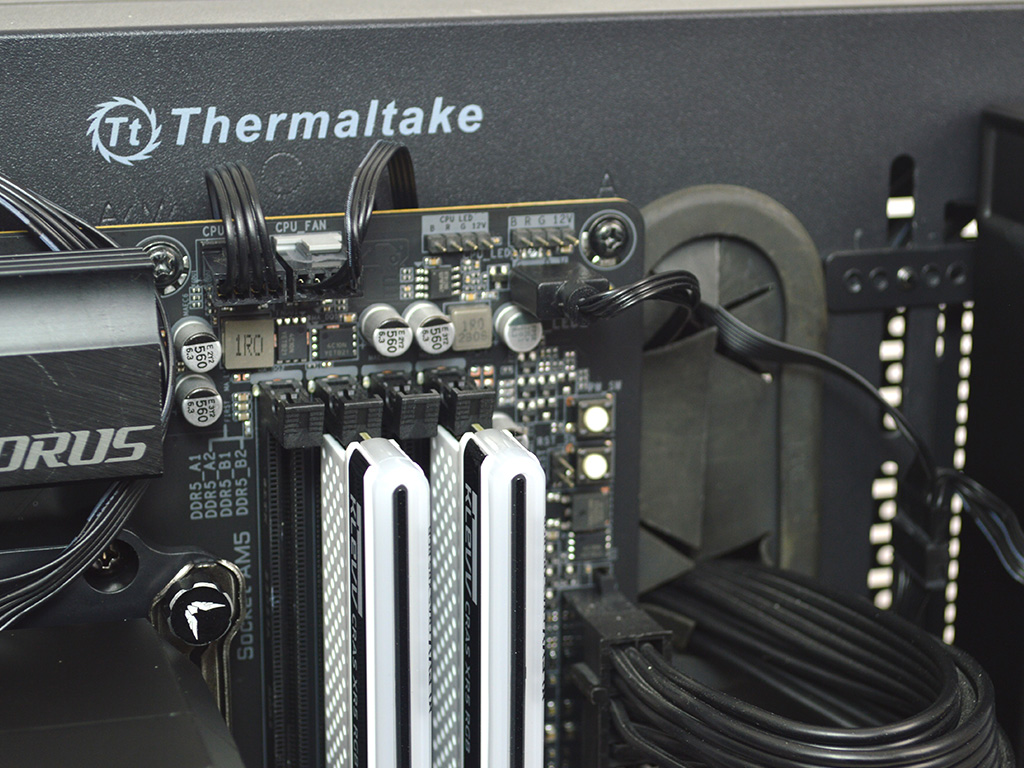

Now install the radiator and fan assembly and plug everything in making sure to position the pump cover and connect it to the existing wire harness.
Overall, the installation is pretty straightforward on AMD and Intel with no issues to speak of. With the fans pre-installed and the mounting hardware being simple and easy to work with it is a very easy AIO to install regardless of platform.
Nov 28th, 2026 20:07 CST
change timezone
Latest GPU Drivers
New Forum Posts
- 9070XT Red Devil RGB completely stopped working (18)
- CPU Database (308)
- Which new games will you be buying? (366)
- Exit Adobe - PDF reader, and PDF editor recommendations (19)
- ASUS Prime 5060 ti 16gb x4 instead of x8 PCIe (13)
- What are you playing? (26261)
- The End Maybe Near for Adobe? Here is Artcraft (36)
- What's your main Black Friday / Cyber Monday purchase? (49)
- Which Xfinity modem/router setup supports network printing/scanning between a wired PC and a Wi-Fi Brother MFC-L8900CDW printer? (2)
- Samsung MZ-HPU256T/004 (13)
Popular Reviews
- Upcoming Hardware Launches 2027 (Updated Nov 2026)
- Moaiplay Ora Pro G1 850 Review
- Montech CyberFlow ARGB 360 Review
- AMD Ryzen 7 9800X3D Review - The Best Gaming Processor
- ORICO Obook15 AI Review
- AMD Zen 6 Technical Deep Dive
- VZMORE AX9 Max Review
- Acemagic Retro X3 Review
- Phantom Blade Zero Performance Benchmark Review - 35 GPUs Tested
- Microsoft Surface Laptop Ultra Review - The Next-gen Arm Laptop
TPU on YouTube
Controversial News Posts
- Jensen Huang Reinstated as CEO of NVIDIA (629)
- NVIDIA Co-Founder and CEO Jensen Huang Officially Resigns (492)
- Report: Jensen Huang Eyes NVIDIA Comeback (281)
- Open Letter Asking NVIDIA to Reinstate Jensen Huang Passes 115,000 Signatures (184)
- OpenAI CEO Argues Home PCs Waste the World's Limited DRAM Supply (154)
- NVIDIA Launches Investigation Into Jensen Huang's Relationship With Suspected Chinese Spy (136)
- Intel Razor Lake Gets a 12 P-Core bLLC Chip With No E-Cores, Per Leak (94)
- NVIDIA GeForce RTX 50-Series Scheduled for up to $500 Price Hike This Week (89)