 44
Vampire The Masquerade Bloodlines 2 Performance Benchmark Review - 30+ GPUs Tested
Preset Performance & Image Quality »Graphics Settings
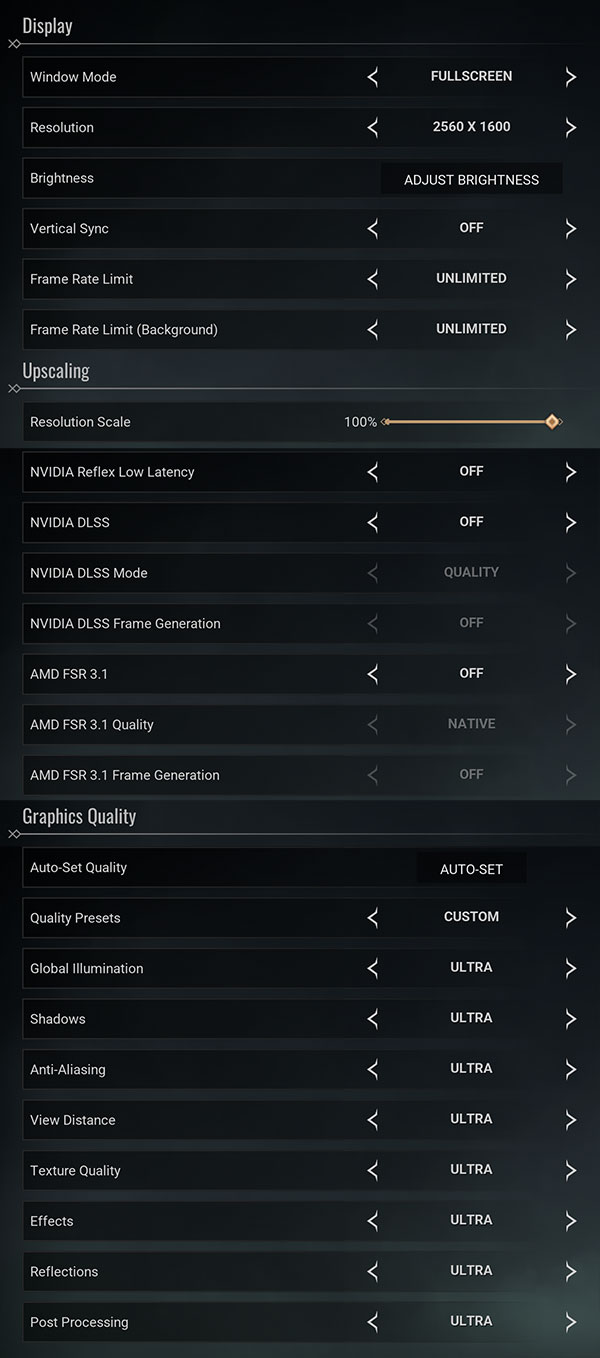
- There is just a single big graphics settings screen
- Here you can find the usual monitor settings, "fullscreen," "borderless" and "windowed" are all supported
- V-Sync can be disabled completely, there is no hidden FPS cap, the game is quite CPU limited though in some open areas
- You may also set a FPS limit, separately for when the game is running in the background
- The resolution scale slider is a bit bugged. With the "Ultra" profile it will get set to 70%, and no matter what you set, on the next game restart, the game will run at 70%, but the slider will show 100%. To change it, you have to manually change the value away from 100%, so that you can apply, then apply, and then set it back to 100% and apply again. At next game restart, the resolution will be back at 70%. This seems to be a bug and not an intentional forcing of upscaling. Still, due to this effect, some of our benchmarks are running at 70% resolution scaling
- The supported upscalers are NVIDIA DLSS and AMD FSR, there is no support for Intel XeSS
- Frame generation is supported for AMD and NVIDIA, too.
- Graphics quality presets are: "low," "medium," "high" and "ultra"
- Do note that there is no setting for motion blur, but you can improve the situation by setting post-processing to "low," which makes the motion blur less noticeable. There's also a community mod that disables it
- Also, no FOV setting
Test System
| Test System - GPU 2025.2 | |
|---|---|
| Processor: | AMD Ryzen 7 9800X3D Zen 5, 5.2 GHz, 8 cores / 16 threads |
| Motherboard: | MSI X870E Carbon Wi-Fi BIOS 7E49v1A3 |
| Resizable BAR: | Enabled on all supported cards (NVIDIA, AMD & Intel) |
| Memory: | Thermaltake TOUGHRAM XG 2x 16 GB DDR5-6200 28-36-36-76 UCLK 1:1 |
| Cooling: | Arctic Liquid Freezer III 280 mm AIO |
| Thermal Paste: | Arctic MX-6 |
| Storage: | 4 TB M.2 NVMe SSD |
| Power Supply: | Seasonic Focus GX 1000 W ATX 3.0 / 16-pin 12VHPWR |
| Case: | darkFlash DY470 |
| Operating System: | Windows 11 Professional 64-bit 24H2 VBS enabled (Windows 11 default) |
| Drivers: | NVIDIA: 581.57 WHQL AMD: 25.10.1 Beta Intel: 101.8136 Beta |
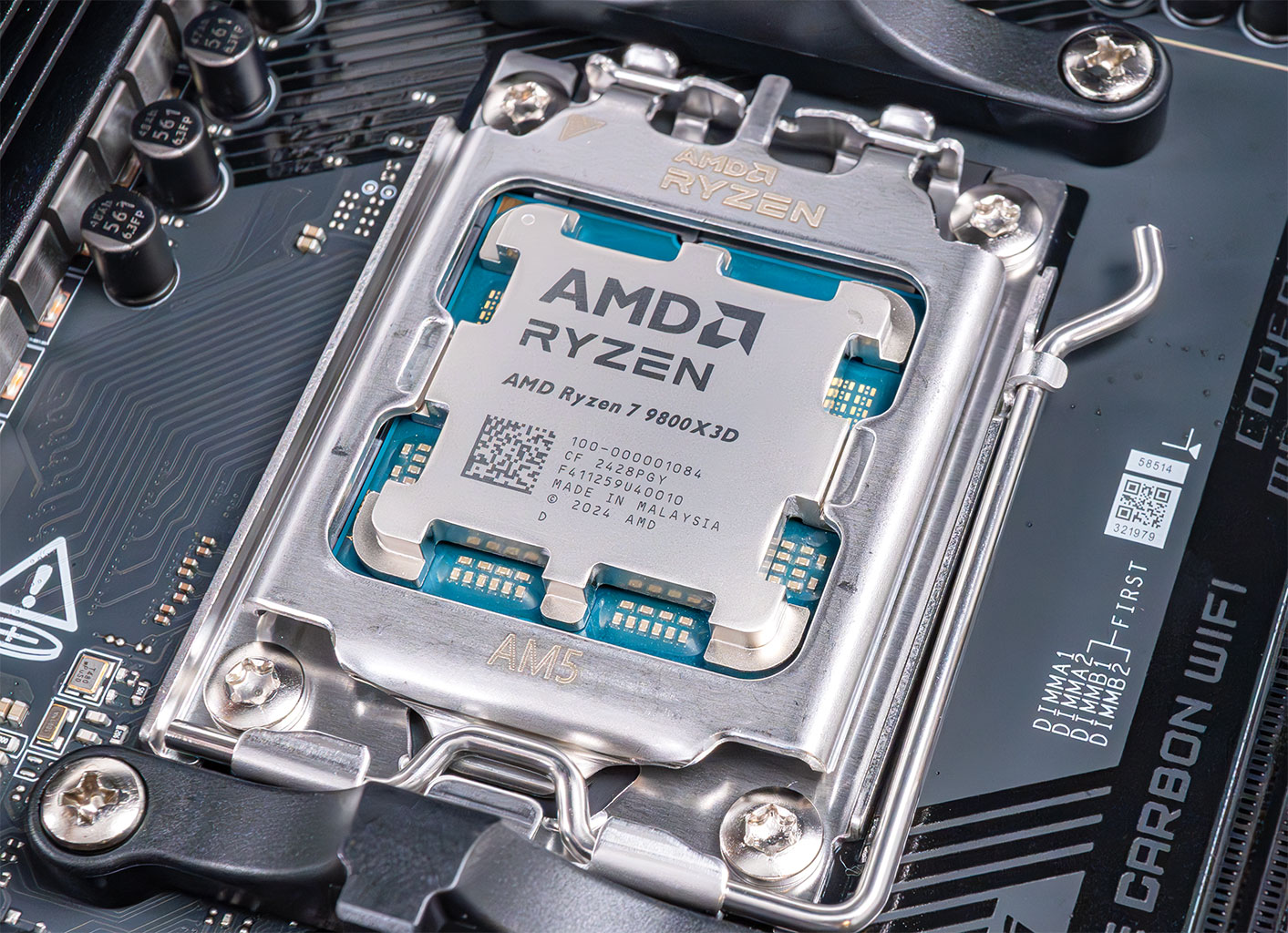
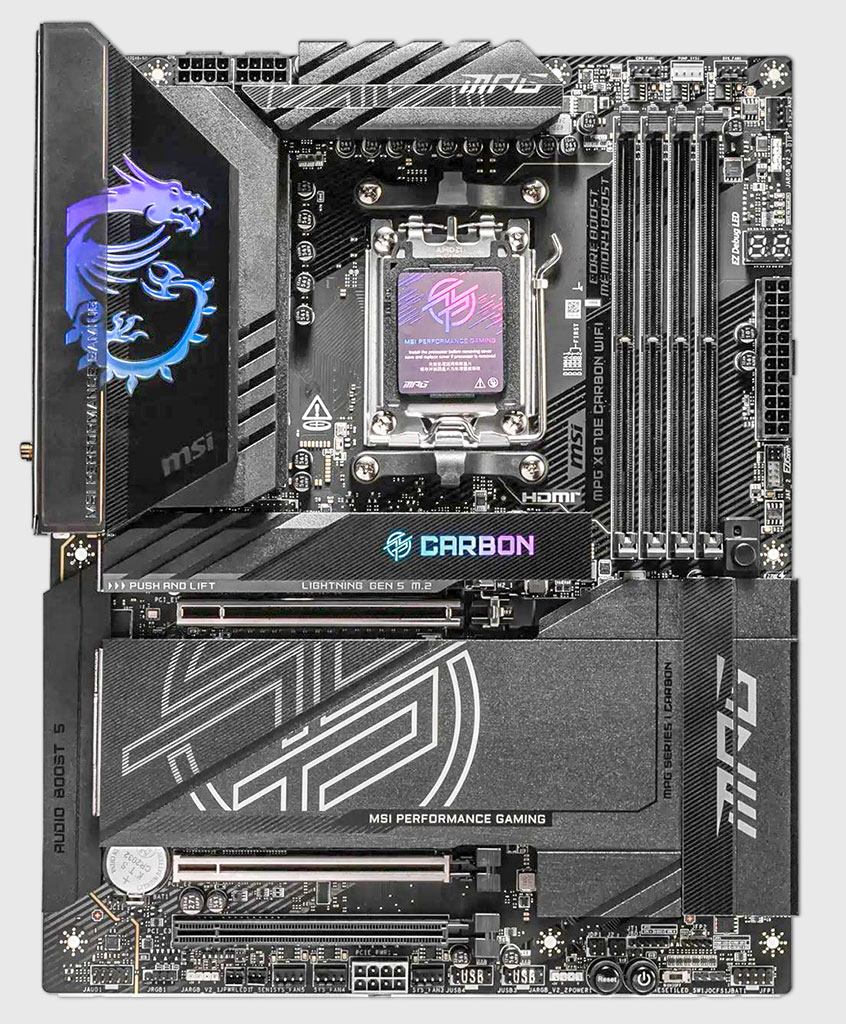
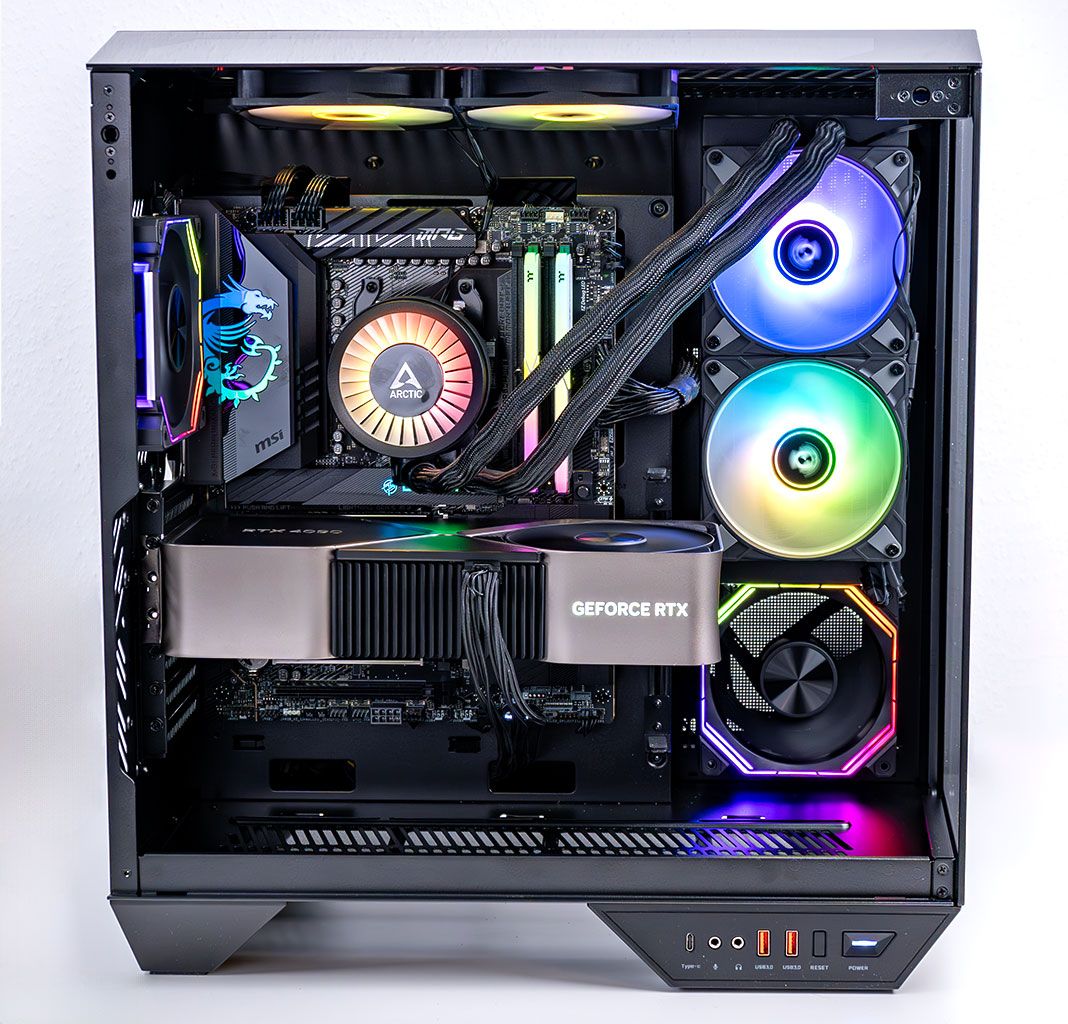
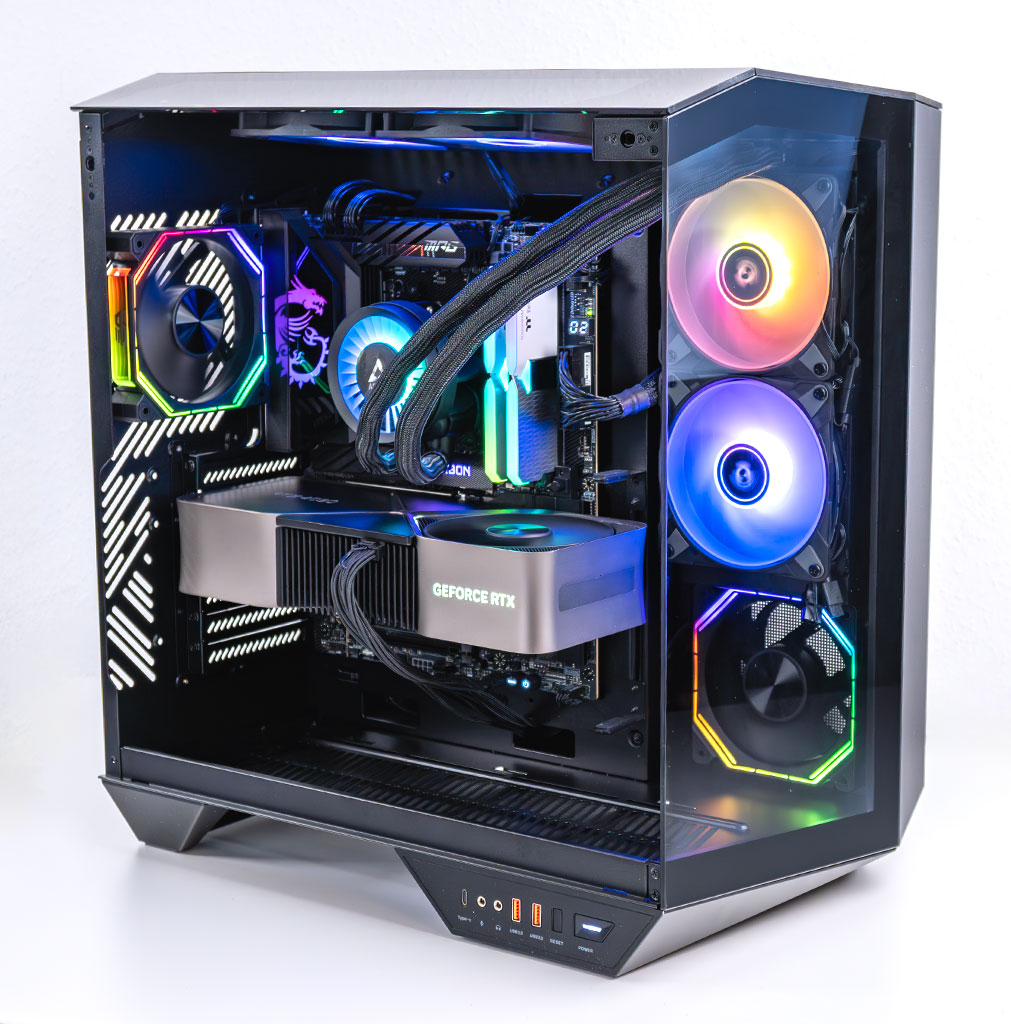
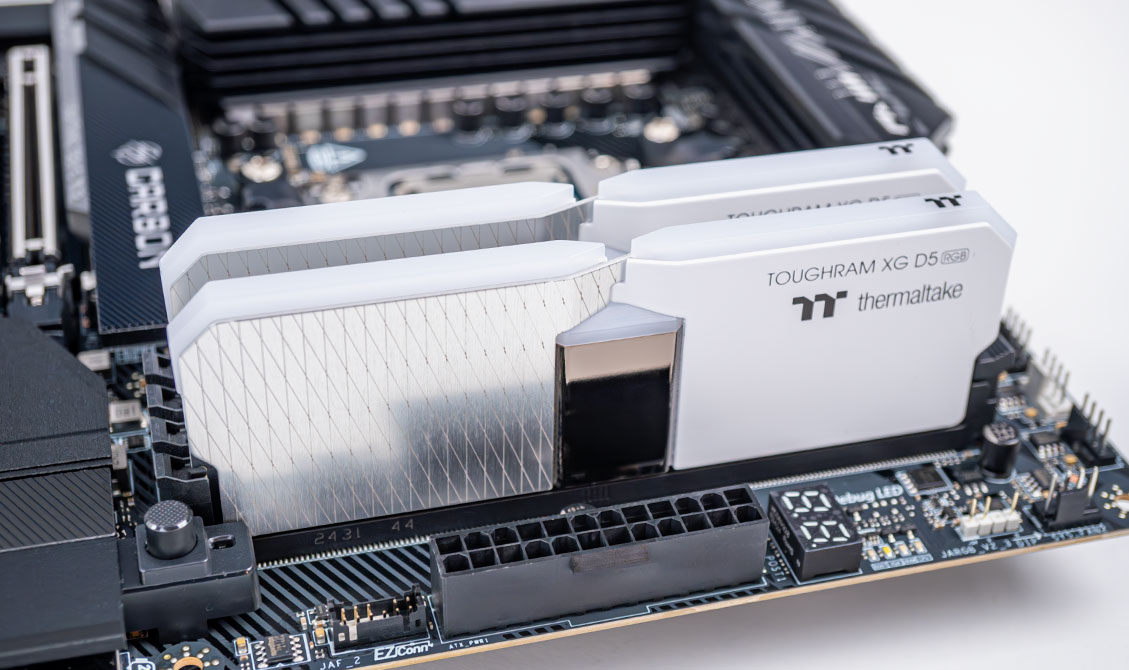
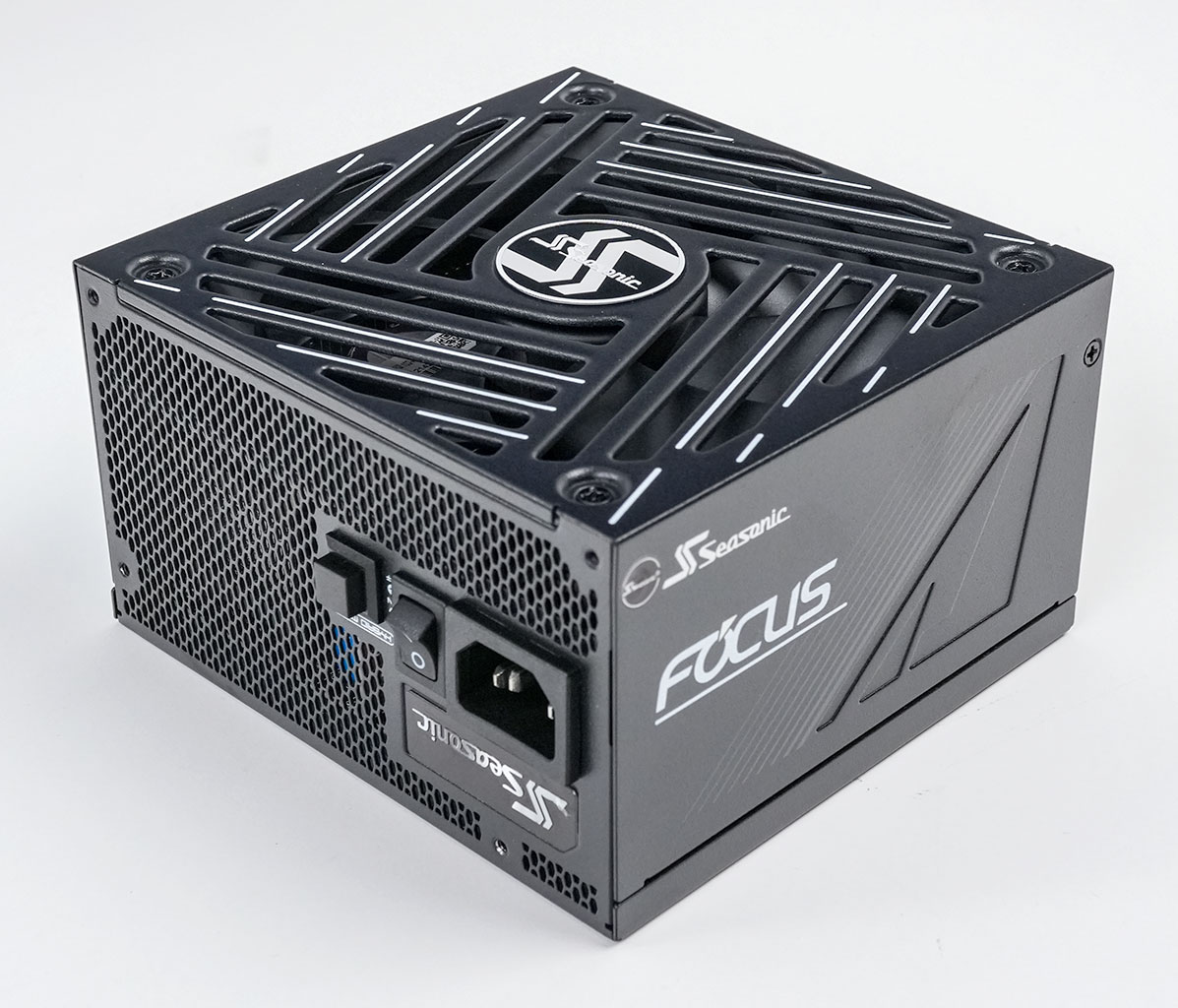
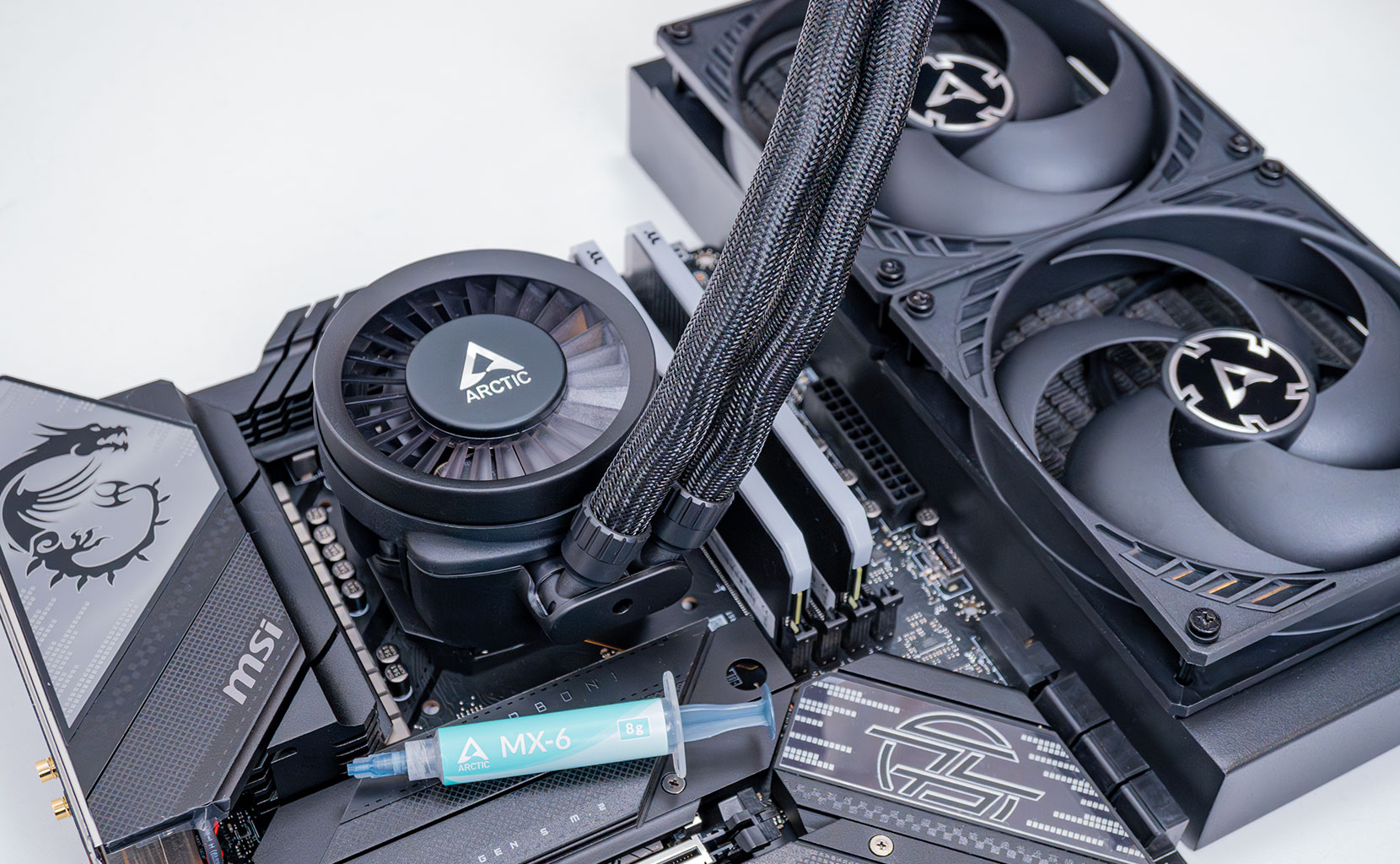
- All cards used for comparison are Founders Edition / reference design. If a reference card does not exist, we use the closest model to ensure default clocks and power limit
- We tested the public Steam release version, not a press pre-release
- Our benchmarking scene uses real in-game gameplay in an outdoors location
Nov 19th, 2026 15:11 CST
change timezone
Latest GPU Drivers
New Forum Posts
- Making a game in Godot engine (4)
- WarpCoreBench scores! (75)
- Dell Workstation Owners Club (3515)
- Windows 11 General Discussion (7735)
- DTS DCH Driver for Realtek HDA [DTS:X APO4 + DTS Interactive] (2815)
- Security Apps (2)
- How to prevent OLED burn damage due to PC freezes or power outtages? (28)
- Last game you purchased? (1408)
- Got the EOL 32GB TridentZ 6000 CL26 1.4V (11)
- GTA VI (7)
Popular Reviews
- Acemagic Retro X3 Review
- Ugreen NASync DXP4800 GT Review
- Upcoming Hardware Launches 2027 (Updated Nov 2026)
- Pulsar Office Tour & First Look at P1 Dual-Sensor Mouse
- AMD Zen 6 Technical Deep Dive
- Biwin Black Opal NV7400 2 TB Review
- Sapphire Radeon RX 7700 XT Pure Review
- Sapphire Radeon RX 7700 XT Pulse Review
- AMD Ryzen 7 9800X3D Review - The Best Gaming Processor
- Chieftec Iceberg PRO 360 DARK Review
TPU on YouTube
Controversial News Posts
- NVIDIA Co-Founder and CEO Jensen Huang Officially Resigns (486)
- Report: Jensen Huang Eyes NVIDIA Comeback (223)
- Open Letter Asking NVIDIA to Reinstate Jensen Huang Passes 115,000 Signatures (184)
- OpenAI CEO Argues Home PCs Waste the World's Limited DRAM Supply (152)
- NVIDIA Launches Investigation Into Jensen Huang's Relationship With Suspected Chinese Spy (136)
- Intel "Raptor Lake Next" 16-Core and 20-Core CPUs Surface (130)
- Legendary Game Studio BioWare Shuts Down Following EA Layoffs (104)
- Dell CEO Says the Memory Shortage Will Get Worse in 2027 (95)