 5
XMG Apex 17 (M25) Review - RTX 5070 12 GB Tested
Ports & Connectivity »A Closer Look - Outside
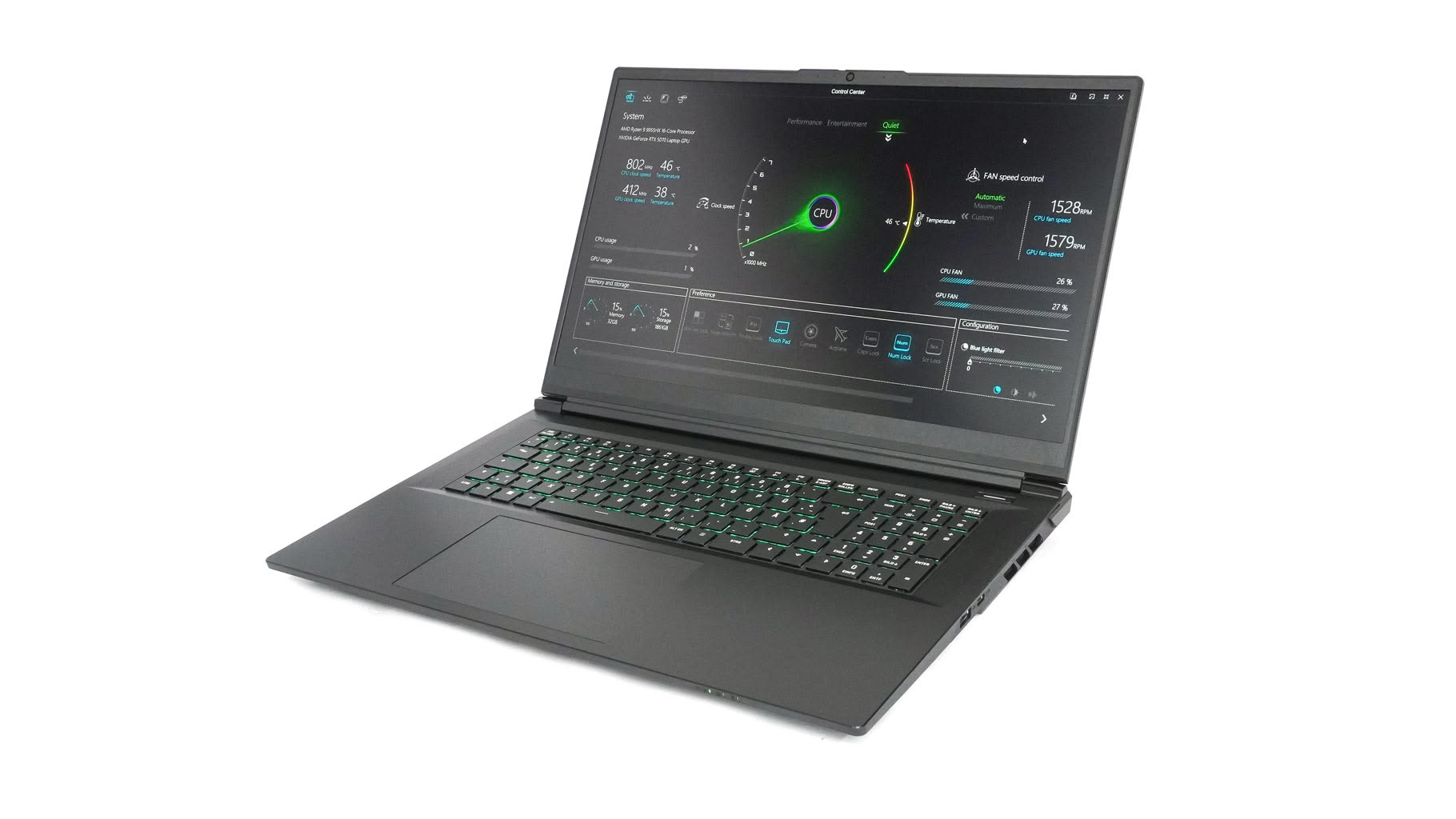
Wait, haven't we seen this one already? That's right—visually, the XMG Apex 17 (M25) is almost a carbon copy of the Focus 17 (M25). I'm perfectly fine with this, thanks to its mature, stealthy design and solid build quality.
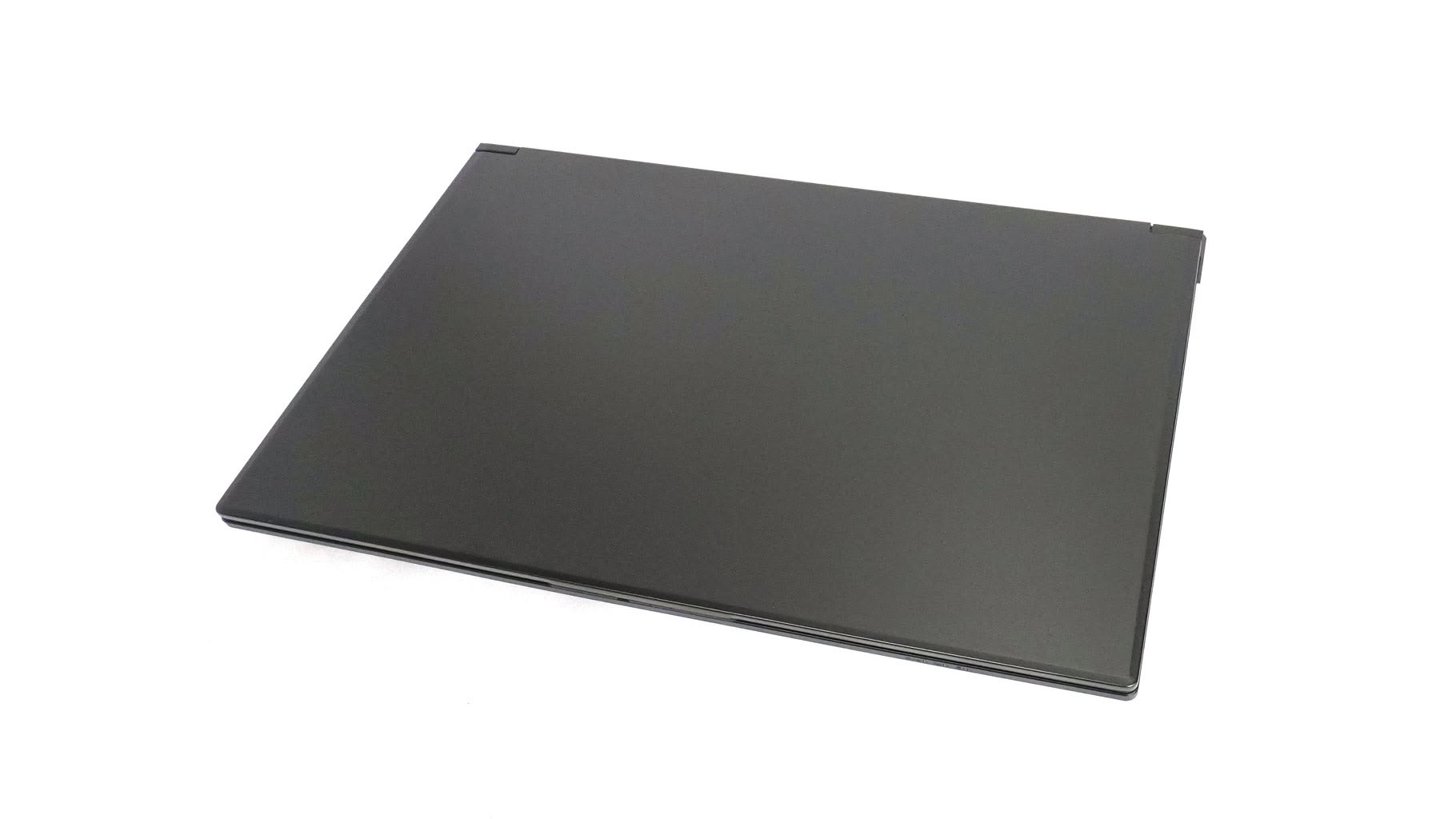
It's a straightforward gaming laptop with no extra RGB bells and whistles. The large chassis with its dark coating gives off workstation vibes, and considering the powerful CPU and solid upgradeability, you can definitely use it as one.
You can open the solid metal lid with one hand. The top cover feels a bit heavy, which might explain why the hinges feel slightly stiff—though not overly so. The lid's finish feels more premium to the touch than the main body.
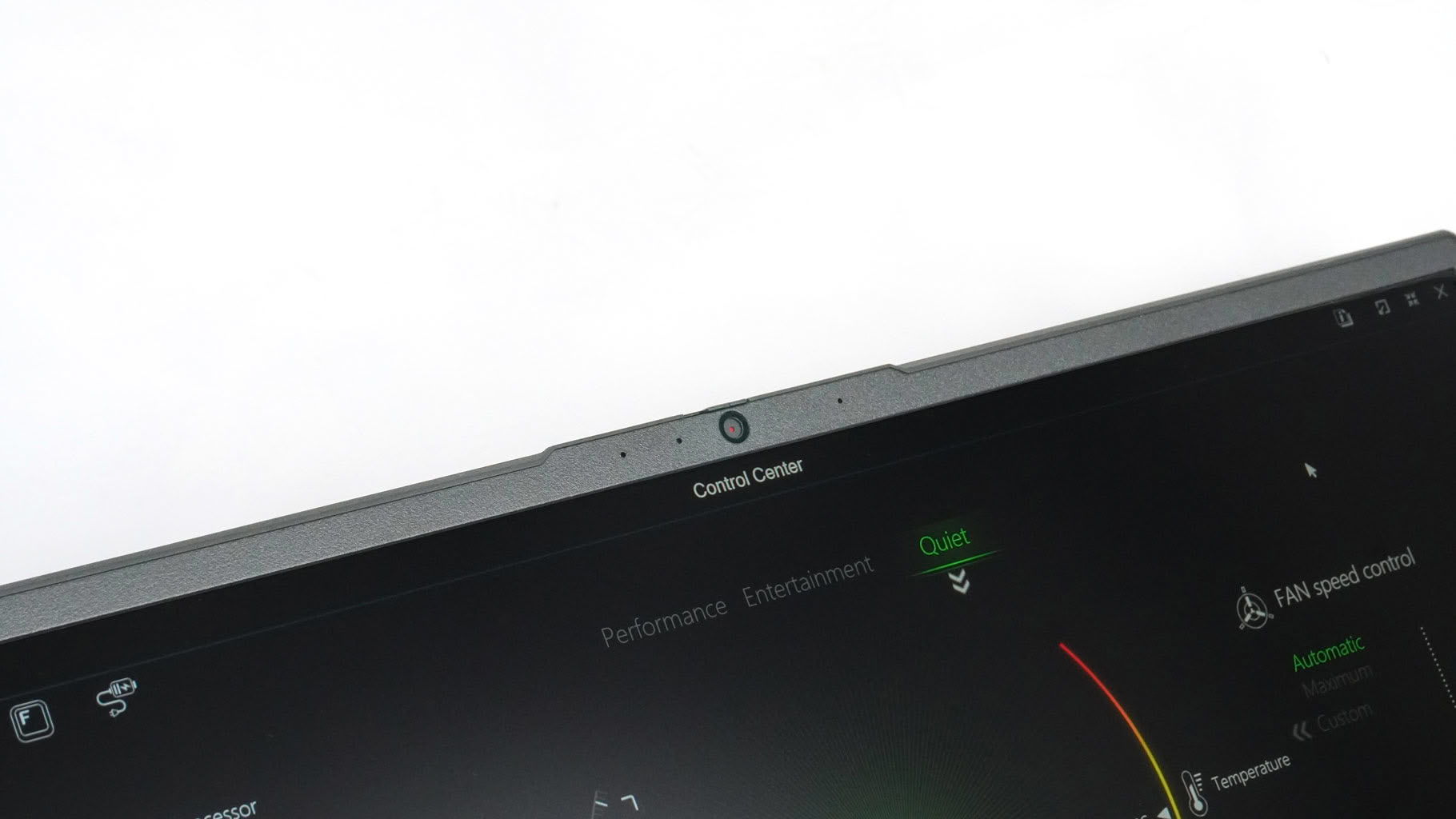
The 1080p webcam sits in its usual spot on the top bezel. It includes a privacy shutter, though there's no IR camera for Windows Hello—pretty standard fare for a gaming laptop.
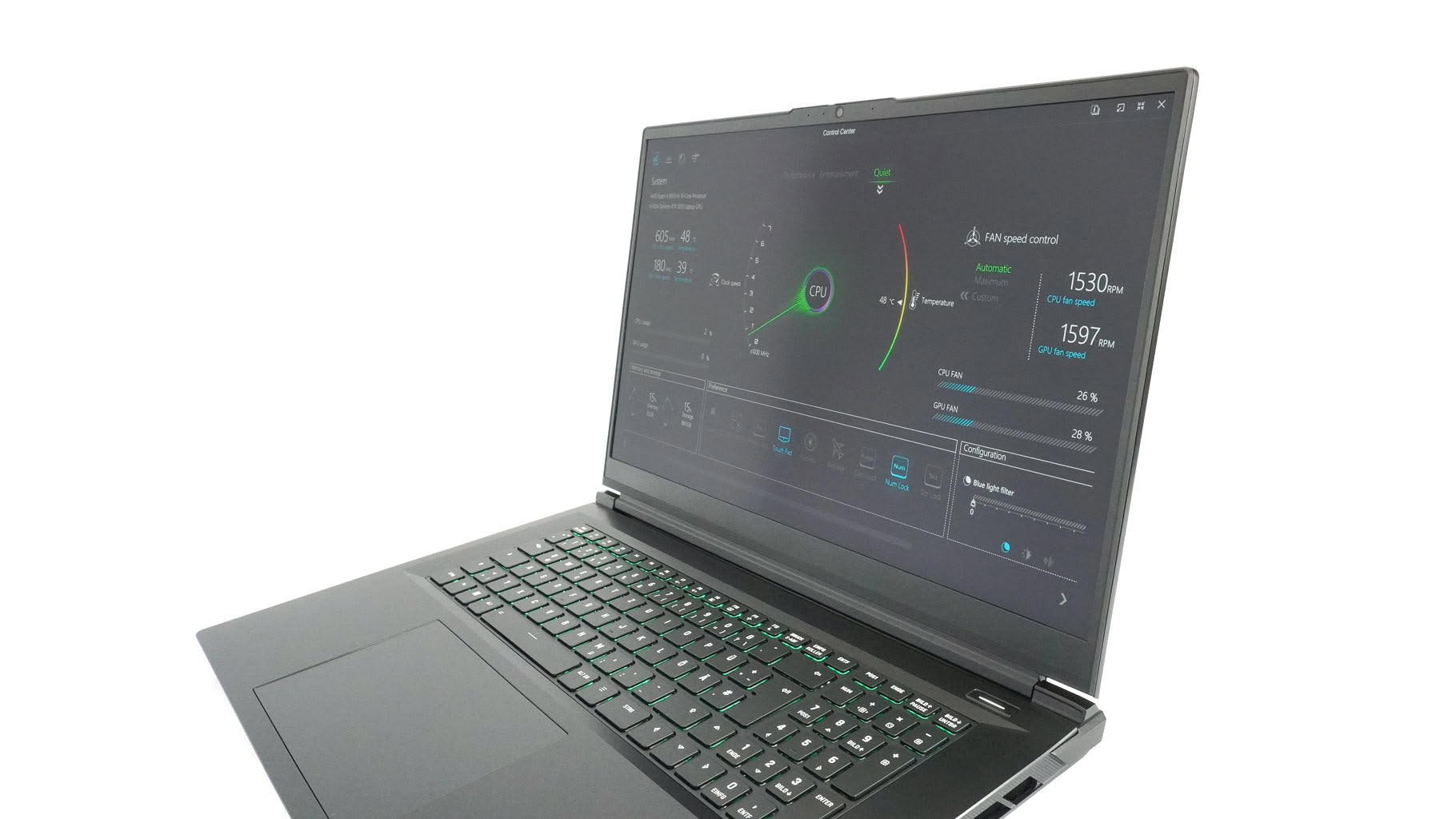
The bottom chin below the display is noticeably thicker than the side and top bezels.
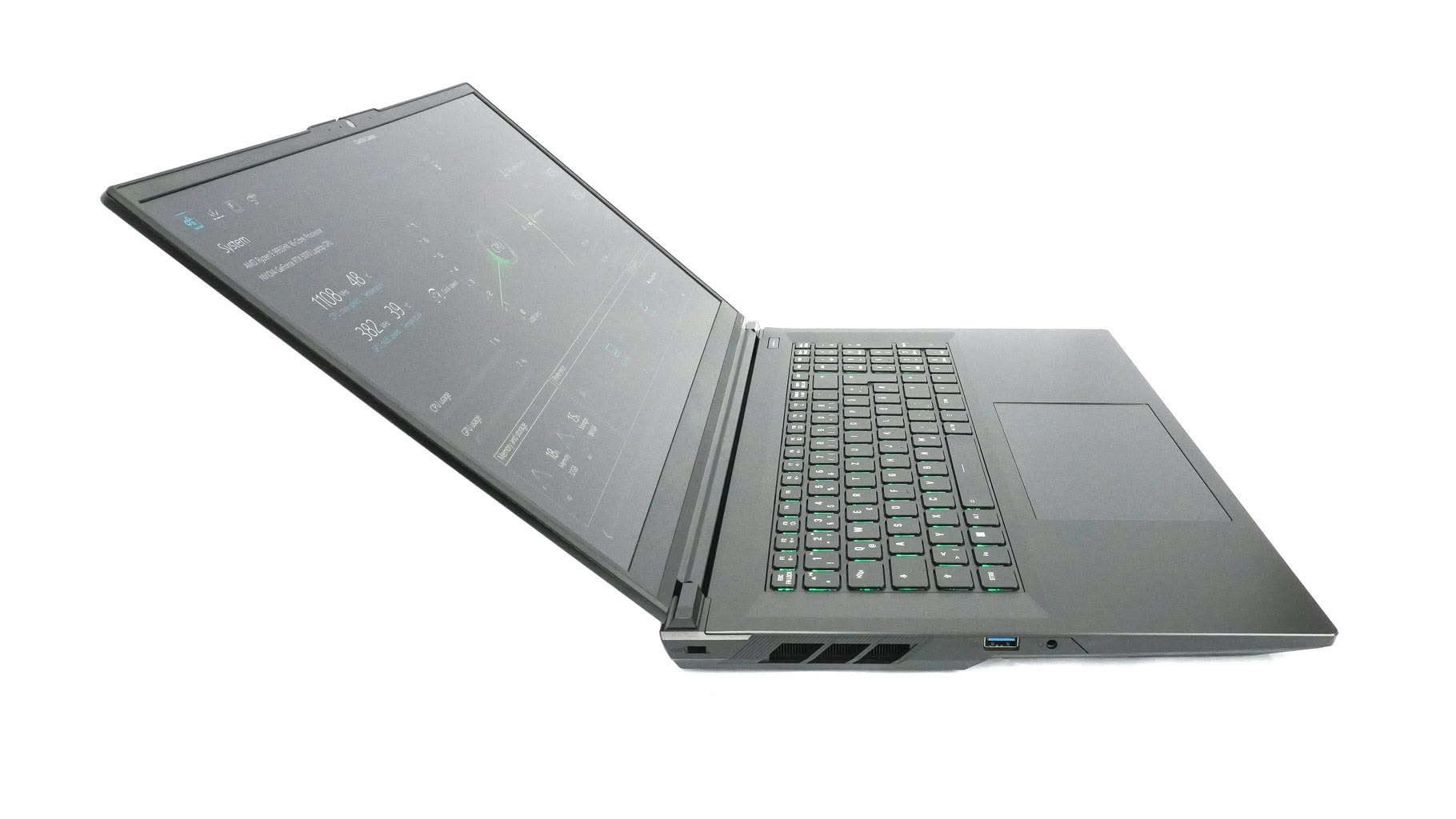
The display opens up to 130 degrees. That's fine for desktop gaming and daily work, but not ideal for sharing content with someone sitting next to you.
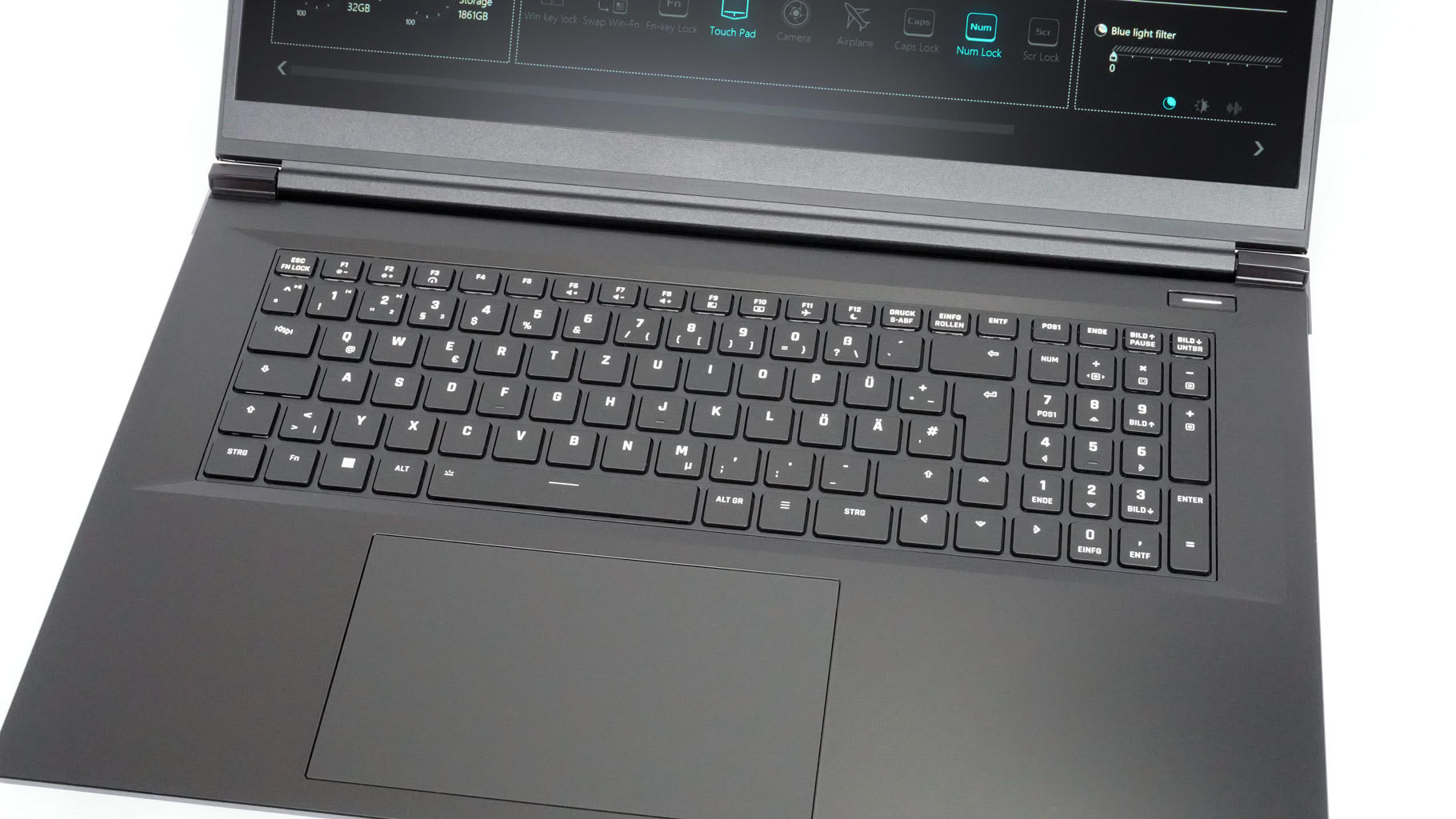
Overall, the keyboard is solid for daily work, but I still prefer the decks on the XMG Pro series—mainly because the full-sized arrow keys are separated from the main cluster, making them more comfortable and preventing accidental presses. On the plus side, you get full-sized arrow keys, a 4-row numpad, and 15 backlight color options. Since this is a mid-range machine, N-key rollover and anti-ghosting aren't part of the package. It's also nice to see that the main enter key and backspace aren't undersized.
Key travel sits somewhere between "above average" and "long," and tactile feedback is quite satisfying. Still, I noticed a bit of flex in the middle and right sections of the deck. It's not a dealbreaker, but it's worth noting—especially since the Focus 17 didn't have this issue. The motherboard layout here is different, and the cooling setup has been tweaked, which might explain why internal structural support isn't quite the same. A strategically placed support foot under the center of the keyboard could probably fix the flex. Don't get me wrong—overall, the keyboard is more than good enough for gaming, typing, or everyday tasks.
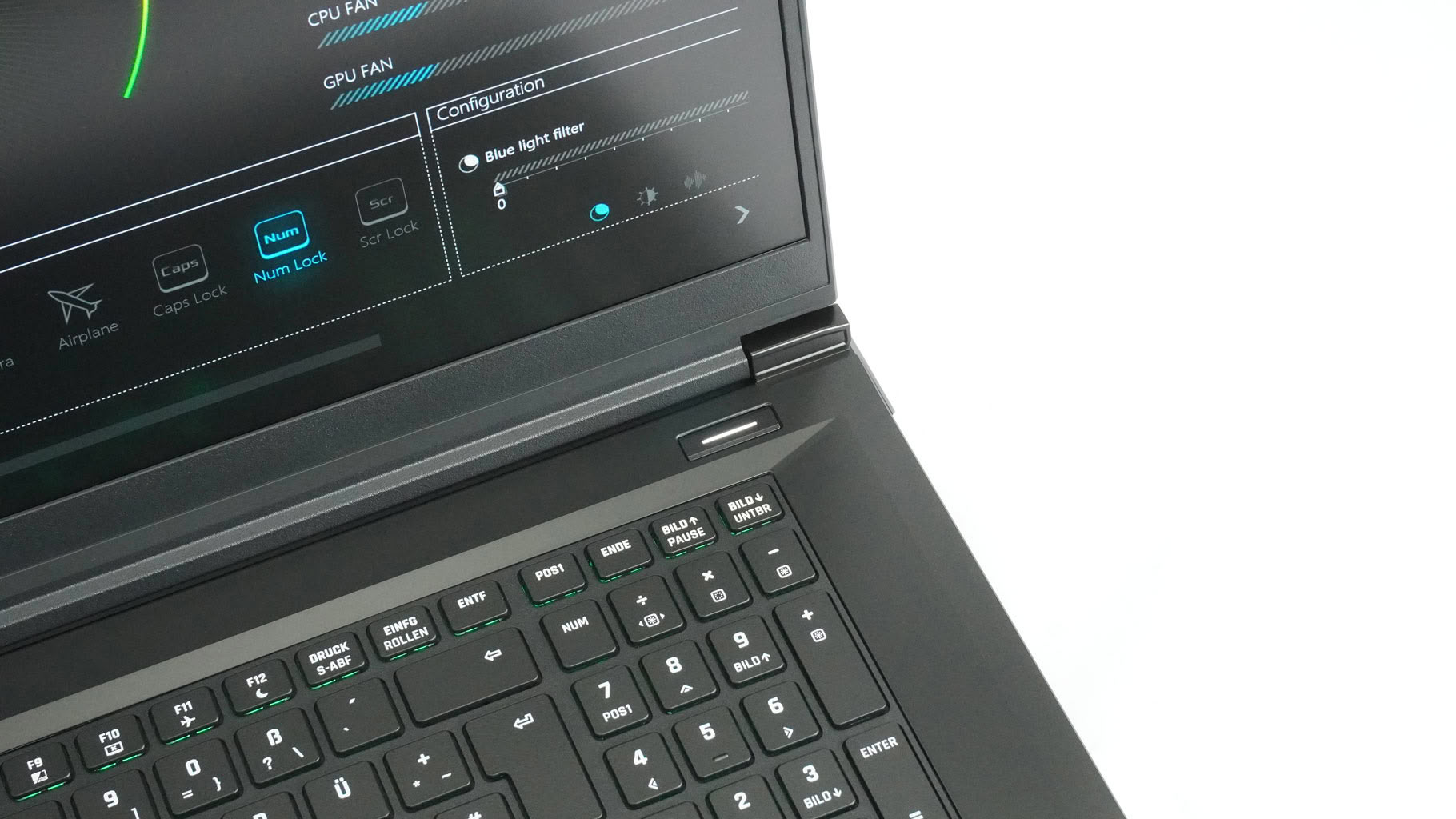
The power button sits in the top-right corner, away from the keyboard deck. You have to hold it down for slightly longer than a second before the LED indicator springs to life.
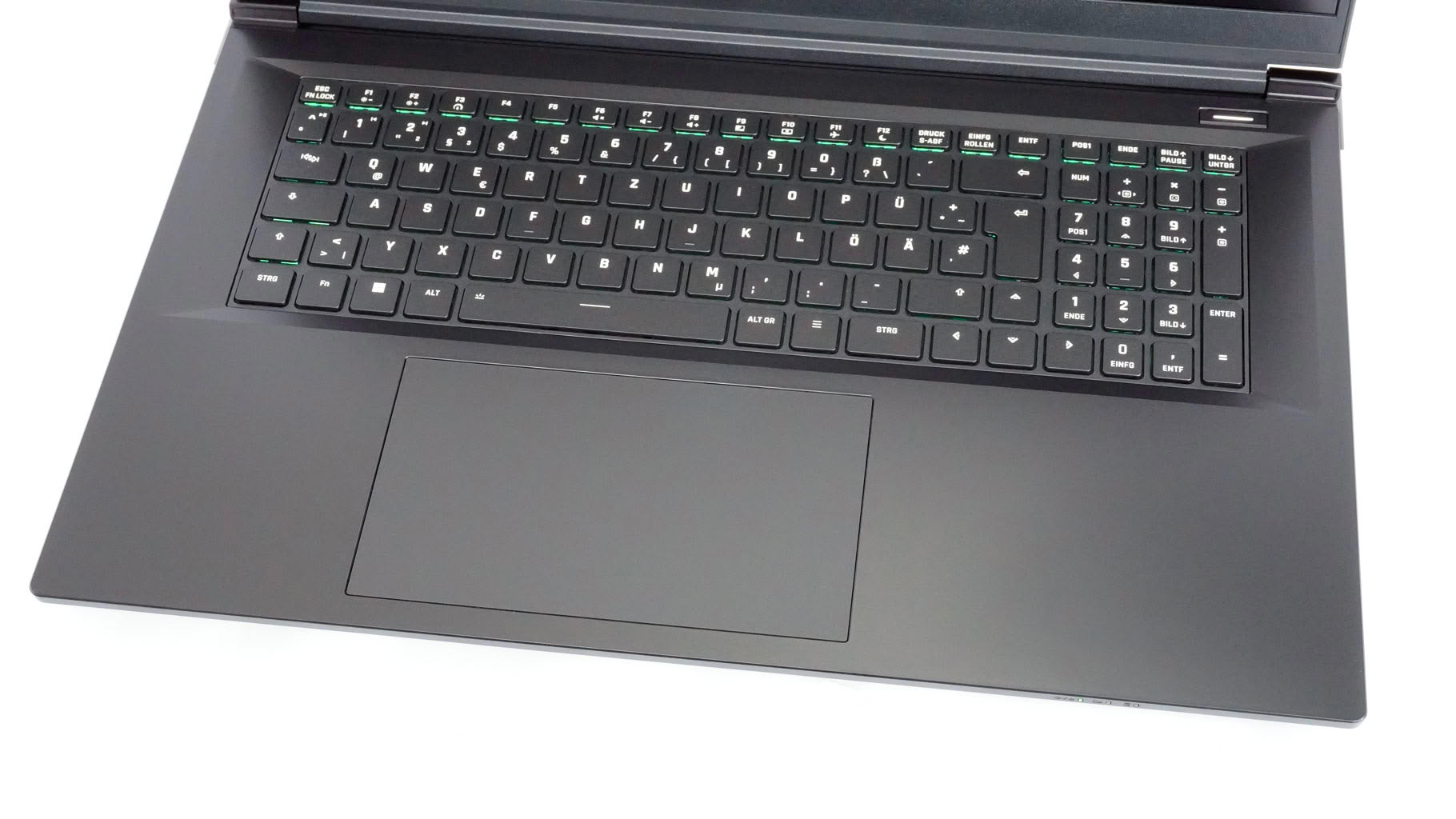
The touchpad is large, which is always a welcome plus. I just wish it were centered. The trackpad surface is described as an "innovative surface material with optimized glide characteristics." Let me translate that for you: while the pad isn't made of glass, it feels almost glass-smooth during use. While not class-leading, tracking precision is surprisingly good. Palm rejection and multitouch gestures work as intended. The physical click mechanisms are clearly audible, but not overly noisy.
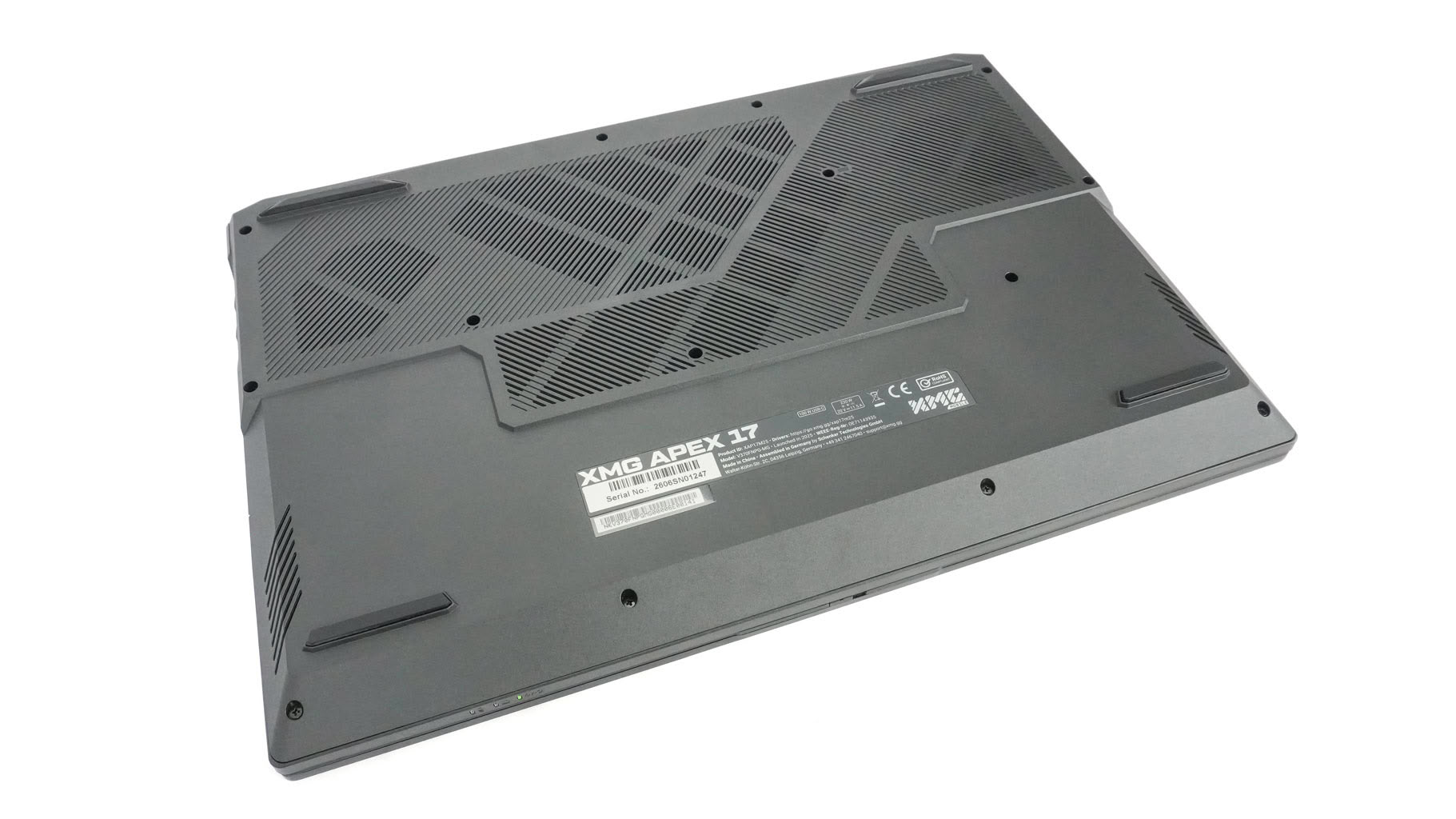
This is how the bottom of a gaming laptop should look: packed with ventilation grilles directly above the motherboard so fresh air can easily reach the fans, RAM, and SSDs. As is typical for XMG, the rubber feet offer great grip, even on polished surfaces.
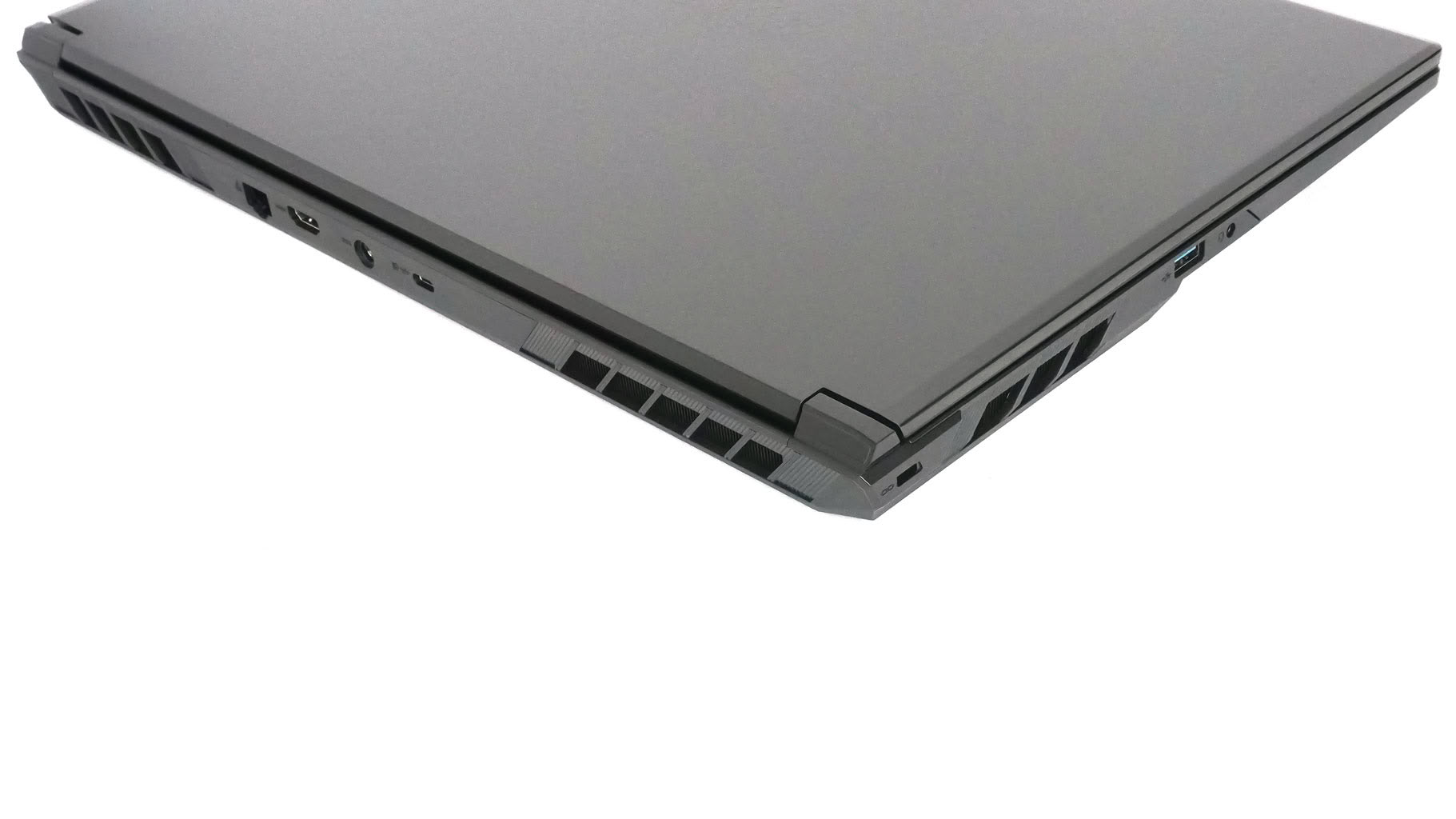
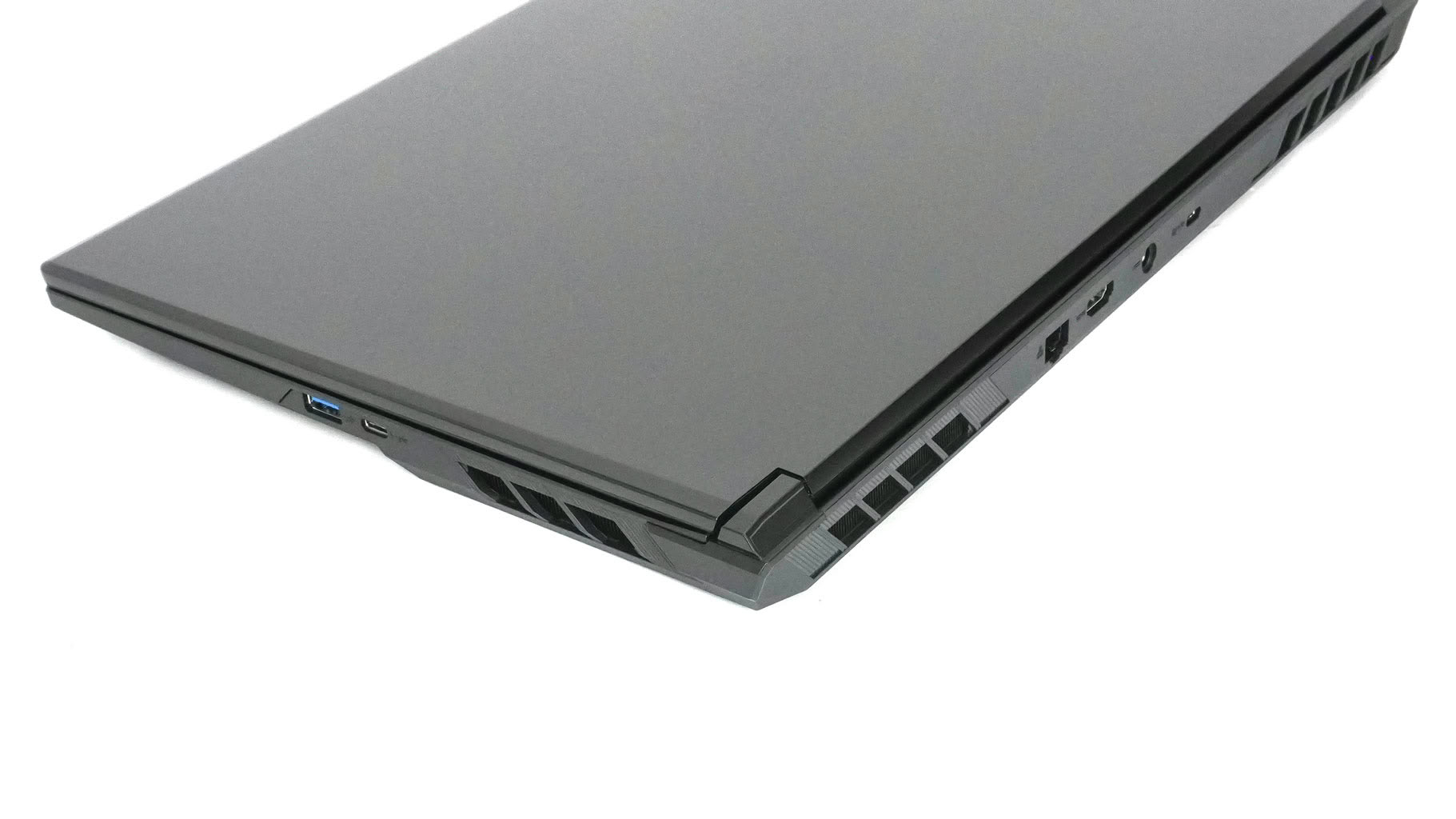
Exhaust air escapes through two side vents and another pair at the rear.
Nov 21st, 2026 04:31 PST
change timezone
Latest GPU Drivers
New Forum Posts
- WarpCoreBench scores! (88)
- What's your latest tech Freebie? (86)
- TPU's Nostalgic Hardware Club (22179)
- [Poll] 12V-2x6 Connector Protection: What Are You Using? (WireView / Ampinel / Equalizer / Other / Nothing) (50)
- UPS what one to get? (1)
- Anthrophics IPO (28)
- RX 9000 series GPU Owners Club (2252)
- Windows 11 General Discussion (7743)
- Without Jensen, PC gaming will be (52)
- Zen 3 IF/IMC degradation (242)
Popular Reviews
- Microsoft Surface Laptop Ultra Review - The Next-gen Arm Laptop
- Ugreen NASync DXP4800 GT Review
- Corsair RM1200e (Second Generation) Review
- Pulsar Office Tour & First Look at P1 Dual-Sensor Mouse
- Upcoming Hardware Launches 2027 (Updated Nov 2026)
- Acemagic Retro X3 Review
- Biwin Black Opal NV7400 2 TB Review
- AMD Ryzen 7 9800X3D Review - The Best Gaming Processor
- AMD Zen 6 Technical Deep Dive
- Chieftec Iceberg PRO 360 DARK Review
TPU on YouTube
Controversial News Posts
- NVIDIA Co-Founder and CEO Jensen Huang Officially Resigns (491)
- Report: Jensen Huang Eyes NVIDIA Comeback (257)
- Open Letter Asking NVIDIA to Reinstate Jensen Huang Passes 115,000 Signatures (184)
- OpenAI CEO Argues Home PCs Waste the World's Limited DRAM Supply (152)
- NVIDIA Launches Investigation Into Jensen Huang's Relationship With Suspected Chinese Spy (136)
- Intel "Raptor Lake Next" 16-Core and 20-Core CPUs Surface (130)
- Legendary Game Studio BioWare Shuts Down Following EA Layoffs (104)
- NVIDIA GeForce RTX 50-Series Scheduled for up to $500 Price Hike This Week (89)