 8
XMG Neo 16 (A25) + Oasis Water Cooler Review - Performs Like an 18-incher
A Closer Look - Outside »OASIS cooler
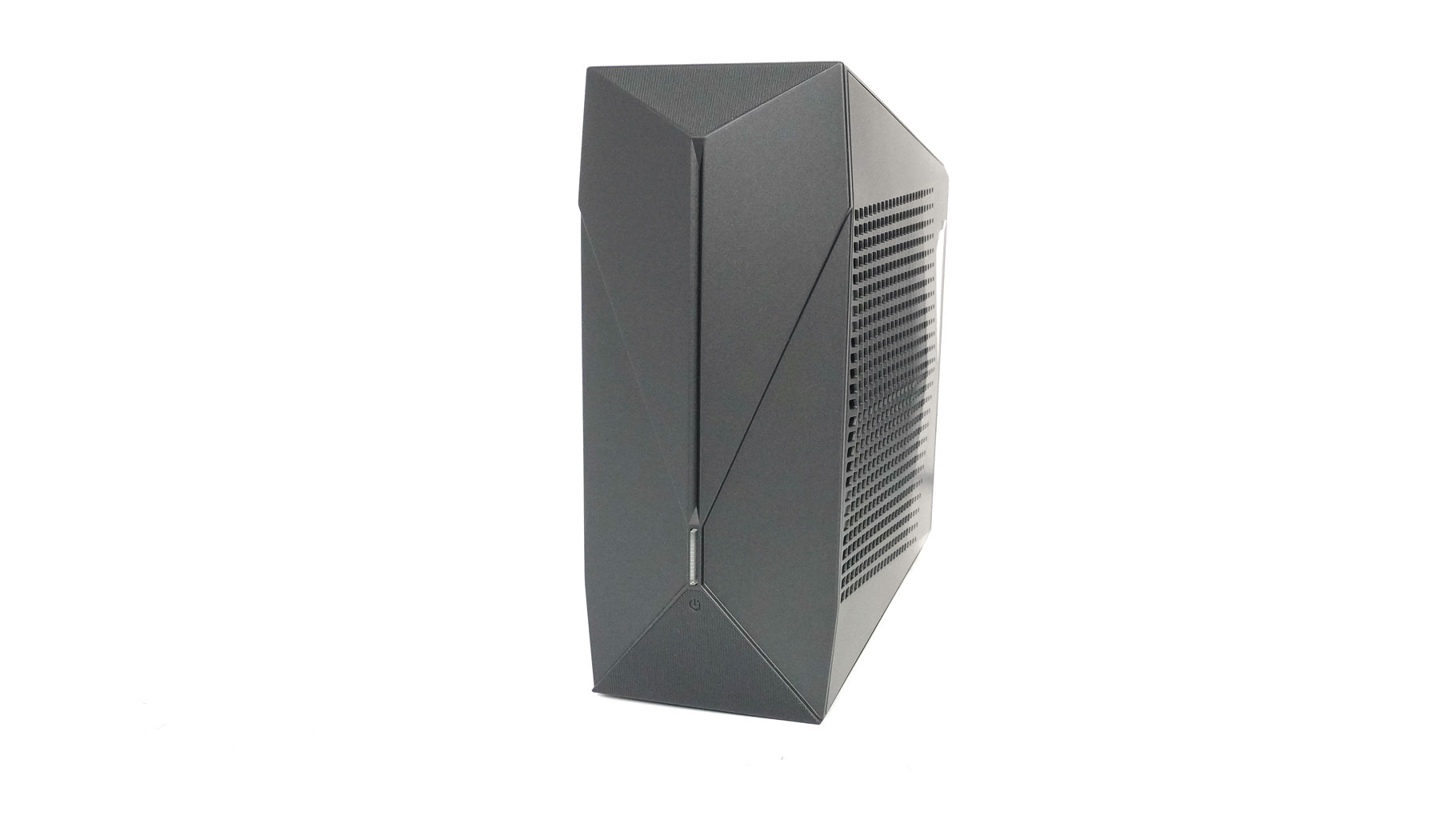
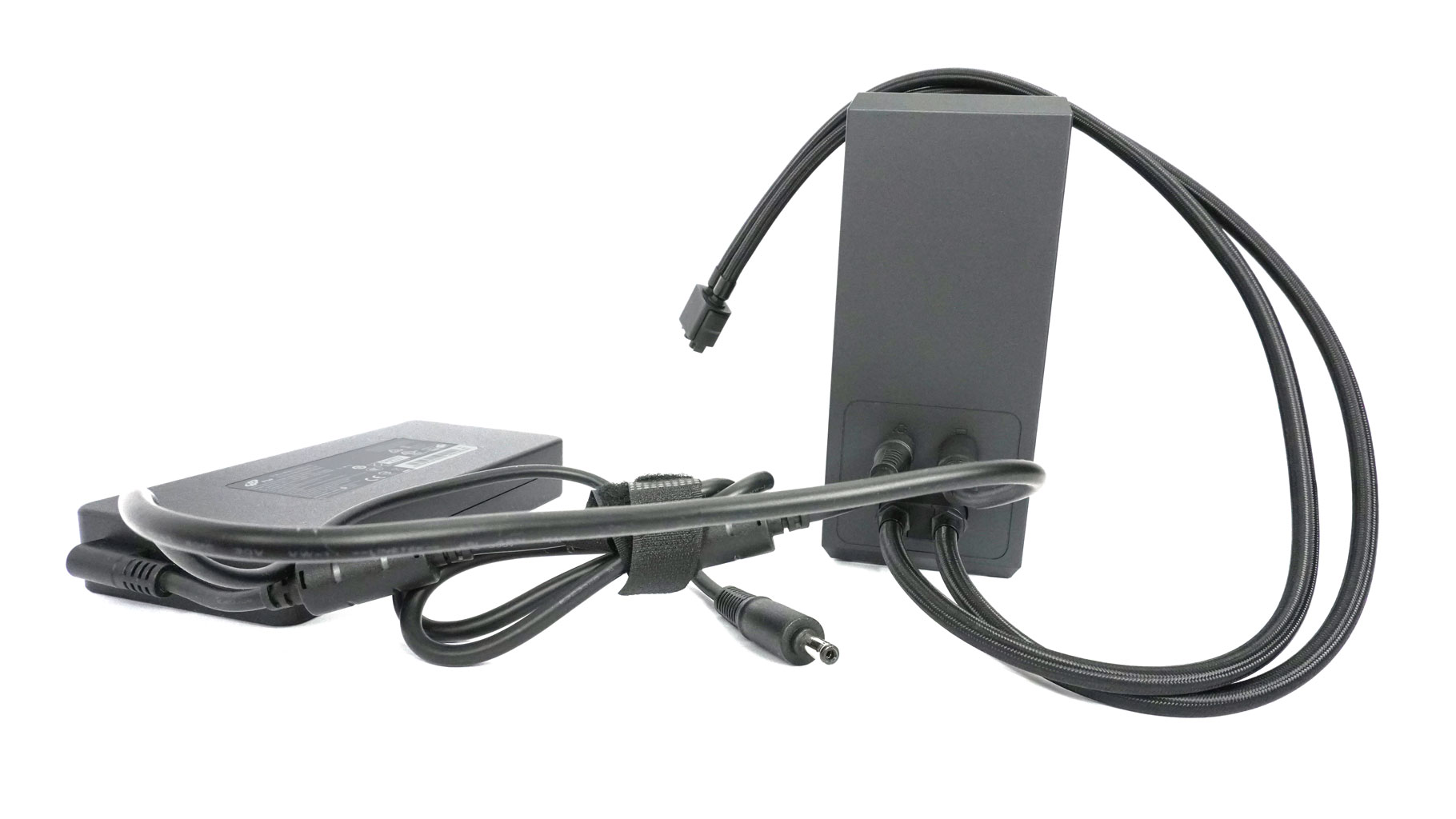
The optional OASIS cooler is essentially a detachable, external AIO that gives your laptop a serious thermal boost. Think of it as a separate 120 mm radiator, fan, and pump setup housed in a compact tower chassis that weighs 1.23 kg when not filled with liquid.
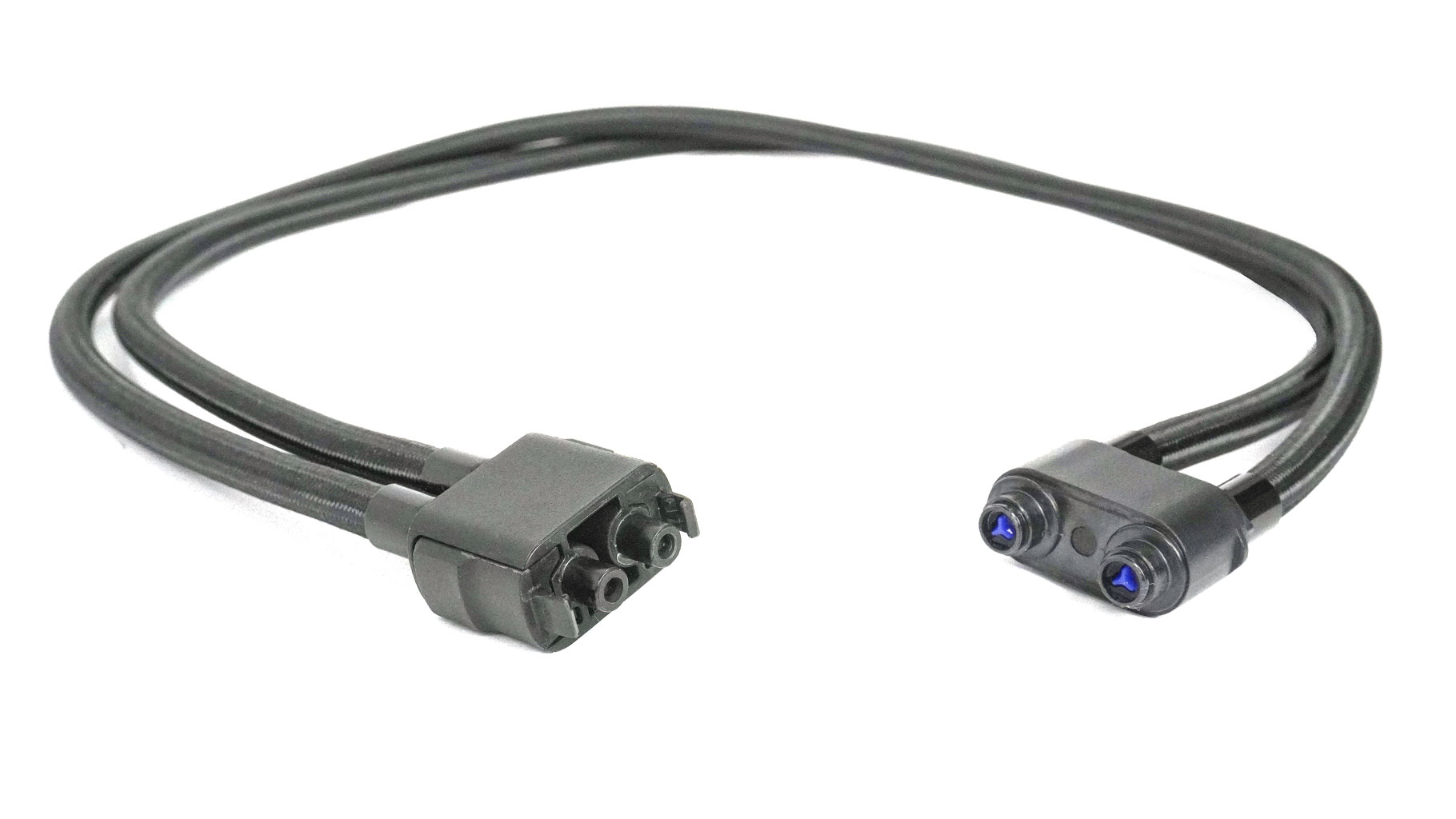
When you're at your desk, you "dock" it to the laptop using self-sealing magnetic tubes with a locking mechanical connector, and it starts circulating coolant through a dedicated pipe that sits right on top of the laptop's internal heat pipes.
It's a bit of a hybrid: while it has all the core hardware of a desktop AIO, it's not a closed loop. You'll need to fill it with distilled water yourself, and it uses Bluetooth to connect to your laptop so you can control the fan RPM and the RGB illumination. It effectively turns a portable machine into a liquid-cooled beast that runs way cooler and quieter, but you can still disconnect the tubes (in this case, the pump shuts down automatically) and take the laptop to a café or wherever you want.
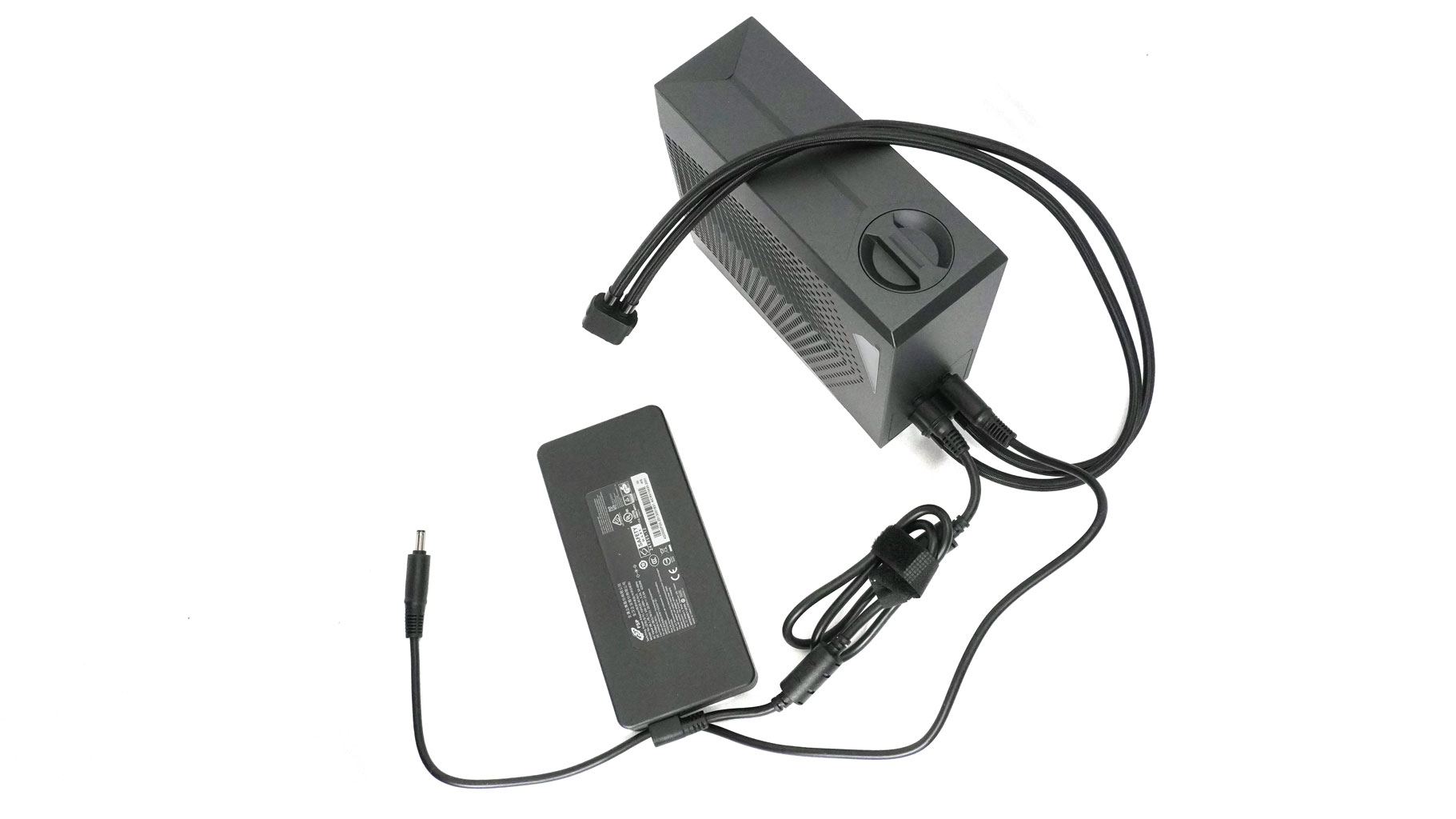
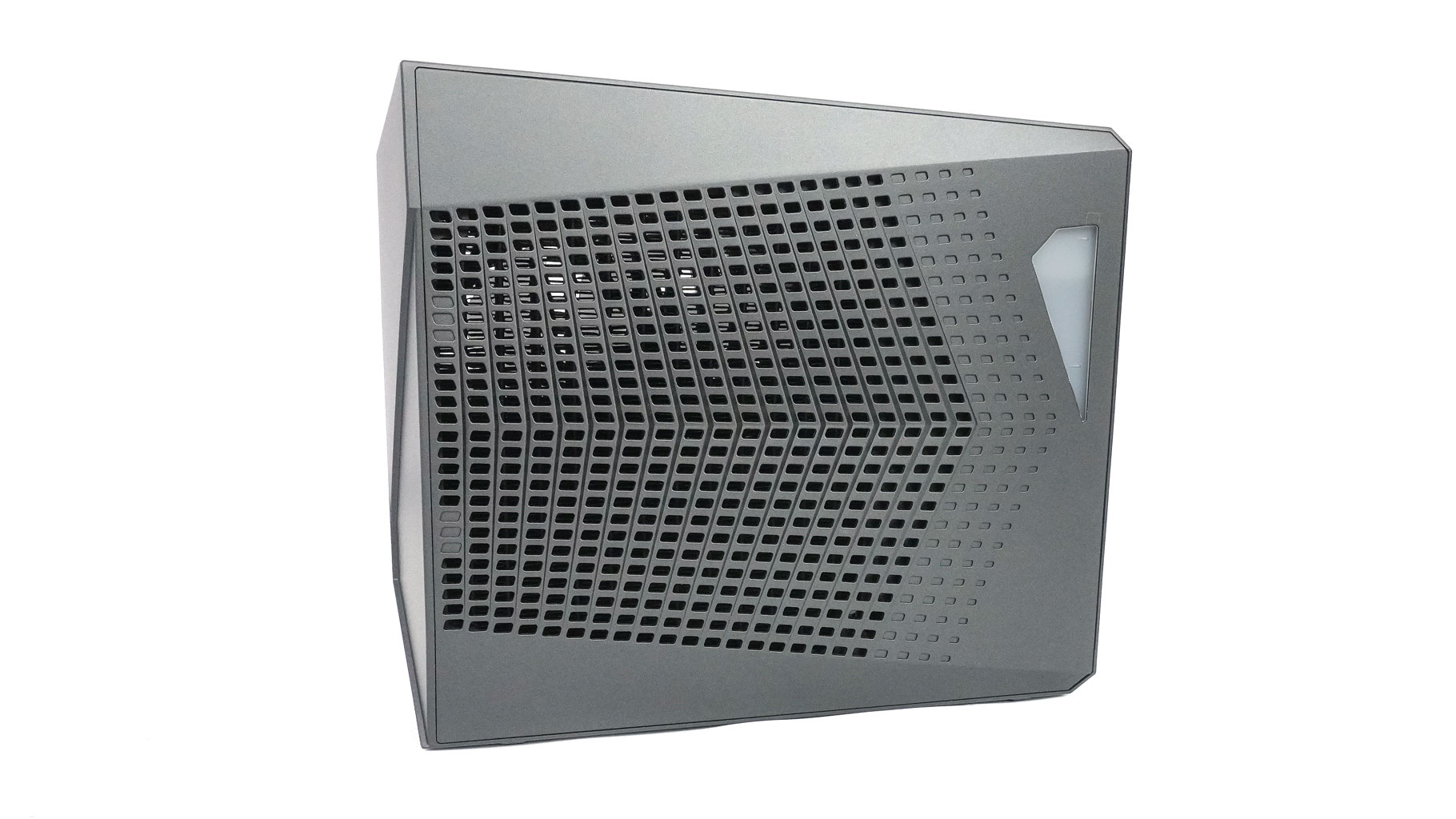
On top, you have a large screw-in cap that gives you access to the water tank. You can always watch the liquid level since the reservoir has an illuminated window and a mark on it that indicates the minimum level of water.
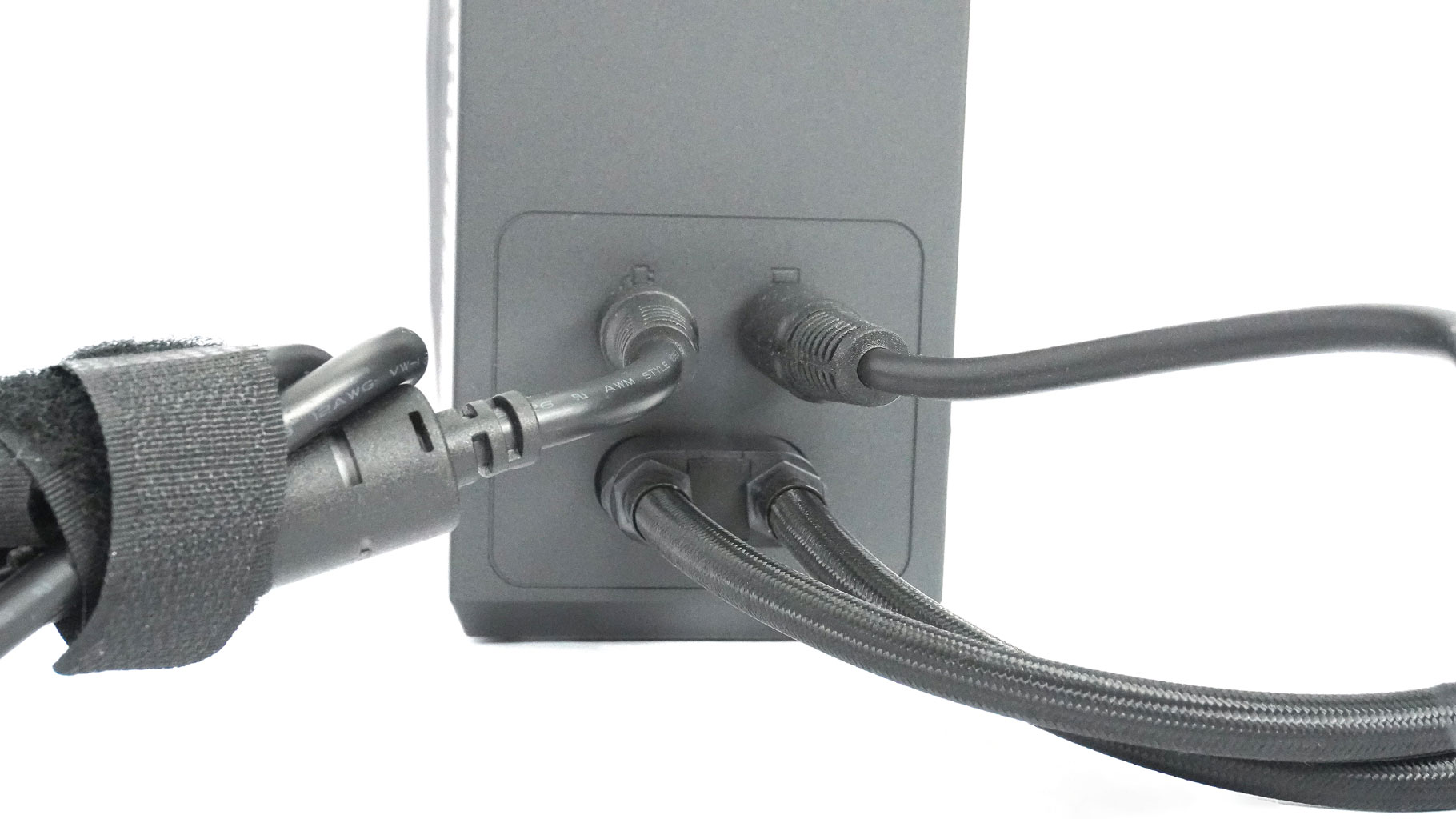
After both ends of the tubes are connected to the laptop and the OASIS unit, you have to plug the power supply connector into the left power socket on the back of the external cooler.
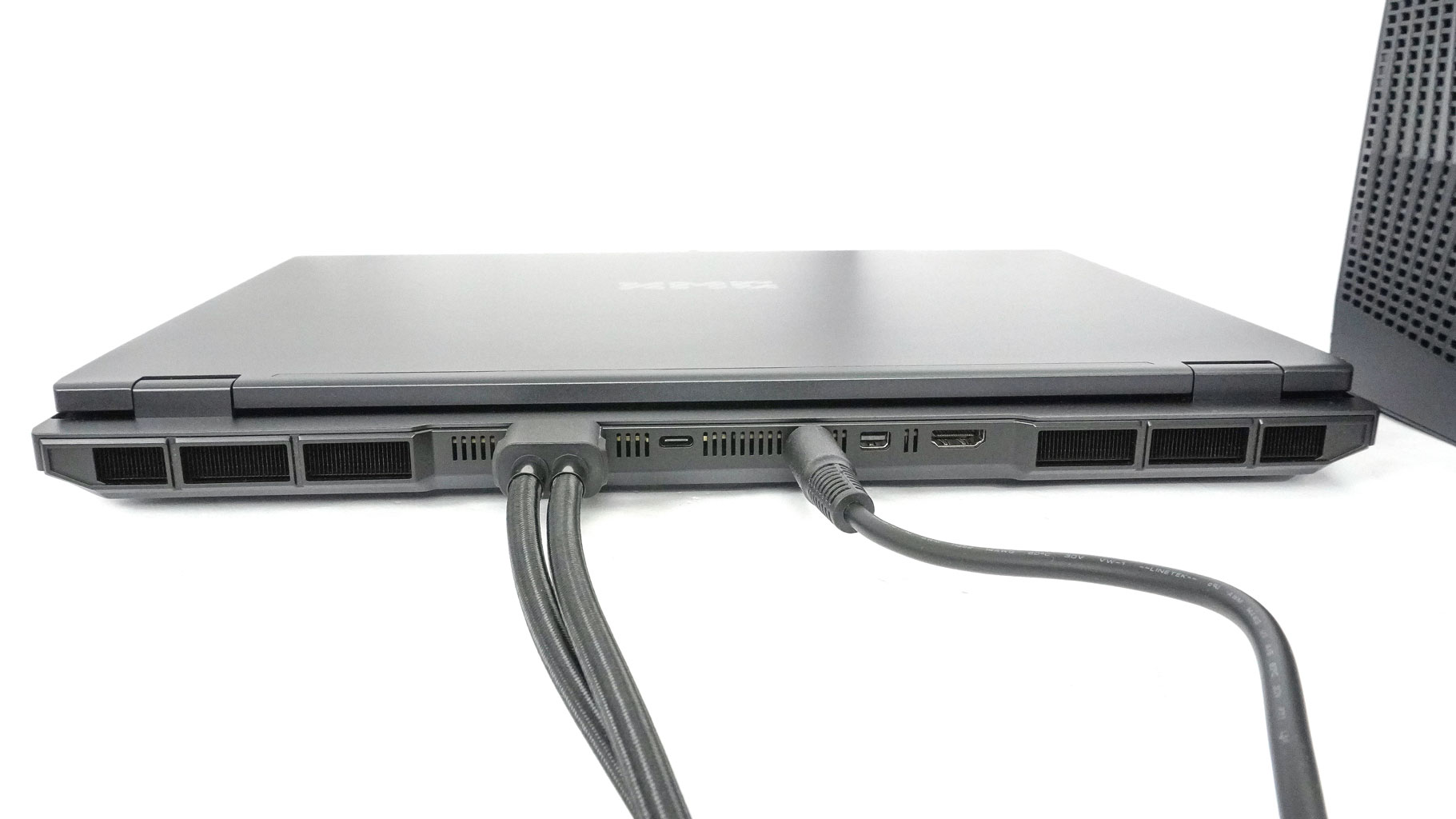
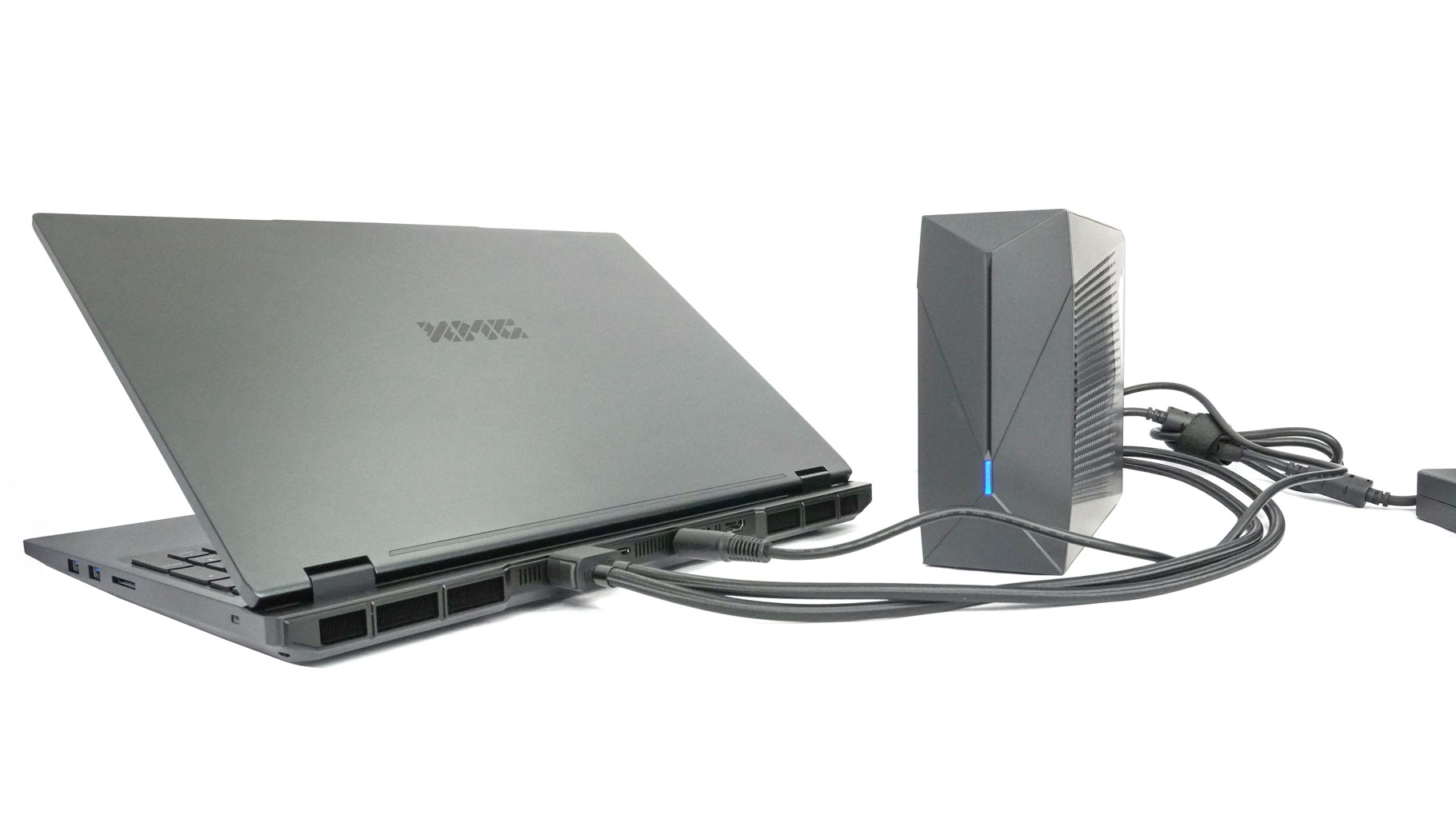
Then, use the bridge cable to connect the right socket to the laptop's DC-in port.
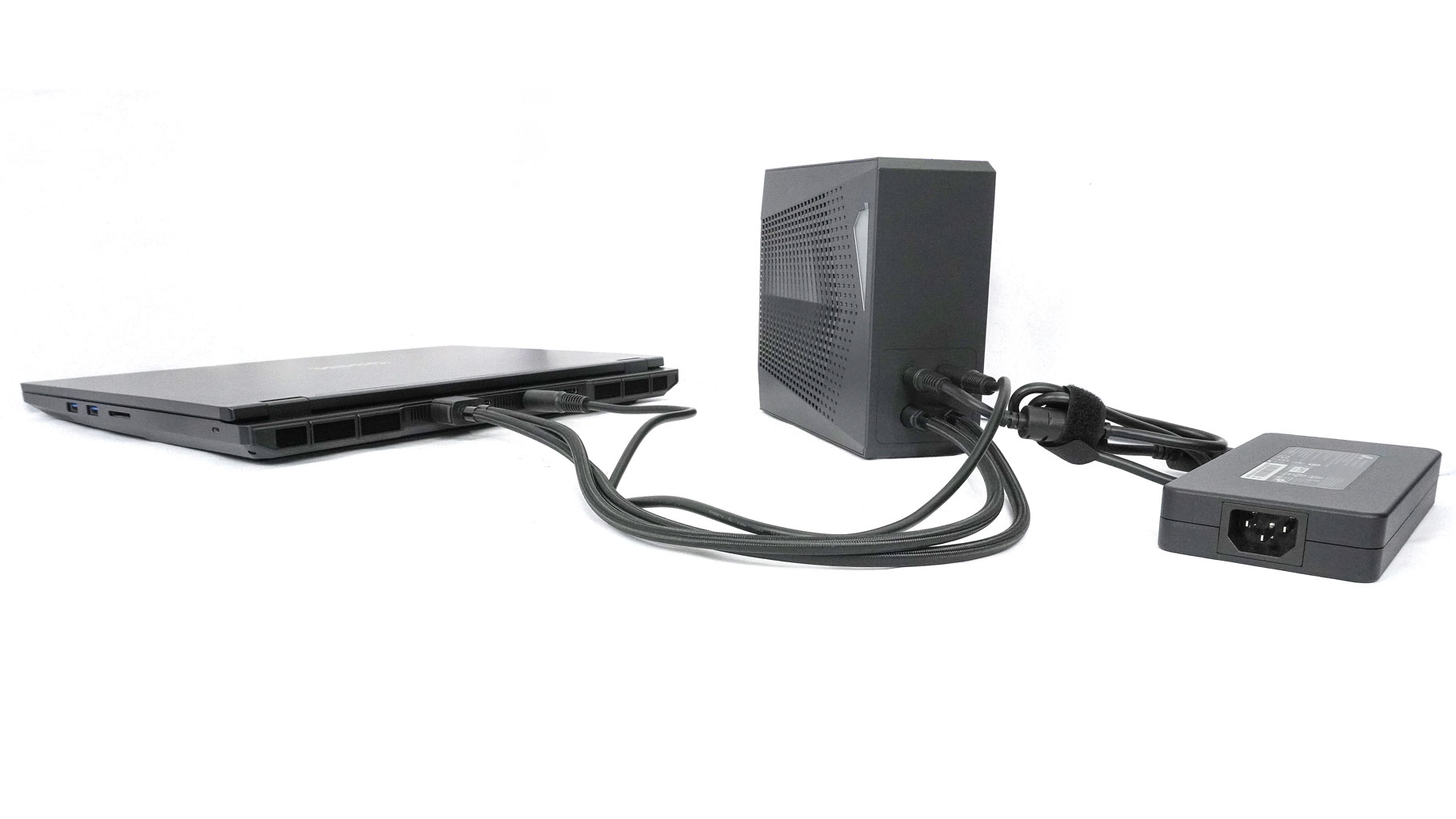
By doing so, the OASIS cooler and the notebook are powered at the same time by the 420 W adapter.
Nov 20th, 2026 08:40 PST
change timezone
Latest GPU Drivers
New Forum Posts
- Free Games Thread (5384)
- RX 9000 series GPU Owners Club (2243)
- Very unusual two gaming-pc scenarios. (27)
- RX 7600 + Ryzen 5 5600GT getting the same FPS as my old RX 6500 XT – What am I missing? (18)
- Making a game in Godot engine (13)
- GTA VI (17)
- Intel Core Ultra 5 processor 250K Plus (10)
- What is in your fleet, size and contents? (29)
- Windows 11 General Discussion (7741)
- TPU's Nostalgic Hardware Club (22173)
Popular Reviews
- AMD Zen 6 Technical Deep Dive
- Ugreen NASync DXP4800 GT Review
- Corsair RM1200e (Second Generation) Review
- Acemagic Retro X3 Review
- Upcoming Hardware Launches 2027 (Updated Nov 2026)
- Pulsar Office Tour & First Look at P1 Dual-Sensor Mouse
- Biwin Black Opal NV7400 2 TB Review
- AMD Ryzen 7 9800X3D Memory Performance Scaling
- Chieftec Iceberg PRO 360 DARK Review
- AMD Ryzen 7 9800X3D Review - The Best Gaming Processor
TPU on YouTube
Controversial News Posts
- NVIDIA Co-Founder and CEO Jensen Huang Officially Resigns (490)
- Report: Jensen Huang Eyes NVIDIA Comeback (243)
- Open Letter Asking NVIDIA to Reinstate Jensen Huang Passes 115,000 Signatures (184)
- OpenAI CEO Argues Home PCs Waste the World's Limited DRAM Supply (152)
- NVIDIA Launches Investigation Into Jensen Huang's Relationship With Suspected Chinese Spy (136)
- Intel "Raptor Lake Next" 16-Core and 20-Core CPUs Surface (130)
- Legendary Game Studio BioWare Shuts Down Following EA Layoffs (104)
- Dell CEO Says the Memory Shortage Will Get Worse in 2027 (95)