 5
XMG Pro 16 (M25) Review - The Mini LED Rocketship
Ports & Connectivity »A Closer Look - Outside
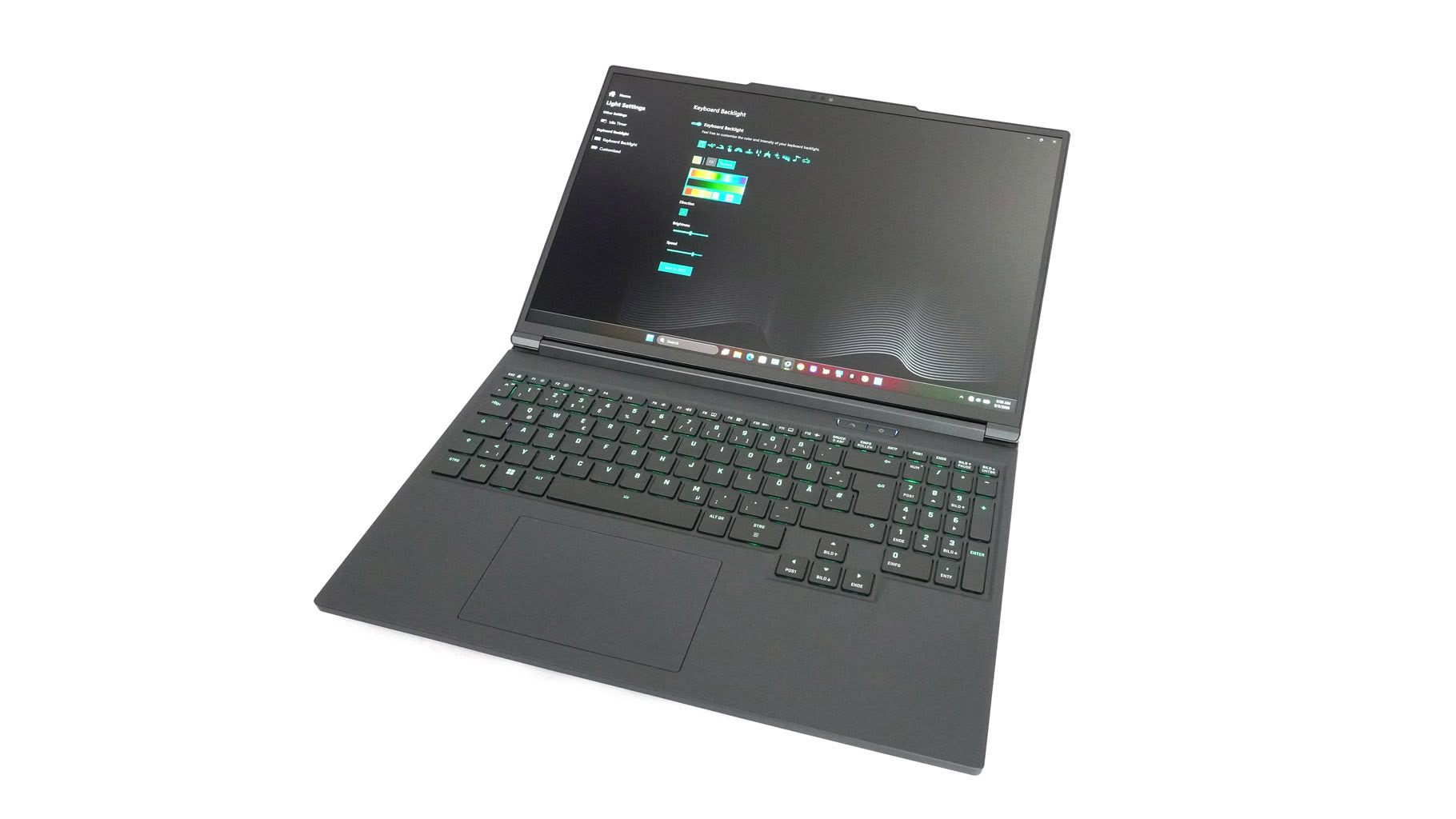
Wait, is that the XMG Pro 16 (E25)? Nope—that's the XMG Pro 16 (M25), but the two are absolute carbon copies. Everything I said about chassis quality in the E25 review applies 100% to the M25. But since this article covers a different model series, I'll review everything from scratch while keeping the core points intact.
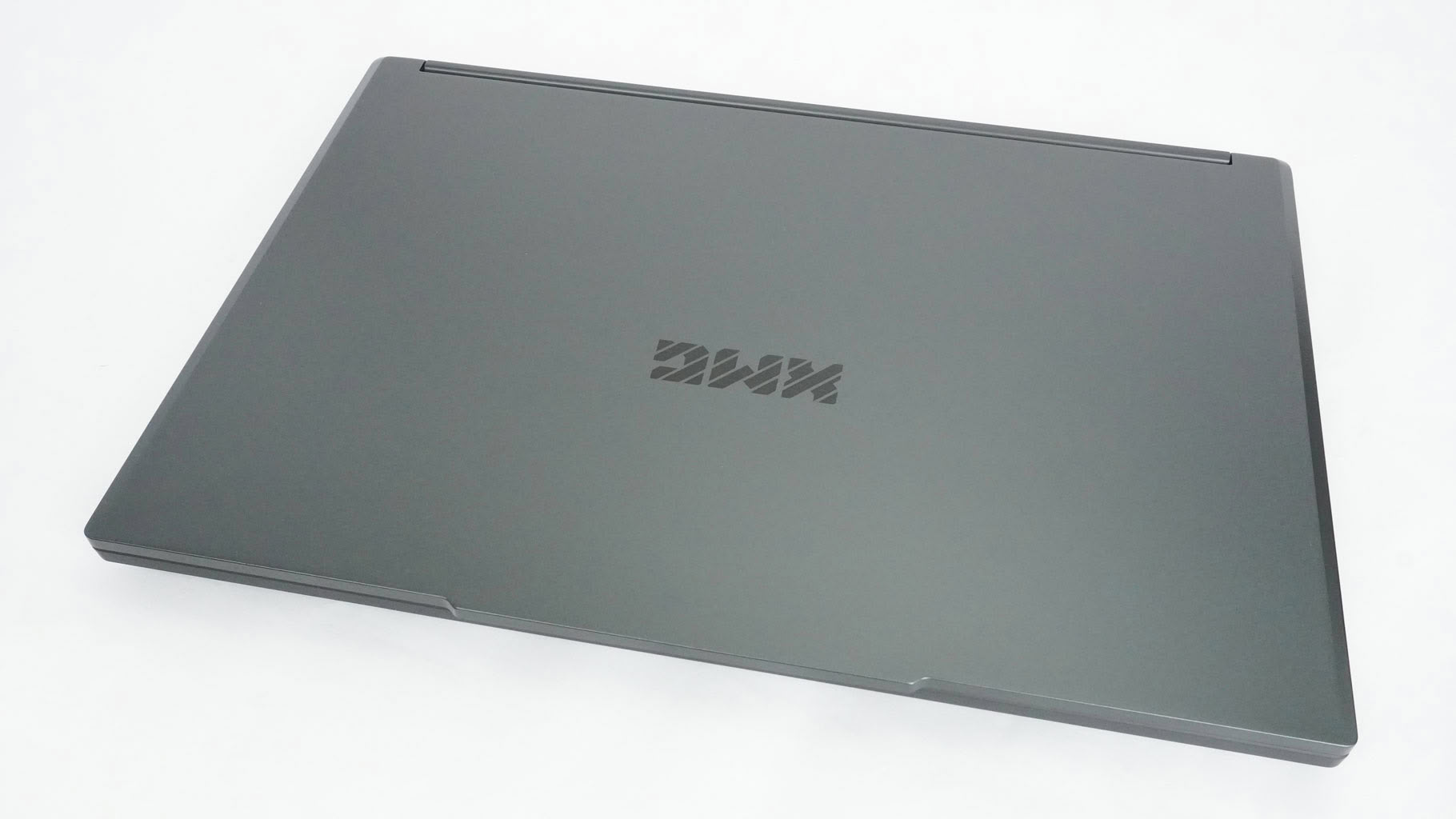
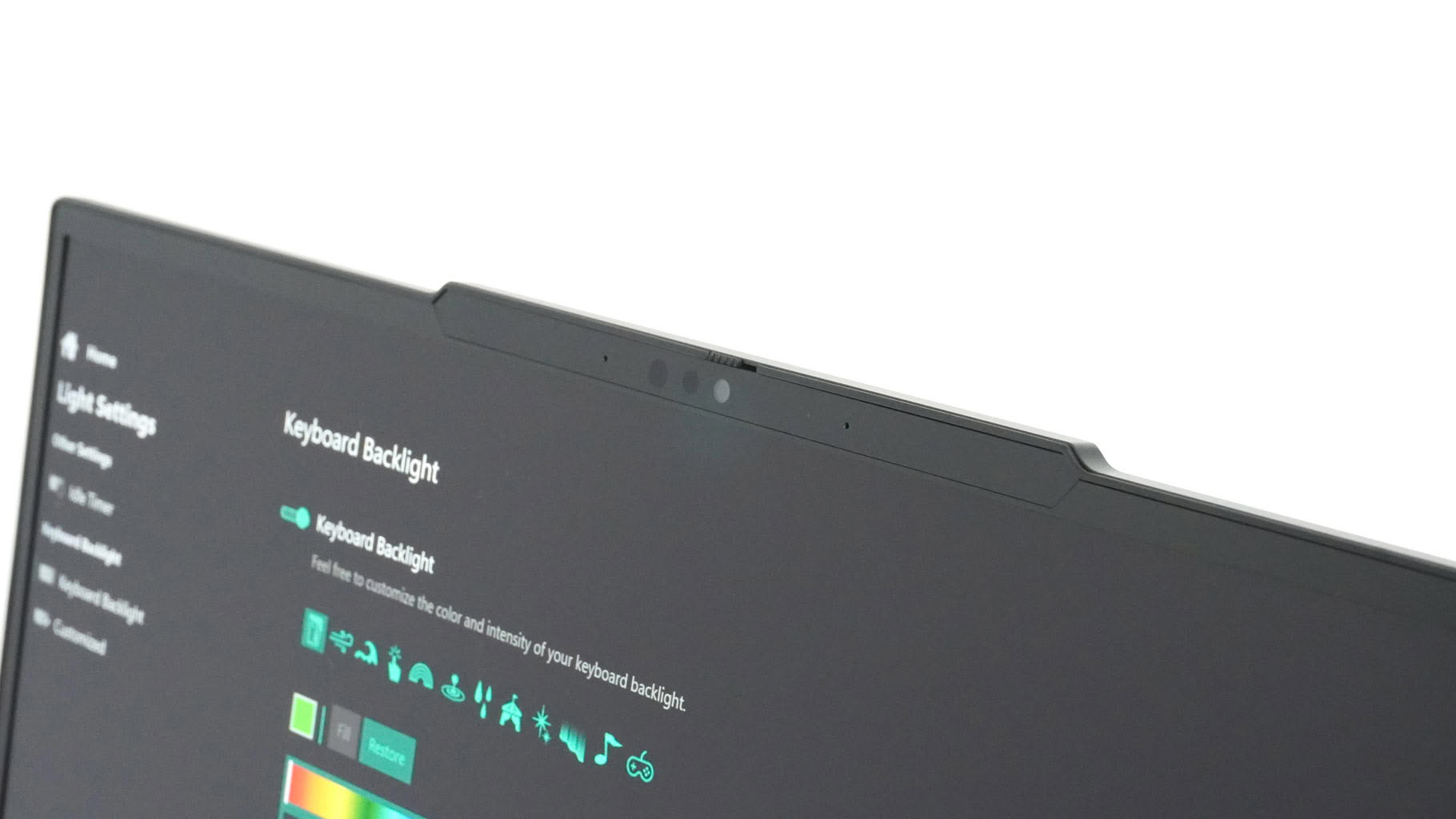
In a world full of body RGB, XMG offers a gaming laptop so clean and neutral that James Bond could bring it in his Aston Martin for video briefings with M—complete with a secure 1080p webcam, facial recognition, and a privacy shutter on the lid bump.
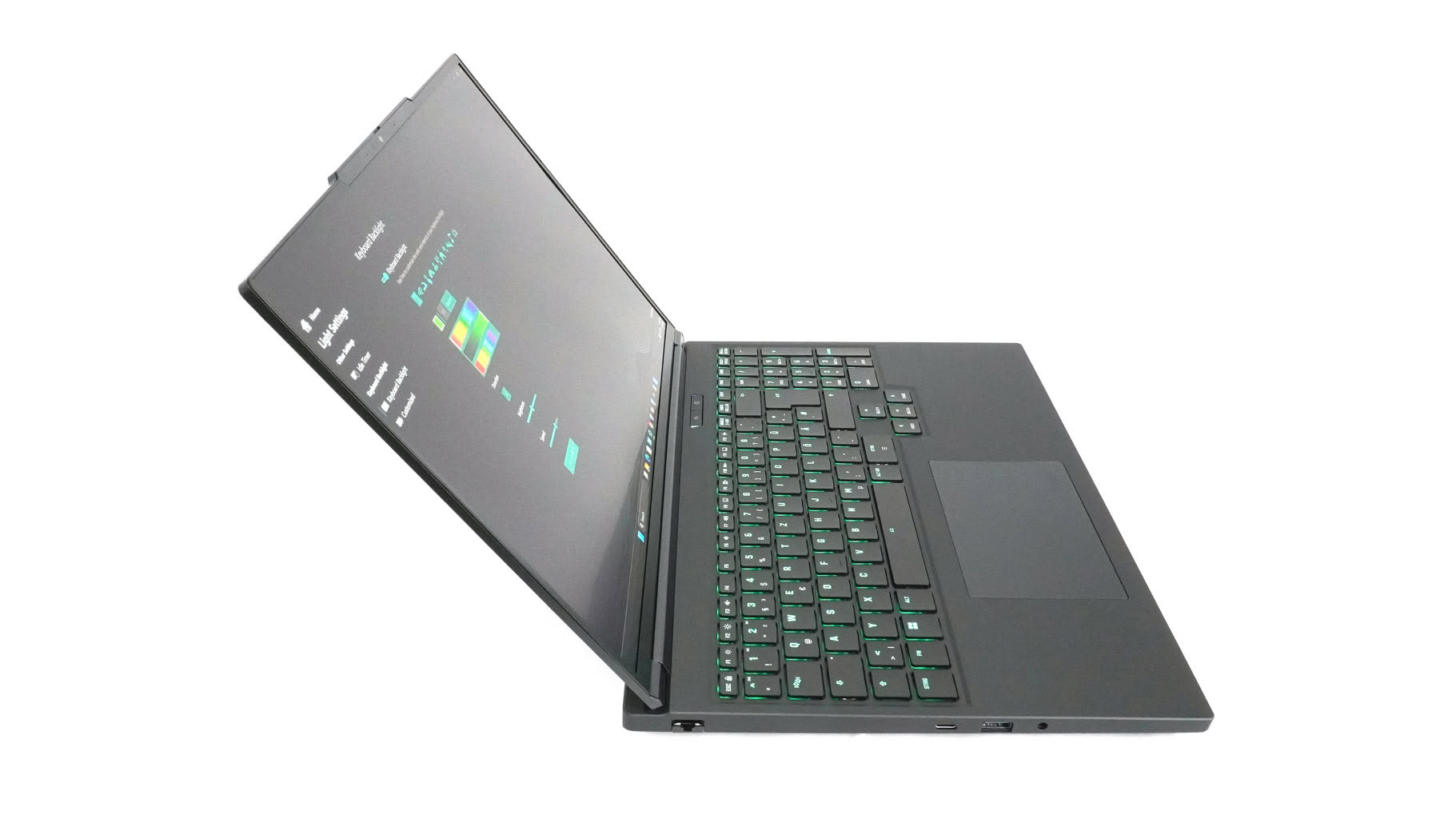
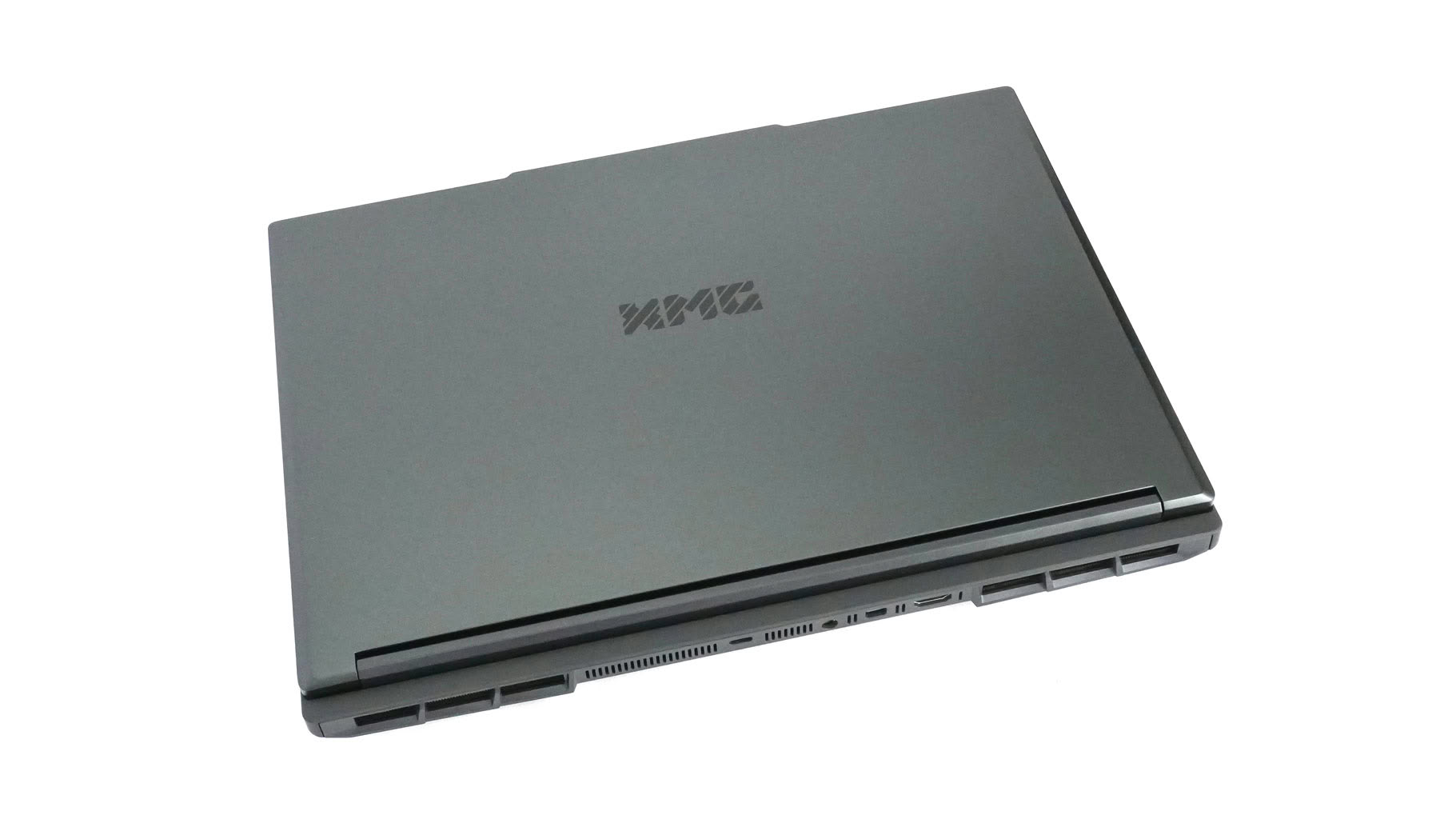
007 could probably use it in a fight scene, too. When closed, this laptop is virtually untwistable. If the British Secret Service agent hit the bad guys with this thing, a concussion would be guaranteed. Jokes aside, the 2.6 kg chassis—with its metal lid and plastic base—is impressively sturdy. Configurations with the base IPS screen are 150 grams lighter. The profile measures 26.5 mm thick, which makes sense given the substantial cooling system inside.
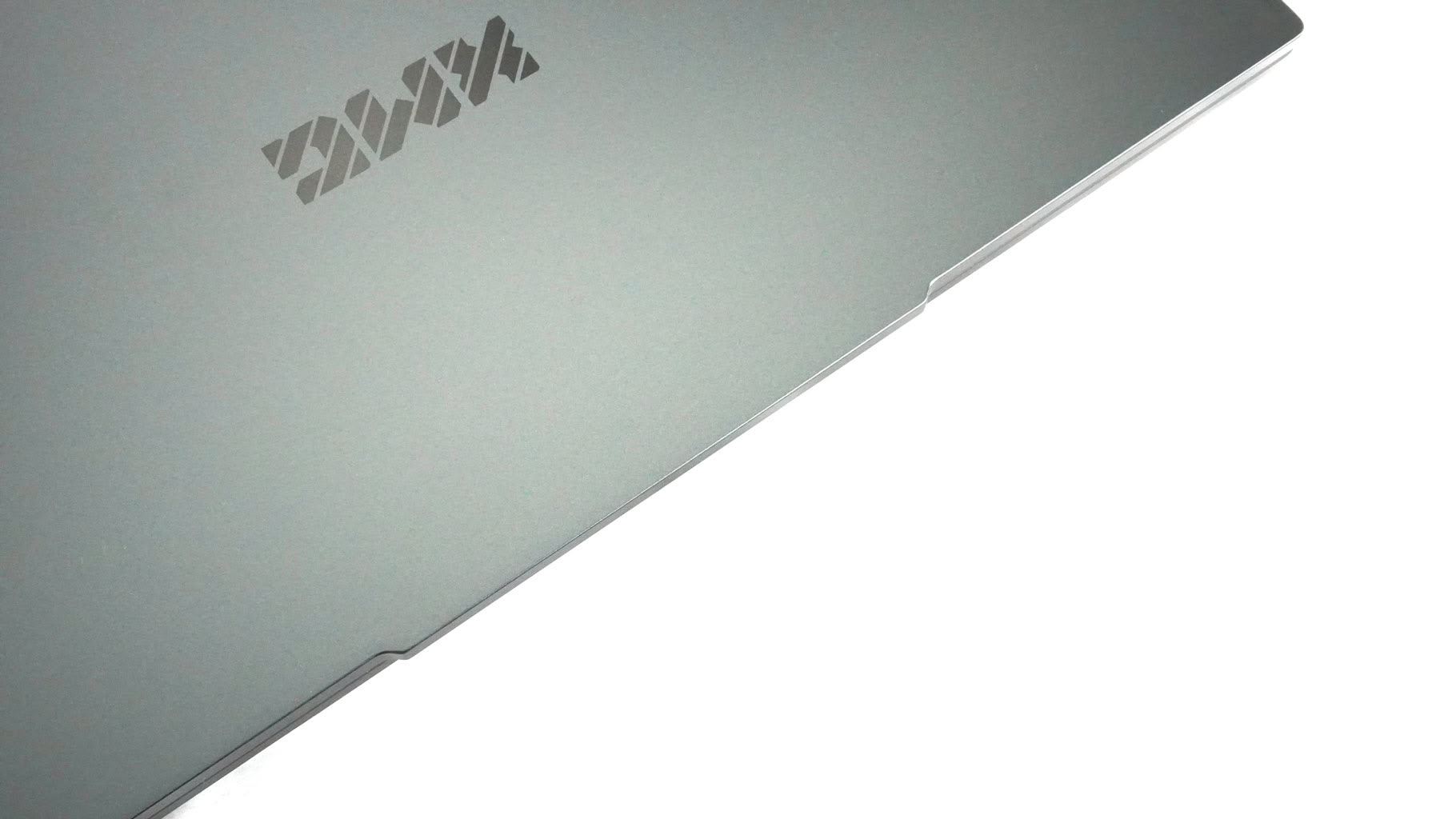
The lid opens easily with one hand—or even a single finger—all the way back to an almost flat position. XMG claims the lid can lay flat, but it feels just shy of 180 degrees—not that it's a real issue.
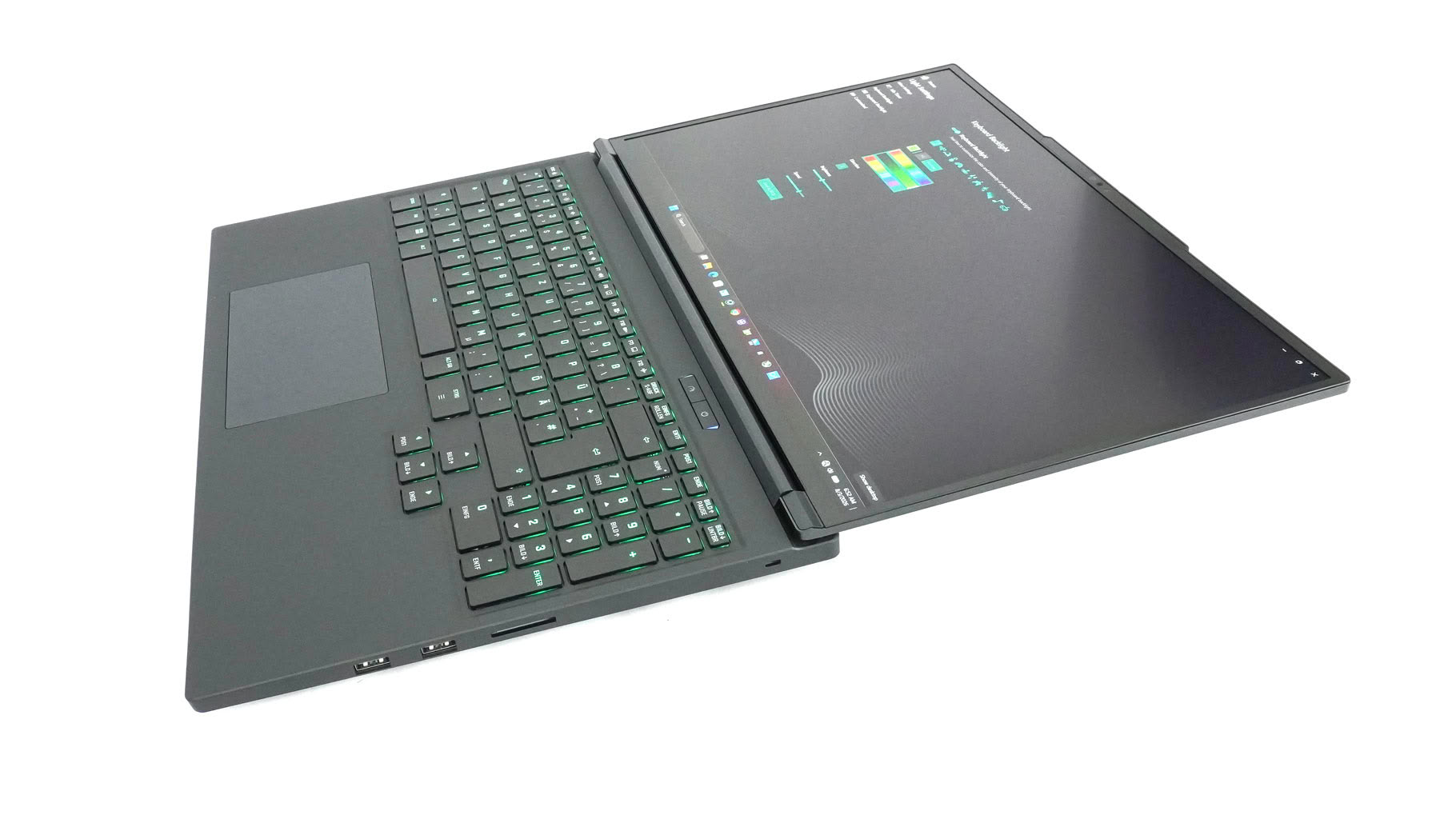
Sharing content with colleagues or friends is completely effortless. That makes it a great office companion if you need serious horsepower to boost productivity. The hinges feel nicely firm, though I noticed a slight squeak on the left side again when opening the lid quickly.
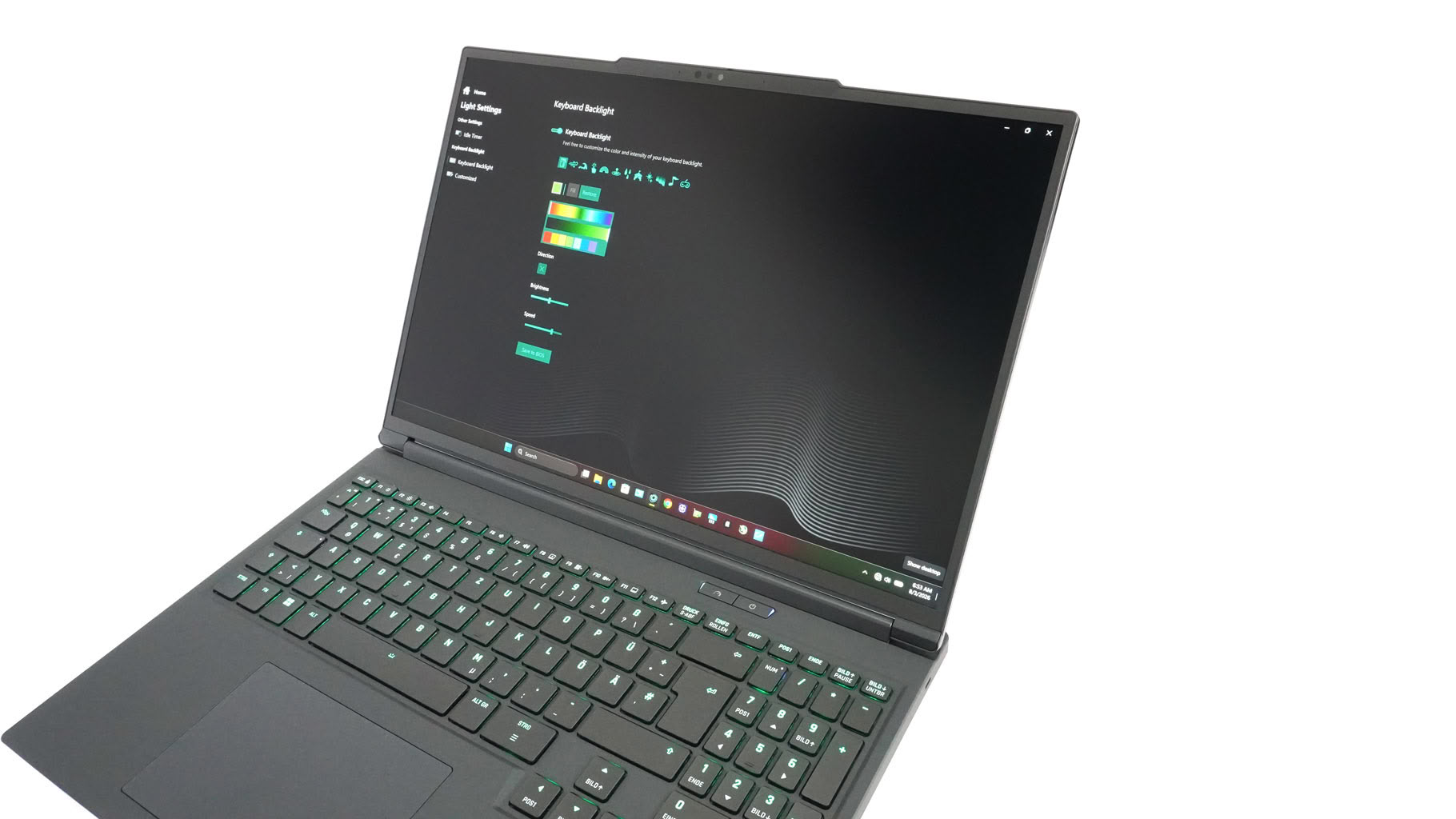
Thin display bezels give a modern touch to the laptop's stealthy aesthetic.
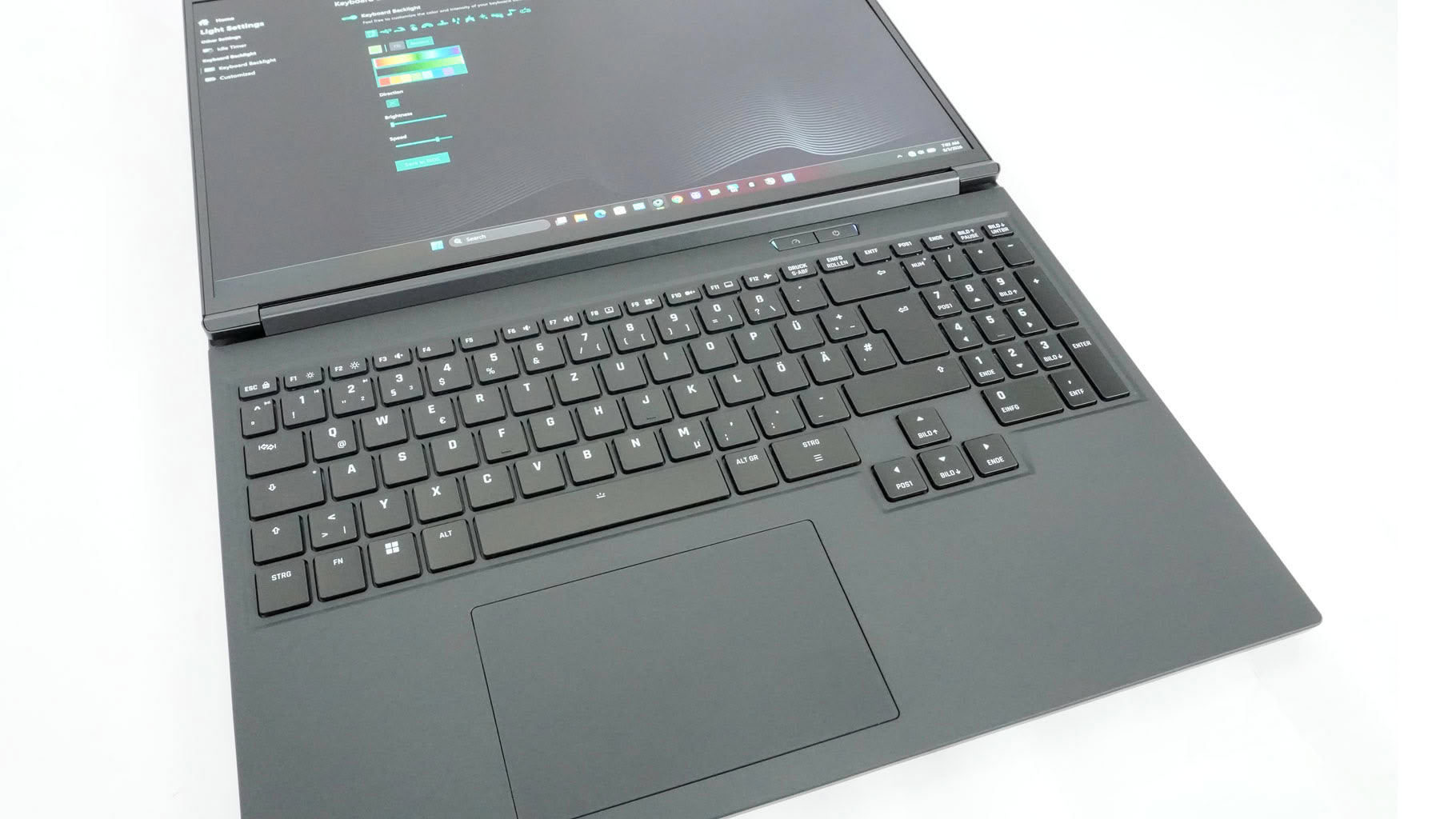
Just look at the keyboard layout XMG squeezed into a 16-incher!
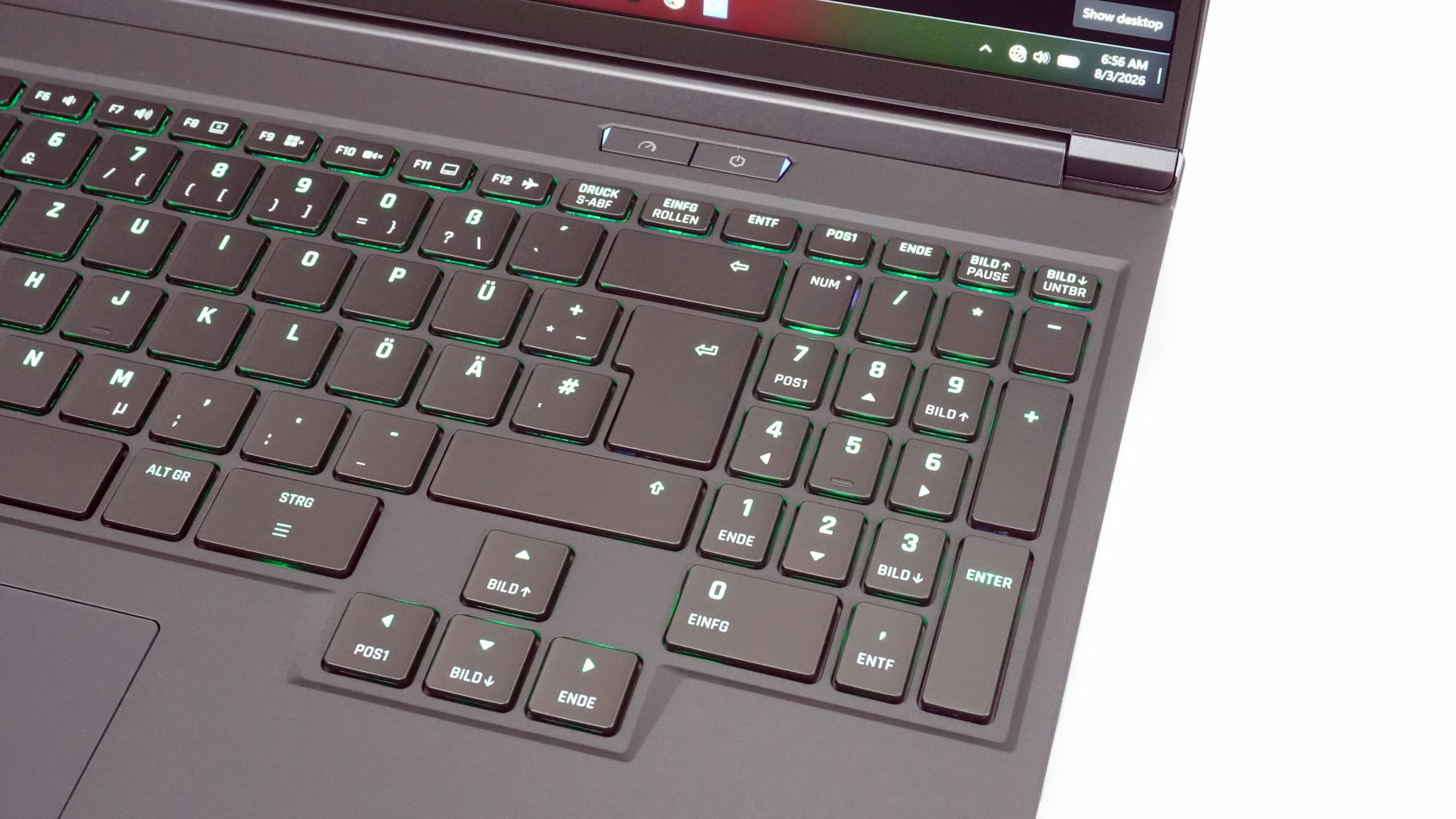
You get per-key RGB lighting, a spacious 4-row numpad, dedicated full-sized arrow keys, and generously sized backspace, enter, and shift keys. Combined with good key travel and crisp tactile feedback, it's great for both work and gaming. My only excuse to fire up Call of Duty was testing the N-key rollover and anti-ghosting—both of which worked flawlessly. The power button sits isolated above the keyboard, just below the hinge. Next to it is a dedicated shortcut key to switch power profiles or trigger max fan speed.
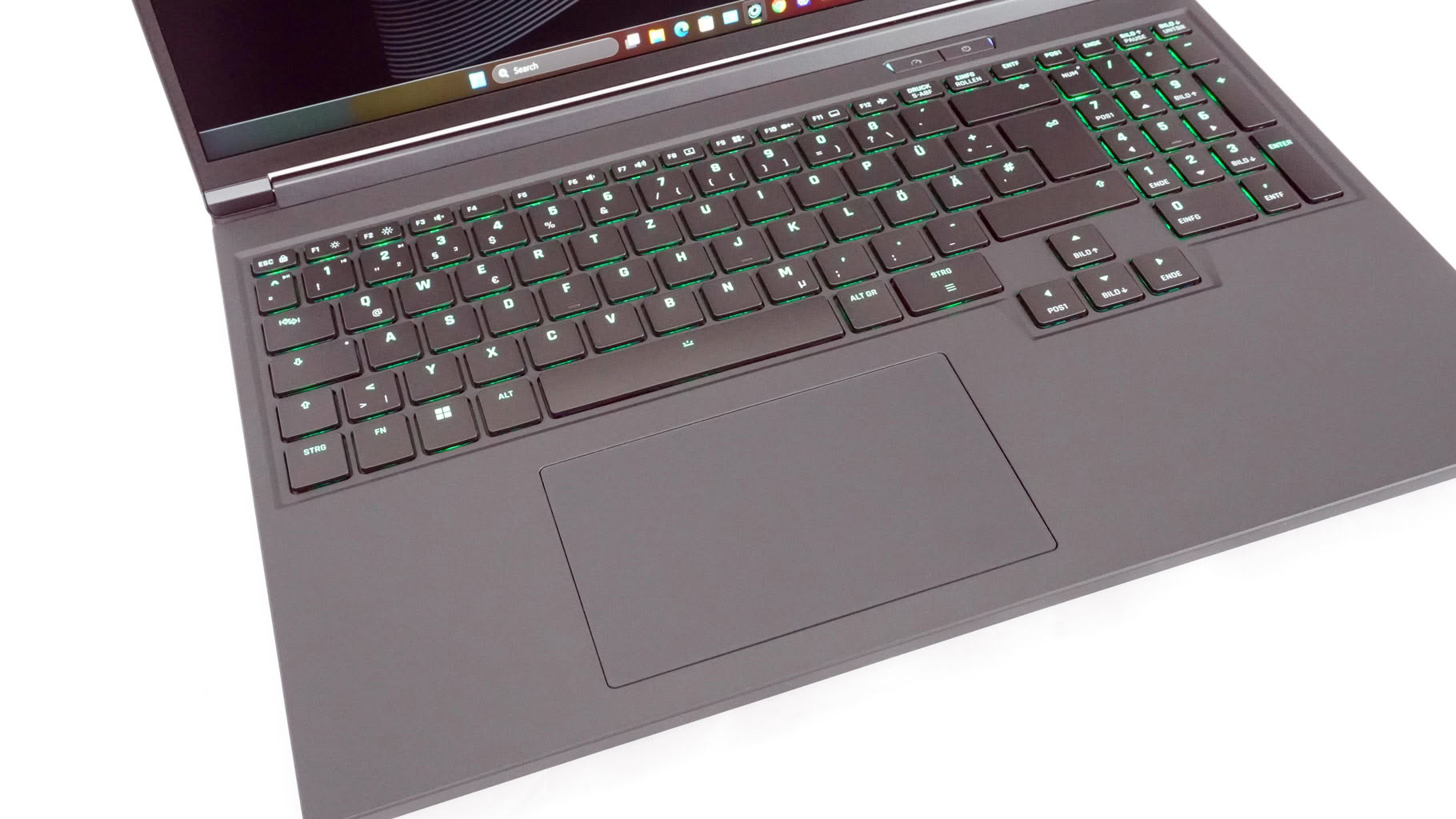
The touchpad isn't huge and isn't quite as centered as I'd like, but it's smooth and precise. Clicking is on the louder side, though. Palm rejection held up well during typing sessions. As a reminder, you can toggle the trackpad off if you're using an external mouse.
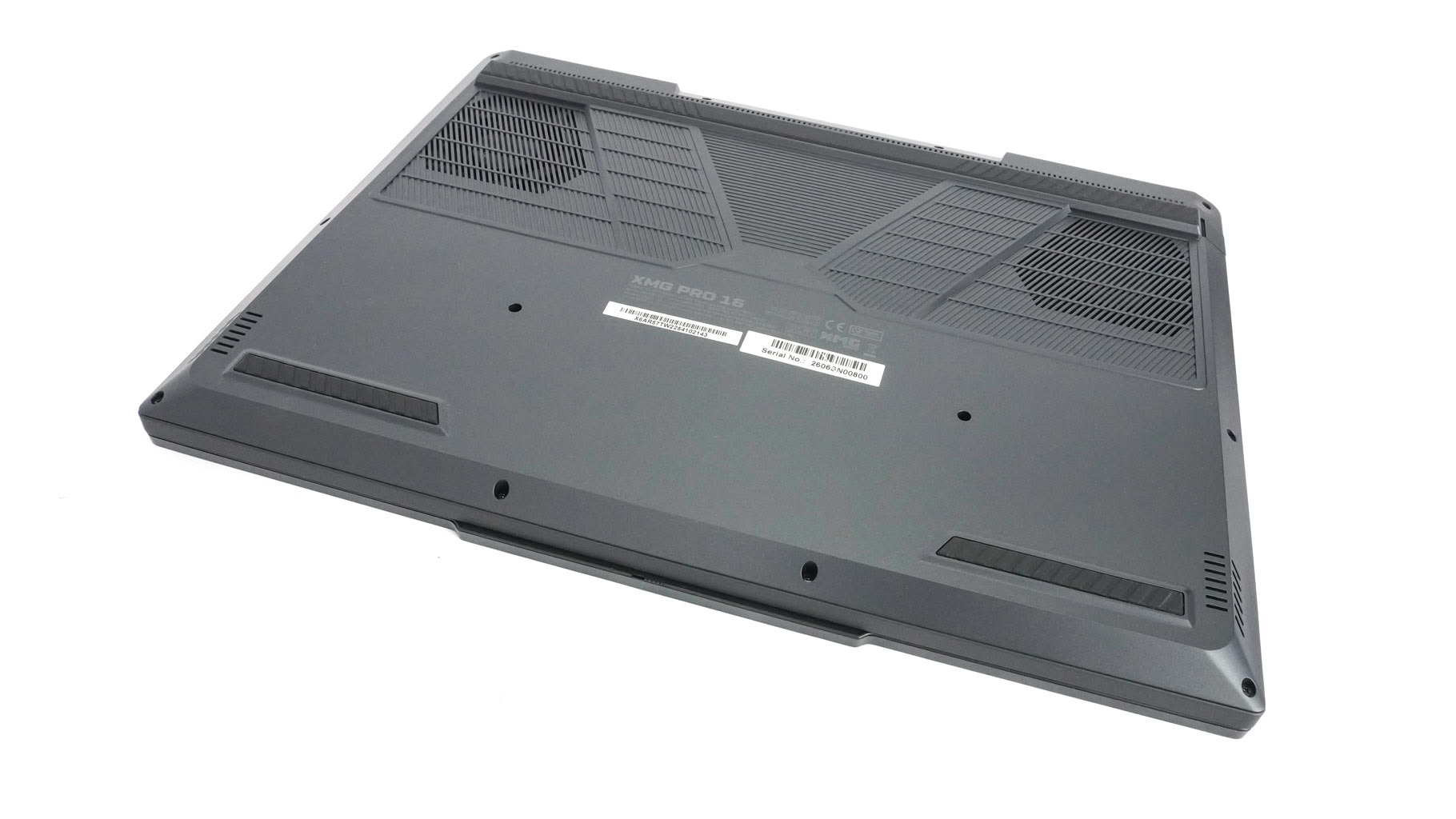
On the bottom, you'll find grippy rubber feet, speaker cutouts, and intake grilles positioned over the fans.
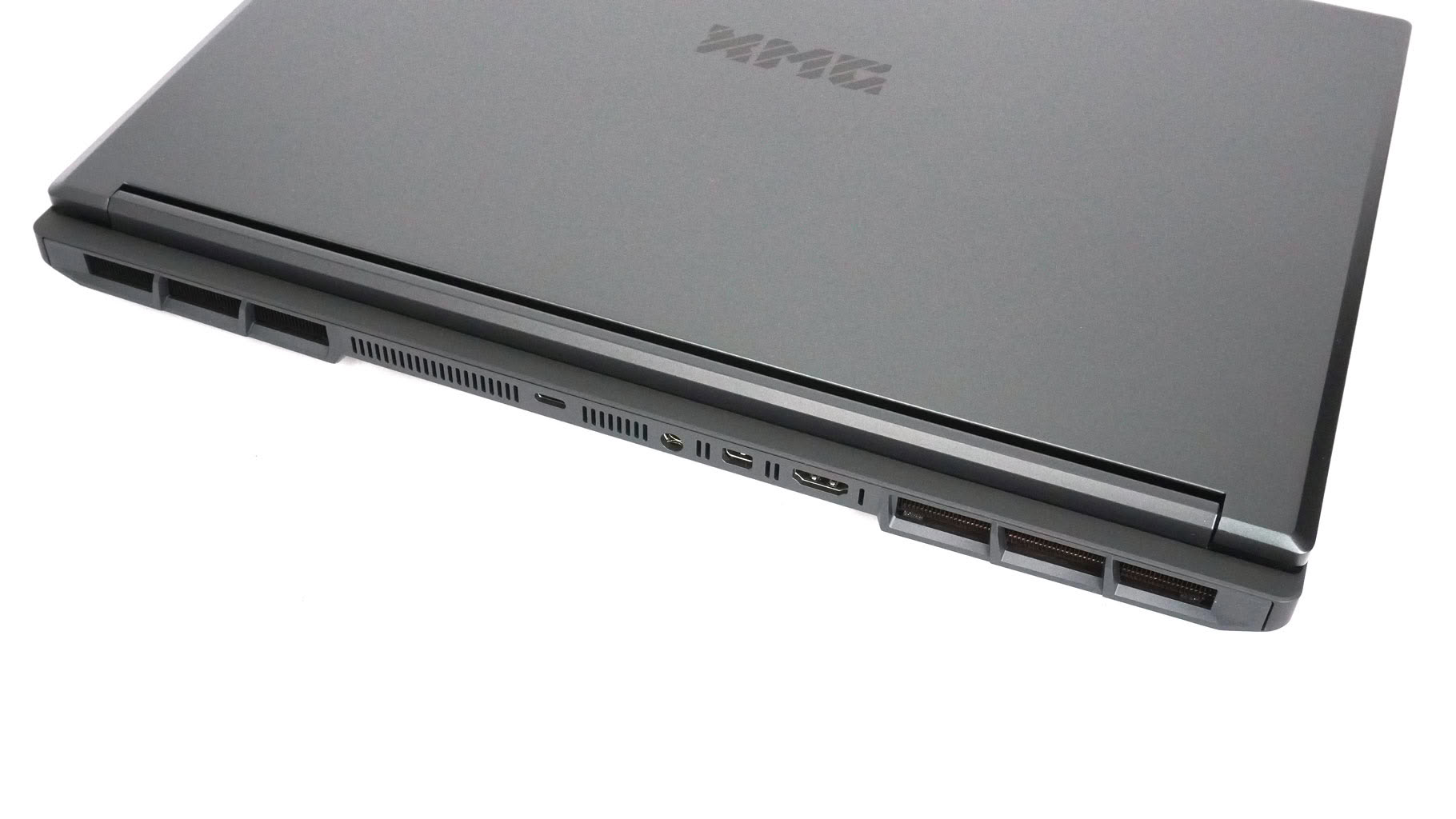
Heat exhausts through the back via aggressively designed, Lamborghini-esque vents.
Nov 17th, 2026 16:40 CST
change timezone
Latest GPU Drivers
New Forum Posts
- Help with fixing Overclock (6)
- 9070 GRE 3.9ghz validation reached. (16)
- ProArt X870E-CREATOR WIFI - Bifurcation~Complication (13)
- Last game you purchased? (1403)
- Without Jensen, PC gaming will be (33)
- [Poll] 12V-2x6 Connector Protection: What Are You Using? (WireView / Ampinel / Equalizer / Other / Nothing) (27)
- What is the latest game you finished or 100% (204)
- USB 3.0 90 Degree Adapter (2)
- Latest method for DTS/DDL for Logitech Z906 (0)
- What are you playing? (26232)
Popular Reviews
- Acemagic Retro X3 Review
- Corsair HX1000i Shift Crystal Review
- AMD Zen 6 Technical Deep Dive
- Upcoming Hardware Launches 2027 (Updated Nov 2026)
- ASUS ROG Strix B850-I Gaming Wi-Fi7 W Review
- Phantom Blade Zero Performance Benchmark Review - 35 GPUs Tested
- AMD Ryzen 7 9800X3D Review - The Best Gaming Processor
- Chieftec Iceberg PRO 360 DARK Review
- Montech King 95 3D PRO Review
- NZXT C1200 Platinum Review
TPU on YouTube
Controversial News Posts
- NVIDIA Co-Founder and CEO Jensen Huang Officially Resigns (457)
- Open Letter Asking NVIDIA to Reinstate Jensen Huang Passes 115,000 Signatures (184)
- OpenAI CEO Argues Home PCs Waste the World's Limited DRAM Supply (152)
- NVIDIA Launches Investigation Into Jensen Huang's Relationship With Suspected Chinese Spy (136)
- Report: Jensen Huang Eyes NVIDIA Comeback (135)
- Intel "Raptor Lake Next" 16-Core and 20-Core CPUs Surface (130)
- Legendary Game Studio BioWare Shuts Down Following EA Layoffs (104)
- Dell CEO Says the Memory Shortage Will Get Worse in 2027 (95)