Friday, September 4th 2026
Acemagic Debuts F9A Mini-Workstation With Ryzen AI Max+ PRO 495 at IFA 2026
Acemagic is showcasing its latest computing products at IFA 2026 from September 4 to 8, located at Booth 128, Hall 6.2, Messe Berlin. The highlight of the showcase is the F9A AI mini workstation, powered by the AMD Ryzen AI Max+ PRO 495 processor. With this launch, Acemagic becomes one of the first manufacturers globally to adopt this new platform, presenting a compact workstation designed for local AI applications and high-memory computing tasks.
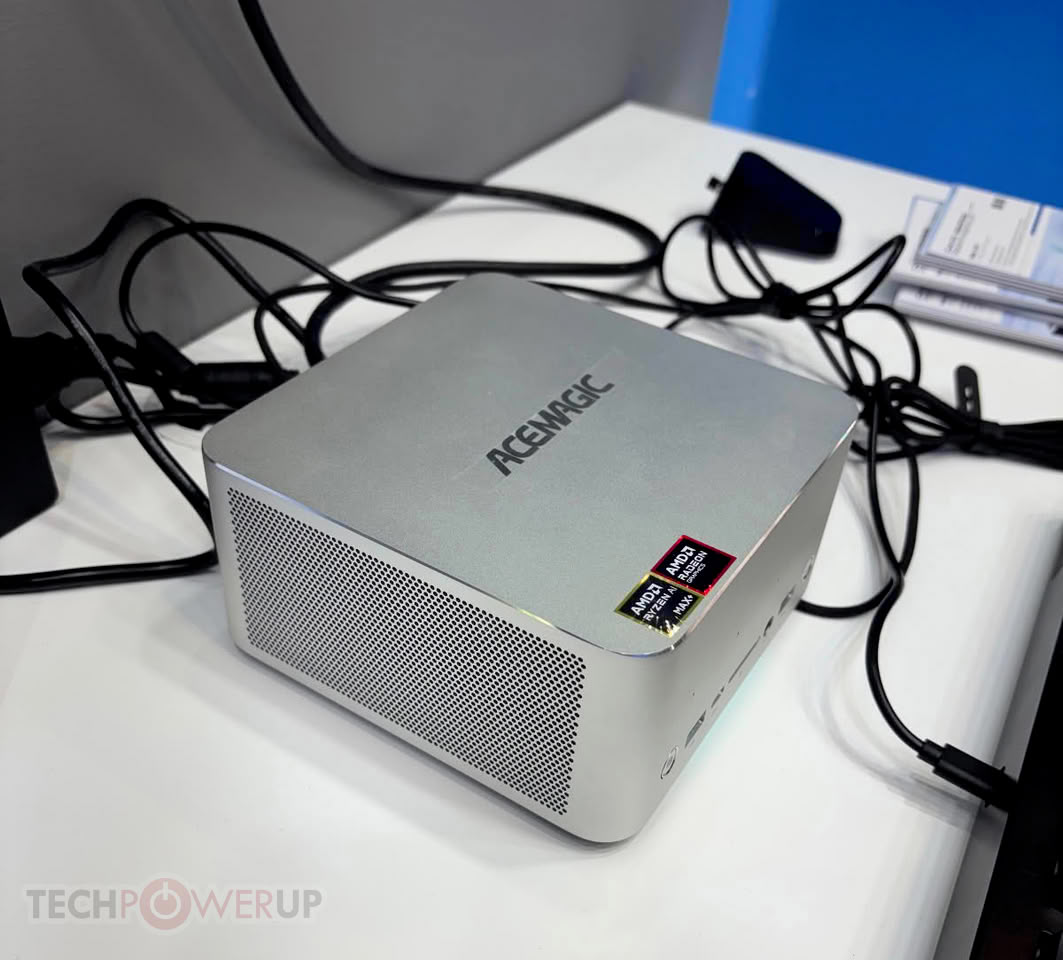
The F9A PRO 495 packs the AMD Ryzen AI Max+ PRO 495 processor, high-capacity unified memory, integrated Radeon graphics, and AI acceleration capabilities into a compact chassis of approximately 2 liters (measuring 158.5 x 158.5 x 81.5 mm). This offers users with limited desk space, who also require higher computing power and memory, an alternative to traditional small-form-factor PCs.
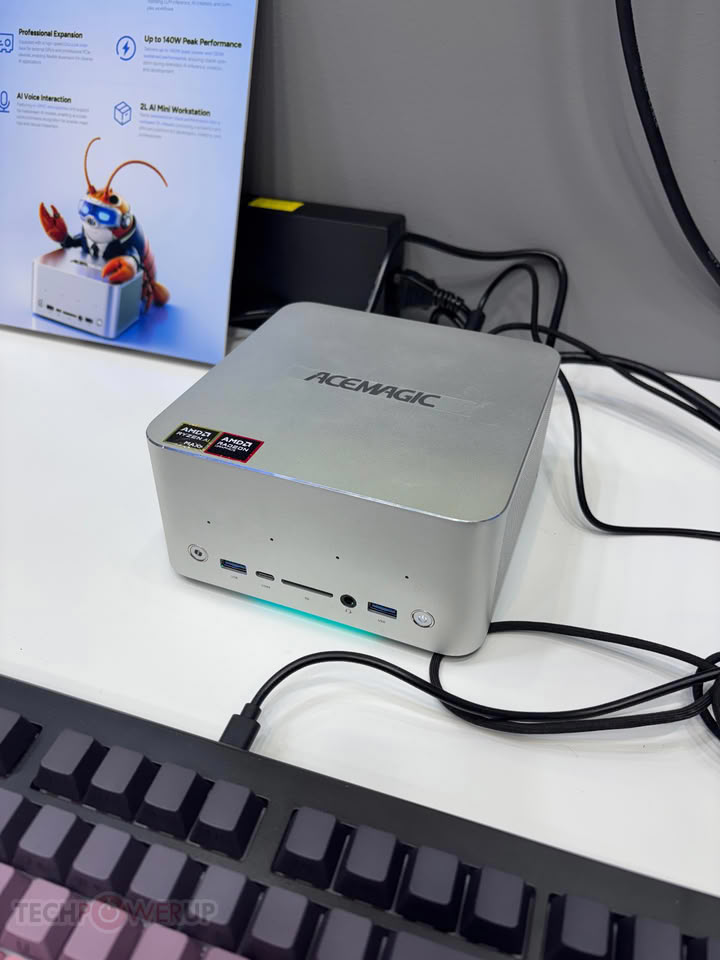
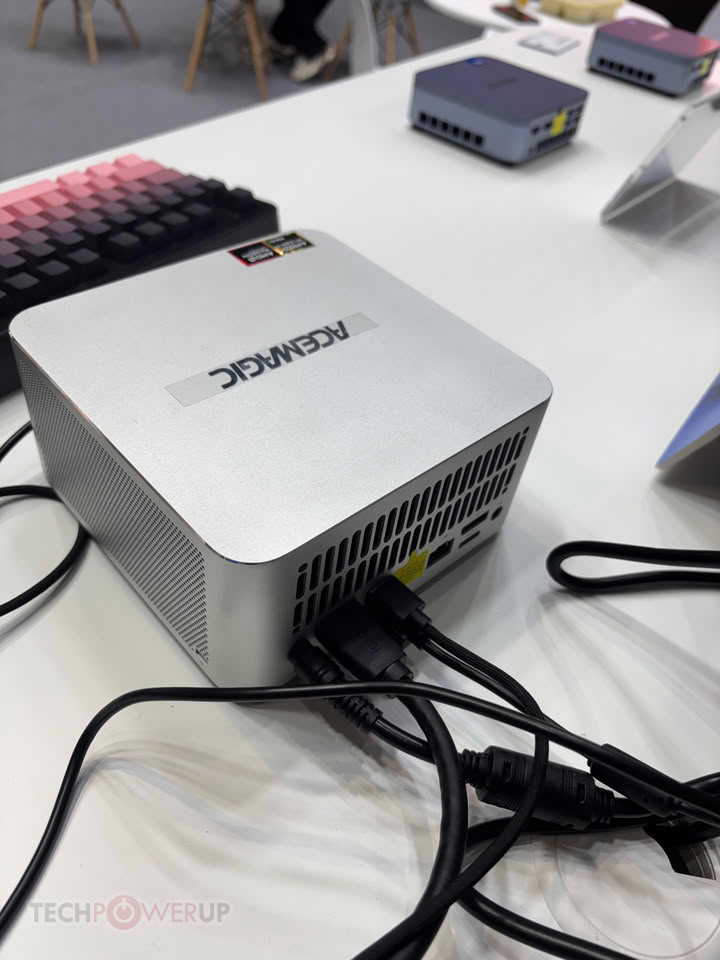
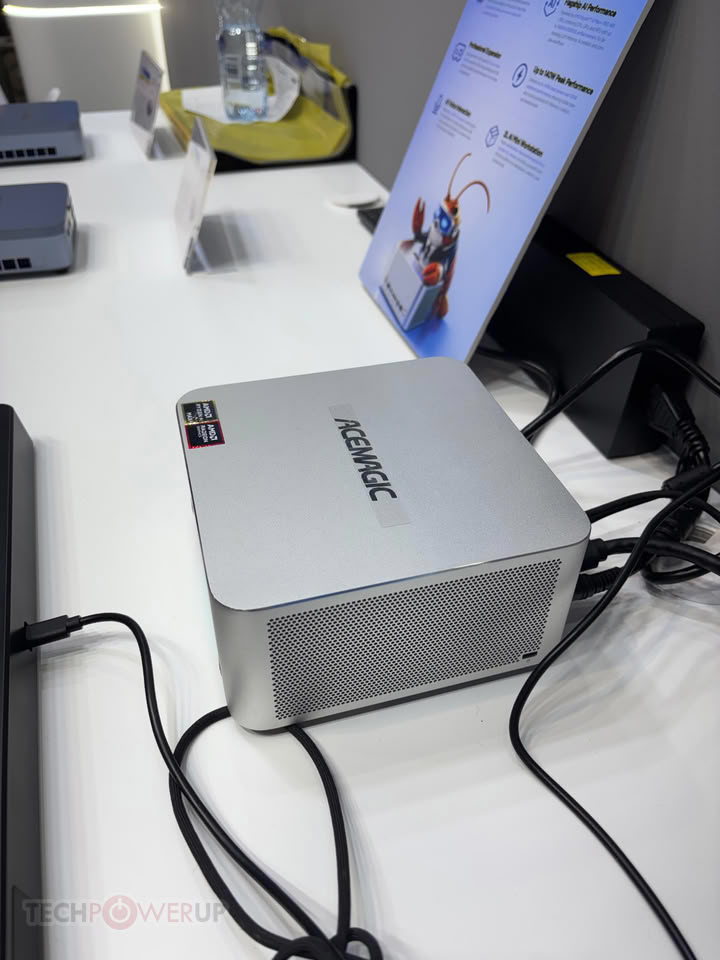
 Update Sep 4th: Added hands-on photos of the Acemagic F9A mini workstation from the IFA 2026 show.
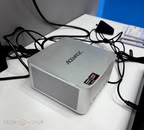
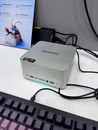
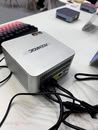
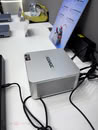
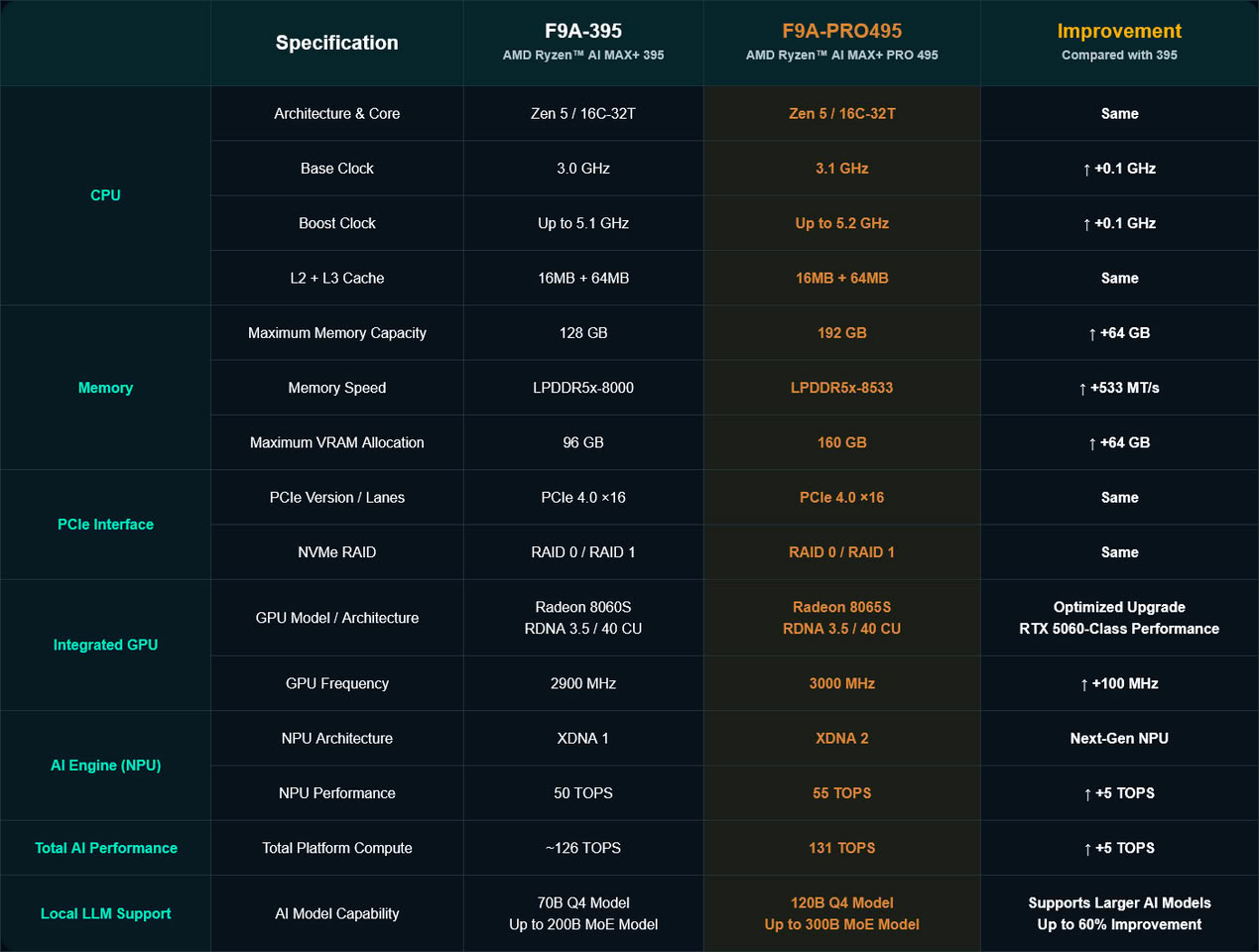
 The PRO 495 features 16 cores and 32 threads, a boost clock of up to 5.2 GHz, integrated Radeon 8065S graphics, and support for up to 192 GB of LPDDR5X-8533 memory. AMD's platform specifications also cite NPU performance of up to 55 TOPS and a total AI performance of up to 131 TOPS. Actual performance will vary based on system configuration, software, and workloads.
High-capacity unified memory lies at the heart of the F9A PRO 495. The CPU, integrated Radeon graphics, and AI processing unit share the same memory pool, providing ample headroom for memory-intensive workloads such as local AI inference, data processing, and content creation. Built on this platform, the F9A PRO 495 has successfully run the large-scale DeepSeek V4 Flash 284B model locally, demonstrating its capability to handle high-parameter local AI workloads. The specific model size and performance achieved depend on the model itself, the quantization method, the software environment, and the system configuration.
In terms of connectivity and expansion, the F9A features two USB4 ports, dual 2.5GbE Ethernet ports, Wi-Fi 7, Bluetooth 5.4, HDMI 2.1, DisplayPort 2.1, and an OCuLink interface based on PCIe 4.0 x4. For storage, it includes an M.2 2280 PCIe 4.0 x4 NVMe slot supporting SSDs up to 4 TB.
In addition to the PRO 495, Acemagic will also showcase an F9A configuration powered by the AMD Ryzen AI Max+ 395 at IFA. This model also features 16 cores and 32 threads with a boost clock of up to 5.1 GHz and integrated Radeon 8060S graphics, while supporting up to 128 GB of LPDDR5X memory, making it suitable for users with more modest memory and computing power requirements.
Available in PRO 495 and 395 configurations, these compact workstations integrate high-capacity unified memory, multicore CPUs, integrated graphics, and AI acceleration capabilities. They are designed for developers, content creators, and professionals who need to run AI workloads and other memory-intensive applications locally. The PRO 495 is a featured product for Acemagic at IFA 2026. Pre-sales for the 395 will begin on the official website on September 10, while the Pro 495 is currently being teased on the official online store.
Source:
Acemagic
The F9A PRO 495 packs the AMD Ryzen AI Max+ PRO 495 processor, high-capacity unified memory, integrated Radeon graphics, and AI acceleration capabilities into a compact chassis of approximately 2 liters (measuring 158.5 x 158.5 x 81.5 mm). This offers users with limited desk space, who also require higher computing power and memory, an alternative to traditional small-form-factor PCs.


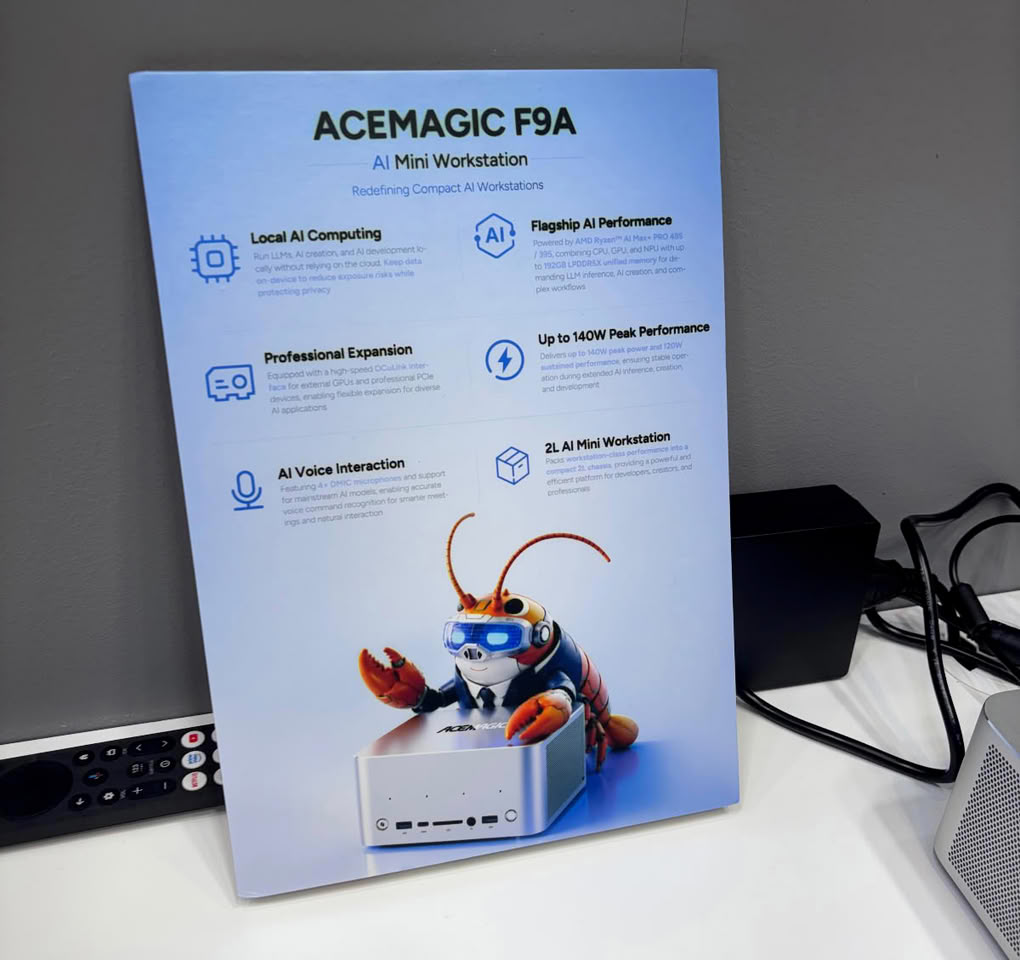
High-capacity unified memory lies at the heart of the F9A PRO 495. The CPU, integrated Radeon graphics, and AI processing unit share the same memory pool, providing ample headroom for memory-intensive workloads such as local AI inference, data processing, and content creation. Built on this platform, the F9A PRO 495 has successfully run the large-scale DeepSeek V4 Flash 284B model locally, demonstrating its capability to handle high-parameter local AI workloads. The specific model size and performance achieved depend on the model itself, the quantization method, the software environment, and the system configuration.
In terms of connectivity and expansion, the F9A features two USB4 ports, dual 2.5GbE Ethernet ports, Wi-Fi 7, Bluetooth 5.4, HDMI 2.1, DisplayPort 2.1, and an OCuLink interface based on PCIe 4.0 x4. For storage, it includes an M.2 2280 PCIe 4.0 x4 NVMe slot supporting SSDs up to 4 TB.
In addition to the PRO 495, Acemagic will also showcase an F9A configuration powered by the AMD Ryzen AI Max+ 395 at IFA. This model also features 16 cores and 32 threads with a boost clock of up to 5.1 GHz and integrated Radeon 8060S graphics, while supporting up to 128 GB of LPDDR5X memory, making it suitable for users with more modest memory and computing power requirements.
Available in PRO 495 and 395 configurations, these compact workstations integrate high-capacity unified memory, multicore CPUs, integrated graphics, and AI acceleration capabilities. They are designed for developers, content creators, and professionals who need to run AI workloads and other memory-intensive applications locally. The PRO 495 is a featured product for Acemagic at IFA 2026.
10 Comments on Acemagic Debuts F9A Mini-Workstation With Ryzen AI Max+ PRO 495 at IFA 2026
@remixedcat
- Support for LPDDR5x-8533 RAM
- Support up to 192 GB RAM, along with iGPU allocation up to 160GB (which allows larger LLMs to be loaded)
- Updated XDNA 2 NPU
- +100 MHz more to both iGPU and CPU base/boost clocks
I'm guessing AMD still hasn't found a way (or at least find space on the die) to integrate a PCIe 5.0 controller. PCIe 4.0 is still fine for up to 64Gbps bandwidth at x4, but that would've prepared this APU for the upcoming TB5/USB4 80Gbps implementations which will support PCIe 5.0 x4 tunneling.The CPU in Strix Halo is just a power-limited 9950X with a better (e.g. more efficient than the one on Granite Ridge, although that could be because of lack of DDR5-5600 support) memory controller.
EDIT: Okay, I'll say its a more cut-down 9950X as it lacks DDR5-5600 support, only has sixteen PCIe 4.0 lanes and the bigger and newer iGPU (compared to 610M).This is easily bypassed. Just clean install your OS.
If this was just for kids or a family that doesn't tinker around with their devices, then yes I would not ever recommend a random Chinese boutique OEM unless someone is going to configure it for their needs.
The ACEMAGIC malware is all Windows-side from what I've read.