Key features


The build
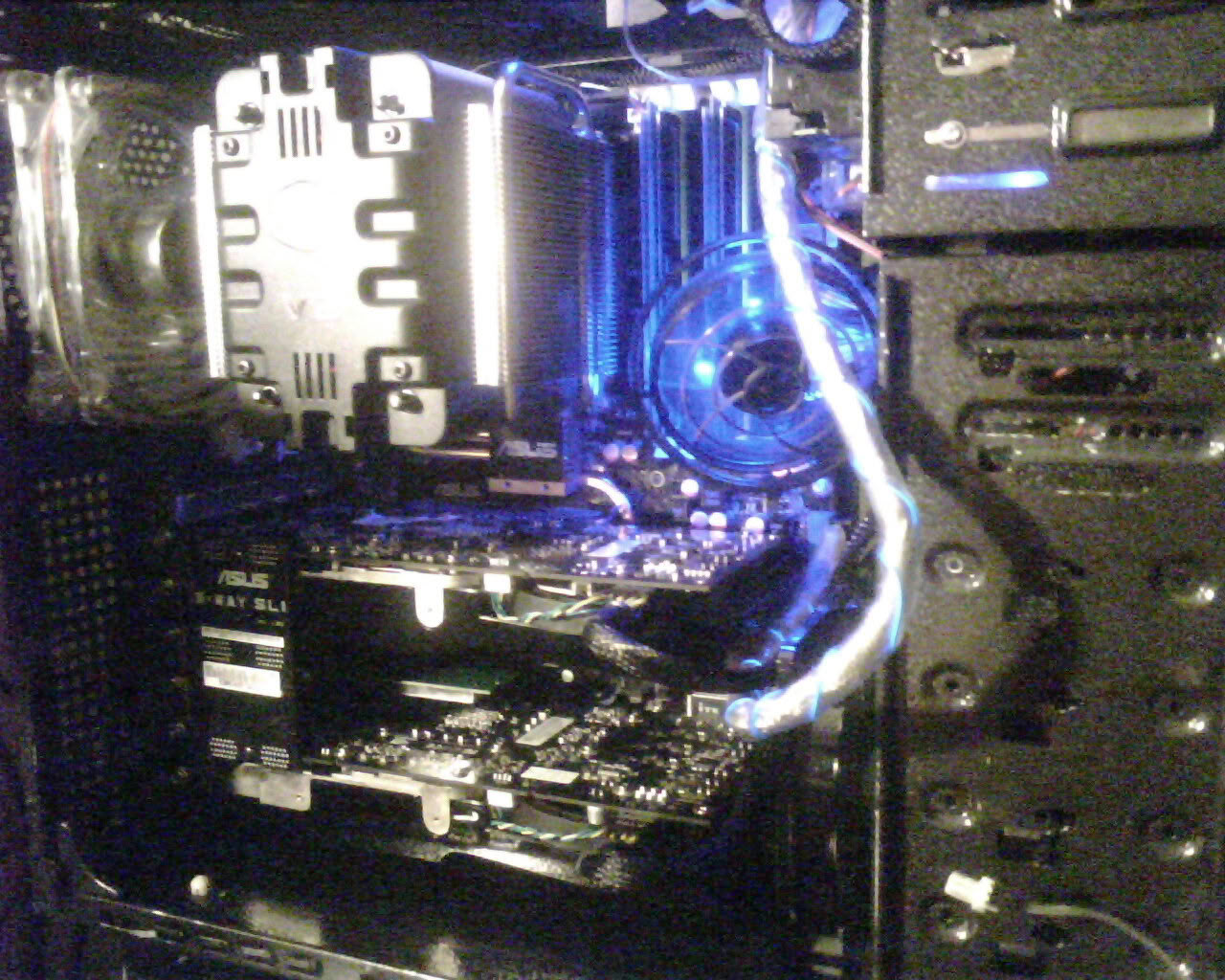
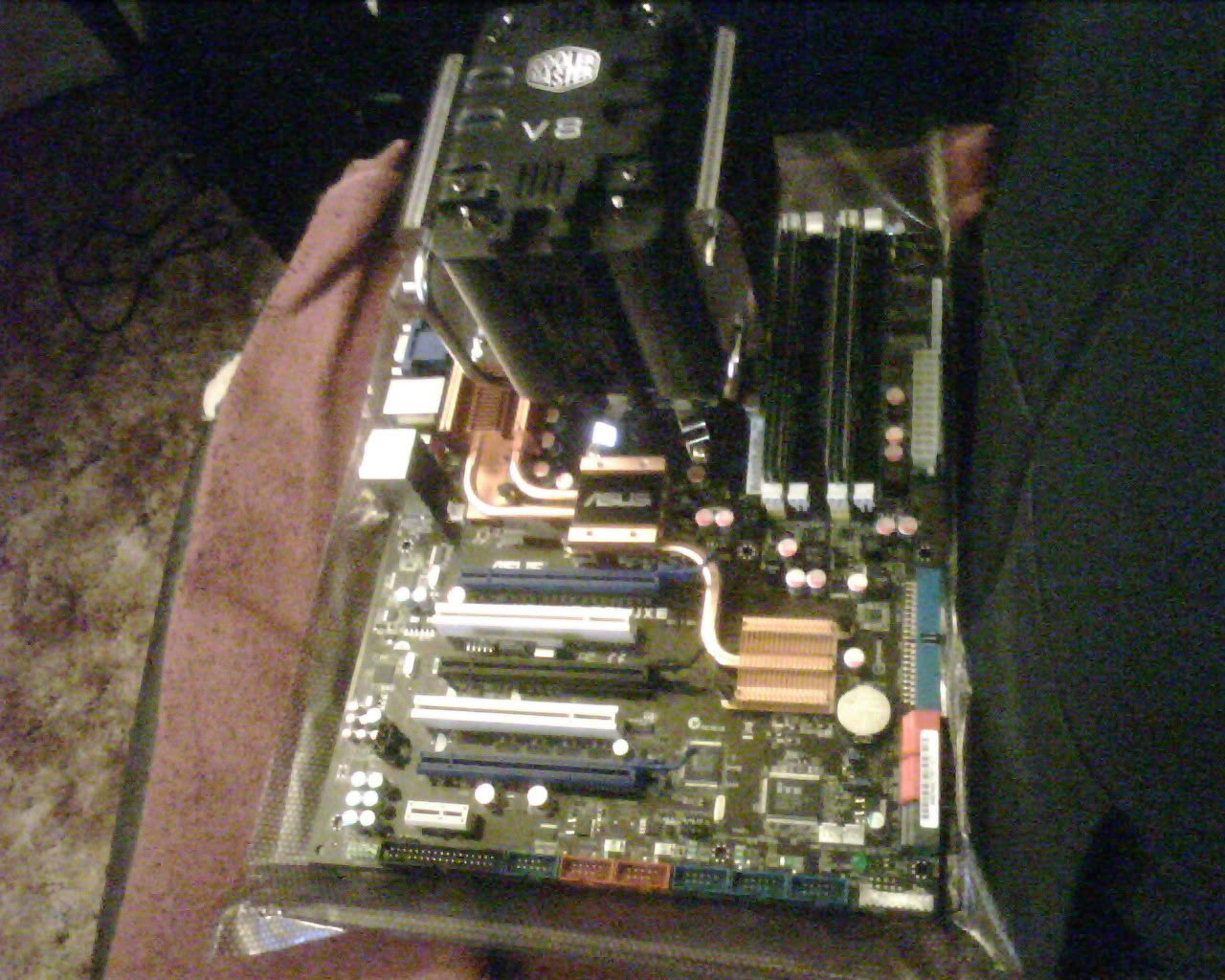
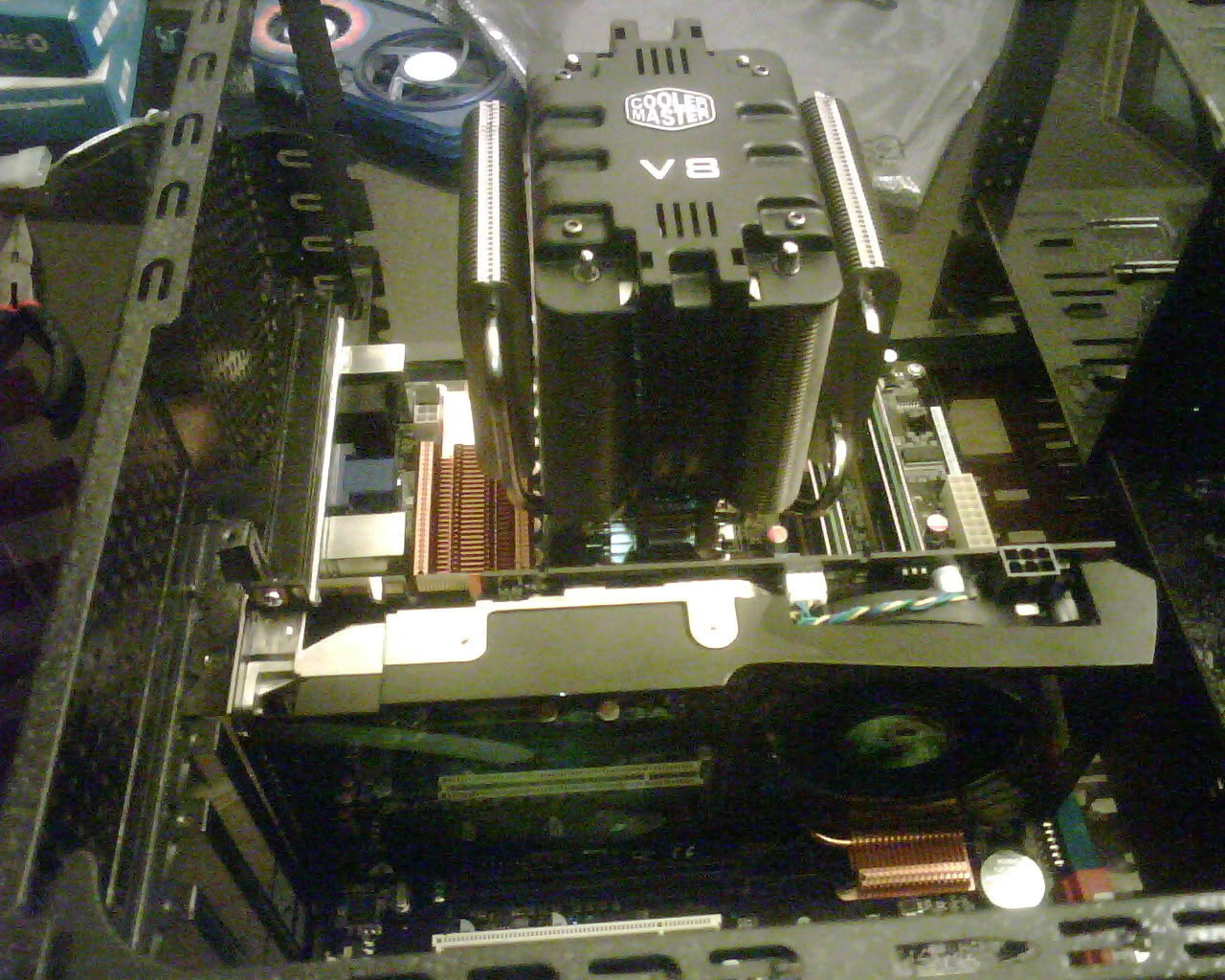
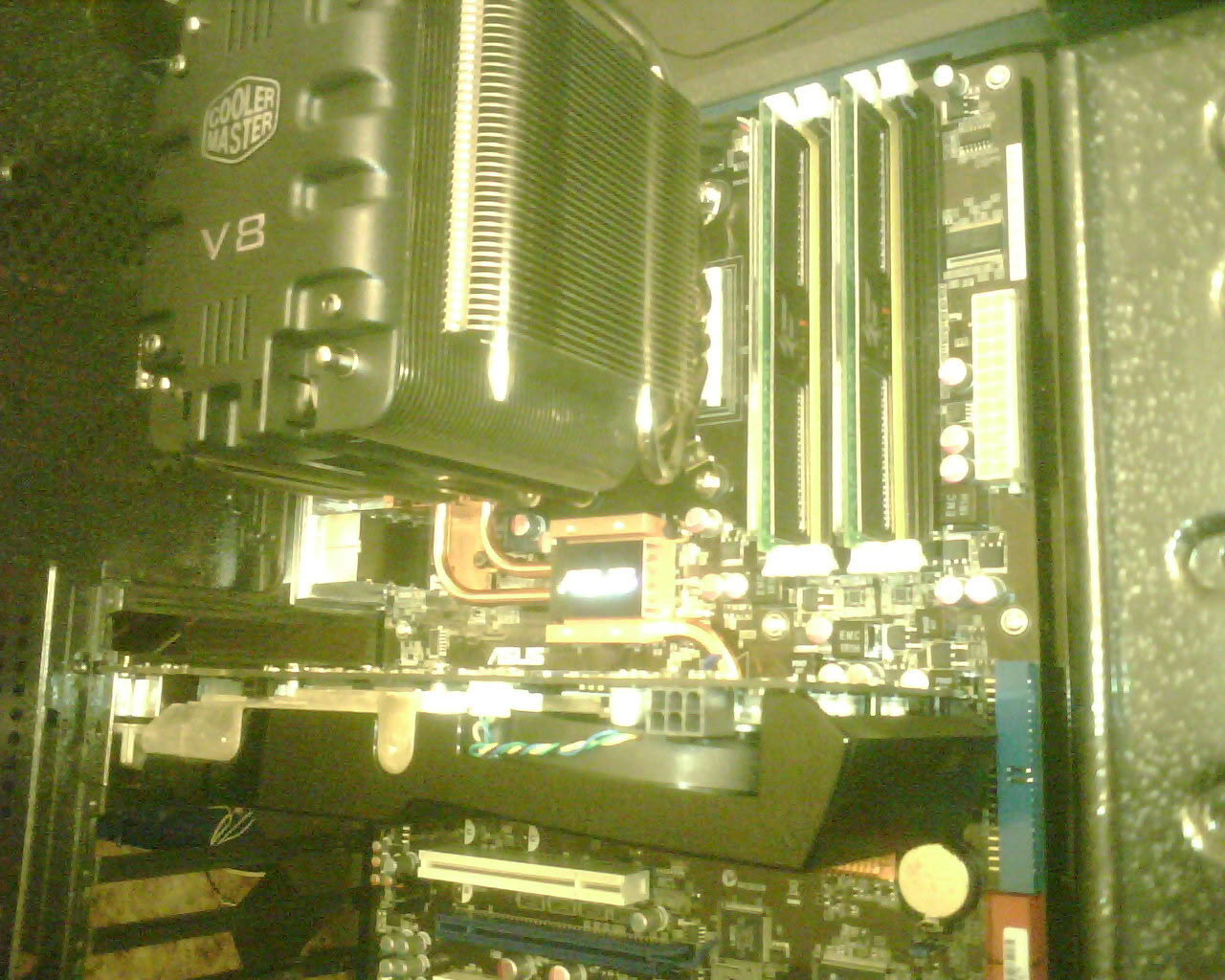
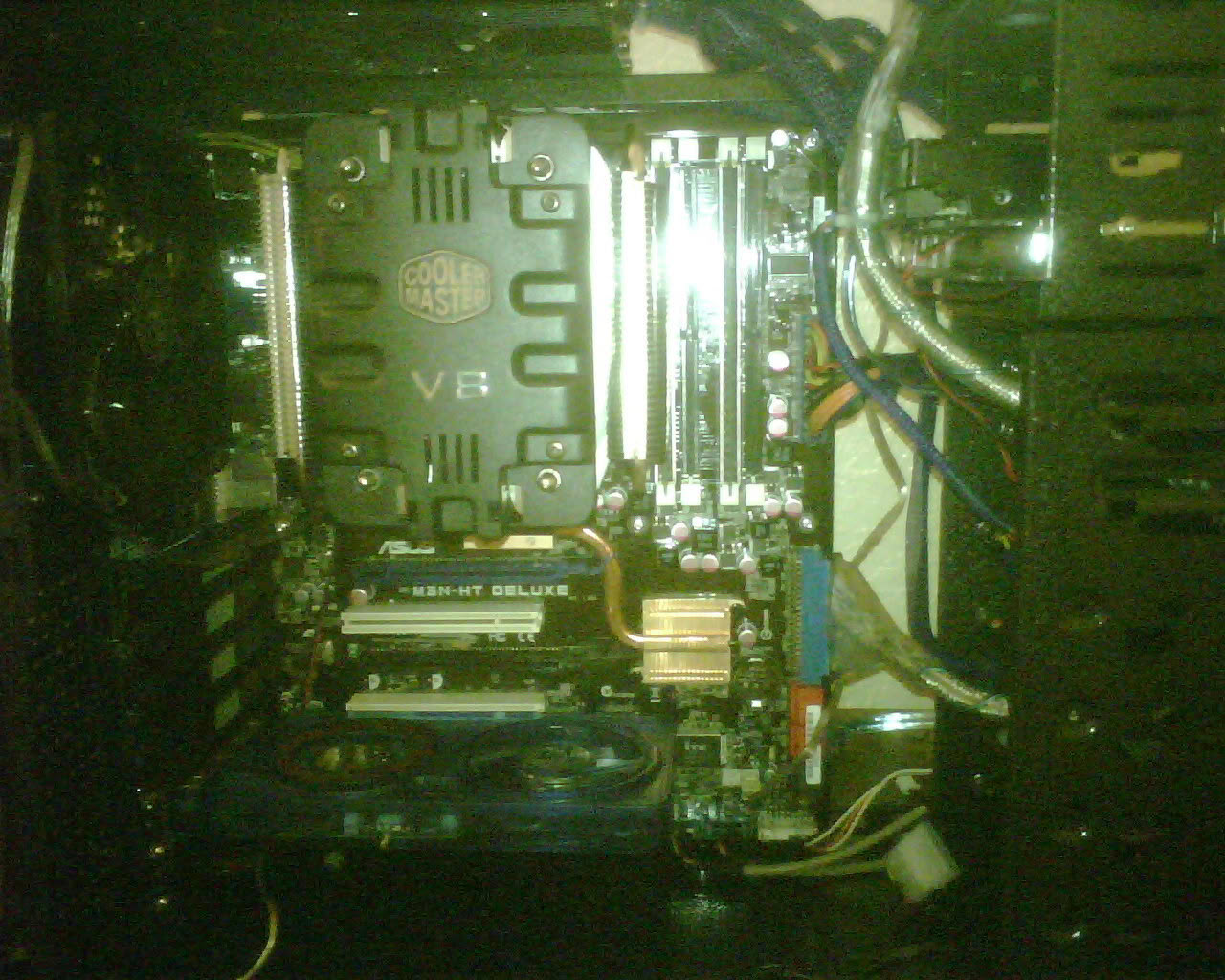
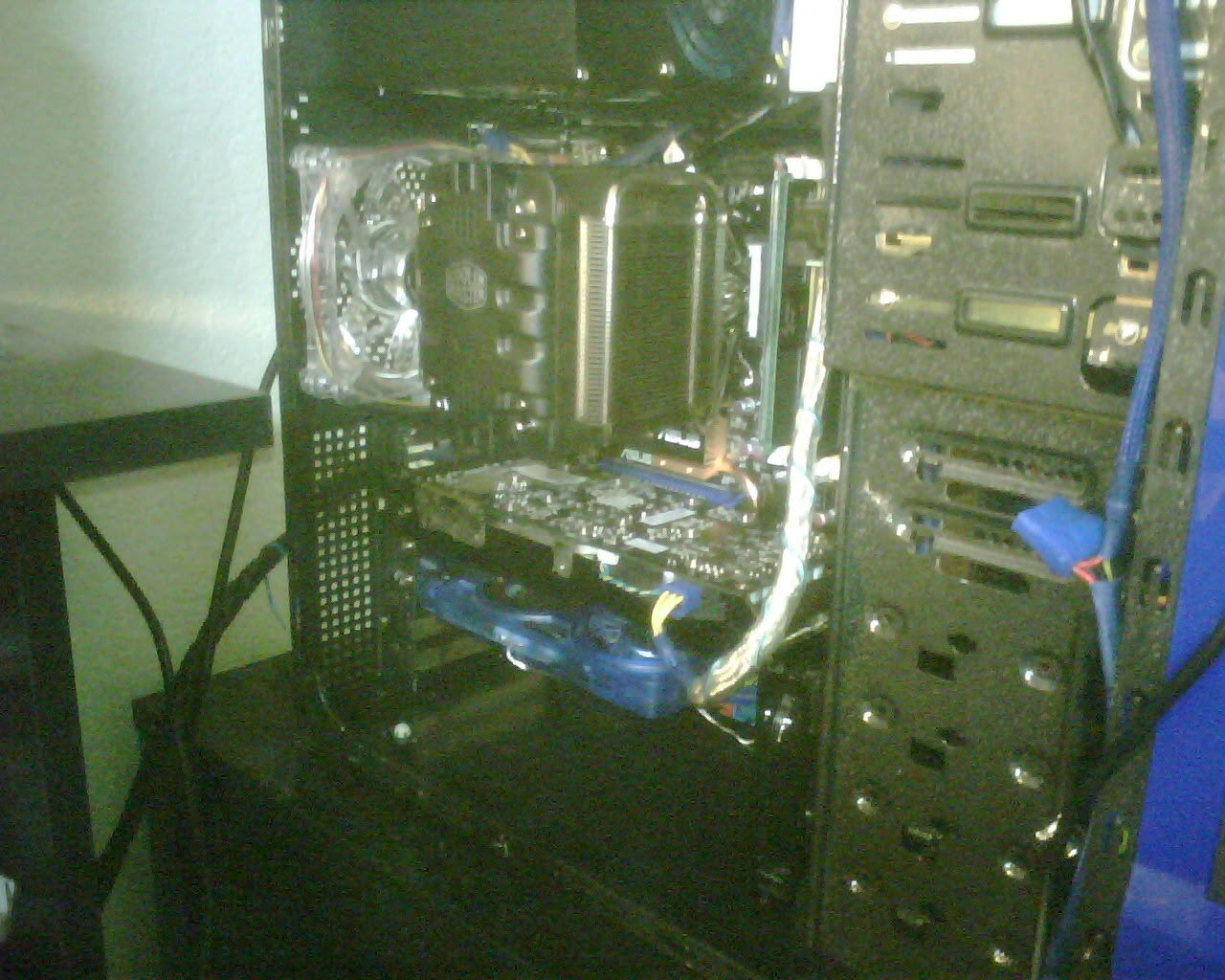
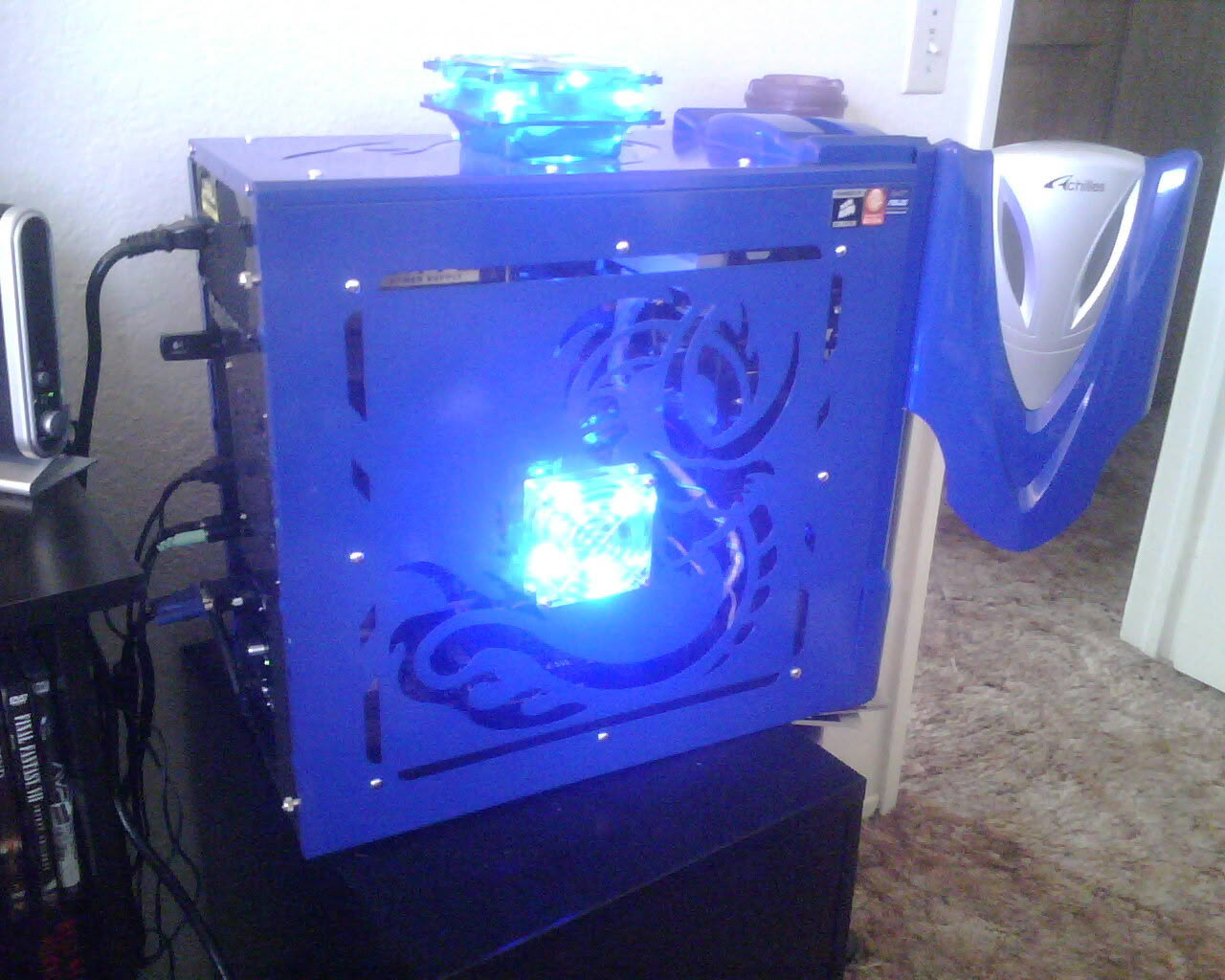
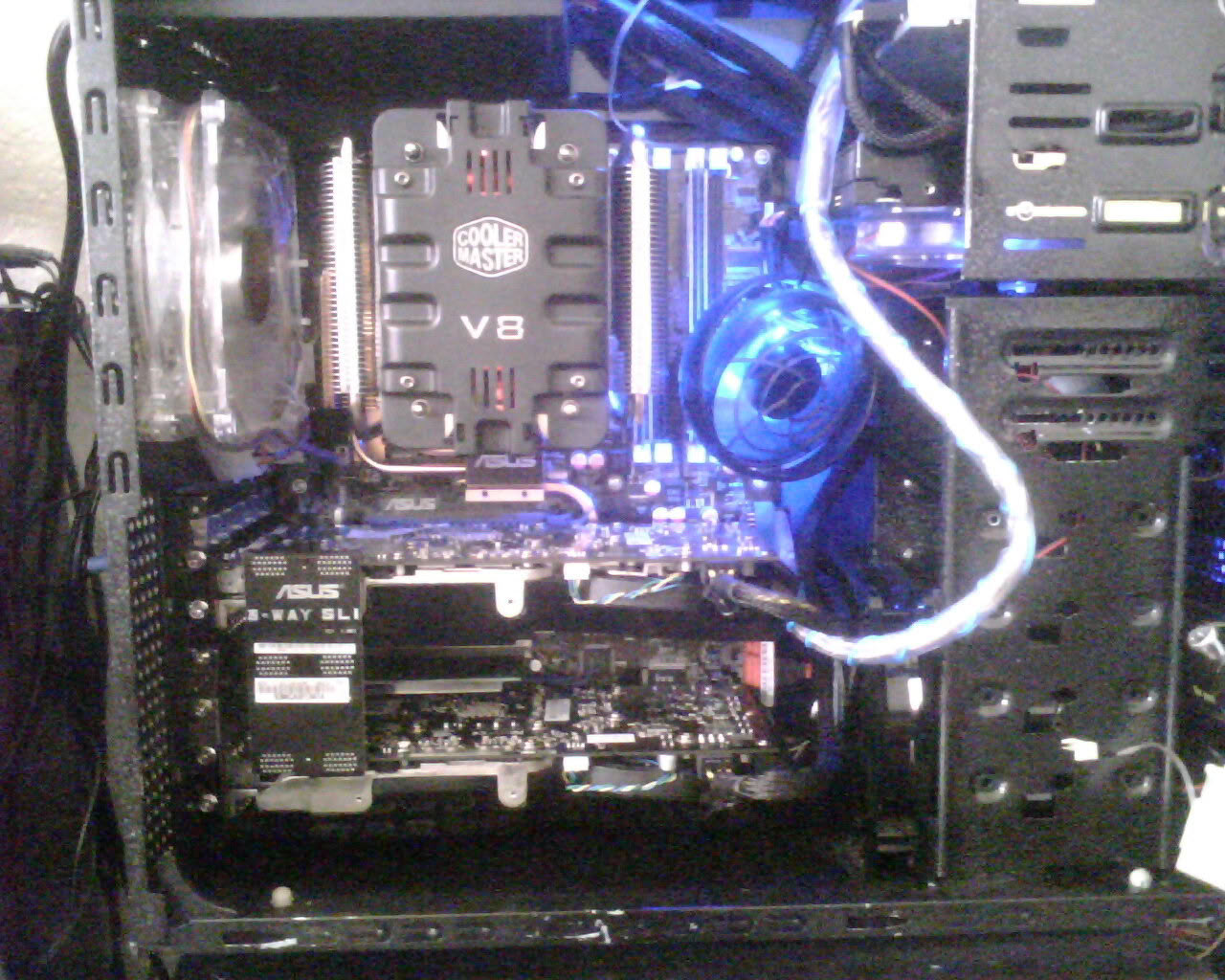
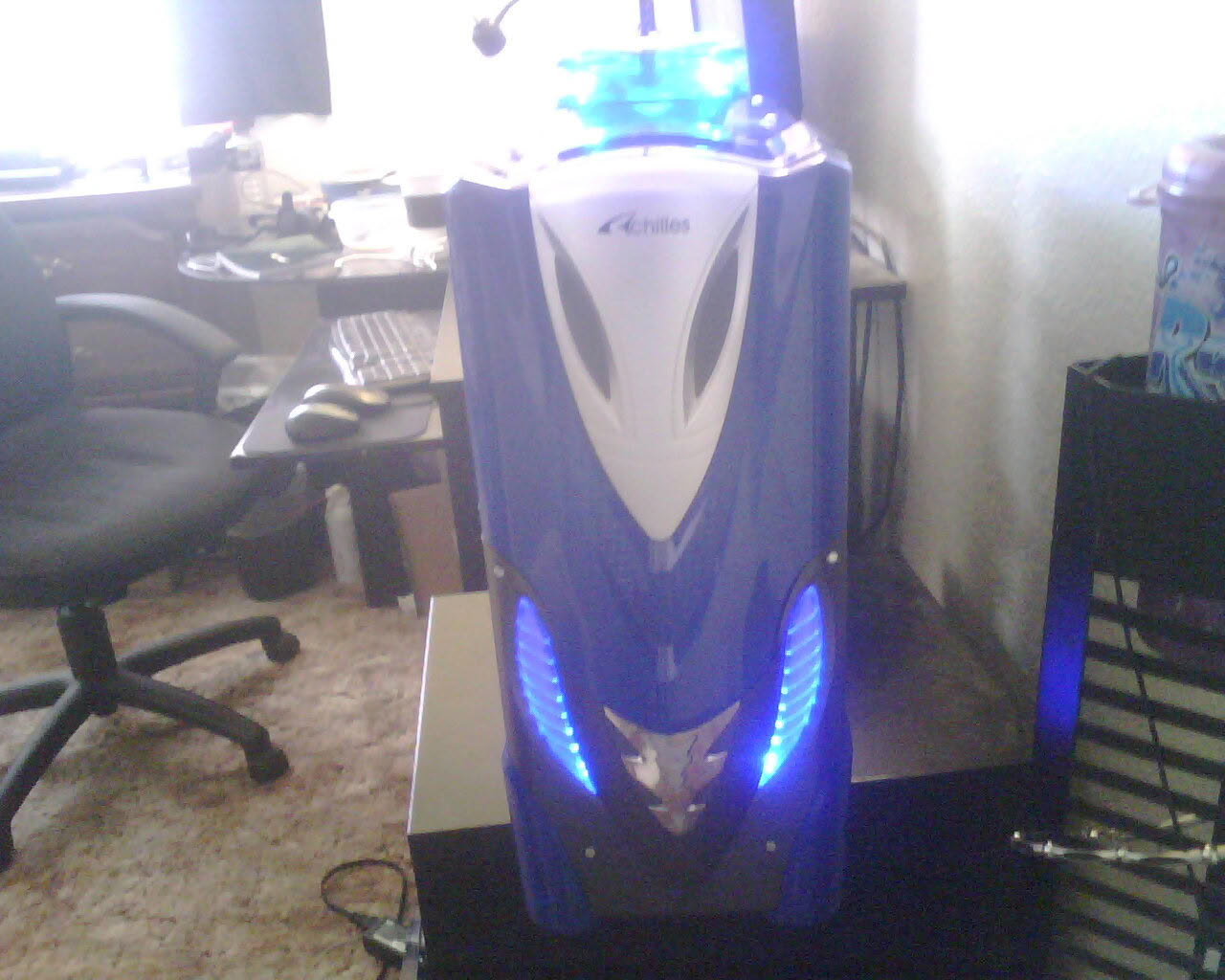
With this case (Achilles, don't really know why its called that, it reminds me more of Transformers), its a real pain in regards to cable management with the type of psu i had (Apevia 680watt, despite the complaints of this psu; i've never had a problem with it. Just don't run SLI or overclock anything :-) I managed to get alot of the cable management done, and also had to move the 2 fans (top panel and side panel) to the outside of the case. Not much room with all that i have in there so i added an 80-120mm adapter and im using a 120mm powercooler turbine as an exhaust for the top and a coolermaster 80mm as an intake on the side panel. I think it makes it look more unique and set apart from other rigs. Please comment and share your ideas, i welcome them. Anything to make this hobby keep going. Thanks for reading.
System specs
- CPU
- AMD Athlon X2 2.73 GHz Dual Core
- CPU Cooler
- Cooler Master V8 + Arctic Silver 5
- Motherboard
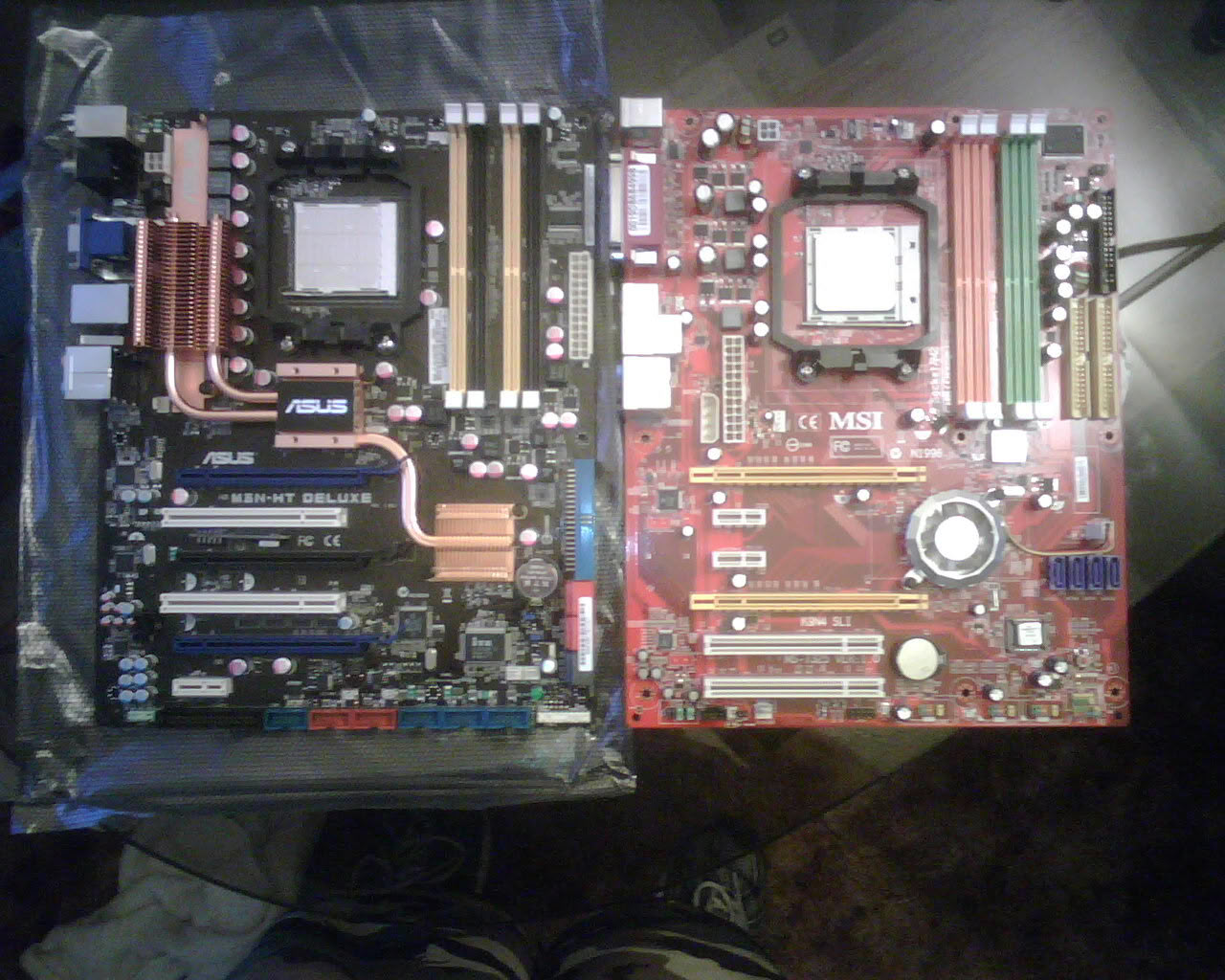
- ASUS M3N-HT HDMI/Deluxe
- RAM
- 4 GB OCZ Fatal1ty DDR2 800 MHz (2x 2 GB)
- GPU
- 2x EVGA GeForce 9800 GTX+ 512 MB DDR3 738 MHz SLI
- Storage
- 250 GB WD Caviar HDD
- Storage
- 1 TB WD External HDD
- PSU
- Corsair 850TX 850 W
- Optical
- Samsung DVD/LightScribe
Performed mods
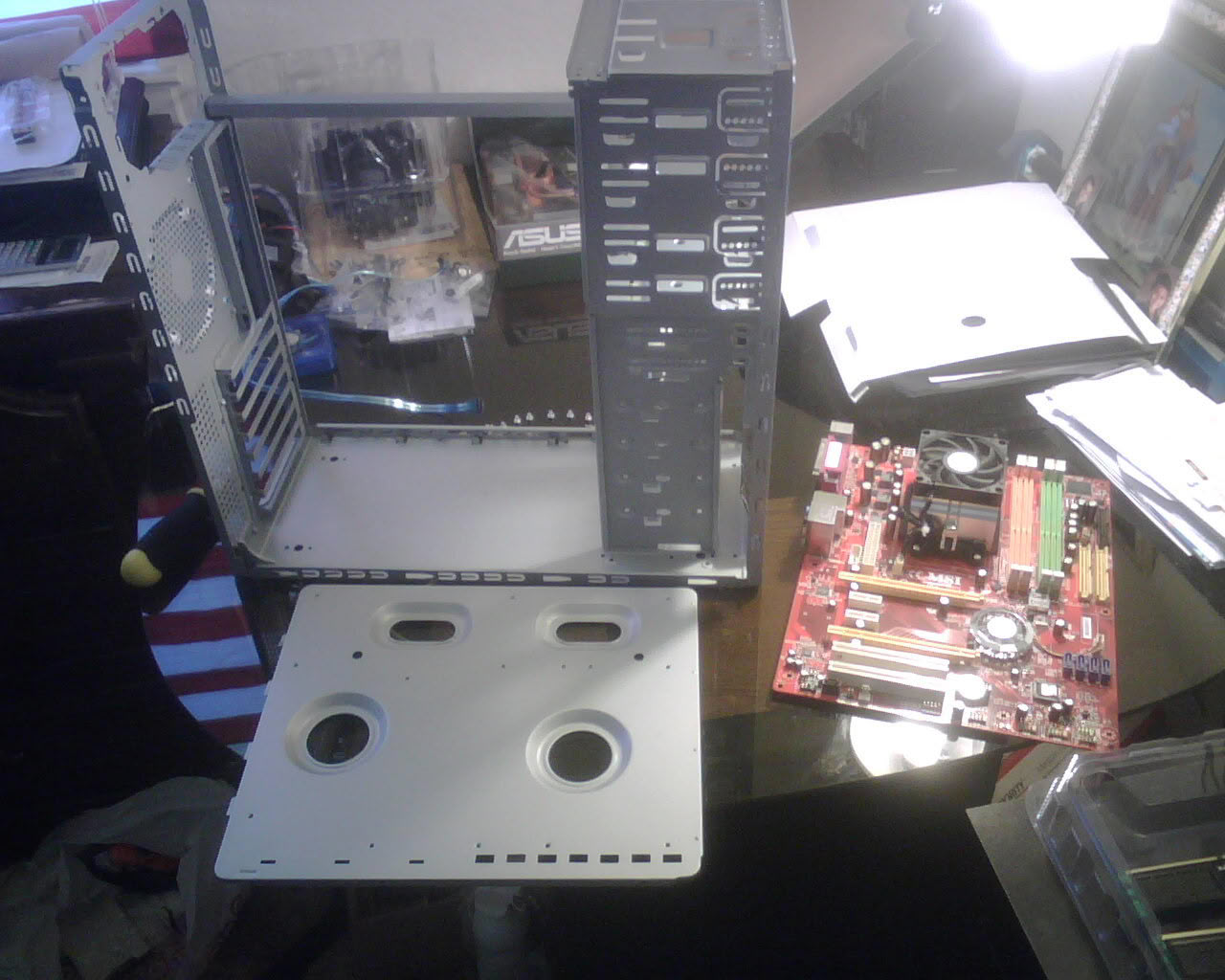
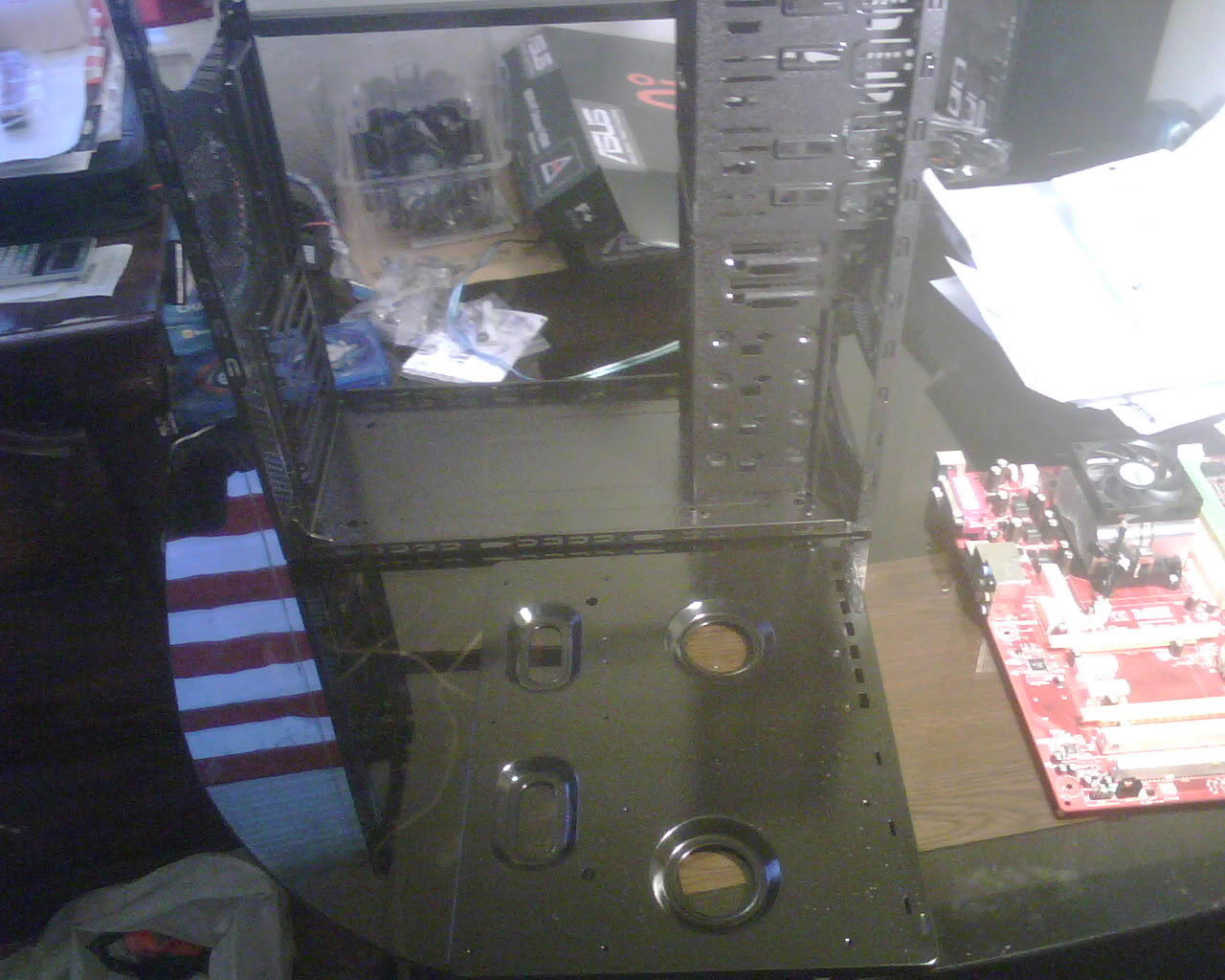
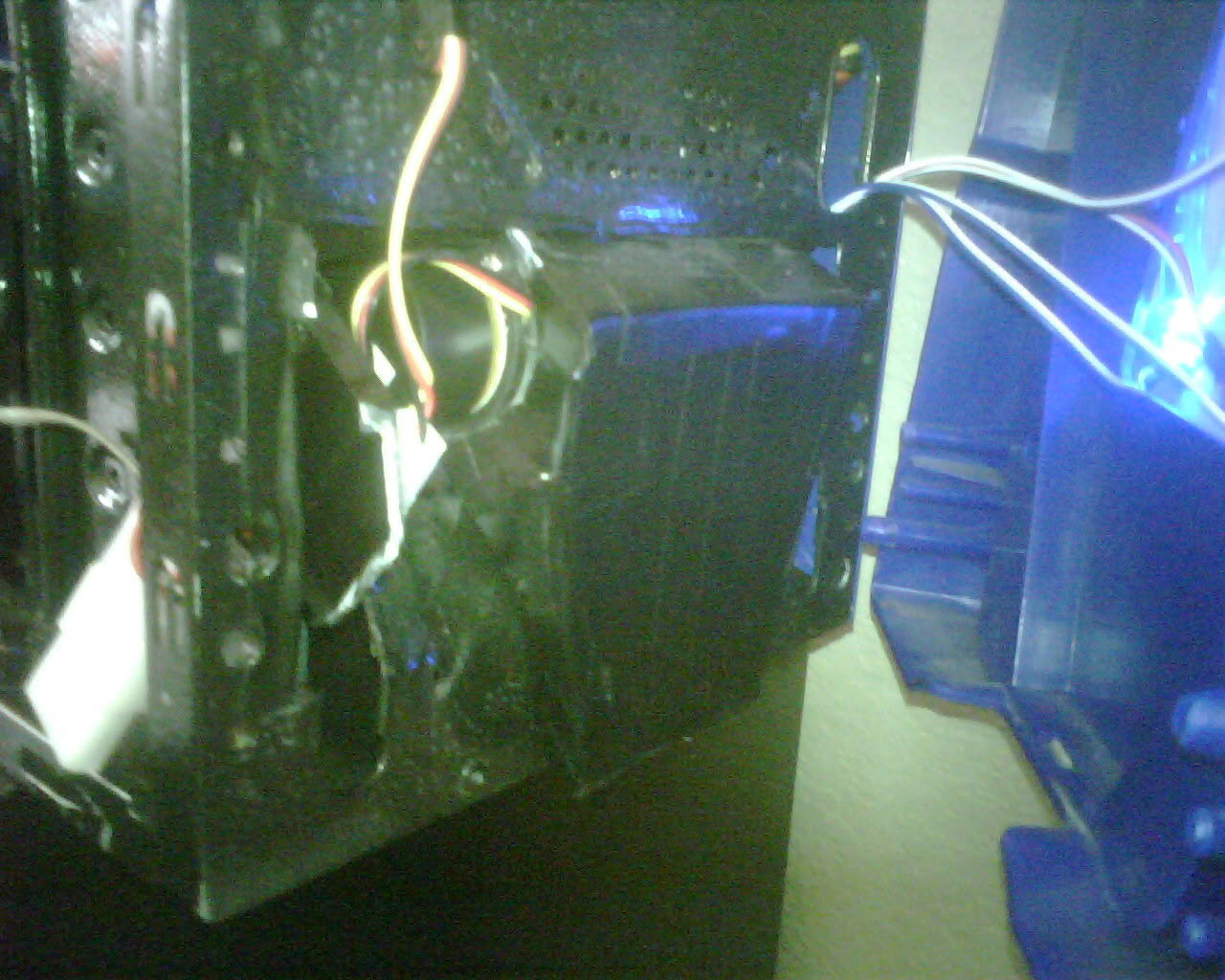
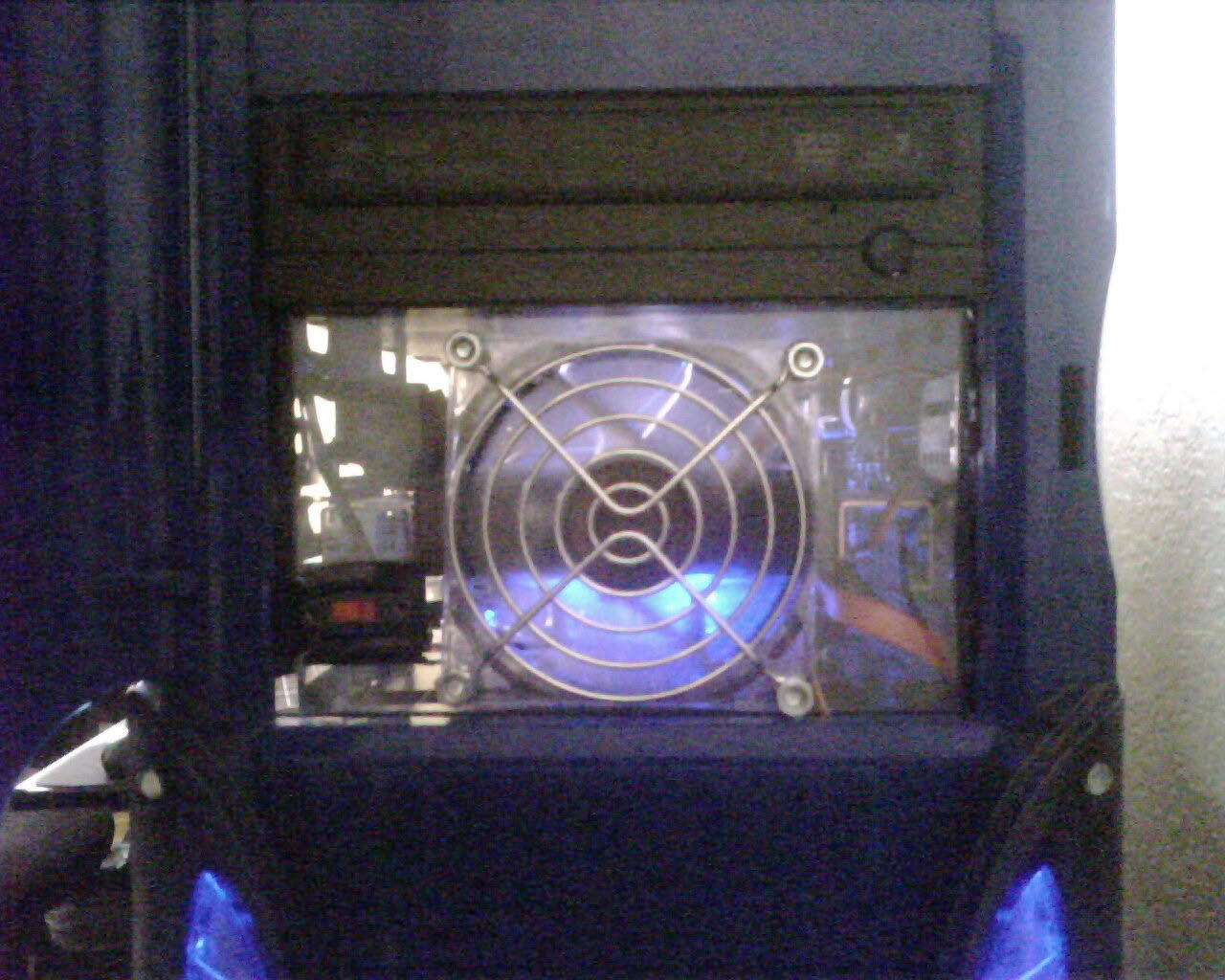
I cut out a 5.25 slot in the front bottom grill to add a crossflow fan to allow fresh air to come in from the front of the case. Seated it with a custom made intake pipe (made out of the hard to open plastic packaging that some pc components come in) to allow the fan to bring in air from a opening that is roughly 2.2 inches long and 7/8 of an inch wide (the bottom of the front panel has an opening). I also added a plexiglass panel in front of the hard-drive (i mounted it in a 5.25 bay with adapters) with a 80mm yate loon fan and the on/off switch to the cathod lights installed. When i did the upgrade, i painted the chasis with a textured black paint. Its called "hammered" but it looks textured to me. (i wanted something more unique than just black paint).
8 Comments on Achilles 2
Welcome to TPU man nice rig
5/10
Im sorry bud i voted 1 i didnt c the other pics i love ur rig i give it a 10/10 sorry bud
Mate how did u get ur cables so neat? can u give me ideas
Thanks bud! il try my best to see what i can do and then il send u my URL to see what ive done ! really nice V8 u have there
www.techpowerup.com/gallery/2423.html my pc