
Key features


System specs
- CPU
- Intel Pentium E5200 @ 3.0 GHz
- Motherboard
- Gigabyte S-Series
- RAM
- 2 GB Kingston DDR2 800 MHz
- GPU
- Force3D Radeon HD 4850 1 GB DDR3
- Storage
- 500 GB Western Digital SATA2 HDD
- PSU
- EZcool 450 W
- Optical
- Lite-On 20X DVD-ROM
Performed mods
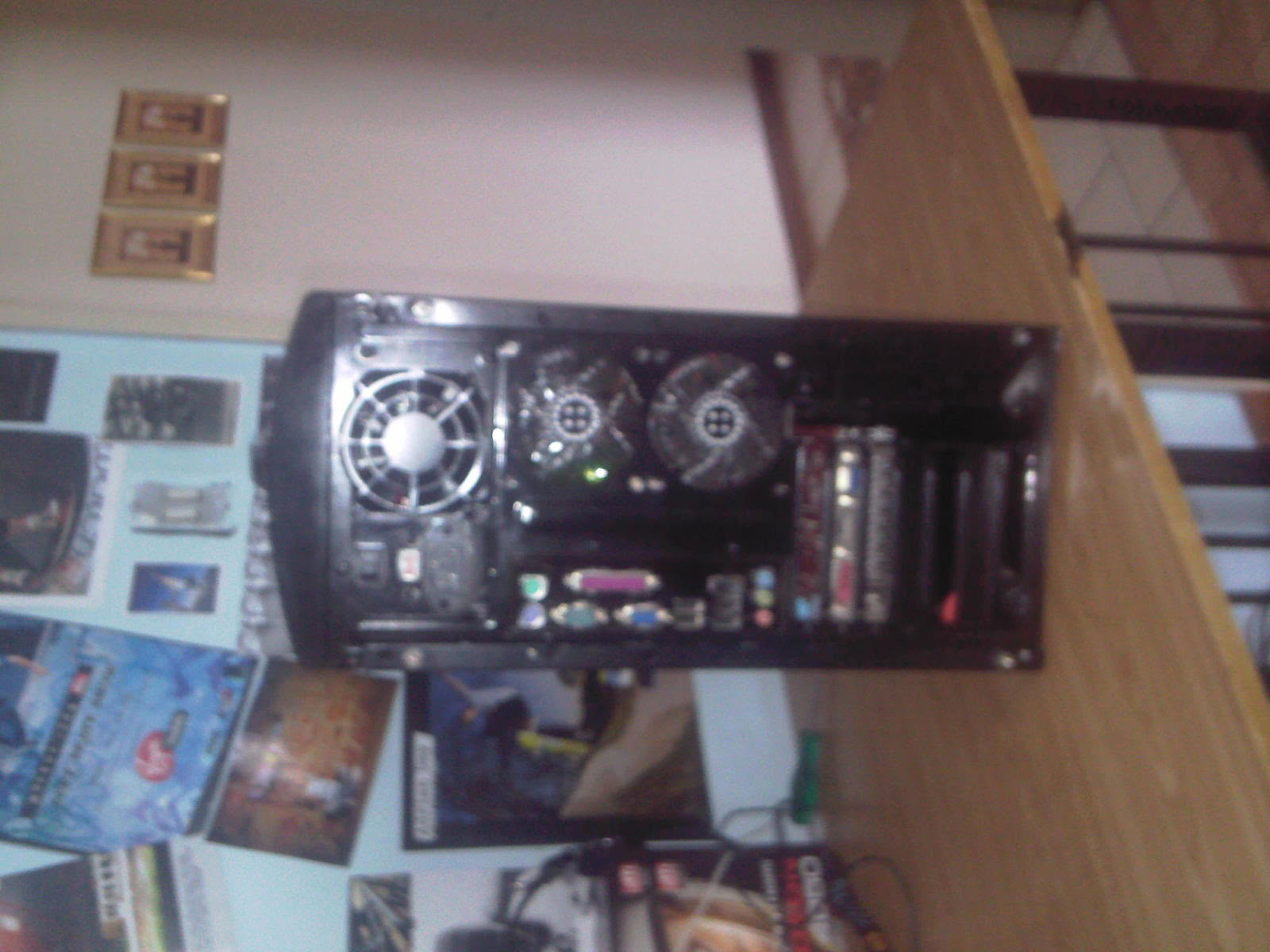
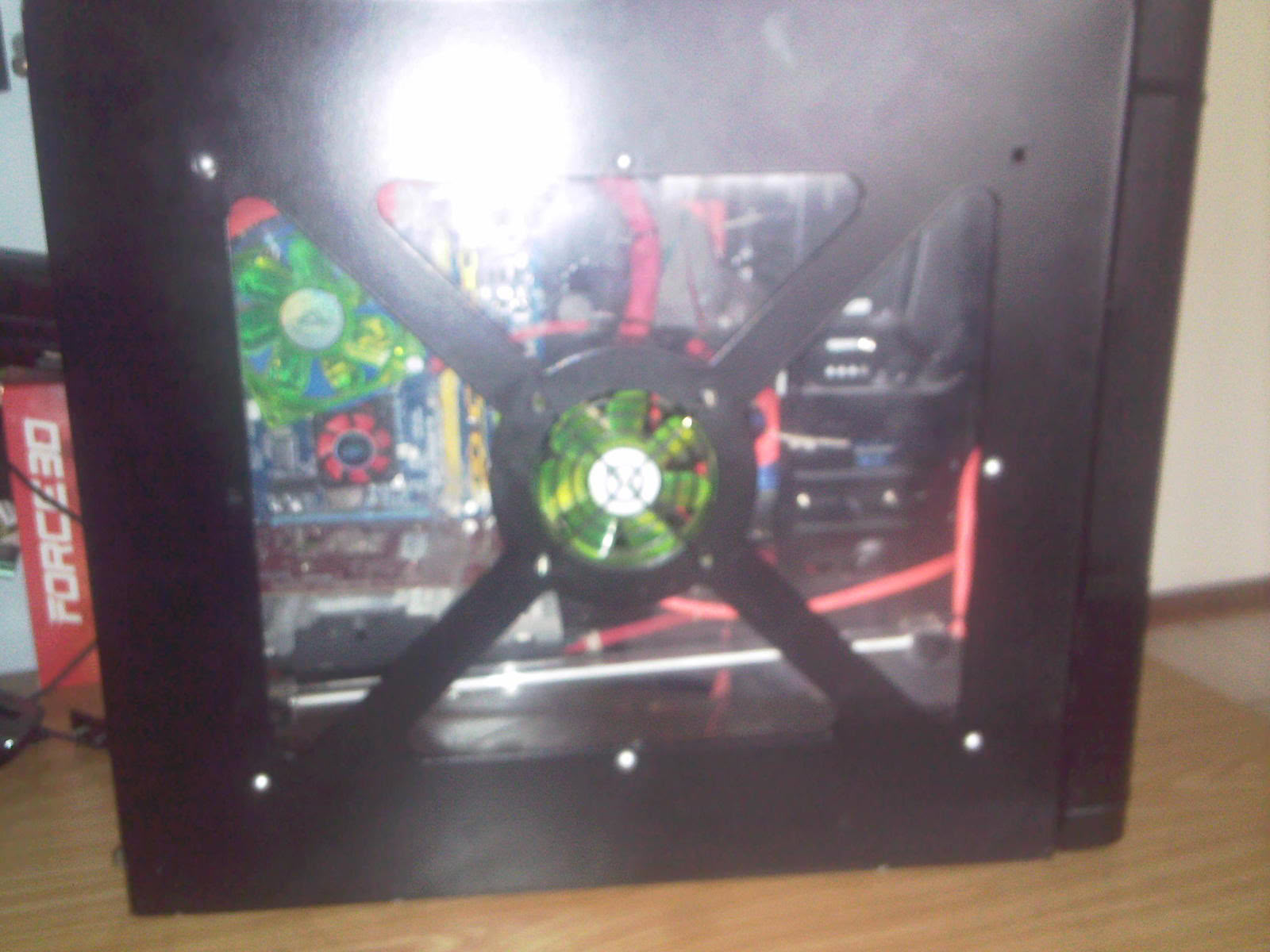
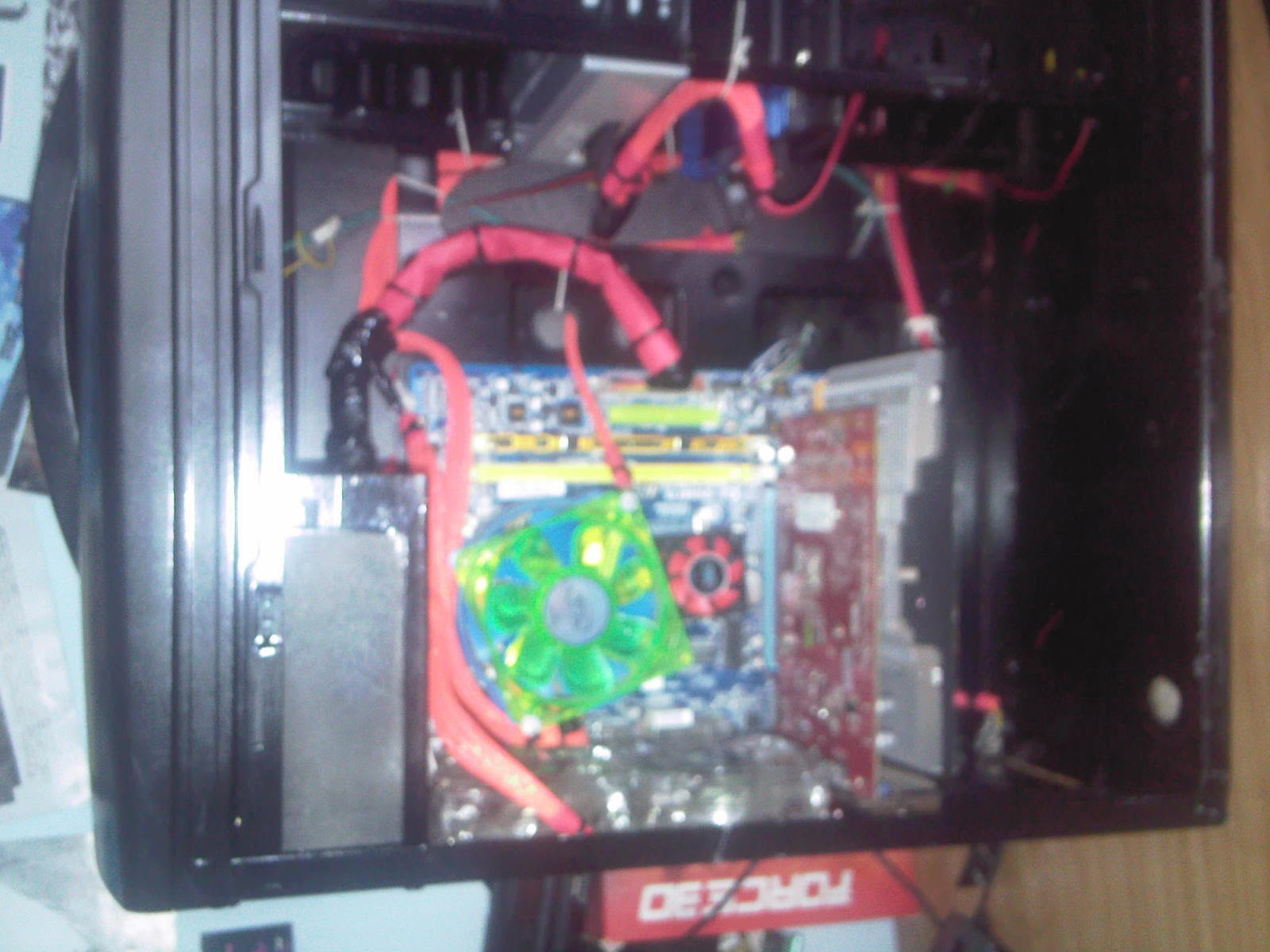
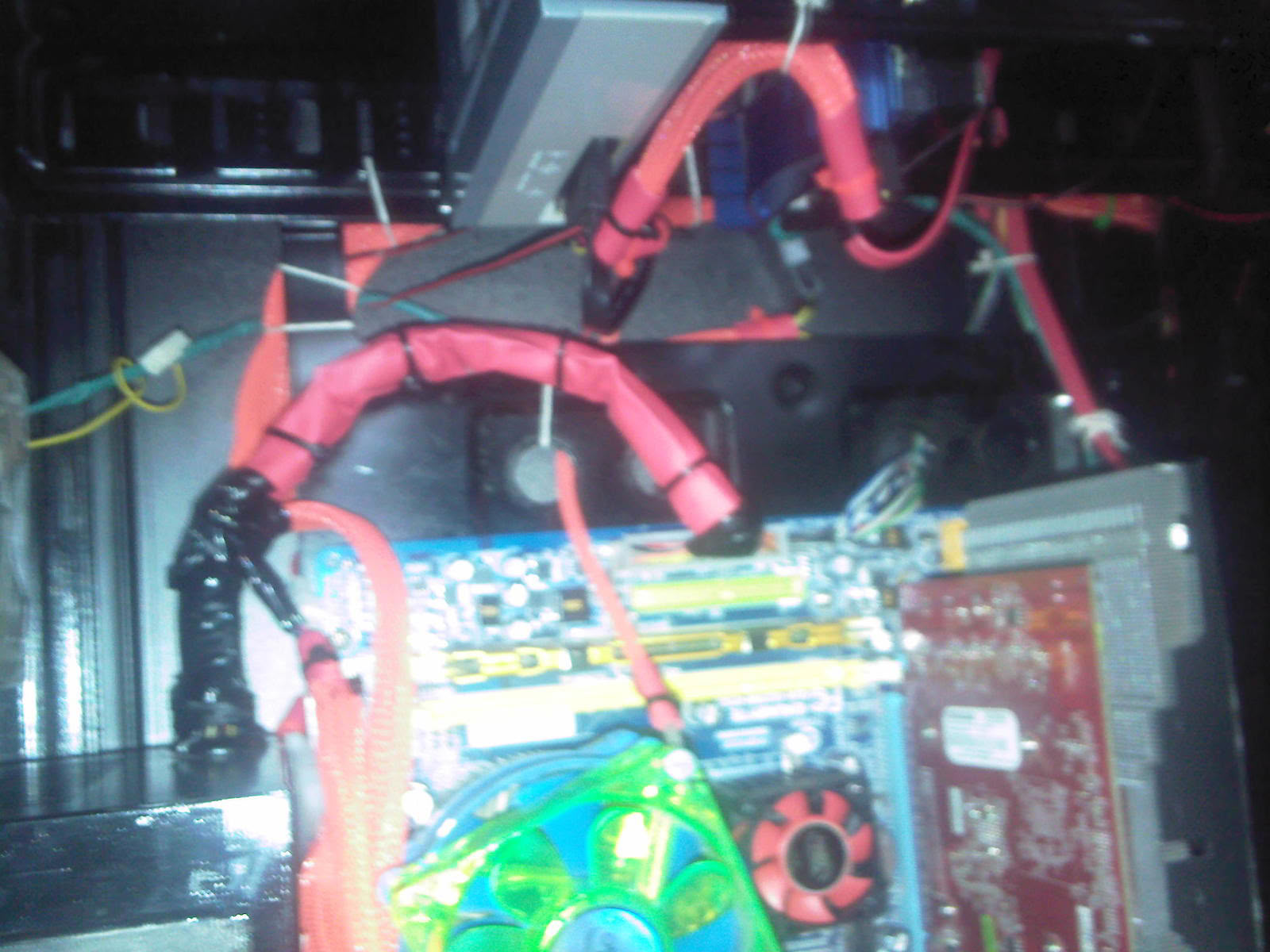
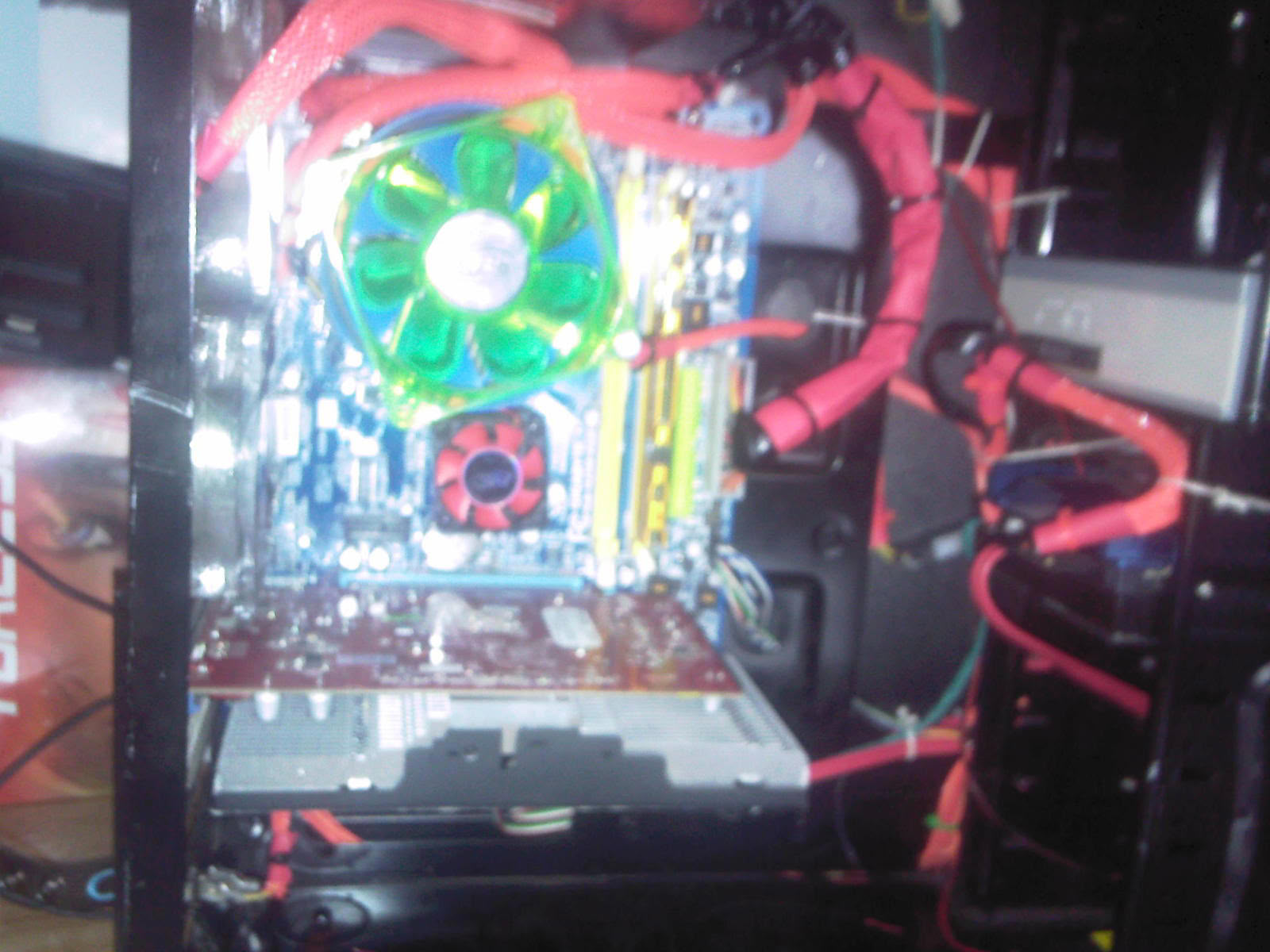
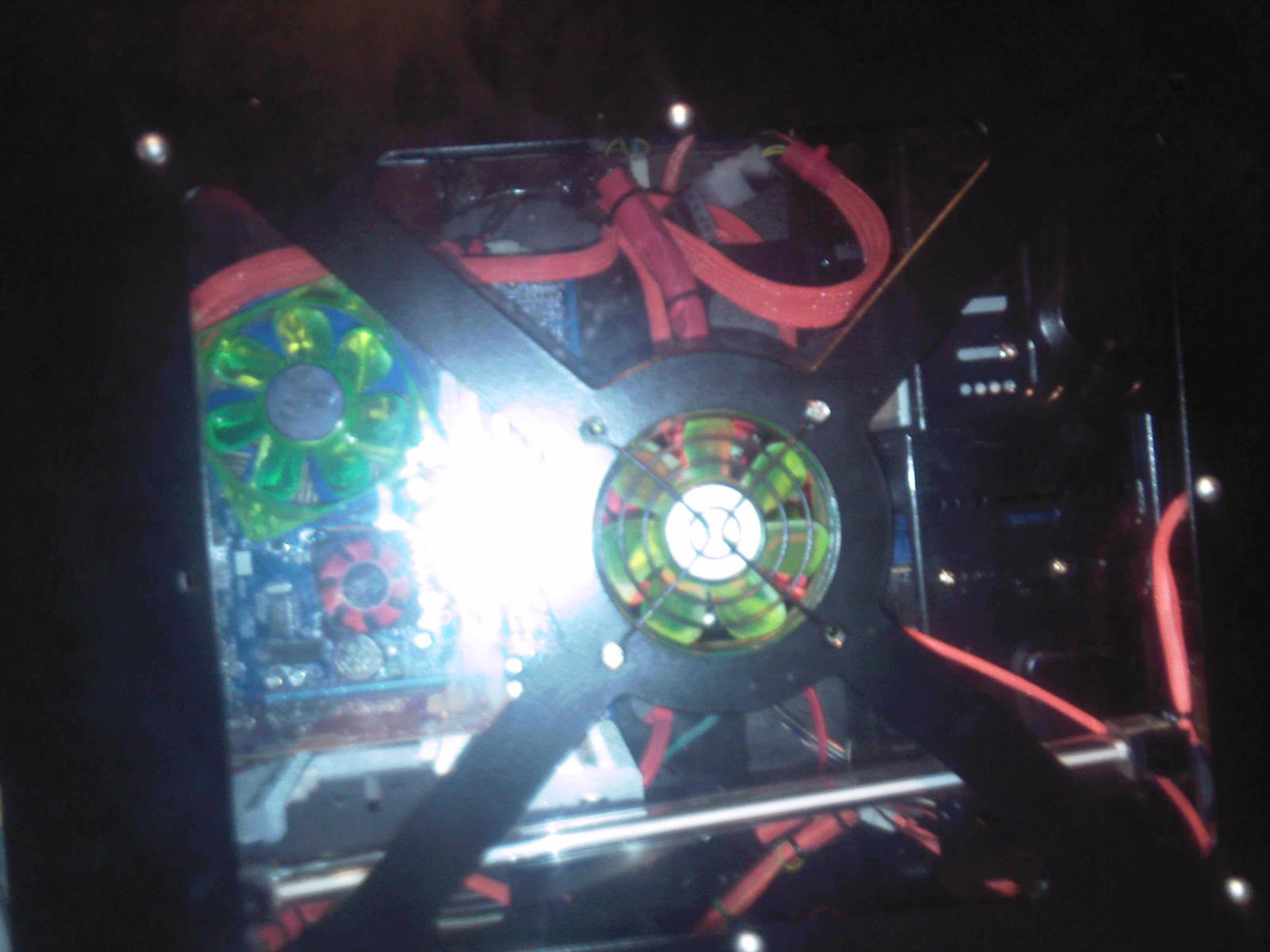
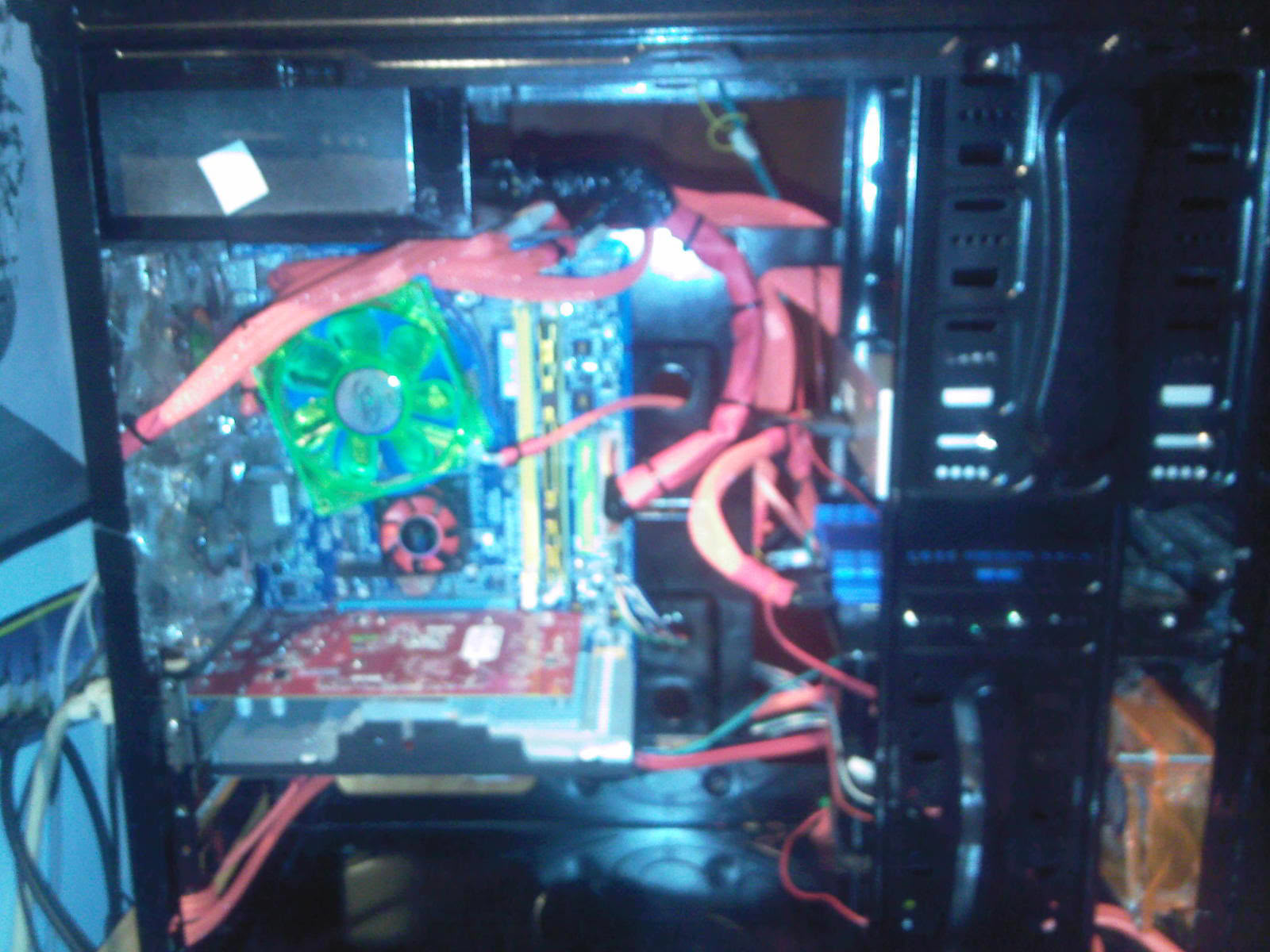
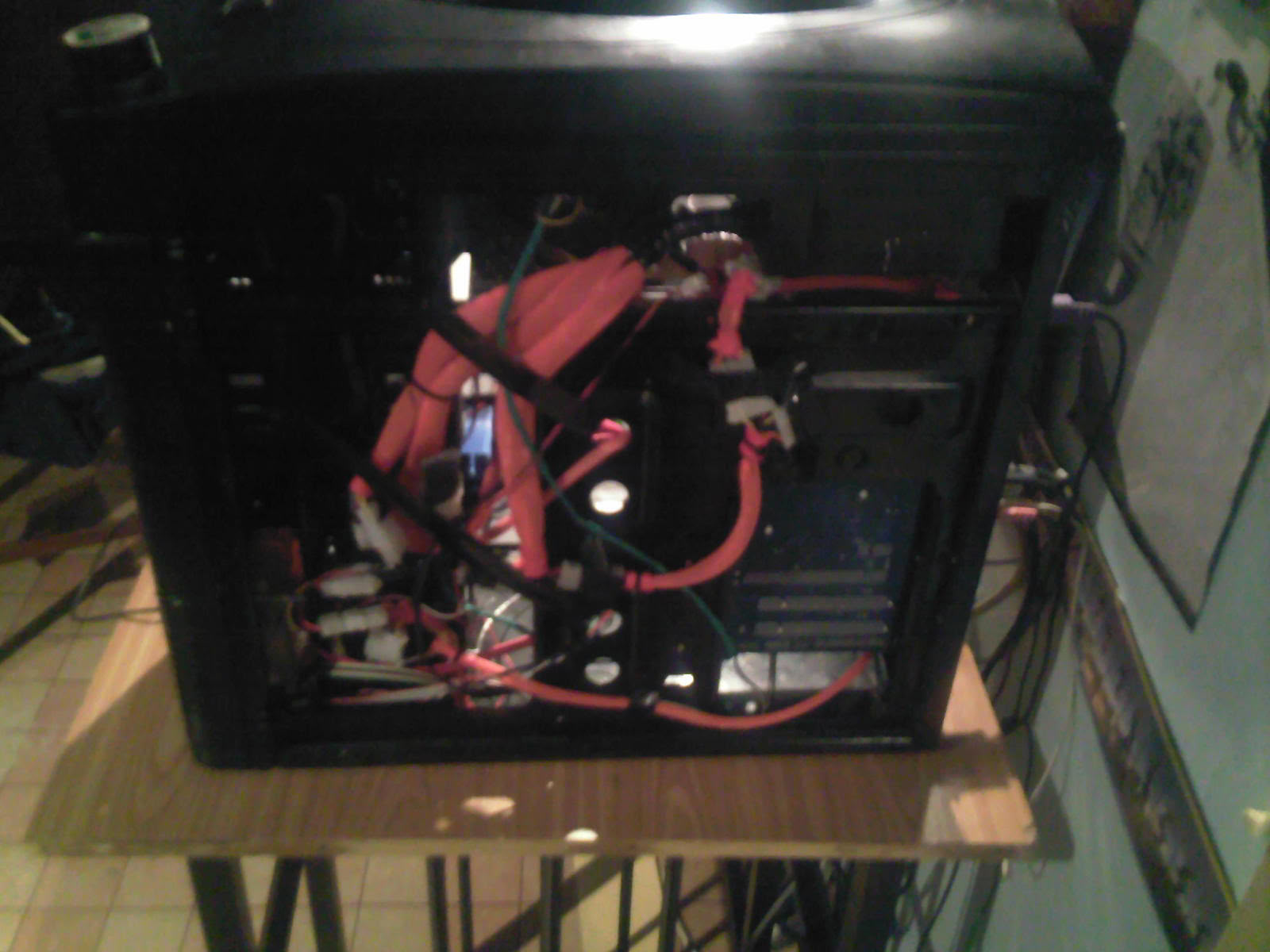
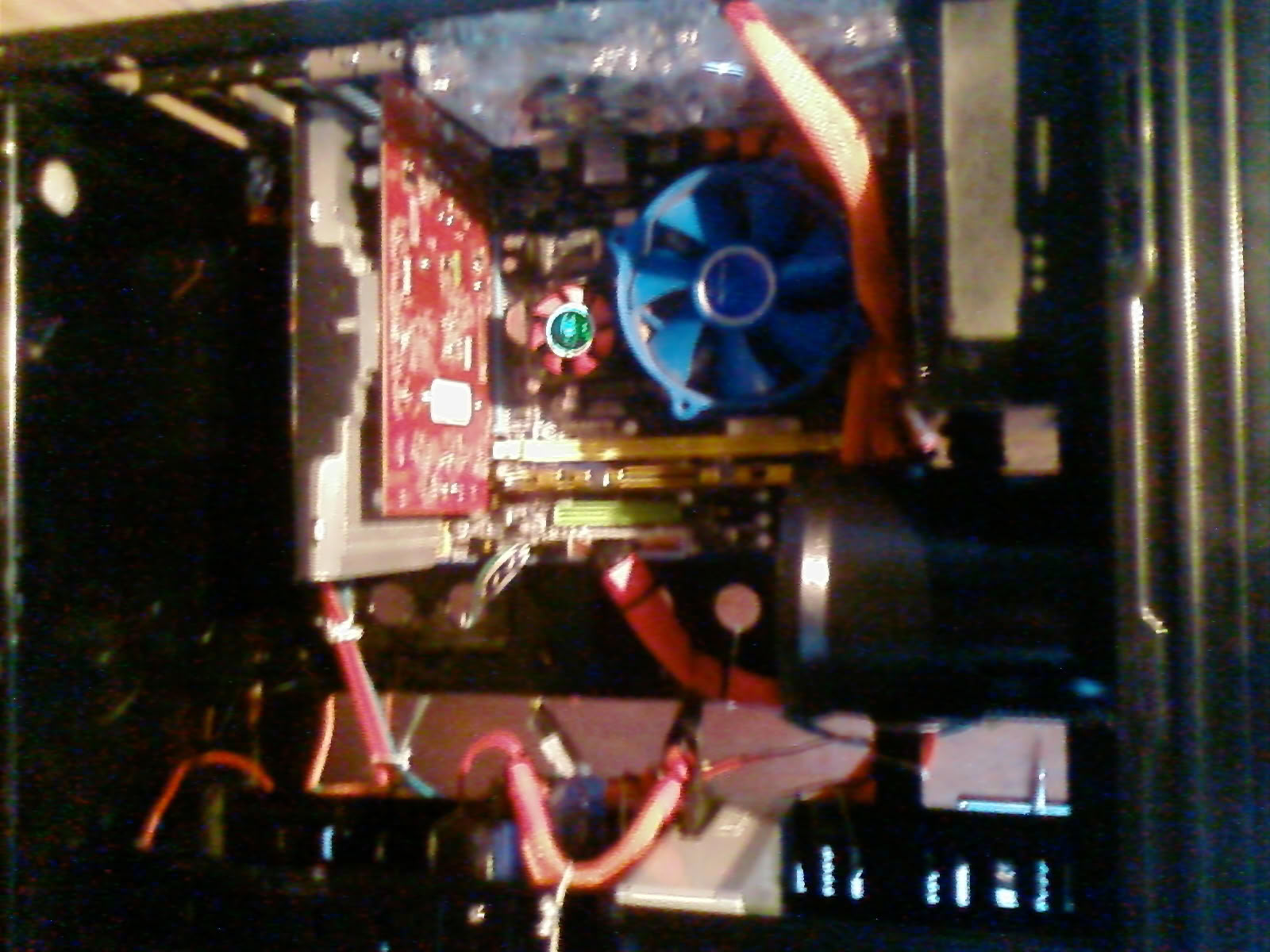
Just wondering what my cable management?An if any1 has an idea on how i can hide some of my cables plz help:-)
52 Comments on CALIBRE(CABLE SLEEVING UPDATE)
Other then that look for holes to route wires, or cubby holes to hide wires your not using.
I'm afraid the pictures are not really clear enough for me to give you specific advise E.G x wire goes here etc.
Will try now quickly mate:-)
Should be a pretty easy job if you take your time.
Just do one cable at a time so you can focus on making that one cable as tidy as possible, then move to the next.
I tend to start with the 4/8 pin connector or the 24pin connector .
I just added new pics so tell me if u think it loooks better and thanks 4 the advice:-)
The last 2 pics i just uploaded is what i could do i got no more space:-) hope they r gud enough
and what is the wire that looks like its heading to where the rear exhaust is?
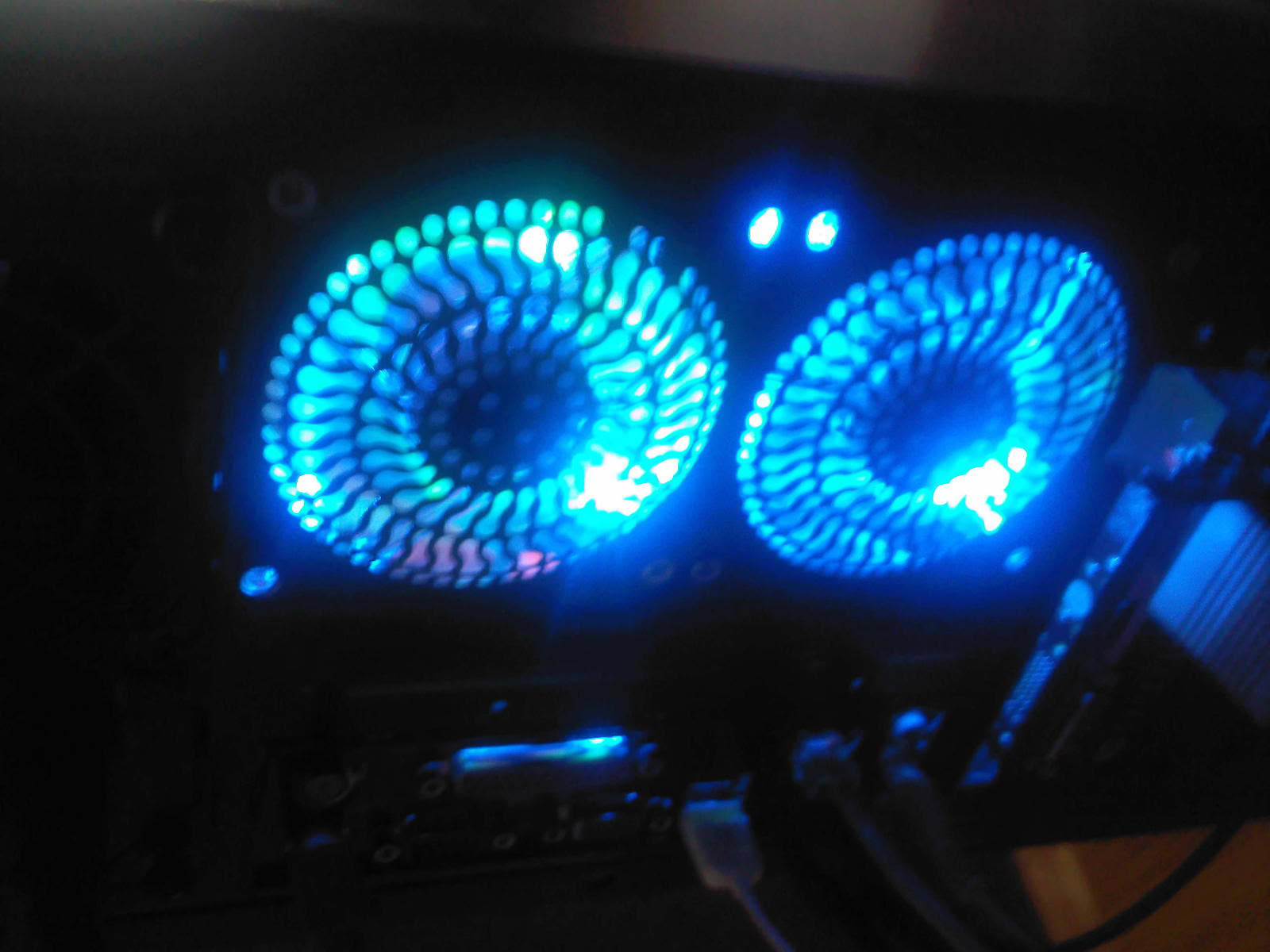
the cable runnig throght to my exhaust is for my neon light ive got the on/off button under my gpu! das it look bad?:-(
For sticky tape to hold it down in the right places under the motherboard tray after all your not going to see the tape through the mobo.
That is if you want it look even tidier.
Toke ur advice man cables r hidden kinda well nw:-) will post more pics later ran that other cable behind my mobo tray:-) thanks
8/10
Cable sleeves should be clean and flush with the wires contained in the sleeves. Here's a few examples of stellar cable sleeves and management.
Are you going to try to achieve that sort of level of sleeving though?
:p
Do u guys knw where i can get a app that can show my gfx Temp?
Look on your computer for Catalyst control centre.
It can often be found in the notifcation area of the task bar too ( the ickle tiny icons )
on any card I've ever had.
;)
Just wanna let u guys knw gpu is at 36'C idle 43'C at load cpu's is at 23'C idle and load is at 32:-) benchmark on 3dmark06 is 12341:-)
:p
Shame people slate rather then then offer help.
Kinda thought TPU was better then that.
Or you could get a corsair case that has excellent design for cable management. Also you can buy power lead extensions for your PSU leads if they are too short.
Either way your case looks great as it is. Well done man
If your cables are too short you can get extensions like this:
www.pccasegear.com/index.php?main_page=product_info&cPath=19_183&products_id=2802
This is the new Corsair Obsidian:
www.pccasegear.com/index.php?main_page=product_info&cPath=25_961&products_id=12727
Its not cheap but the best case for cable management.
Anyhow your case looks good man dont bother buying a new case, just maybe get some extension cables and hide a few more wires.
Thats an Australian website but im sure you have them in SA.
Hey buggalugs! we dont have a place like that here in south africa ey:-(
But im ganna search the web for a 24/pin! that corsair looks really amazing dam stunning case:-)
I wanna get my self a fan controller and another neon !
but then agian my pc looks nice like it is:-)
seems u didnt did much. lots of cables again nothing difference.
also bad picture quality
See my rig
www.techpowerup.com/gallery/2443.html