News Posts matching #BSOD

Return to Keyword Browsing

Windows 11 March Update Blocks C:\ Drive Access for Some Users

Microsoft has experienced a few months of relatively smooth Windows 11 updates, but the March update has reportedly caused inaccessible C: drives, widespread system BSODs, and freezing. According to multiple reports from Reddit and other online communities, including Microsoft's Q&A forum, the Windows 11 March 2026 KB5079473 update is causing headaches for users. They are encountering issues such as being unable to access their C: drives, system freezing, random reboots, and an overall laggy user experience. While the official March update page shows no known widespread issues, users report that the update is indeed causing trouble in everyday use and increasing the risk of instability. Some Samsung Galaxy Book owners have reported that this update completely blocked access to the C: drive on their devices.

Microsoft has confirmed that the "C:\ is not accessible - Access denied" issue has been acknowledged, and the company is working on a solution. Microsoft reportedly claims that the Samsung Galaxy Connect application is responsible for the inaccessible C: drive and the issue didn't occur solely because of the Windows 11 March update but coincidentally happened at the same time as other issues that had accumulated earlier. Windows maker claims that the problem affects Samsung Galaxy Book 4 and Samsung Desktop models with Windows 11 versions 24H2 and 25H2, including models with codenames NP750XGJ, NP750XGL, NP754XGJ, NP754XFG, NP754XGK, DM500SGA, DM500TDA, DM500TGA, and DM501SGA. For now, it is unclear if all affected users with inaccessible C: drives are Samsung Galaxy Book owners. It's possible that users experiencing issues are using other OEMs for their laptops or desktop PCs, so we are still waiting for more information. For now, Microsoft claims that only Samsung user are affected, and both are working on a fix.

Microsoft Steps Back from "AI Everywhere" in Windows 11 to Focus on Core Features

If you're tired of seeing Microsoft's AI features like Copilot, agentic workloads, and Recall forced into their products, you're not alone. Microsoft has finally confirmed that it will be stepping back from its "AI everywhere" strategy. According to an exclusive report by Windows Central, the internal Windows 11 teams at Microsoft are now focusing on reducing forced AI integration. Instead, they aim to address what truly matters to consumers, such as fixing the bug-prone operating system and enhancing core features for a smoother user experience. The integration of Copilot into basic apps like Notepad and Paint is reportedly under review, and Microsoft may remove these features to restore the basic functionality users have come to appreciate. This includes features like basic text formatting and tables in Notepad, which are nice additions to a core application.

Additionally, forcing Copilot AI button in every application has been paused, as there has been very little interest from users in actually using these features. TechPowerUp Forums has been a constant source of criticism for Microsoft's forced AI integration, among the remaining large crowd of PC enthusiasts who have been fighting the "AI everywhere" approach for a while. Microsoft's telemetry records usage of these AI buttons and additions, likely showing that only a few percent of Windows 11 users are actually interested in having AI access every application layer, especially with the recent ambition to shape Windows 11 into "agentic OS." The company confirmed that these features are a security nightmare to maintain, so thankfully these efforts are now cancelled.

Microsoft Seeks to Rebuild Community Trust in Windows 11

Microsoft is actively working to repair the broken trust it has created within the Windows community. Sources close to The Verge report that the Redmond giant is focusing on enhancing the core functionality of the Windows 11 operating system and its underlying services. These have become so problematic that each new update introduces a slew of issues, disrupting many systems and undermining the confidence of PC enthusiasts. Through a process known as "swarming," Microsoft is deploying its massive engineering resources to address these problems swiftly, aiming to make Windows 11 a benchmark for performance and stability. However, this is a challenging task, as trust has significantly eroded in recent months due to the consistent issues with Windows 11. Pavan Davuluri, president of Windows and devices, has commented for The Verge:
The feedback we're receiving from our community of passionate customers and Windows Insiders has been clear. We need to improve Windows in ways that are meaningful for people. This year you will see us focus on addressing pain points we hear consistently from customers: improving system performance, reliability, and the overall experience of Windows.

Windows 11 Will Start Memory Scans After BSOD to Prevent Future Issues

The land of Windows 11 is finally getting a feature most users will appreciate, with the introduction of the new memory scanning for issues after a blue screen of death (BSOD) happens. "We're introducing a new feature that helps improve system reliability. If your PC experiences a bug check (unexpected restart), you may see a notification when signing in suggesting a quick memory scan," noted Windows Insider Program lead Amanda Langowski. Additionally, the "If you choose to run it, the system will schedule a Windows Memory Diagnostic scan to run during your next reboot (taking 5 minutes or less on average) and then continue to Windows. If a memory issue is found and mitigated, you will see a notification post-reboot."

Microsoft notes that this first wave flags every bug check so they can watch how memory glitches turn into blue screens, and they will refine targeting of these issues in the later updates. At the moment the preview will not run on Arm64 PCs, machines that have Administrator Protection turned on, or any BitLocker setup that boots without Secure Boot enabled. Users that are part of the Windows Insiders Dev and Beta channels will be able to access this feature. Windows 11 Insider Preview Build 26220.6982 (KB5067109) and Windows 11 Insider Preview Build 26120.6982 (KB5067109) are the first in the rollout, so they can beta test the feature before it hits the main stable Windows 11 branch.

Windows 11 Retires Blue in Favor of the Black Screen of Death

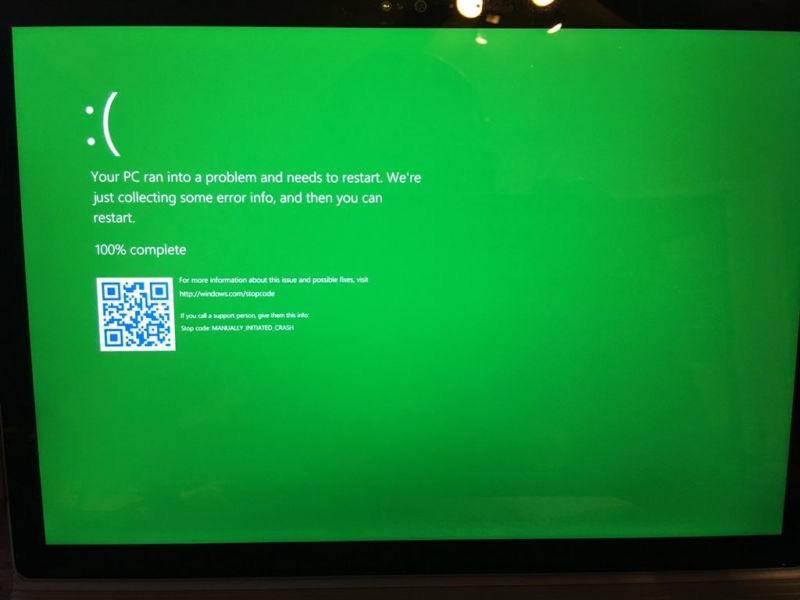
Later this year, the iconic blue error screen that has tripped up Windows users for nearly 40 years will take on a new, darker appearance. Microsoft has confirmed its plan to replace the traditional Blue Screen of Death with a black background that omits the large frowning face and QR code. In its place, a single, clear stop code will sit at the bottom of the display, pinpointing the exact driver or component at fault. This leaner design first surfaced in Windows Insider builds and mirrors the progress screens seen during system updates. By stripping away extra visual elements, Microsoft aims to help both casual users and IT teams pinpoint and resolve issues more efficiently, with no crash-dump exports or deep-dive debugging tools required.

The revamped error screen will be available to all Windows 11 users in the late summer of 2025, accompanied by a new Quick Machine Recovery feature that aims to bring unbootable systems back online faster. David Weston, Microsoft's vice president of enterprise and OS security, says the redesign stems from lessons learned after last year's faulty CrowdStrike update sent countless machines into crash loops. Weston notes that the goal is to deliver straightforward, actionable details about what went wrong and whether the problem lies within Windows itself or an external component. Although Microsoft briefly experimented with a black error screen in earlier Insider releases, feedback drove a return to blue until now. With a sharper focus on clarity and faster recovery tools, Microsoft is set to retire the Blue Screen of Death and welcome the Black Screen of Death.

Nintendo Wii U Memory Failures Investigated by Homebrew Community, Hynix Chips in the Spotlight

The homebrew and modification community has delved deeper into the recent bout of bricked Nintendo Wii U consoles, unlucky owners are seeing their systems throwing up error codes that indicate an internal memory failure. As covered on TPU almost two weeks ago, it was speculated that leaving a Wii U in a long-term state of unuse was a root cause of the problem. It is now theorized that a simple choice of memory chip is the real issue behind the corruptions, and not a case of leaving your unplugged Wii U stashed in a box somewhere.

An online database has been established on hackmd.io, and a member is collecting hard data from Wii U owners across various online communities and sources. Early indications show that consoles fitted with a Hynix eMMC are leading the pack in terms of number of system failures, Samsung-equipped models are placed in a distant second place, and the Toshiba variant is reported as having zero problems.

Long Term Nintendo Wii U Owners Experiencing Bricked Systems

It has been reported by multiple users across several online communities that their Wii U consoles are no longer functioning properly. The error codes 160-0103 and 160-2155 are the dreaded indicators of memory corruption. It has been discovered that the NAND Flash within the Wii U's internal eMMC is prone to failure. According to details gleaned from teardowns of the console's hardware, Nintendo has implemented either Toshiba or Samsung flash storage boards for the various revisions of the console. There has been an uptick in the rate of bricked Wii U consoles across recent months, but the problems seem to have occurred as far back as 2015, according to archived posts on the GBA Temp forum. It is speculated that leaving the Wii U inactive for long periods of time can lead to the memory corruption issues.

Anti-cheat Software Runs Amok Causing System Crashes in Windows 10 Insider Previews

In what is likely to cause some hand wringing or chuckles depending on upon your personality, Microsoft's Windows 10 Insider Preview Slow Ring (beta versions of the OS) has not seen a new release in months. This is due to a common Anti-cheat software running amok and causing GSODs (replacement for BSODs in preview builds). The problem itself has existed for a few months and needs to be fixed by the creators of the software as noted by Chief of the Windows Insider program, Dona Sarkar, on twitter. Apparently, this isn't something Microsoft can fix due to how the software itself functions. Essentially the unspecified anti-cheat software runs in kernel mode and tampers with various aspects of the OS that it is not supposed to tamper with. While it is possible, the software is using allowed hooks in order to function. It is also possible that in the process it is damaging kernel data structures and code. This situation is likely to stir up debate on how effective anti-cheat software is considering it seldom seems to stop determined cheaters and as of now is causing the OS crash and is proving to be a thorn in Microsoft's side.

Still, this has more ramifications than just some system crashes or a software company that needs to edit some code. It directly results in Microsoft having to delay Preview releases. Since these Slow Ring builds can't be tested or validated. Pair that with the fact Microsoft's testing of Windows 10 builds is already considered lackluster with many bugs and issues going unresolved and you end up with a rather grim situation. After all, it was only a few short months ago that the October 2018 update was released after suffering numerous problems and delays. If issues like that continue, it seems the April 2019 update could be delayed as well. To avoid this and to get something done, Microsoft will be pushing out a Slow Ring build to systems that do not have the offending anti-cheat software. Better late than never but you would have thought that this solution would have been implemented sooner.

BSODs from Meltdown and Spectre Firmware Updates Are Spreading Like the Plague

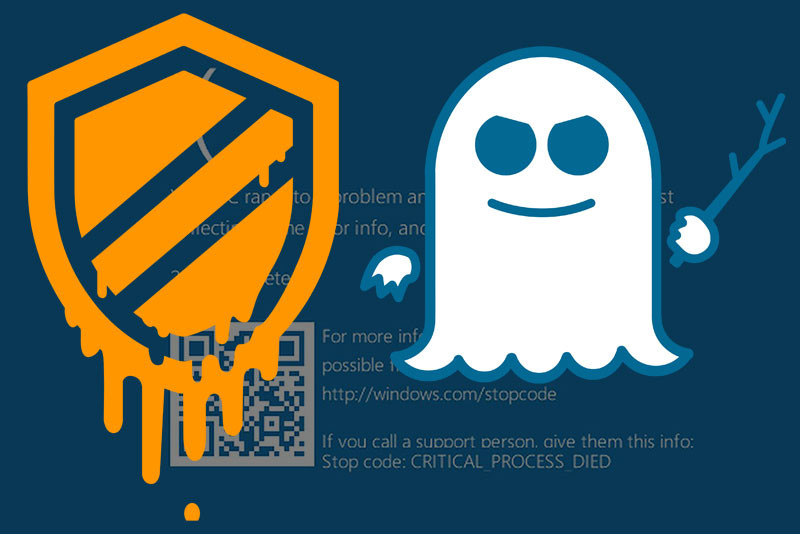
Have you ever taken your car to the mechanic shop to fix one thing but end up breaking another? Well, that's how Intel CPU owners are feeling right now. Intel previously confirmed that their Meltdown and Spectre firmware updates are causing irritating reboots on systems with Broadwell and Haswell processors. After analyzing the latest customer reports, they are acknowledging that the updates are also causing BSODs on the Kaby Lake, Skylake, Ivy Bridge, and Sandy Bridge platforms. This shouldn't come as a shocker considering how both the Meltdown and Spectre exploits affect Intel processors over the past 20 years. The possibility of all platforms suffering from the same side effects is extremely high. Fear not, though, as Intel is already working on an updated microcode to fix the constant system reboots. Motherboard vendors should have the beta microcode for validation by next week. Expect a new BIOS revision for your motherboard soon.

SandForce BSOD Firmware Bug: Fix Finally Available

Finally a fix for the BSOD/disconnect bug that has been plaguing users for months is available for SF-2200 based SSDs. OCZ uses these, has been testing this new firmware for several weeks and now believes that it's fit for release. The new firmware is at version 2.15 for OCZ drives and 3.3.2 for drives that SandForce's standard numbering system. As with any firmware update, it should be used cautiously, all data backed up and perhaps used on a non-mission critical Windows install for a while, for confidence. Note that there may be more unresolved issues and new ones introduced.
Return to Keyword Browsing
Nov 11th, 2026 21:11 CST change timezone

New Forum Posts

Popular Reviews

TPU on YouTube

Controversial News Posts