News Posts matching #WinUI 3

Return to Keyword Browsing

New Windows Search Finally Arrives in Windows 11 Update

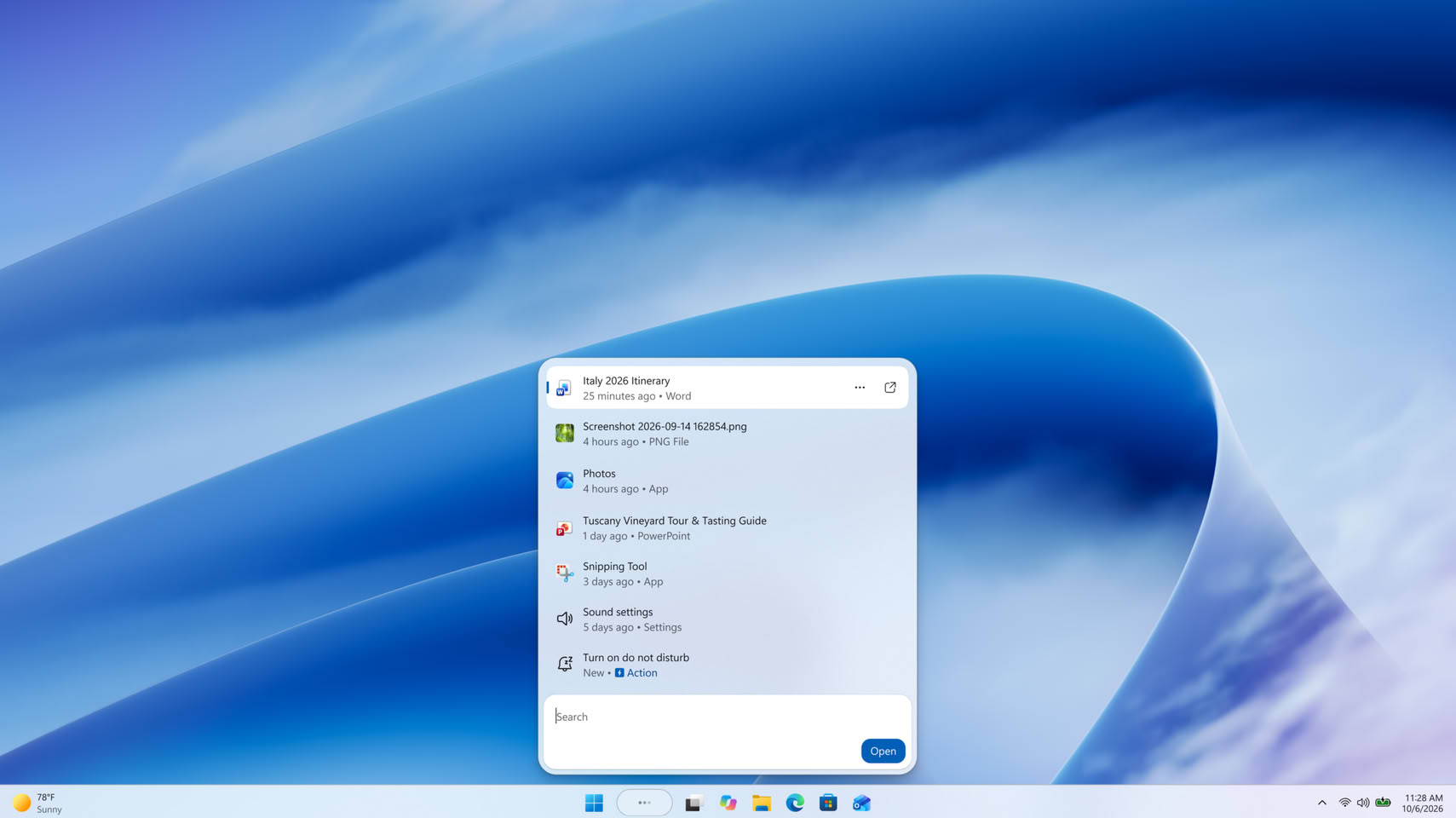
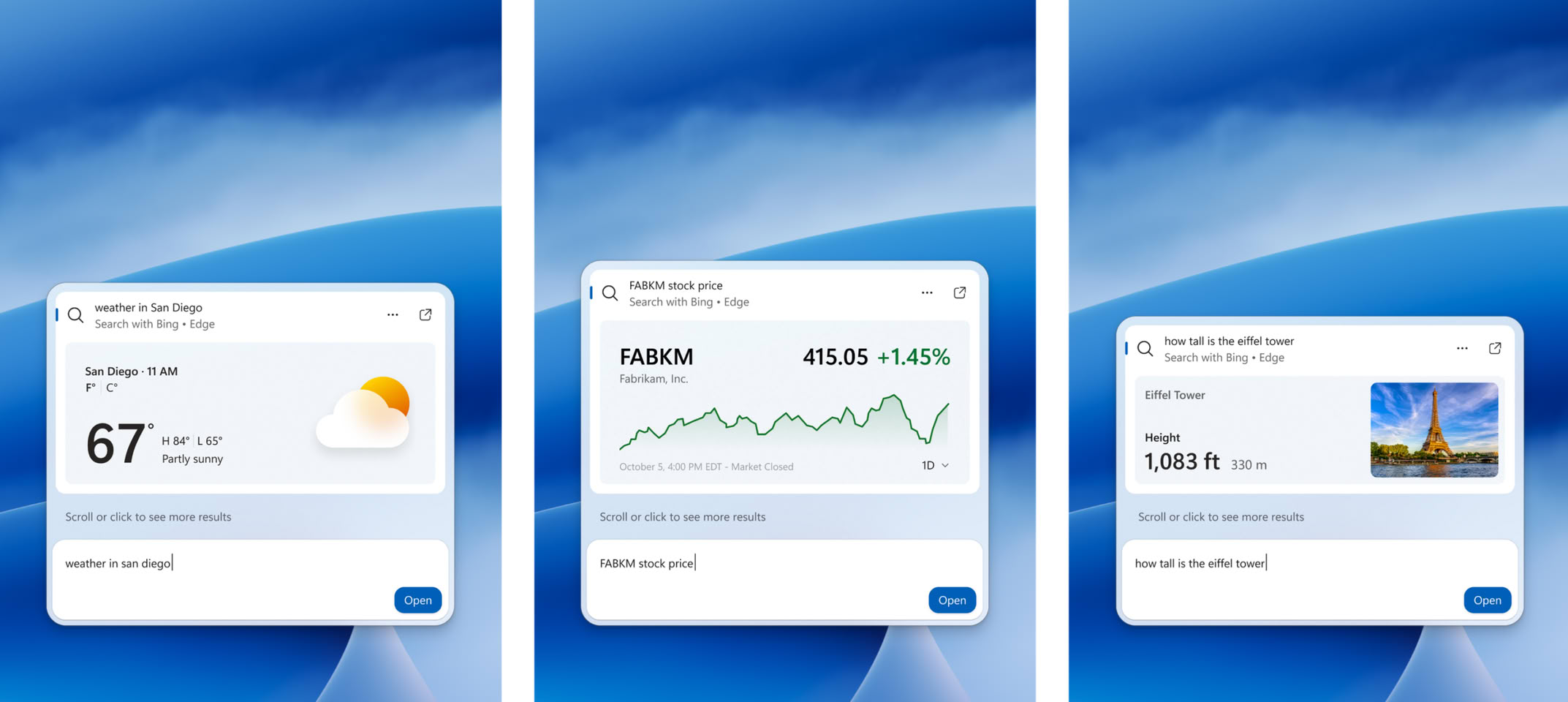
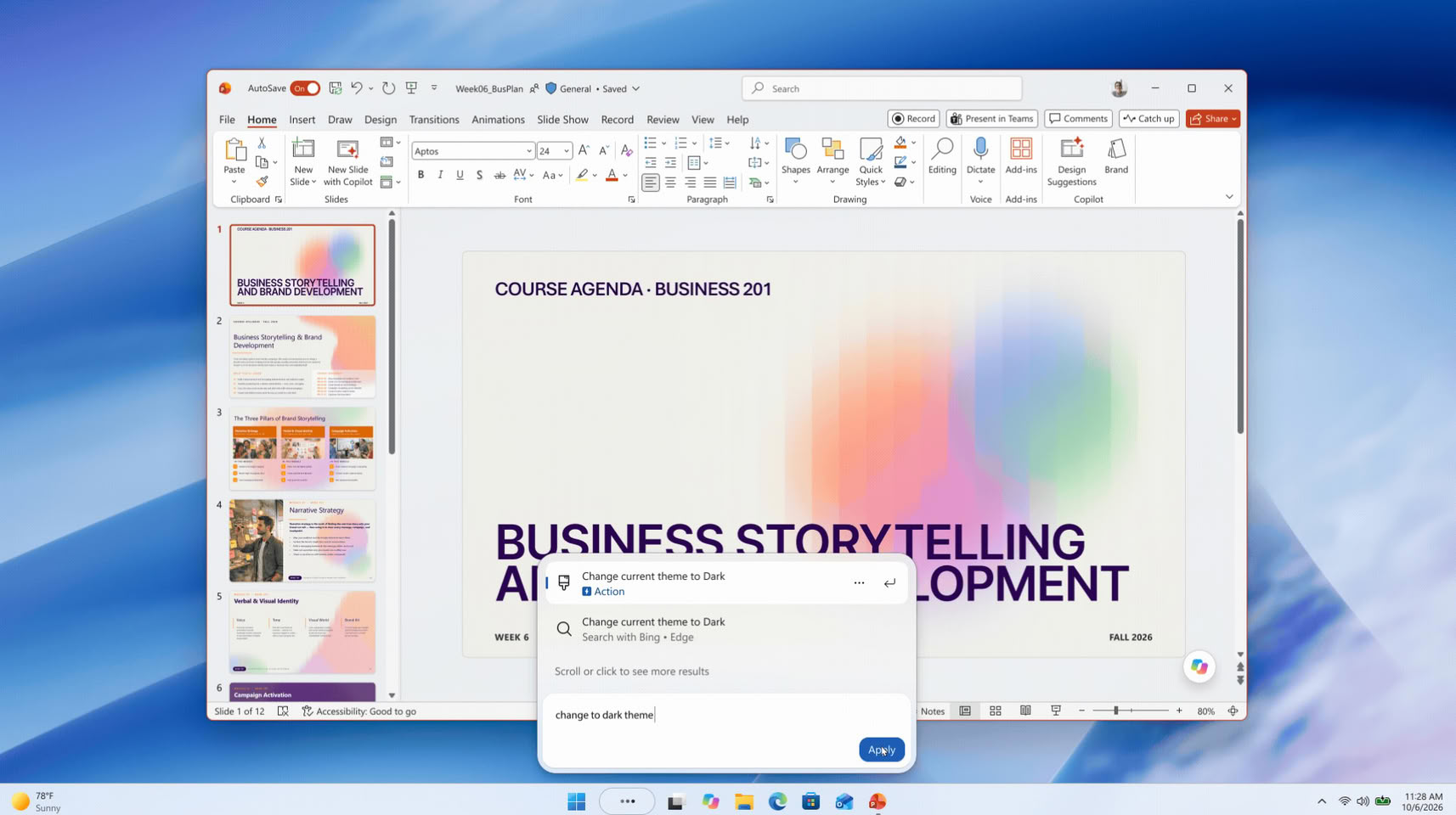
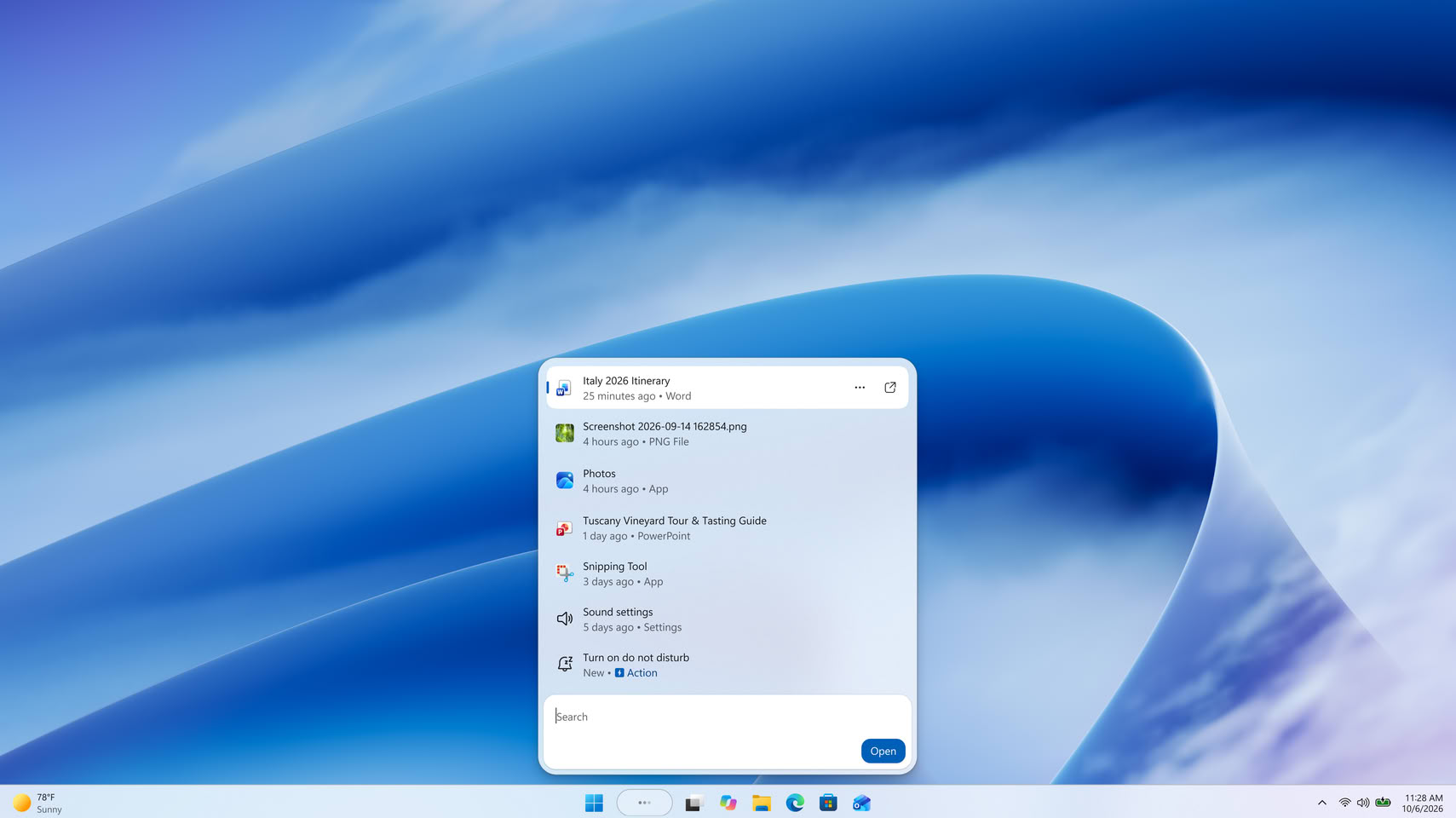
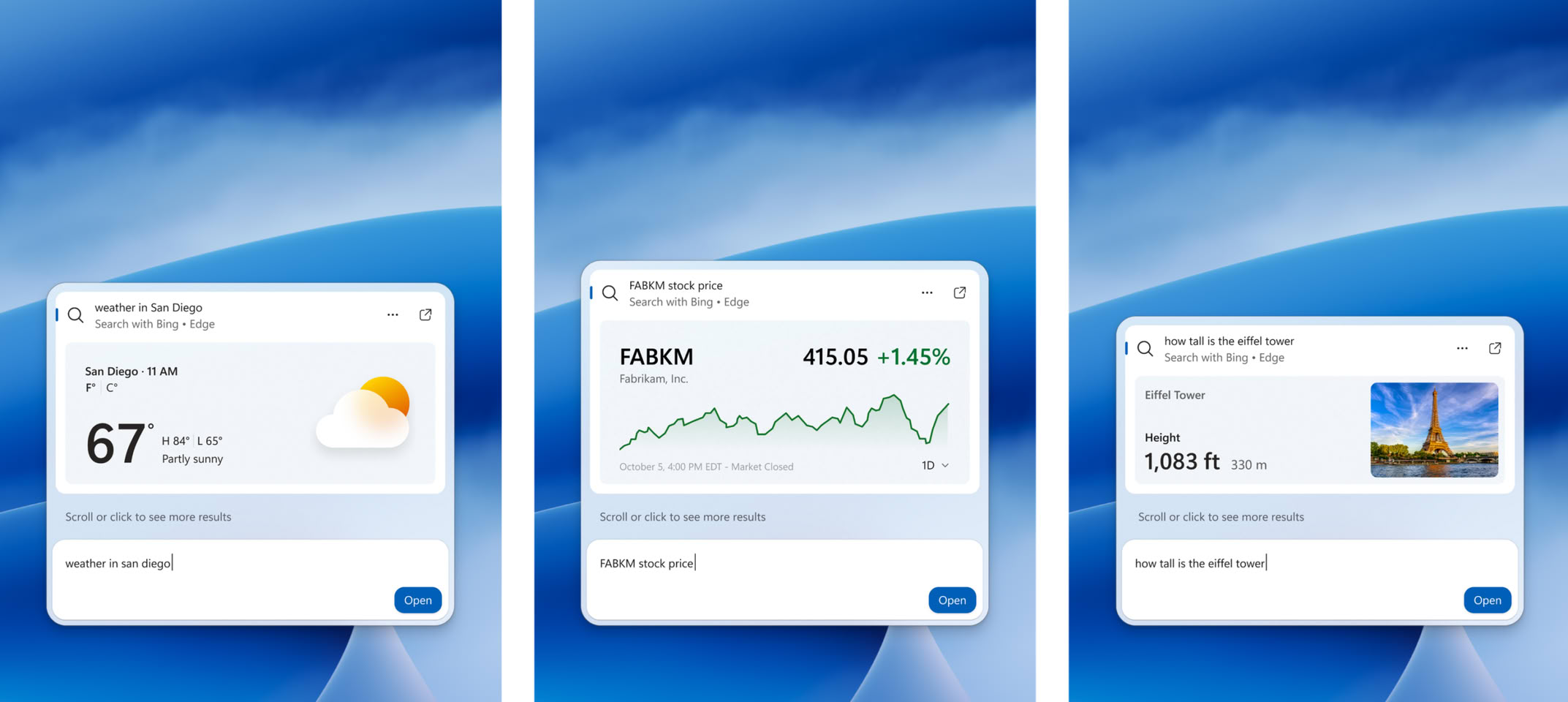
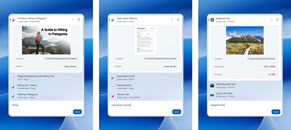
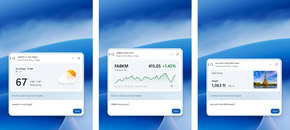
Microsoft has released the Windows 11 KB5132057 update, which finally introduces the much-anticipated Windows Search update, addressing a longstanding issue with the operating system. The new search box can execute thousands of quick actions typed as simple commands, such as "switch to dark mode," "turn on Bluetooth," "dim my screen," "mute," and "minimize all my windows." Additionally, actions related to Phone Link, like sending a text message from a connected phone, are available, along with options to access weather, stocks, and other data directly from search. For enthusiasts, the most intriguing aspect is likely the underlying technology. The new Search is built on WinUI 3, which Microsoft claims enhances speed and reduces system resource usage. Early testing has reportedly shown significant improvements in both speed and memory efficiency.

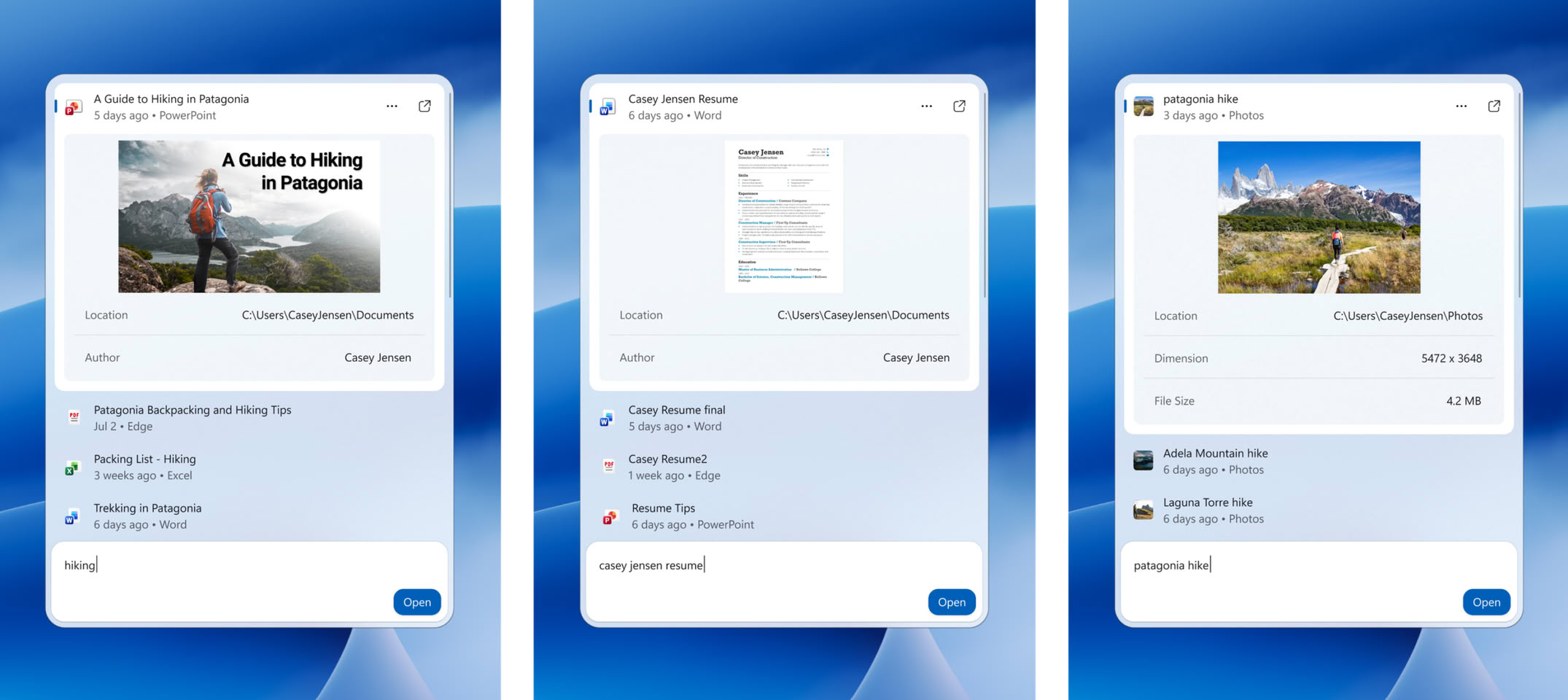
The layout now features a single list of results, replacing the previous design with its large preview pane. Search is expected to better handle typos and synonyms, with a way for richer file details and web previews. Copilot is also integrated, with its answers appearing within Search and a shortcut to open the full app. This follows the July update that removed ads and promotional content from Search and added a setting to hide web and Microsoft Store suggestions. Microsoft notes that the new Windows Search experience is initially available in English, and the system now manages typos much more effectively, making interactions with the OS more seamless through search.
Windows 11 Beta Insiders Can Now Toggle Settings Straight From Taskbar Search

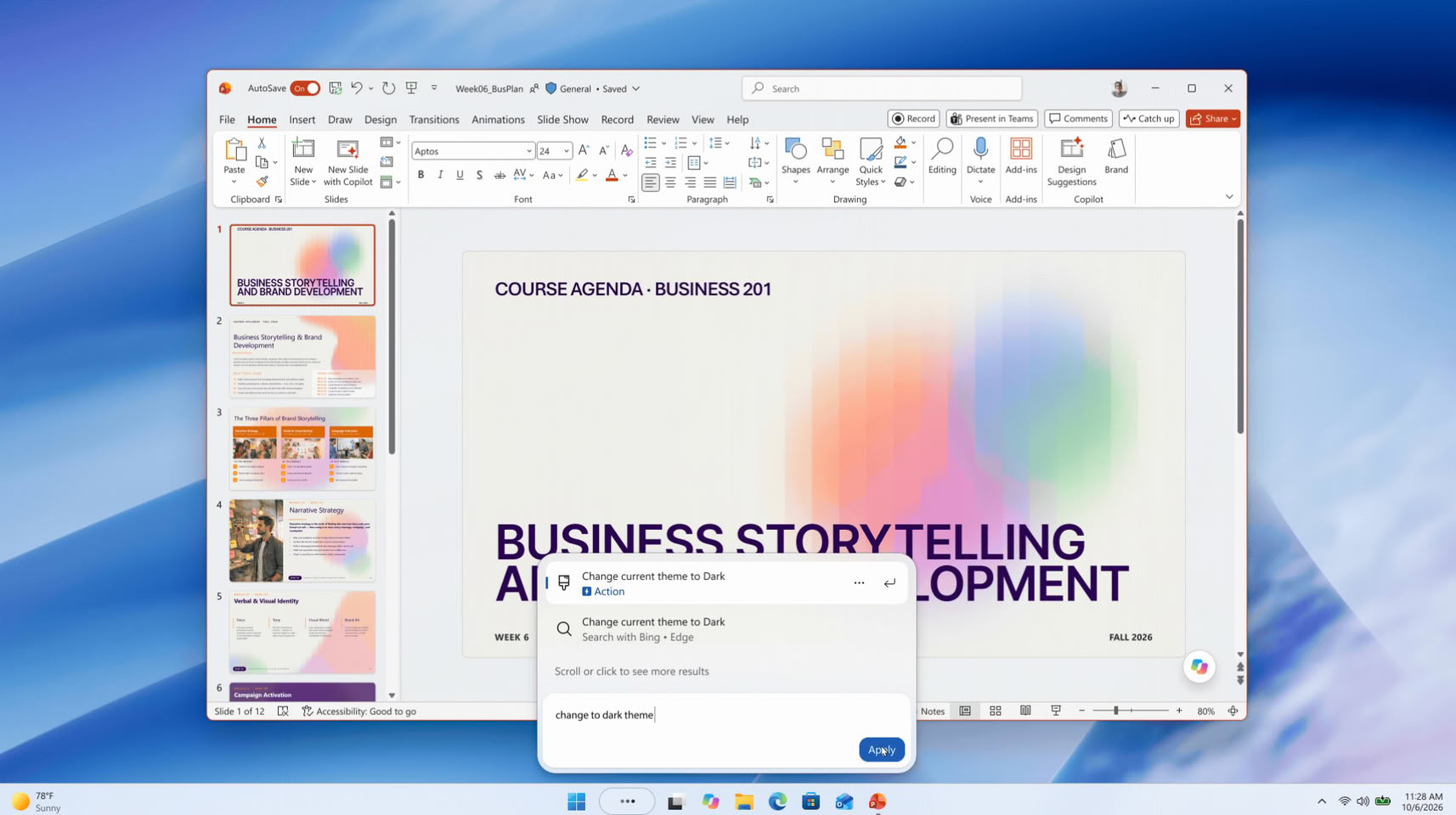
Windows Insiders in the Beta Channel can now change common system settings straight from the taskbar search box, in many cases without opening the Settings app. The new Windows Search, which Microsoft first showed off in October, is gradually rolling out with Build 26320.9876. That build also moves the Beta Channel to Windows 11 26H2 through an enablement package, though Microsoft says the version bump alone doesn't change much. The headline feature is what Microsoft calls inline actions. Typing something like "turn on dark mode", "turn on Bluetooth", "mute", or "dim my screen" gives a result that carries out the task right there, and it can also arrange open windows, for example snapping two apps side by side.

The new interface is built on WinUI 3, and Microsoft says it is faster and more efficient than the old one, with a single list of results that's easier to scan. Search is also apparently getting better at handling typos and synonyms, and Microsoft plans to keep tuning that over the coming weeks. There are a few limits for now. English is the only supported language, and the new experience only shows up when searching from the taskbar, since searching from the Start menu still opens the old interface. Microsoft says bringing it to the Start menu is planned for next year, and actions for a connected phone, such as sending a text, are also on the way.

Microsoft Hints at WinUI 3 Overhaul for Windows 11's Leftover Legacy Dialogs

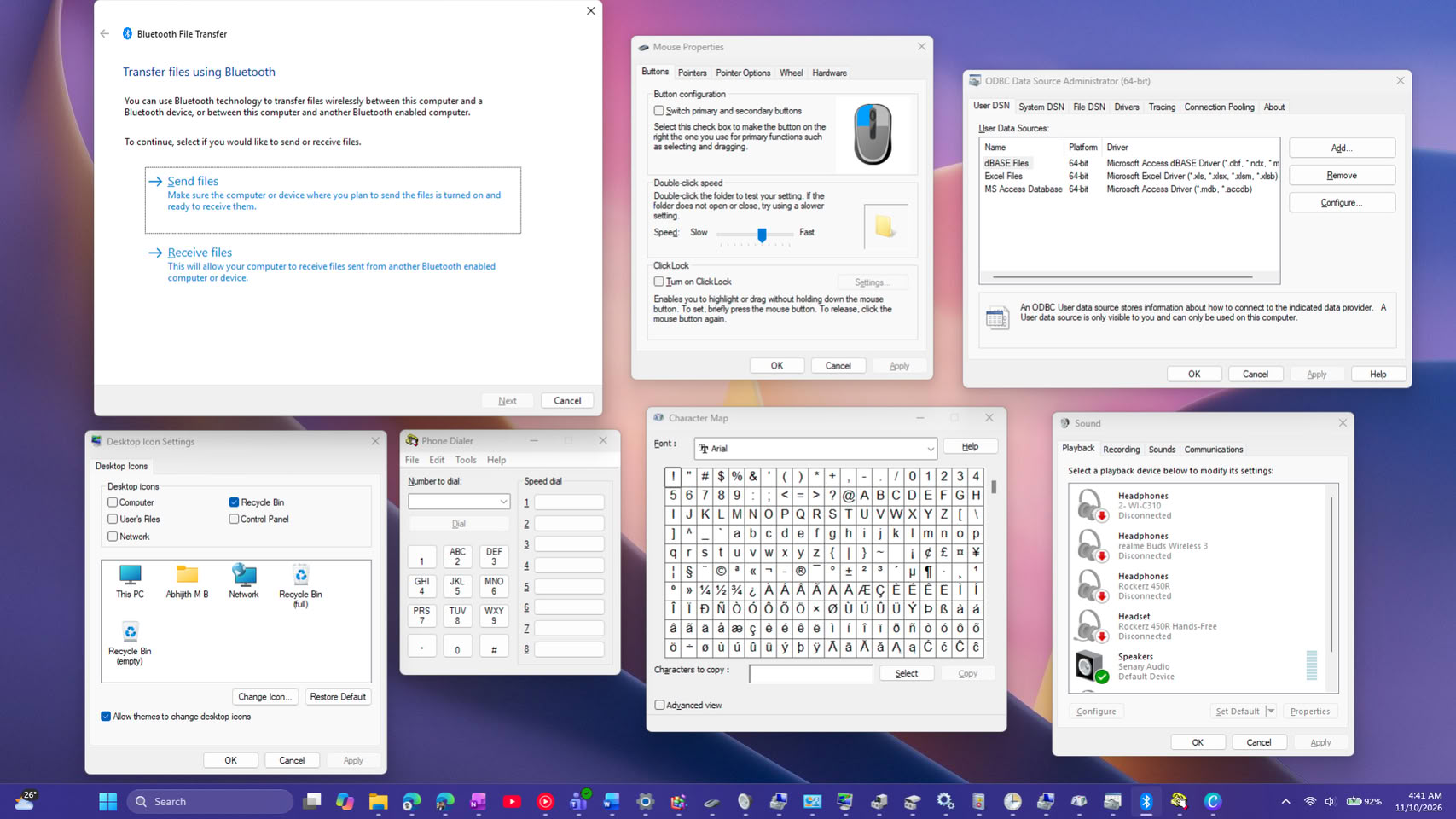
Marcus Ash, Microsoft's design and research lead for Windows and Devices, has hinted that more of Windows 11's old dialogs and admin tools could get a modern makeover. Under Jen Gentleman's post about the new option to silence the Sticky Keys prompt, a user asked Microsoft to "winui-fy" the legacy Win32 dialogs and MMC apps, and to fully move Control Panel into Settings. Ash replied with a short "Noted and working on that too." He didn't give a timeline or name any tools, so it's more like a nod than a roadmap.

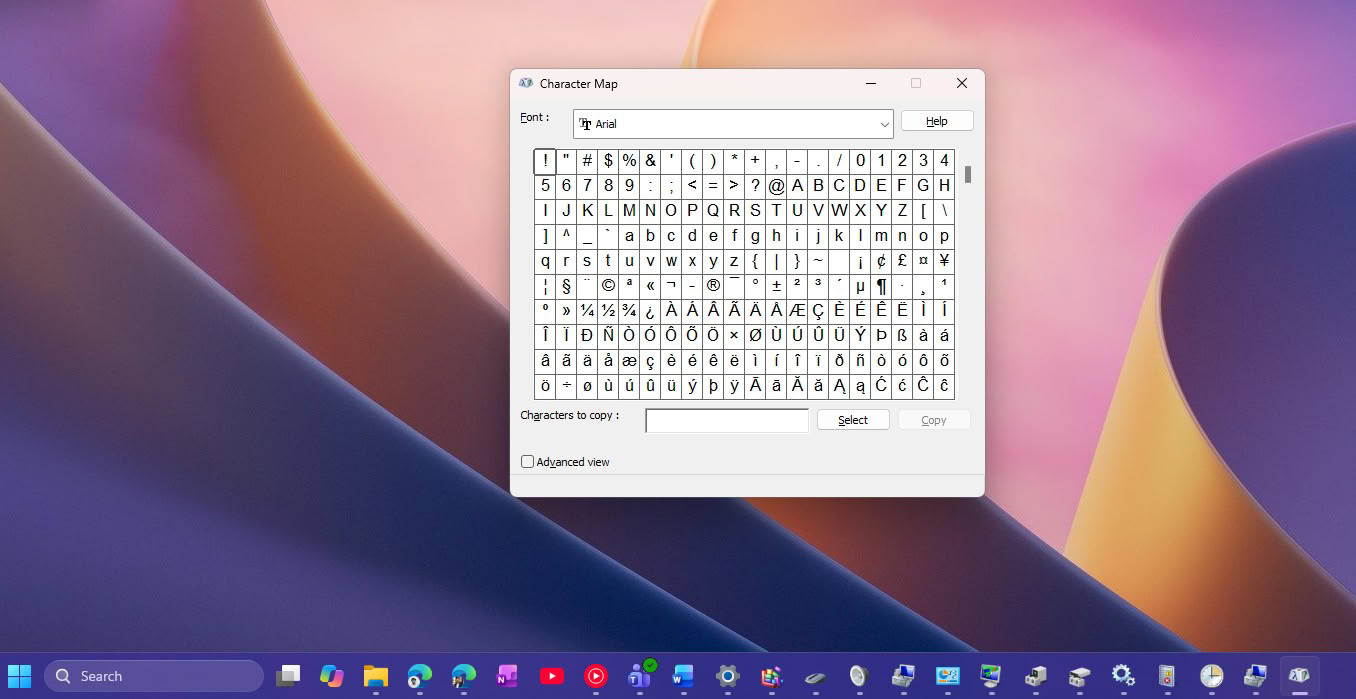
There's plenty to work with, as Windows 11 still ships more than 20 tools with older interfaces, including Defragment and Optimize Drives, Disk Cleanup, Device Manager, Event Viewer, and the DirectX Diagnostic Tool. Folder Options and the Sticky Keys prompt still have no dark mode, and some links in Settings, such as the extra sound and mouse options, open the old Control Panel windows. Microsoft's recent dark mode update for Hyper-V Manager, another legacy tool, also came out incomplete.

Microsoft Showcases Modernized Registry Editor as WinUI 3 Sample

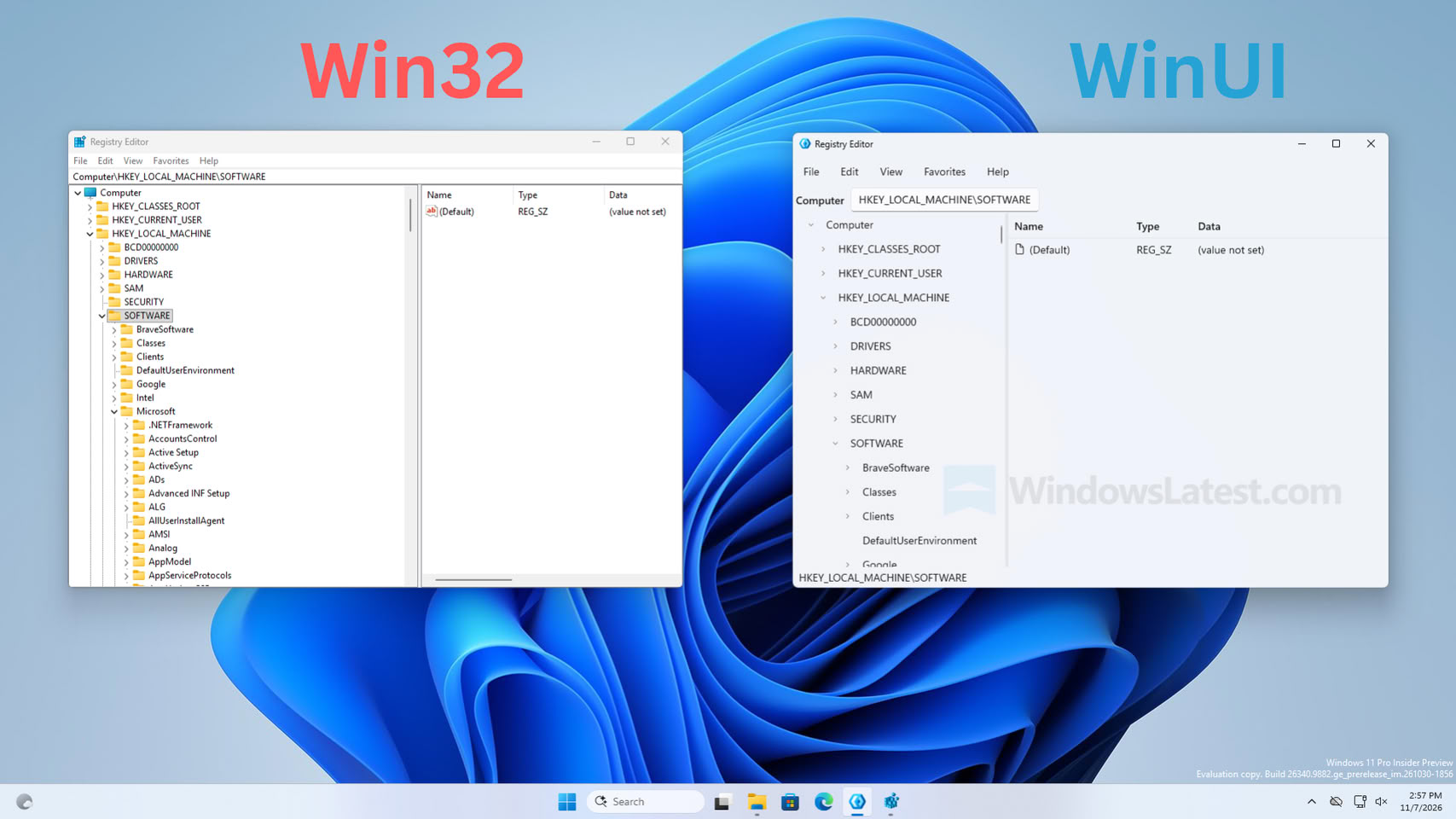
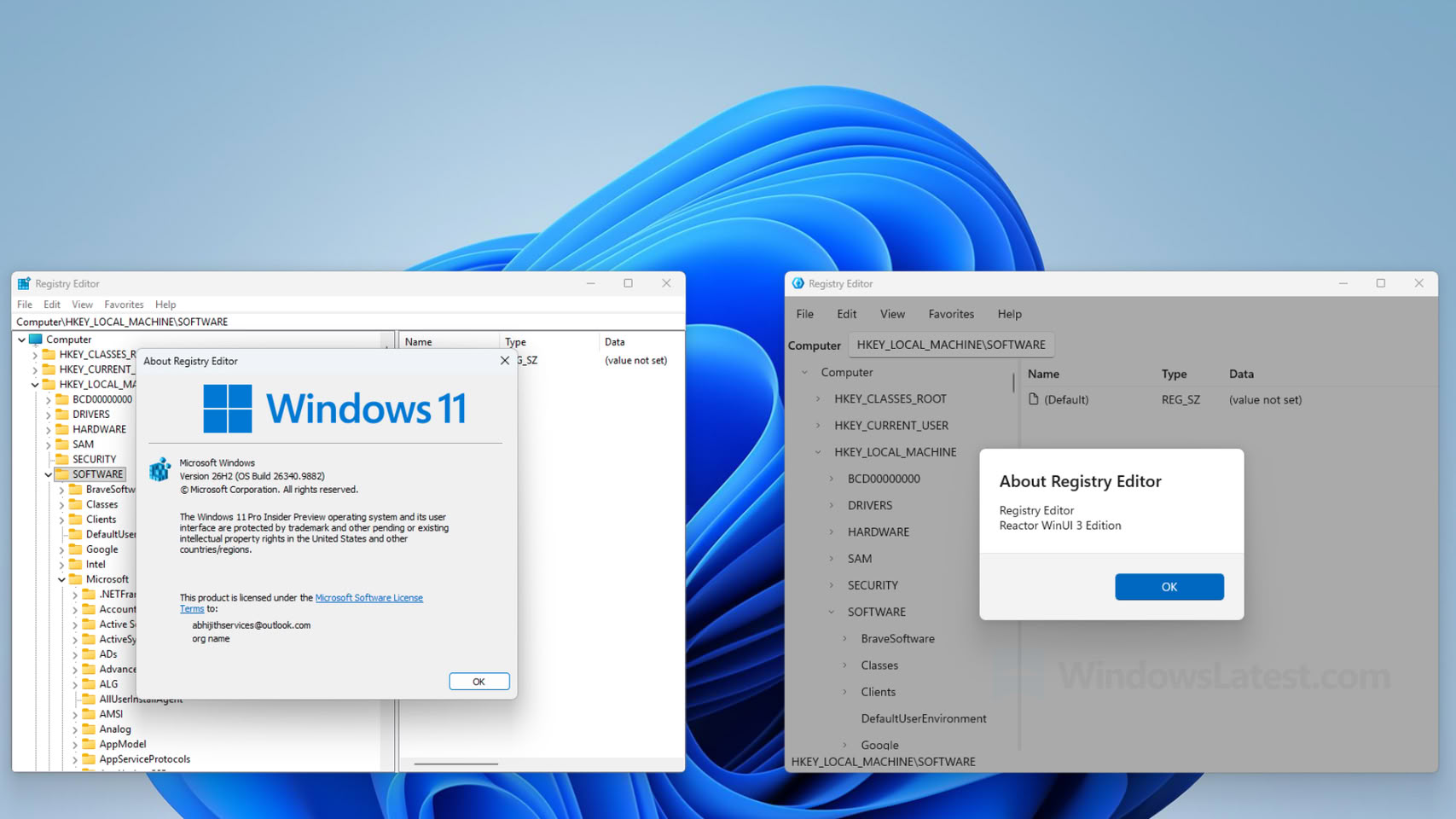
Microsoft has updated its core component, the Registry Editor, with the latest WinUI framework as a demonstration of what the WinUI 3 framework can offer to existing applications with legacy Win32 components. The Registry Editor, a fundamental Windows application, has remained unchanged across many generations of Windows operating systems, which have relied on it for essential system modifications. According to a report from Windows Latest, Microsoft showcased a modernized version of the Registry Editor built with the WinUI 3 framework as a sample, but it is not intended to replace the current application found in every Windows build.

Initially, Windows Latest did not explicitly state that the application overhaul was just a sample. This led Microsoft's executive Scott Hanselman to clarify on X that the new build is merely a sample application and is not connected to the team maintaining the current Registry Editor. Previously, communities on X criticized the new design for its sparse menus and unfinished look, prompting a response from Microsoft's staff. It is important to note that while a new version might be in development, the current application is only a demonstration and is not related to the team maintaining the existing application. A future update may address this, but for now, we remain with the older version.

Microsoft Adds Incomplete Dark Mode to Some Legacy Windows 11 UI Elements

Microsoft is known for maintaining a mix of UI frameworks across its Windows 11 operating system, carrying over elements from as far back as the Windows 7 era. These include WebView2, React, WinUI, and Win32 UI, each with its own distinct look and behavior. Recently, the company added dark mode support to one of its older frameworks and applications, specifically Hyper-V Manager, which runs on the Win32 API for system graphics. This legacy software layer has been updated to include a dark mode, where most interactions now occur in a darker theme.

However, testing by Windows Latest reveals that the dark mode support is still incomplete, as Microsoft implemented Hyper-V Manager in a somewhat unfinished manner. While Hyper-V Manager generally features dark UI elements, some parts remain in light mode, such as the main management view and virtual machine listing. Additionally, Hyper-V Quick Create Gallery and Virtual Machine Connection are still exclusive to light mode. Switching between creating checkpoints and opening VMs in VM Connection is also problematic, as light screens persist. This makes the implementation less than seamless, raising questions about why Microsoft chose to release it before achieving a fully functional dark mode.

Microsoft Rebuilds Windows 11 Search, Adds Typed Commands and Inline Copilot

Microsoft has unveiled a rebuilt Windows 11 Search at its Windows and Surface event, and it can now change system settings straight from the taskbar. Windows chief Pavan Davuluri showed it on stage, and Microsoft says the box will handle thousands of quick actions typed as simple commands. Examples include "switch to dark mode", "turn on Bluetooth", "dim my screen", "mute", and "minimize all my windows". Microsoft says these are only the first batch, and Phone Link actions such as sending a text message from a connected phone are also planned. The more interesting part for enthusiasts is probably under the hood. The new Search is built on WinUI 3, which Microsoft says makes it faster and lighter on system resources, and early testing apparently showed sizable gains in speed and memory use.

The layout is now a single list of results, replacing the current design with its large preview pane. Search should also cope better with typos and synonyms, and richer file details and web previews are planned for later this year. Copilot is part of it too, of course. Its answers show up inside Search, with a shortcut to open the full app. This follows the July cleanup that removed ads and promotional content from Search and added a setting to hide web and Microsoft Store suggestions. The new version started rolling out to Windows Insiders in the Experimental channel on October 7. Microsoft is targeting this fall for regular Windows 11 PCs, though there's no exact date yet.

Microsoft Now Lets AI Build Native WinUI 3 Apps for Windows 11 in Under 30 Minutes

Microsoft has published a quick-start guide showing developers how to build a native WinUI 3 app for Windows 11 in about 30 minutes using AI. The workflow runs on free tools, VS Code,.NET 10, GitHub Copilot's free tier, and Microsoft's winapp CLI, so Visual Studio isn't needed. The guide covers scaffolding a project, using an AI agent to add features like a settings page, testing the result, and packaging it as an MSIX installer for the Microsoft Store.

The agent used here, called winui-dev, isn't the general Copilot chatbot most Windows users already know. Rather, it's a specialized plugin with skills for WinUI design, code review, UI testing, packaging, and migrating older apps. Microsoft also recommends connecting it to its Learn MCP server so it pulls current WinUI documentation instead of relying on training data, since WinUI 3 is newer and less represented in AI training sets than older frameworks like WPF and UWP.
Return to Keyword Browsing
Nov 26th, 2026 00:15 CST change timezone

New Forum Posts

Popular Reviews

TPU on YouTube

Controversial News Posts