Wednesday, October 7th 2026

Microsoft Rebuilds Windows 11 Search, Adds Typed Commands and Inline Copilot
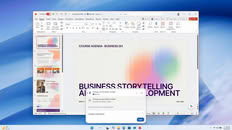
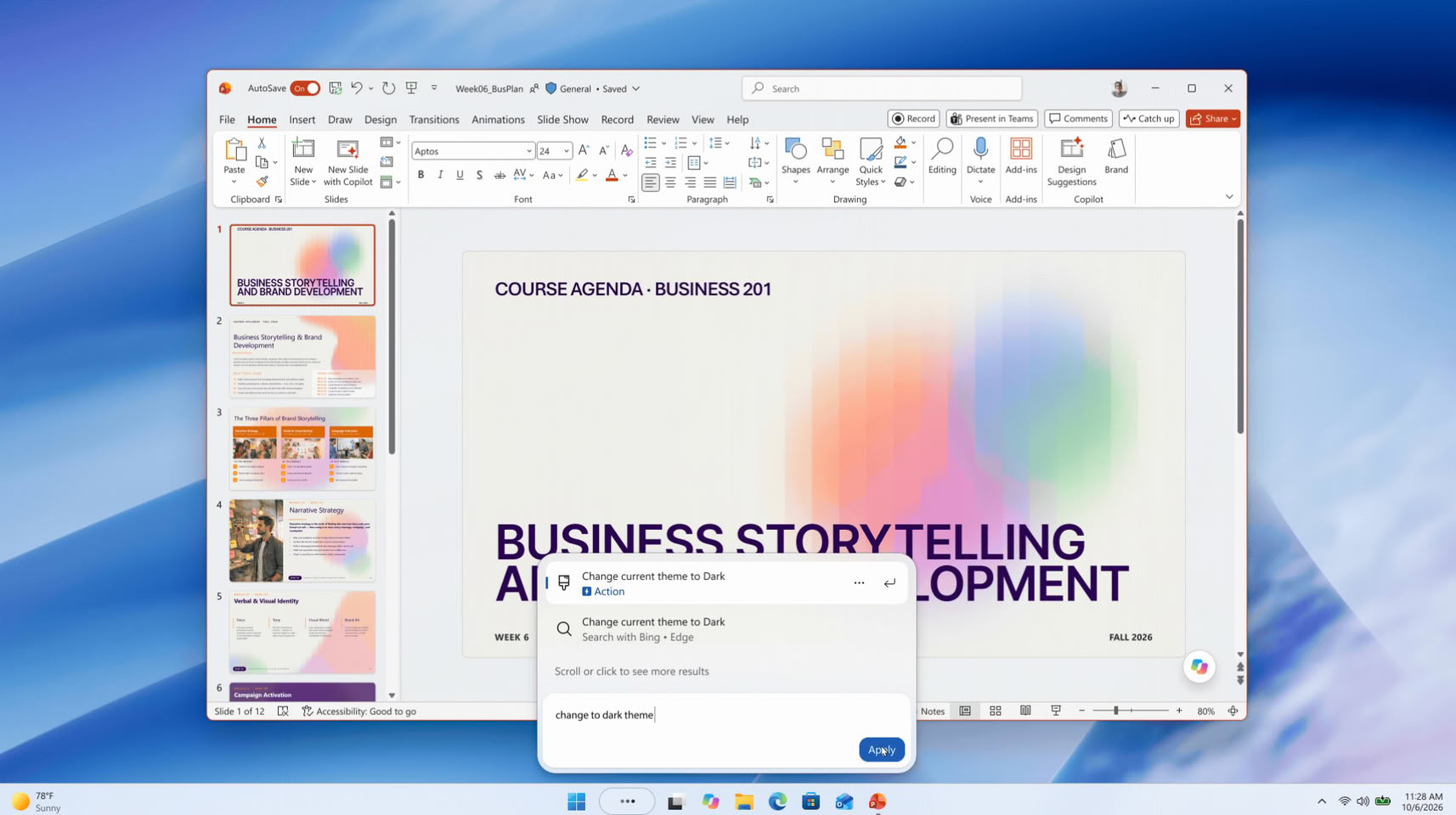
Microsoft has unveiled a rebuilt Windows 11 Search at its Windows and Surface event, and it can now change system settings straight from the taskbar. Windows chief Pavan Davuluri showed it on stage, and Microsoft says the box will handle thousands of quick actions typed as simple commands. Examples include "switch to dark mode", "turn on Bluetooth", "dim my screen", "mute", and "minimize all my windows". Microsoft says these are only the first batch, and Phone Link actions such as sending a text message from a connected phone are also planned. The more interesting part for enthusiasts is probably under the hood. The new Search is built on WinUI 3, which Microsoft says makes it faster and lighter on system resources, and early testing apparently showed sizable gains in speed and memory use.
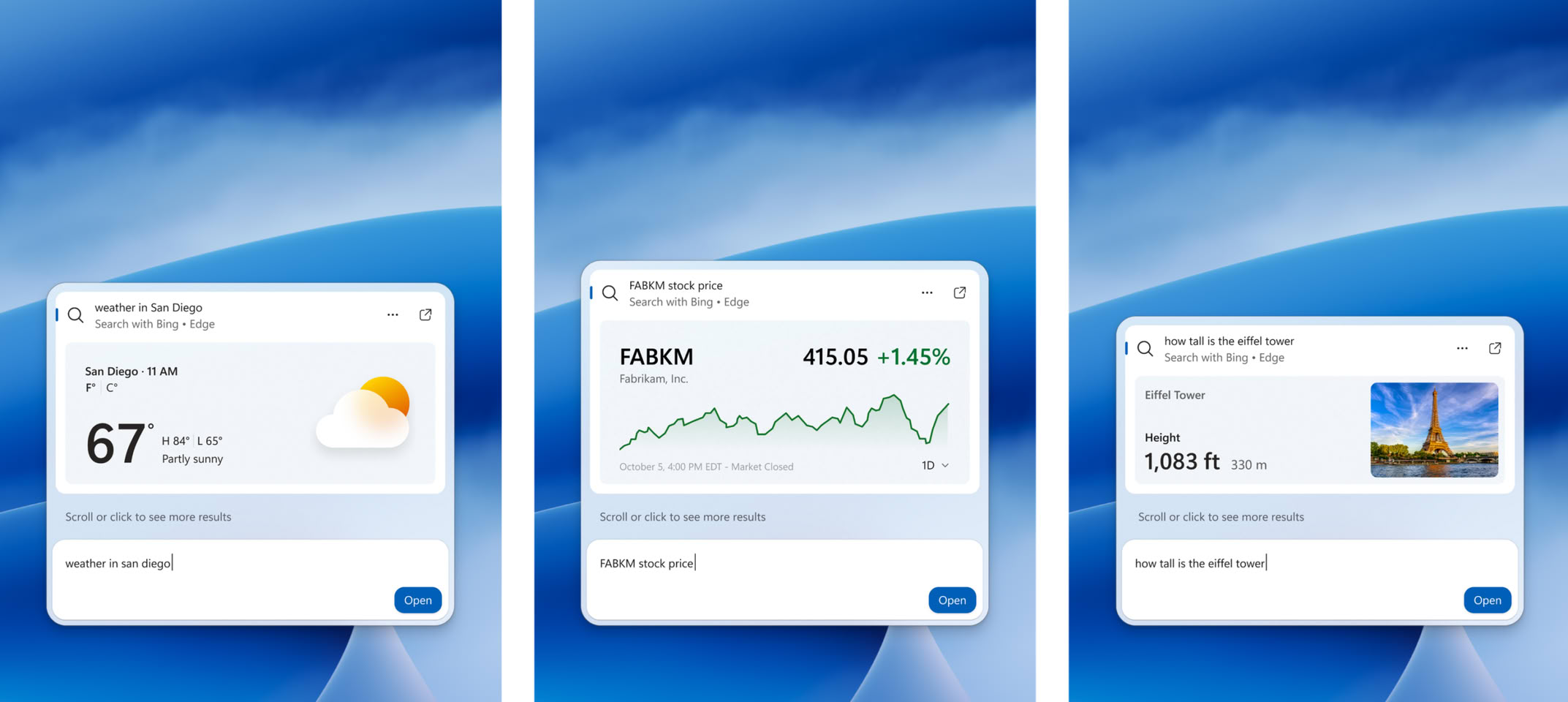
The layout is now a single list of results, replacing the current design with its large preview pane. Search should also cope better with typos and synonyms, and richer file details and web previews are planned for later this year. Copilot is part of it too, of course. Its answers show up inside Search, with a shortcut to open the full app. This follows the July cleanup that removed ads and promotional content from Search and added a setting to hide web and Microsoft Store suggestions. The new version started rolling out to Windows Insiders in the Experimental channel on October 7. Microsoft is targeting this fall for regular Windows 11 PCs, though there's no exact date yet.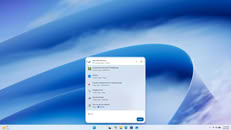


Sources:
Microsoft, Windows Central
The layout is now a single list of results, replacing the current design with its large preview pane. Search should also cope better with typos and synonyms, and richer file details and web previews are planned for later this year. Copilot is part of it too, of course. Its answers show up inside Search, with a shortcut to open the full app. This follows the July cleanup that removed ads and promotional content from Search and added a setting to hide web and Microsoft Store suggestions. The new version started rolling out to Windows Insiders in the Experimental channel on October 7. Microsoft is targeting this fall for regular Windows 11 PCs, though there's no exact date yet.


48 Comments on Microsoft Rebuilds Windows 11 Search, Adds Typed Commands and Inline Copilot
And will stay that way.
We need a disable flag just for copilot, like we could disable Cortana.
At least I use the search to find an application that isn't pinned or something.
Nah mate, I'll keep using win10 for now.
As if these folks did not know "Windows Key + M" didn't exist?!
I think it sounds like a novel ideal otherwise though!
i was forced to download cygwin a few hours ago
I thought they were going to clean up and streamline? I guess that's MS-speak for "add more AI" or something? How very disappointing! 🤔
How can you tell when Nadella and his minions are lying?? Their lips are moving!!!
I'm loving Linux, y'all (Microslop Windows 11 users) should try it.
Search has been broken in Windows for far too long. This isn't going to help.
Windows and all other OS's, have always required (usually free) add-ons to customize the UI to the individuals' liking. So you end up with a certain set of choices:
- Choose a different OS and spend time customizing that instead of Windows,
- Choose the newest most capable version of Windows and customize that, or
- Choose an older Windows version and spend time implementing workarounds for every little thing they stopped supporting - plus any and all of the customizations you would do for Win11 anyway.
For me option 2 is the no-brainer, it's less work with set it and forget it operation, and, games are faster with more features available. Option 1 can sound good on paper (or in forums) but it's still not ready for prime-time - there's too many missing components, too much new to learn (if you don't already know it), and too many incompatibilities to work around - it's good fun if you have tons of free time to spend instead of actually working and gaming.I want an OS to be as transparent as possible and of course it's frustrating to see MS implementing stuff that will cause me to check another "✅ Turn it OFF." tick-box. But as I see it, it's the least amount of work (most transparent) with the most advantages and compatibilities to stay current and just tick that box - especially for creatives and gamers. YMMV.