Tuesday, July 14th 2026

Microsoft is Finally Fixing Windows Search, No More Promotional Content
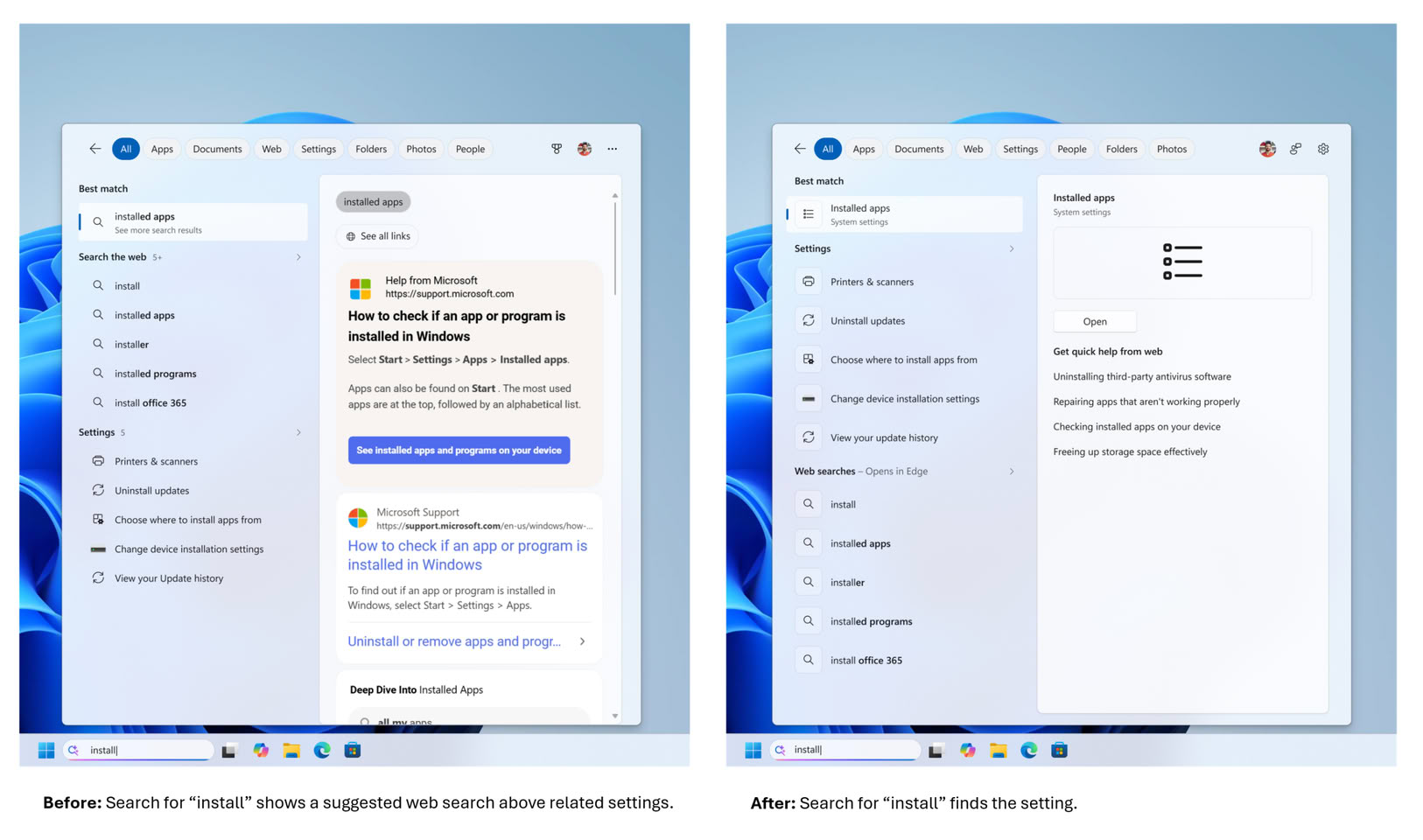
Microsoft has finally addressed one of the biggest pain points in using the modern Windows 11 operating system—the Windows Search Box. What used to be a complicated mess filled with content you didn't care about is now becoming a usable interface, with less visual clutter. Starting with new builds being rolled out to Windows Insiders on the Experimental Channel, Windows 11 will now display fewer results when running a Windows Search, meaning that the visual clutter is mostly gone, as you can see in the picture below. Recent searches are very easy to find, and the Search Box actually does what it is supposed to do. It will now display where the search result comes from, whether it is an application, a setting, a file, a web result, or even a Microsoft Store suggestion. The aim is for the Search Box to finally give users more transparency on what their actual search result is.
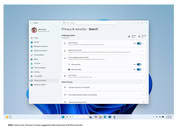
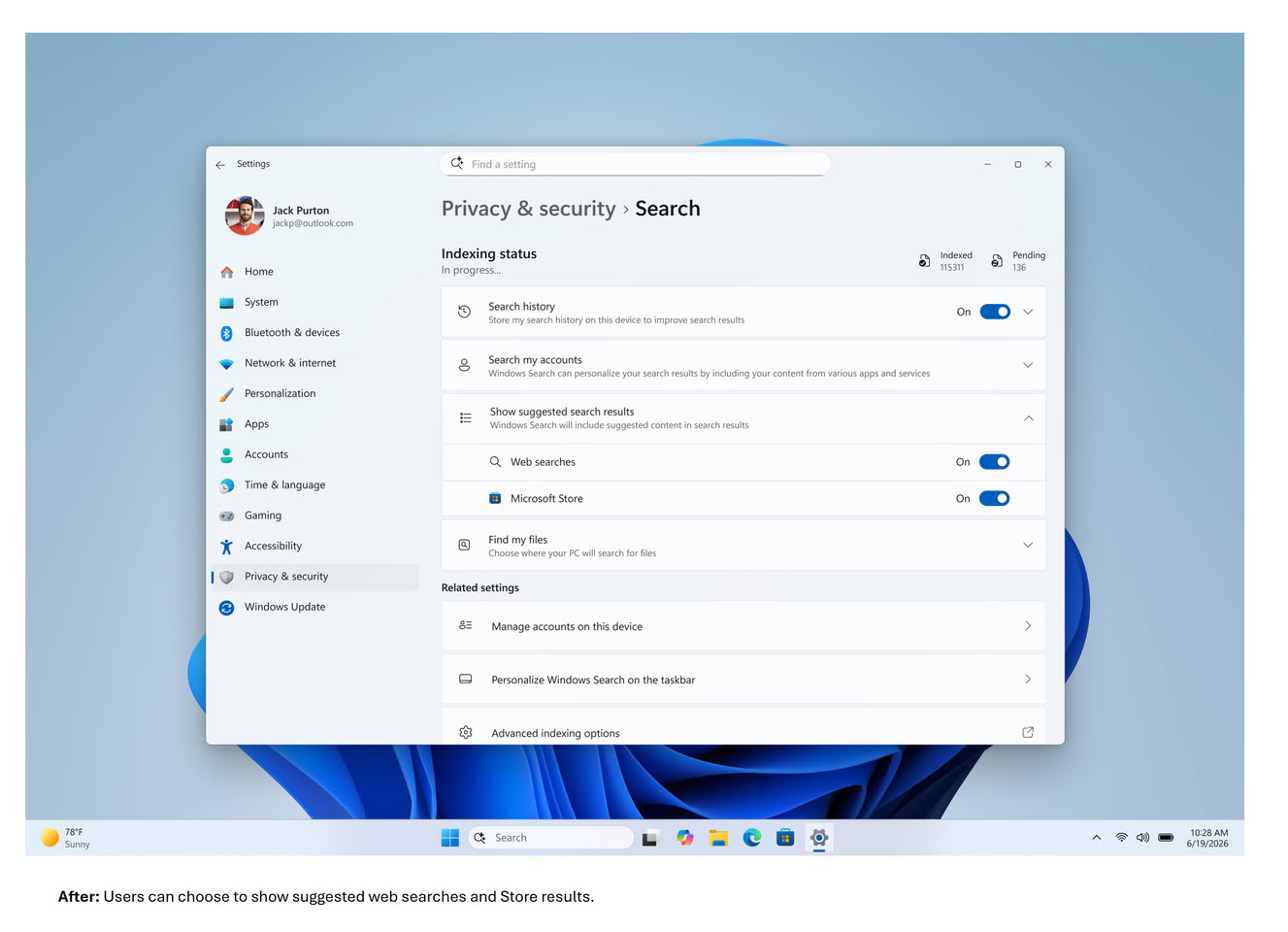
Perhaps the most important part of the update is the removal of promotional content. Previously, whenever you made a search in the Search Box, Microsoft would push promotions onto the user, showing related products first. This meant your search experience felt more like an advertising marketplace instead of a genuine search. Importantly, local search matches, like those from apps, settings, or files, are shown first before the web results, tailoring your experience towards a more local indexing of results. Additionally, these search results are customizable, as going to Settings > Privacy & Security > Search allows you to turn off web searches and Microsoft Store searches entirely.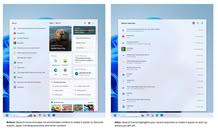
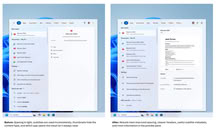
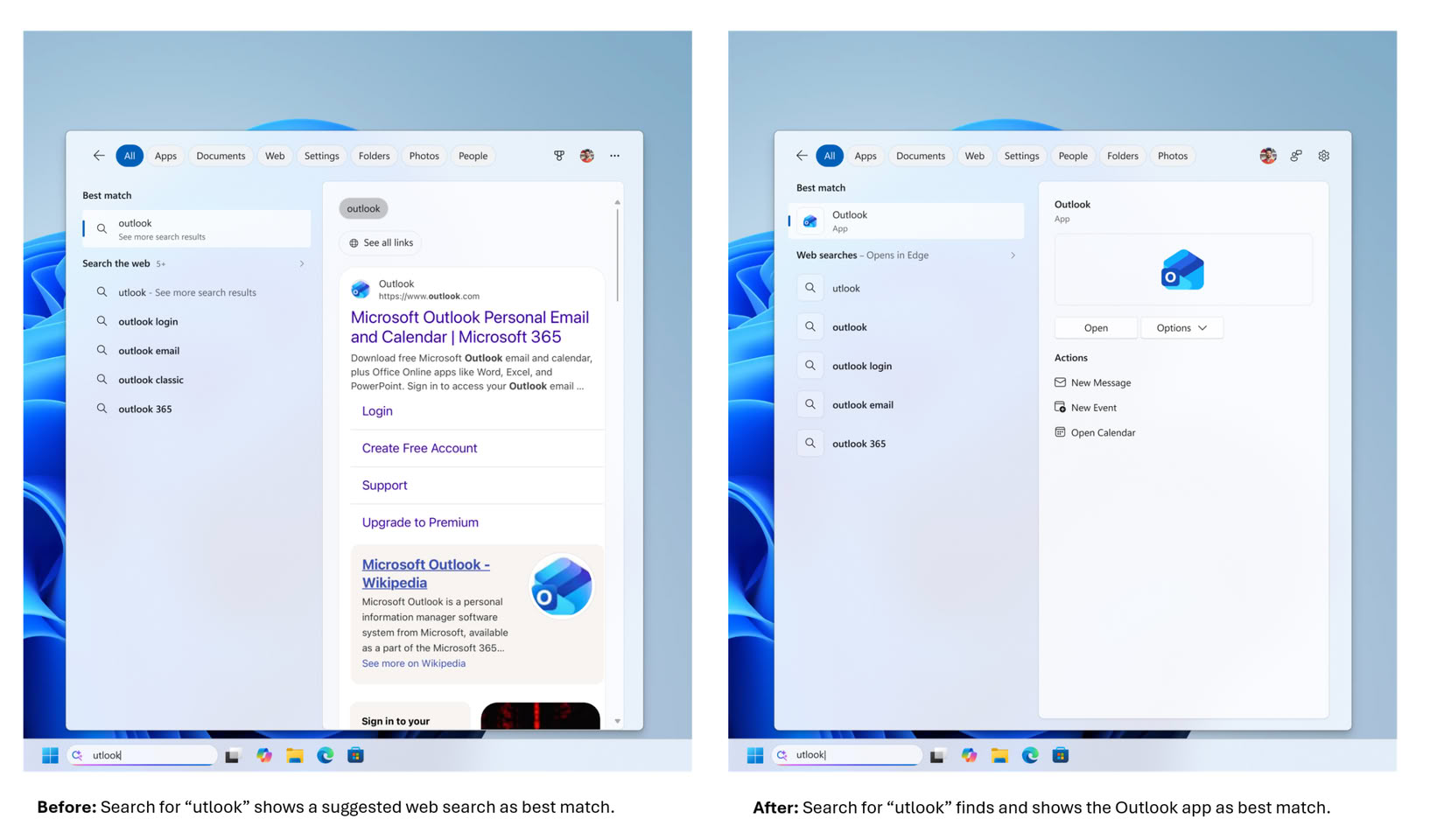
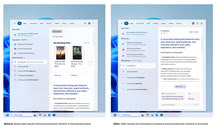 Finally, other aspects like finding files are getting an overhaul, making actual file searching much faster and more reliable, alongside finding applications even with spelling mistakes. You can see the before and after pictures below.
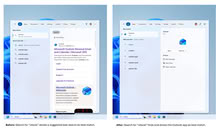
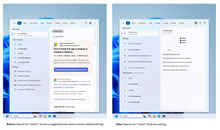
Source:
Windows Blog
Perhaps the most important part of the update is the removal of promotional content. Previously, whenever you made a search in the Search Box, Microsoft would push promotions onto the user, showing related products first. This meant your search experience felt more like an advertising marketplace instead of a genuine search. Importantly, local search matches, like those from apps, settings, or files, are shown first before the web results, tailoring your experience towards a more local indexing of results. Additionally, these search results are customizable, as going to Settings > Privacy & Security > Search allows you to turn off web searches and Microsoft Store searches entirely.


61 Comments on Microsoft is Finally Fixing Windows Search, No More Promotional Content
In the highly unlikely event that a user actually wants to do web searches from the Start menu, will they be allowed to use an alternate web search engine?
Just wait for it, next they're in the ribbon on every fucking window you open
I had some fun with googles ai:
Removing web suggestions saves humanity 6,444,445 hours daily (equivalent to 9.2 human lifespans per day).
Baseline Data
* Users: 1,000,000,000
* Average Human Lifespan: 700,000 hours (~80 years)
Time Allocation Logic (4 Searches per Day):
* Before (24.0s total): 2 searches lag by 4.5s waiting for web API stability (9.0s), 1 search misclicks web/store UI shifting elements causing a 15.0s correction loop (15.0s), 1 search hits local result instantly (0s).
* After (0.8s total): All 4 searches process as instant local SSD queries at 0.2s each.
Before Update
1,000,000,000 * 24 s = 24,000,000,000 s
24,000,000,000 / 3,600 = 6,666,667 hours/day
After Update
1,000,000,000 * 0.8 s = 800,000,000 s
800,000,000 / 3,600 = 222,222 hours/day
Net Savings
6,666,667 hours - 222,222 hours = 6,444,445 hours/day
Lifespan Impact (Daily)
6,444,445 hours / 700,000 hours = 9.2 human lifespans saved per day
Lifespan Impact (Yearly)
6,444,445 hours * 365 days = 2,352,222,425 hours/year
2,352,222,425 hours / 700,000 hours = 3,360.3 human lifespans saved per year
Not that i believe those numbers but it shows, in another way, how much productivity was lost...
I'm glad MS is tidying up W11. But I wonder if there are also other motivations... not helping the user, just too expensive to "content manage" compared to the income. I wonder if EU legislation would require an opt-out so that ads are not forced into private-spaces without consent. So this might be a mandated toggle feature rather than a philosophical change at MS.
Anyway, this is good. I have Win11 on the laptop and I consider it borderline unusable because of the bad search.
Since Windows 8 that promoted content is hot trash. (I am aware that it exists in practice since Windows 95, with IE's "Channel Guide", even being the Internet a novelty at the time)
My concern now is if there's background telemetry still running, because it's not mentioned anywhere that it was tackled.
the windows start menu was something not useable in 1995. I moved on. moving the mouse left corner to move up and down to start an app"lication" is pure time waste.
Stuck in 30 year old bad ideas. there are so many brilliant people with brilliant ideas and better approach which can be tested for free.
8 points in height are enough for mysel in over 10 years for a menu similar behaviour. I do not need or want half of the screen with advertisement and bad application sorting .
2007 i even reduced the menu heigth from 15 pixel to 12 pixel on much smaller screen sizes, virtually and mechanically.
But... W11 has been out for 5 yrs....
also got an email yesterday that my W10 license had been extended to be able to use for another year, without mentioning needing to use those Bing points. Sign things aren't going well at Microslop?
Don't get me wrong, I hate ads more than anyone else, but this was an easy problem to rectify. The other thing was to make sure the notifications are set proper also since they like to use that avenue also.