 19
ASUS ROG Crosshair X870E Glacial Review - A Masterpiece
Board Layout »Packaging and Contents
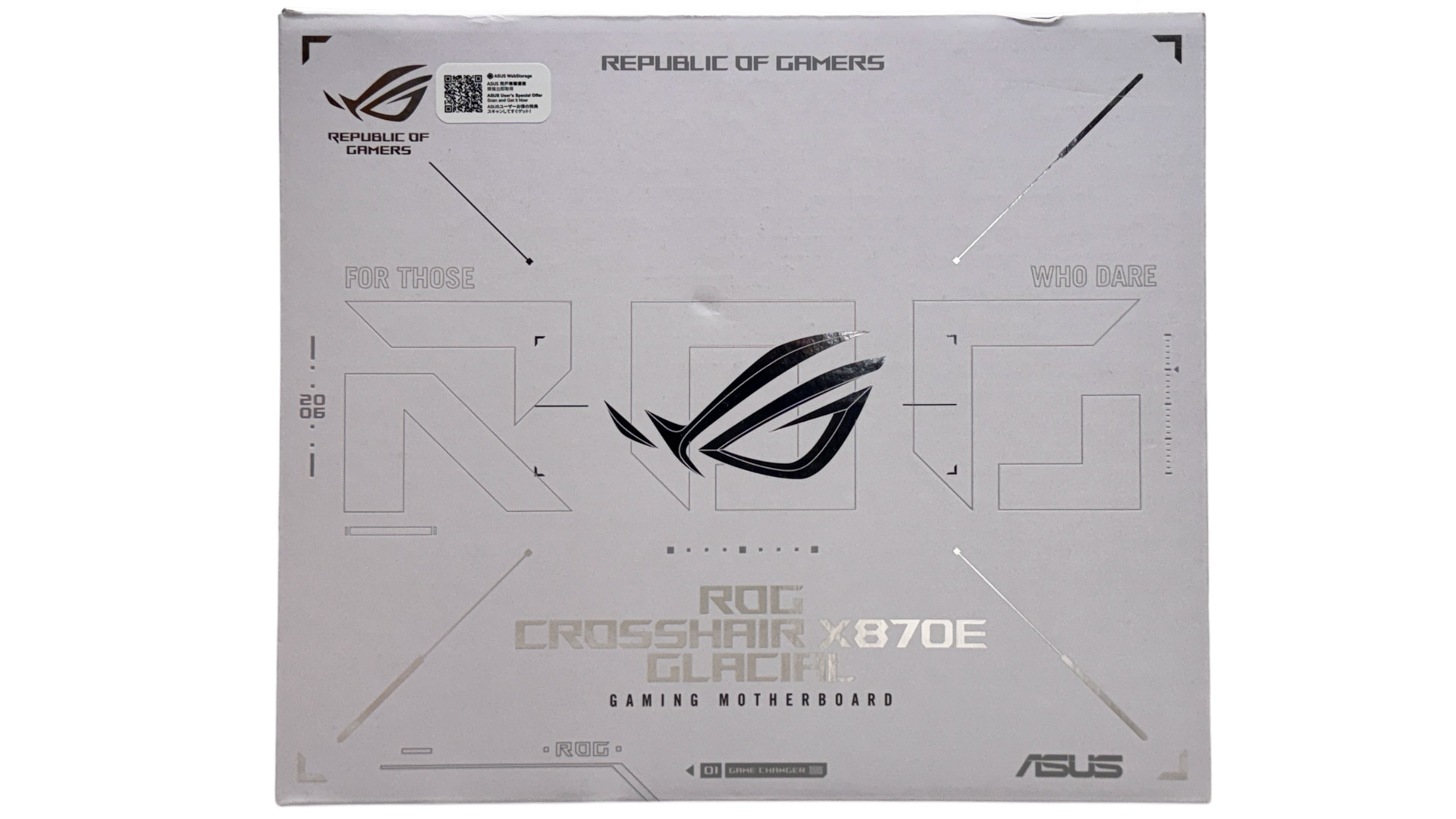
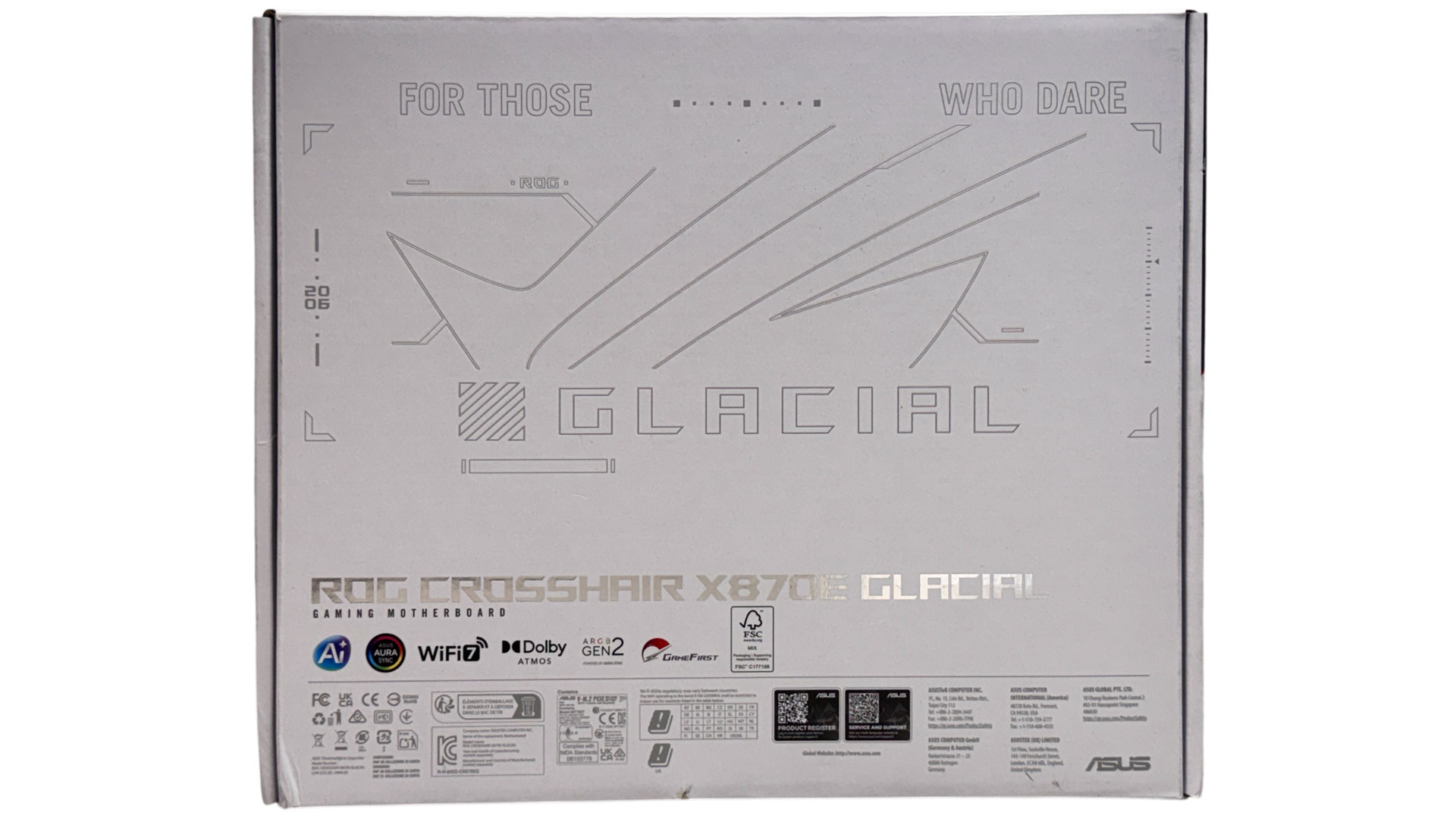
As you'd expect and as we've also seen on competing boards recently, the packaging is exquisite with Apple-like finesse and plenty of fanfare in terms of revealing the motherboard. If we'd just dropped a thousand bucks on this motherboard ASUS can check this off in terms of the unboxing experience.
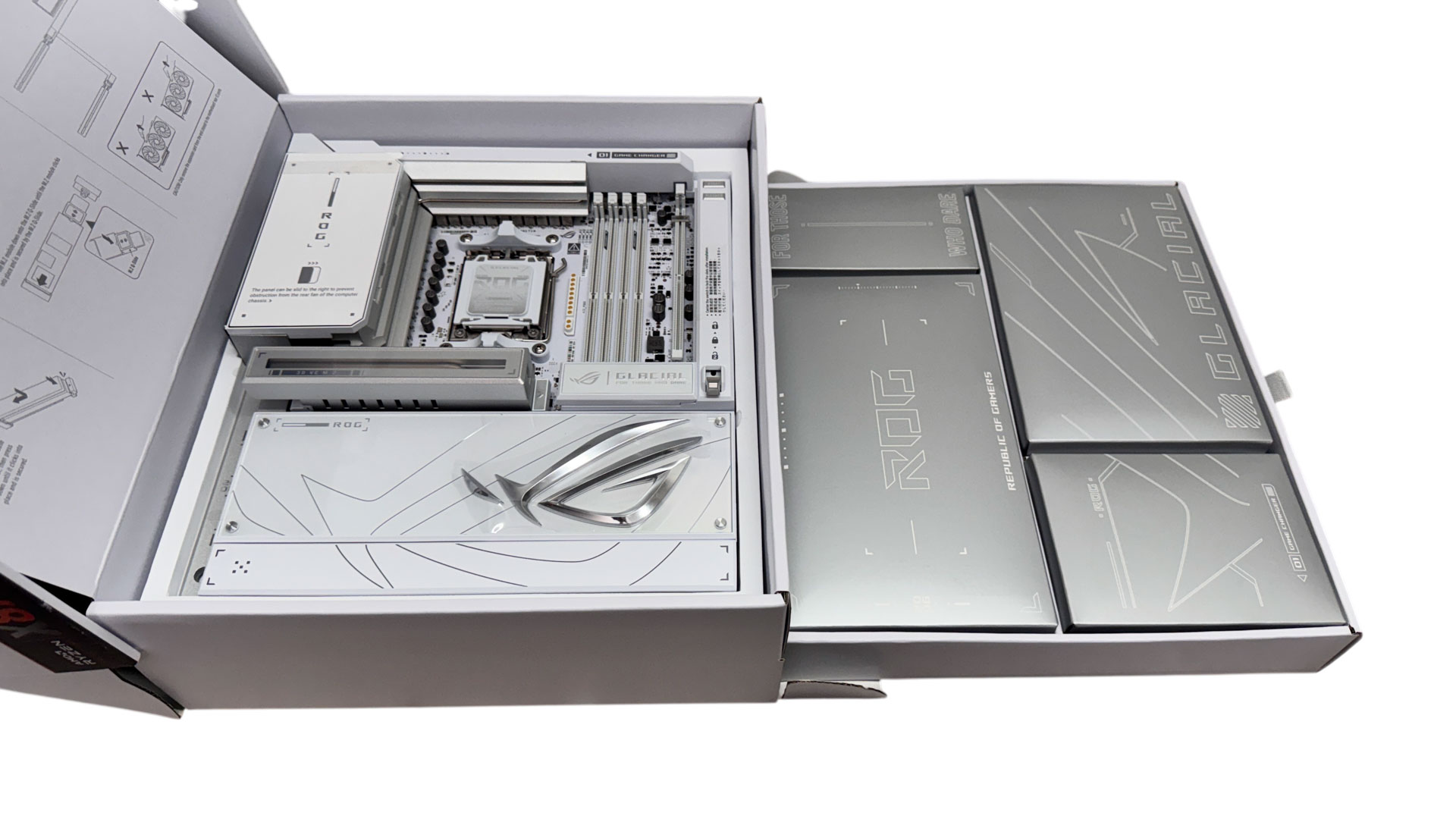
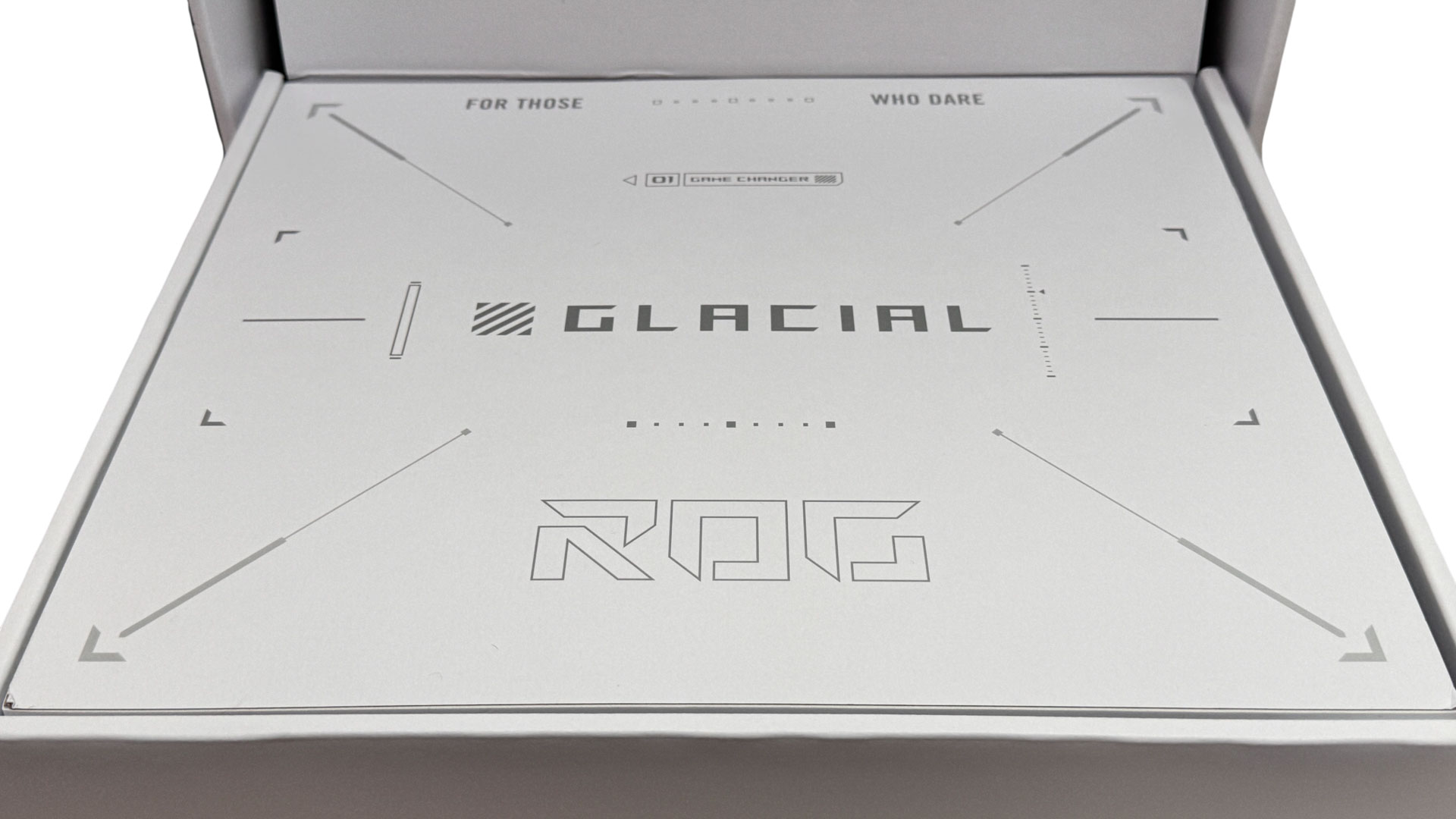
A neat addition to the usual dual layer design is a pull-out drawer that reveals a packed accessory tray with some familiar items, and newcomers too. Given the board's huge weight, this is actually quite useful as you don't want to be lifting it out of its enclosure every time you reach for an accessory.
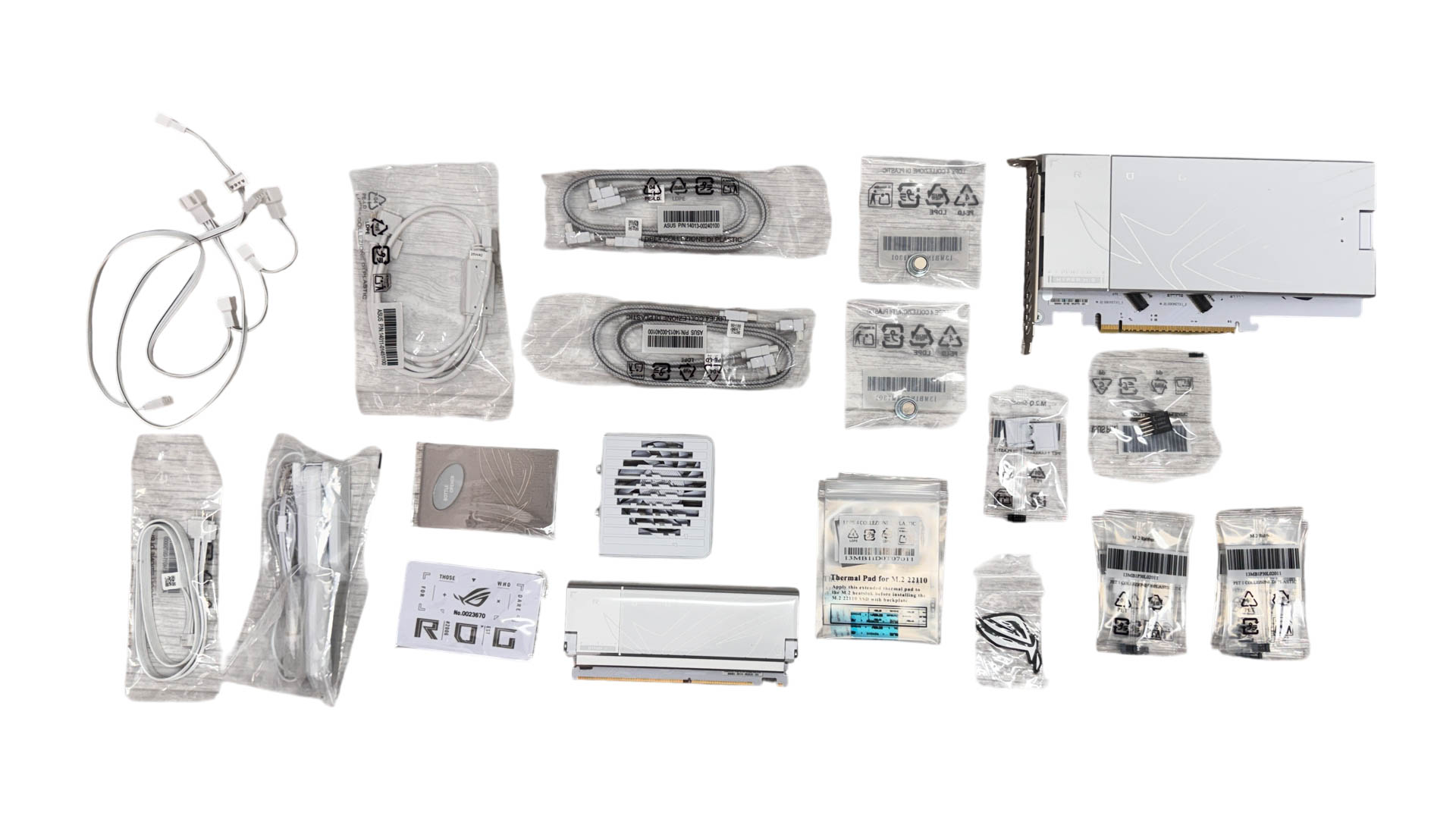
Key takeaways here are a ROG Hyper M.2 Card that can provide a home to two PCIe Gen 5 SSDs that can run at full speed if you're prepared to sacrifice some GPU lanes, a Q-DIMM.2 module that offers two PCIe Gen 4 M.2 ports and installs into its own slot next to the DIMM slots, a cable-free memory fan, and a bunch of splitter cables for fans and RGB lighting.
The full list of accessories includes:
- 1× Wi-Fi antenna
- 2× SATA cables
- 1× Wi-Fi antenna
- 1× ROG Hyper M.2 Card
- 1x ROG Q-DIMM.2
- 1× 4-way 3-pin ARGB splitter cable
- 1× 2-way 3-pin ARGB splitter cable
- 2× 3-way 4-pin fan cables
- 1× M.2 pad package for ROG Hyper M.2 Card
- 1× Thermal pad for ROG Hyper M.2 Card
- 1× M.2 pad package for ROG Q-DIMM.2
- 2× Thermal pad for ROG Q-DIMM.2
- 1× Thermal pad for M.2 22110
- 7× M.2 backplate rubber packages
- 1× M.2 Q-Slide package
- 1× ROG Memory Q-Fan
- 1× Q-connector
- 1× ROG logo plate sticker
- 1× ROG stickers
- 1× ROG VIP card
- 1× ROG Bottle Opener
- 1× Quick start guide
Nov 20th, 2026 12:25 PST
change timezone
Latest GPU Drivers
New Forum Posts
- Honestly, do you care about GTA VI? (197)
- Zen 3 IF/IMC degradation (239)
- Anthrophics IPO (17)
- The Final Upgrade for Legacy AiO's (10)
- Very unusual two gaming-pc scenarios. (34)
- How to prevent OLED burn damage due to PC freezes or power outtages? (46)
- GeekMagic Ultra Smart WiFi Weather Station (6)
- Can i play GTA 6 now? (Joke) (10)
- Last game you purchased? (1410)
- TechPowerUp Screenshot Thread (MASSIVE 56K WARNING) (4387)
Popular Reviews
- AMD Zen 6 Technical Deep Dive
- Ugreen NASync DXP4800 GT Review
- Corsair RM1200e (Second Generation) Review
- Microsoft Surface Laptop Ultra Review - The Next-gen Arm Laptop
- Acemagic Retro X3 Review
- Upcoming Hardware Launches 2027 (Updated Nov 2026)
- Pulsar Office Tour & First Look at P1 Dual-Sensor Mouse
- Biwin Black Opal NV7400 2 TB Review
- AMD Ryzen 7 9800X3D Memory Performance Scaling
- AMD Ryzen 7 9800X3D Review - The Best Gaming Processor
TPU on YouTube
Controversial News Posts
- NVIDIA Co-Founder and CEO Jensen Huang Officially Resigns (490)
- Report: Jensen Huang Eyes NVIDIA Comeback (253)
- Open Letter Asking NVIDIA to Reinstate Jensen Huang Passes 115,000 Signatures (184)
- OpenAI CEO Argues Home PCs Waste the World's Limited DRAM Supply (152)
- NVIDIA Launches Investigation Into Jensen Huang's Relationship With Suspected Chinese Spy (136)
- Intel "Raptor Lake Next" 16-Core and 20-Core CPUs Surface (130)
- Legendary Game Studio BioWare Shuts Down Following EA Layoffs (104)
- Dell CEO Says the Memory Shortage Will Get Worse in 2027 (95)