 73
Intel Panther Lake Review - The Efficiency King That Can Game
Ports & Connectivity »A Closer Look - Outside
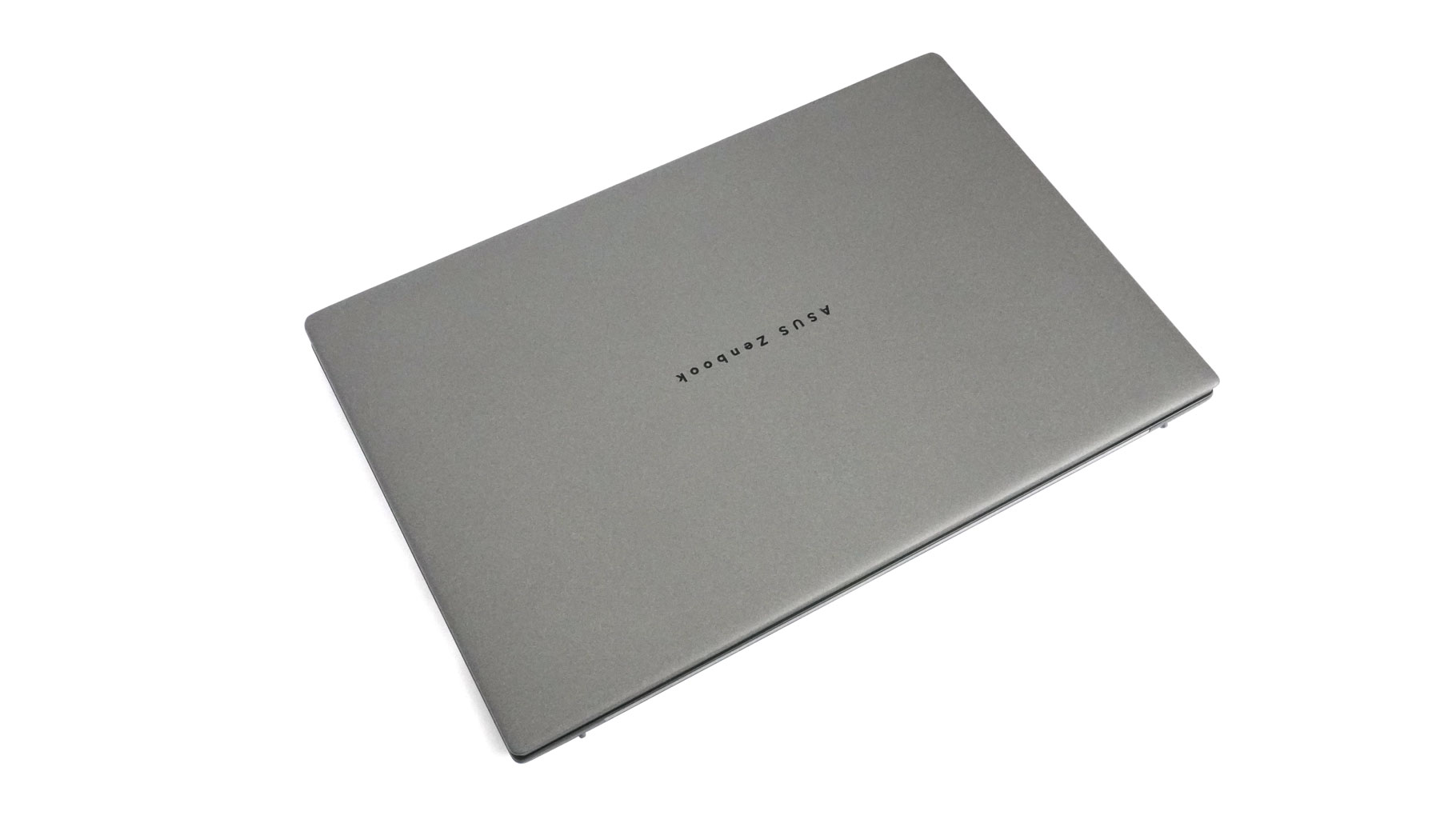
Ceraluminum! It might be a new term for some, but as the name suggests, it's a high-tech fusion of ceramic and aluminium. The result is a chassis that's incredibly light yet feels remarkably solid. The finish is silky smooth, scratch-resistant, and—thankfully—highly resistant to smudges. Thanks to that Ceraluminum magic, this is easily one of the most premium-feeling machines I've handled.
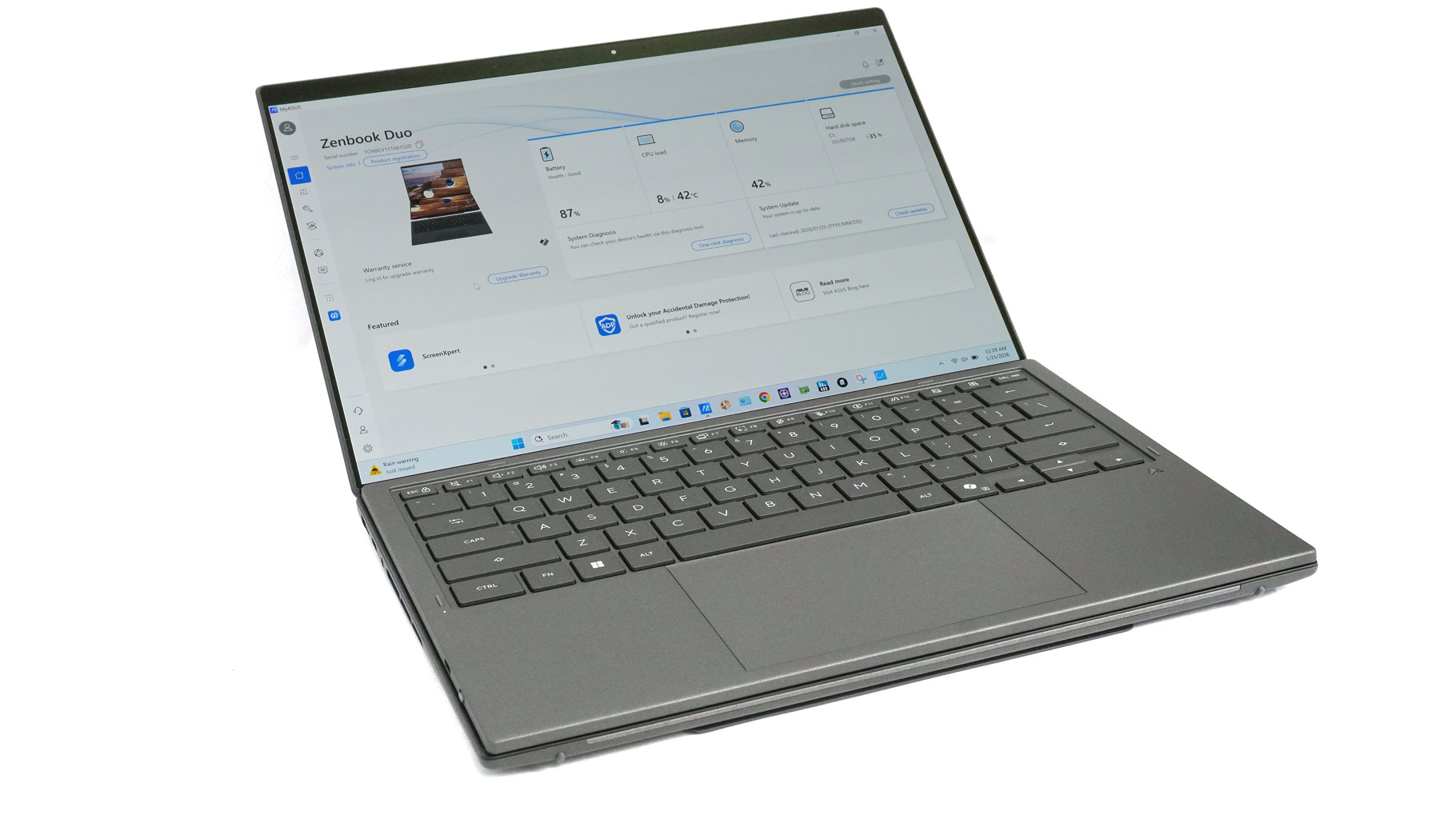
Moving to the laptop itself: despite the dual-screen setup, you can just snap the keyboard over the lower panel to use it as a traditional clamshell. I've found this is actually my favorite way to work, mainly because the keyboard is surprisingly tactile for a detachable unit. That said, Desktop Mode is a close second, perfect for drafting articles on one screen while referencing content on the other. It's a game-changer for my writing process, but that's just my take.
But that's just my humble opinion. Let's take a quick look at all modes to see how they can boost your productivity, since the standout feature here is obviously the flexibility.
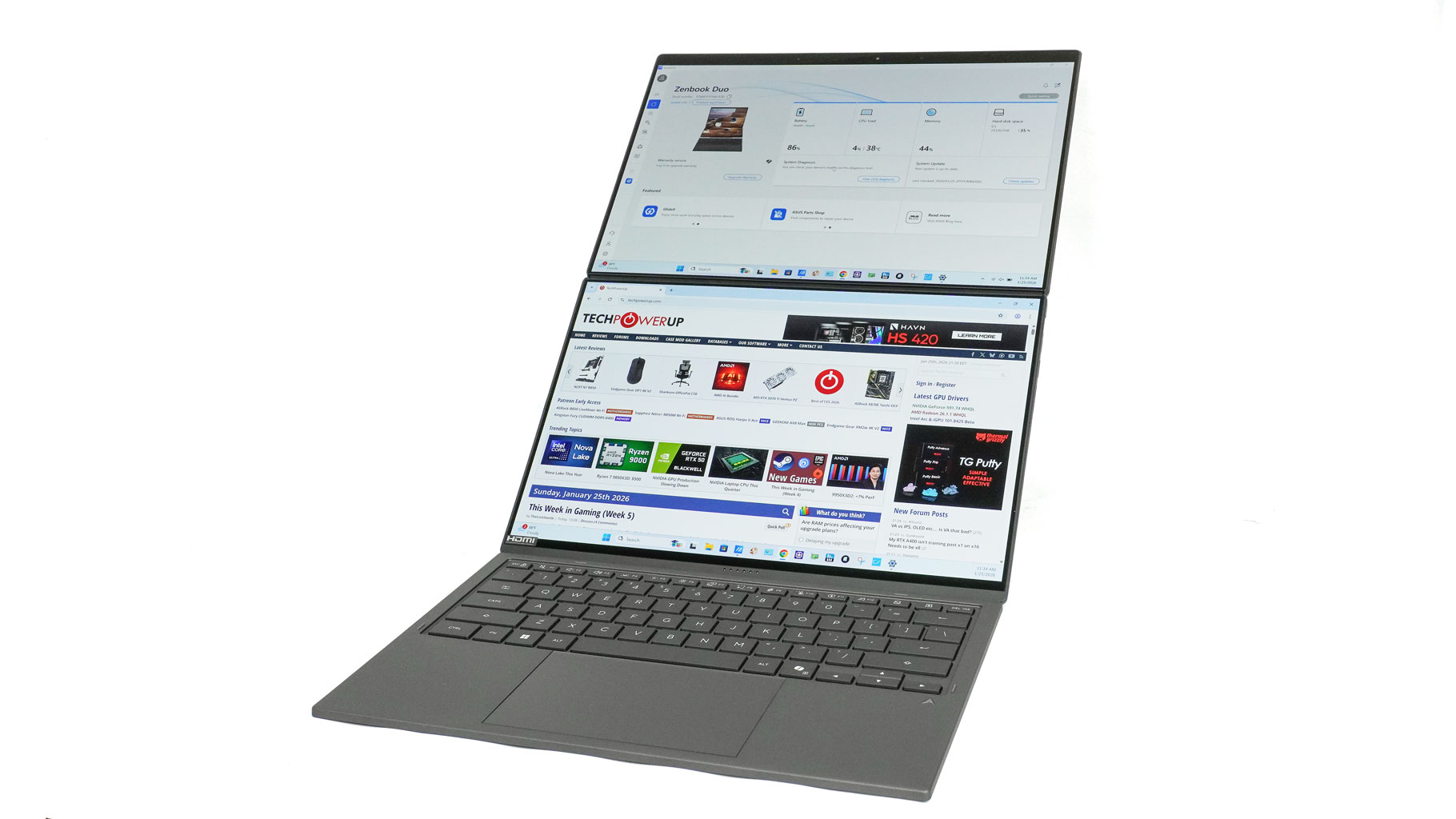
When you're using the Dual Screen mode with the Bluetooth keyboard, the "Alt-Tab" struggle basically disappears. Having that extra screen real estate stacked vertically lets you keep a browser or Slack open on one panel while you're fully locked into your main project on the other - it's a massive efficiency boost for your work.
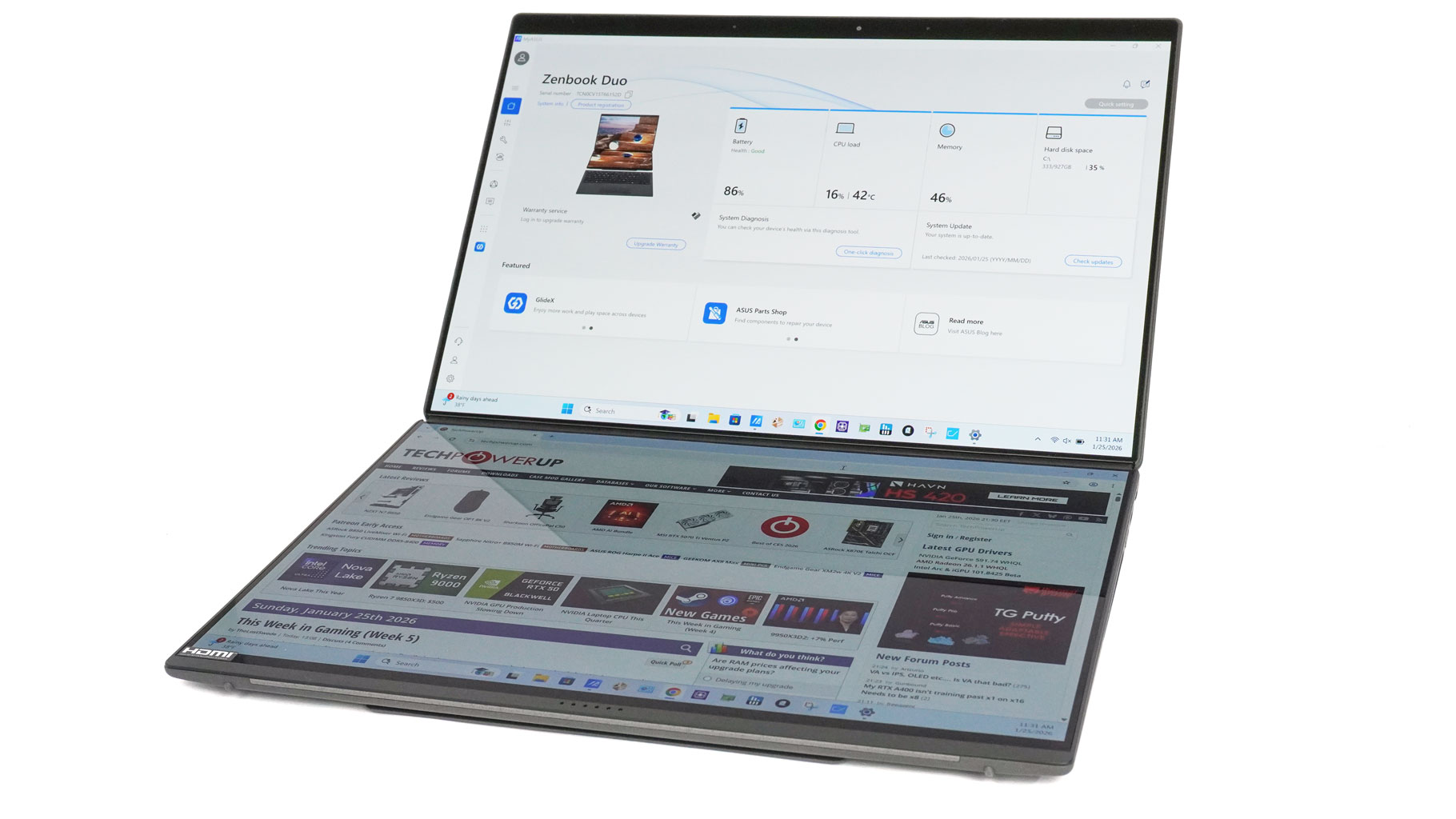
If you're traveling, you can stick to the Virtual Keyboard. It's not just for typing; it effectively turns the device into one giant, immersive canvas. It's a great way to gain extra verticality for long documents or just to have a more expansive view when you're off the clock and watching videos. But for everyday usage, forget about it - the lack of travel feels so unusual while typing.
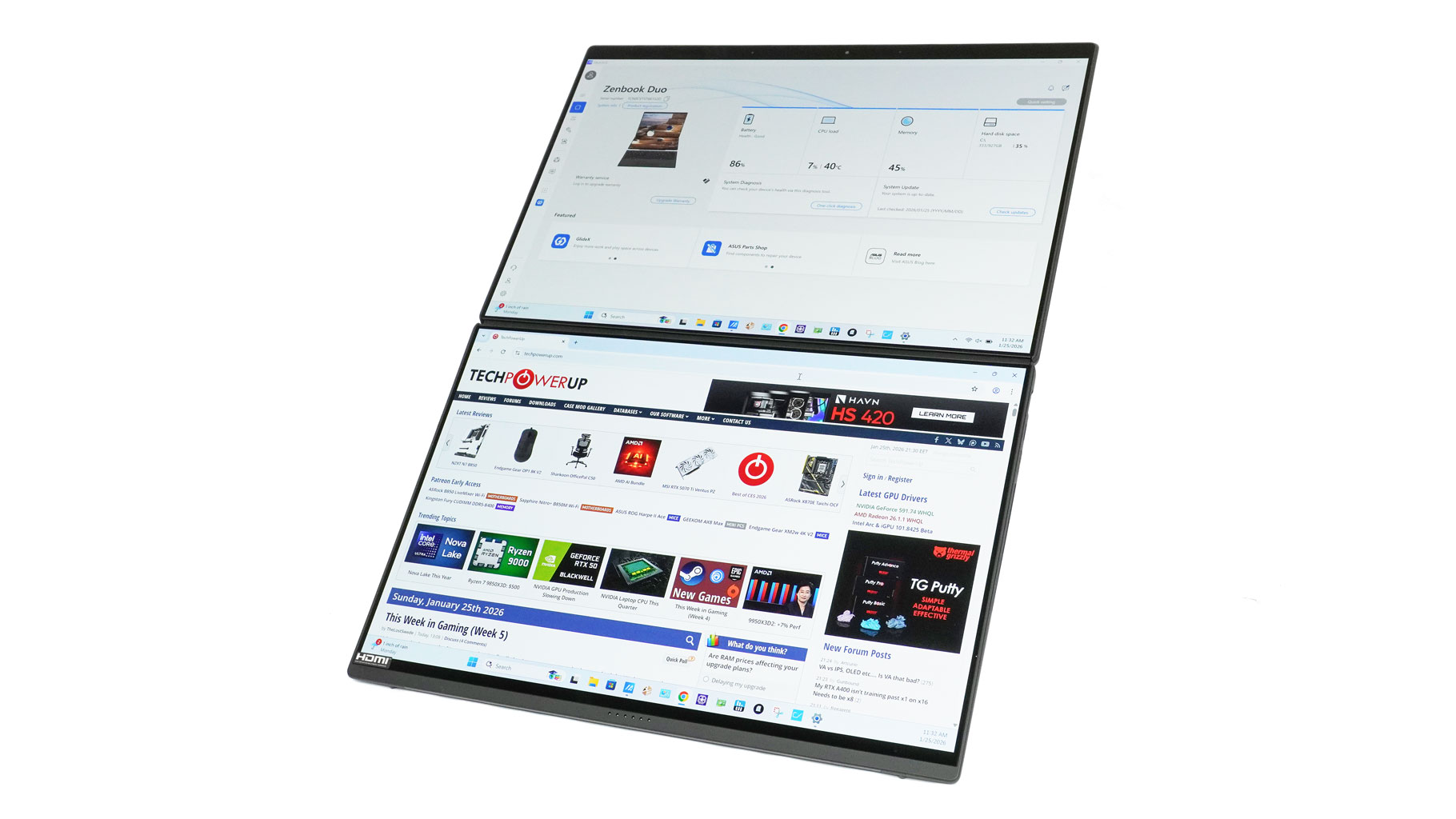
For meetings, the Sharing mode is a subtle but effective flex. Being able to lay the Zenbook DUO completely flat on a table means you don't have to do that awkward "turn the laptop around" move. Everyone gets a clear view, which makes collaborative sessions feel way more natural.
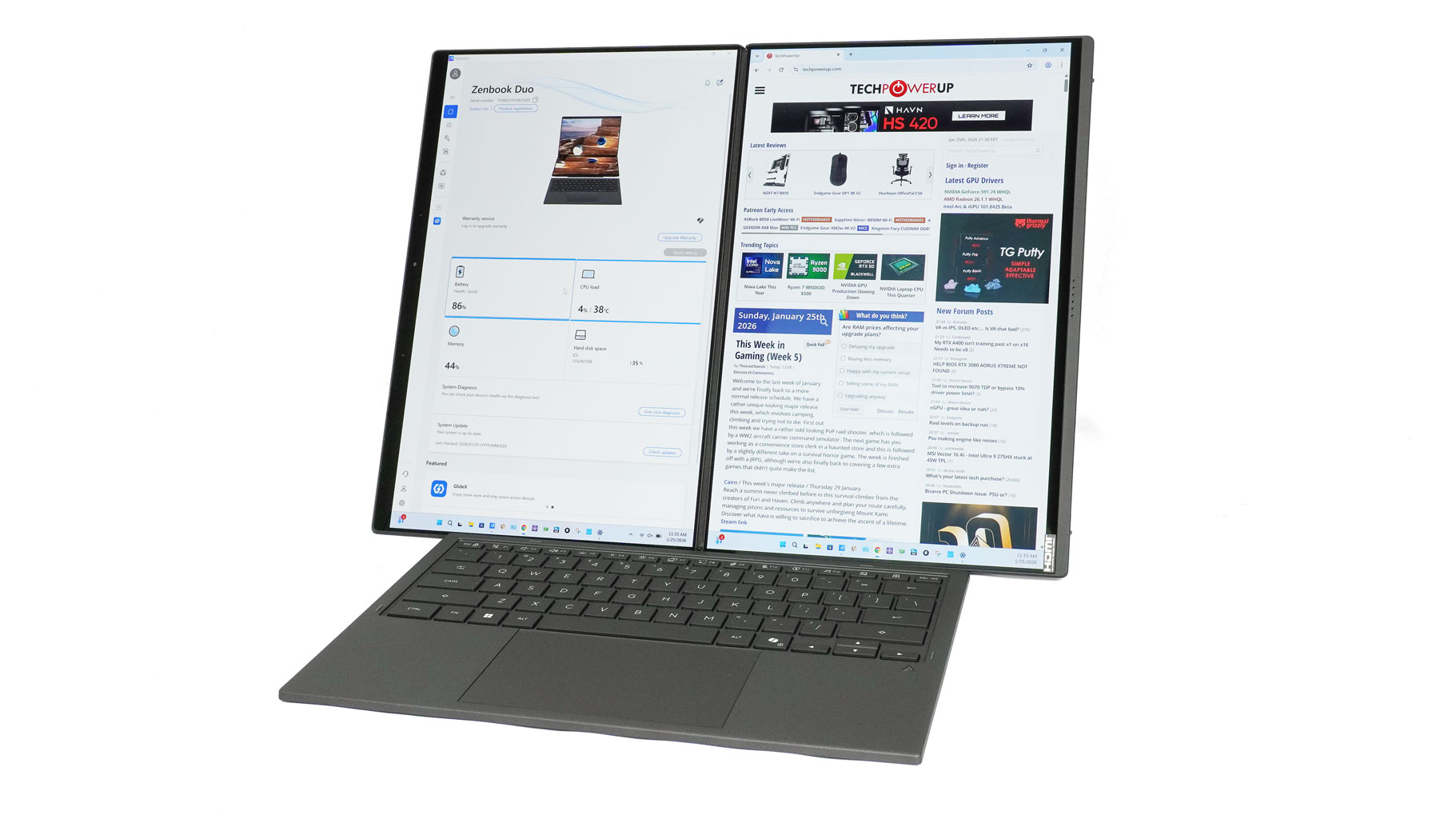
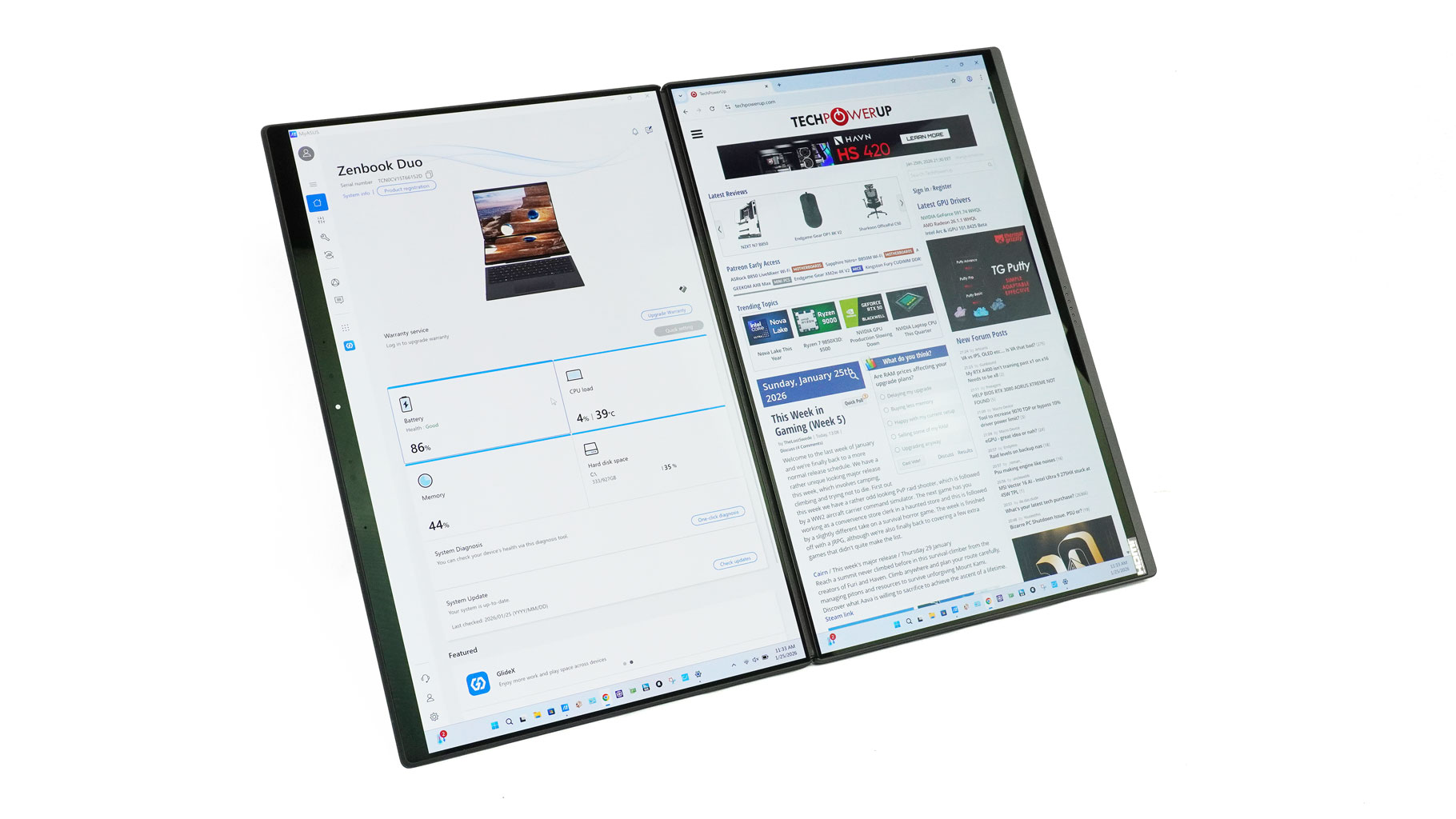
Power users, writers, and devs will probably gravitate toward Desktop mode. The vertical stack is a dream for scrolling through long lines of code or deep-diving into research papers on one screen while you're drafting on the other. It's essentially a full-blown workstation that actually fits in a bag.
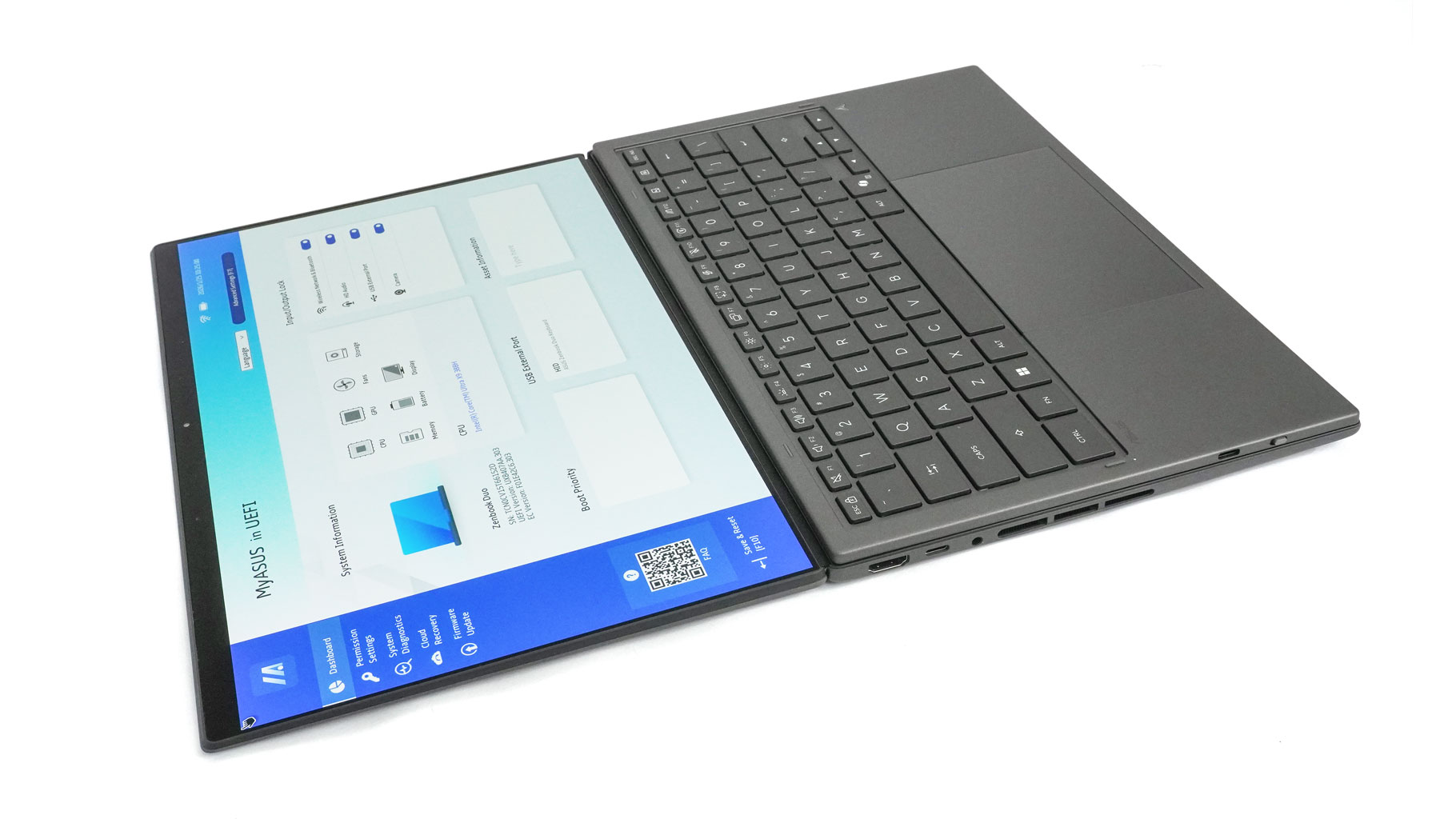
Finally, for those times you're stuck on a plane or in a cramped café, Laptop mode keeps things grounded. Snapping the ErgoSense keyboard onto the lower display gives you that familiar 14-inch footprint. You still get that tall 16:10 aspect ratio, so even in "traditional" mode, the screen doesn't feel cramped.
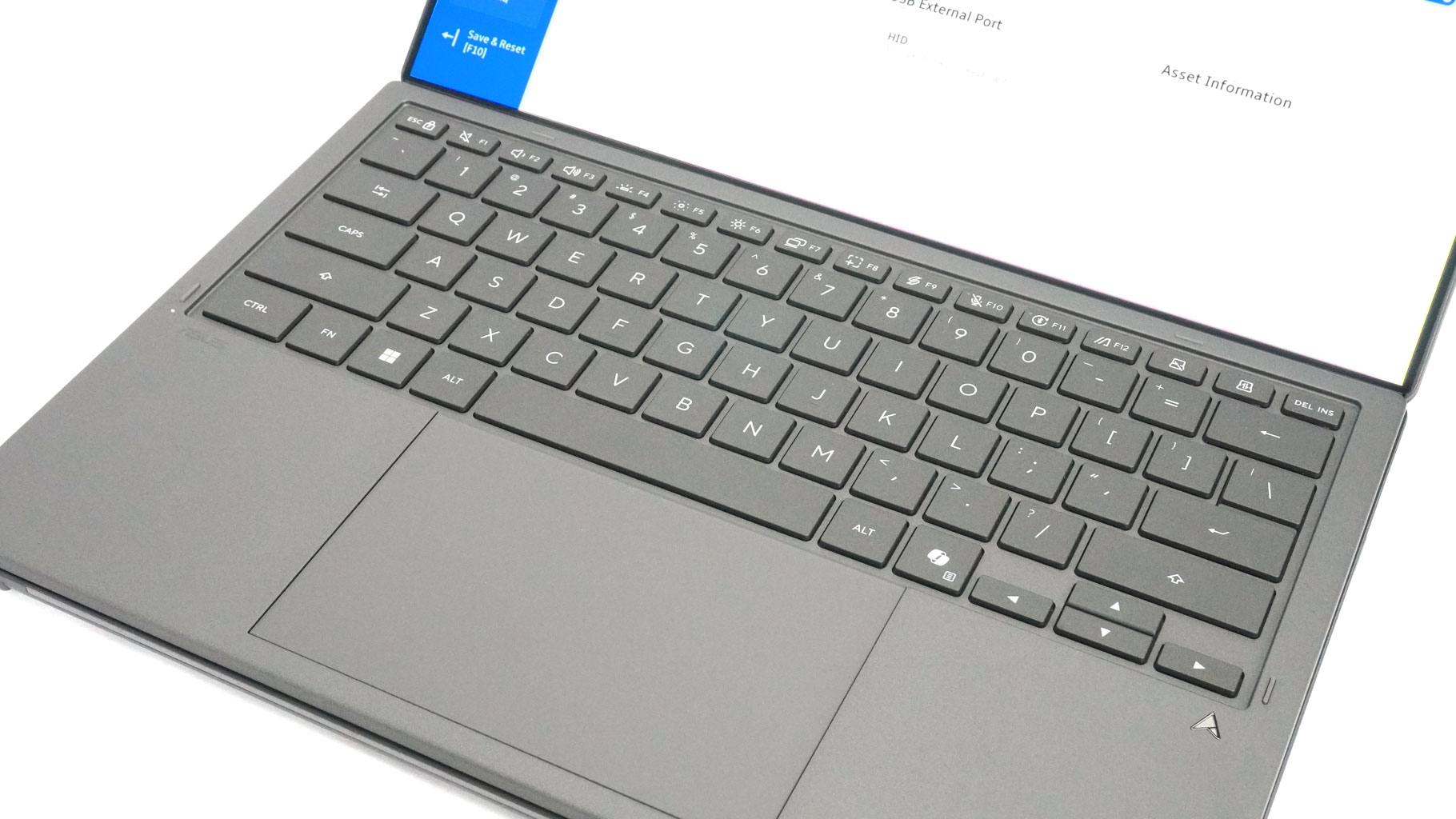
I actually wrote about two-thirds of this review using the Zenbook DUO in Desktop Mode. This gave me a real appreciation for just how good this keyboard feels; it's a detachable board that puts many built-in units on mid-range and even high-end laptops to shame.
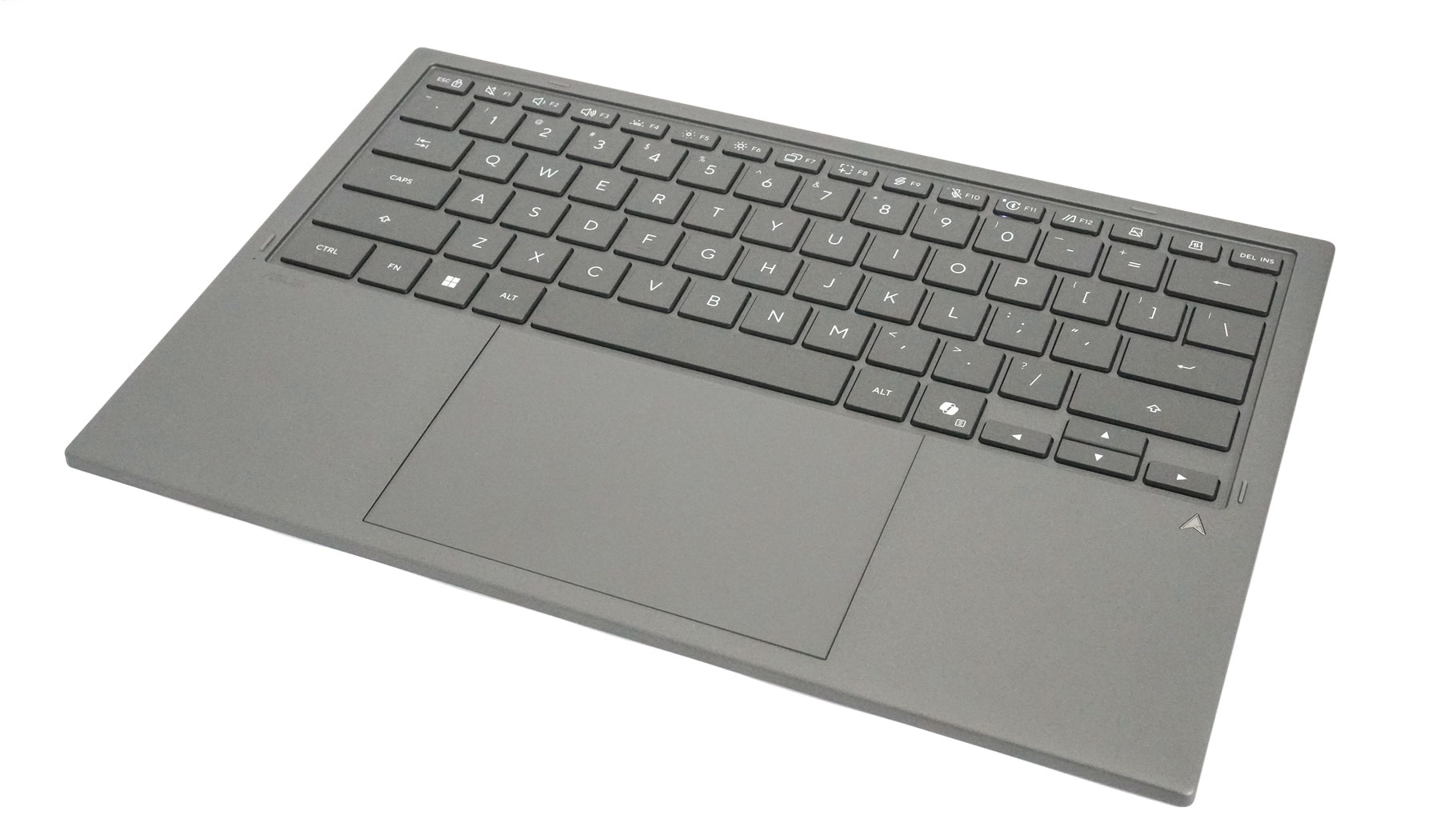
ASUS mentions 1.7 mm key travel, in a real world scenario, this feels above average for a laptop and almost long. The feedback is also surprisingly good. The keycaps are big and well-spaced. The backlight is nicely even, but not at MacBook level, for example. The only thing that I don't like is the small size of the arrow keys. There is no flex during typing since there is a Gorilla Glass-protected flat screen underneath.
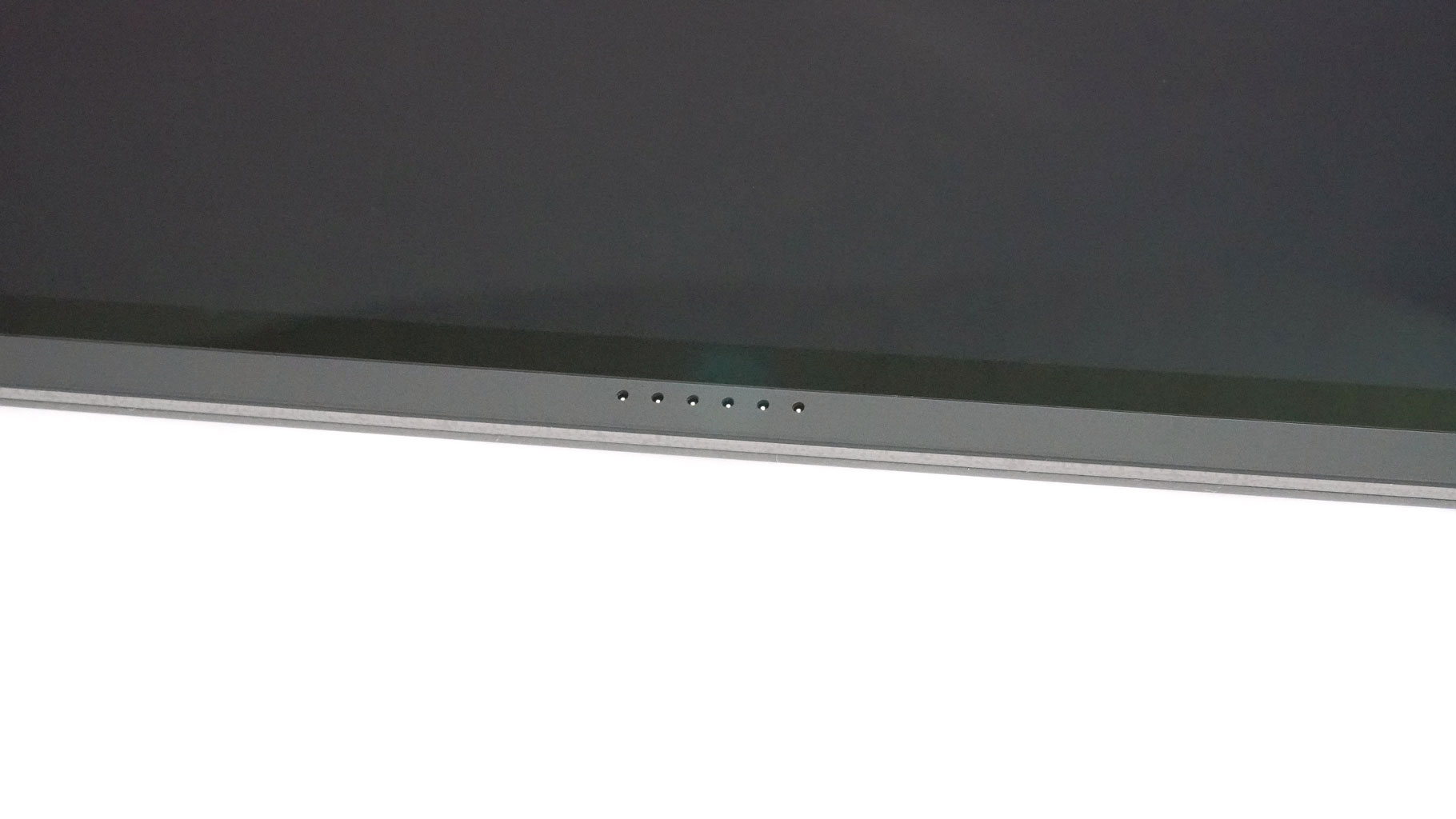
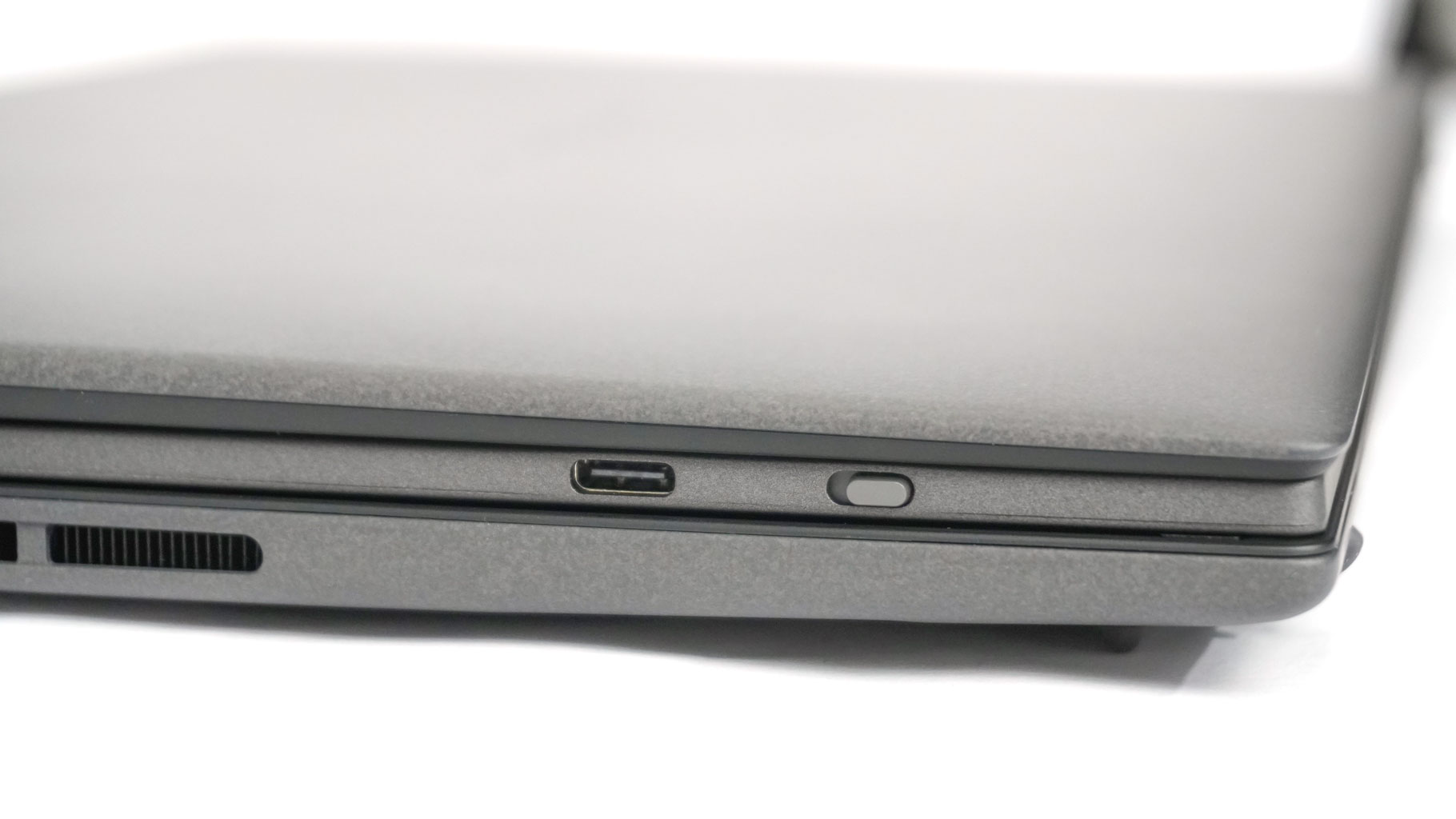
You can connect the board via the Pogo pins, Bluetooth, and charge it with a Type-C cable.
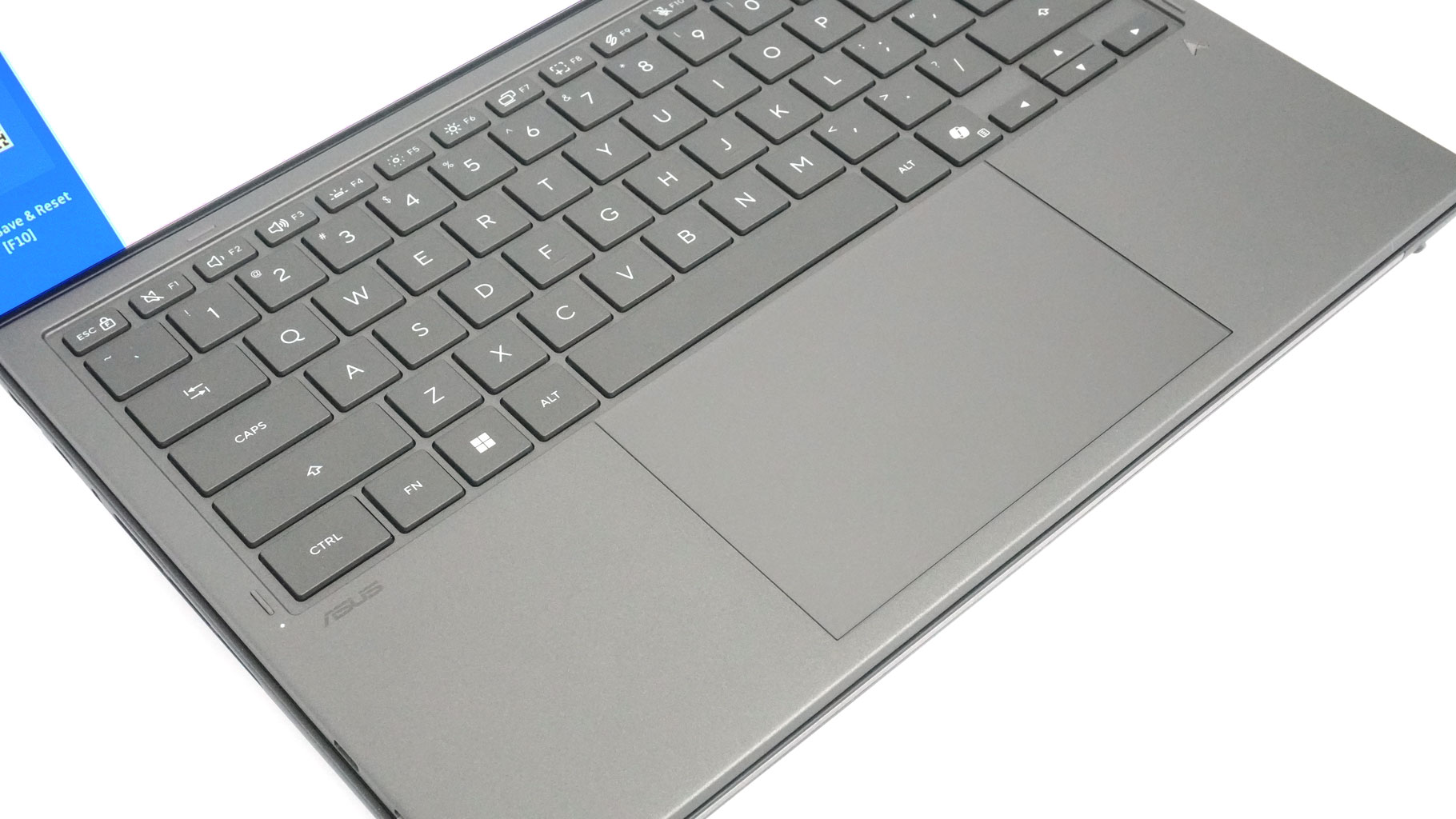
The ErgoSense Touchpad is center-aligned on the keyboard deck and features a hydrophobic coating that is jaw-droppingly smooth. It offers extreme precision, whether you're grinding through a spreadsheet or just scrolling through the web on the couch. Plus, it supports ASUS Smart Gestures, allowing you to tweak brightness, volume, and media playback with a quick swipe along the edges.
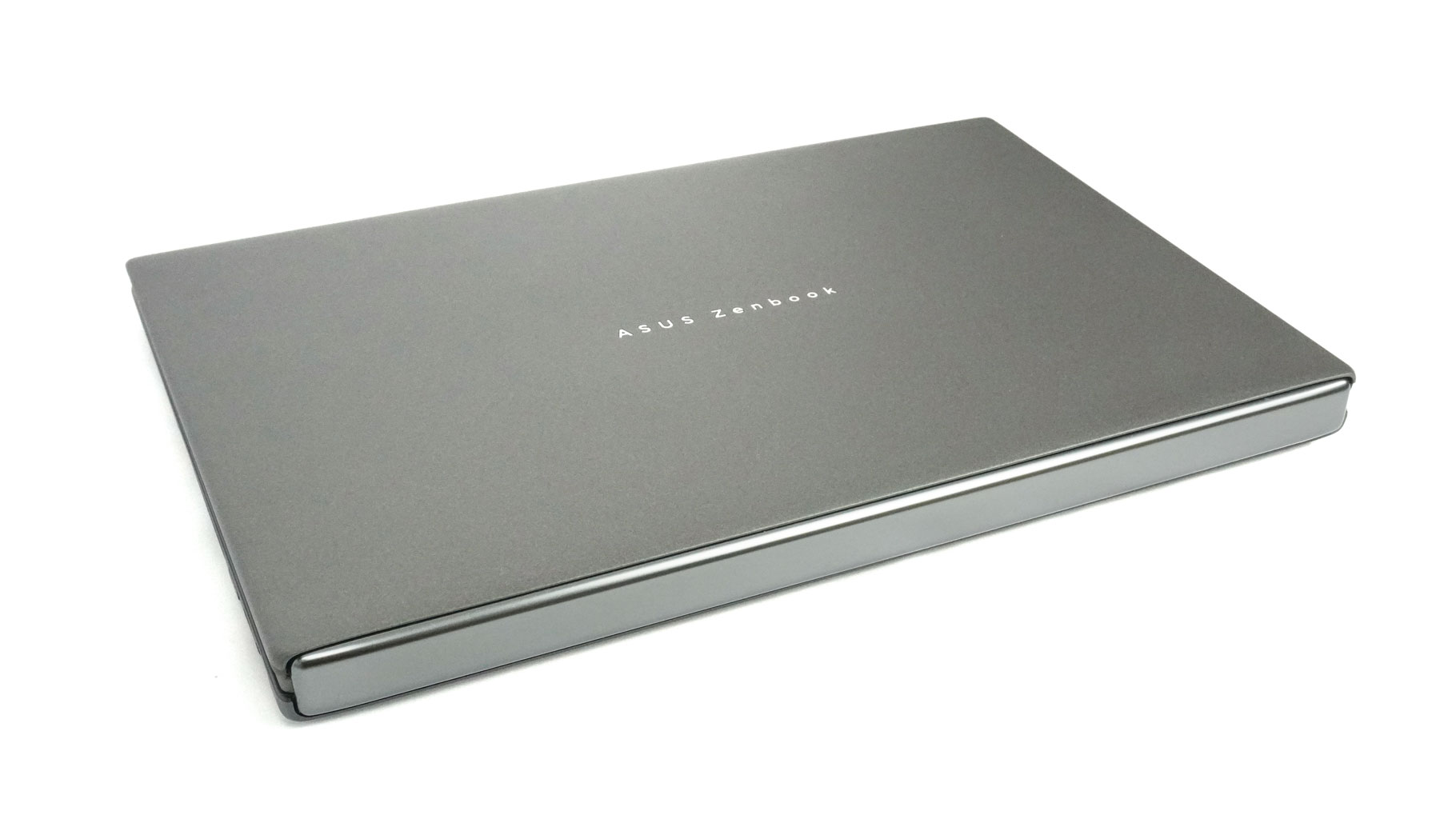
As for build quality, the device looks and feels like a precision-engineered, expensive machine—because, let's be honest, it is. The design manages to be both stealthy and eye-catching. The main chassis feels like it's built like a tank, and while the lid is impressively thin, it resists flexing remarkably well. That Gorilla Glass protection is clearly doing its job.
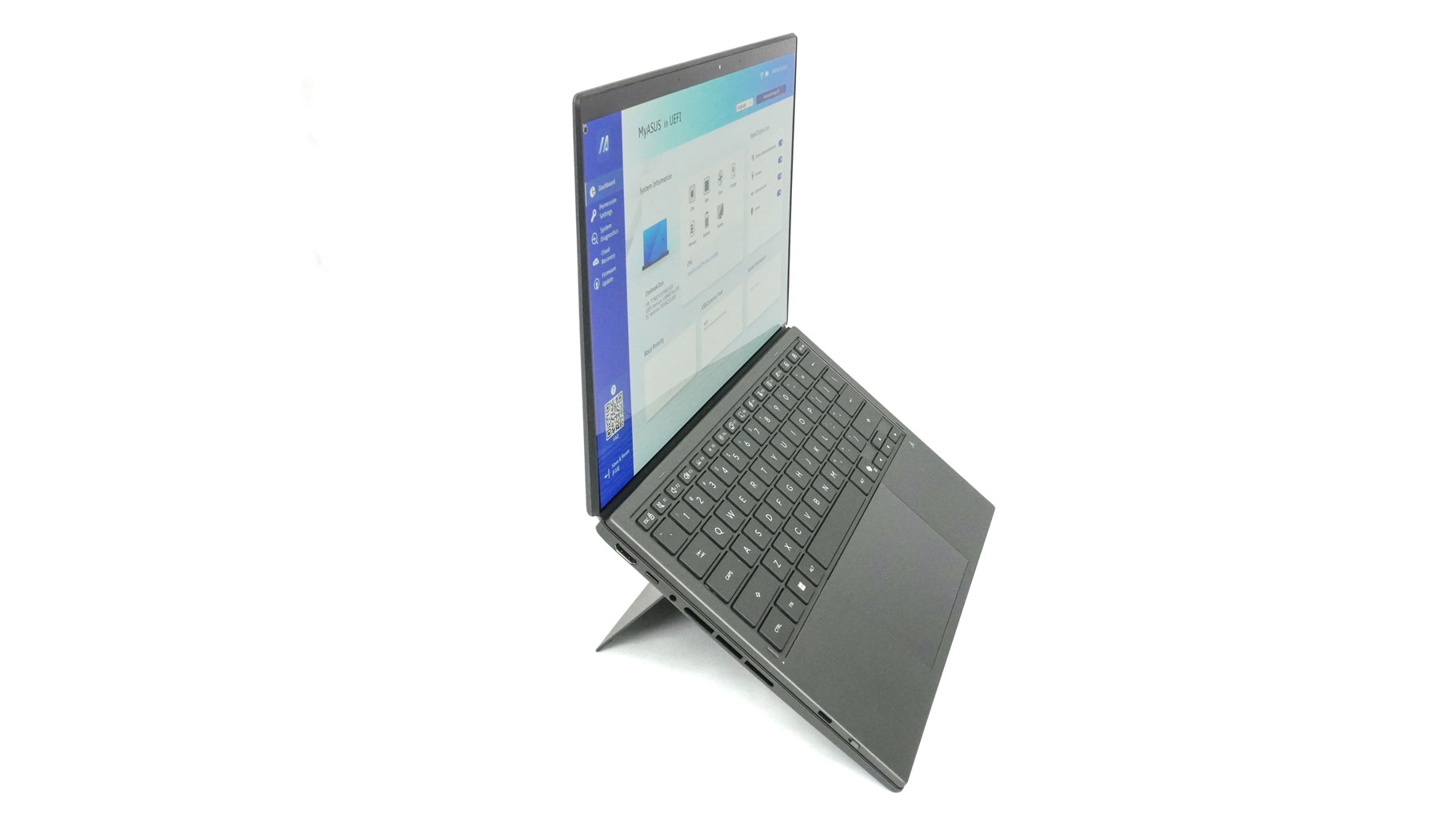
The side bezels around them are thin, while the other two aren't. The anti-reflective coating is a real hero here; it cuts glare effectively without washing out those punchy colors.
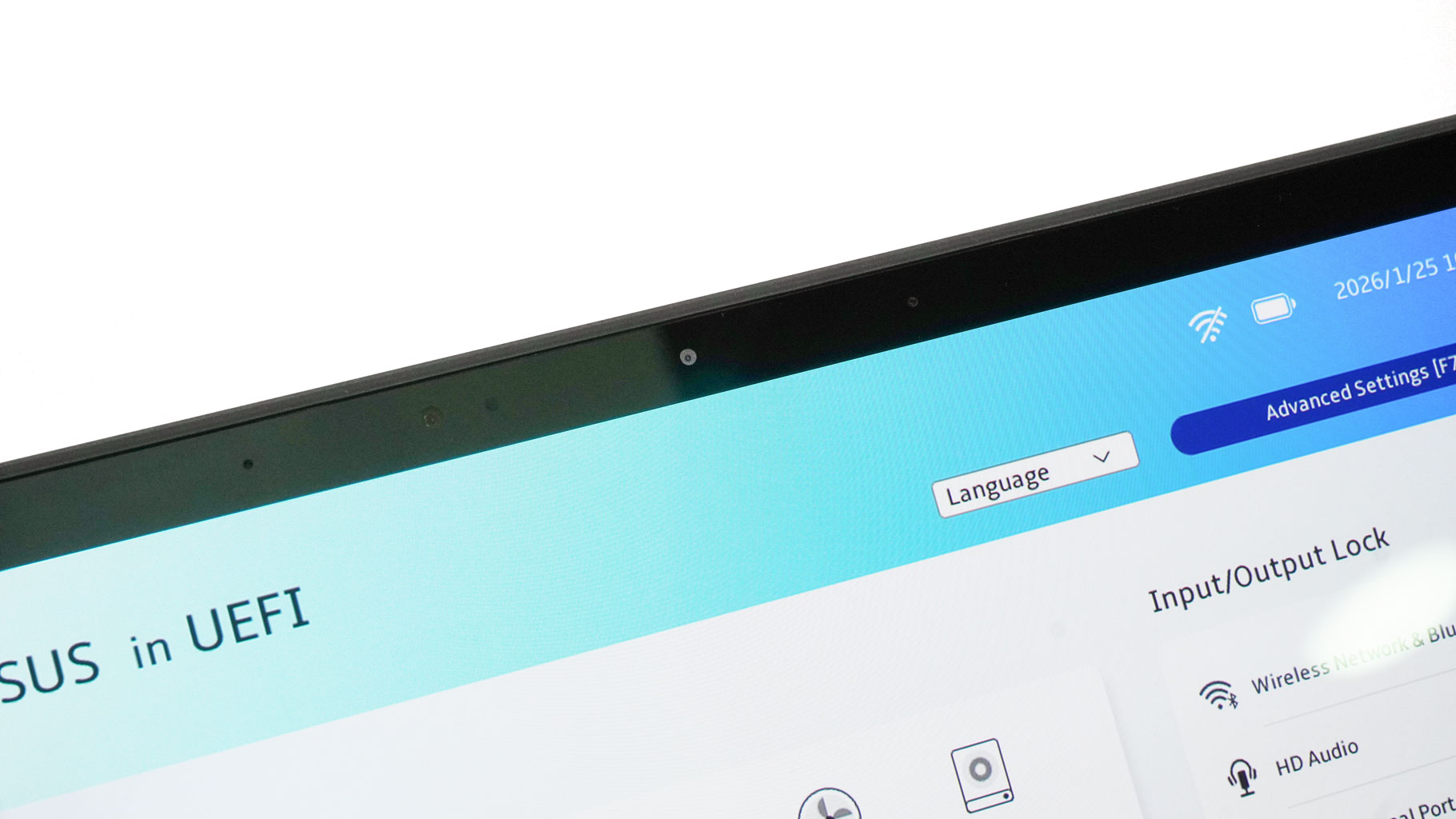
The 1080p webcam with facial recognition lacks a privacy or E-shutter switch.
One of the biggest physical upgrades is the new hideaway hinge, which is really the secret sauce for the immersive feel of the device. Compared to the 2025 model, ASUS managed to shrink the gap between the two screens by about 70%, taking it from over 25 mm down to just 7.6 mm. In practice, that means the visual break between the displays is much less distracting, making them feel more like one cohesive workspace rather than two separate panels. The hinge feels rigid. There's no wobble when using the touchscreens for multitasking and tapping between both displays.
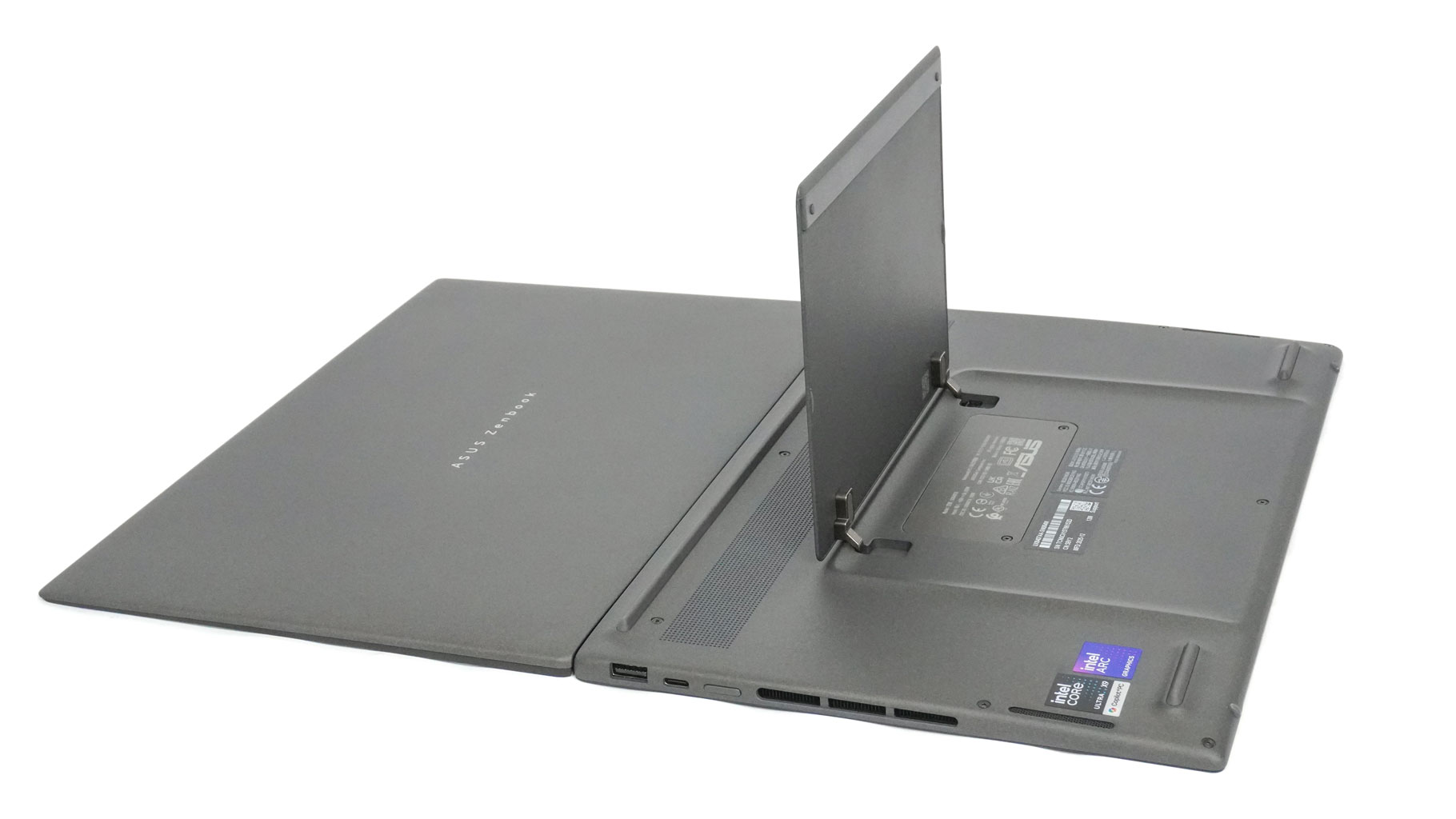
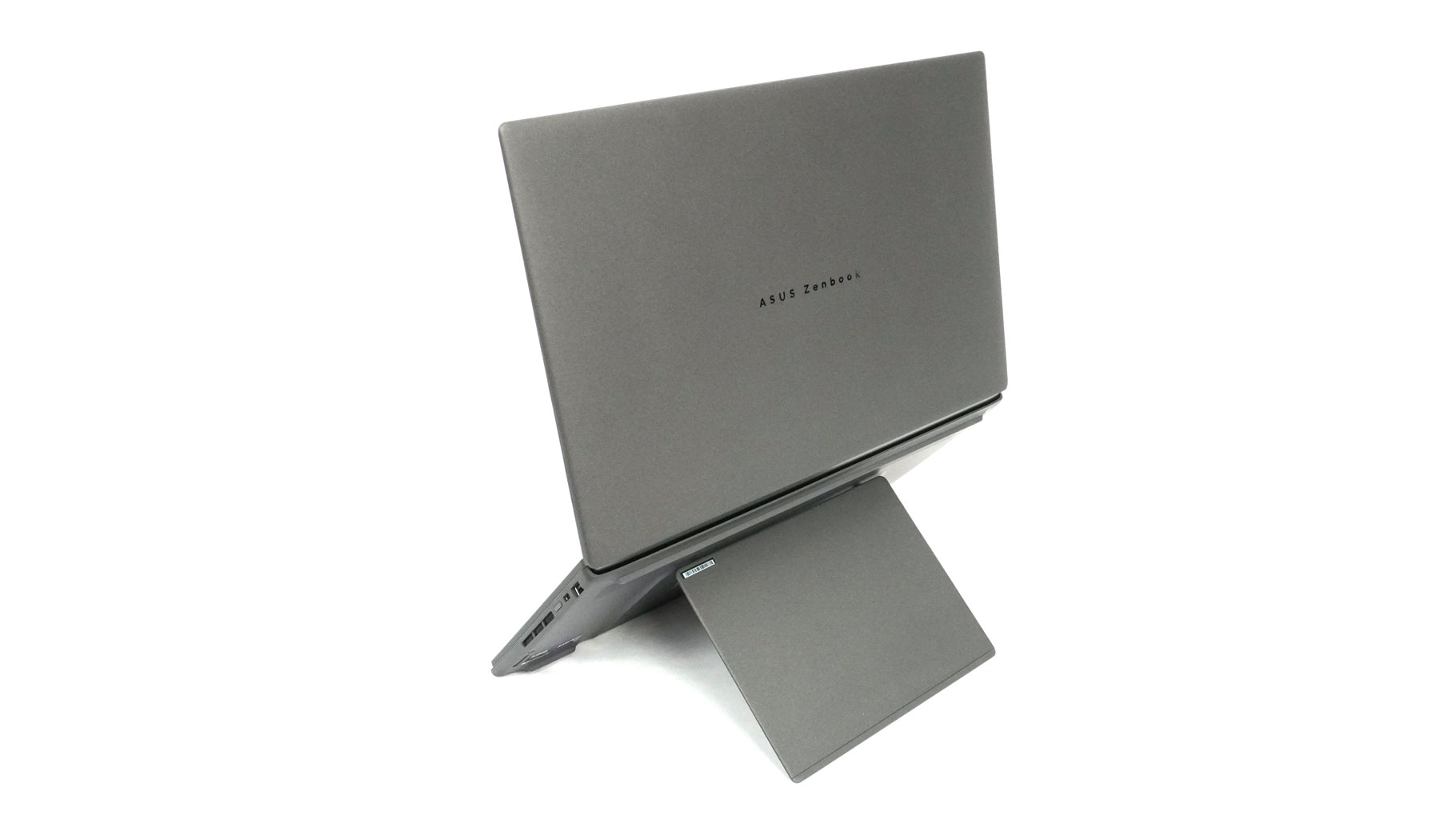
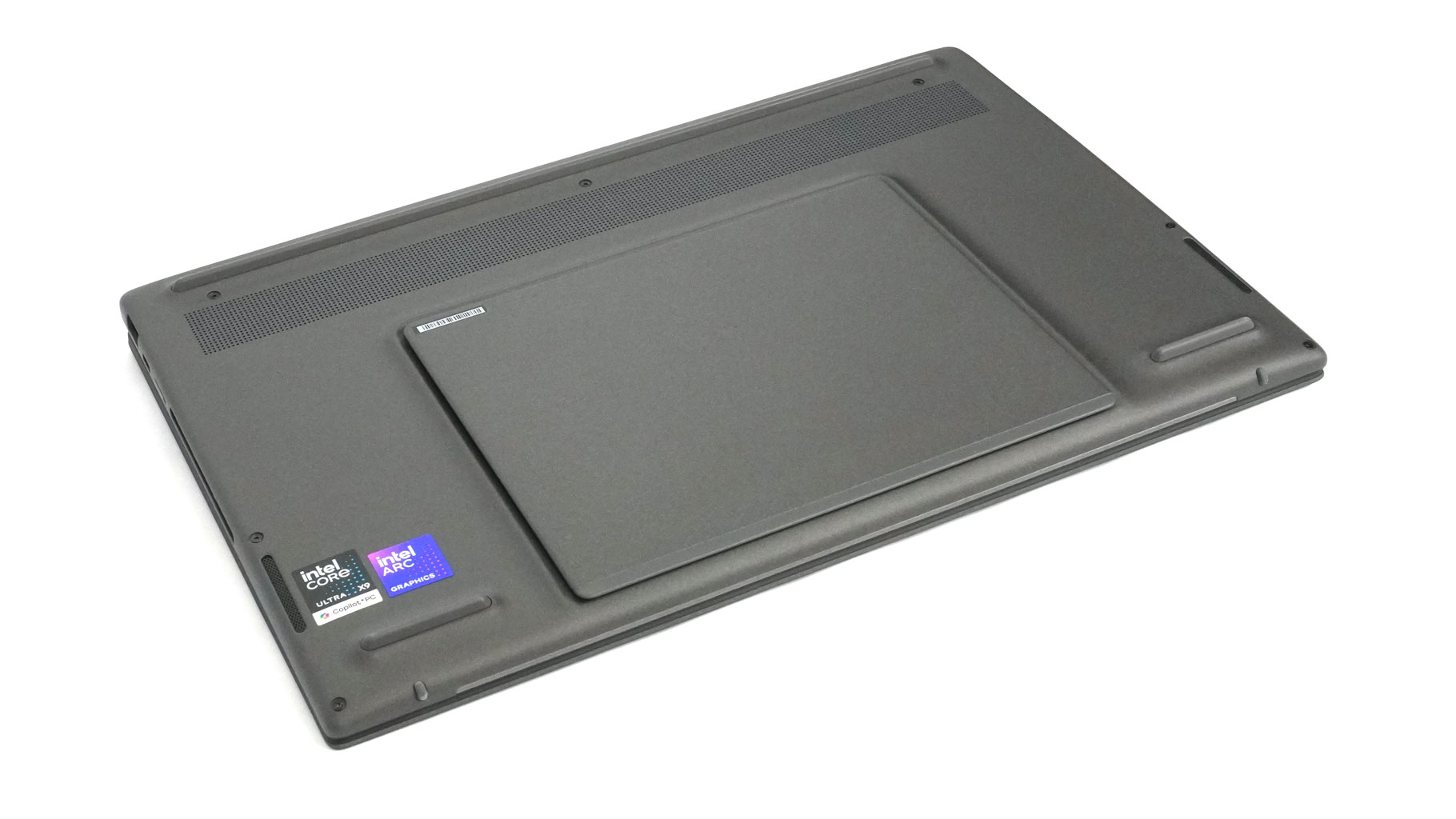
The bottom of the device is dominated by the sizable built-in kickstand, which opens with ease; it's thin but sturdy at the same time. Turning over the device also reveals three long feet, speaker cutouts, and a ventilation grille. The internal heat escapes through two exhaust vents on the sides.
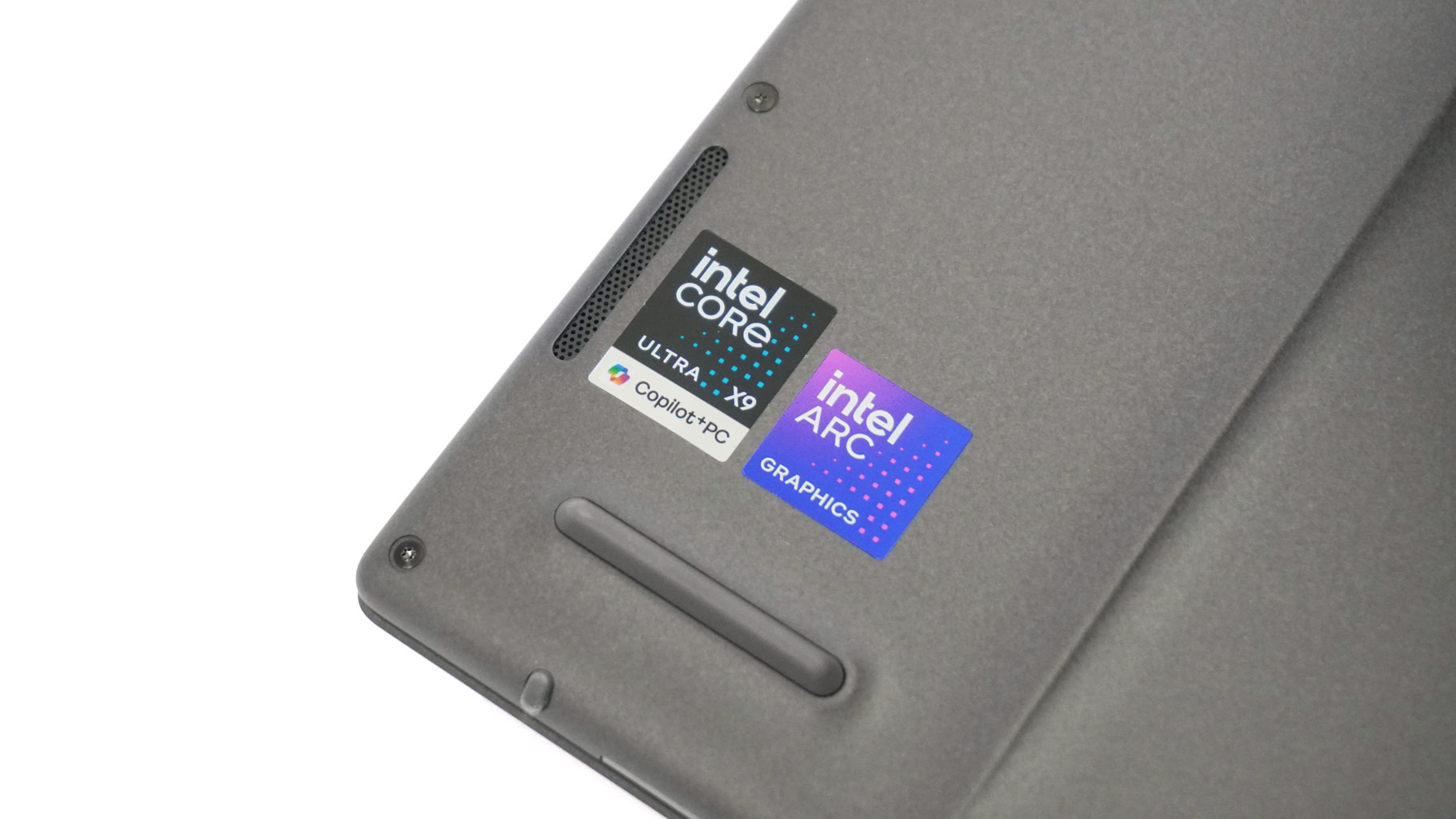
The stickers on the bottom reminds us that this is a certified Copilot+ machine.
Nov 14th, 2026 14:24 CST
change timezone
Latest GPU Drivers
New Forum Posts
- Your PC ATM (36422)
- Tell me about your favourite graphics card (77)
- WarpCoreBench scores! (29)
- What can the FX 8320 do today? Here is the answer. (37)
- Bios Soyo rx580 8g (13)
- auto-closed by somethings by actions (1)
- What card do I get for VR? (30)
- no "PhysX" workable (10)
- TPU's Nostalgic Hardware Club (22162)
- Slow SSD read speeds - help! (7)
Popular Reviews
- AMD Zen 6 Technical Deep Dive
- ASUS ROG Strix B850-I Gaming Wi-Fi7 W Review
- Corsair HX1000i Shift Crystal Review
- NZXT C1200 Platinum Review
- Upcoming Hardware Launches 2027 (Updated Nov 2026)
- Montech King 95 3D PRO Review
- NZXT H7 RGB+ Review
- NZXT H5 Review
- Phantom Blade Zero Performance Benchmark Review - 35 GPUs Tested
- XPG NIMBUS PLUS Review - Mid-range Chair With Strong Competitors
TPU on YouTube
Controversial News Posts
- NVIDIA Co-Founder and CEO Jensen Huang Officially Resigns (402)
- OpenAI CEO Argues Home PCs Waste the World's Limited DRAM Supply (152)
- NVIDIA Launches Investigation Into Jensen Huang's Relationship With Suspected Chinese Spy (136)
- Intel "Raptor Lake Next" 16-Core and 20-Core CPUs Surface (130)
- Legendary Game Studio BioWare Shuts Down Following EA Layoffs (104)
- Dell CEO Says the Memory Shortage Will Get Worse in 2027 (95)
- NVIDIA GeForce RTX 50-Series Scheduled for up to $500 Price Hike This Week (89)
- Modder Fits RTX 5090 With Four 8-Pin Connectors, Halving Current per Wire (80)