 14
Asustor Lockerstor 2 Gen2+ AS6702T v2 Review
Initial Setup & ADM 5.1 »The Exterior

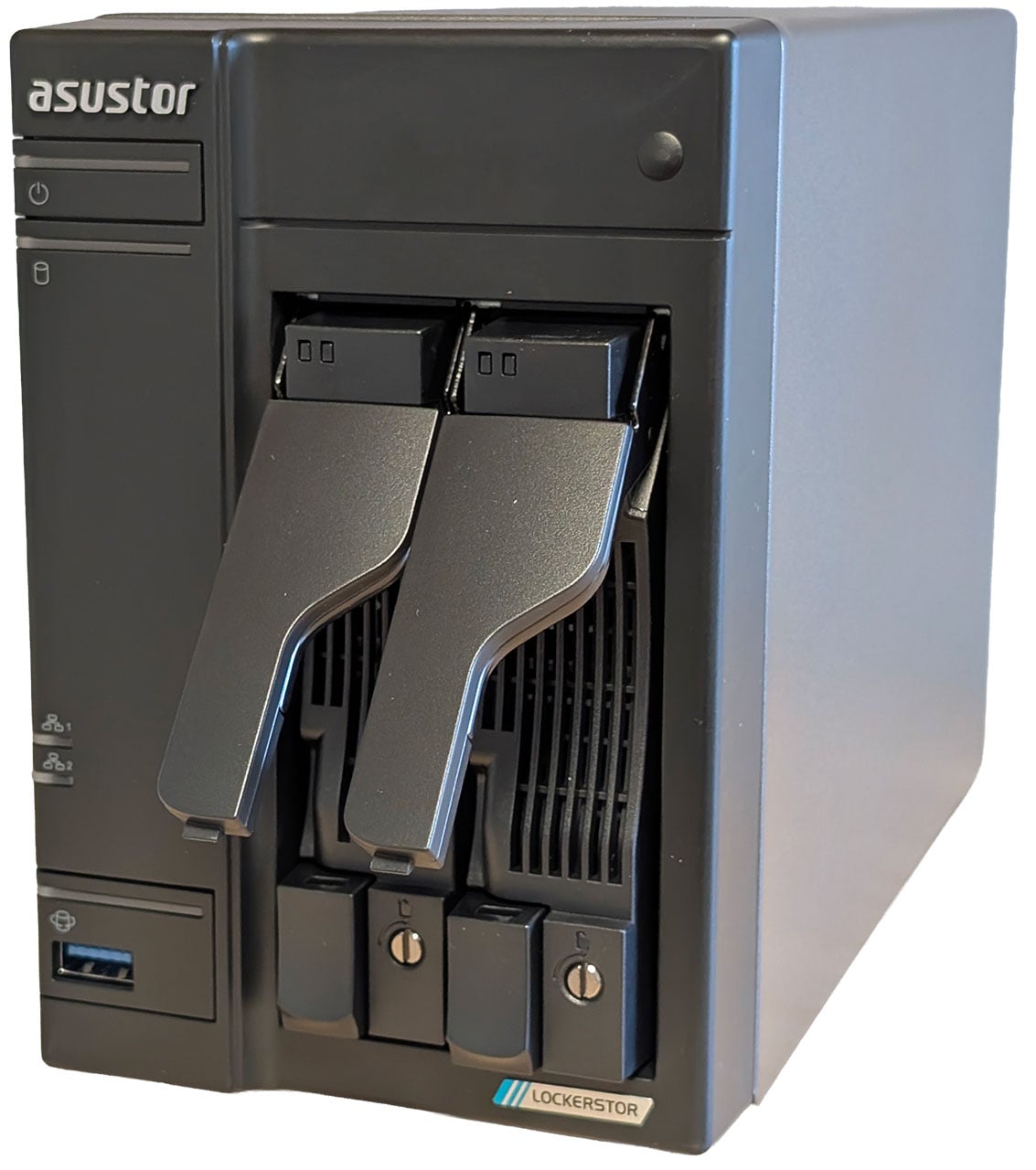
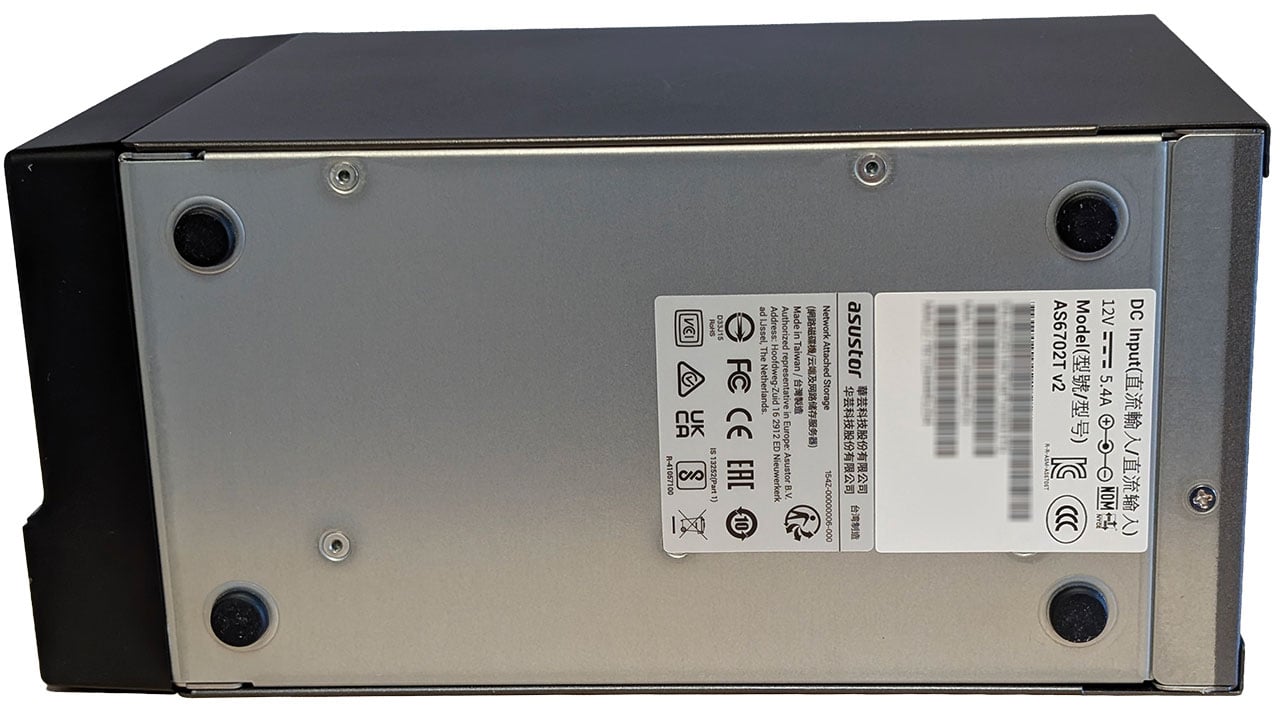
The Lockerstor 2 Gen2+ AS6702T v2 is a compact NAS, but as this is a more business centric model, it comes with hot-swappable and lockable drive trays, and it looks like a more professional piece of hardware than the two most recent models we've tested from Asustor.
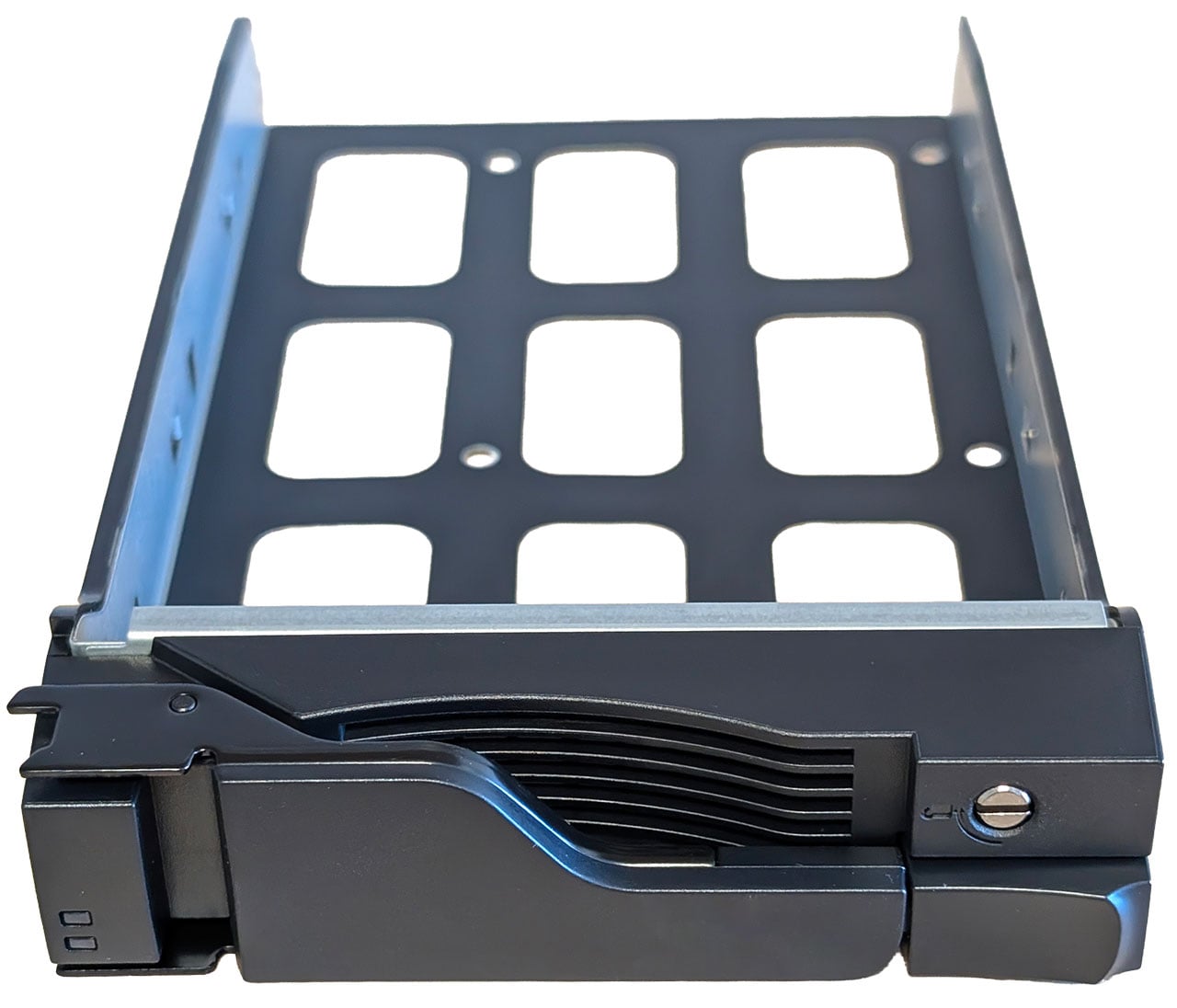
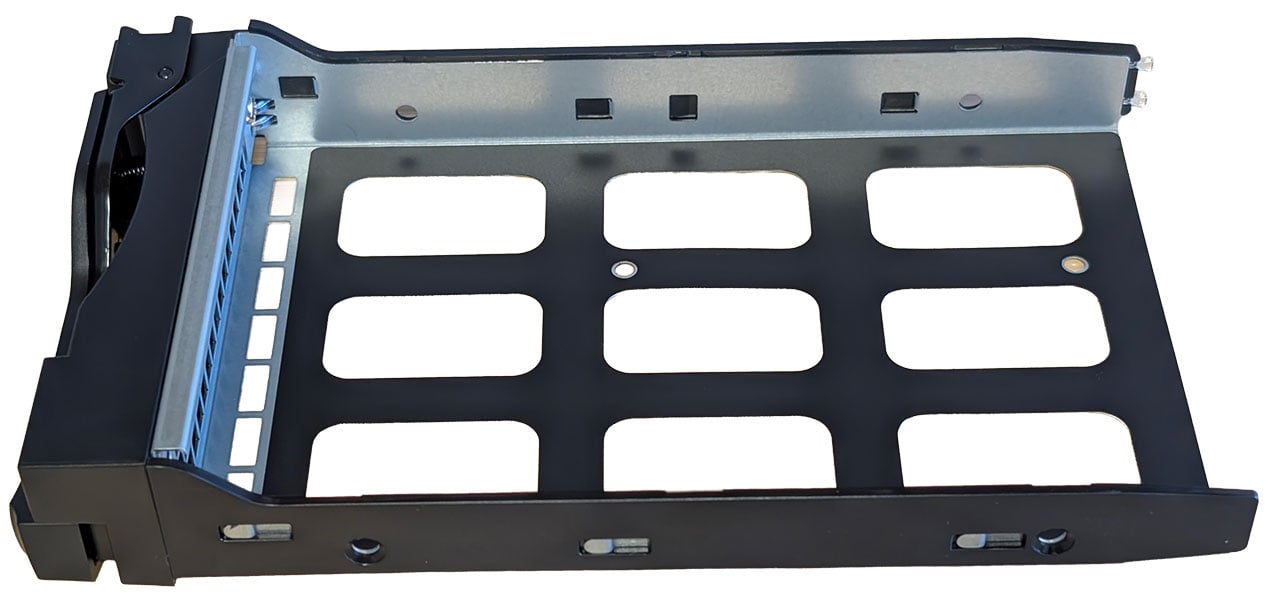
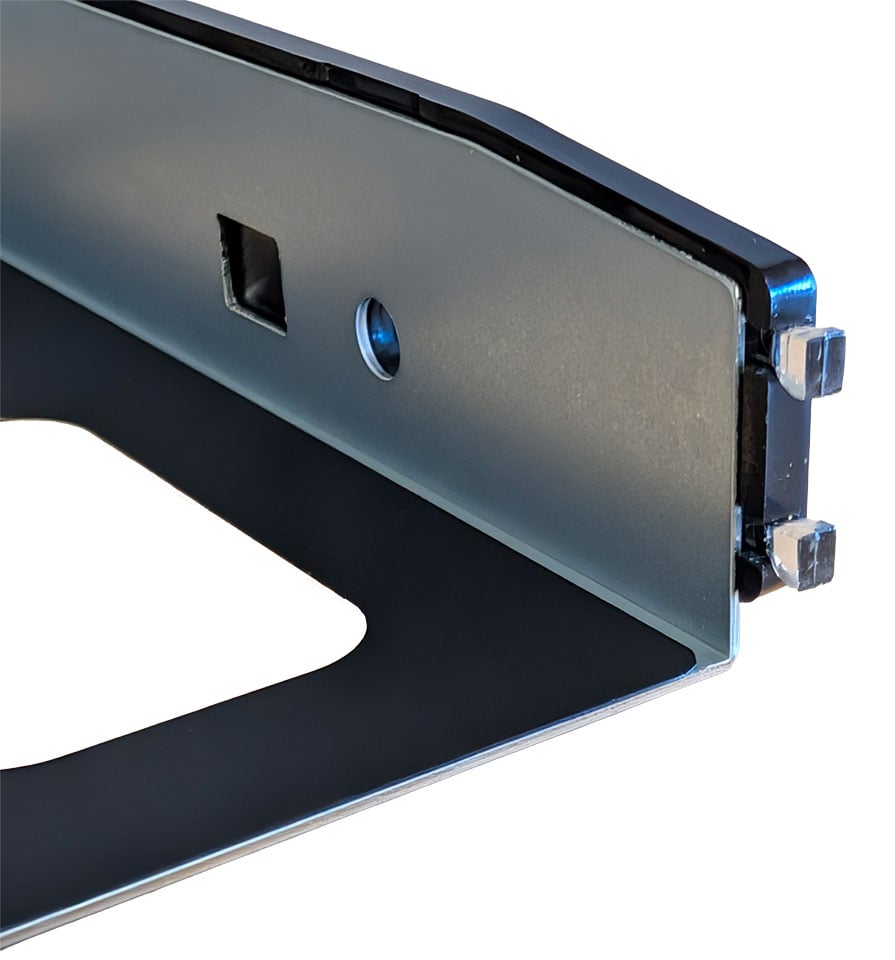
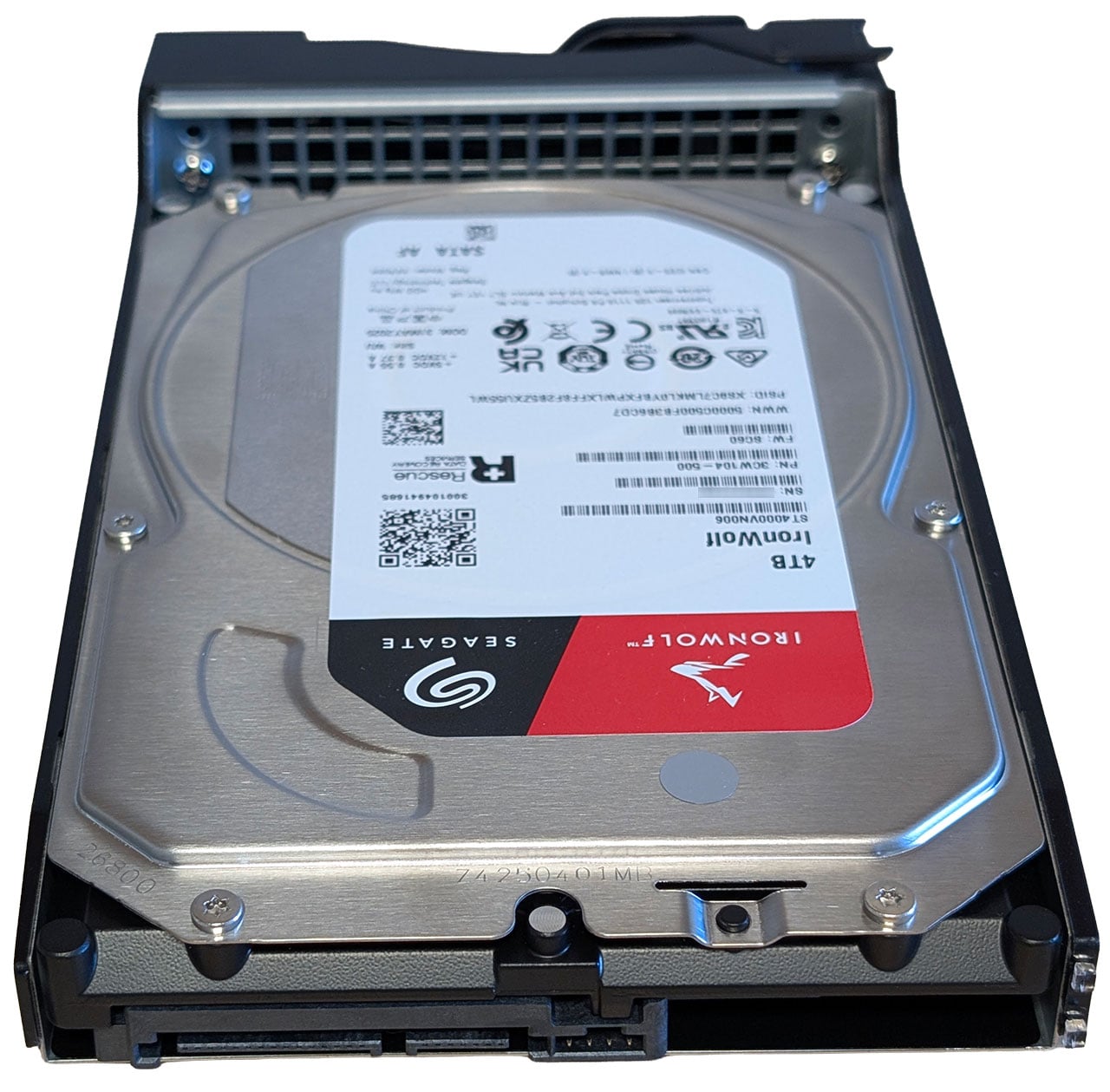
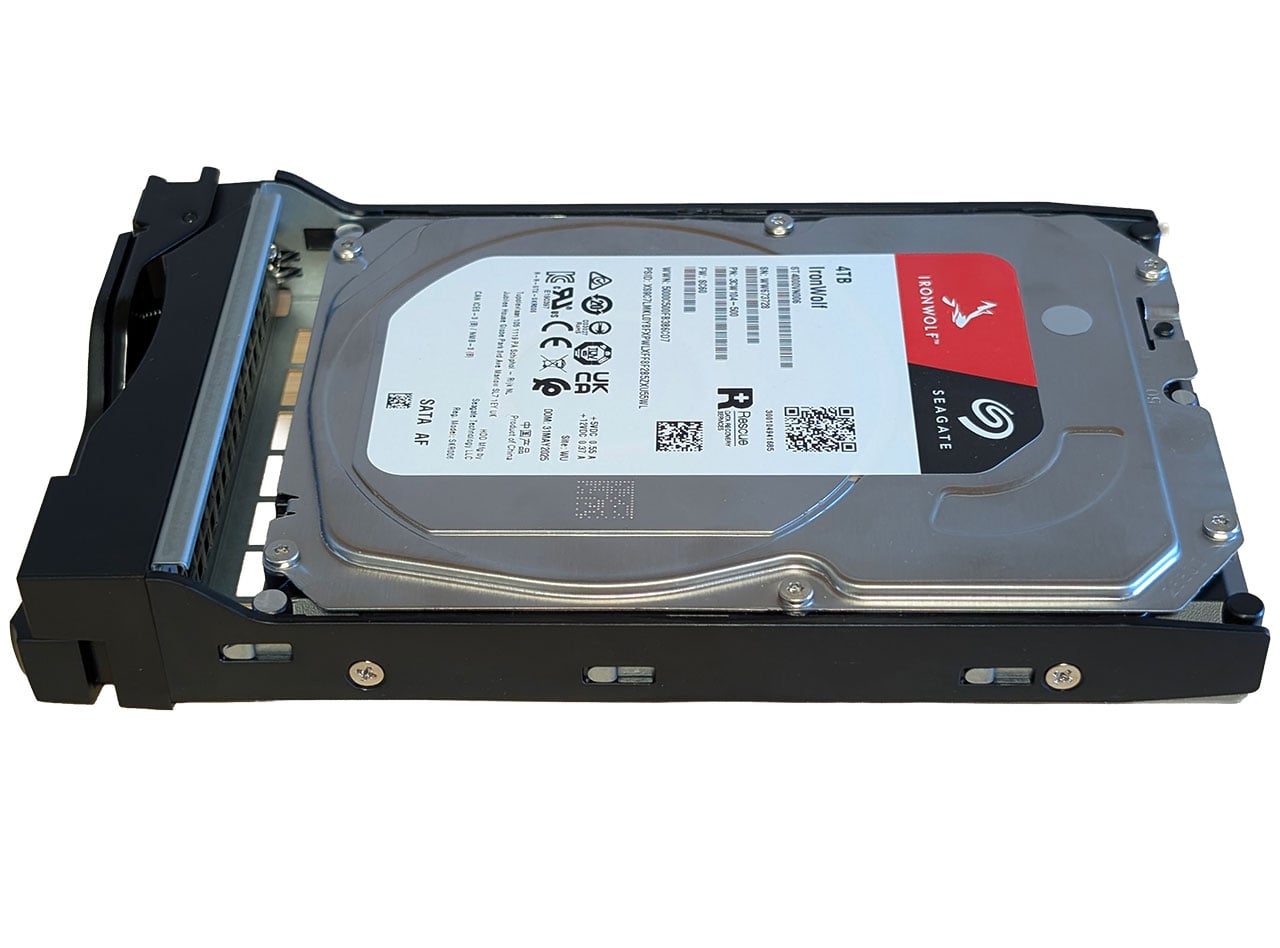
The drive trays are of a very traditional design where you have to screw the drives in place, which also means less vibration isolation, something that might be worth keeping in mind if you get 7,200 rpm drives. The drive trays are lockable, but no keys are provided, and a flat head screwdriver is what's needed, which means this is more to keep someone from accidentally removing a drive than it being to secure the drives properly. The drive trays also have light guides for the activity LEDs, a feature that we haven't seen on any recent NAS designs. Screwing the drives into the trays took a bit more time compared to some of the quick fittings, but we wouldn't call it a hassle, especially as it's something you generally only do once.
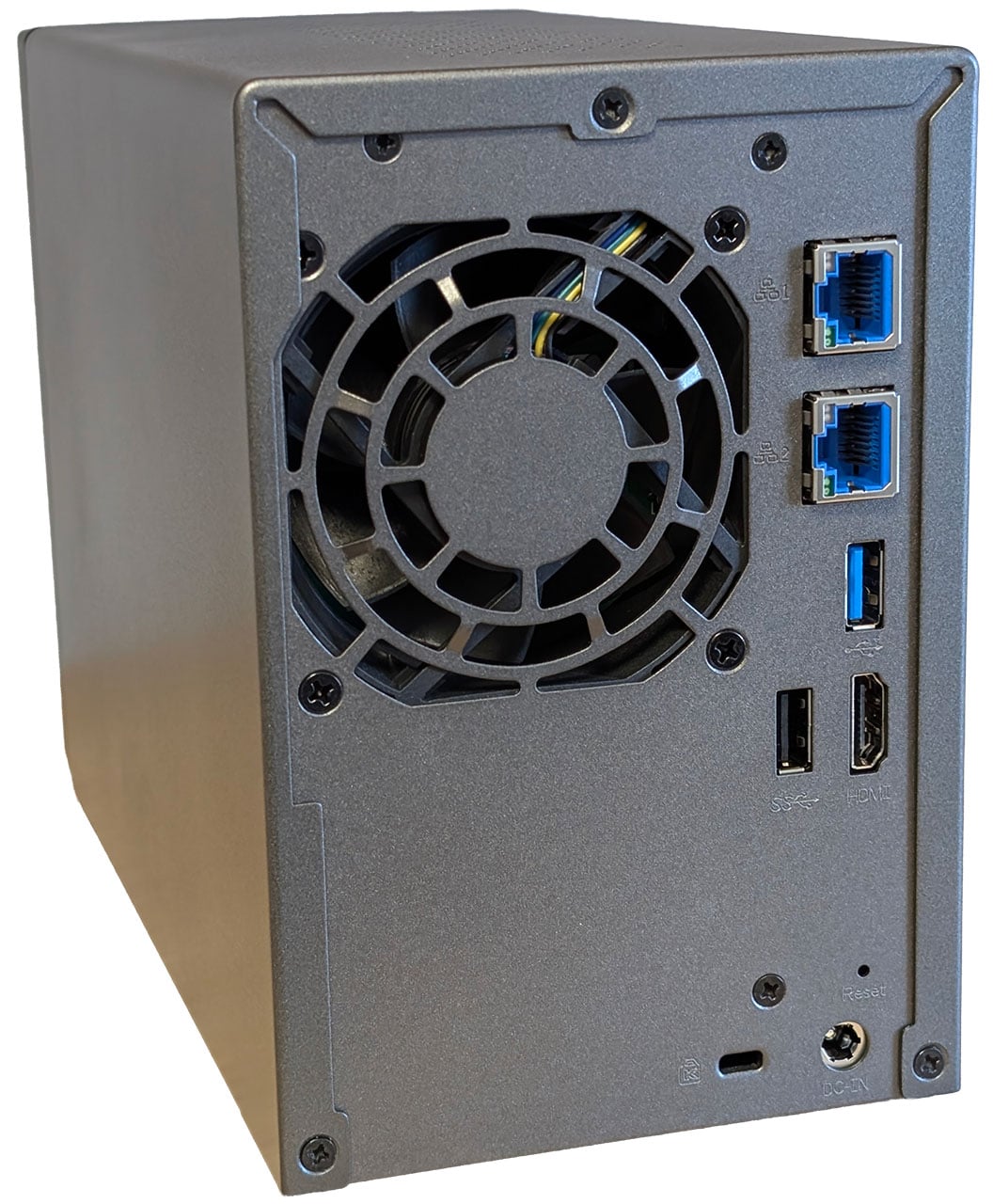
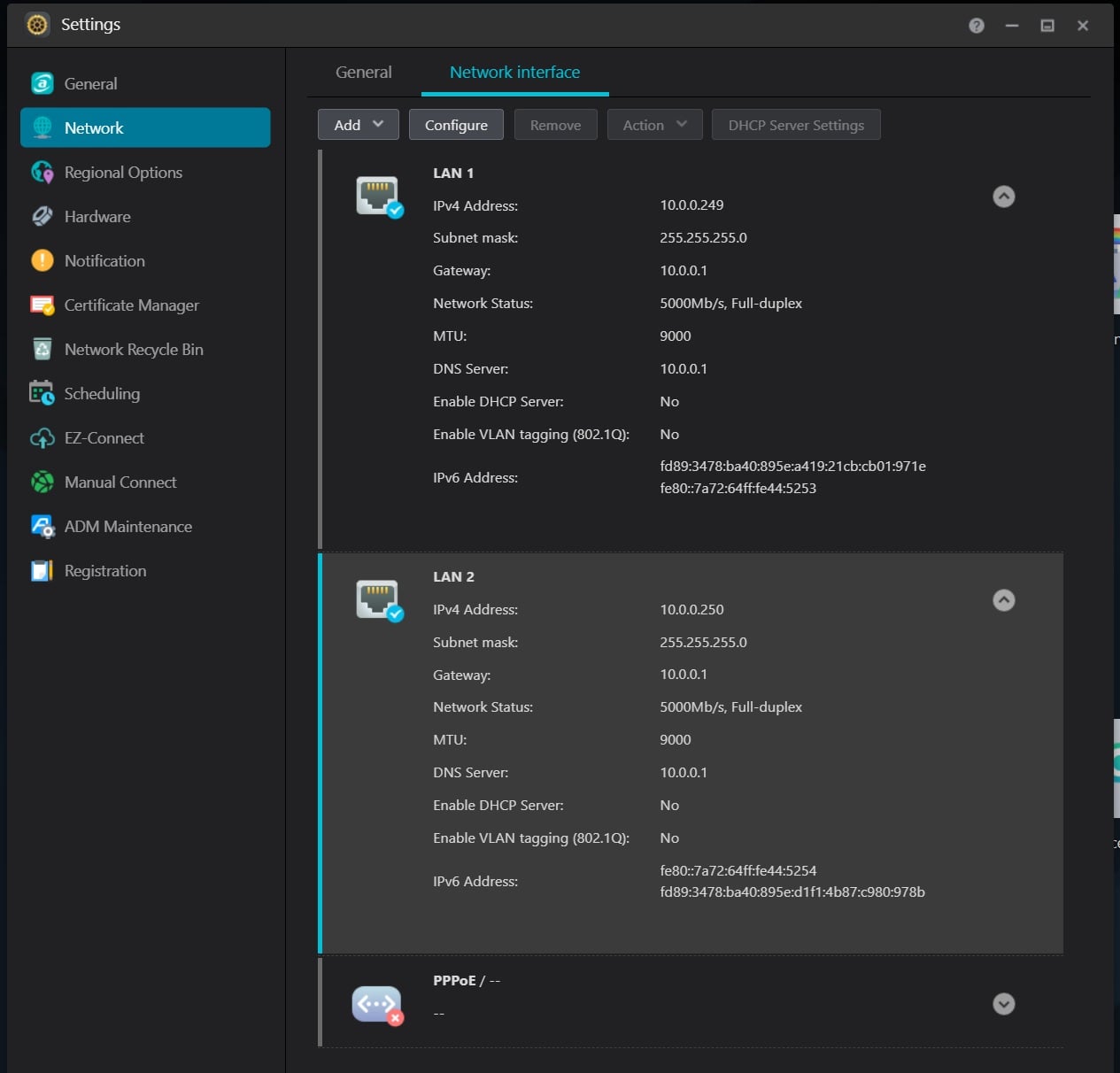
Connectivity is still pretty sparse considering this is one of Asustor's mid-range models, with a single USB 3.2 Gen 1 port around the front and one around the rear. There's also a single USB 2.0 port and a HDMI connector here. You'll also find a pair of 5 Gbps Ethernet ports, alongside the 12 V barrel jack for power, and a Kensington lock slot at the rear. There's a backup button on the front of the NAS, surrounding the USB port and above that is a set of activity lights. The included screenshot is of the network interface configuration in ADM 5.1 and as you can see, both interfaces operate at 5 Gbps.
The Interior
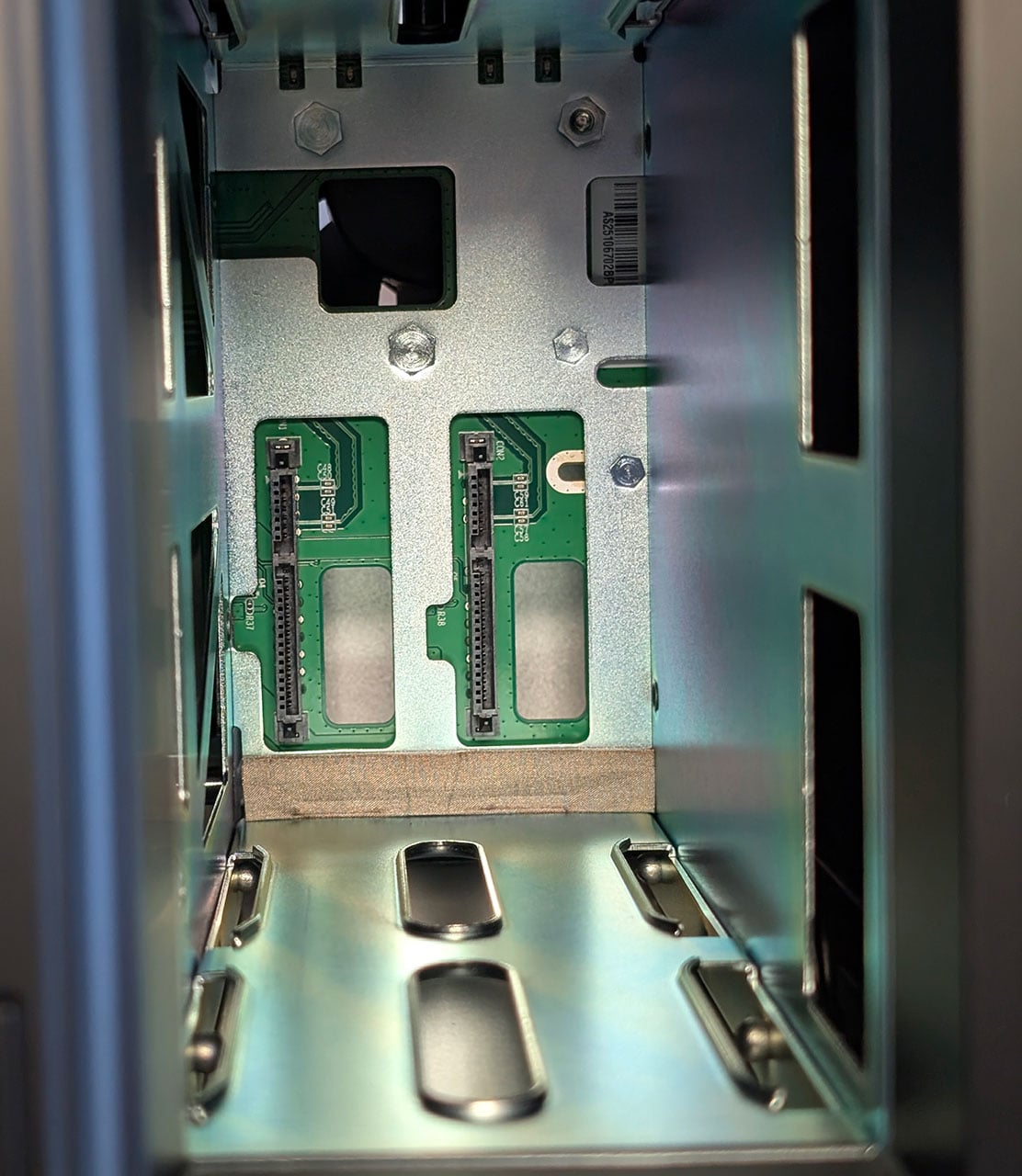
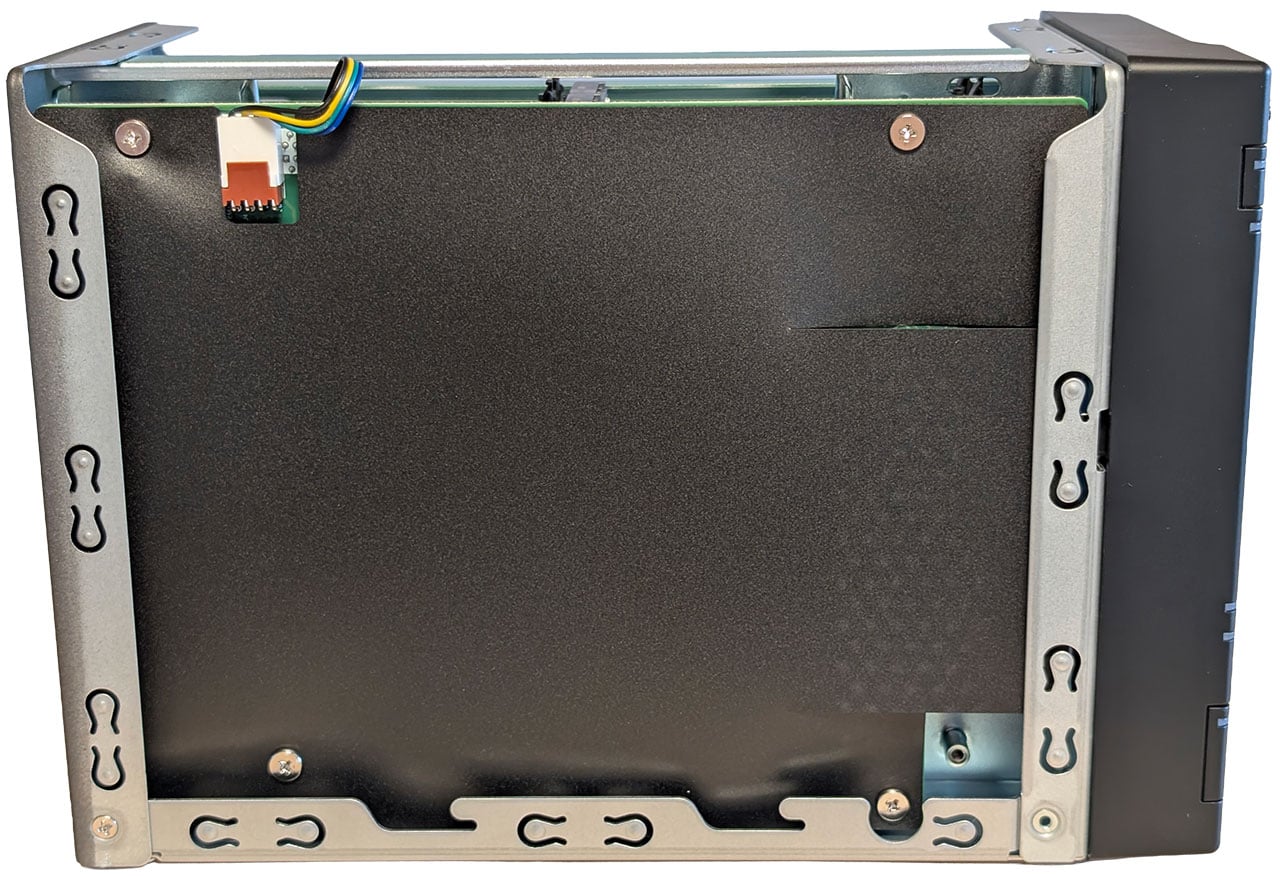
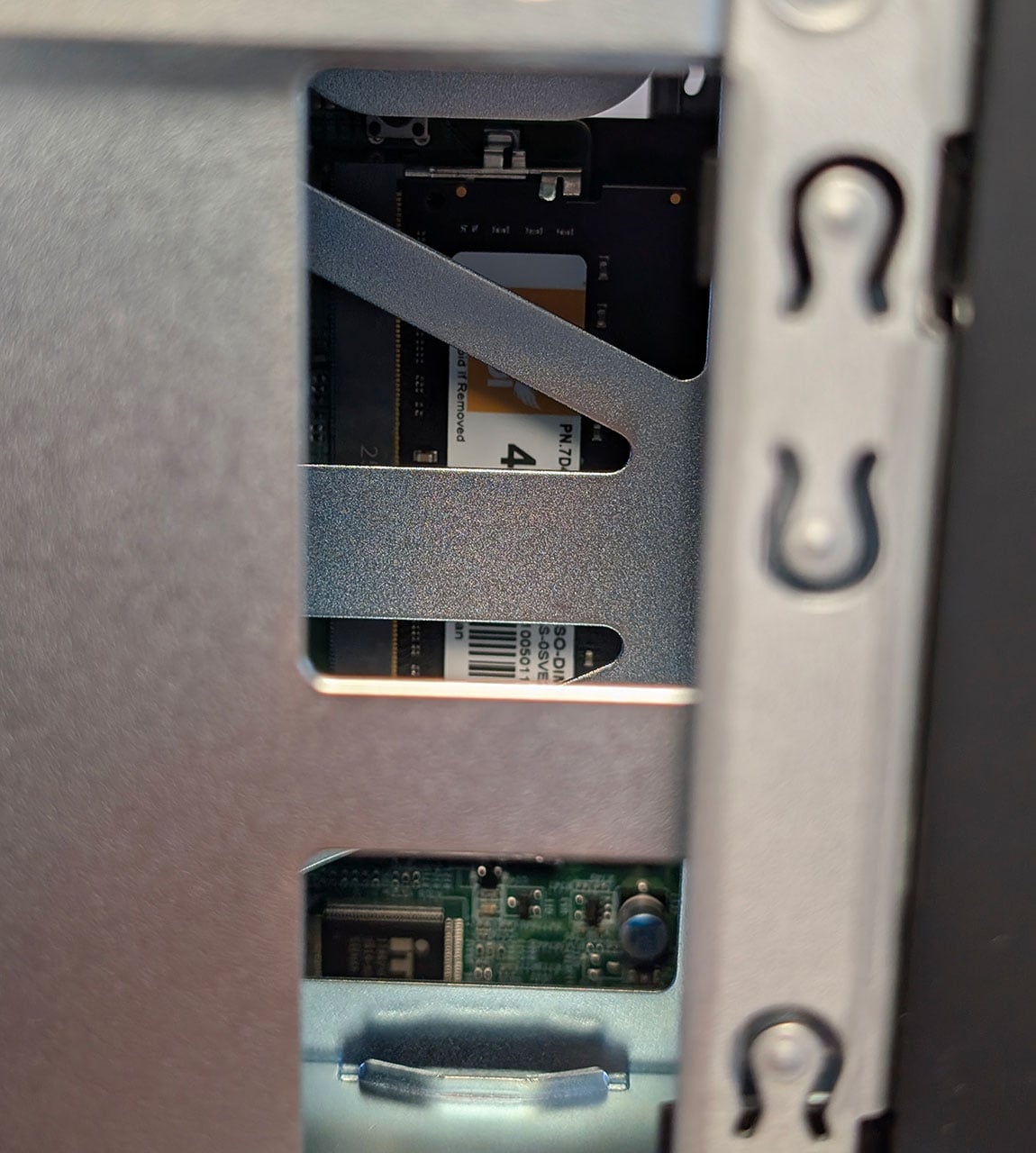
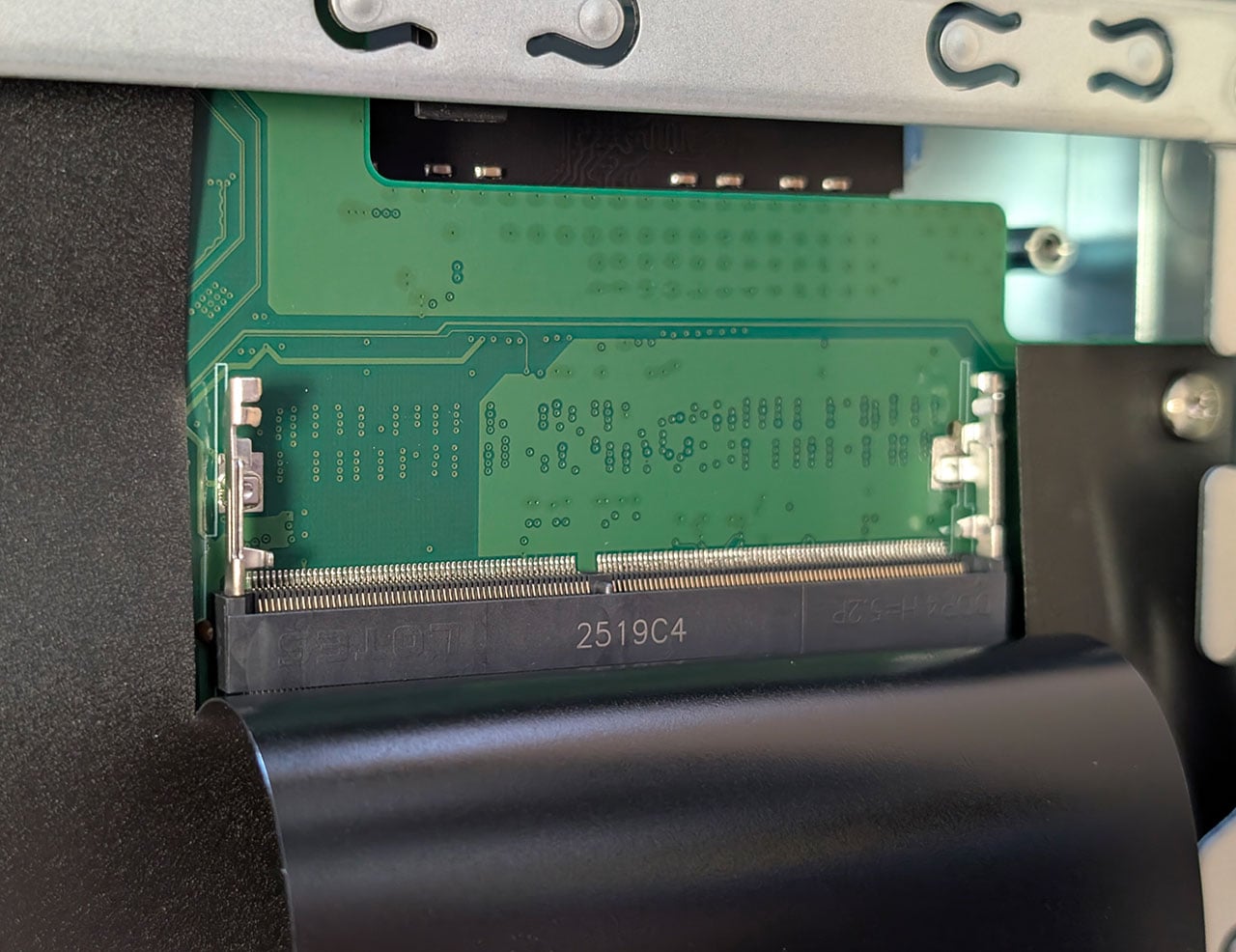
Popping the top of the housing off is reminiscent of old PC cases, where you had to remove the top of the case as a single, wobbly piece of metal, but due to its size, it's not really a problem here. The internals of the Lockerstor 2 Gen2+ AS6702T v2 are quite different to the Nimbustor 4 Gen2 AS5404T, despite the two sharing the same CPU and NVMe expansion board. Part of this appears to be due to different placement of the mainboard, as here it sits vertically, rather than at the bottom of the NAS. The motherboard is also different, as here you have easy access to one of the two memory slots, as they're placed on different sides of the mainboard, rather than being stacked on top of each other. This also means that it's really quite hard to get to the pre-installed memory module. Asustor appears to use the same type of 4 GB DDR4-3200 SO-DIMM memory modules from acpi as in the Nimbustor 4 Gen2 AS5404T. A small plus is that Asustor uses a standard fan header, but it might be a bit tricky to find a replacement 70 mm fan, were it to fail down the road.
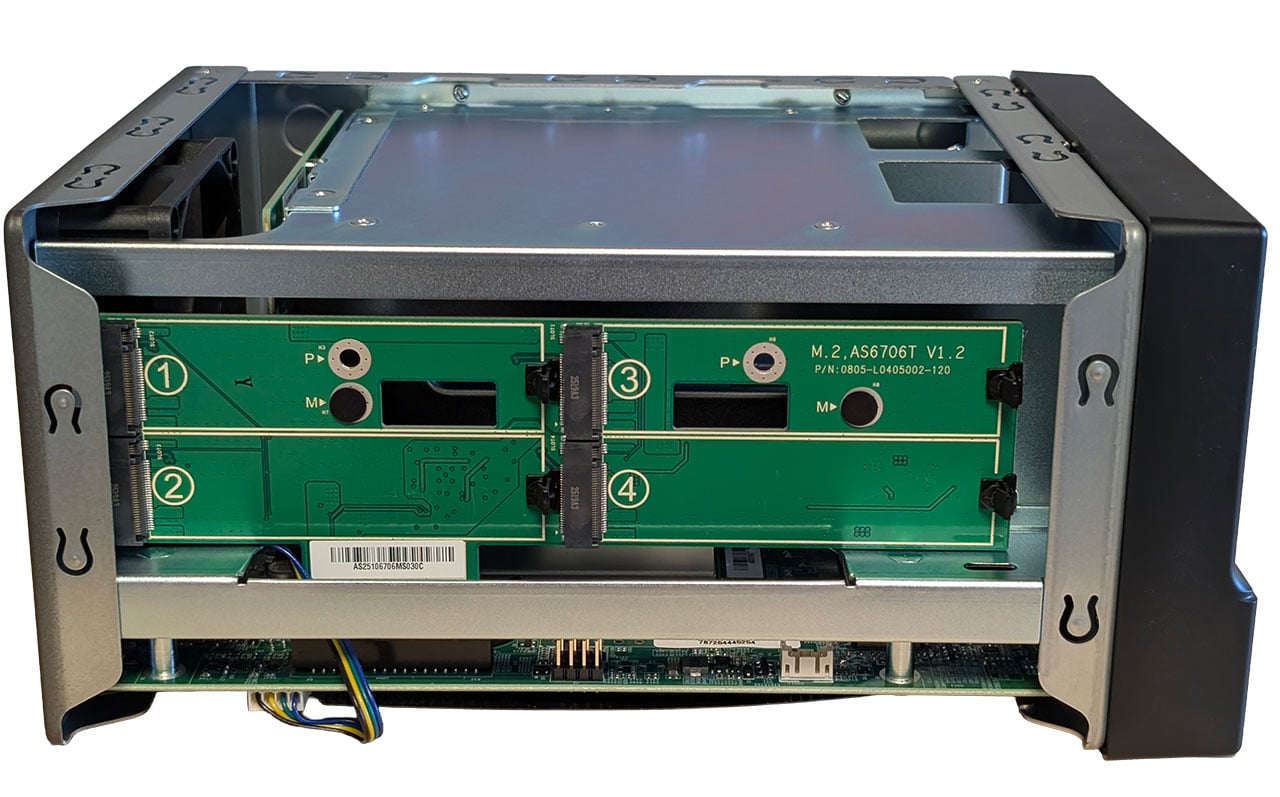
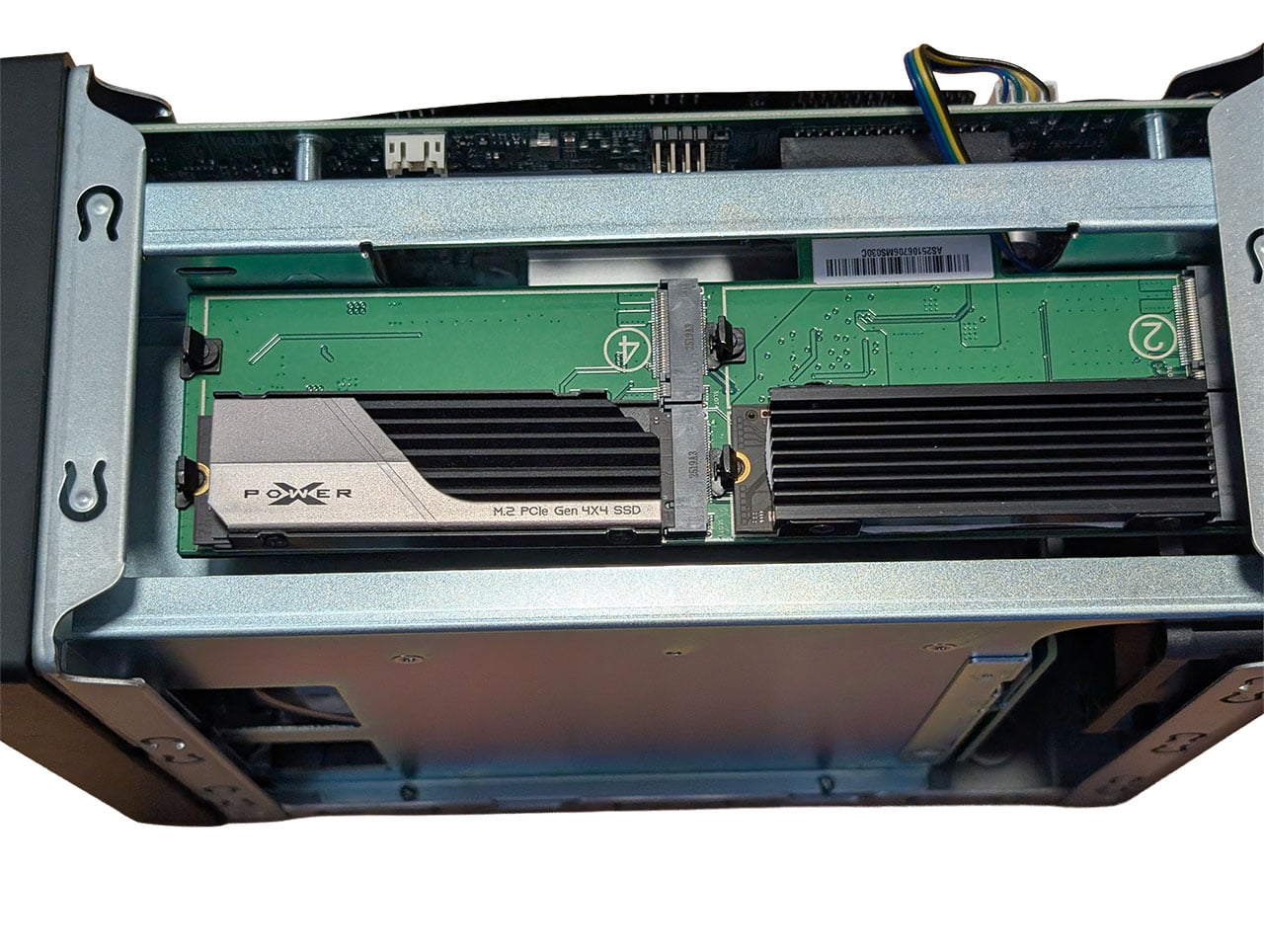
Due to the Lockerstor 2 Gen2+ AS6702T v2 having a metal housing, there are no plastic ribs that interfere with the clearance for NVMe SSDs, but unfortunately there's still the issue with not enough space on the actual PCB to fit two drives with heatsinks next to each other, so you either end up with two SSDs if you want to use heatsinks, or four without heatsinks. We still like the toolless clips for the drives though.
There isn't really much else that can be easily spotted, as Asustor has covered up the rear of the motherboard with a plastic cover, but the 5 Gbps Ethernet controllers come in the shape of the Realtek RTL8126. The familiar Celeron N5105 is the same as we saw in the Nimbustor 4 Gen2 AS5404T, which is by now getting a bit dated, but on the plus side, you might not have to pay a fortune to upgrade the DDR4 memory it supports. There's nothing really exciting here otherwise, as the Lockerstor 2 Gen2+ AS6702T v2 falls in line with Asustor's general NAS hardware, for better or worse.
Nov 14th, 2026 22:23 CST
change timezone
Latest GPU Drivers
New Forum Posts
- Honestly, do you care about GTA VI? (22)
- WarpCoreBench scores! (40)
- What can the FX 8320 do today? Here is the answer. (47)
- Tell me about your favourite graphics card (82)
- Recommendations Wanted - Affordable Enterprise SSD for Boot (3)
- Planning for Prolonged High Prices and Maintaining What You Already Have (71)
- [INTEL]-How To Update Your Microcode for Intel HX 13/14th Gen. CPUs Laptops/Mobile Easily. (260)
- [Intel AX1xx/AX2xx/AX4xx/AX16xx/BE2xx/BE17xx] Intel Modded Wi-Fi Driver with Intel® Killer™ Features (632)
- Optical Disc Drive owners club (208)
- Game Soundtracks You Love (1287)
Popular Reviews
- AMD Zen 6 Technical Deep Dive
- ASUS ROG Strix B850-I Gaming Wi-Fi7 W Review
- Corsair HX1000i Shift Crystal Review
- Upcoming Hardware Launches 2027 (Updated Nov 2026)
- Montech King 95 3D PRO Review
- NZXT C1200 Platinum Review
- NZXT H7 RGB+ Review
- NZXT H5 Review
- Phantom Blade Zero Performance Benchmark Review - 35 GPUs Tested
- AMD Ryzen 7 9800X3D Review - The Best Gaming Processor
TPU on YouTube
Controversial News Posts
- NVIDIA Co-Founder and CEO Jensen Huang Officially Resigns (408)
- OpenAI CEO Argues Home PCs Waste the World's Limited DRAM Supply (152)
- NVIDIA Launches Investigation Into Jensen Huang's Relationship With Suspected Chinese Spy (136)
- Intel "Raptor Lake Next" 16-Core and 20-Core CPUs Surface (130)
- Legendary Game Studio BioWare Shuts Down Following EA Layoffs (104)
- Dell CEO Says the Memory Shortage Will Get Worse in 2027 (95)
- NVIDIA GeForce RTX 50-Series Scheduled for up to $500 Price Hike This Week (89)
- Modder Fits RTX 5090 With Four 8-Pin Connectors, Halving Current per Wire (80)