 14
Asustor Lockerstor 2 Gen2+ AS6702T v2 Review
Test Setup & Methodology »Initial Setup
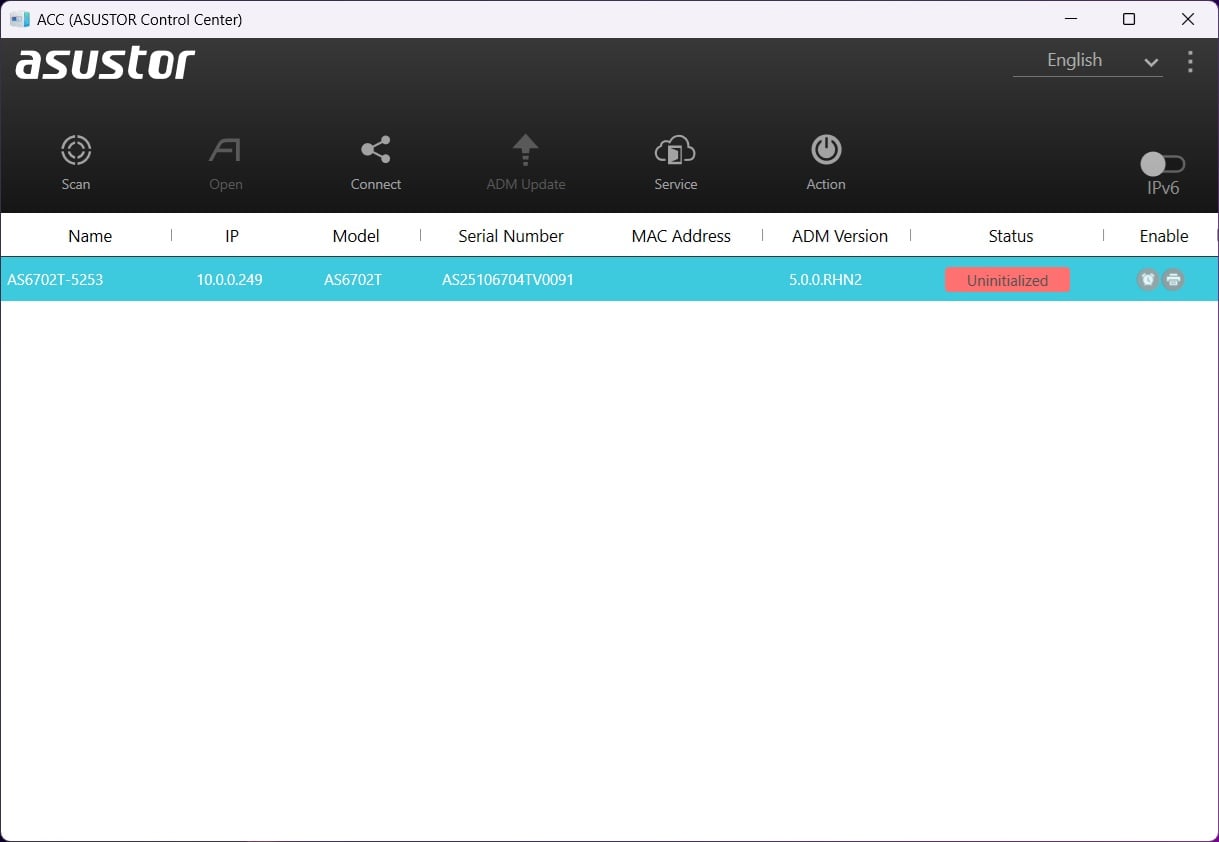
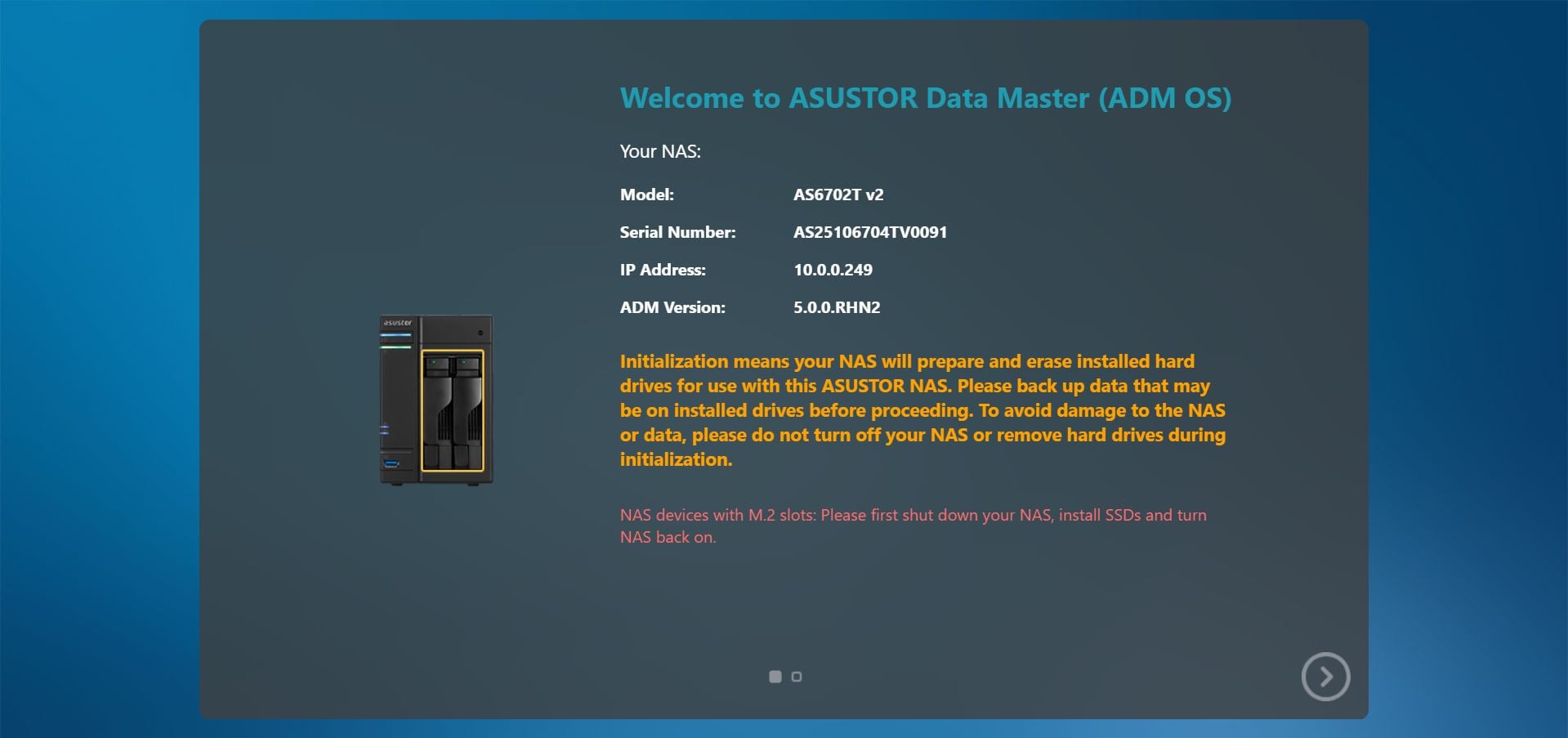
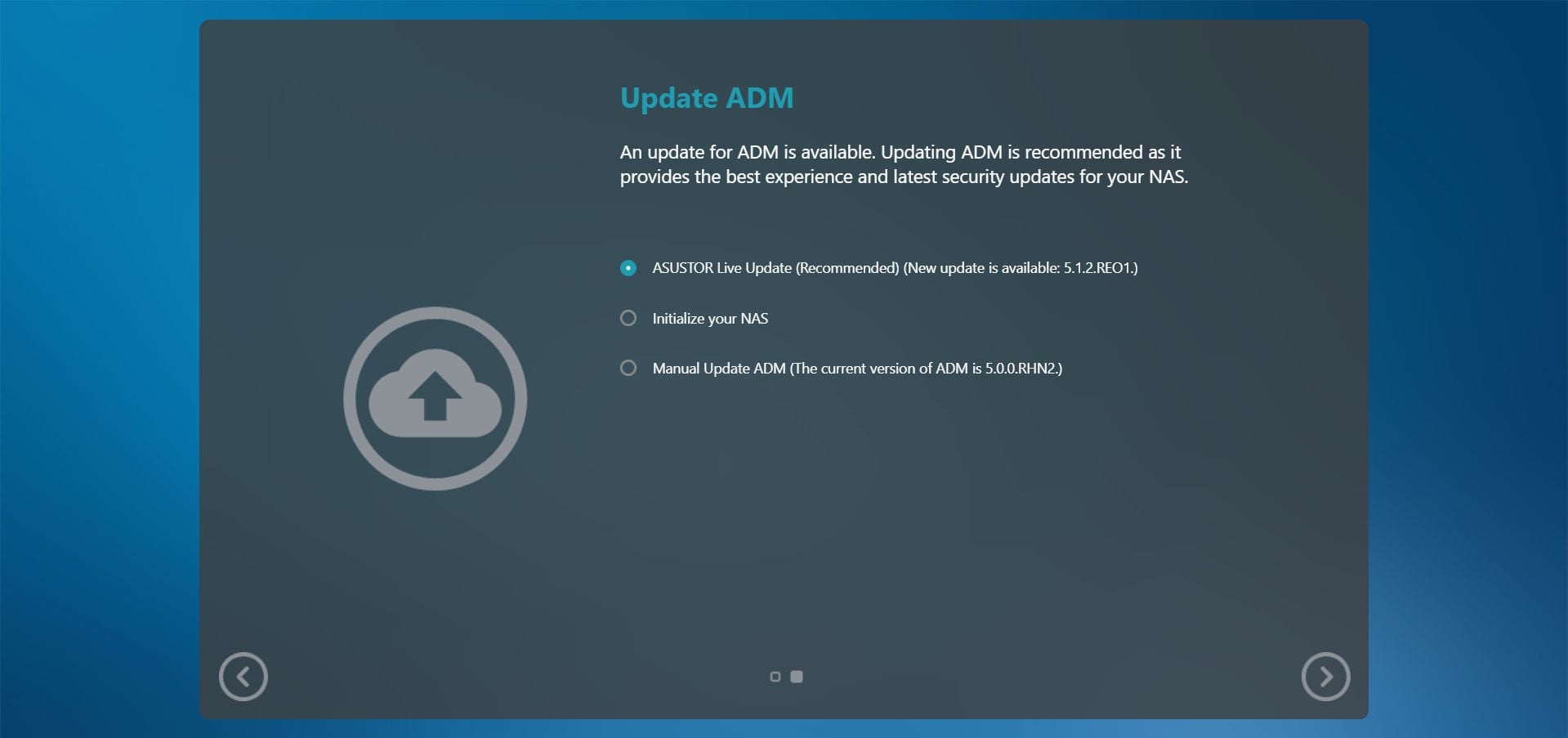
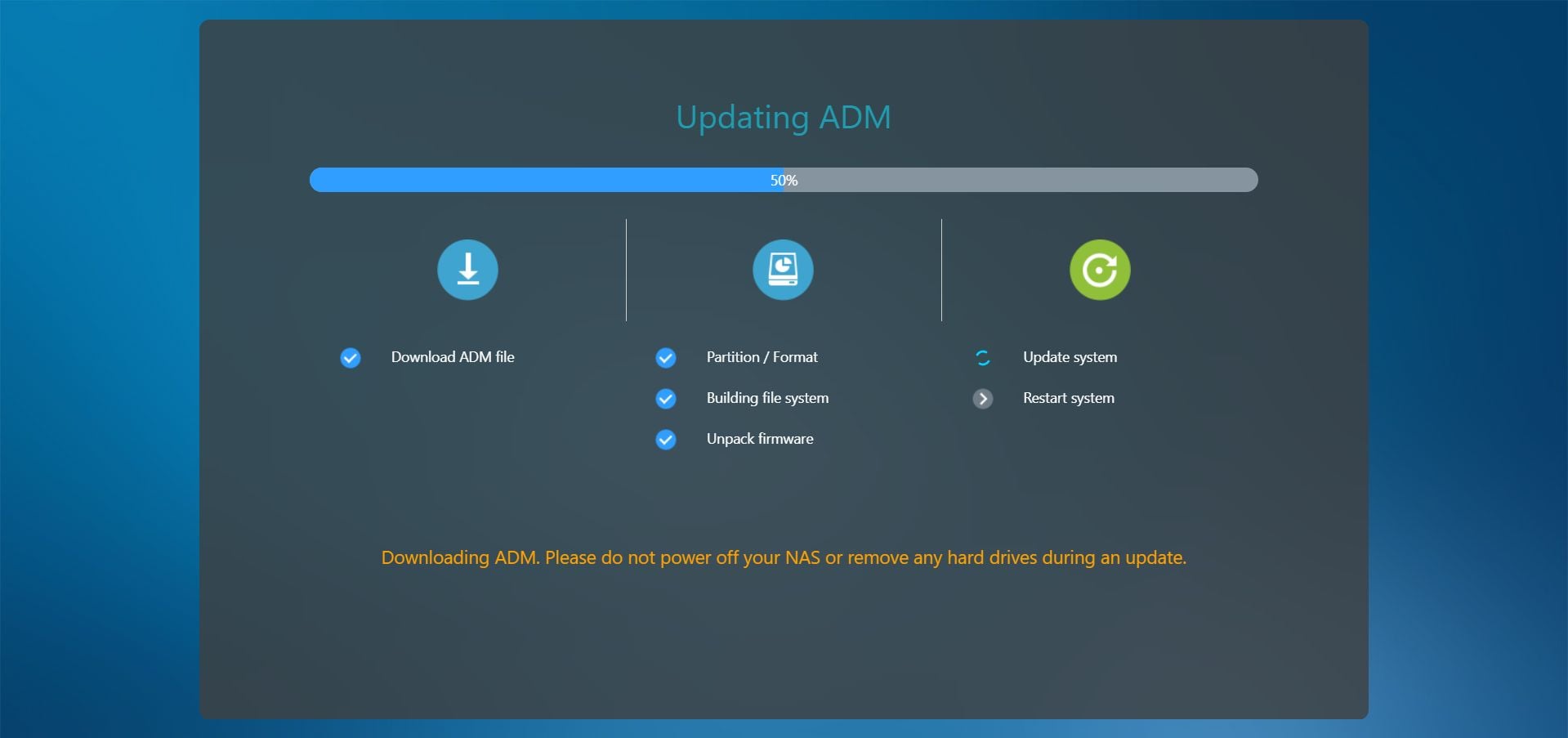
The setup process is the same one that we've seen before, just with some minor changes to the GUI to fit the specific model. We did run into some issues with the first unit that Asustor sent us though, as the Asustor Control Center wouldn't always find it on the network, and we also ran into some performance issues that we couldn't resolve together with Asustor, so in the end it was decided to swap that unit out for the one that ended up being tested. This is the first time we've run into something like this, and we can only chalk it up to some kind of faulty hardware, which can happen to any company.
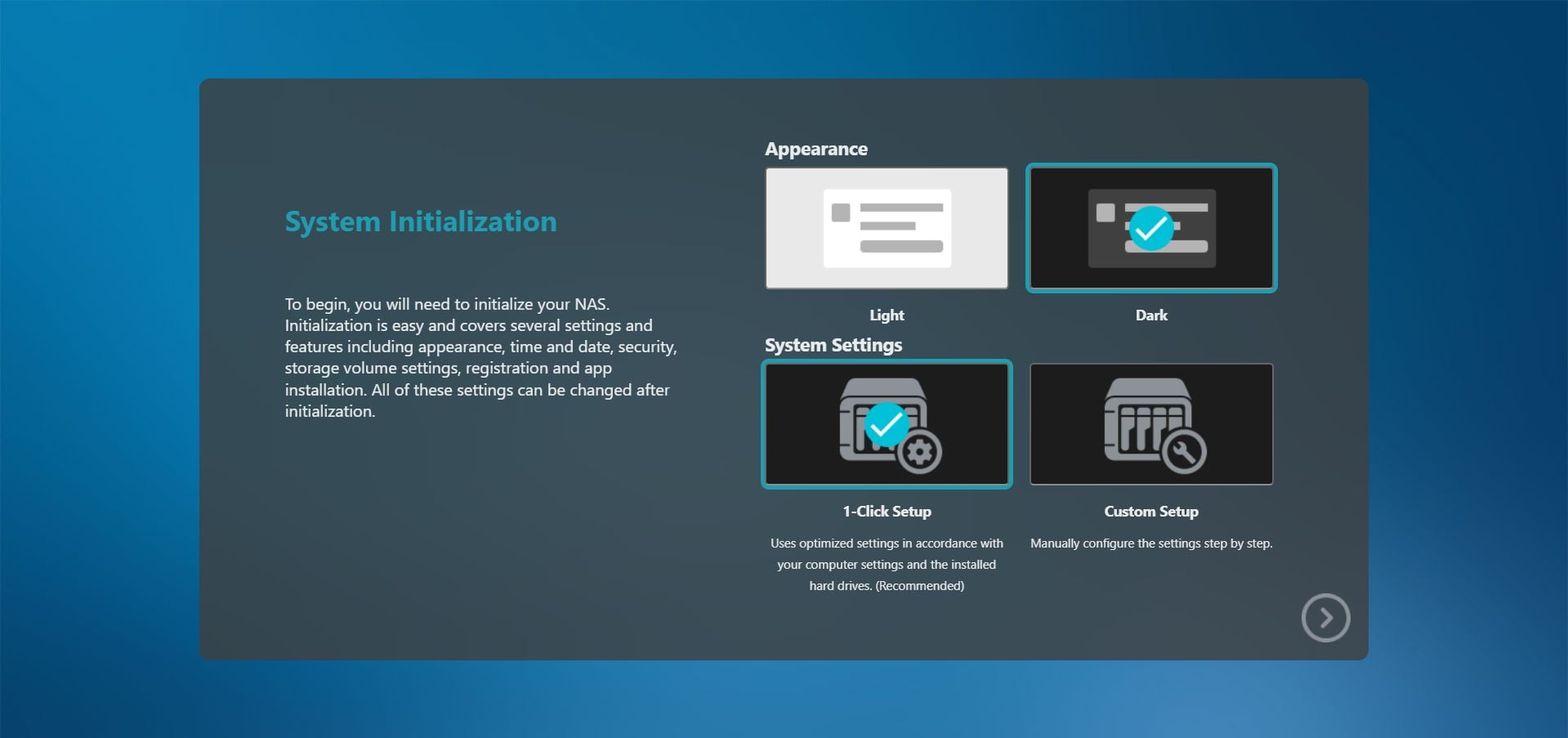
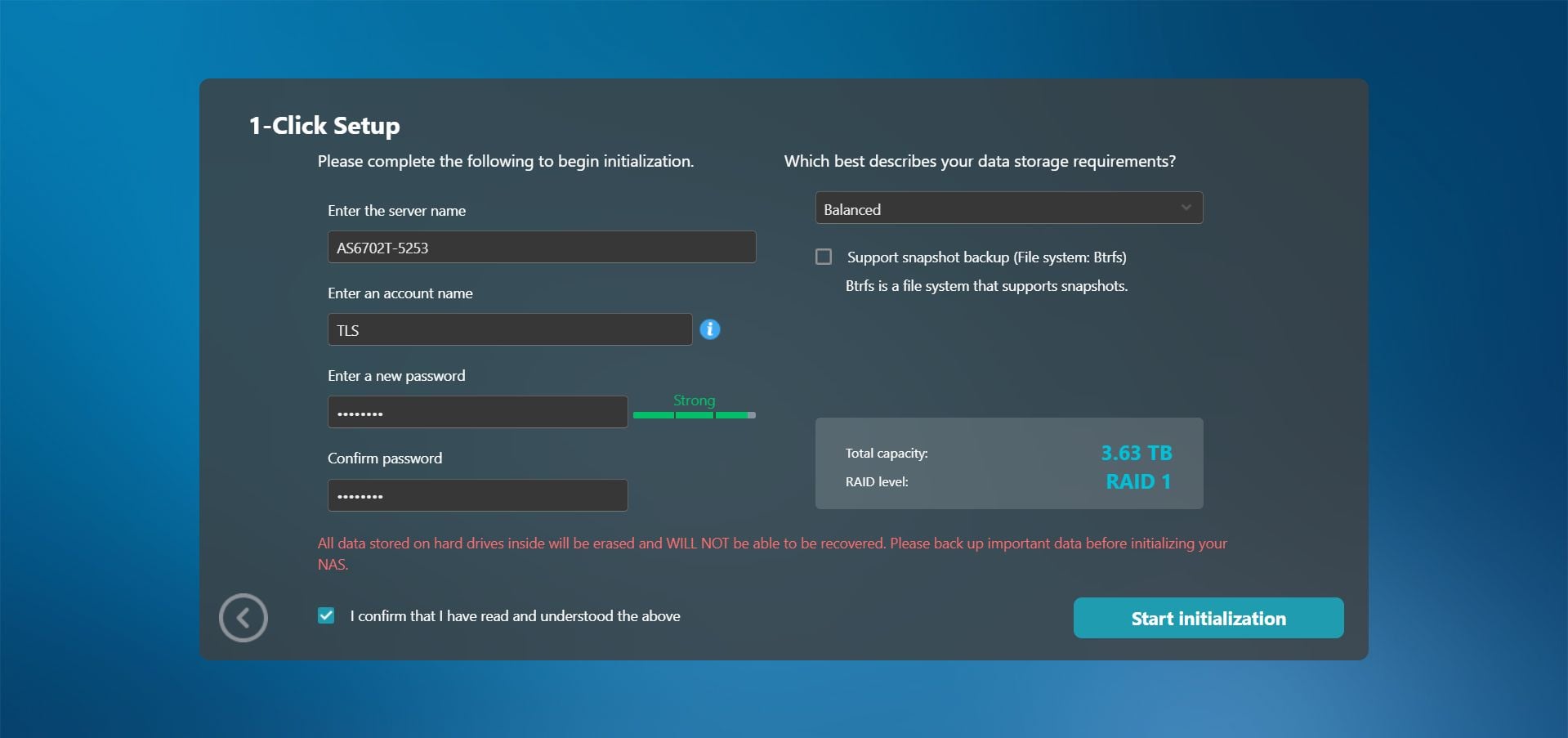
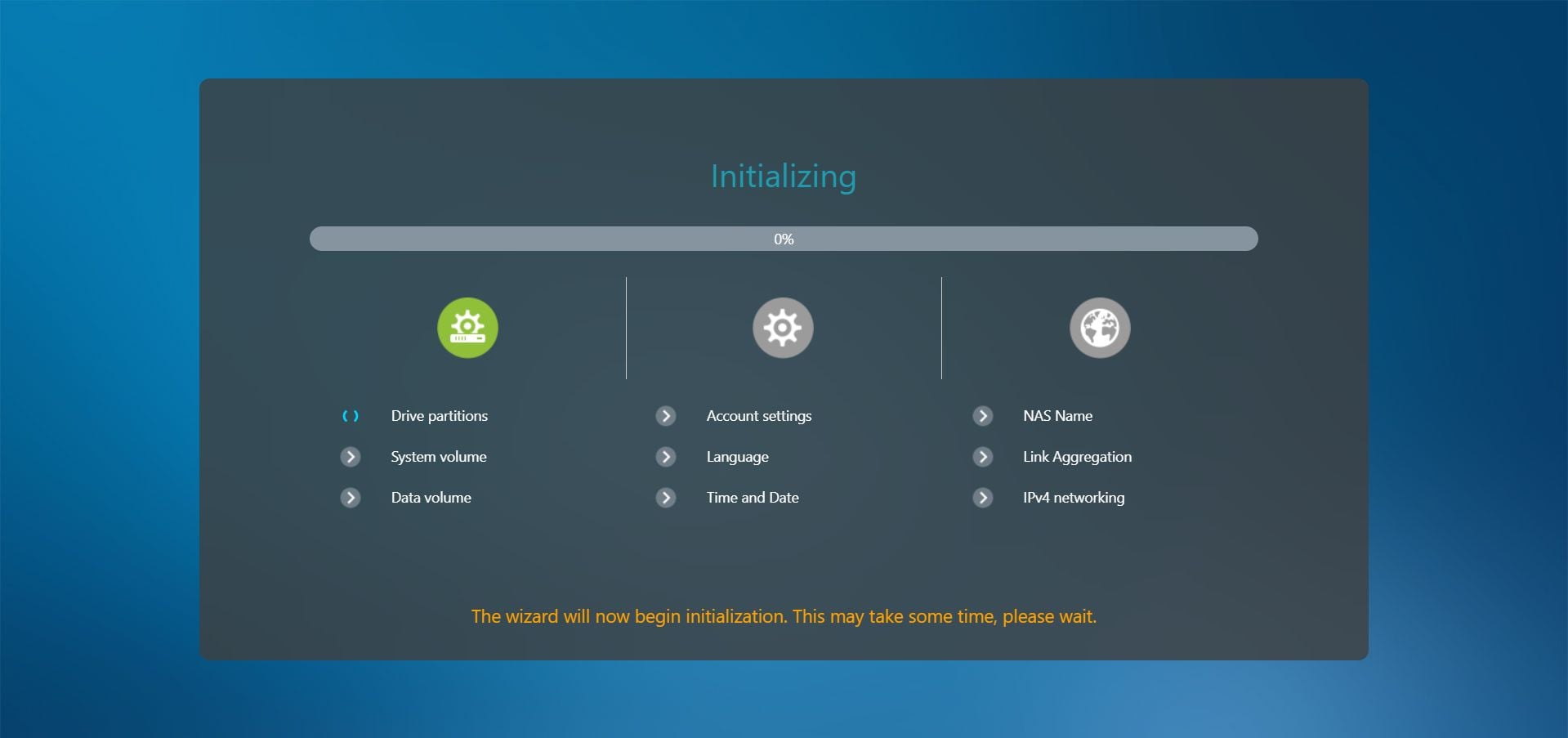
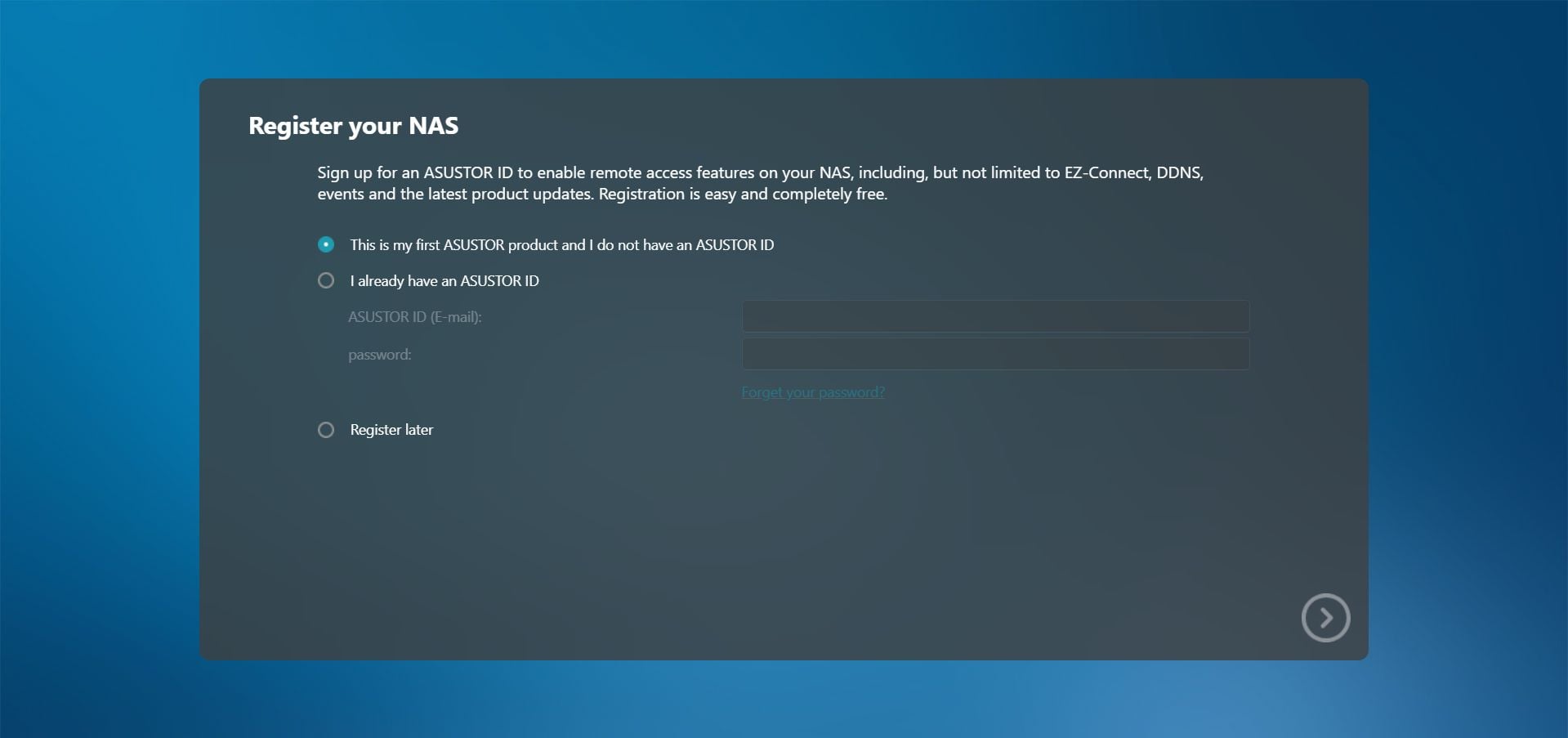
At the point of configuring the hard drives, things get a bit confusing as always. As with the AS1202T, Balanced means RAID 1, whereas that was RAID 5 on the AS5404T, and we really wish Asustor could stick to one meaning for the various options as to not cause confusion. Admittedly the RAID level is clearly displayed, but consistency matters when you name things. Apart from that, there were no surprises during the setup process.
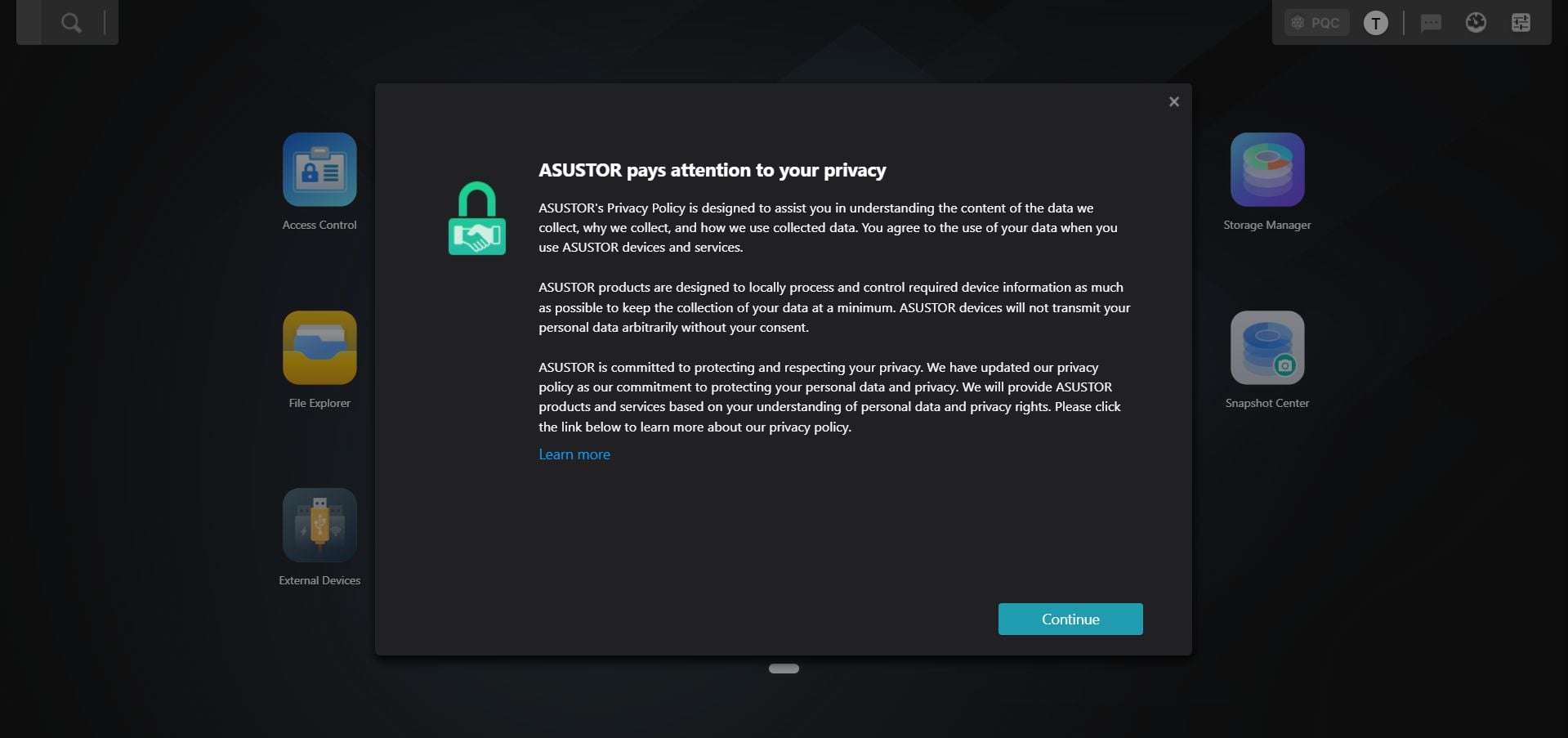
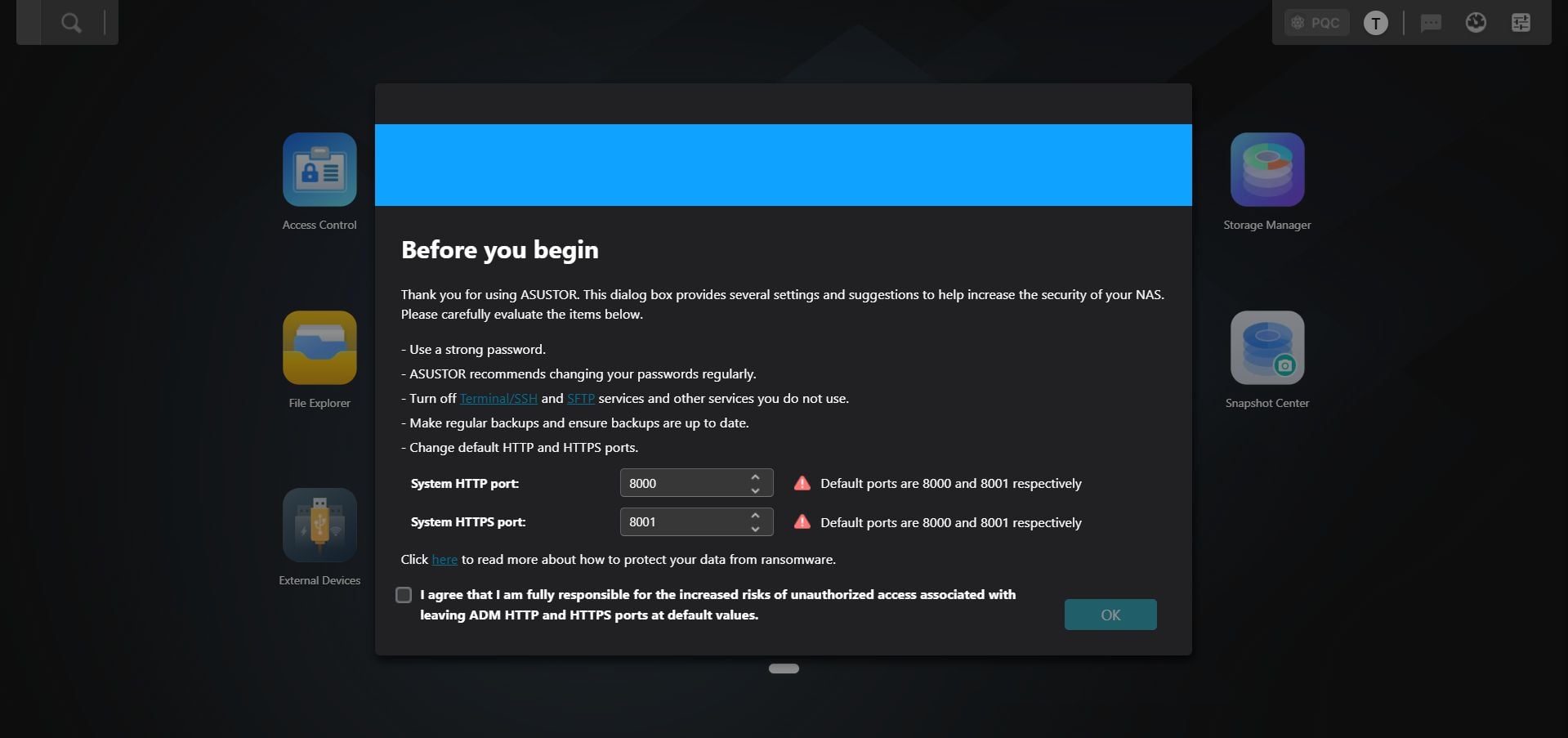
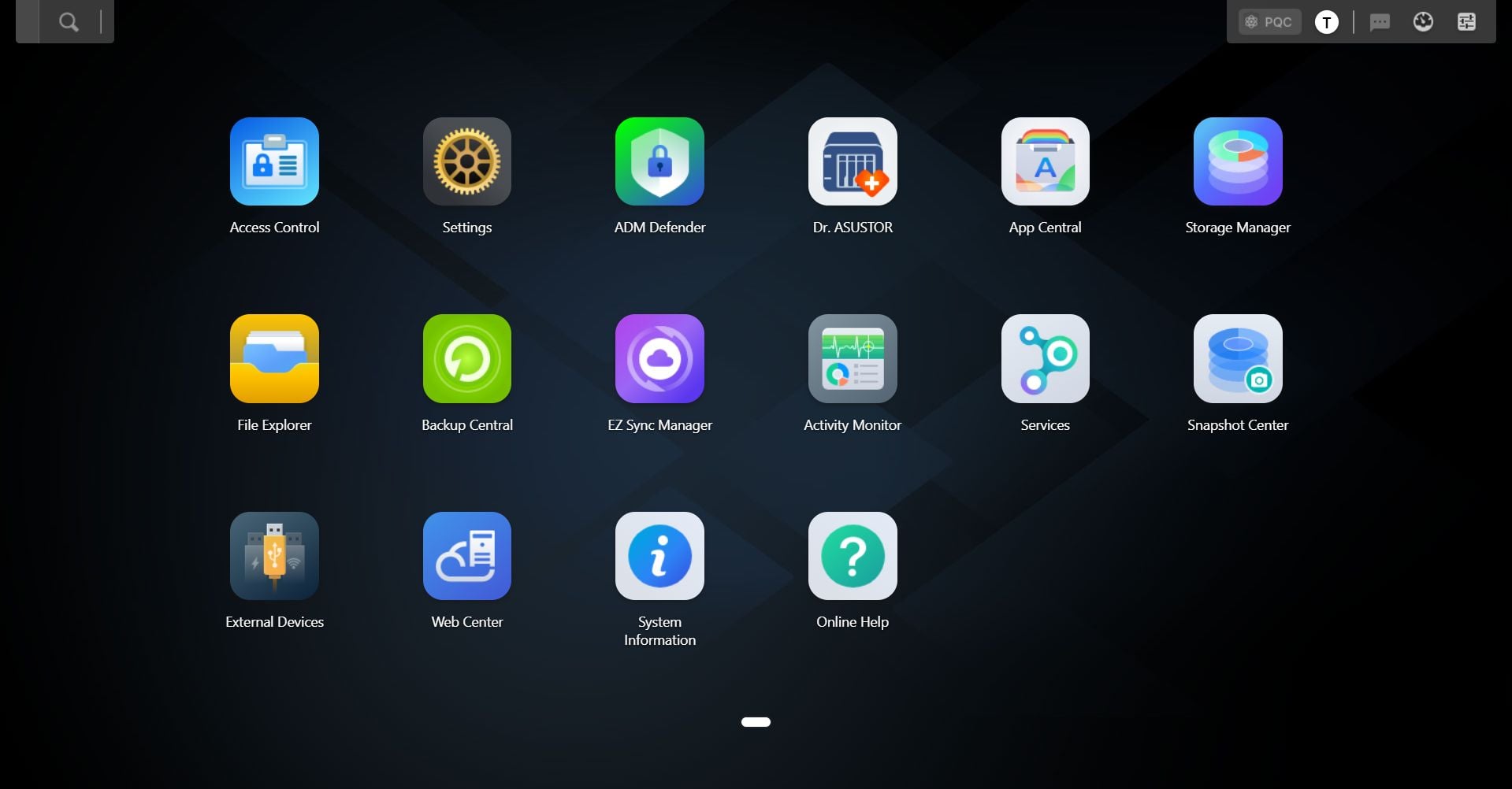
Once the setup is done, you have to log in to ADM, Asustor has gone with a slightly lighter darker colored theme this time around, but as you can see, the selection of apps is the same as on the AS1202T. You're also greeted by the same "Before you begin" screen, that makes you aware of the default ports and that you might want to consider changing them. In short, no real changes here, but once again there has only been a minor version change of ADM, and we didn't expect any big feature changes in just a few months. If you're interested in what's new in ADM 5.1, you can check out that page in the AS1202T review.
Disk Configuration
Below is the output from the fdisk -l command on Linux, which shows the disk configuration. Note that the /dev/md0 is the eMMC. We're not sure why fdisk is throwing up a bunch of errors, but it was the same with the AS5404T.Disk /dev/nvme0n1: 932 GB, 1000204886016 bytes, 1953525168 sectors
953869 cylinders, 64 heads, 32 sectors/track
Units: sectors of 1 * 512 = 512 bytes
Device Boot StartCHS EndCHS StartLBA EndLBA Sectors Size Id Type
/dev/nvme0n1p1 1,0,1 255,63,32 2048 524287 522240 255M 83 Linux
/dev/nvme0n1p4 0,0,2 0,63,32 1 2047 2047 1023K ee EFI GPT
Partition table entries are not in disk order
Disk /dev/nvme1n1: 932 GB, 1000204886016 bytes, 1953525168 sectors
953869 cylinders, 64 heads, 32 sectors/track
Units: sectors of 1 * 512 = 512 bytes
Device Boot StartCHS EndCHS StartLBA EndLBA Sectors Size Id Type
/dev/nvme1n1p1 1,0,1 255,63,32 2048 524287 522240 255M 83 Linux
/dev/nvme1n1p4 0,0,2 0,63,32 1 2047 2047 1023K ee EFI GPT
Partition table entries are not in disk order
Disk /dev/mmcblk0boot0: 4 MB, 4194304 bytes, 8192 sectors
128 cylinders, 4 heads, 16 sectors/track
Units: sectors of 1 * 512 = 512 bytes
Disk /dev/mmcblk0boot0 doesn't contain a valid partition table
Disk /dev/mmcblk0boot1: 4 MB, 4194304 bytes, 8192 sectors
128 cylinders, 4 heads, 16 sectors/track
Units: sectors of 1 * 512 = 512 bytes
Disk /dev/mmcblk0boot1 doesn't contain a valid partition table
fdisk: device has more than 2^32 sectors, can't use all of them
Disk /dev/sda: 2048 GB, 2199023255040 bytes, 4294967295 sectors
267349 cylinders, 255 heads, 63 sectors/track
Units: sectors of 1 * 512 = 512 bytes
Device Boot StartCHS EndCHS StartLBA EndLBA Sectors Size Id Type
/dev/sda1 0,32,33 32,162,2 2048 524287 522240 255M 83 Linux
/dev/sda4 0,0,2 0,32,32 1 2047 2047 1023K ee EFI GPT
Partition table entries are not in disk order
fdisk: device has more than 2^32 sectors, can't use all of them
Disk /dev/sdb: 2048 GB, 2199023255040 bytes, 4294967295 sectors
267349 cylinders, 255 heads, 63 sectors/track
Units: sectors of 1 * 512 = 512 bytes
Device Boot StartCHS EndCHS StartLBA EndLBA Sectors Size Id Type
/dev/sdb1 0,32,33 32,162,2 2048 524287 522240 255M 83 Linux
/dev/sdb4 0,0,2 0,32,32 1 2047 2047 1023K ee EFI GPT
Partition table entries are not in disk order
Disk /dev/md0: 2045 MB, 2144337920 bytes, 4188160 sectors
523520 cylinders, 2 heads, 4 sectors/track
Units: sectors of 1 * 512 = 512 bytes
Disk /dev/md0 doesn't contain a valid partition table
Disk /dev/md126: 2045 MB, 2144337920 bytes, 4188160 sectors
523520 cylinders, 2 heads, 4 sectors/track
Units: sectors of 1 * 512 = 512 bytes
Disk /dev/md126 doesn't contain a valid partition table
fdisk: device has more than 2^32 sectors, can't use all of them
Disk /dev/md1: 2048 GB, 2199023255040 bytes, 4294967295 sectors
536870911 cylinders, 2 heads, 4 sectors/track
Units: sectors of 1 * 512 = 512 bytes
Disk /dev/md1 doesn't contain a valid partition table
Disk /dev/md125: 927 GB, 995505471488 bytes, 1944346624 sectors
243043328 cylinders, 2 heads, 4 sectors/track
Units: sectors of 1 * 512 = 512 bytes
Disk /dev/md125 doesn't contain a valid partition table
Disk /dev/dm-0: 4100 MB, 4299161600 bytes, 8396800 sectors
522 cylinders, 255 heads, 63 sectors/track
Units: sectors of 1 * 512 = 512 bytes
Disk /dev/dm-0 doesn't contain a valid partition table
Disk /dev/dm-1: 906 GB, 972805898240 bytes, 1900011520 sectors
118270 cylinders, 255 heads, 63 sectors/track
Units: sectors of 1 * 512 = 512 bytes
Disk /dev/dm-1 doesn't contain a valid partition table
fdisk: device has more than 2^32 sectors, can't use all of them
Disk /dev/dm-2: 2048 GB, 2199023255040 bytes, 4294967295 sectors
267349 cylinders, 255 heads, 63 sectors/track
Units: sectors of 1 * 512 = 512 bytes
Disk /dev/dm-2 doesn't contain a valid partition table
Nov 14th, 2026 22:15 CST
change timezone
Latest GPU Drivers
New Forum Posts
- Honestly, do you care about GTA VI? (21)
- WarpCoreBench scores! (40)
- What can the FX 8320 do today? Here is the answer. (47)
- Tell me about your favourite graphics card (82)
- Recommendations Wanted - Affordable Enterprise SSD for Boot (3)
- Planning for Prolonged High Prices and Maintaining What You Already Have (71)
- [INTEL]-How To Update Your Microcode for Intel HX 13/14th Gen. CPUs Laptops/Mobile Easily. (260)
- [Intel AX1xx/AX2xx/AX4xx/AX16xx/BE2xx/BE17xx] Intel Modded Wi-Fi Driver with Intel® Killer™ Features (632)
- Optical Disc Drive owners club (208)
- Game Soundtracks You Love (1287)
Popular Reviews
- AMD Zen 6 Technical Deep Dive
- ASUS ROG Strix B850-I Gaming Wi-Fi7 W Review
- Corsair HX1000i Shift Crystal Review
- Upcoming Hardware Launches 2027 (Updated Nov 2026)
- Montech King 95 3D PRO Review
- NZXT C1200 Platinum Review
- NZXT H7 RGB+ Review
- NZXT H5 Review
- Phantom Blade Zero Performance Benchmark Review - 35 GPUs Tested
- AMD Ryzen 7 9800X3D Review - The Best Gaming Processor
TPU on YouTube
Controversial News Posts
- NVIDIA Co-Founder and CEO Jensen Huang Officially Resigns (408)
- OpenAI CEO Argues Home PCs Waste the World's Limited DRAM Supply (152)
- NVIDIA Launches Investigation Into Jensen Huang's Relationship With Suspected Chinese Spy (136)
- Intel "Raptor Lake Next" 16-Core and 20-Core CPUs Surface (130)
- Legendary Game Studio BioWare Shuts Down Following EA Layoffs (104)
- Dell CEO Says the Memory Shortage Will Get Worse in 2027 (95)
- NVIDIA GeForce RTX 50-Series Scheduled for up to $500 Price Hike This Week (89)
- Modder Fits RTX 5090 With Four 8-Pin Connectors, Halving Current per Wire (80)