 3
AVerMedia DualCam (PW313D) Review - Seeing Double
Software »Closer Examination
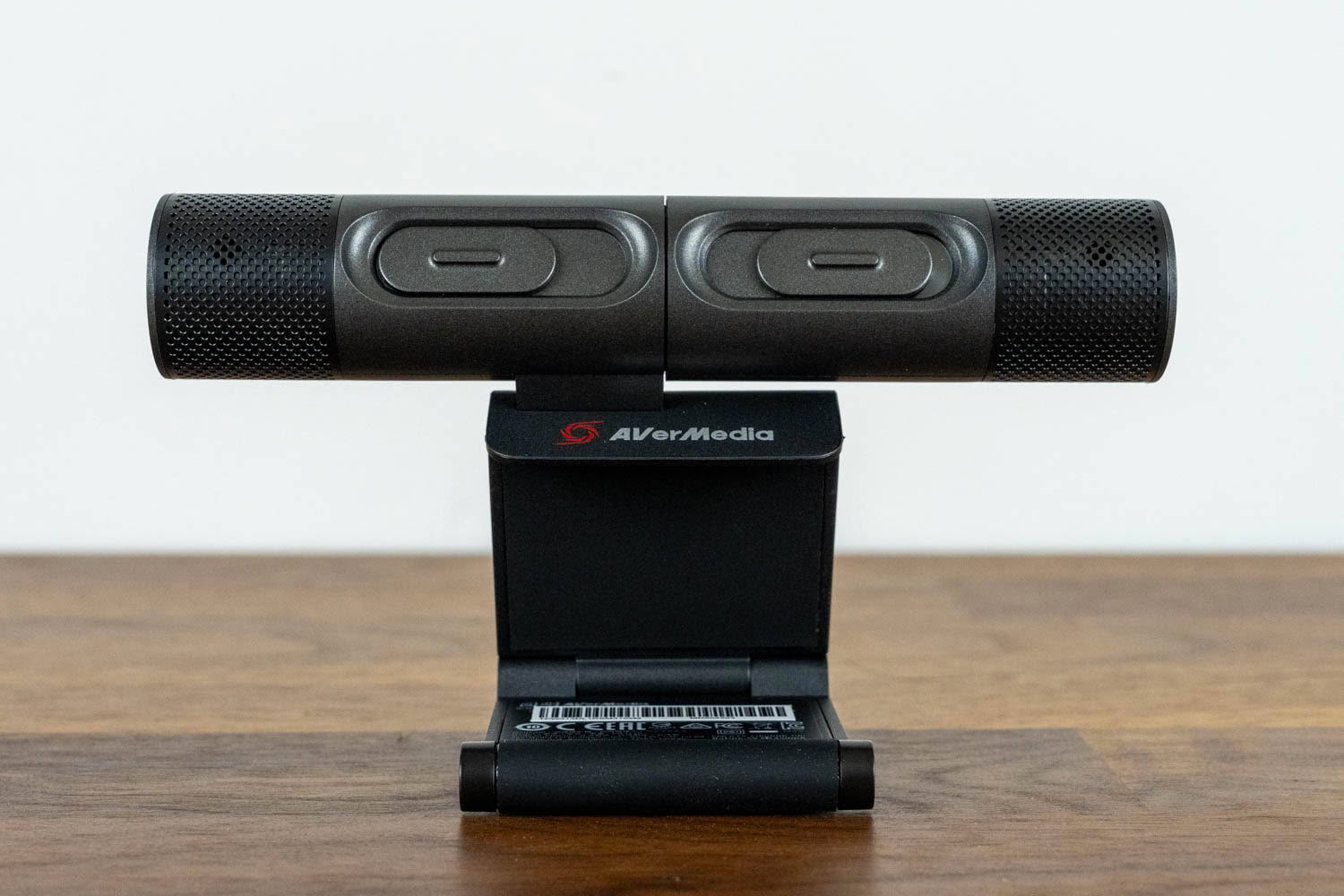

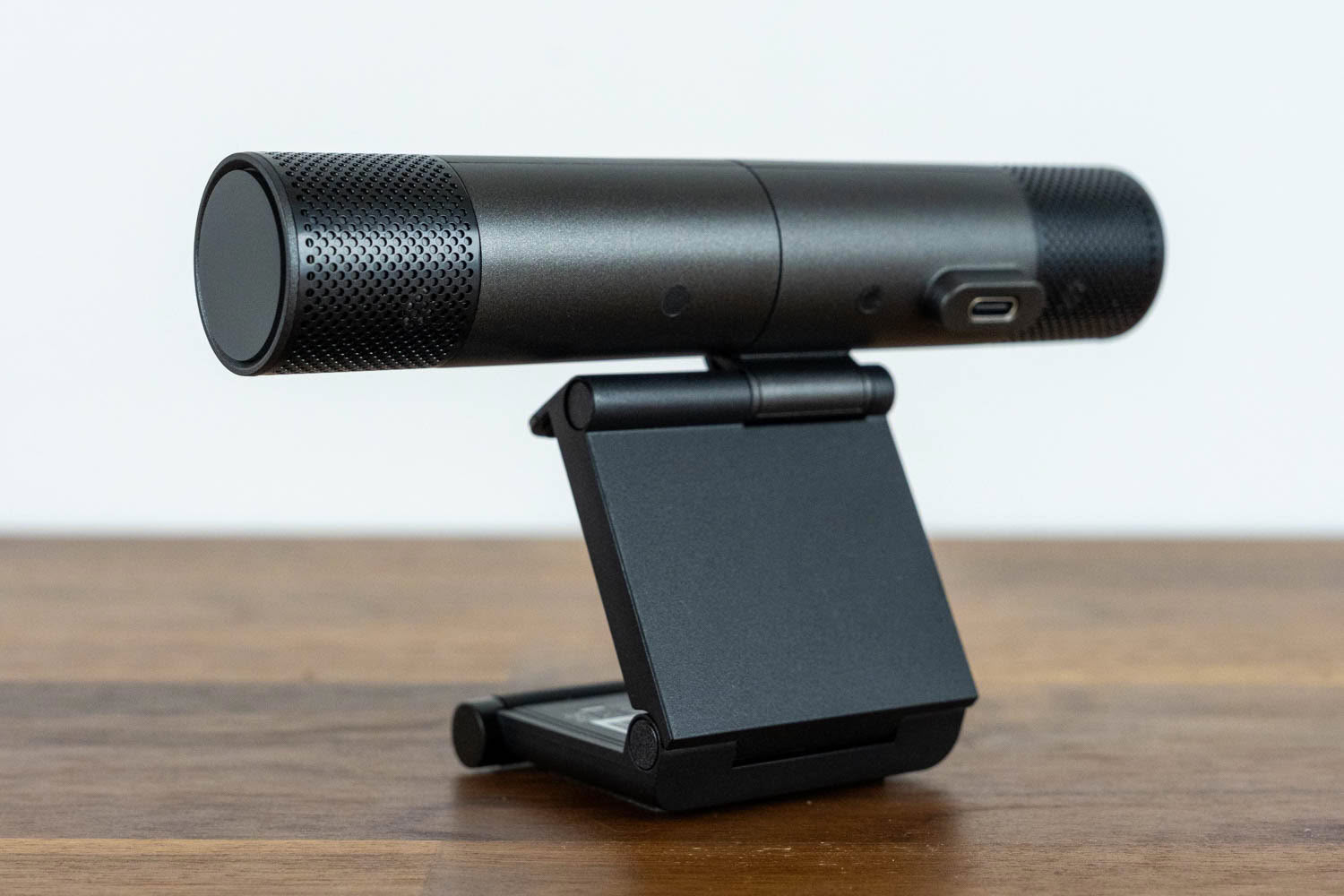
The AVerMedia DualCam looks like someone took two compact webcams and fused them together on a shared mount, because that's essentially what it is. The device is made entirely of black plastic, with a matte finish that doesn't attract fingerprints. The build quality is decent, if unspectacular; nothing about it feels premium, but nothing creaks or wobbles either. The overall aesthetics are utilitarian and office-friendly. It won't win any design awards, but it also won't look out of place in any environment, from a classroom to a home office.

The two cameras rotate independently, and the range of movement is where things get interesting. The left camera, the one you'll be pointing at your face, tilts 90° upward and 15° downward. The right camera is the star of the show: it rotates 195° backward and 75° forward, which is what allows it to point straight down at your desk while the device sits on top of your monitor. The hinges are stiff enough to hold their position reliably, but not loose enough to adjust with one hand – adjusting the second camera's position is a two-hand operation. Getting the downward-facing framing right takes a bit of trial and error, especially since the optimal document position depends on the height of your monitor, but once set, it stays put.

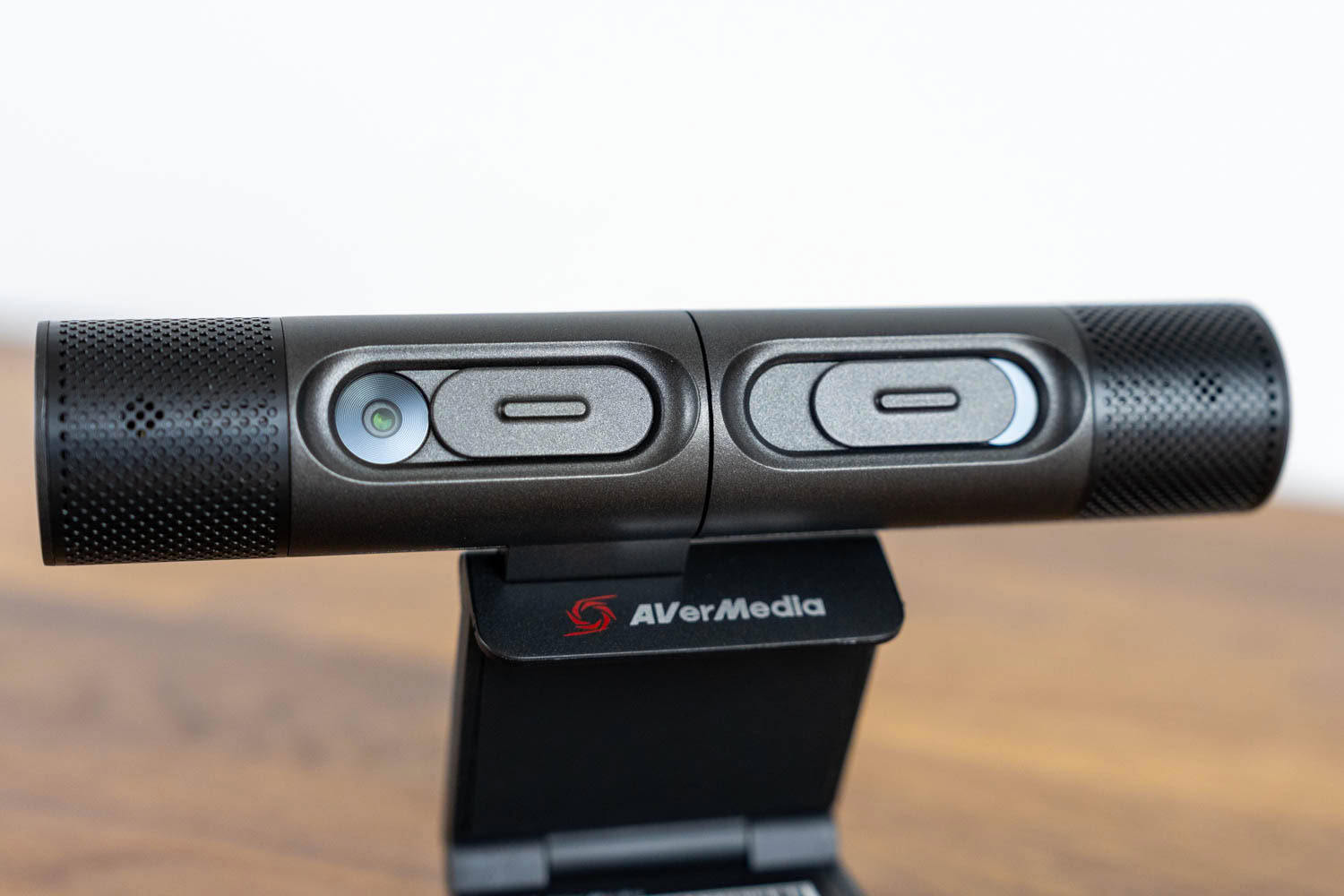
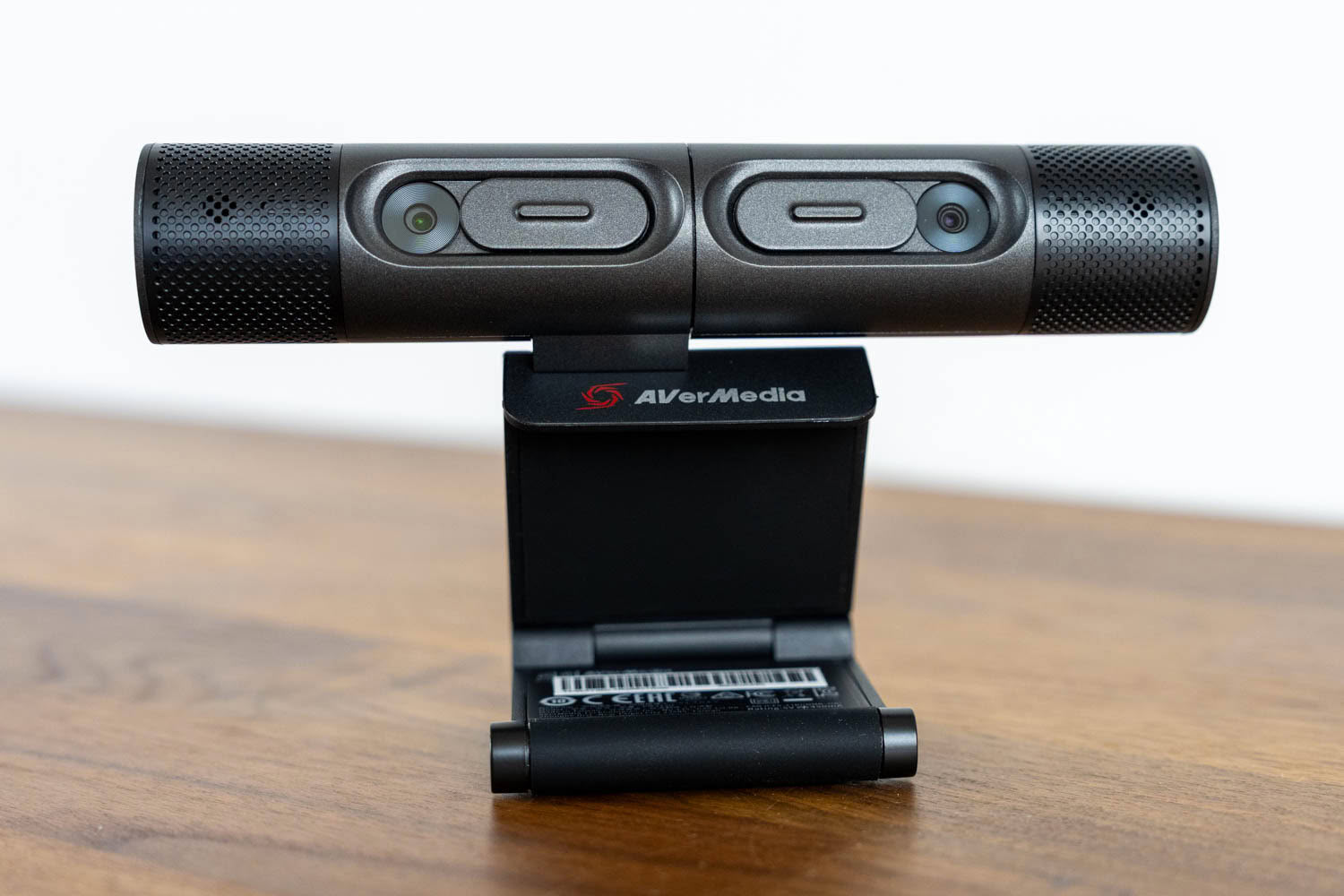
Each camera has its own physical privacy shutter, which you slide over the lens when the camera isn't in use. The shutters operate with a satisfying amount of resistance and completely block the lens. Given that this product is aimed at educational environments, having hardware-level privacy protection on both cameras is very welcome.
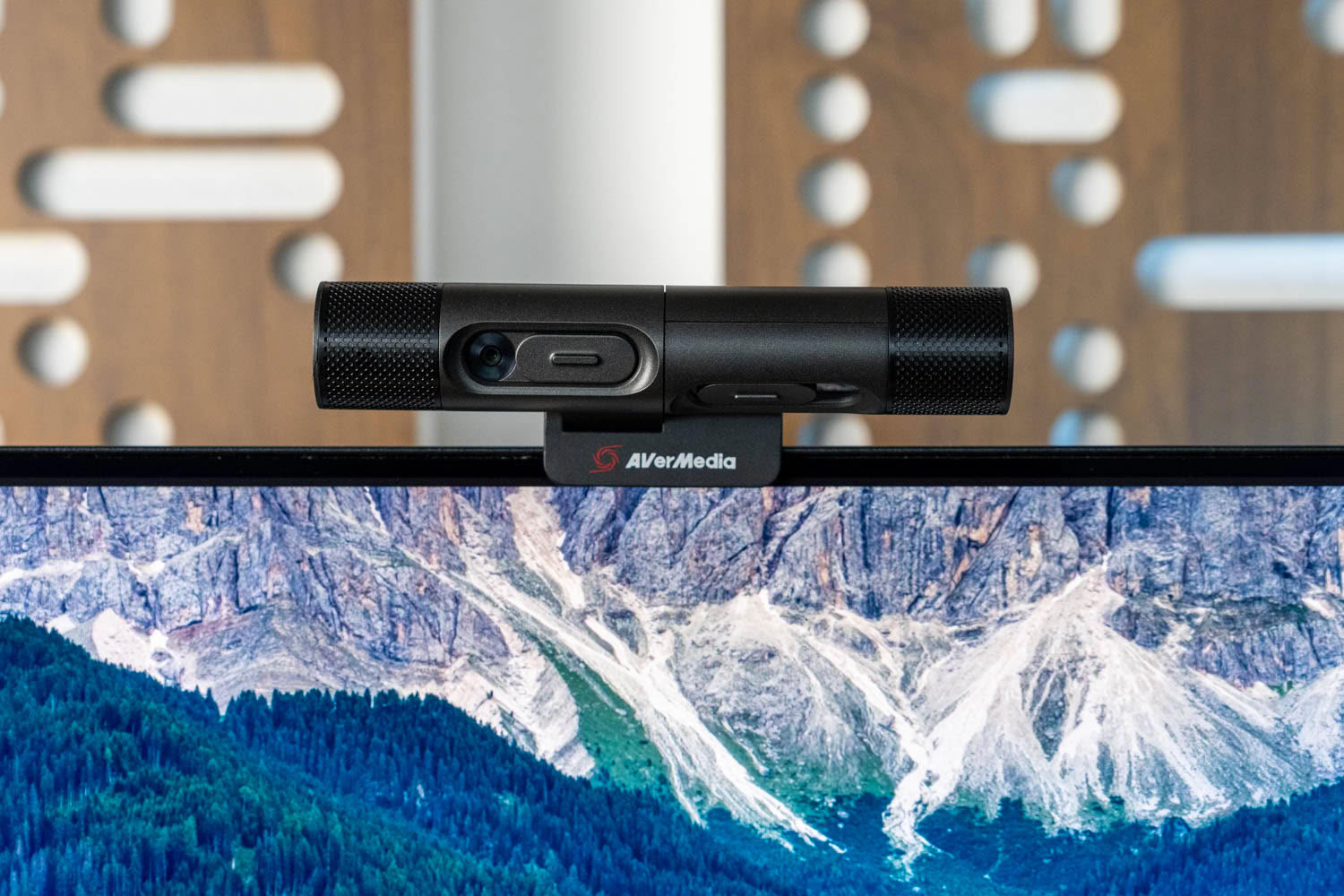
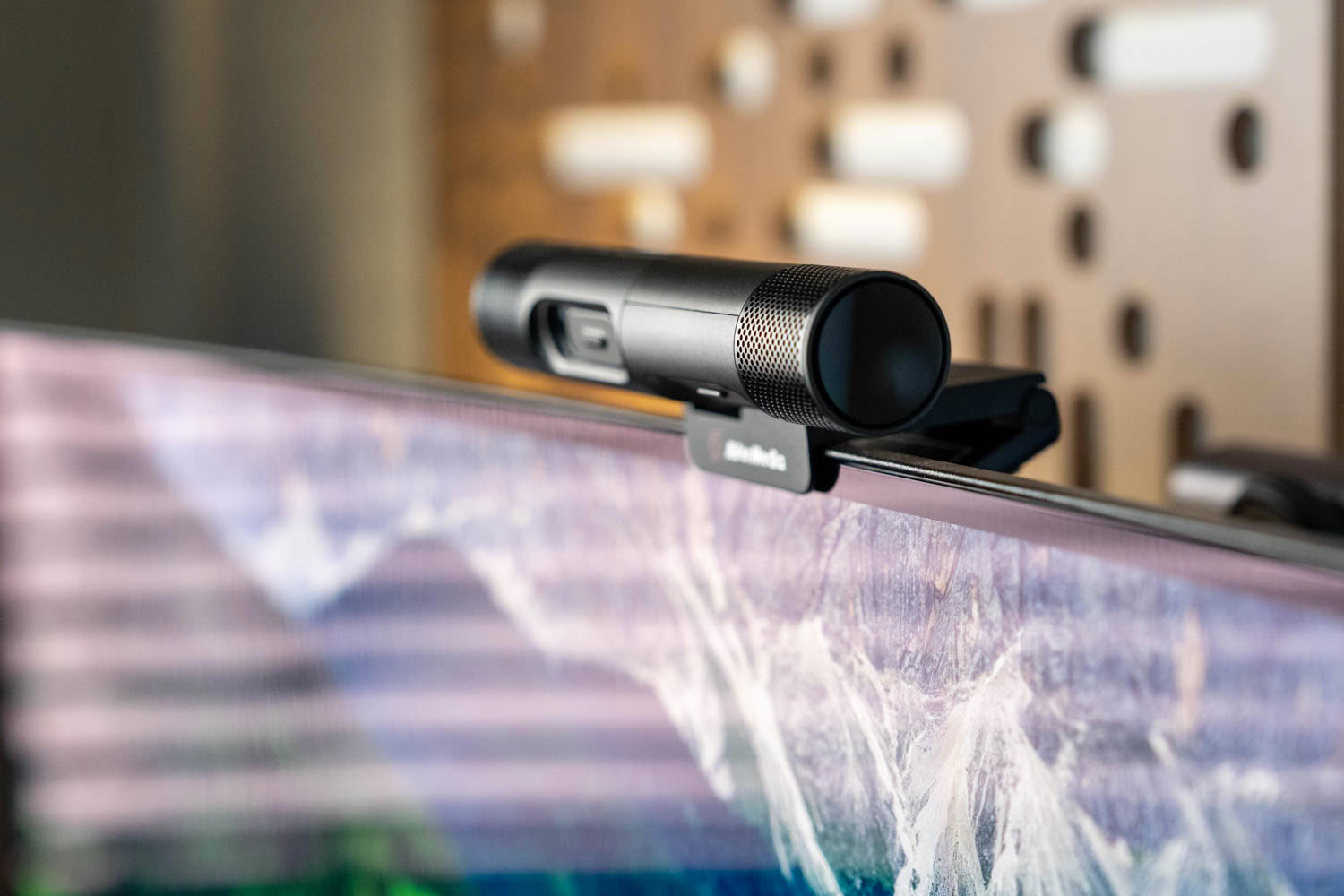
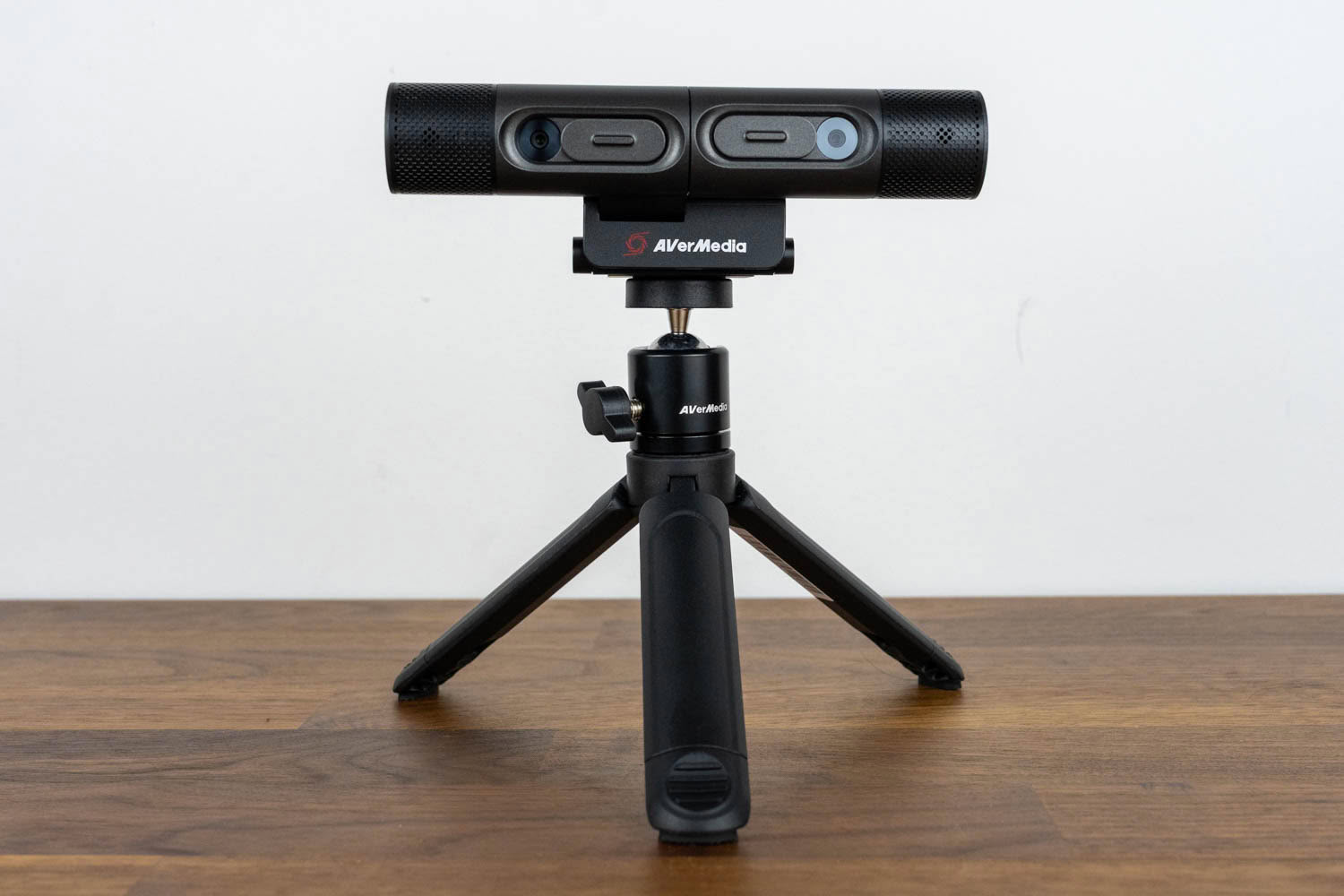
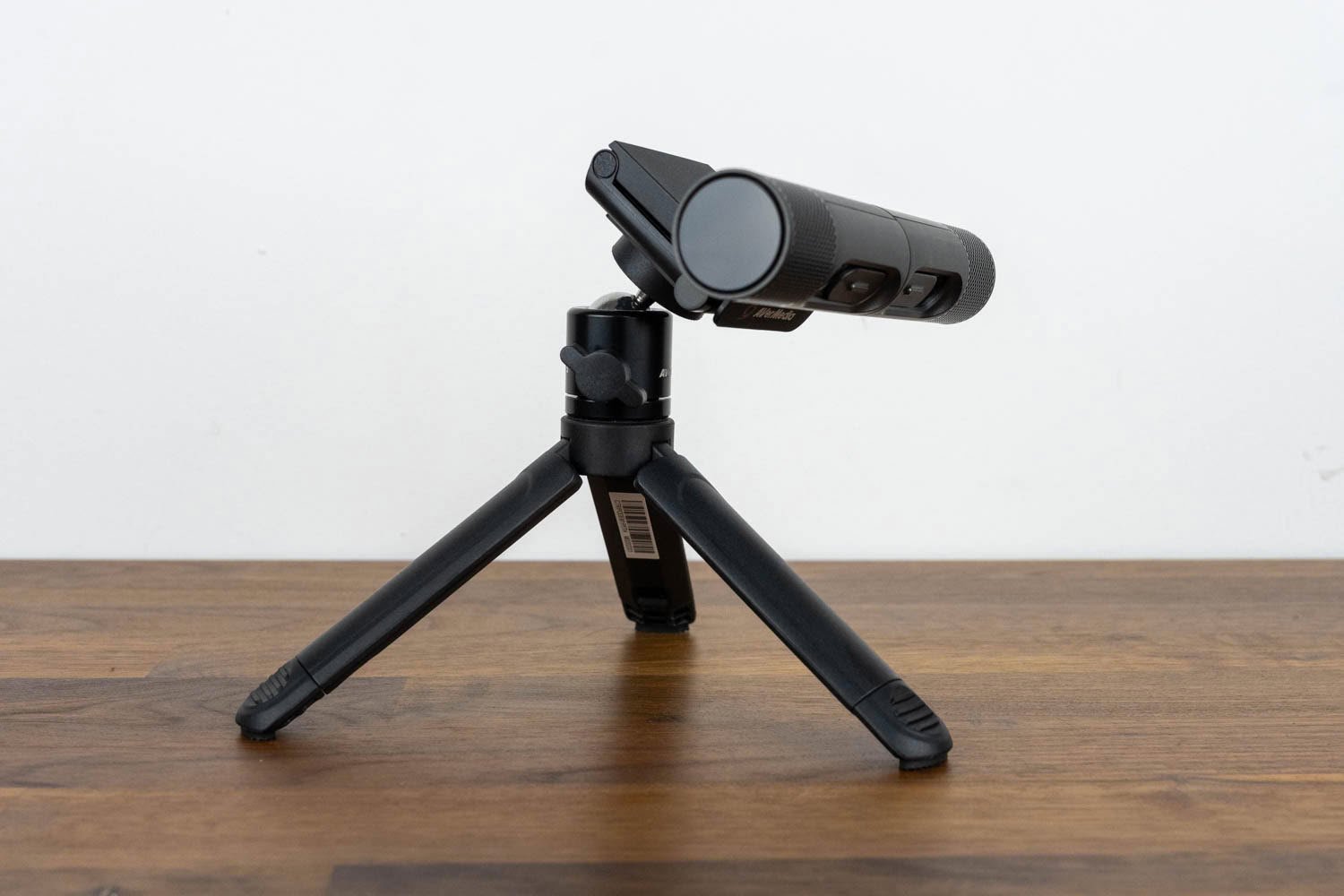
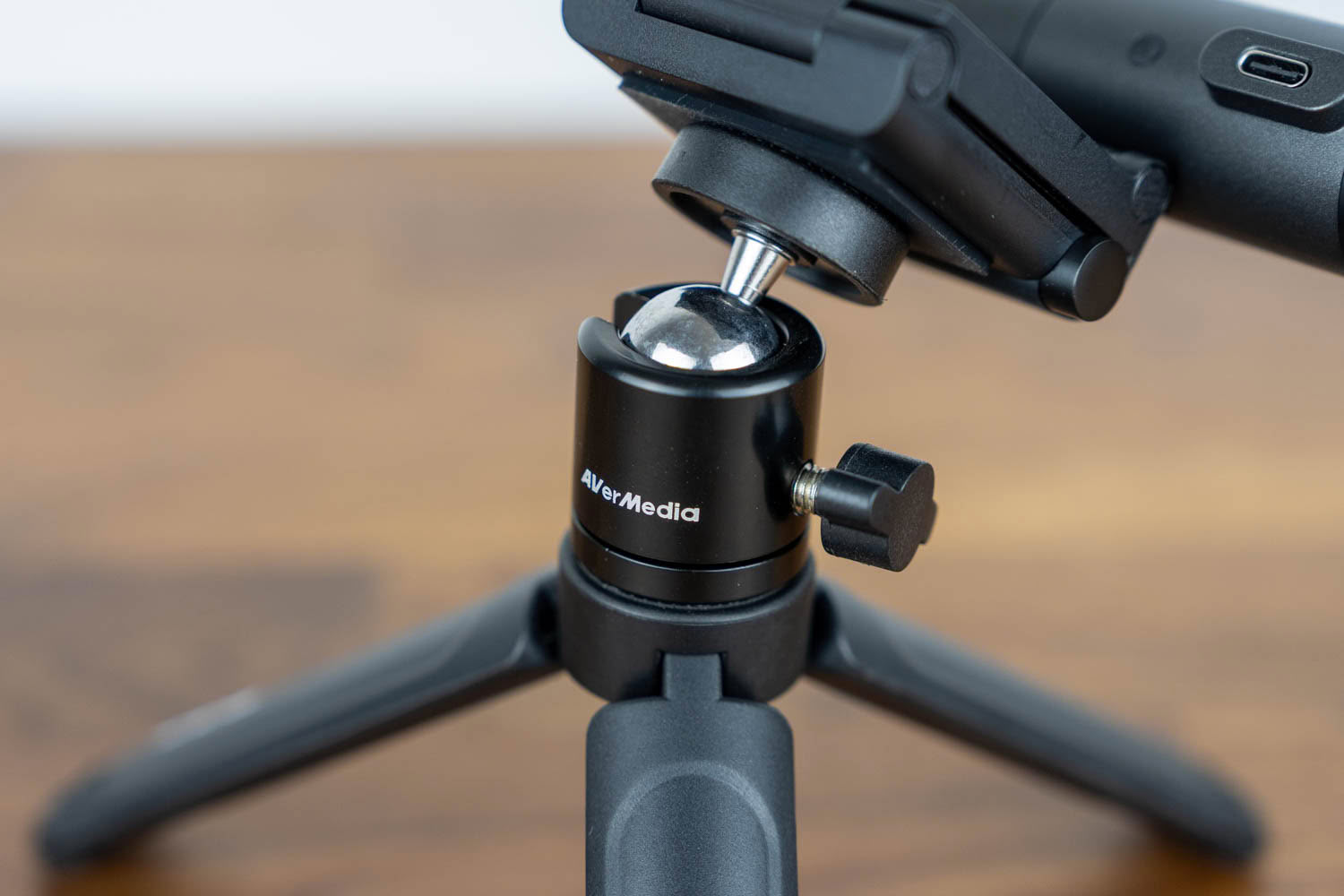
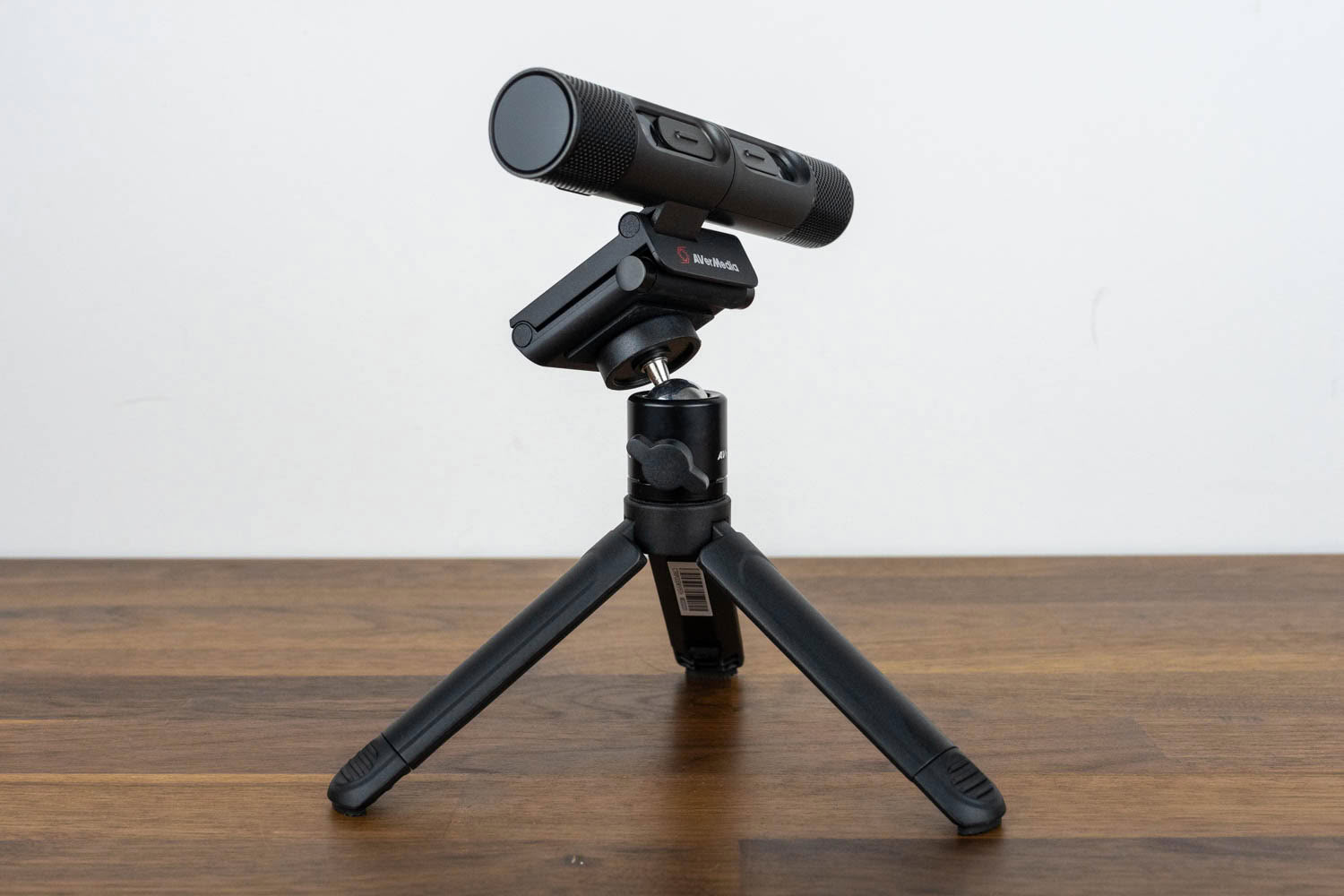
The mounting system consists of a universal clip that fits monitors and laptop screens of various thicknesses, with a 1/4-inch thread on the bottom for tripod mounting. I used the DualCam both on top of a monitor and on the bundled tripod, and it held firmly in both scenarios. The tripod itself is small and lightweight, best suited for desk usage.
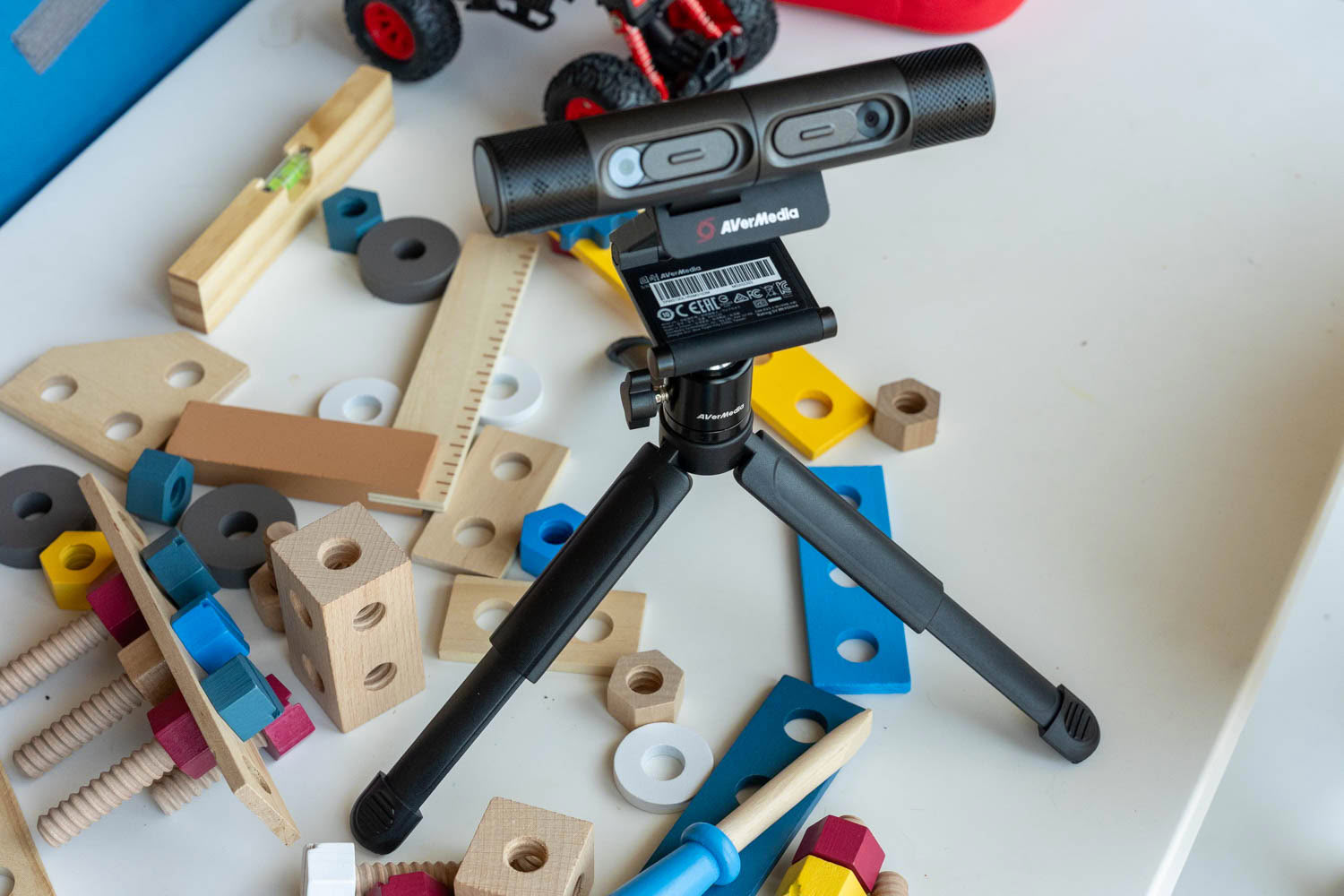
The tripod's legs are telescopic, which is more than you'd expect from a bundled accessory. Extending them gives you a wider, more stable footprint and lifts the camera a few centimeters higher, which is handy when you want the right camera looking down at a larger area of the desk.
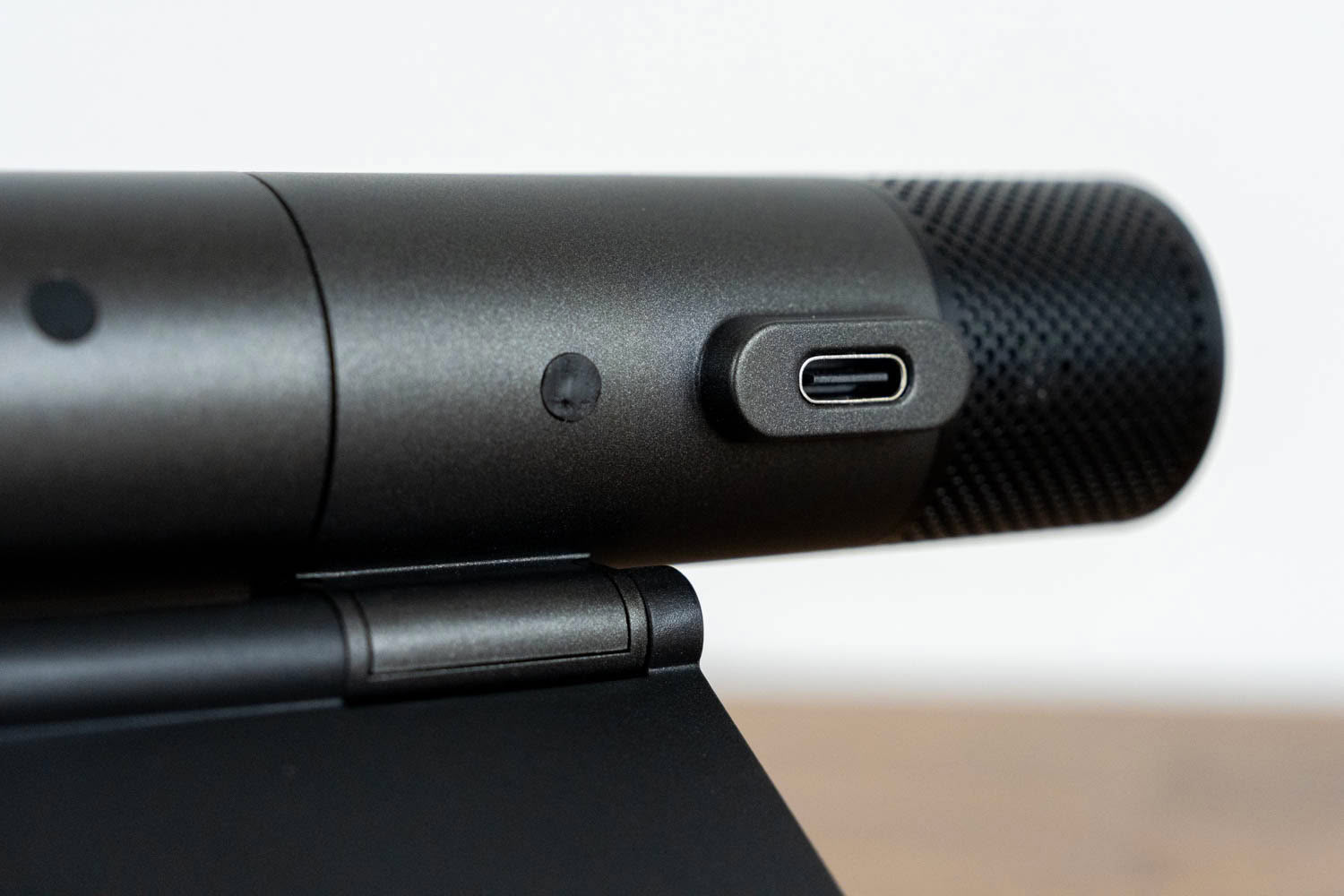
The DualCam connects to your computer with a single USB 2.0 connection and requires no external power, which makes it a genuinely portable device. Throw it in a laptop bag together with the tripod, and you have a complete two-camera setup that weighs next to nothing. After the externally powered Mingle Bar (reviewed here), this simplicity is refreshing, but there's a significant catch, and it's one worth spelling out because it will confuse a lot of people.
While the camera-side connector is USB Type-C, the DualCam is not a USB-C device in any meaningful sense. It's a plain USB 2.0 peripheral that happens to use a Type-C socket instead of the Micro-B one you'd have found on a device like this a few years ago. That distinction matters, because a USB-C host doesn't supply power on VBUS until it detects a device through the CC lines, and for that detection to happen, the device needs pull-down resistors on CC1 and CC2 to identify itself as a sink. The DualCam apparently doesn't have them. Connect it to a USB-C port on your computer with a USB-C to USB-C cable and nothing happens at all: no power, no enumeration, no device in Device Manager. I tried several cables, including high-quality ones I regularly use for video, and the result was identical every time. The camera works flawlessly the moment you switch to the bundled USB-C to USB Type-A cable, or any other cable of that kind, because a Type-A port keeps 5 V on VBUS at all times and doesn't rely on CC detection.
In practice, this means the DualCam requires a USB Type-A port, full stop. If your laptop only has USB-C ports, and plenty of modern ones do, you'll need a hub or a dock that gives you a Type-A port to plug the camera into. It's not a dealbreaker, as USB Type-A is hardly extinct, but it's the kind of thing that has people convinced they've received a defective unit, and AVerMedia could have solved it with two resistors that cost a rounding error.
Nov 17th, 2026 20:03 CST
change timezone
Latest GPU Drivers
New Forum Posts
- Lenovo Legion Pro 5 Audio Nightmare: Fan Noise, Harsh Voice & Massive DPC Latency (Help!) (2)
- Help with fixing Overclock (8)
- Will zen 6 mobos have anything extra vs current ones? (51)
- WarpCoreBench scores! (56)
- Slow SSD read speeds - help! (15)
- Ryzen 7 8700G OC (9)
- Without Jensen, PC gaming will be (35)
- Honestly, do you care about GTA VI? (134)
- [testers wanted] Qsurfer My own QNAP Nas explorer/Search tool (7)
- Local LLM General Discussion (693)
Popular Reviews
- Acemagic Retro X3 Review
- Upcoming Hardware Launches 2027 (Updated Nov 2026)
- AMD Zen 6 Technical Deep Dive
- ASUS ROG Strix B850-I Gaming Wi-Fi7 W Review
- Corsair HX1000i Shift Crystal Review
- Chieftec Iceberg PRO 360 DARK Review
- AMD Ryzen 7 9800X3D Review - The Best Gaming Processor
- Phantom Blade Zero Performance Benchmark Review - 35 GPUs Tested
- Montech King 95 3D PRO Review
- NZXT C1200 Platinum Review
TPU on YouTube
Controversial News Posts
- NVIDIA Co-Founder and CEO Jensen Huang Officially Resigns (462)
- Open Letter Asking NVIDIA to Reinstate Jensen Huang Passes 115,000 Signatures (184)
- OpenAI CEO Argues Home PCs Waste the World's Limited DRAM Supply (152)
- Report: Jensen Huang Eyes NVIDIA Comeback (137)
- NVIDIA Launches Investigation Into Jensen Huang's Relationship With Suspected Chinese Spy (136)
- Intel "Raptor Lake Next" 16-Core and 20-Core CPUs Surface (130)
- Legendary Game Studio BioWare Shuts Down Following EA Layoffs (104)
- Dell CEO Says the Memory Shortage Will Get Worse in 2027 (95)