 25
Cooler Master V8 ACE 3DHP Black Review
Finished Looks »Installation

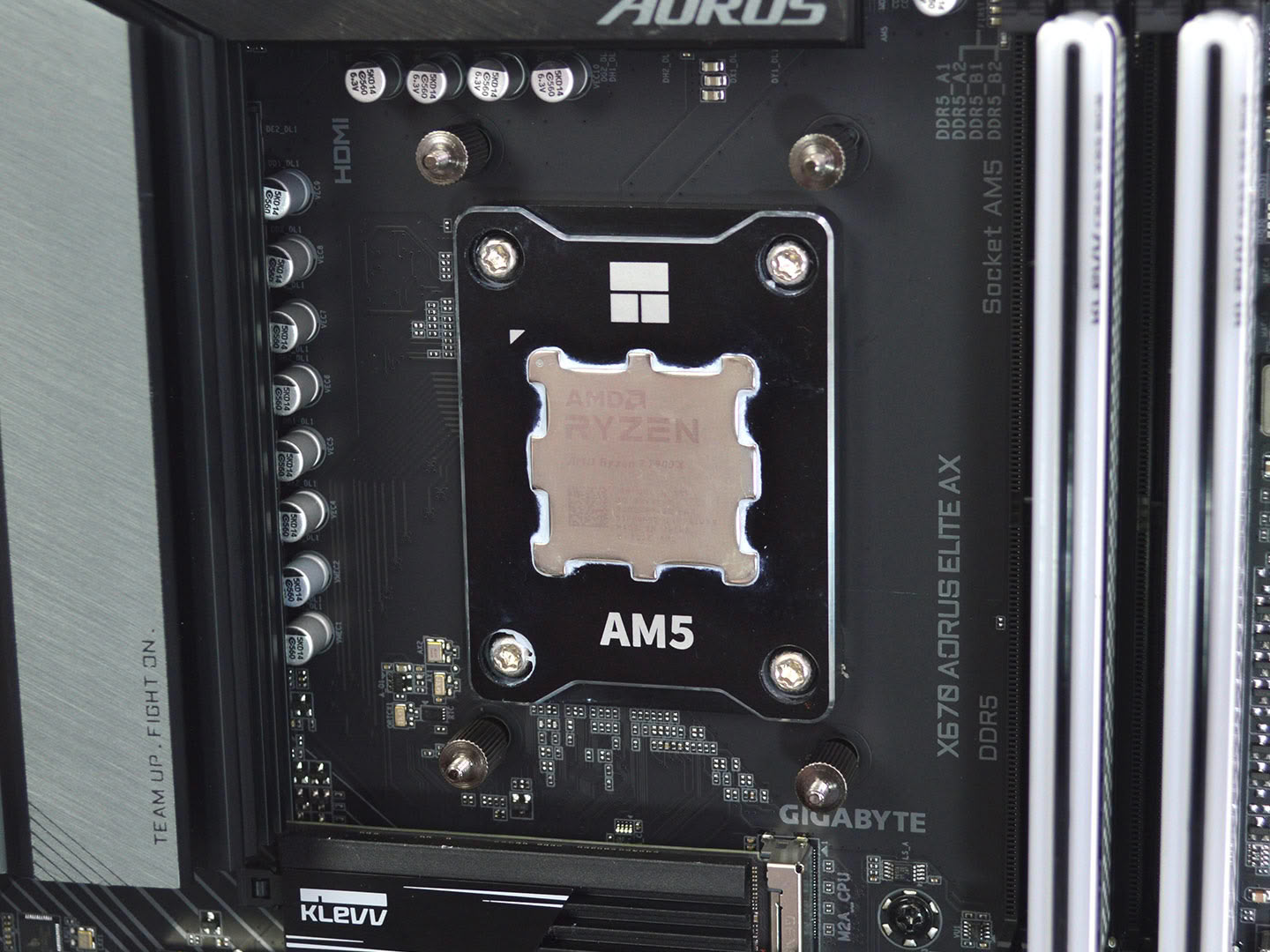

Installing the Cooler Master V8 ACE 3DHP is a relatively quick and painless process. To start, on AM5 remove the plastic motherboard brackets and screw in the AMD standoffs. Then position the mounting arms on the standoffs and secure them with the included nuts.
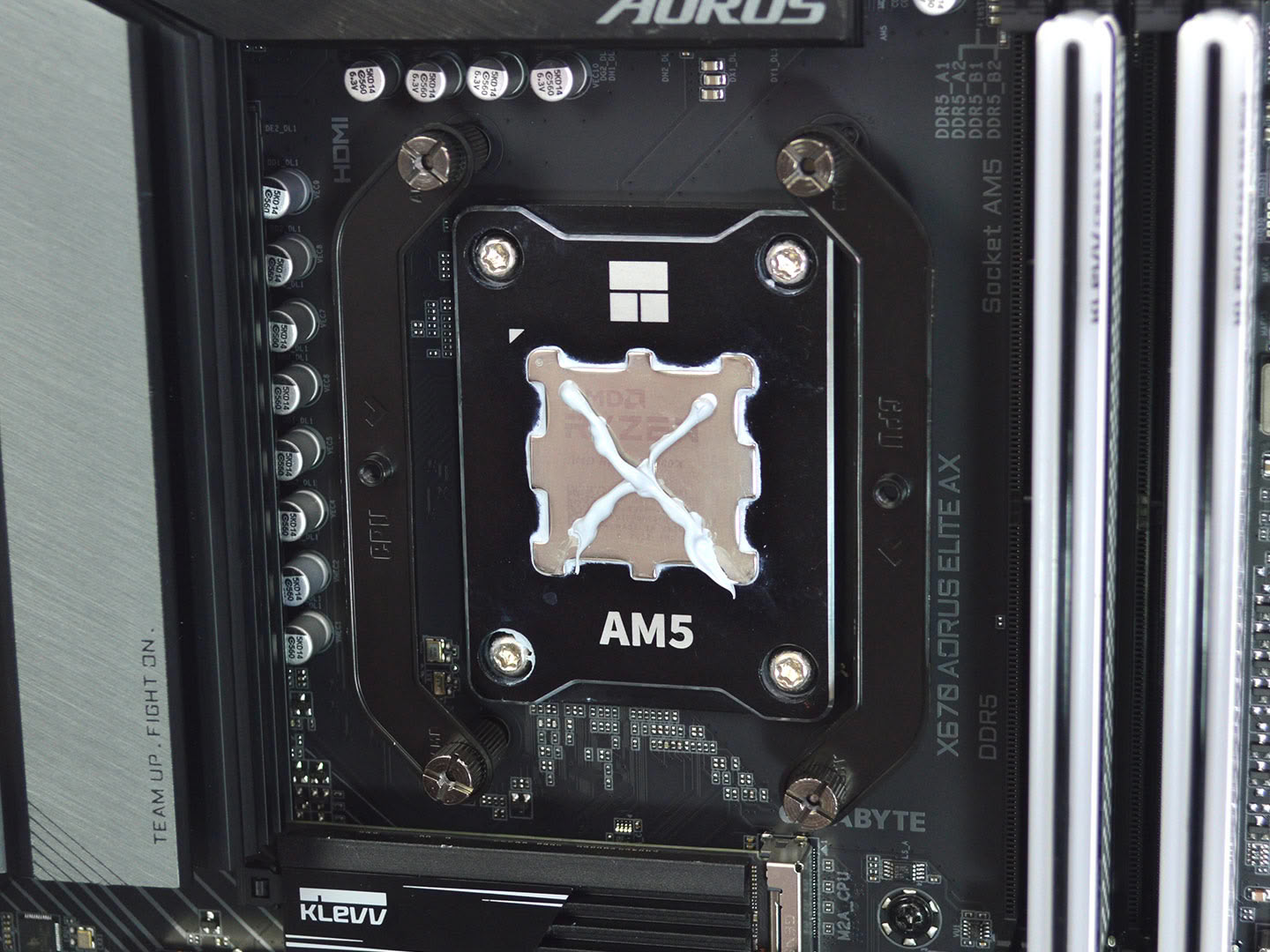
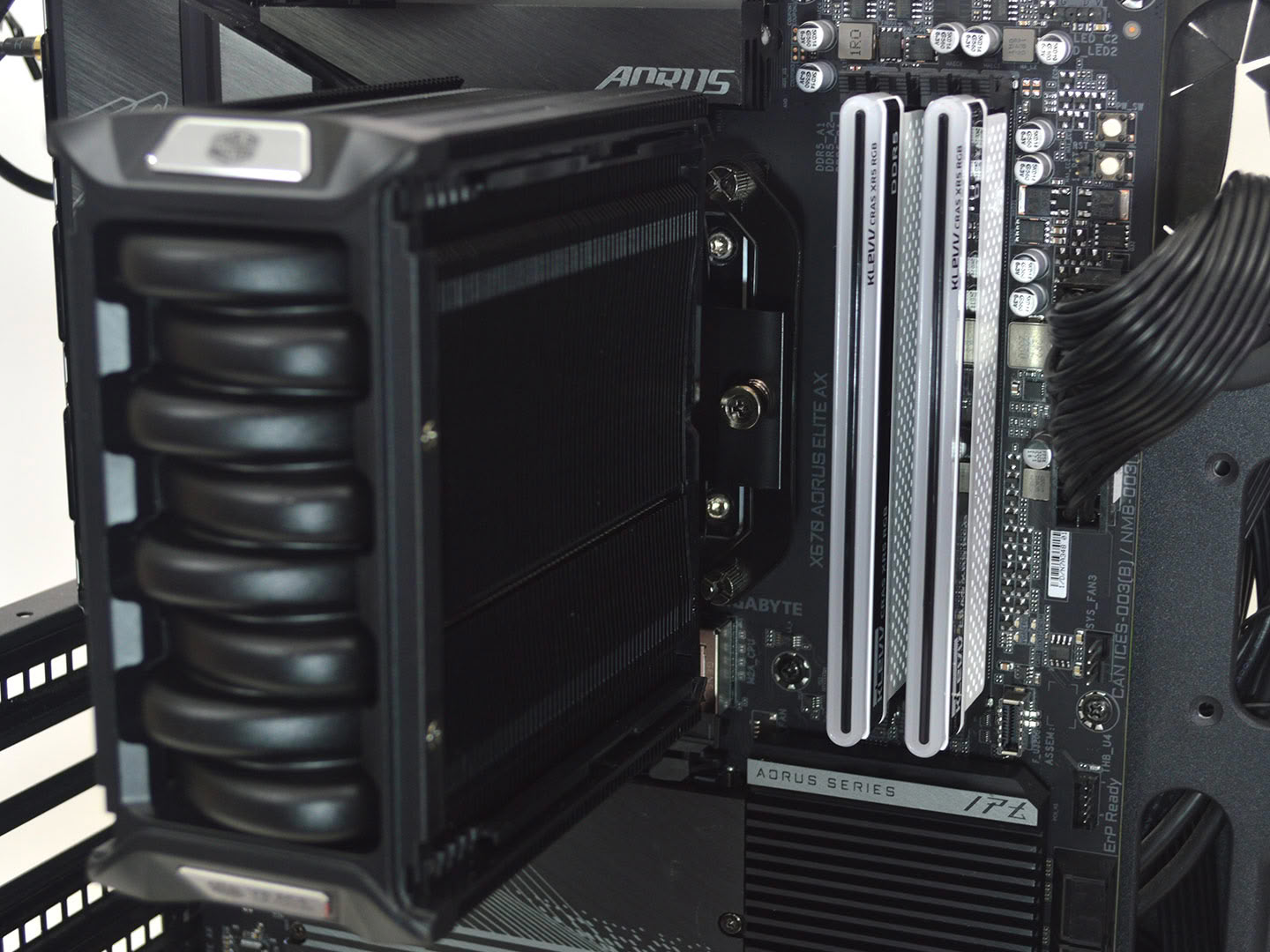
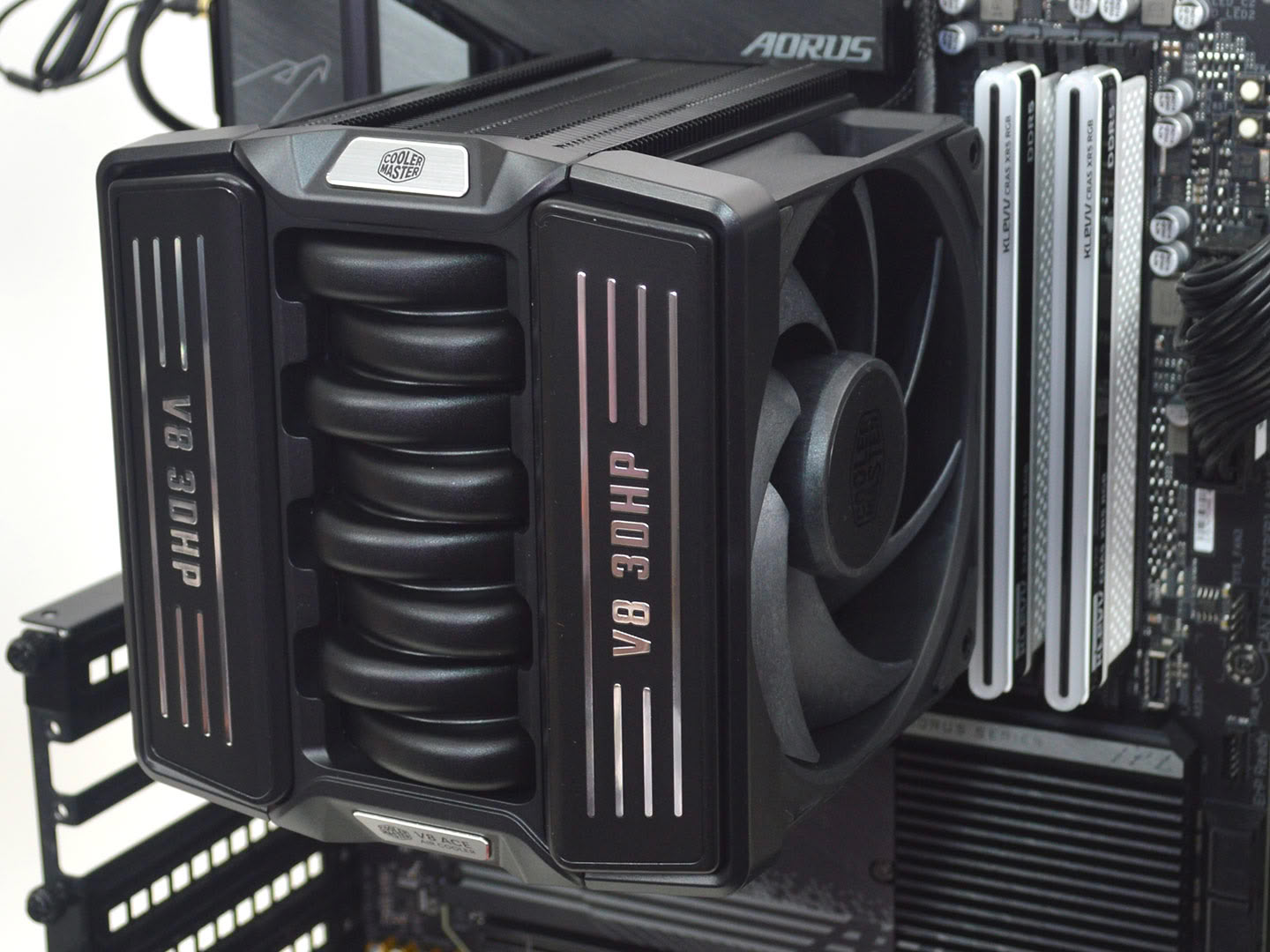
Next, apply thermal paste—for testing I used Arctic's MX-6—and then install the heatsink, alternating between both screws for even pressure. Once the heatsink is installed just slide the fans down onto the heatsink.
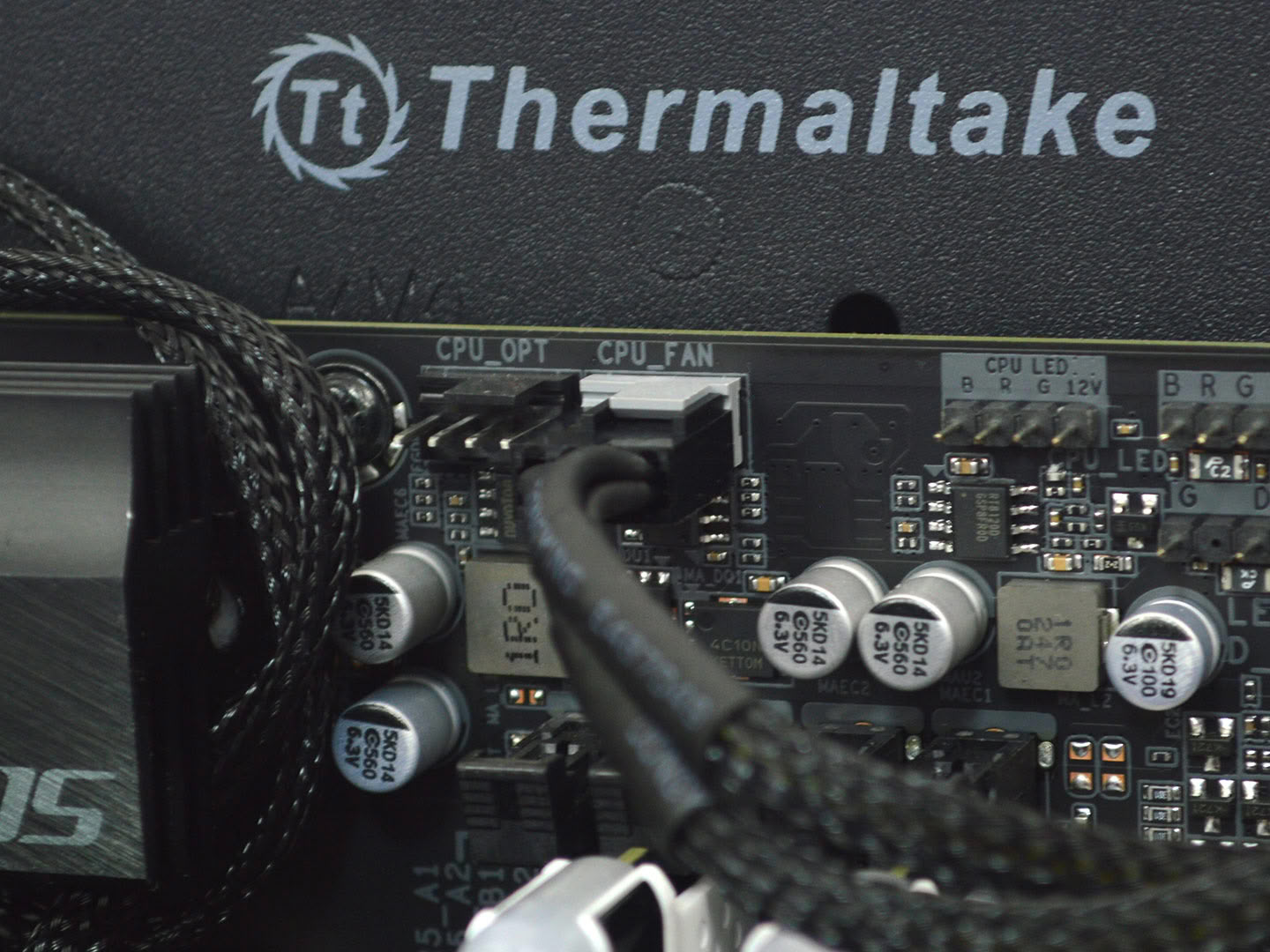
Now all that remains is to plug the fans into the CPU fan header on the motherboard, and you're good to go!
Overall, the installation is pretty straightforward on AMD and Intel with no problems to speak of. The Intel mounting process is essentially the same, but you're using the Cooler Master provided backplate.
Nov 13th, 2026 08:16 PST
change timezone
Latest GPU Drivers
New Forum Posts
- TechPowerUp Screenshot Thread (MASSIVE 56K WARNING) (4386)
- Microsoft Exchange/365 outages? (45)
- [Community Benchmark] MrH OpenCL Benchmark 2.0e (Windows Only – CPU & GPU) (1)
- Dual B70 or Dual R9700 Pro on Linux (0)
- To AiO CPU Cooler users? (6)
- I won't download games that are larger than 30–40 GB. (107)
- Slow SSD read speeds - help! (2)
- Any other old-timers here planning to play WoW Forever? (150)
- Requesting original VBIOS for Gigabyte RX 5700 XT GAMING OC 8G Rev 2.0 (Micron) (0)
- Home page search by category (6)
Popular Reviews
- AMD Zen 6 Technical Deep Dive
- Corsair HX1000i Shift Crystal Review
- NZXT C1200 Platinum Review
- Upcoming Hardware Launches 2027 (Updated Nov 2026)
- Montech King 95 3D PRO Review
- NZXT H7 RGB+ Review
- NZXT H5 Review
- Phantom Blade Zero Performance Benchmark Review - 35 GPUs Tested
- XPG NIMBUS PLUS Review - Mid-range Chair With Strong Competitors
- Gigabyte Z890I Aorus Ultra Review
TPU on YouTube
Controversial News Posts
- NVIDIA Co-Founder and CEO Jensen Huang Officially Resigns (355)
- OpenAI CEO Argues Home PCs Waste the World's Limited DRAM Supply (152)
- NVIDIA Launches Investigation Into Jensen Huang's Relationship With Suspected Chinese Spy (136)
- Intel "Raptor Lake Next" 16-Core and 20-Core CPUs Surface (130)
- Legendary Game Studio BioWare Shuts Down Following EA Layoffs (104)
- Dell CEO Says the Memory Shortage Will Get Worse in 2027 (95)
- NVIDIA GeForce RTX 50-Series Scheduled for up to $500 Price Hike This Week (89)
- Modder Fits RTX 5090 With Four 8-Pin Connectors, Halving Current per Wire (80)