 17
Corsair ONE i160 Compact Gaming PC Review
(17 Comments) »Introduction

A big thank you goes out to Corsair for providing the review sample.
Corsair is known far and wide at this point since anyone and everyone has likely heard about, seen, or owned one of their products. While they don't offer their own graphics cards or motherboards, they do offer just about everything else, including system memory, SSDs, power supplies, cases, fans, coolers, and more; they even offer complete full systems. Overall, Corsair has emerged as one of the biggest players in the global DIY PC market, which is quite impressive considering their modest start back in 1994.

With global reach, diverse products, solid warranties, and exceptional customer support, it isn't surprising that Corsair's foray into custom gaming computers and workstations has gone smoothly. In today's review, I take a look at the ONE i160 Compact Gaming PC. It comes equipped with an Intel i9-9900K, NVIDIA GeForce RTX 2080 Ti, two stick of 16 GB DDR4-2666 RAM, 480 GB M.2 NVMe SSD, and a 2 TB 5400RPM HDD, all of which is crammed into a small custom form factor chassis. For the privilege of owning this unique system, you best be prepared to pay the price: it has an MSRP of $3599.99 as configured.
| Specifications | |
|---|---|
| Manufacturer: | Corsair |
| Model: | ONE i160 |
| Chassis: | Custom Chassis 7.87 x 6.79 x 14.96 inches 200 x 172.5 x 380 mm 1x Power switch 2x USB 3.1 Gen 1 1x HDMI 2.0b (front) 1x Combo headphone/microphone jack |
| Processor: | Intel i9 9900K 3.6 GHz Base (5.0 GHz Boost) |
| CPU Cooling: | Custom All-in-one liquid cooler |
| Motherboard: | Intel Z370 chipset MSI Z370I C2018 (MS-7843) |
| Operating System: | Windows 10 Home 64-bit |
| Integrated Graphics: | Intel UHD Graphics 630 |
| Dedicated Graphics: | NVIDIA GeForce RTX 2080 Ti Liquid-cooled 11 GB GDDR6 3x DisplayPort 1x HDMI |
| Memory: | 32 GB (2x 16 GB) Corsair Vengeance LPX CL 16-18-18-35 @ 2666 MHz DDR4 2x DIMM slots (2x occupied) |
| Storage: | 480 GB Samsung PM961 2 TB Seagate BarraCuda 5400 RPM 2.5" HDD 1x 2.5" HDD bay (occupied) 1x M.2 PCIe slot (occupied) |
| Optical Drive: | Not included |
| Rear I/O: | 1x Set 7.1 Surround Audio 1x Optical S/PDIF OUT 2x USB 3.1 Gen 2 Type-A port 1x USB 3.1 Gen 2 Type-C port 2x USB 2.0 ports 1x PS/2 Keyboard/ mouse combo port 1x RJ45 |
| Networking / Communication: | 1x Intel I219-V Gigabit LAN 1x Intel Dual-Band AC 8265 |
| Audio: | Realtek ALC 1220 |
| Input device: | Not included |
| Power: | Corsair SF600 600 watt 80 Plus Gold |
| Warranty: | Two years |
| MSRP: | $3599.99 |
Packaging and Contents


The Corsair ONE i160 ships in a large pelican case which has the system nestled safely inside, surrounded by thick foam. Taking a closer look at the box, it shows off the system and its RGB LED implementation along with the slogan "Battle, Create, Explore."


The other sides are much the same except for one with a small section detailing the system's basic specifications. You may have noticed the small plastic inserts on two sides; these secure the box and keep it closed, nothing more.


With the system removed, we have the i160 system, a power cable, a couple of WiFi antennas, and some warranty and user guides. No other extras have been included.
- Corsair ONE i160 system
- Power cable
- 2x Wireless antenna
- Miscellaneous literature
A Closer Look


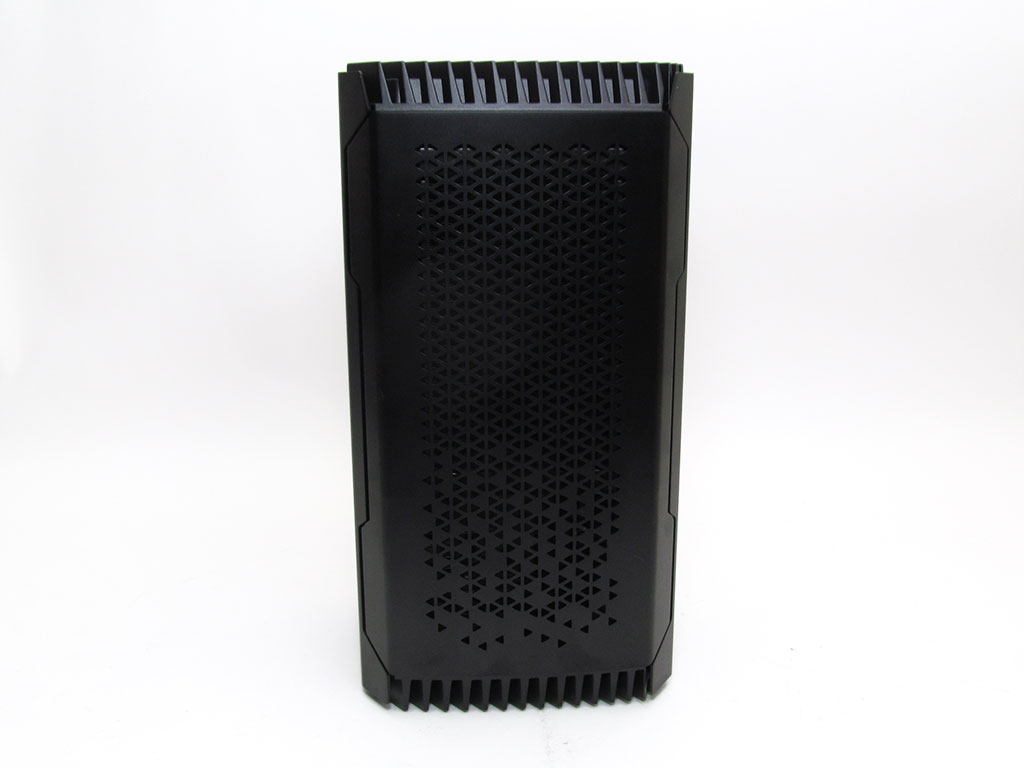
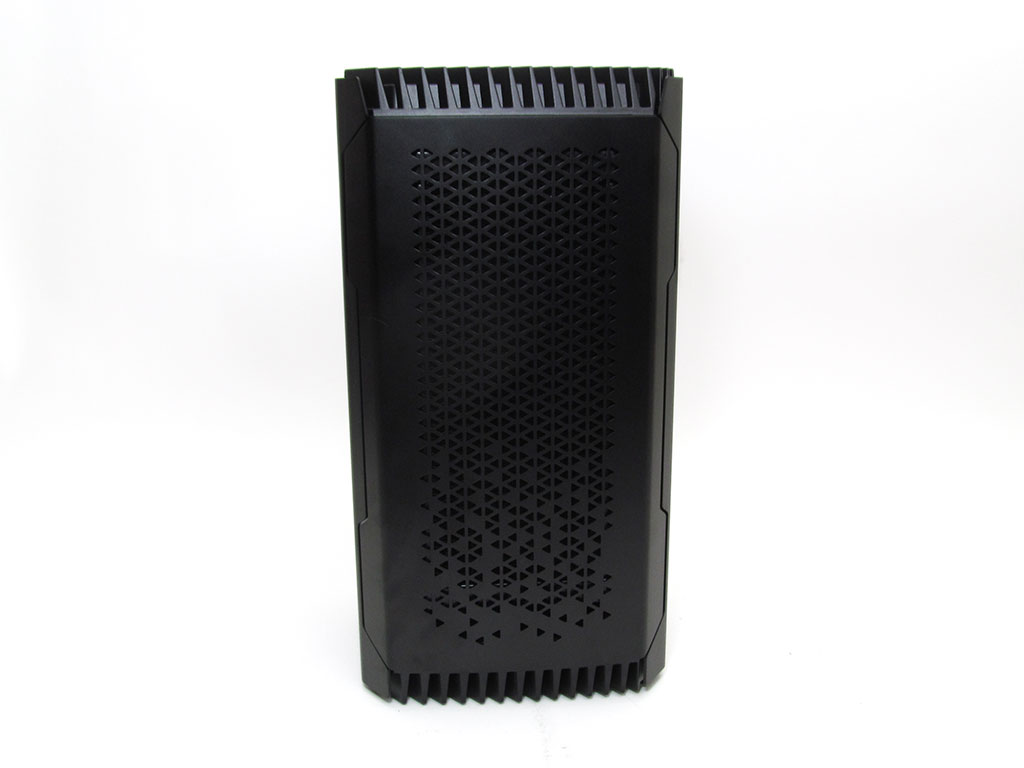
The chassis used by Corsair is unique and specific to the ONE series of systems. Looking at the front, it features a power button and two LED-illuminated areas, while at the bottom, there is a headphone/microphone jack, 2x USB 3.1 ports, and an HDMI 2.0 port. For cooling purposes, the side has a diamond-cut pattern for airflow, which is achieved by the top fan pulling air in via convection-assisted cooling.
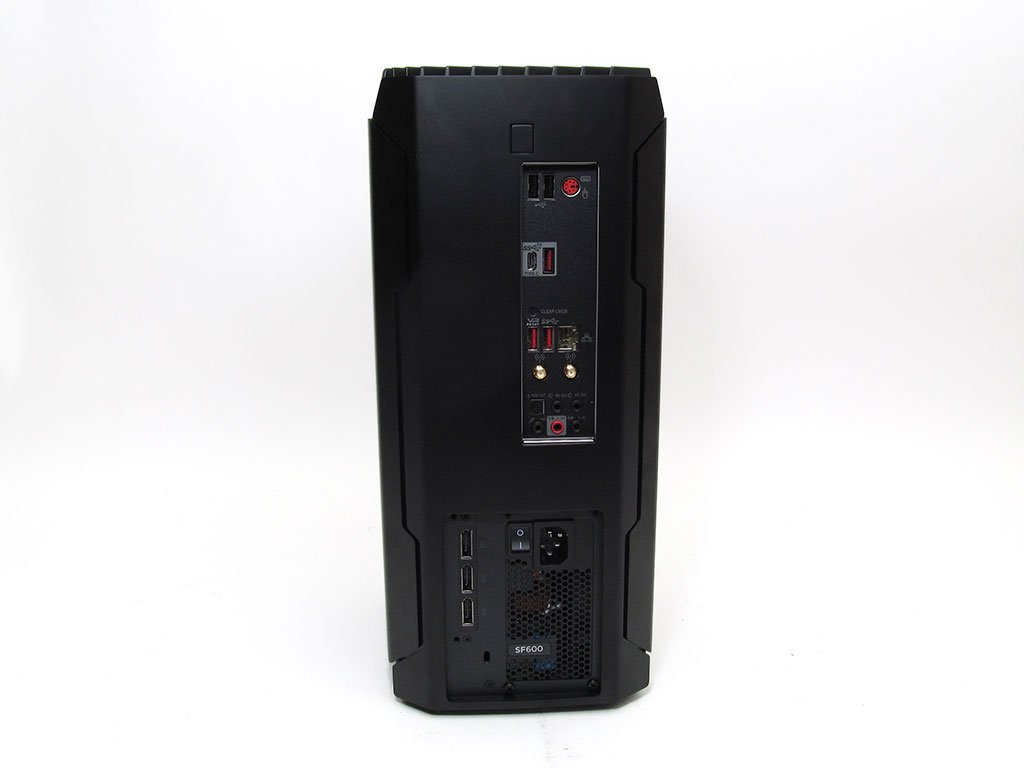
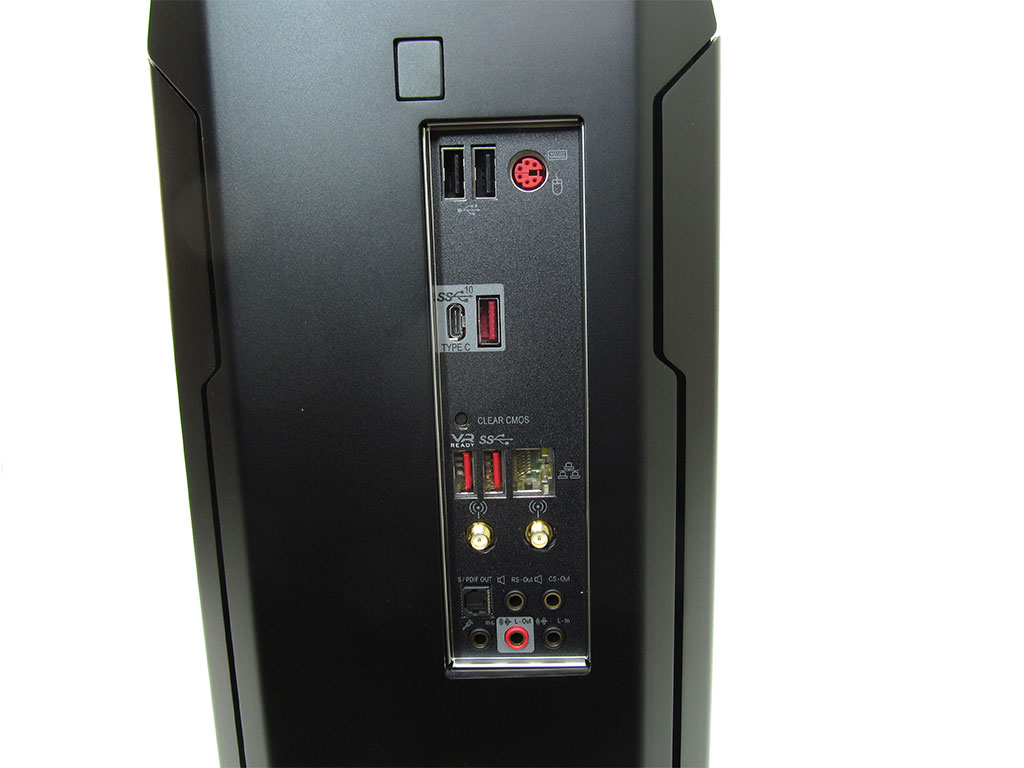
Checking out the back, we can see the motherboard has limited I/O with only 2x USB 2.0, 1x PS/2, 1x USB 3.1 Type C, 2x USB 3.1 Type A, 1x Ethernet, 2x WiFi antenna, 1x S/PDIF, and HD audio available. Considering the price, some extra USB ports and the ability to use the integrated graphics would have been nice. The button to remove the top is also located on the back, just above the motherboard I/O.
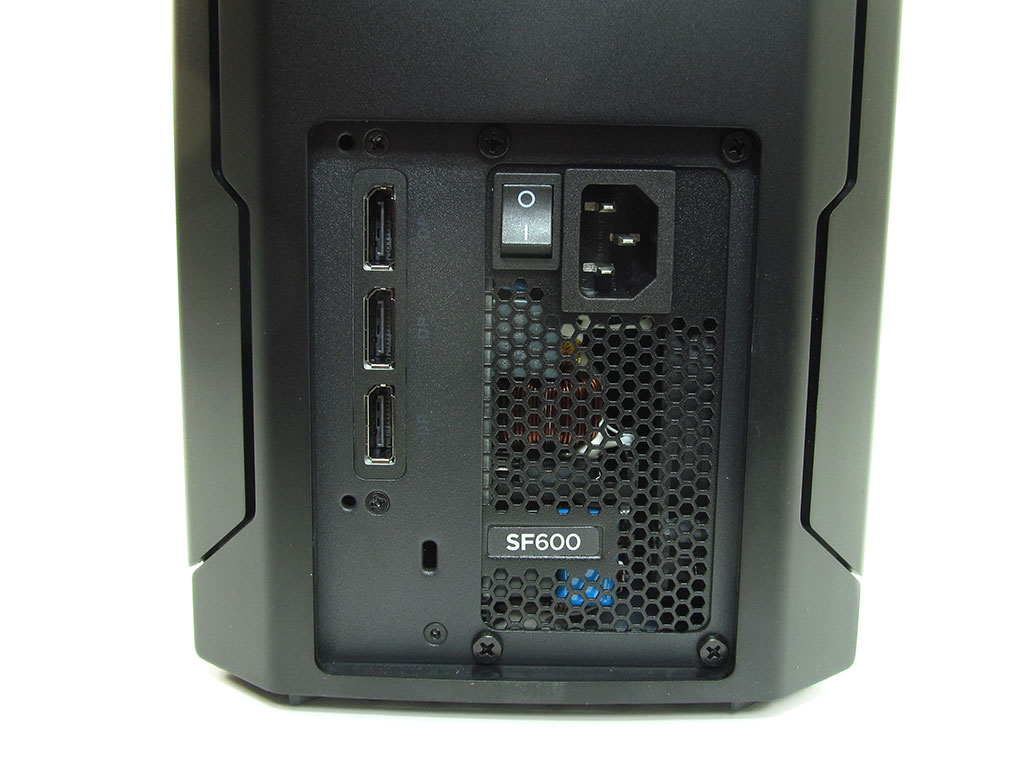
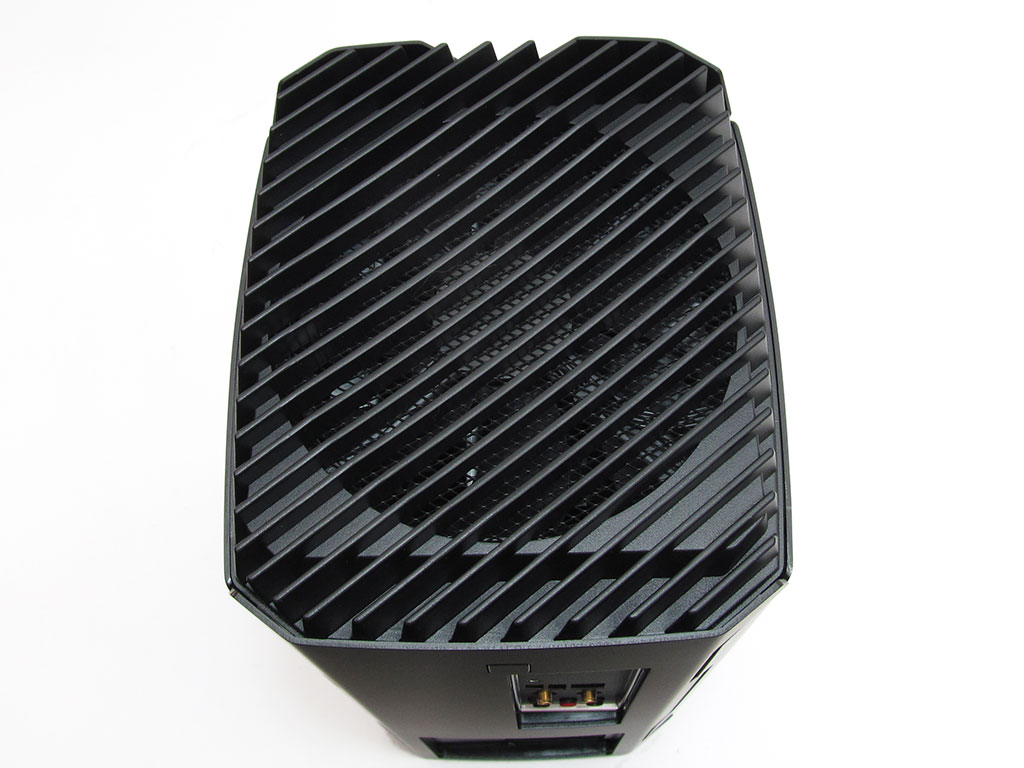
At the bottom, users will find the Corsair SF600 power supply and three DisplayPort outputs. As noted before, the only HDMI port is at the front, which is a bit odd, but that is a design decision I will touch on later. Meanwhile, the only cooling fan in the system is at the top. Interestingly enough, due the system's construction, the top metal grill can actually get quite warm to the touch.
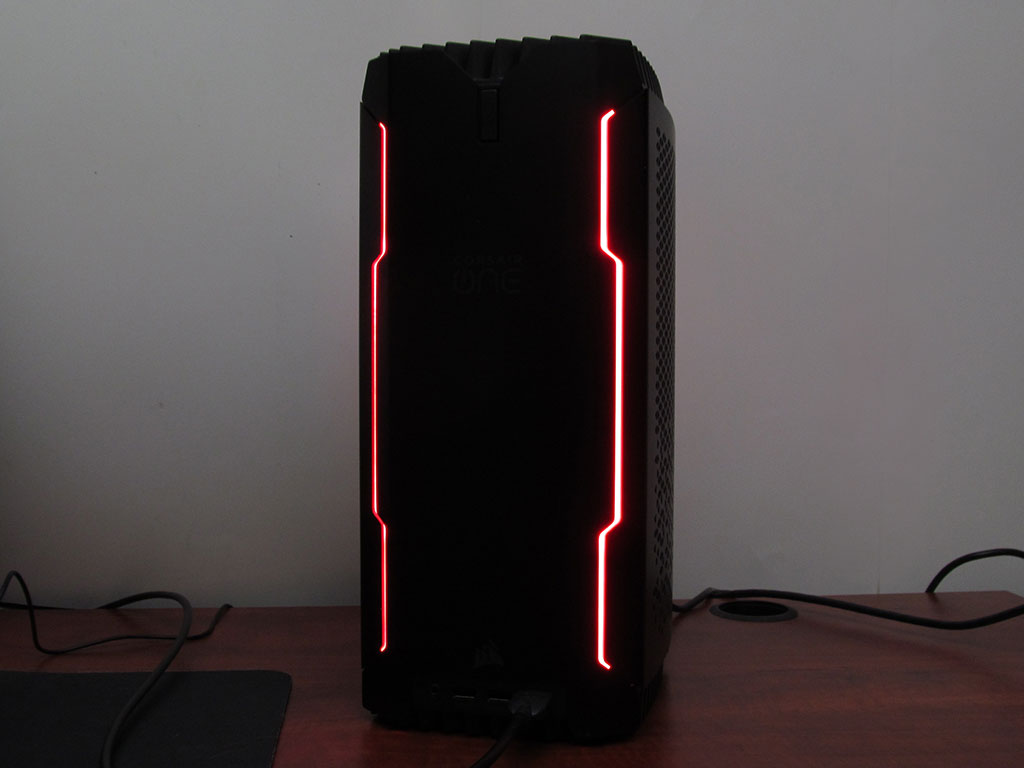
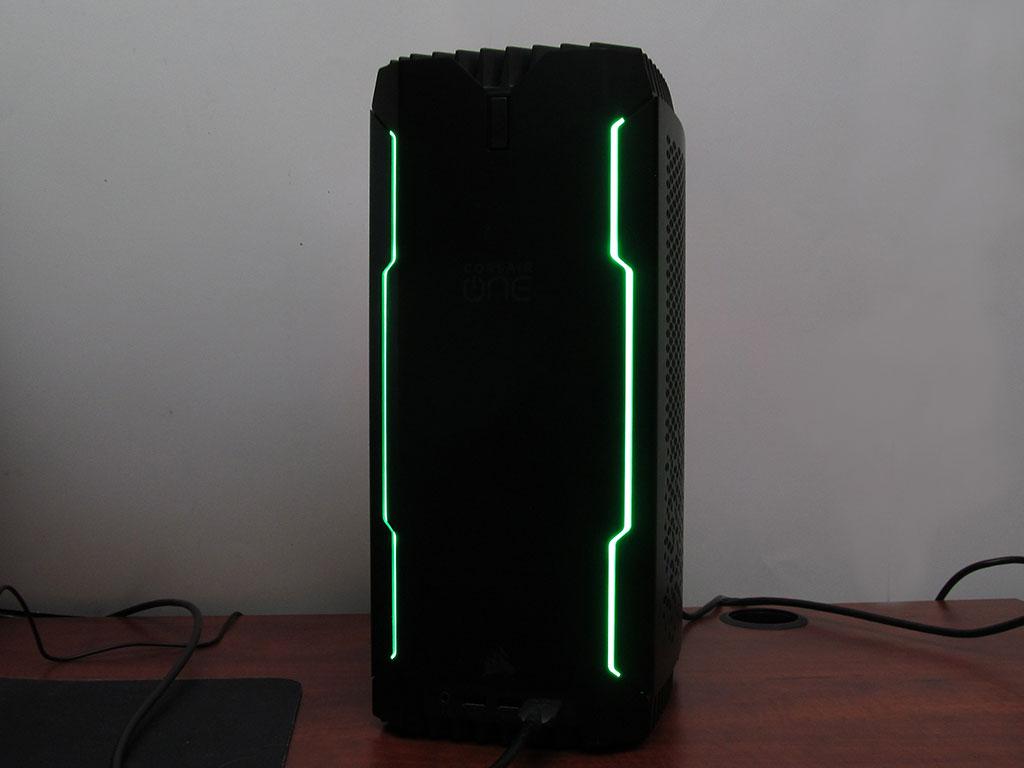
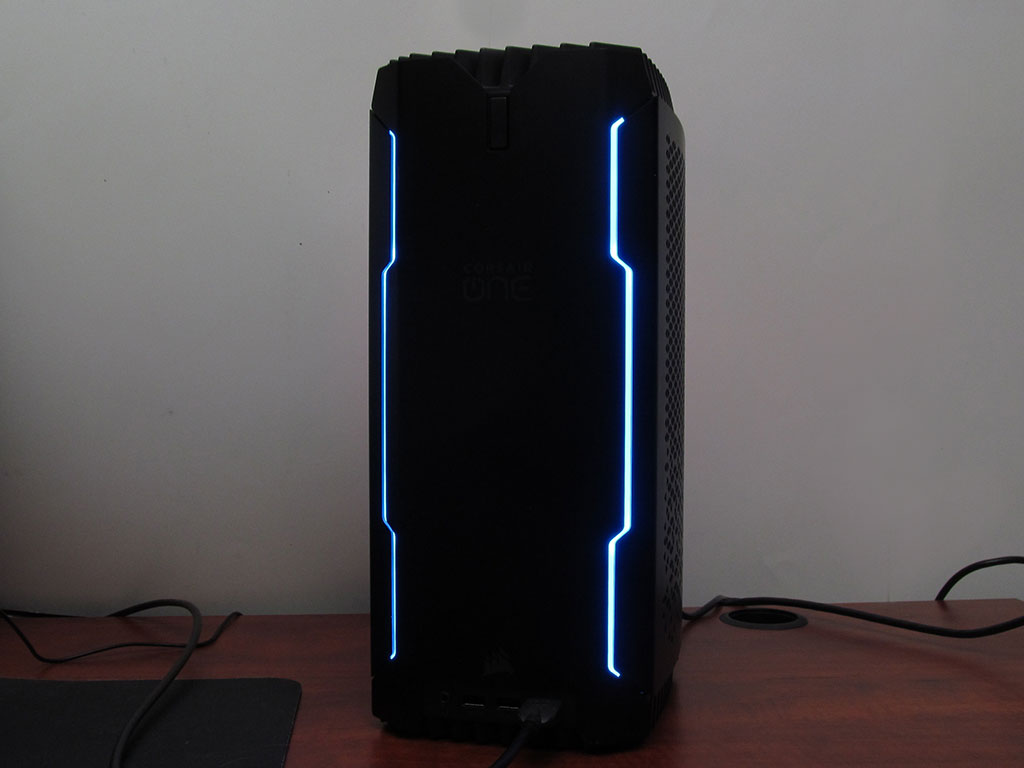
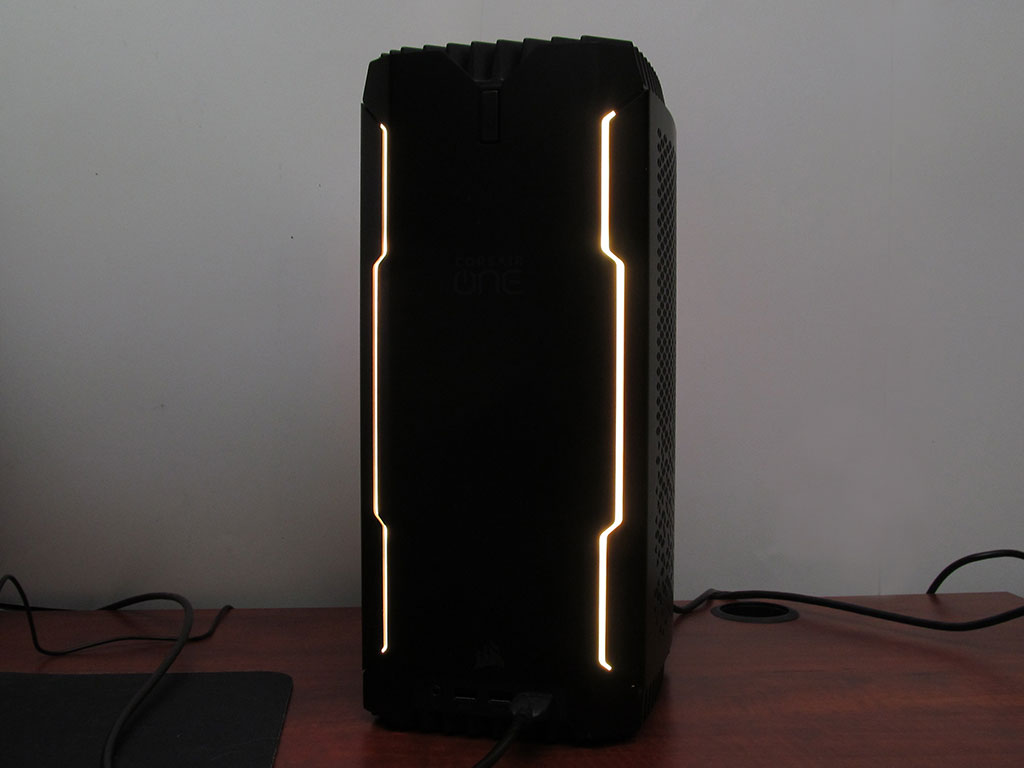
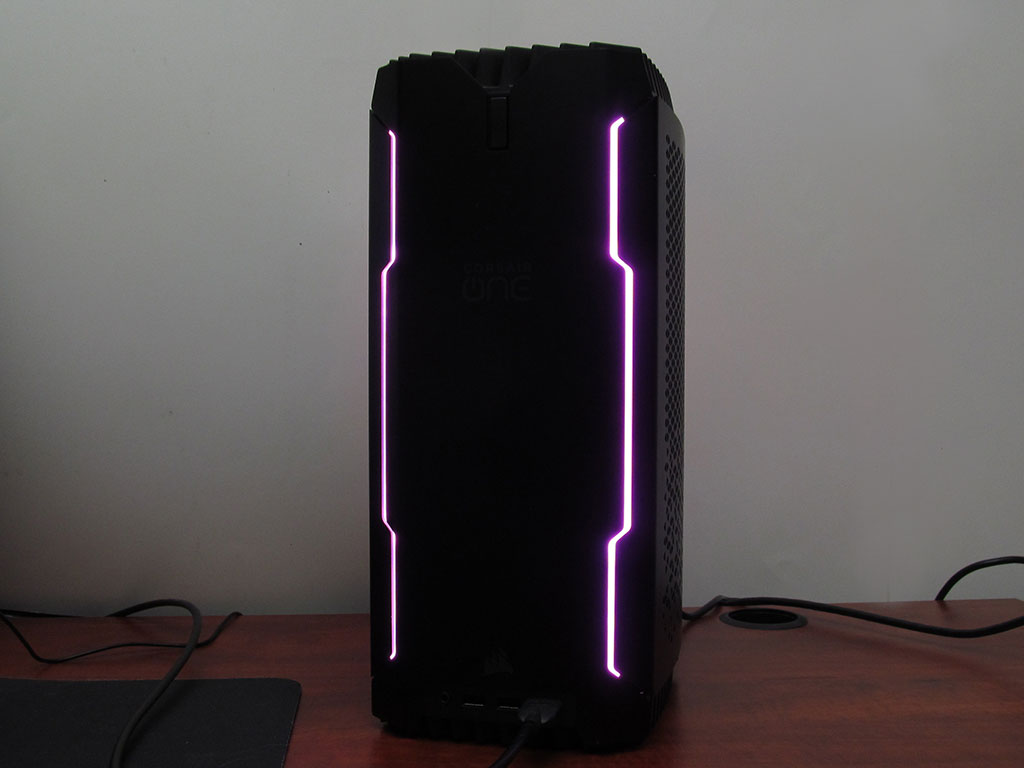
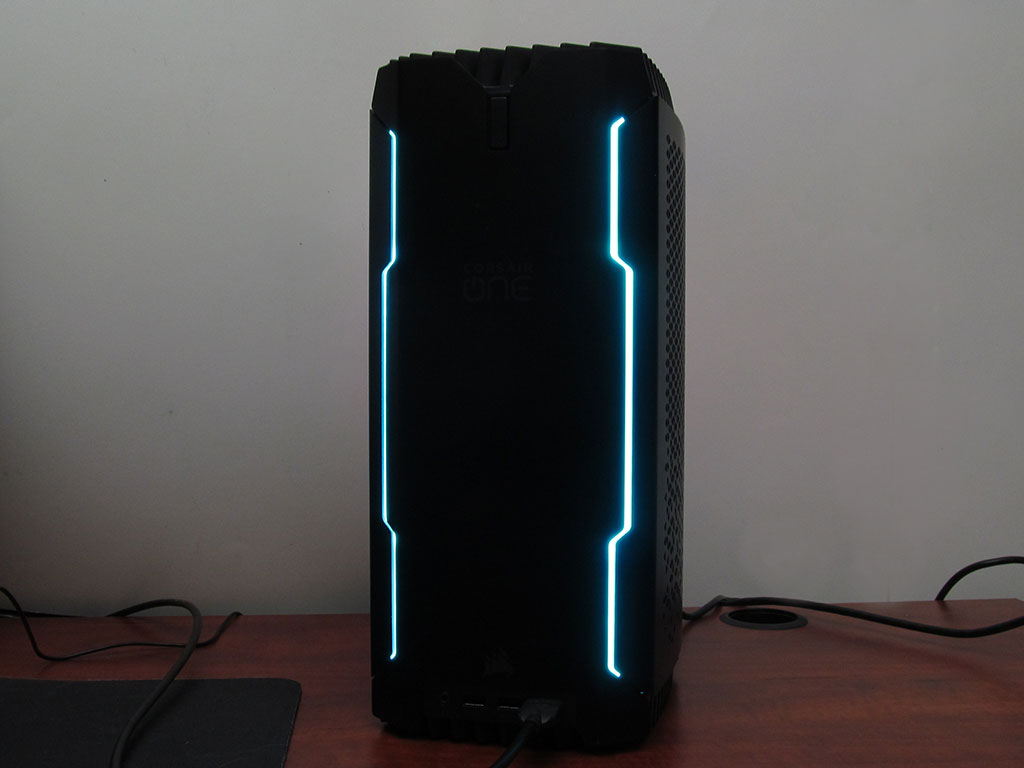
Obviously, thanks to Corsair's ICUE software, you can change the RGB LEDs to any color you wish, with multiple modes available as well. Shown here are just a few of the possible color options.
A look Inside


Opening the system up is easy enough; however, actively changing some components can be a challenge, which has Corsair offer a repair service should something go wrong. The first step is to push the button just above the motherboard I/O, which will allow you to lift off the top plate and fan. Be gentle and make sure to unplug the fan. With that taken care of, you can remove the four black screws which hold the side panels in place. Once done, you will in theory have access to the majority of components.


To make removal of other components easier, you will want to detach the radiators from each side panel. Once that has been done, you can remove the screws securing the graphics card to the system; just make sure to detach the display cables shown in the second image. With all screws and wiring unplugged, you can remove the NVIDIA GeForce RTX 2080 Ti. With that out of the way, you now have access to the M.2 SSD.


Removal of system memory is relatively easy, but it is a bit cramped. As for the HDD, it can be removed by removing two screws and gently sliding it out and giving it a slight twist to keep from straining the SATA and SATA power cables.


The graphics card is a custom RTX 2080 Ti with Corsair all-in-one liquid cooler along a separate fan and heatsink for the VRM. The PCB looks to be an NVIDIA's reference design.


As for the M.2 SSD, it's a Samsung PM961, which, while not top of the line or fancy in anyway, still delivers stellar performance. In regards to system memory, the One i160 comes with 32 GB (2x 16 GB) of Corsair Vengeance LPX rated at 16-18-18-35 at 2666 MHz. Finally, mass storage is handled by a 5400 RPM Seagate BarraCuda 2 TB HDD.
Our Patreon Silver Supporters can read articles in single-page format.
Nov 12th, 2026 20:51 PST
change timezone
Latest GPU Drivers
New Forum Posts
- Your PC ATM (36413)
- Microsoft Exchange/365 outages? (16)
- I won't download games that are larger than 30–40 GB. (99)
- Lenovo Legion R27fc-30 vs AOC c27g4h2 which one wins ? (0)
- AI generated images... (223)
- Classic Blizzard games (WarCraft 1-2, Diablo 1-2, StarCraft 1) (7)
- WarpCoreBench scores! (26)
- Ryzen 7 8700G OC (5)
- When you could finally run Crysis maxed out? (61)
- Warning for Windows 10 and 11 users running newer AMD GPU drivers (52)
Popular Reviews
- AMD Zen 6 Technical Deep Dive
- NZXT C1200 Platinum Review
- Upcoming Hardware Launches 2027 (Updated Nov 2026)
- Corsair HX1000i Shift Crystal Review
- NZXT H7 RGB+ Review
- Montech King 95 3D PRO Review
- NZXT H5 Review
- Phantom Blade Zero Performance Benchmark Review - 35 GPUs Tested
- XPG NIMBUS PLUS Review - Mid-range Chair With Strong Competitors
- Gigabyte Z890I Aorus Ultra Review
TPU on YouTube
Controversial News Posts
- NVIDIA Co-Founder and CEO Jensen Huang Officially Resigns (289)
- OpenAI CEO Argues Home PCs Waste the World's Limited DRAM Supply (152)
- NVIDIA Launches Investigation Into Jensen Huang's Relationship With Suspected Chinese Spy (136)
- Intel "Raptor Lake Next" 16-Core and 20-Core CPUs Surface (130)
- Legendary Game Studio BioWare Shuts Down Following EA Layoffs (104)
- Dell CEO Says the Memory Shortage Will Get Worse in 2027 (95)
- NVIDIA GeForce RTX 50-Series Scheduled for up to $500 Price Hike This Week (89)
- Modder Fits RTX 5090 With Four 8-Pin Connectors, Halving Current per Wire (80)