 6
Corsair VANGUARD AIR 99 WIRELESS Keyboard Review
Closer Examination »Packaging and Accessories
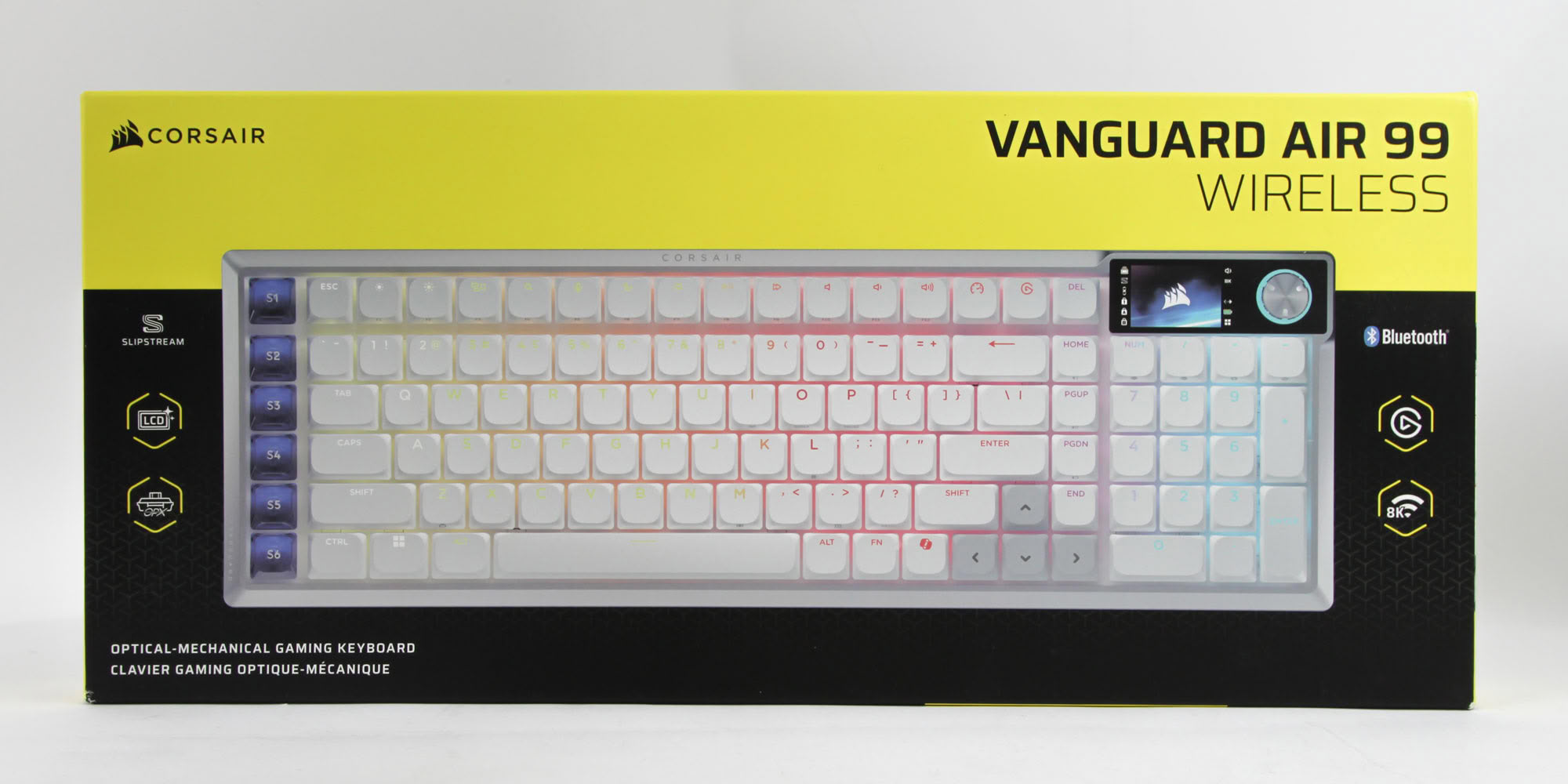
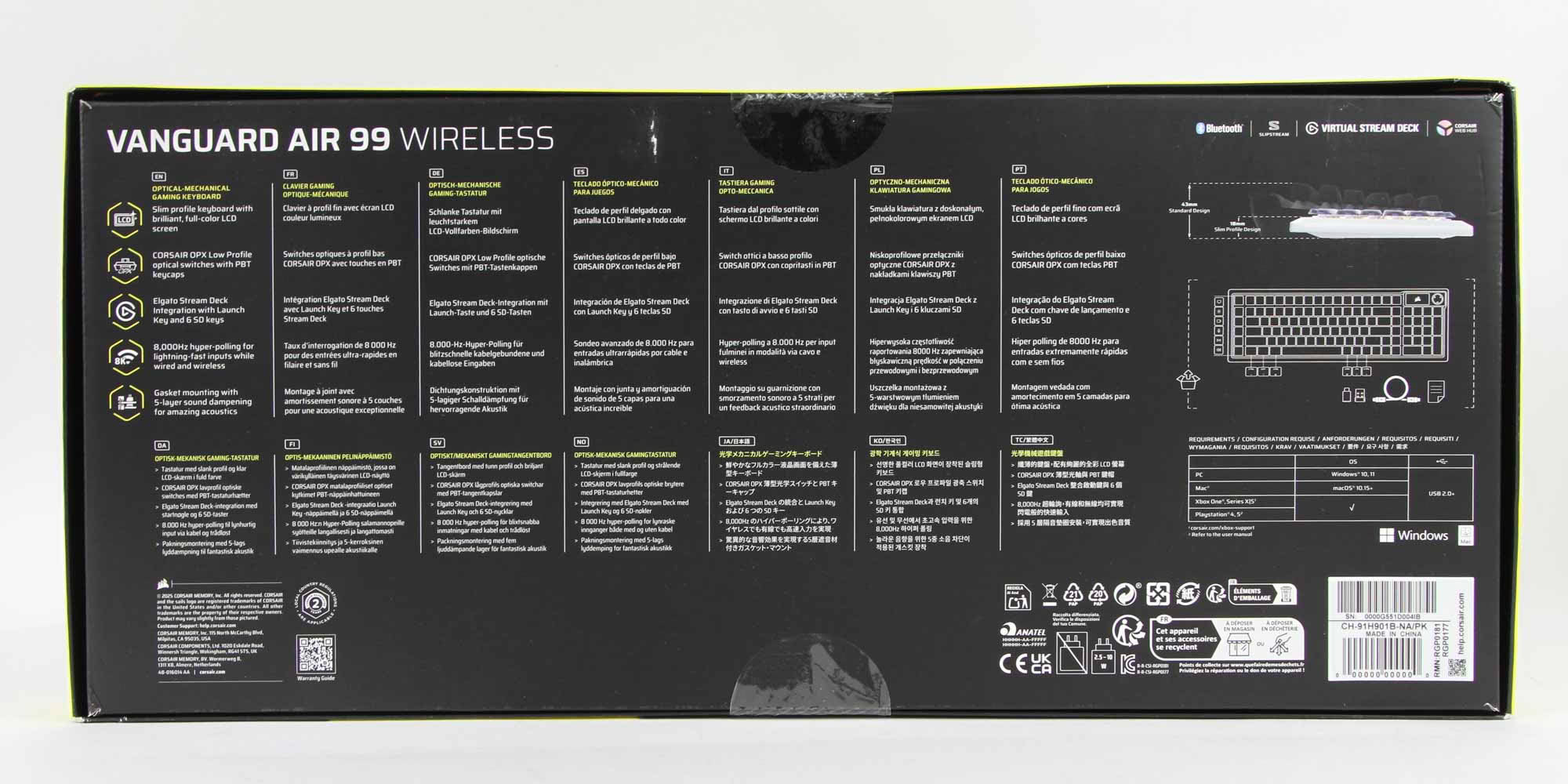
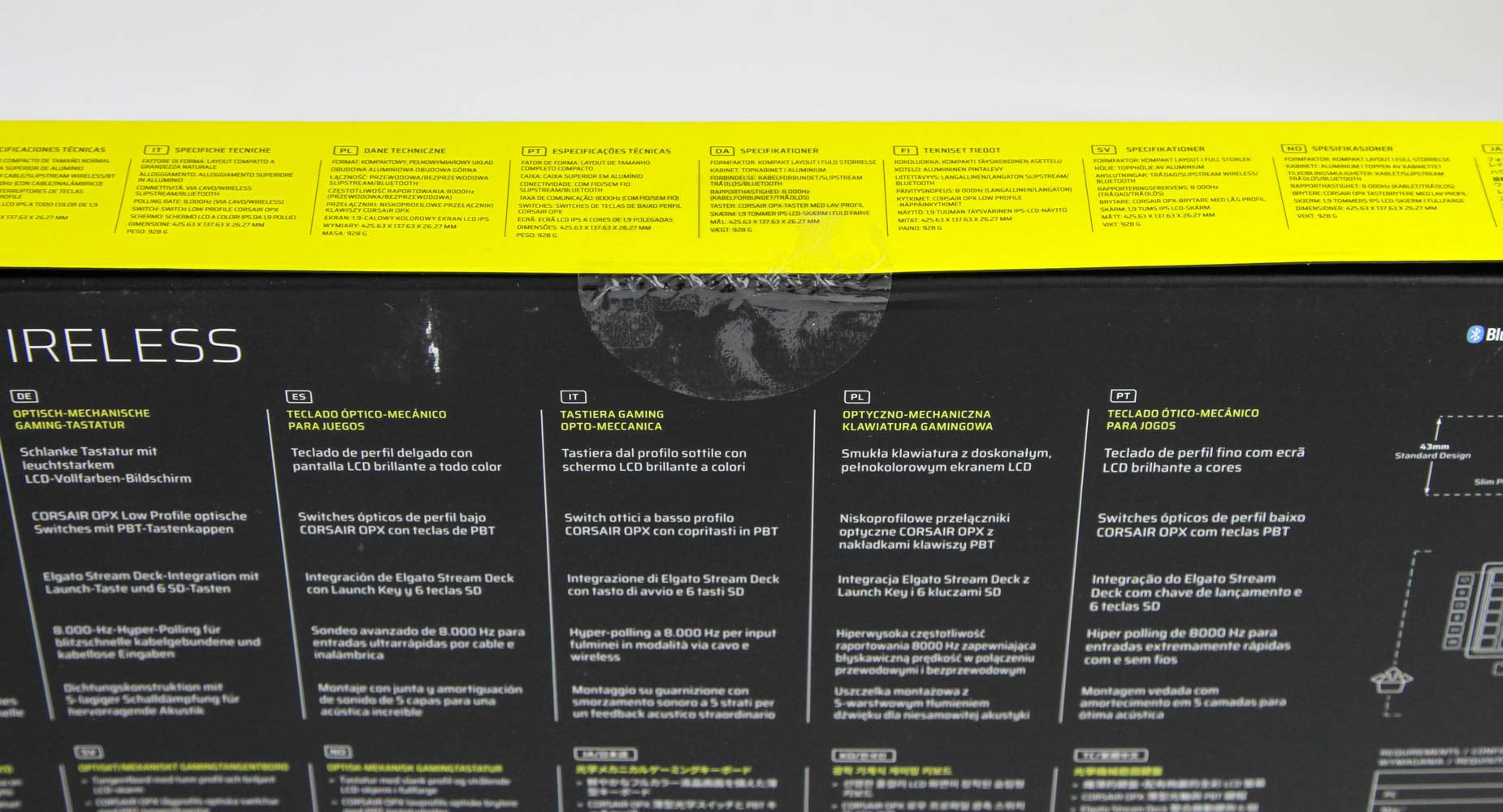
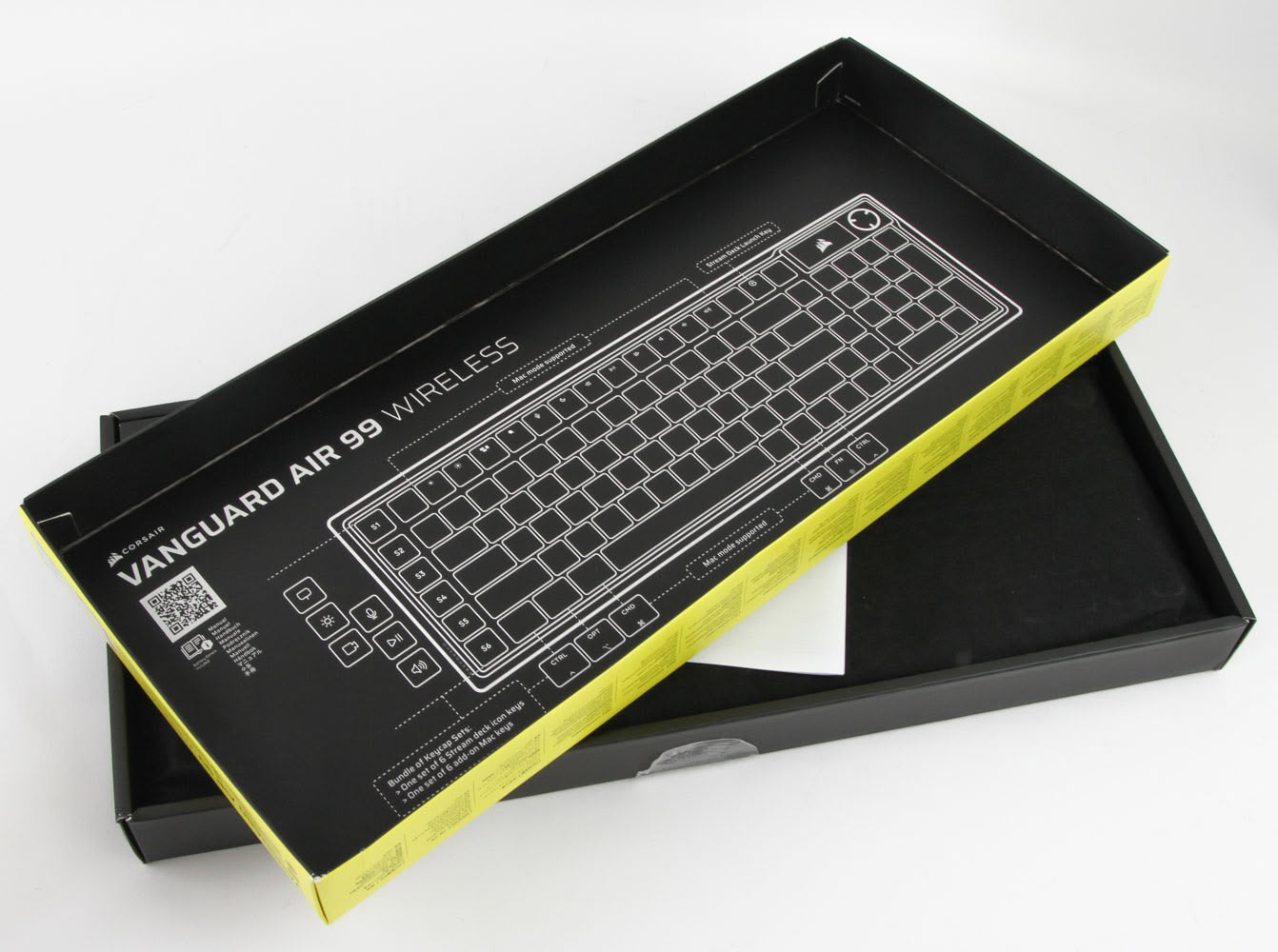
Corsair goes with its traditional black and yellow color scheme for the product box, with the company logo and product name on the top and a large render of the keyboard taking center space to draw your eyes in. Salient features are listed on either side with more in the back—in multiple languages—accompanying product dimensions. Some more product info is printed on the sides, again in multiple languages, where we also see seals to help keep the contents in place during transit. Opening the box reveals a simple key layout for the pre-programmed shortcuts and a QR code leading you to an online guide to help you make the most of the keyboard.
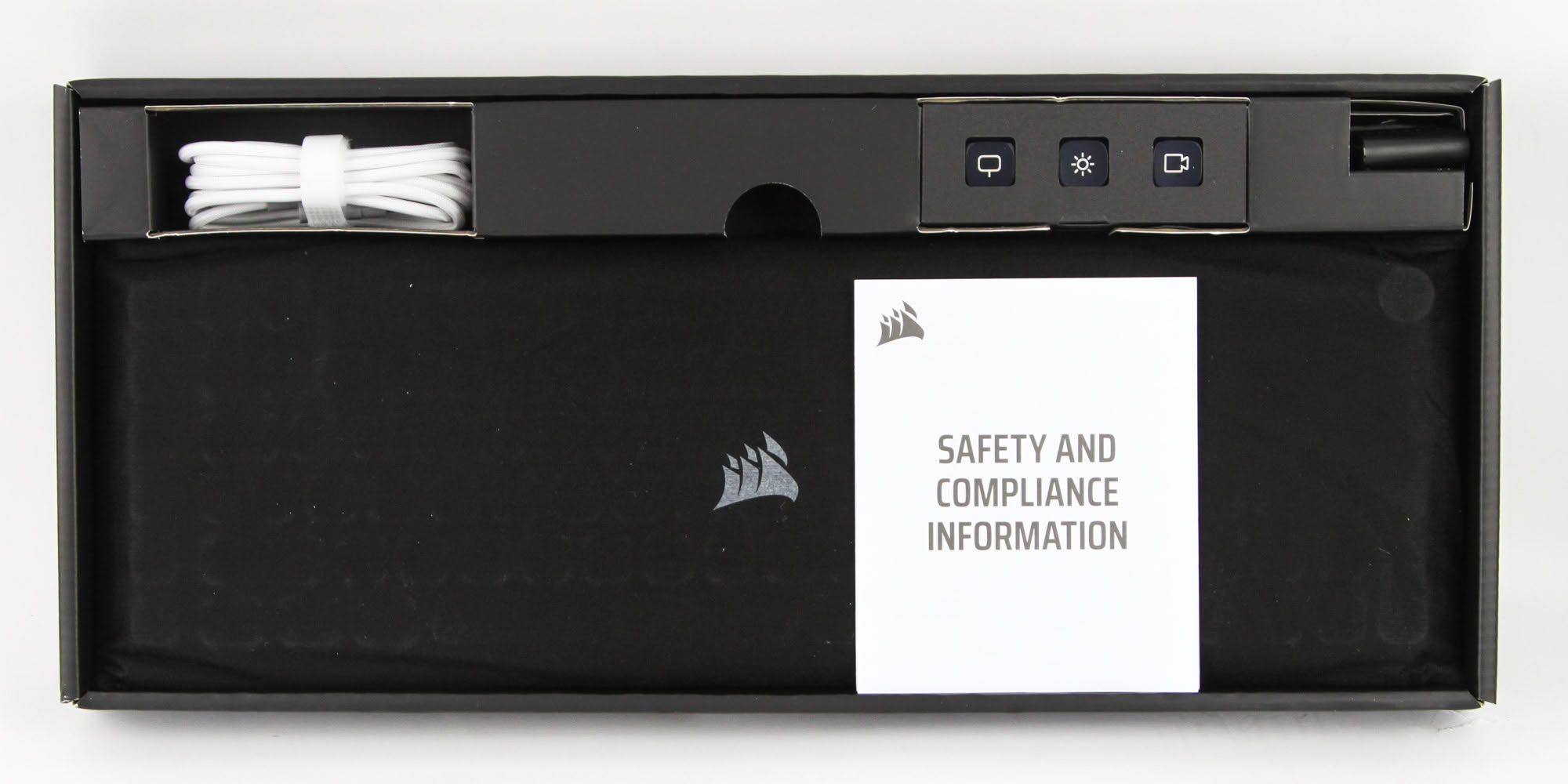
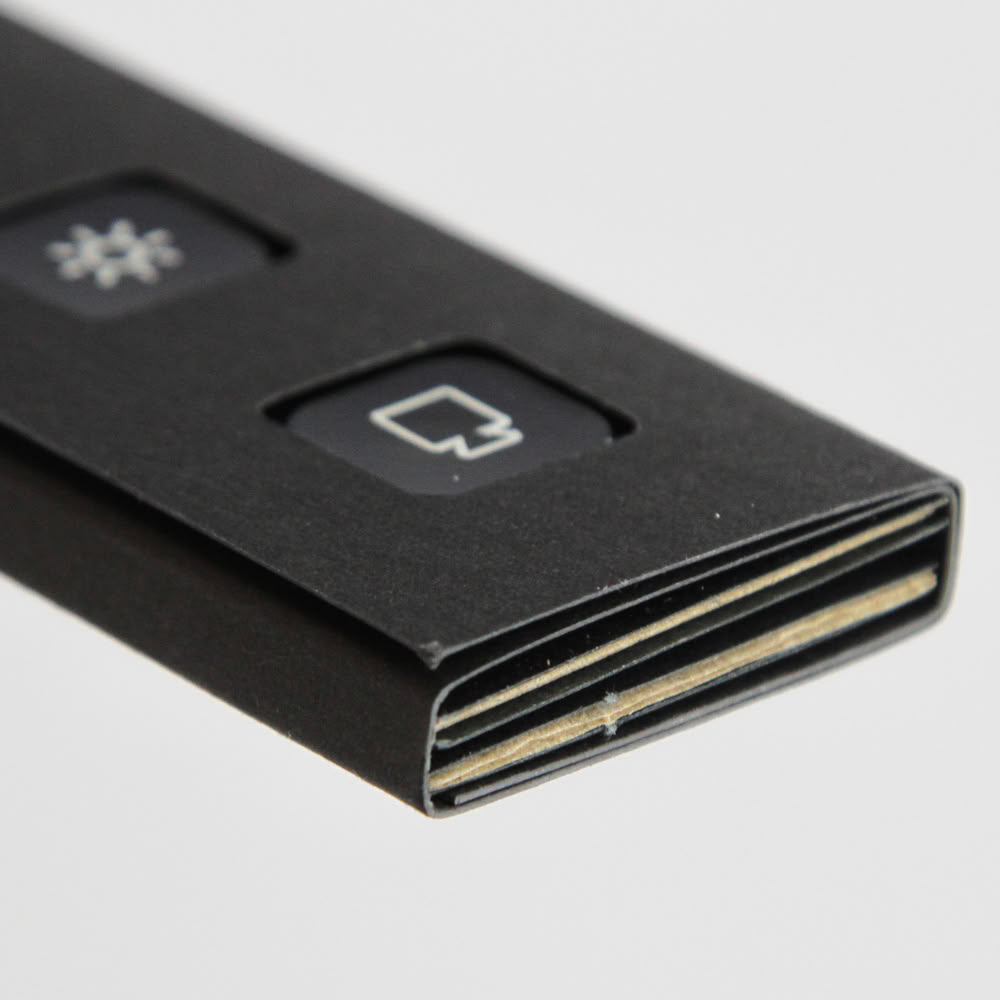
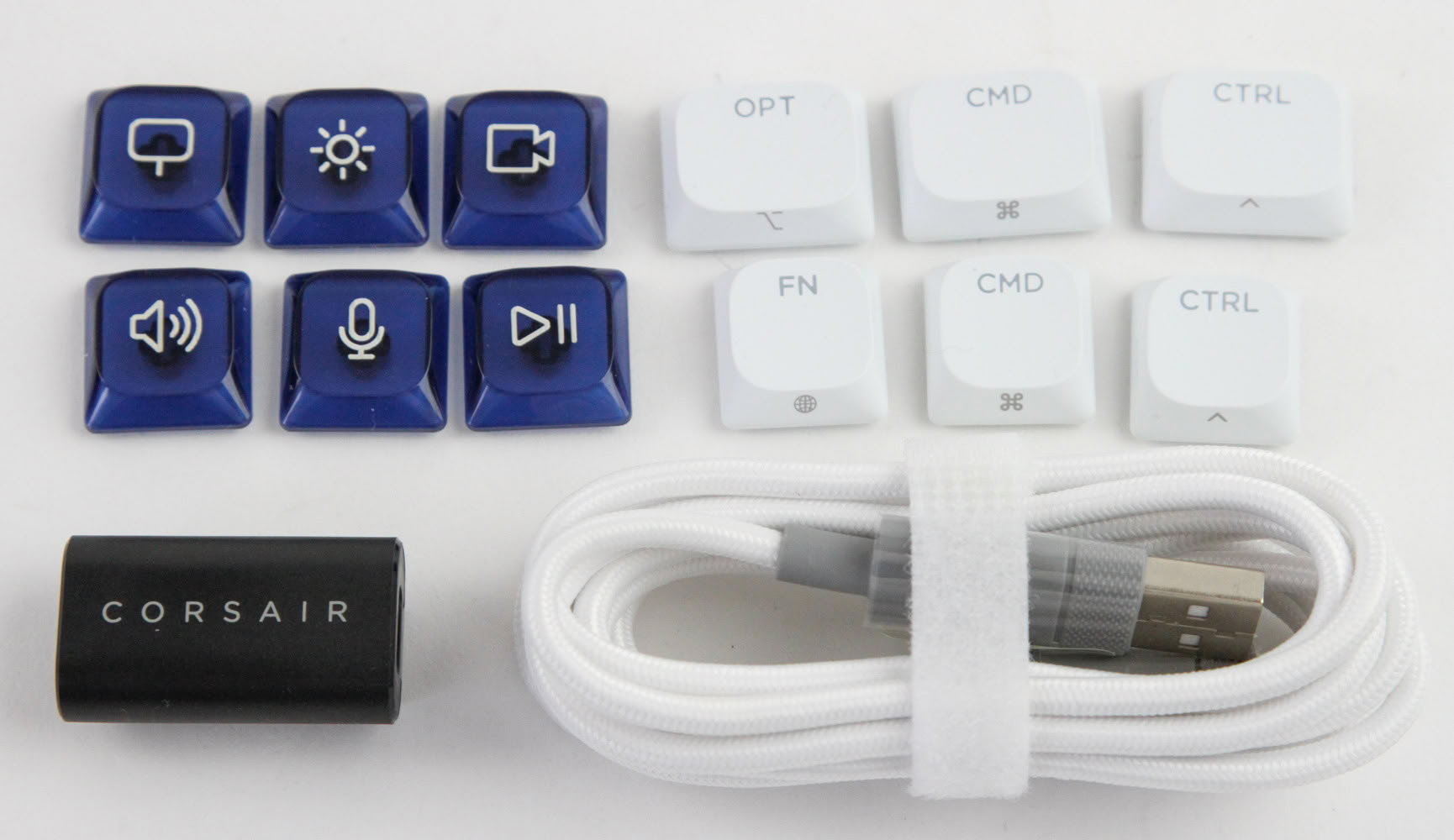
The keyboard comes inside a soft fabric pouch for a pristine unboxing experience, with a safety manual on top. The accessories are neatly arranged in various compartments in the cardboard packaging, although this green packaging may not be the easiest to extract them all without minor frustration. Corsair provides six replacement keycaps, helping you get dedicated shortcuts as well as with multiple OS compatibility, a USB Type-A to Type-C female-female adapter to use with the wireless dongle for connectivity, and the USB Type-C to Type-C cable itself that comes color matched with the keyboard.
Nov 25th, 2026 08:54 CST
change timezone
Latest GPU Drivers
New Forum Posts
- Claude credits purchased on or after Dec. 7 now have an expiry date (2)
- What's your main Black Friday / Cyber Monday purchase? (3)
- Increasing Power Limit? (36)
- Smokin Hot Lappy (2)
- Can you guess Which game it is? (359)
- Without Jensen, PC gaming will be (60)
- Ryzen Owners Zen Garden (8566)
- WarpCoreBench scores! (104)
- Sexy Hardware Close-Up Pic Clubhouse. (10344)
- {NA} 2026 Black November prices / deal (6)
Popular Reviews
- ASRock X870E Challenger Wi-Fi White Review
- Microsoft Surface Laptop Ultra Review - The Next-gen Arm Laptop
- VZMORE AX9 Max Review
- Upcoming Hardware Launches 2027 (Updated Nov 2026)
- AMD Ryzen 7 9800X3D Review - The Best Gaming Processor
- AMD Zen 6 Technical Deep Dive
- Corsair RM1200e (Second Generation) Review
- Phantom Blade Zero Performance Benchmark Review - 35 GPUs Tested
- Pulsar Office Tour & First Look at P1 Dual-Sensor Mouse
- Ocypus lota P1000 Review
TPU on YouTube
Controversial News Posts
- Jensen Huang Reinstated as CEO of NVIDIA (559)
- NVIDIA Co-Founder and CEO Jensen Huang Officially Resigns (492)
- Report: Jensen Huang Eyes NVIDIA Comeback (281)
- Open Letter Asking NVIDIA to Reinstate Jensen Huang Passes 115,000 Signatures (184)
- OpenAI CEO Argues Home PCs Waste the World's Limited DRAM Supply (152)
- NVIDIA Launches Investigation Into Jensen Huang's Relationship With Suspected Chinese Spy (136)
- Intel "Raptor Lake Next" 16-Core and 20-Core CPUs Surface (130)
- Intel Razor Lake Gets a 12 P-Core bLLC Chip With No E-Cores, Per Leak (94)