 5
Endorfy Viro Infra Wireless Review - Win Some, Lose Some
Wireless Performance & Battery Life »Headset
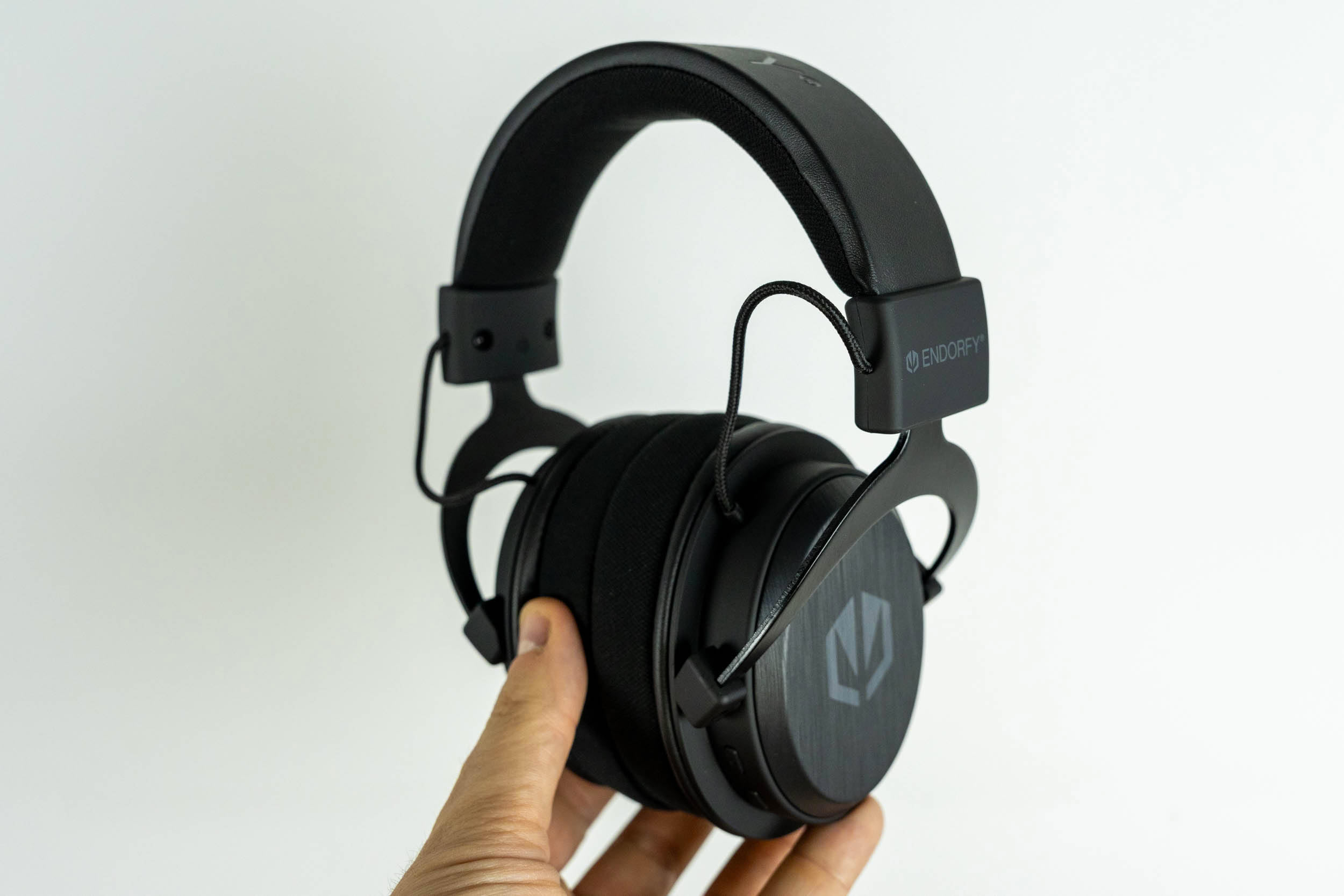
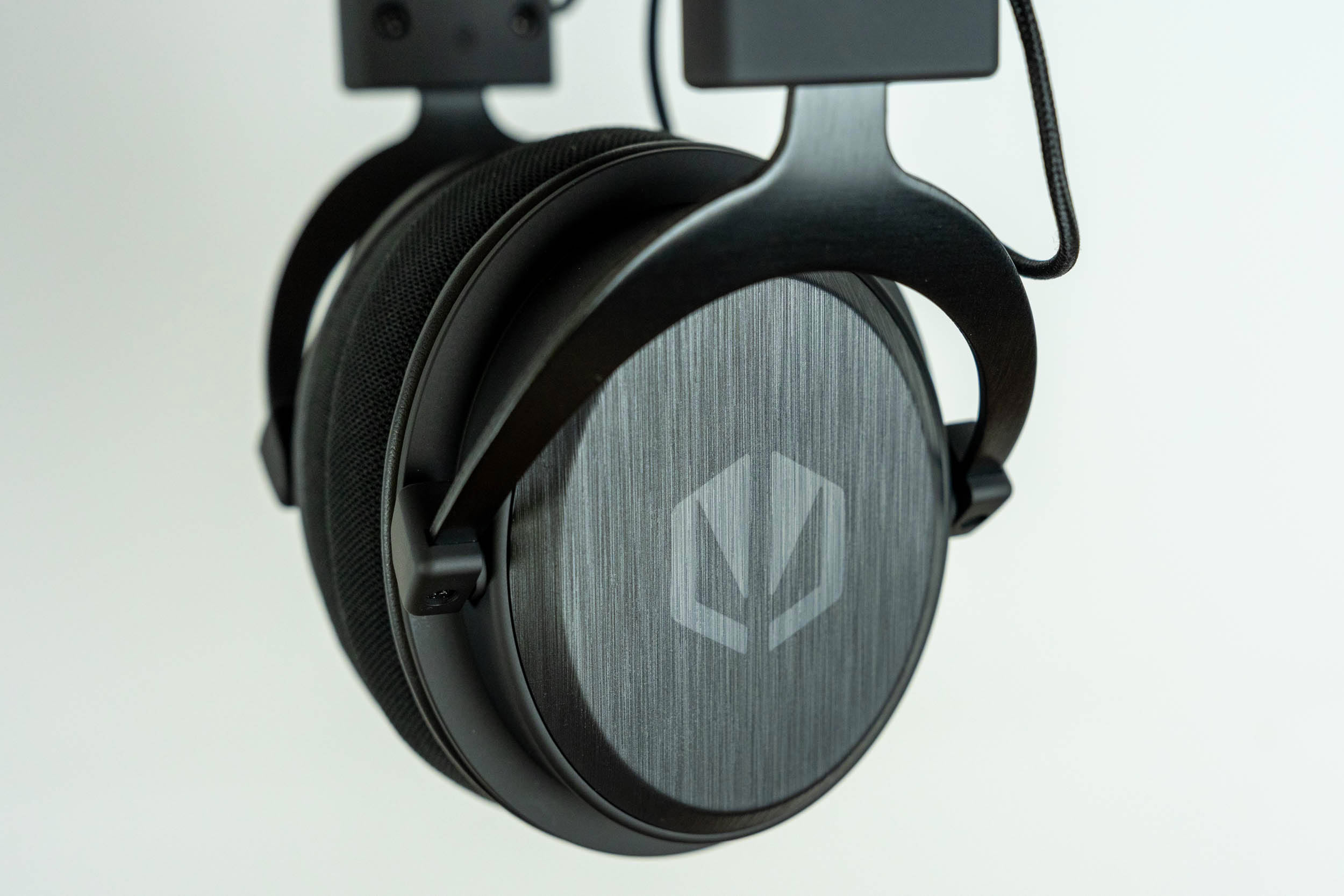
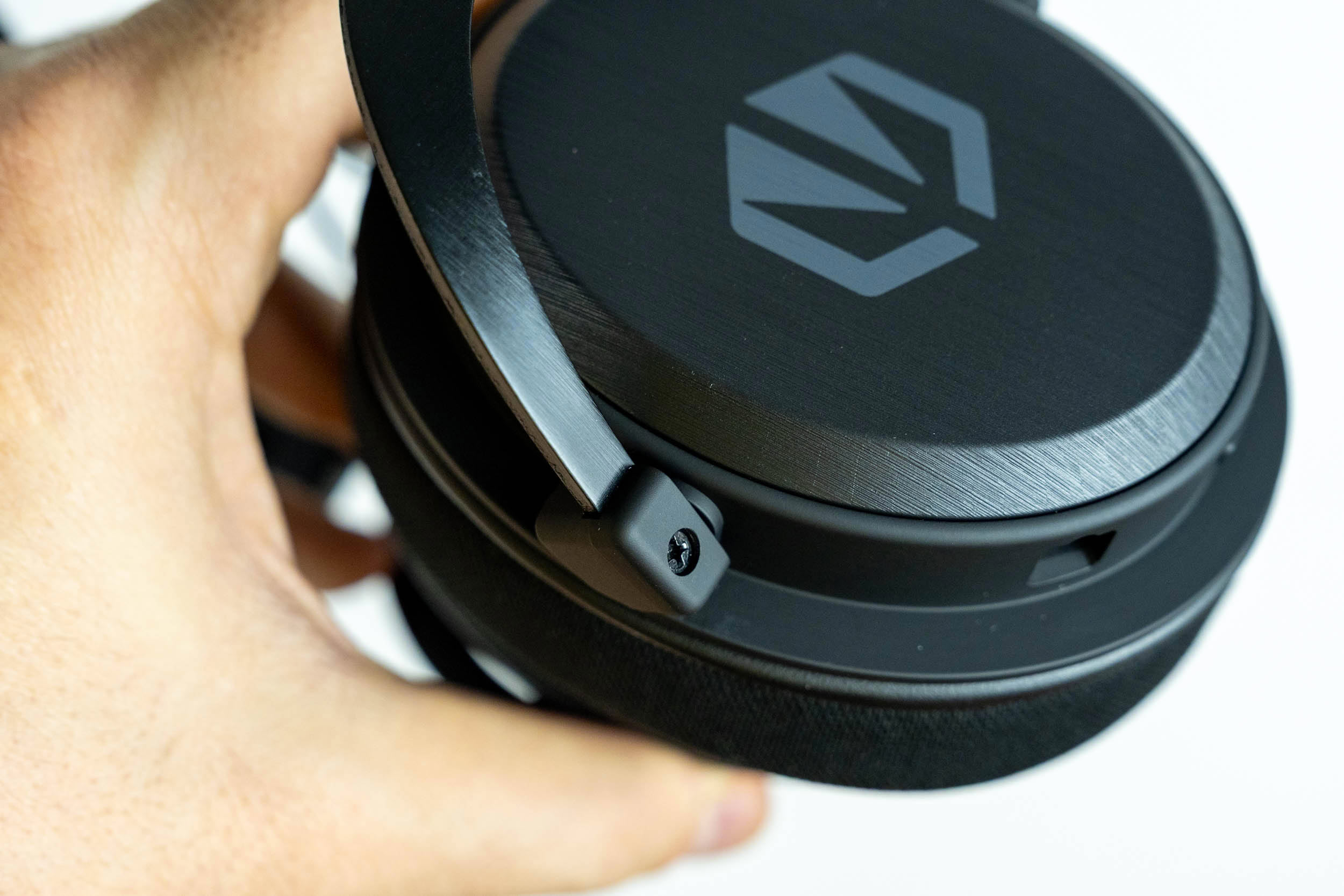
At a glance, the Viro Infra Wireless is hard to tell apart from the Viro Wireless. The silhouette is the same, with metal yokes, exposed cables running from the headband to the ear cups and large round ear cups, and the overall look is just as understated. The differences are in the details. The outer ear cup plates aren't made of metal this time, but of plastic with a brushed aluminium-style finish, and the Endorfy logo is printed in gray rather than debossed. The yokes are simpler, too, without the triangular cutouts found on the Viro Wireless. Still, build quality and overall finish are on par with the more expensive model, and nothing about the Infra feels cheap or flimsy.
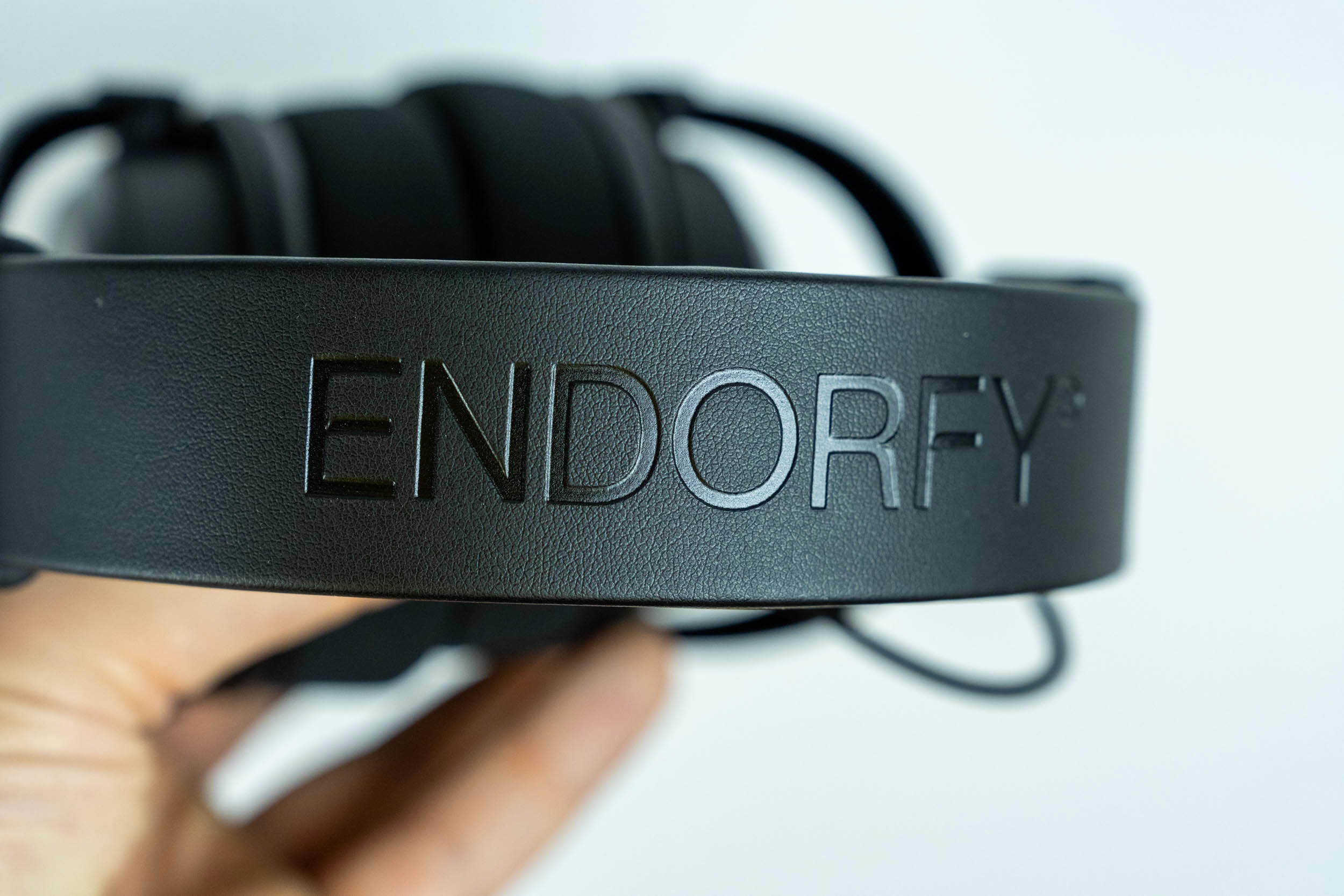
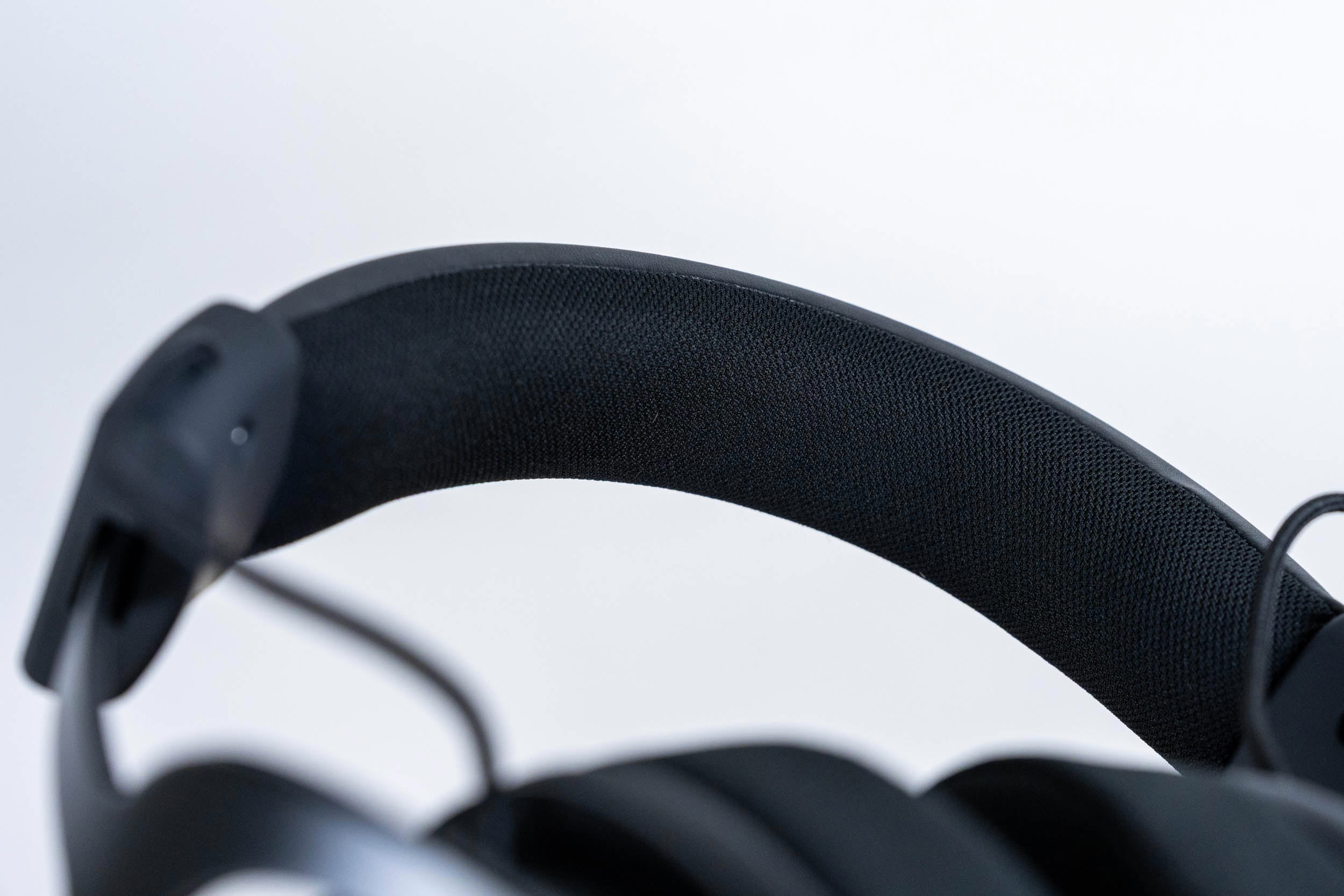
The headband is the same as on the Viro Wireless. Its top is covered with PU leather and an embossed Endorfy logo, while the underside is padded with memory foam and wrapped in a breathable fabric.
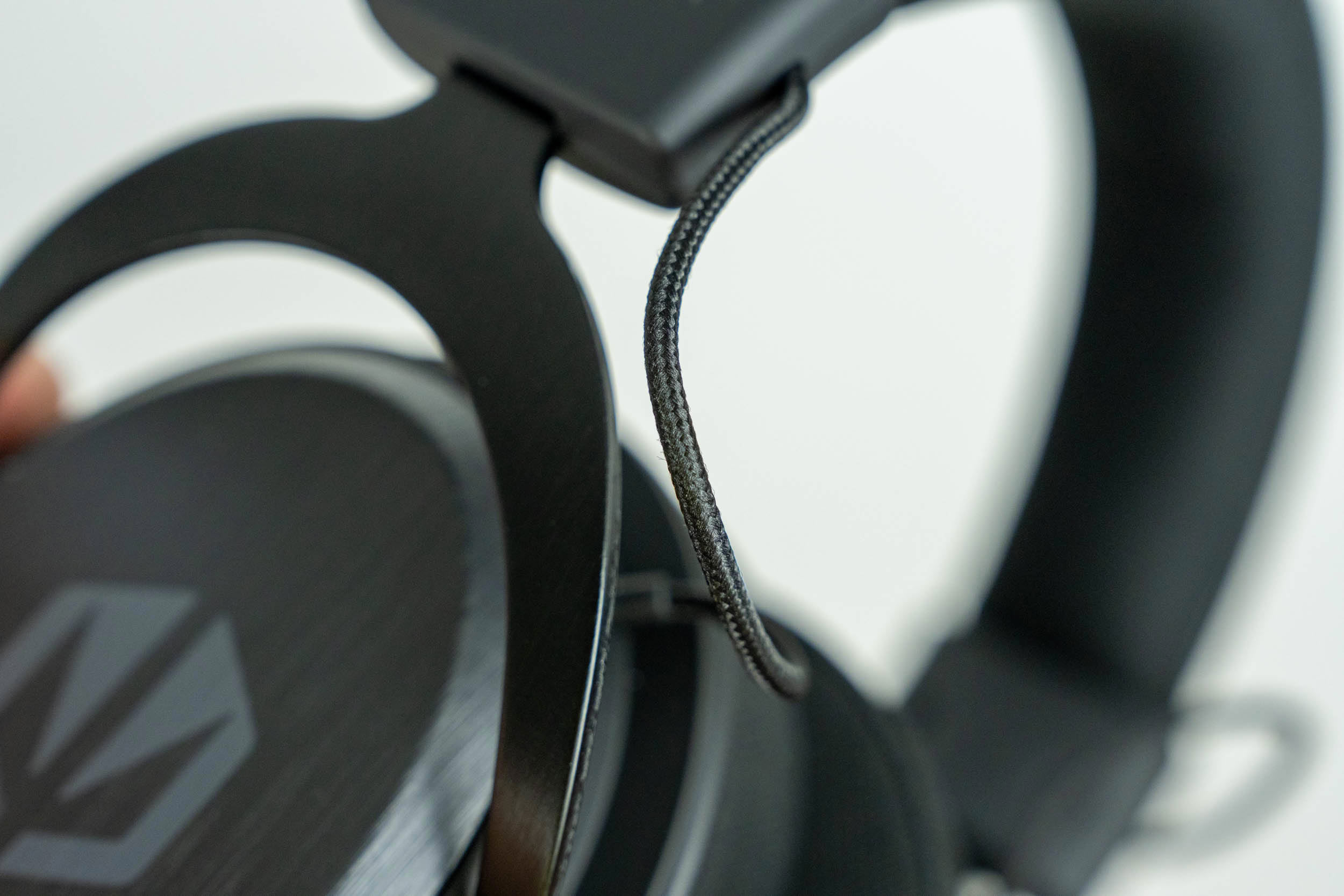
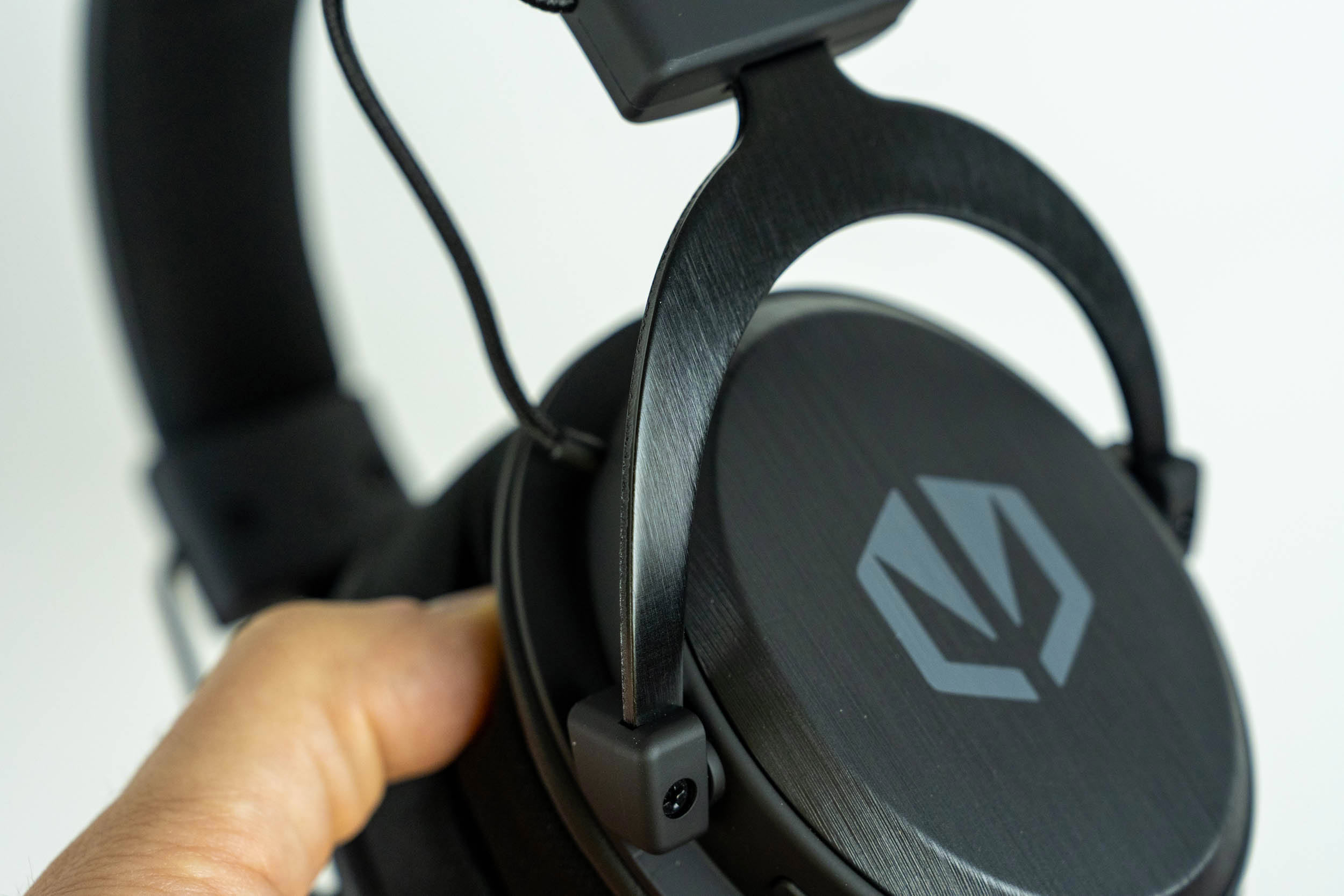
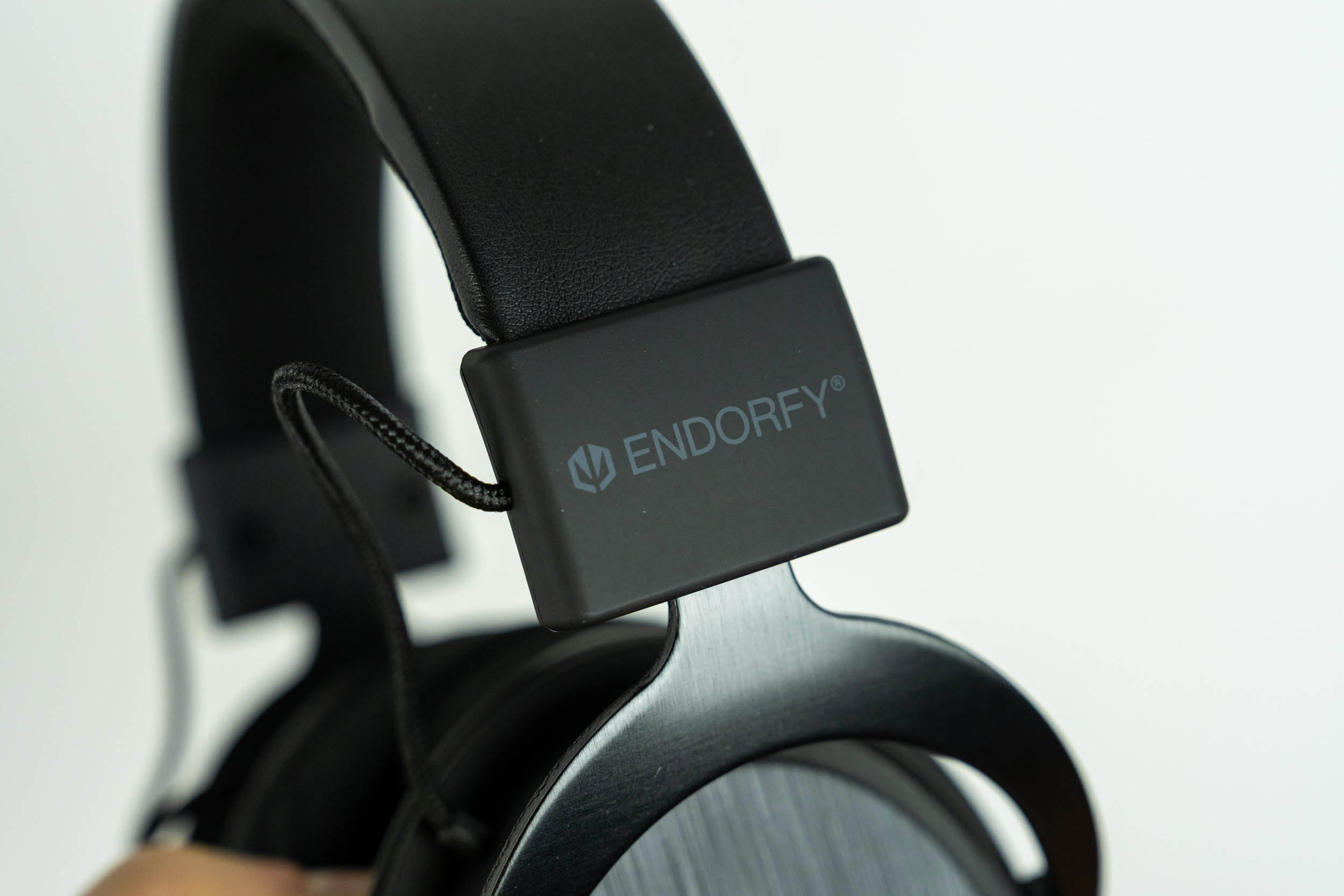
The ear cups hang from metal yokes with a brushed finish, and a thin braided cable runs from each yoke into the headband, forming a small exposed loop on both sides. The Endorfy logo is printed on the slider housings.
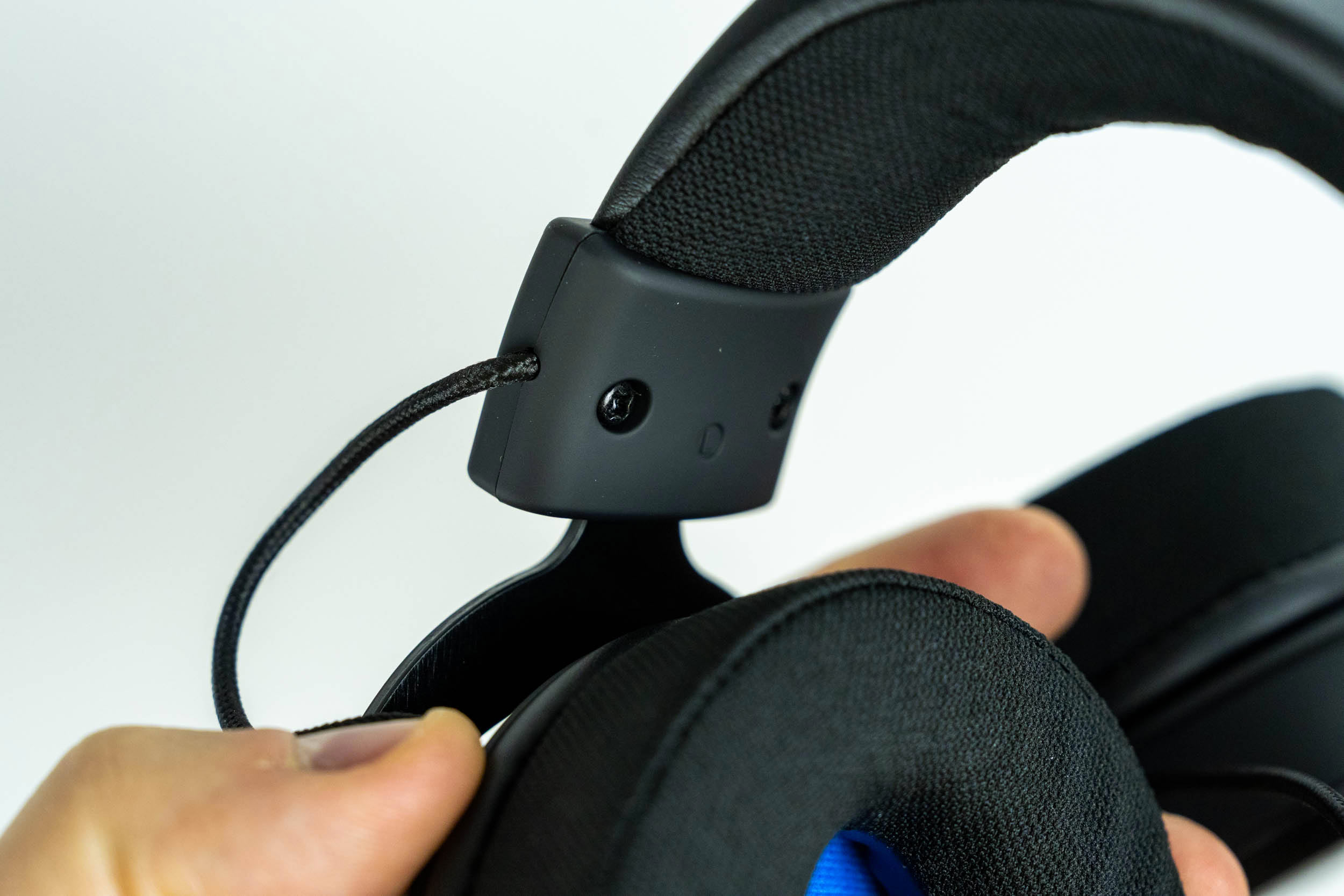
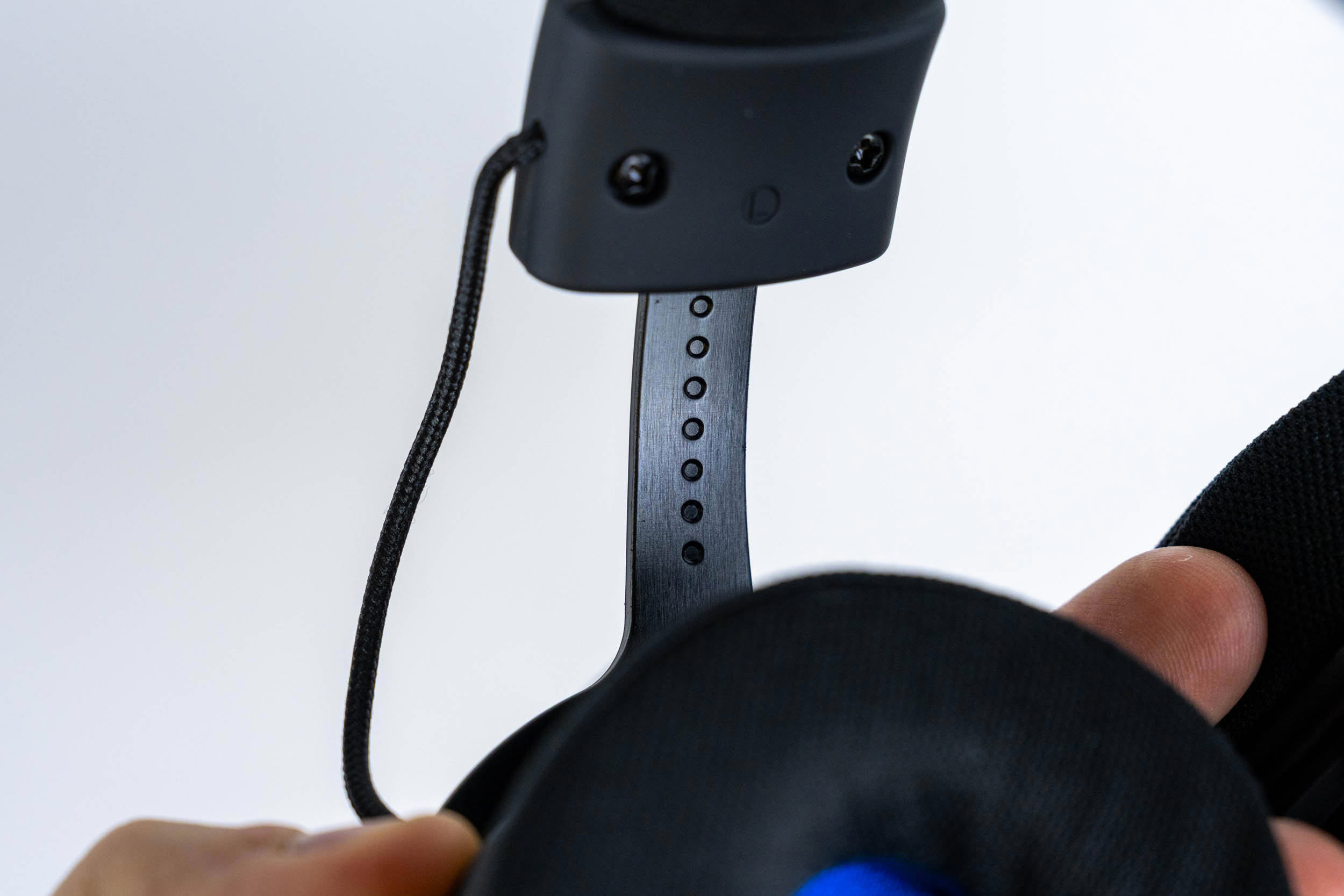
The headset's height is adjusted by sliding the yokes in and out of the headband. A row of holes on each metal slider marks the individual steps, so matching both sides is easy. The range of adjustment is the same as on the Viro Wireless, so it should fit a wide range of head sizes.
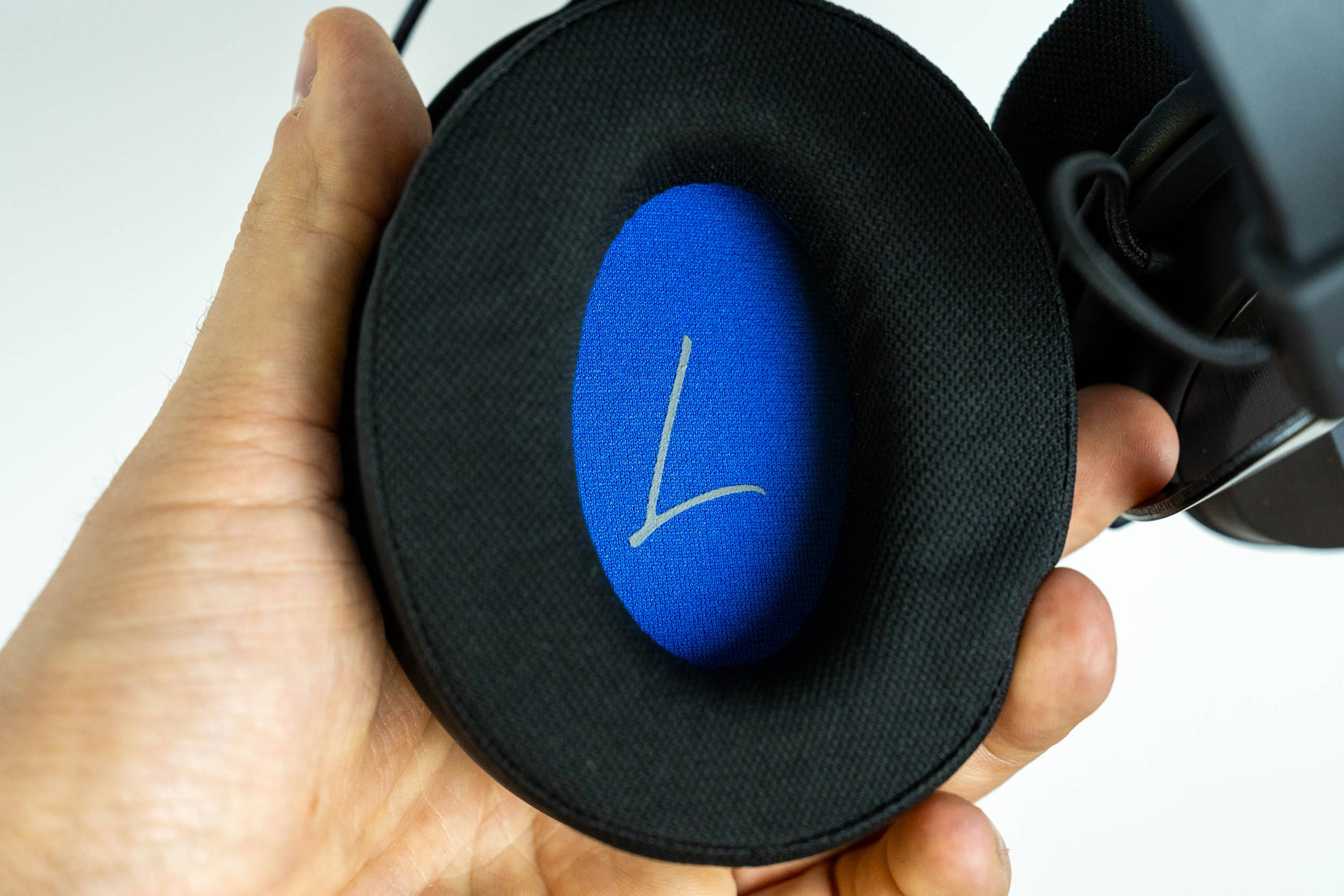
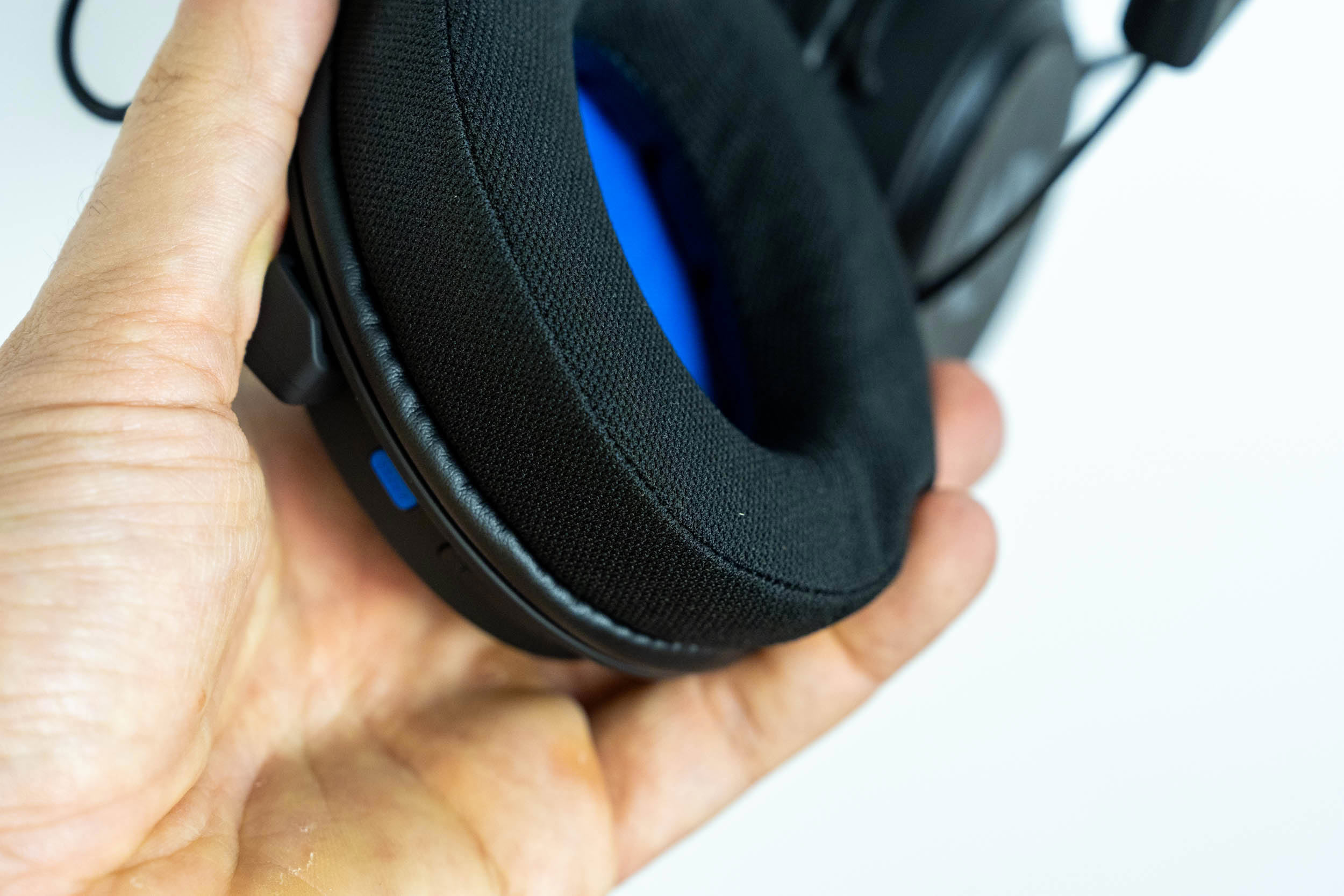
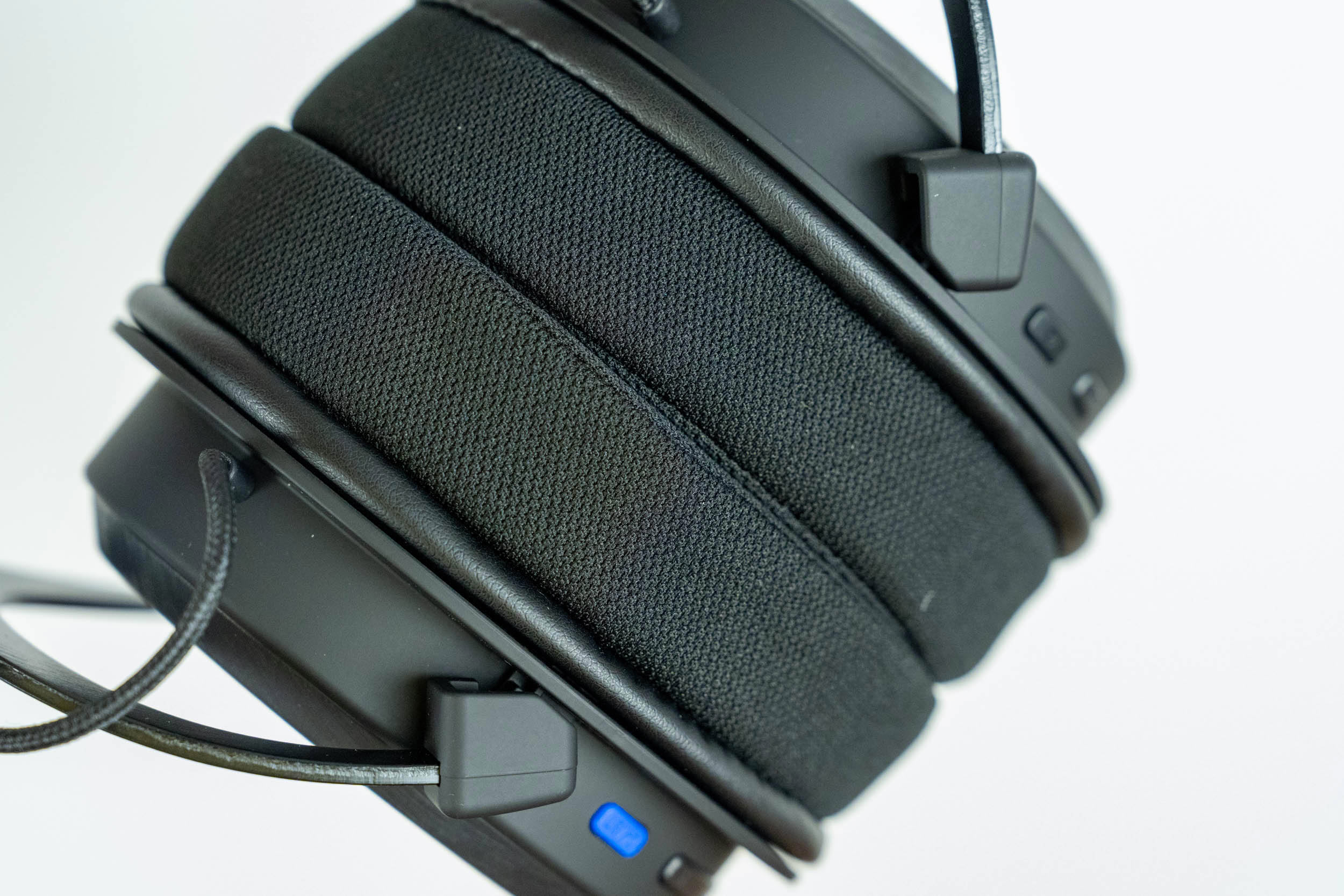
Unlike the Viro Wireless' hybrid earpads, the Infra's earpads are covered entirely in fabric, with memory foam underneath and a blue inner lining marked with a stylized "L" and "R." You'd expect fully fabric pads to run cooler, but the fabric used here is fairly dense, so heat buildup during longer sessions is about the same as with the Viro Wireless from my experience with both. On the plus side, the Infra doesn't suffer from excessive sound leakage, which is a common issue with fabric earpads. The earpads are removable and compatible with Endorfy's Earpads series, which includes Soft Breathing, Leather and Cool Hybrid variants, for €9 a pair. If you prefer the Viro Wireless' hybrid pads, or want better isolation, a quick swap is all it takes.
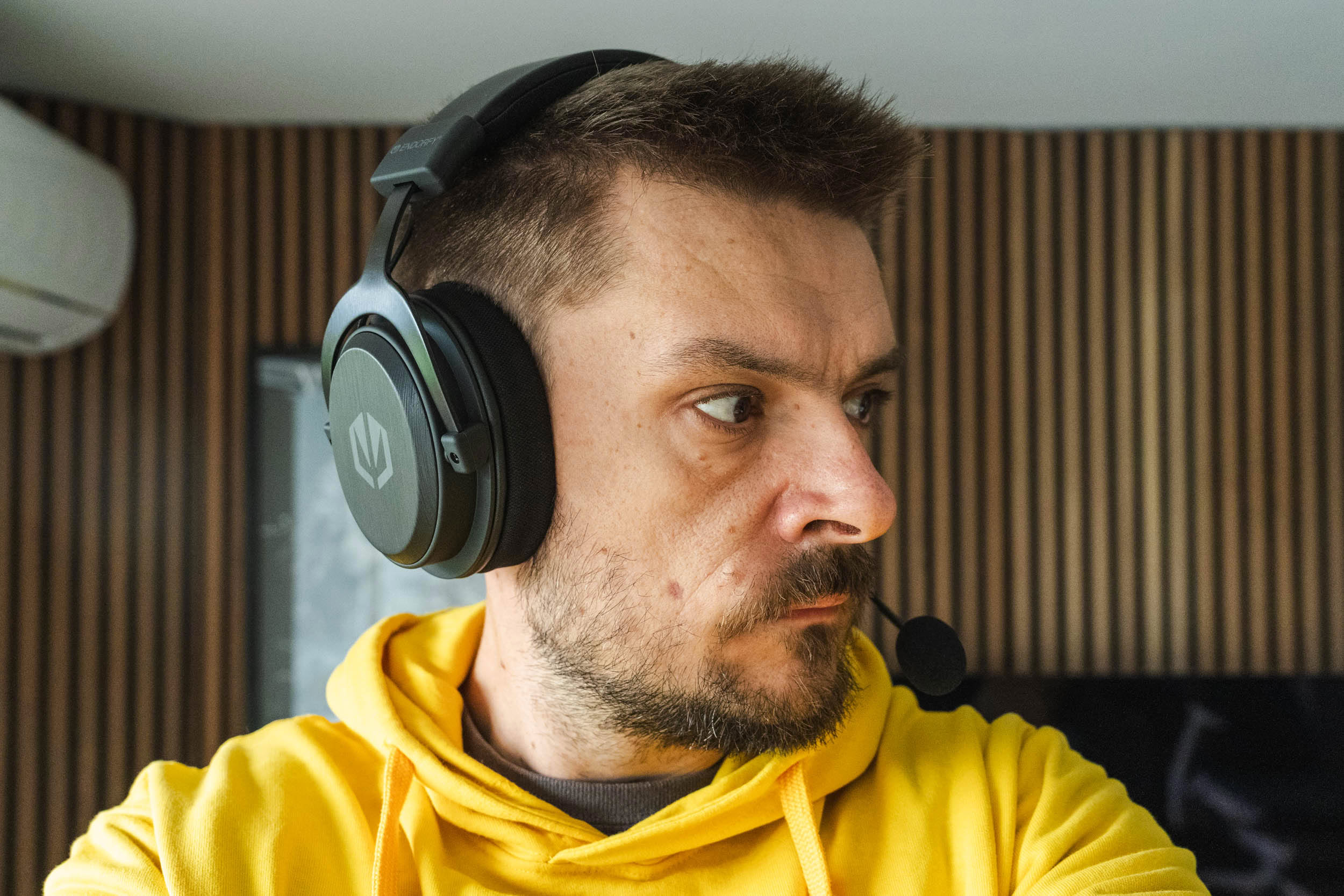

At 286 grams, the Viro Infra Wireless is some 68 grams lighter than its pricier sibling. Overall comfort is on par with the Viro Wireless, which is to say very solid. The weight is well distributed, the clamping force is perfectly tolerable even after hours of use, and the soft headband cushion prevents hotspots on top of the head.
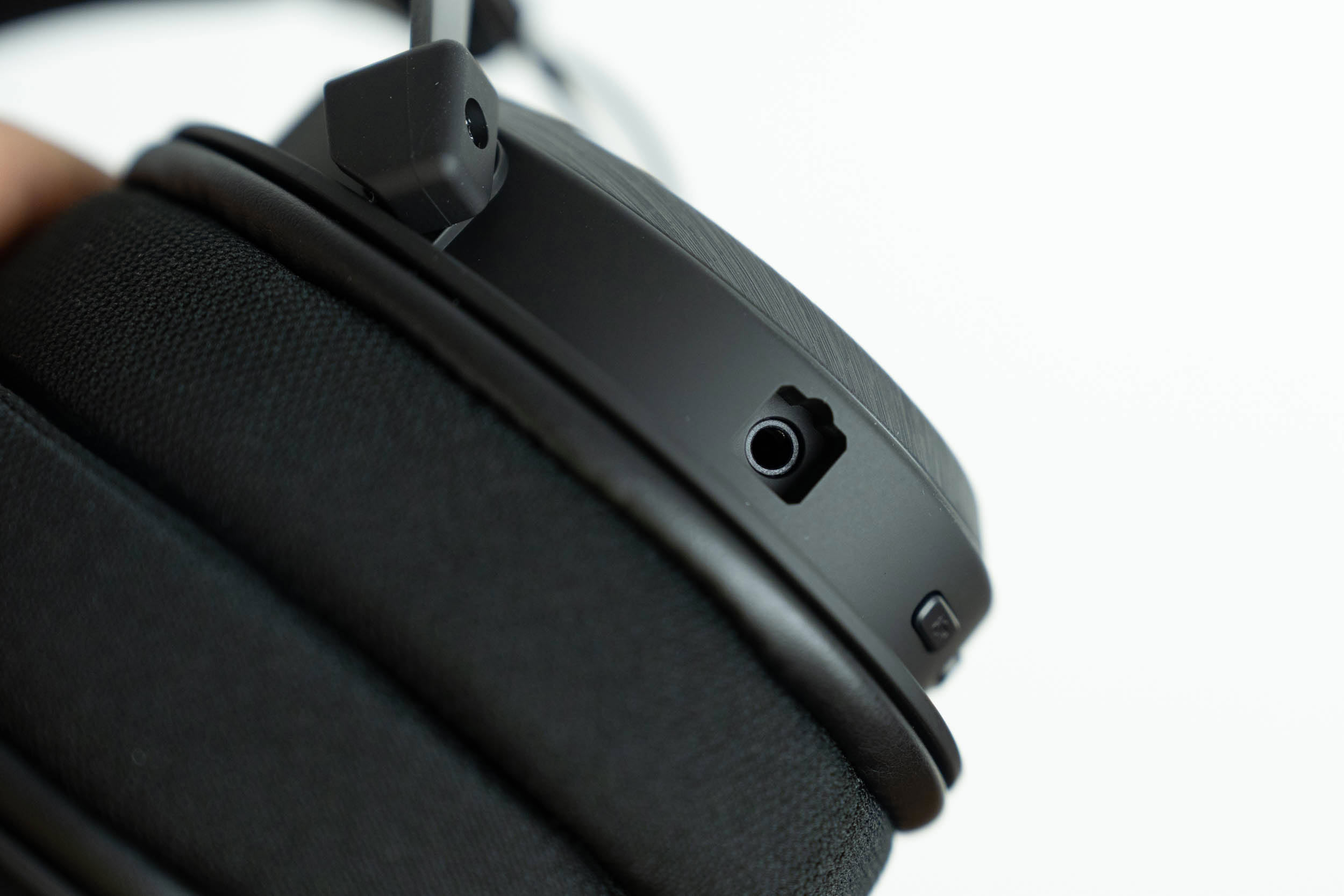
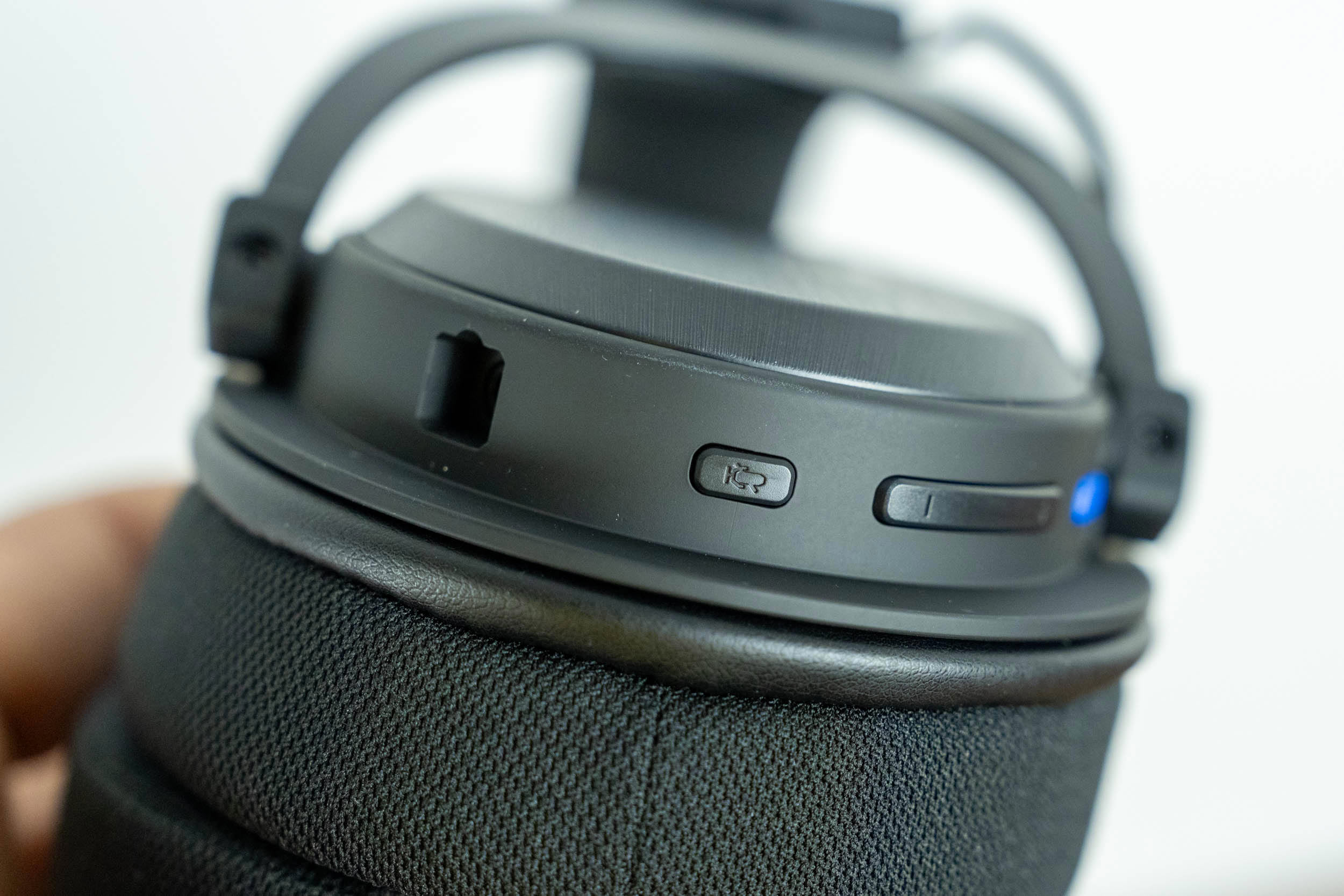
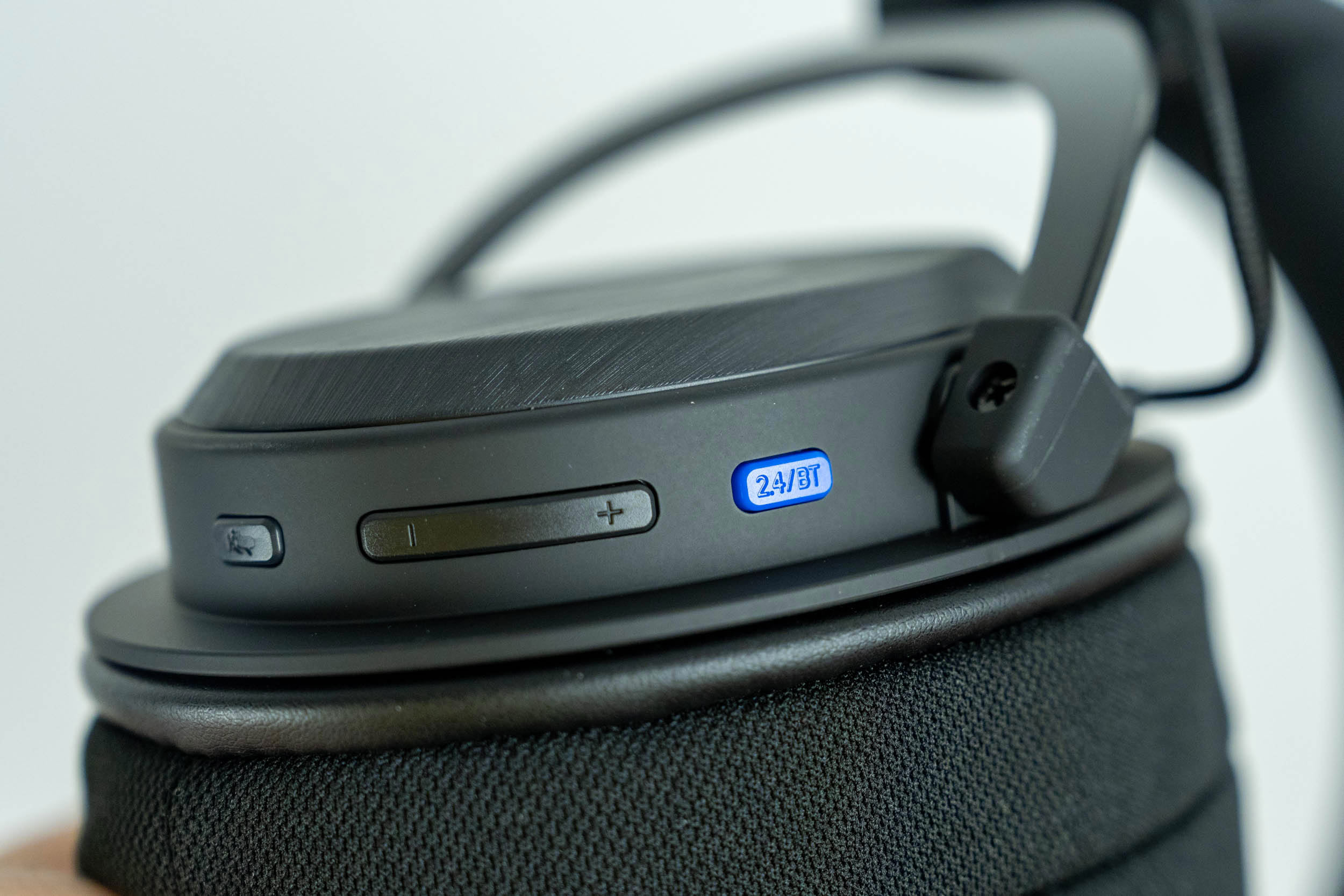
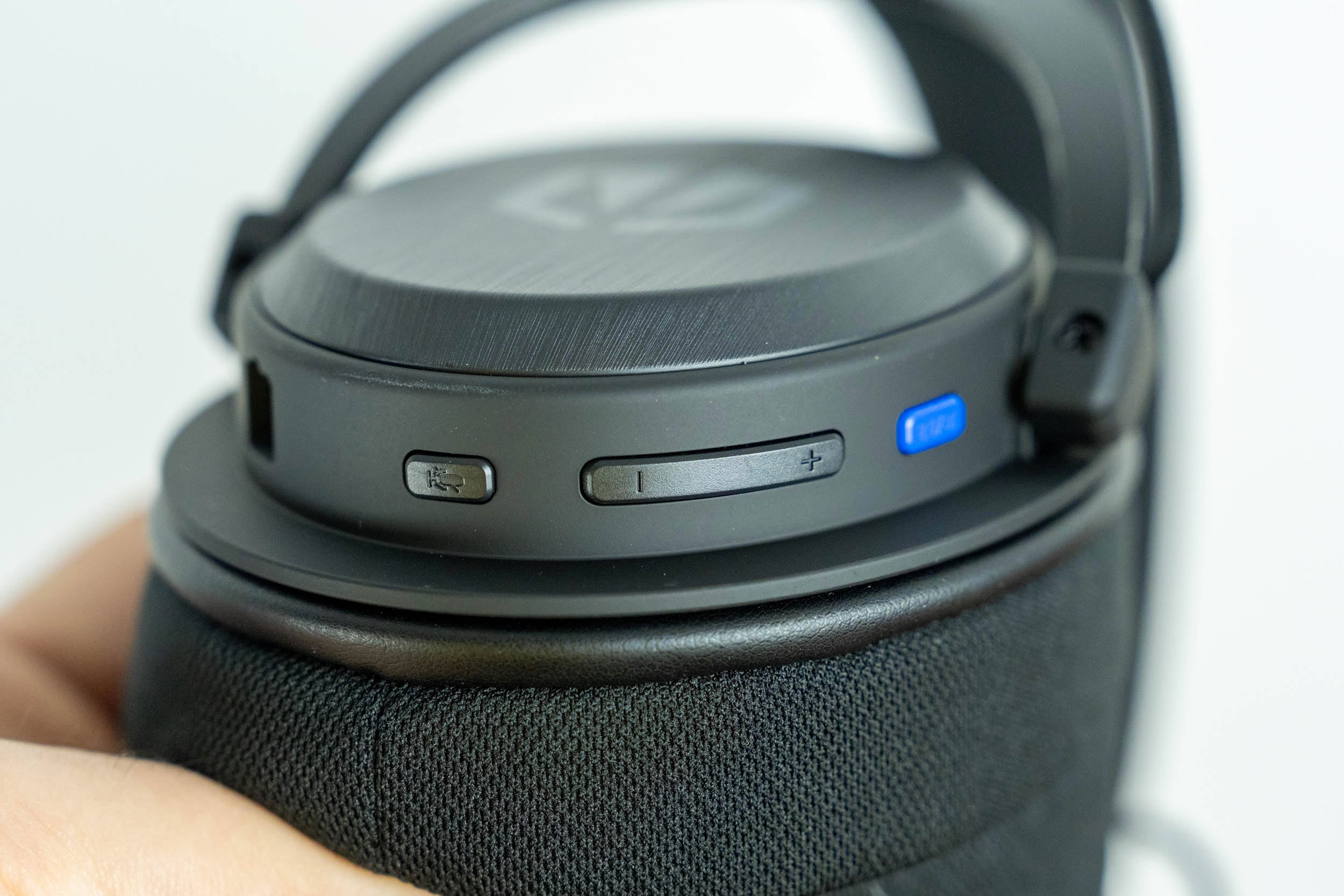
All controls are physical and split between the two ear cups, but their layout is different from the Viro Wireless. The left ear cup houses the microphone port, a microphone button, a volume rocker and a blue 2.4 GHz/Bluetooth button. A single press of the microphone button mutes or unmutes the microphone, while holding it for three seconds initiates Bluetooth pairing. The volume rocker adjusts volume with a single press, or continuously when held, while a double press of its "+" or "-" side skips to the next or previous track. Switching between 2.4 GHz and Bluetooth requires holding the blue button for two seconds. That's a sensible choice, as it prevents accidental switching, although I still prefer the Viro Wireless' physical slider, which shows the active mode at a glance.
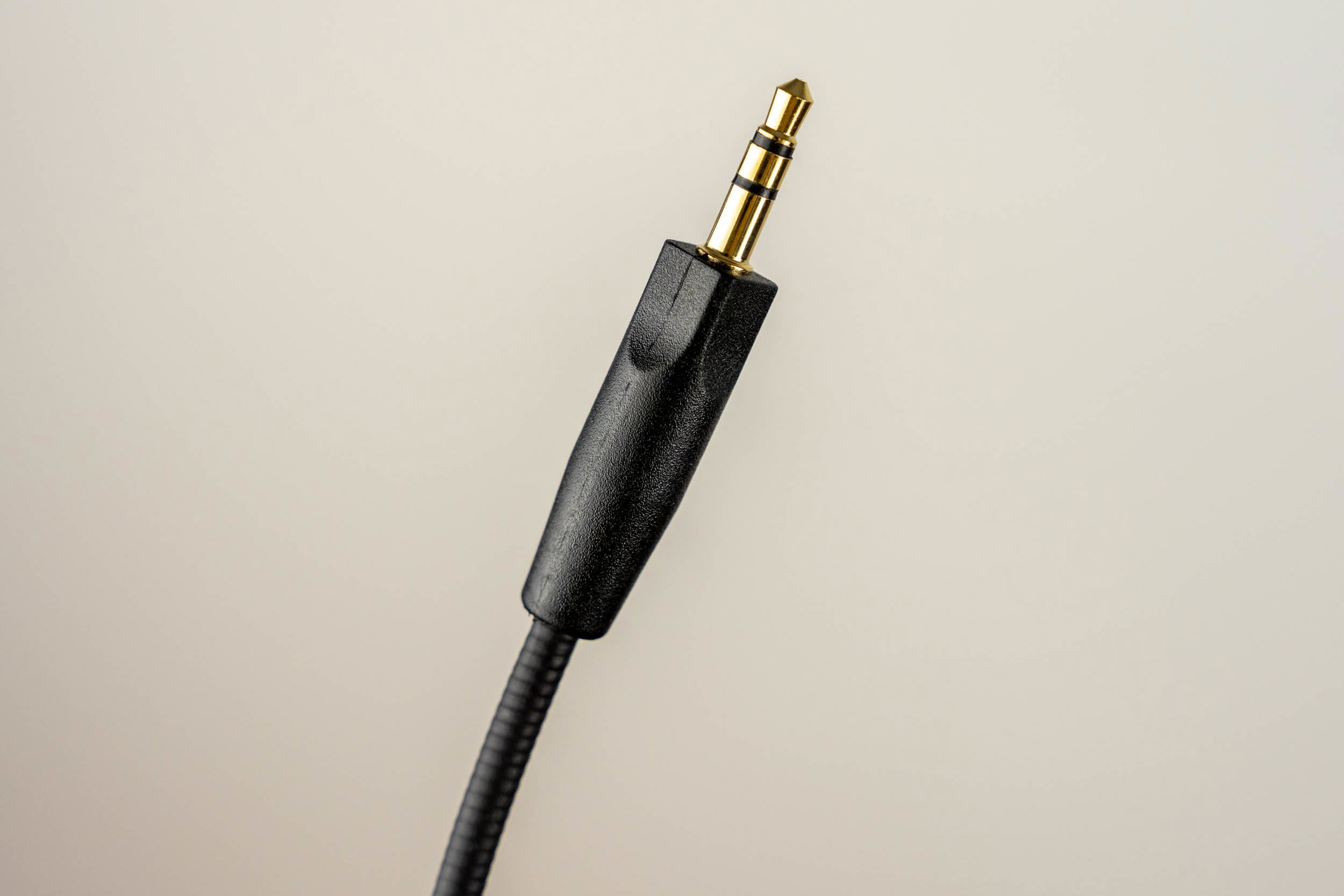
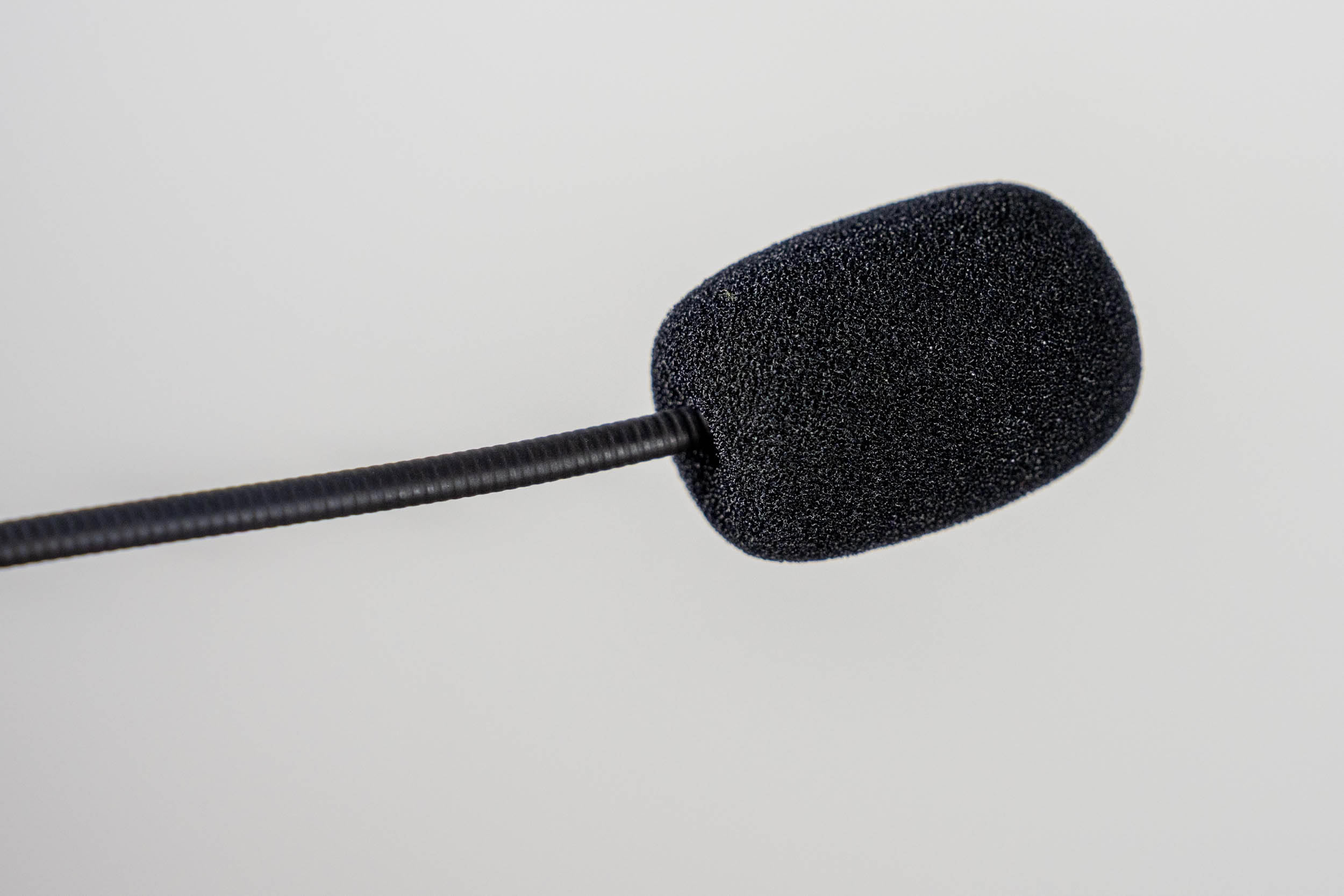
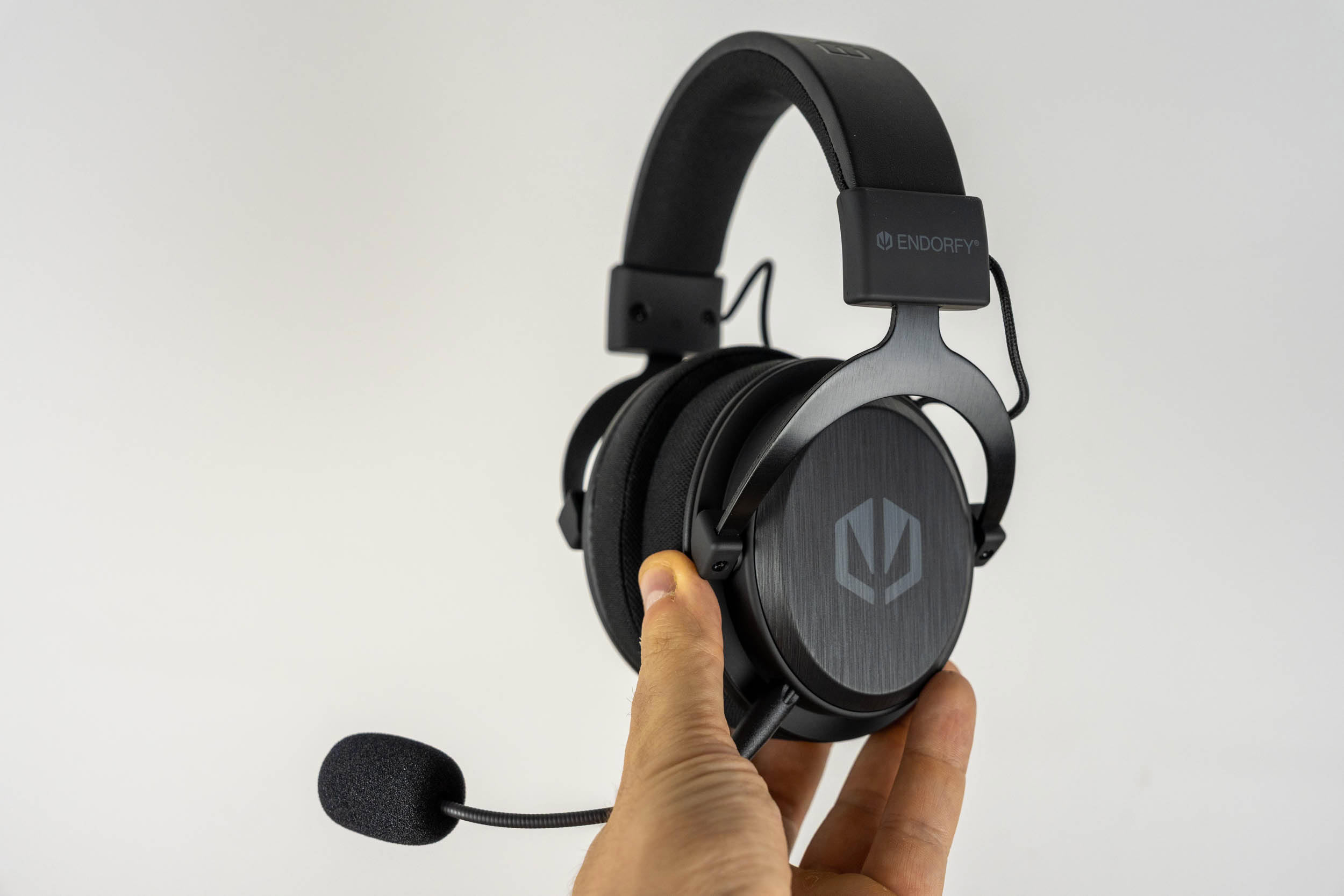
The microphone connects via a 3.5 mm plug, and its flexible gooseneck arm holds its shape well. It's slightly shorter than the one supplied with the Viro Wireless, at around 11 cm. Endorfy once again includes two foam windscreens, a black and a blue one, both of which serve as pop filters. There's no mute indicator LED on the microphone itself. Interestingly, the wireless dongle has a small blue status LED that also indicates whether the microphone is muted (by turning off), but that's of little use when the dongle is plugged into the back of your PC.
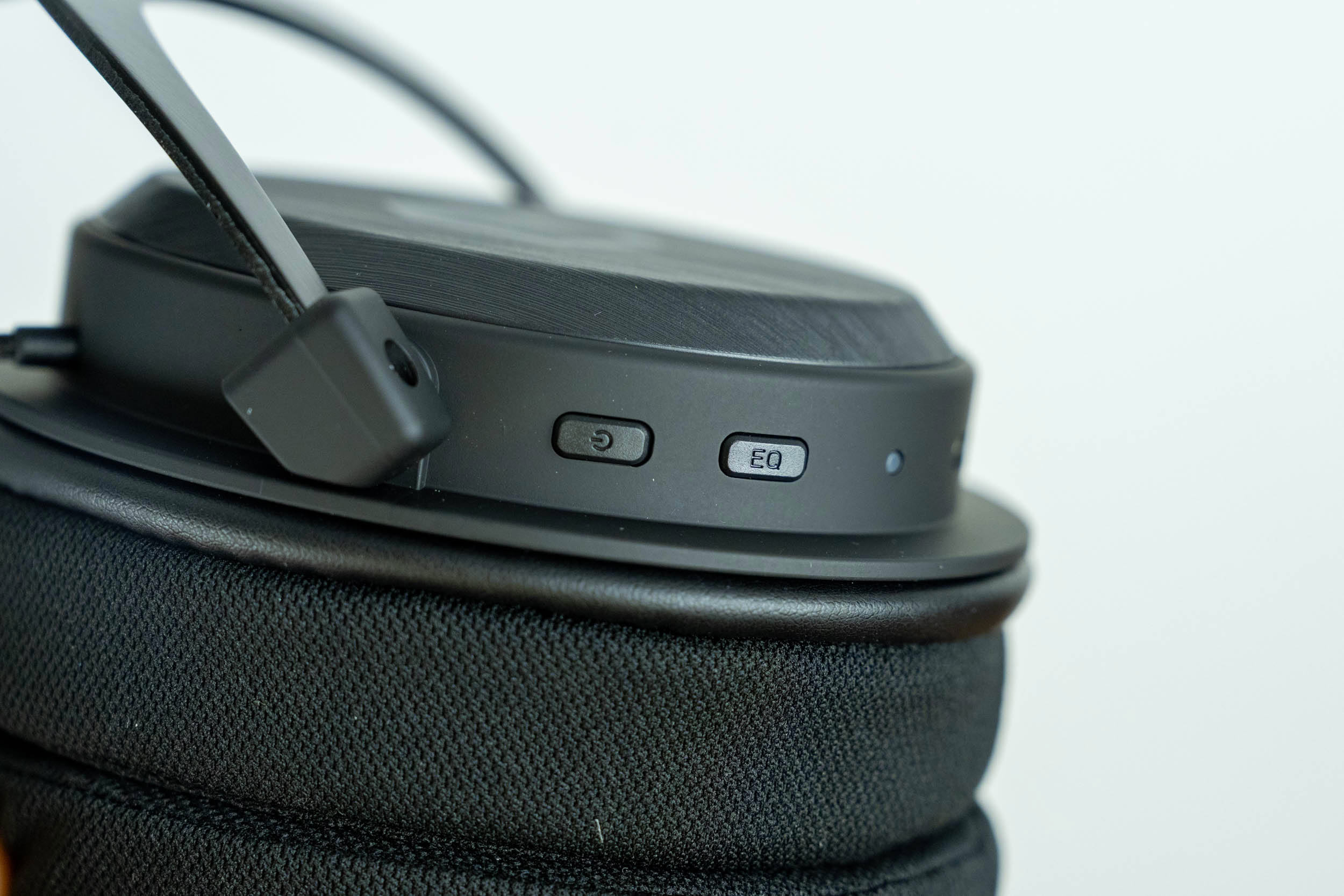
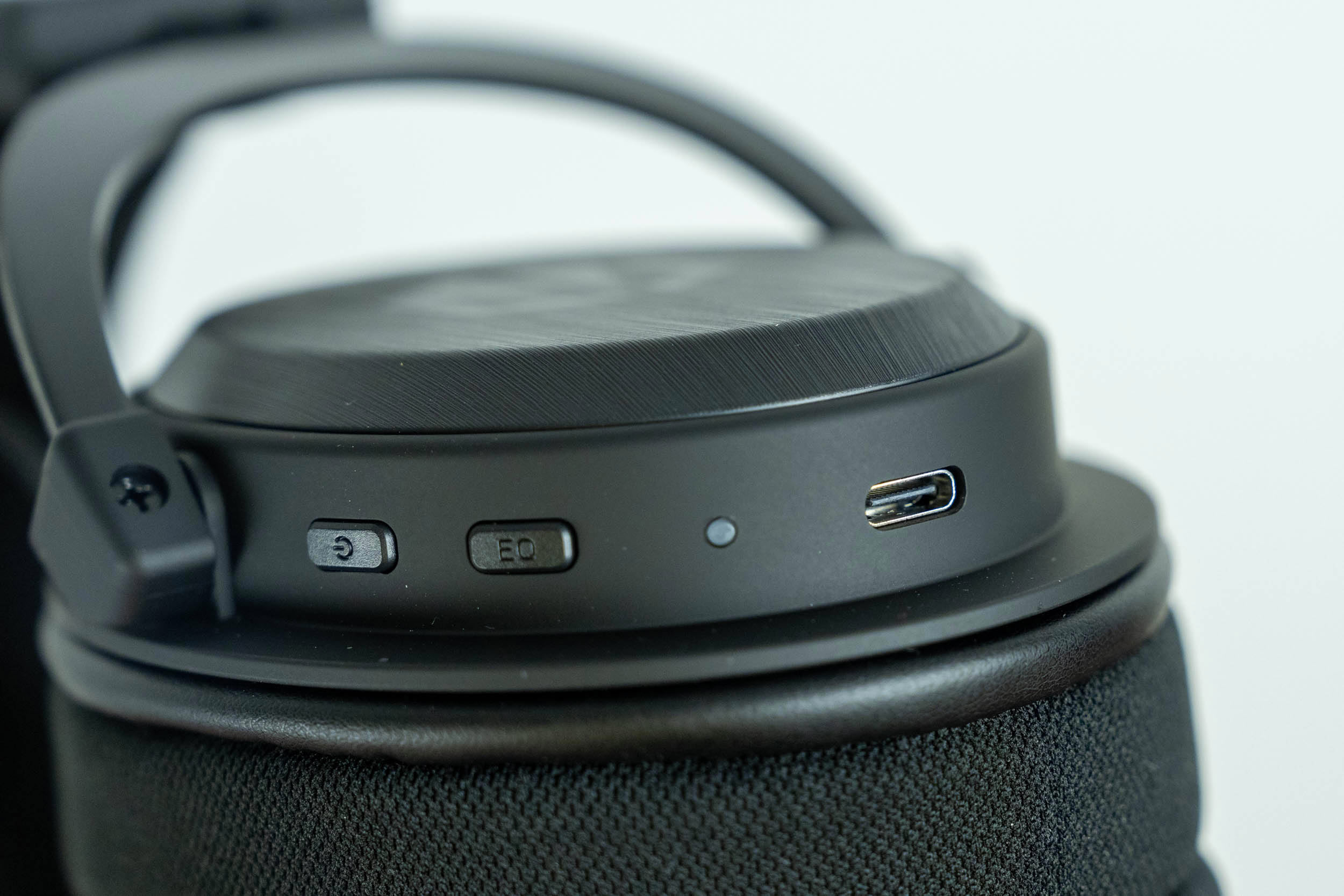
The right ear cup houses the power button, the sound profile button (labeled "EQ"), a status LED and a USB-C port. Holding the power button for two seconds turns the headset on or off, while a single press plays or pauses media. The sound profile button switches between Gaming Mode and Vocal Mode, but only in 2.4 GHz and USB mode—in Bluetooth and analog mode, you're stuck with the default sound. The USB-C port is used for charging, for wired USB audio, and, with the supplied USB-C to 3.5 mm cable, for analog connectivity. The headset can also be used while charging, as wired USB mode works with the cable plugged in.
Nov 14th, 2026 08:21 CST
change timezone
Latest GPU Drivers
New Forum Posts
- Tell me about your favourite graphics card (48)
- What are you playing? (26219)
- 3D Printer Club (851)
- Folding Pie and Milestones!! (10202)
- a note from zachary85's son (9)
- Have you got pie today? (17083)
- No screen and keyboard with mouse not being powered on (4)
- Requesting original VBIOS for Gigabyte RX 5700 XT GAMING OC 8G Rev 2.0 (Micron) (3)
- Unallocated space in ssd , is it normal? (19)
- What can the FX 8320 do today? Here is the answer. (2)
Popular Reviews
- AMD Zen 6 Technical Deep Dive
- Corsair HX1000i Shift Crystal Review
- ASUS ROG Strix B850-I Gaming Wi-Fi7 W Review
- NZXT C1200 Platinum Review
- Upcoming Hardware Launches 2027 (Updated Nov 2026)
- Montech King 95 3D PRO Review
- NZXT H7 RGB+ Review
- NZXT H5 Review
- Phantom Blade Zero Performance Benchmark Review - 35 GPUs Tested
- XPG NIMBUS PLUS Review - Mid-range Chair With Strong Competitors
TPU on YouTube
Controversial News Posts
- NVIDIA Co-Founder and CEO Jensen Huang Officially Resigns (385)
- OpenAI CEO Argues Home PCs Waste the World's Limited DRAM Supply (152)
- NVIDIA Launches Investigation Into Jensen Huang's Relationship With Suspected Chinese Spy (136)
- Intel "Raptor Lake Next" 16-Core and 20-Core CPUs Surface (130)
- Legendary Game Studio BioWare Shuts Down Following EA Layoffs (104)
- Dell CEO Says the Memory Shortage Will Get Worse in 2027 (95)
- NVIDIA GeForce RTX 50-Series Scheduled for up to $500 Price Hike This Week (89)
- Modder Fits RTX 5090 With Four 8-Pin Connectors, Halving Current per Wire (80)