 65
Forza Horizon 6 Performance Benchmark Review - 30+ GPUs Tested
Preset Performance & Image Quality »Graphics Settings

- The first section contains general display settings.
- You may choose between windowed and fullscreen.
- The frame rate limiter can be set to 20, 30 and 60 FPS. When V-Sync is disabled there's also an "Unlocked (variable)" option.
- Motion blur can be disabled completely.
- Anti-aliasing offers TAA with an adjustable sharpness slider, NVIDIA DLSS, AMD FSR, and Intel XeSS are available, too.
- You may adjust sharpening for all these upscaling technologies.
- Frame generation is only available via NVIDIA DLSS Frame Generation—there is no AMD or Intel frame generation option. Note: enabling DLSS Frame Generation will set the frame rate cap to 60 FPS—set it back to unlocked manually (requires V-Sync to be disabled), this is probably a bug.
- Cams FOV lets you adjust the field of view for six camera perspectives: Chase Cam, Far Chase Cam, Driver Cam, Dashboard Cam, Hood Cam, and Bumper Cam, each with a default value and adjustable slider.

- Start Benchmark Mode triggers the built-in benchmark.
- The Preset selector offers quality presets: Very Low, Low, Medium, High, Ultra, Extreme, High + RT, Ultra + RT, Extreme + RT.
- Level of Detail controls Car Level of Detail, Environment Texture Quality, and Environment Geometry Quality, each with multiple quality levels up to Extreme.
- Reflections includes Car Reflection Quality, Screen Space Reflections Quality, and Raytraced Reflections Quality.
- Enabling ray-traced reflections automatically disables the screen-space equivalent (and vice versa).
- Shadows provides Shadow Quality and Night Shadows settings, each with multiple quality levels up to Extreme.
- Lighting and Materials offers Screen Space GI Quality, Raytraced GI Quality, and Shader Quality. Enabling ray-traced GI disables the screen-space equivalent.
- Additionally, there's a good list of options for fine-tuning performance.
Test System
| Test System - GPU 2025.2 | |
|---|---|
| Processor: | AMD Ryzen 7 9800X3D Zen 5, 5.2 GHz, 8 cores/16 threads |
| Motherboard: | MSI X870E Carbon Wi-Fi BIOS 7E49v1A3 |
| Resizable BAR: | Enabled on all supported cards (NVIDIA, AMD & Intel) |
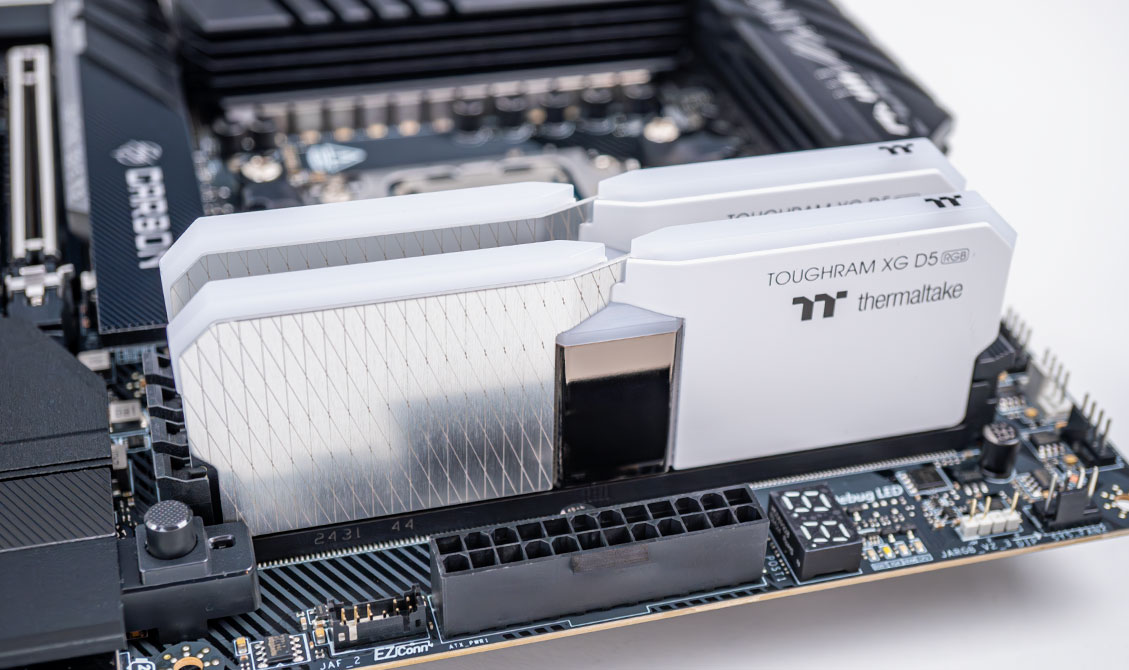
| Memory: | Thermaltake TOUGHRAM XG 2× 16 GB DDR5 6200 MT 28-36-36-76 UCLK 1:1 |
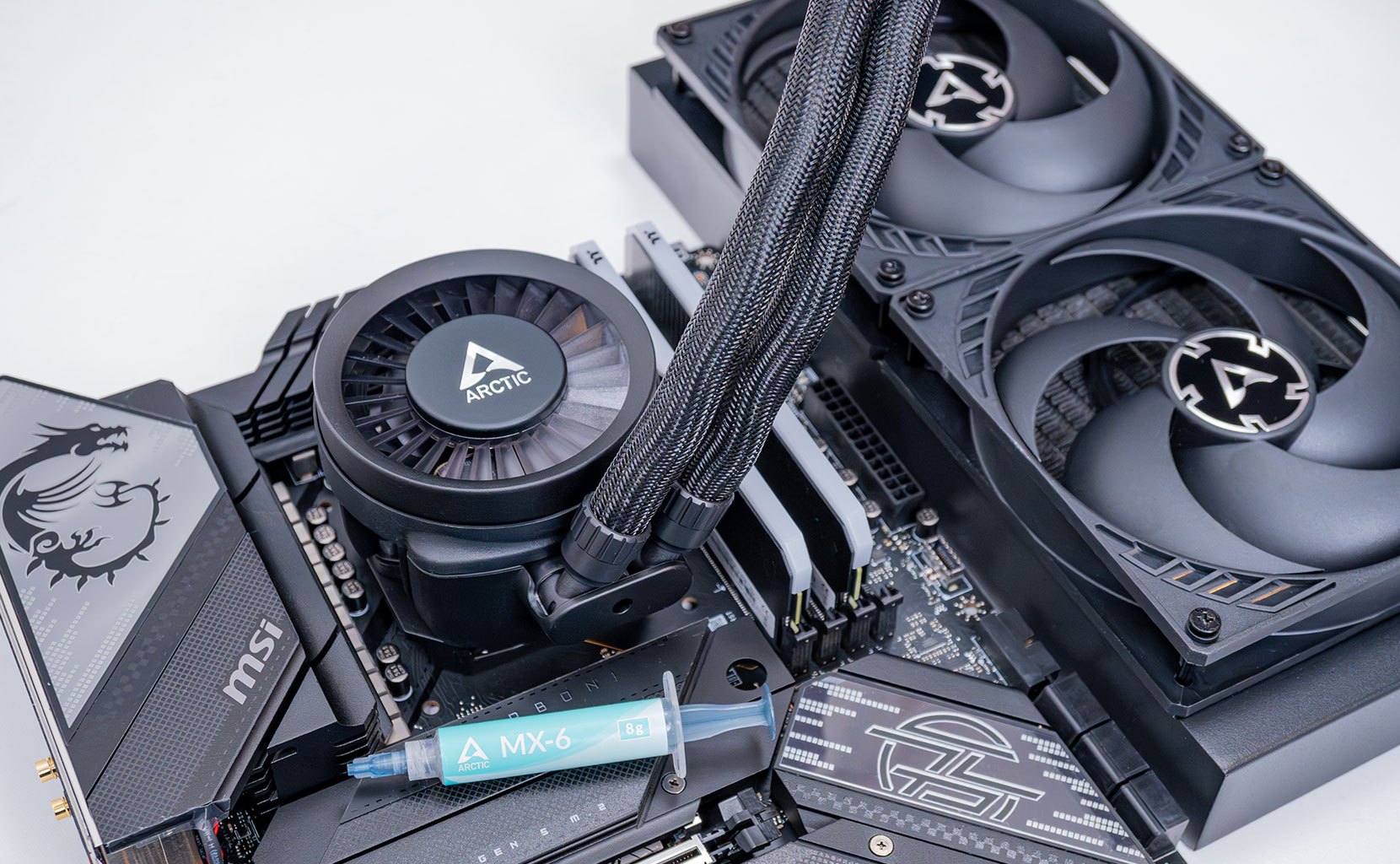
| Cooling: | Arctic Liquid Freezer III 280 mm AIO |
| Thermal Paste: | Arctic MX-6 |
| Storage: | 4 TB M.2 NVMe SSD |
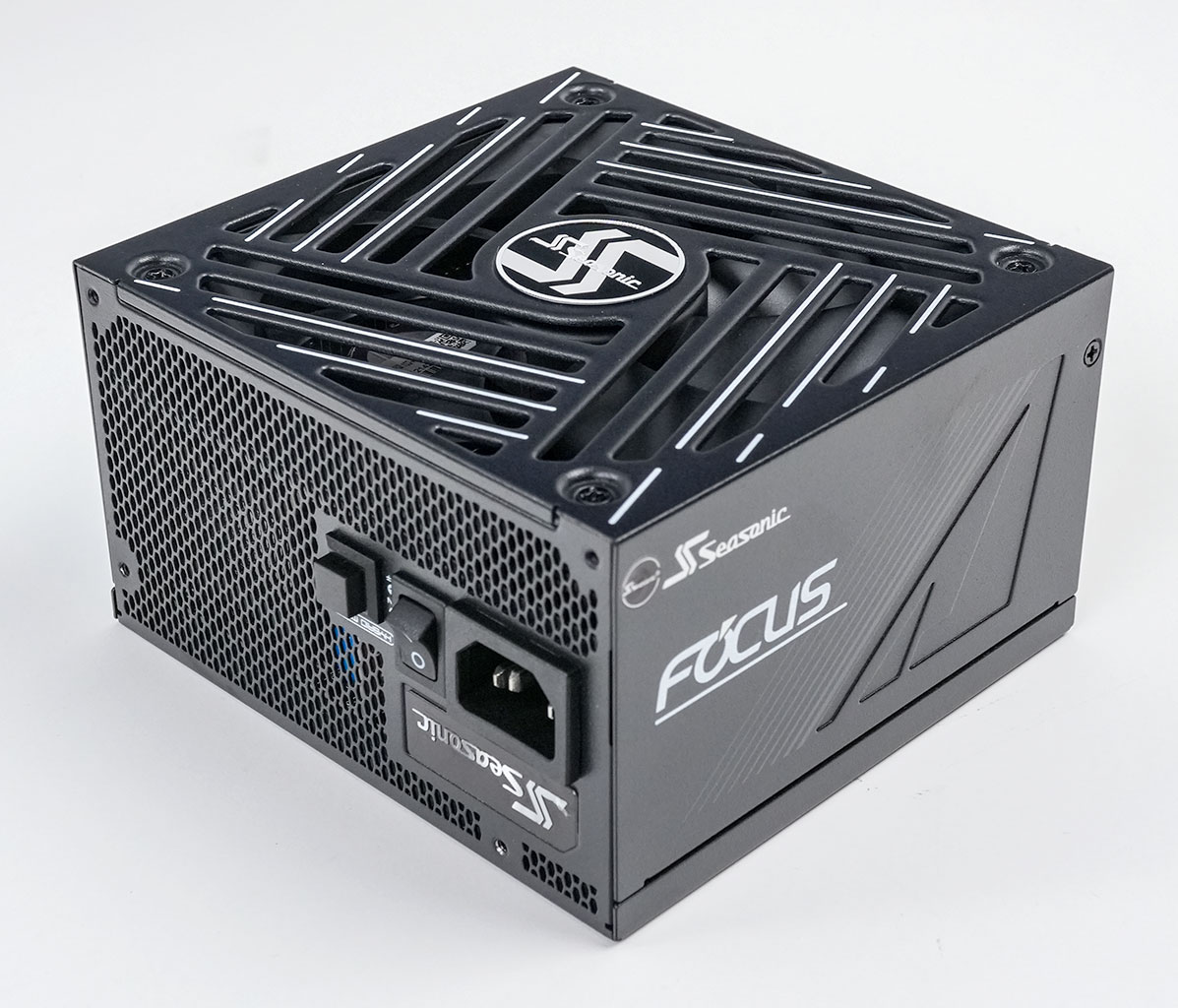
| Power Supply: | Seasonic Focus GX 1000 W ATX 3.0 / 16-pin 12VHPWR |
| Case: | darkFlash DY470 |
| Operating System: | Windows 11 Professional 64-bit 25H2 VBS enabled (Windows 11 default) |
| Drivers: | NVIDIA: 596.49 WHQL AMD: 26.5.1 WHQL Intel: 101.8737 Beta |
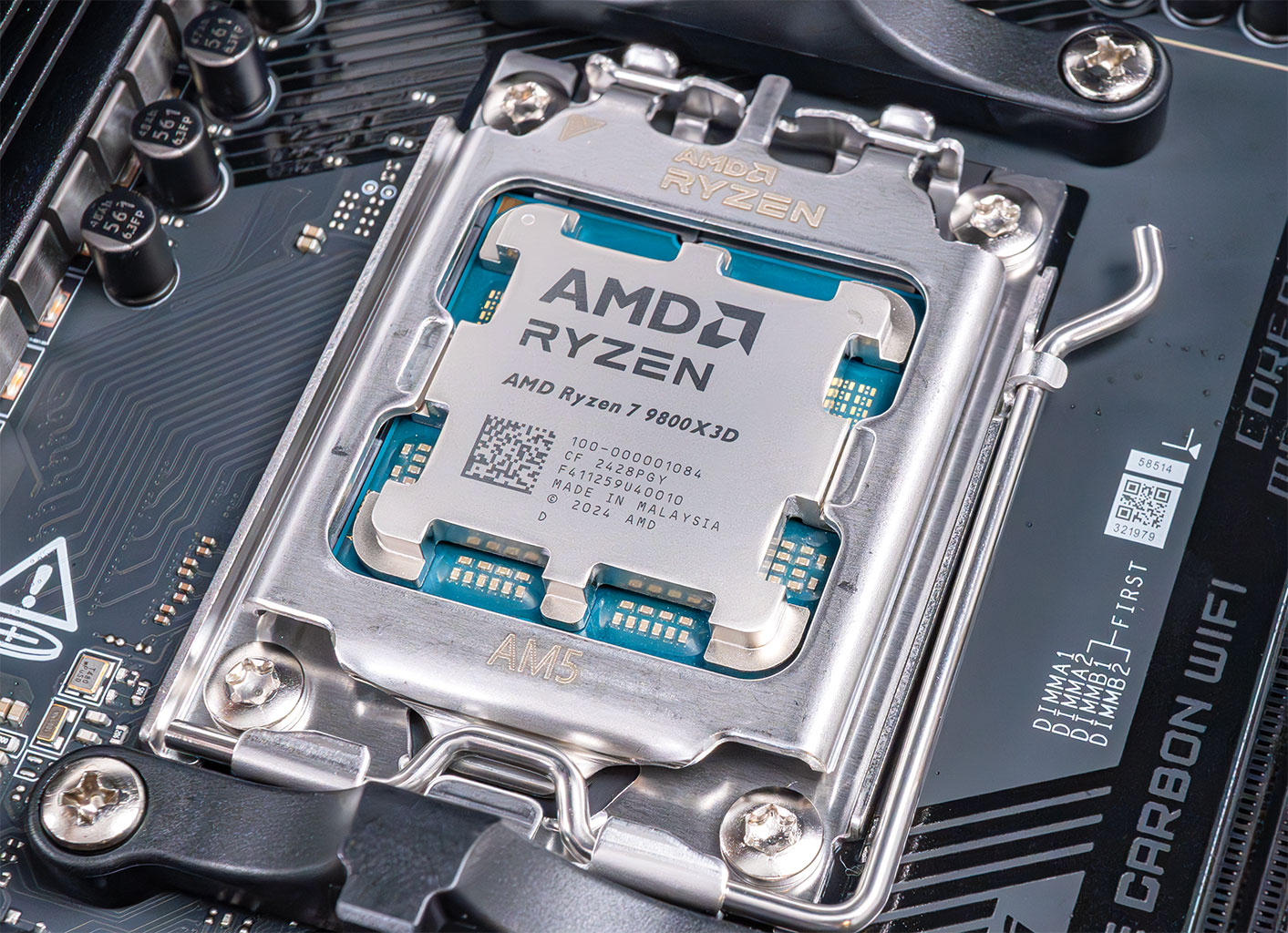
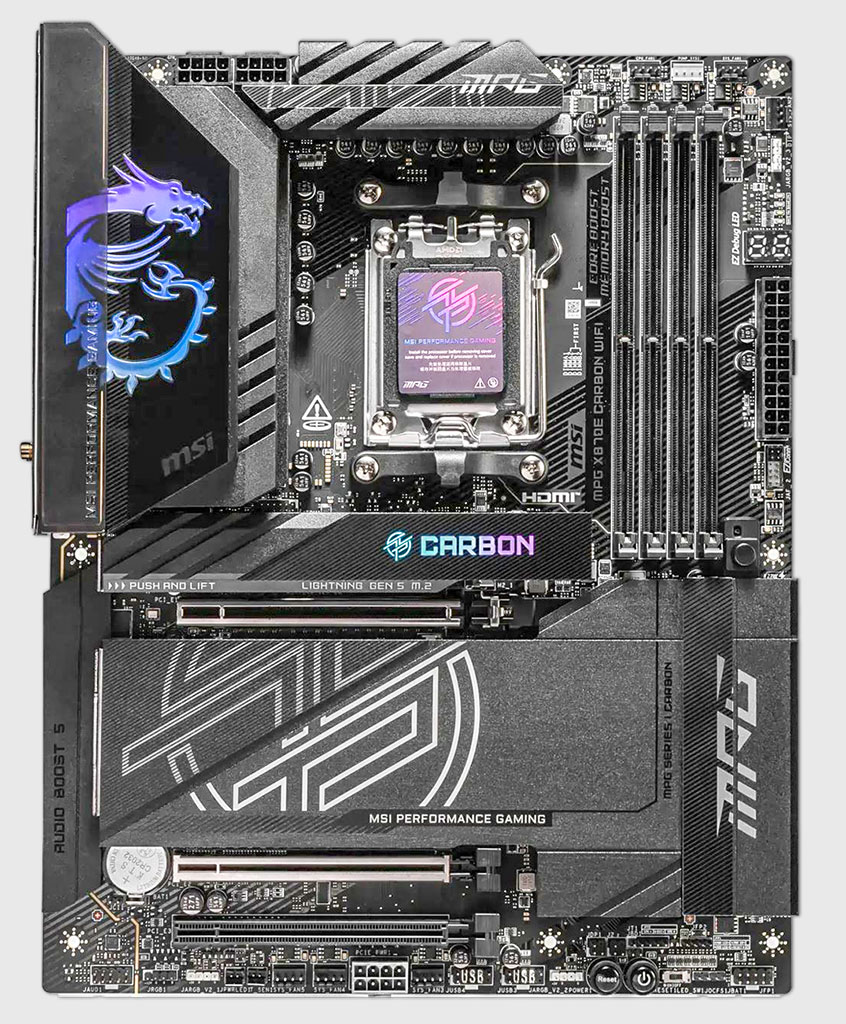
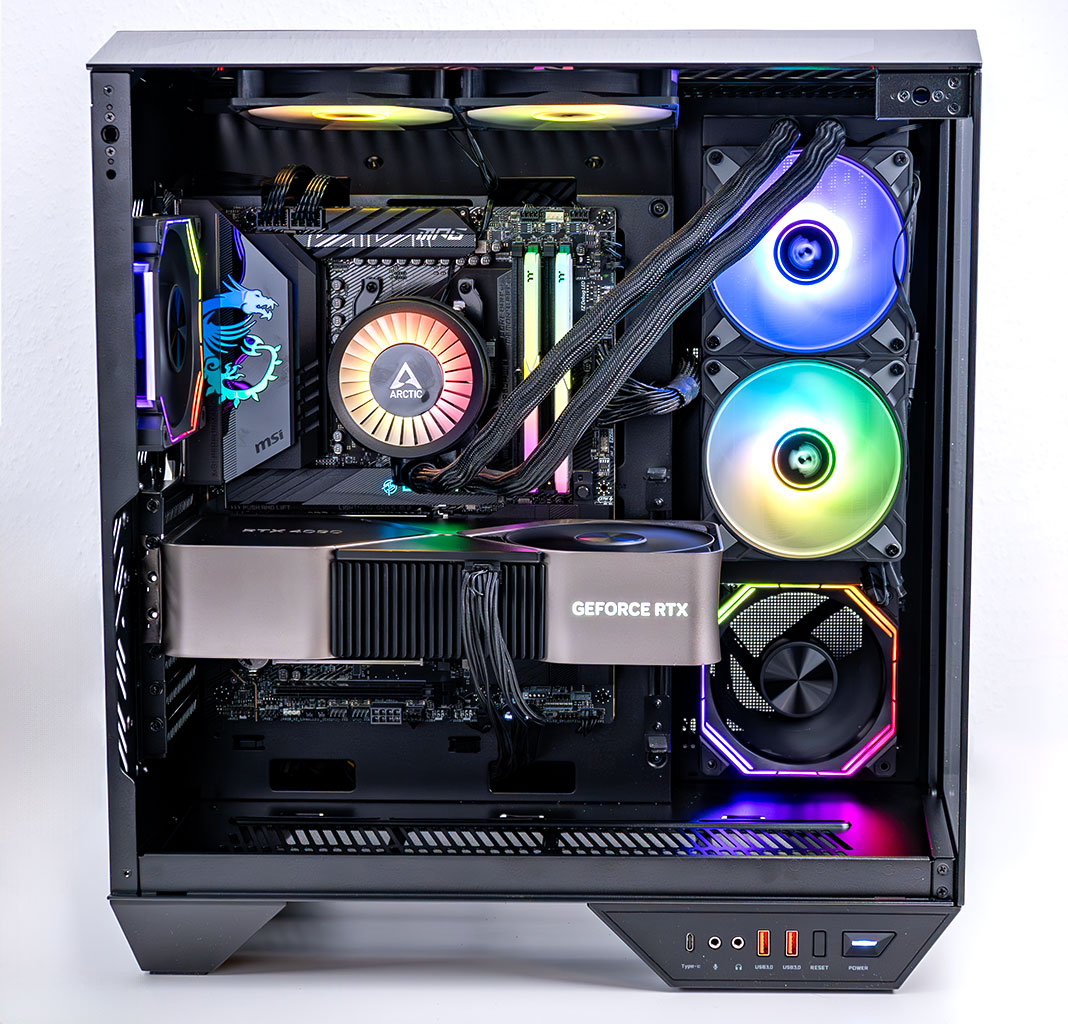
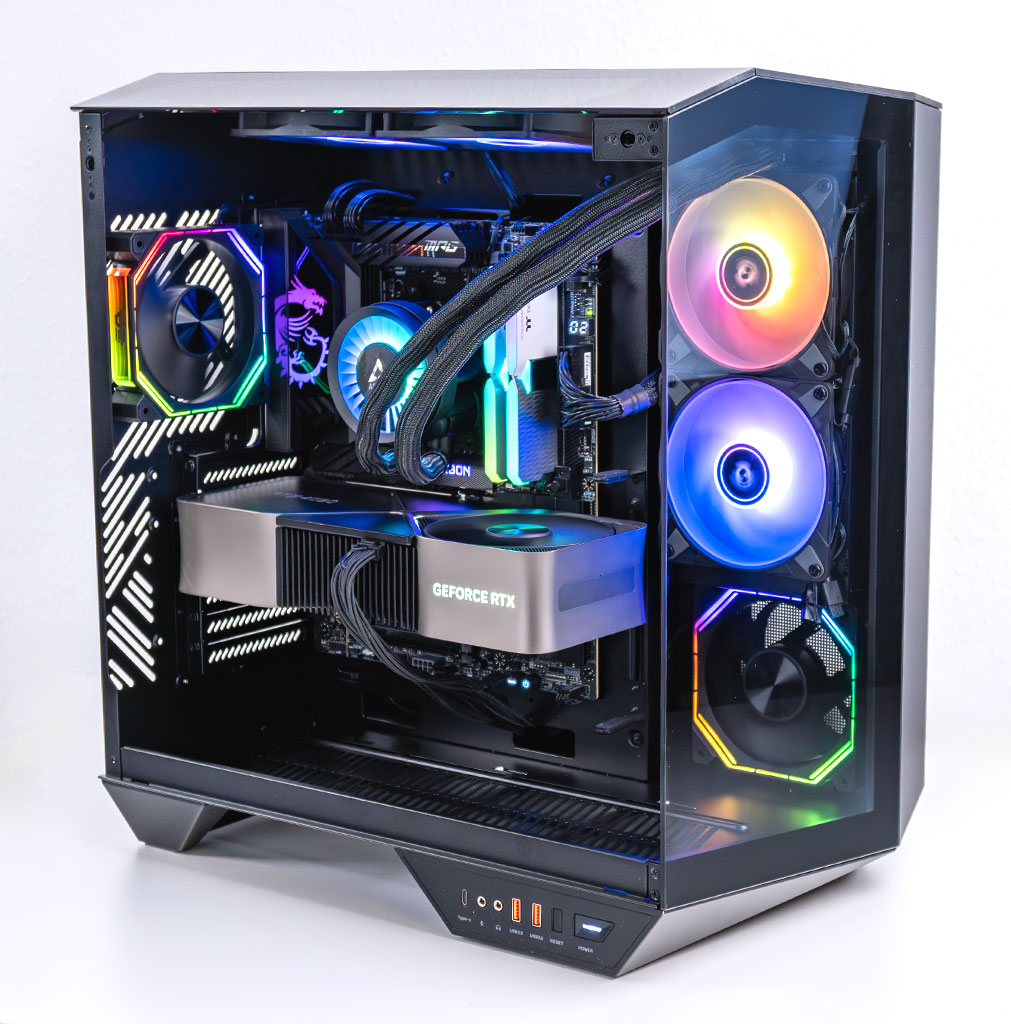
- All cards used for comparison are Founders Edition/reference design. If a reference card does not exist, we use the closest model to ensure default clocks and power limit.
- We tested the Steam press-preview release version of the game.
- We used the game's built-in benchmark mode, which runs a driving sequence through a typical racing map.
Nov 14th, 2026 15:00 CST
change timezone
Latest GPU Drivers
New Forum Posts
- Ddr4 instead of ddr5 for 9060xt 8 gb over 5060 8 gb (8)
- Tell me about your favourite graphics card (79)
- What can the FX 8320 do today? Here is the answer. (38)
- Your PC ATM (36426)
- Windows 11 General Discussion (7728)
- WarpCoreBench scores! (30)
- AMD Software: Adrenalin Edition 26.10.1 Driver (6)
- 9070 GRE 3.9ghz validation reached. (9)
- Bios Soyo rx580 8g (13)
- auto-closed by somethings by actions (1)
Popular Reviews
- AMD Zen 6 Technical Deep Dive
- ASUS ROG Strix B850-I Gaming Wi-Fi7 W Review
- Corsair HX1000i Shift Crystal Review
- NZXT C1200 Platinum Review
- Upcoming Hardware Launches 2027 (Updated Nov 2026)
- Montech King 95 3D PRO Review
- NZXT H7 RGB+ Review
- NZXT H5 Review
- Phantom Blade Zero Performance Benchmark Review - 35 GPUs Tested
- XPG NIMBUS PLUS Review - Mid-range Chair With Strong Competitors
TPU on YouTube
Controversial News Posts
- NVIDIA Co-Founder and CEO Jensen Huang Officially Resigns (403)
- OpenAI CEO Argues Home PCs Waste the World's Limited DRAM Supply (152)
- NVIDIA Launches Investigation Into Jensen Huang's Relationship With Suspected Chinese Spy (136)
- Intel "Raptor Lake Next" 16-Core and 20-Core CPUs Surface (130)
- Legendary Game Studio BioWare Shuts Down Following EA Layoffs (104)
- Dell CEO Says the Memory Shortage Will Get Worse in 2027 (95)
- NVIDIA GeForce RTX 50-Series Scheduled for up to $500 Price Hike This Week (89)
- Modder Fits RTX 5090 With Four 8-Pin Connectors, Halving Current per Wire (80)