 7
Gamdias Athena M4M Review
A Closer Look - Inside »A Closer Look - Outside
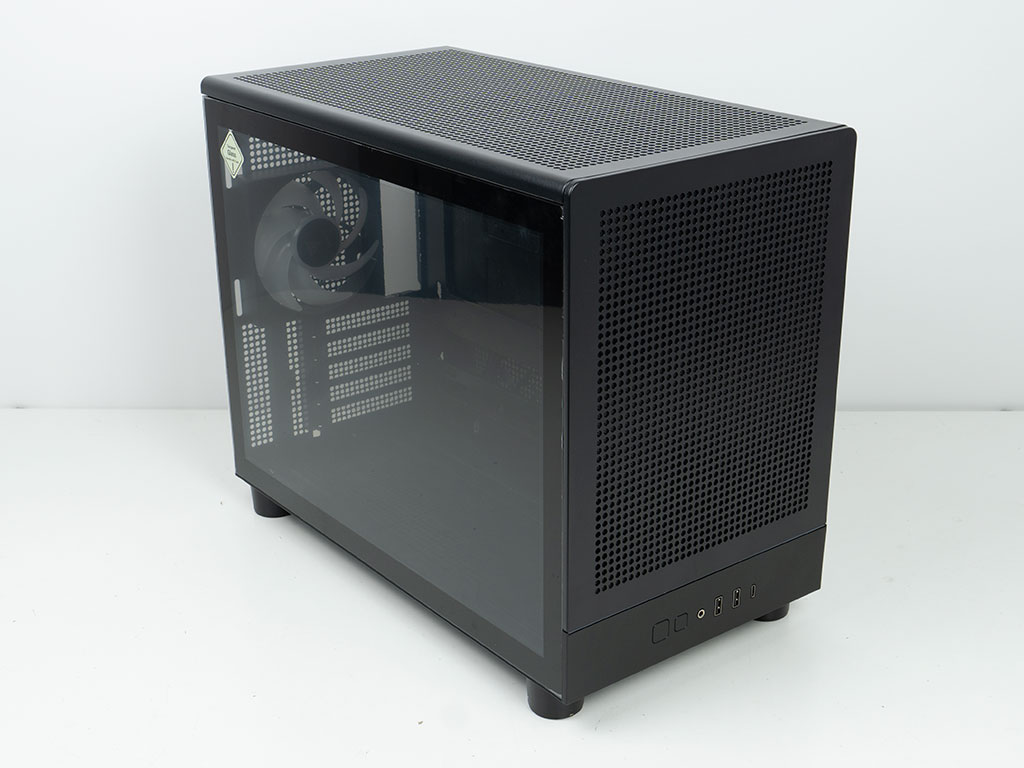
Out of the box, the Gamdias Athena M4M looks great, and the form factor will certainly be appealing to many who want a smaller system but still plan to install a large GPU and potent AIO. In terms of build quality however, it becomes apparent very quickly that the steel thickness of the panels and some of the body is quite thin, so those elements flex easily or could be bent out of shape with too little effort. Similarly, the glass panel is on the thin side as well, with the caliper measuring just around 2.75 mm thickness.
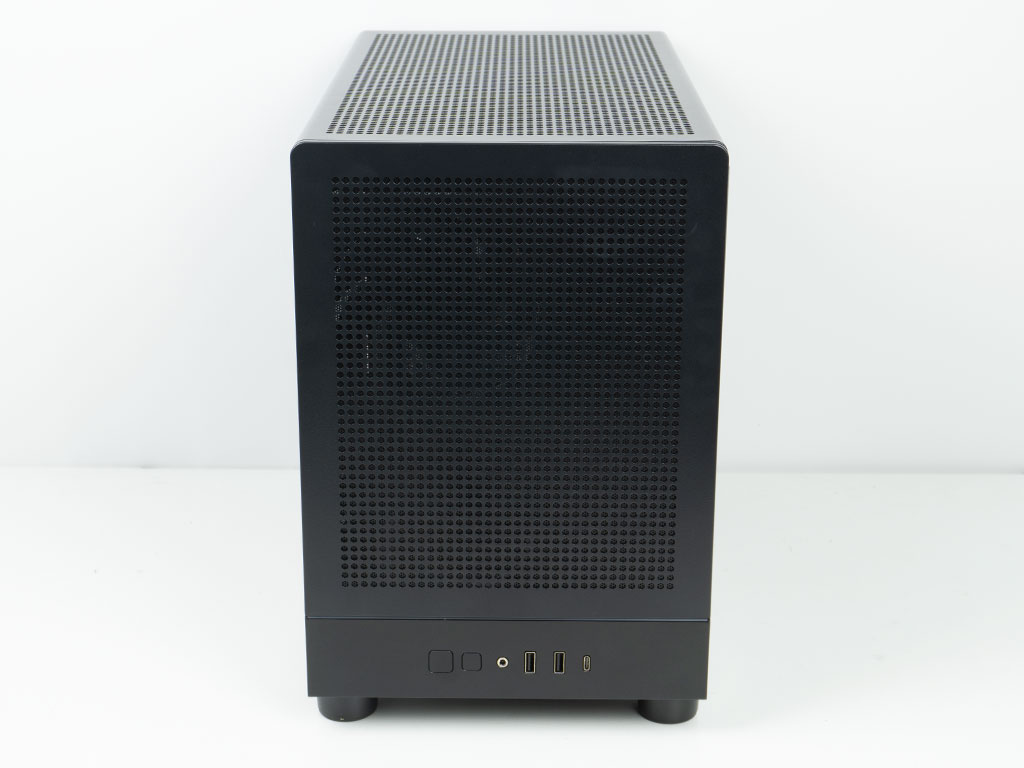


The front of the chassis is made of metal and is vented to provide a clean and symmetrical look, even though the two fans are offset to the left. The metal panel is lined with a basic, loosely inserted mesh dust filter which also seems a bit restrictive to airflow. Instead, Gamdias could have opted for finer holes in the front panel and avoided that secondary layer. The rear is all about providing space to the microATX motherboard and room for liquid cooling in the top of the chassis. The PSU is located towards the front, but a power cable extension will still allow you to plug your cord into the back of the chassis.
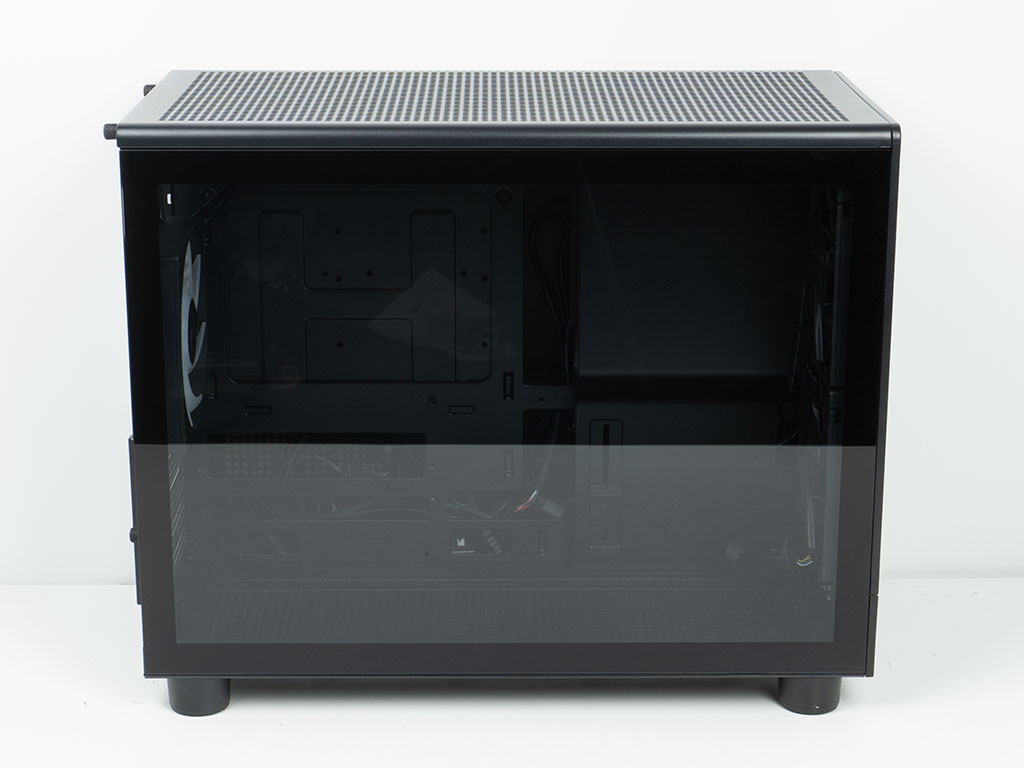

The main side panel is all glass and framed nicely in black, while the opposite side has two vented sections. This panel is once again lined with a basic dust filter. Both panels are held in place very securely with push pins, which is nice to see. As such, you will not need any tools to gain access to the interior of your system.
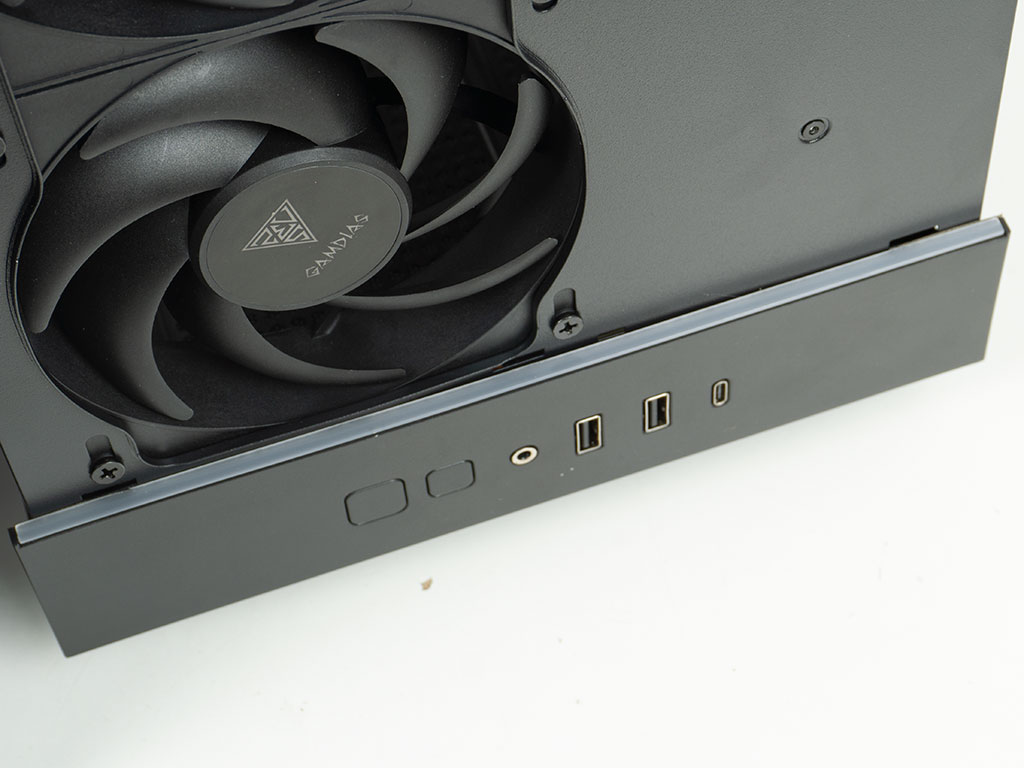
Gamdias has also embedded an ARGB strip in the front of the chassis, which is a great visual element to have. On a completely different note, jumping forward to our testing stage, in this image you can see how close the opening for the fan is to its blades. At high speeds, these blades will stretch out a bit and rub up against the metal, thus creating a rattling noise. Simply adding anti-vibration grommets to the fans or screws would solve this without needing to retool the front panel manufacturing.
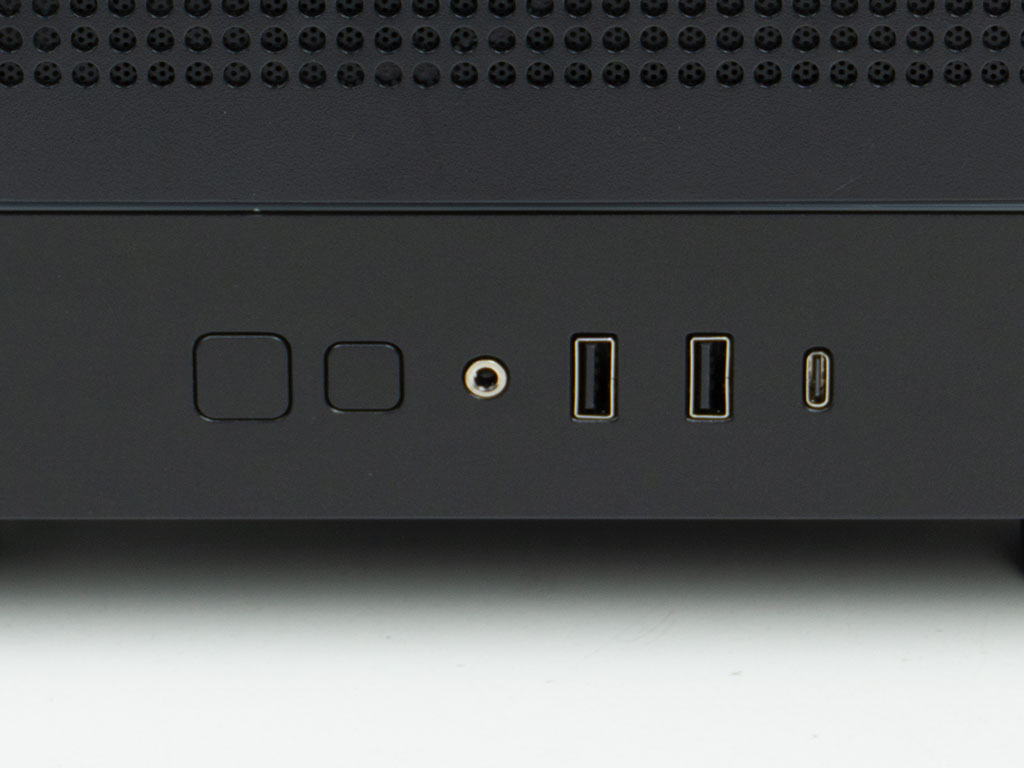
Now, back to this stage of the review, the Gamdias Athena M4M comes equipped with a modern set of I/O, consisting of two USB-A ports as well as a USB-C one. Naturally the audio combo plug is also there. On the left, there are two unmarked buttons. The larger one is for power while the smaller allows you to toggle through the various ARGB colors and animations. At the very least the power button could have a label or an embedded LED, so you don't end up hitting that by mistake when trying to go for a simple change in illumination color. Alternatively, Gamdias could have placed the smaller button to the right of the audio port, to provide some physical separation. It is clear that Gamdias is using the audio port as a visual center of symmetry with USB on one and buttons on the other side of it.

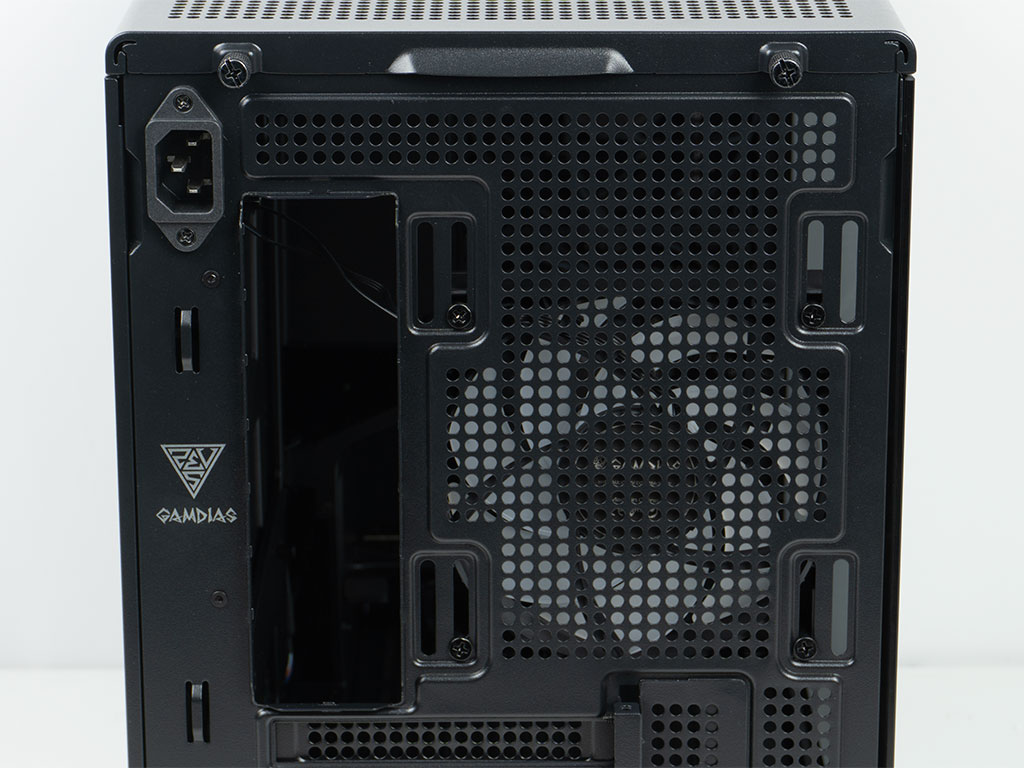
In the rear you will find five expansion slots instead of the usual four of a microATX board. This means that floor mounted fans should not interfere with any connectors along the bottom edge of the board. Above that, there is a 120 mm exhaust fan. Unlike the ones in the front, this one is equipped with ARGB elements. It makes sense for Gamdias to differentiate like that, as you would likely not want to see glow from your front fans offset to the left when viewing your system in action - symmetry is important after all. Last but certainly not least, the Athena M4M also sports several hooks for external cable management. As a fun fact, Gamdias does not officially list 140 mm compatibility in this rear position, but the elongated mounting holes for it are clearly there. Similarly, that means that a 120 mm AIO—as ill-advised as they are—will also fit here, which is another aspect missing from the official specification table at the time of this review.
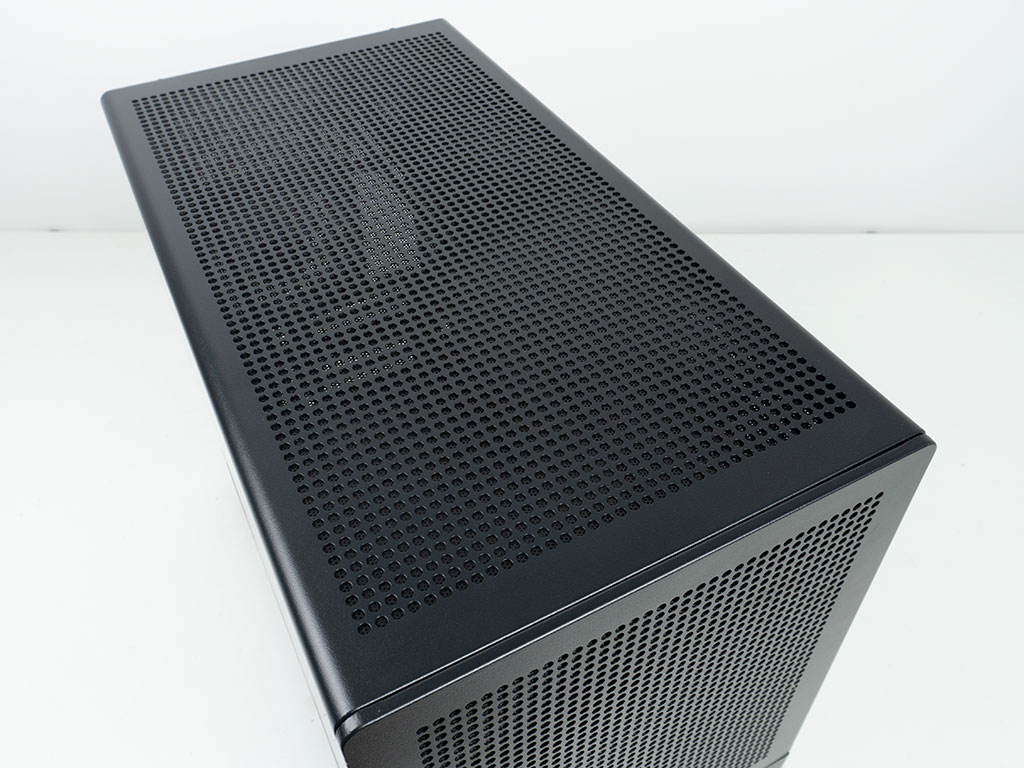
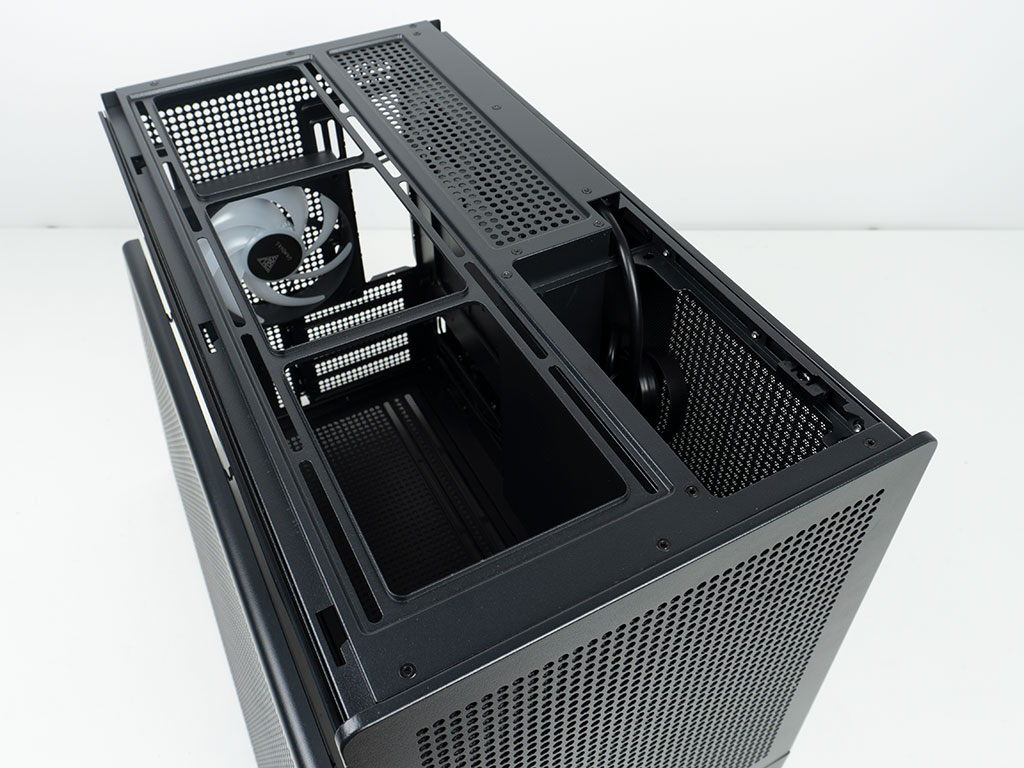
Just like the front and side, the top of the Athena M4M is completely vented. This panel also comes equipped with that simple secondary layer as a dust filter. It is secured by two thumb screws. Underneath, you will find a mounting location for three 120 mm fans or an AIO of up to 360 mm in size. As the PSU is facing upward, taking off the top panel also gives you access to the power port and switch of your power supply.

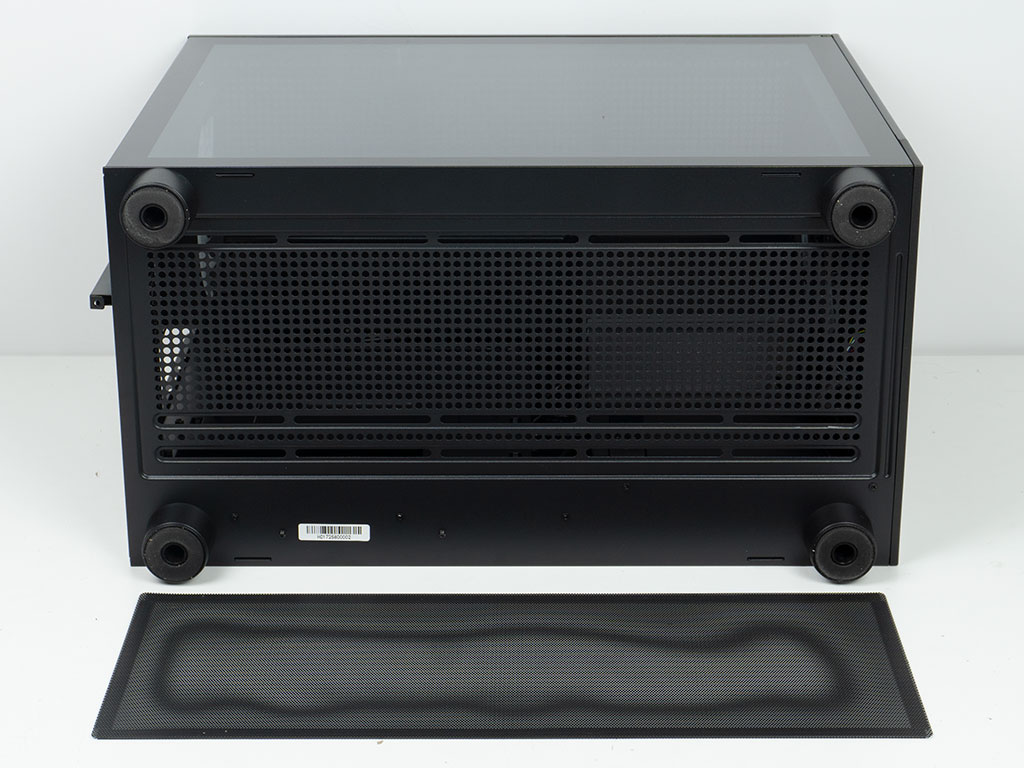
On the underside, the entire length of the floor is taken up by another frame to allow for up to three 120 mm units to be installed here. This one is protected externally by a magnetic metal mesh dust filter. Once again, there are a total of two layers between the outside air and the fans, as the floor is not open completely, instead opting for round holes much like the front, side and top of the case.
Nov 13th, 2026 07:47 PST
change timezone
Latest GPU Drivers
New Forum Posts
- Dual B70 or Dual R9700 Pro on Linux (0)
- To AiO CPU Cooler users? (6)
- Microsoft Exchange/365 outages? (40)
- I won't download games that are larger than 30–40 GB. (107)
- Slow SSD read speeds - help! (2)
- Any other old-timers here planning to play WoW Forever? (150)
- Requesting original VBIOS for Gigabyte RX 5700 XT GAMING OC 8G Rev 2.0 (Micron) (0)
- Home page search by category (6)
- Windows 11 General Discussion (7727)
- Warning for Windows 10 and 11 users running newer AMD GPU drivers (58)
Popular Reviews
- AMD Zen 6 Technical Deep Dive
- Corsair HX1000i Shift Crystal Review
- NZXT C1200 Platinum Review
- Upcoming Hardware Launches 2027 (Updated Nov 2026)
- Montech King 95 3D PRO Review
- NZXT H7 RGB+ Review
- NZXT H5 Review
- Phantom Blade Zero Performance Benchmark Review - 35 GPUs Tested
- XPG NIMBUS PLUS Review - Mid-range Chair With Strong Competitors
- Gigabyte Z890I Aorus Ultra Review
TPU on YouTube
Controversial News Posts
- NVIDIA Co-Founder and CEO Jensen Huang Officially Resigns (353)
- OpenAI CEO Argues Home PCs Waste the World's Limited DRAM Supply (152)
- NVIDIA Launches Investigation Into Jensen Huang's Relationship With Suspected Chinese Spy (136)
- Intel "Raptor Lake Next" 16-Core and 20-Core CPUs Surface (130)
- Legendary Game Studio BioWare Shuts Down Following EA Layoffs (104)
- Dell CEO Says the Memory Shortage Will Get Worse in 2027 (95)
- NVIDIA GeForce RTX 50-Series Scheduled for up to $500 Price Hike This Week (89)
- Modder Fits RTX 5090 With Four 8-Pin Connectors, Halving Current per Wire (80)