 4
Gigabyte MO27Q28GR Review - Gloss Without the Glare
Connectivity & Power Consumption »Design and Ergonomics
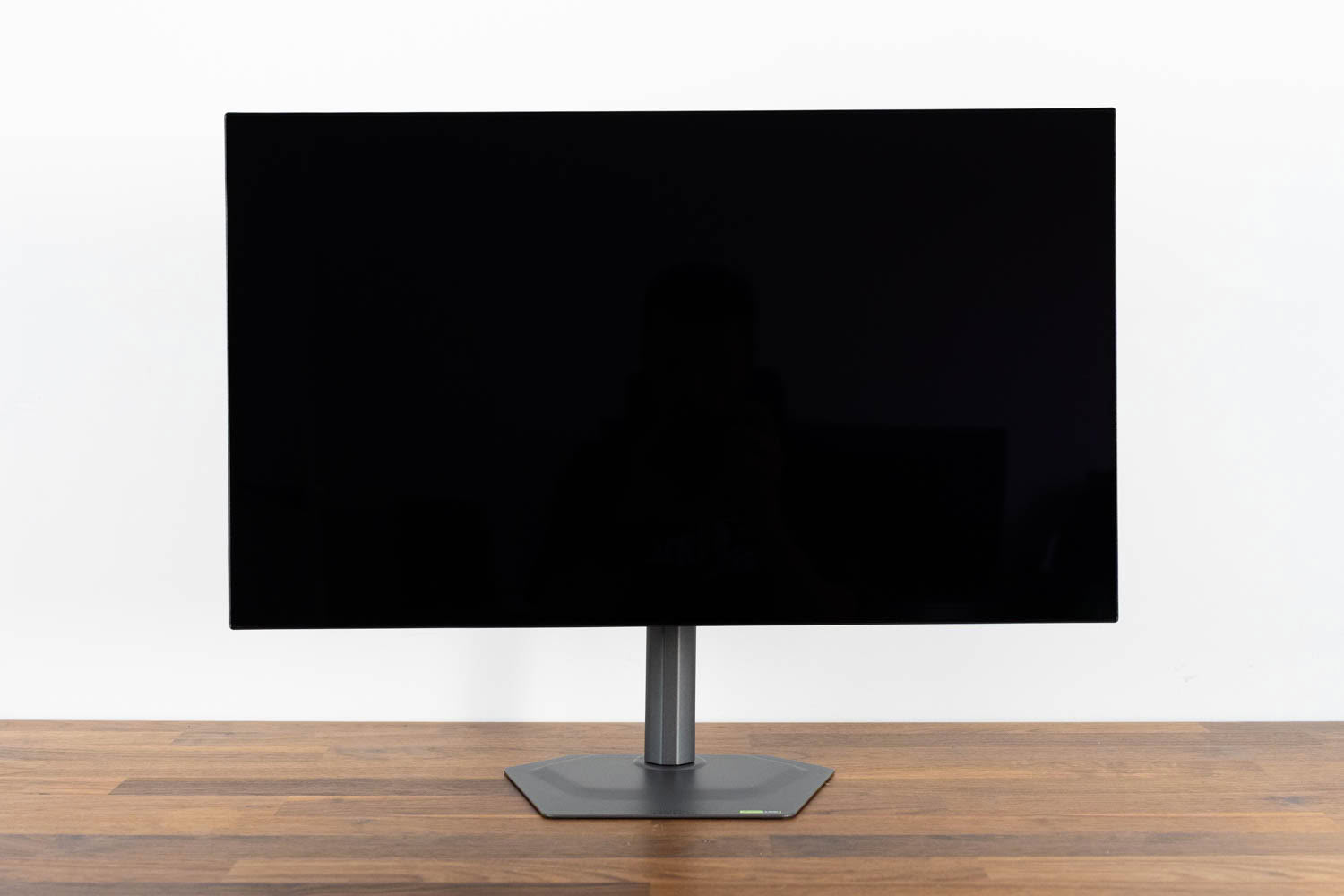
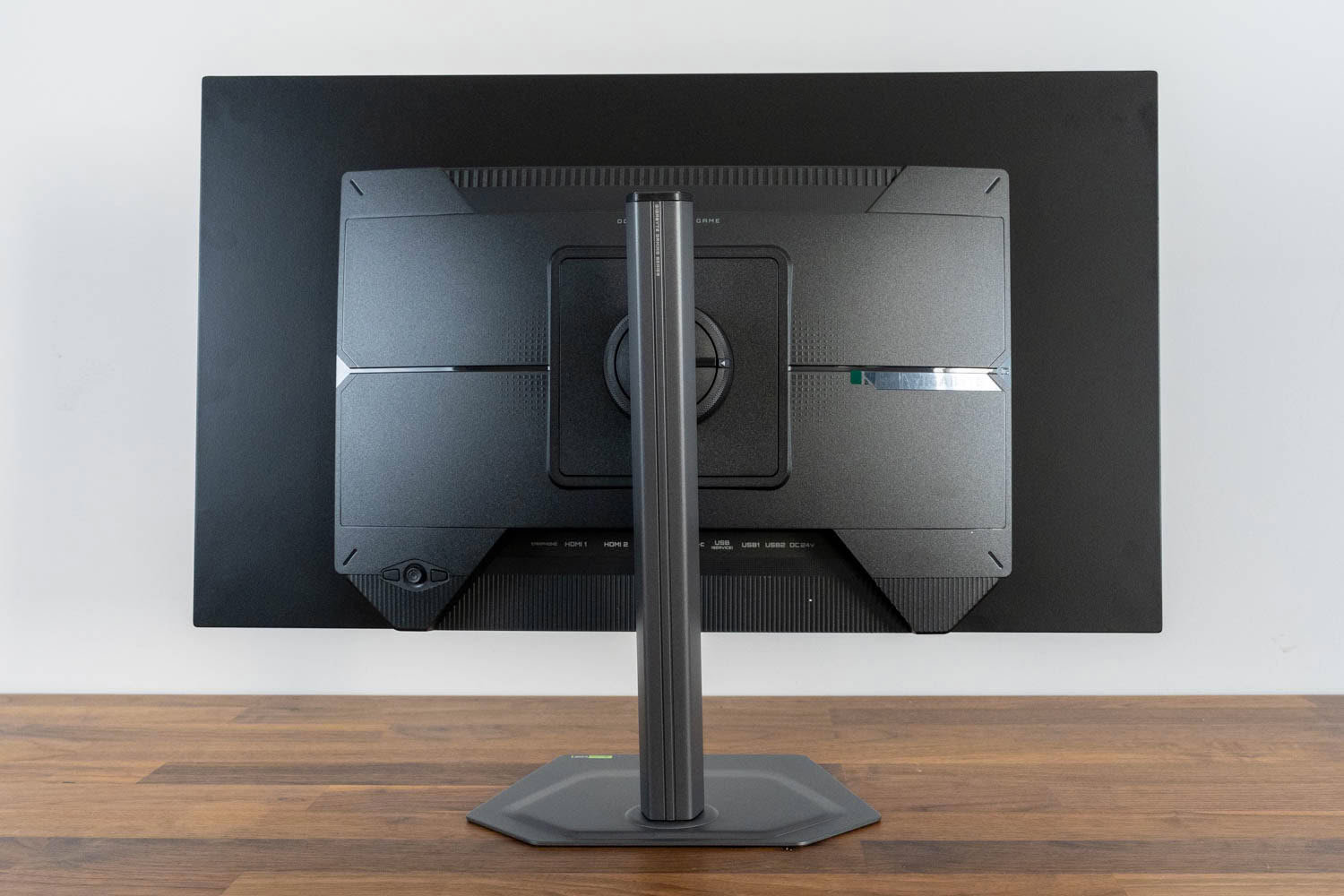
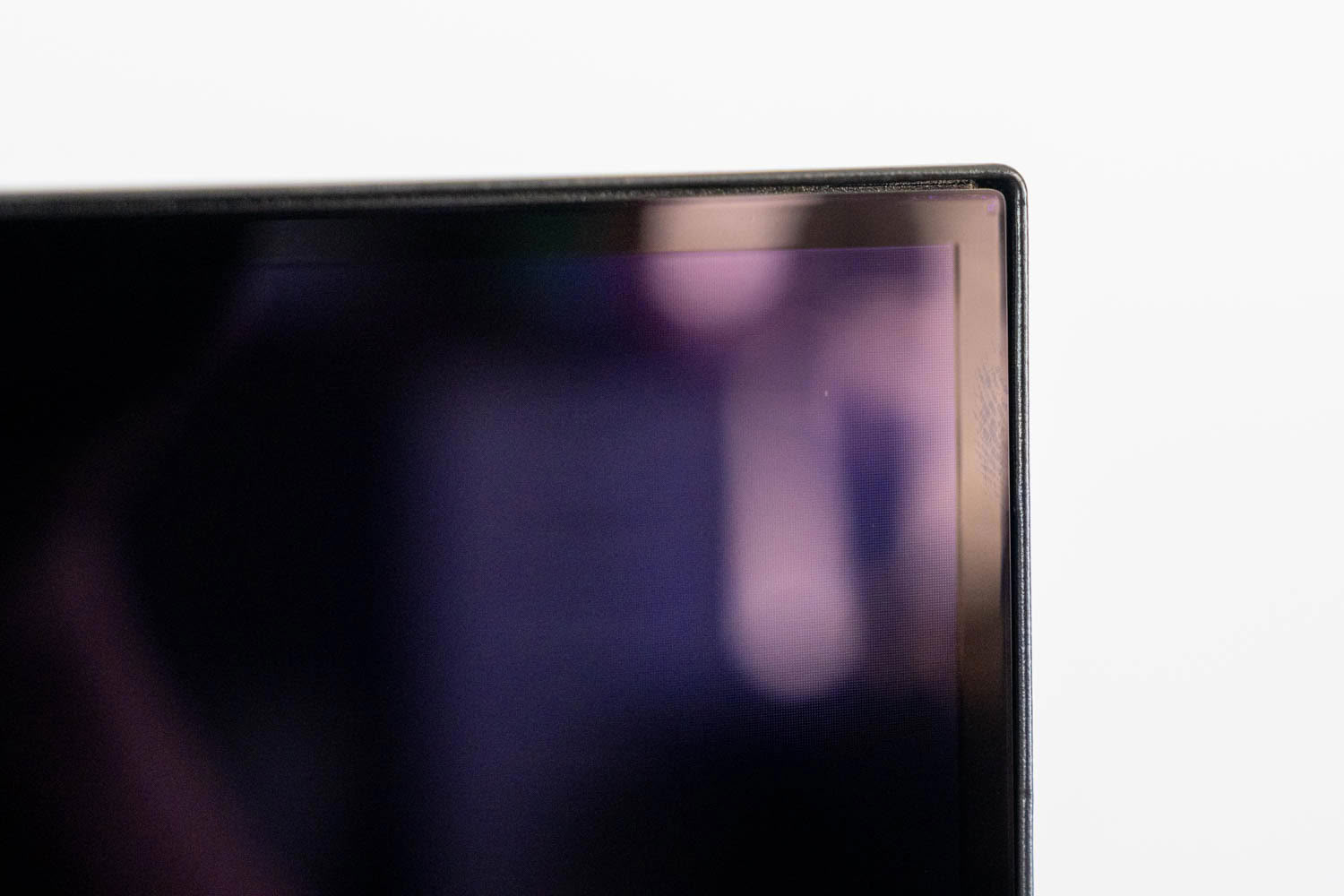
The front face is completely clean, with no Gigabyte logo anywhere on it, because the four-sided borderless construction is meant to make all four edges read as identical. Measured across the whole chassis the monitor comes in at 604.4 × 526.5 × 187.5 mm with the stand attached and 6 kg on the scale, dropping to 4.5 kg once the panel comes off the pillar. A quirk worth knowing about before it confuses you: the borders will not always look symmetrical. That is Pixel Shift doing its job, nudging the entire active image a few pixels in one direction or another at intervals to keep static content from settling on the same subpixels. The active area moves, the physical bezel does not, and the result is that edge widths appear to drift depending on where in the cycle you happen to look. Disable Pixel Shift and the effect disappears, though I would leave it on.
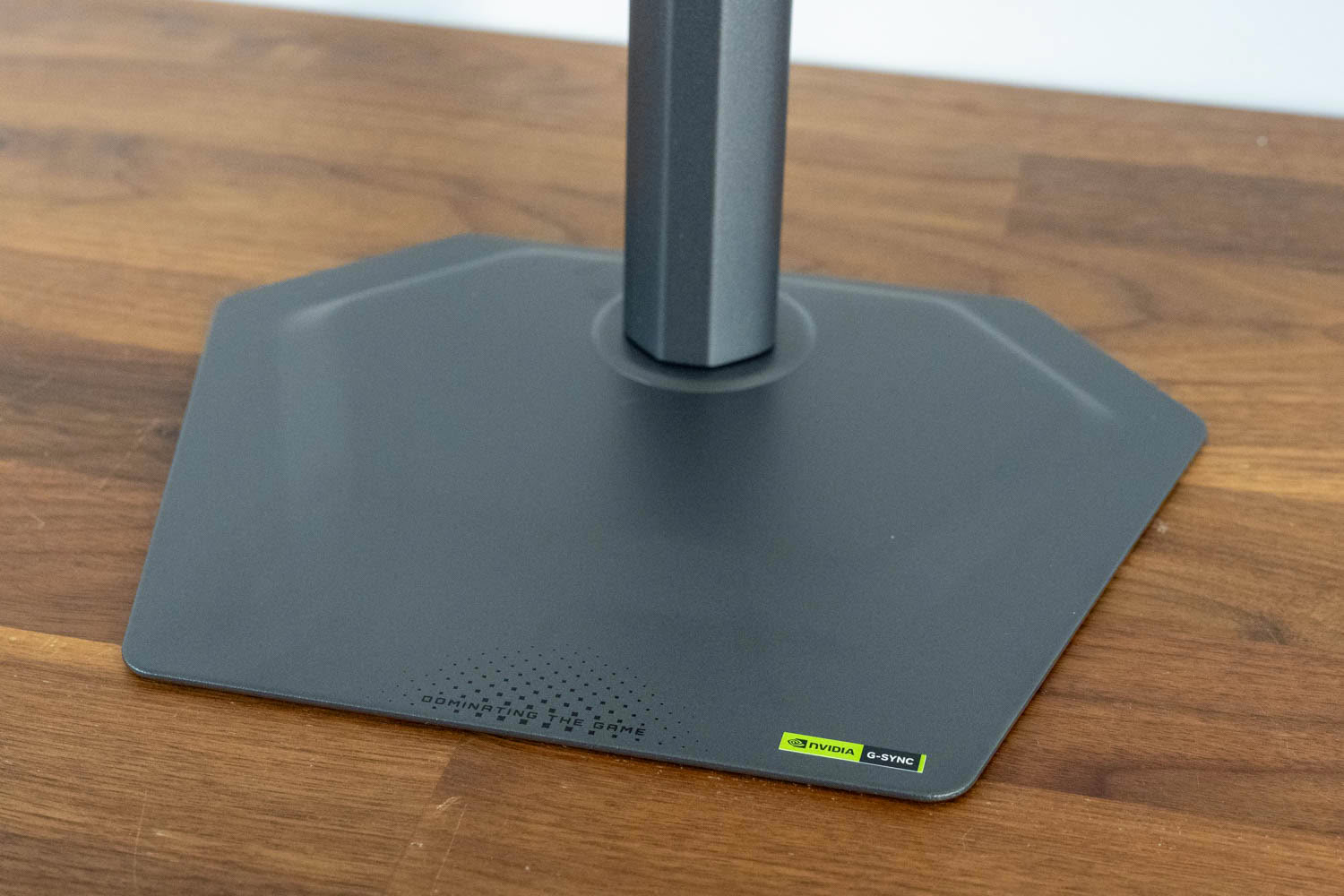
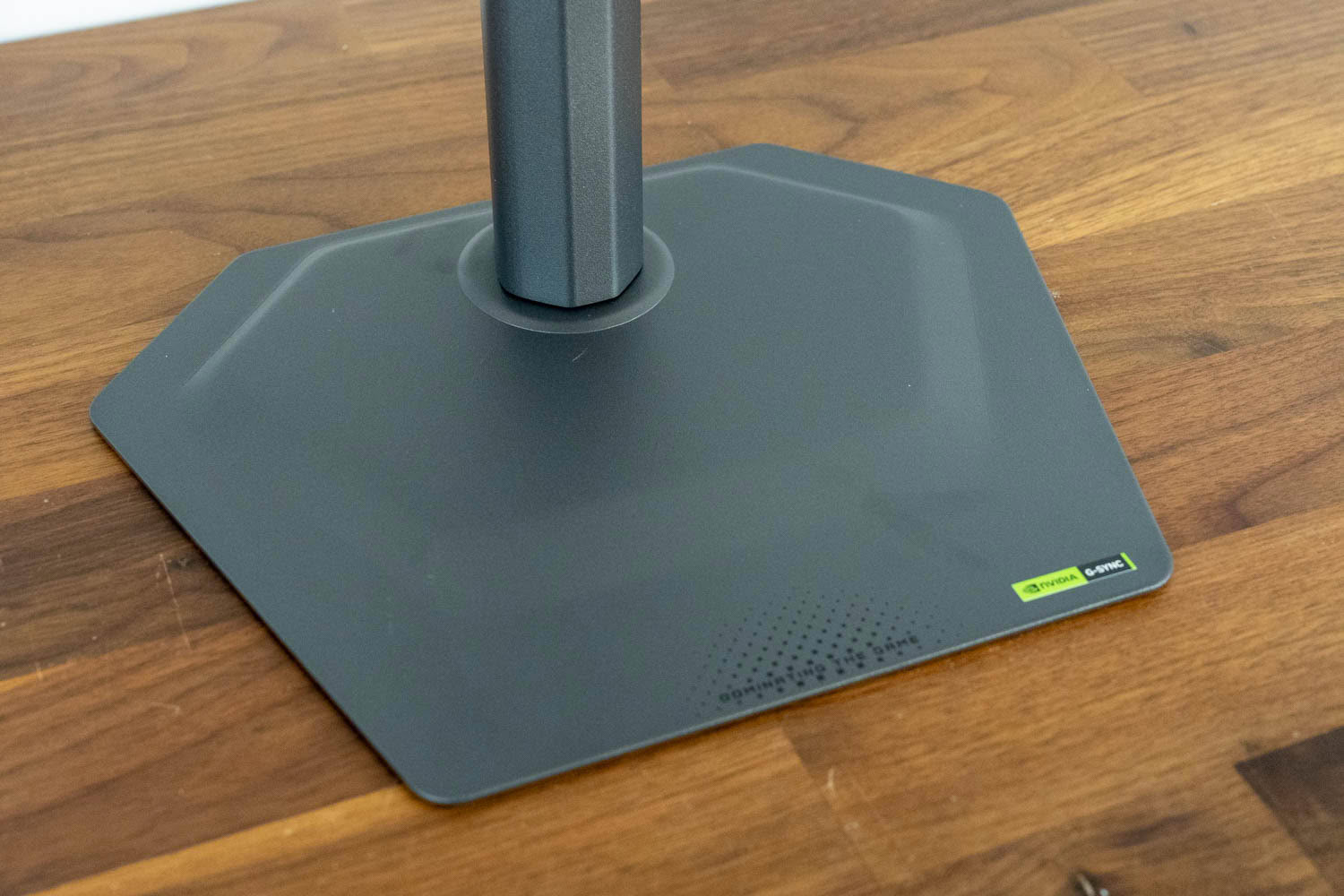
The base is a metal plate with a 2 mm profile, occupying 24 × 18.8 cm of desk and sitting close enough to the surface that it could be tucked under the keyboard if needed.
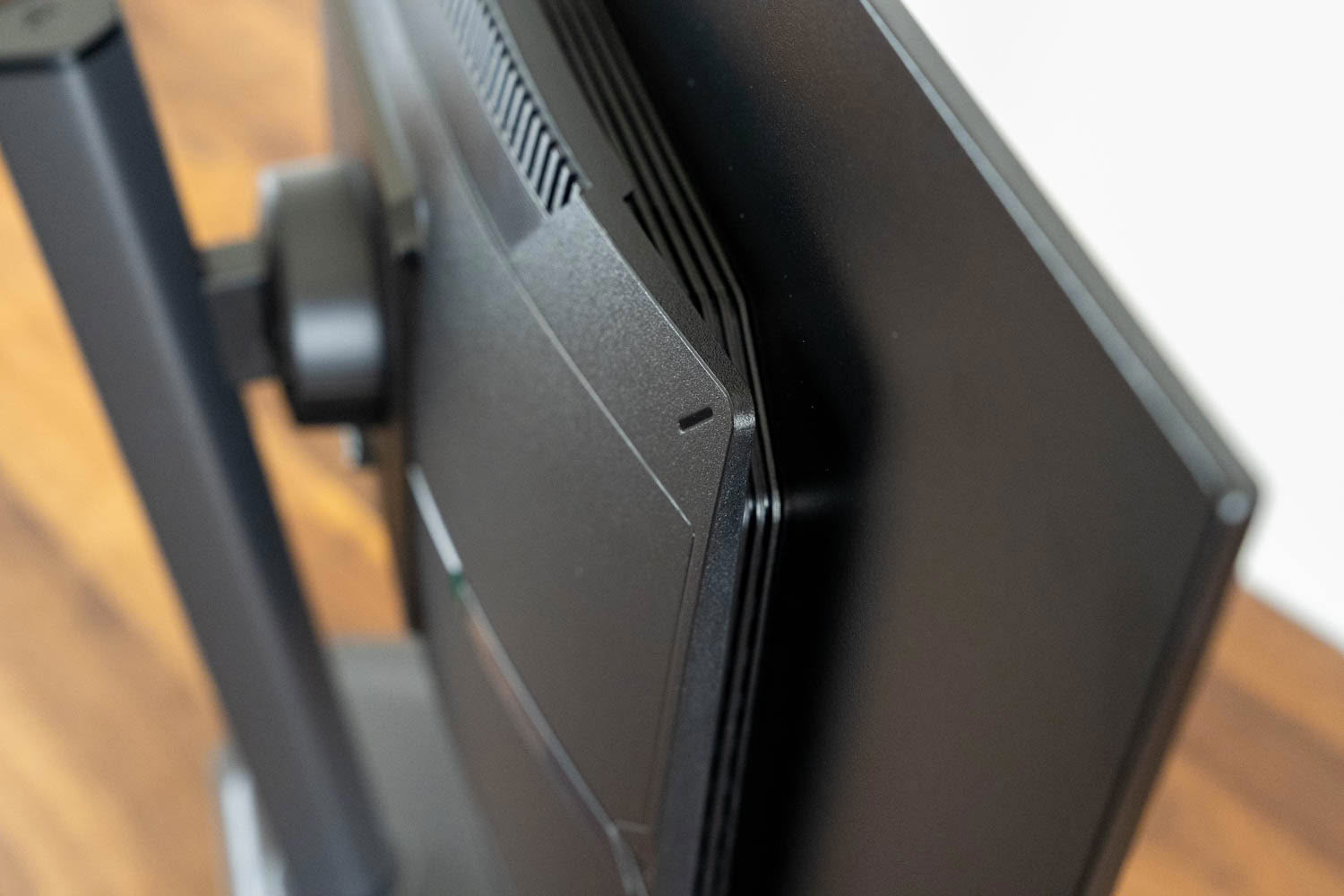
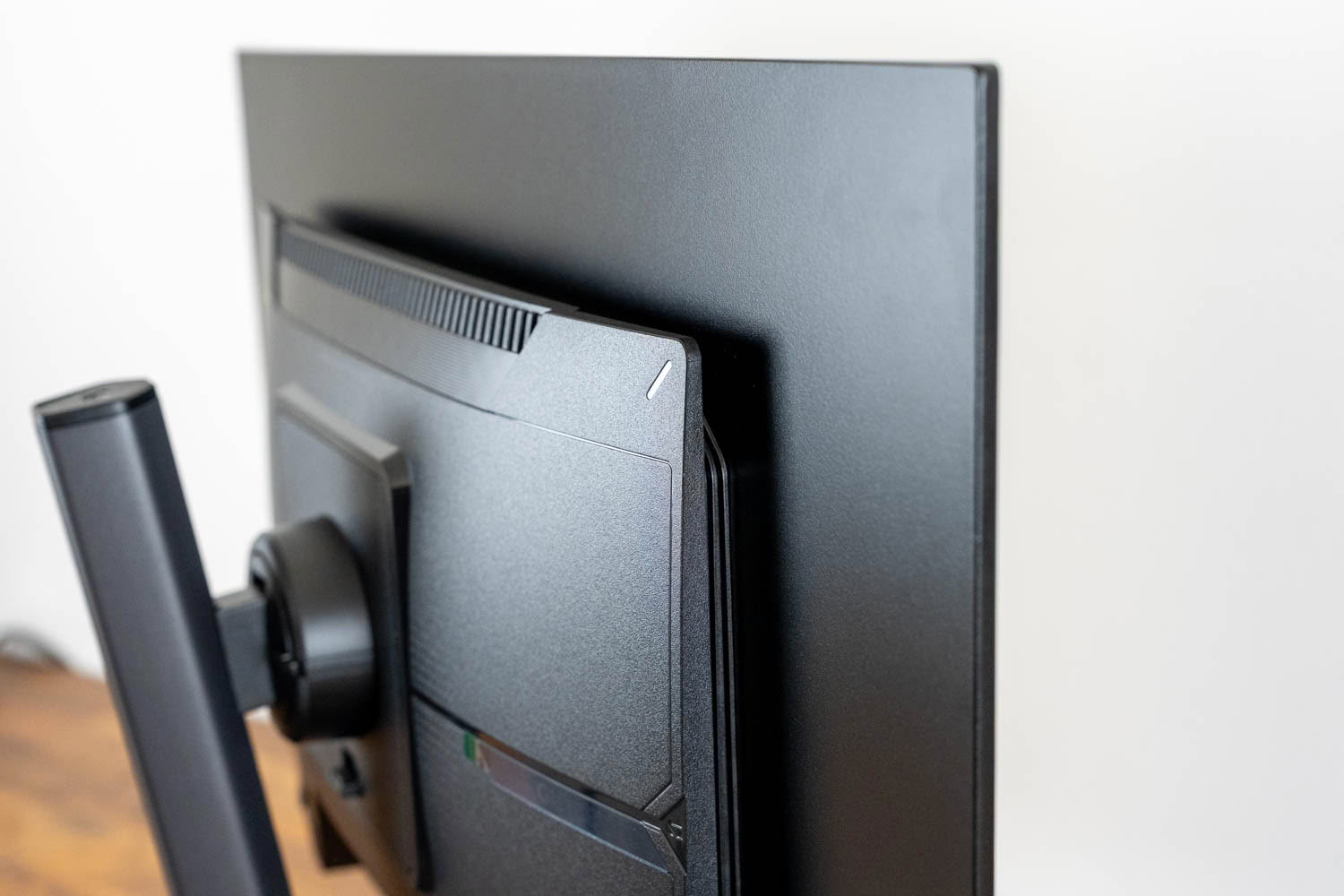
Cooling is entirely passive, with fine vertical louvres along the top edge of the rear housing and further vents down both sides. Warm air rises off the panel assembly and leaves through the top while the side openings feed it, which is enough here because the panel draws under 50 W even at maximum brightness. The fourth generation tandem structure is roughly 20% more efficient than the generation it replaces, and that efficiency is what lets Gigabyte get away with a chassis this thin outside the central housing. There is no fan, so there's no noise to hear, including coil whine. The benefit runs deeper than acoustics: heat accelerates the degradation of organic emissive material, so on an OLED a cooler panel is a longer-lived one.
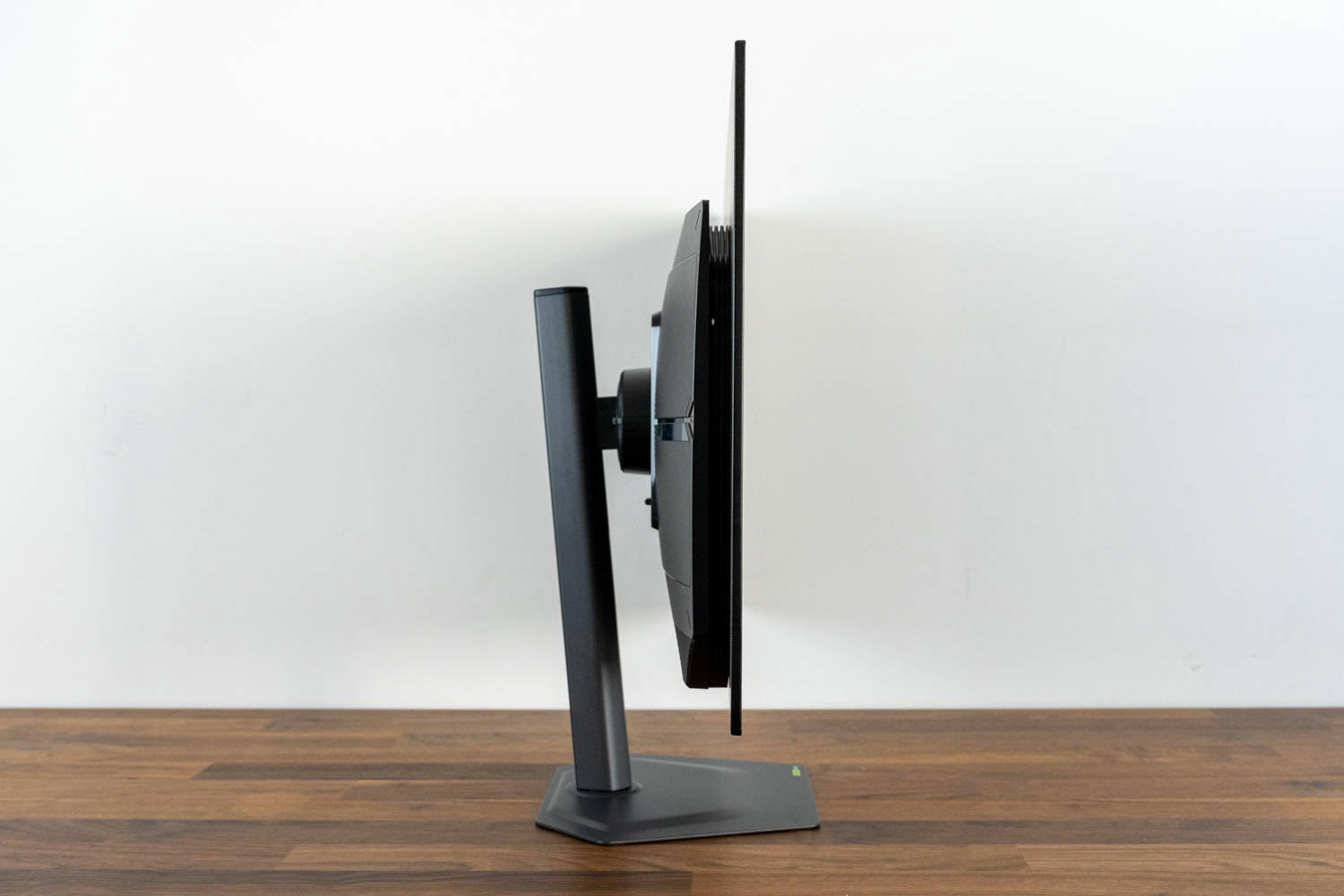
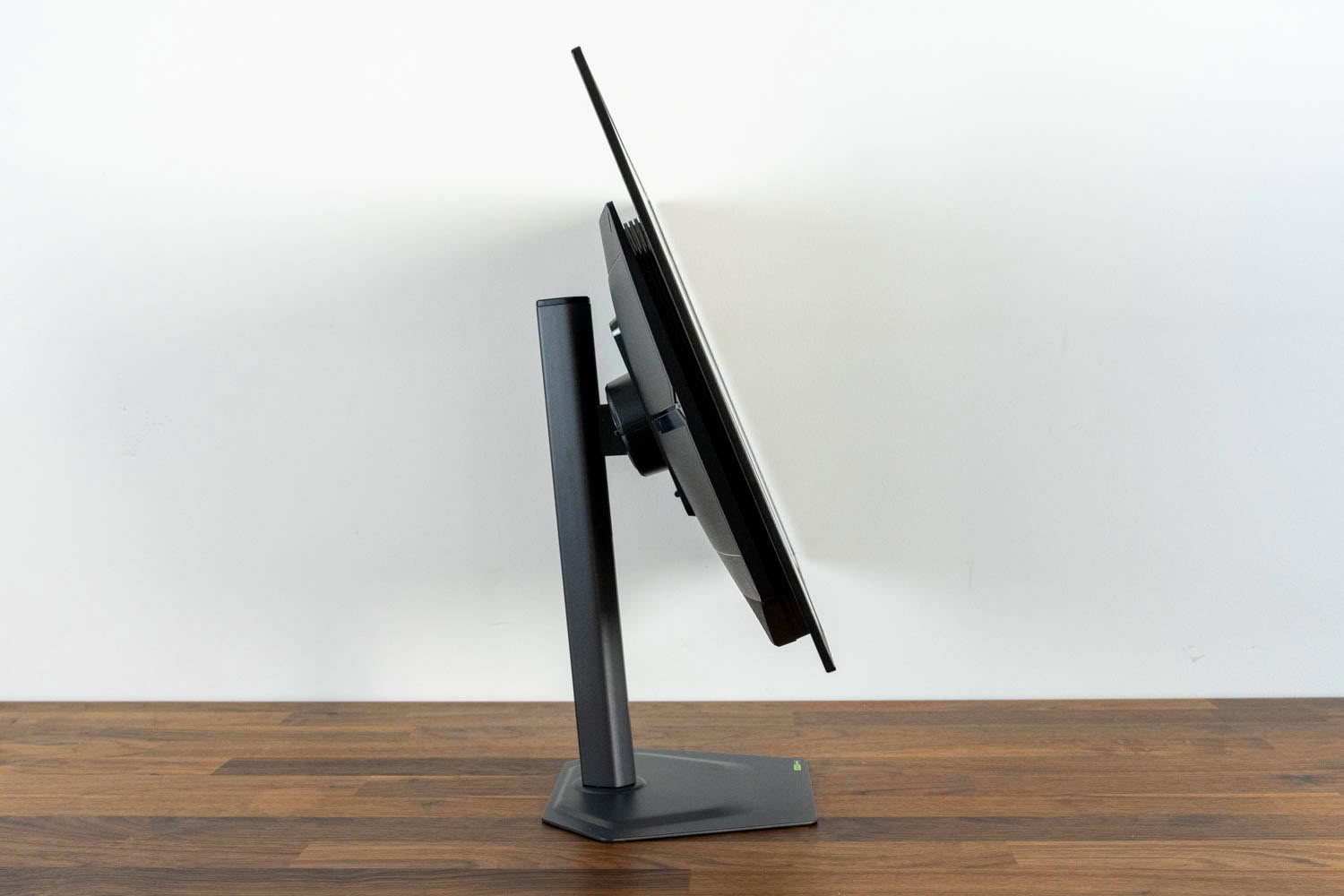
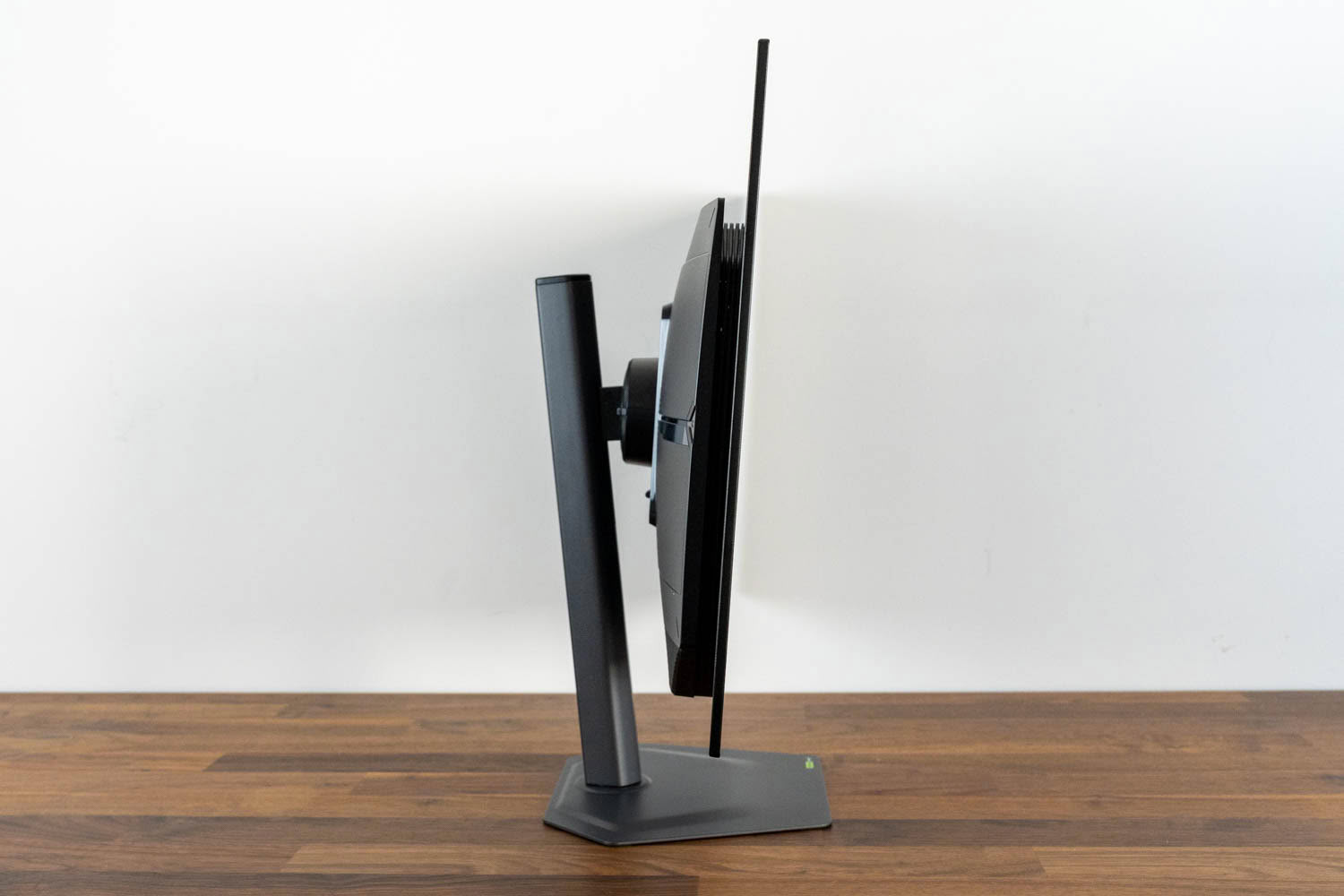
The screen tilts from -5° to +21°.
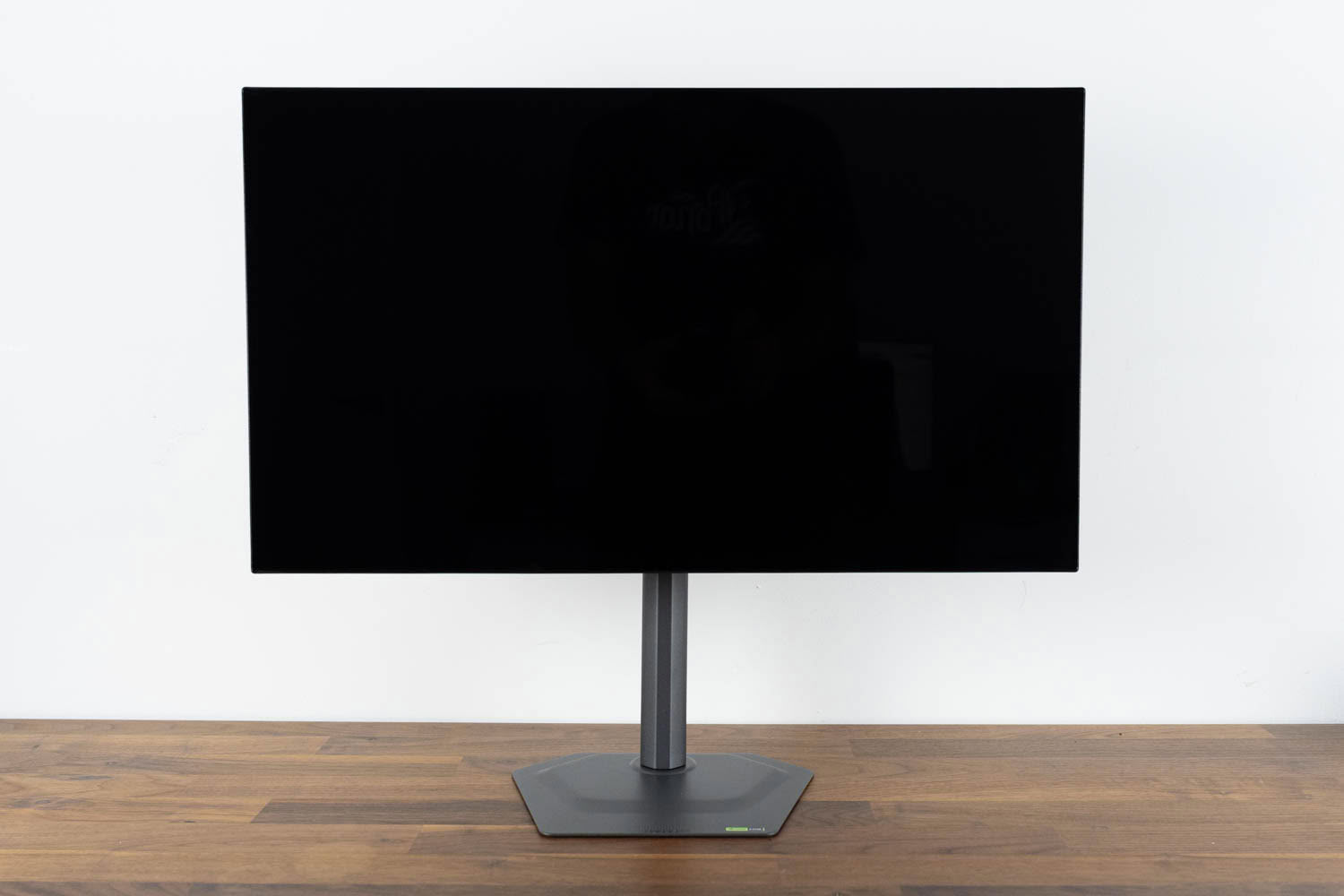
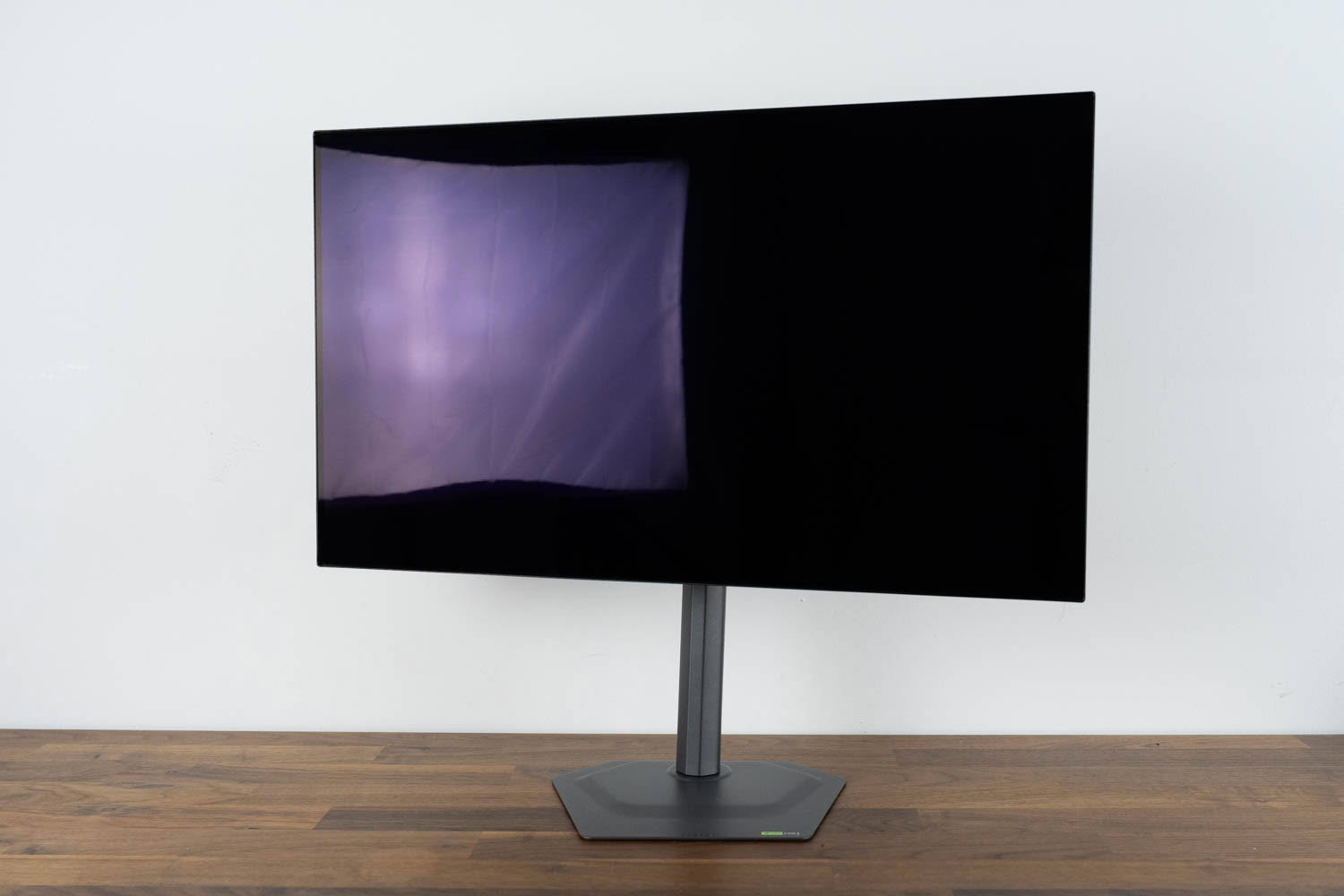
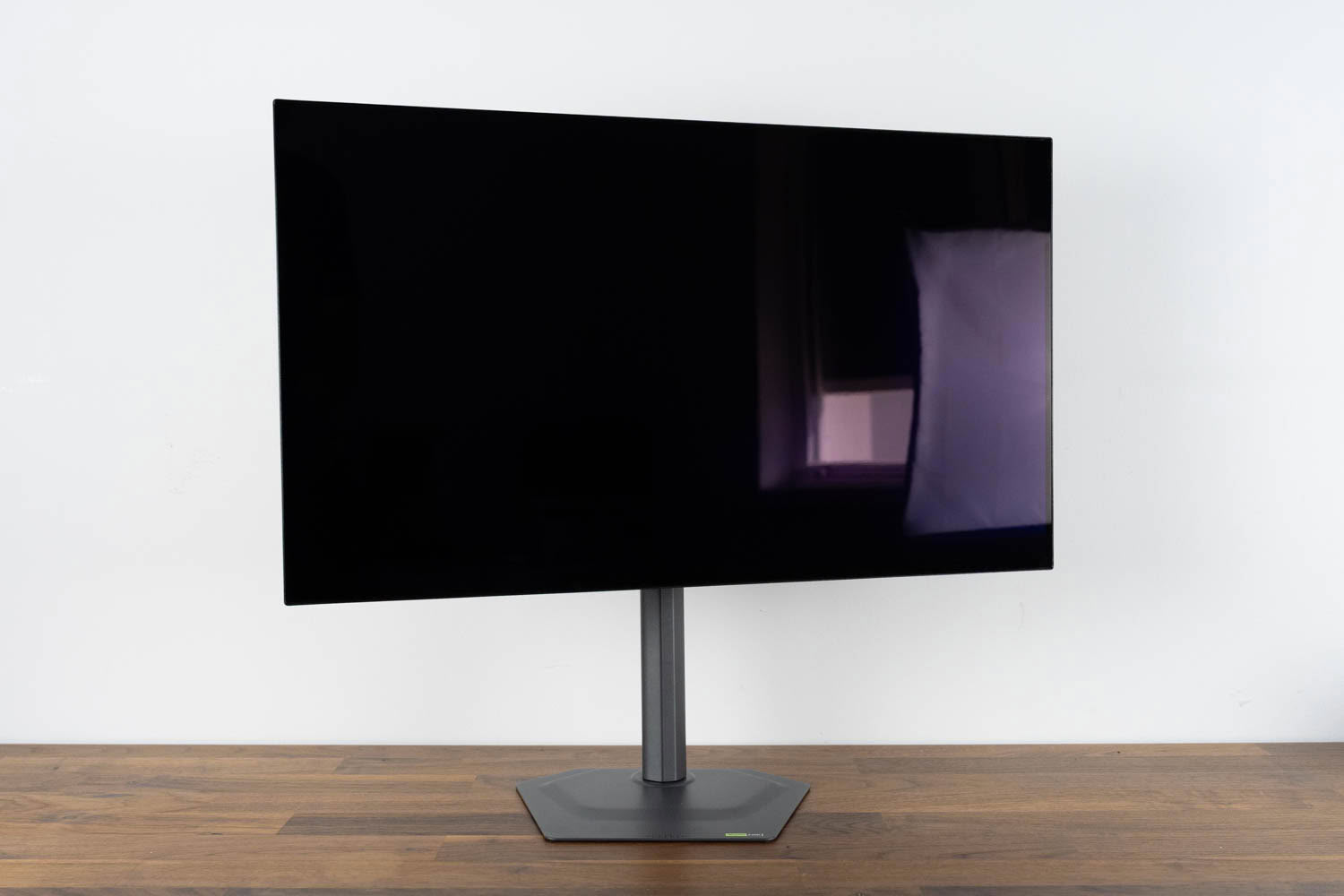
Swivel covers ±15°, which is enough for normal desk positioning but not much beyond it.
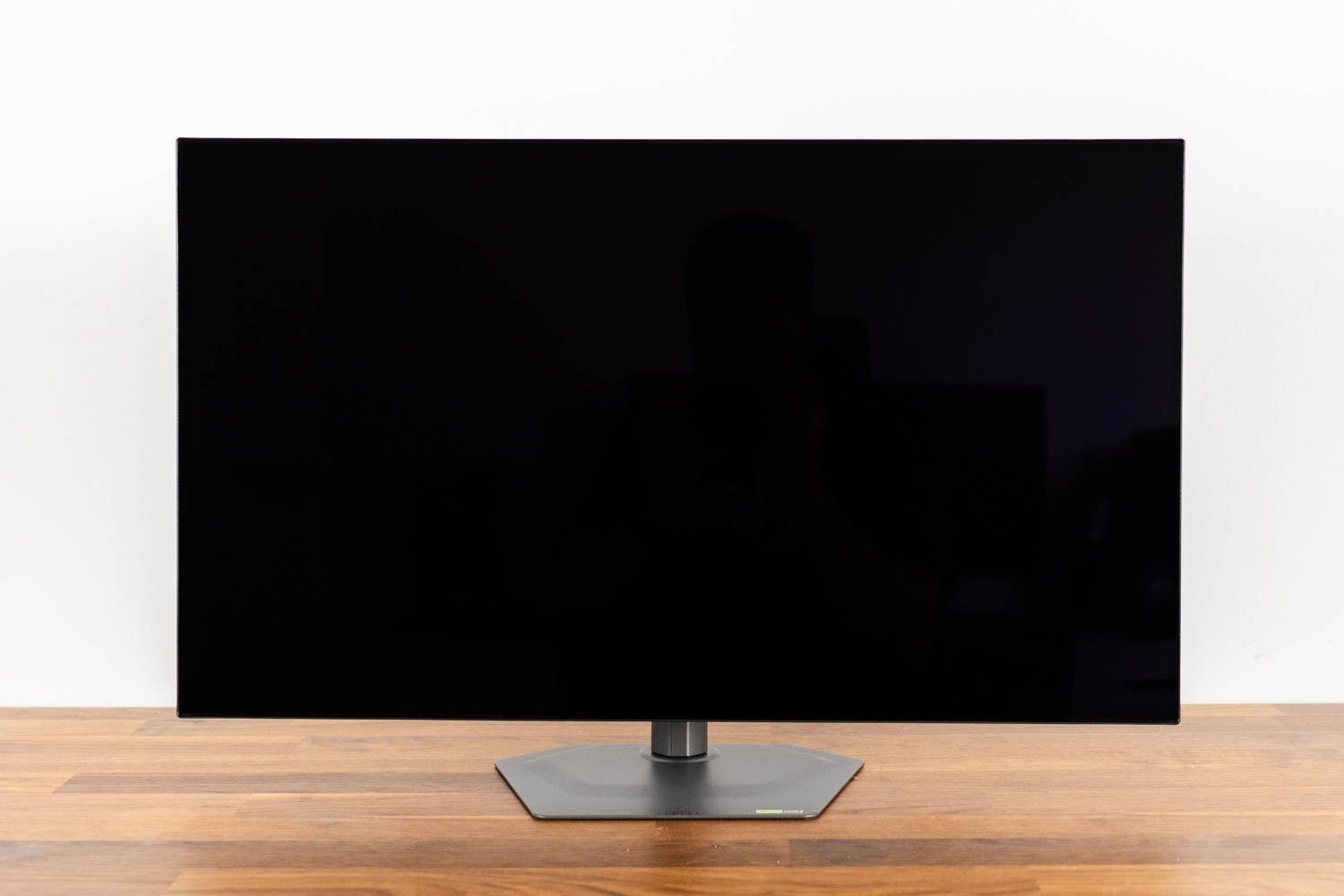
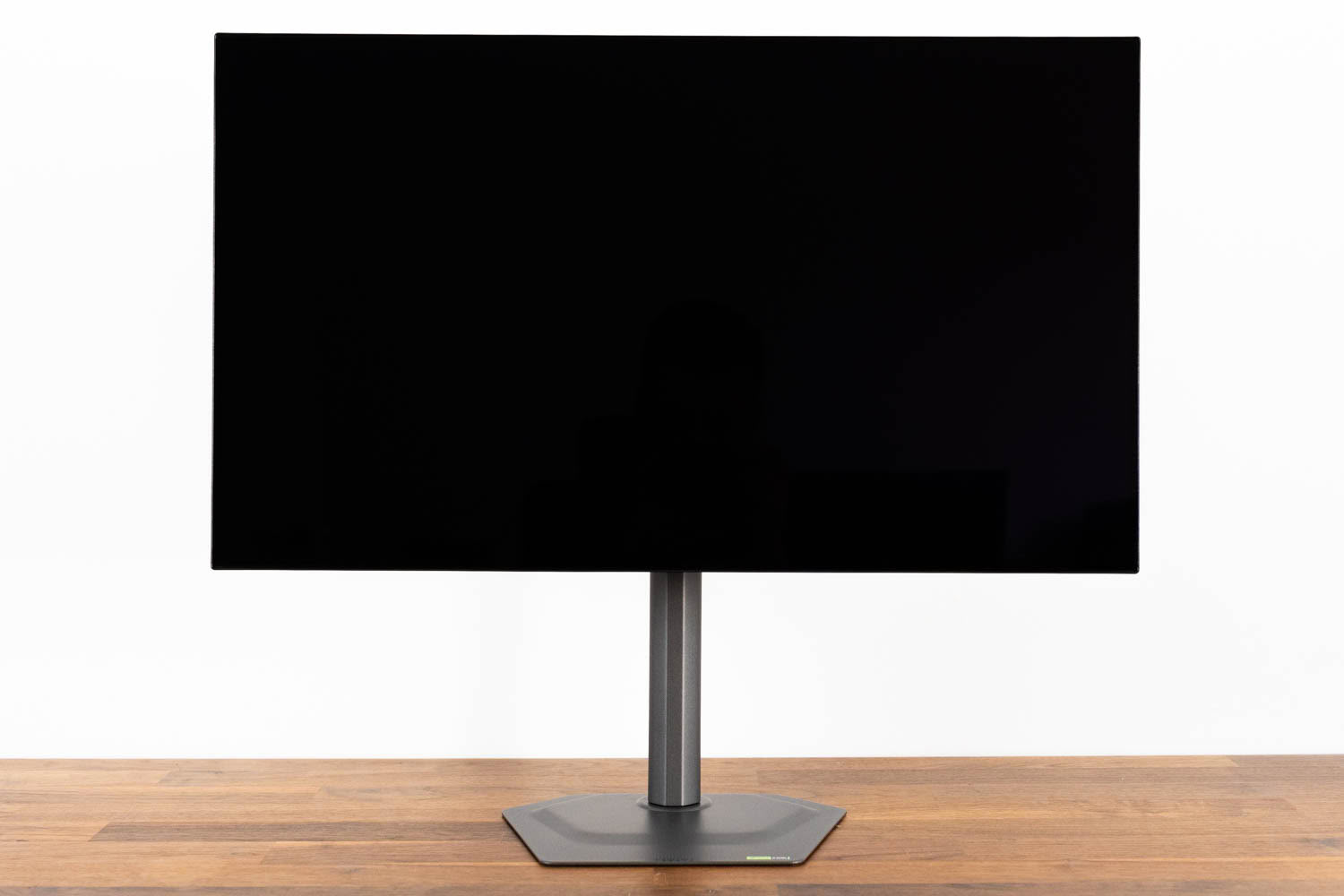
Height adjustment spans 130 mm. At the lowest setting the bottom edge of the panel sits 4.5 cm above the desk, which is low enough to suit most seating positions without needing a monitor arm.
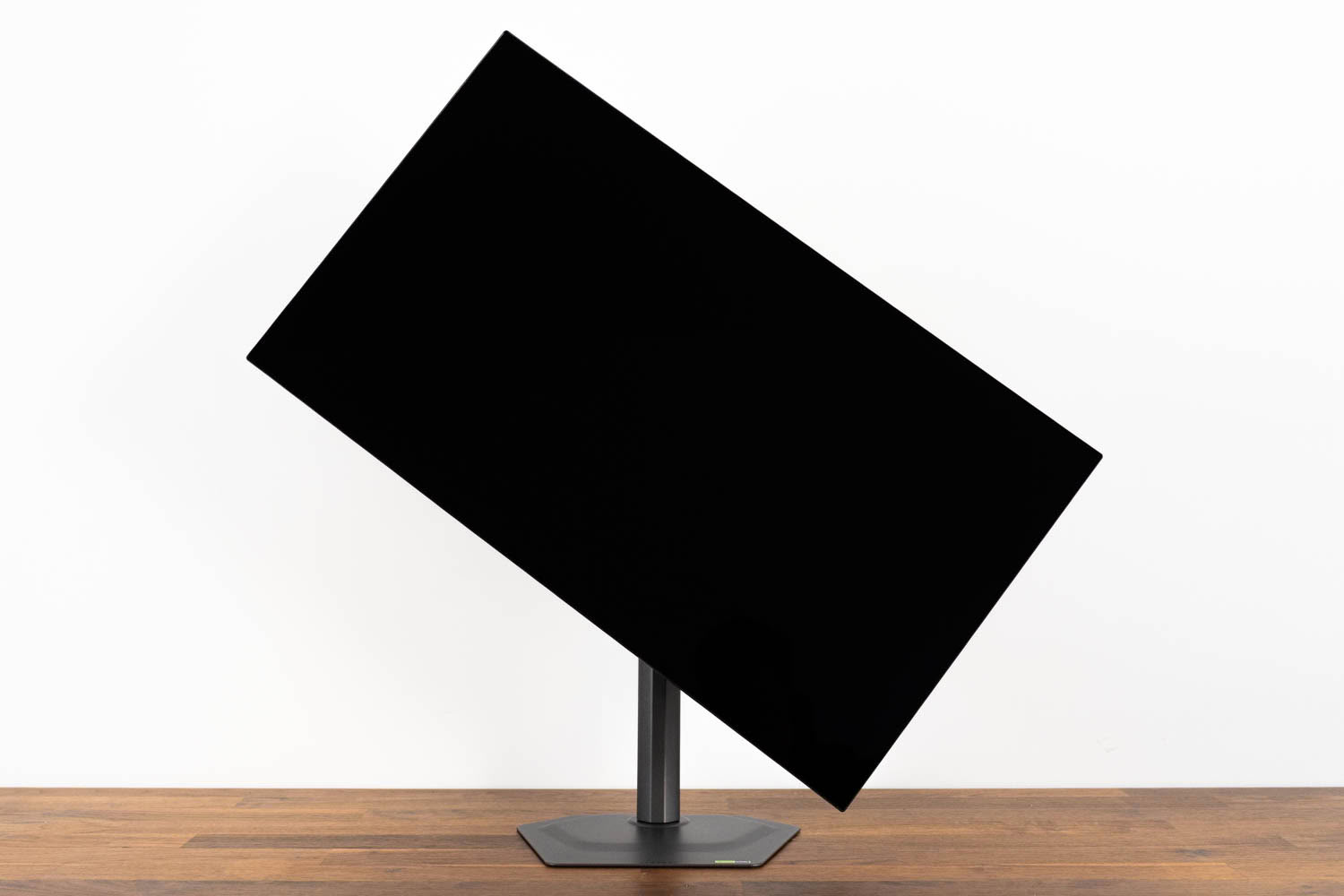
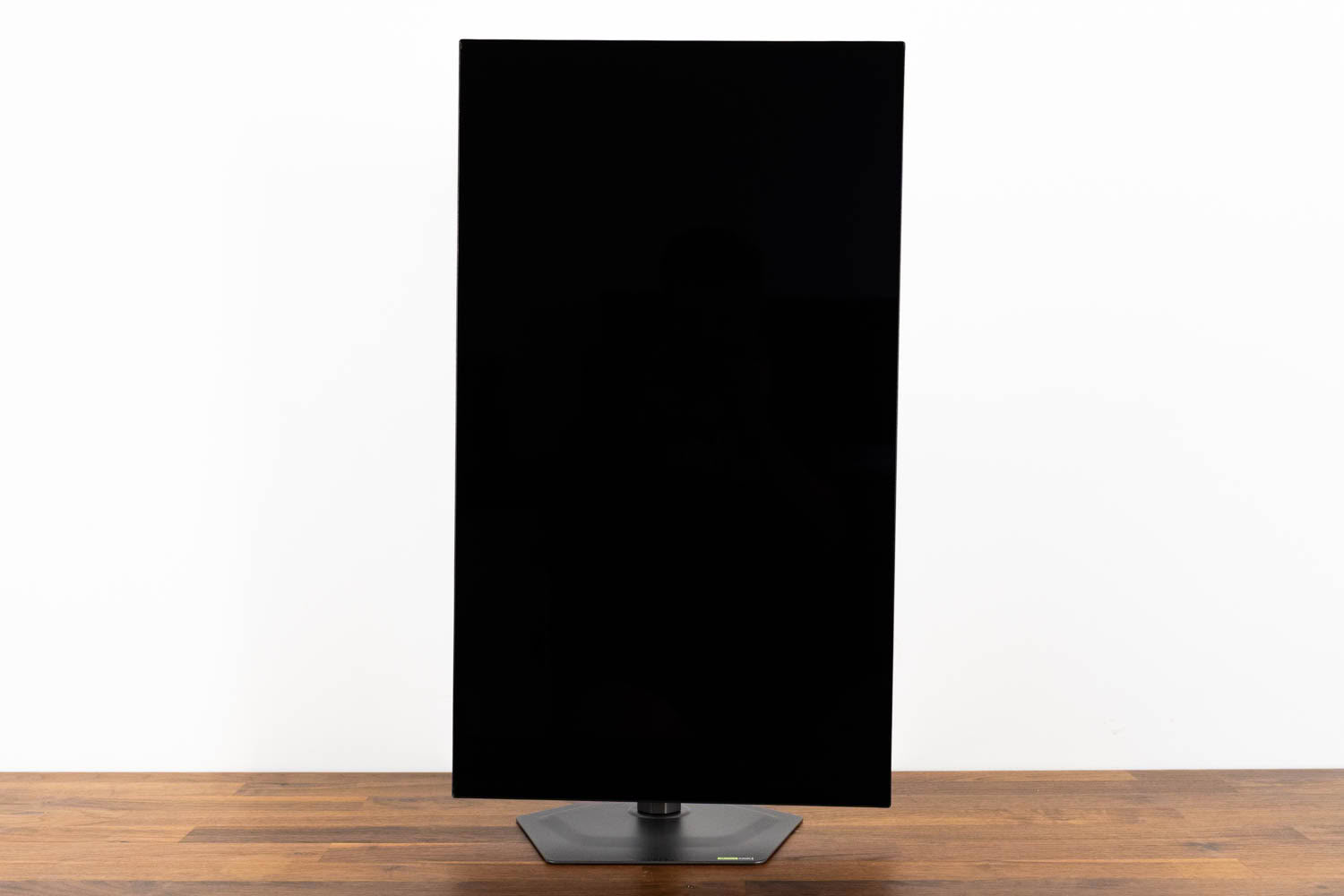
Pivot is available, with 90° of clockwise rotation.
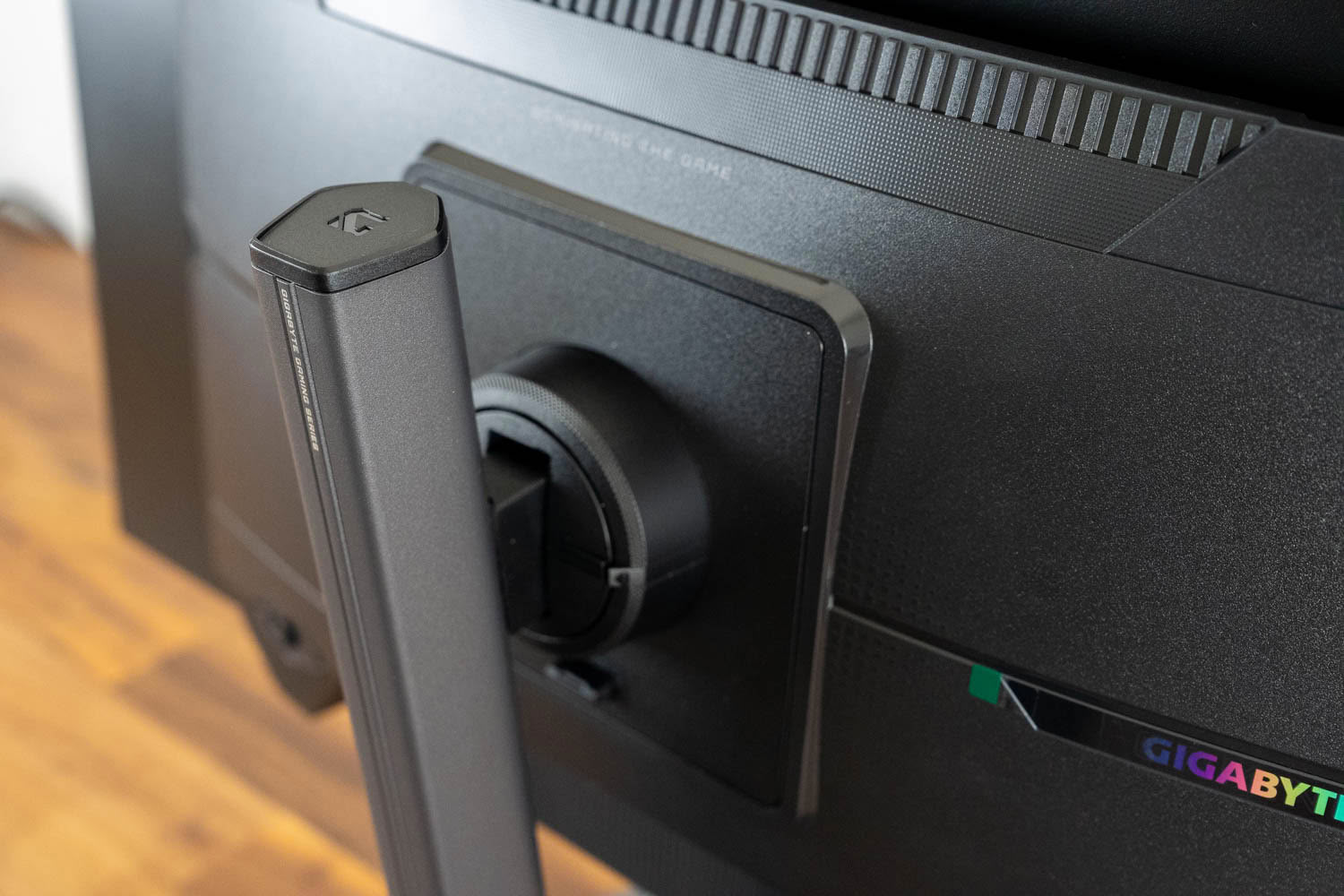
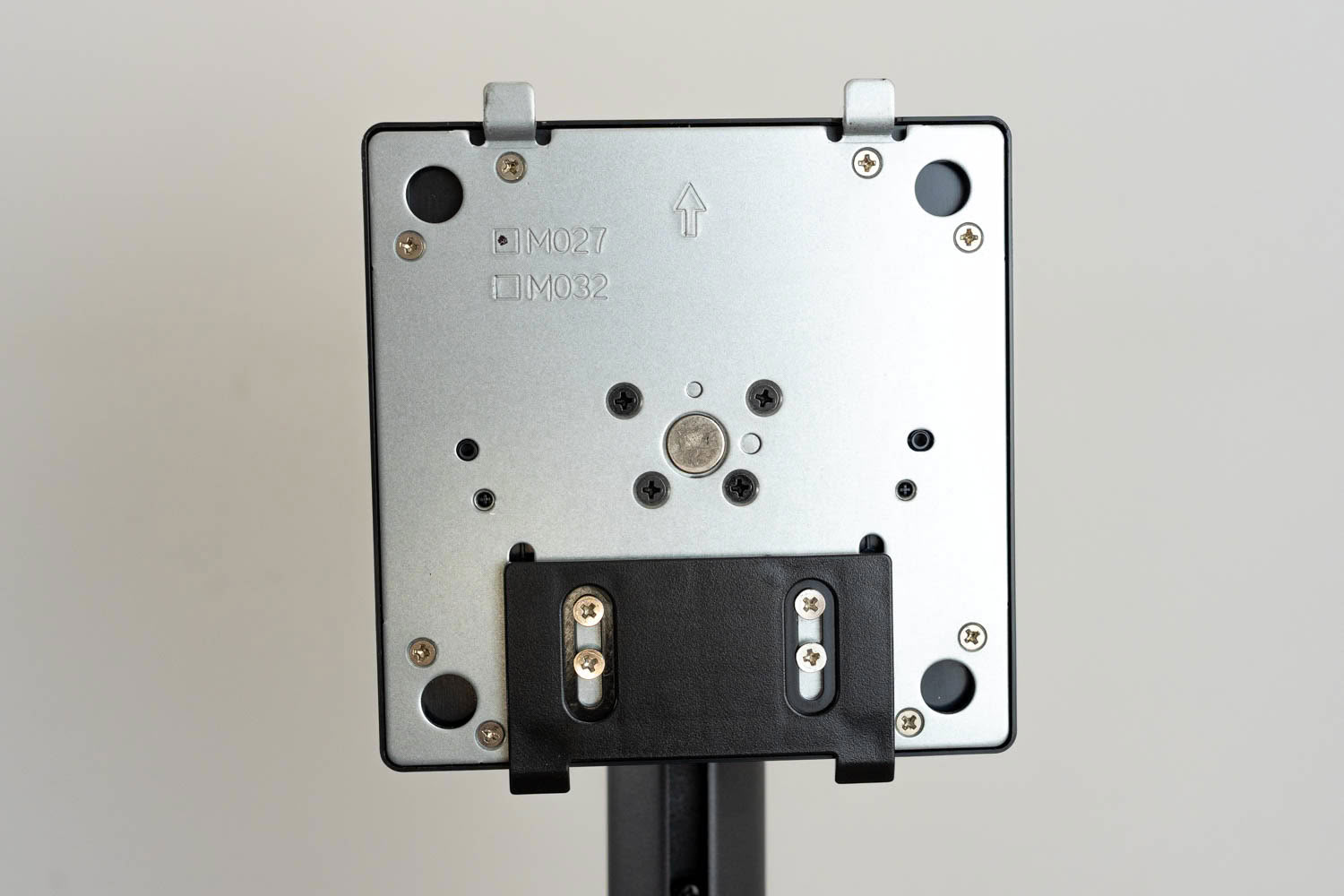
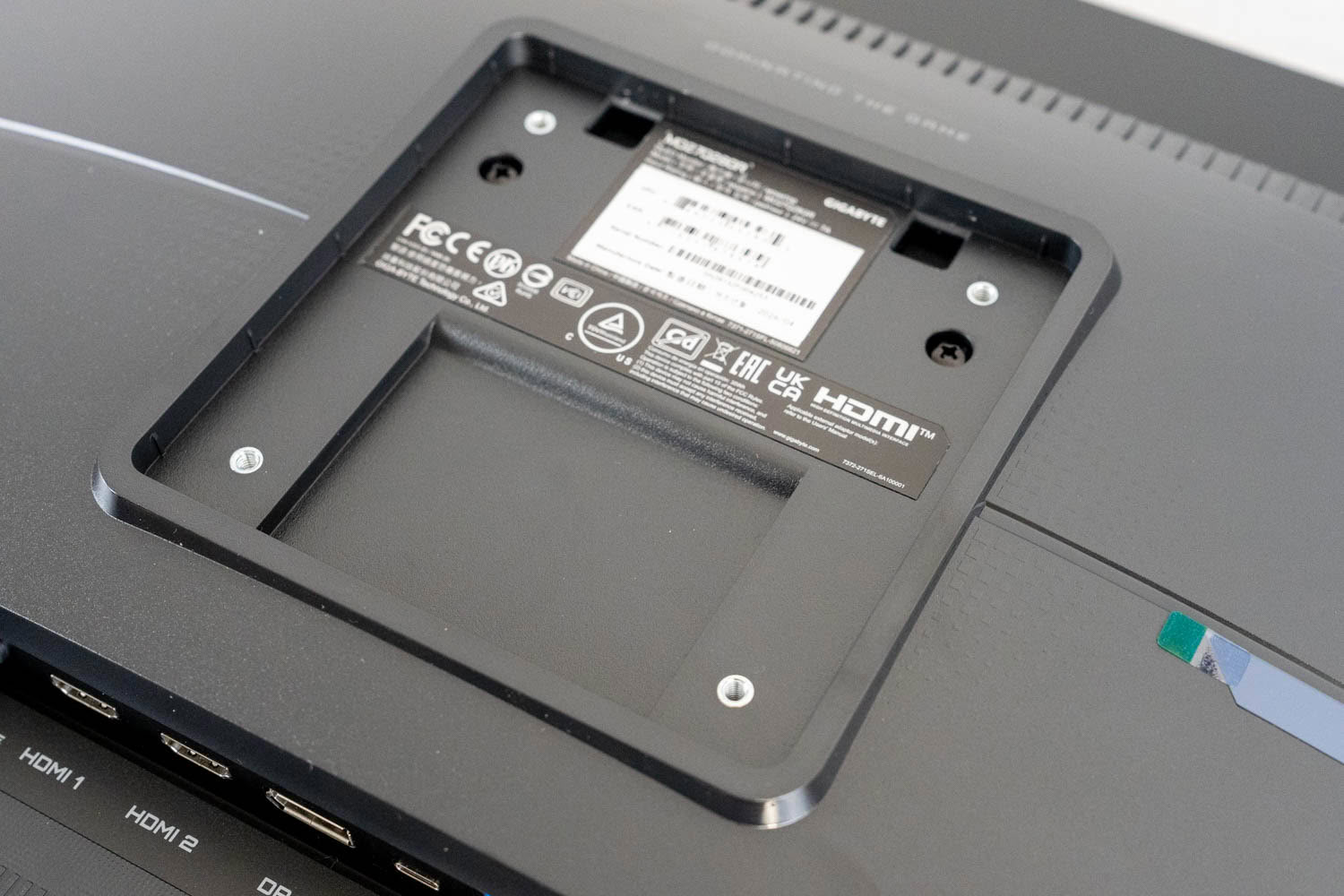
Removing the stand exposes a standard 100×100 mm VESA pattern.
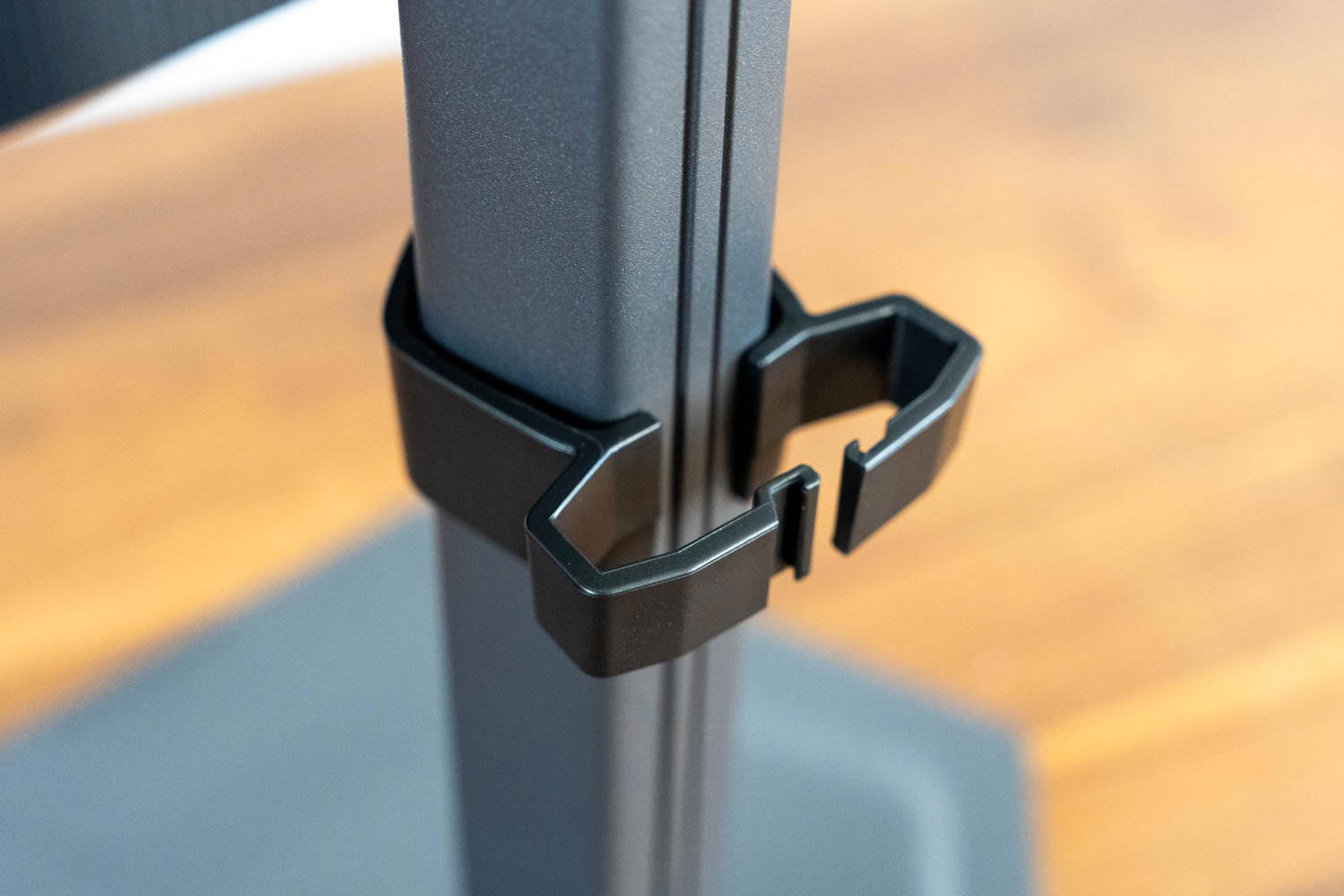
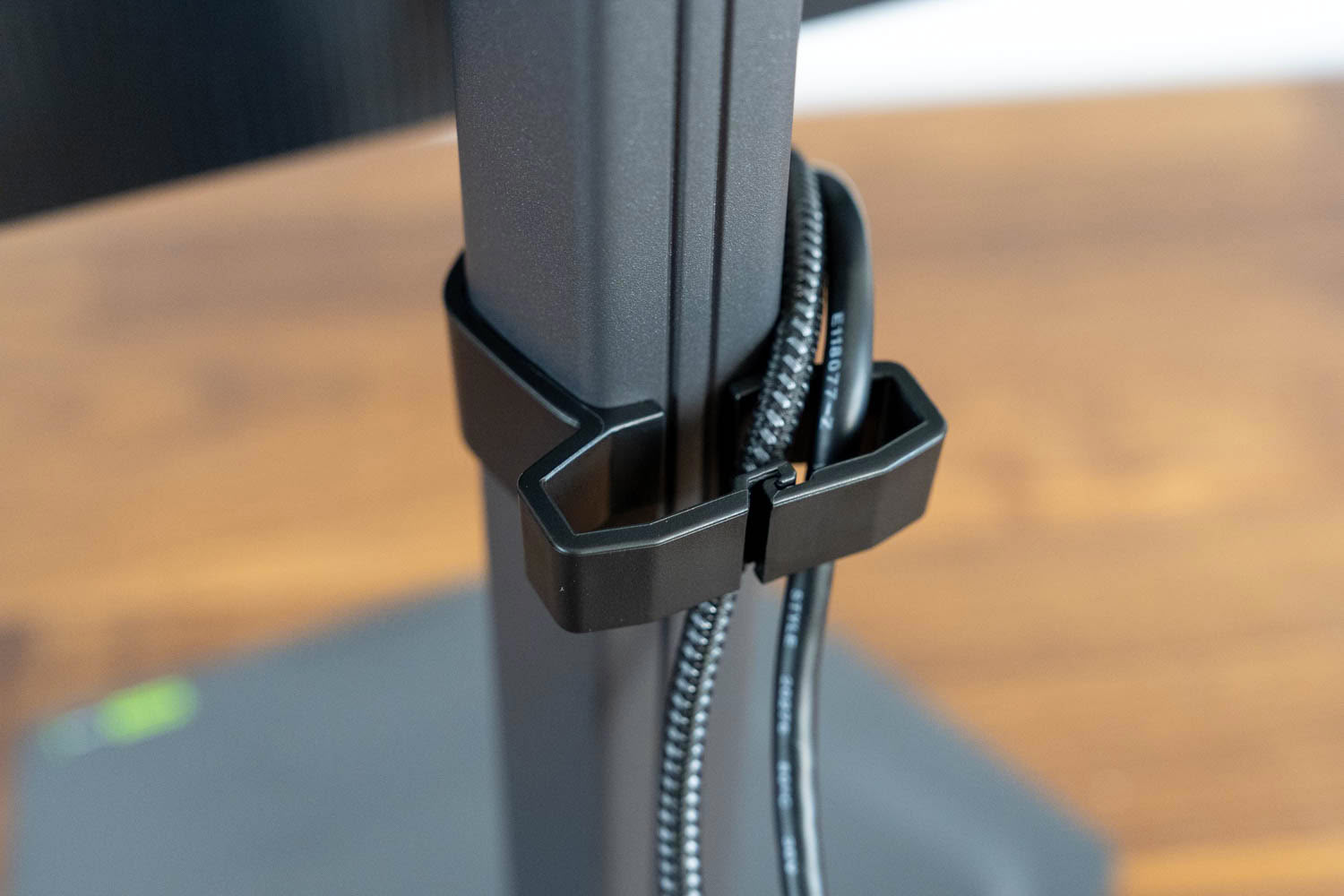
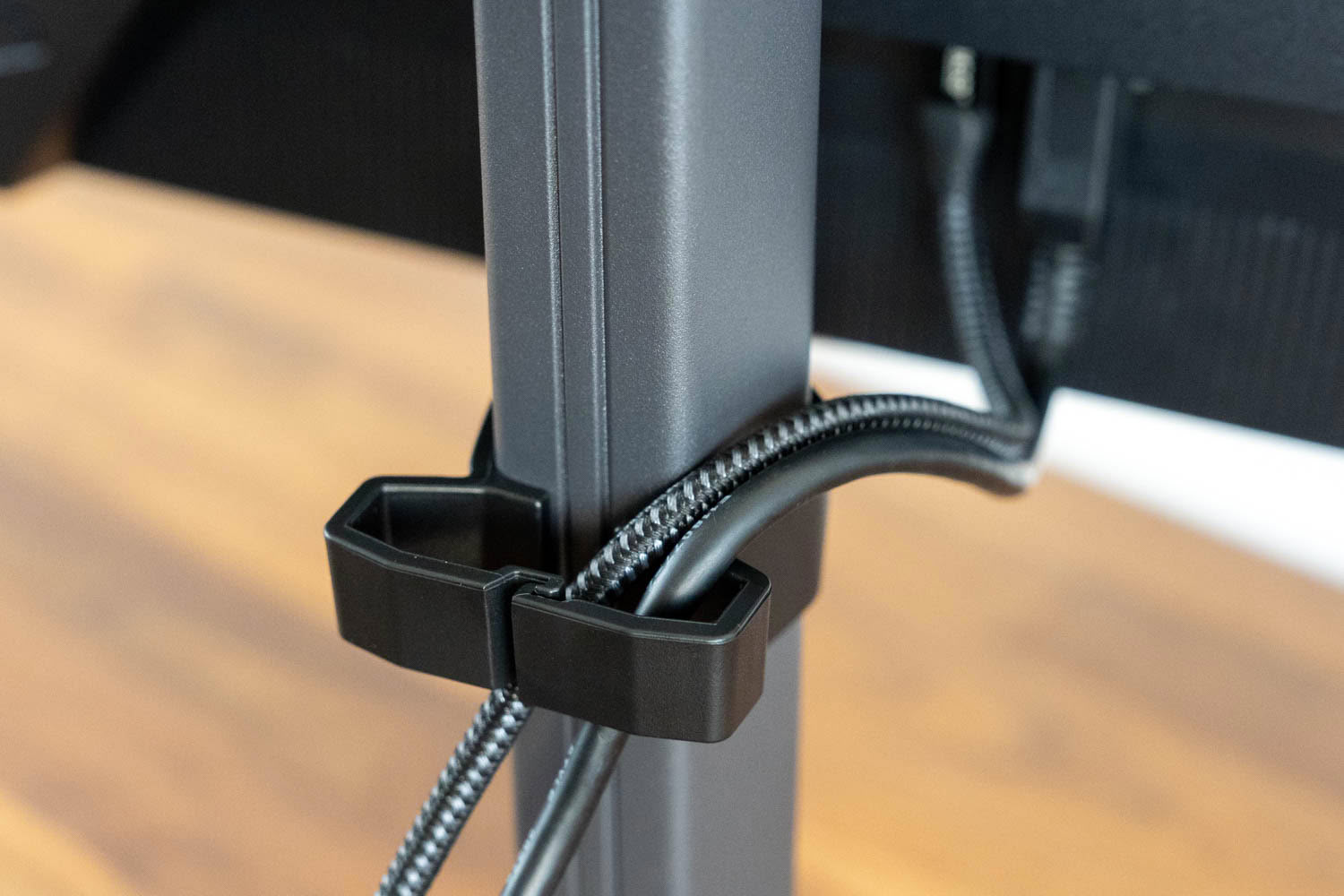
Cable management is handled by a plastic clip that wraps around the pillar and closes with a hinged arm, holding cables in a channel behind the stand. It clips on and off without tools and slides up and down the pillar so you can put it wherever the cables want to sit, and it will take three or four leads before it starts to feel full. The reason it exists rather than a routing hole through the pillar is that there is no room for one. Gigabyte has made the stand narrow enough that a cutout would leave too little material on either side, which is a defensible trade for a slimmer profile but a trade nonetheless. A hole keeps cables inside the stand and hidden from every angle. A clip keeps them behind it, which works from the front and stops being tidy the moment anyone walks around the desk. It also means the cables hang free above and below the clip rather than being guided the whole way down. None of this matters much on a monitor at this price, and it does the job it was designed for, but a routing channel is the better solution and Gigabyte manages to fit one on other models.
Nov 19th, 2026 23:22 PST
change timezone
Latest GPU Drivers
New Forum Posts
- Warning for Windows 10 and 11 users running newer AMD GPU drivers (65)
- Honestly, do you care about GTA VI? (178)
- Anthrophics IPO (10)
- WarpCoreBench scores! (78)
- Upgrade Considerations: CPU (12/13/14) and Motherboard (B660/B760 and Z690/Z790) (62)
- How to prevent OLED burn damage due to PC freezes or power outtages? (39)
- TPU's Nostalgic Hardware Club (22172)
- RX 7600 + Ryzen 5 5600GT getting the same FPS as my old RX 6500 XT – What am I missing? (5)
- GTA VI (11)
- GPU Temperatures Rise Very Quickly in FurMark – Is This Normal? (18)
Popular Reviews
- AMD Zen 6 Technical Deep Dive
- Ugreen NASync DXP4800 GT Review
- Acemagic Retro X3 Review
- Upcoming Hardware Launches 2027 (Updated Nov 2026)
- Corsair RM1200e (Second Generation) Review
- Pulsar Office Tour & First Look at P1 Dual-Sensor Mouse
- Biwin Black Opal NV7400 2 TB Review
- Chieftec Iceberg PRO 360 DARK Review
- AMD Ryzen 7 9800X3D Memory Performance Scaling
- AMD Ryzen 7 9800X3D Review - The Best Gaming Processor
TPU on YouTube
Controversial News Posts
- NVIDIA Co-Founder and CEO Jensen Huang Officially Resigns (490)
- Report: Jensen Huang Eyes NVIDIA Comeback (224)
- Open Letter Asking NVIDIA to Reinstate Jensen Huang Passes 115,000 Signatures (184)
- OpenAI CEO Argues Home PCs Waste the World's Limited DRAM Supply (152)
- NVIDIA Launches Investigation Into Jensen Huang's Relationship With Suspected Chinese Spy (136)
- Intel "Raptor Lake Next" 16-Core and 20-Core CPUs Surface (130)
- Legendary Game Studio BioWare Shuts Down Following EA Layoffs (104)
- Dell CEO Says the Memory Shortage Will Get Worse in 2027 (95)