 5
LattePanda Mu Ultra Review
General Performance »Design and Build

The 110 × 94 mm Mini Carrier Board handles most of the connections around the Mu Ultra, including 2.5 GbE, HDMI, two 10 Gbps USB-A ports, and two full-featured USB-C ports. It also comes with the 2230/2280 M.2 M-Key slot, an M.2 E-Key slot for optional wireless networking, OCuLink, GPIO headers, audio, and the board's DC power connections.
The PCIe layout is especially interesting for such a small carrier. The NVMe slot runs at PCIe 4.0 x2 with the Mu Ultra installed, while the OCuLink connector provides PCIe 4.0 x4 for external PCIe hardware. Both USB-C ports support up to 20 Gbps data, DisplayPort output, and USB-C PD input, which leaves quite a bit of flexibility for displays, storage, docks, and other hardware depending on what you are building.


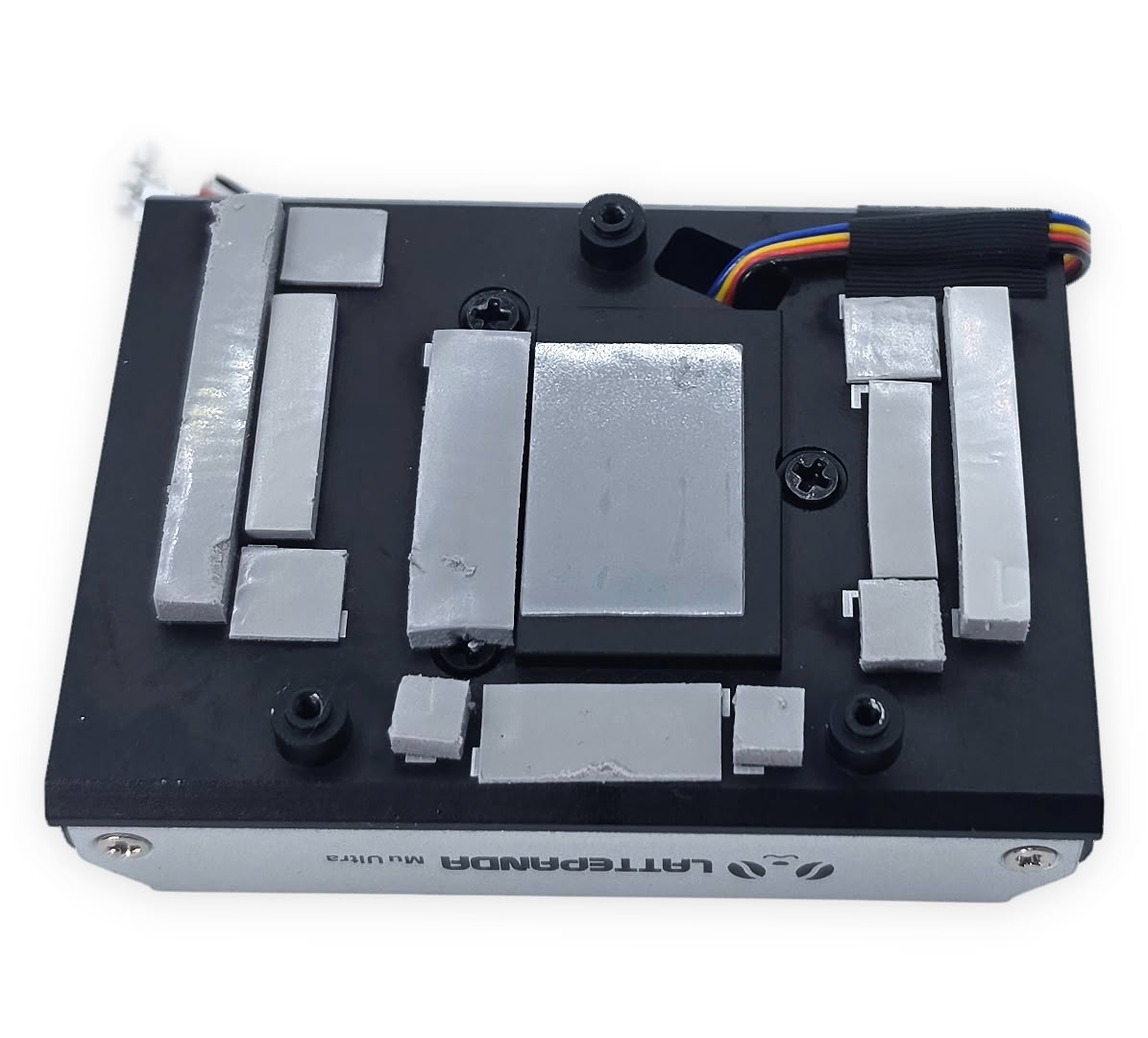
The FIT1049 active cooler covers most of the Mu Ultra module, using an aluminium alloy enclosure and integrated fan rated up to 5,300 RPM. It mounts directly to the module with three spring screws, and the pre-installed thermal pads simplify installation before the fan cable plugs into the Mini Carrier's CPU fan header.
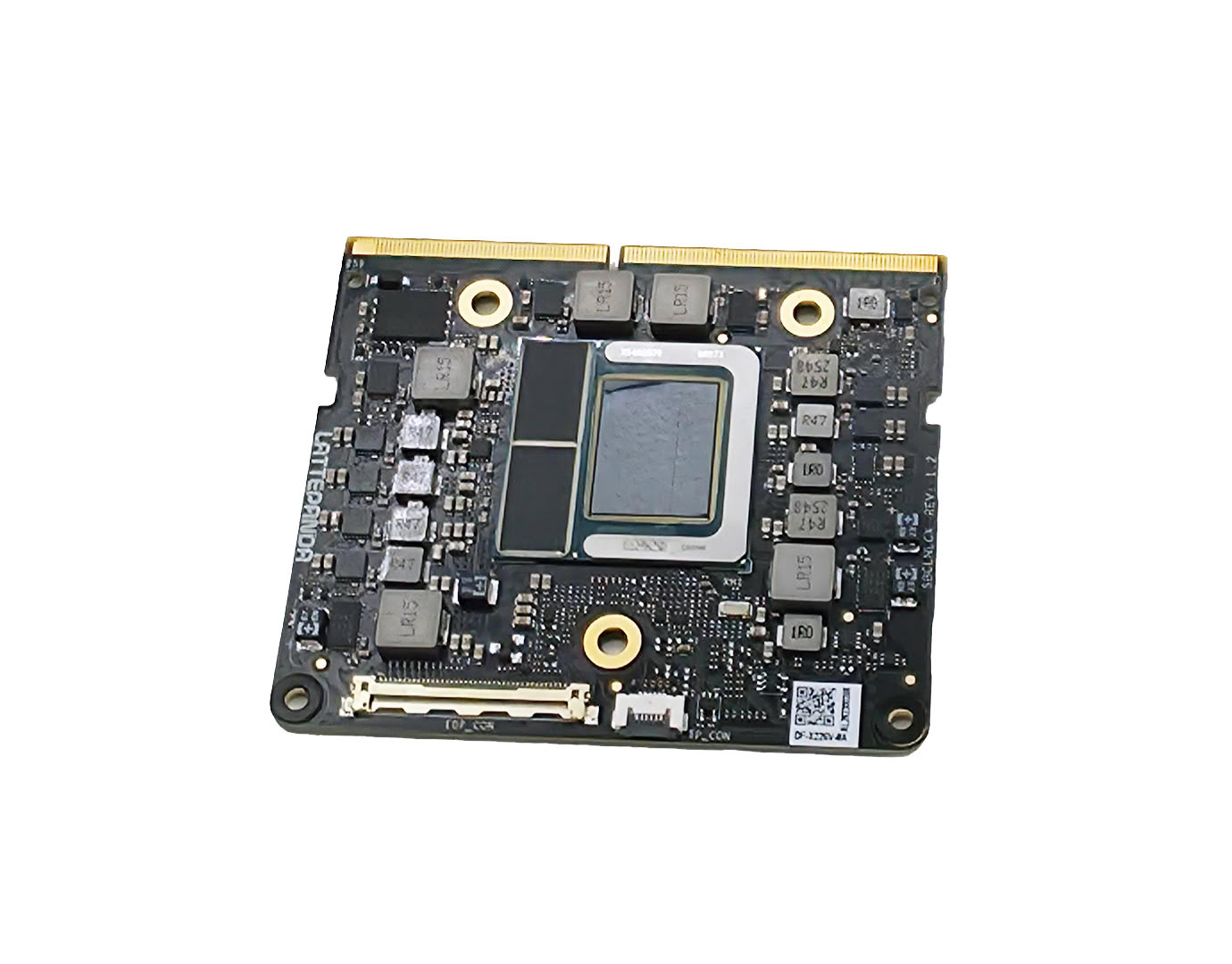
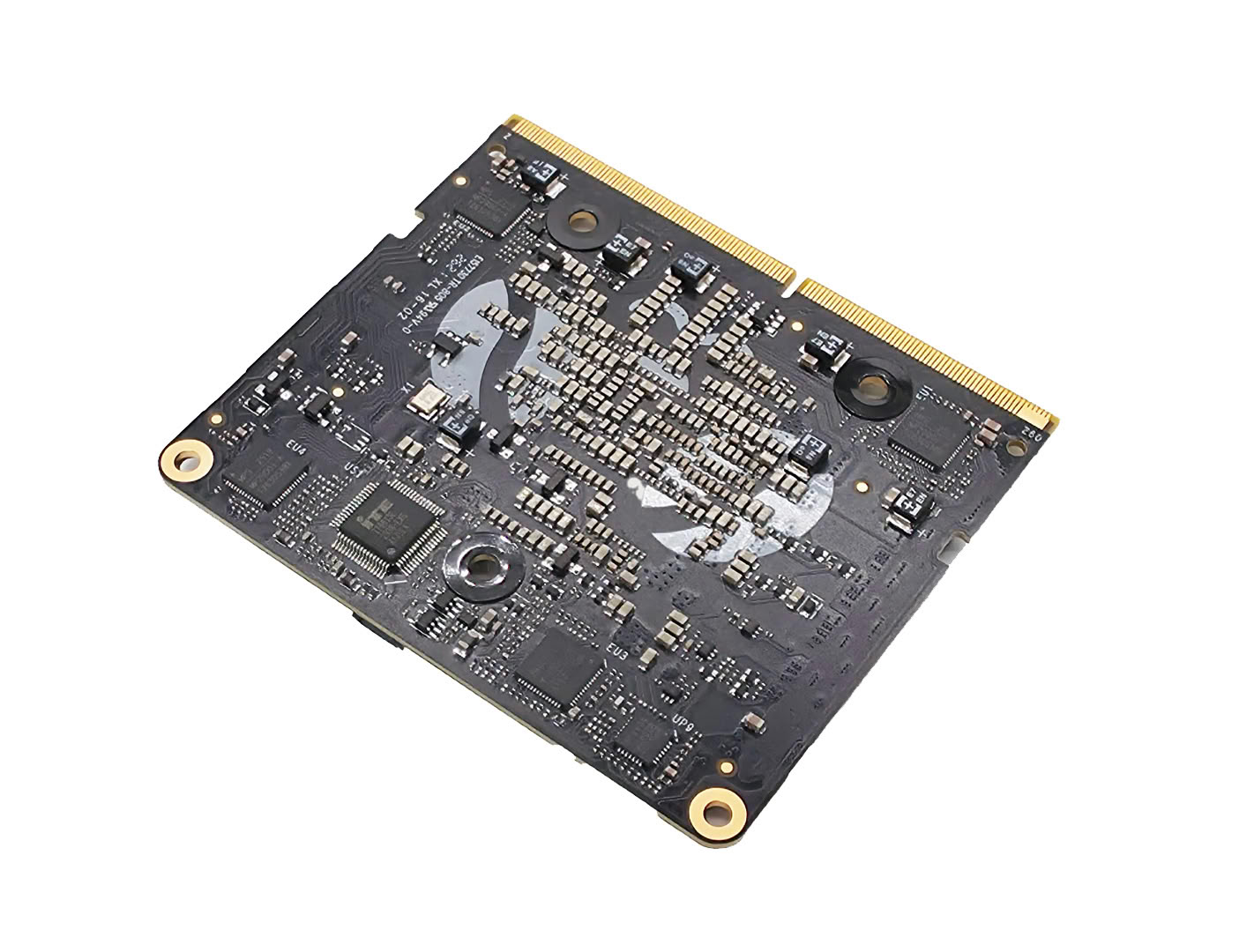
The Mu Ultra module measures just 69.6 × 60 mm, yet it carries the Core Ultra 5 226V, Arc 130V graphics, a 40 TOPS NPU, and 16 GB of LPDDR5X-8533 memory. That memory is integrated into the processor package, so there are no SO-DIMM slots or memory upgrades later, but 16 GB is still a good amount for a compute module this small.
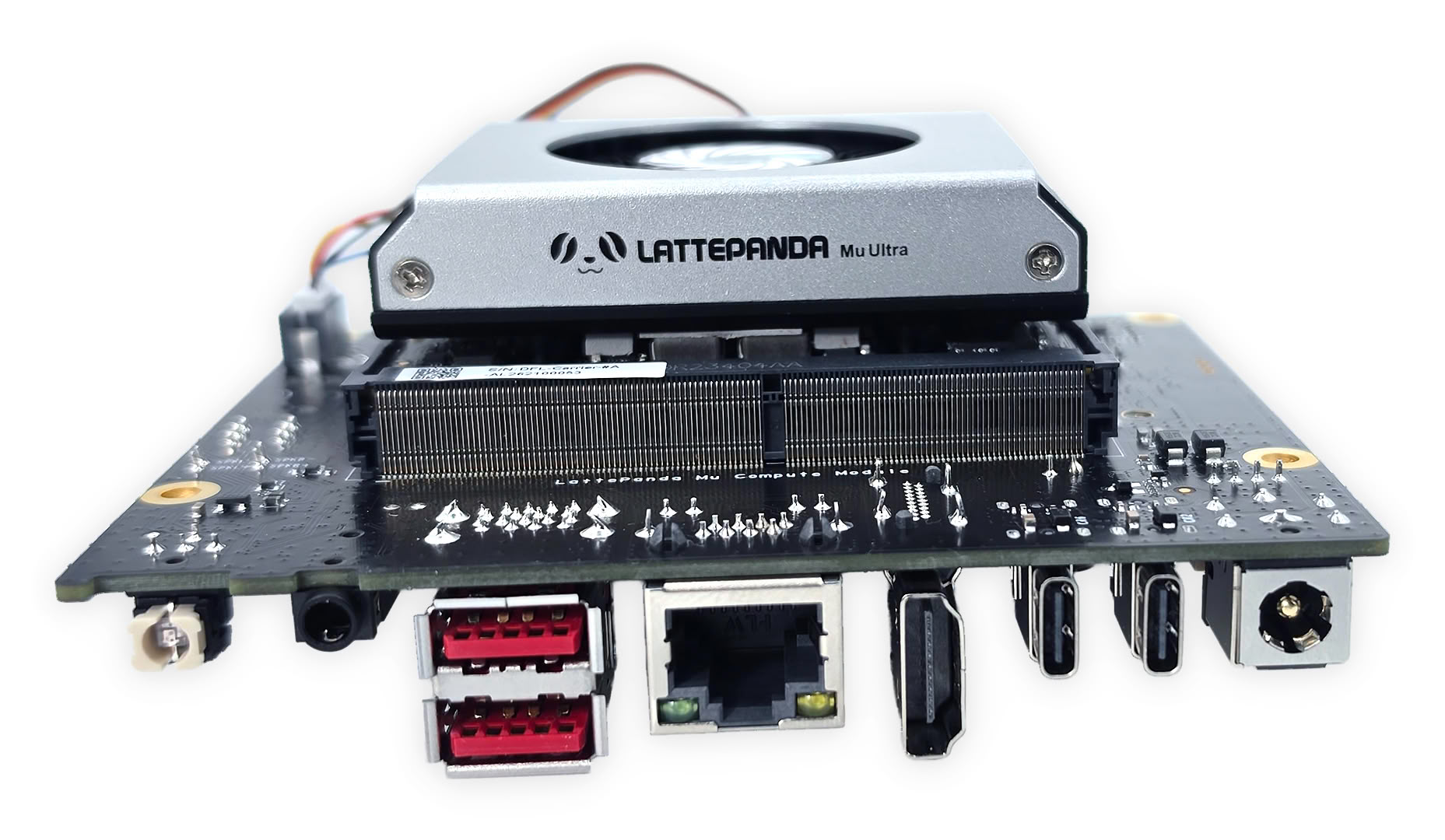
The module connects to the Mini Carrier through its edge connector, while the carrier has the power input, networking, display outputs, storage expansion, and the rest of the external I/O. That modular layout also lets developers test on LattePanda's carrier first and later move the Mu Ultra to a custom carrier designed for a specific product.
Putting the Mu Ultra, cooler, carrier board, and SSD together was simple and took very little time at the bench. I attached the cooler, seated the module into the carrier, secured the hardware with the supplied screws, installed the Solidigm SSD, and connected the fan lead. There was very little trial and error before I was ready to install Windows.
Even with the cooler and SSD installed, the complete Mini Carrier setup still takes up very little space on the desk. Most of the everyday connections run along the outer edges, so the module and cooler stay unobstructed when cables are attached. With the Solidigm SSD, power, display, keyboard, and mouse connected, it behaves like a tiny open-board PC while keeping the development and expansion hardware accessible.
Nov 28th, 2026 08:32 CST
change timezone
Latest GPU Drivers
New Forum Posts
- Exit Adobe - PDF reader, and PDF editor recommendations (16)
- The End Maybe Near for Adobe? Here is Artcraft (33)
- What are you playing? (26254)
- Mouse Pad advice - Shidenkai out of production? (24)
- really interesting wafer manufacture video, deffo worth a watch (0)
- Forza Horizon 6 discussion thread (64)
- UPS what one to get? (76)
- -18C on GPU by moving it to the front of the case. (30)
- RX 6700 XT ~2 s screen + cursor freezes with FreeSync: FPO VRAM clock hang, fixed with a longer vblank (MPO stays on) (2)
- What's your main Black Friday / Cyber Monday purchase? (46)
Popular Reviews
- Upcoming Hardware Launches 2027 (Updated Nov 2026)
- Moaiplay Ora Pro G1 850 Review
- AMD Ryzen 7 9800X3D Review - The Best Gaming Processor
- VZMORE AX9 Max Review
- Montech CyberFlow ARGB 360 Review
- ASRock X870E Challenger Wi-Fi White Review
- AMD Zen 6 Technical Deep Dive
- ORICO Obook15 AI Review
- Microsoft Surface Laptop Ultra Review - The Next-gen Arm Laptop
- Phantom Blade Zero Performance Benchmark Review - 35 GPUs Tested
TPU on YouTube
Controversial News Posts
- Jensen Huang Reinstated as CEO of NVIDIA (627)
- NVIDIA Co-Founder and CEO Jensen Huang Officially Resigns (492)
- Report: Jensen Huang Eyes NVIDIA Comeback (281)
- Open Letter Asking NVIDIA to Reinstate Jensen Huang Passes 115,000 Signatures (184)
- OpenAI CEO Argues Home PCs Waste the World's Limited DRAM Supply (152)
- NVIDIA Launches Investigation Into Jensen Huang's Relationship With Suspected Chinese Spy (136)
- Intel Razor Lake Gets a 12 P-Core bLLC Chip With No E-Cores, Per Leak (94)
- NVIDIA GeForce RTX 50-Series Scheduled for up to $500 Price Hike This Week (89)