 7
MSI MAG B850 Gaming Plus Max Wi-Fi Review
VRM Overview »Component Analysis
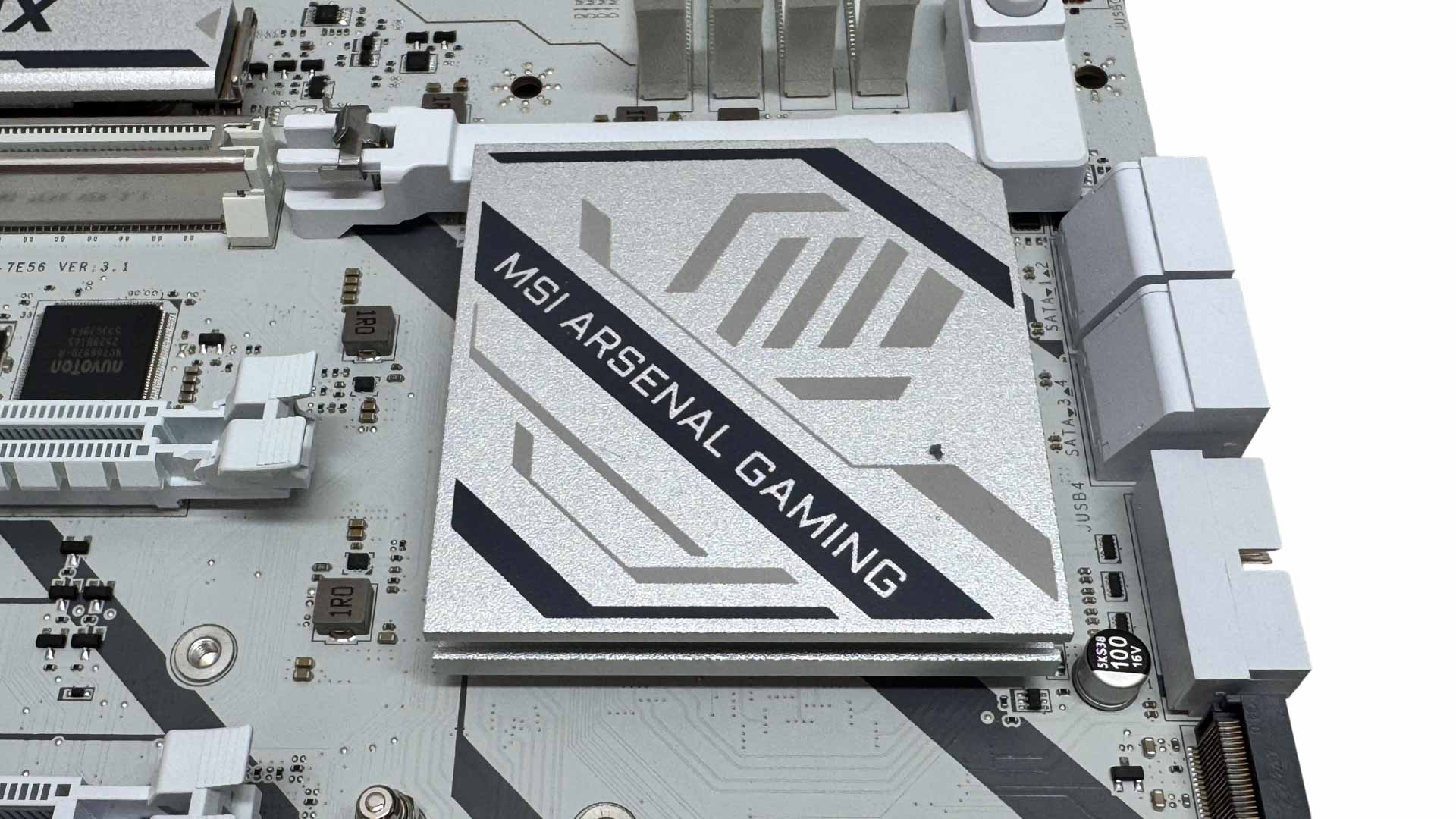
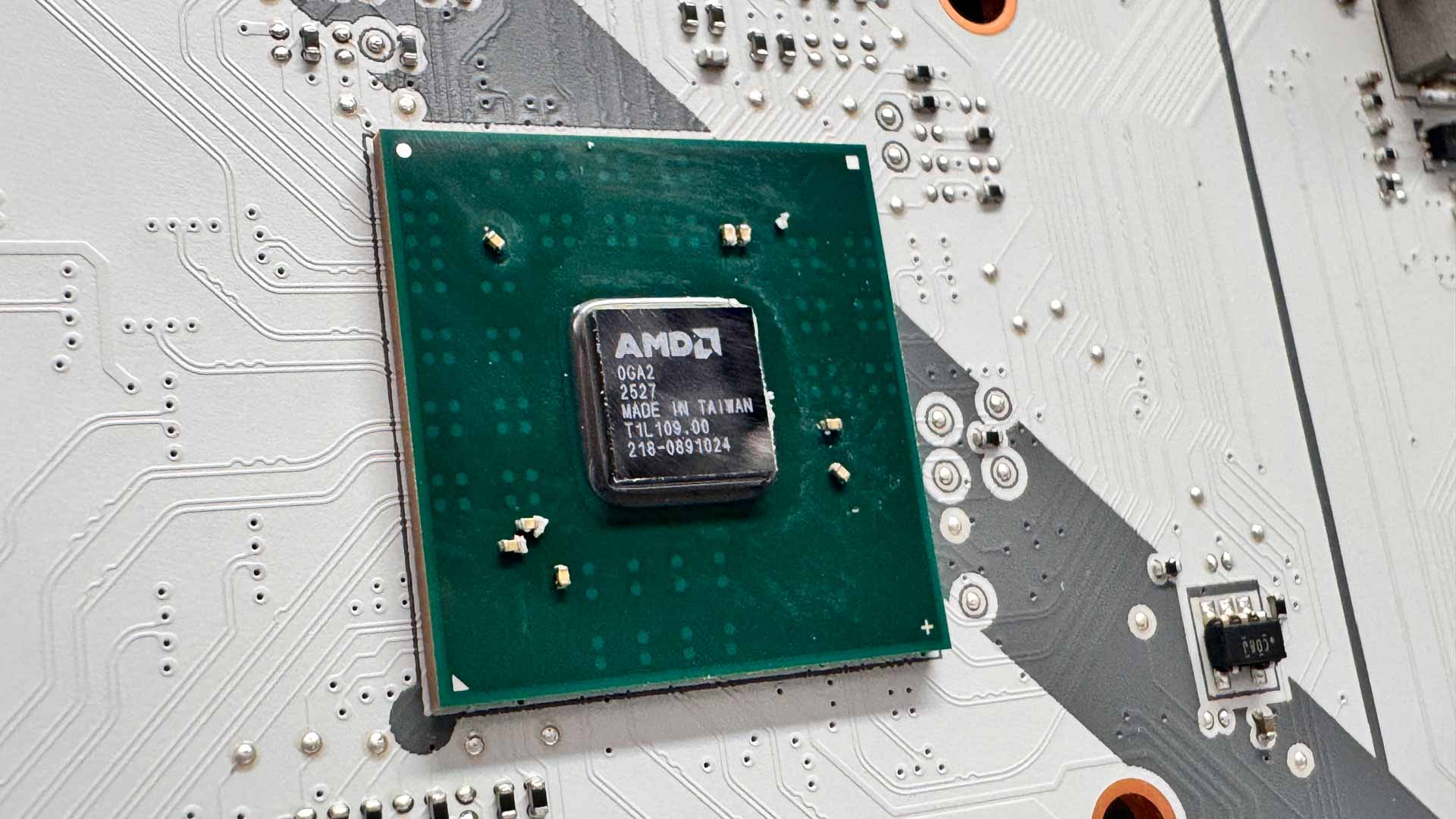
The single B850 chipset doesn't need a lot of cooling, so there's just one small heatsink that sat under the GPU release mechanism.
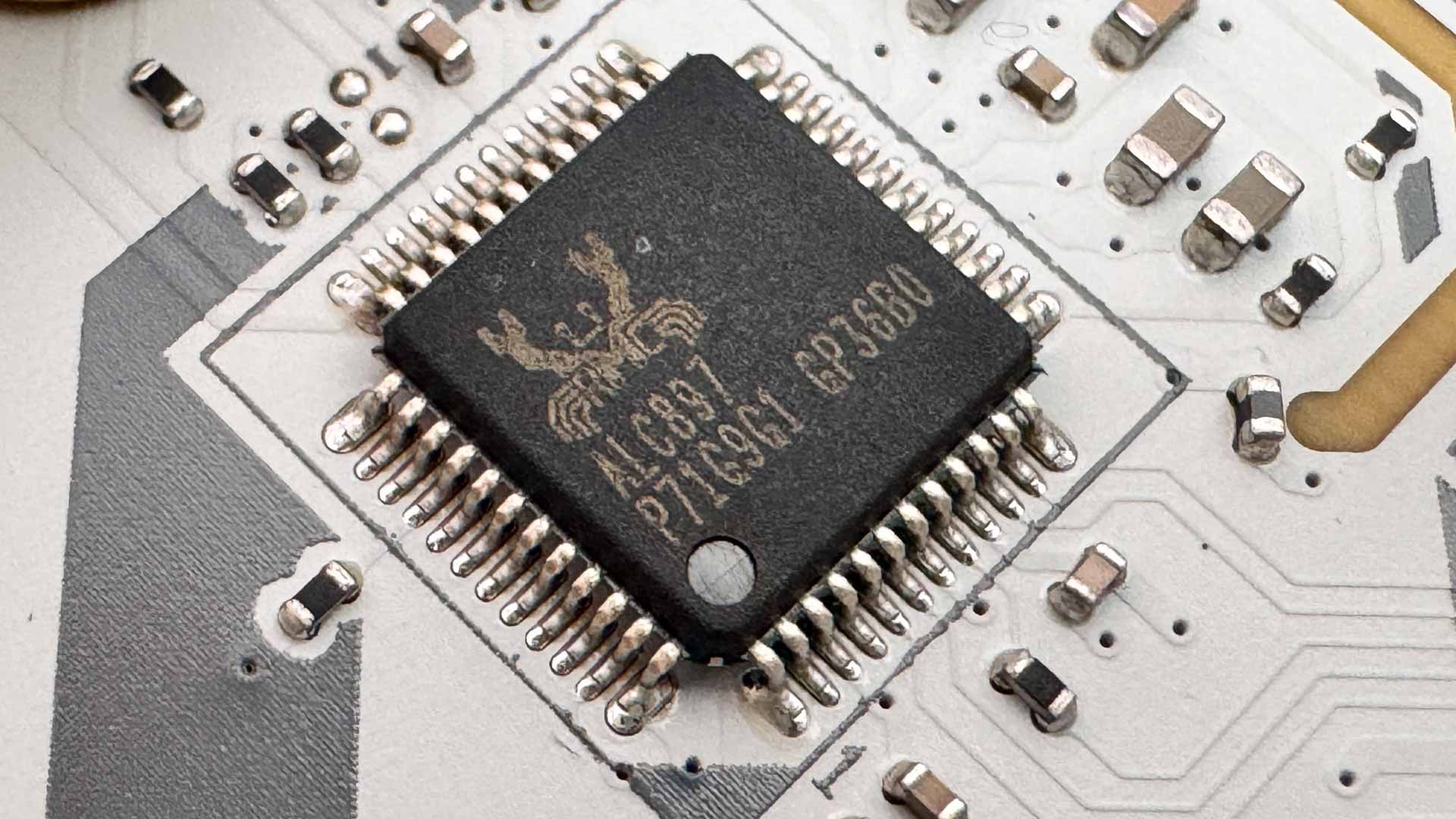
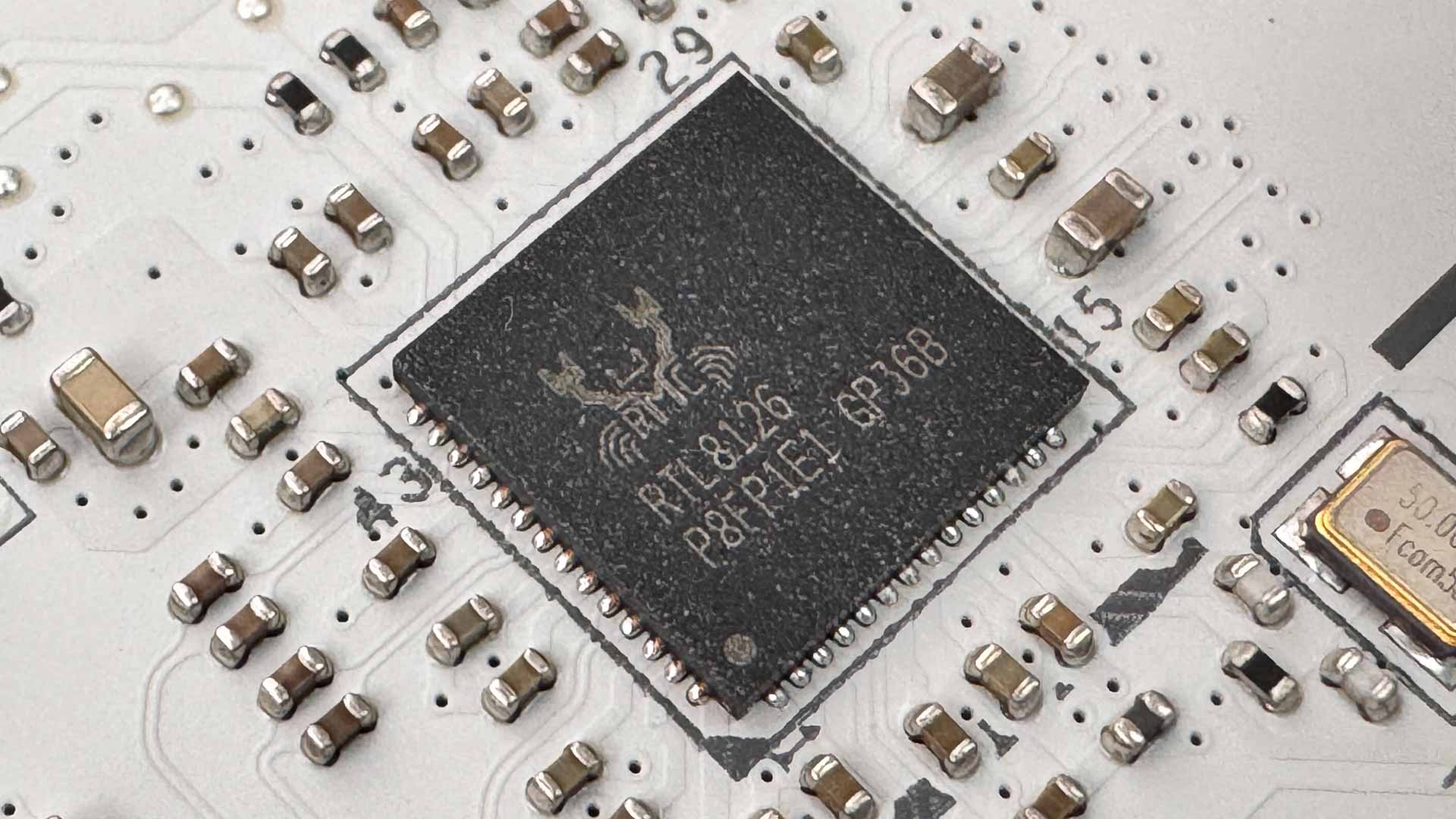
Probably one of the bigger disappointments here is the onboard audio. MSI has seen fit to include the Realtek ALC897 codec, which is inferior when it comes to dynamic range and noise levels to ALC1220 or ALC4080 included on more premium boards. Whether you'd tell the difference depends on the quality of your audio gear, but the fan remains that cheaper boards have better audio codecs. On the other hand, the 5 Gbps Ethernet is an advantage over many other boards at this price and lower, which often only have 2.5 Gbps.
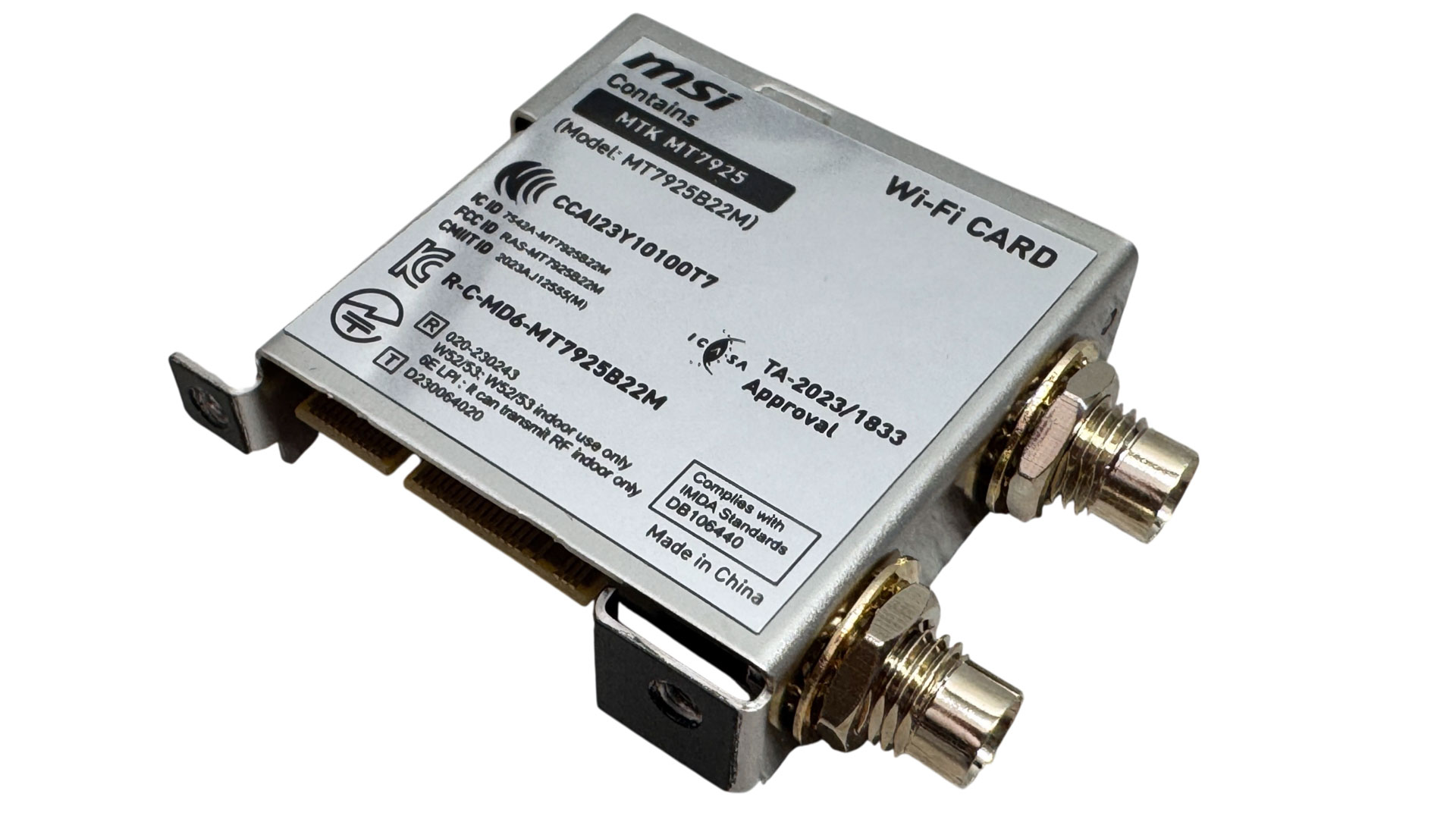
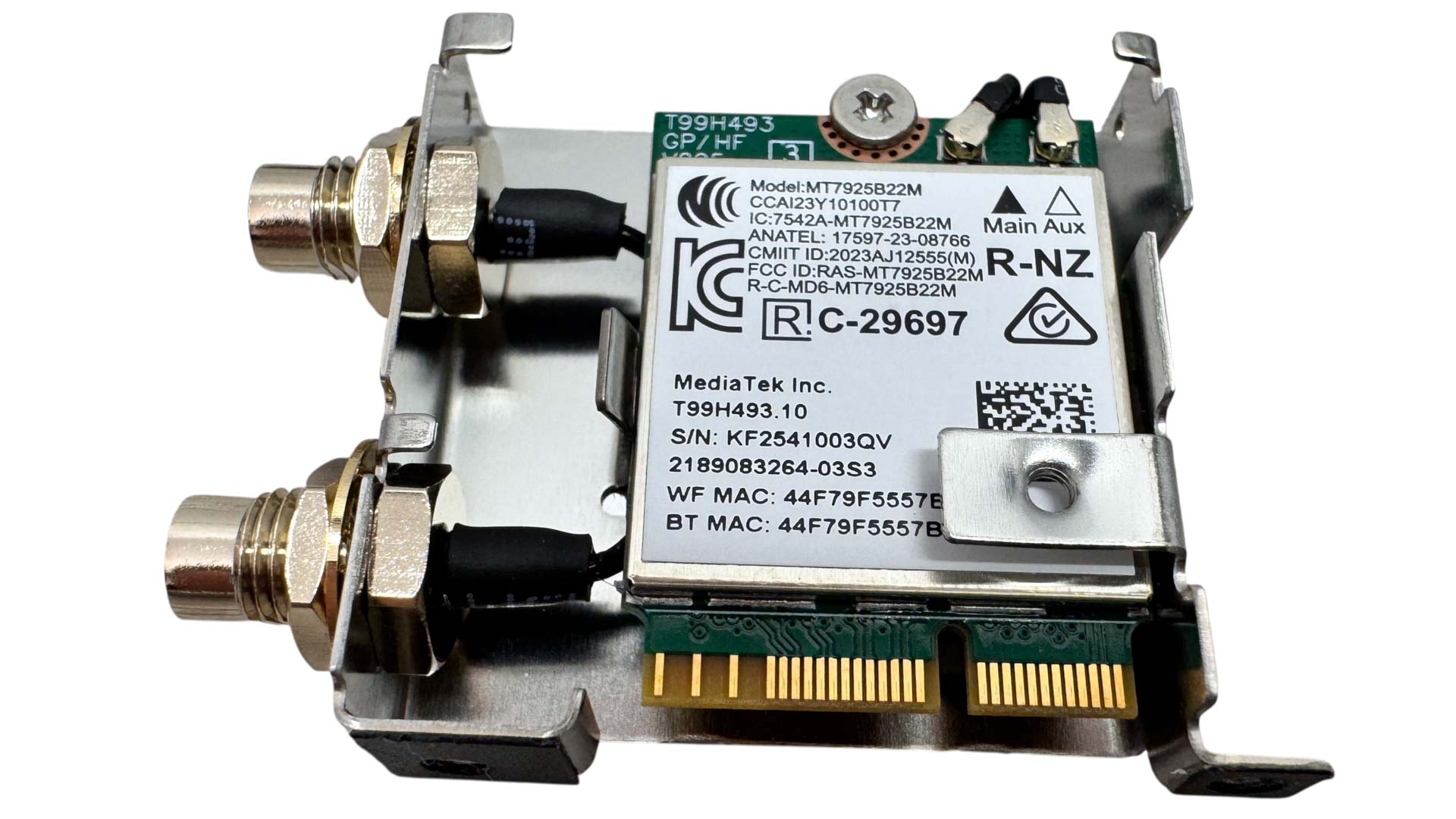
The Wi-Fi 7 module is MediaTek's MT7925B22M, which has MSI's external EZ antenna connectors. To get at the module, you'll need to remove the large VRM heatsink above, which is held in place by two screws, then remove a further two screws from the back of the rear I/O panel that secure the two together. From there, you'll also need to remove the rear I/O panel itself to be able to then remove the Wi-Fi module.
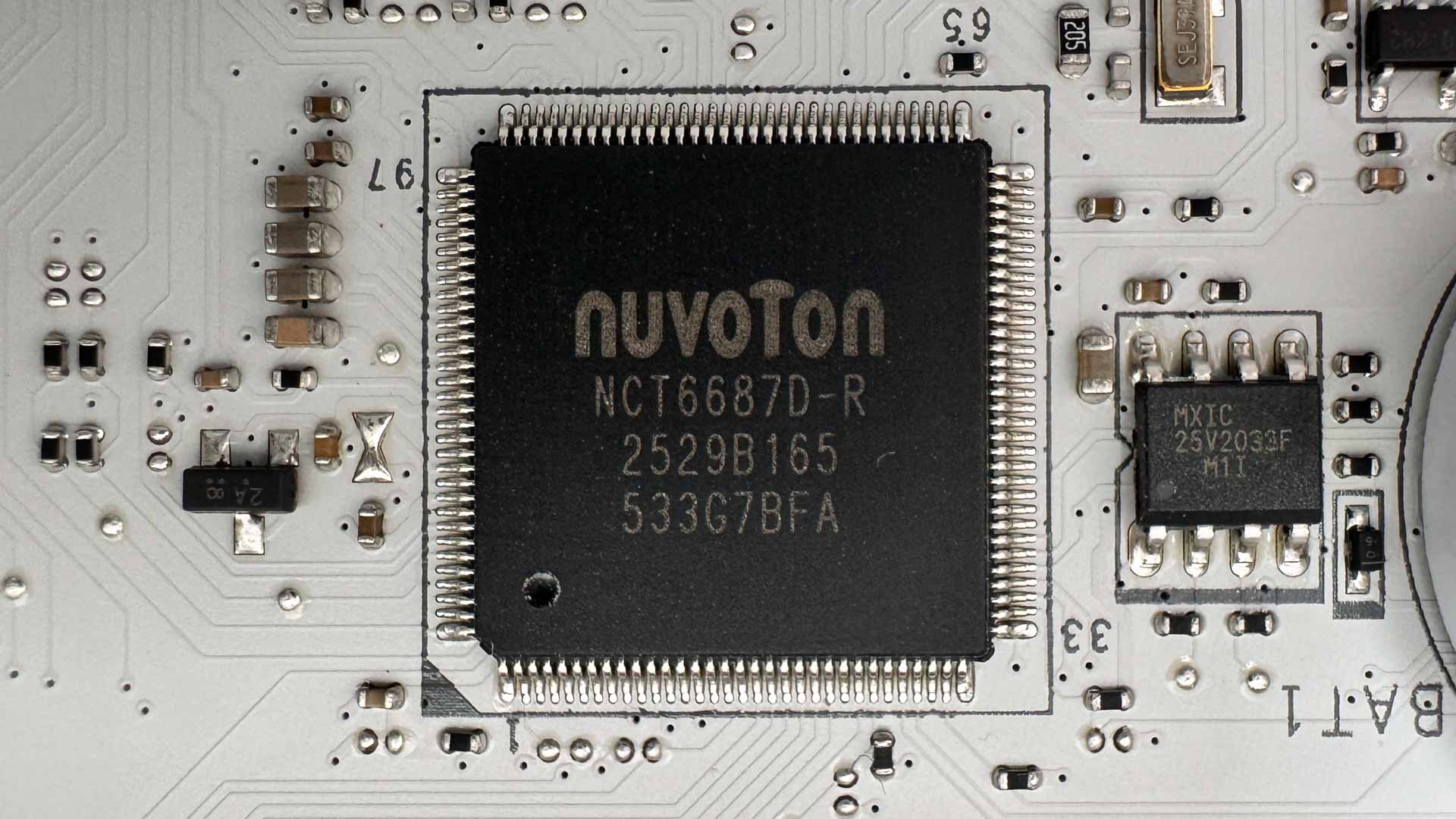
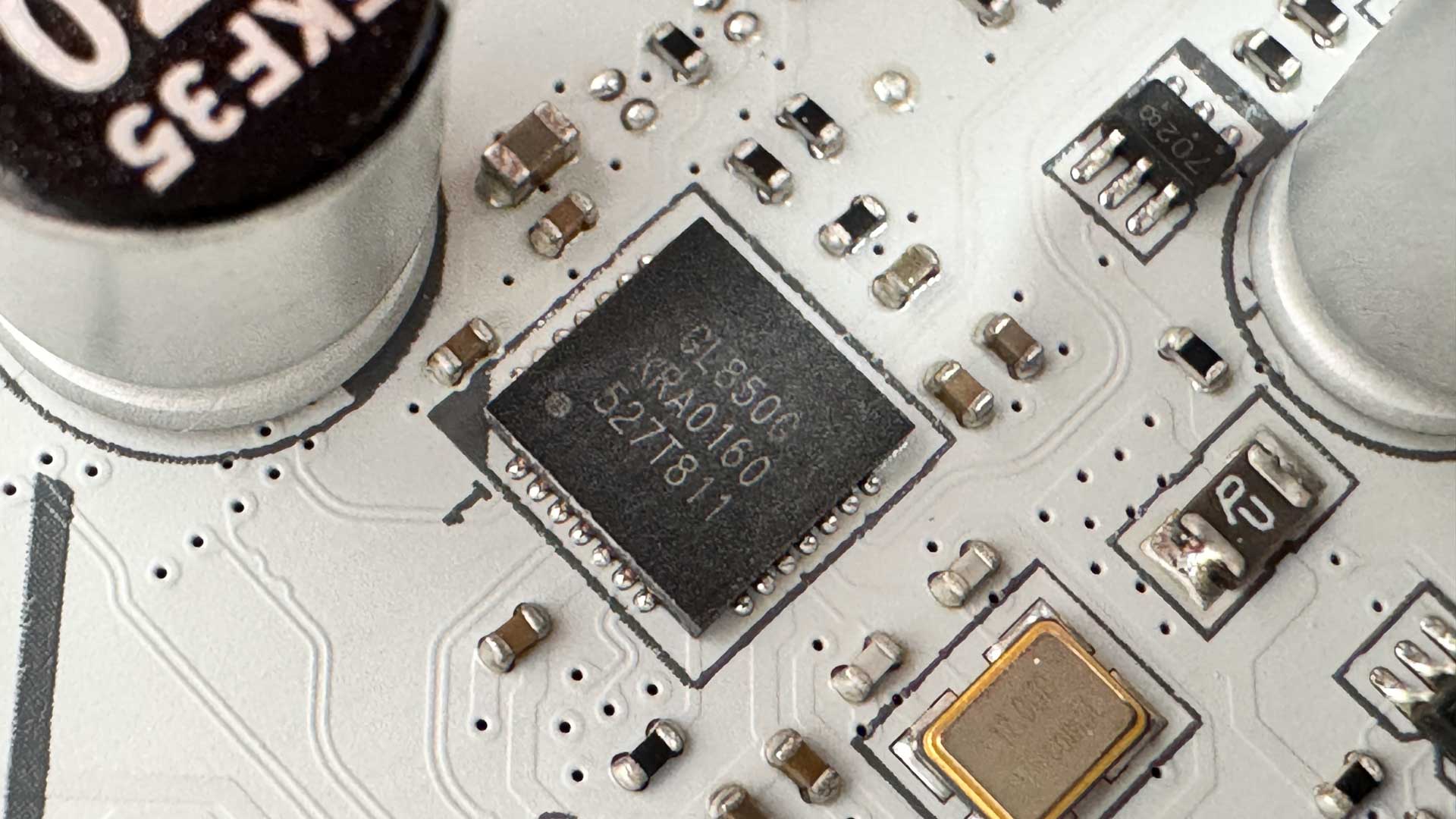
MSI has used the Nuvoton super I/O hardware monitoring chip and the four rear USB 2.0 ports are powered by a Genesys Logic GL805 USB 2.0 controller hub.
Nov 11th, 2026 03:09 CST
change timezone
New Forum Posts
- I cannot download games that are larger than 30–40 GB. (82)
- Meeting point of those who broke their GPUs. Please share what GPUs you've burned, shattered, ionized or melted accidentally. (33)
- Excessively high prices for RAM (88)
- Warning for Windows 10 and 11 users running newer AMD GPU drivers (42)
- budget home NAS – X79, X99 or another platform? (126)
- What are you playing? (26204)
- When you could finally run Crysis maxed out? (19)
- What Speakers Are You You Using For Your Computer (346)
- Lets talk PC Audio (388)
- Current Sales, Bundles, Giveaways (10445)
Popular Reviews
- AMD Zen 6 Technical Deep Dive
- Upcoming Hardware Launches 2027 (Updated Nov 2026)
- Gigabyte Z890I Aorus Ultra Review
- INNOCN 45C1R Review - Two QHD Screens, Zero Bezels
- XPG NIMBUS PLUS Review - Mid-range Chair With Strong Competitors
- Phantom Blade Zero Performance Benchmark Review - 35 GPUs Tested
- Gears of War: E-Day Performance Benchmark Review - 35 GPUs Tested
- NZXT H7 RGB+ Review
- be quiet! Light Mount TKL Keyboard Review
- NZXT H5 Review
TPU on YouTube
Controversial News Posts
- OpenAI CEO Argues Home PCs Waste the World's Limited DRAM Supply (152)
- NVIDIA Launches Investigation Into Jensen Huang's Relationship With Suspected Chinese Spy (136)
- Intel "Raptor Lake Next" 16-Core and 20-Core CPUs Surface (130)
- Legendary Game Studio BioWare Shuts Down Following EA Layoffs (104)
- Dell CEO Says the Memory Shortage Will Get Worse in 2027 (95)
- NVIDIA GeForce RTX 50-Series Scheduled for up to $500 Price Hike This Week (88)
- Modder Fits RTX 5090 With Four 8-Pin Connectors, Halving Current per Wire (80)
- AMD Radeon Owners Can Now Run Nearly Every DLSS Feature Through Fan-Made Mod (80)