 7
MSI MAG B850 Gaming Plus Max Wi-Fi Review
Board Software »BIOS Overview
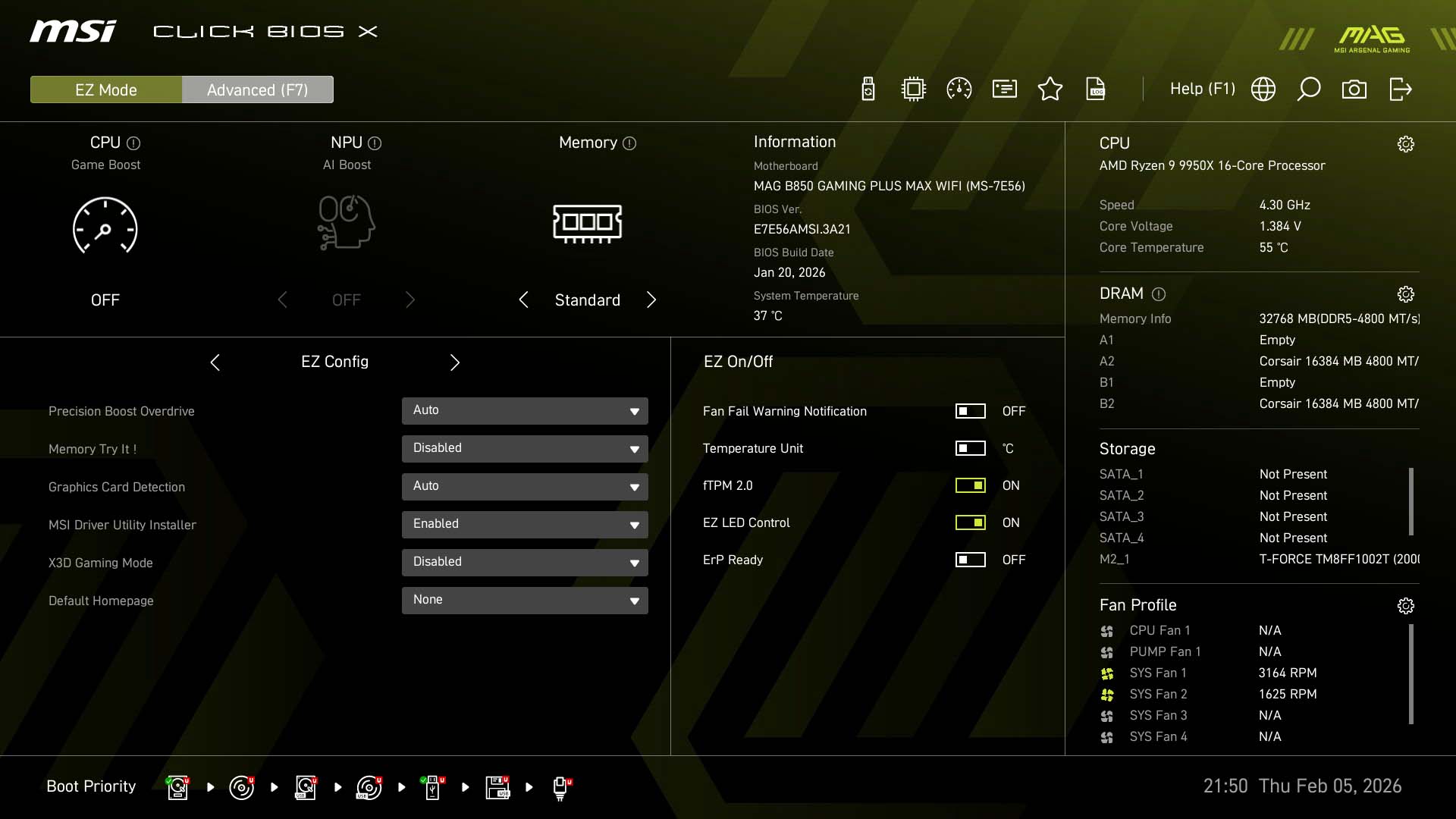
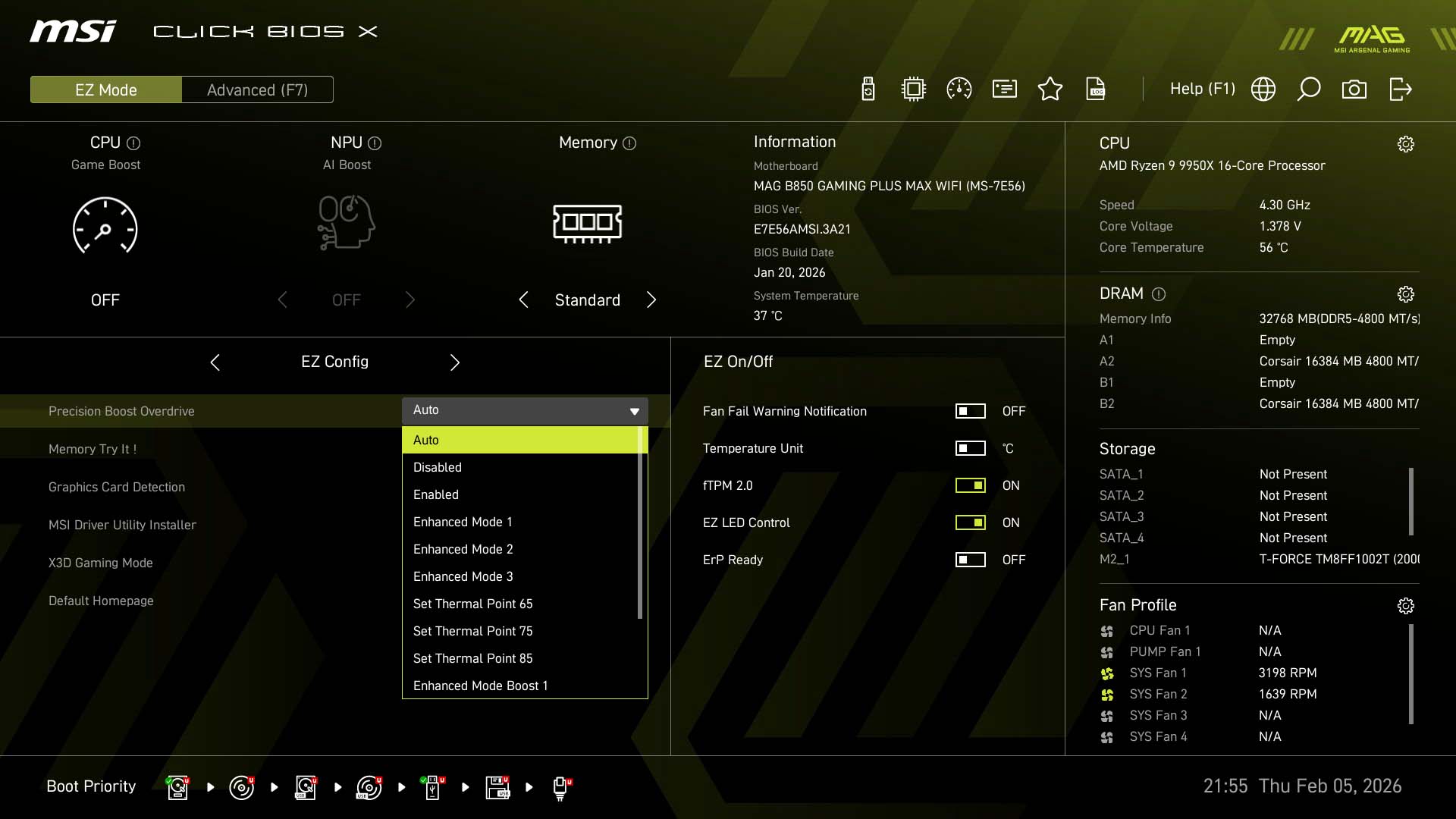
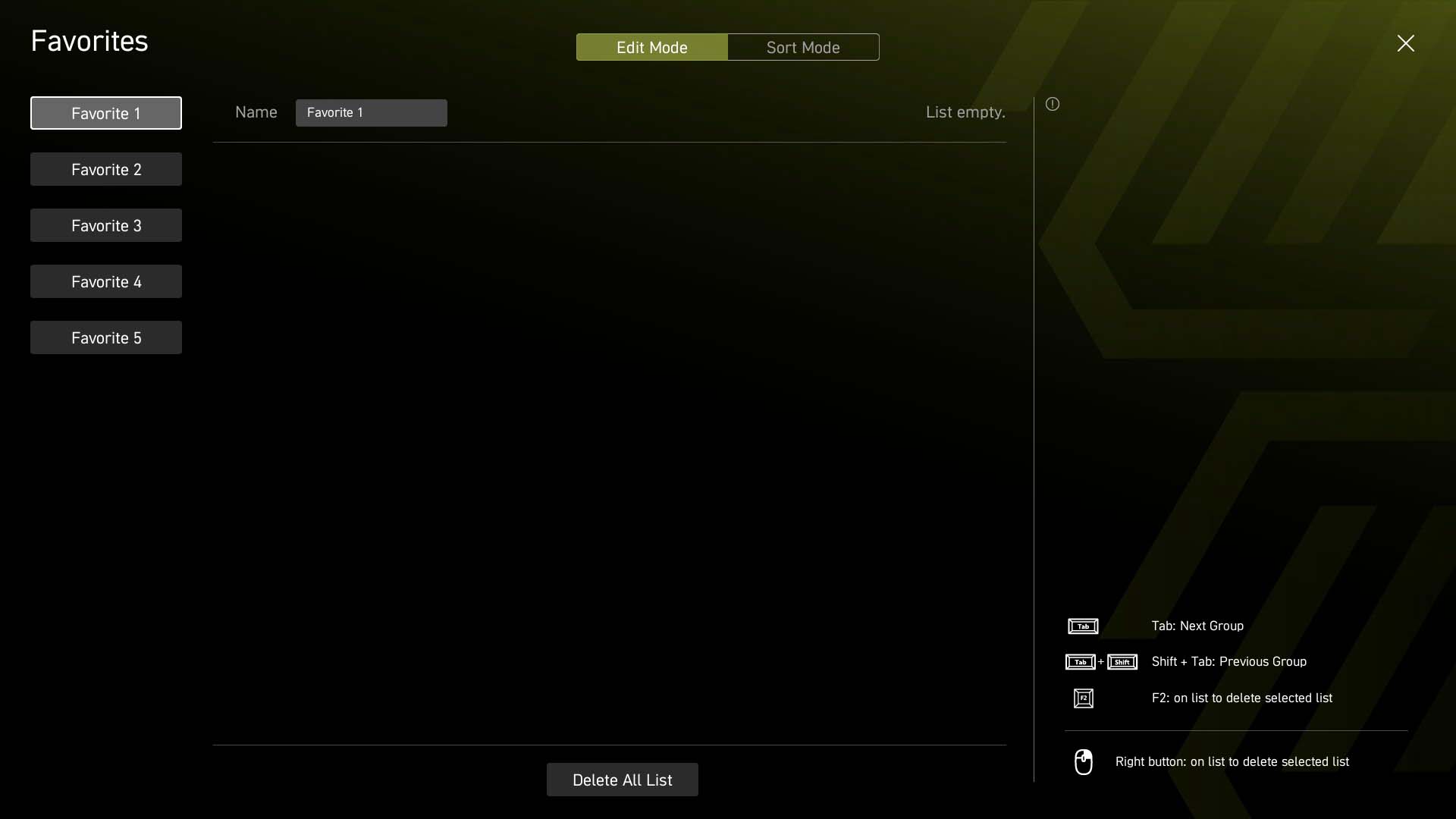
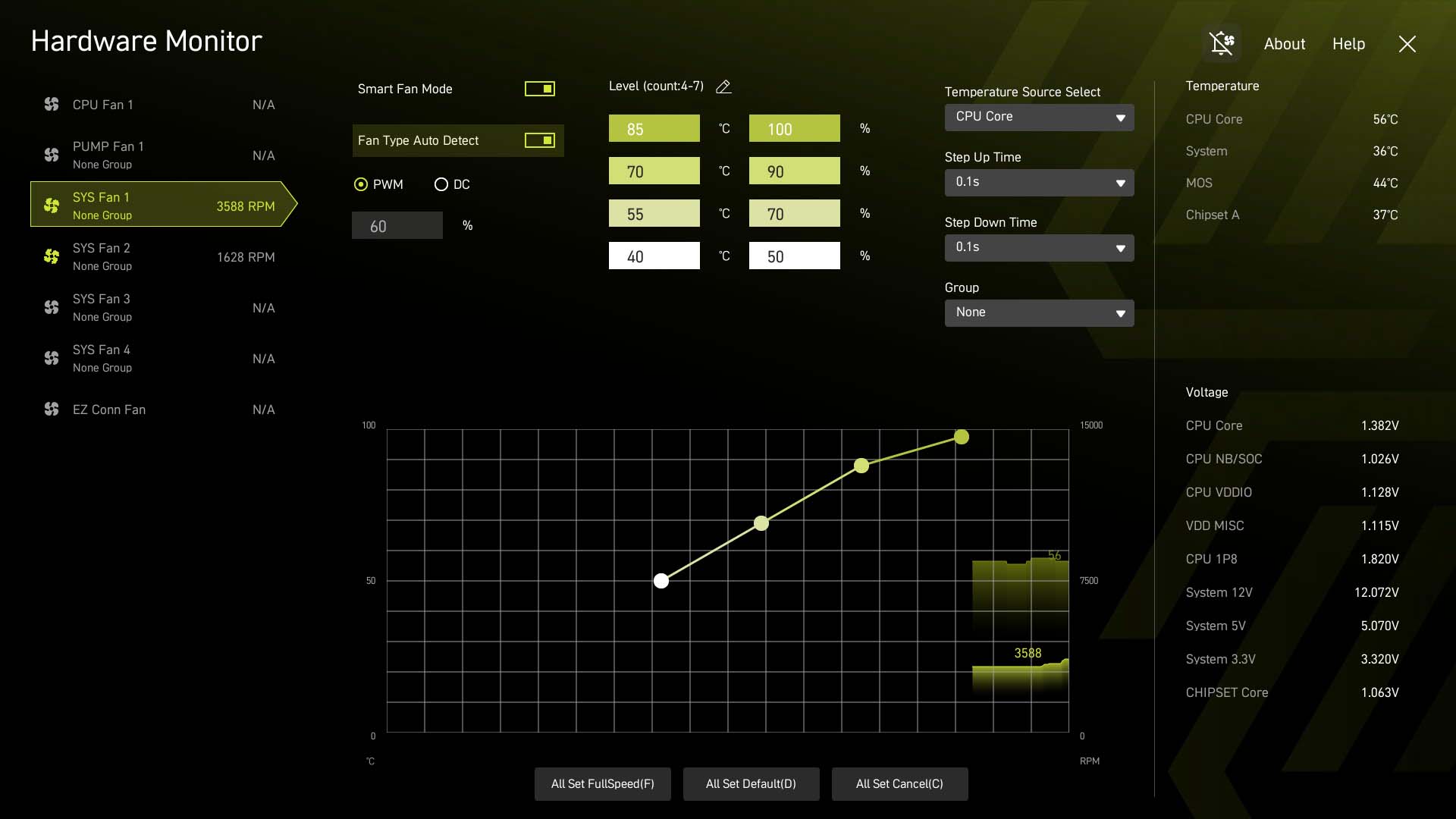
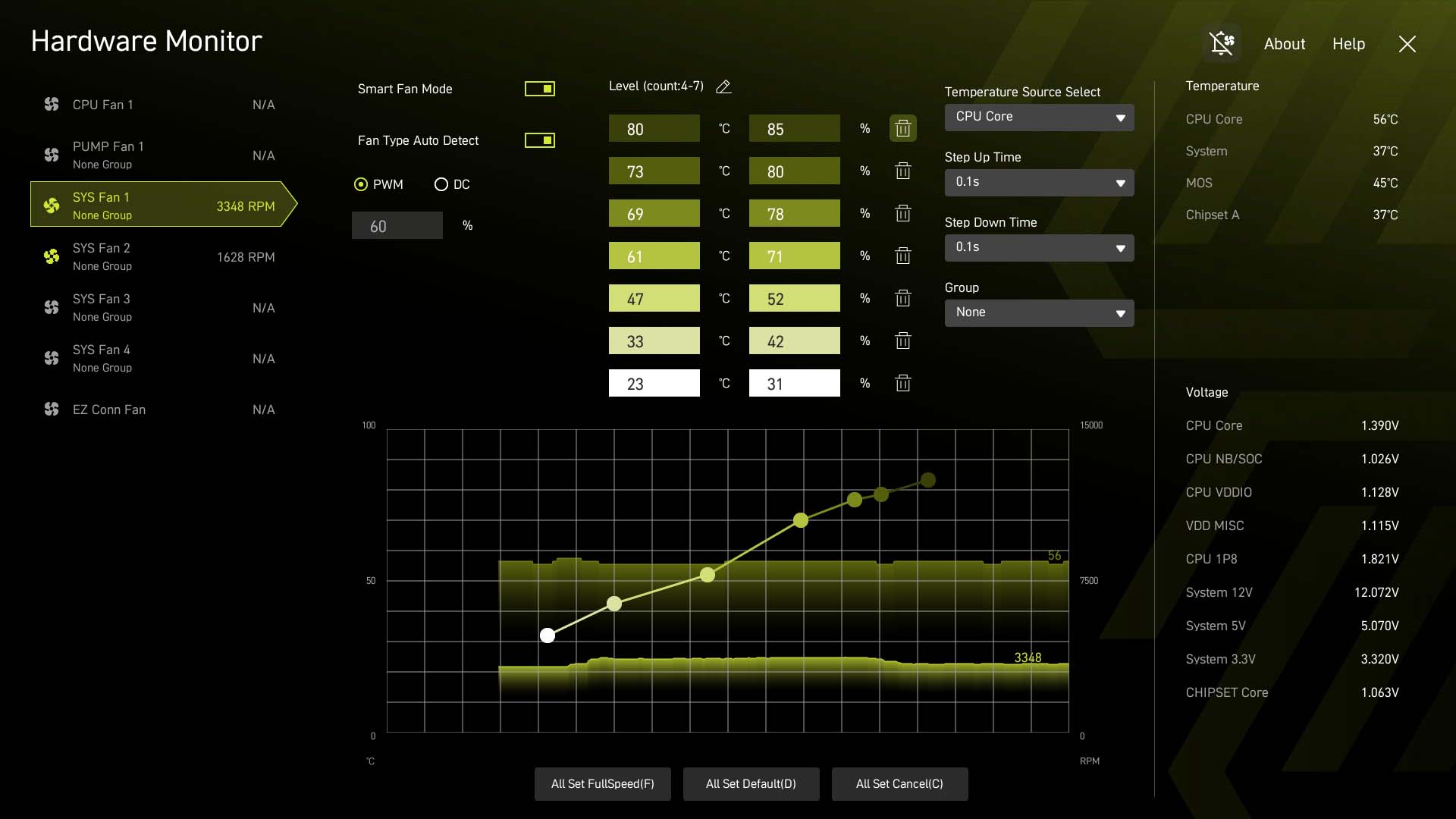
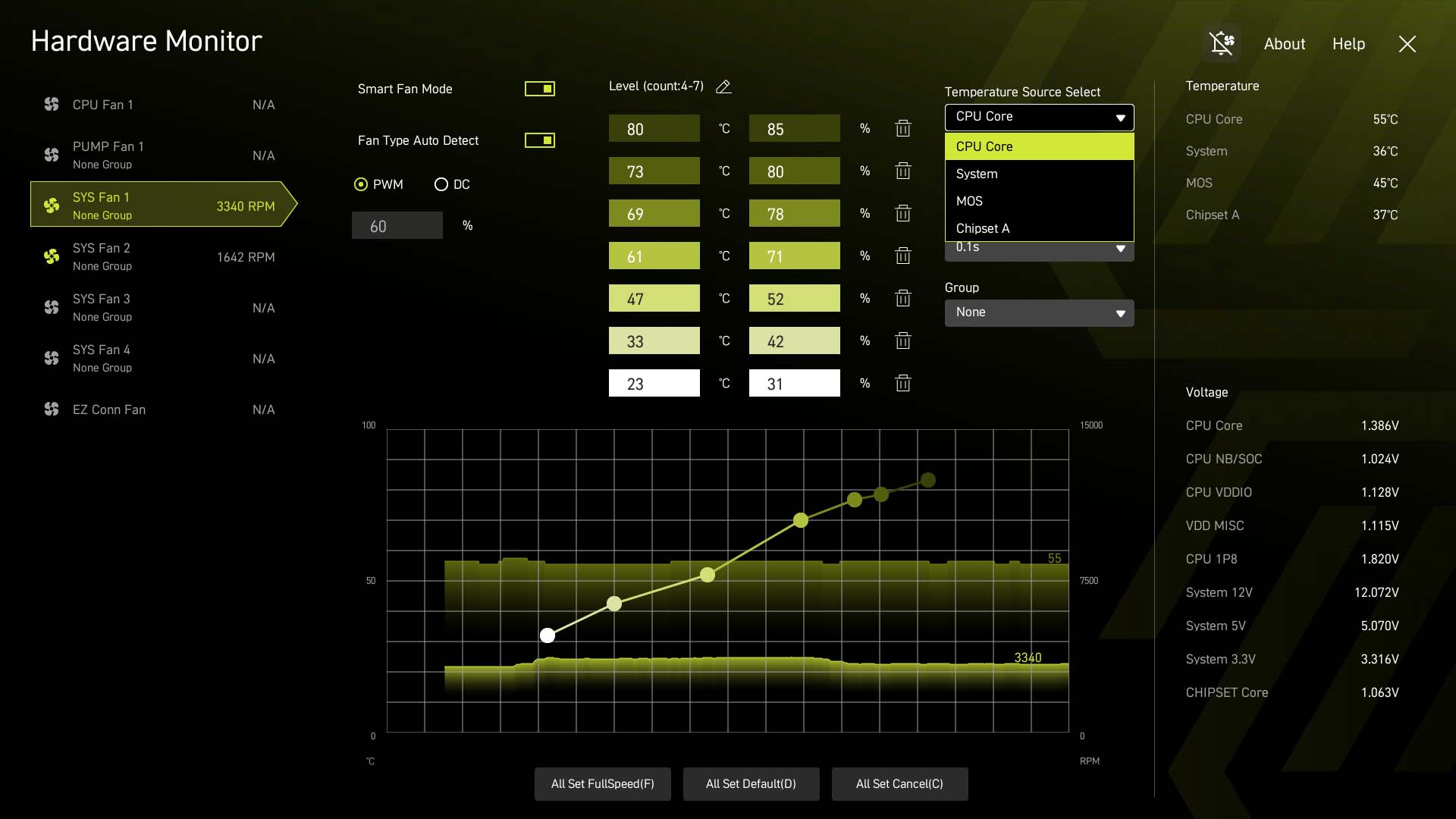
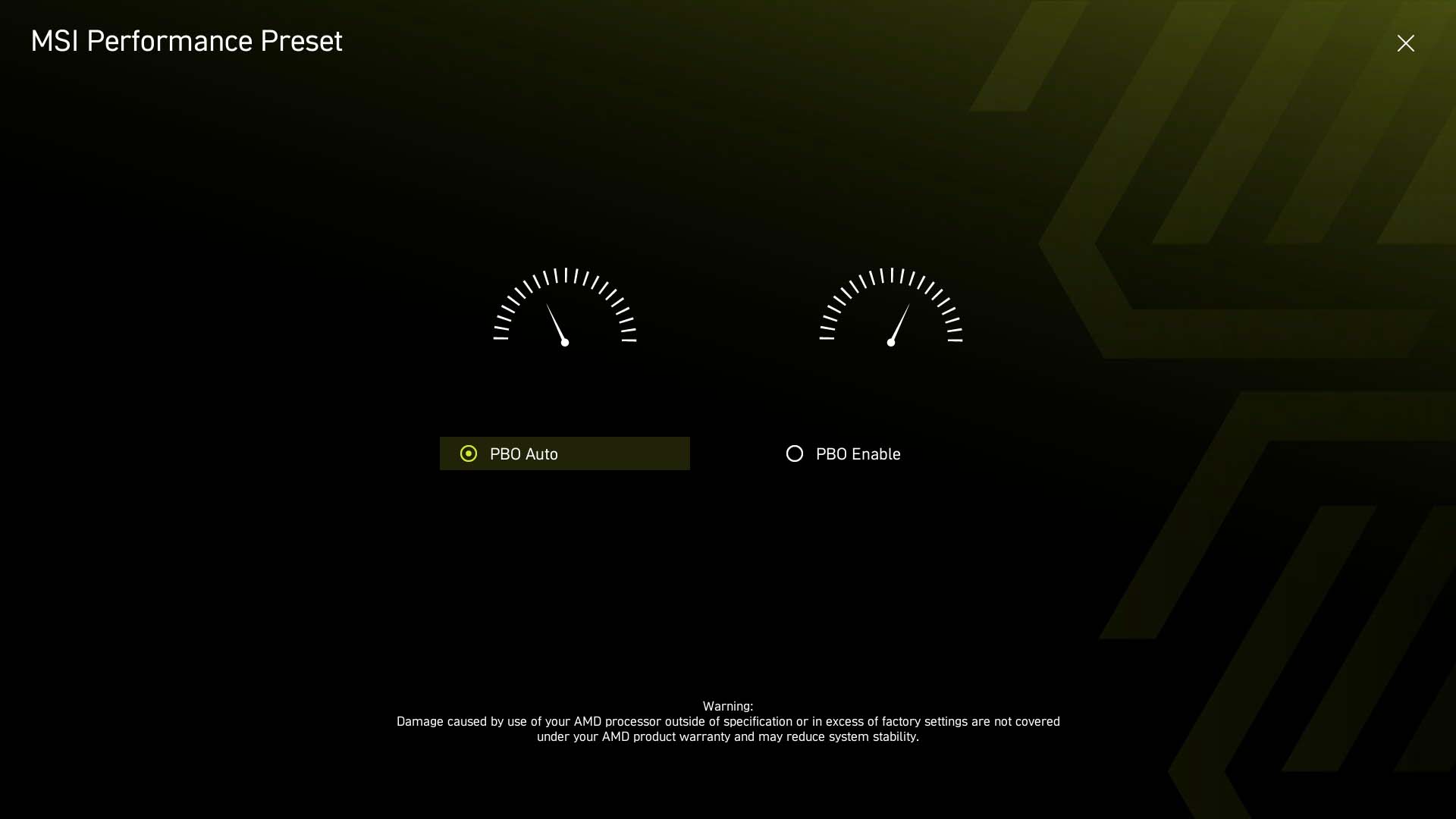
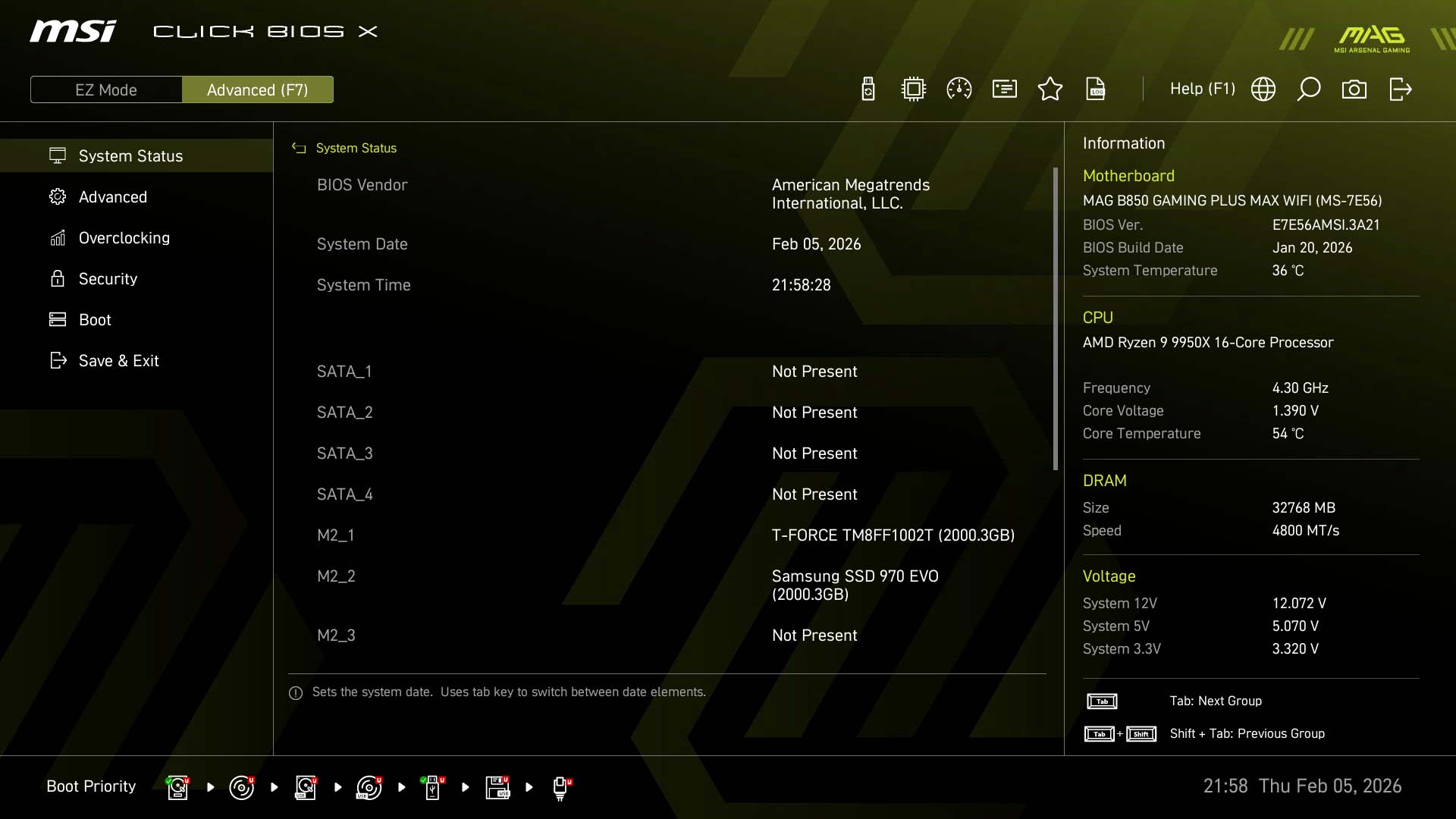
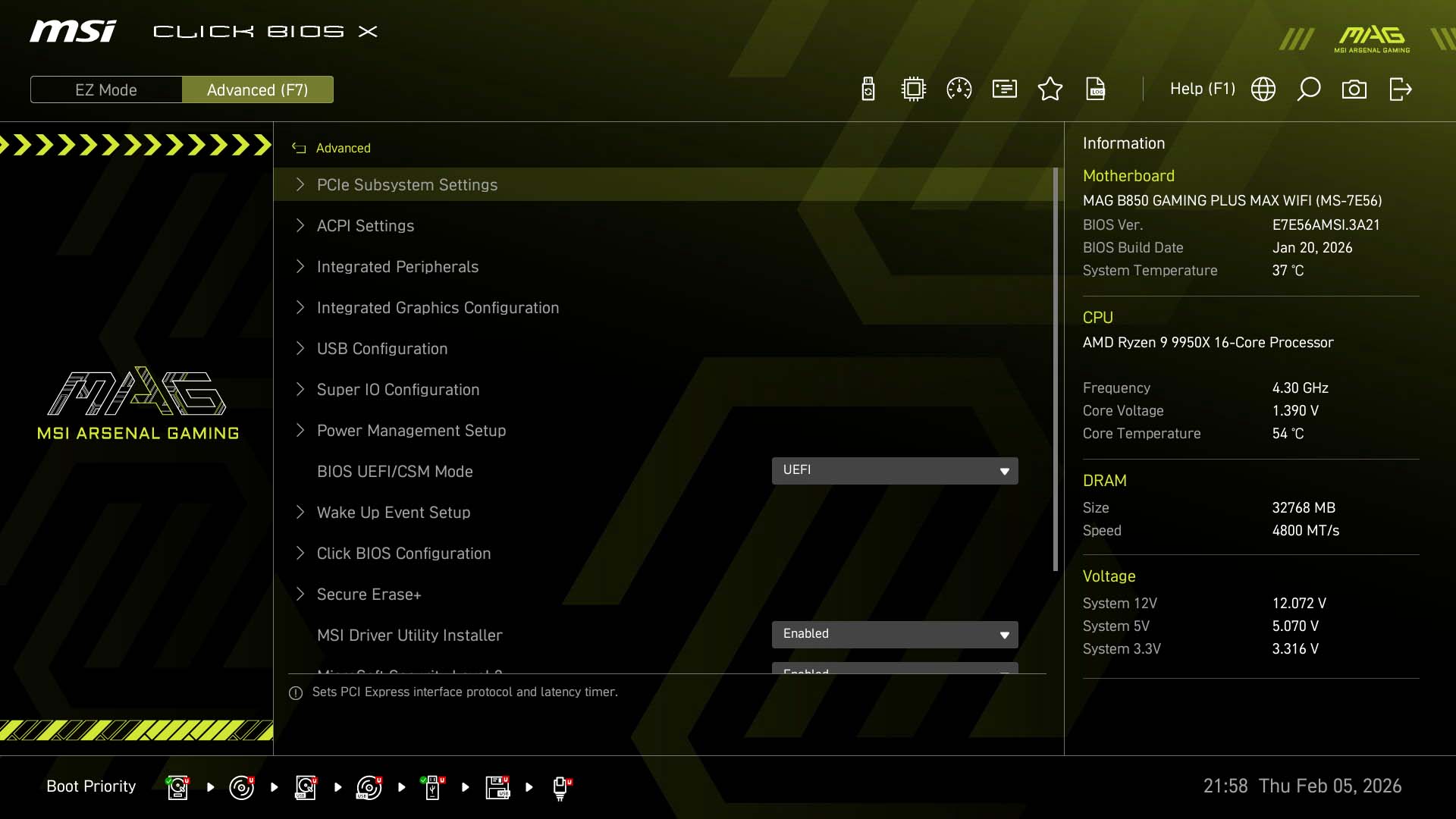
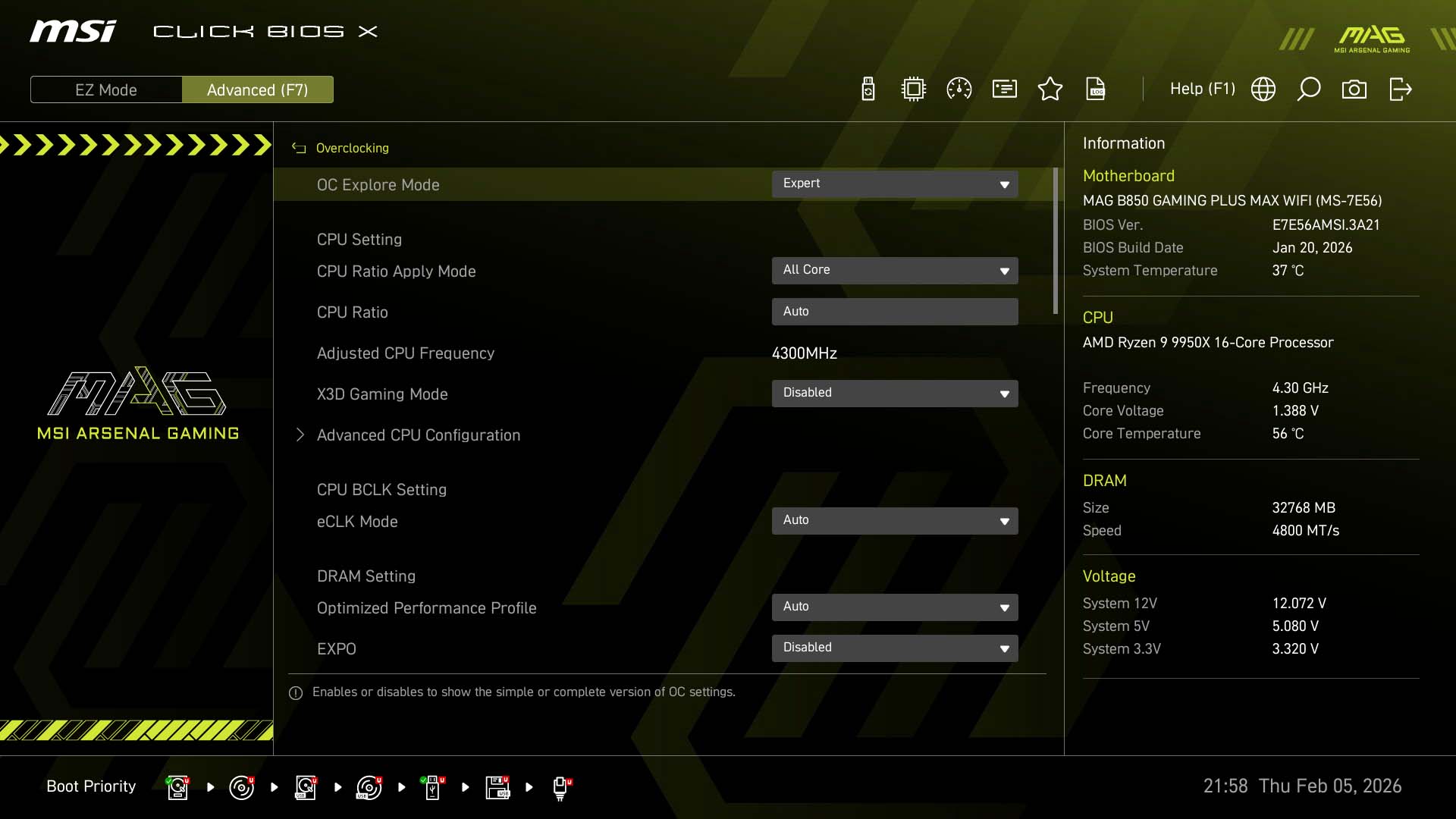
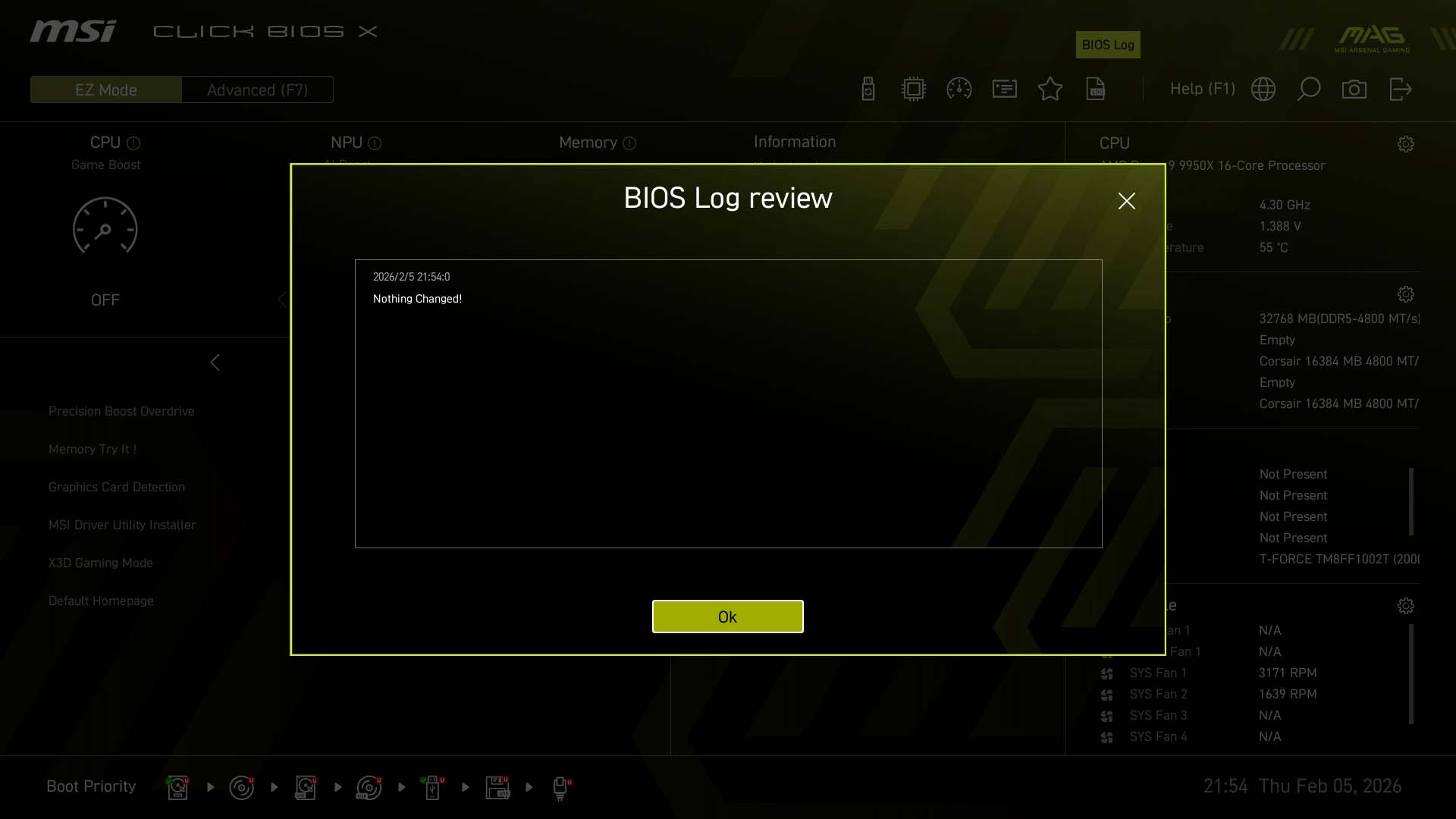
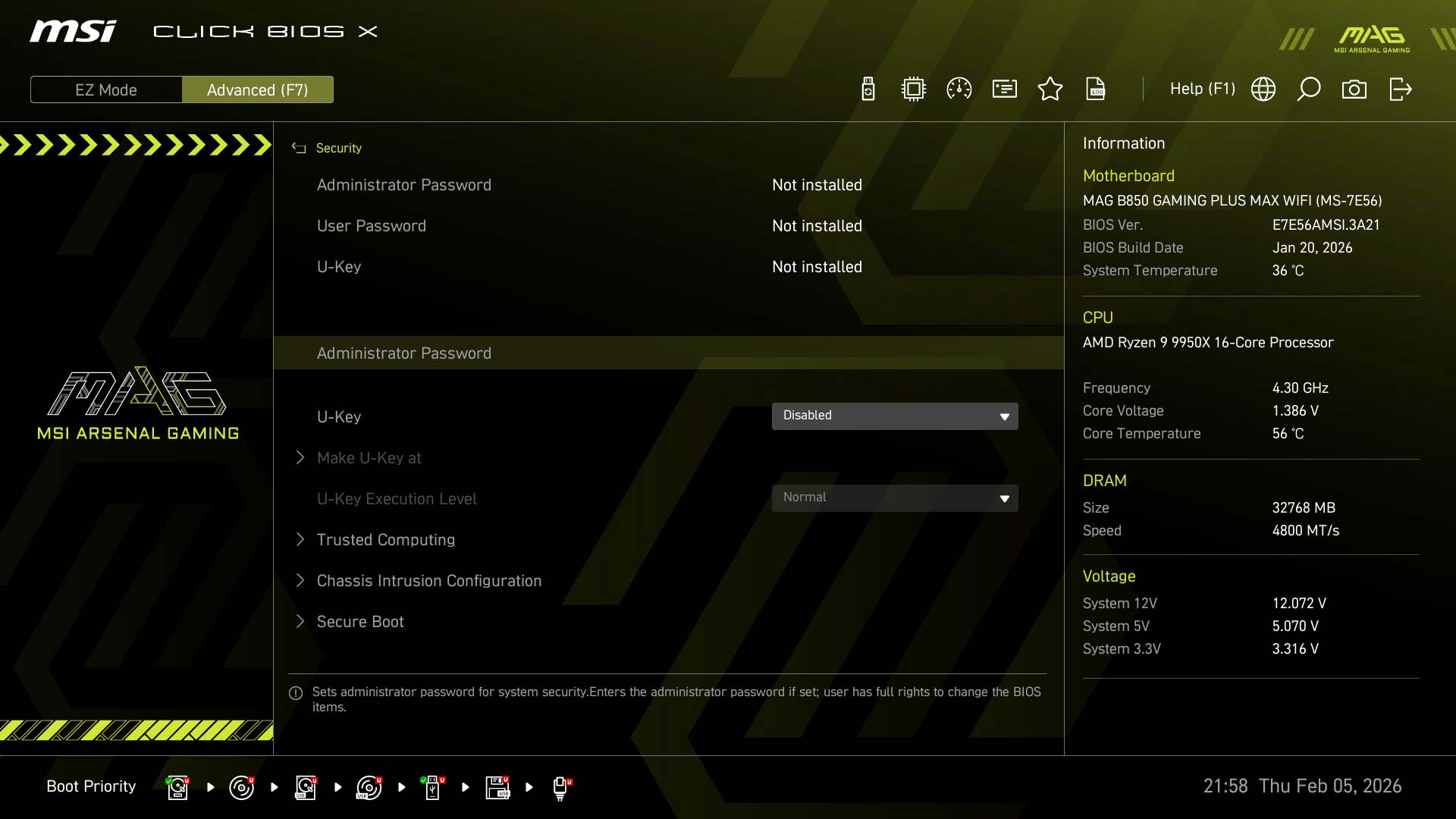
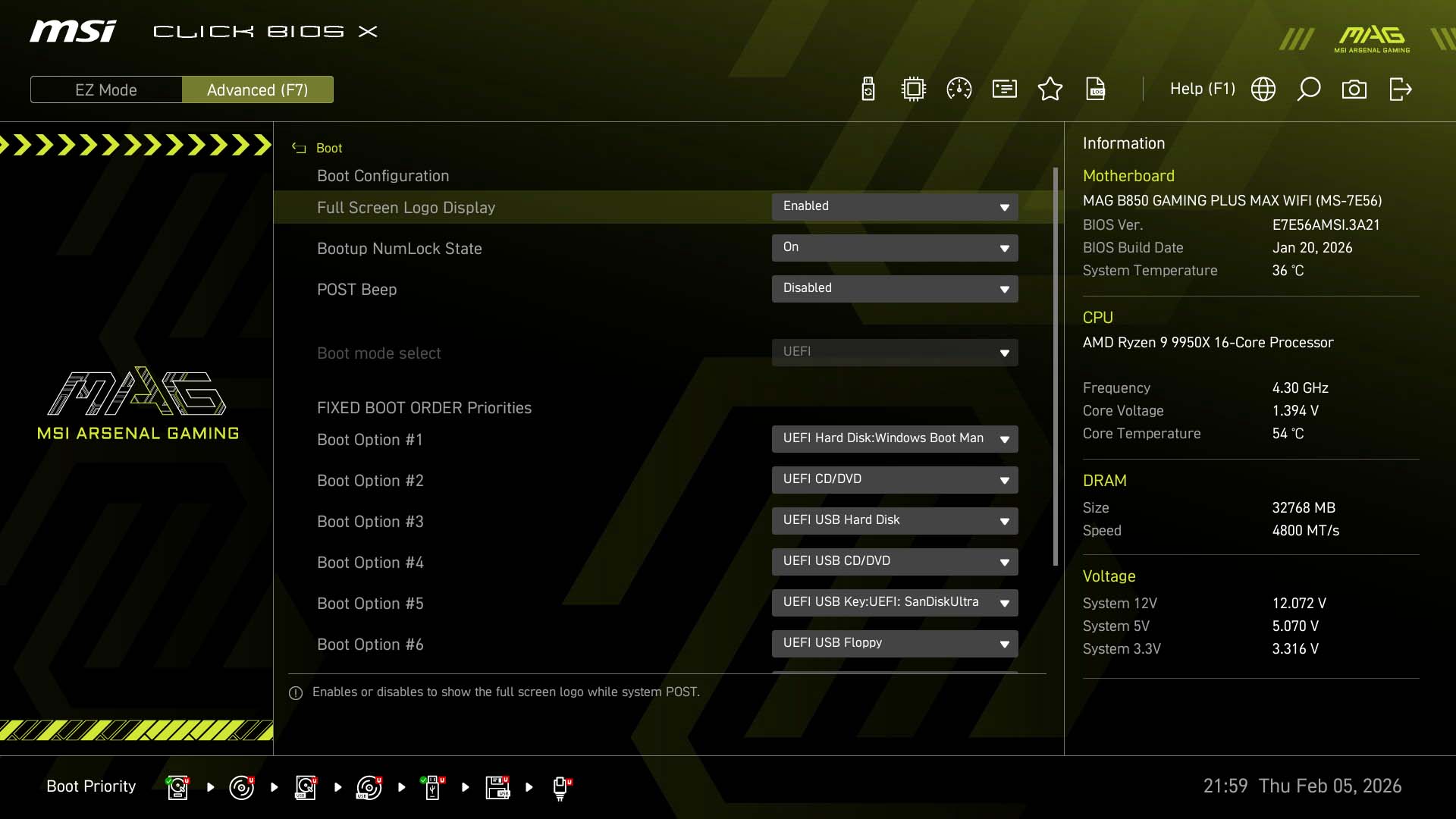
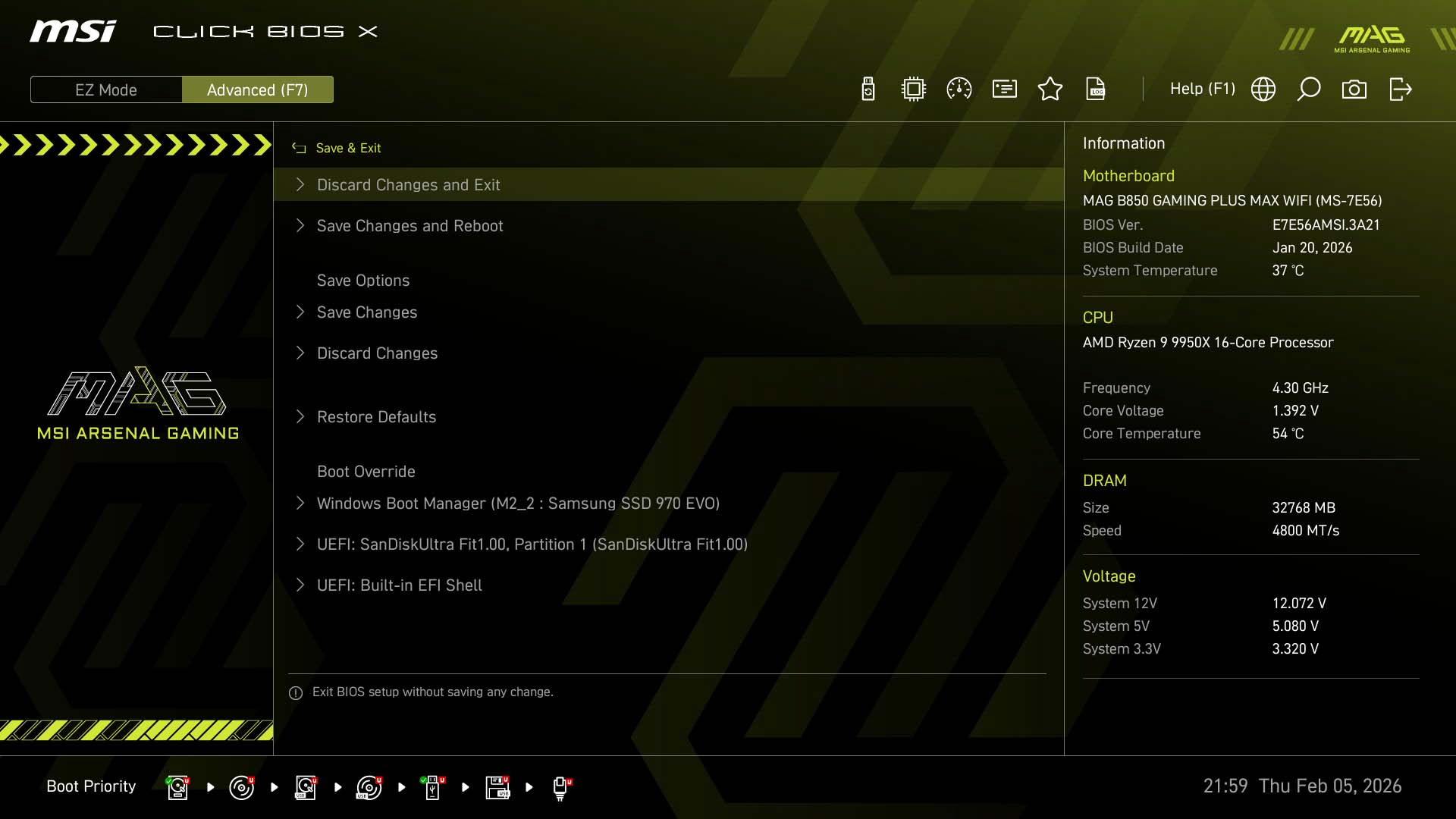
MSI's EFI is generally pretty good and visually appealing thanks to its somewhat recent redesign and high-resolution interface. The EZ Mode page has a decent array of features that will mostly remove the need to delve deeper in to the EFI menus for most. You get a good range of PBO options from the drop-down menu, you can adjust the boot priority, set the memory profiles and have direct access to the favorites section, fan control, PBO preset and the search function.The fan control section or Hardware Monitor, is pretty decent and includes the ability to switch between voltage and PWM mode, alternative temperature sources to control your fans, spin-up and spin-down time adjustment and has the unique ability to add and remove fan curve adjustment points all while having real time rpm reading for each fan header including the EZ Conn fan. Our only gripe here is the fan curve axis, where the left and right Y-axis have different scales, but both refer to fan speed, while the X-axis refers to temperature, but isn't a 0-100 scale. You'll need to pay careful attention to what each fan curve point reads when you set it as it can be confusing.
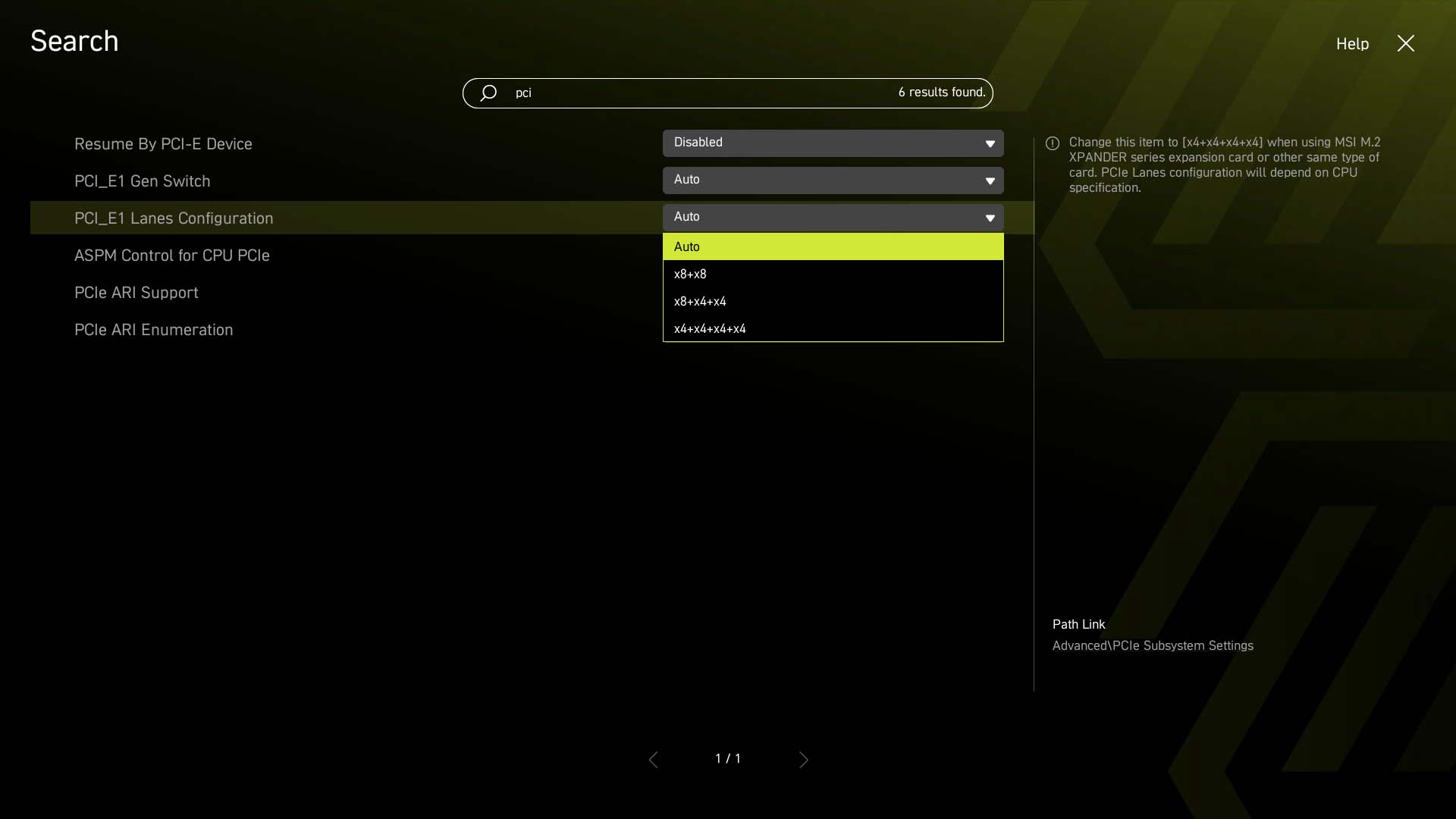
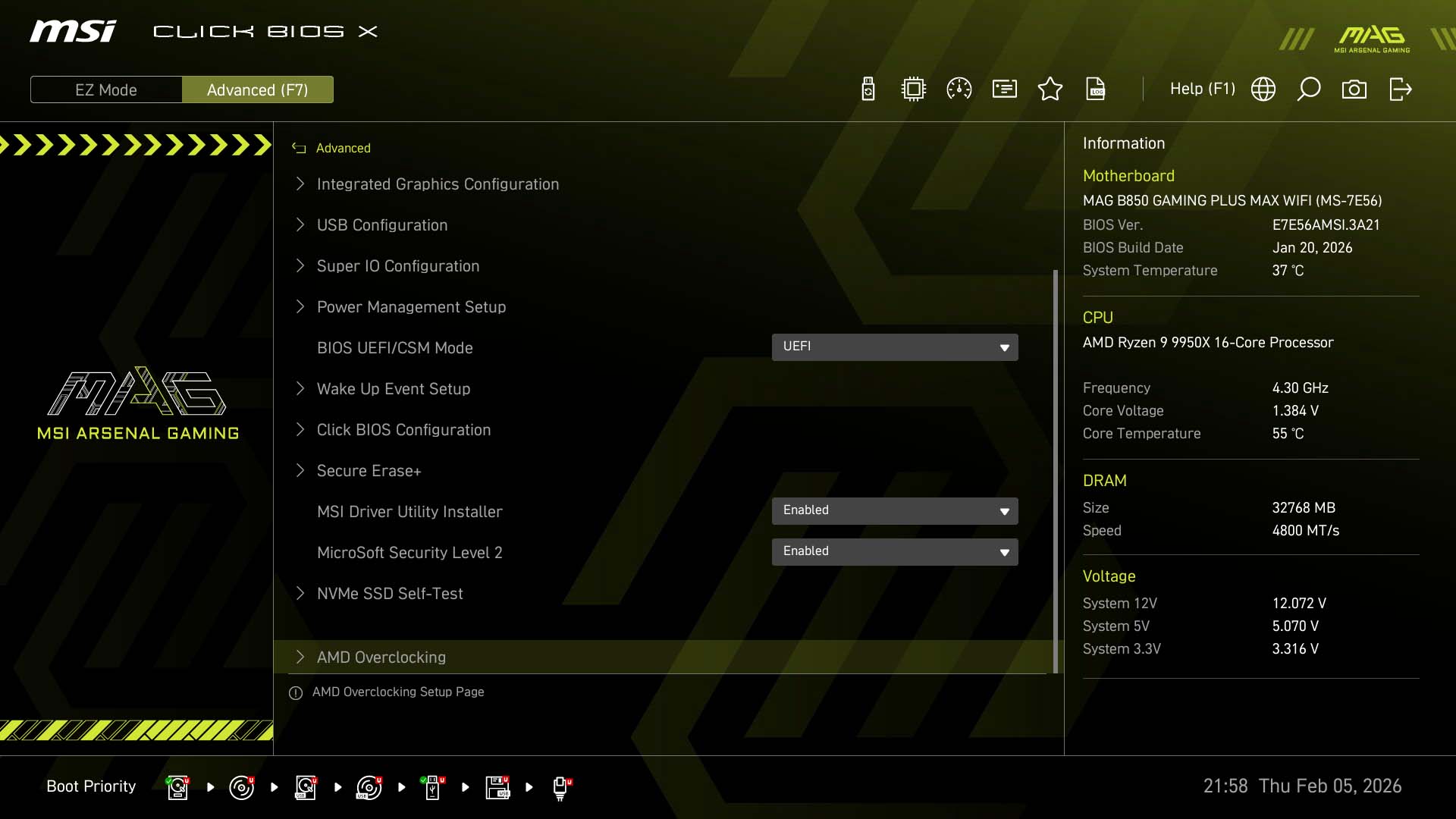
The search function is very handy as settings you search for aren't just listed, but can be fully adjusted from within the search box too, removing the need to be forwarded to that setting's section. The overclocking section is where you'll want to be for most manual overclock or PBO tweaking sessions, but there is the usual AMD Overclocking section too, both of which we have more details on later.
Nov 11th, 2026 03:09 CST
change timezone
New Forum Posts
- I cannot download games that are larger than 30–40 GB. (82)
- Meeting point of those who broke their GPUs. Please share what GPUs you've burned, shattered, ionized or melted accidentally. (33)
- Excessively high prices for RAM (88)
- Warning for Windows 10 and 11 users running newer AMD GPU drivers (42)
- budget home NAS – X79, X99 or another platform? (126)
- What are you playing? (26204)
- When you could finally run Crysis maxed out? (19)
- What Speakers Are You You Using For Your Computer (346)
- Lets talk PC Audio (388)
- Current Sales, Bundles, Giveaways (10445)
Popular Reviews
- AMD Zen 6 Technical Deep Dive
- Upcoming Hardware Launches 2027 (Updated Nov 2026)
- Gigabyte Z890I Aorus Ultra Review
- INNOCN 45C1R Review - Two QHD Screens, Zero Bezels
- XPG NIMBUS PLUS Review - Mid-range Chair With Strong Competitors
- Phantom Blade Zero Performance Benchmark Review - 35 GPUs Tested
- Gears of War: E-Day Performance Benchmark Review - 35 GPUs Tested
- NZXT H7 RGB+ Review
- be quiet! Light Mount TKL Keyboard Review
- NZXT H5 Review
TPU on YouTube
Controversial News Posts
- OpenAI CEO Argues Home PCs Waste the World's Limited DRAM Supply (152)
- NVIDIA Launches Investigation Into Jensen Huang's Relationship With Suspected Chinese Spy (136)
- Intel "Raptor Lake Next" 16-Core and 20-Core CPUs Surface (130)
- Legendary Game Studio BioWare Shuts Down Following EA Layoffs (104)
- Dell CEO Says the Memory Shortage Will Get Worse in 2027 (95)
- NVIDIA GeForce RTX 50-Series Scheduled for up to $500 Price Hike This Week (88)
- Modder Fits RTX 5090 With Four 8-Pin Connectors, Halving Current per Wire (80)
- AMD Radeon Owners Can Now Run Nearly Every DLSS Feature Through Fan-Made Mod (80)