 16
MSI MAG X870E Tomahawk Max Wi-Fi Review
Value & Conclusion »Overclocking
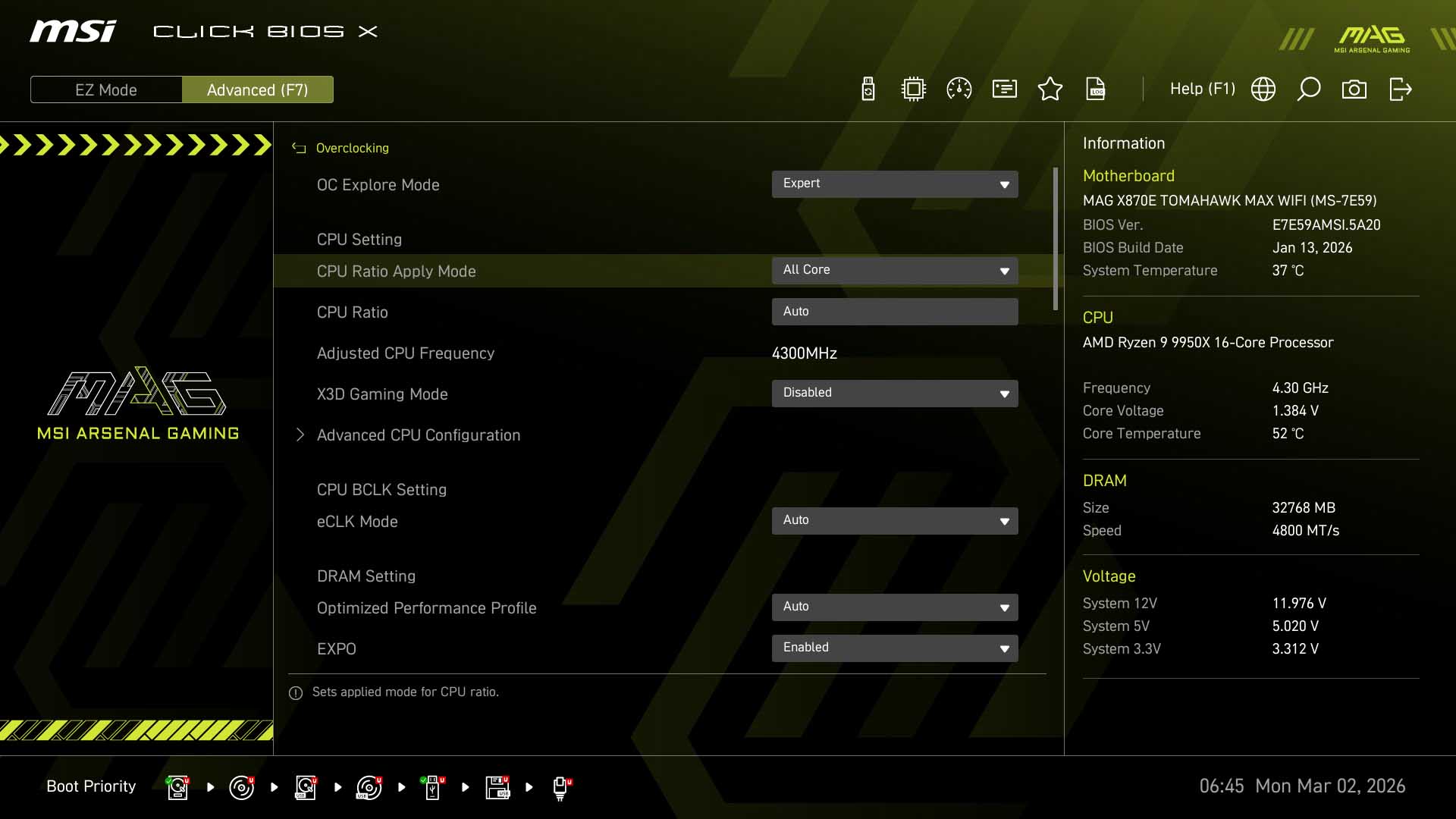
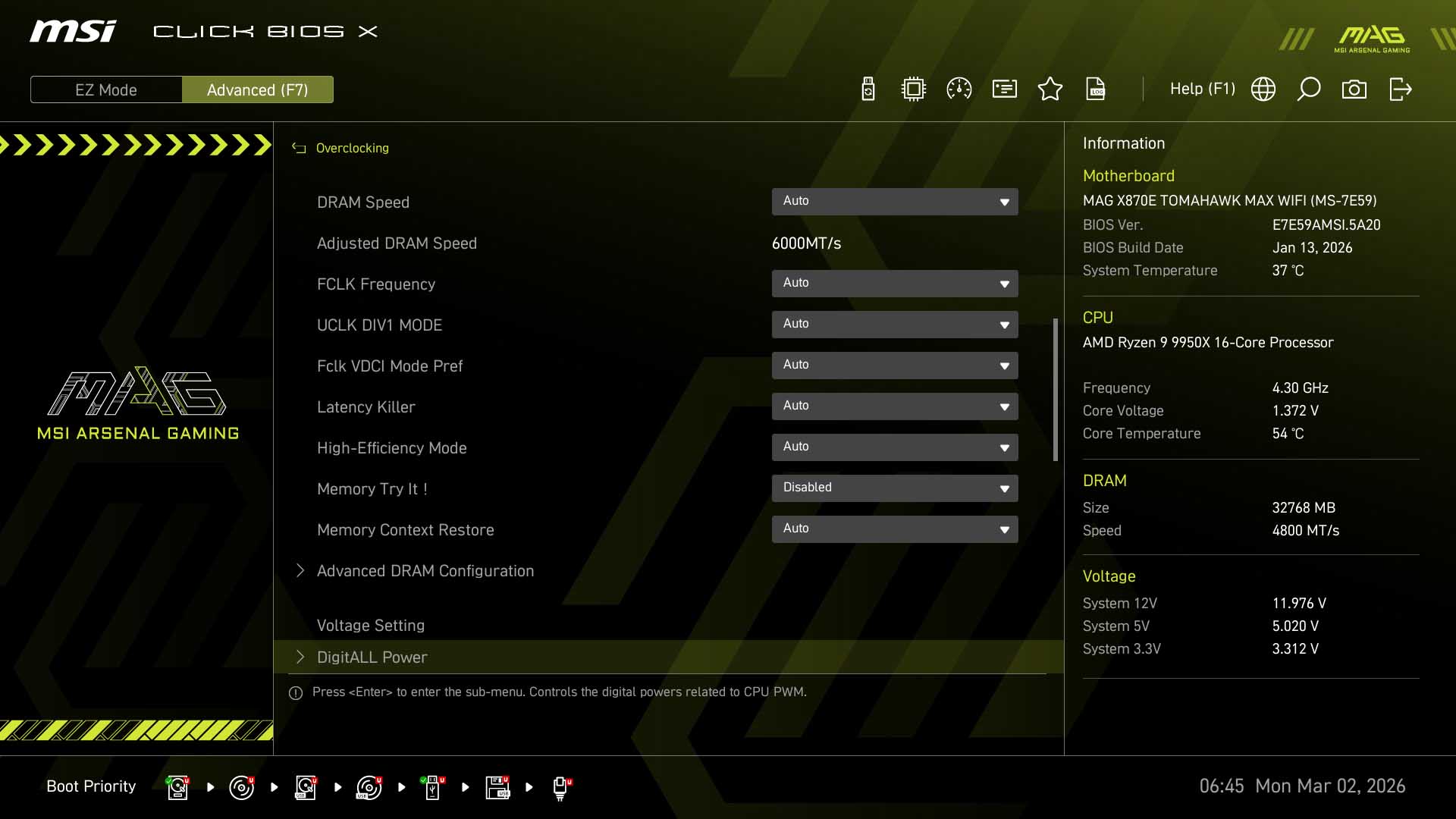
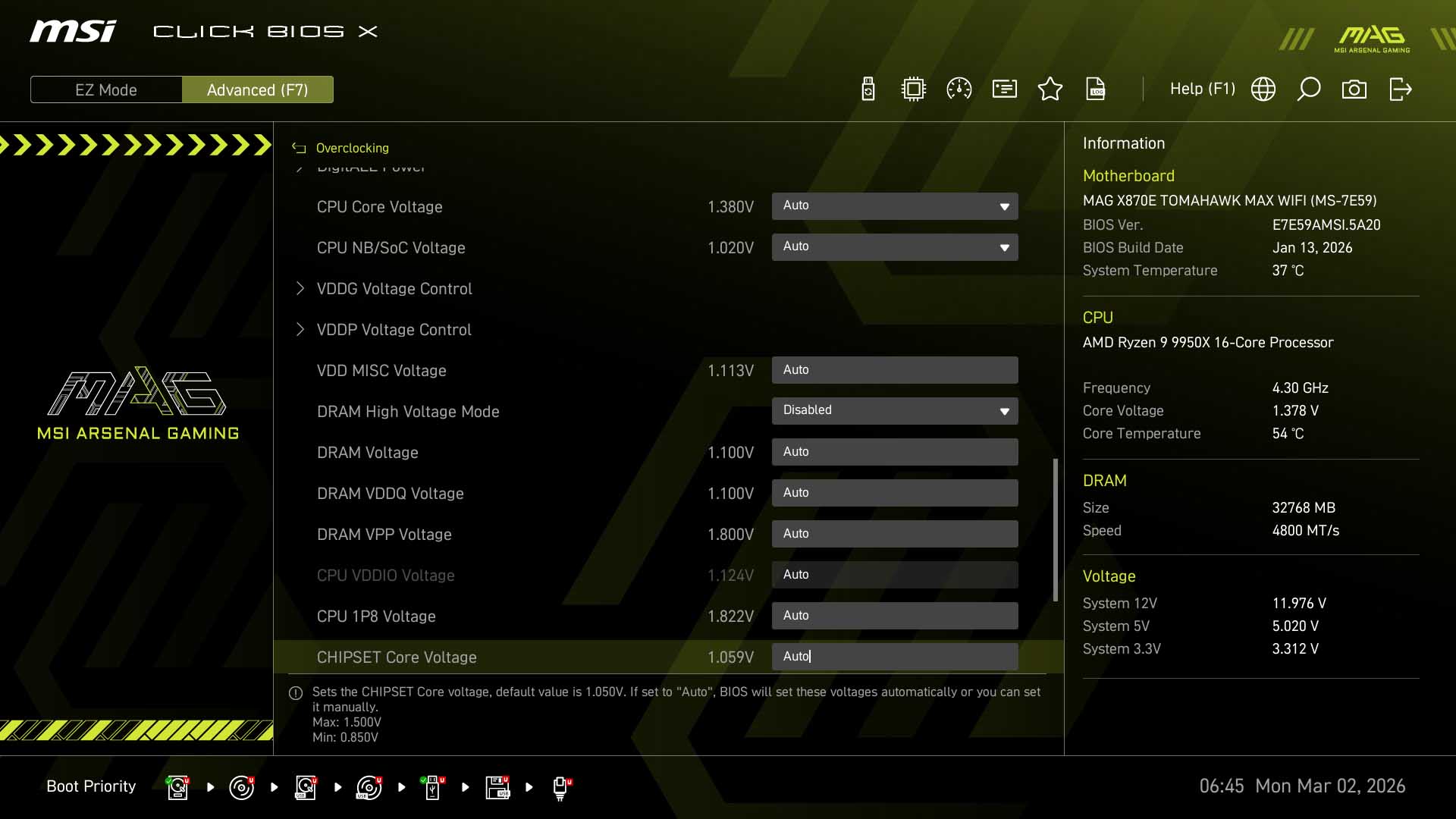
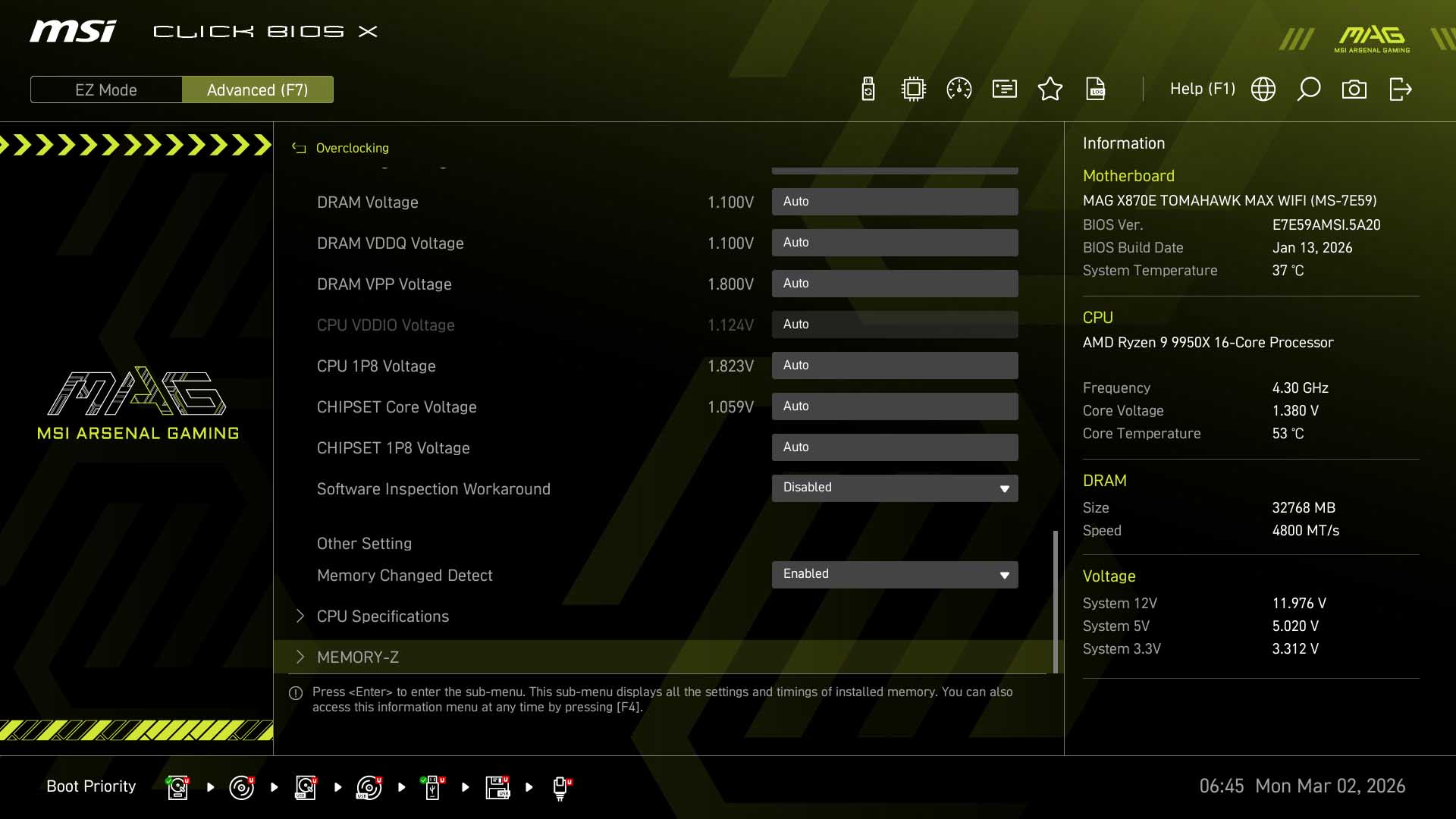
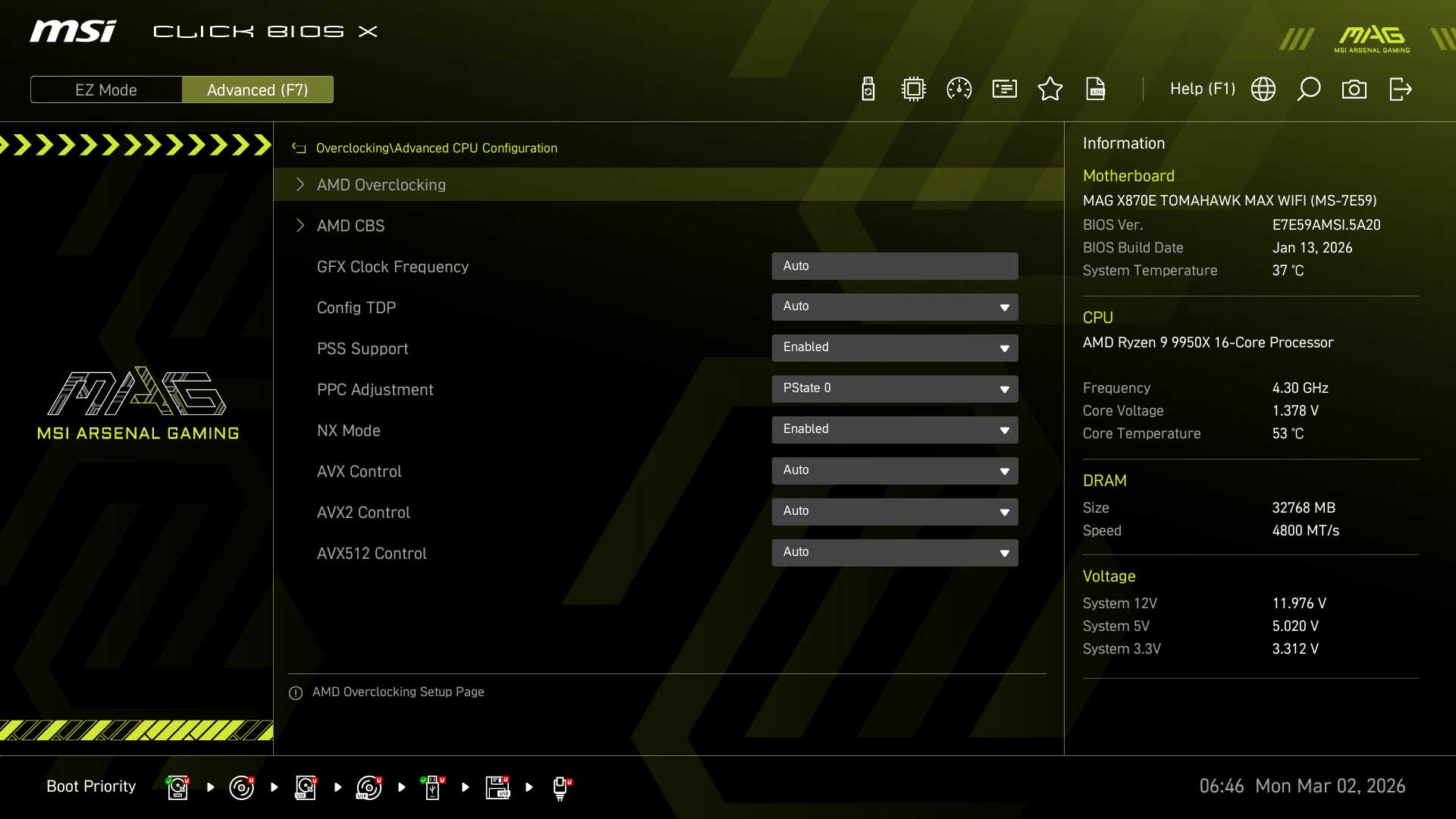
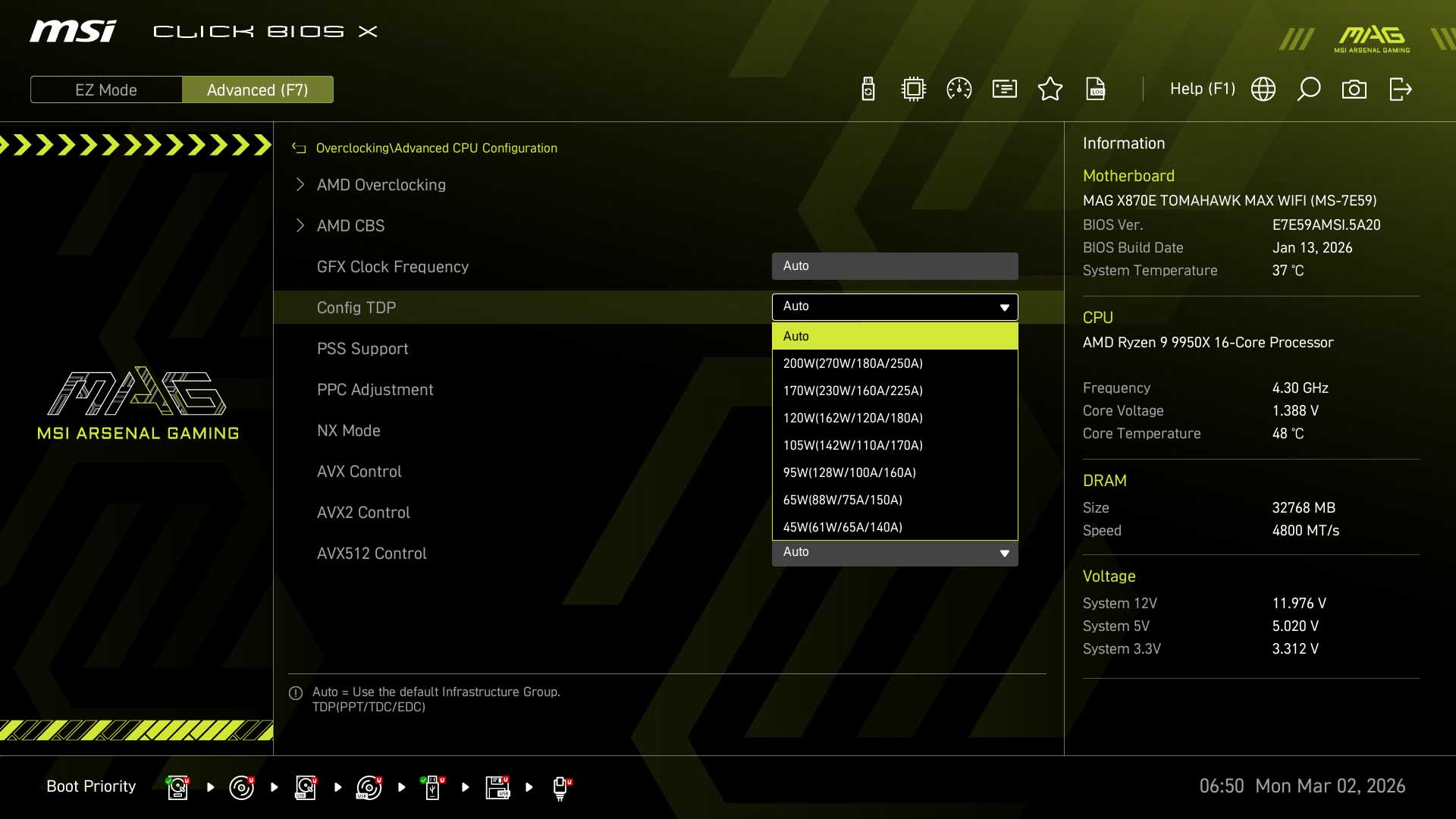
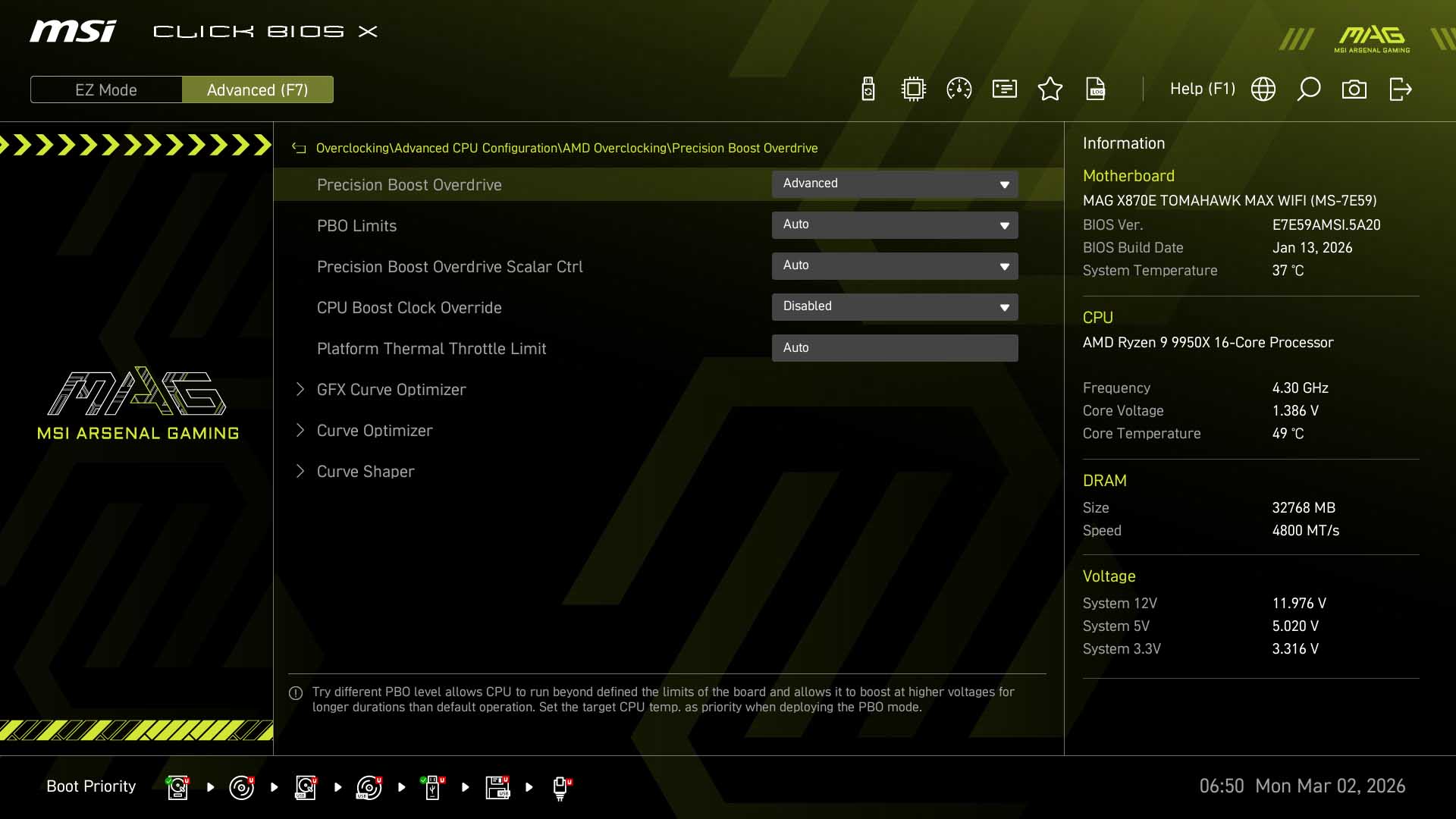
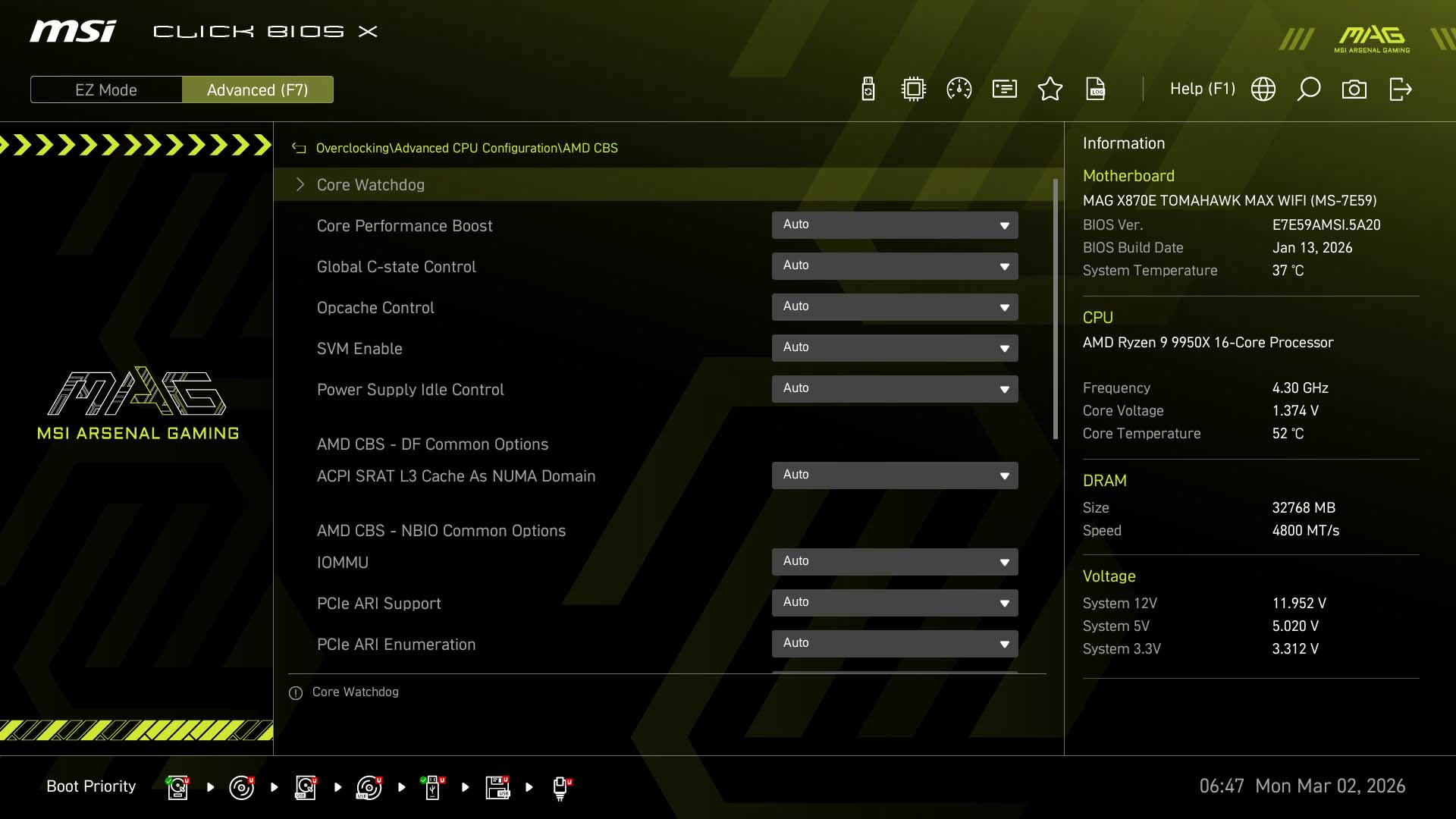
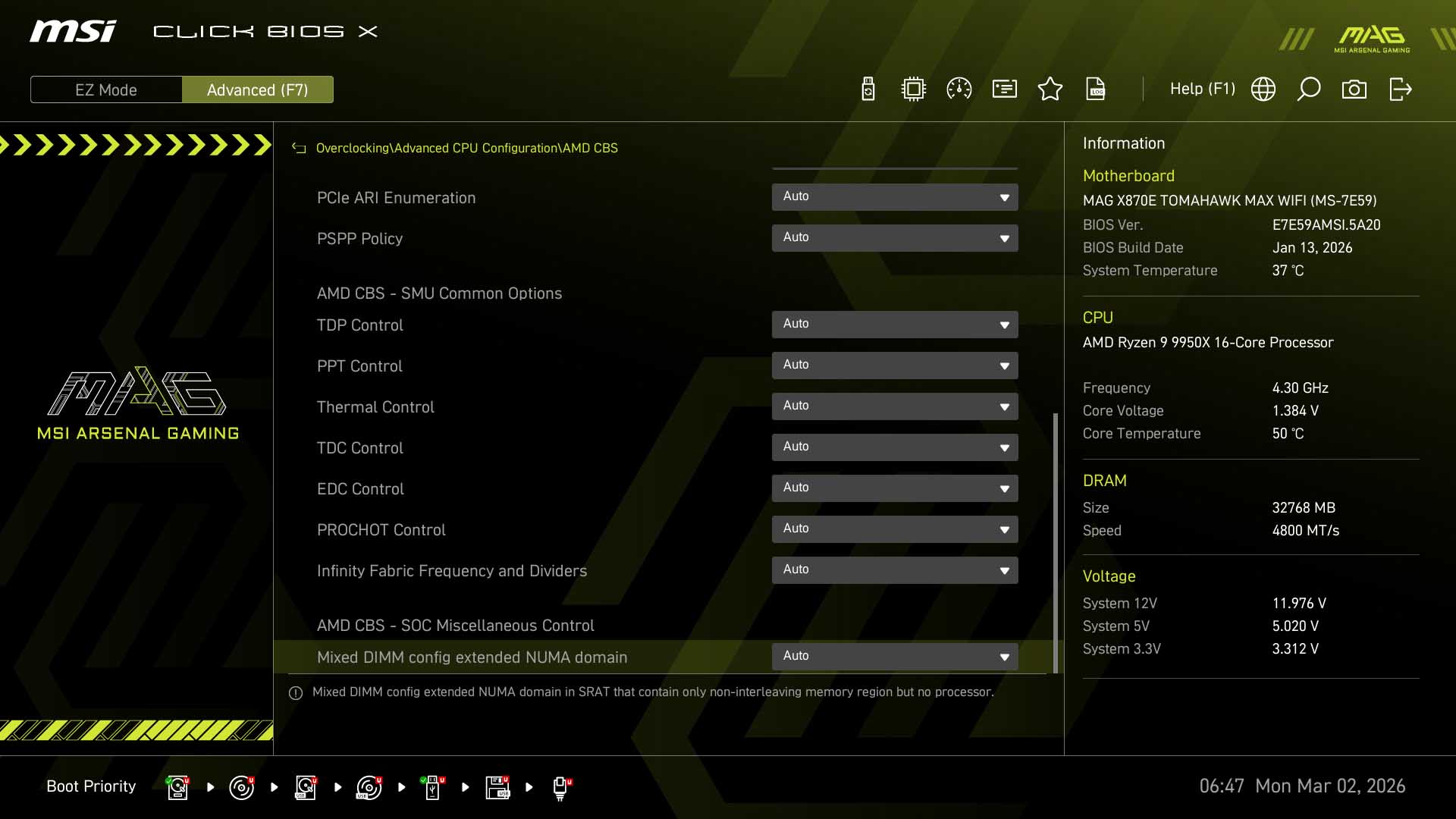
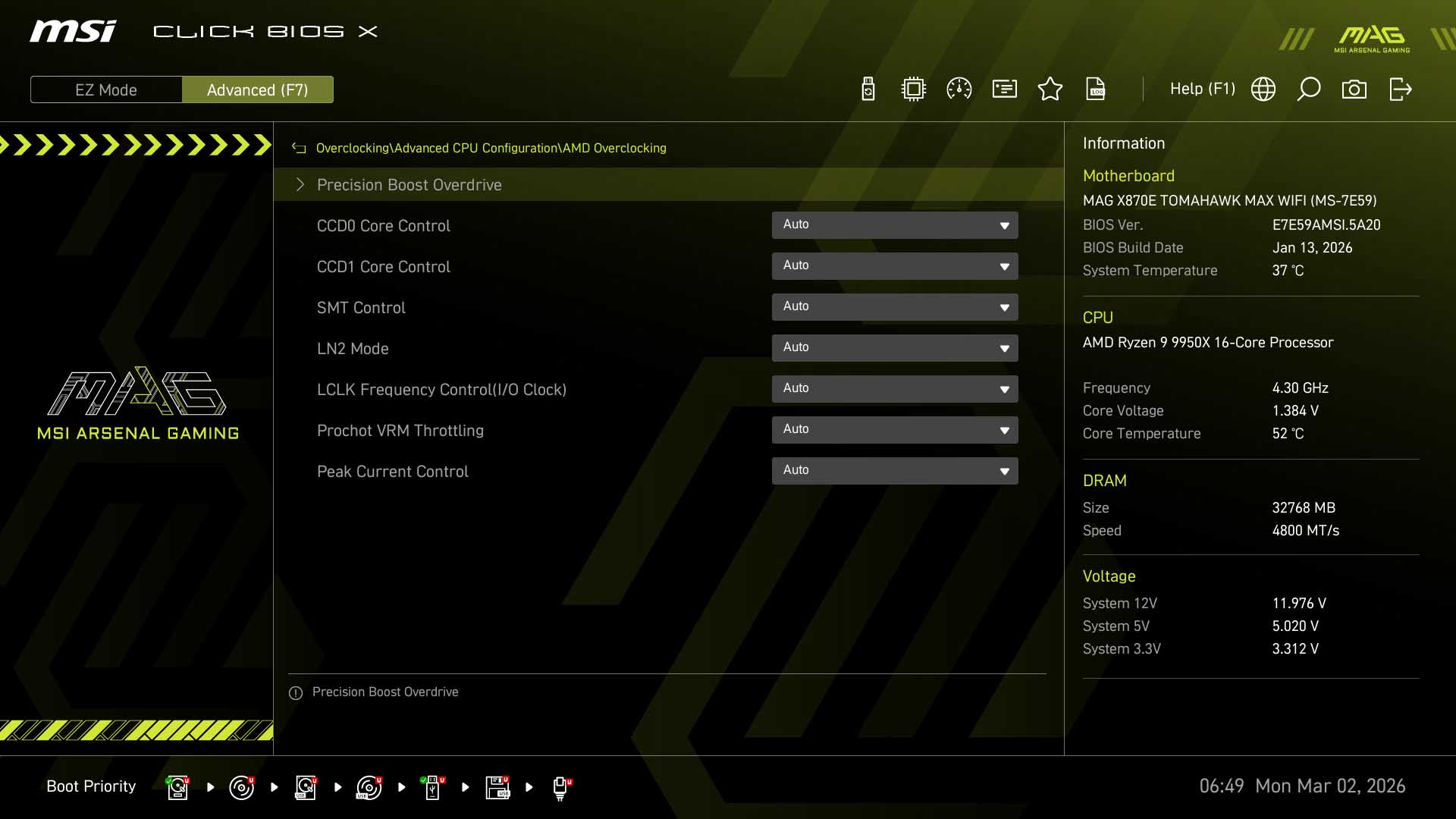
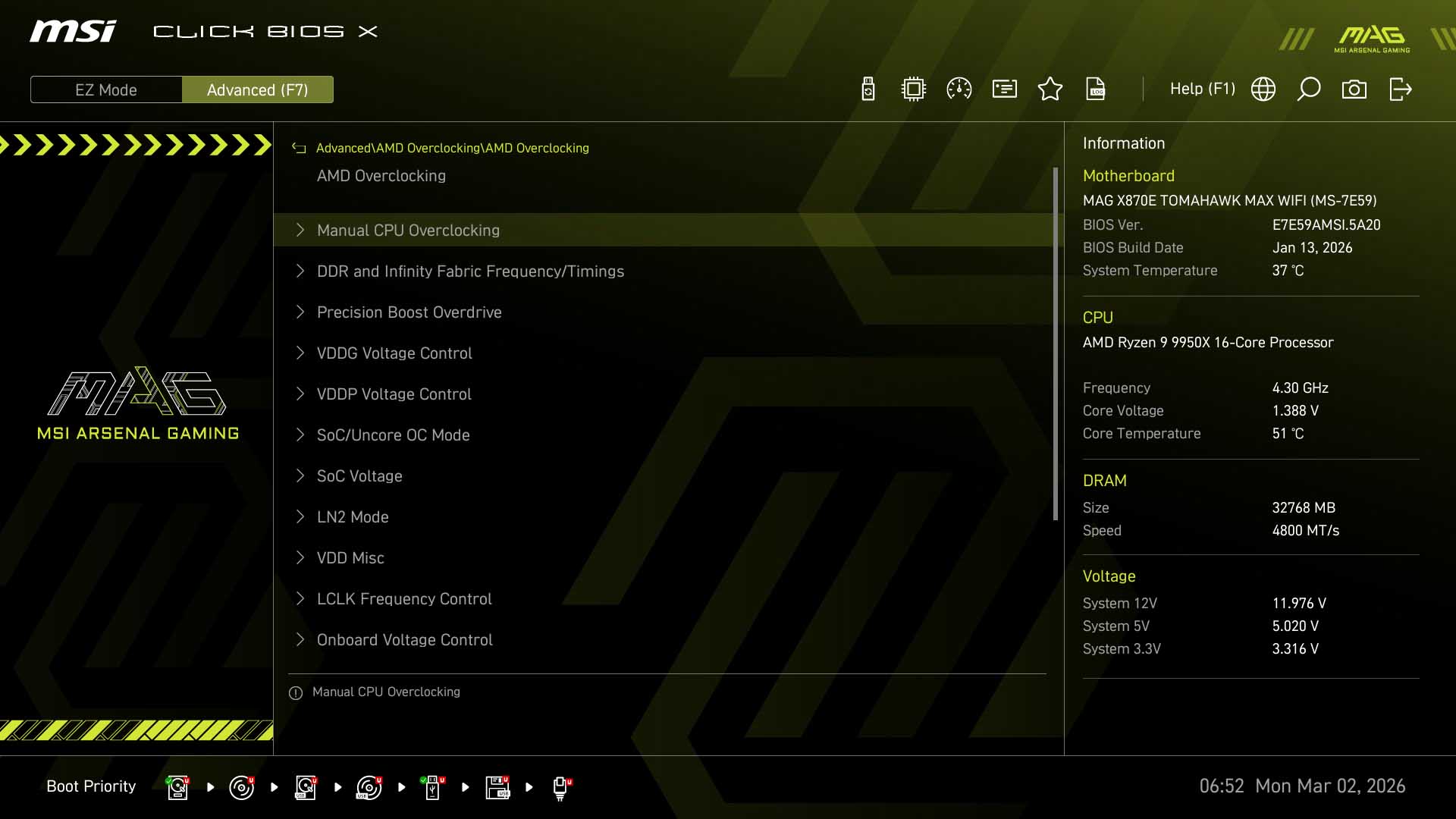
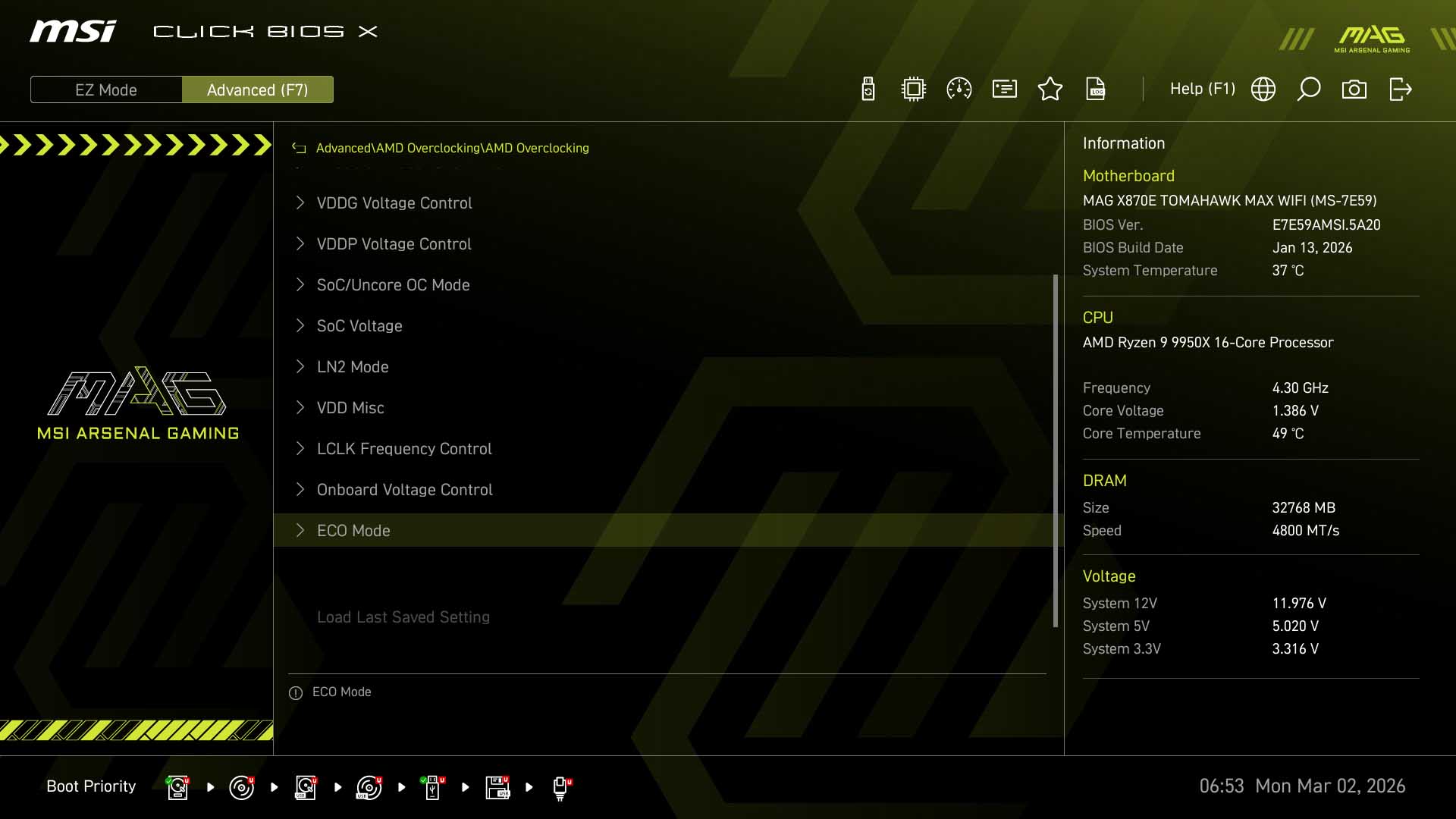
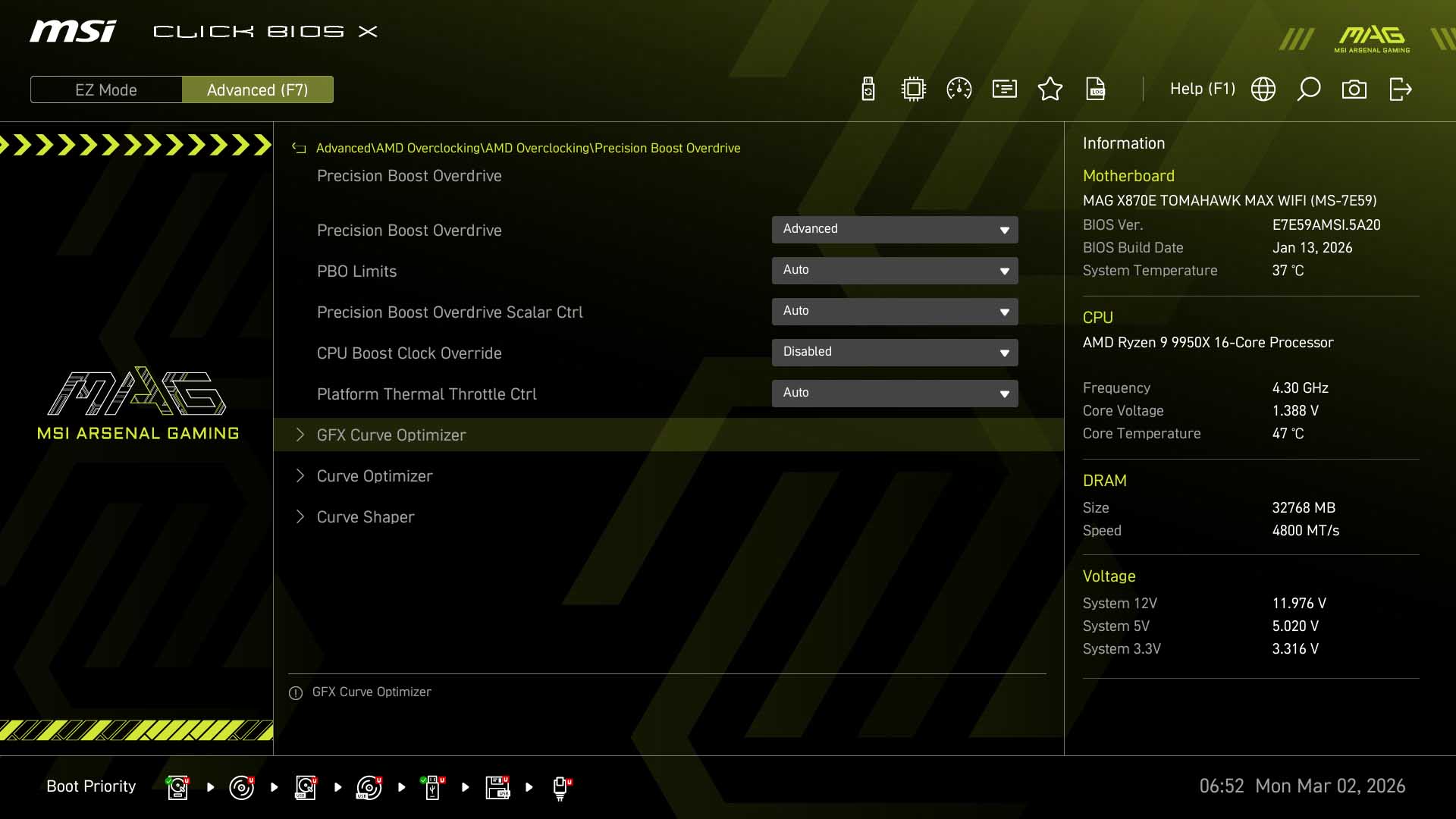
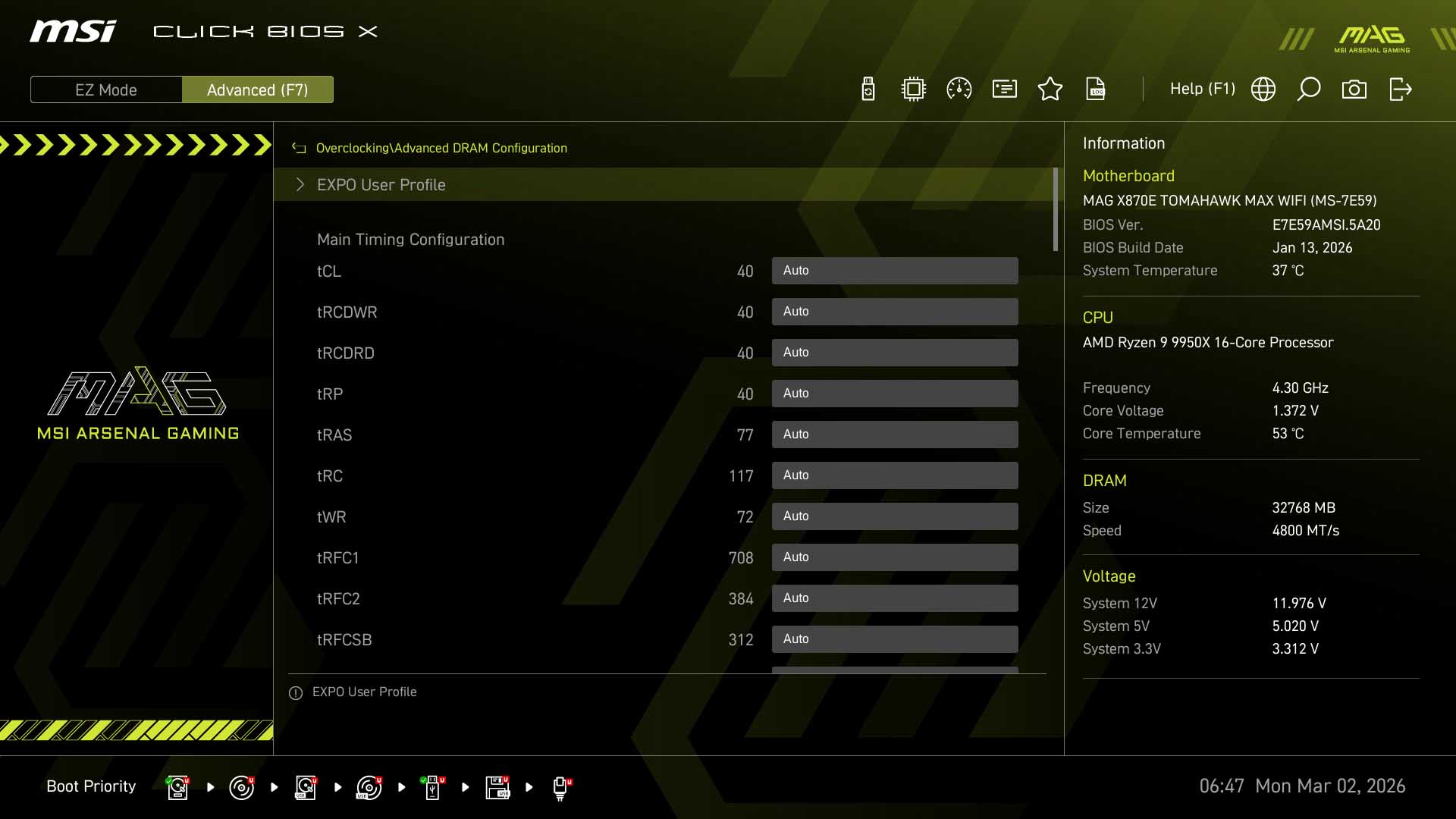
MSI has made a few changes to its Click BIOS X recently that revolve around its OC ENGINE technology and the separation of the base clock frequency to the rest of the system, opening it up as a more viable and simple way to overclock your CPU, as it's now not tied to the rest of the system clocks. In the main overclocking section, heading to Advanced CPU Configuration and then AMD Overclocking, under Precision Boost Overdrive we now have options called PBO BCLK Booster 1 and BCLK Booster 2, the former bumping the base clock to 103 MHz and the latter to 105 MHz, although MSI states that 105 MHz may not be stable on in CPUs that didn't do so well in the silicon lottery. As well as the EFI, there are now the base clock overclocking jumpers on the PCB too, even on its B850 Max series boards.In general the EFI is well laid out for overclocking with the main page here giving quick access to the usual settings such as memory profiles, memory speed and voltages. Under Advanced CPU configuration and AMD Overclocking as well as the Advanced section's similar AMD Overclocking page, Eco Mode is no longer usable for the simple reason MSI now includes the more granular Config TDP, which gives more options.
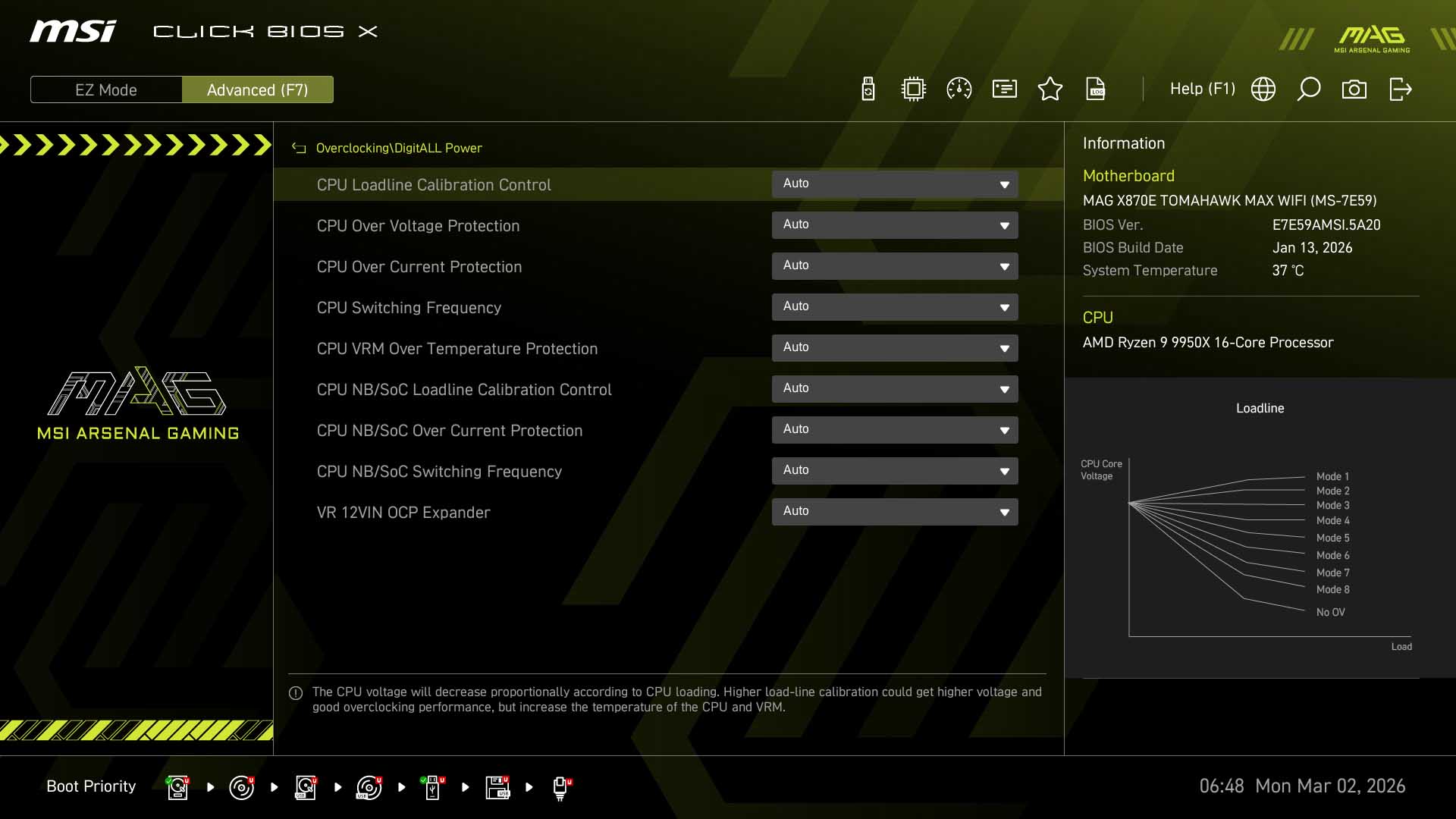
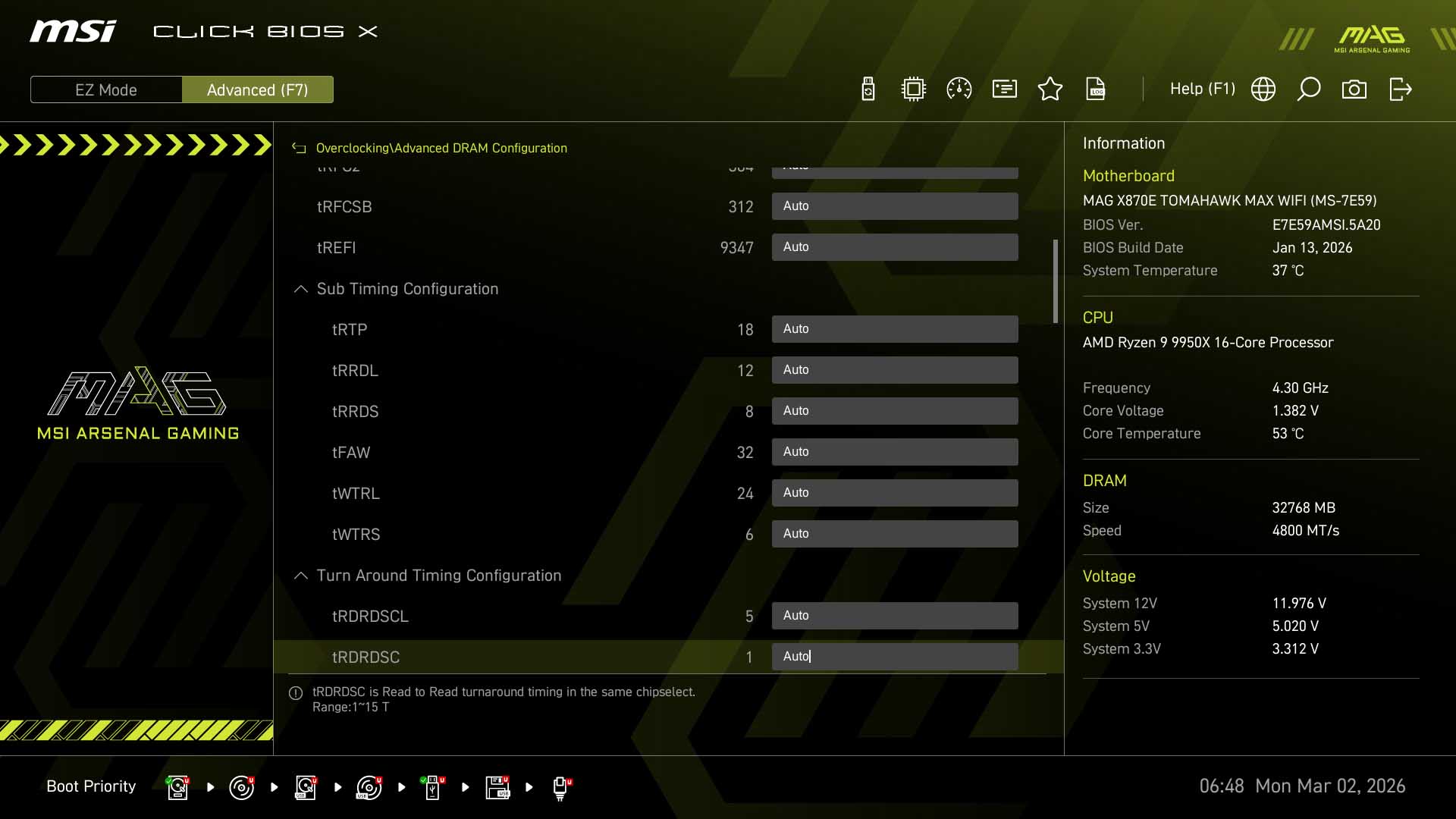
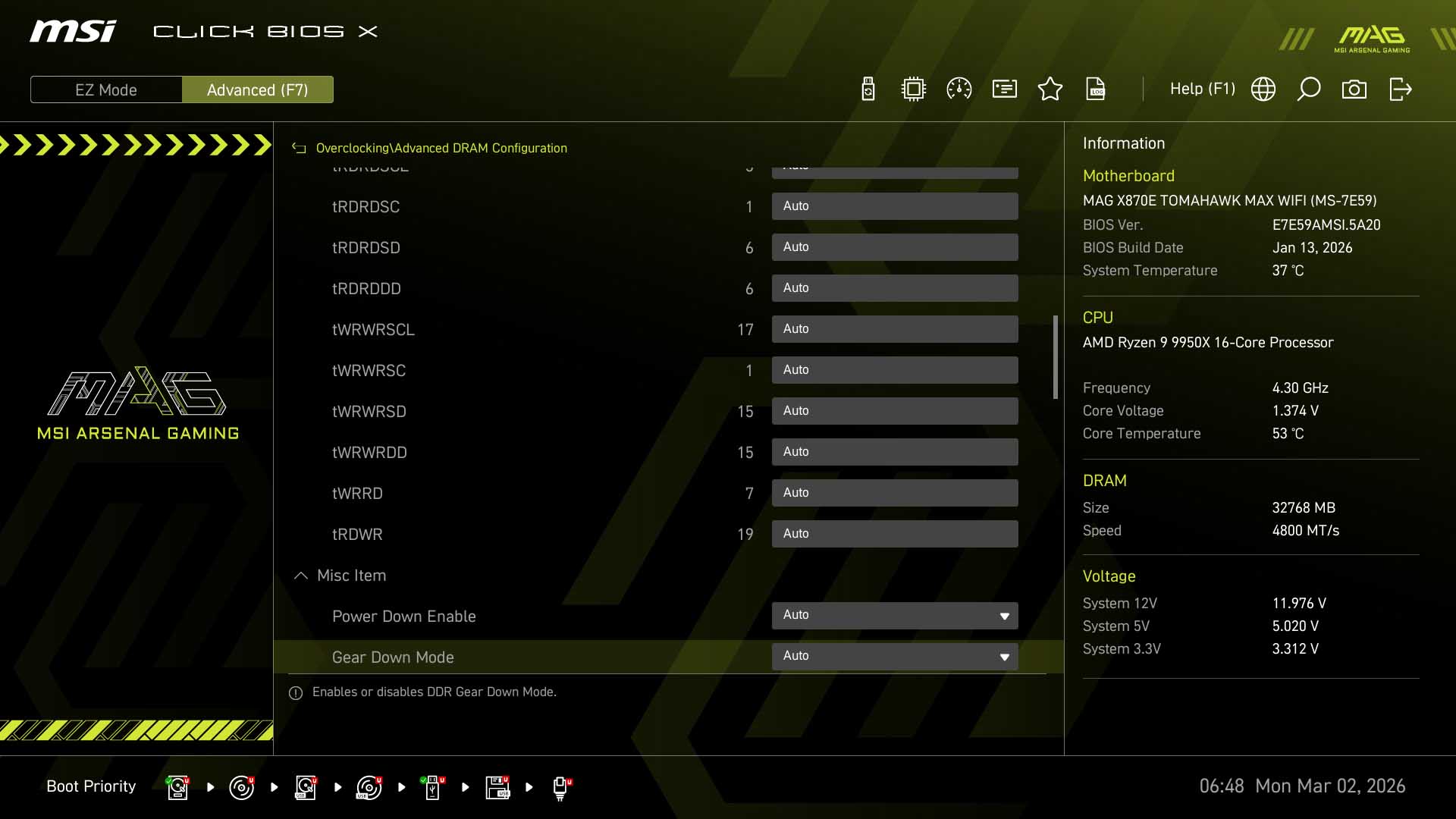
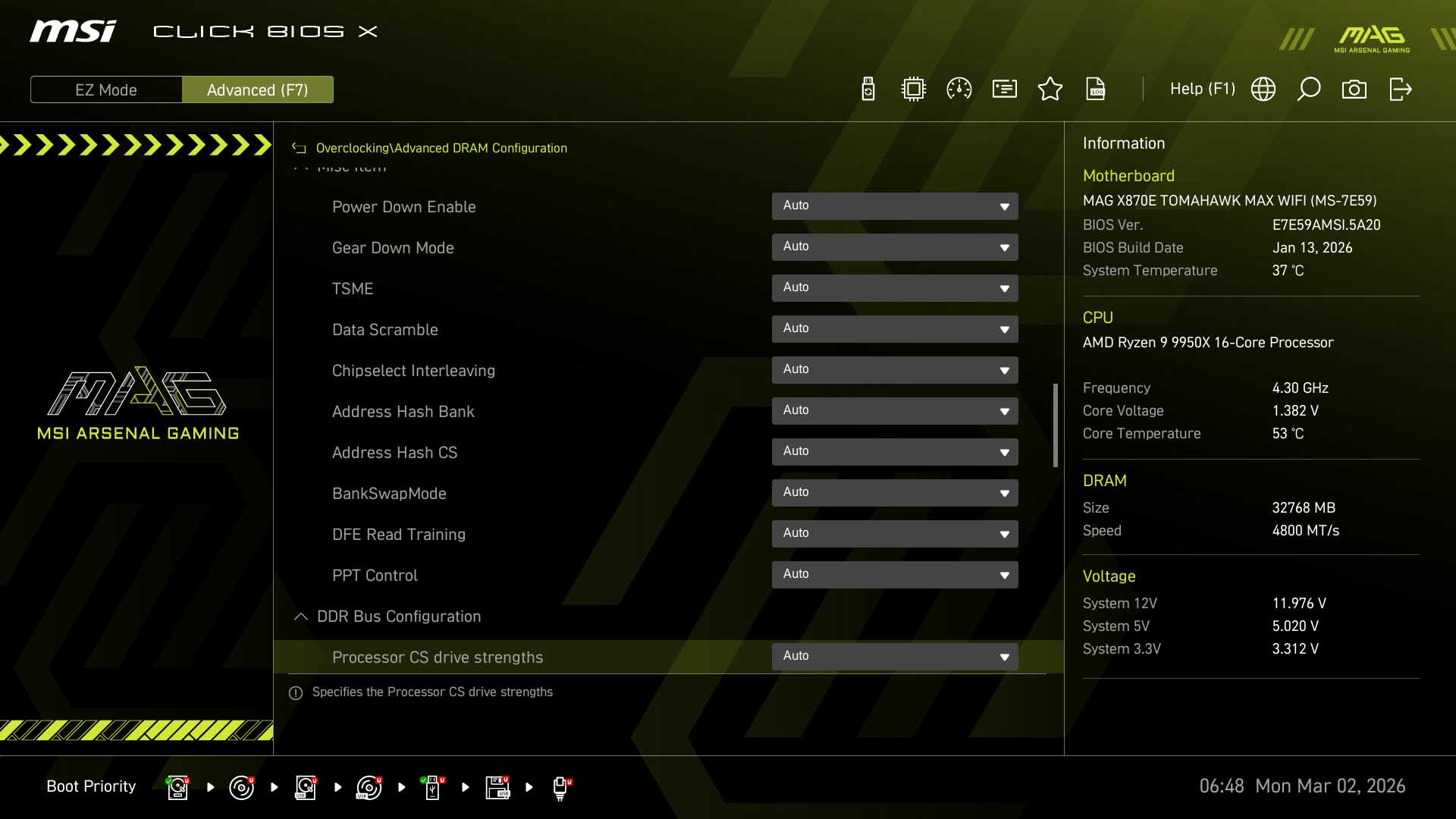
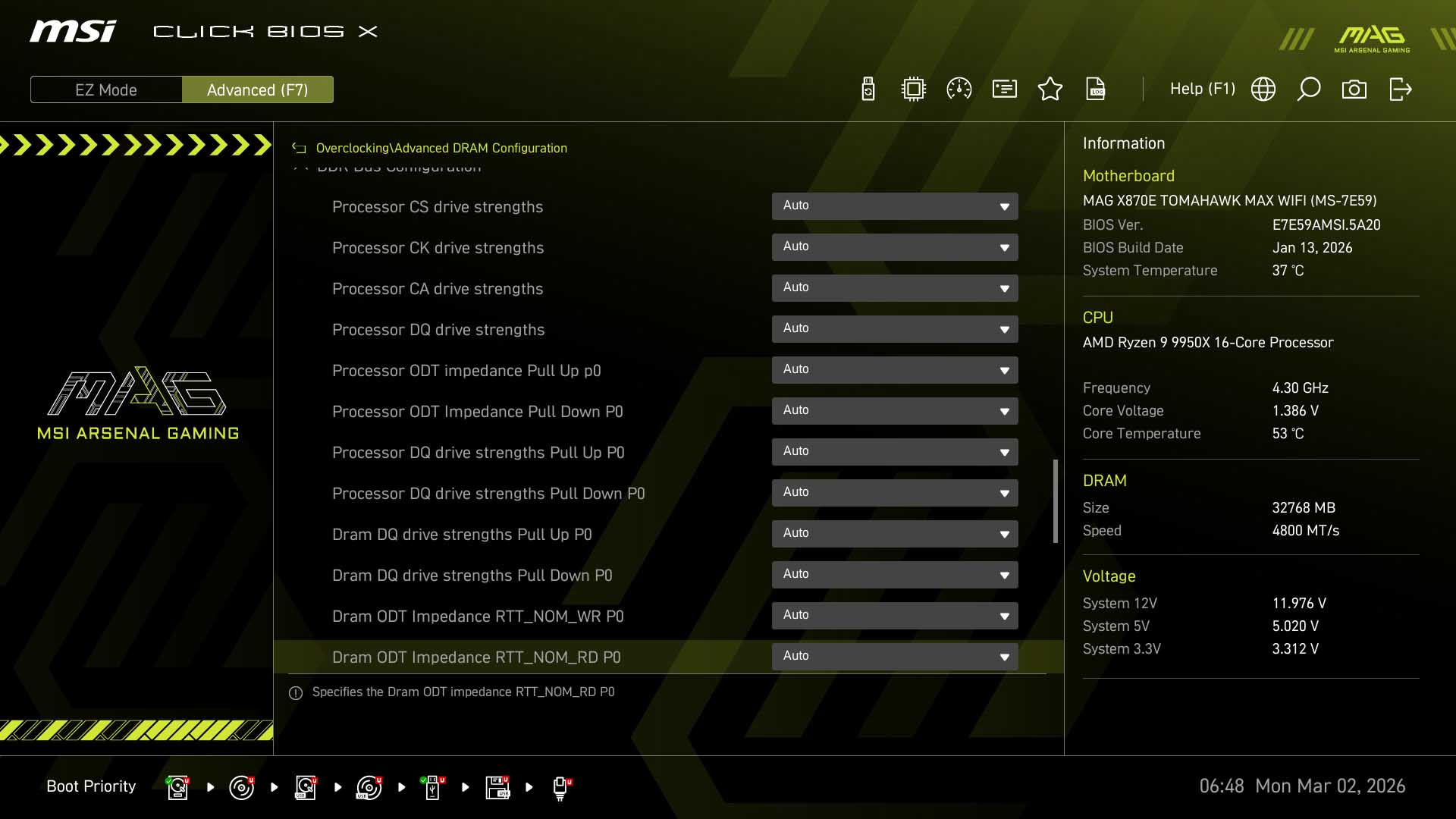
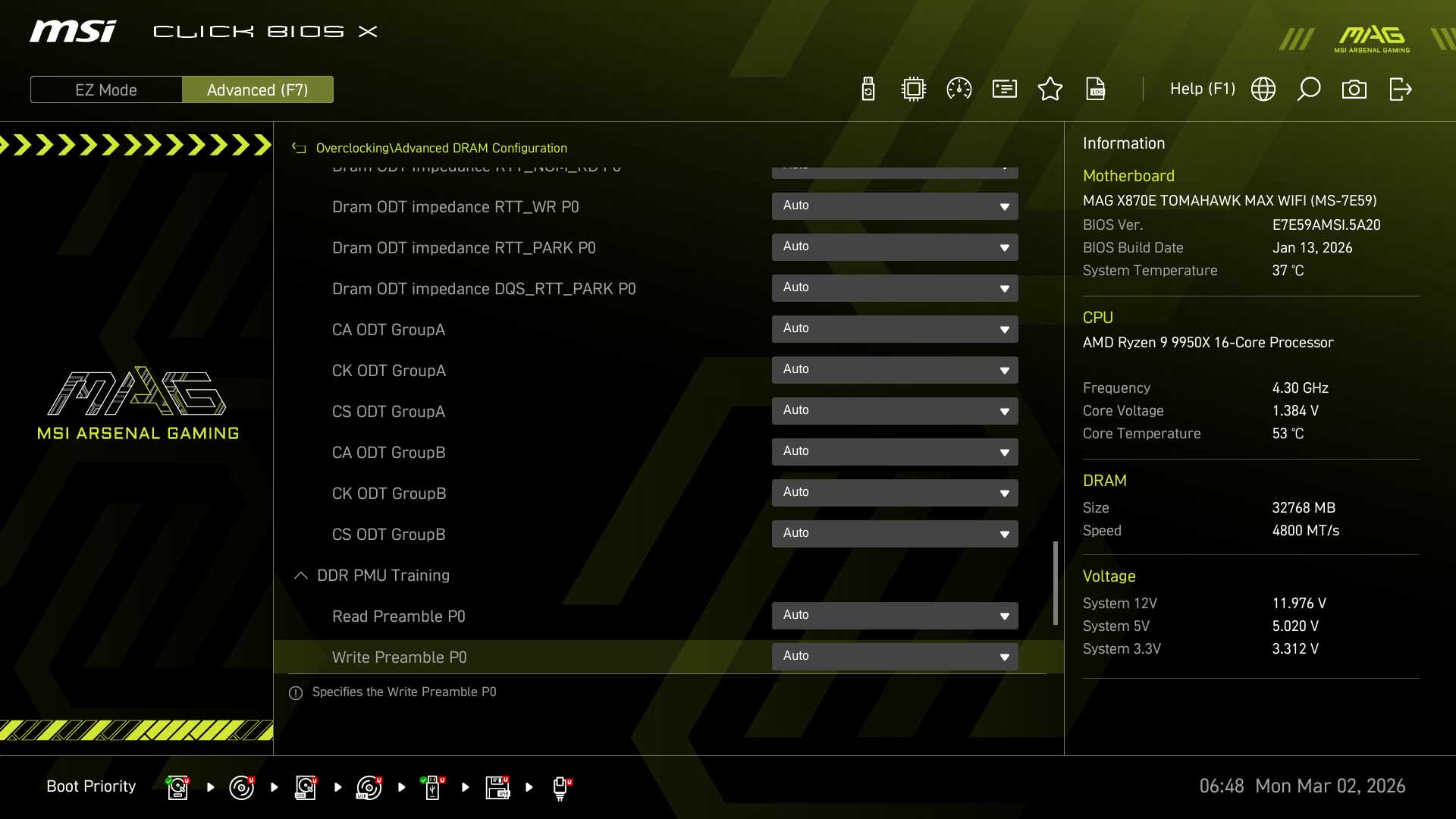
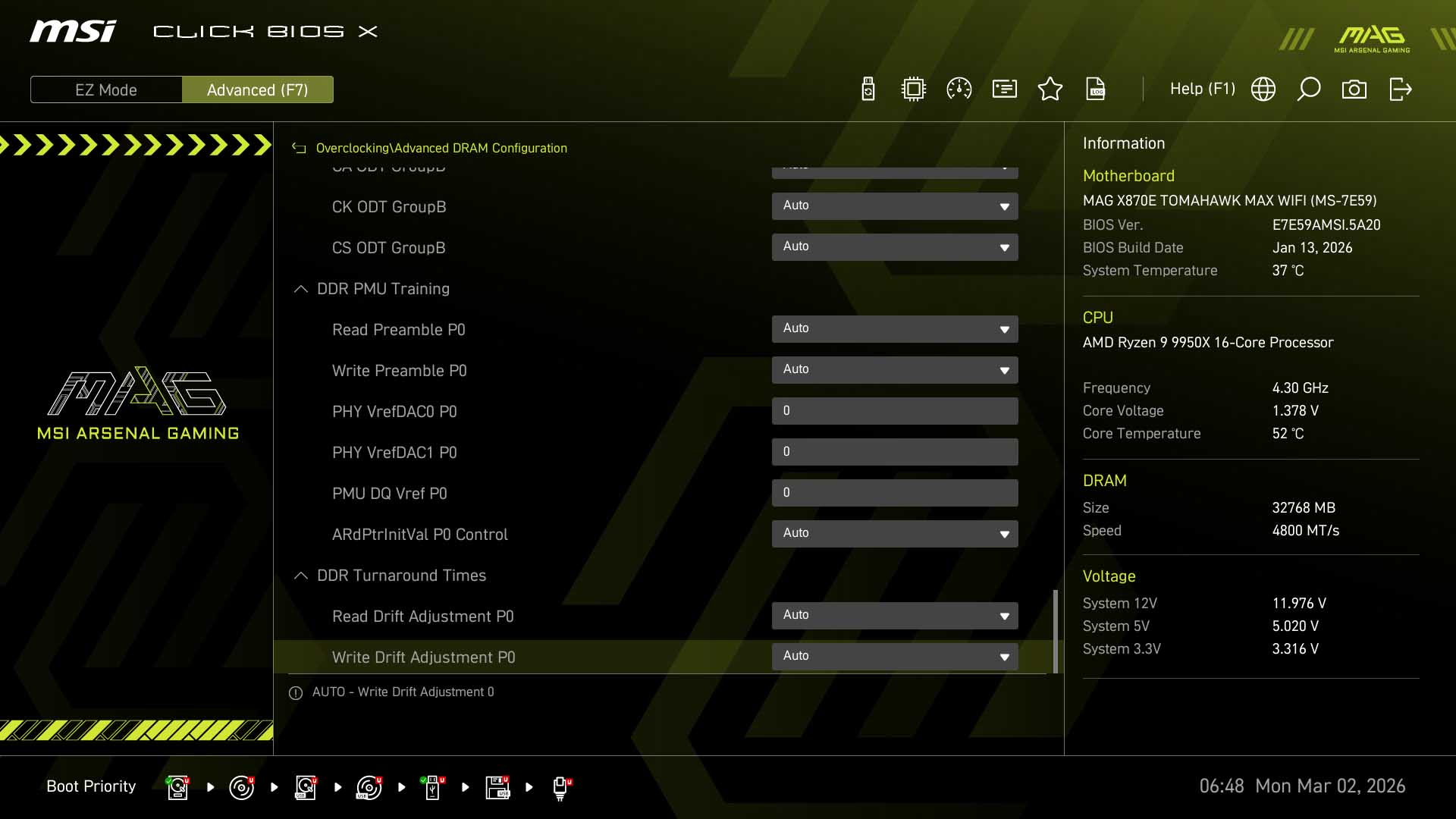
Coupled with the fact that Curve Optimizer and Curve Shaper are also located in the main overclocking section, there's little point using this second duplicated page under the advanced menu. For memory overclockers there are plenty of timings and other options found in the Advanced DRAM Configuration page, and for loadline calibration and current/temperature protection options these are all under DigitALL Power.
Nov 14th, 2026 00:34 CST
change timezone
Latest GPU Drivers
New Forum Posts
- Requesting original VBIOS for Gigabyte RX 5700 XT GAMING OC 8G Rev 2.0 (Micron) (1)
- Tell me about your favourite graphics card (35)
- What are you playing? (26216)
- no "PhysX" workable (9)
- AI generated images... (224)
- Crimson Desert (31)
- RenoDX HDR - how to view the differnce Before&After in game? (0)
- Displayport DP80 3M (10ft) cable that can achieve 80gbps stable? (5)
- I'll flash a ASUS ROG Strix RX480 O8G in Cause of Code 43, as a Newbie (1)
- Opinion on Monitor Replacement (6)
Popular Reviews
- AMD Zen 6 Technical Deep Dive
- Corsair HX1000i Shift Crystal Review
- NZXT C1200 Platinum Review
- Upcoming Hardware Launches 2027 (Updated Nov 2026)
- ASUS ROG Strix B850-I Gaming Wi-Fi7 W Review
- Montech King 95 3D PRO Review
- NZXT H7 RGB+ Review
- NZXT H5 Review
- Phantom Blade Zero Performance Benchmark Review - 35 GPUs Tested
- XPG NIMBUS PLUS Review - Mid-range Chair With Strong Competitors
TPU on YouTube
Controversial News Posts
- NVIDIA Co-Founder and CEO Jensen Huang Officially Resigns (380)
- OpenAI CEO Argues Home PCs Waste the World's Limited DRAM Supply (152)
- NVIDIA Launches Investigation Into Jensen Huang's Relationship With Suspected Chinese Spy (136)
- Intel "Raptor Lake Next" 16-Core and 20-Core CPUs Surface (130)
- Legendary Game Studio BioWare Shuts Down Following EA Layoffs (104)
- Dell CEO Says the Memory Shortage Will Get Worse in 2027 (95)
- NVIDIA GeForce RTX 50-Series Scheduled for up to $500 Price Hike This Week (89)
- Modder Fits RTX 5090 With Four 8-Pin Connectors, Halving Current per Wire (80)