 10
OWC Envoy Ultra 2TB Thunderbolt 5 SSD Review - Blistering Speed for Creators
Test Setup »Package


The OWC Envoy Ultra SSD comes in a solid paperboard box that opens up similar to a motherboard box. Inside, there is an inner molded cardboard clamshell.
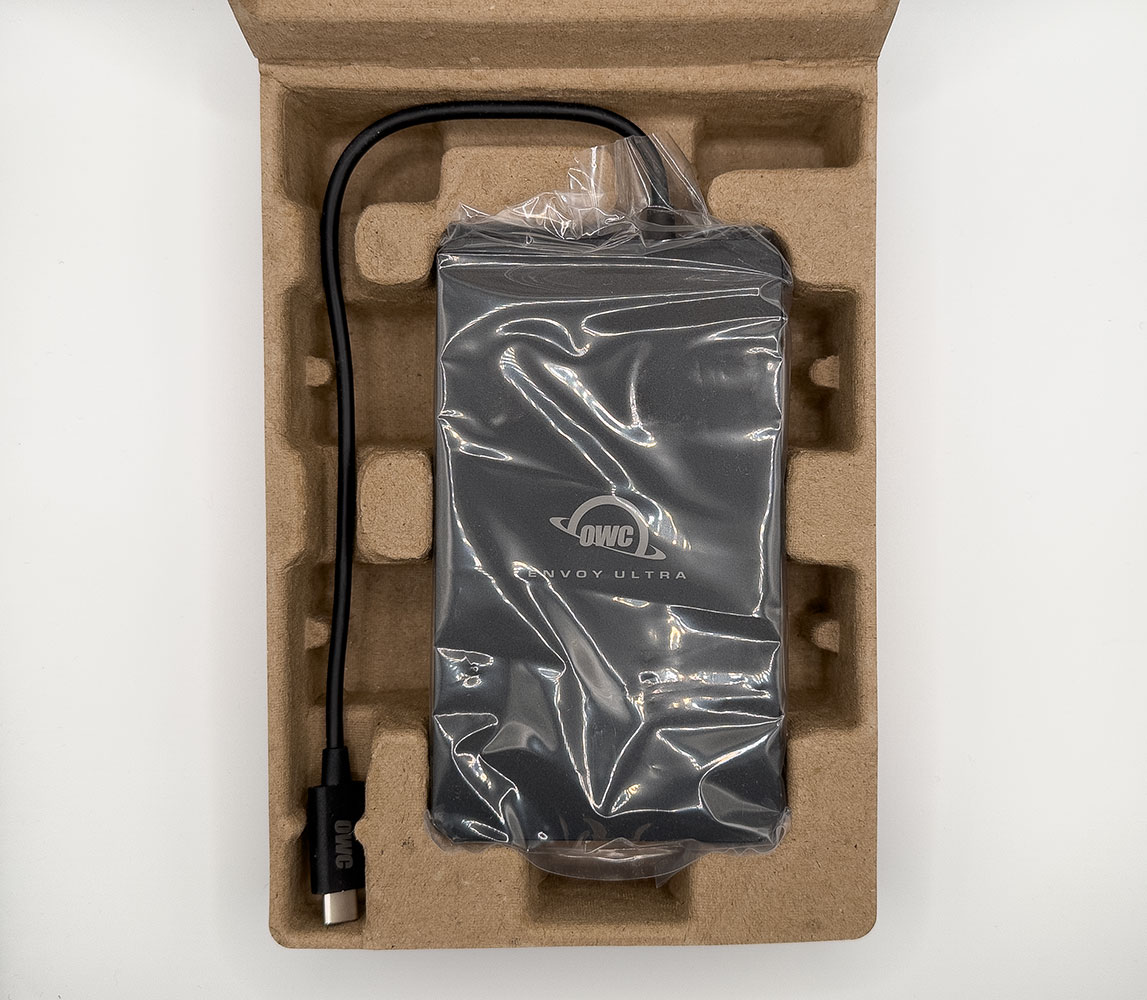
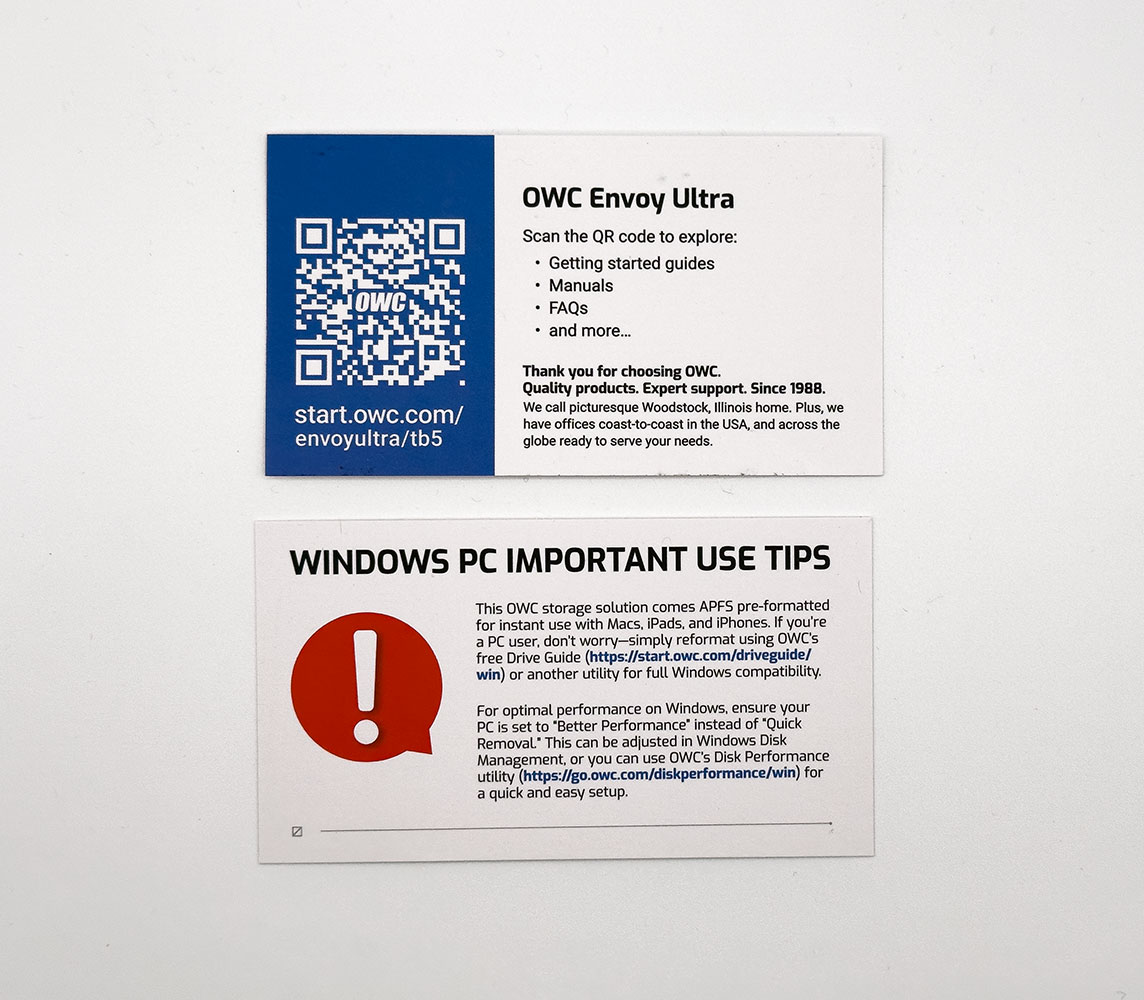
You open the cardboard clamshell to reveal the drive inside, wrapped in plastic, with its cable dangling out. There's nothing else in the box besides two business cards, one has a QR code that points you to an online manual, and the other is an important notice to Windows users telling them to manually format the drive to NTFS, because it won't just show up in Explorer when plugged in for the first time.
The Drive

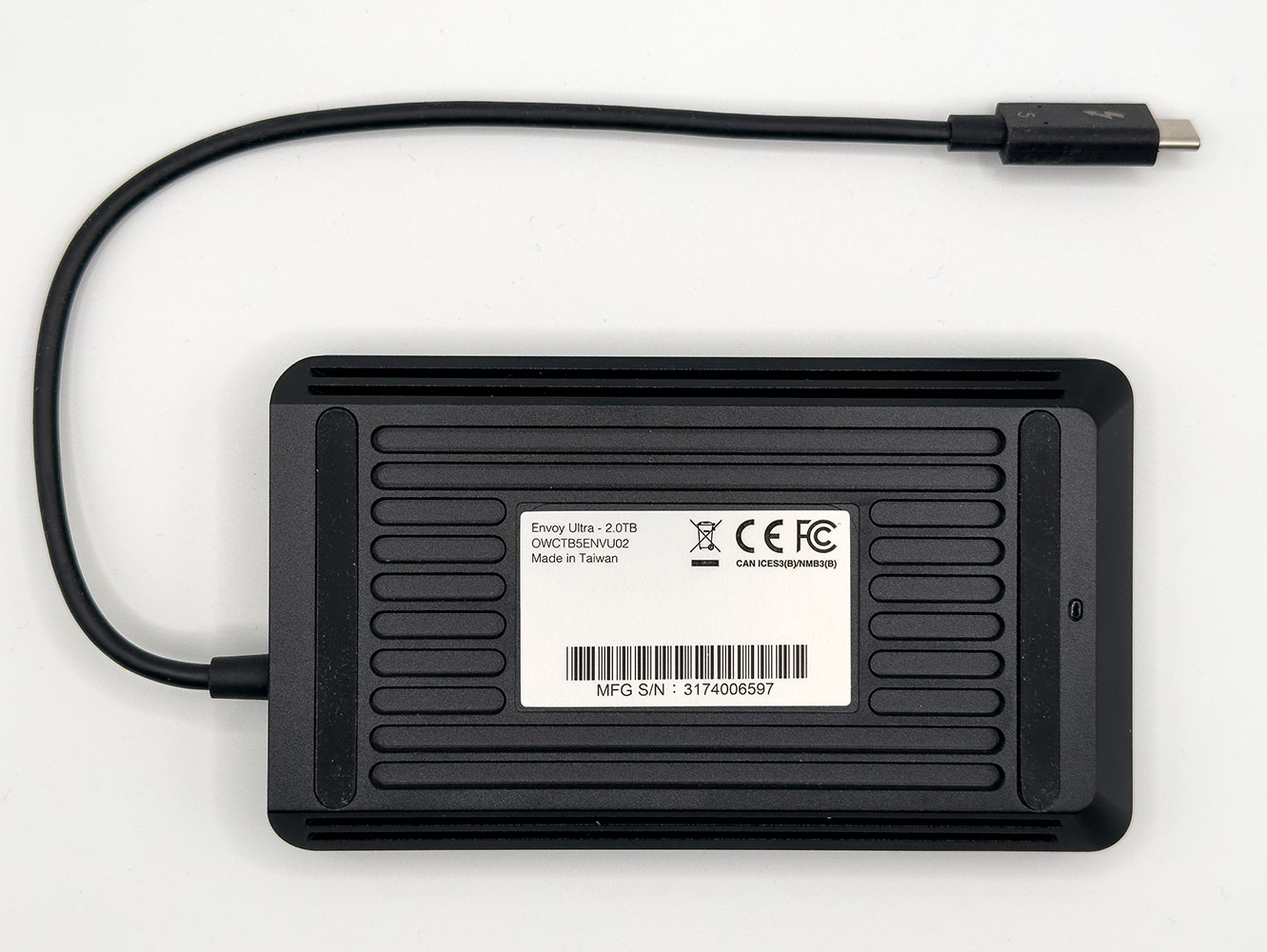
The OWC Envoy Ultra feels a lot like a 2.5-inch portable HDD from the 2000s. It's about the same size and weight as those early high capacity portable storage devices.
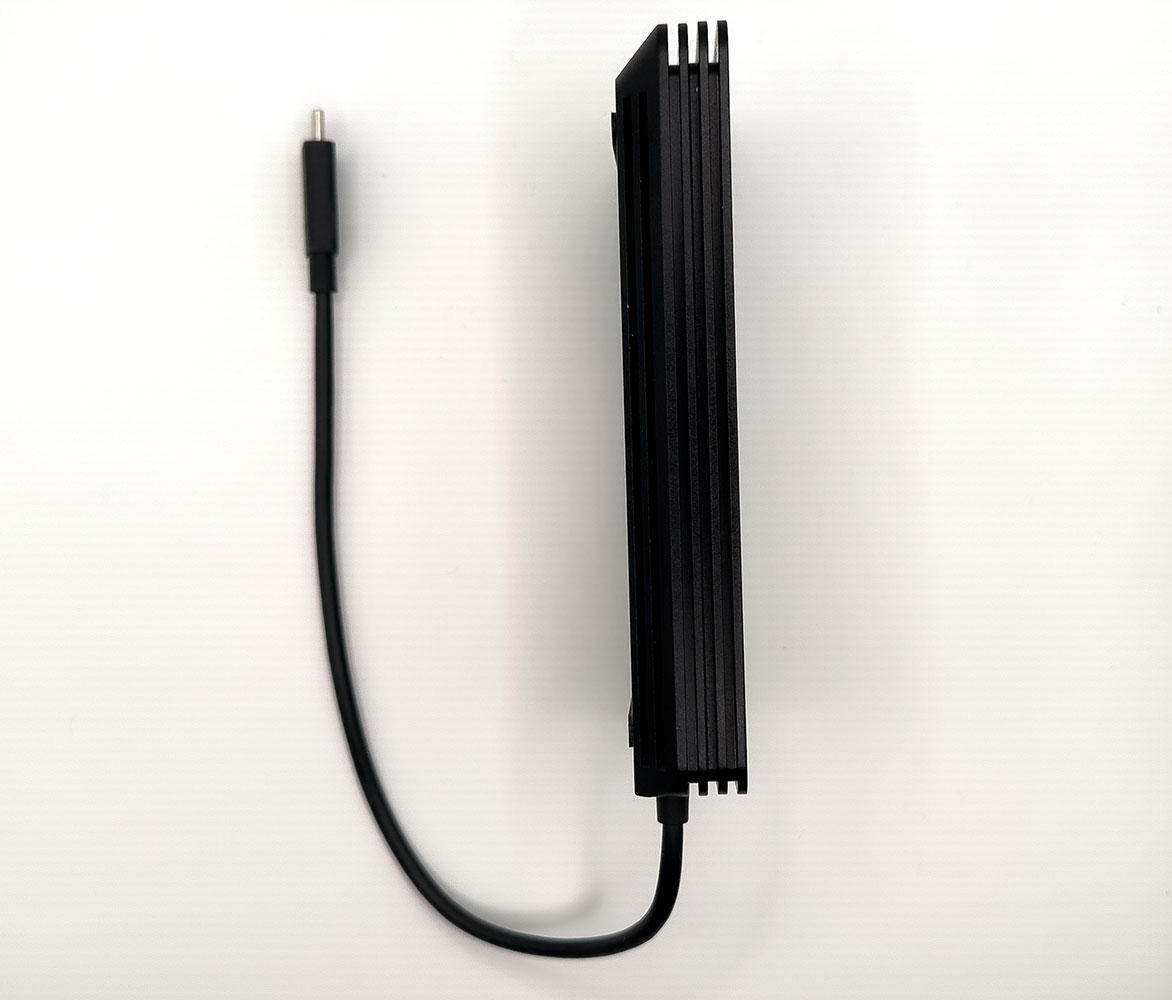
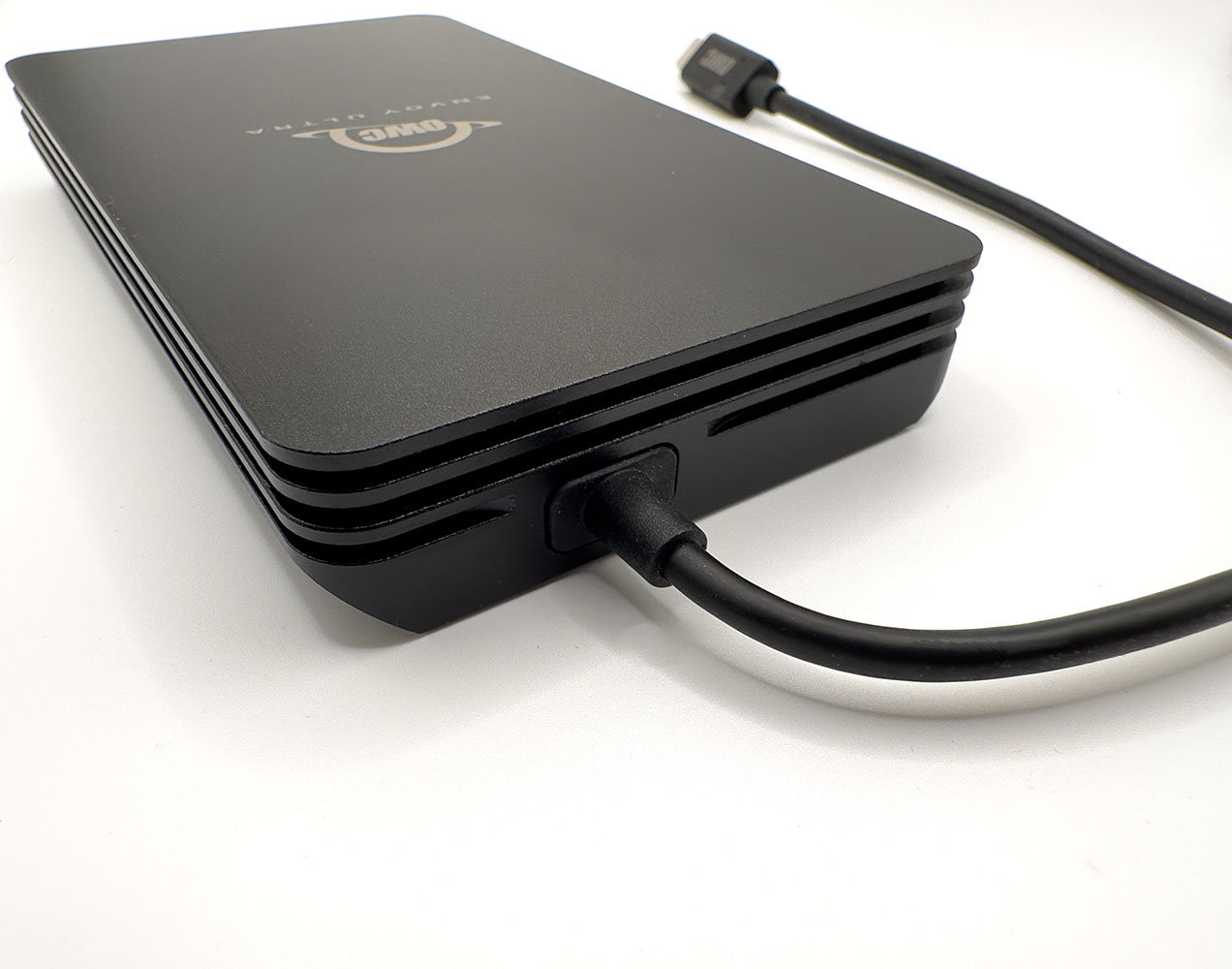
The Envoy Ultra is 2 cm (0.78 inch) thick. There are no sharp edges, the drive won't hurt an expensive silk-lined suit pocket, but you'll feel its weight. The drive comes with a fixed cable.
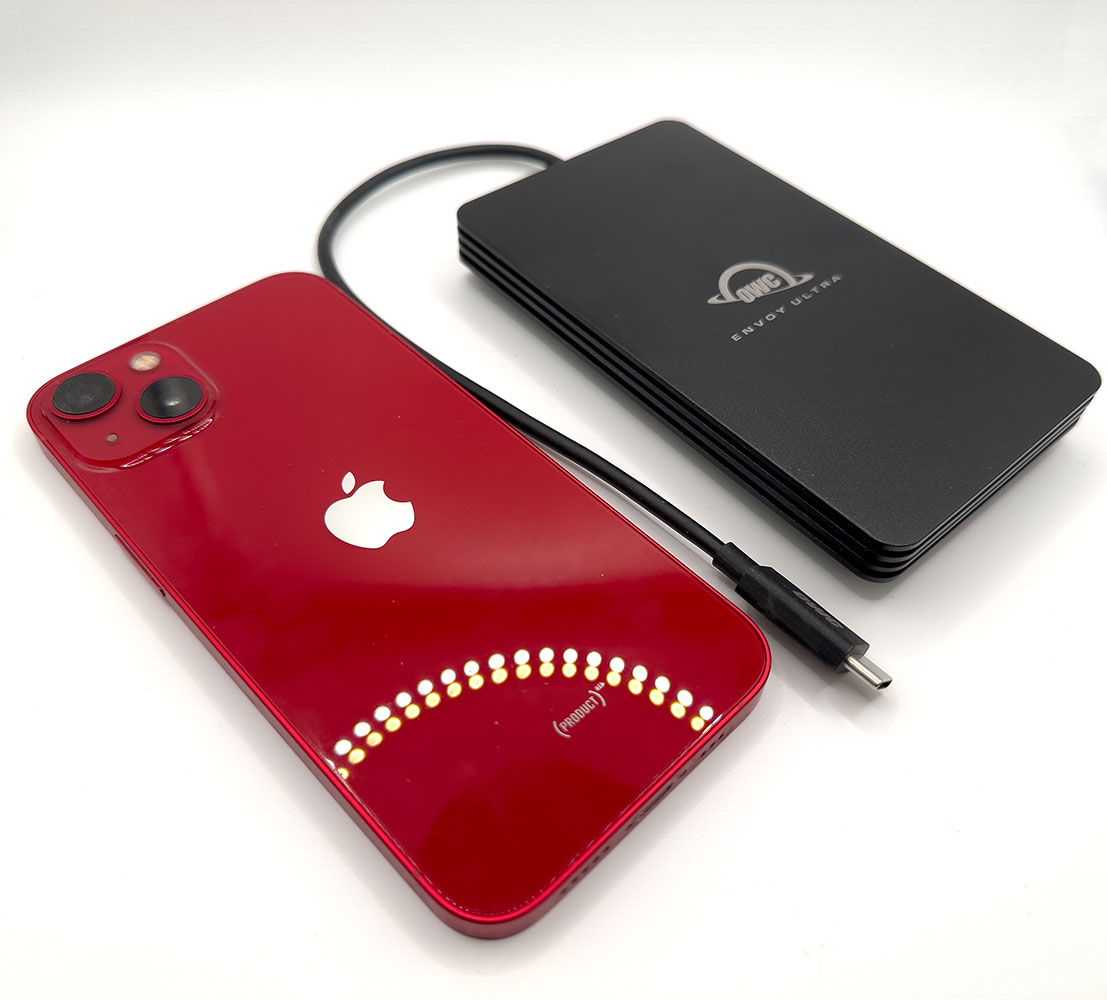
Here's the drive next to an iPhone 13 (6.1-inch). They're about the same size, but the Envoy Ultra is twice as thick and weighs twice as much.
Teardown
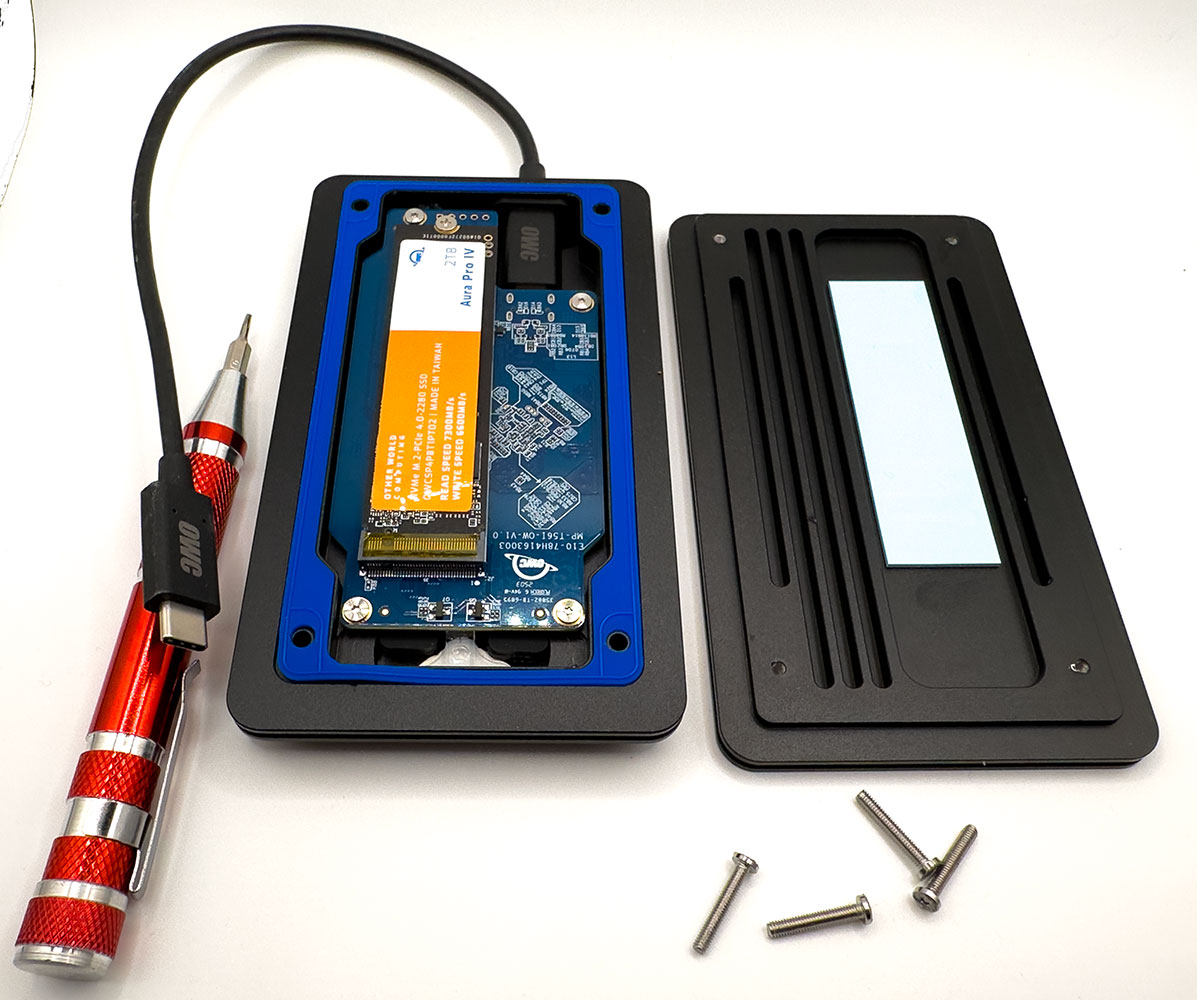
To open up the drive, simply peel back the edges of the two rubber feet to reveal four Torx T6 screws, and unfasten them. Then, gently shear the two halves of the drive sideways to separate them. The two halves of the drive are separated between the second and third ridges when viewed from the side. Between them is a blue silicone gasket which is crucial for the drive's IP67-rated water resistance.

The bottom half (where the feet are), makes contact with the OWC Aura Pro IV internal M.2 NVMe SSD via a thermal pad. The top half that encases the main PCB deals with cooling the Thunderbolt 5 and USB-PD chips. We continue our teardown by removing the internal SSD. This is held in place by a common Philips screw, and comes off like any other M.2 SSD with the screw removed. It's impressive that OWC gave this PCB the ability to mount even smaller M.2-2242 and M.2-2230 length SSDs by moving around the metal standoff.
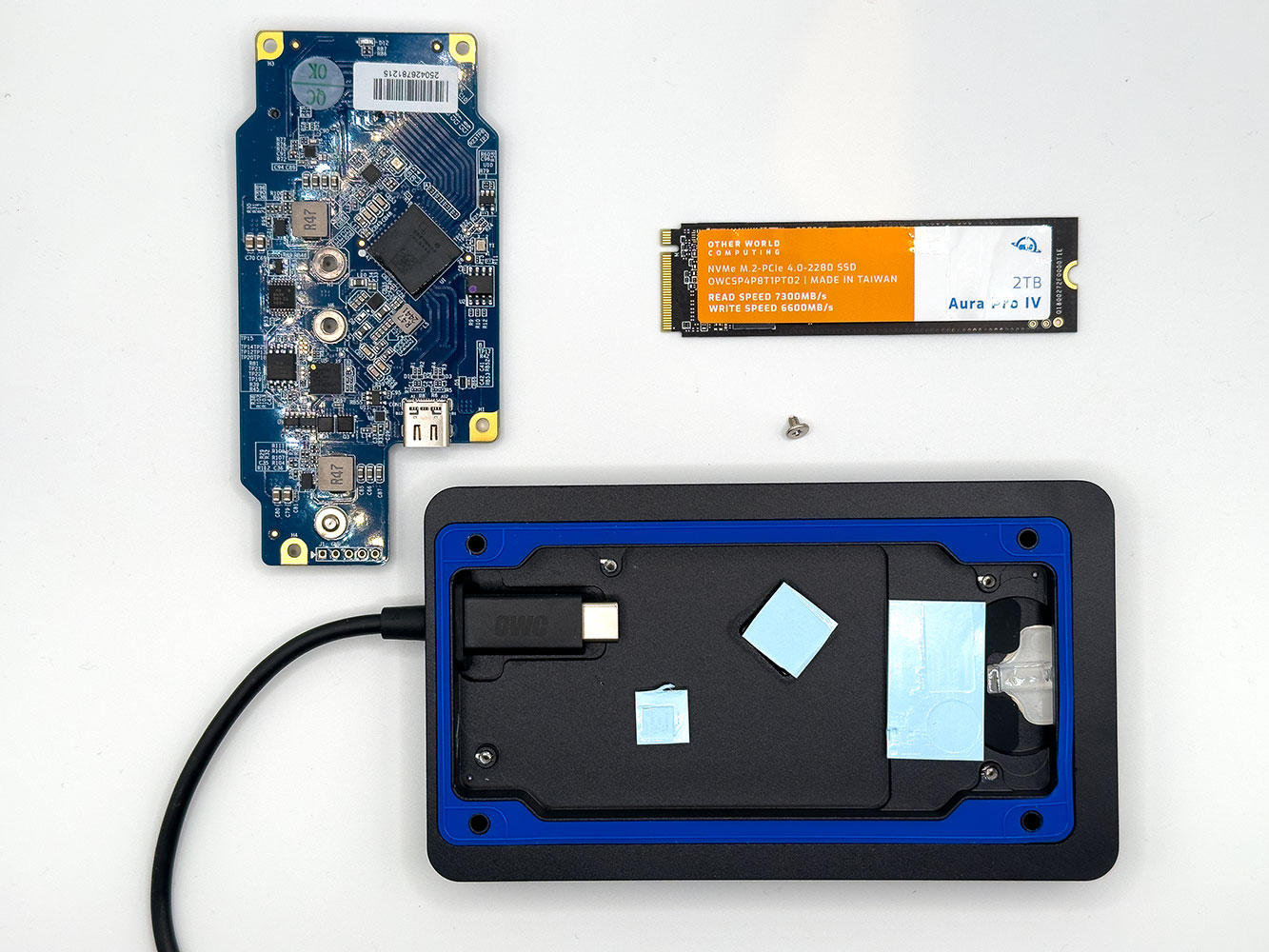
What looks like a captive cable is actually a 2-way Thunderbolt 5 type-C cable held in place by a grommet. Internally, it plugs into a type-C port on the PCB. To disassemble the PCB, you unfasten four additional Torx T6 screws holding it in place, and gently pry the PCB upwards with your fingernail. You then disconnect the PCB from this internal type-C connection, and the PCB comes off. There are two thermal pads on the enclosure, one to cool the Thunderbolt 5 to PCIe Gen 4 bridge chip, and the other for the EZ-PD chip.
Components
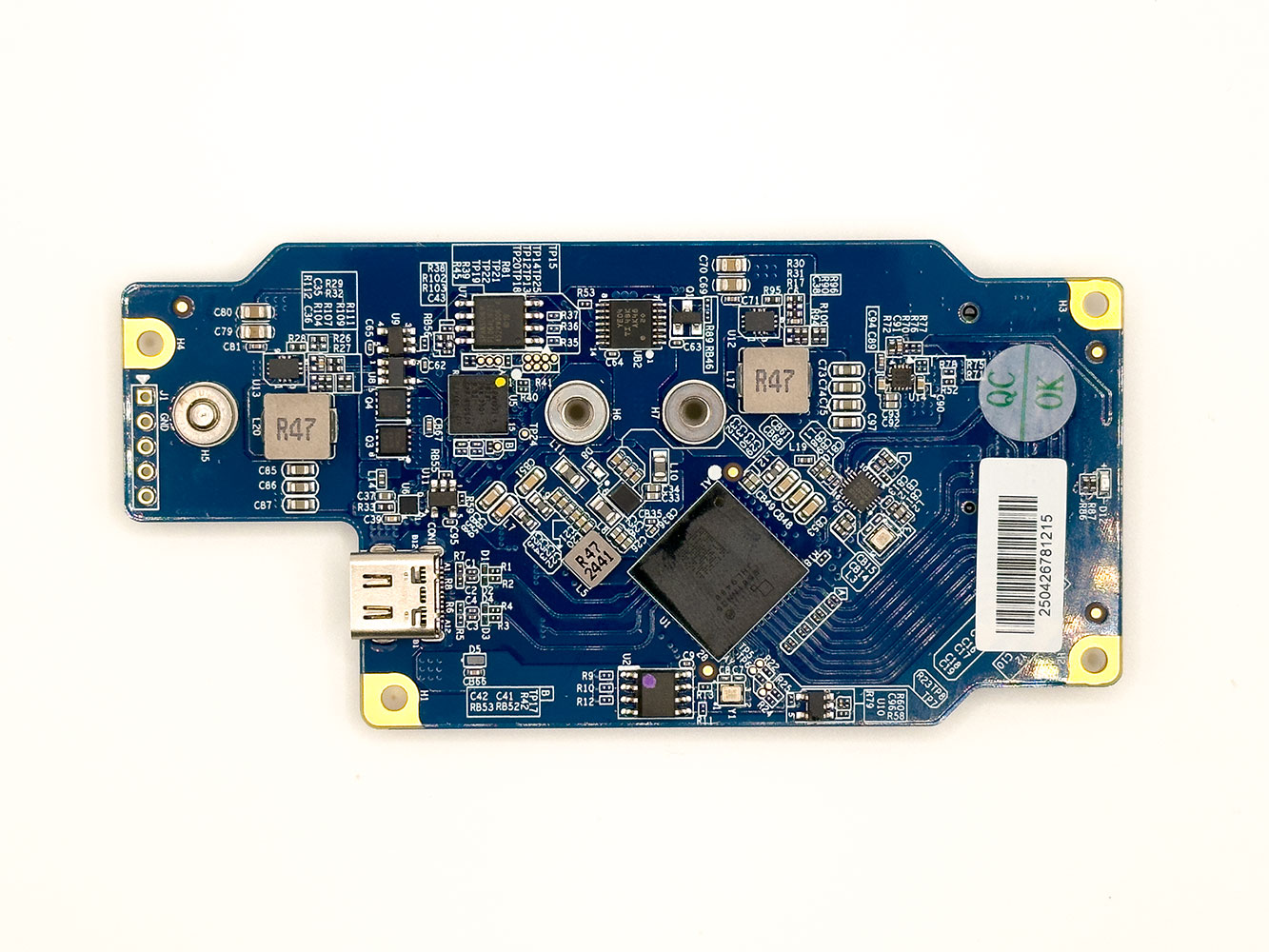
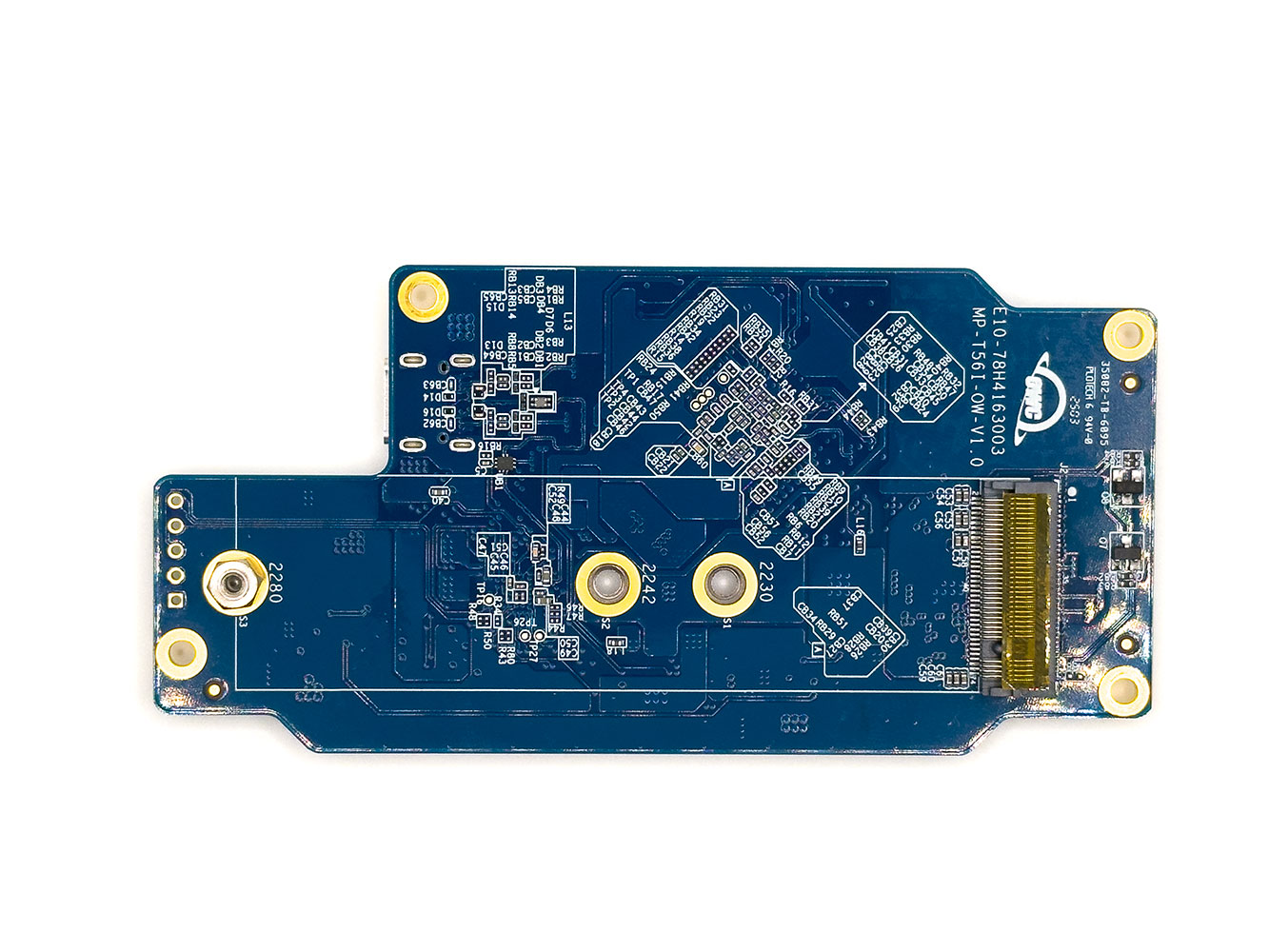
The main PCB has two key components, the Intel Thunderbolt 5 accessory controller, and the Infineon Cypress USB-PD chip.
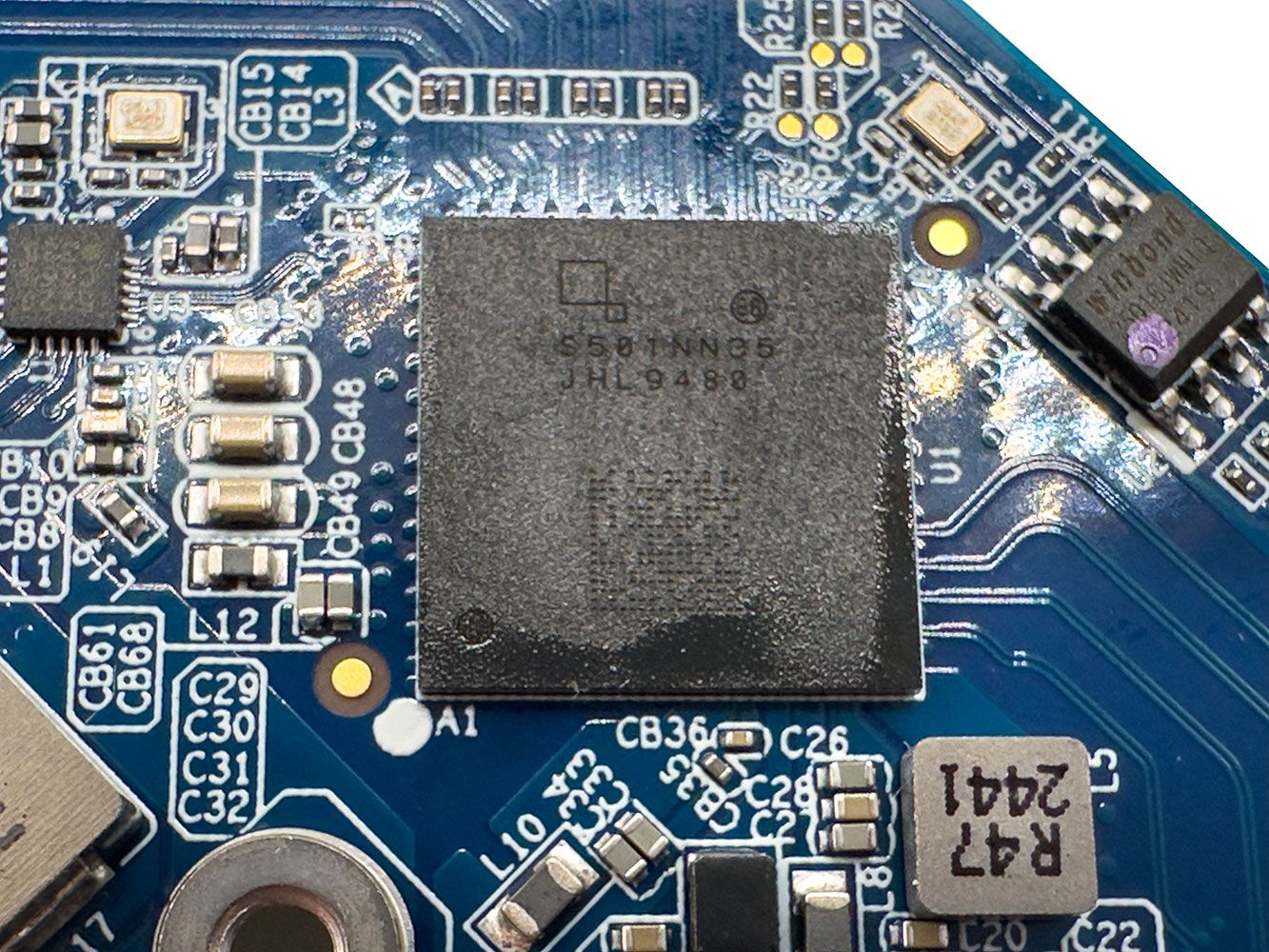
This is the Intel JHL9480 "Barlow Ridge" accessory controller. It takes in an 80 Gbps Thunderbolt 5 or USB4 V2 upstream connection, and puts out a PCI-Express 4.0 x4 downstream connection that's wired to the M.2 slot holding the OWC Aura Pro IV SSD that comes factory-fitted.
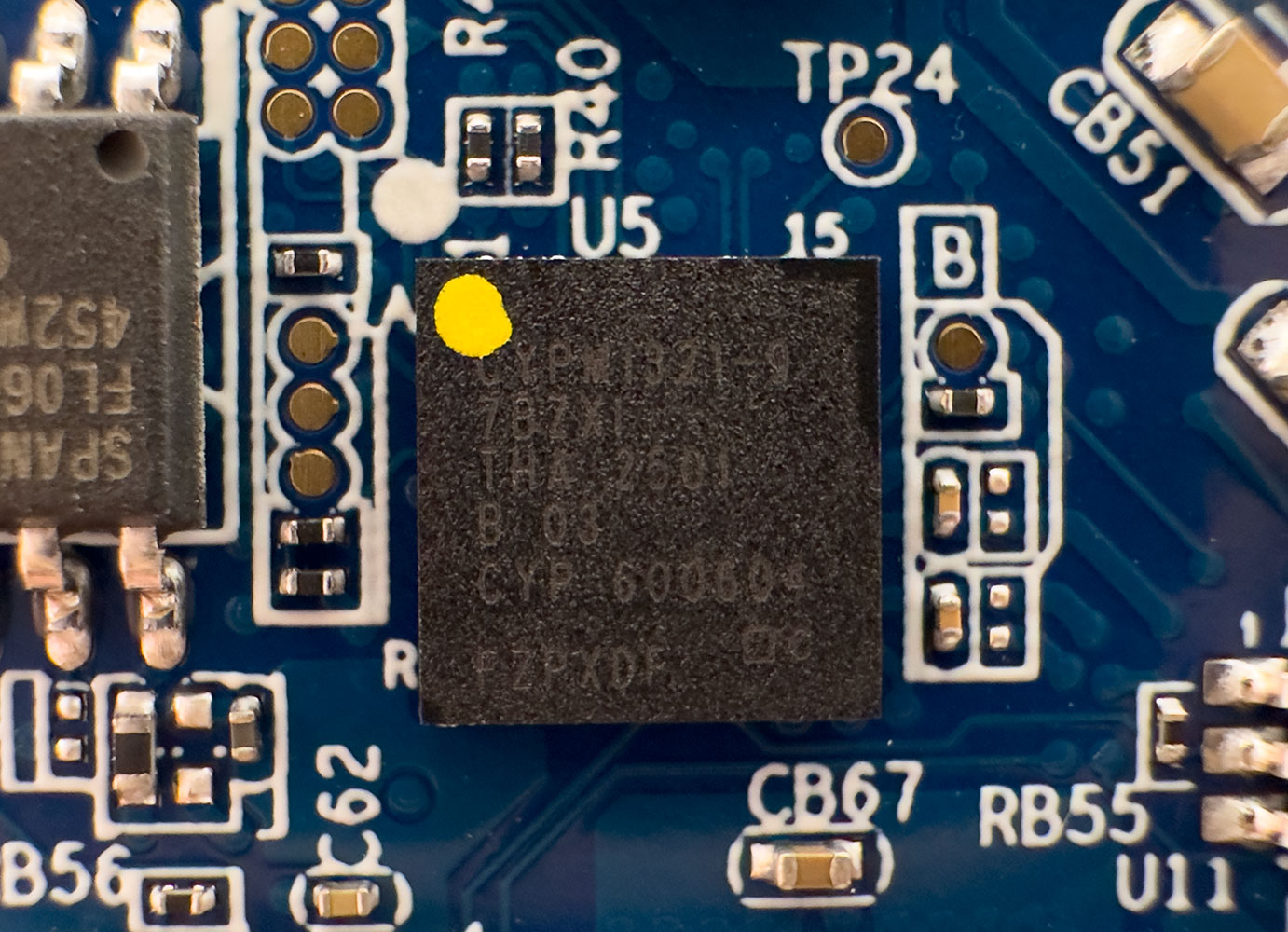
This is the Infineon Cypress EZ-PD family CYPM1321-97BZXI controller. This little chip performs crucial functions such as telling the Intel JHL9480 bridge chip what standard of upstream Thunderbolt or USB connection is available. It also manages USB power delivery to the various components, including the bridge chip and the M.2 SSD.
OWC Aura Pro IV 2 TB M.2 Gen 4 NVMe SSD
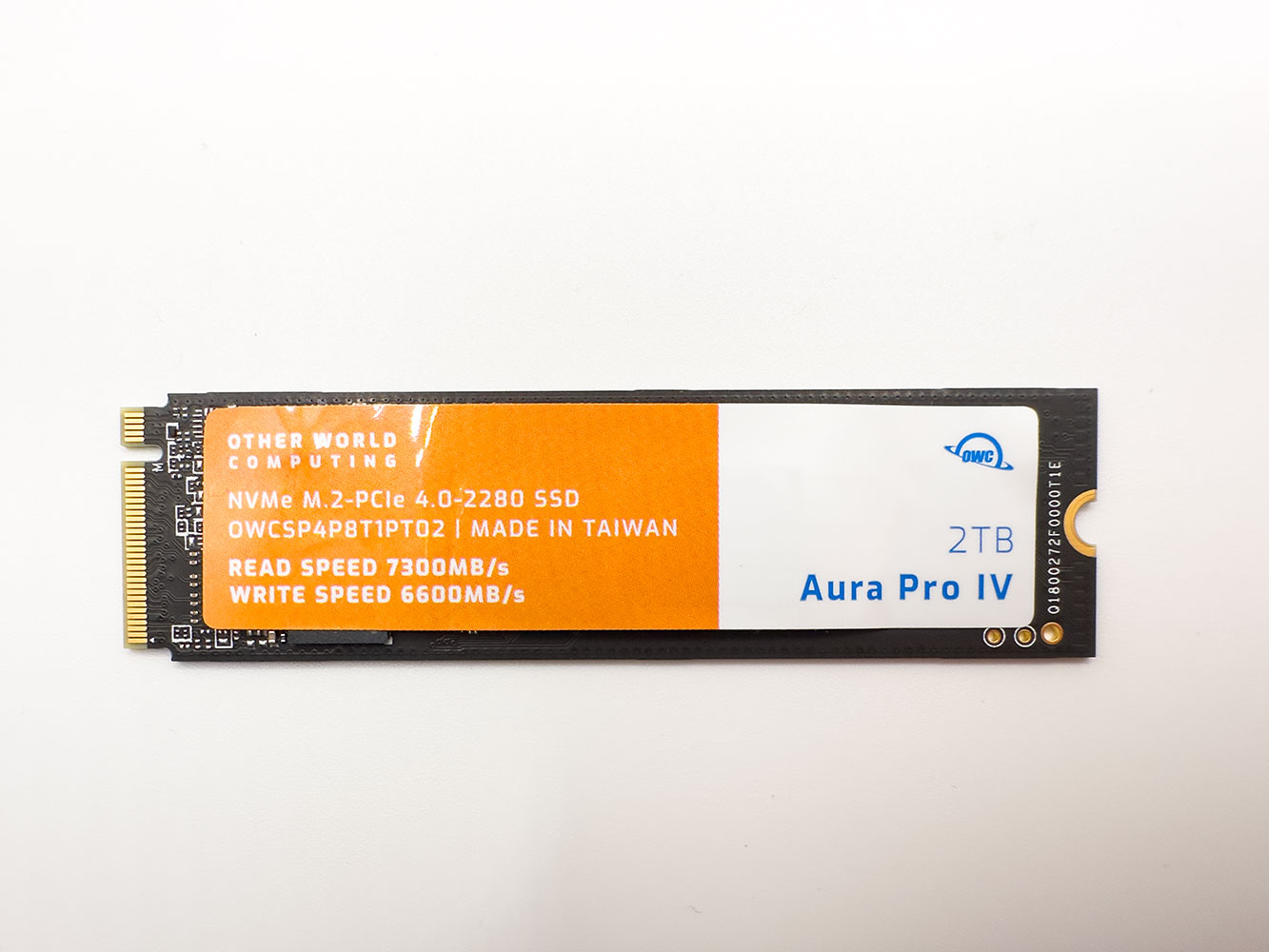
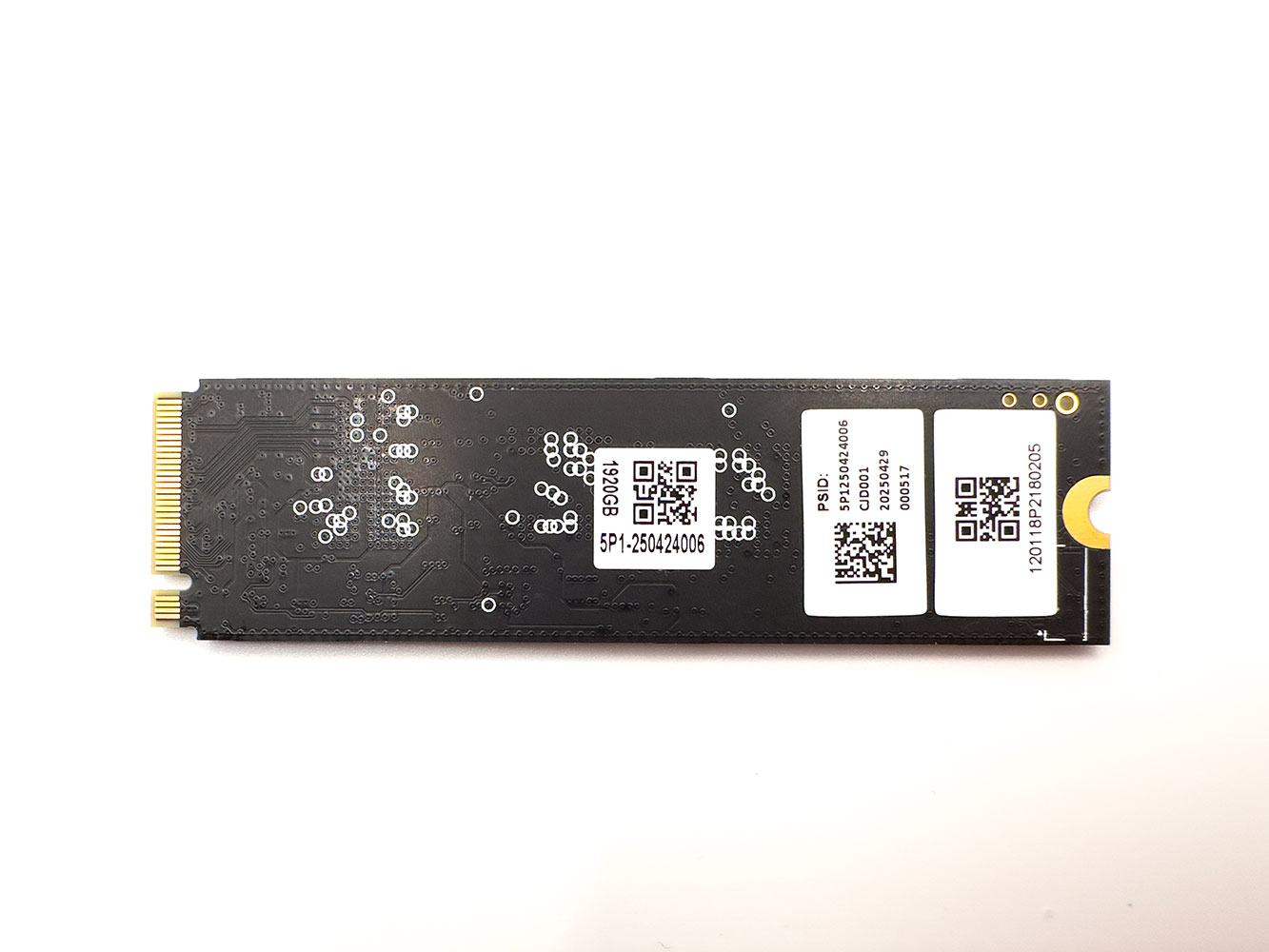
OWC is using its homebrew Aura Pro IV M.2 NVMe Gen 4 SSD as the internal drive for the Envoy Ultra. This is the same drive the company also includes with variants of the OWC Express 1M2 that we recently reviewed. The OWC Aura Pro IV is designed to be a performance-segment product within the PCIe Gen 4 class, and OWC also separately sells the drive. This is a DRAM-less drive.
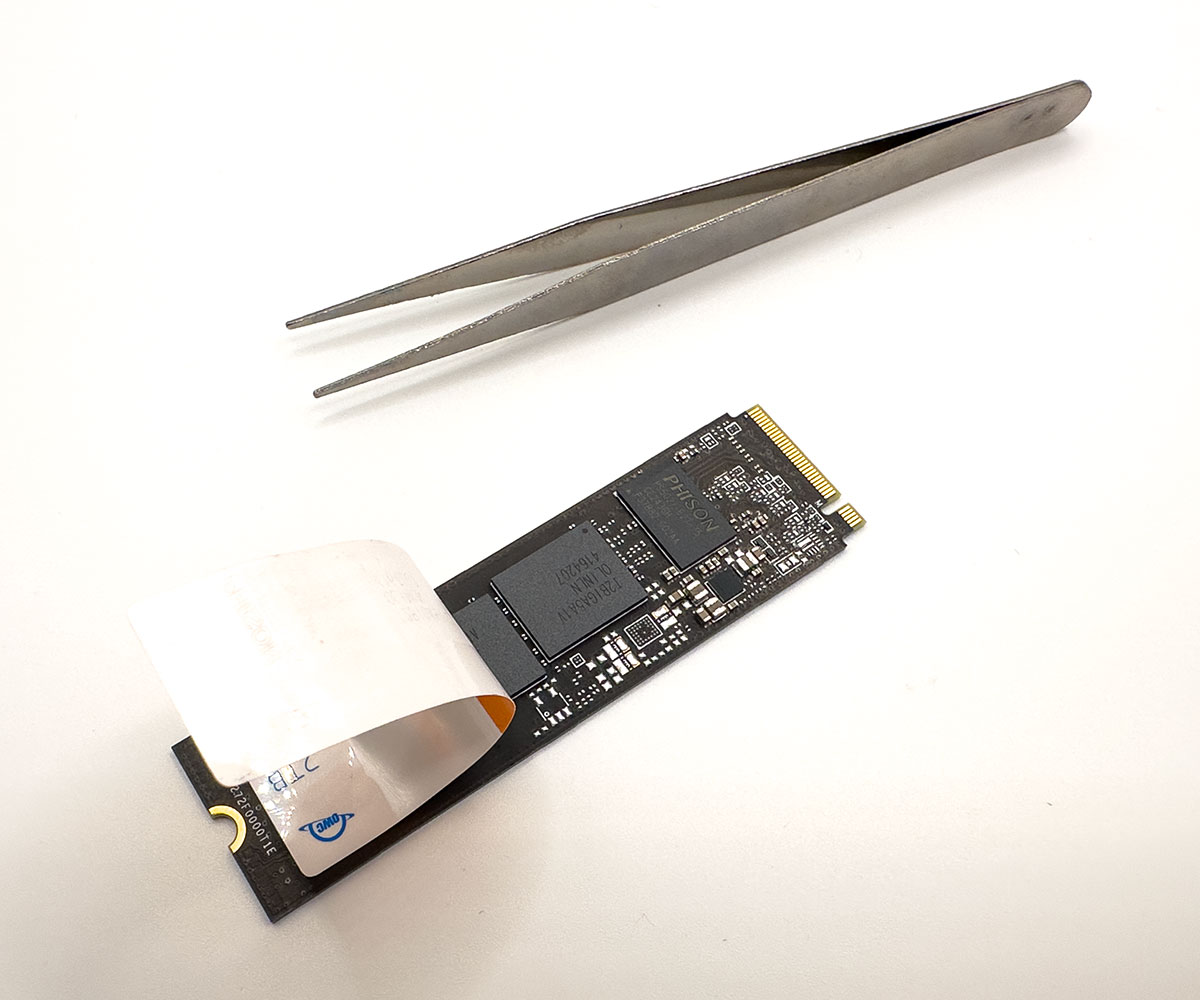
The top label of the drive shows maximum sequential speeds as tested by the manufacturer. This is just a plastic label, and comes off fairly easily.
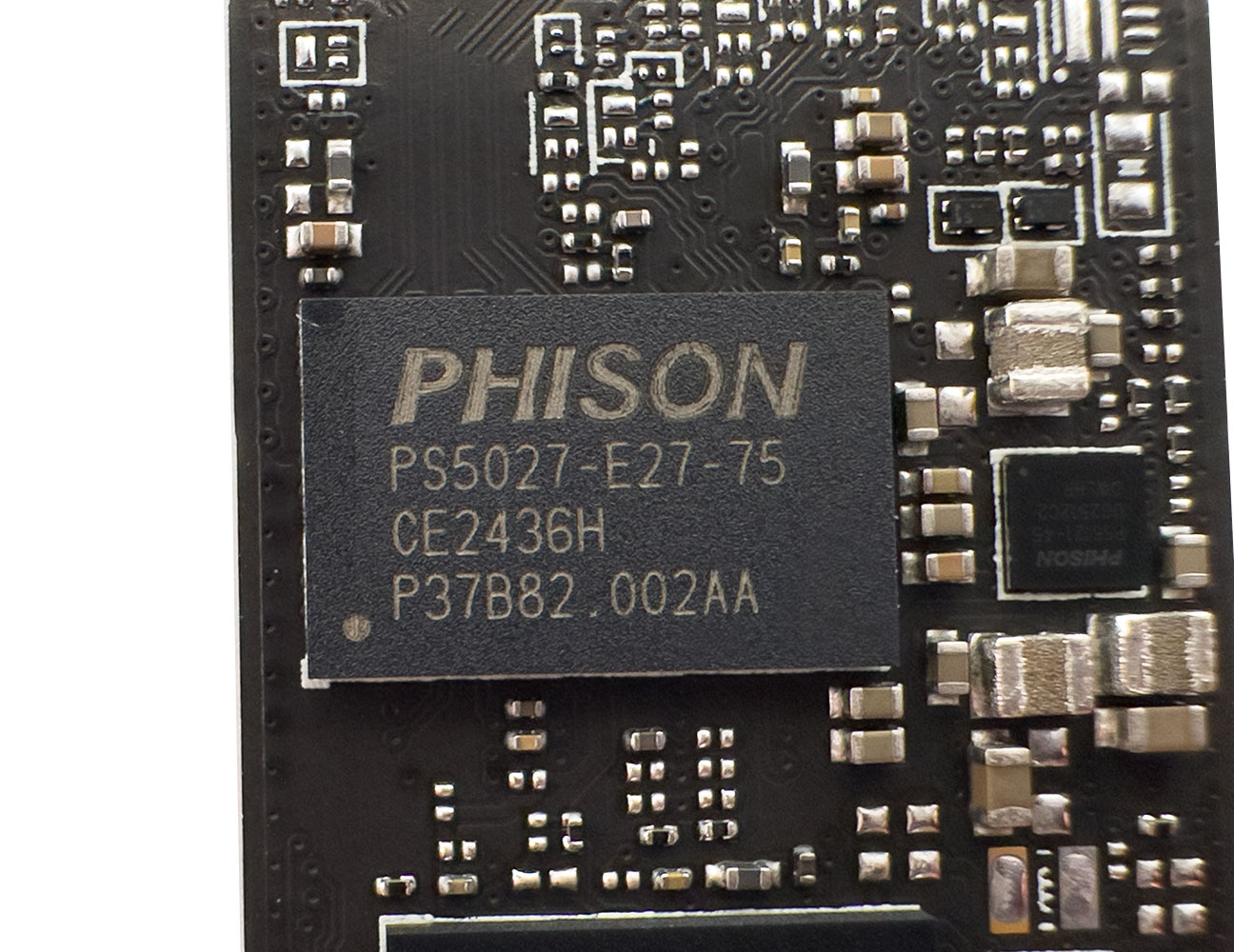
In charge of the OWC Aura Pro IV is the Phison PS5027-E27T controller. Built on the TSMC 12 nm foundry node, this controller features 4 NAND flash channels. It has a PCI-Express 4.0 x4 host interface, and takes advantage of the NVMe 1.4 protocol. The drive lacks a DRAM cache, but uses a 64 MB host memory buffer (HMB).
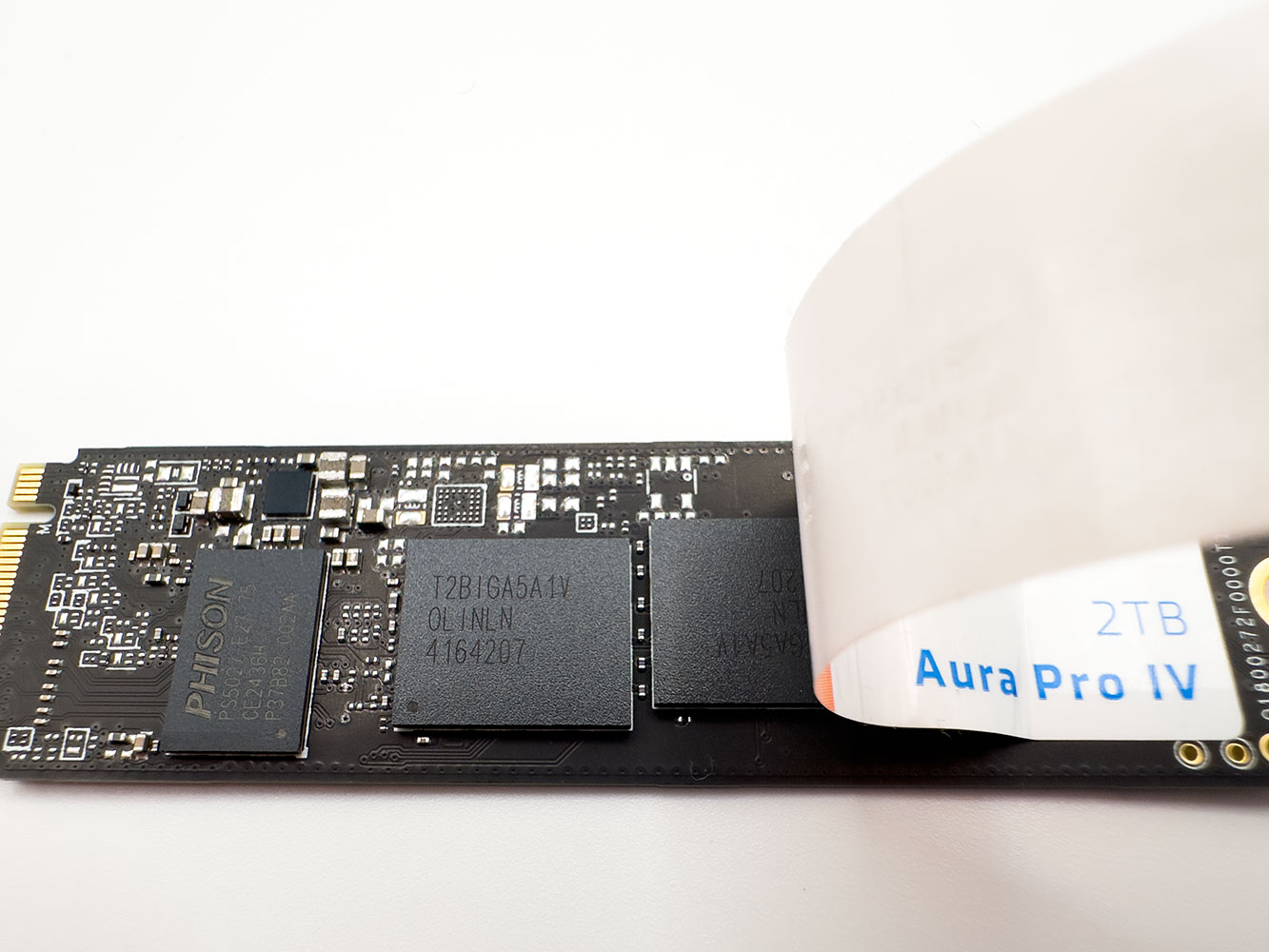
The 2 TB version of Aura Pro IV comes with two of these Kioxia BiCS6 162-layer 3D TLC NAND flash chips.
Nov 14th, 2026 12:09 CST
change timezone
Latest GPU Drivers
New Forum Posts
- Tell me about your favourite graphics card (56)
- Slow SSD read speeds - help! (7)
- What can the FX 8320 do today? Here is the answer. (29)
- What card do I get for VR? (29)
- Ddr4 instead of ddr5 for 9060xt 8 gb over 5060 8 gb (7)
- Your PC ATM (36414)
- TPU's Nostalgic Hardware Club (22161)
- Microsoft Exchange/365 outages? (62)
- Opinion on Monitor Replacement (7)
- Show us your collections thread!! (366)
Popular Reviews
- AMD Zen 6 Technical Deep Dive
- Corsair HX1000i Shift Crystal Review
- ASUS ROG Strix B850-I Gaming Wi-Fi7 W Review
- NZXT C1200 Platinum Review
- Upcoming Hardware Launches 2027 (Updated Nov 2026)
- Montech King 95 3D PRO Review
- NZXT H7 RGB+ Review
- NZXT H5 Review
- Phantom Blade Zero Performance Benchmark Review - 35 GPUs Tested
- XPG NIMBUS PLUS Review - Mid-range Chair With Strong Competitors
TPU on YouTube
Controversial News Posts
- NVIDIA Co-Founder and CEO Jensen Huang Officially Resigns (399)
- OpenAI CEO Argues Home PCs Waste the World's Limited DRAM Supply (152)
- NVIDIA Launches Investigation Into Jensen Huang's Relationship With Suspected Chinese Spy (136)
- Intel "Raptor Lake Next" 16-Core and 20-Core CPUs Surface (130)
- Legendary Game Studio BioWare Shuts Down Following EA Layoffs (104)
- Dell CEO Says the Memory Shortage Will Get Worse in 2027 (95)
- NVIDIA GeForce RTX 50-Series Scheduled for up to $500 Price Hike This Week (89)
- Modder Fits RTX 5090 With Four 8-Pin Connectors, Halving Current per Wire (80)