 10
OXS Thunder Duo X Review - Surround Sound Around Your Neck
Performance »Software
OXS Audio App (Windows/macOS)
Before any praise, two rough edges. The OXS Audio app is flagged as unsafe by Windows, triggering a Microsoft Defender SmartScreen warning (a false positive, but not a great first impression for any product, let alone an expensive one). It installs in Simplified Chinese by default, so the first thing you have to do is switch the language to English, then close and reopen the app for it to take. The app connects to the speakers over USB-C on a Windows PC.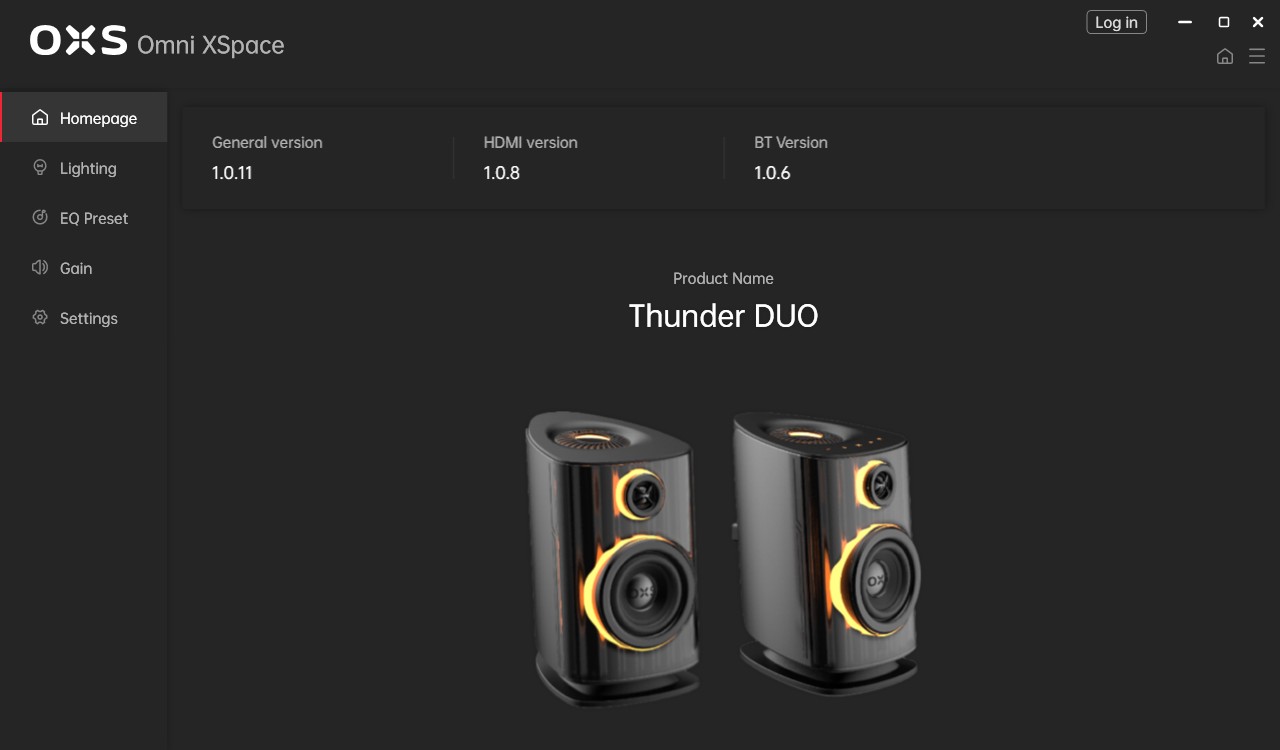
The Homepage screen is mostly an information panel, showing the connected device and its firmware versions. The left-hand menu splits the rest into Lighting, EQ Preset, Gain and Settings.
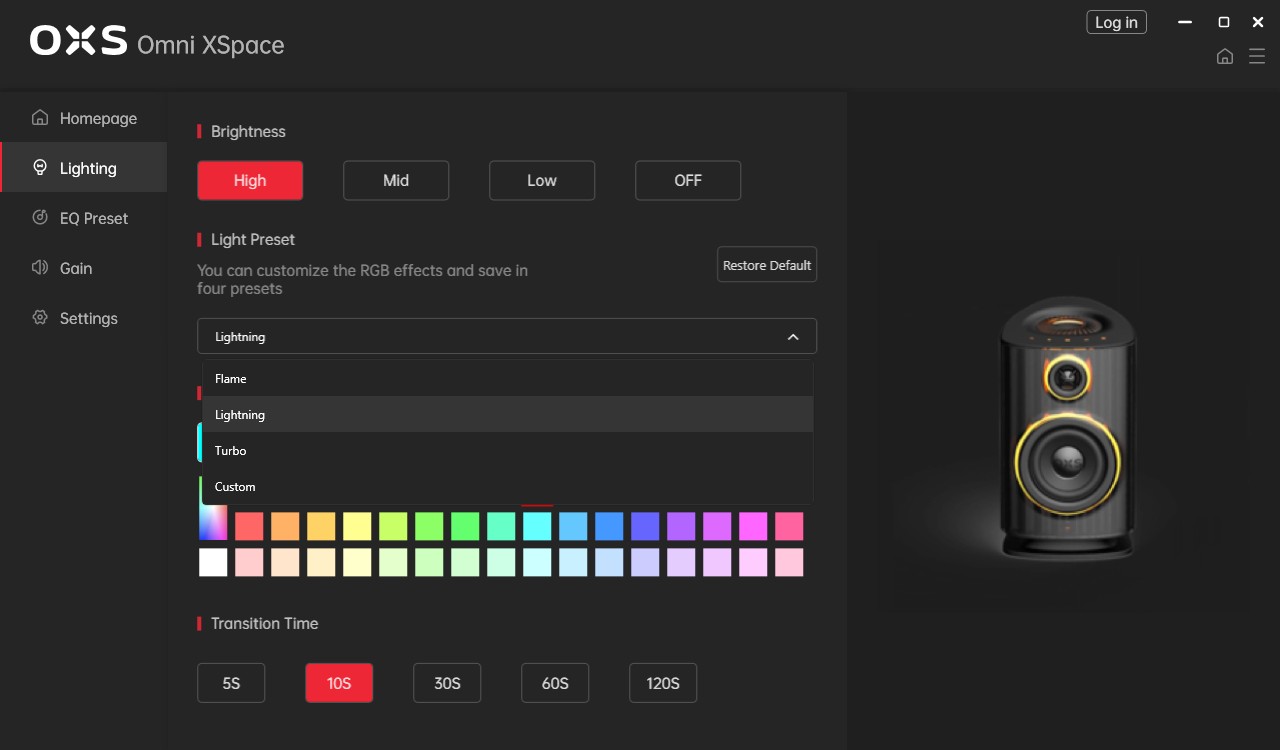
The Lighting menu covers brightness (High, Mid, Low, Off), a preset dropdown (Flame, Lightning, Turbo, Custom) with four saveable slots, a wide color palette, and a transition time selector ranging from five to 120 seconds. As noted, you can also kill the lighting completely here.
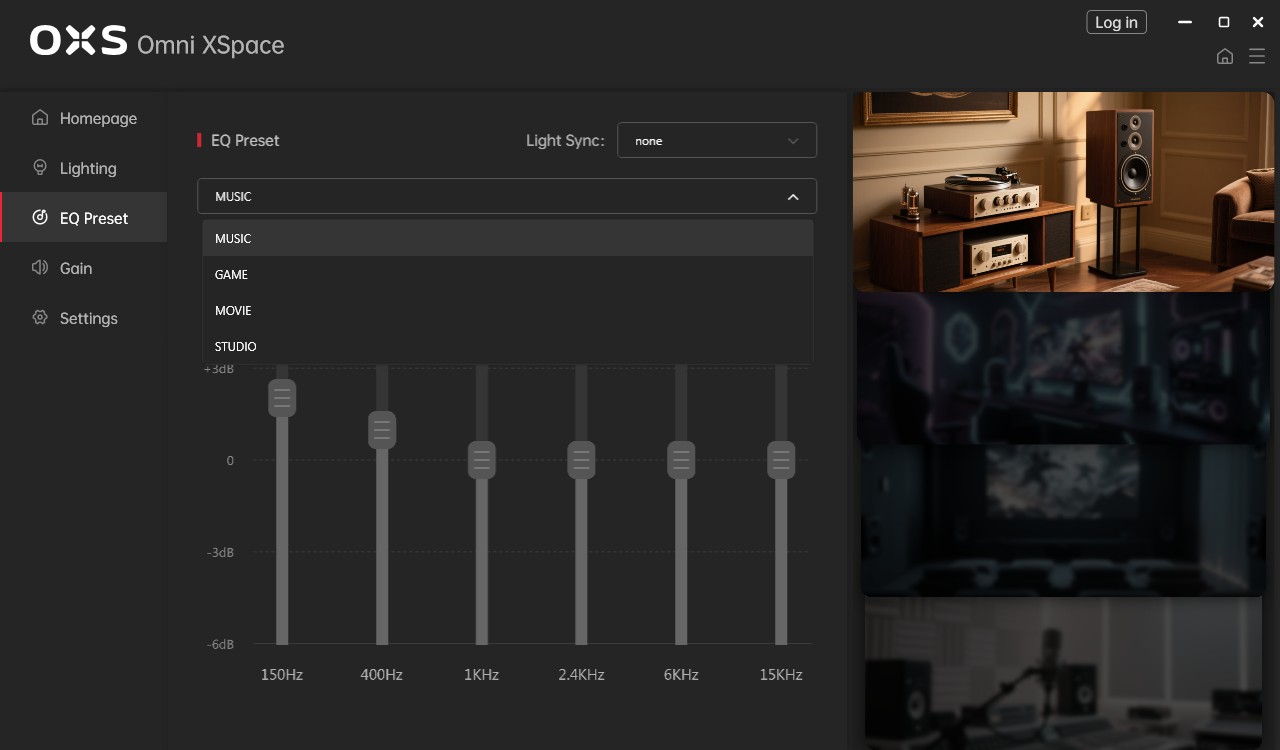
EQ Preset is where you pick between Music, Game, Movie and Studio sound profiles, with a Light Sync option to tie the lighting to the active mode. Below the dropdown sits a 6-band equalizer (150 Hz, 400 Hz, 1 kHz, 2.4 kHz, 6 kHz and 15 kHz) with a ±6 dB range, but the sliders are locked in all four presets and never move. Manual tone control lives elsewhere, in the Gain menu, where Bass, Treble and Top (the Sky channel) sliders let you shape the sound by hand. It is a bizarre way to lay things out: the app shows a full graphic EQ you cannot touch, then tucks the real controls into a separate Gain menu with a handful of broad sliders rather than the per-band adjustment it dangles here. The presets do more than reshape the tone, though. The three non-Studio modes (Music, Game and Movie) process and upmix the signal so that audio is also fed to the neck speaker, driving the rear channel. Studio is the exception: it deactivates the neck speaker entirely, so even with the unit connected and paired it stays silent and plays nothing. In other words, the one preset aimed at accurate, critical listening is also the only one that drops the system's headline surround feature.

The Gain menu offers sliders for Bass, Treble, Top (the Sky channel), Rear and Sub across a ±6 dB range. The Rear and Sub sliders are greyed out unless the neck speaker and a subwoofer are actually connected, which on the Thunder Duo X means the Sub slider stays inactive out of the box.
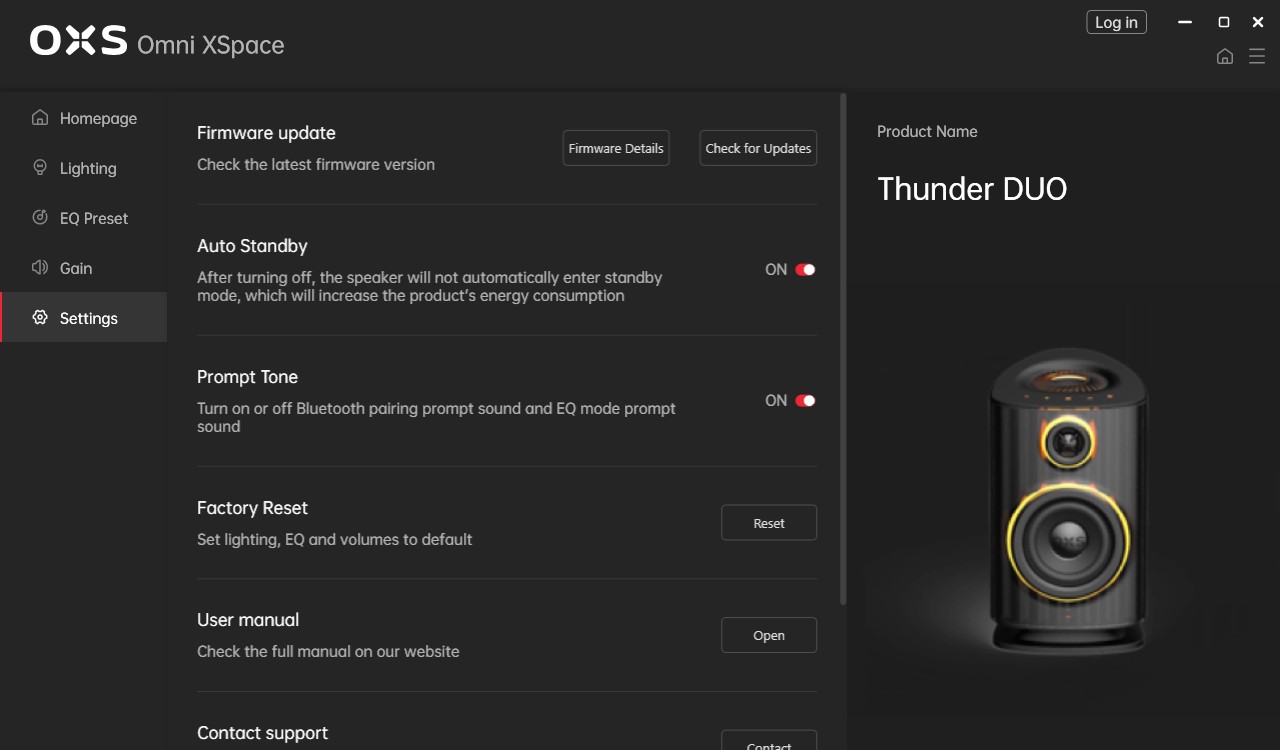
Settings rounds things out with firmware update tools, the Auto Standby toggle mentioned earlier, a Prompt Tone switch for the Bluetooth and EQ voice cues, a factory reset, and shortcuts to the manual and support.
Nov 21st, 2026 05:05 PST
change timezone
Latest GPU Drivers
New Forum Posts
- Anthrophics IPO (31)
- Without Jensen, PC gaming will be (53)
- WarpCoreBench scores! (88)
- What's your latest tech Freebie? (86)
- TPU's Nostalgic Hardware Club (22179)
- [Poll] 12V-2x6 Connector Protection: What Are You Using? (WireView / Ampinel / Equalizer / Other / Nothing) (50)
- UPS what one to get? (1)
- RX 9000 series GPU Owners Club (2252)
- Windows 11 General Discussion (7743)
- Zen 3 IF/IMC degradation (242)
Popular Reviews
- Microsoft Surface Laptop Ultra Review - The Next-gen Arm Laptop
- Ugreen NASync DXP4800 GT Review
- Corsair RM1200e (Second Generation) Review
- Pulsar Office Tour & First Look at P1 Dual-Sensor Mouse
- Upcoming Hardware Launches 2027 (Updated Nov 2026)
- Acemagic Retro X3 Review
- Biwin Black Opal NV7400 2 TB Review
- AMD Ryzen 7 9800X3D Review - The Best Gaming Processor
- AMD Zen 6 Technical Deep Dive
- Chieftec Iceberg PRO 360 DARK Review
TPU on YouTube
Controversial News Posts
- NVIDIA Co-Founder and CEO Jensen Huang Officially Resigns (491)
- Report: Jensen Huang Eyes NVIDIA Comeback (258)
- Open Letter Asking NVIDIA to Reinstate Jensen Huang Passes 115,000 Signatures (184)
- OpenAI CEO Argues Home PCs Waste the World's Limited DRAM Supply (152)
- NVIDIA Launches Investigation Into Jensen Huang's Relationship With Suspected Chinese Spy (136)
- Intel "Raptor Lake Next" 16-Core and 20-Core CPUs Surface (130)
- Legendary Game Studio BioWare Shuts Down Following EA Layoffs (104)
- NVIDIA GeForce RTX 50-Series Scheduled for up to $500 Price Hike This Week (89)