 11
QNAP TS-432X Review - Arm Based NAS
(11 Comments) »Introduction


The last time TPU had a QNAP NAS in for review was over five years ago and a lot has happened since then in the NAS market, as well as when it comes to QNAP's in-house QTS operating system. There are several things that make the TS-432X stand out from the crowd, least not its SoC which is from Annapurna Labs, which was bought out by Amazon some years ago and now designs some of the Arm hardware for its AWS service. In this instance, we're looking at an Annapurna Alpine AL524, which is a quad-core Arm Cortex-A57 SoC. Yes, you read that correctly, this is the original Arm big core that launched all the way back in 2012. This is the second generation from Annapurna and it only seems to be available to a select few partners. What makes it interesting compared to other Arm SoCs in this market segment is that it can be paired with standard SO-DIMM memory modules, which is exactly what QNAP has done. The TS-432X comes with 4 GB of DDR4 3200 RAM and this can be upgraded to 16 GB. ECC memory is also supported, but is not supplied as a standard configuration.
The TS-432X is referred to as a cost-effective 10 Gbps NAS by QNAP and this is due to having an SFP+ port, which lacks the costly PHY of a 10 Gbps RJ45 port and would need either optical cables or a transceiver to add the PHY that way. That said, these days a 10 Gbps transceiver can be had for less than $30, which makes the TS-432X a potential option for those looking to get a 10 Gbps NAS. However, as we didn't have access to a transceiver, we decided to try a spare Aquantia AQC-107 based 10 Gbps Ethernet card we had knocking around instead, and it worked flawlessly. Just note that QNAP has its own custom mounting bracket for its add-in cards, so there was no way to fasten the card securely. However, it showed up in QTS and worked as expected, suggesting that QNAP doesn't blacklist third party hardware.
Speaking of QTS, the TS-432X ships with version 5.2, although for some reason it didn't update during the setup process, even though one step of the setup asks if you want to check for a new version of QTS. QNAP recently announced LTS support for version 5.2 of QTS, which is a little bit confusing, as QNAP is using an ancient Linux kernel from 2015, namely version 4.2.8. This specific Linux kernel hasn't been officially supported since December 2015, and we're actually quite surprised that QNAP is using not only an unsupported kernel, but one that is getting close to a decade old. Version 4.4 is at least supported until early 2027 as an LTS kernel, but for some reason, QNAP hasn't moved to it, despite being released in early 2016. To be fair to QNAP, the company does backport a lot of security patches and software, but this kind of practice is simply not acceptable from a security perspective and QNAP is clearly behind both TerraMaster and Ugreen when it comes to this, not something you'd expect.
With something of a mixed bag introduction out of the way, let's move on and examine the TS-432X, with both a closer look at QTS—a much more fully featured operating system than what's on offer from TerraMaster and Ugreen, but it might be too feature rich for some. As we're looking at some very different hardware here, it will also be interesting how it stacks up in terms of performance against the two Intel based NAS devices we've looked at earlier this year, and if it'll be more power efficient or not.
Specifications
| QNAP TS-432X Specs & Features | |
|---|---|
| Processor | Annapurna Labs, an Amazon company Alpine AL524 Arm Cortex-A57, 4c/4t 4x 2.0 GHz |
| Memory | 1x 4 GB DDR4 3200 MHz CL22 SO-DIMM (expandable to 16 GB using one slot) |
| Storage | 4x SATA 6 Gbps / 3.5" or 2.5" |
| RAID Levels: | Single Disk, JBOD, RAID 0, 1, 5, 6, 10 Optional SSD Read or Write caching |
| Capacity | Up to 96 TB (4 x 24 TB HDD) |
| Operating System | QTS 5.2.1.2930 (Linux Kernel 4.2.8) |
| File System (Internal Drives) |
|
| File System (External Drives) |
|
| Networking |
|
| Expansion Interfaces |
|
| I/O Ports |
|
| Dimensions | 165 (H) x 170 (W) x 226.5 (D) mm |
| Weight | 1.99 kg without drives |
| Power Consumption | Operation: ~33 W HDD Idle: ~13 W (with 4x Seagate 4 TB ST4000VN008 installed according to the manufacturer) |
| Power Supply | External, 90 W 100–240 V input 12 V 7.5 A output Delta DBS-90AB-3 |
| Fan | 1x 120 mm |
| Warranty | 2-years |
| Price Excluding VAT (at time of review) | $580 |
Packaging and Bundle

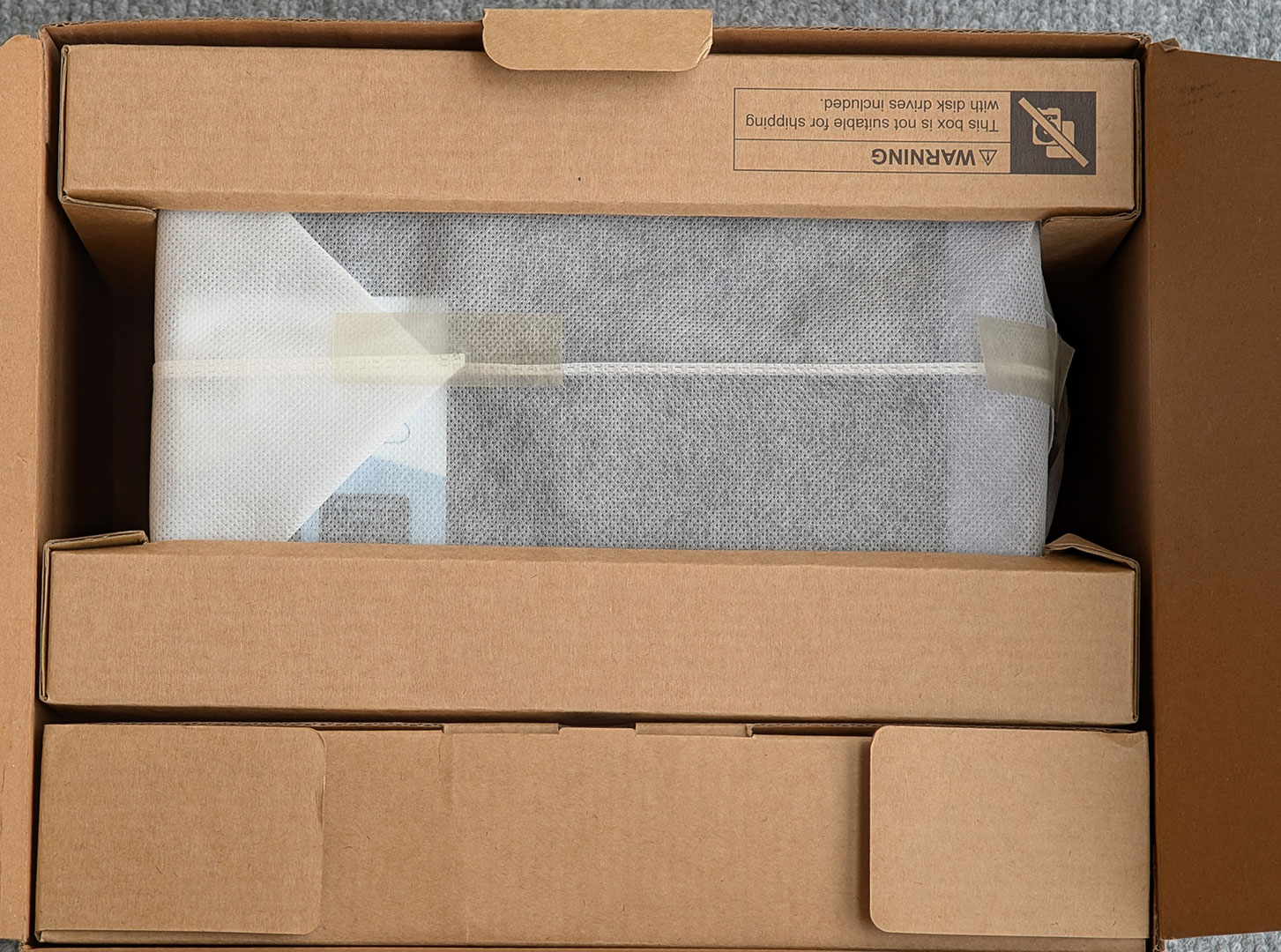

QNAP ships the TS-432X in what feels like a comparatively thin, brown cardboard box, with the NAS being protected by a pair of holders also made out of cardboard, rather than the kind of plastic foam that we're more used to seeing. As is common with these types of devices, there's full color stickers that show which model is hiding inside the box. A small box containing the power adapter and accessories completes the package. The accessories are really basic, as you get an Ethernet cable of unknown type as well as two different sets of screws, in case you're using 2.5-inch drives, since these have to be screwed to the drive caddies.
The Exterior


The TS-432X is part of QNAP's more consumer focused products and as such, it's made from more plastic than the business orientated products. This places the TS-432X in a similar category as the TerraMaster F4-424 that we looked at back in September, at least when it comes to overall build quality. On the top, there's a sticker with the specs and on the right-hand side is a sticker with a QR code that takes you to QNAP's setup guide, in case you need help setting up your NAS, as well as a Cloud Key and the device serial number and MAC address for the primary network interface. The front is home to the power button, a set of diagnostics LEDs, a single USB 3.0 Type-A port, a backup/copy button and a removable front panel.

Around the back, there isn't too much going on, since the TS-432X is pretty light on the connectivity side of things, but you'll find a pair of 2.5 Gbps Ethernet ports, one 10 Gbps SFP+ port, a single USB 3.0 Type-A port and 12 V DC jack. There's also a cover for the PCIe 3.0 x4 slot, and you'll of course find the 120 mm cooling fan here as well.


To access the drive bays, a small latch on the side has to be toggled to release the front of the NAS, which then pops off to reveal the drive bays.


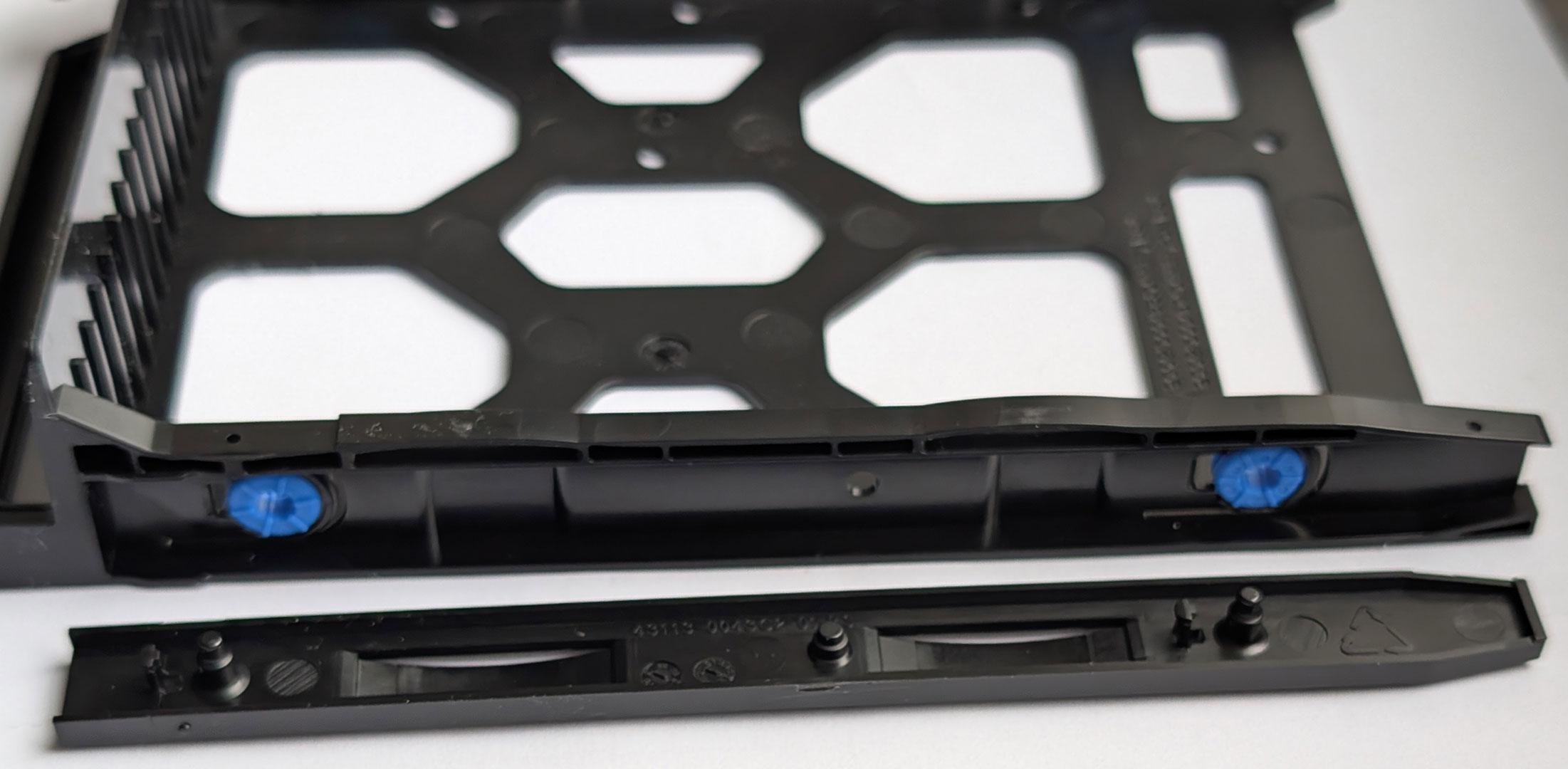
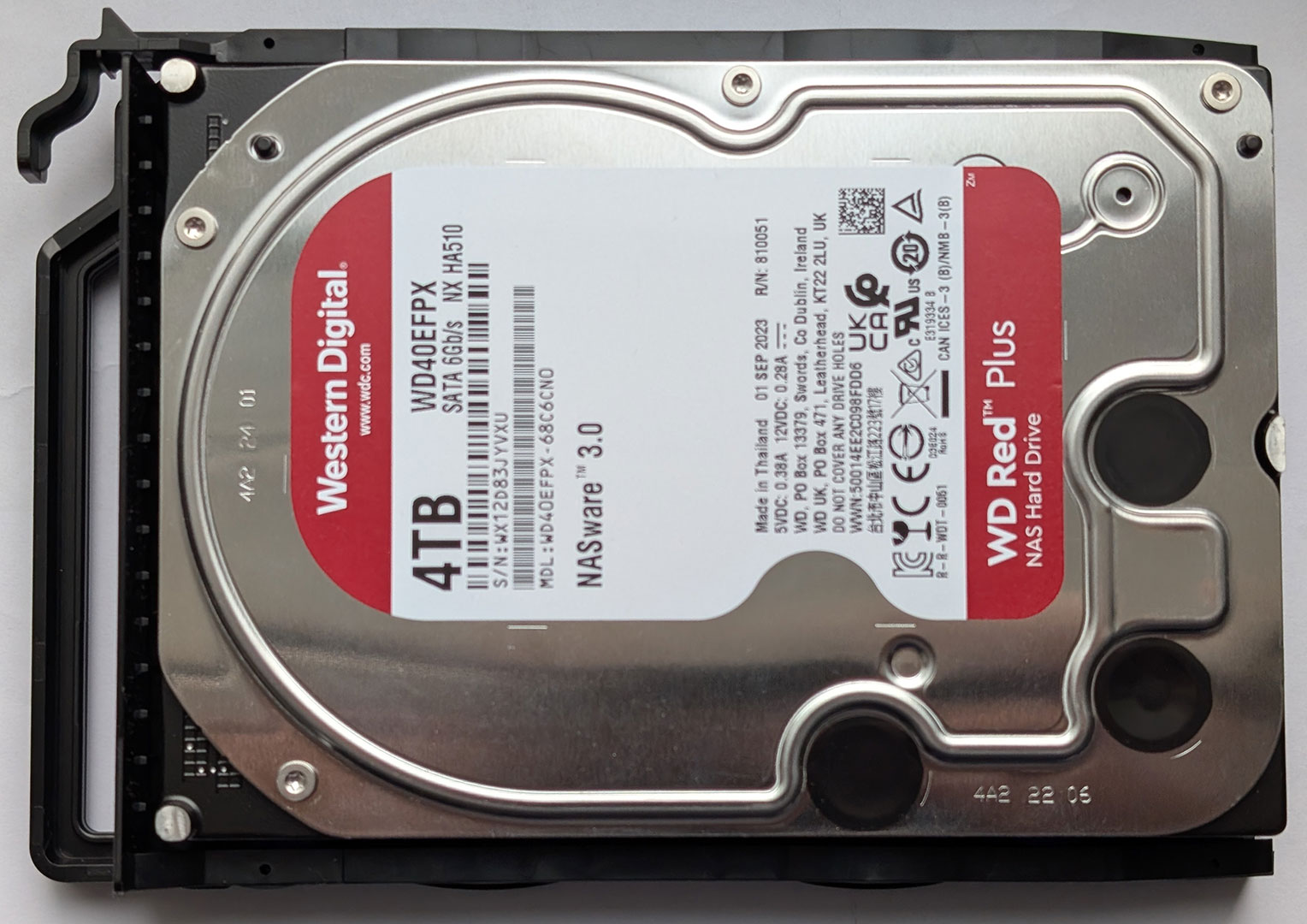
Each of the drive caddies are made out of flexible plastic. The drive caddies lack any kind of locking mechanism and are simply held in place with a simple latch that's part of the caddy. The drives are held in place by a plastic bracket, which is par for course in these cheaper NAS models, as we've seen from both Ugreen and TerraMaster. The one downside with the QNAP caddies is that they attract a lot of dust, as you can see in one of the pictures. They are also held in place by a pretty flimsy latch. This is not as good as the competition, even in this price range.
Our Patreon Silver Supporters can read articles in single-page format.
Nov 14th, 2026 00:06 CST
change timezone
Latest GPU Drivers
New Forum Posts
- Tell me about your favourite graphics card (35)
- What are you playing? (26216)
- no "PhysX" workable (9)
- AI generated images... (224)
- Crimson Desert (31)
- RenoDX HDR - how to view the differnce Before&After in game? (0)
- Displayport DP80 3M (10ft) cable that can achieve 80gbps stable? (5)
- I'll flash a ASUS ROG Strix RX480 O8G in Cause of Code 43, as a Newbie (1)
- Opinion on Monitor Replacement (6)
- TMOG - post your benchmark results here (16)
Popular Reviews
- AMD Zen 6 Technical Deep Dive
- Corsair HX1000i Shift Crystal Review
- NZXT C1200 Platinum Review
- Upcoming Hardware Launches 2027 (Updated Nov 2026)
- ASUS ROG Strix B850-I Gaming Wi-Fi7 W Review
- Montech King 95 3D PRO Review
- NZXT H7 RGB+ Review
- NZXT H5 Review
- Phantom Blade Zero Performance Benchmark Review - 35 GPUs Tested
- XPG NIMBUS PLUS Review - Mid-range Chair With Strong Competitors
TPU on YouTube
Controversial News Posts
- NVIDIA Co-Founder and CEO Jensen Huang Officially Resigns (380)
- OpenAI CEO Argues Home PCs Waste the World's Limited DRAM Supply (152)
- NVIDIA Launches Investigation Into Jensen Huang's Relationship With Suspected Chinese Spy (136)
- Intel "Raptor Lake Next" 16-Core and 20-Core CPUs Surface (130)
- Legendary Game Studio BioWare Shuts Down Following EA Layoffs (104)
- Dell CEO Says the Memory Shortage Will Get Worse in 2027 (95)
- NVIDIA GeForce RTX 50-Series Scheduled for up to $500 Price Hike This Week (89)
- Modder Fits RTX 5090 With Four 8-Pin Connectors, Halving Current per Wire (80)