 20
TerraMaster F4-424 Max Review - The fastest NAS we've tested so far
Initial Setup & TOS 6 »The Exterior


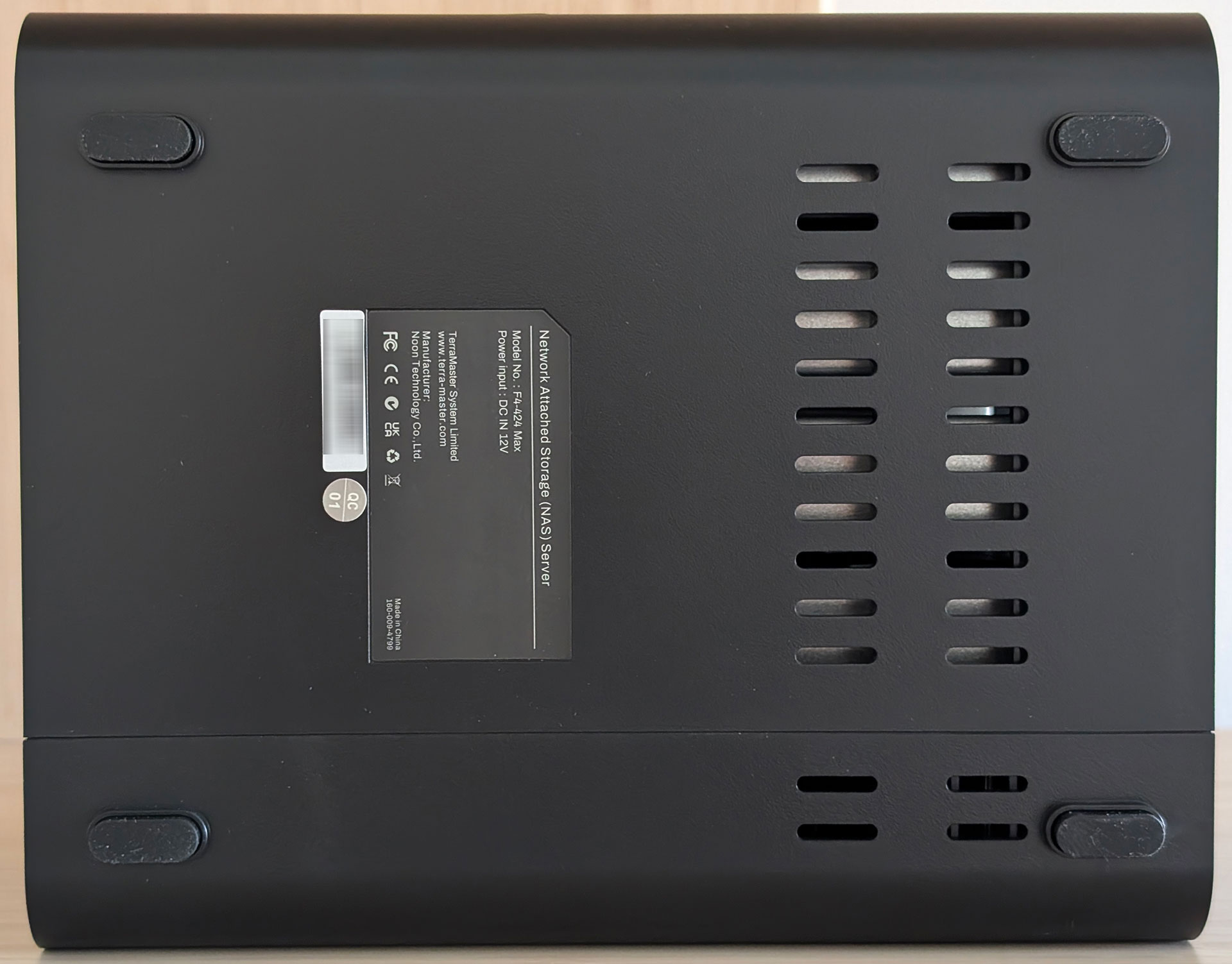

The TerraMaster F4-424 Max looks identical to most of TerraMaster's recent 4-bay products at first look, as they're based around the same standardized housing. This means that you have four 3.5-inch drive bays around the front, with nothing much on the sides or bottom, all the interesting bits being around the back.
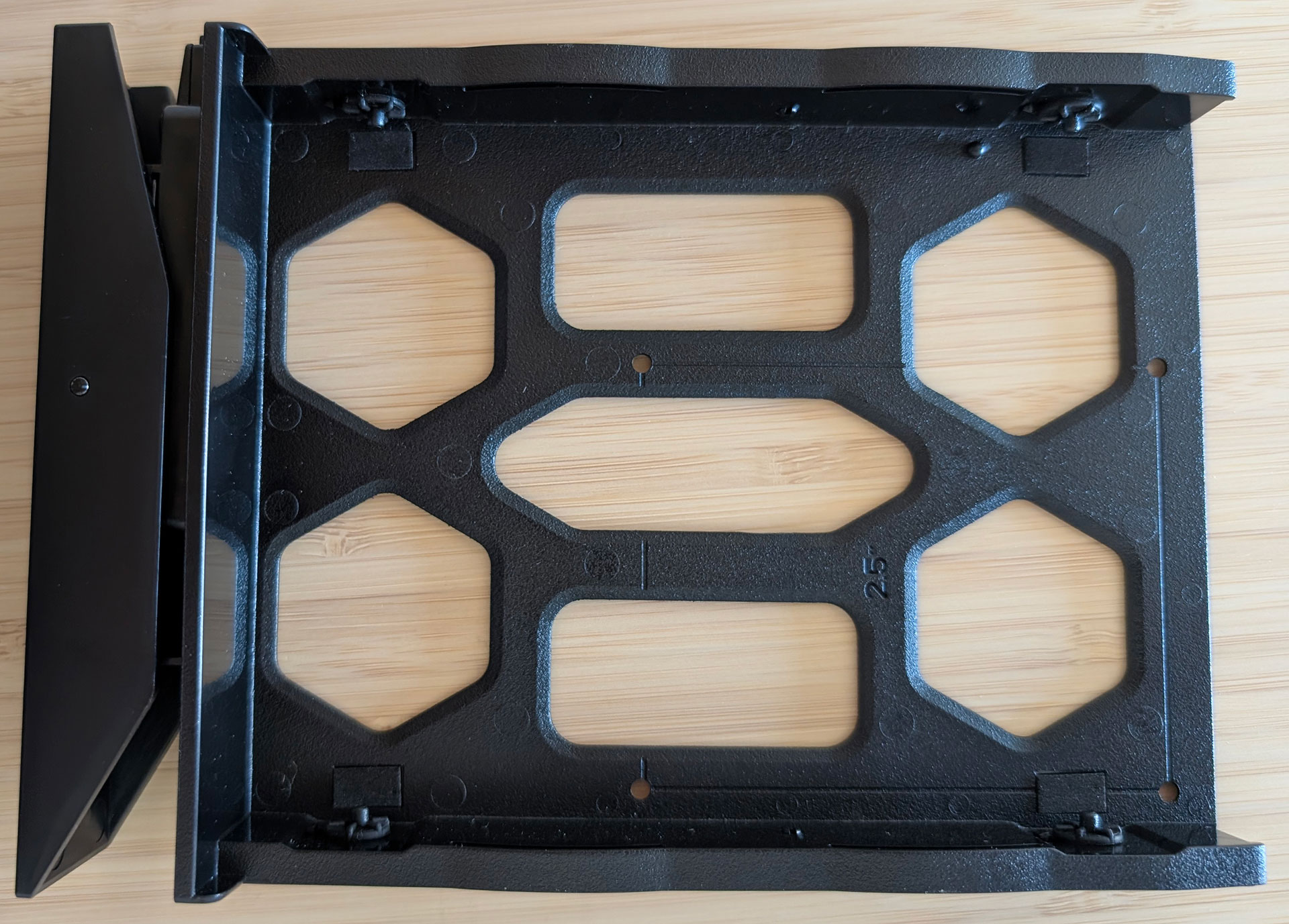
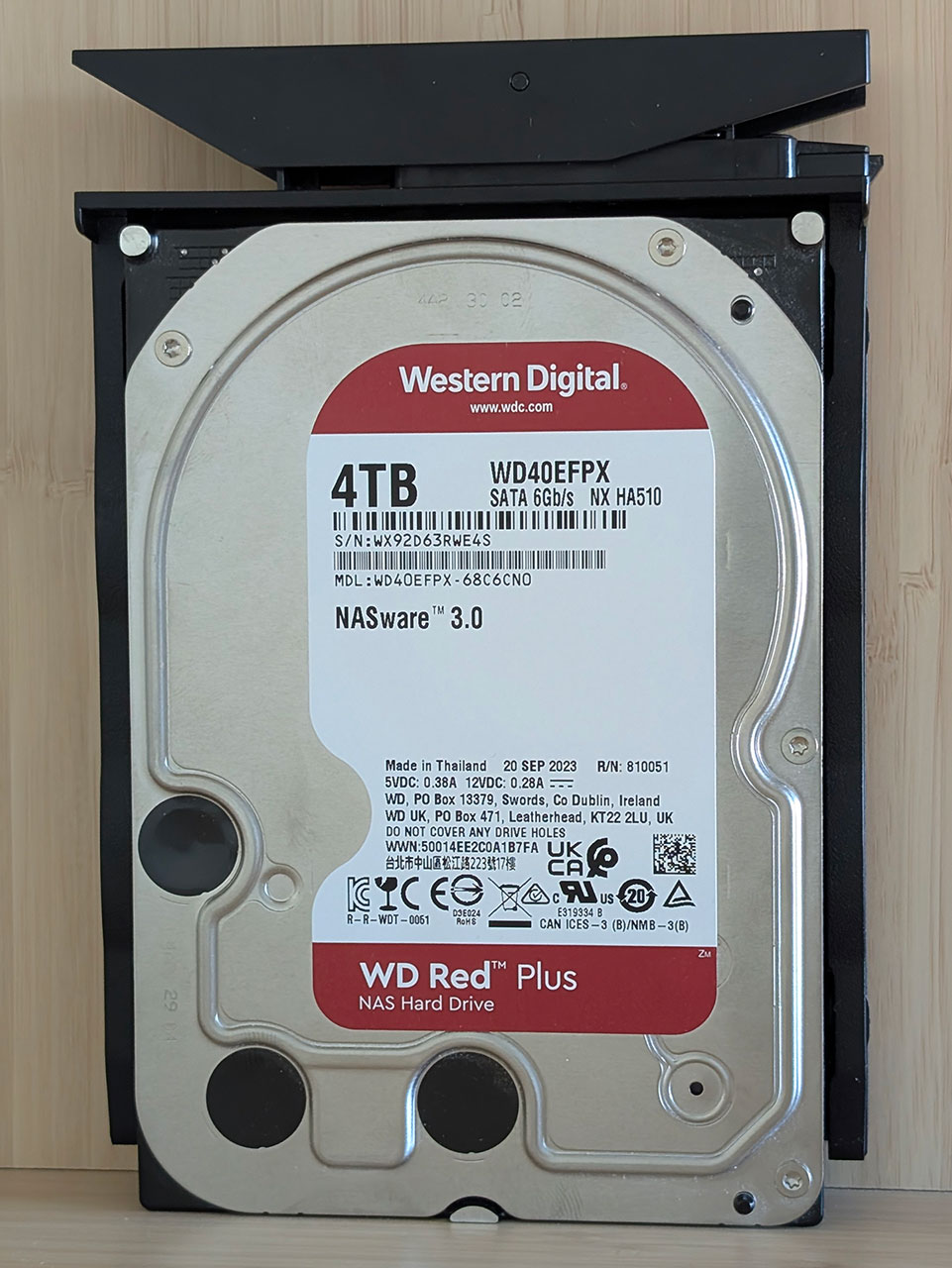
The drive trays are also identical, with the same tool-less design and lack of drive numbering as the previous products we've looked at.

Around the back, things differ a bit from the F4-424, but if we start from the top, the F4-424 Max keeps the power button and the HDMI port in the same location, but the two 10 Gbps ports sit higher up than the two 2.5 Gbps ports of the F4-424. The Max also gets a pair of USB 3.2 Gen 2 (10 Gbps) Type-A ports, as well as a single USB 3.2 Gen 2 (10 Gbps) Type-C port. TerraMaster stuck with a standard 12 V power jack, but the supplied power brick is now a 120 watt unit, rather than the 90 watt one that came with the F4-424. We don't really see a situation where the F4-424 Max will ever get close to utilizing the full 120 watts, but it's good to have some excess capacity, so the unit doesn't run at or close to the limit, increasing lifespan.
The Interior


The motherboard is just as easily accessible in the Max as the F4-424, but props to TerraMaster for the added standard fan header that we hope can be used in case the preinstalled fan fails. It's also clear that this motherboard is also used in models with more drive bays, as it has a second fan connector for TerraMaster's proprietary fans. As you can see, there's no separate fan for the CPU, which is most likely what the standard fan header was added for, but a small fan would have added extra noise. Do note that text for the M.2 slots is technically up-side-down to how the unit should be orientated when in use, which is a bit odd.
As in the previous products we've looked at from TerraMaster, the OS comes preloaded on a USB drive and has to be installed on one of the internal drives, with TOS 6, the M.2 SSDs can be used for the OS. The two 10 Gbps network interfaces come courtesy of a pair of Aquantia/Marvell AQC113C ICs, which should run cooler compared to the older ACQ107—which was the standard 10 Gbps network controller in a lot of older devices—the AQC113 has started to become more popular in more recent hardware. The two networking chips are cooled by a rather small heatsink. The hard drives are once again being split between the Intel CPU and an ASMedia ASM1061 2-port SATA controller.
This time around there's a pair of SO-DIMM slots and the F4-424 Max comes standard with 8 GB of DDR5 memory, which can be expanded to 64 GB. TerraMaster doesn't mention the memory speed and as these are TerraMaster rebranded modules, there's no way to tell from the module itself. SSH-ing in to the command line solved this problem quickly though, it's standard 4800 MT/s memory at 1.1 V, but TerraMaster seems to have decided to mask all the other features you'd want to know, so it might be hard getting a good match without either buying a module from TerraMaster or replacing the existing 8 GB module with a matched pair.


With the F4-424 Max supporting PCIe 4.0 x4 NVMe SSDs, we expected there to be enough space for heatsinks on the SSDs—we tried the 6 mm tall heatsinks that were supplied with the F8 Plus, but sadly this was a no-go. It should be possible to install very thin heatsinks, something we'd like to see supplied with the F4-424 Max. This is after all a $900 NAS, and two little bits of metal can't possibly be too much to ask for here, since it'll be hard to figure out exactly what is needed when sourcing aftermarket heatsinks. We should also point out that only M.2 2280 SSDs are supported—there aren't mounting holes for smaller variants, though they could technically be fitted in a cowboy fashion—but this is unlikely to be a major issue, since 80 mm long 2280 drives are the most common M.2 SSD form factor.
Nov 14th, 2026 01:40 CST
change timezone
Latest GPU Drivers
New Forum Posts
- Tell me about your favourite graphics card (36)
- Requesting original VBIOS for Gigabyte RX 5700 XT GAMING OC 8G Rev 2.0 (Micron) (1)
- What are you playing? (26216)
- no "PhysX" workable (9)
- AI generated images... (224)
- Crimson Desert (31)
- RenoDX HDR - how to view the differnce Before&After in game? (0)
- Displayport DP80 3M (10ft) cable that can achieve 80gbps stable? (5)
- I'll flash a ASUS ROG Strix RX480 O8G in Cause of Code 43, as a Newbie (1)
- Opinion on Monitor Replacement (6)
Popular Reviews
- AMD Zen 6 Technical Deep Dive
- Corsair HX1000i Shift Crystal Review
- NZXT C1200 Platinum Review
- ASUS ROG Strix B850-I Gaming Wi-Fi7 W Review
- Upcoming Hardware Launches 2027 (Updated Nov 2026)
- Montech King 95 3D PRO Review
- NZXT H7 RGB+ Review
- NZXT H5 Review
- Phantom Blade Zero Performance Benchmark Review - 35 GPUs Tested
- XPG NIMBUS PLUS Review - Mid-range Chair With Strong Competitors
TPU on YouTube
Controversial News Posts
- NVIDIA Co-Founder and CEO Jensen Huang Officially Resigns (381)
- OpenAI CEO Argues Home PCs Waste the World's Limited DRAM Supply (152)
- NVIDIA Launches Investigation Into Jensen Huang's Relationship With Suspected Chinese Spy (136)
- Intel "Raptor Lake Next" 16-Core and 20-Core CPUs Surface (130)
- Legendary Game Studio BioWare Shuts Down Following EA Layoffs (104)
- Dell CEO Says the Memory Shortage Will Get Worse in 2027 (95)
- NVIDIA GeForce RTX 50-Series Scheduled for up to $500 Price Hike This Week (89)
- Modder Fits RTX 5090 With Four 8-Pin Connectors, Halving Current per Wire (80)