 12
TerraMaster F4-425 Pro Review
Initial Setup & TOS 7 »The Exterior

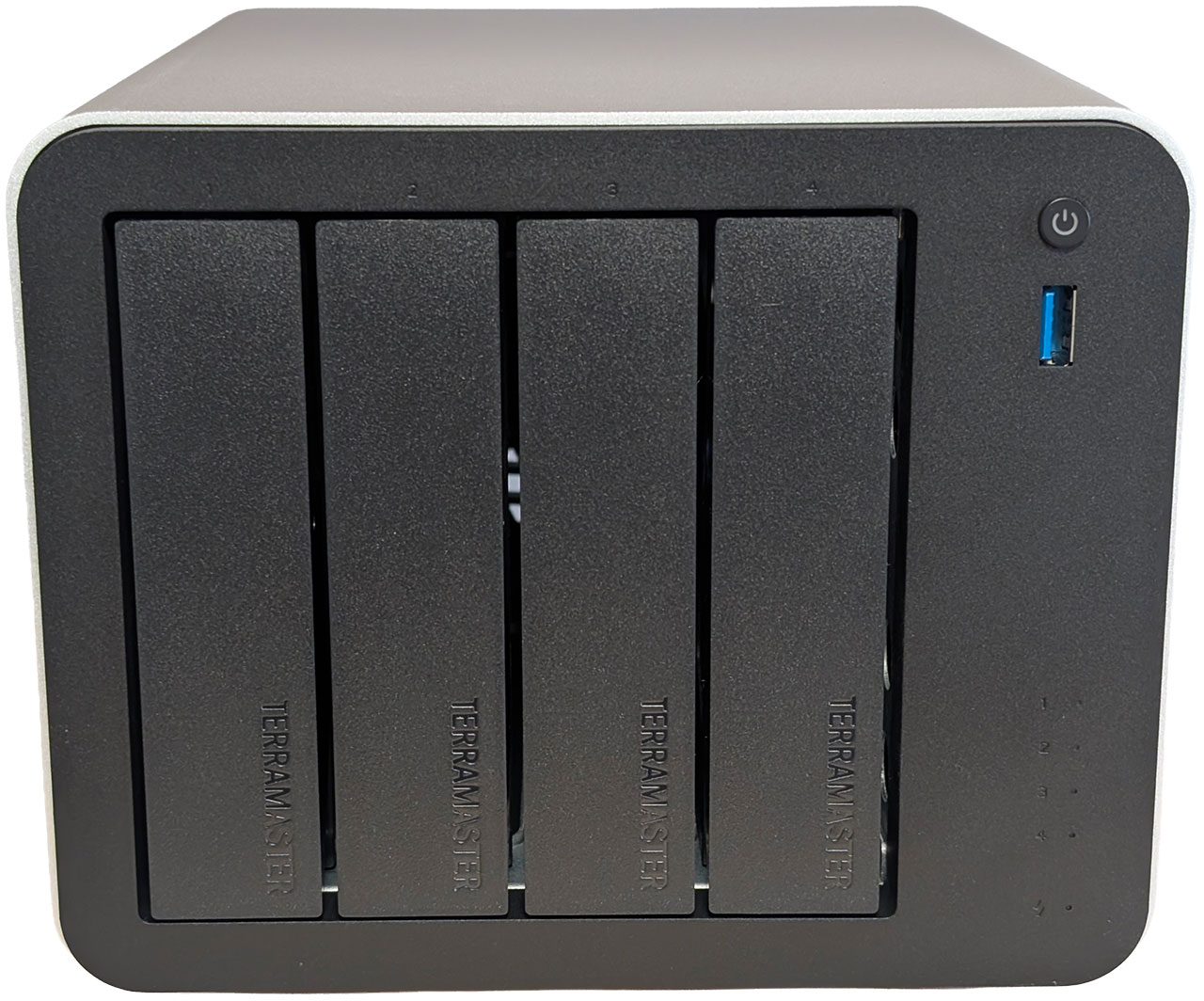
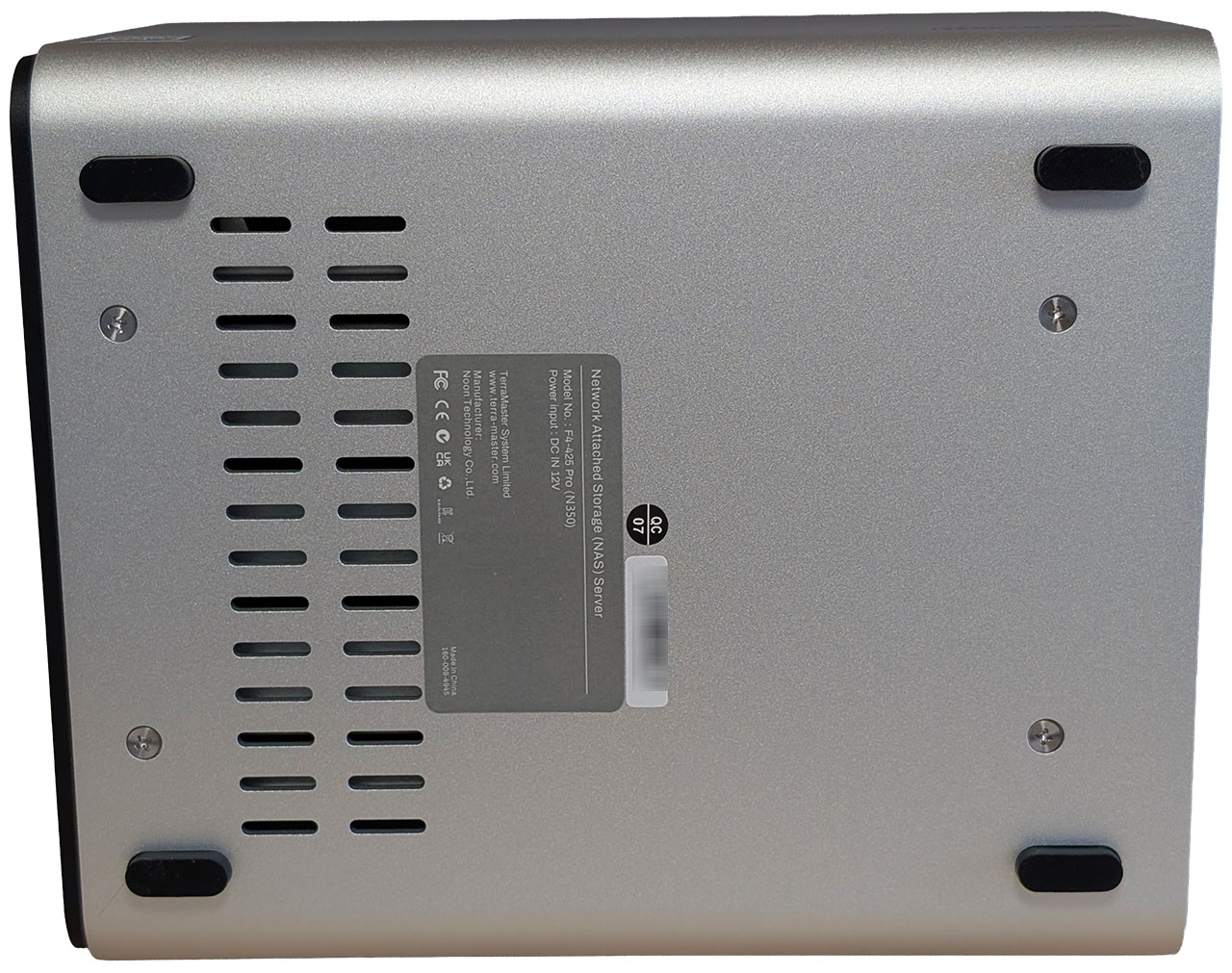
The F4-425 Pro looks identical to the F4-425 Plus and uses the new extruded aluminium housing alongside an internal mild steel "skeleton," to which the plastic front and rear of the F4-425 Pro are attached. This allows TerraMaster to change the internals as needed, as well as front and rear plastic panels—to suit different hardware—while being able to utilize the same piece of extruded aluminium.
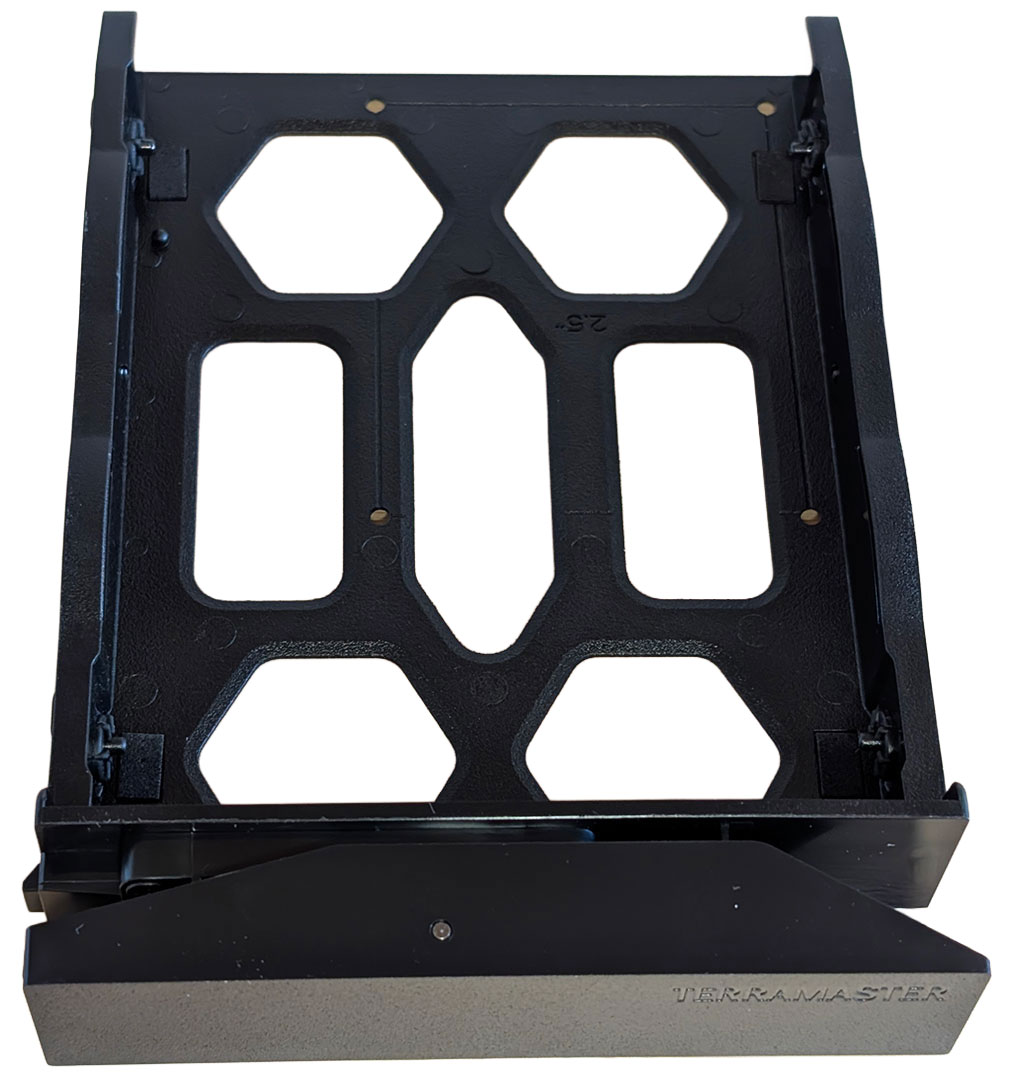
The drive trays remain identical to previous models, with the same tool-less design and lack of drive numbering.
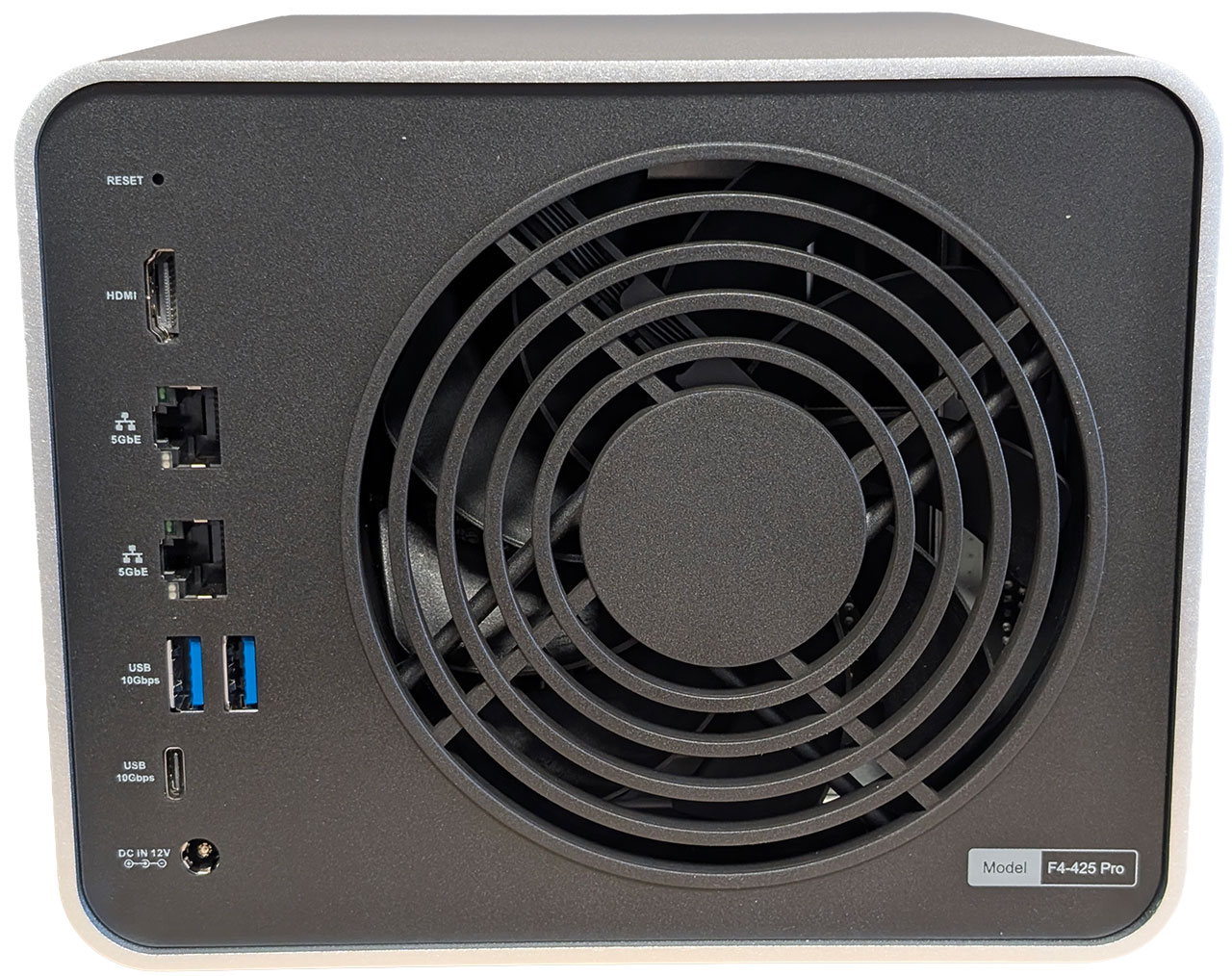
Moving around the back, things are pretty standard, with the F4-425 Pro sporting a reset pin-hole, an HDMI port, a pair of Ethernet ports—both delivering 5 Gbps throughput—two USB 3.2 Gen 2 (10 Gbps) Type-A ports, one USB 3.2 Gen 2 (10 Gbps) Type-C port and a 12 V DC power jack. This is also where the 120 mm fan is located. A further USB 3.2 Gen 2 (10 Gbps) Type-A port is located around the front, just below the power button.
The Interior
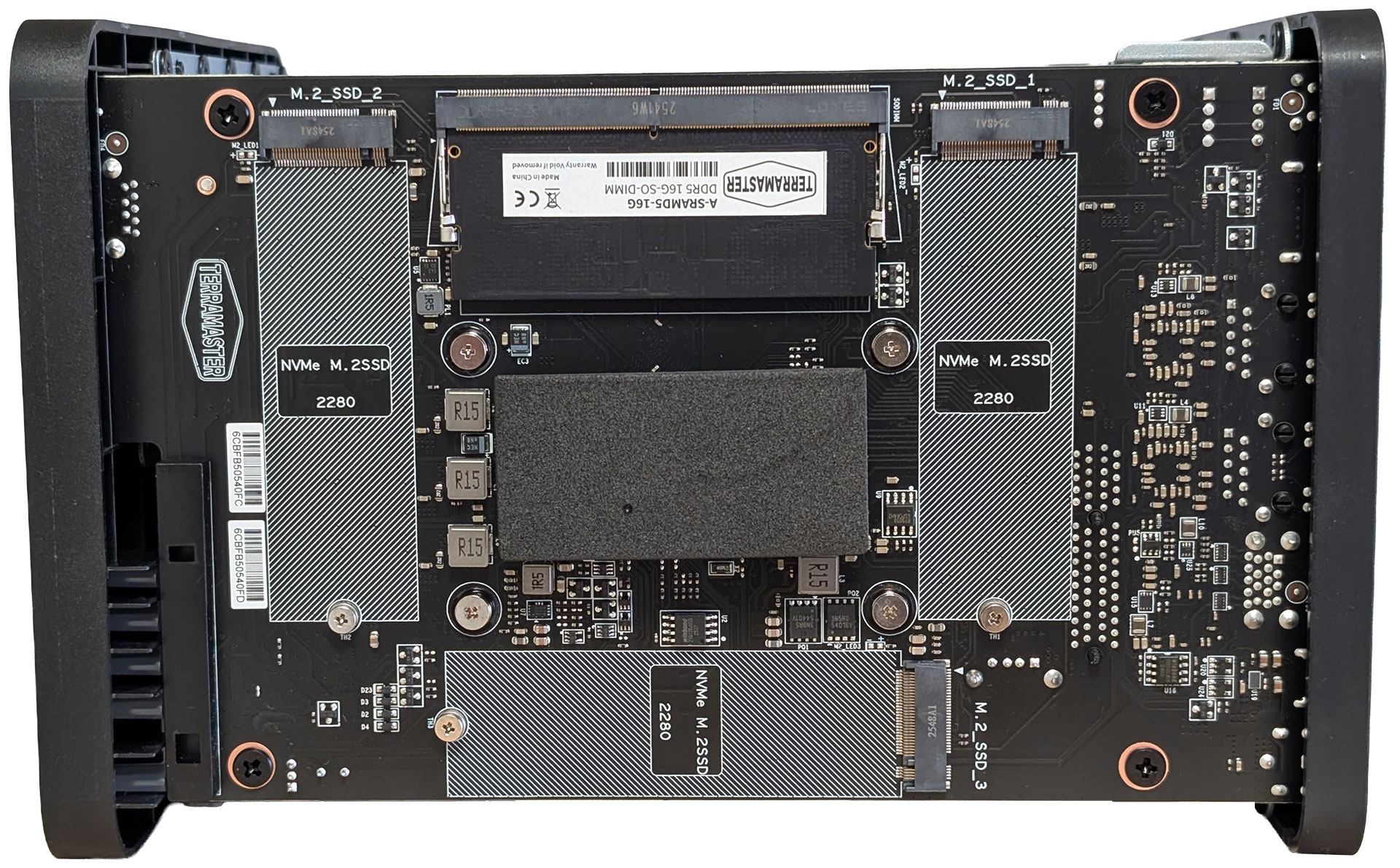
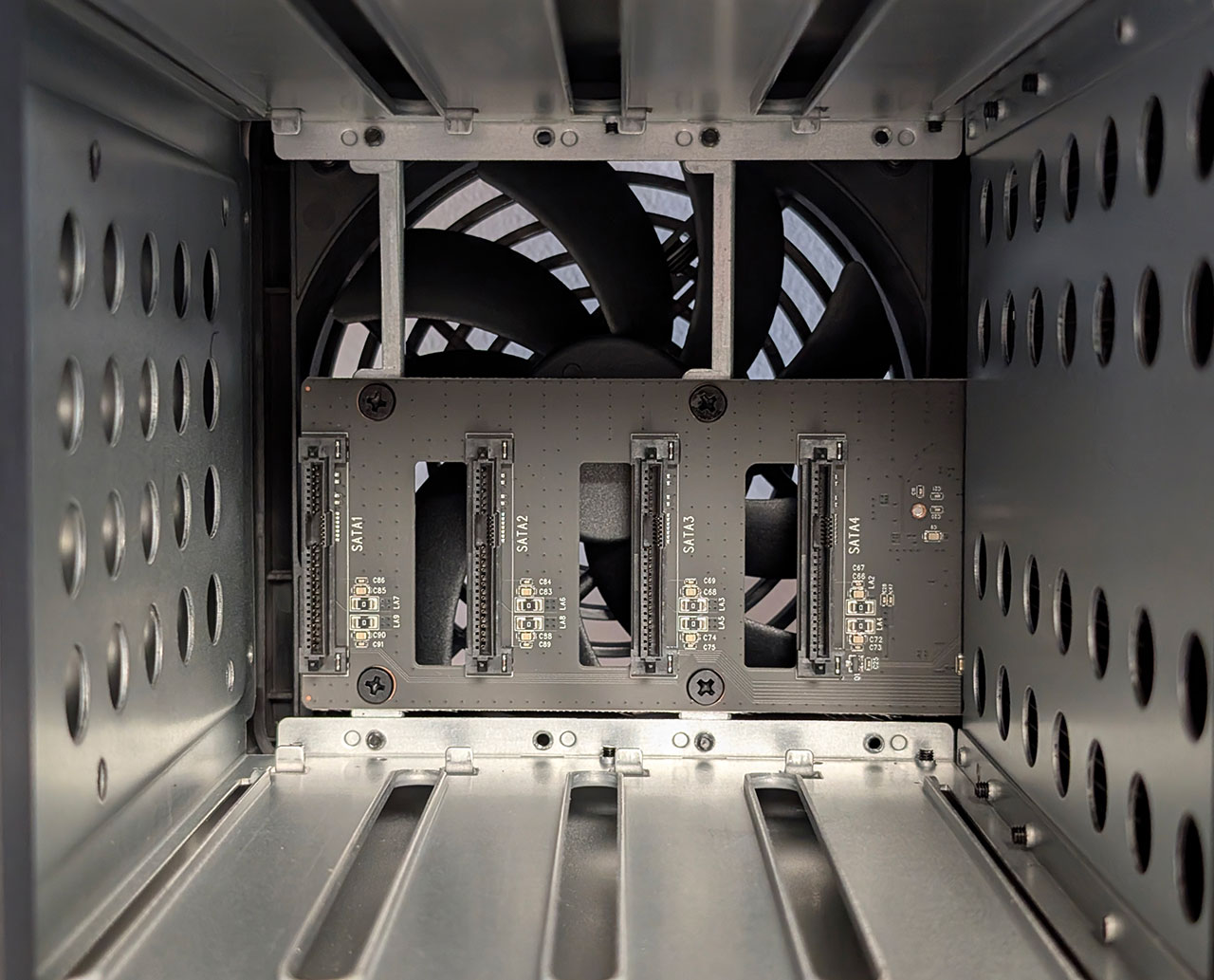
The internal construction of the F4-425 Pro is unsurprisingly, also identical to the F4-425 Plus, but this is a good thing, as it makes it easy to access the M.2 drive slots, as well as the single memory module.
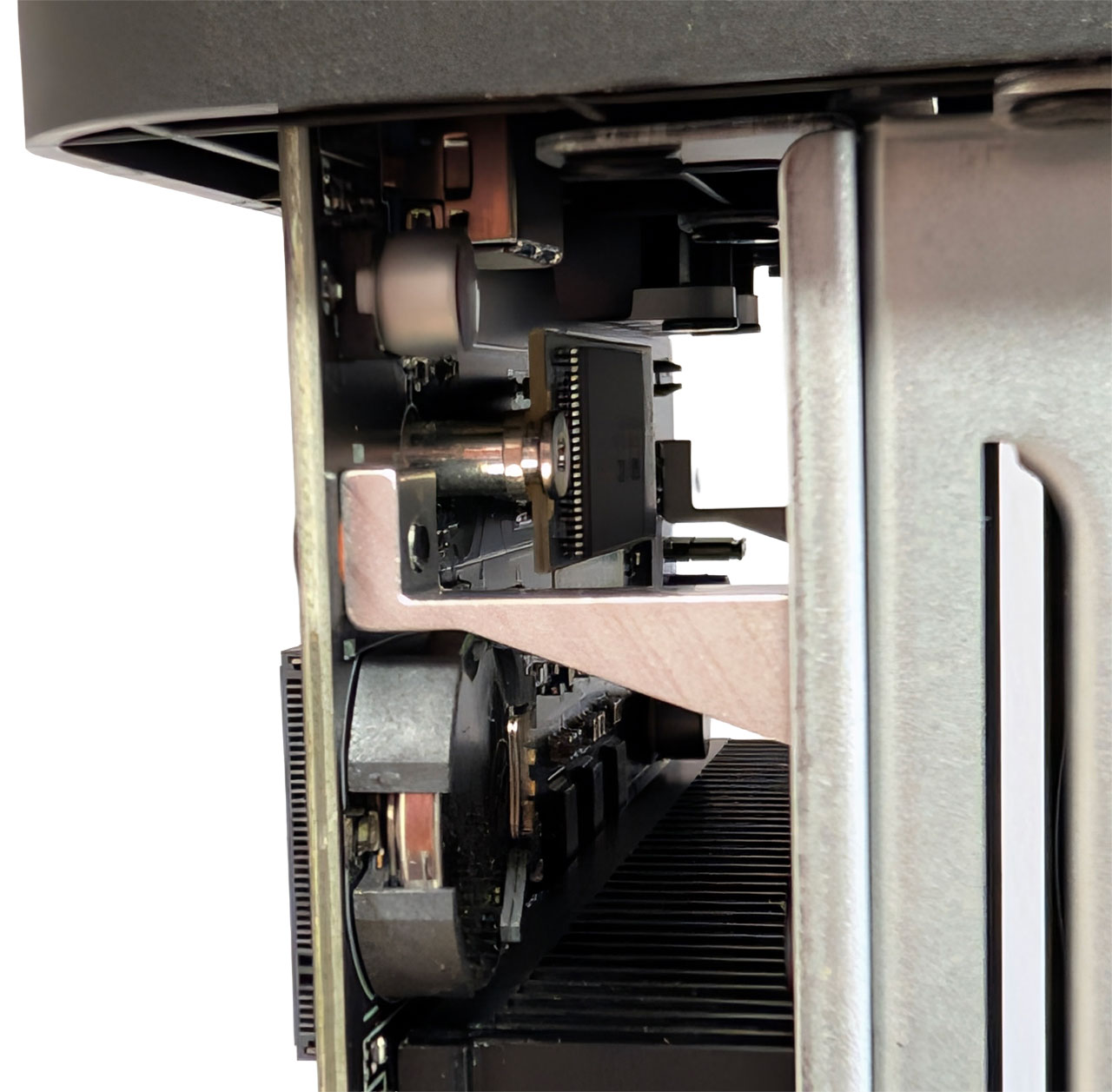

The motherboard itself appears identical to that in the F4-425 Plus, with a USB DOM being used for storing the OS image, instead of a USB drive. We don't really have a preference here, since the OS is installed on one of the user installed drives either which way. However, there's still an internal USB 2.0 Type-A port, although you'll have to use a fairly short USB drive for it to fit. On the other hand, you can access the USB port easily without having to remove the motherboard.
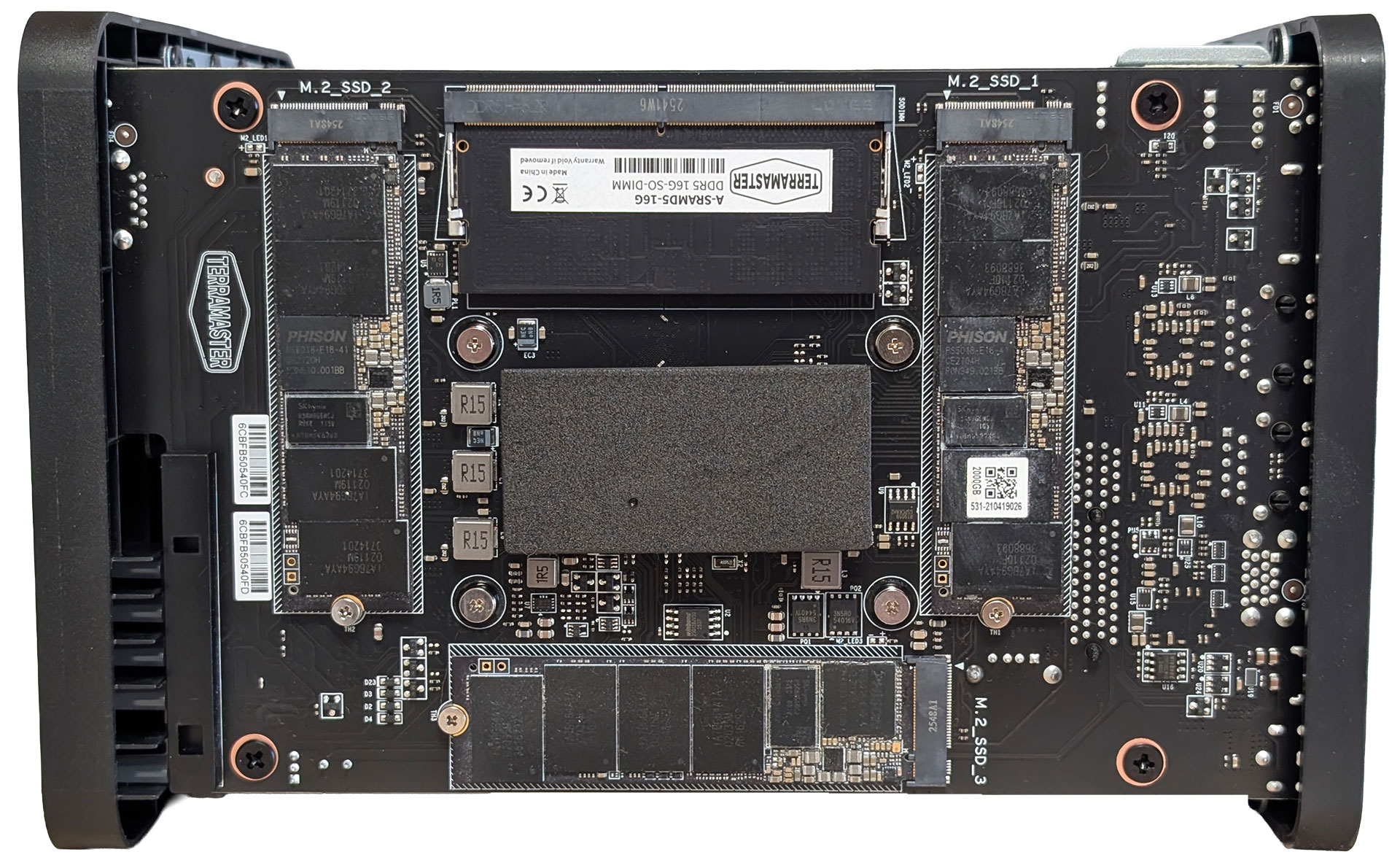
On the side that is facing outwards, we find three M.2 2280 NVMe slots, all of which are PCIe 3.0 x1 in terms of bandwidth, which was pretty much expected, considering that the Intel Core 3 Processor N350 is limited to nine PCIe 3.0 lanes, of which two are used up by the two 5 Gbps Ethernet controllers and a third one taken up by the SATA controller, although it seems like it might've been possible to assign two lanes per slot, unless the SATA ports from the SoC are shared with PCIe lanes. Here is also where you'll find the single SO-DIMM slot, populated by a 16 GB DDR5 module, which is a bit surprising considering the current memory pricing. TerraMaster doesn't actually provide any specs for the installed SO-DIMM, but courtesy of the Linux based operating system, we know the module is made by KingboMars Technology, and it's operating at 4800 MT/s due to the Intel Core 3 Processor N350 not having a faster memory controller, despite the fitted module offering speeds of up to 5600 MT/s. We're not entirely sure what the sponge square above the memory module is for though.
Other hardware worth noting includes the two Realtek RTL8126 5 Gbps Ethernet controllers, a Realtek RTS5432 USB 3.2 Gen 2 (10 Gbps) hub and an ASMedia ASM1062 2-port SATA controller, which is located on the SATA riser. The other two SATA ports are connected directly to the Intel Core 3 Processor N350 SoC. As with the F4-425 Plus, a standard 4-pin fan header is used, which makes it easy to swap out the fan for a quieter model, something that is sadly still needed, but more on that in our noise testing section.
The F4-425 Pro carries over all the changes we saw in the F4-425 Plus and overall, this is a pretty good design, with the only exception being the fan that TerraMaster uses, but that's really a minor complaint. The faster CPU in the F4-425 Pro, alongside the better GPU might appeal to those doing a lot of video transcoding and encoding, but the question is if it'll offer any other performance advantages over the Intel Processor N150 in the F4-425 Plus, especially as there's quite a price gap between the two models.
Nov 22nd, 2026 02:31 PST
change timezone
Latest GPU Drivers
New Forum Posts
- Local LLM General Discussion (695)
- Honestly, do you care about GTA VI? (241)
- Ryzen or Intel system (15)
- RX 580 2048SP 8GB - SK Hynix - Ardiyes - BIOS Needed (3)
- How to prevent OLED burn damage due to PC freezes or power outtages? (53)
- Your PC ATM (36447)
- SATA drive 1.4 GBps with Intel X25-E on Windows 98! (41)
- TPU's Nostalgic Hardware Club (22191)
- AI generated images... (231)
- RX 9000 series GPU Owners Club (2252)
Popular Reviews
- Microsoft Surface Laptop Ultra Review - The Next-gen Arm Laptop
- Corsair RM1200e (Second Generation) Review
- Pulsar Office Tour & First Look at P1 Dual-Sensor Mouse
- Upcoming Hardware Launches 2027 (Updated Nov 2026)
- Ugreen NASync DXP4800 GT Review
- AMD Ryzen 7 9800X3D Review - The Best Gaming Processor
- Biwin Black Opal NV7400 2 TB Review
- AMD Zen 6 Technical Deep Dive
- Phantom Blade Zero Performance Benchmark Review - 35 GPUs Tested
- AMD Ryzen 7 5800X3D 10th Anniversary Review
TPU on YouTube
Controversial News Posts
- NVIDIA Co-Founder and CEO Jensen Huang Officially Resigns (492)
- Report: Jensen Huang Eyes NVIDIA Comeback (262)
- Open Letter Asking NVIDIA to Reinstate Jensen Huang Passes 115,000 Signatures (184)
- OpenAI CEO Argues Home PCs Waste the World's Limited DRAM Supply (152)
- NVIDIA Launches Investigation Into Jensen Huang's Relationship With Suspected Chinese Spy (136)
- Intel "Raptor Lake Next" 16-Core and 20-Core CPUs Surface (130)
- NVIDIA GeForce RTX 50-Series Scheduled for up to $500 Price Hike This Week (89)
- Intel Razor Lake Gets a 12 P-Core bLLC Chip With No E-Cores, Per Leak (86)