 6
The Blood of Dawnwalker Handheld Performance Review
Performance »Out-of-Box Experience on SteamOS
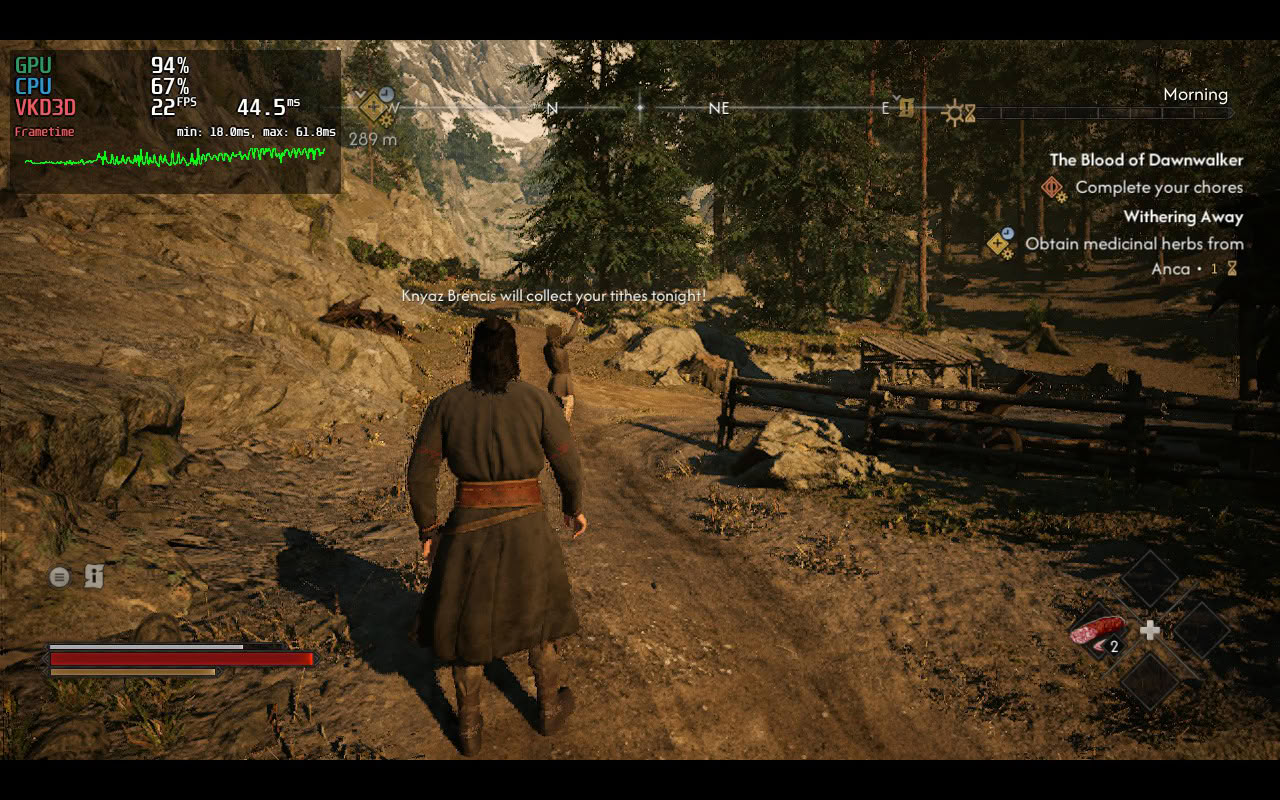
We didn't encounter any issues launching the game on SteamOS. You don't have to wait for shaders to compile on the start screen, but you will have to wait a bit for shader compilation to finish when you start a new game, and after you change the Effects Quality setting for the first time. The good news is that you don't have to sit through shader compilation screens during subsequent launches.
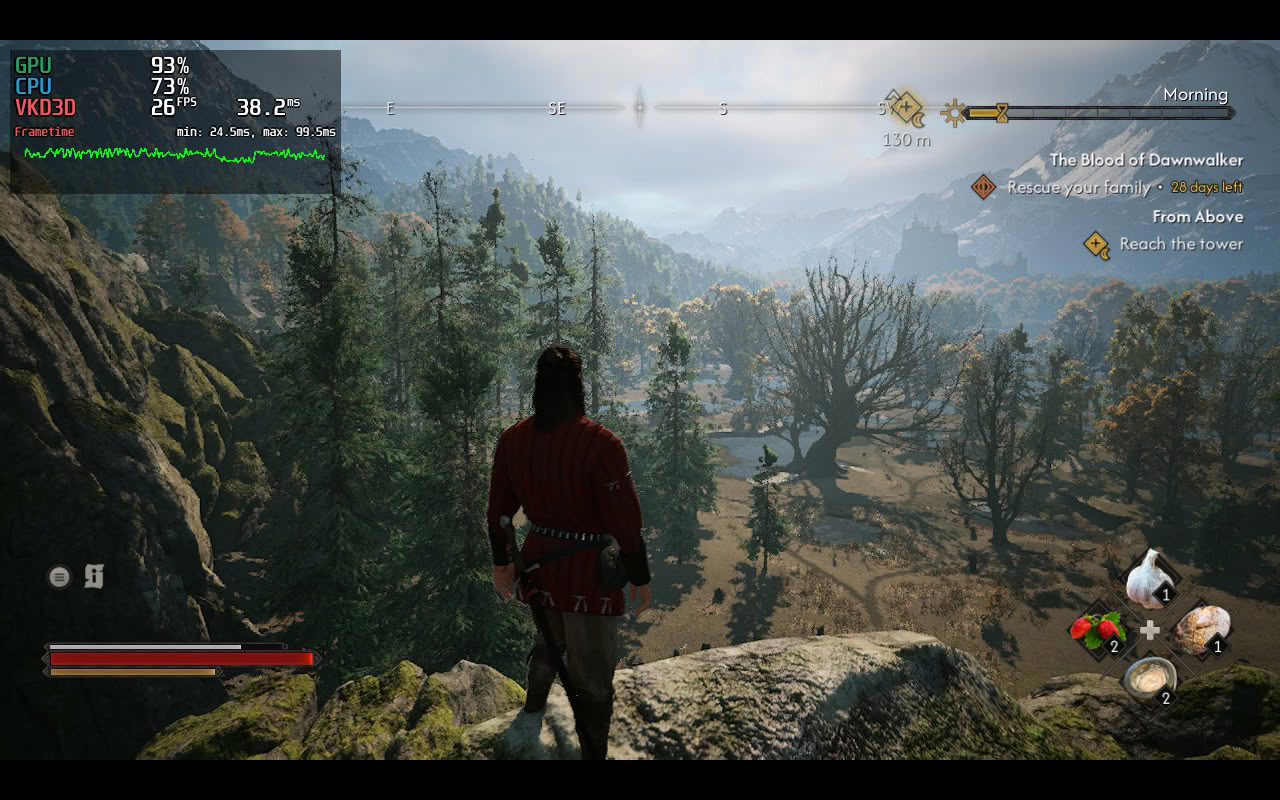
What's not so good is how the game performs on the Steam Deck. While you can achieve a kind of 30 FPS experience, frame times are too unstable for our taste, and no matter how low we went, we couldn't achieve stable 30 FPS performance.
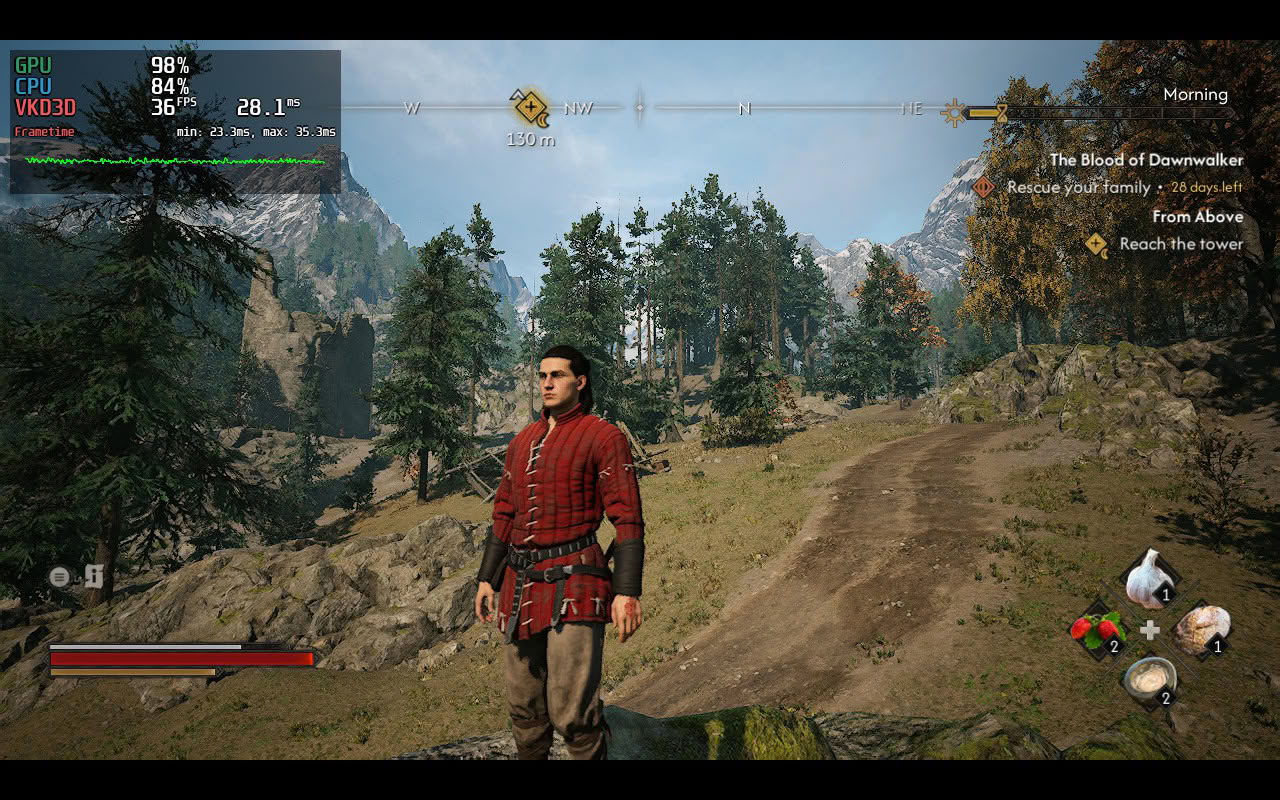
In other words, the game is not playable on Steam Deck by our standards, but if you can swallow dips to the low-20s and unstable frame times, you might end up enjoying it. Activating frame generation isn't recommended because at such low FPS, the input lag combined with stuttering makes everything feel far too floaty and jittery for our taste.
Out-of-Box Experience on Windows

On Windows, we had to wait for about five minutes for shaders to compile during the initial launch, along with about a minute or so when we started the game and changed the Effects Quality setting. The only outlier was the MSI Claw 8, which, for some reason, took more than 10 minutes to compile shaders during the initial launch.

We played the game mostly on the MSI Claw 8 EX and can say that, once you nail down the settings (which we'll share with you in the Optimized Settings section), The Blood of Dawnwalker is very playable on the Intel G3 Extreme handheld while also looking pretty solid. While the ASUS ROG Xbox Ally X can't match the Claw 8 EX, we found that it, too, can run the game at 1080p at playable frame rates and with more than serviceable image quality. Even the ROG Ally X and the MSI Claw 8 can run the game at a stable 30 FPS; you just have to temper your expectations, set almost everything to Low, and drop the resolution to 900p (Ally X) and 1050p (Claw 8).
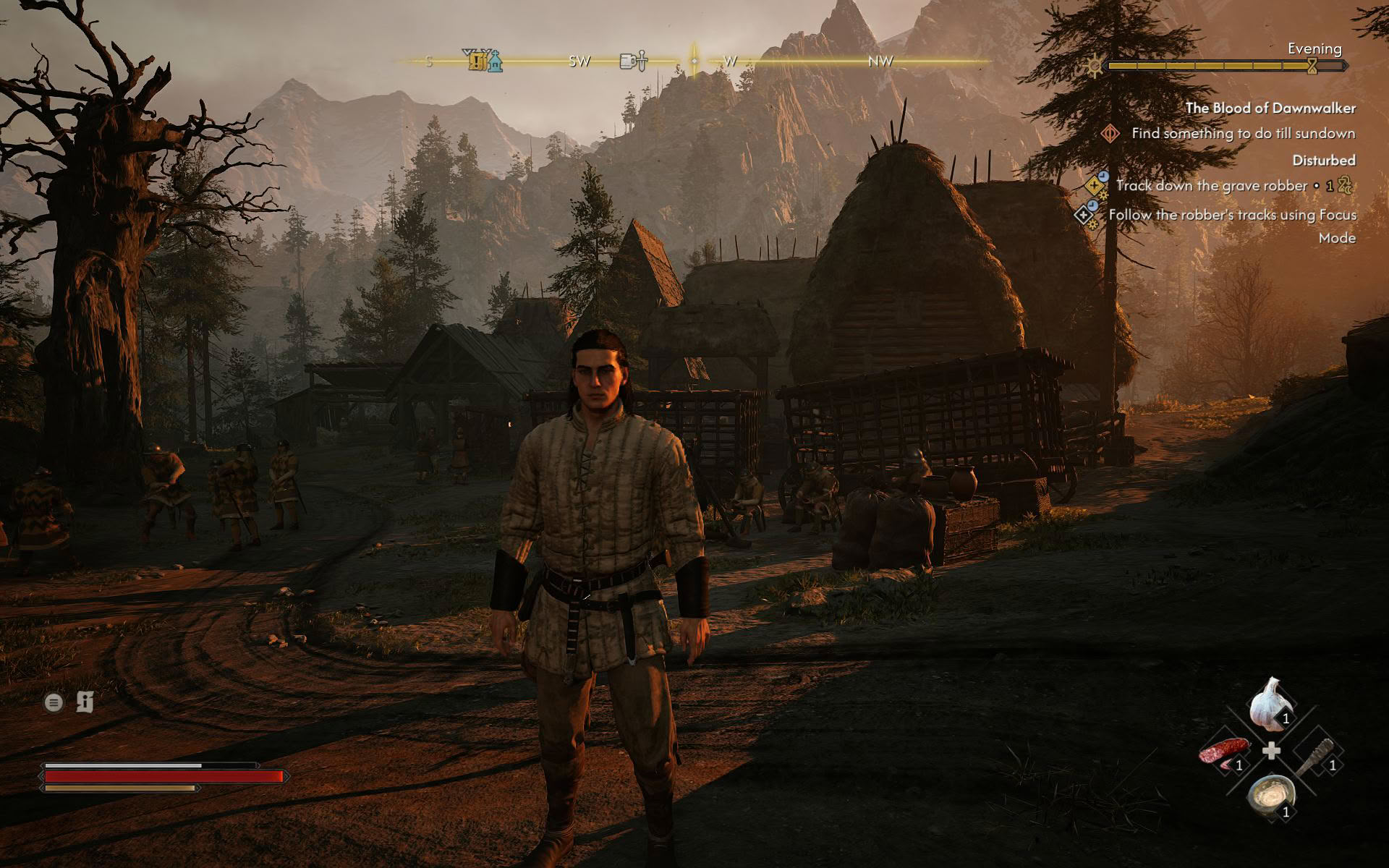
While the game can look quite attractive at times, we have to say that it is too demanding for what it brings to the table. On top of quite high system requirements, The Blood of Dawnwalker also suffers from unstable frame times. While the situation is far from the stutter-fest found in Star Wars Zero Company, you will have to put up with fairly frequent traversal stuttering that mars the overall experience and enjoyment of the game. Still, the good news is that you can get a playable experience on all four Windows handhelds we tested the game on.
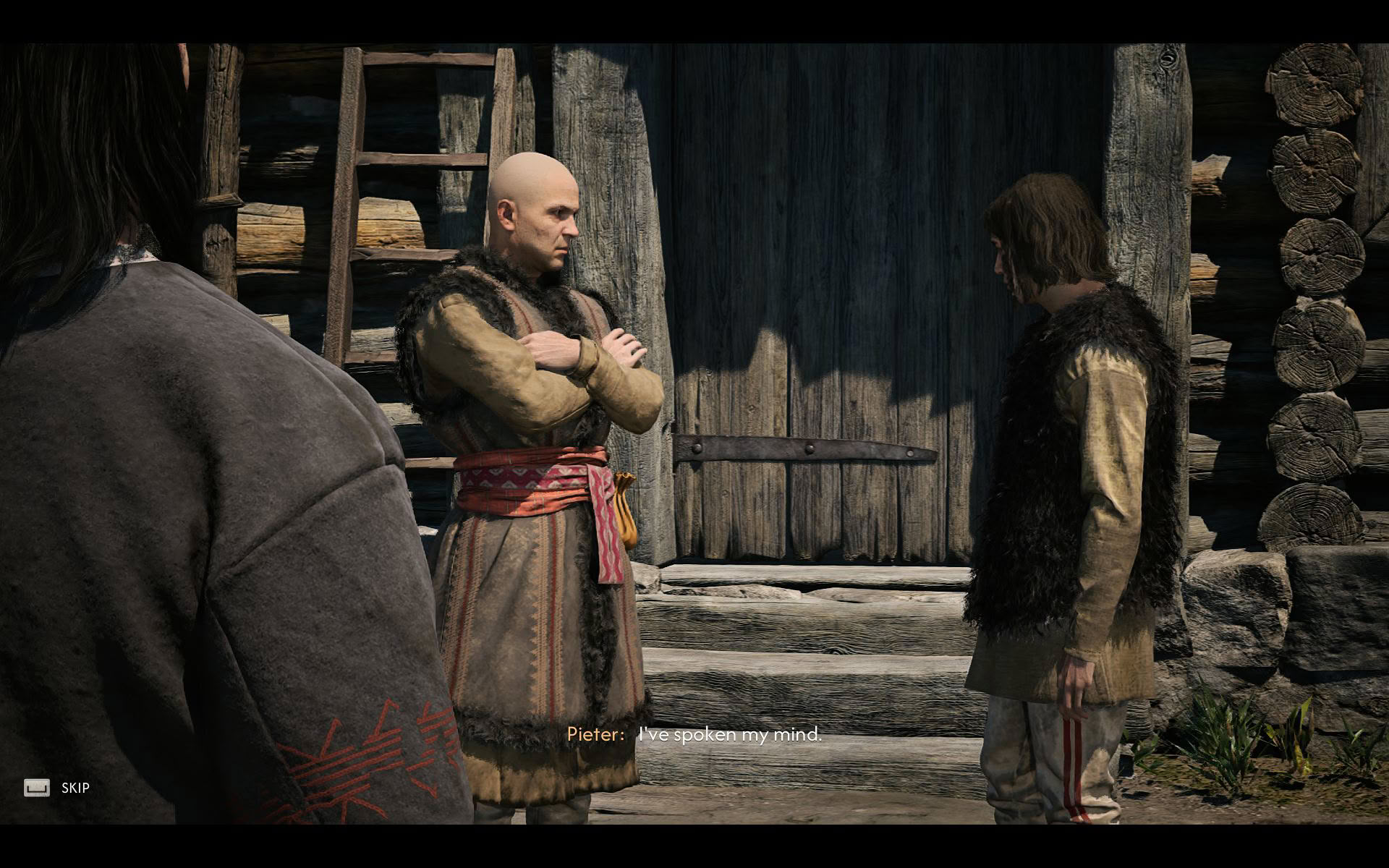
Aside from traversal stuttering, The Blood of Dawnwalker also suffers from a few annoying bugs. For starters, don't run the game in Windowed Fullscreen due to the severe performance issues that arise in that mode. We strongly suggest playing the game in Full Screen and Full Screen only. Next, when playing with a controller, Coen stops in his tracks whenever you change direction with the left stick or release it, no matter how slightly, which we found very annoying. Luckily, the developers have recognized both of those bugs and will provide a fix in a future update.
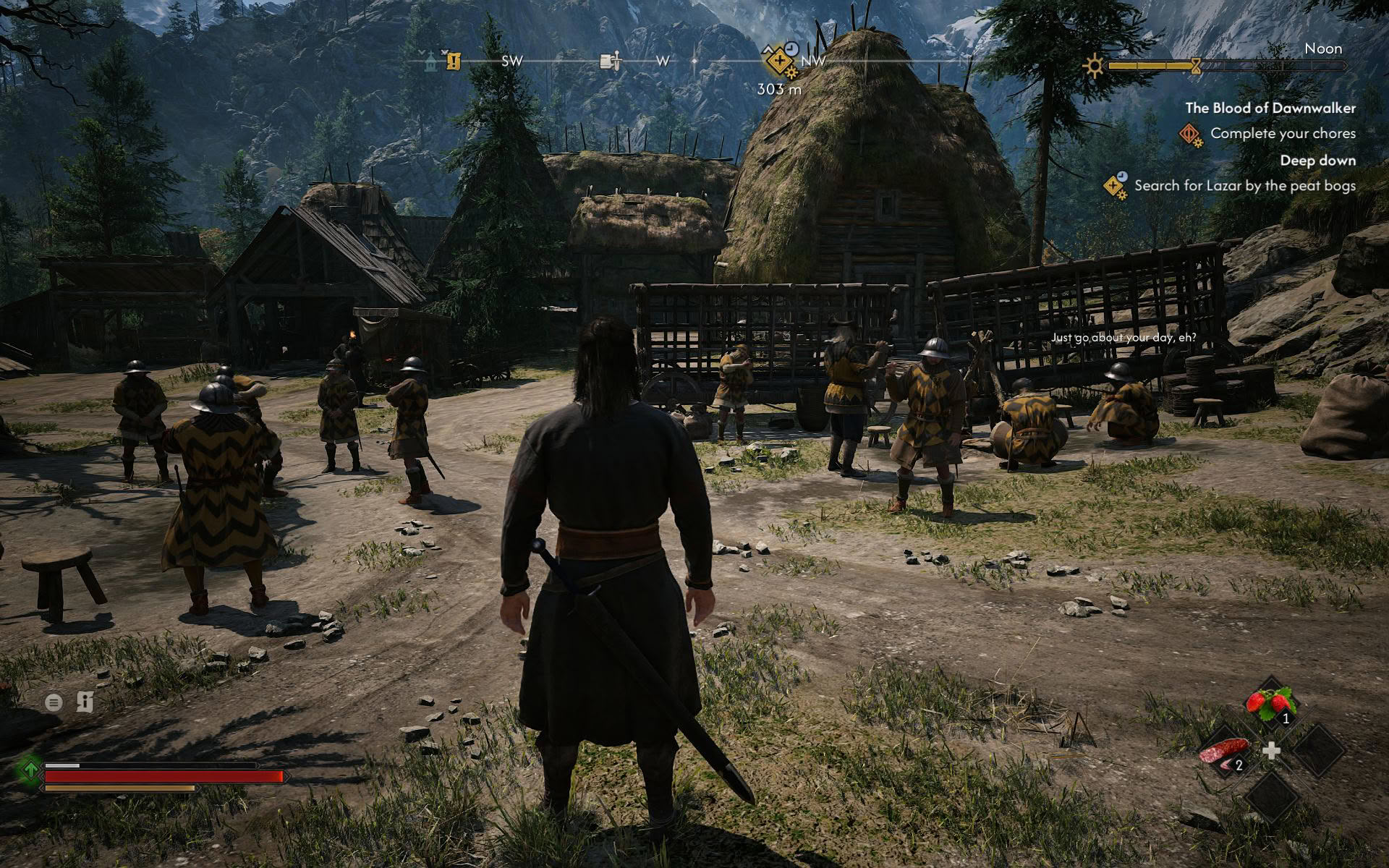
As for controller support, aside from that annoying movement bug, The Blood of Dawnwalker plays great with a controller.
Nov 11th, 2026 17:54 CST
change timezone
New Forum Posts
- WarpCoreBench scores! (14)
- Warning for Windows 10 and 11 users running newer AMD GPU drivers (49)
- Bought MAX-P495 - Which model? (29)
- GeekMagic Ultra Smart WiFi Weather Station (3)
- DTS DCH Driver for Realtek HDA [DTS:X APO4 + DTS Interactive] (2809)
- Rare GPUs / Unreleased GPUs (2271)
- Samsung 870 EVO - Beware, certain batches prone to failure! (1486)
- Windows new update 26H2 - Throttlestop (10)
- When you could finally run Crysis maxed out? (42)
- TPU's F@H Team (20569)
Popular Reviews
- AMD Zen 6 Technical Deep Dive
- Upcoming Hardware Launches 2027 (Updated Nov 2026)
- Gigabyte Z890I Aorus Ultra Review
- XPG NIMBUS PLUS Review - Mid-range Chair With Strong Competitors
- INNOCN 45C1R Review - Two QHD Screens, Zero Bezels
- NZXT H7 RGB+ Review
- Phantom Blade Zero Performance Benchmark Review - 35 GPUs Tested
- Gears of War: E-Day Performance Benchmark Review - 35 GPUs Tested
- NZXT H5 Review
- be quiet! Light Mount TKL Keyboard Review
TPU on YouTube
Controversial News Posts
- OpenAI CEO Argues Home PCs Waste the World's Limited DRAM Supply (152)
- NVIDIA Launches Investigation Into Jensen Huang's Relationship With Suspected Chinese Spy (136)
- Intel "Raptor Lake Next" 16-Core and 20-Core CPUs Surface (130)
- Legendary Game Studio BioWare Shuts Down Following EA Layoffs (104)
- Dell CEO Says the Memory Shortage Will Get Worse in 2027 (95)
- NVIDIA GeForce RTX 50-Series Scheduled for up to $500 Price Hike This Week (89)
- Modder Fits RTX 5090 With Four 8-Pin Connectors, Halving Current per Wire (80)
- AMD Radeon Owners Can Now Run Nearly Every DLSS Feature Through Fan-Made Mod (80)