 23
Ugreen NASync DH2300 Review
Initial Setup & UGOS Pro »Packaging and Bundle
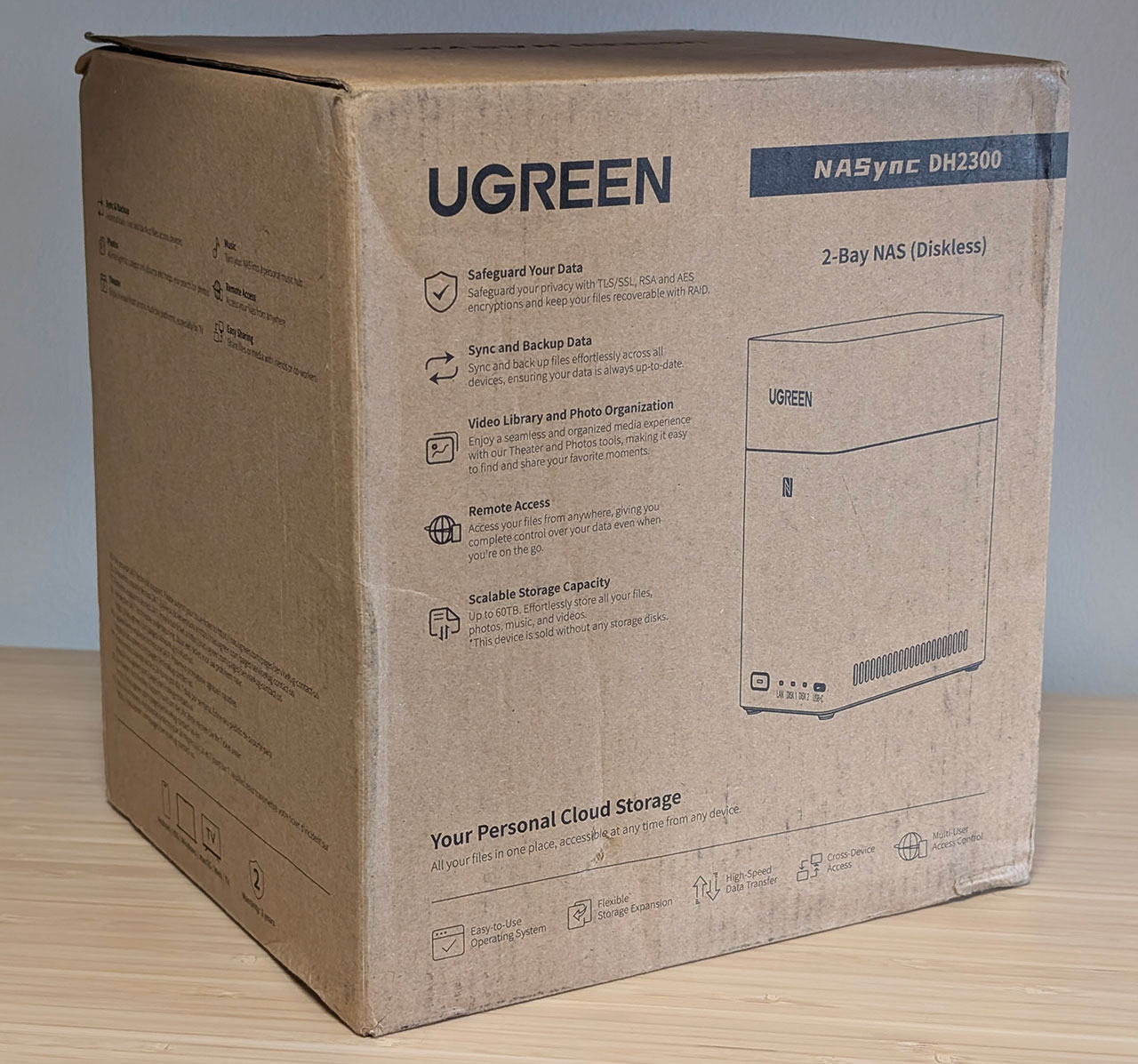
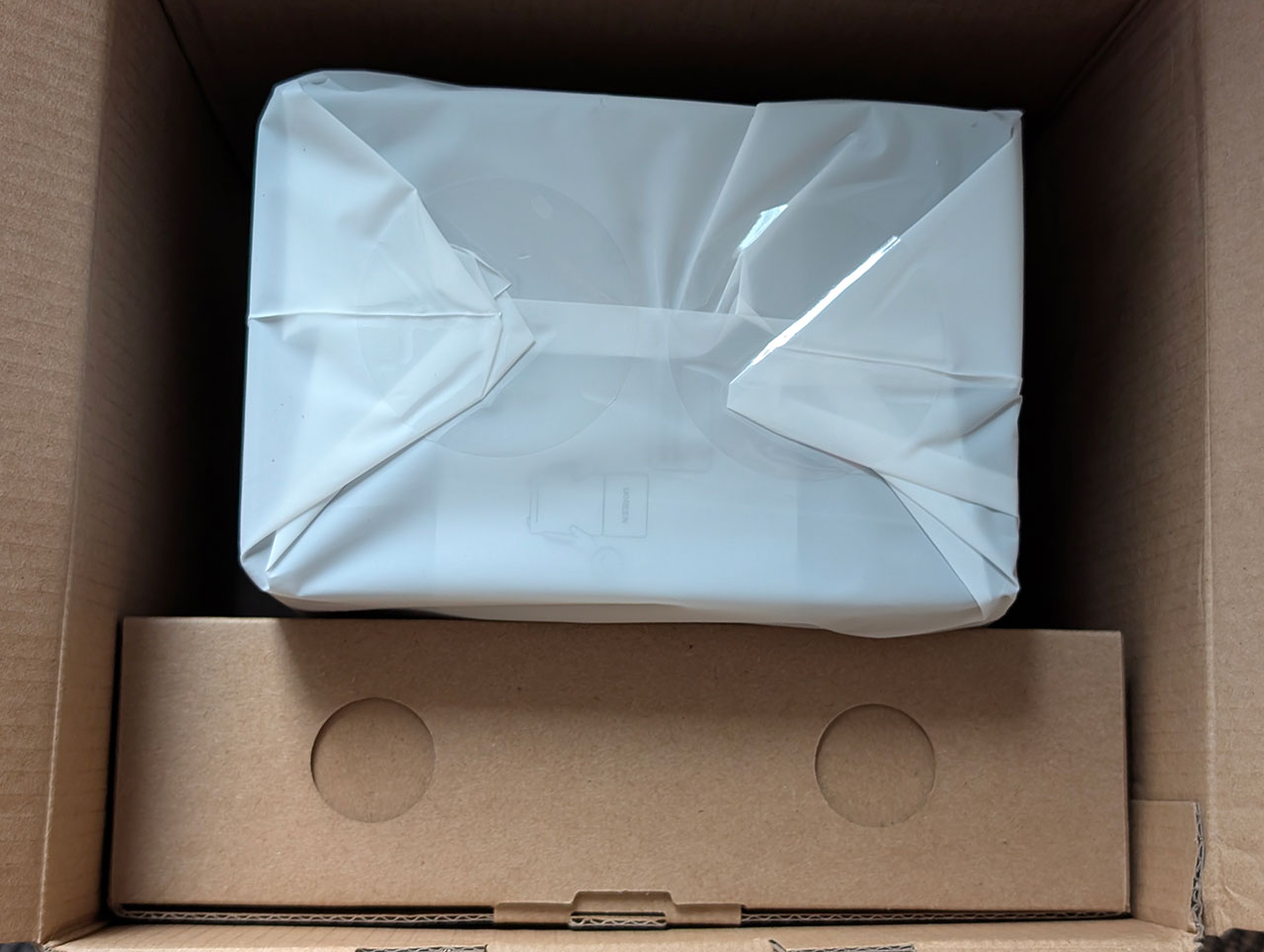
The NASync DH2300 ships in a brown cardboard box and as Ugreen didn't bother putting our review unit in another box, we're not entirely sure about what's on the backside of the box, as it was covered with shipping labels. The NAS itself is held within the box by two foam/cardboard sheets, and there's a separate internal box for accessories.
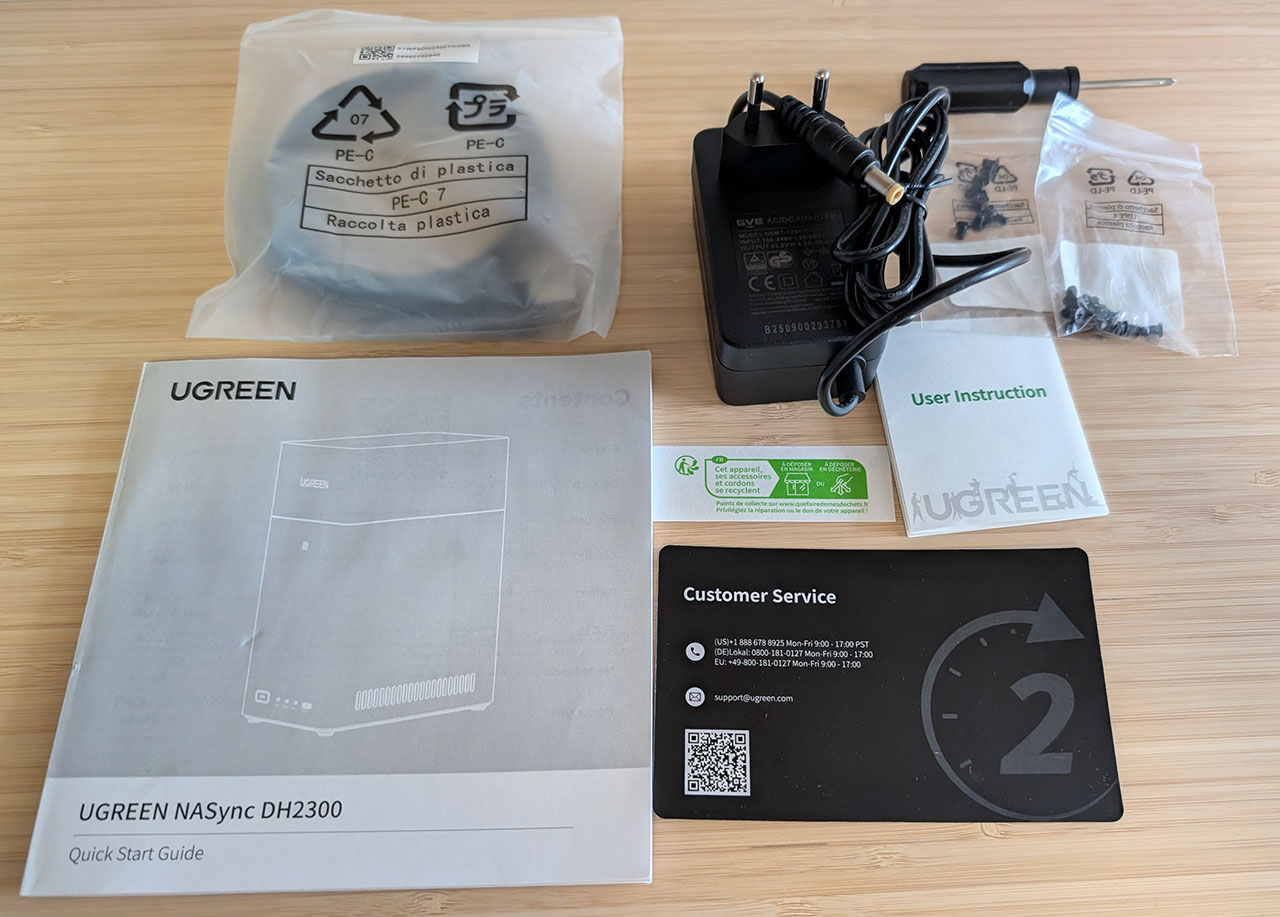
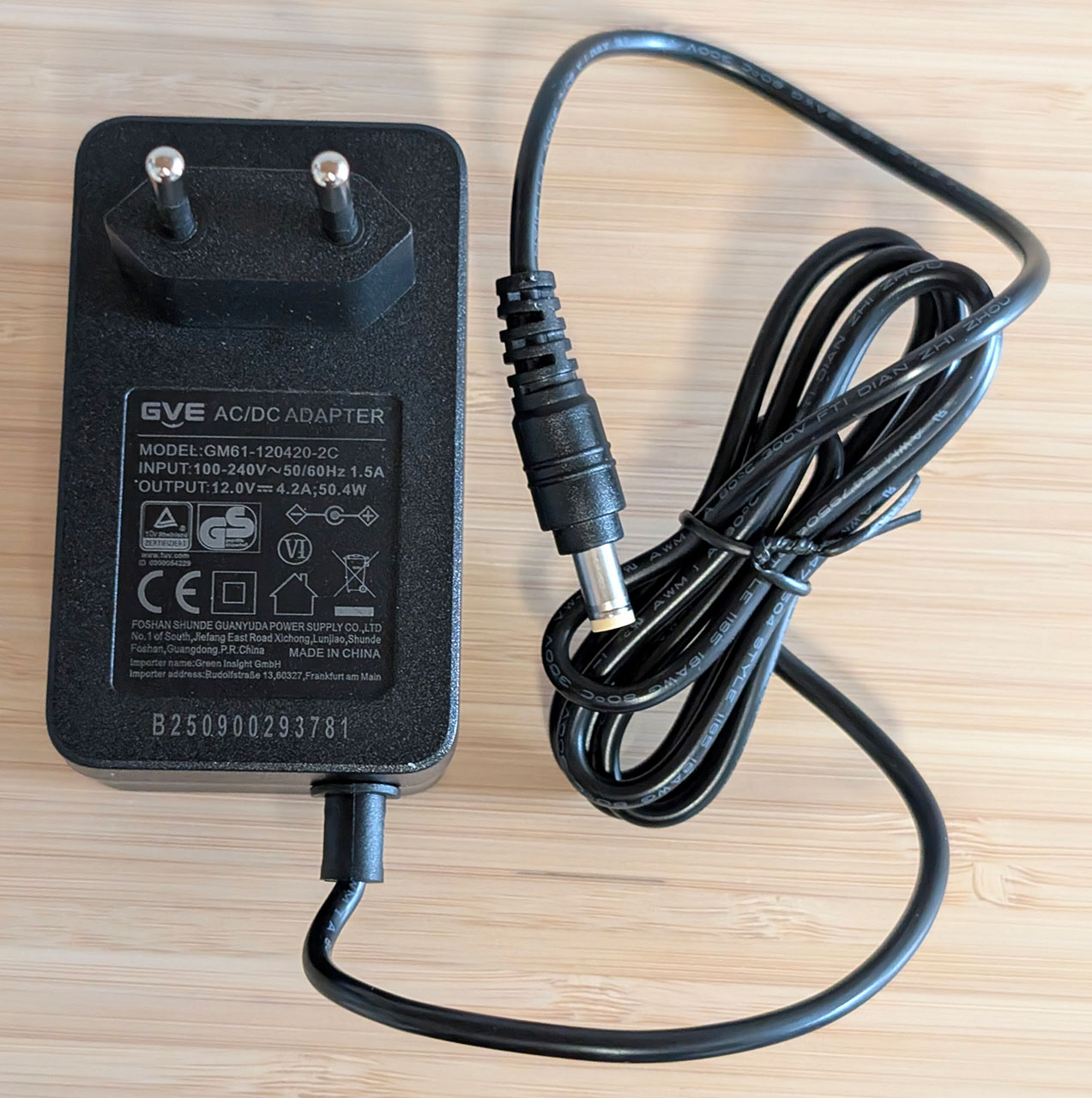
The accessory bundle includes a quick start guide, a user instruction manual, a support card, two bags of screws, a small screwdriver, an Ethernet cable and a power adapter. The power adapter is from a company we've never heard of before called GVE, or Foshan Shunde Guanyuda Power Supply Co. Ltd., if you want the full name, and it's rated at a rather unusual 50.4 W.
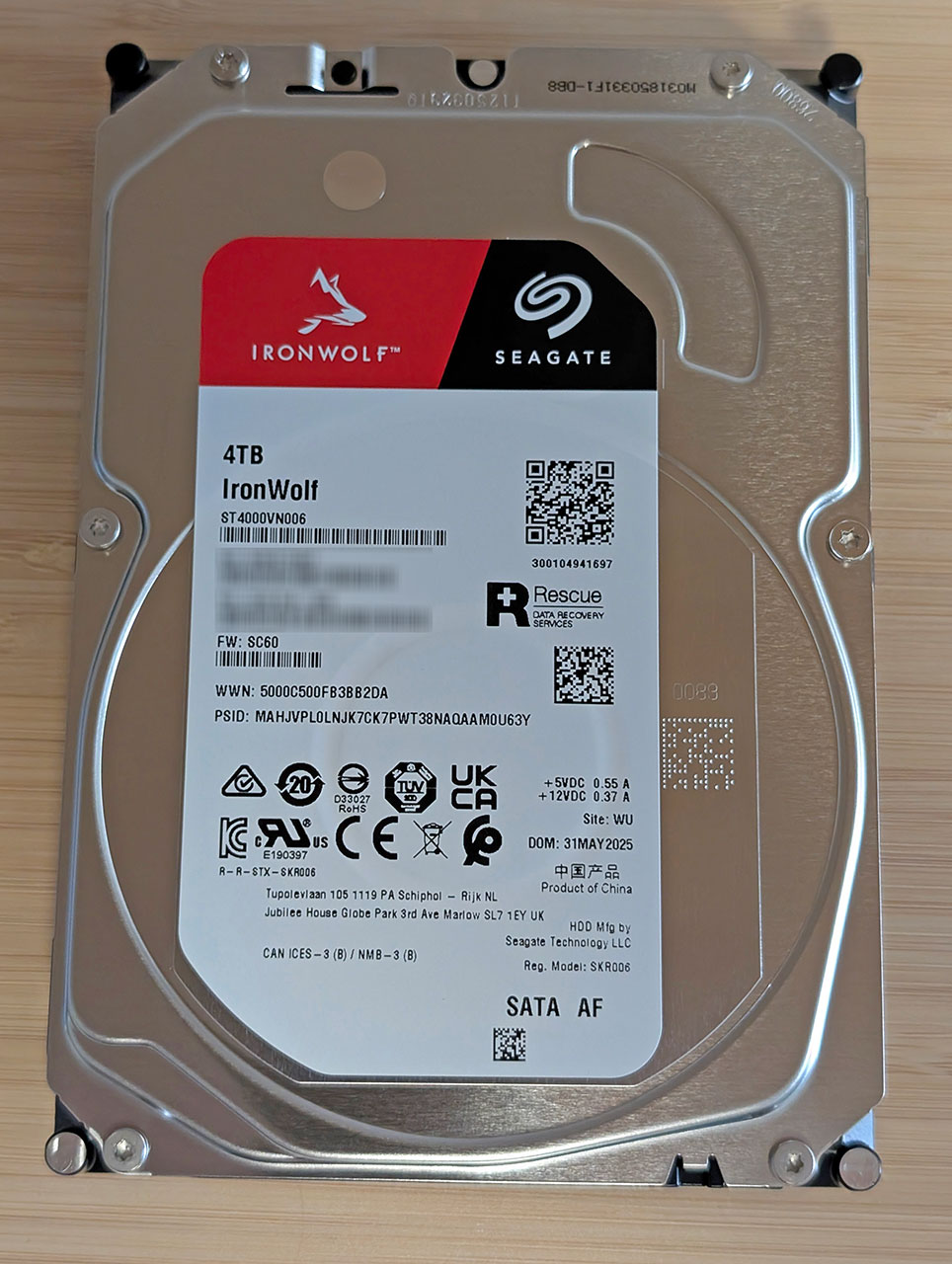
Ugreen also provided us with a pair of 4 TB Seagate IronWolf hard drives for our testing, and we'll use these drives for future two-bay NAS reviews. This also means that the test results won't be quite comparable with other devices we've tested so far.
The Exterior


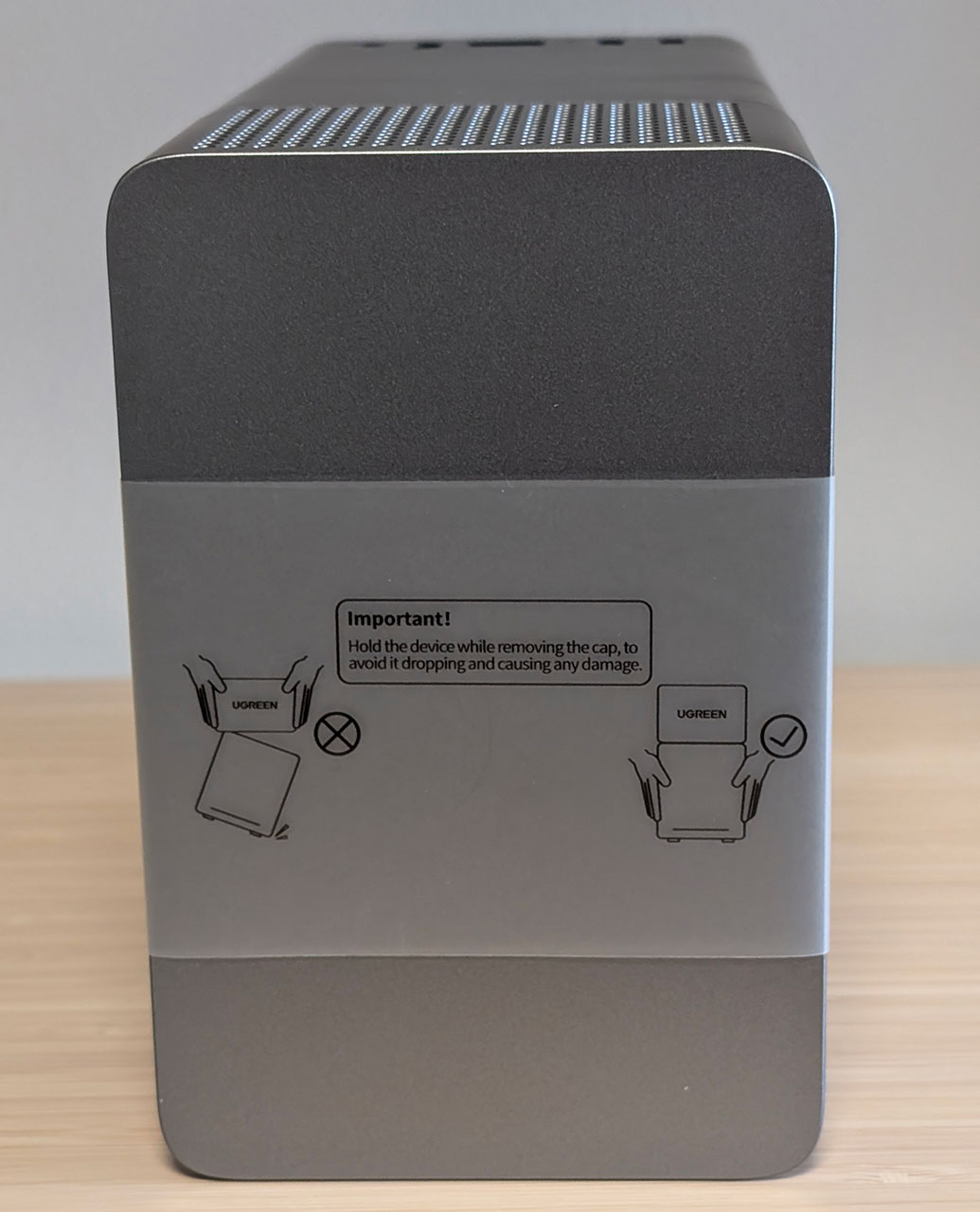

Ugreen has gone for a rather different design with the NASync DH2300 and although it's not entirely unique, NASes with this type of design are often units that ship with pre-installed drives from companies like Western Digital. The tall housing is made up out of two parts in darker and lighter plastic, where the top can be removed—it really needs a couple of magnets to hold it in place in our opinion, as it comes off way too easily—to reveal the two drive bays. Inside the top cover is a QR code that you can scan in the Ugreen NAS app to quickly connect to the NAS during the first time setup, alternatively there's also an NFC tag on the front of the devices that does the same. The NFC tag also launches the app for you—even after the initial setup—but we're not entirely sure how useful either option is, as the app—both on mobile devices and on desktop—will find the NAS on your network for you. On the other hand, it should be impossible to not find your NAS on the network, as long as it's connected, powered on and working.
One slight complaint here—which Ugreen seem to have noticed and which might be obvious in the pictures here—is that the removable top is sitting a little bit loose on top of the device. The NASync DH2300 ships with a ribbon wrapped around it that holds the top in place and there's even a warning not to hold the device by the top part. Despite being held in place with a few magnets, it comes off very easily. Note that you can't place the top on back to front, as it will then "levitate" just above the lower half courtesy of the magnets. It's not the end of the world, but a slightly different design might've avoided this problem.
As mentioned, the front of the NASync DH2300 is home to a NFC tag and this is also where the power button, three LEDs and a USB 3.2 Gen 1 (5 Gbps) Type-C port is located. Around the back is a pair of USB 3.2 Gen 1 (5 Gbps) Type-A ports, a reset pin-hole, an RJ45 connector for the Gigabit Ethernet interface, an HDMI 2.0 port and a 12 V DC barrel jack.
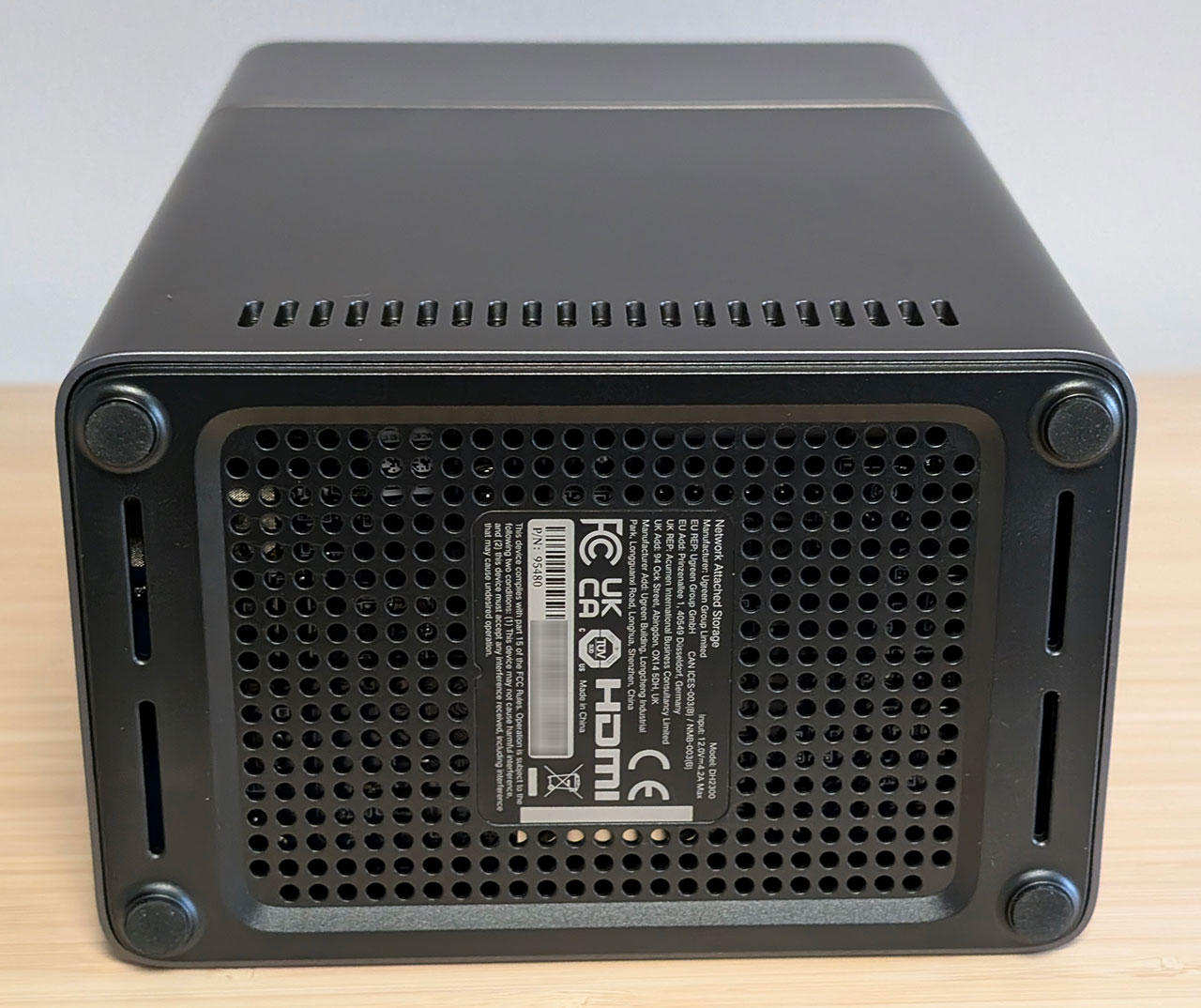
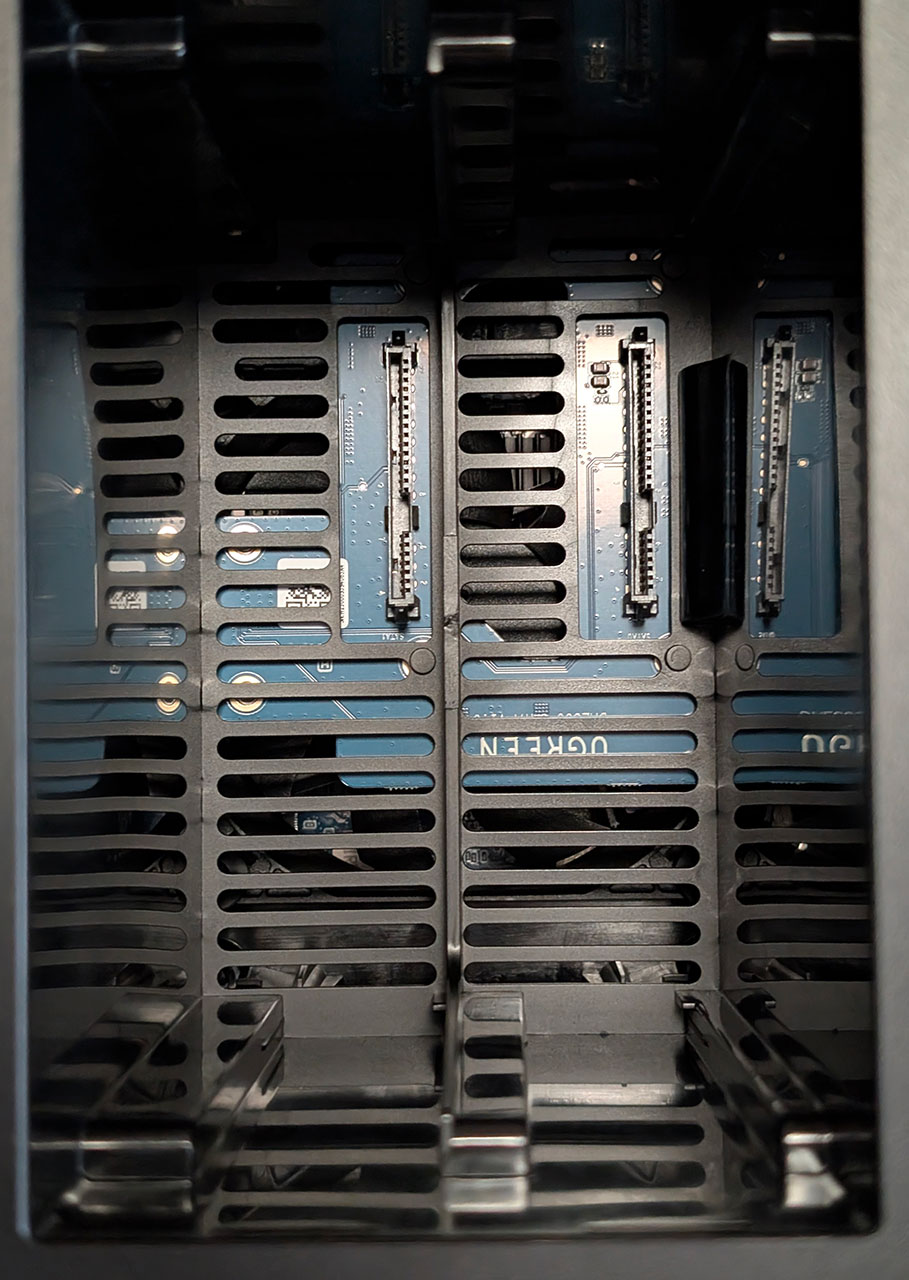
At the bottom of the unit is the air intake, and you can sort of see a hint of a PCB and some components in there. Due to the NASync DH2300 not being user upgradeable in any way, we decided not to open it up. We also made this decision based on Neowin's review, that pointed out that there was a risk of severely damaging something when disassembling the device, due to the construction. Courtesy of that review, we know that the fan that hides inside the NASync DH2300 is from a company called Coolcox, and it's an 80 mm fan that's 15 mm thick. It sits between the main PCB and a secondary PCB on which the SATA connectors is located and sucks air from the top of the unit and blows it down over the main PCB by the looks of things. For those so inclined, it would be possible to swap this fan out, as it uses a standard 4-pin PC fan connector. Unfortunately, Ugreen has also chosen to put the RTC battery on the top of the main PCB, which makes it very difficult to access the day it needs replacement, it should really have been placed somewhere that it was more easily accessible for the user.
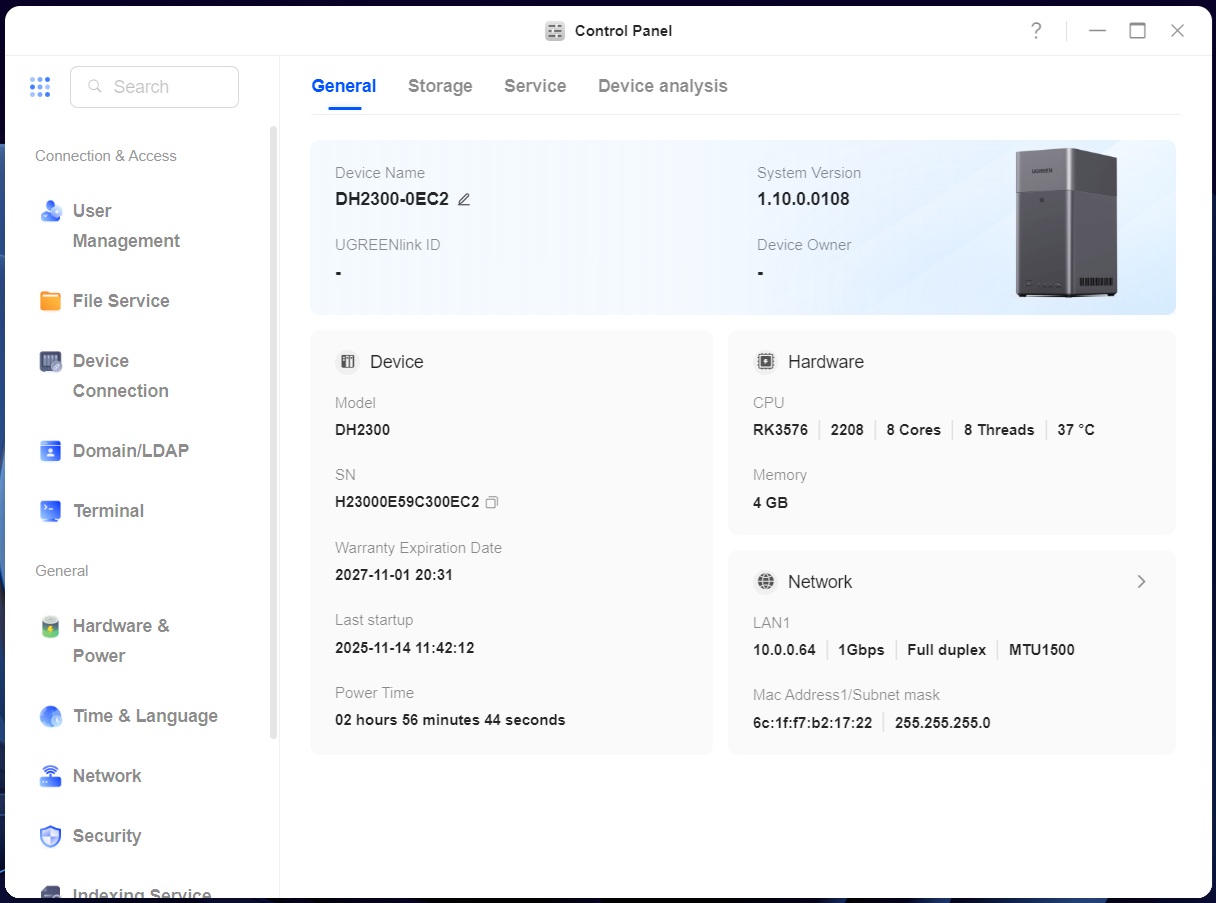
The SoC used is from Rockchip and goes under the name of RK3576. It's an eight-core SoC with four Cortex-A72 and four Cortex-A53 cores, plus what we presume is an unused Cortex-M0. The RK3576 sports an Arm Mali G52 MC3 GPU, and it supports all standard video codecs such as H.265, H.264, VP9 and AV1 at either 4K60p or 4K120p. There's also a 6 TOPS NPU built in, which Ugreen is leveraging in their photo album app. The SoC has been paired with 4 GB of LPDDR4X, although we were unable to figure out what speed the memory was operating at, since Ugreen has removed all the Linux tools that can be used to do so, and it's not possible to install them in a simple way either. We should also mention that the global version ended up getting a downgrade versus the model Ugreen sells on the Chinese market, as that model comes with 8 GB of LPDDR5 memory. That is the only difference between the two models from what we can tell though. Oddly enough, the specs for the higher-end NASync DH4300 Plus are identical for the Chinese model and the international model, both use LPDDR4X memory, as well as a more powerful RK3588C SoC. Both models come with the OS loaded onto 32 GB of eMMC.
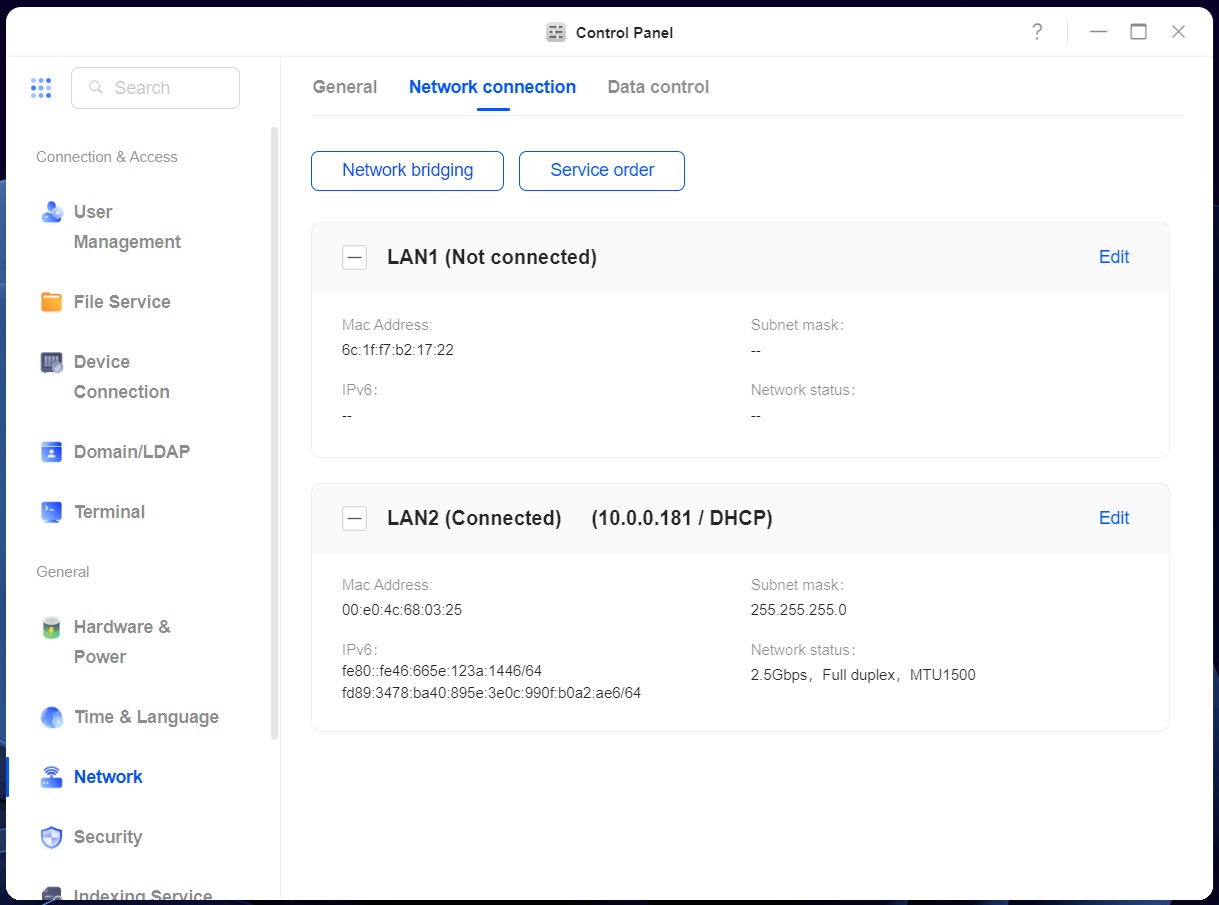
Due to the RK3576 only supporting a single USB 3.2 Gen 1 port, Ugreen has fitted a Genesys Logic GL3510 USB 3.1/3.2 hub. We really wish Ugreen would've used a third party PCIe to SATA chip as well, since the SATA and PCIe lanes are shared in the RK3576, which limits the NASync DH2300 to use the onboard RGMII interface to connect to a standard Gigabit Ethernet PHY, instead of using the second PCIe interface to connect to a 2.5 Gbps Ethernet controller. You'll see in our performance benchmarks that this would've made the NASync DH2300 a more attractive option, considering 2.5 Gbps Ethernet is quickly replacing Gigabit Ethernet as the most commonly used standard. Maybe we'll see a version 2.0 in the future, as that would make for more attractive device overall—even if it added a slight cost increase—especially as the NASync DH4300 sports a 2.5 Gbps Ethernet port. Another feature we'd like to see added, especially as the SoC supports it, is an SD card slot for direct backup of SD cards to the NASync DH2300.
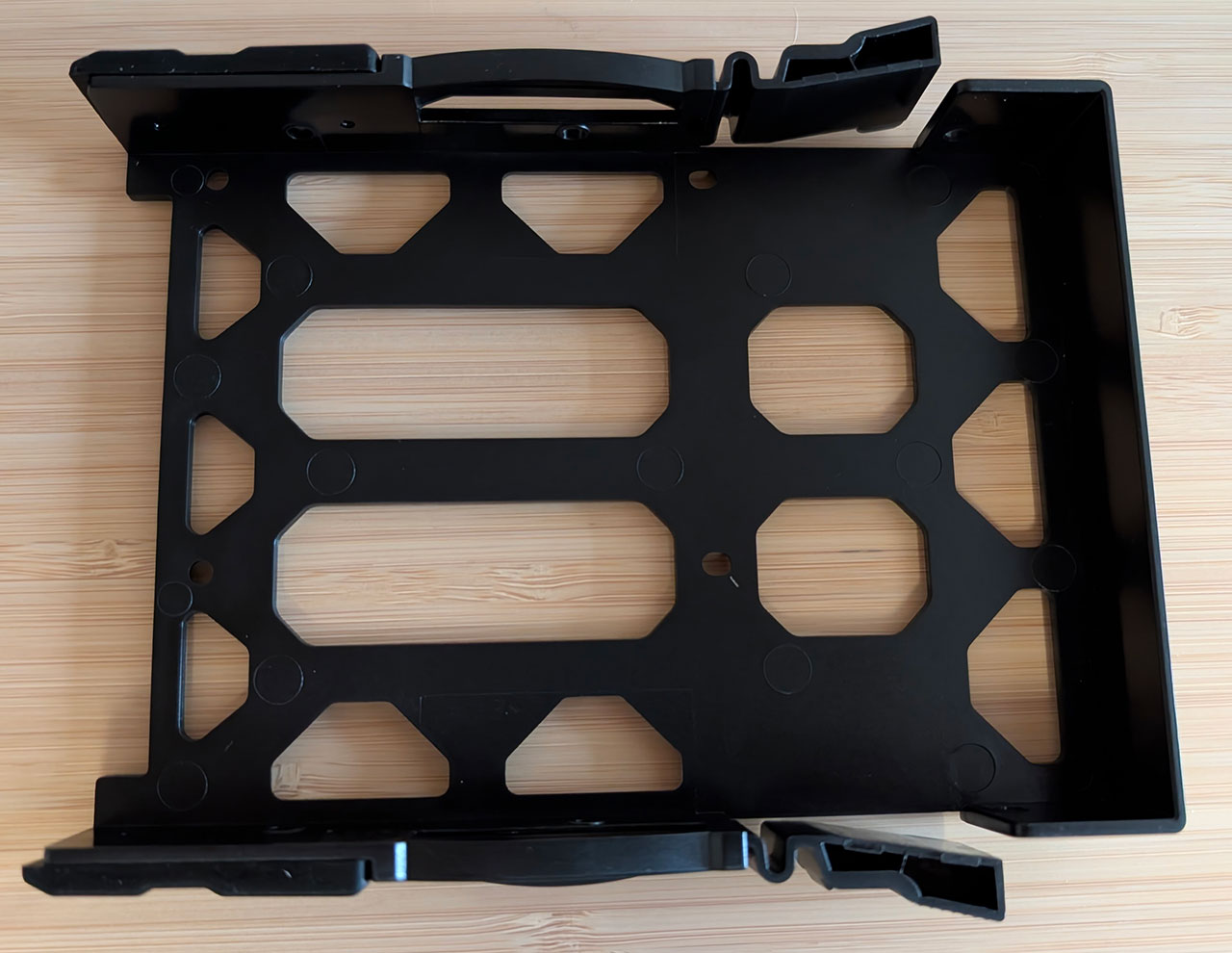
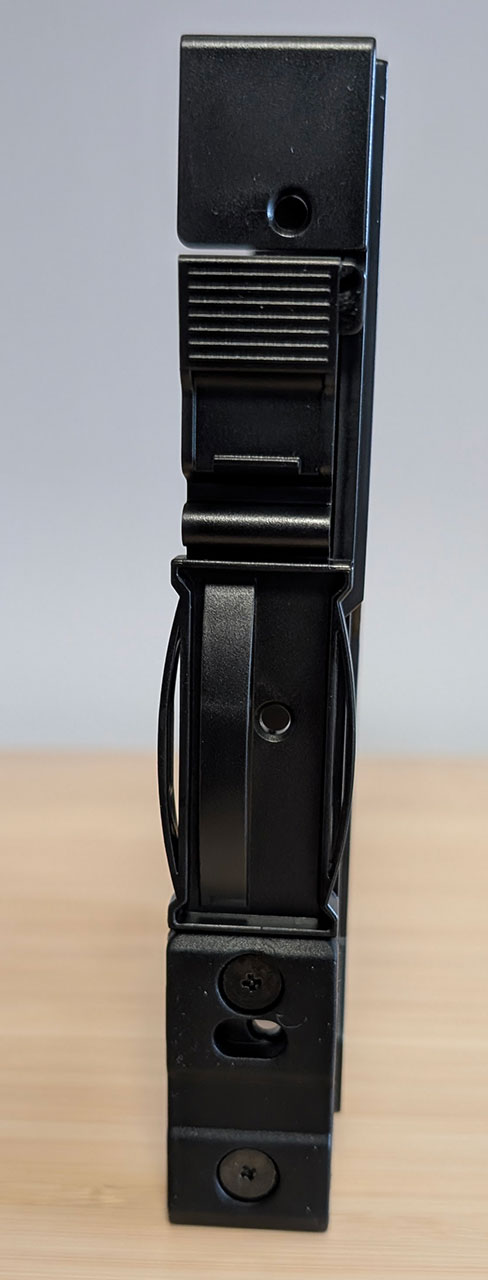


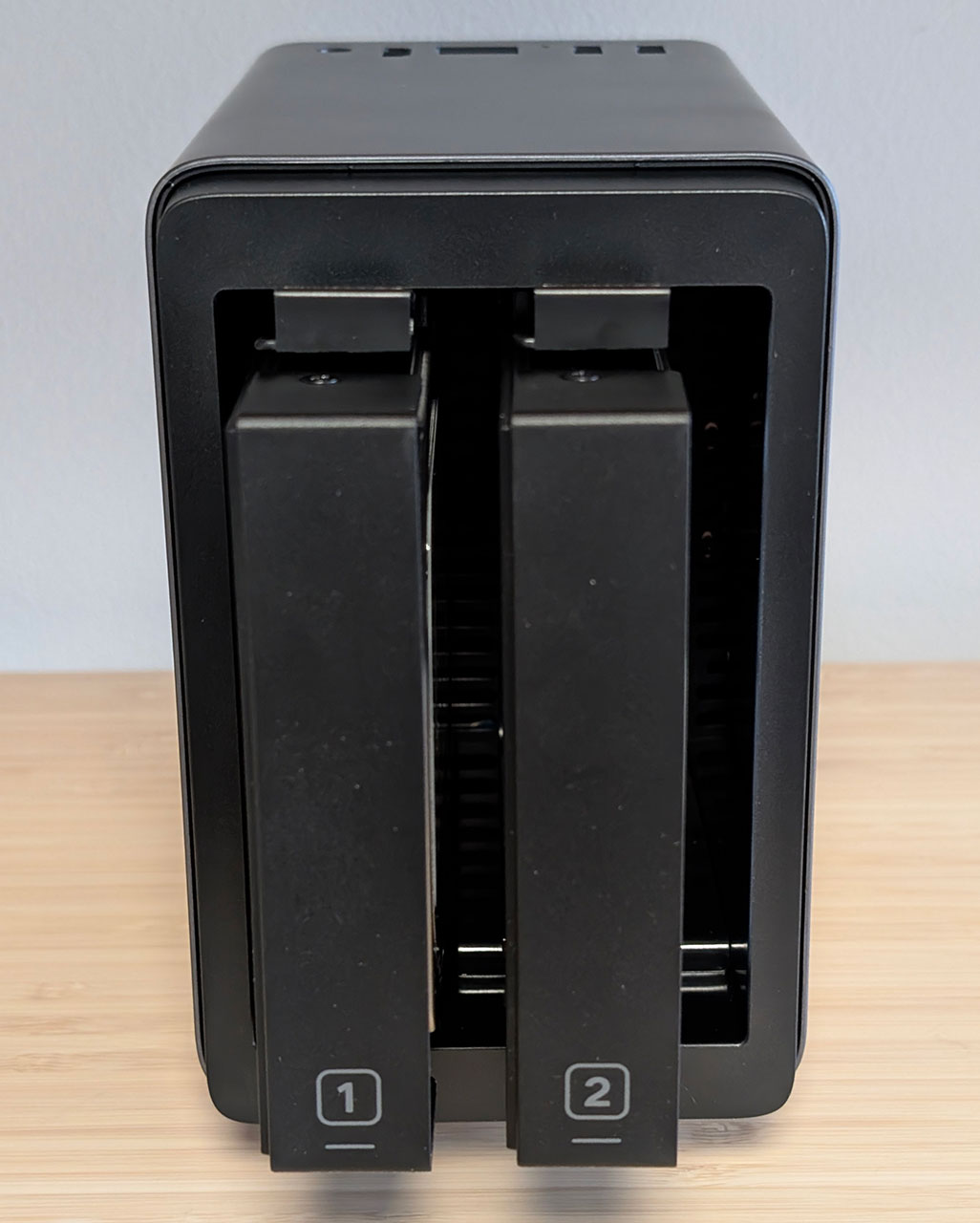
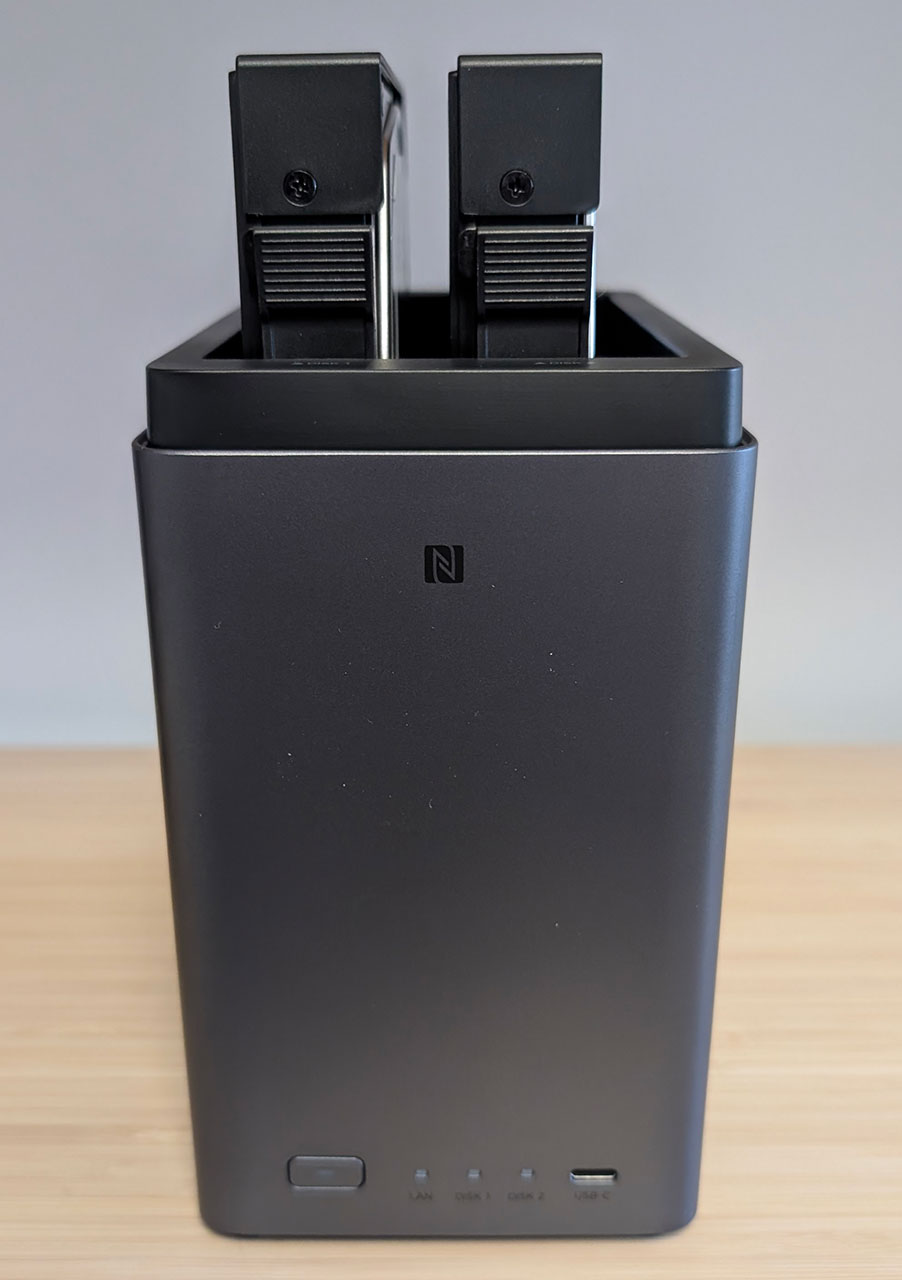
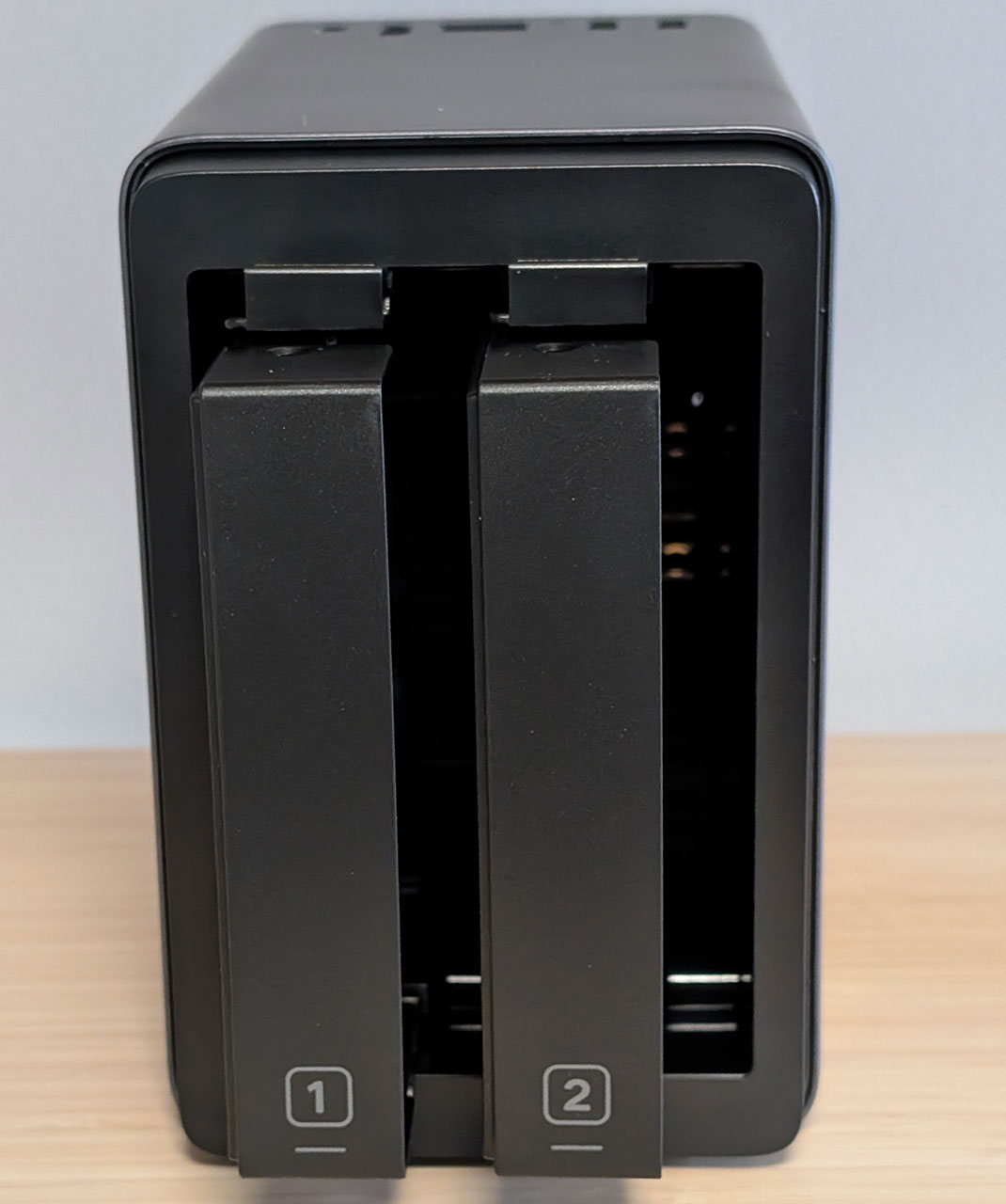
The drive caddies require you to screw the drives in place and there's support for both 3.5-inch and 2.5-inch drives. The caddies have rubber vibration dampeners and a locking latch on each side. The caddies are numbered, so there shouldn't be any confusion as to which slot they go into.
Nov 13th, 2026 23:08 CST
change timezone
Latest GPU Drivers
New Forum Posts
- no "PhysX" workable (9)
- What are you playing? (26215)
- Tell me about your favourite graphics card (32)
- AI generated images... (224)
- Crimson Desert (31)
- RenoDX HDR - how to view the differnce Before&After in game? (0)
- Displayport DP80 3M (10ft) cable that can achieve 80gbps stable? (5)
- I'll flash a ASUS ROG Strix RX480 O8G in Cause of Code 43, as a Newbie (1)
- Opinion on Monitor Replacement (6)
- TMOG - post your benchmark results here (16)
Popular Reviews
- AMD Zen 6 Technical Deep Dive
- Corsair HX1000i Shift Crystal Review
- NZXT C1200 Platinum Review
- Upcoming Hardware Launches 2027 (Updated Nov 2026)
- ASUS ROG Strix B850-I Gaming Wi-Fi7 W Review
- Montech King 95 3D PRO Review
- NZXT H7 RGB+ Review
- NZXT H5 Review
- Phantom Blade Zero Performance Benchmark Review - 35 GPUs Tested
- XPG NIMBUS PLUS Review - Mid-range Chair With Strong Competitors
TPU on YouTube
Controversial News Posts
- NVIDIA Co-Founder and CEO Jensen Huang Officially Resigns (380)
- OpenAI CEO Argues Home PCs Waste the World's Limited DRAM Supply (152)
- NVIDIA Launches Investigation Into Jensen Huang's Relationship With Suspected Chinese Spy (136)
- Intel "Raptor Lake Next" 16-Core and 20-Core CPUs Surface (130)
- Legendary Game Studio BioWare Shuts Down Following EA Layoffs (104)
- Dell CEO Says the Memory Shortage Will Get Worse in 2027 (95)
- NVIDIA GeForce RTX 50-Series Scheduled for up to $500 Price Hike This Week (89)
- Modder Fits RTX 5090 With Four 8-Pin Connectors, Halving Current per Wire (80)