 4
UPERFECT BE173BU Review - Sharp Picture, Blurred Gaming Ambitions
Picture Quality, Uniformity & Viewing Angles »Controls and OSD
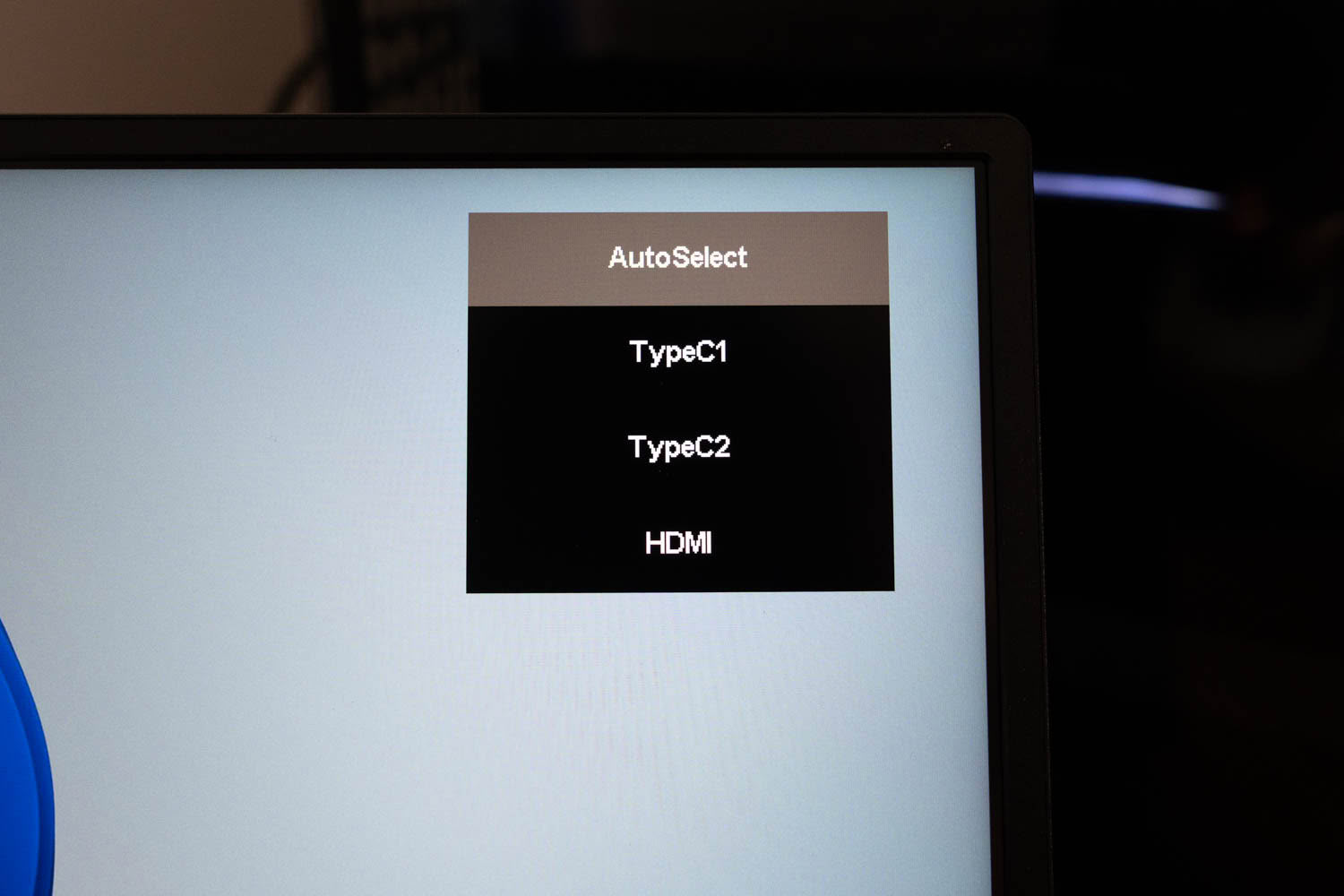
Unlike the bare icon overlay on the UPERFECT BE22BQ, the BE173BU has a proper structured OSD with named pages, navigated with an on-screen row of enter, exit, and arrow controls. The Source page lets you pick between AutoSelect, TypeC1, TypeC2, and HDMI.
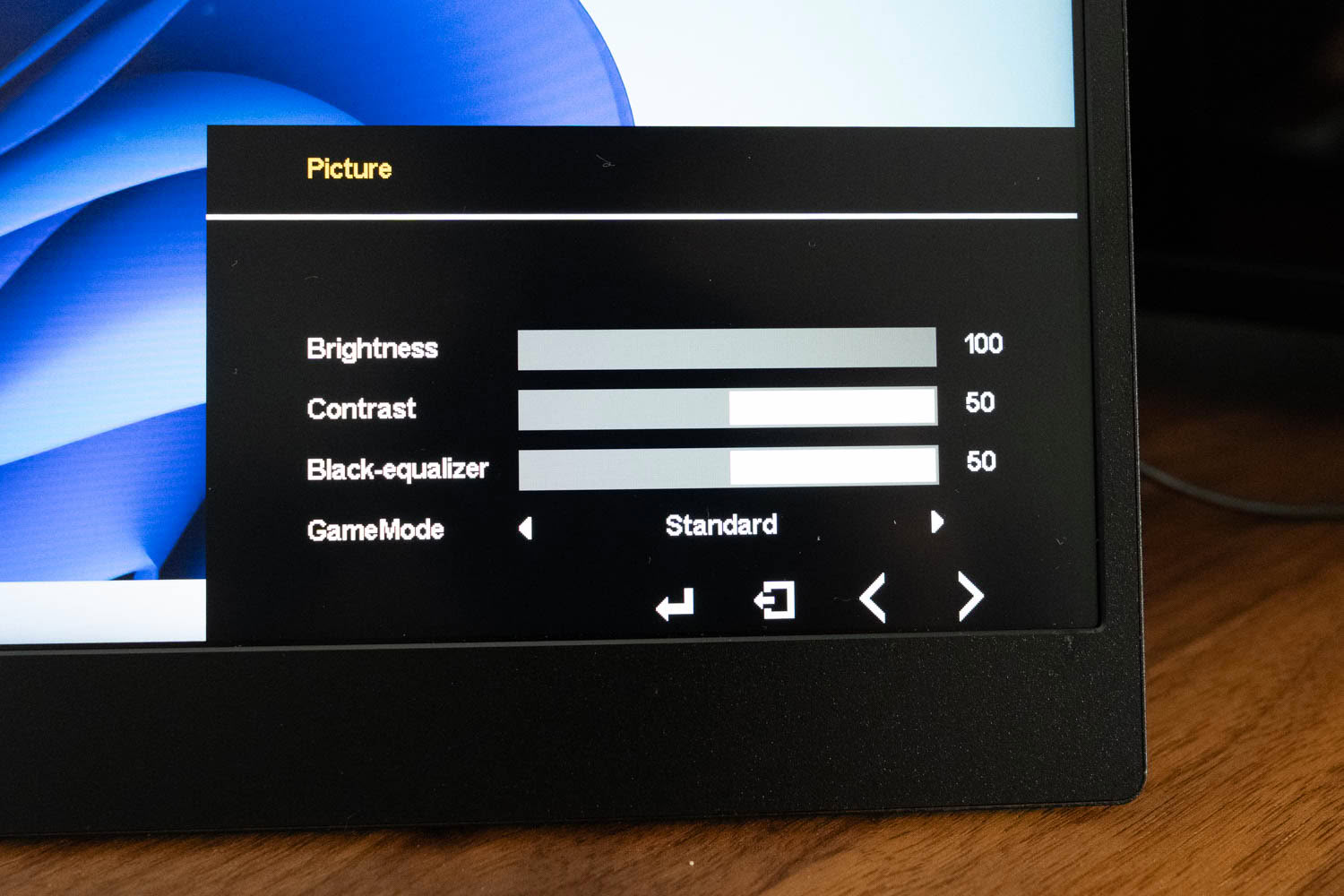
The Picture page carries Brightness, Contrast, a Black-equalizer for lifting shadow detail, and a GameMode preset selector, the kind of gaming-oriented tuning the smaller model lacked entirely.
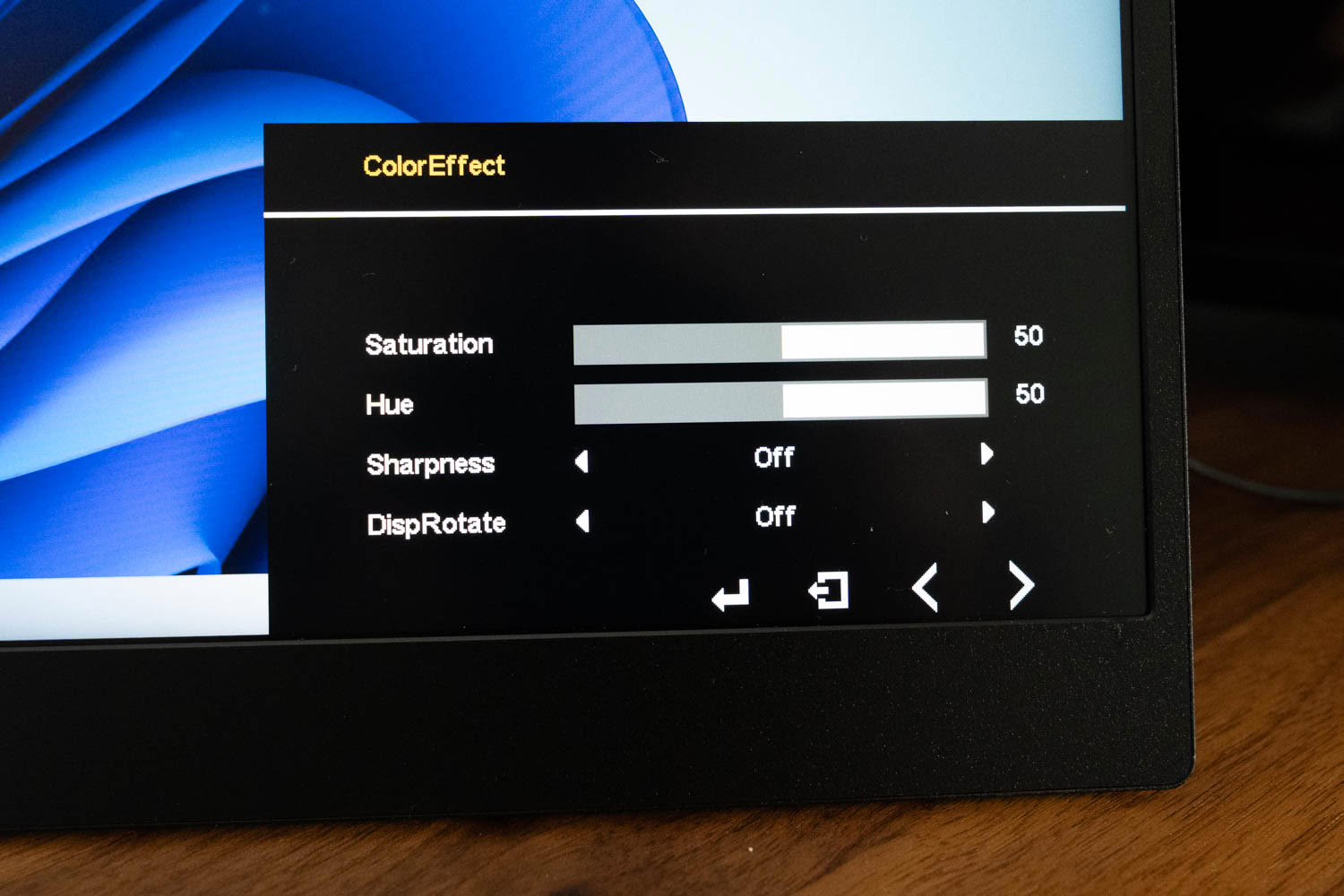
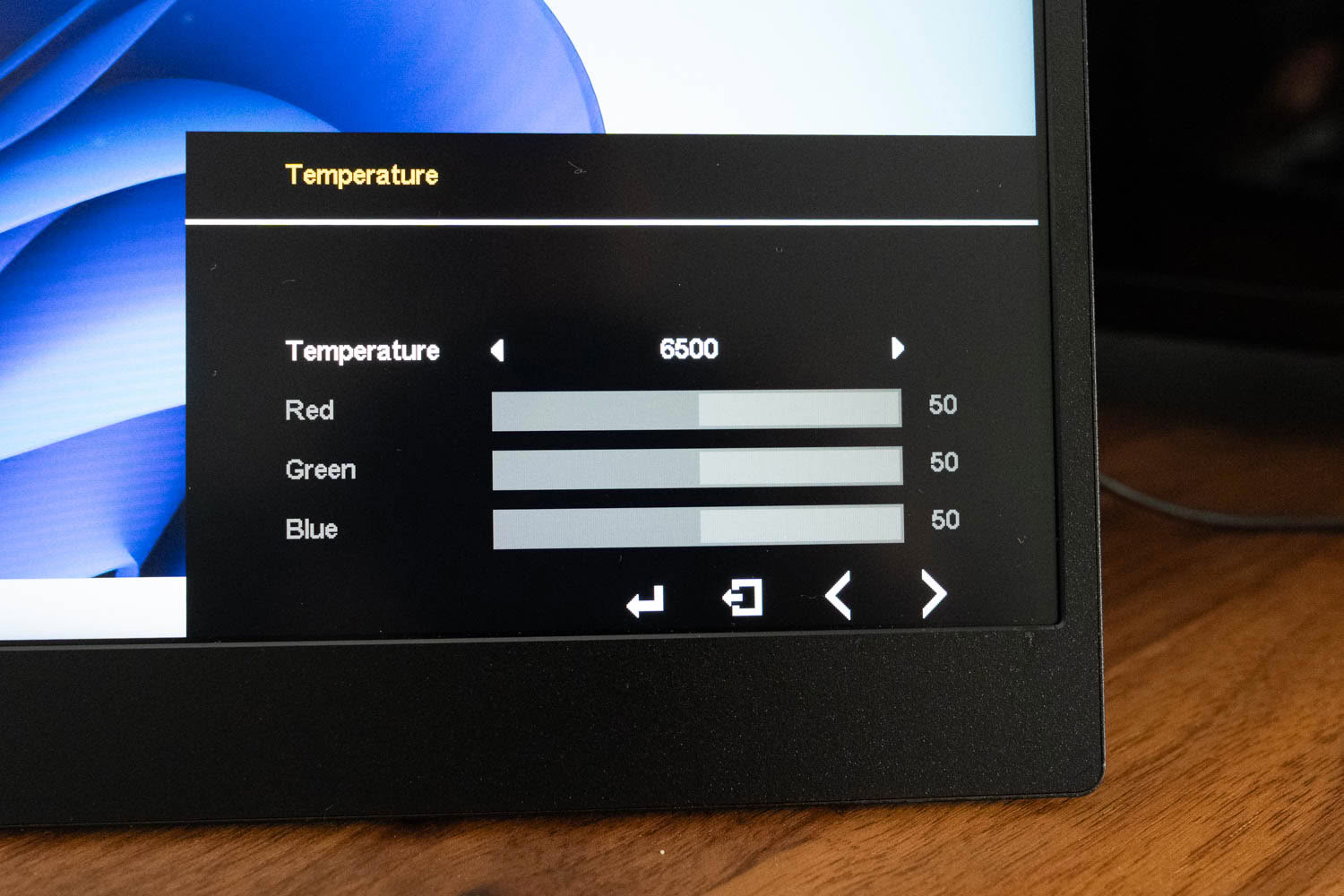
The ColorEffect page adds Saturation, Hue, Sharpness, and a DispRotate option, while the Temperature page offers a 6500 K preset alongside independent Red, Green, and Blue gains, which is what we use for the tuned settings later. There is also an sRGB entry, but as on the BE22BQ it lives among the color-temperature options and does not behave like an effective sRGB clamp.
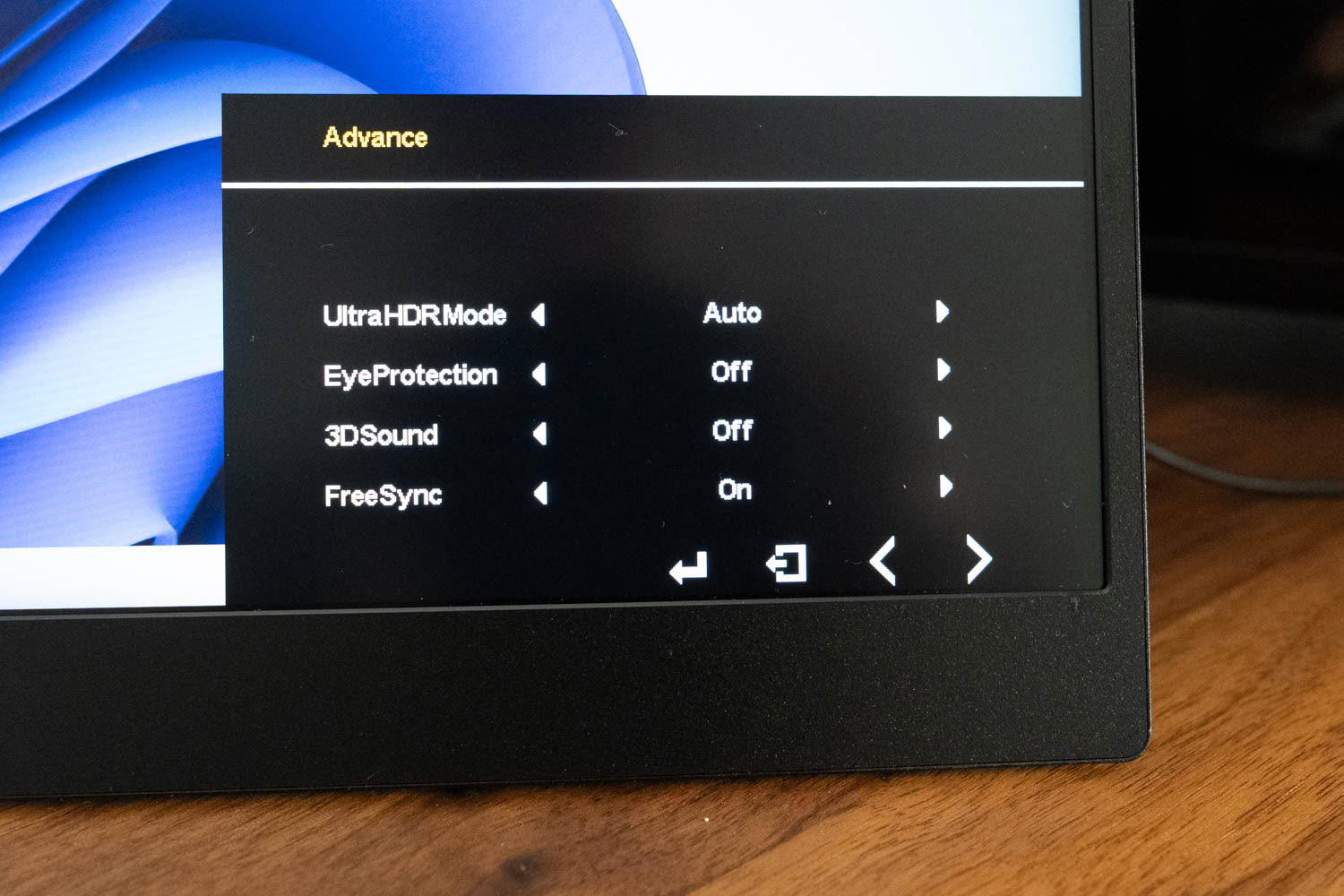
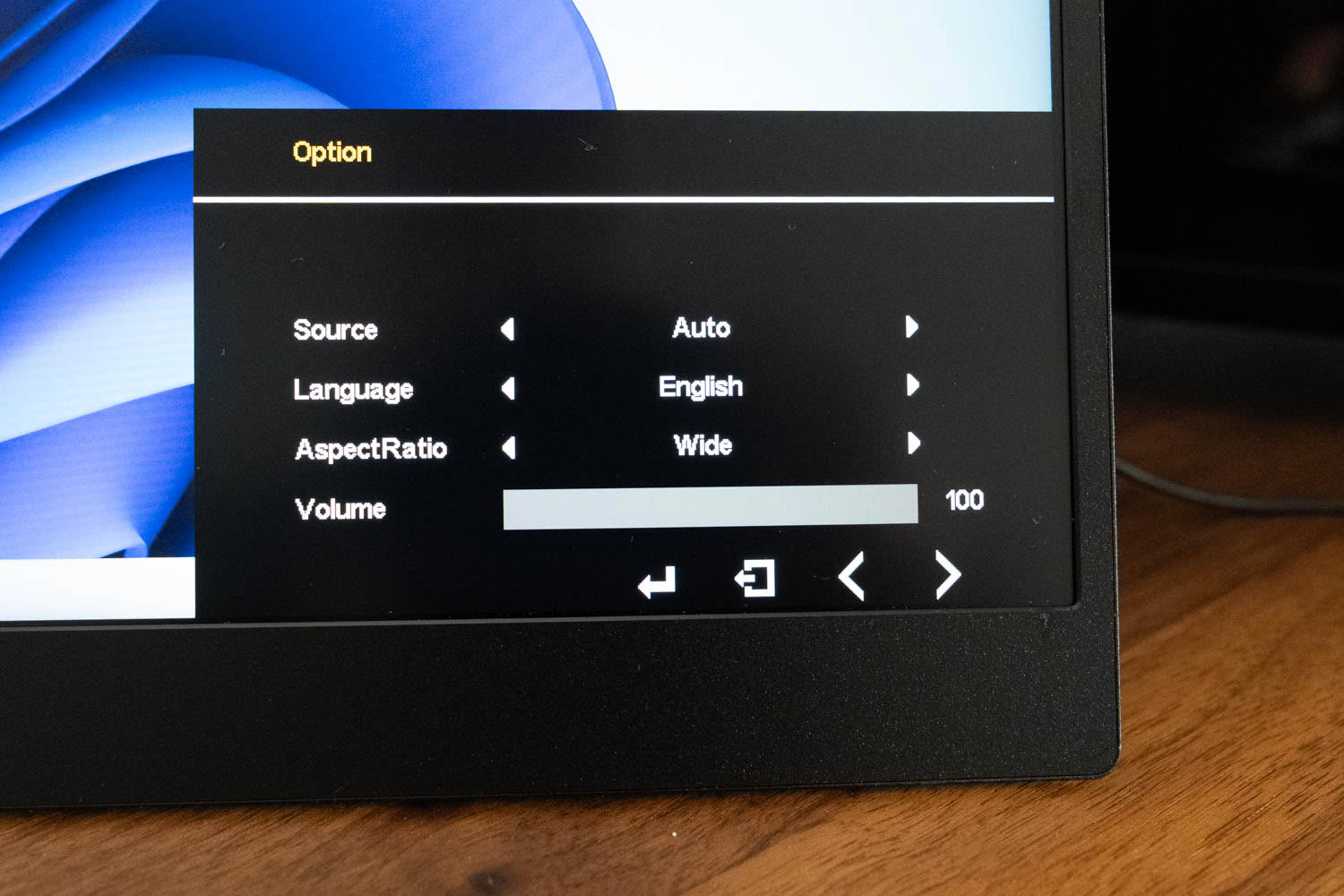
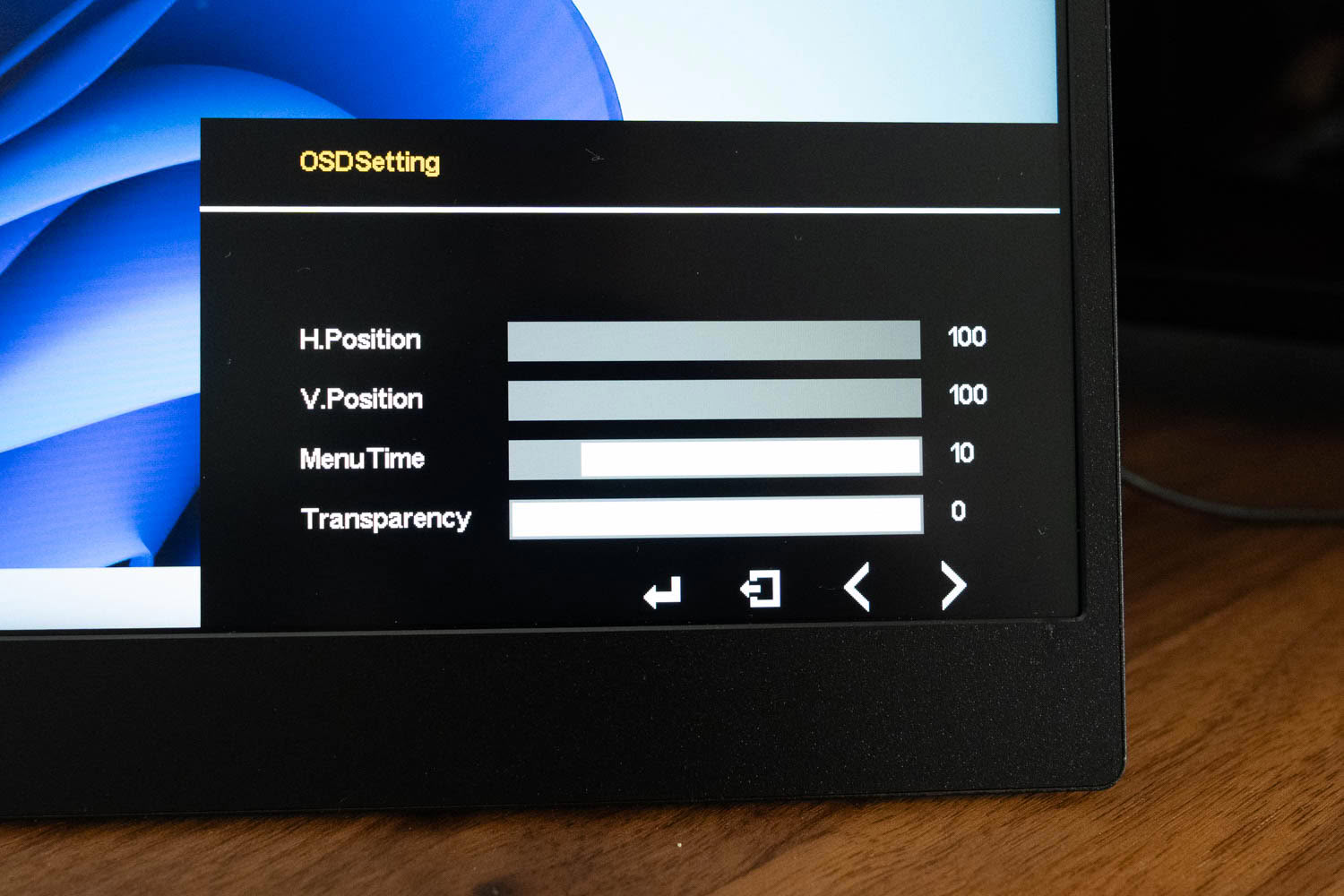
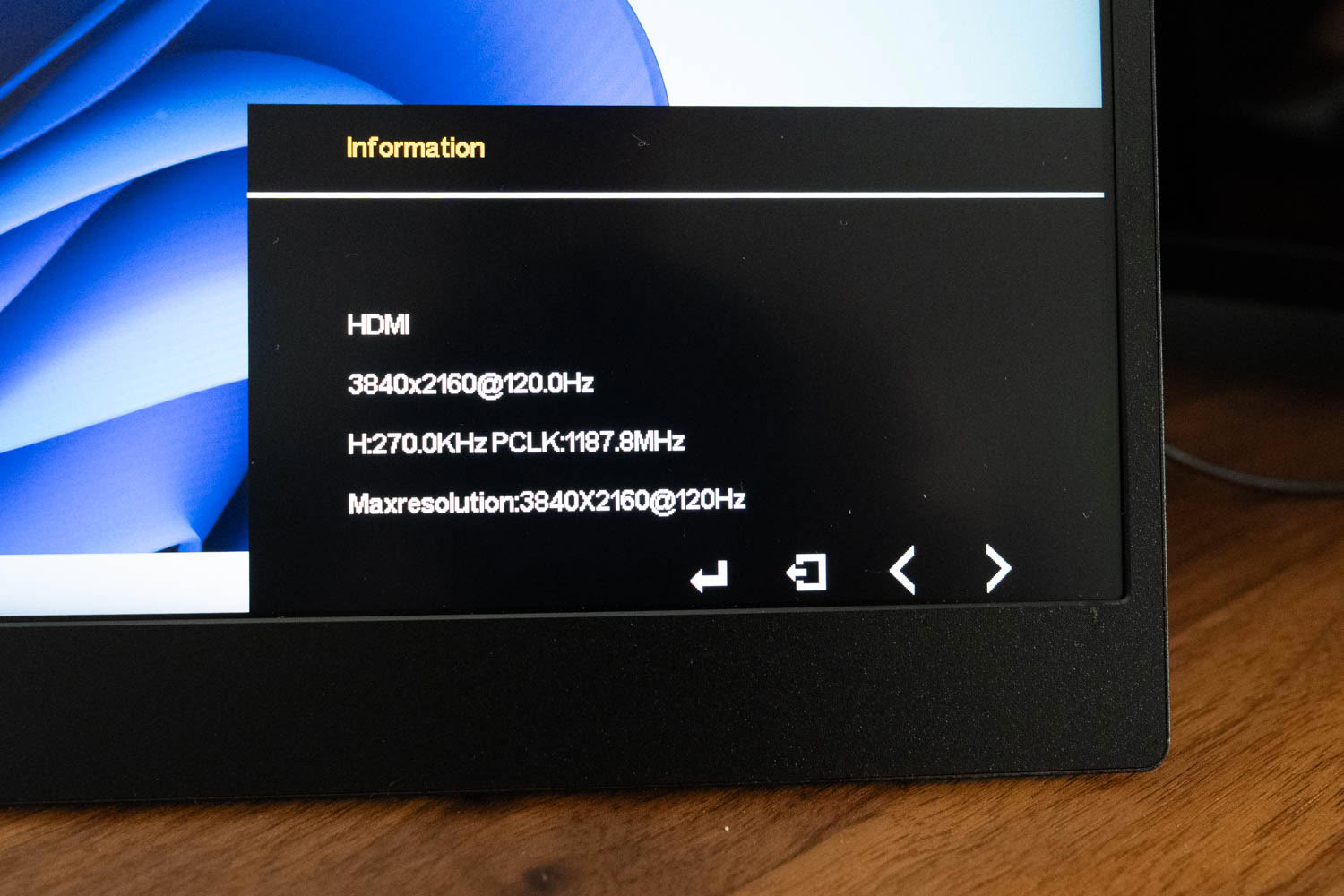
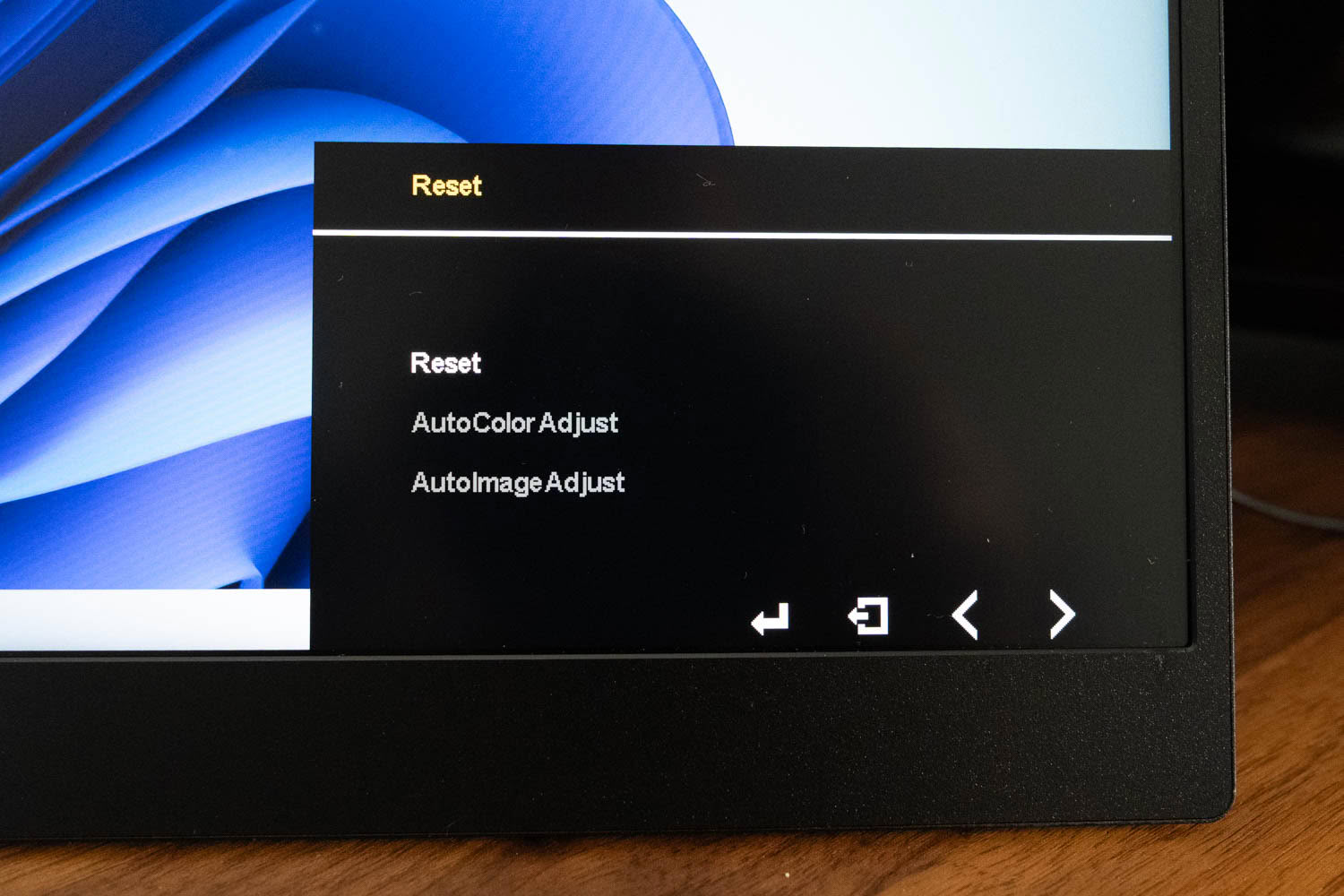
The Advance page is where the more interesting toggles live: an UltraHDR Mode, EyeProtection low blue light, 3DSound, and, notably, FreeSync, which was on by default on our unit. The Option page handles source behavior, language, aspect ratio, and volume, and there are further OSDSetting, Reset, and Information pages, the last confirming the incoming signal, in our case 3840×2160 at 120 Hz.
This is a much more capable menu than the BE22BQ's, but the hardware you drive it with is a problem. The single control is a jog wheel, and it is genuinely uncomfortable to press; my fingers were sore after only a handful of clicks. Since dialing in the picture takes a fair amount of clicking, that is a real ergonomic annoyance, even if you only do it once.
Nov 19th, 2026 16:08 CST
change timezone
Latest GPU Drivers
New Forum Posts
- Honestly, do you care about GTA VI? (164)
- Windows 11 General Discussion (7736)
- Current Sales, Bundles, Giveaways (10448)
- Last game you purchased? (1409)
- WarpCoreBench scores! (76)
- Got the EOL 32GB TridentZ 6000 CL26 1.4V (12)
- Dell Workstation Owners Club (3516)
- Making a game in Godot engine (4)
- DTS DCH Driver for Realtek HDA [DTS:X APO4 + DTS Interactive] (2815)
- Security Apps (2)
Popular Reviews
- Acemagic Retro X3 Review
- Ugreen NASync DXP4800 GT Review
- Upcoming Hardware Launches 2027 (Updated Nov 2026)
- Pulsar Office Tour & First Look at P1 Dual-Sensor Mouse
- AMD Zen 6 Technical Deep Dive
- Biwin Black Opal NV7400 2 TB Review
- Sapphire Radeon RX 7700 XT Pure Review
- Sapphire Radeon RX 7700 XT Pulse Review
- AMD Ryzen 7 9800X3D Review - The Best Gaming Processor
- Chieftec Iceberg PRO 360 DARK Review
TPU on YouTube
Controversial News Posts
- NVIDIA Co-Founder and CEO Jensen Huang Officially Resigns (489)
- Report: Jensen Huang Eyes NVIDIA Comeback (223)
- Open Letter Asking NVIDIA to Reinstate Jensen Huang Passes 115,000 Signatures (184)
- OpenAI CEO Argues Home PCs Waste the World's Limited DRAM Supply (152)
- NVIDIA Launches Investigation Into Jensen Huang's Relationship With Suspected Chinese Spy (136)
- Intel "Raptor Lake Next" 16-Core and 20-Core CPUs Surface (130)
- Legendary Game Studio BioWare Shuts Down Following EA Layoffs (104)
- Dell CEO Says the Memory Shortage Will Get Worse in 2027 (95)