 2
UPERFECT BE22BQ Review - A Bigger Kind of Portable
Picture Quality, Uniformity & Viewing Angles »Controls and OSD
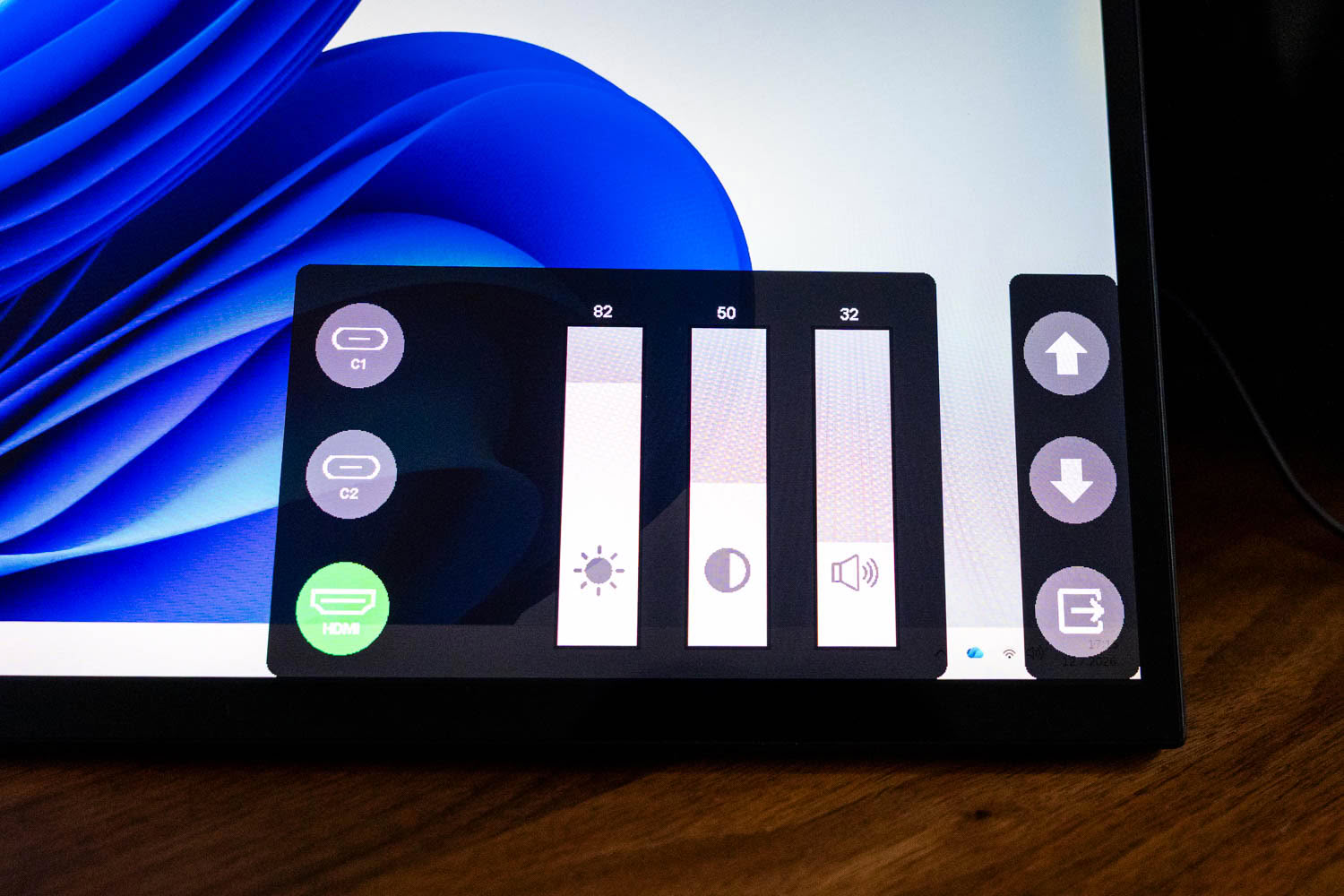
The OSD is driven entirely by the side buttons, and it is where the BE22BQ shows its budget roots. There is no joystick, so you cycle through everything with a small stack of keys, and the on-screen menu answers with a spartan icon-based overlay docked to the bottom of the screen. The first panel handles source selection between C1, C2, and HDMI, with sliders for brightness, contrast, and volume beside it. The active input is highlighted in green.
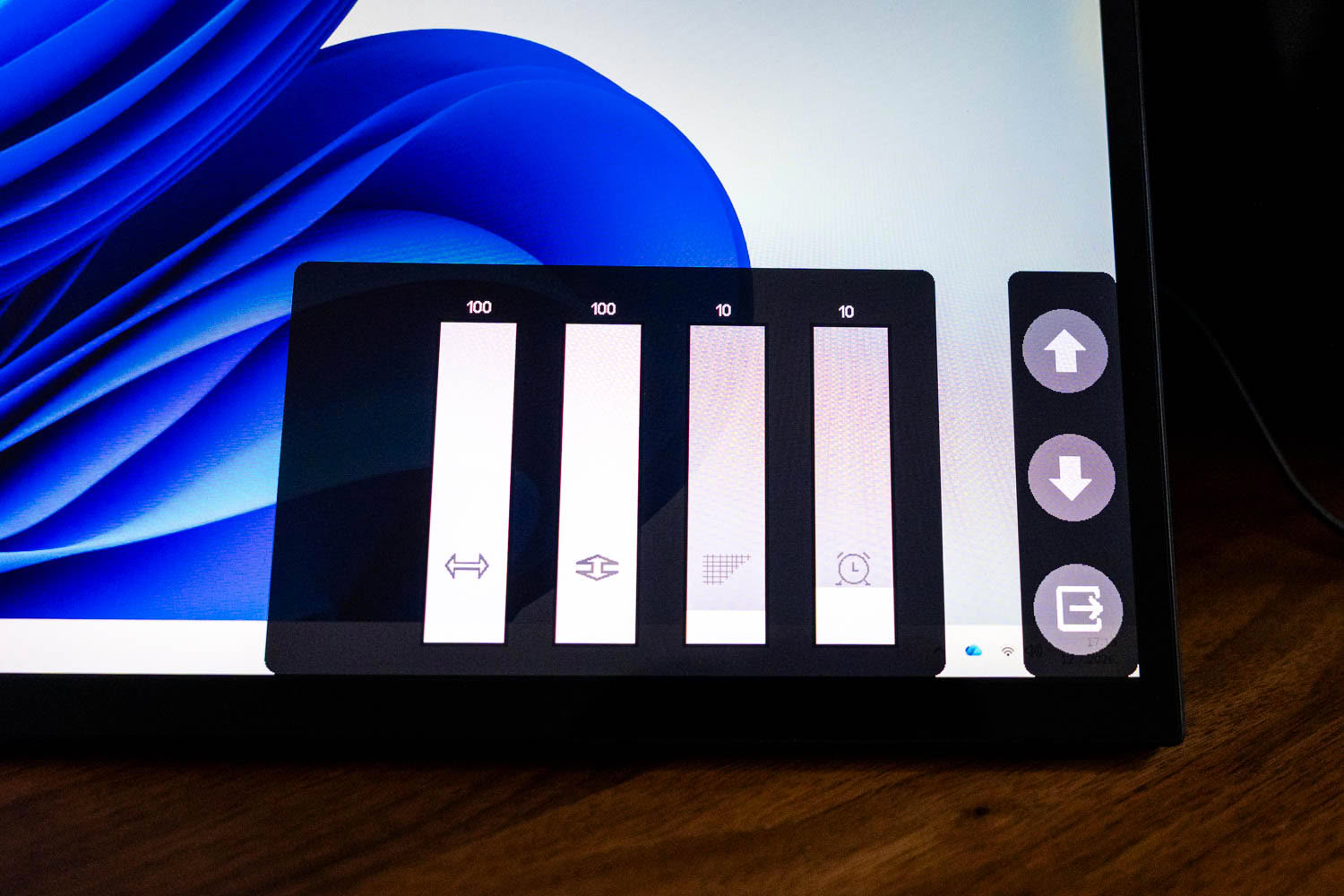
A second panel exposes basic image and geometry adjustments along with a timer, again as plain sliders with icons rather than labelled entries.
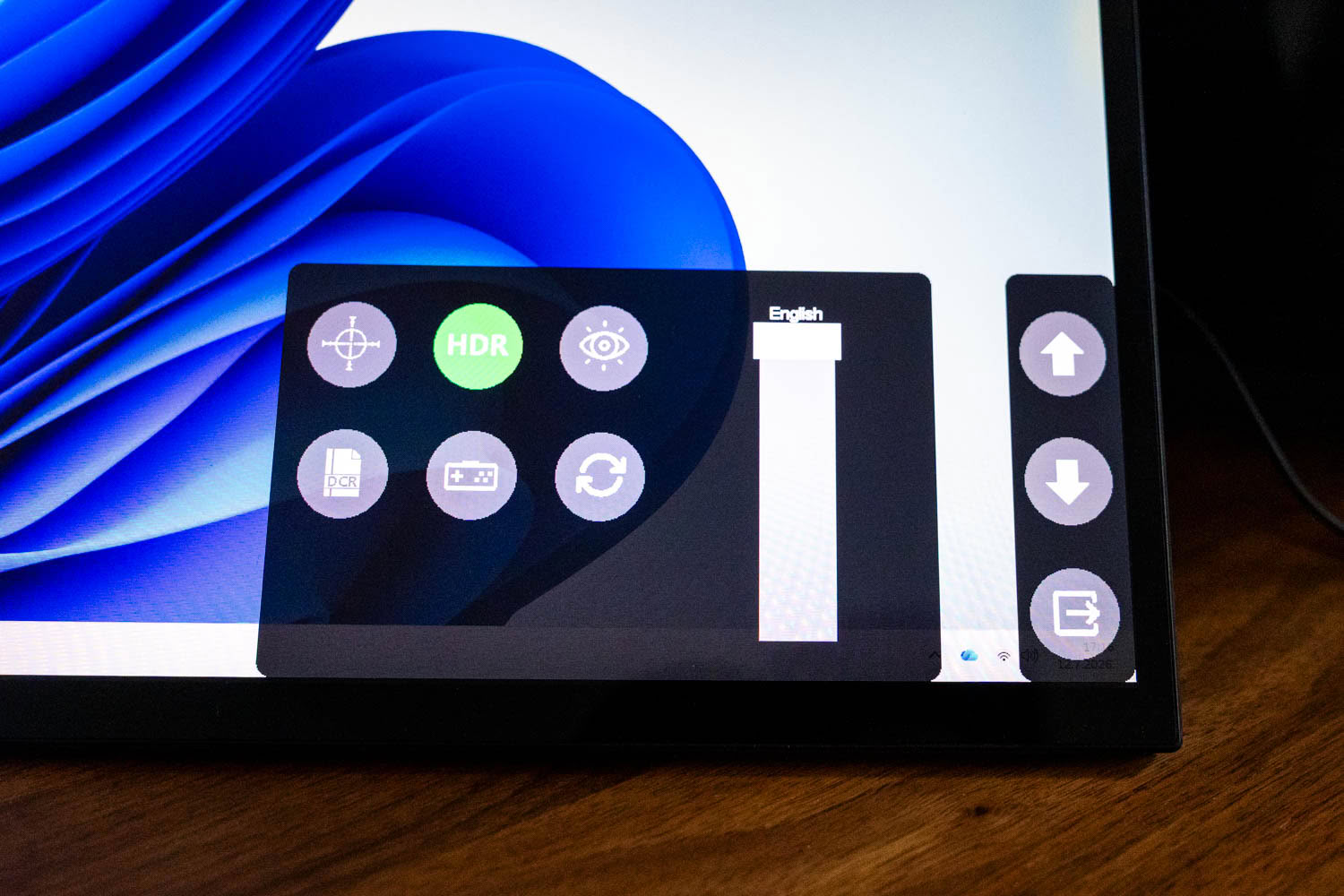
A third panel gathers the feature toggles: a crosshair overlay, the HDR switch, an eye-care low blue light mode, DCR dynamic contrast, a game mode, a reset, and a language selector.
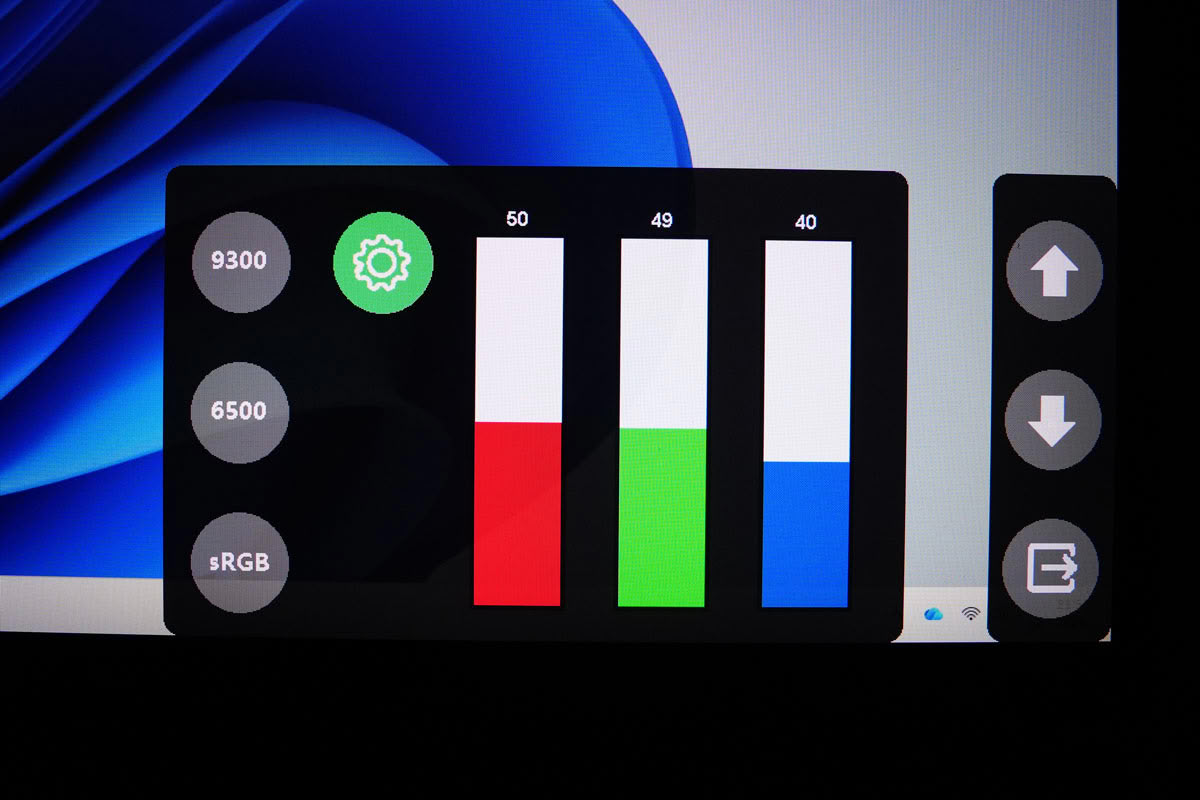
Color temperature lives in its own submenu, with a handful of presets, an sRGB option, and a Custom mode that gives you red, green, and blue gains.
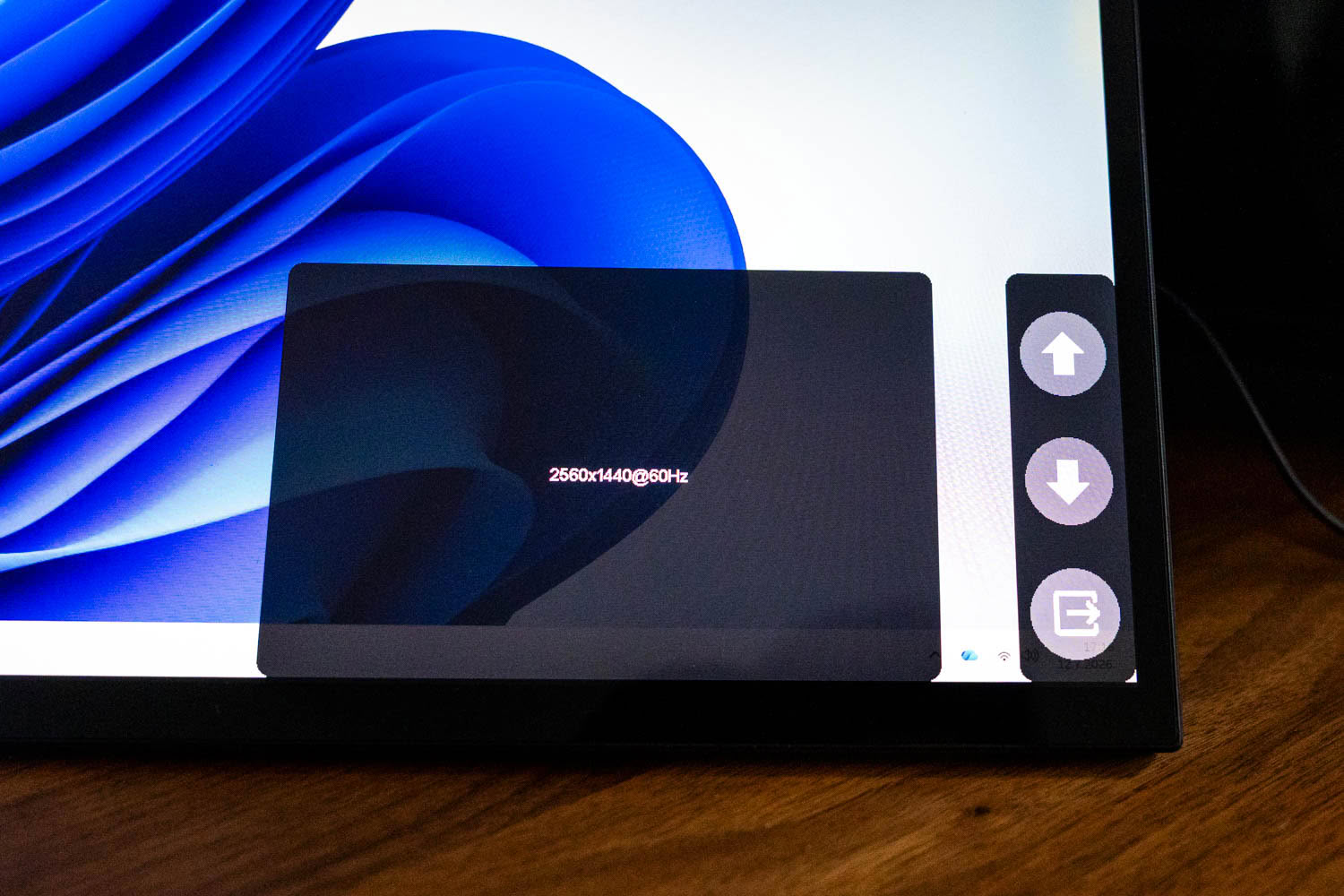
An information readout confirms the incoming signal, in this case 2560×1440 at 60 Hz.
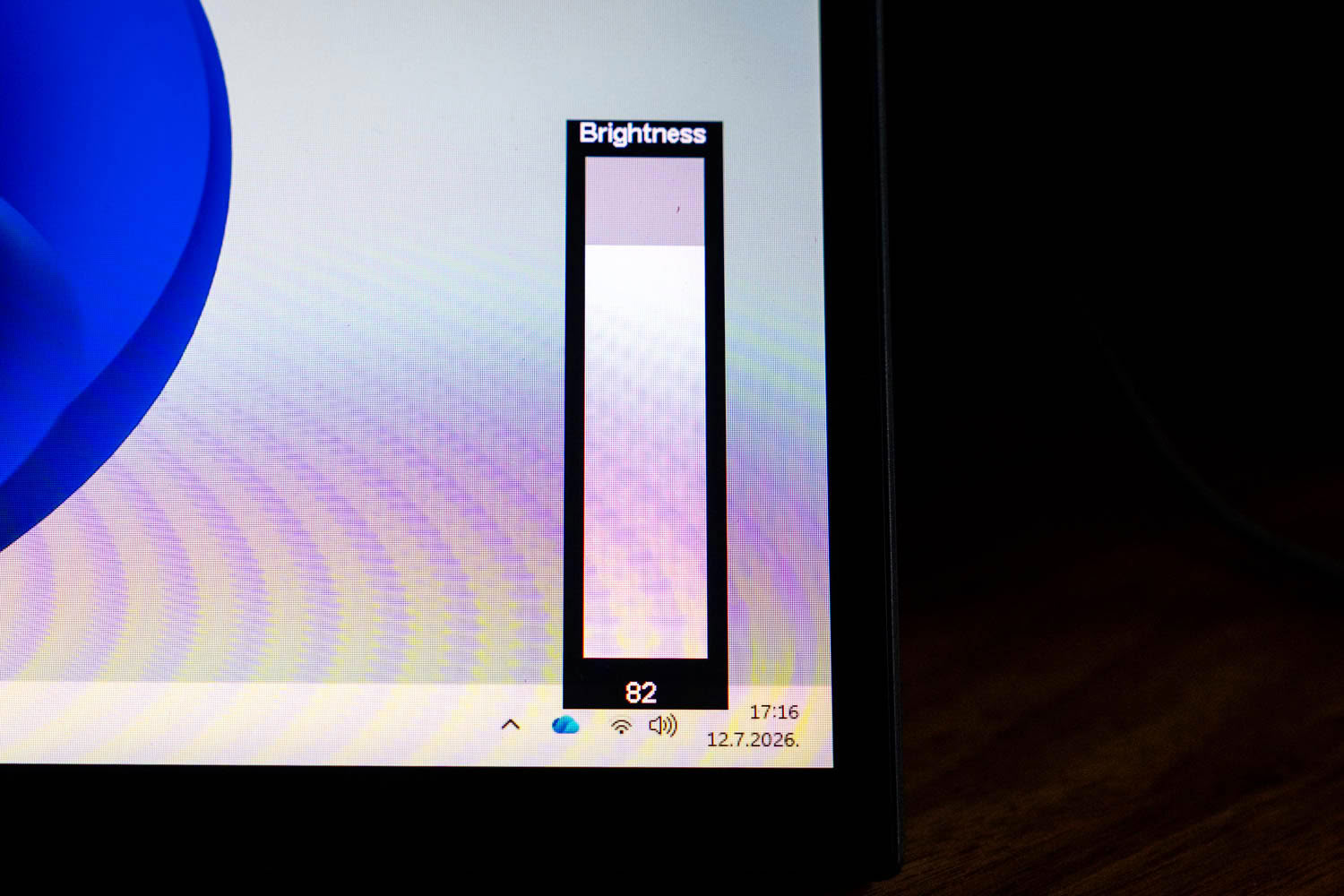
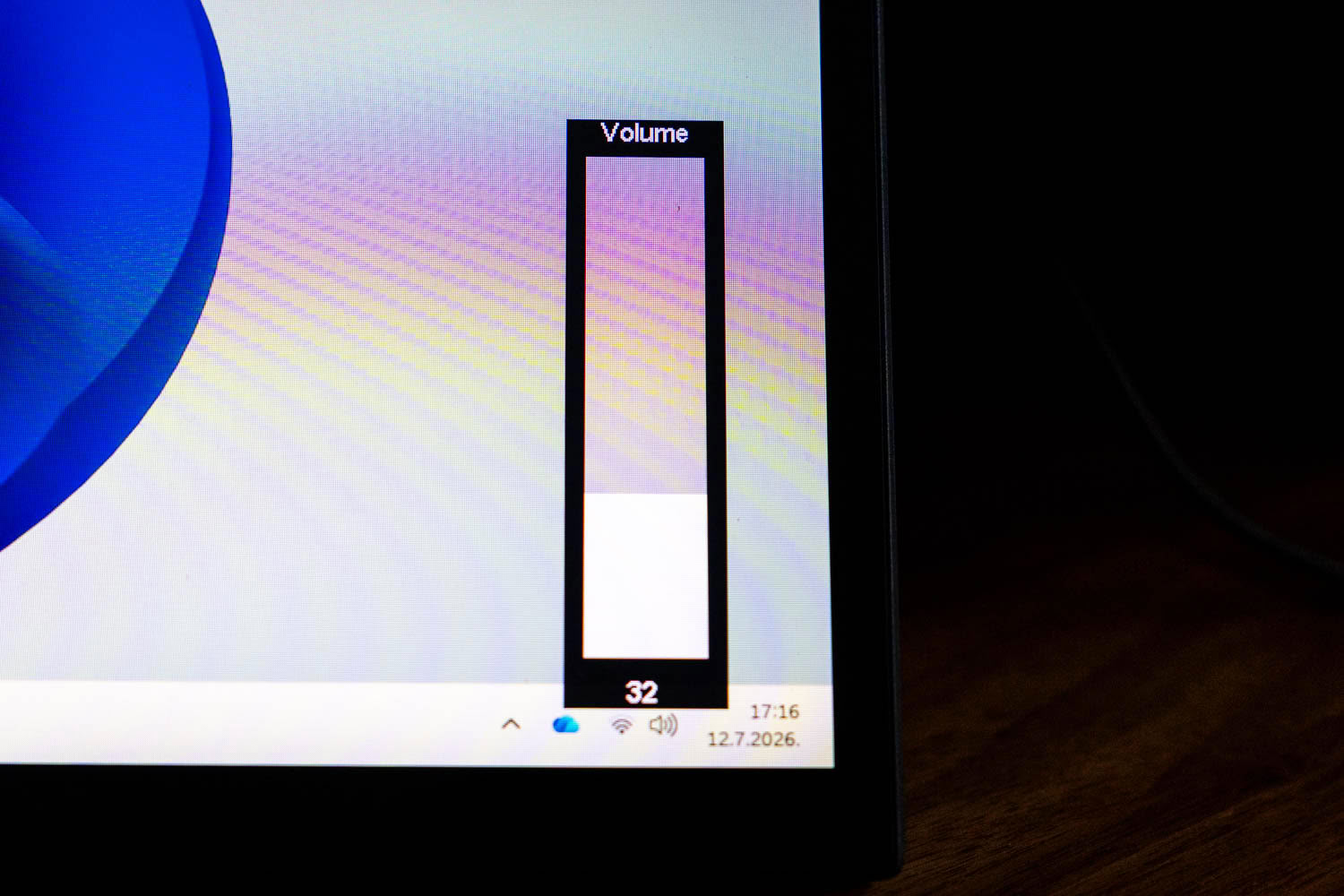
Two dedicated presses bring up quick sliders for brightness and volume without opening the full menu, which helps, because the menu itself is genuinely awkward. The logic behind which button does what in each context is unintuitive, the icons are not always self-explanatory, and adjusting anything precise with the keys takes more fiddling than it should. Once you learn the modified settings you want, you will rarely go back in, which is just as well.
Nov 20th, 2026 13:57 PST
change timezone
Latest GPU Drivers
New Forum Posts
- Honestly, do you care about GTA VI? (208)
- When you could finally run Crysis maxed out? (63)
- WarpCoreBench scores! (80)
- GTA VI (20)
- Anthrophics IPO (25)
- GeekMagic Ultra Smart WiFi Weather Station (8)
- Very unusual two gaming-pc scenarios. (35)
- Can i play GTA 6 now? (Joke) (14)
- How to prevent OLED burn damage due to PC freezes or power outtages? (47)
- Zen 3 IF/IMC degradation (239)
Popular Reviews
- AMD Zen 6 Technical Deep Dive
- Ugreen NASync DXP4800 GT Review
- Microsoft Surface Laptop Ultra Review - The Next-gen Arm Laptop
- Corsair RM1200e (Second Generation) Review
- Acemagic Retro X3 Review
- Upcoming Hardware Launches 2027 (Updated Nov 2026)
- Pulsar Office Tour & First Look at P1 Dual-Sensor Mouse
- Biwin Black Opal NV7400 2 TB Review
- AMD Ryzen 7 9800X3D Memory Performance Scaling
- AMD Ryzen 7 9800X3D Review - The Best Gaming Processor
TPU on YouTube
Controversial News Posts
- NVIDIA Co-Founder and CEO Jensen Huang Officially Resigns (490)
- Report: Jensen Huang Eyes NVIDIA Comeback (255)
- Open Letter Asking NVIDIA to Reinstate Jensen Huang Passes 115,000 Signatures (184)
- OpenAI CEO Argues Home PCs Waste the World's Limited DRAM Supply (152)
- NVIDIA Launches Investigation Into Jensen Huang's Relationship With Suspected Chinese Spy (136)
- Intel "Raptor Lake Next" 16-Core and 20-Core CPUs Surface (130)
- Legendary Game Studio BioWare Shuts Down Following EA Layoffs (104)
- Dell CEO Says the Memory Shortage Will Get Worse in 2027 (95)