 3
VZMORE AX9 Max Review
General Performance »A Look Inside
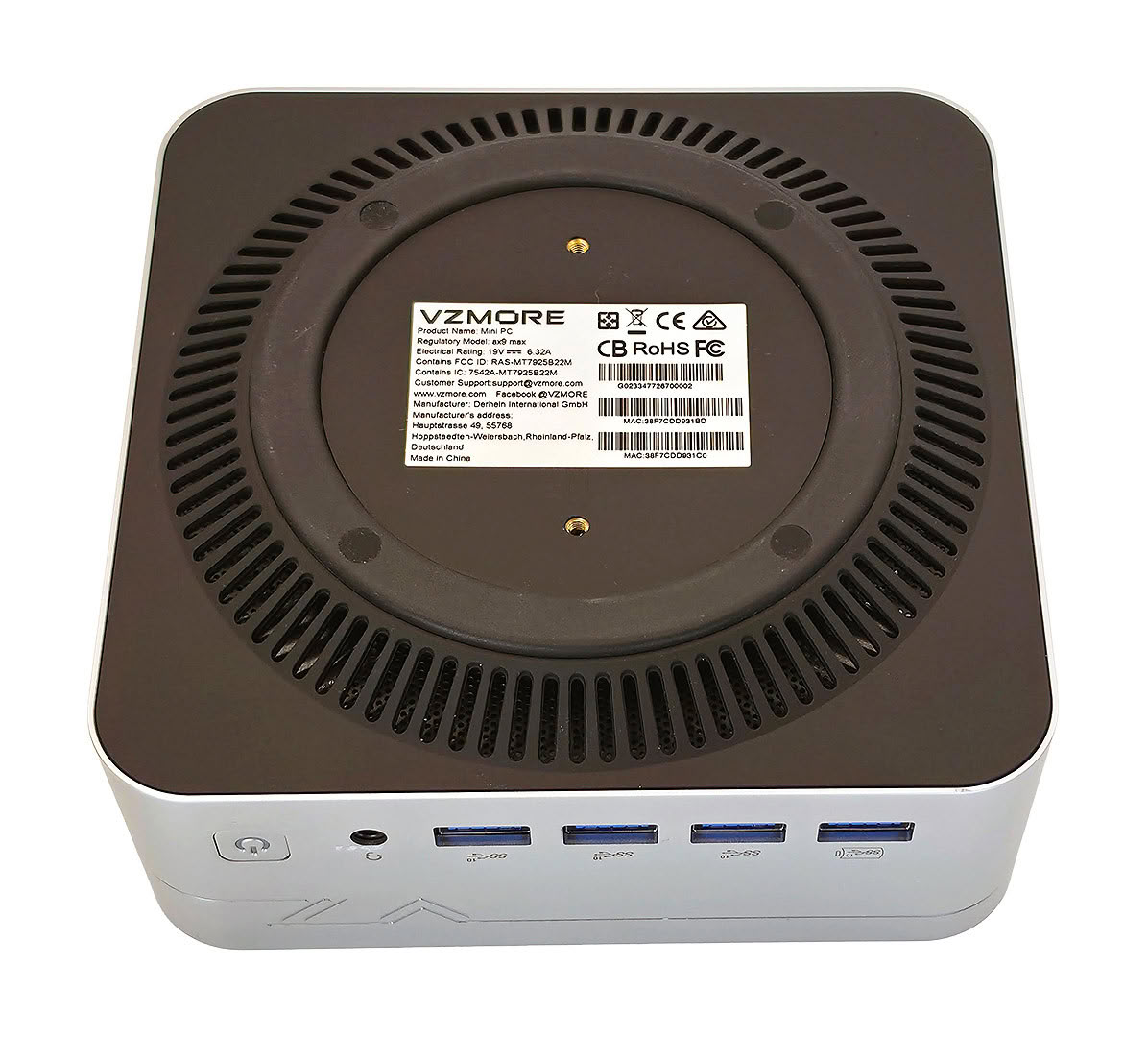
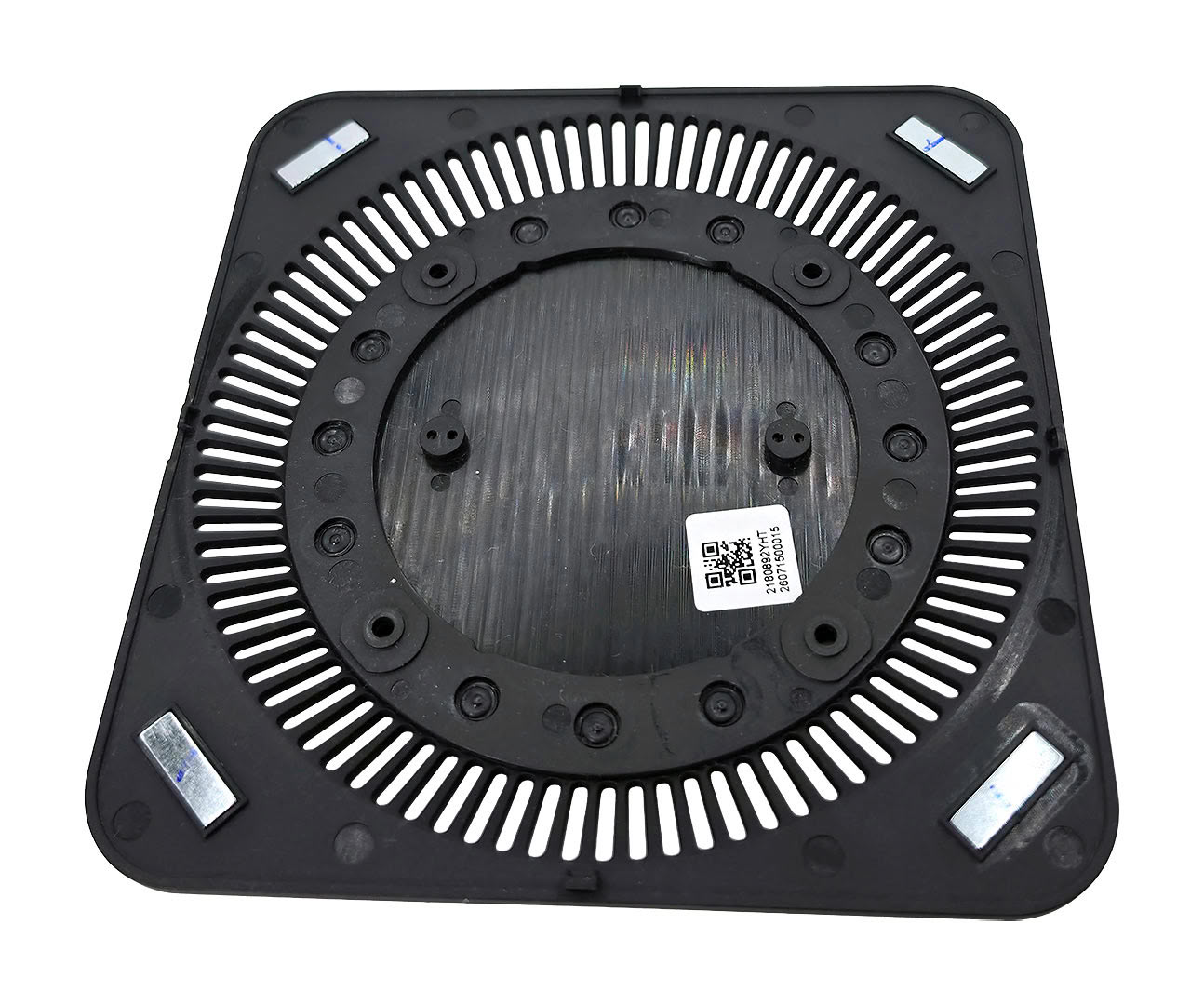
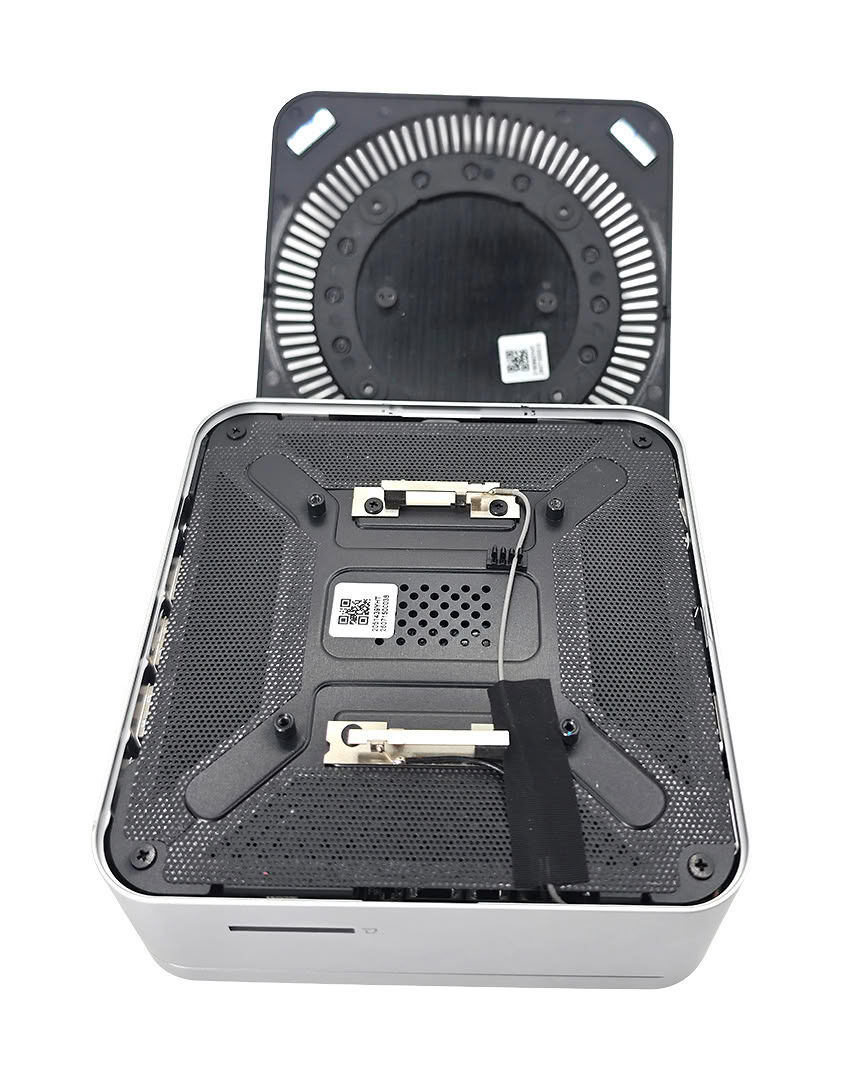
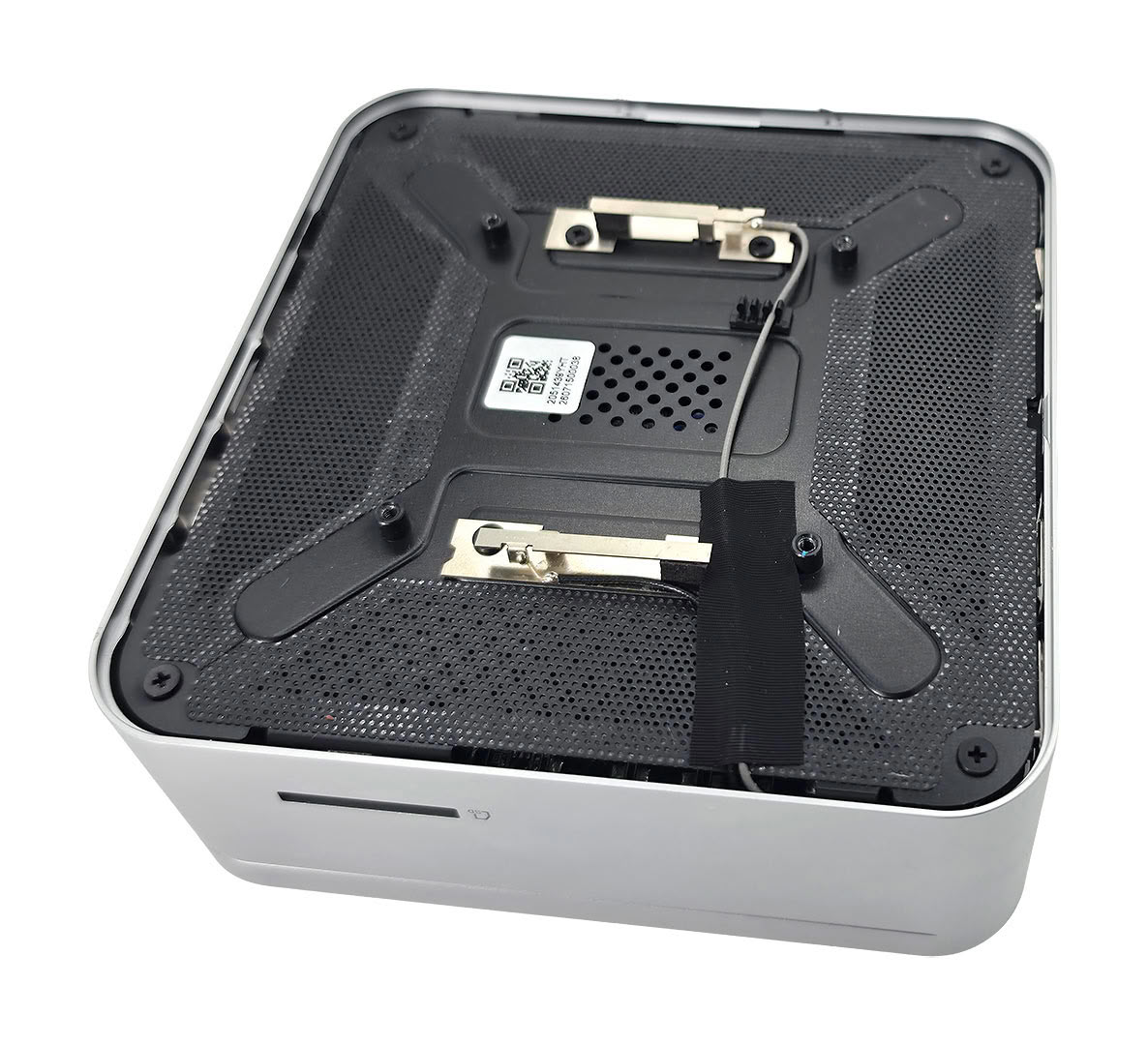
Getting inside the AX9 Max took a little more effort than I would have liked. Four tiny rubber covers hide the screws securing the plastic bottom cover, so getting them out was a bit awkward. Once the bottom cover was removed, I had to take out another four screws securing the metal service plate. This required some extra care, as the wireless antennas are attached directly to the plate. If you've read any of my other Mini-PC reviews, you'll know I'm not a fan of this design choice, since you can't simply remove the plate and set it aside while working inside. Instead, I had to keep it close to the system and be careful not to pull on the antenna wires. It's not a major issue, but it does make upgrading the RAM or replacing an SSD a little more awkward than it needs to be.
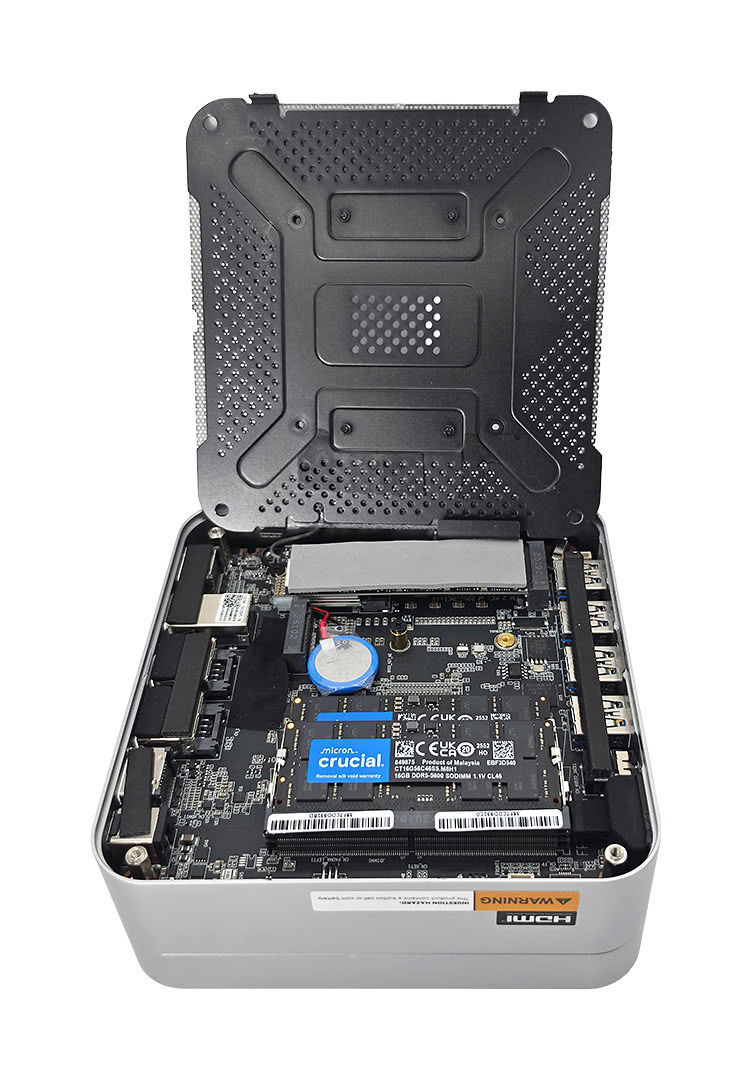
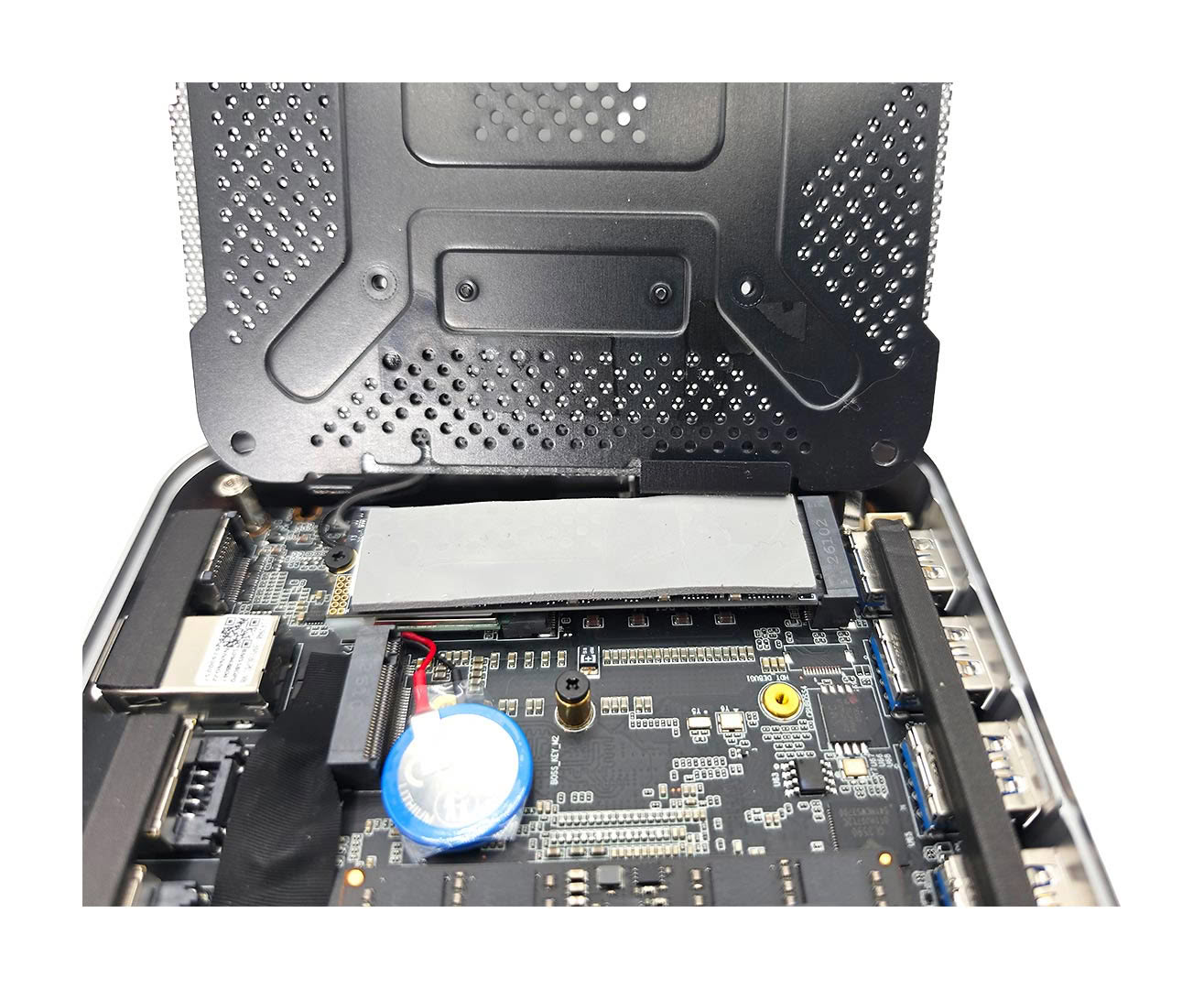
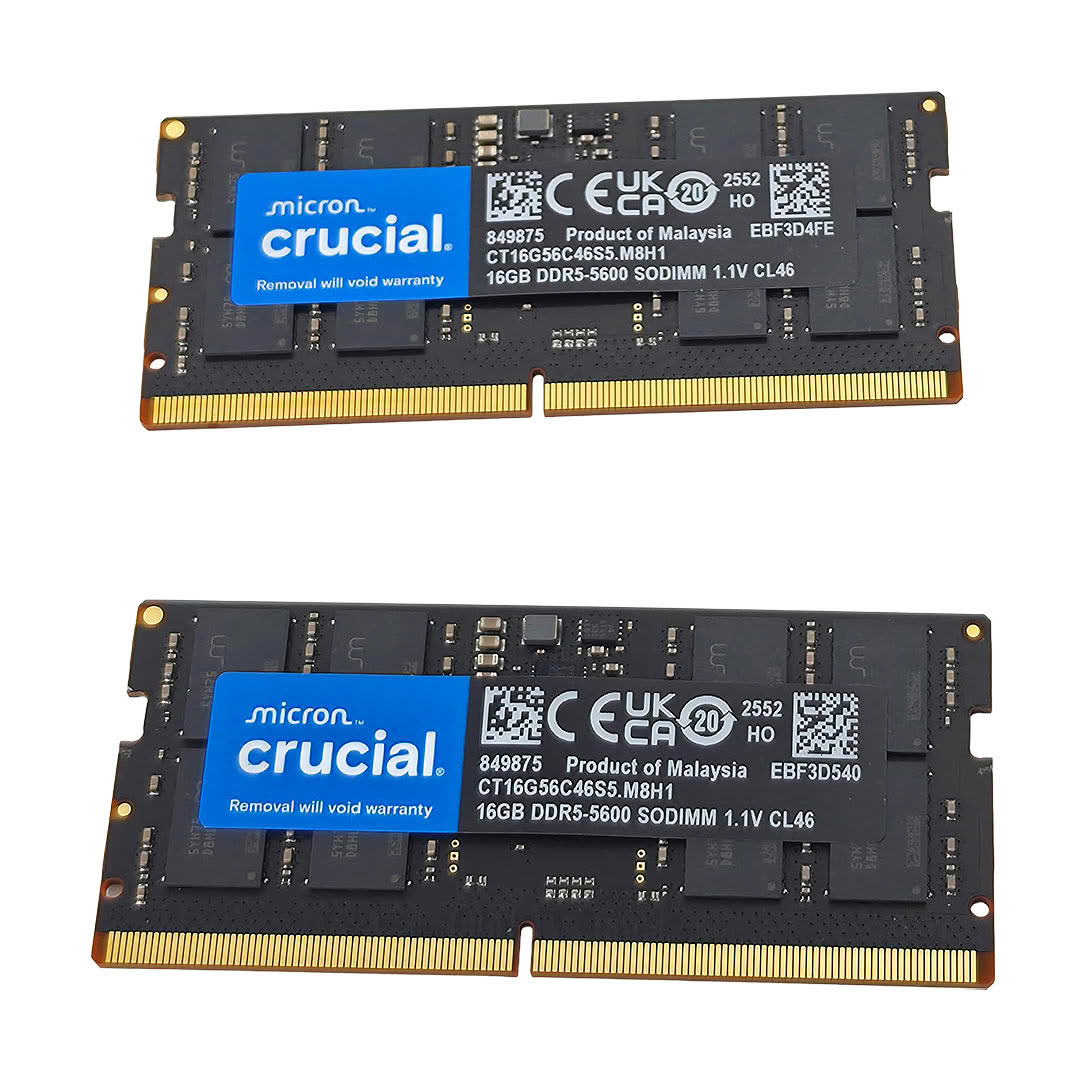
With the service plate carefully lifted out of the way, I could access the memory and SSD slots. My configuration uses two 16 GB Micron DDR5 SO-DIMMs running at 5,600 MT/s in dual-channel mode, which is especially helpful for the Radeon 890M since it shares the system's memory bandwidth. The two slots are also welcome for anyone who might need more RAM later, with VZMORE listing support for up to 256 GB via two 128 GB sticks, if you can find and afford them. As far as we're aware, DDR5 SODIMM modules currently top out at 64 GB, so up to 128 GB should currently be possible considering there are two slots.
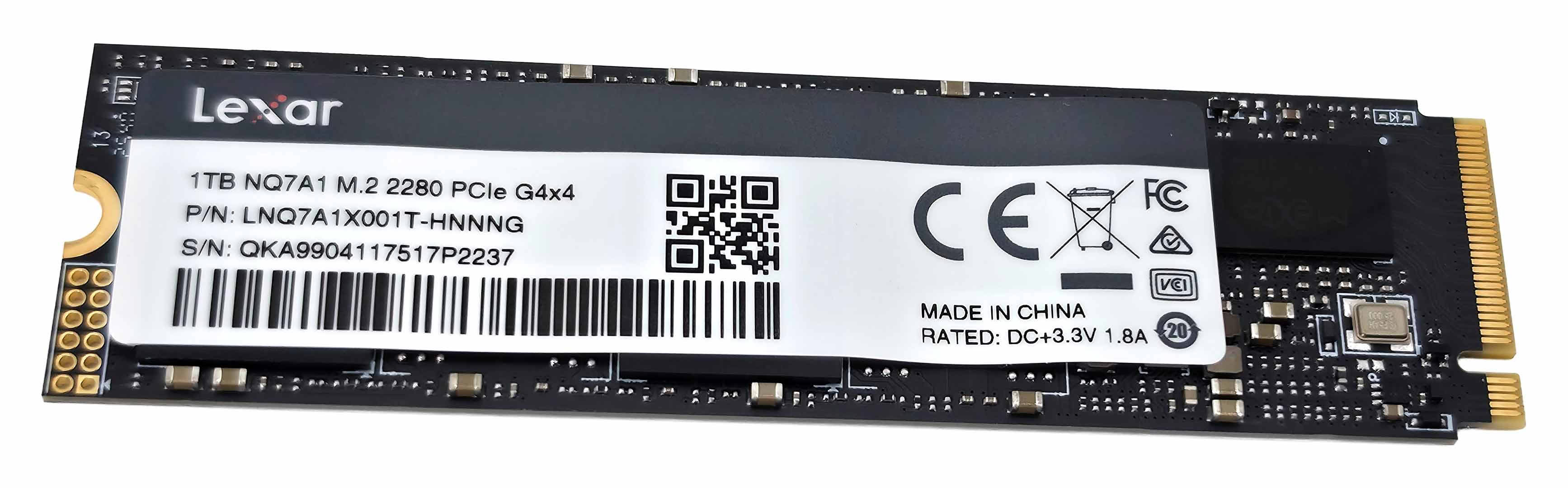
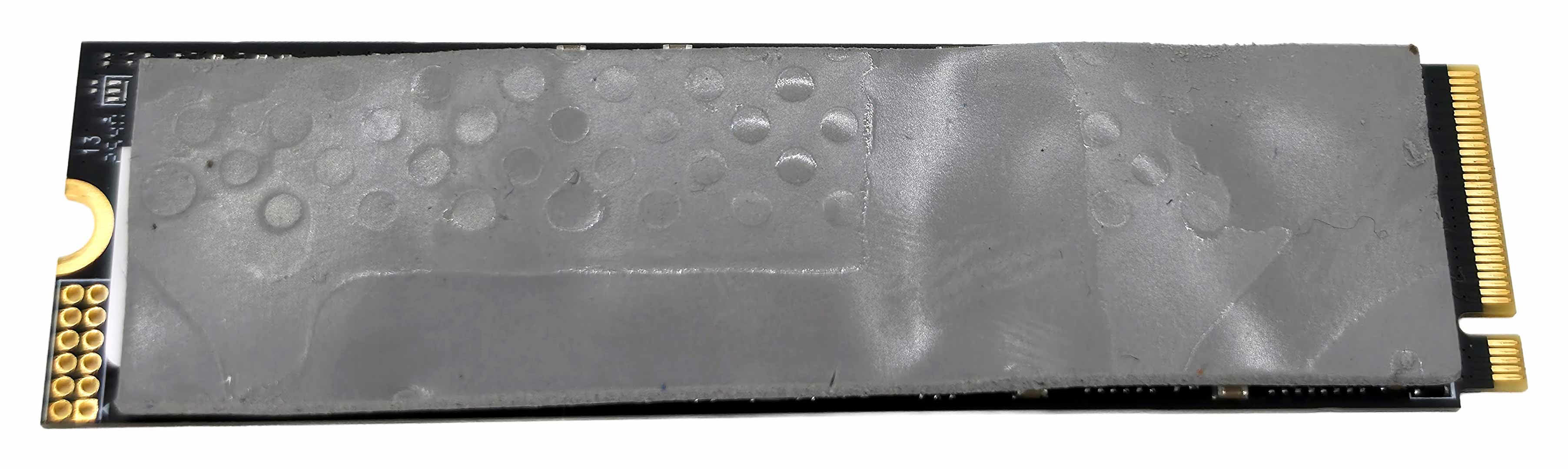
The main storage position holds a 1 TB Lexar NQ7A1 PCIe 4.0 NVMe SSD in the M.2 2280 slot, and there is a second PCIe 4.0 connector for an M.2 2230 drive. That short secondary slot is a limitation, particularly if an owner already has a spare 2280 SSD. A separate M.2 wireless module supplies Wi-Fi 7 and Bluetooth, although, as I noted earlier, the antenna wiring needs extra care when opening the chassis.
On the opposite side of the motherboard, the AI 9 HX 470 chip is cooled by a vapor chamber and an active fan, with air entering through the lower ventilation openings and leaving through the rear exhaust.
Nov 25th, 2026 08:16 CST
change timezone
Latest GPU Drivers
New Forum Posts
- Claude credits purchased on or after Dec. 7 now have an expiry date (0)
- Ryzen Owners Zen Garden (8566)
- WarpCoreBench scores! (104)
- Increasing Power Limit? (34)
- Sexy Hardware Close-Up Pic Clubhouse. (10344)
- {NA} 2026 Black November prices / deal (6)
- Smokin Hot Lappy (1)
- What is the latest game you finished or 100% (205)
- The time has come to upgrade...my desktop (20)
- Can you guess Which game it is? (358)
Popular Reviews
- ASRock X870E Challenger Wi-Fi White Review
- Microsoft Surface Laptop Ultra Review - The Next-gen Arm Laptop
- VZMORE AX9 Max Review
- Upcoming Hardware Launches 2027 (Updated Nov 2026)
- AMD Ryzen 7 9800X3D Review - The Best Gaming Processor
- AMD Zen 6 Technical Deep Dive
- Corsair RM1200e (Second Generation) Review
- Phantom Blade Zero Performance Benchmark Review - 35 GPUs Tested
- Pulsar Office Tour & First Look at P1 Dual-Sensor Mouse
- Ocypus lota P1000 Review
TPU on YouTube
Controversial News Posts
- Jensen Huang Reinstated as CEO of NVIDIA (555)
- NVIDIA Co-Founder and CEO Jensen Huang Officially Resigns (492)
- Report: Jensen Huang Eyes NVIDIA Comeback (281)
- Open Letter Asking NVIDIA to Reinstate Jensen Huang Passes 115,000 Signatures (184)
- OpenAI CEO Argues Home PCs Waste the World's Limited DRAM Supply (152)
- NVIDIA Launches Investigation Into Jensen Huang's Relationship With Suspected Chinese Spy (136)
- Intel "Raptor Lake Next" 16-Core and 20-Core CPUs Surface (130)
- Intel Razor Lake Gets a 12 P-Core bLLC Chip With No E-Cores, Per Leak (94)