 9
ZIMA ZimaBoard 2 Review - Not really a NAS?
(9 Comments) »Introduction

We're not quite sure what to call the ZimaBoard 2, as it's a rather strange piece of kit that you very much could use as a NAS, especially with regards to the bundle we were sent for review. We were sent the 1664 configuration of the ZimaBoard 2 for this review, where 16 stands for 16 GB of RAM and 64 for 64 GB of eMMC. There's also an 832 SKU, which as you most likely already have guessed, stands for 8 GB of RAM and 32 GB of eMMC. Both SKUs sport an Intel processor N150, and it all comes packaged in what largely is a heatsink. There's no chassis/housing to speak of and the ZimaBoard 2 should be seen more as a developer kit than anything else, although it could most definitely be used for some hobby projects.
The mentioned bundle is referred to as the mini NAS kit bundle by ZIMA, which includes a mount for a pair of 3.5-inch SATA drives, an NVMe to PCIe converter card, a PCIe flex cable, a micro DP to HDMI adapter and a pair of Ethernet cables, although we didn't get the latter for some reason. Everything can sort of be assembled into a kind of open chassis, but it looks a tad messy, and it's a bit quirky to get it all assembled. Once again though, this is not a device for those that are looking for a traditional easy-to-use NAS.
The ZimaBoard 2 runs ZimaOS, which looks quite modern and slick, but it's pretty basic in terms of features. There's a free version of the OS that you can try on your own hardware that doesn't have too many limitations, but the plus version is what's shipping with ZIMA's own hardware, and it has no limitations. You might've seen that ZIMA launched a range of NAS devices earlier this year—called the ZimaCube—which also ship with the same OS. We'll go over what the OS offers in comparison to a more traditional NAS OS later on in the review. As already mentioned, it's a feature light OS for better or worse, but it has some interesting quirks of its own.
With that said, let's start with taking a closer look at what we were sent and a closer look at the hardware itself.
Specifications
| ZimaBoard 2 Specs & Features | |
|---|---|
| Processor | Intel Processor N150 4c/4t 4× Twin Lake 3.6 GHz |
| Memory | 16 GB soldered LPDDR5-6400 |
| Storage | 64 GB eMMC Two SATA 6 Gbps ports |
| RAID Levels: | Single Disk, JBOD, RAID 0, 1 |
| Capacity | Up to 64 TB |
| Operating System | ZimaOS Plus 1.7 (Linux Kernel 6.18.9) |
| File System (Internal Drives) |
|
| File System (External Drives) |
|
| Networking |
|
| I/O Ports |
|
| Dimensions | 140 (H) × 83 (W) × 31 (D) mm |
| Weight | 407 g |
| Power Supply | External, 60 W 100–240 V input 12 V 5 A output Shenzhen Sunshine Technological Co. Ltd. XSI-125000DEX |
| Fan | optional 40 mm PWM fan |
| Warranty | One-year |
| Price Excluding VAT (at time of review) | $519 for the supplied Mini NAS kit |
Packaging and Bundle
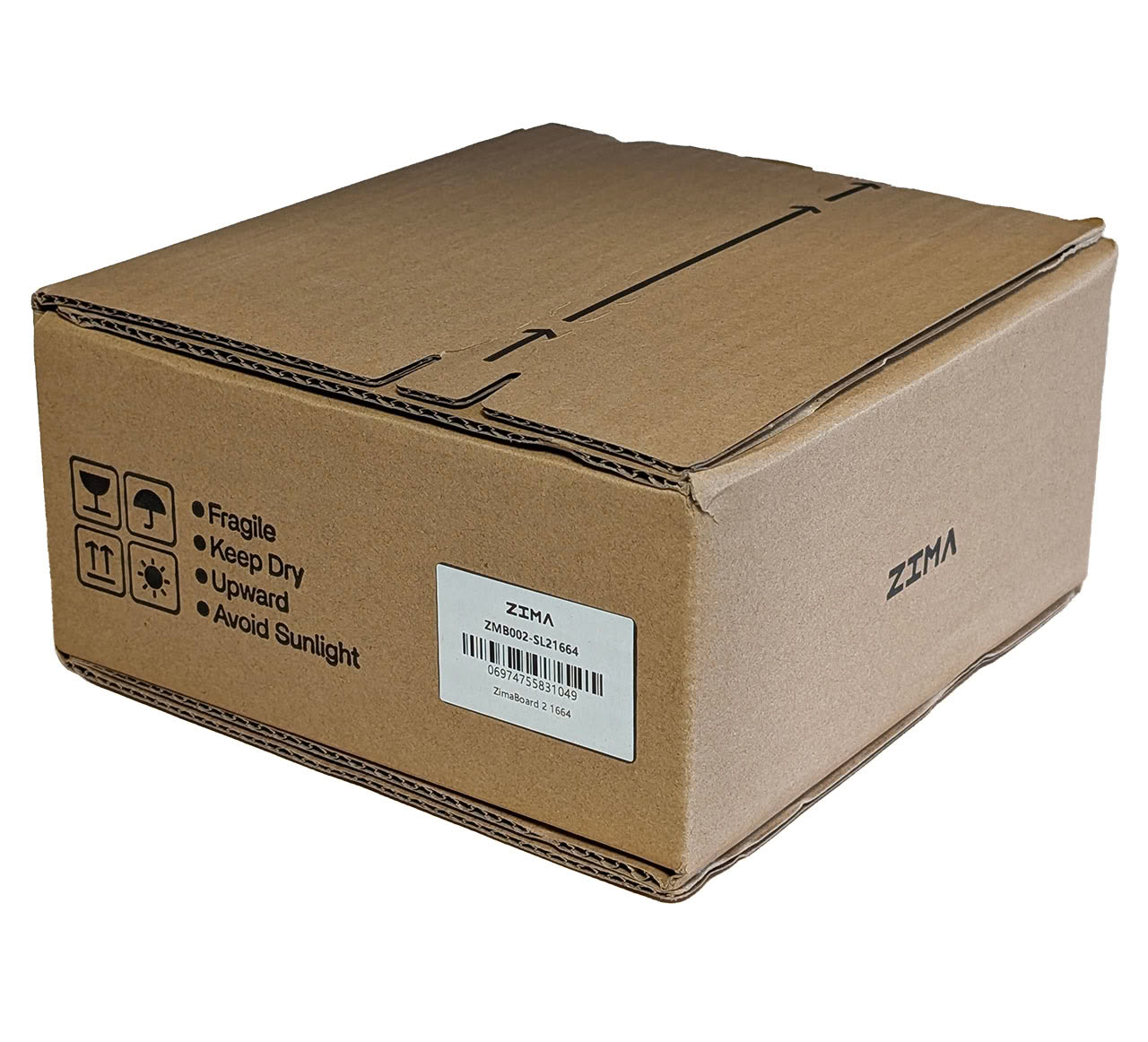
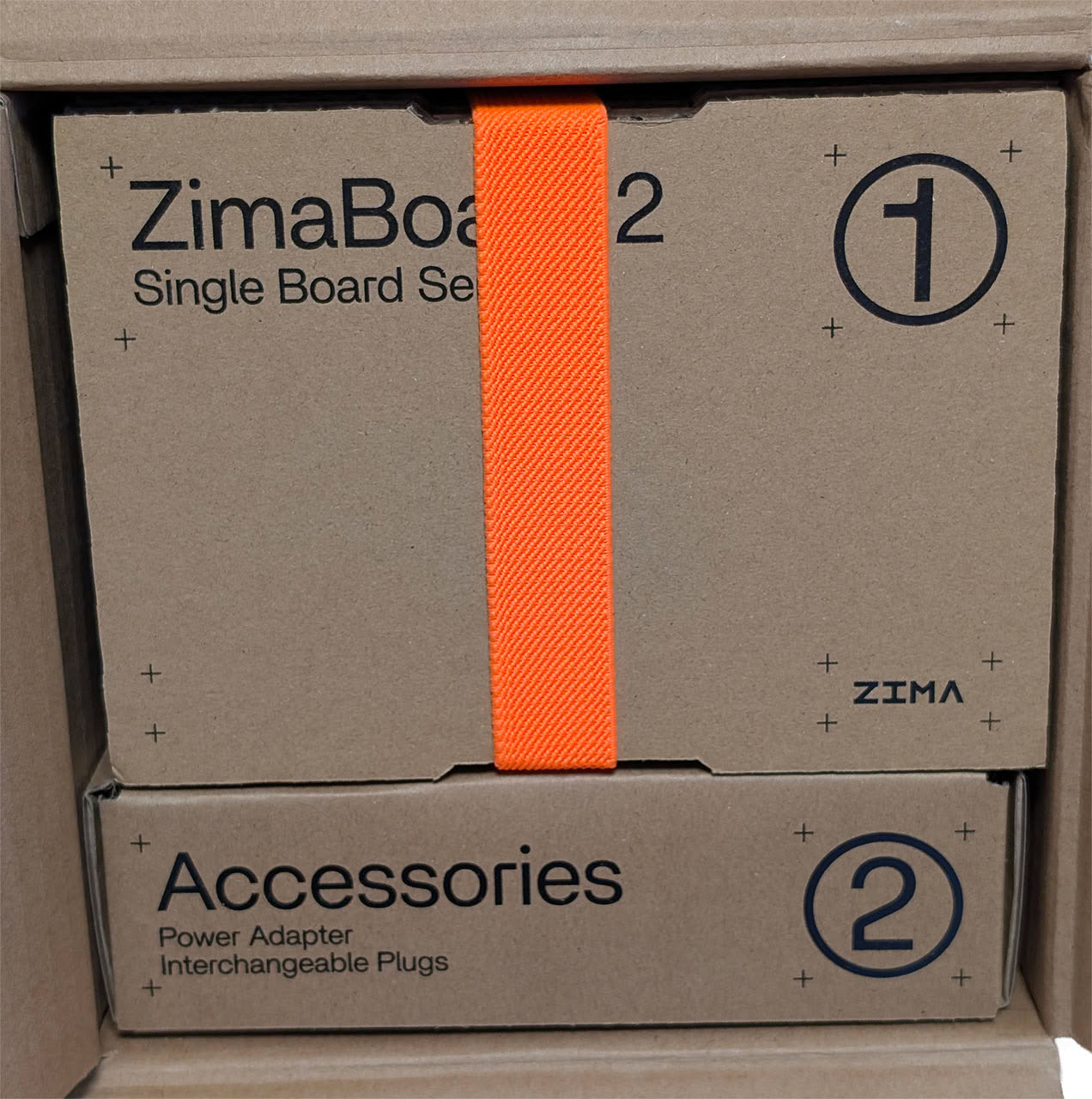
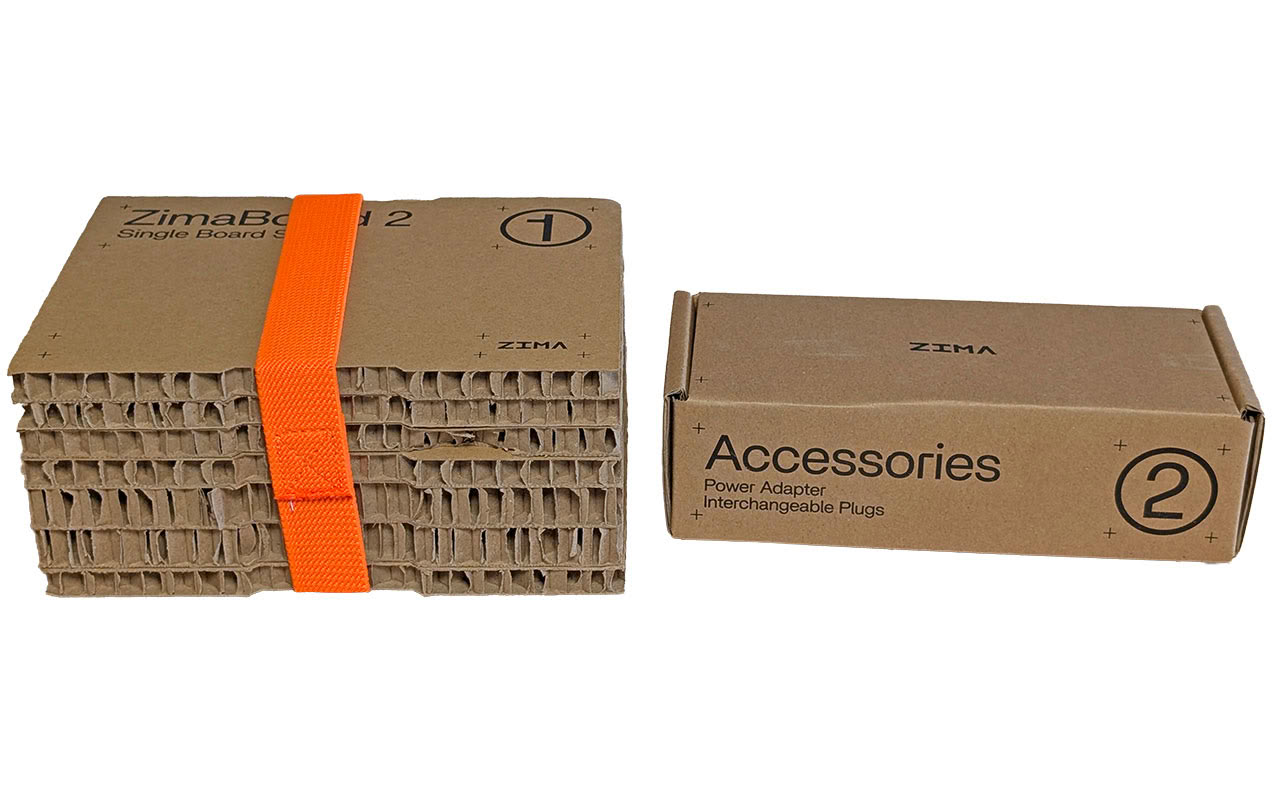
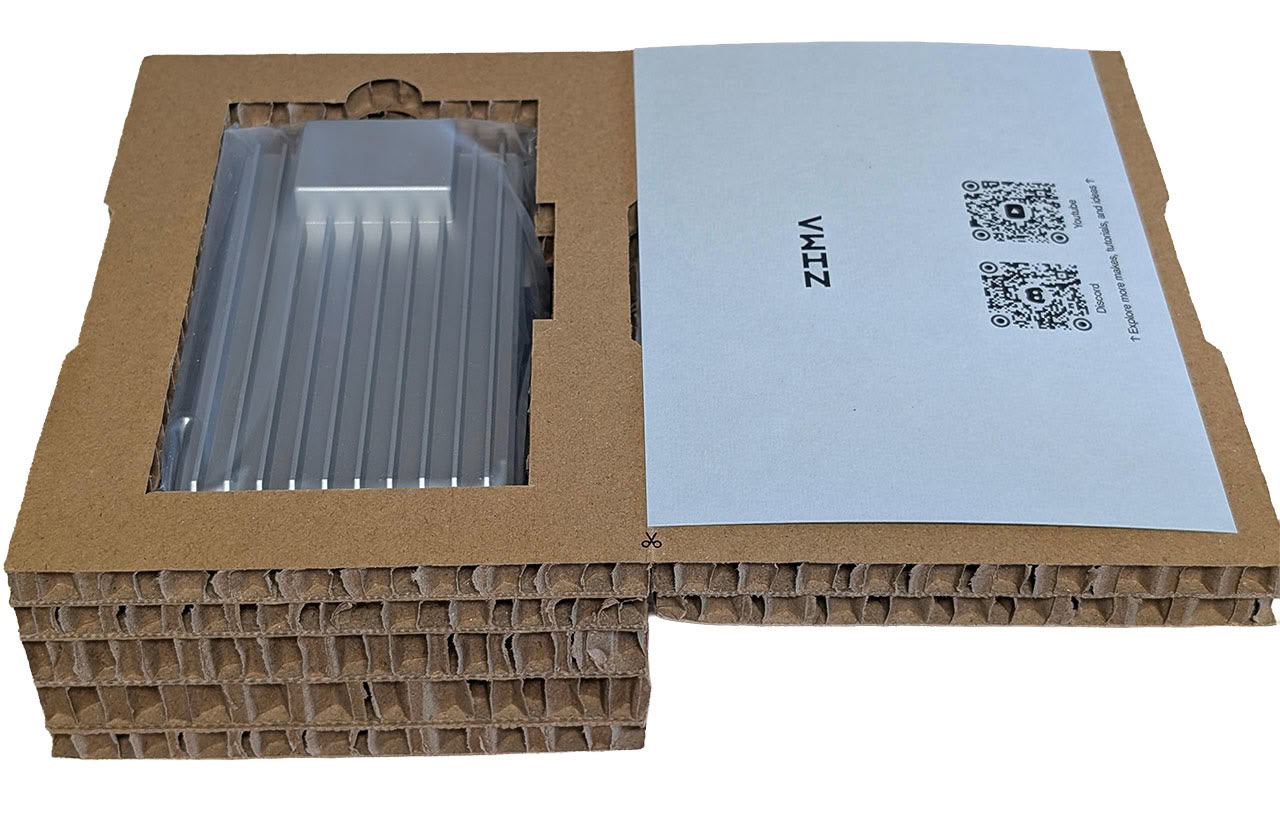
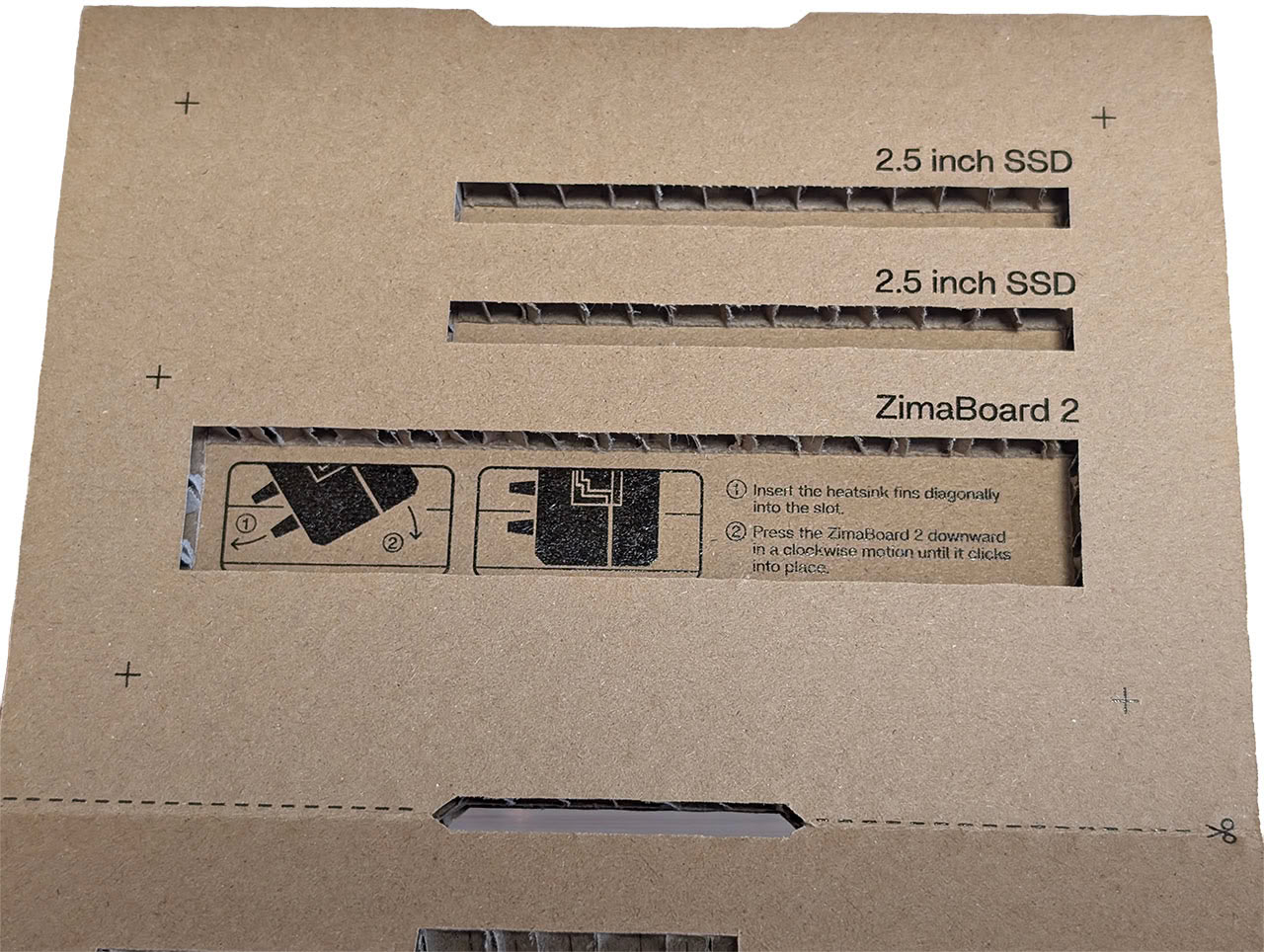
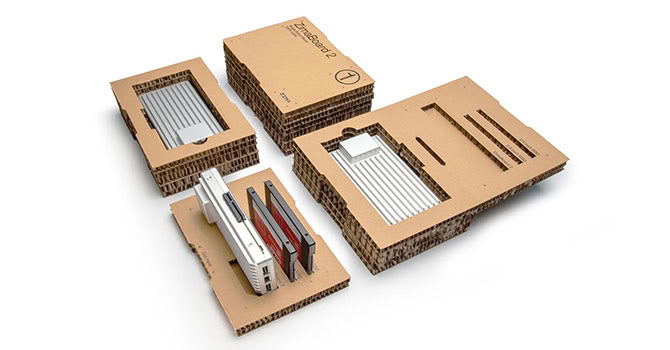
The ZimaBoard 2 comes in a unique packaging that can be used as a stand for a couple of 2.5-inch SATA SSDs—as well as the ZimaBoard 2 itself—but we doubt many would use the packaging that way.

The supplied accessories include a power adapter with four different plugs, a special SATA and power adapter for two SATA drives, a small fan—more on that later—and a pair of screwdrivers. There's also some basic documentation.
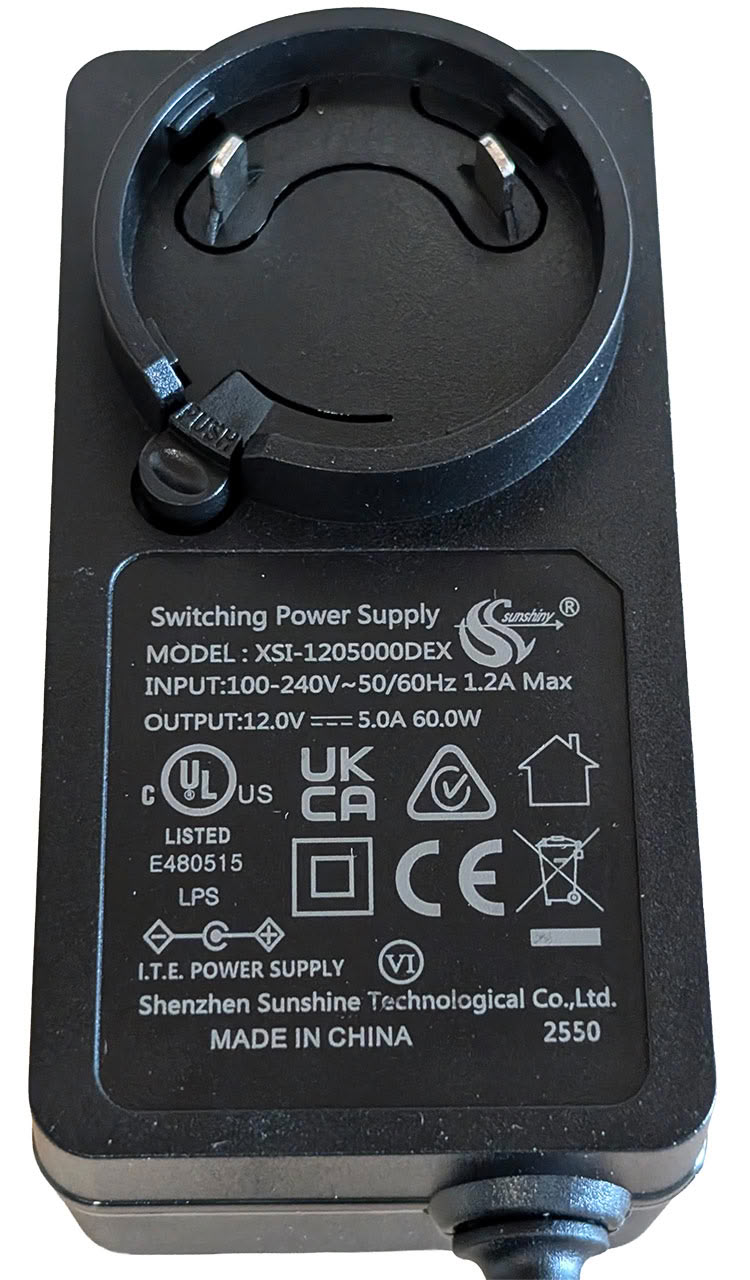
The power adapter is from Shenzhen Sunshine Technology Co., Ltd. and is rated at 12 V 5 A, for a total of 60 W. It comes with plugs suitable for it to be used in most parts of the world, with the only exclusion we can think of being India and South Africa.

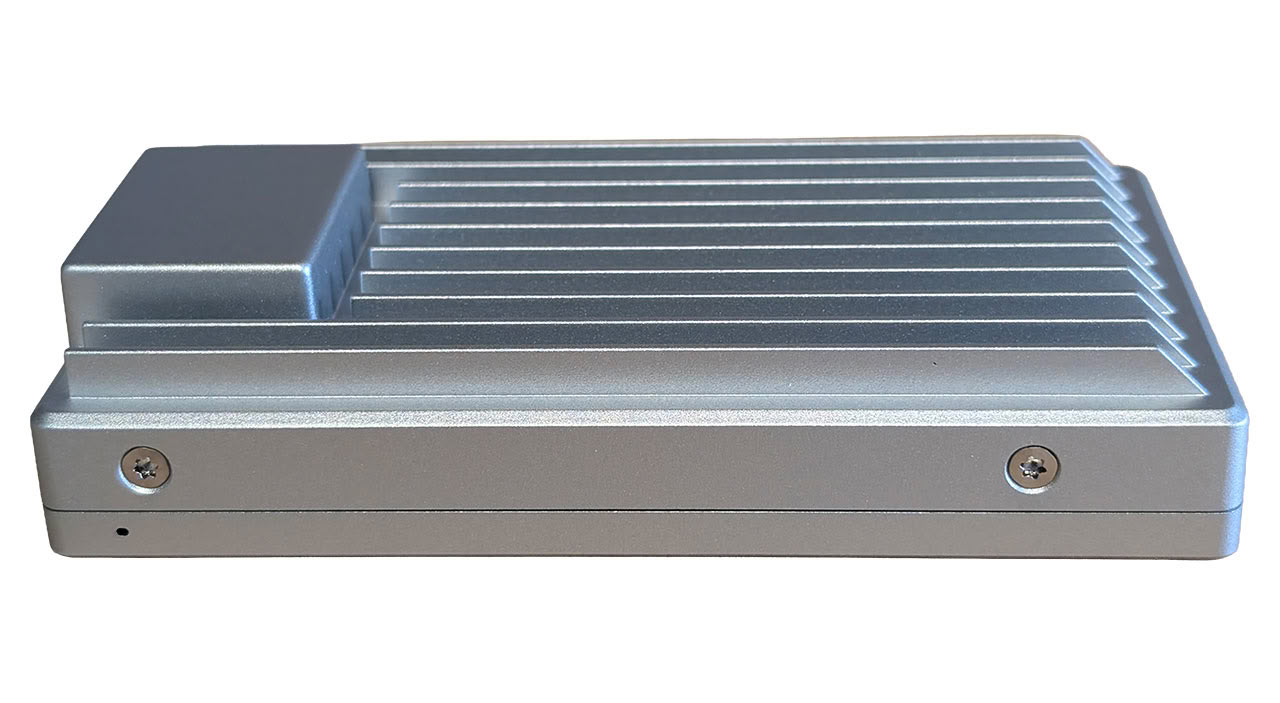
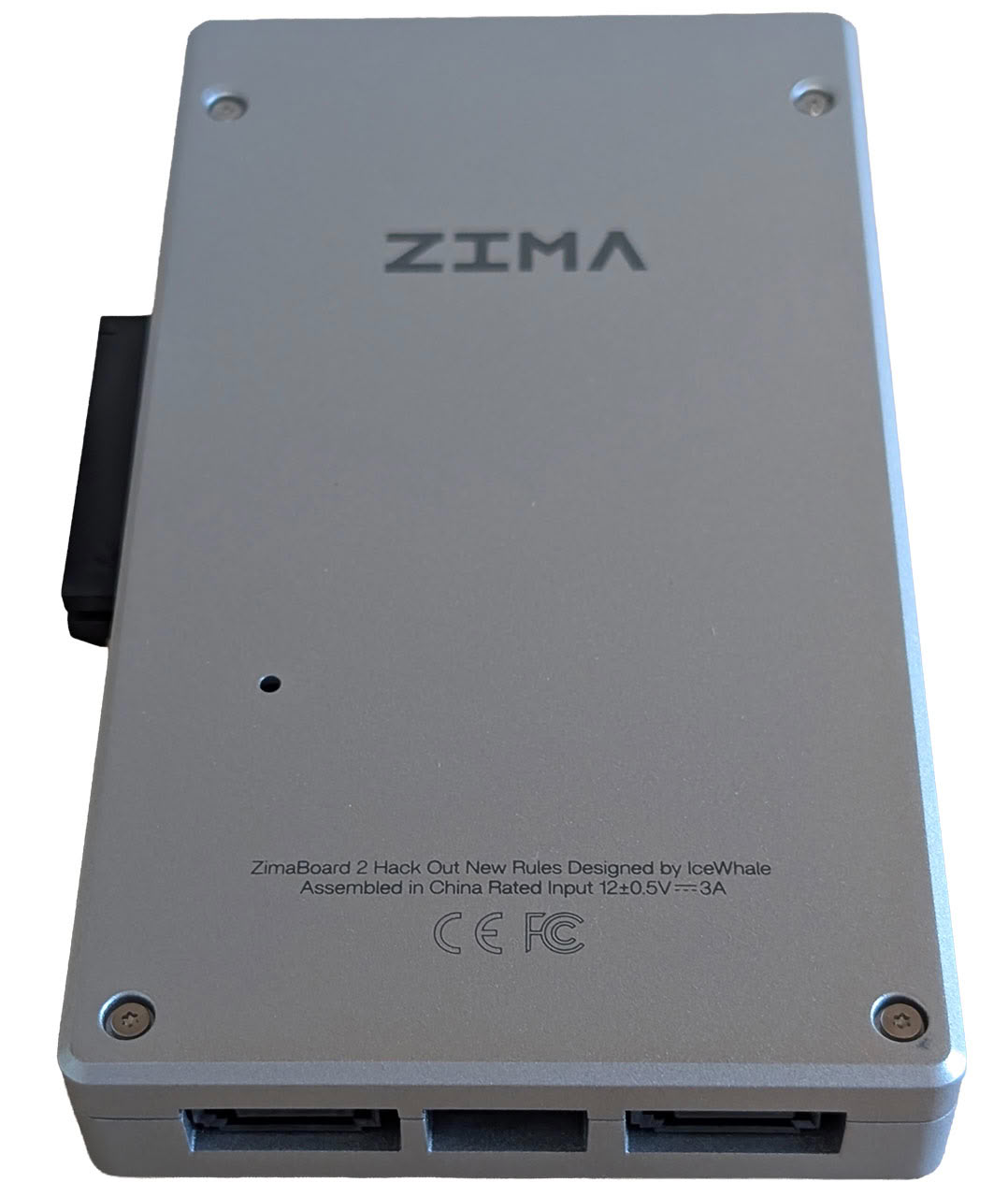
The ZimaBoard 2 looks like a large chunk of metal at first sight and the overall design is really rather quite odd. As the "2" in the model name suggests, this is the second iteration of the hardware, with the first being launched back in 2021 and looking even more like a heatsink. We're not quite sure why ZIMA picked this design, but they clearly stuck with it, even if the second iteration of the hardware looks a lot sleeker.


Connectivity-wise, the ZimaBoard 2 offers up a pair of 2.5 Gbps Ethernet ports, two USB 3.1 ports, a mini-DP 1.4 port, a 12 V power input, two SATA ports, a proprietary power connector for the SATA drives and a PCIe 3.0 x4 slot. There's also a hidden power connector for the fan, which may or may not be needed.
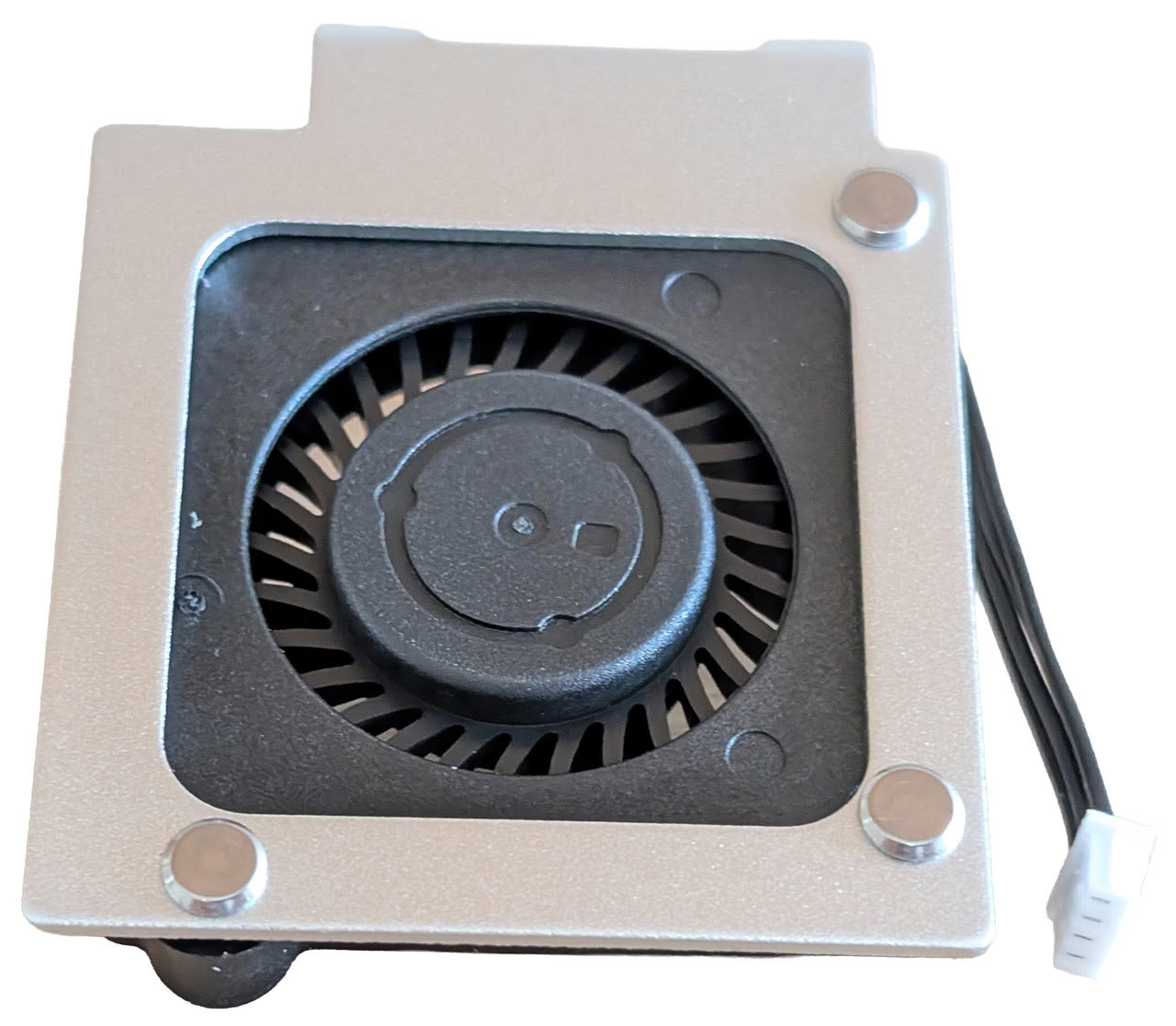
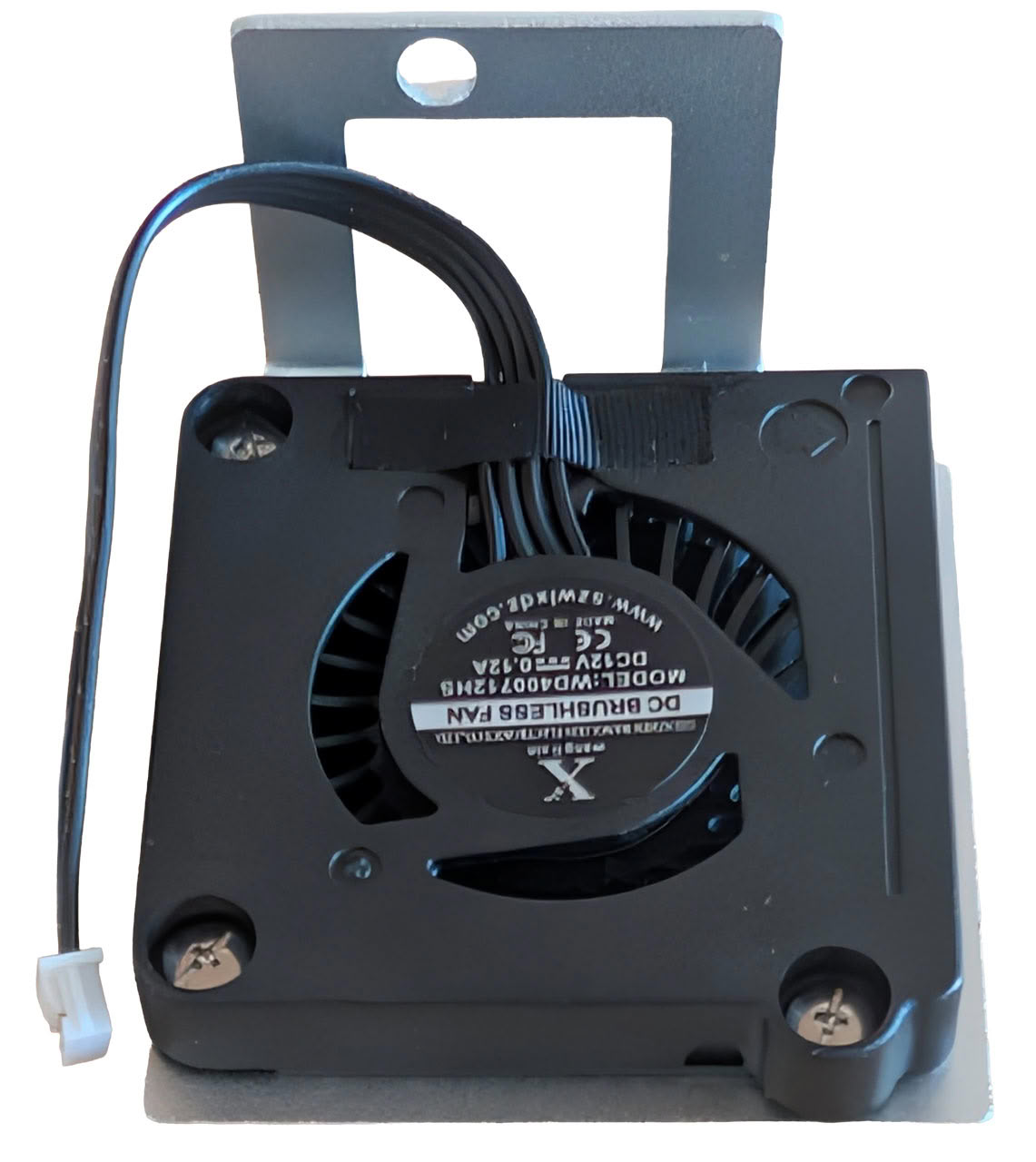
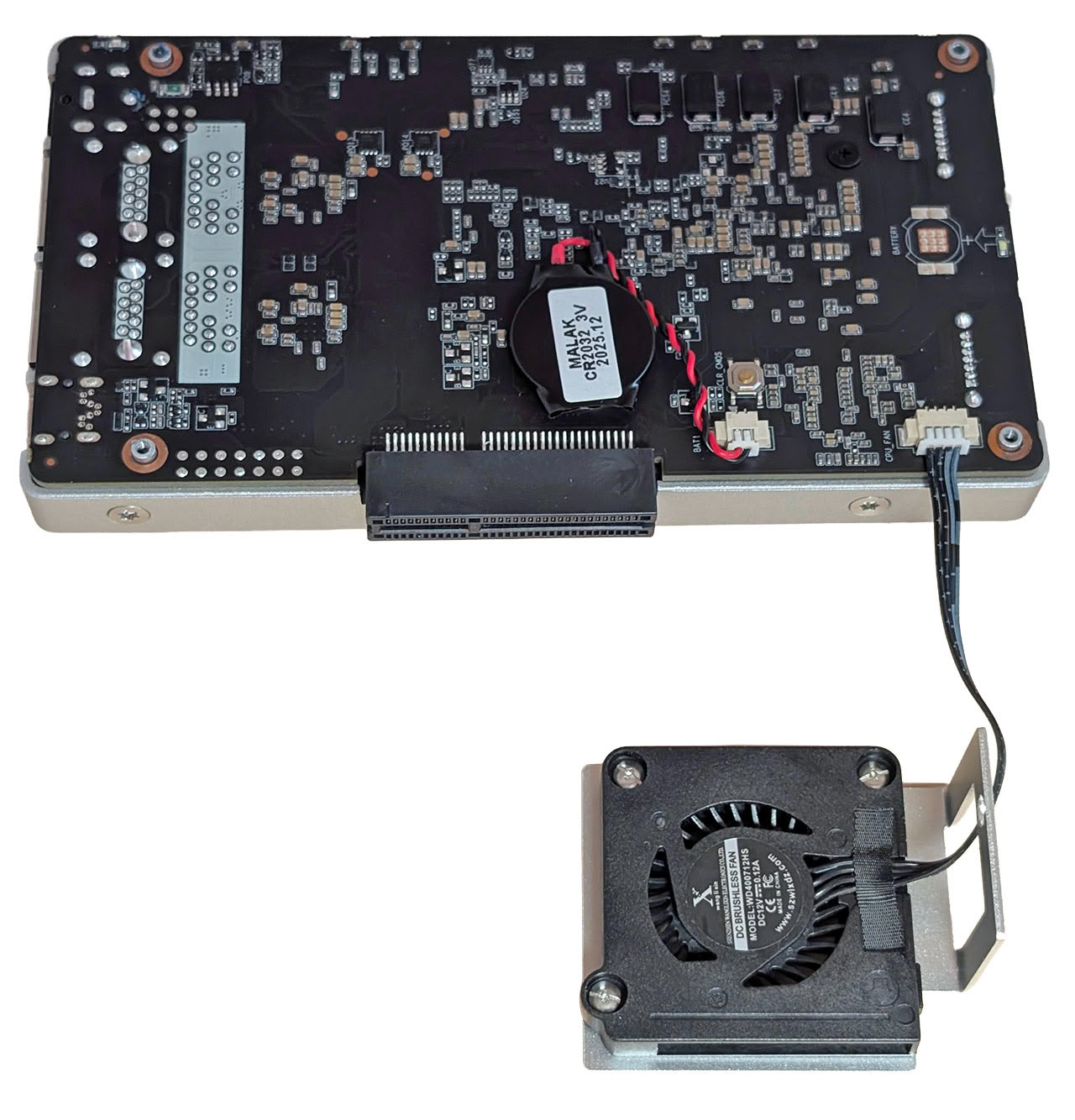

To use the bundled fan, you need to unscrew four Torx screws—we ended up breaking our screwdriver bit doing this as the screws are T3, but require quite a bit of torque to remove—and remove the bottom plate of the ZimaBoard 2. The fan is then connected to a tiny connector on the PCB and the wire is fed out through a small cut-out in the bottom lid. The fan bracket is then held in place by a housing side screw, but the whole thing feels like a bit of a retrofit and doesn't look great. At least the fan was quiet in use, but we weren't able to locate any kind of fan control options in ZimaOS, which is one of many things that the OS is missing. We should point out that you need to perform the same procedure to replace the CMOS battery, once that's depleted after a few years of usage.

We didn't feel like ripping off the other side of the ZimaBoard 2 and to be honest, there isn't anything all that interesting hiding there anyhow, since we know the hardware specs. The Intel Processor N150 is, as we've already mentioned, paired with 8 or 16 GB of single channel RAM. ZIMA seems to be using a single LPDDR5-6400 chip. Note that the RAM is limited to 4800 MT by the CPU, but the OS reports 6400 MT memory being installed. Based on teardowns on the internet, the eMMC appears to be from Chinese Forsee, a company which is commonly found used on various Chinese SBCs. The 2.5 Gbps Ethernet controllers are a pair of Intel i226-V chips that connect over PCIe, and beyond that there isn't anything of any real interest on the PCB.
One annoying flaw of the ZimaBoard 2 design is that there's no power button, which is fine for anyone planning on using it for 24/7/365 operation. It can be shut down from within ZimaOS, but to power the board on again, you need to unplug and replug the power connector or get yourself a smartplug that you need to toggle for it to power on again. We're also curious about the choice of a mini-DP connector instead of a USB Type-C port, which could've doubled up as a storage interface, but it's by no means a dealbreaker. The hardware itself is on par with or better than that you'd find in many NAS appliances from the well known NAS makers, so it's hard to knock it for what it is.
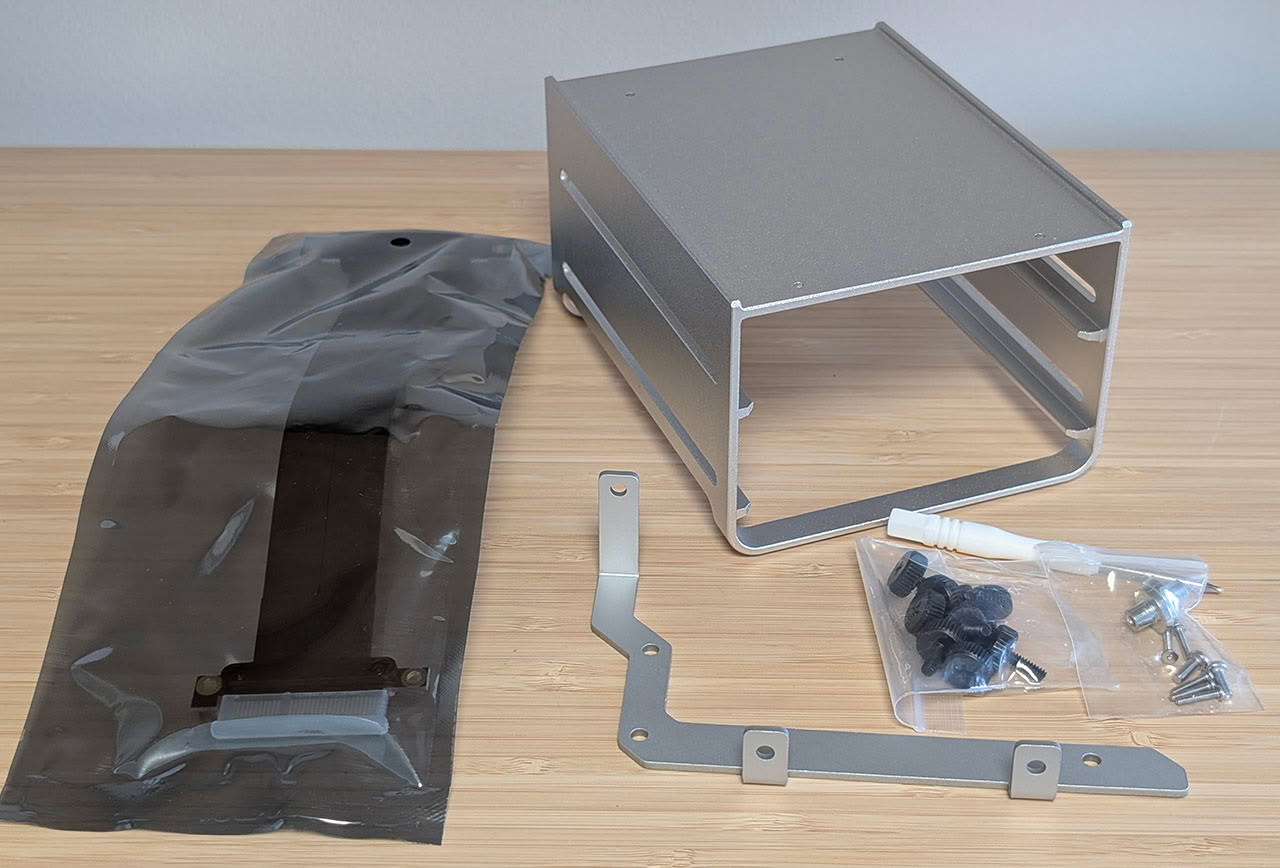
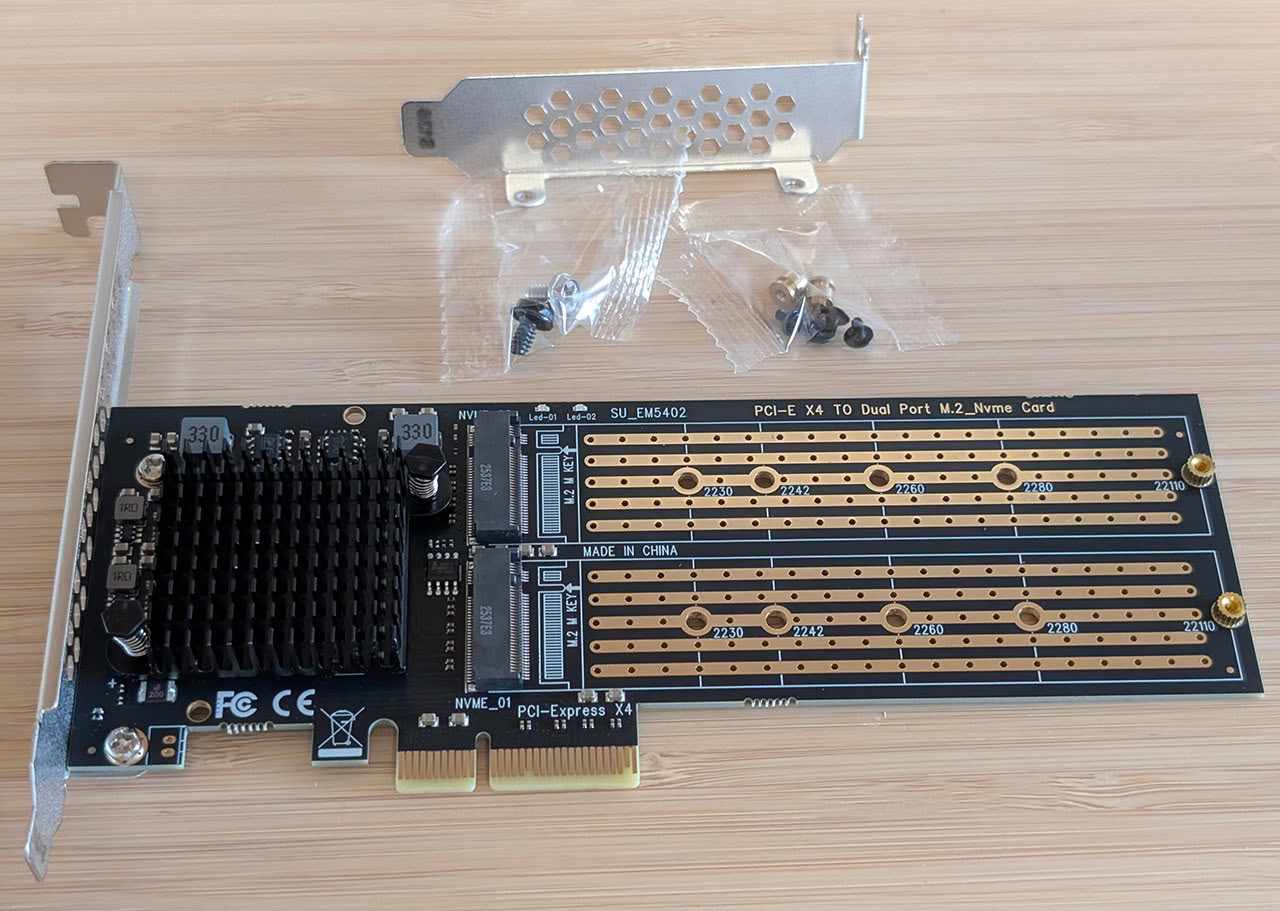
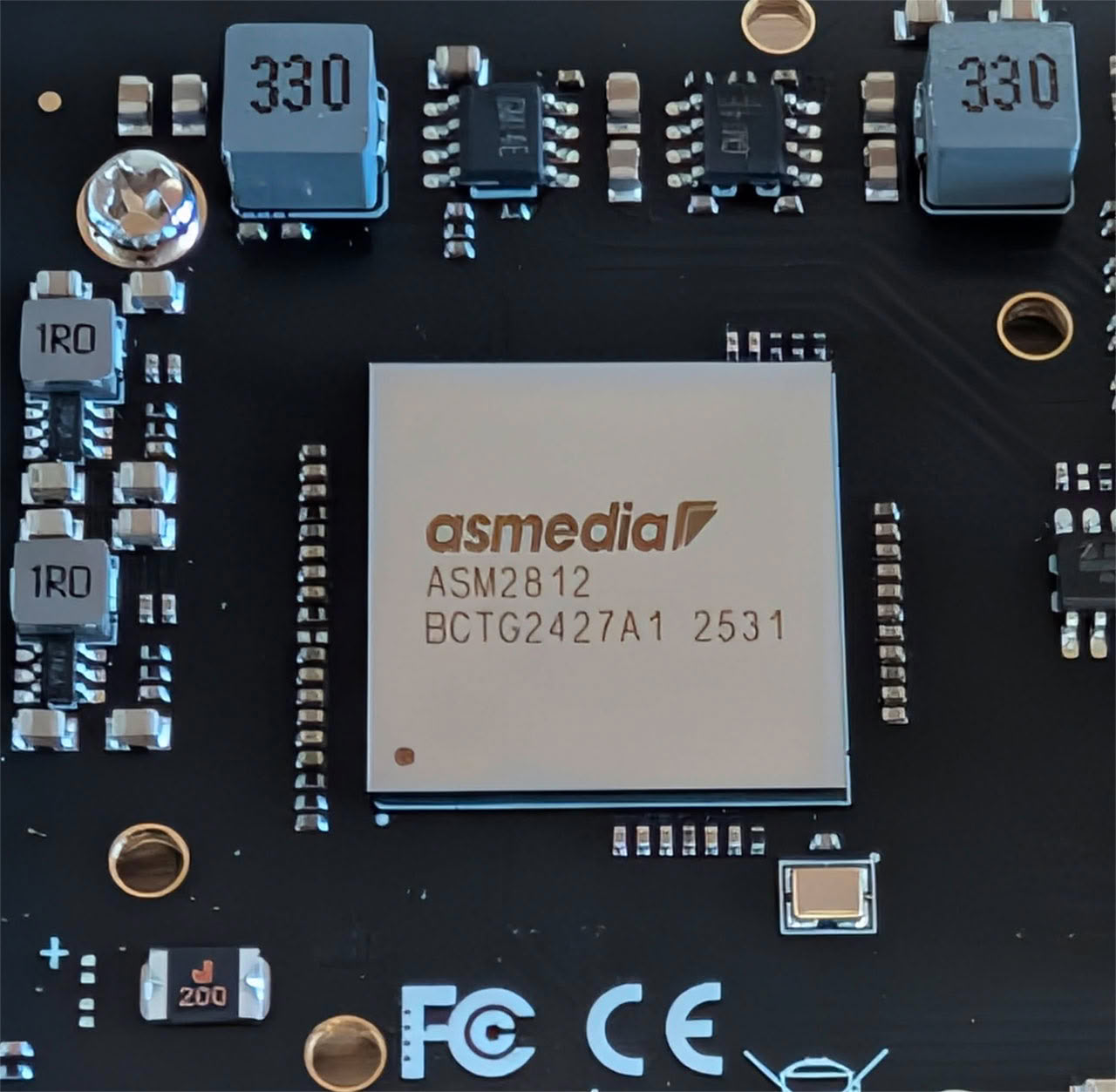
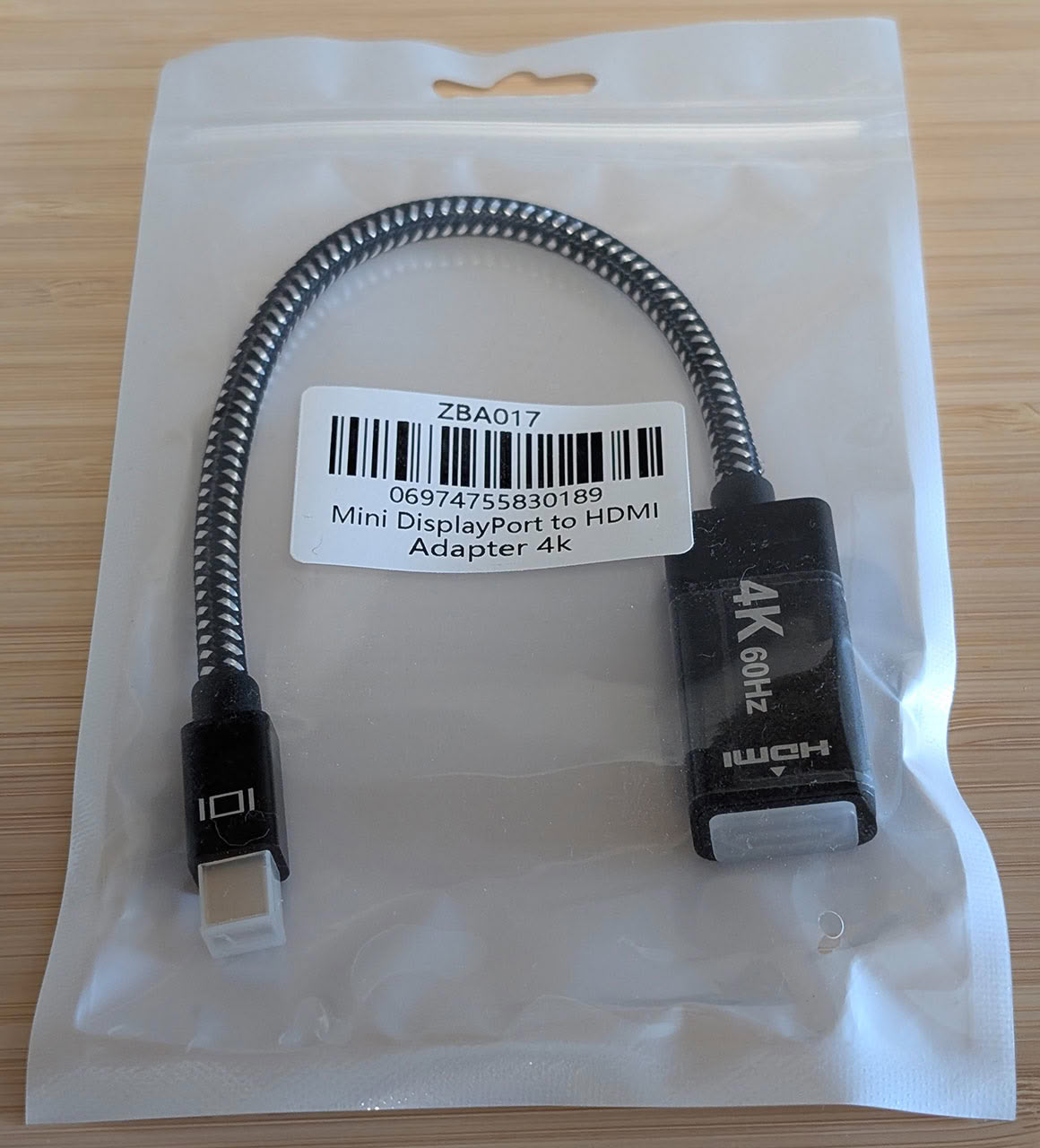
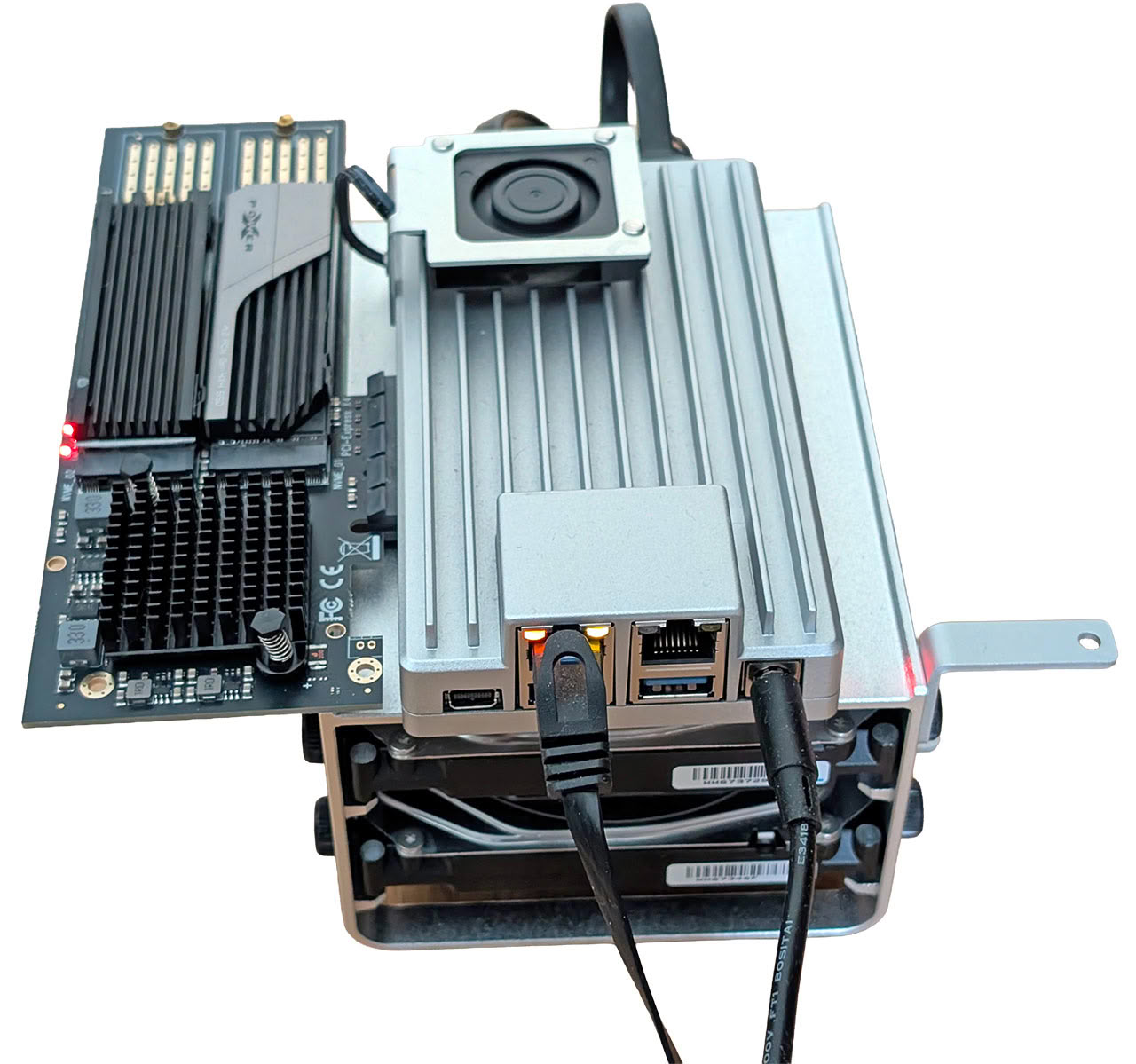
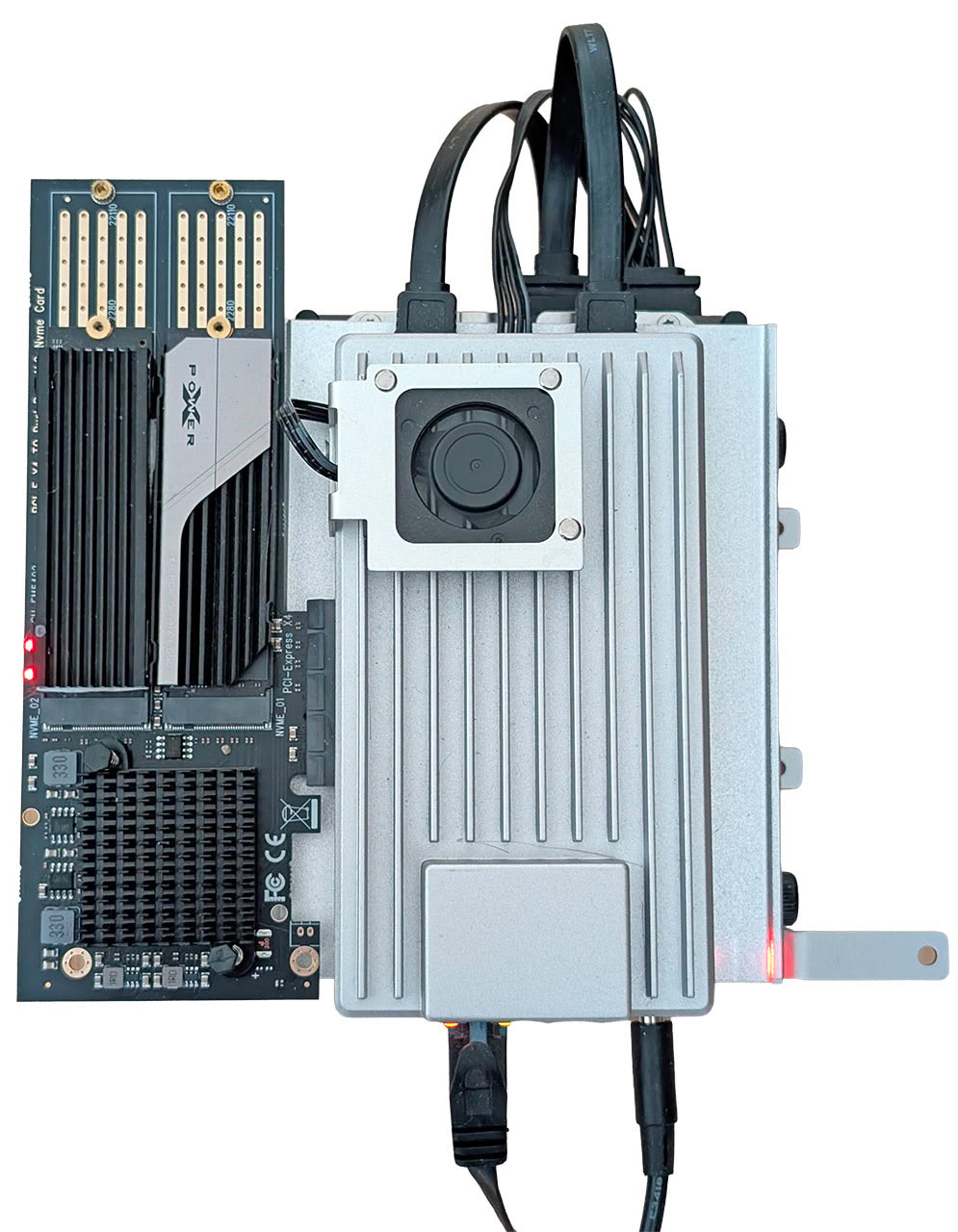
As for the mini NAS kit, we're not quite as impressed. The aluminium holder for the two 3.5-inch SATA drives comes with a small bracket that is designed for the flex PCIe extension cable to attach to, but it's all a bit quirky and messy to assemble. We cheated a bit here as you can see from the pictures above, skipping the flex cable and just plugging the PCIe to NVMe adapter straight into the PCIe x4 slot. Without the bracket, the 3.5-inch hard drives will slide around, as it acts as a space for the screws. The bundled PCIe to NVMe adapter card is a high-end model with an ASMedia ASM2812 PCIe 3.0 packet switch, suggesting that PCIe bifurcation isn't supported by the ZimaBoard 2. ZIMA is asking for US$130 for that card alone, which could be worth keeping in mind, as it's a big part of the US$519 asking price for the bundle we were sent. If you just want basic NAS functionality, it's not needed at all and as you'll see from our benchmarks, it doesn't add any extra storage performance over using hard drives in most scenarios. Overall, this could still be a good bundle for someone, and in all fairness to ZIMA, it's a lot cheaper to get the bundle than ordering the individual parts separately. However, there's also a cheaper starter bundle for US$449 that swaps in a single NVMe drive PCIe card, that also adds support for a SATA based M.2 drive, when connected via a SATA cable to a suitable host. For comparison, the bare ZimaBoard 2 costs US$399.
Below is an output of the lspci command on Linux, with the PCIe to M.2 expansion card installed, as well as a pair of M.2 SSDs.
00:00.0 Host bridge: Intel Corporation Alder Lake-N Processor Host Bridge/DRAM Registers
00:02.0 VGA compatible controller: Intel Corporation Alder Lake-N [Intel Graphics]
00:0a.0 Signal processing controller: Intel Corporation Platform Monitoring Technology (rev 01)
00:12.0 Serial controller: Intel Corporation Alder Lake-N Integrated Sensor Hub
00:14.0 USB controller: Intel Corporation Alder Lake-N PCH USB 3.2 xHCI Host Controller
00:14.2 RAM memory: Intel Corporation Alder Lake-N PCH Shared SRAM
00:16.0 Communication controller: Intel Corporation Alder Lake-N PCH HECI Controller
00:17.0 SATA controller: Intel Corporation Alder Lake-N SATA AHCI Controller
00:1a.0 SD Host controller: Intel Corporation Alder Lake-N eMMC Controller
00:1c.0 PCI bridge: Intel Corporation Alder Lake-N PCI Express Root Port #4
00:1c.6 PCI bridge: Intel Corporation Alder Lake-N PCI Express Root Port #7
00:1d.0 PCI bridge: Intel Corporation Alder Lake-N PCI Express Root Port #9
00:1f.0 ISA bridge: Intel Corporation Alder Lake-N PCH eSPI Controller
00:1f.3 Multimedia audio controller: Intel Corporation Alder Lake-N PCH High Definition Audio Controller
00:1f.4 SMBus: Intel Corporation Alder Lake-N SMBus
00:1f.5 Serial bus controller: Intel Corporation Alder Lake-N SPI (flash) Controller
01:00.0 Ethernet controller: Intel Corporation Ethernet Controller I226-V (rev 04)
02:00.0 Ethernet controller: Intel Corporation Ethernet Controller I226-V (rev 04)
03:00.0 PCI bridge: ASMedia Technology Inc. ASM2812 6-Port PCIe x4 Gen3 Packet Switch (rev 01)
04:00.0 PCI bridge: ASMedia Technology Inc. ASM2812 6-Port PCIe x4 Gen3 Packet Switch (rev 01)
04:08.0 PCI bridge: ASMedia Technology Inc. ASM2812 6-Port PCIe x4 Gen3 Packet Switch (rev 01)
05:00.0 Non-Volatile memory controller: Phison Electronics Corporation E18 PCIe4 NVMe Controller (rev 01)
06:00.0 Non-Volatile memory controller: Kingston Technology Company, Inc. KC3000/FURY Renegade NVMe SSD [E18] (rev 01)
Our Patreon Silver Supporters can read articles in single-page format.
Nov 13th, 2026 21:31 CST
change timezone
Latest GPU Drivers
New Forum Posts
- Tell me about your favourite graphics card (26)
- Crimson Desert (31)
- RenoDX HDR - how to view the differnce Before&After in game? (0)
- Displayport DP80 3M (10ft) cable that can achieve 80gbps stable? (5)
- I'll flash a ASUS ROG Strix RX480 O8G in Cause of Code 43, as a Newbie (1)
- Opinion on Monitor Replacement (6)
- TMOG - post your benchmark results here (16)
- no "PhysX" workable (7)
- Microsoft Exchange/365 outages? (61)
- Unallocated space in ssd , is it normal? (18)
Popular Reviews
- AMD Zen 6 Technical Deep Dive
- Corsair HX1000i Shift Crystal Review
- NZXT C1200 Platinum Review
- Upcoming Hardware Launches 2027 (Updated Nov 2026)
- ASUS ROG Strix B850-I Gaming Wi-Fi7 W Review
- Montech King 95 3D PRO Review
- NZXT H7 RGB+ Review
- NZXT H5 Review
- Phantom Blade Zero Performance Benchmark Review - 35 GPUs Tested
- XPG NIMBUS PLUS Review - Mid-range Chair With Strong Competitors
TPU on YouTube
Controversial News Posts
- NVIDIA Co-Founder and CEO Jensen Huang Officially Resigns (379)
- OpenAI CEO Argues Home PCs Waste the World's Limited DRAM Supply (152)
- NVIDIA Launches Investigation Into Jensen Huang's Relationship With Suspected Chinese Spy (136)
- Intel "Raptor Lake Next" 16-Core and 20-Core CPUs Surface (130)
- Legendary Game Studio BioWare Shuts Down Following EA Layoffs (104)
- Dell CEO Says the Memory Shortage Will Get Worse in 2027 (95)
- NVIDIA GeForce RTX 50-Series Scheduled for up to $500 Price Hike This Week (89)
- Modder Fits RTX 5090 With Four 8-Pin Connectors, Halving Current per Wire (80)