 19
ASUS ROG Crosshair X870E Glacial Review - A Masterpiece
Value & Conclusion »Overclocking
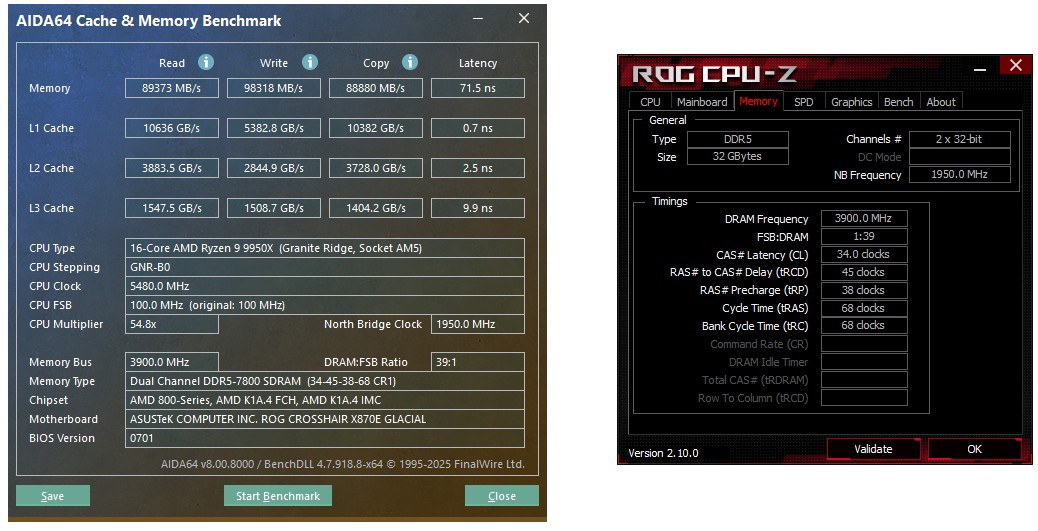
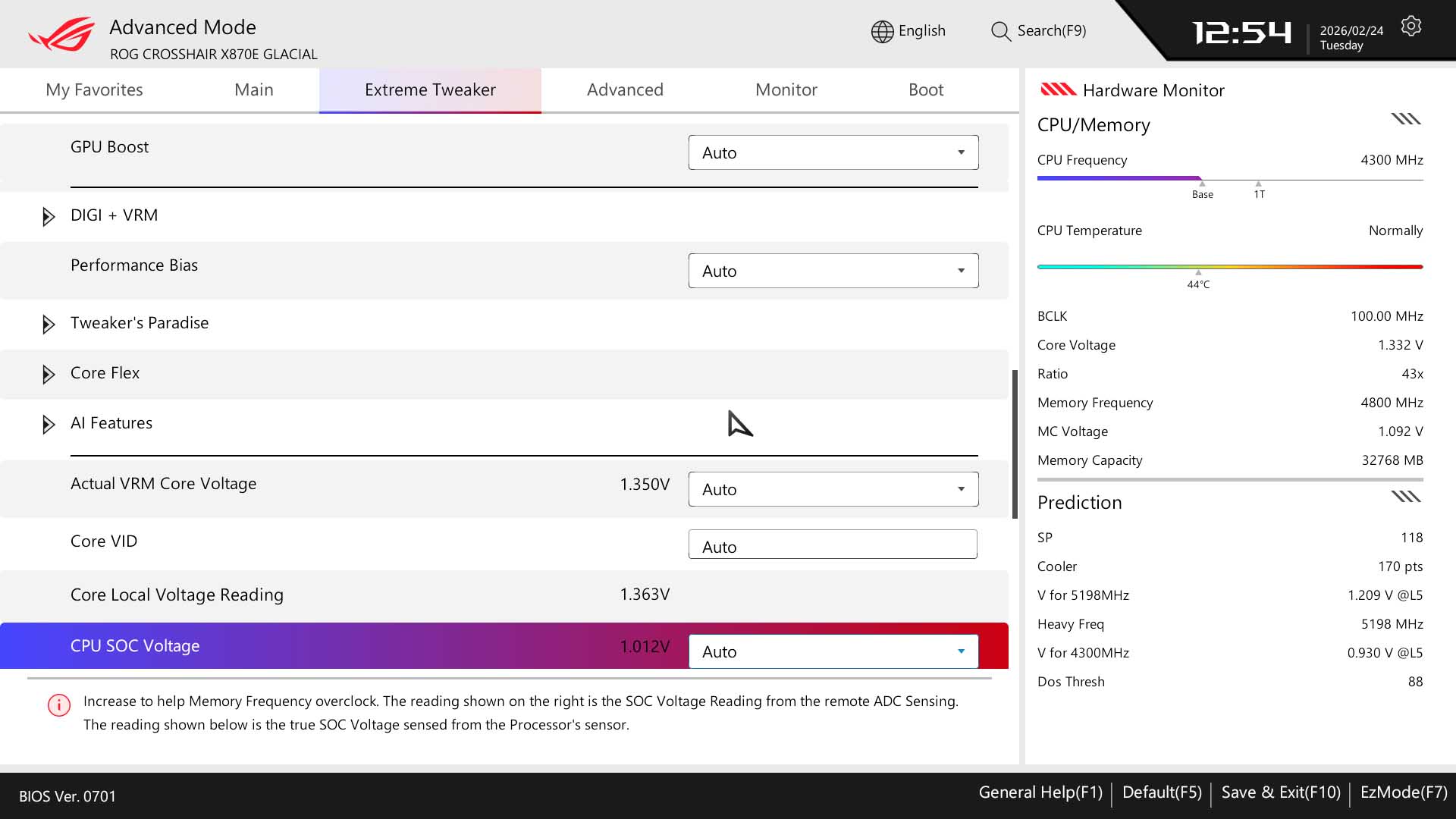
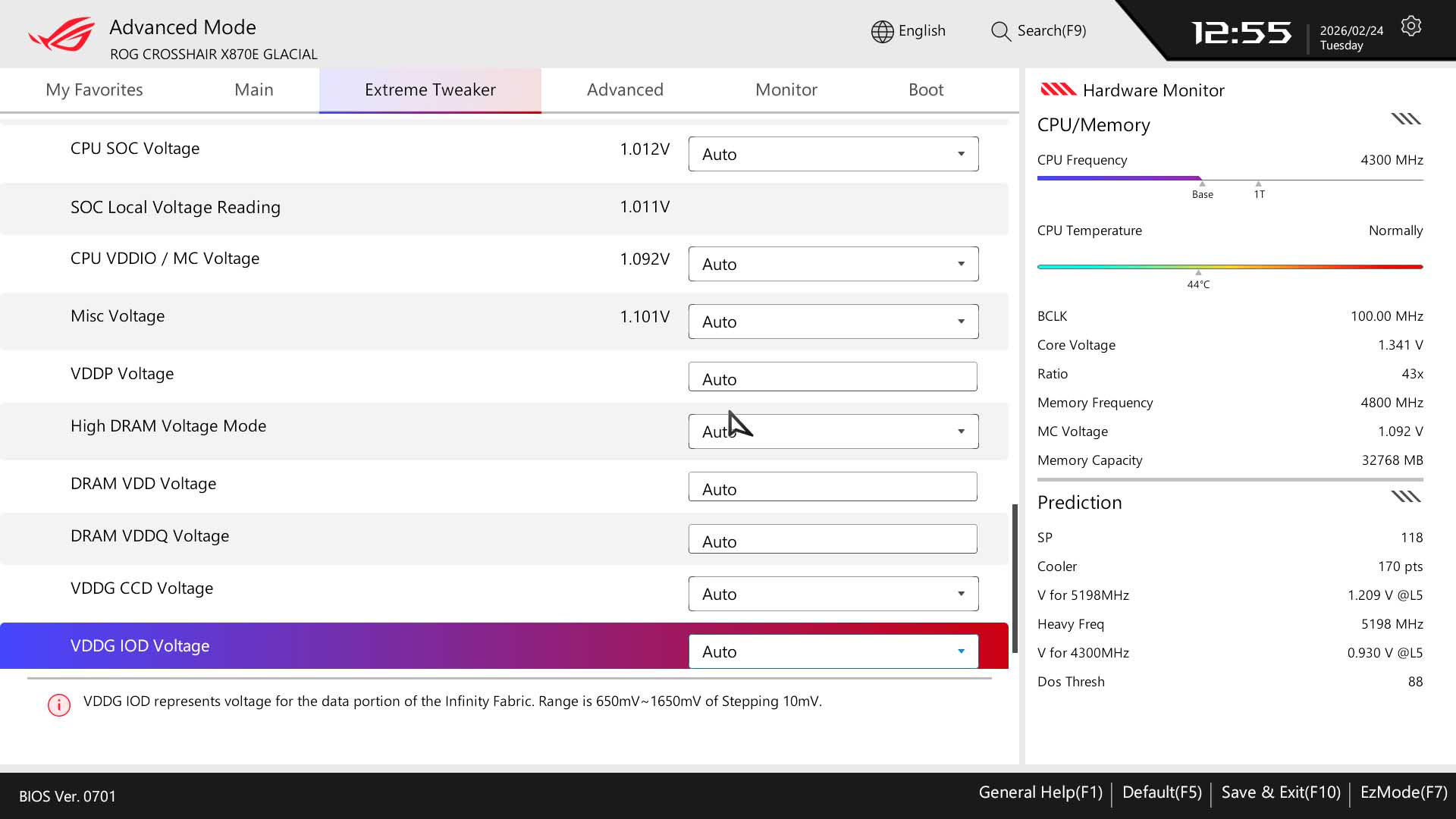
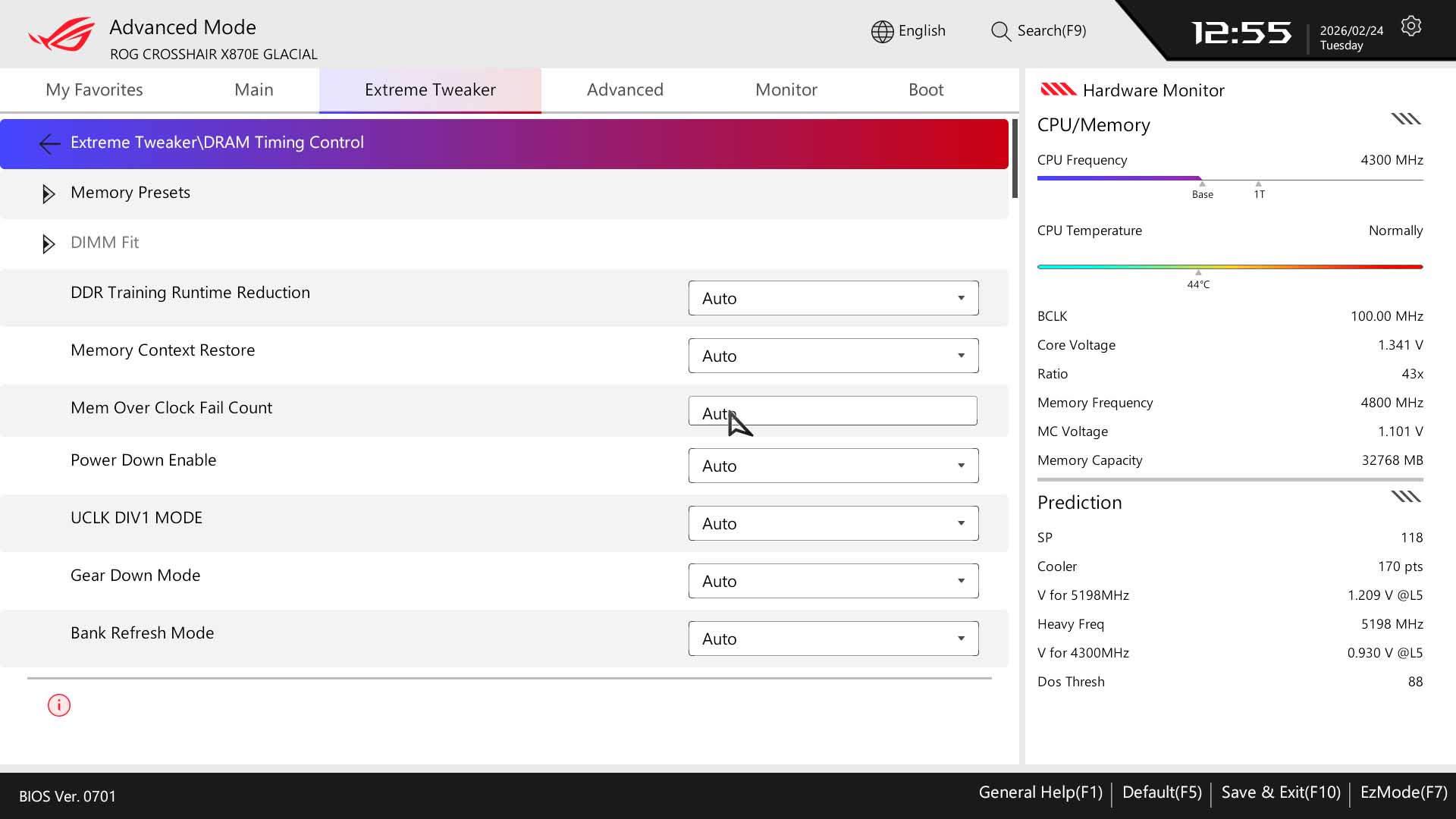
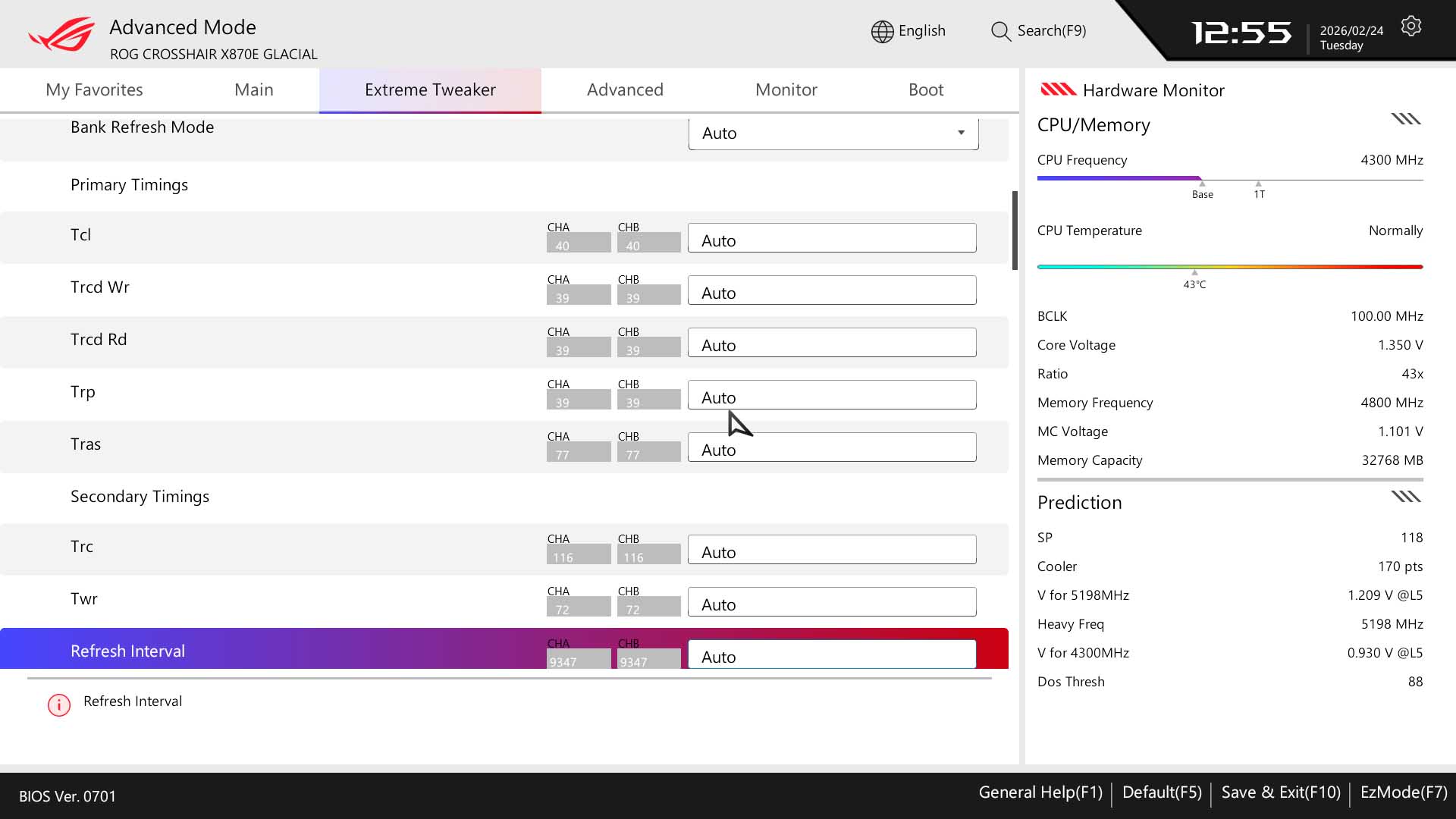
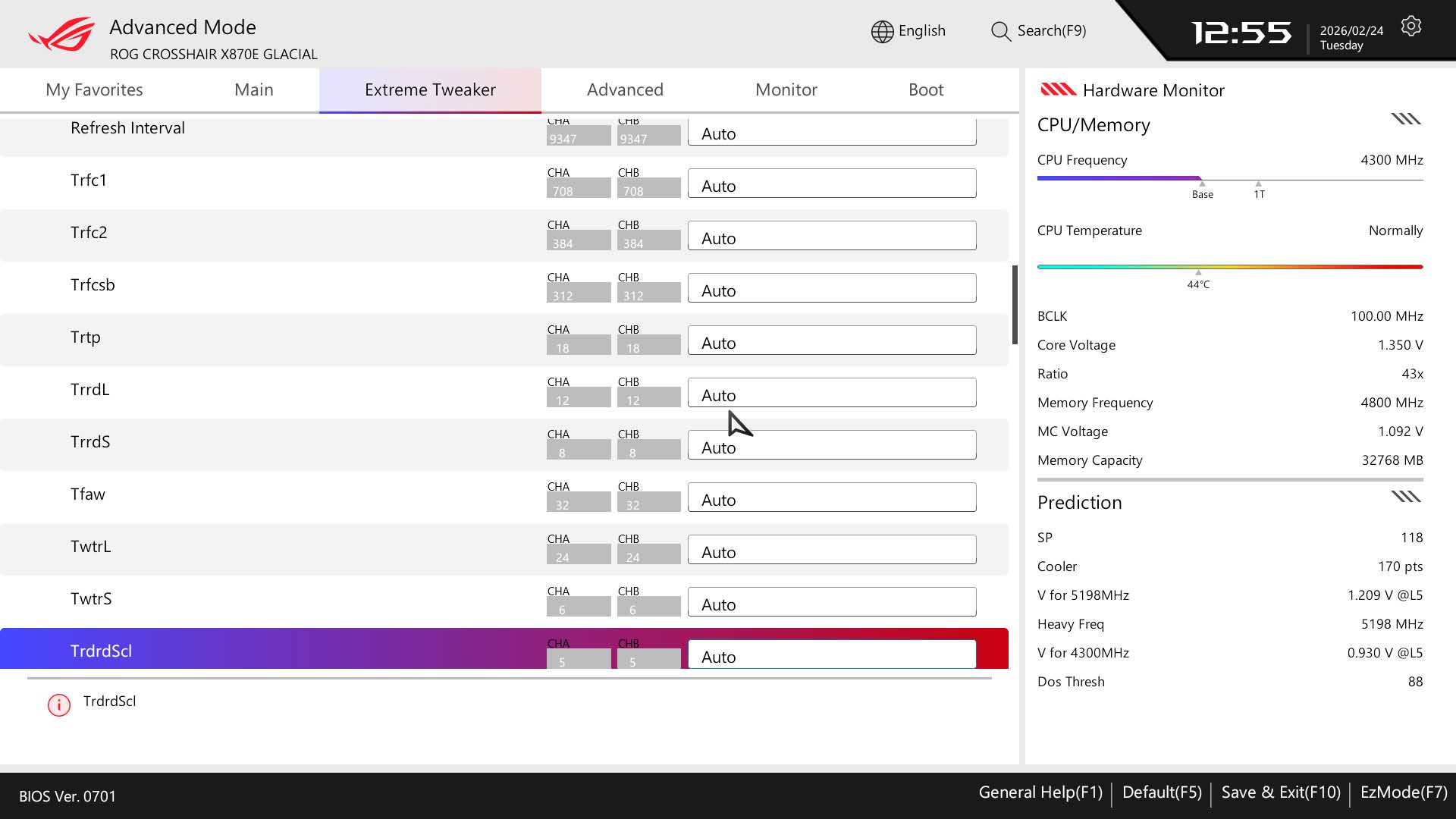
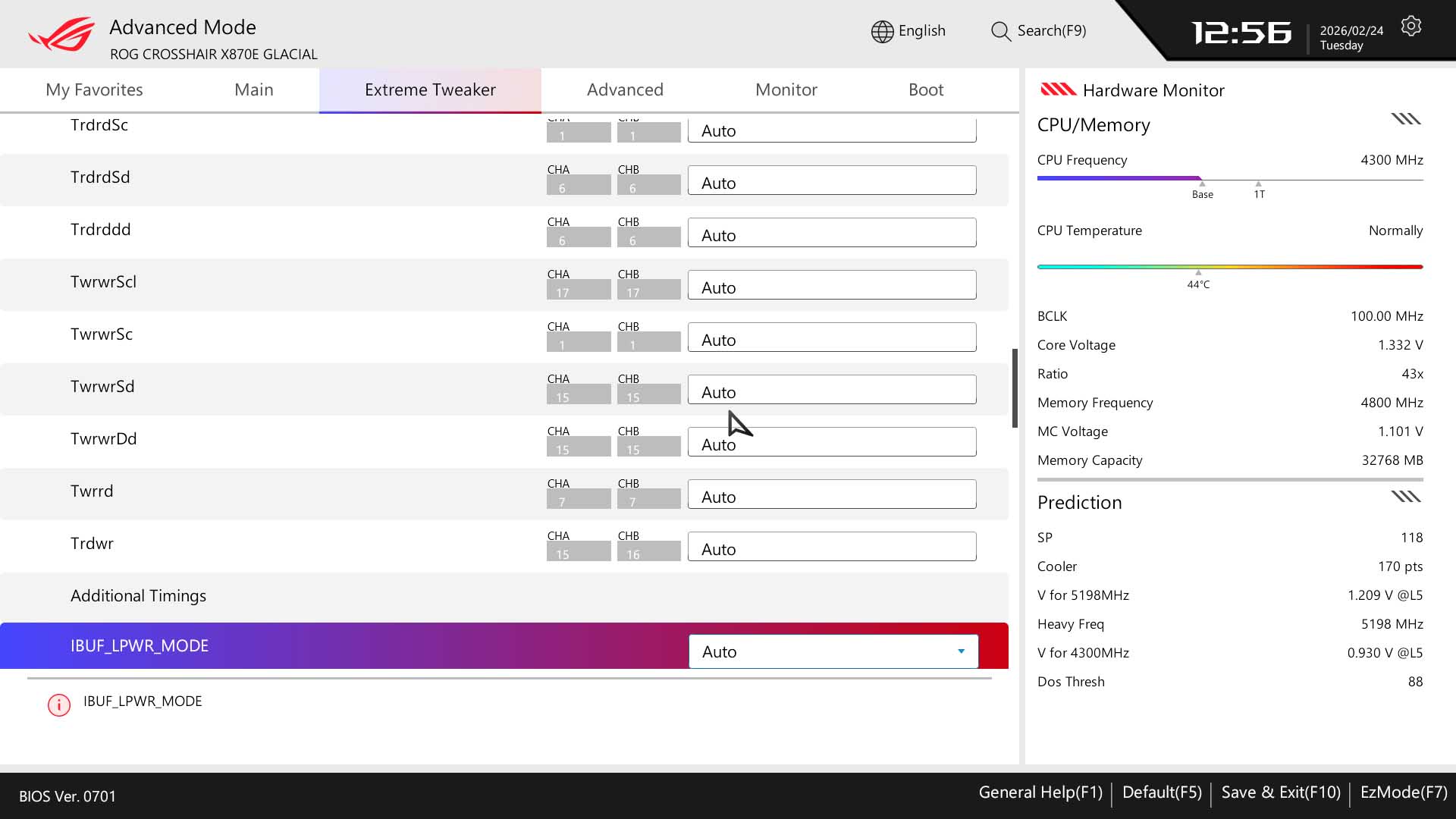
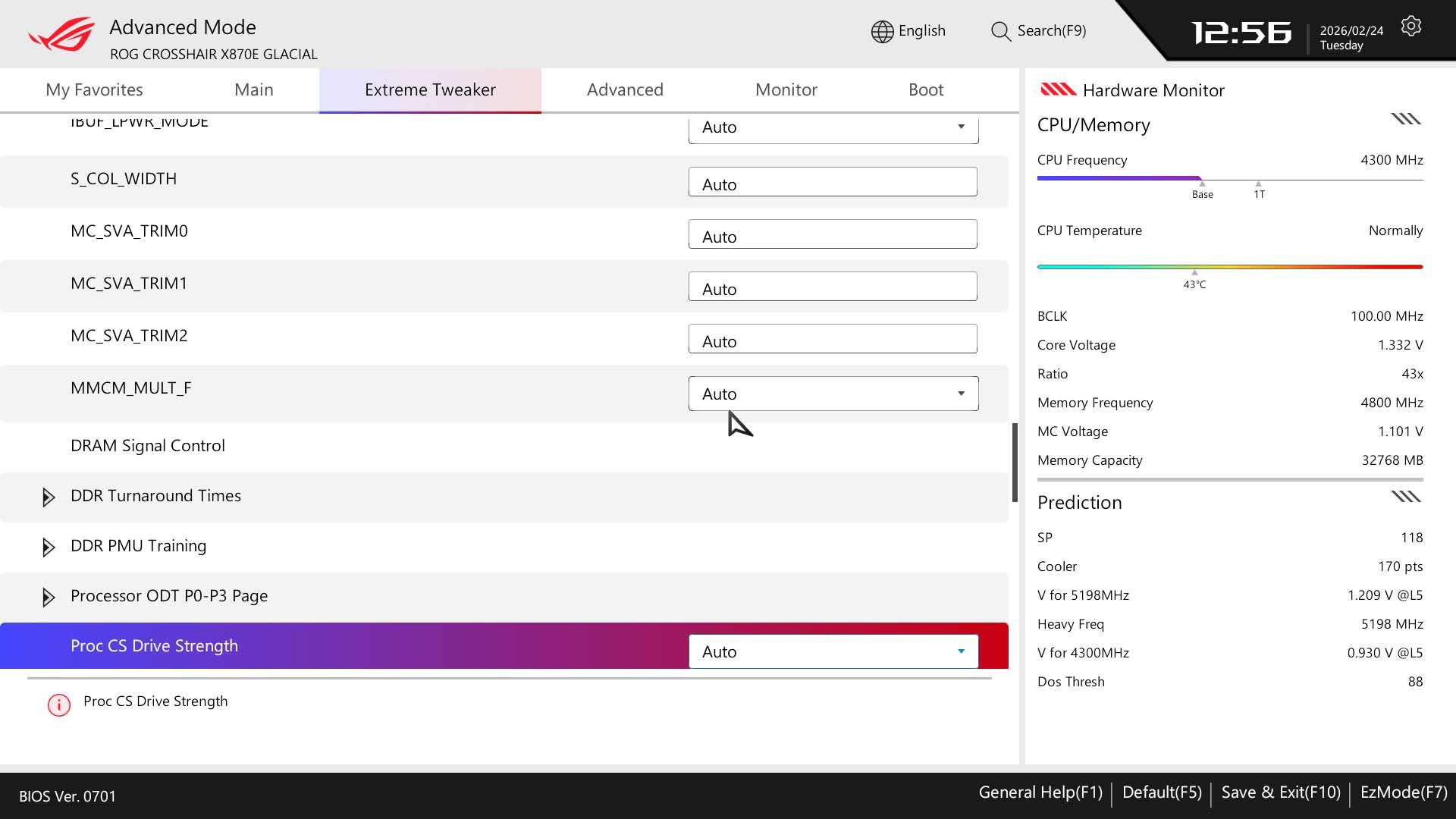
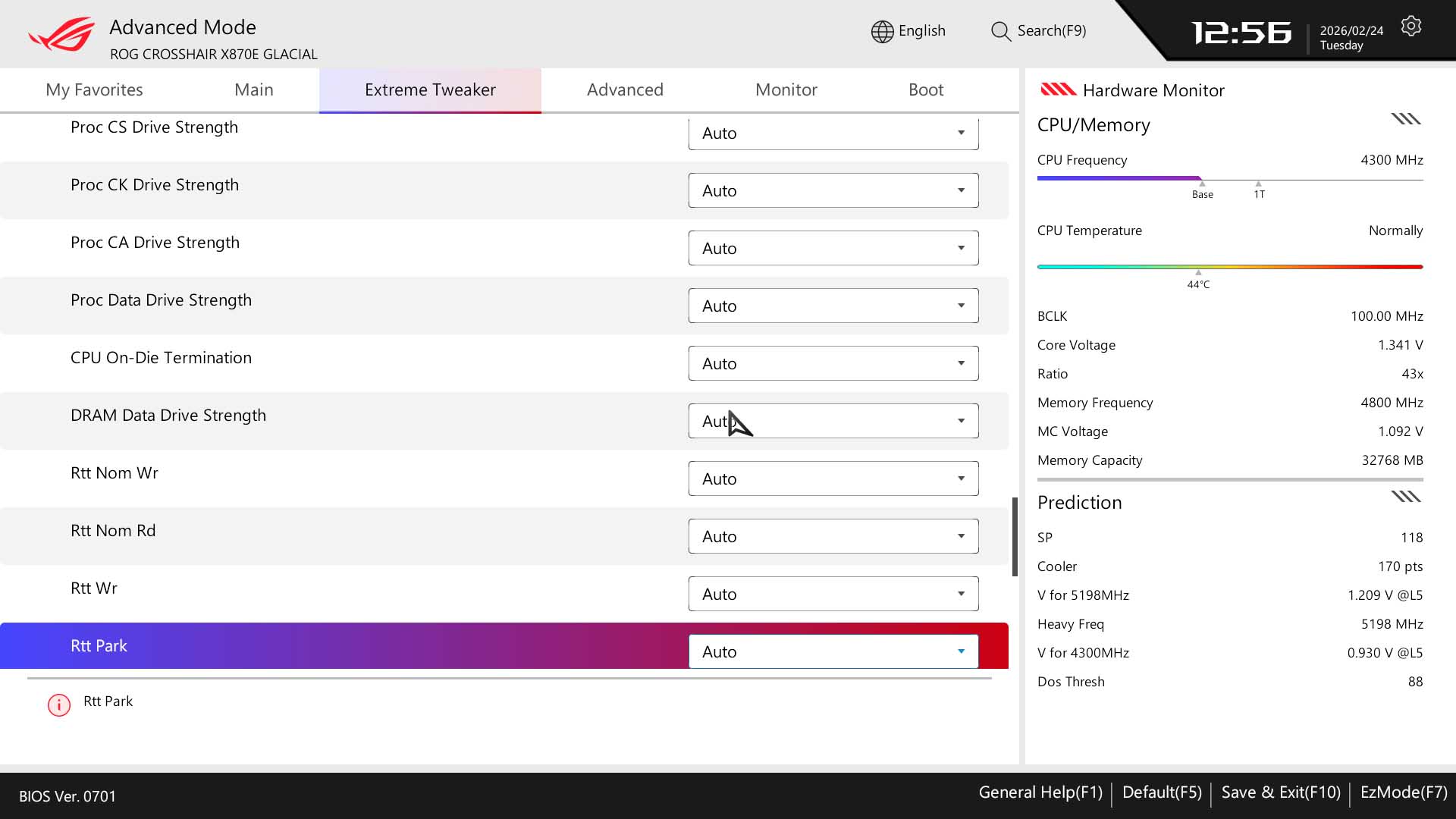
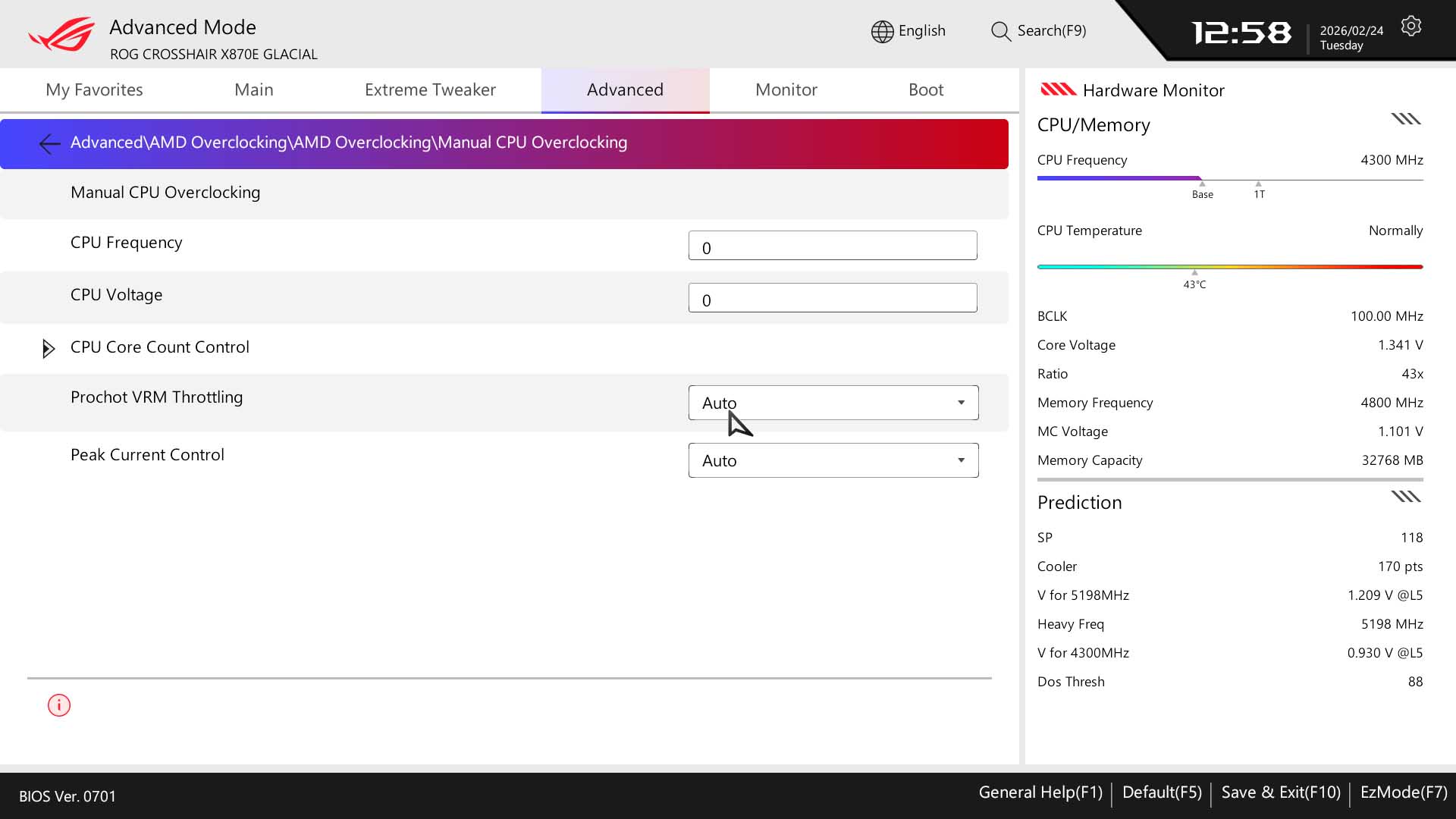
A quick spin with the same timings we used with the ASRock X870E Taichi OCF and the board seemed to get stuck during post. Raising the VDDQ and VDDIO voltages saw us get stable enough to run through AIDA64, although the board takes a while cycle through memory training and overzealous tweaking compared to the ASRock board, even oi the EFI was more appealing with the ASUS. Eventually we topped out at the same DDR5-7800 with our 32 GB Kingston Fury Renegade DDR5 6400 kit, just with a little more time needed to get there.
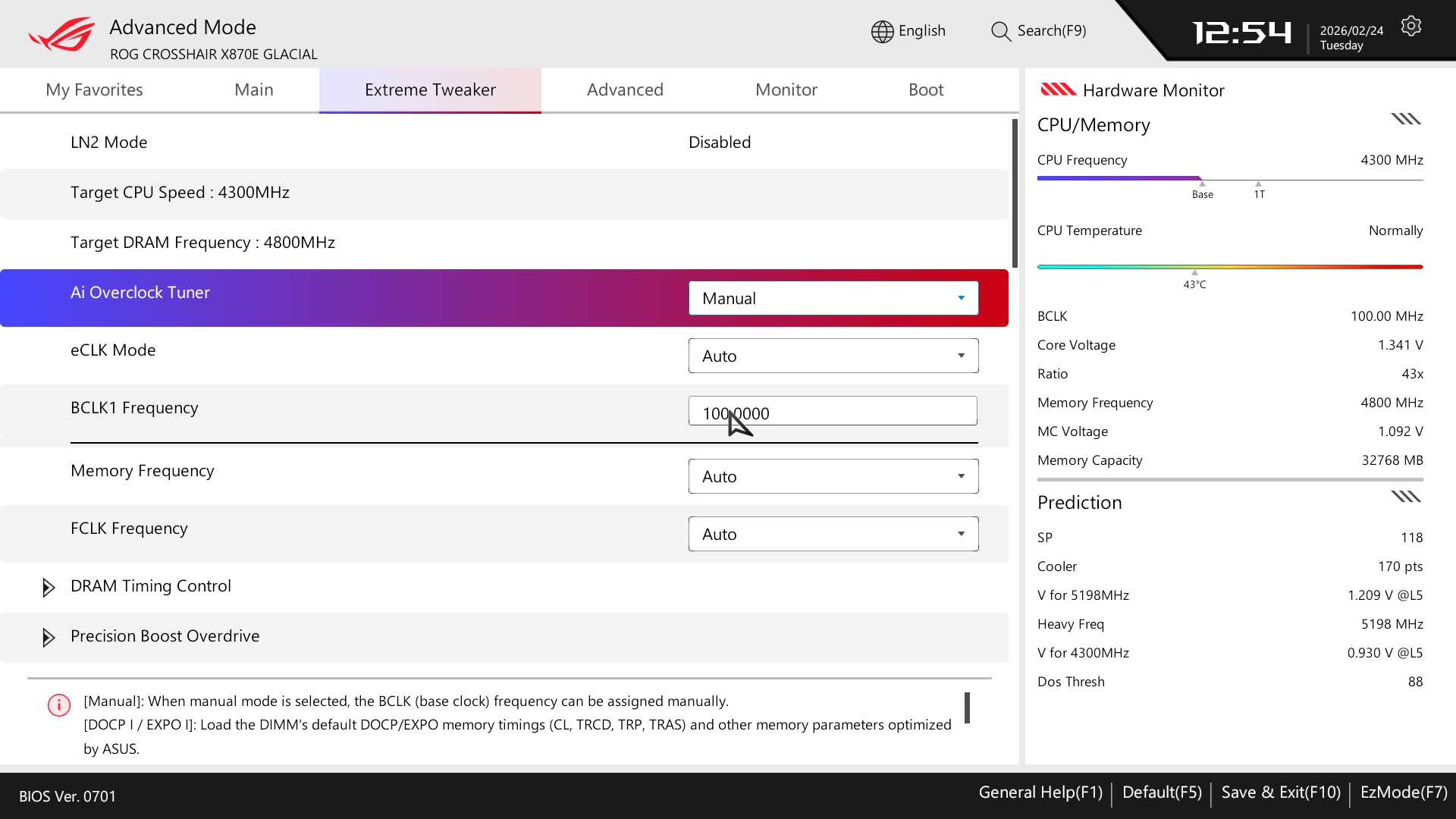
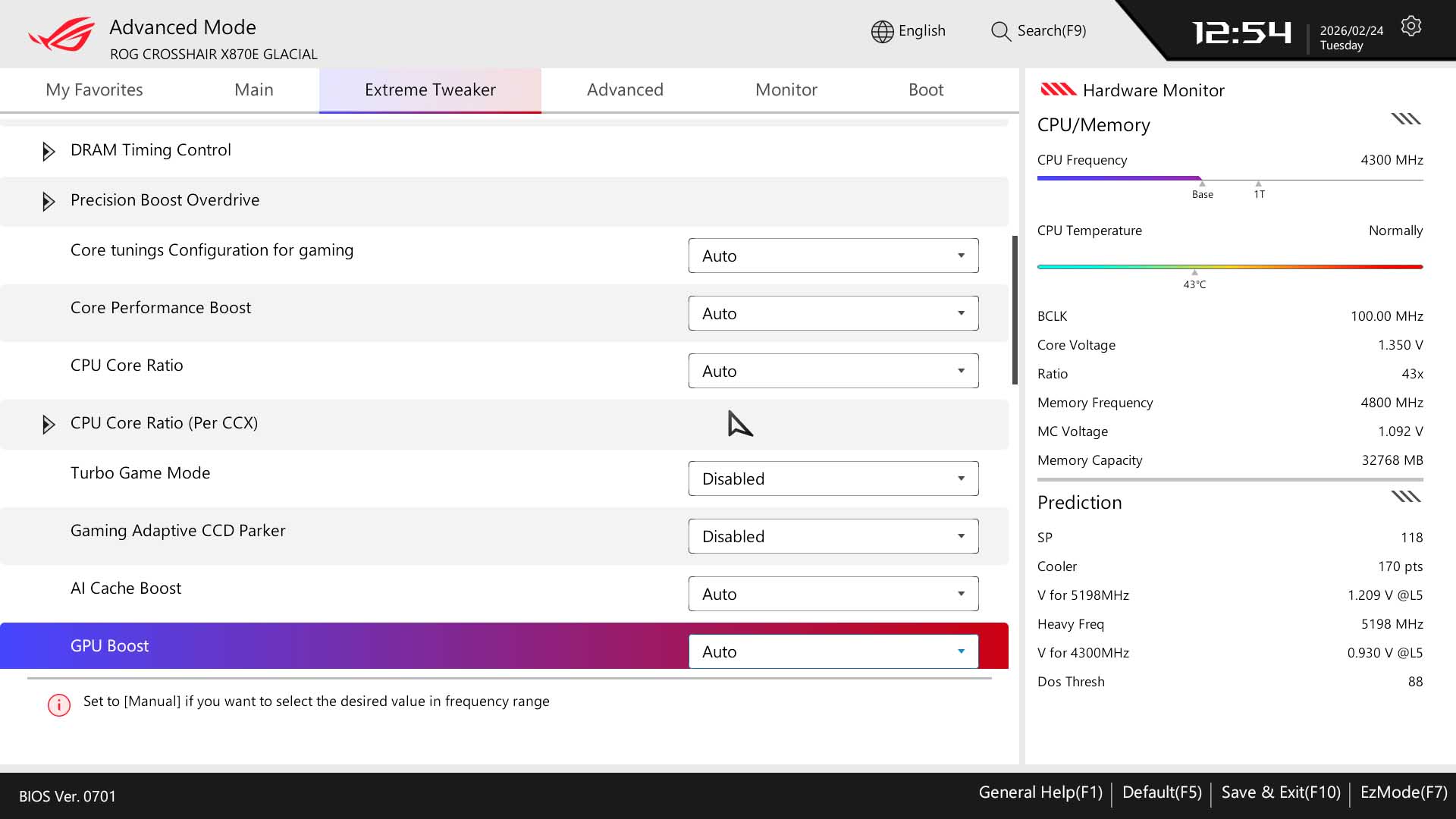
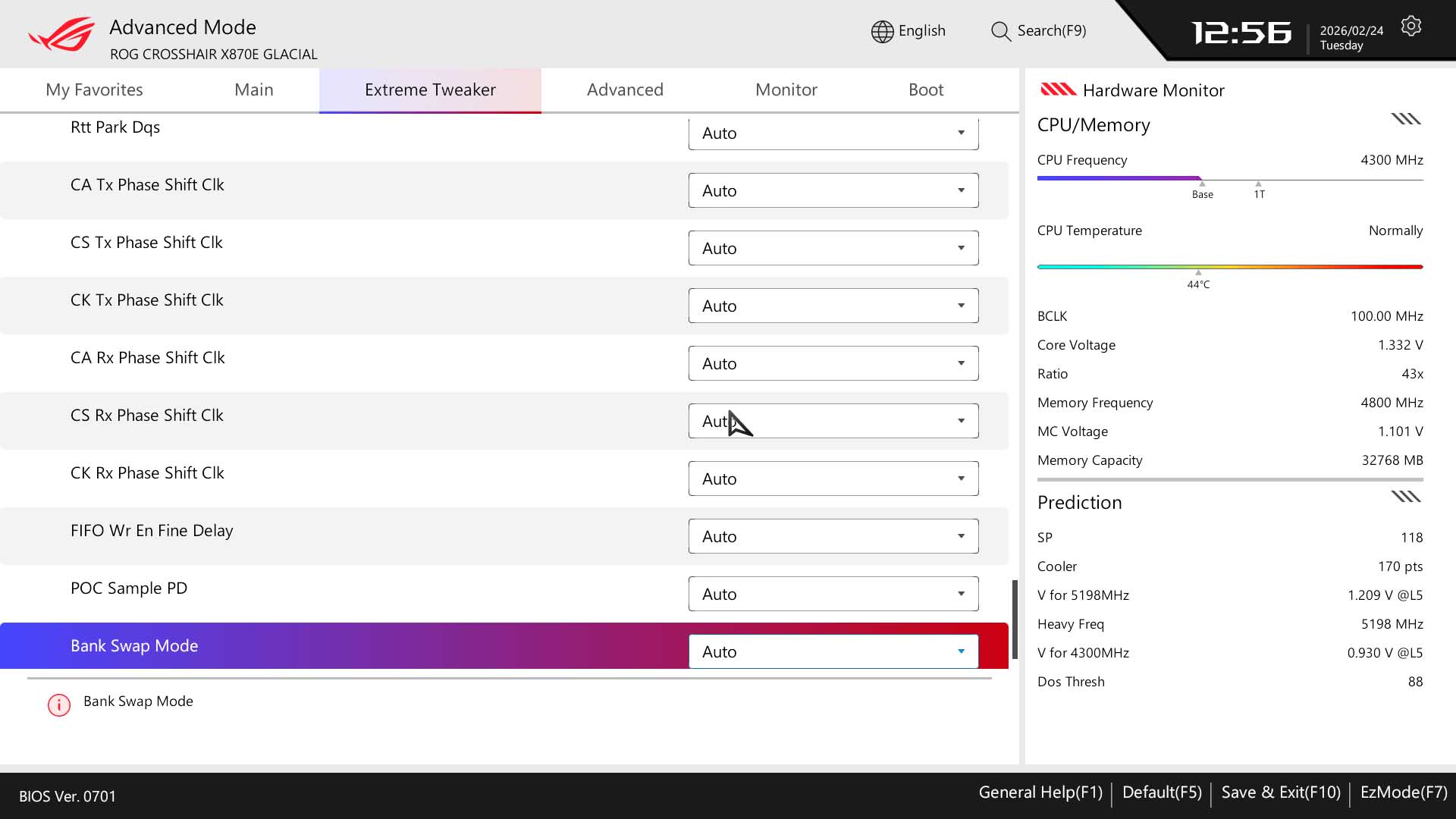
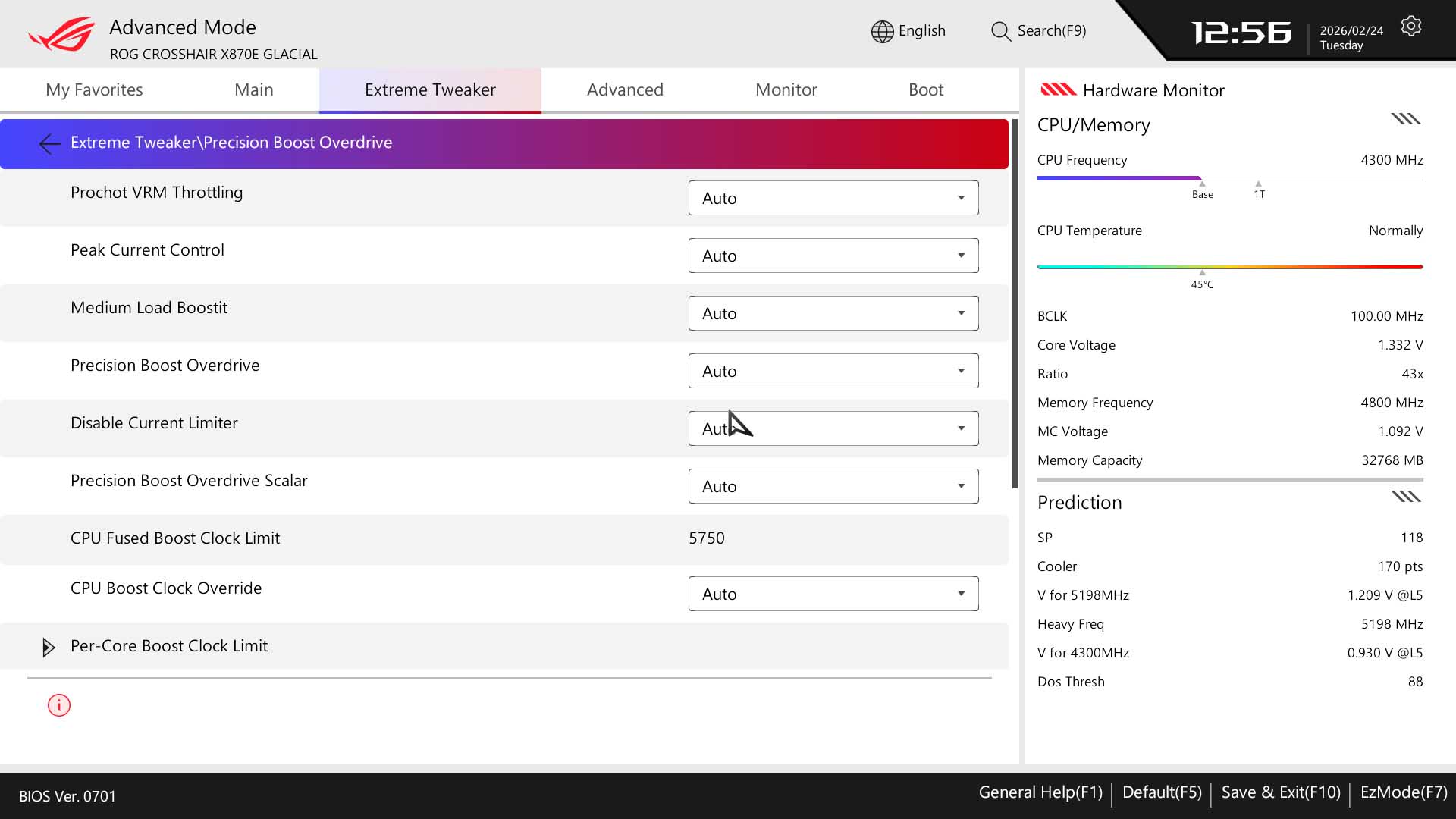
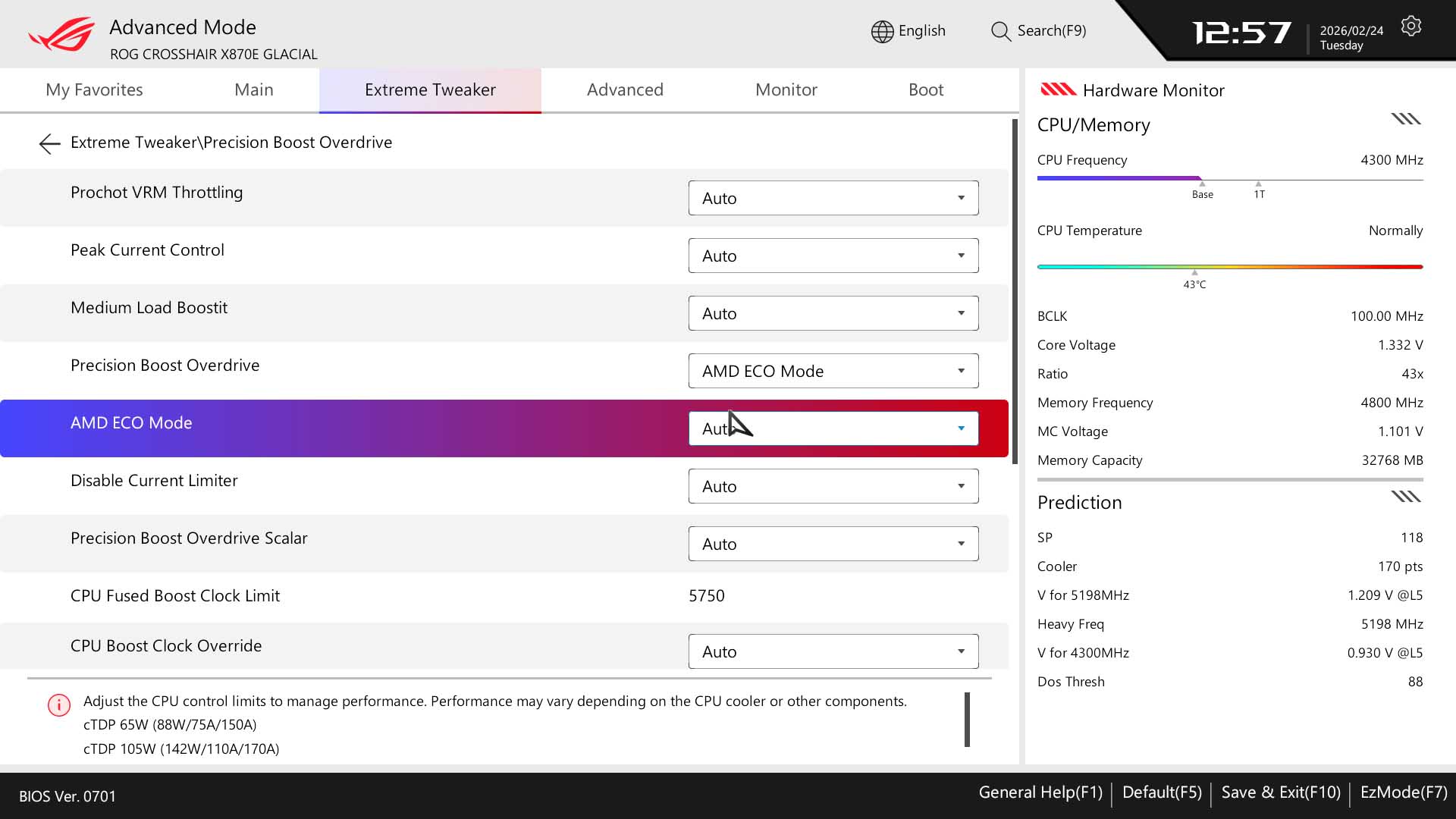
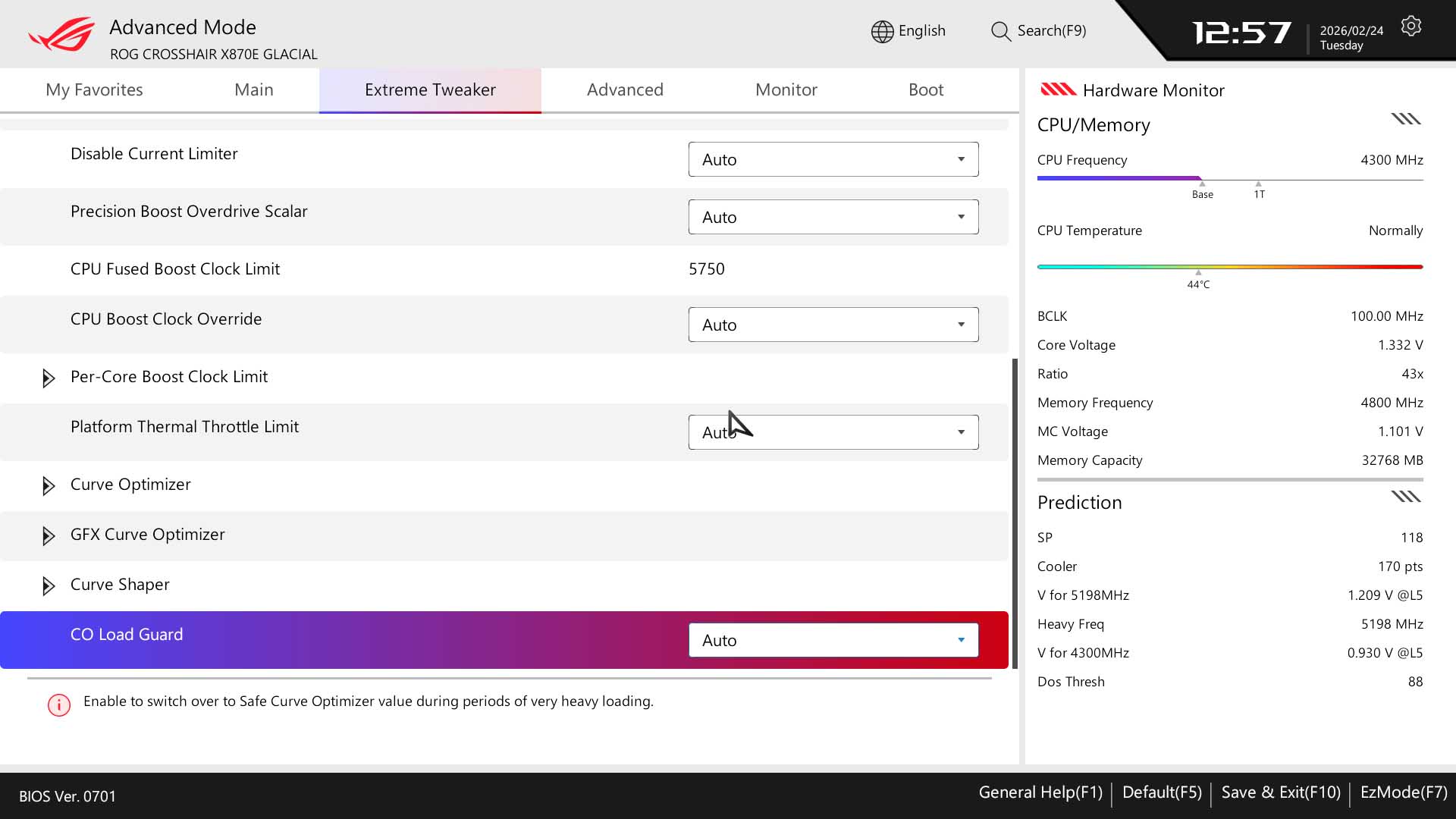
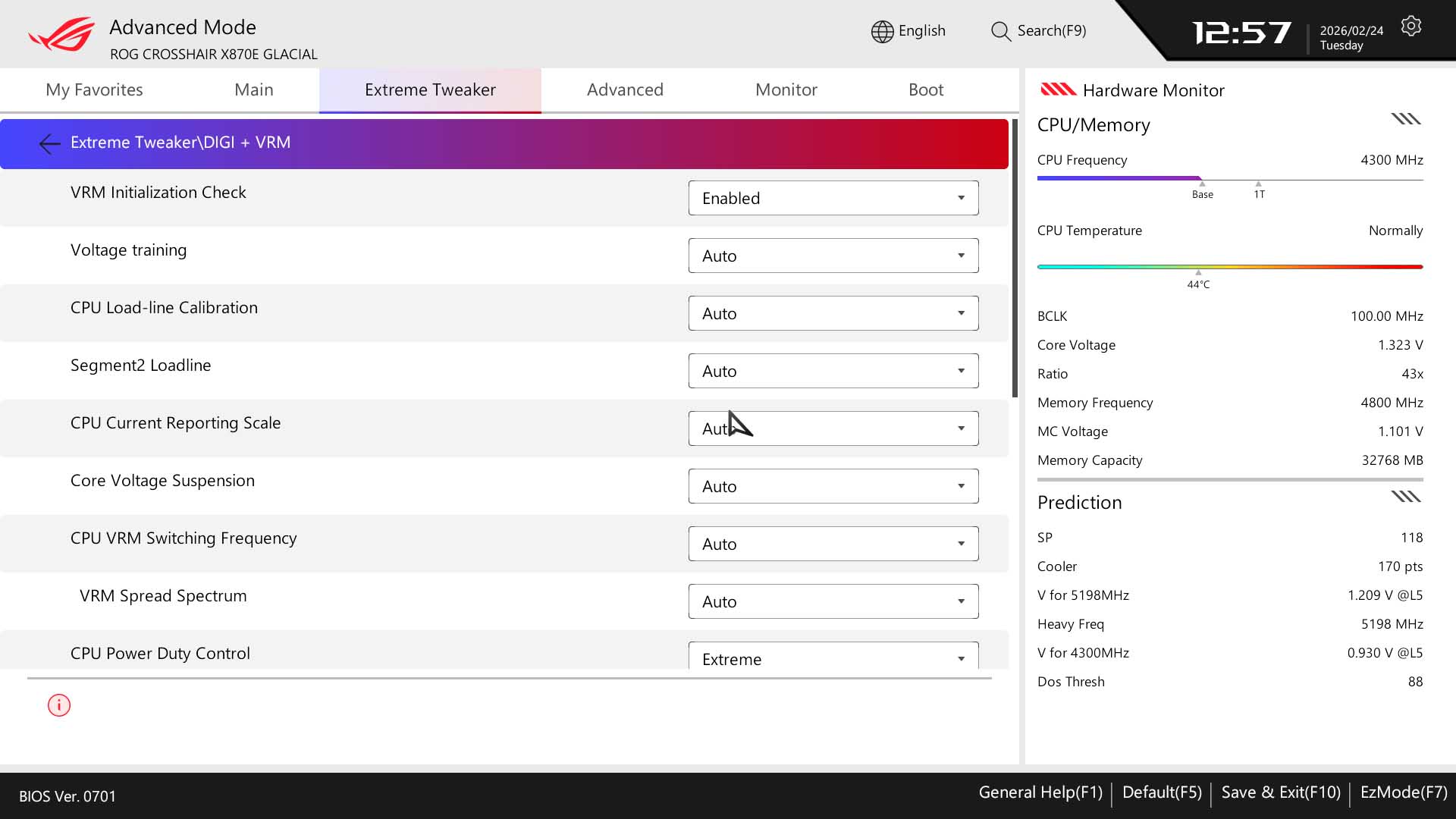
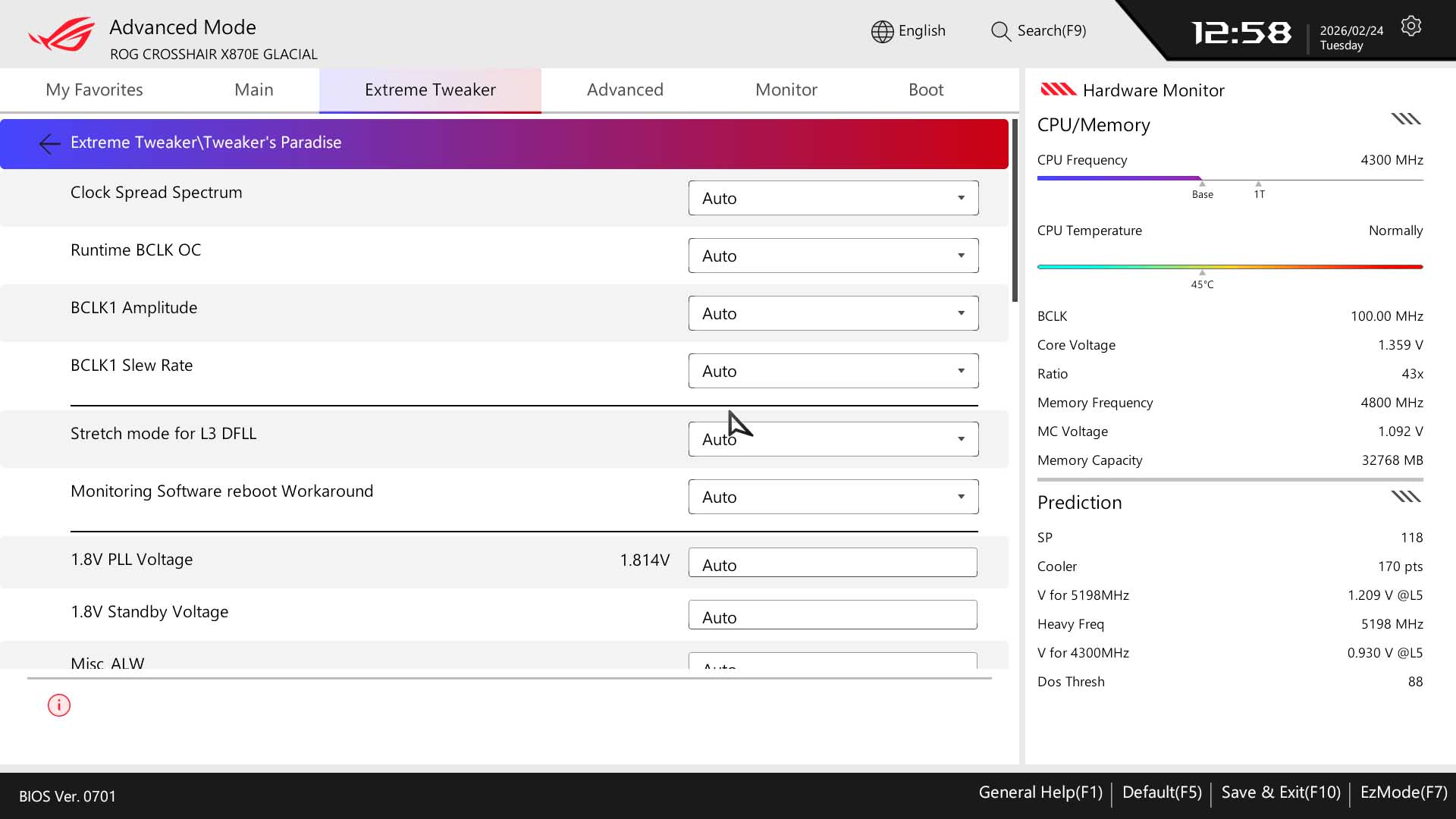
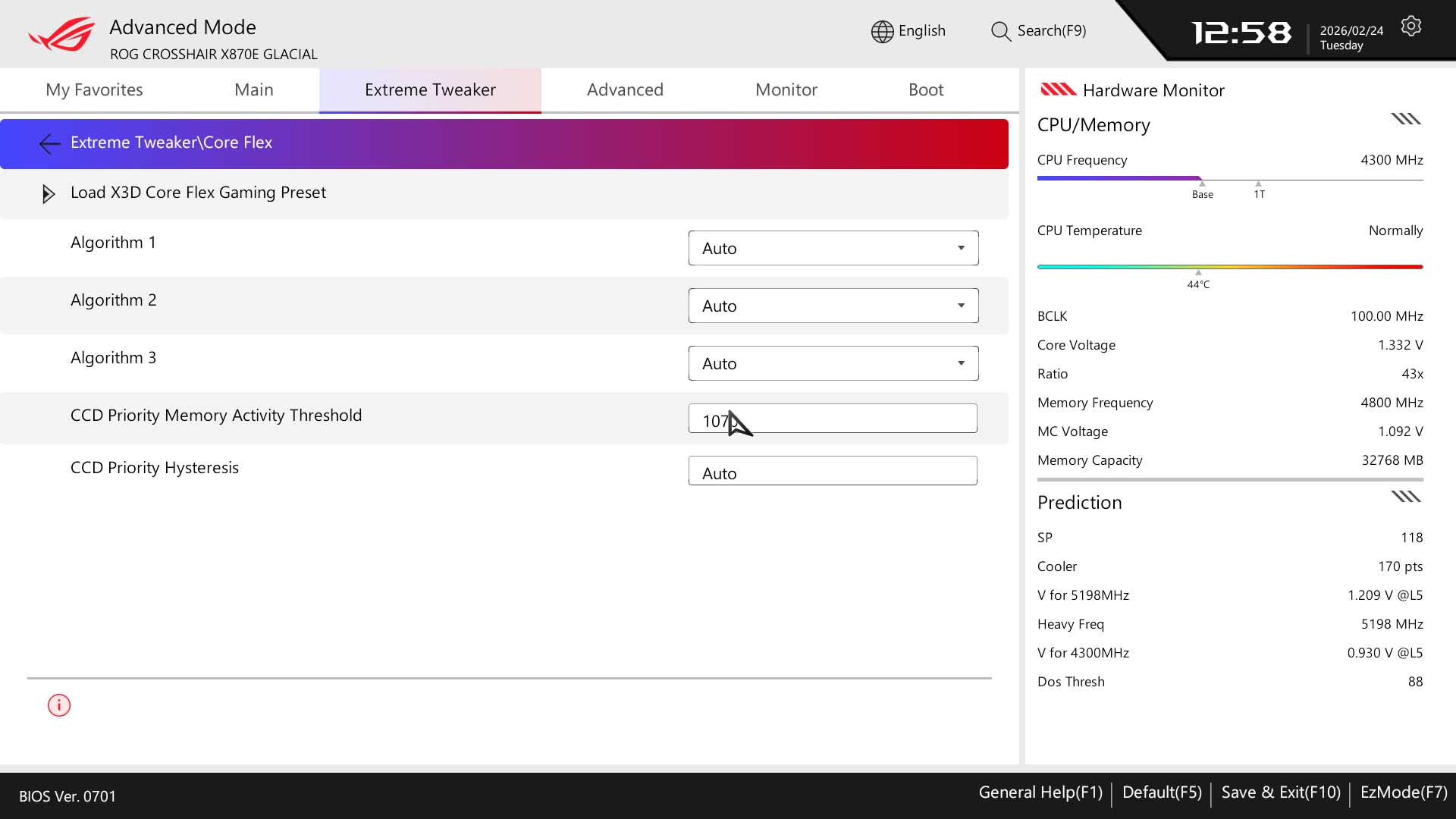
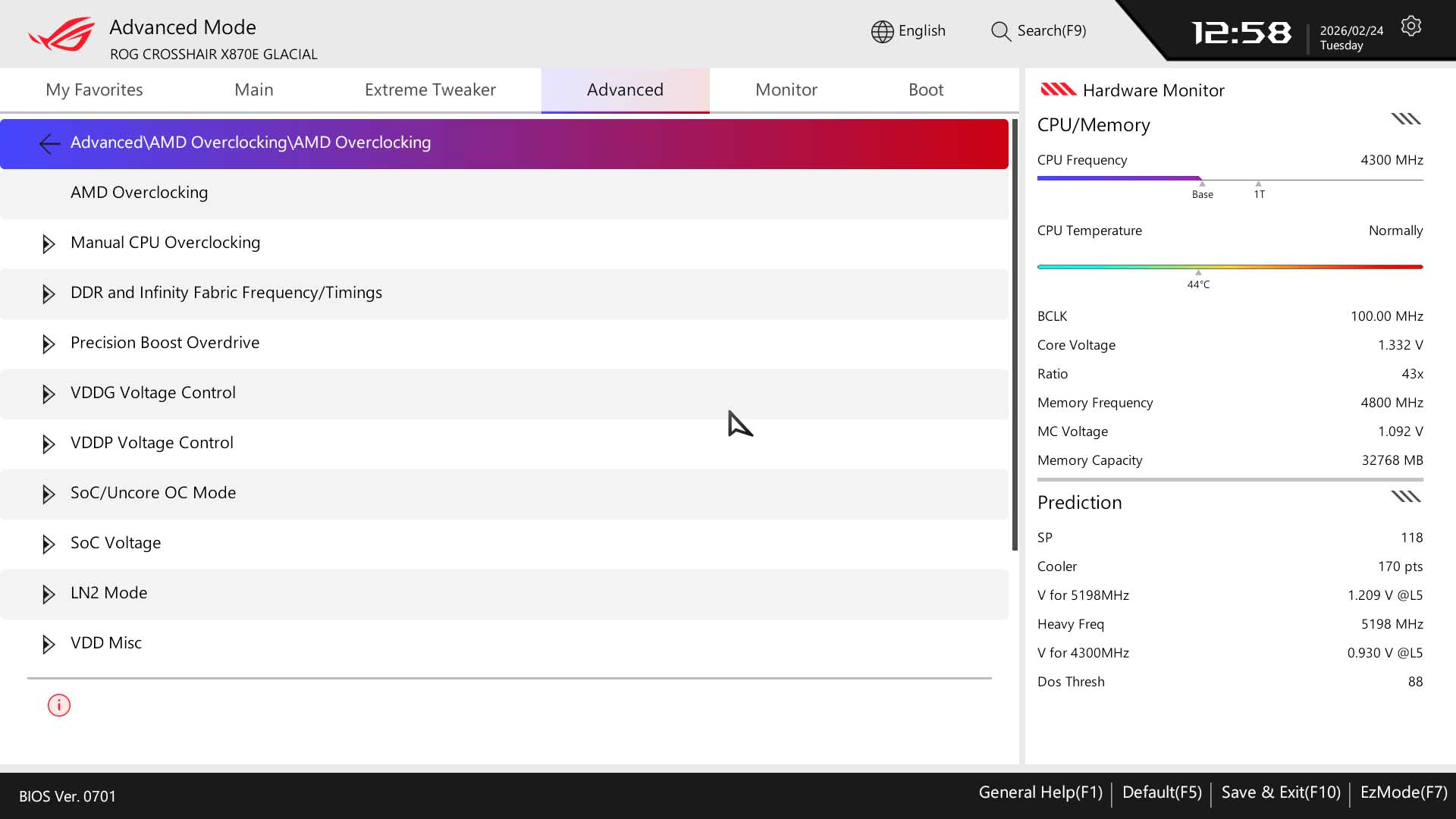
The Extreme tweaker section has most key options on a single page, splitting them up between CPU, memory and voltage settings with sub menus for PBO options, timings and VRM options, which is where you'll find loadline calibration for example. All PBO options are located in this section too, including Eco Mode, Curve Optimizer and Curve Shaper. These also appear under the Advanced menu in AMD Overclocking, which is perhaps a little less cluttered if you're just looking to tweak PBO settings. Otherwise, Extreme Tweaker has everything you need plus the usual overclocking options.
Nov 14th, 2026 12:18 CST
change timezone
Latest GPU Drivers
New Forum Posts
- Tell me about your favourite graphics card (57)
- no "PhysX" workable (10)
- TPU's Nostalgic Hardware Club (22162)
- What can the FX 8320 do today? Here is the answer. (30)
- Slow SSD read speeds - help! (7)
- What card do I get for VR? (29)
- Ddr4 instead of ddr5 for 9060xt 8 gb over 5060 8 gb (7)
- Your PC ATM (36414)
- Microsoft Exchange/365 outages? (62)
- Opinion on Monitor Replacement (7)
Popular Reviews
- AMD Zen 6 Technical Deep Dive
- ASUS ROG Strix B850-I Gaming Wi-Fi7 W Review
- Corsair HX1000i Shift Crystal Review
- NZXT C1200 Platinum Review
- Upcoming Hardware Launches 2027 (Updated Nov 2026)
- Montech King 95 3D PRO Review
- NZXT H7 RGB+ Review
- NZXT H5 Review
- Phantom Blade Zero Performance Benchmark Review - 35 GPUs Tested
- XPG NIMBUS PLUS Review - Mid-range Chair With Strong Competitors
TPU on YouTube
Controversial News Posts
- NVIDIA Co-Founder and CEO Jensen Huang Officially Resigns (399)
- OpenAI CEO Argues Home PCs Waste the World's Limited DRAM Supply (152)
- NVIDIA Launches Investigation Into Jensen Huang's Relationship With Suspected Chinese Spy (136)
- Intel "Raptor Lake Next" 16-Core and 20-Core CPUs Surface (130)
- Legendary Game Studio BioWare Shuts Down Following EA Layoffs (104)
- Dell CEO Says the Memory Shortage Will Get Worse in 2027 (95)
- NVIDIA GeForce RTX 50-Series Scheduled for up to $500 Price Hike This Week (89)
- Modder Fits RTX 5090 With Four 8-Pin Connectors, Halving Current per Wire (80)