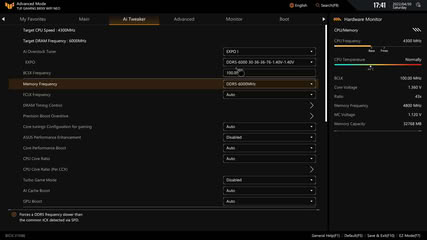
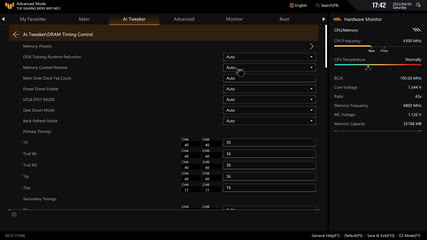
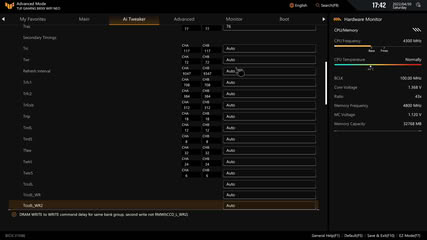
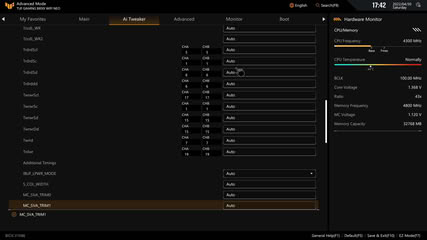
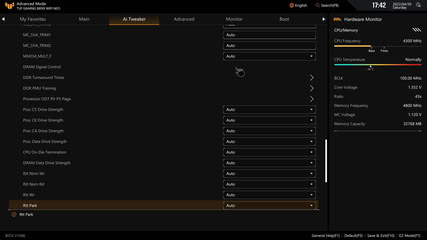
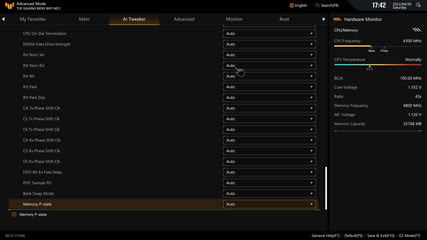
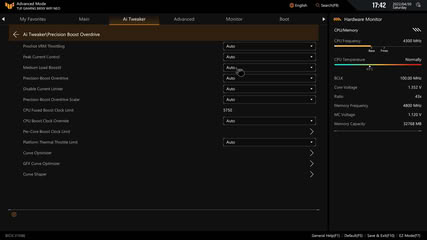
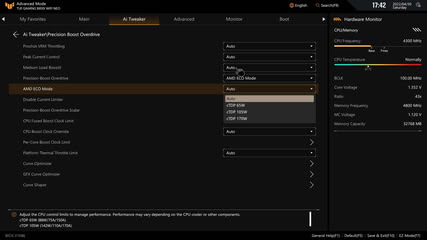
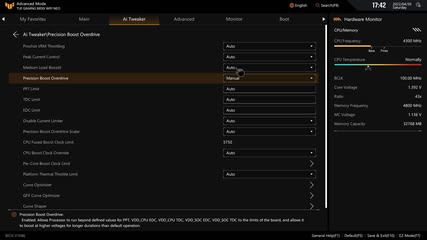
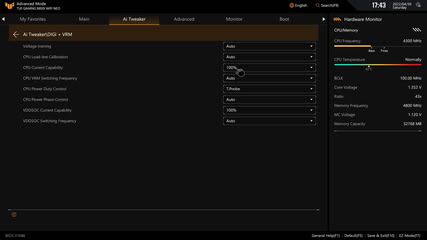
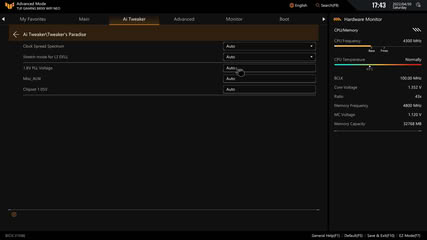
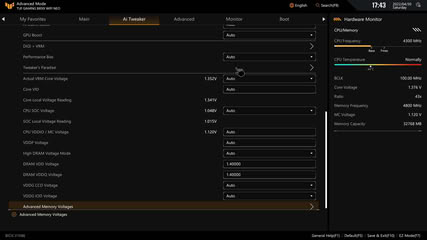
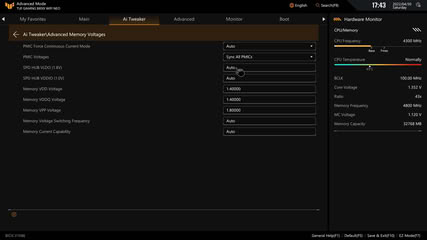
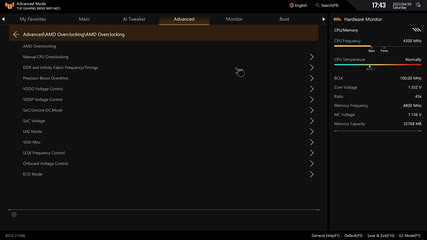
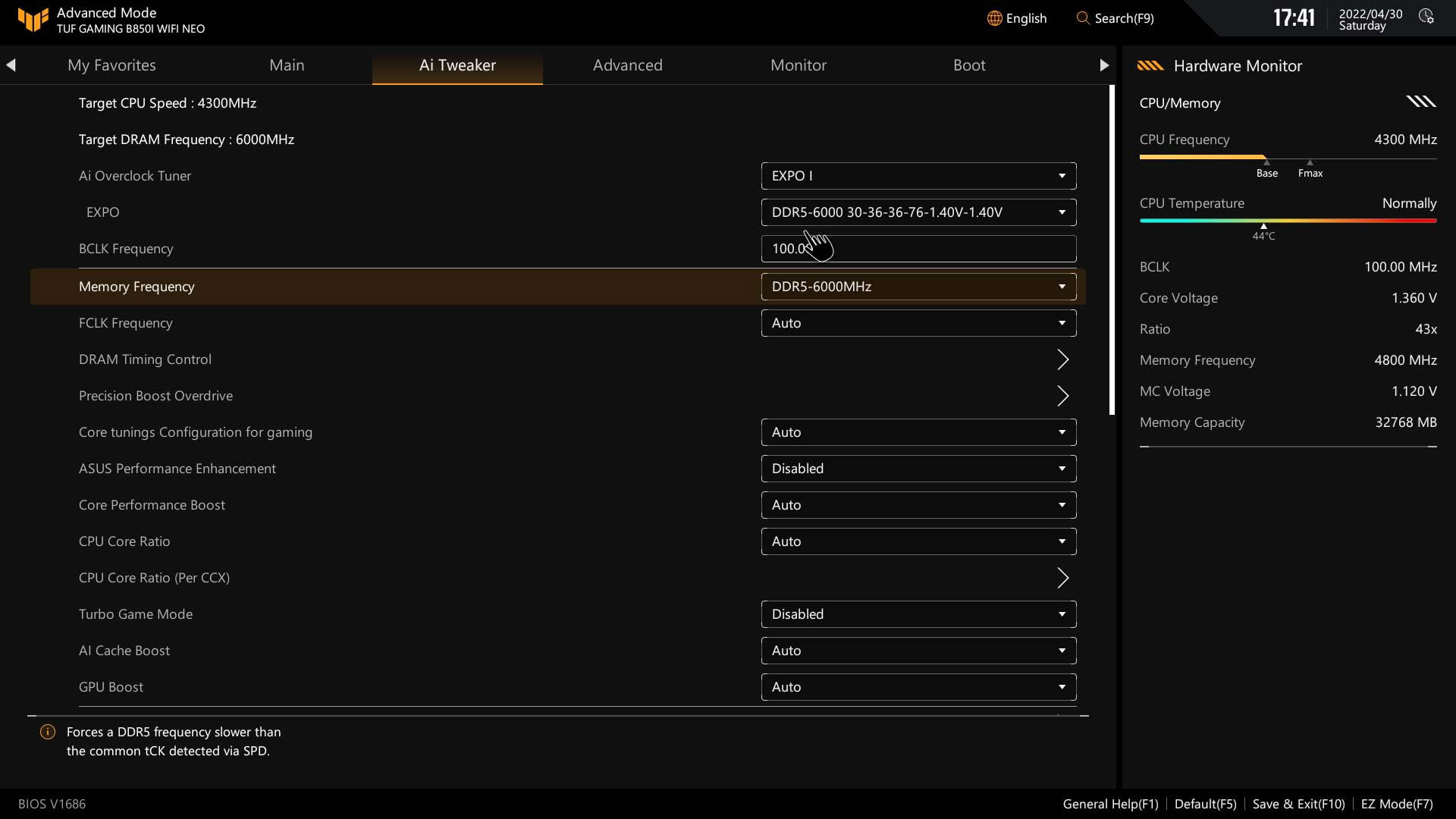
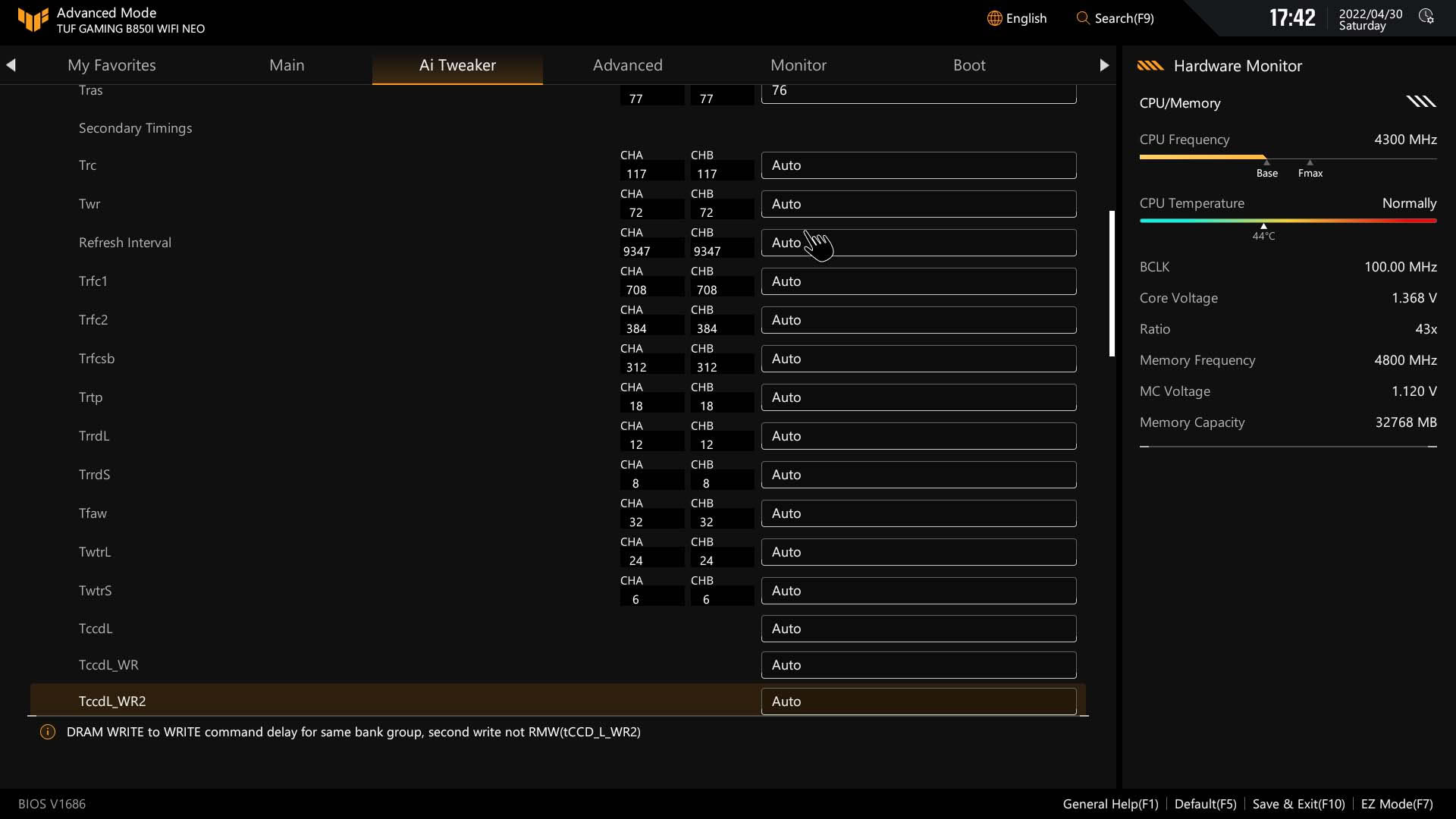
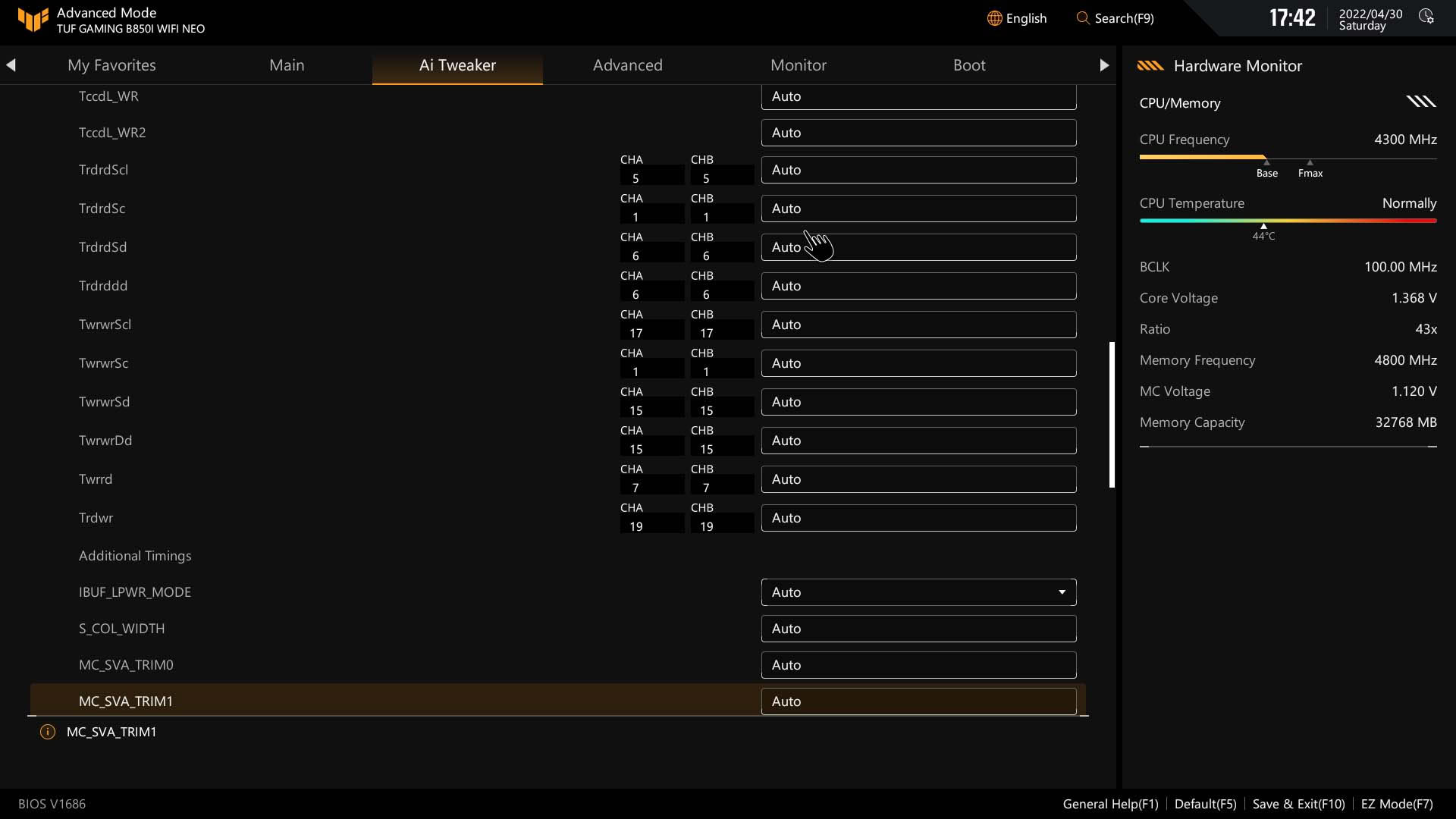
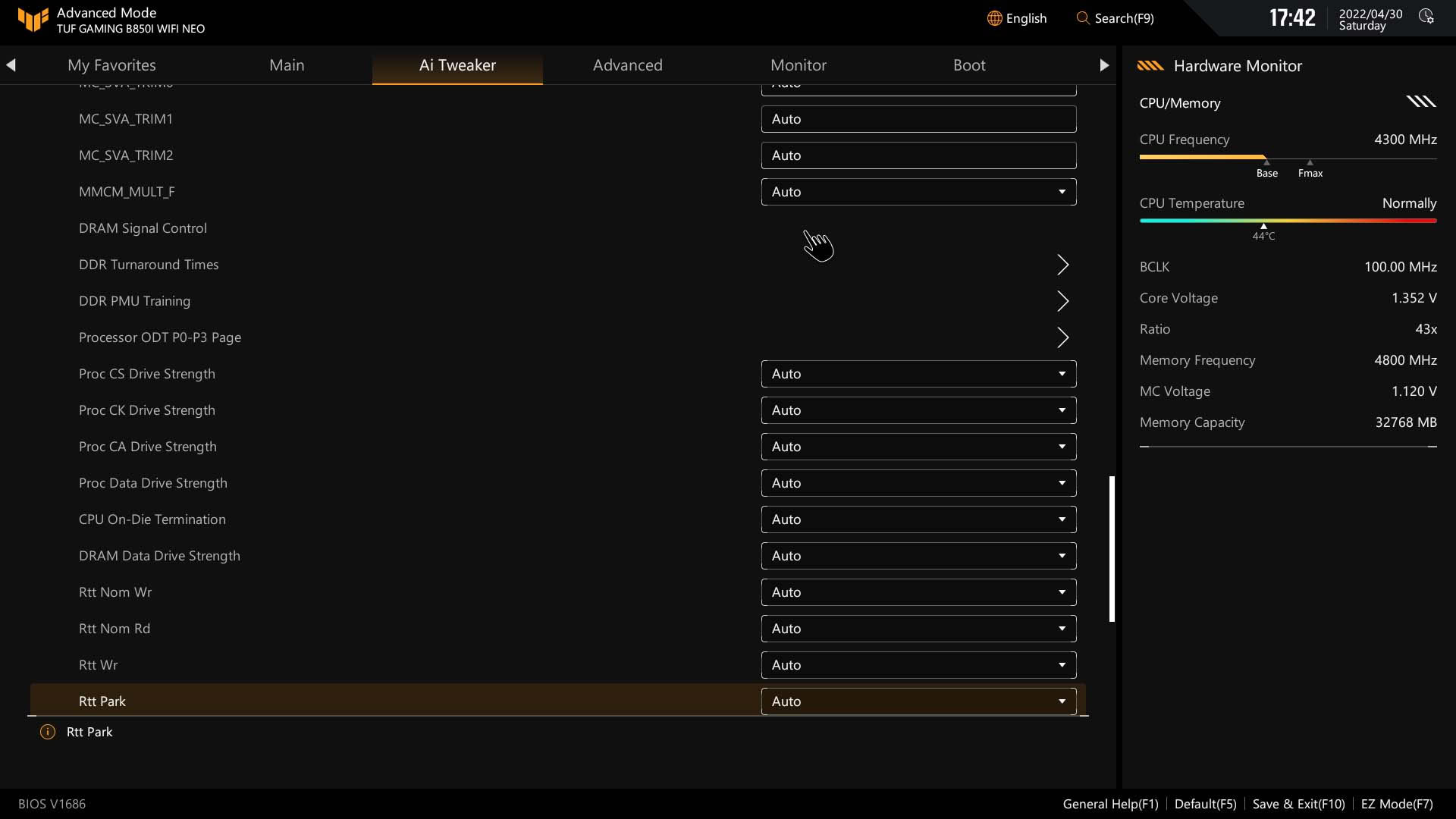
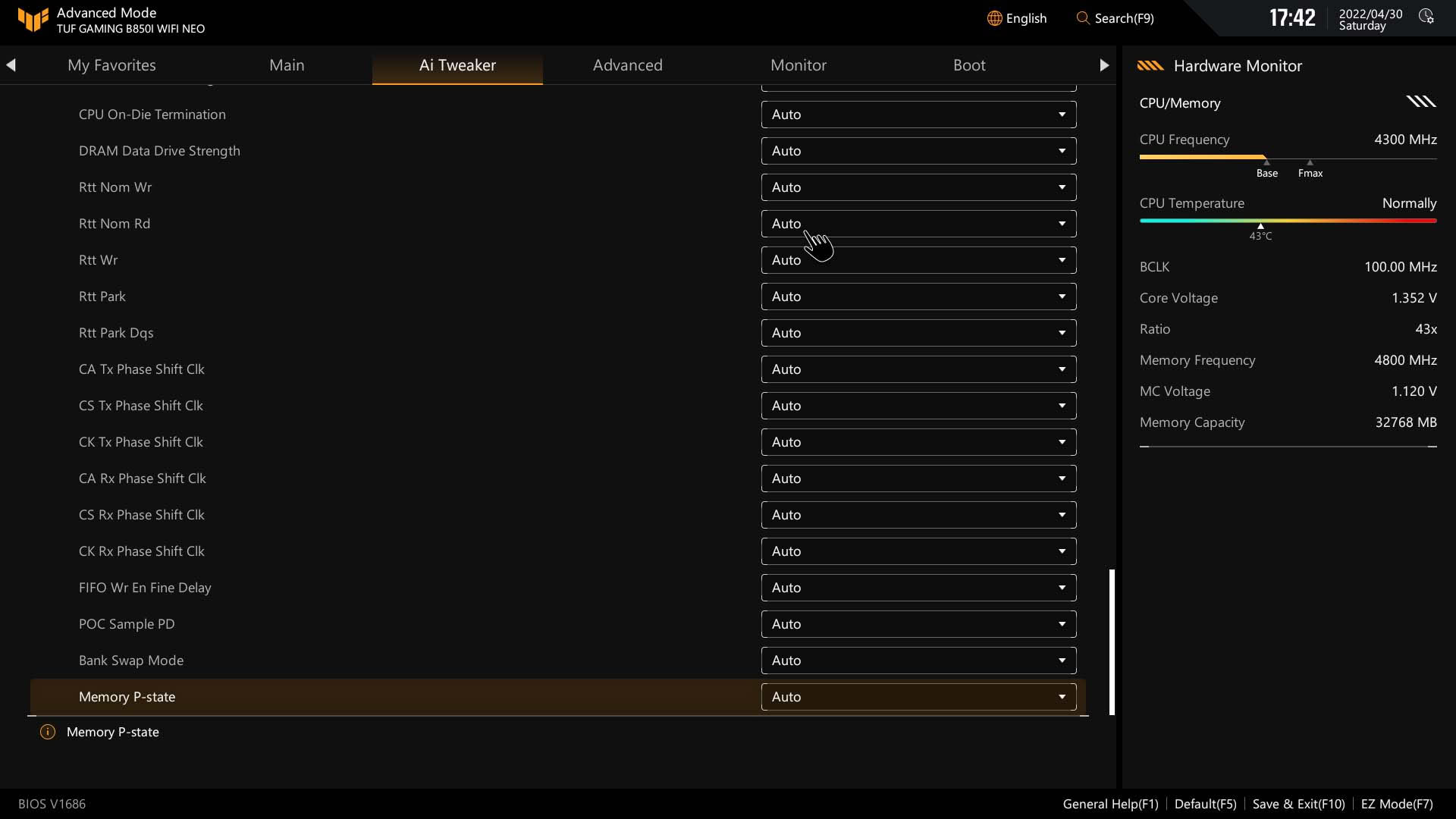
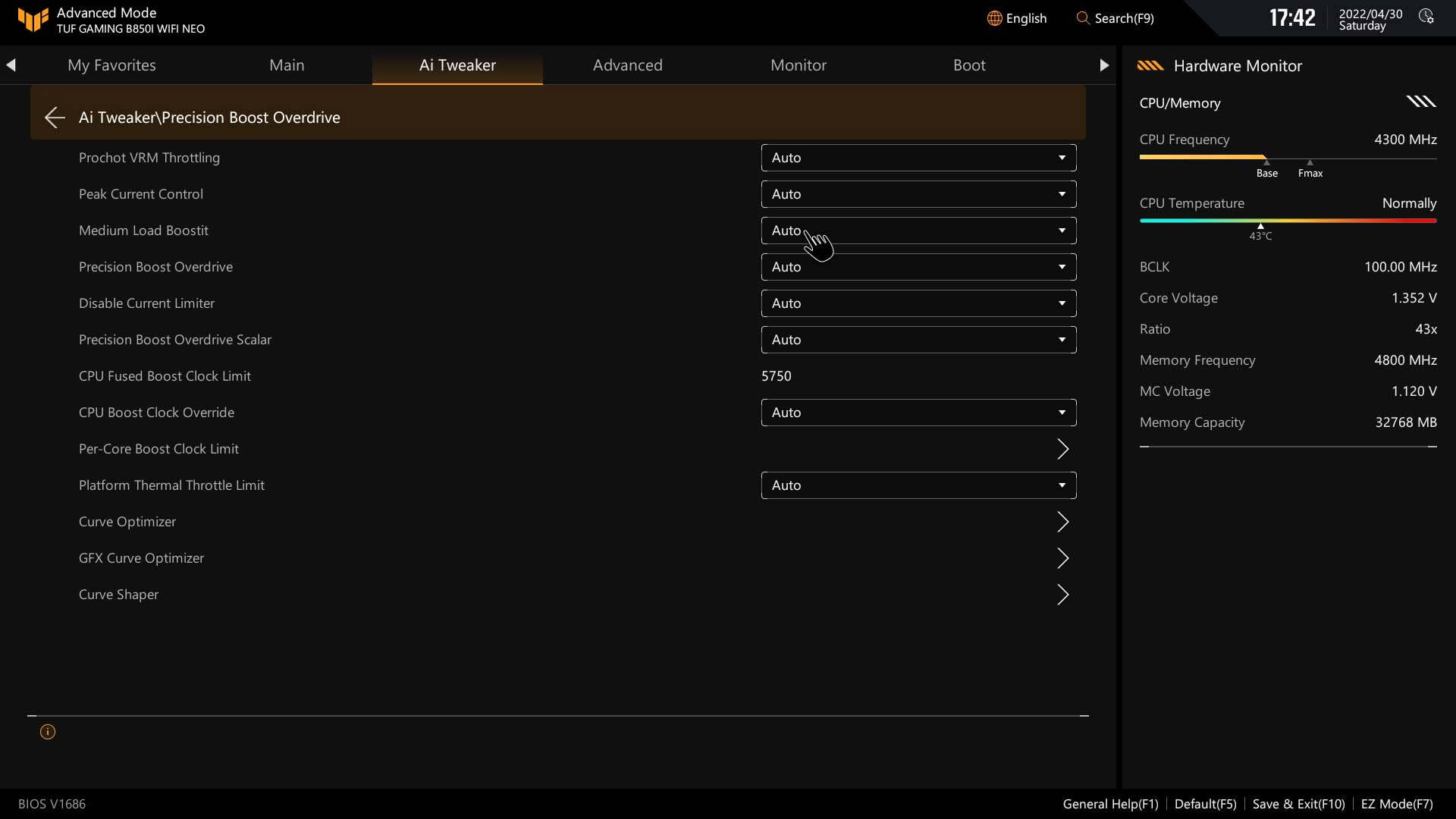
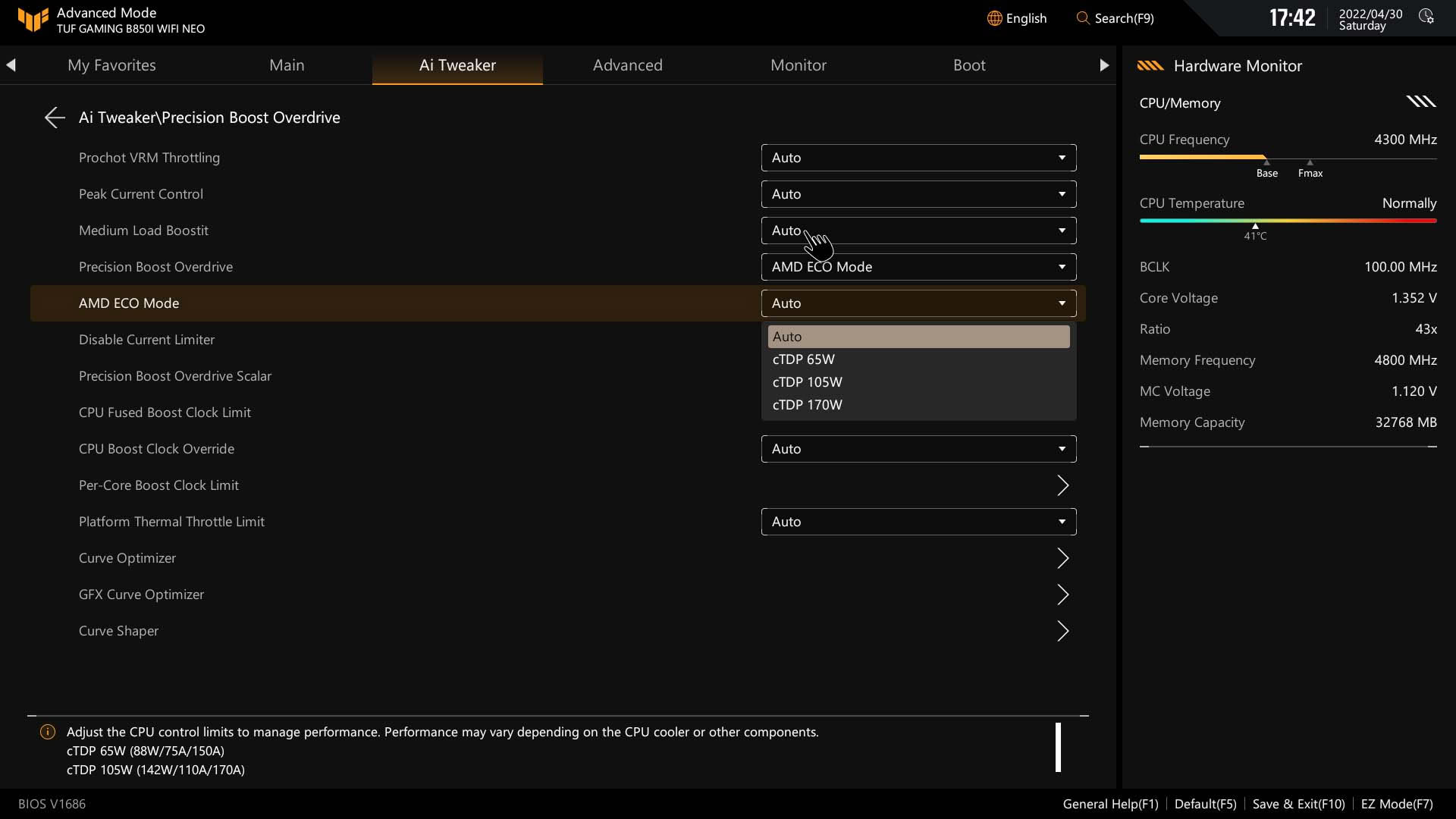
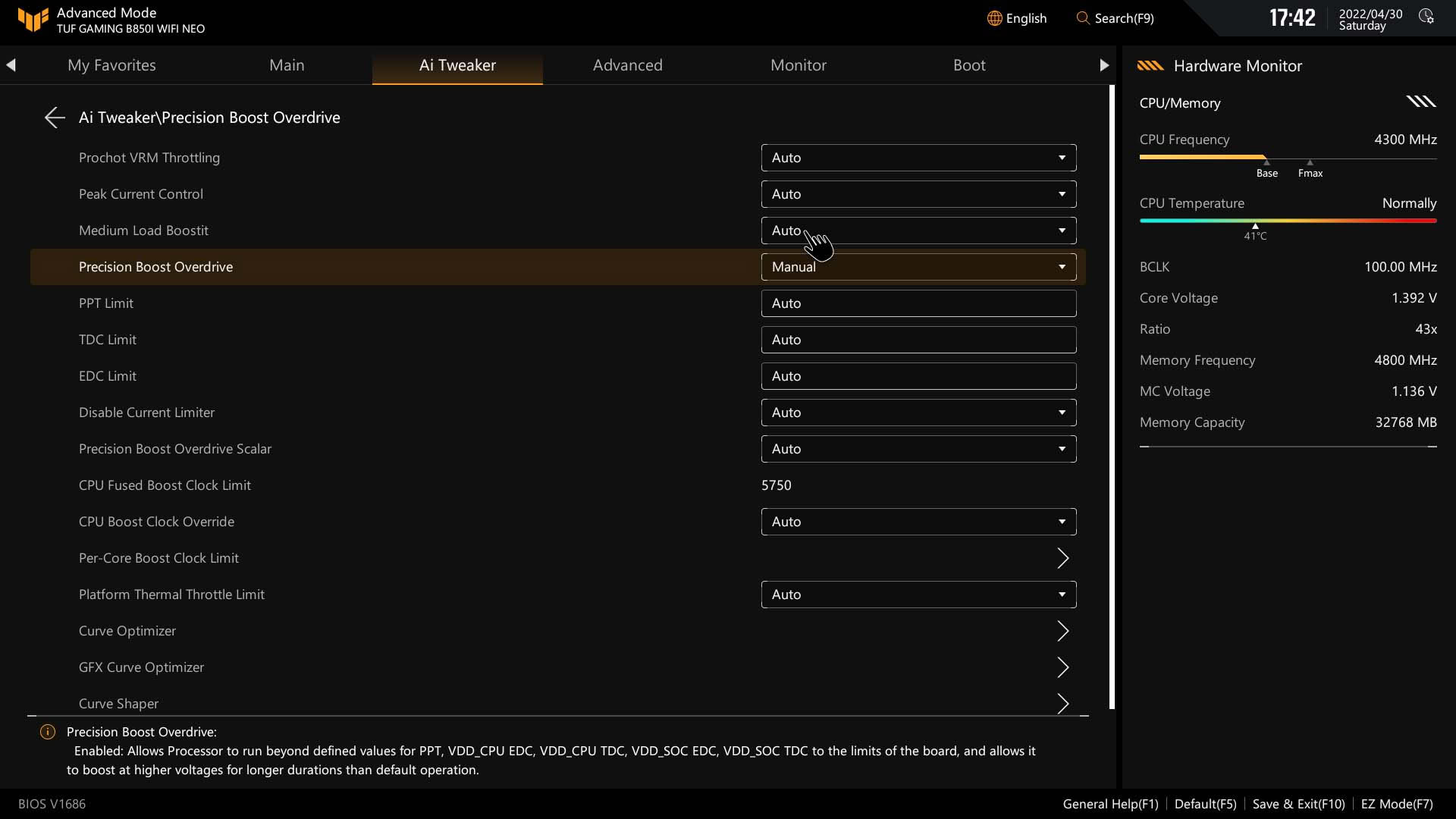
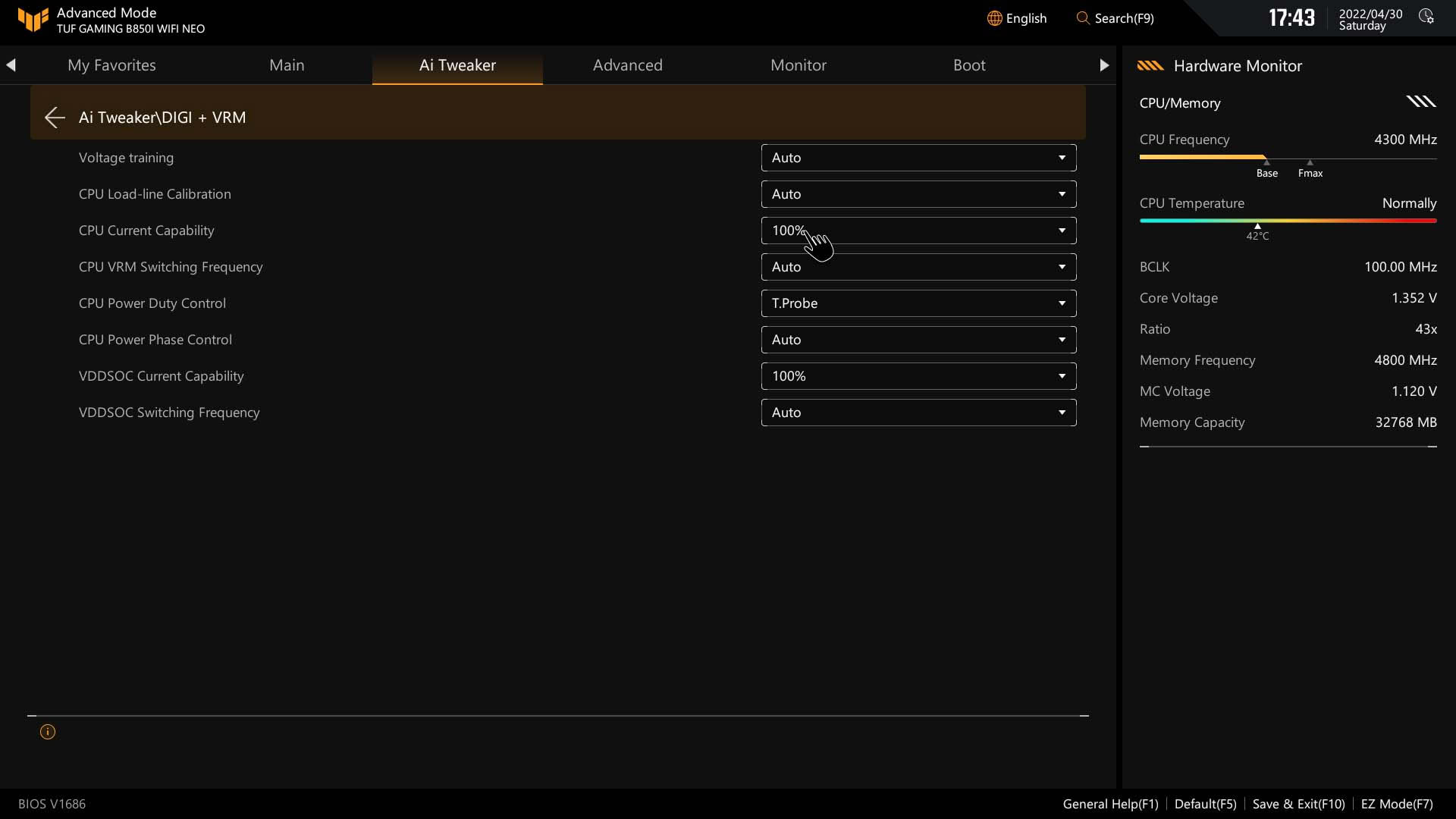
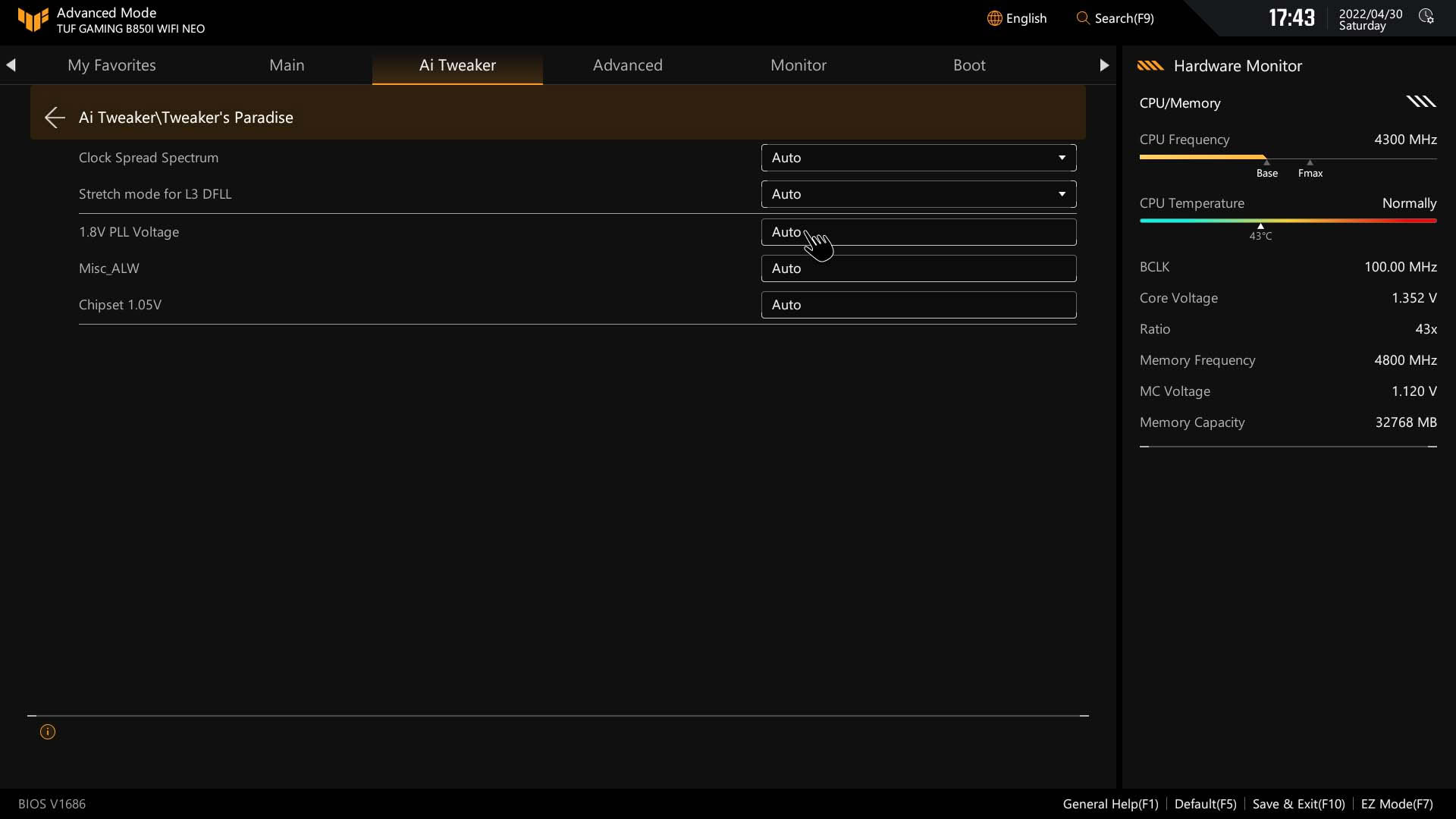
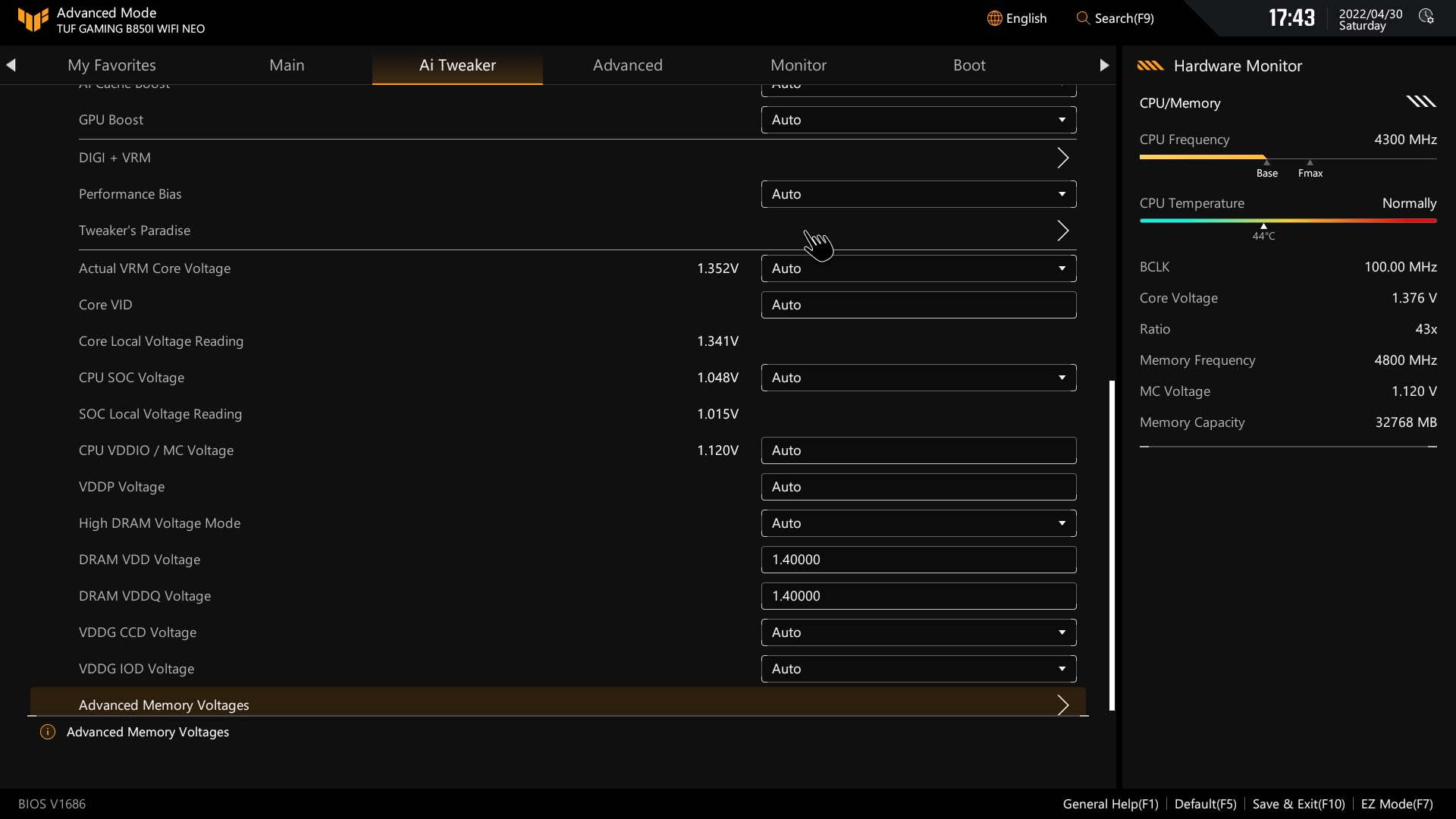
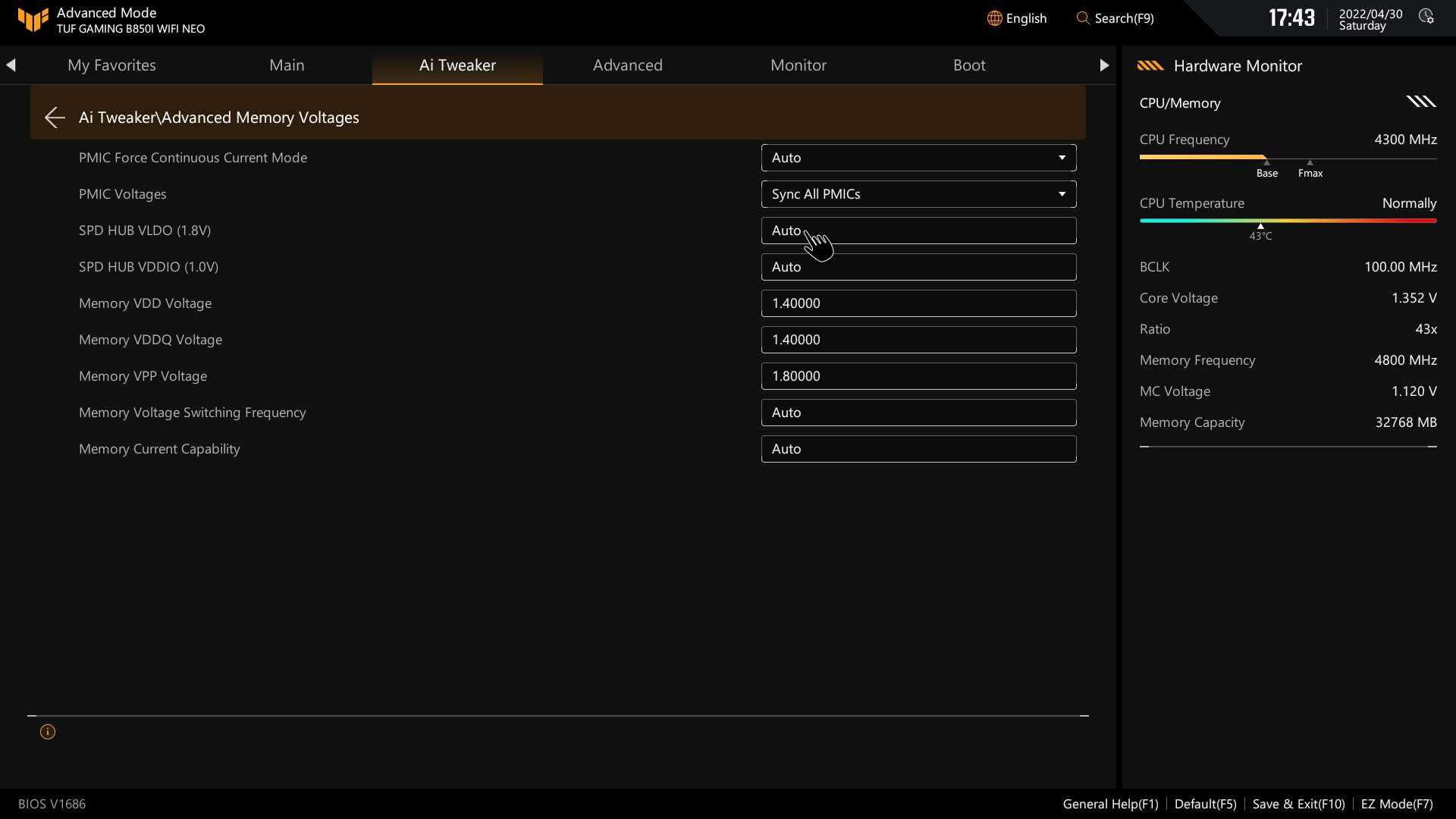
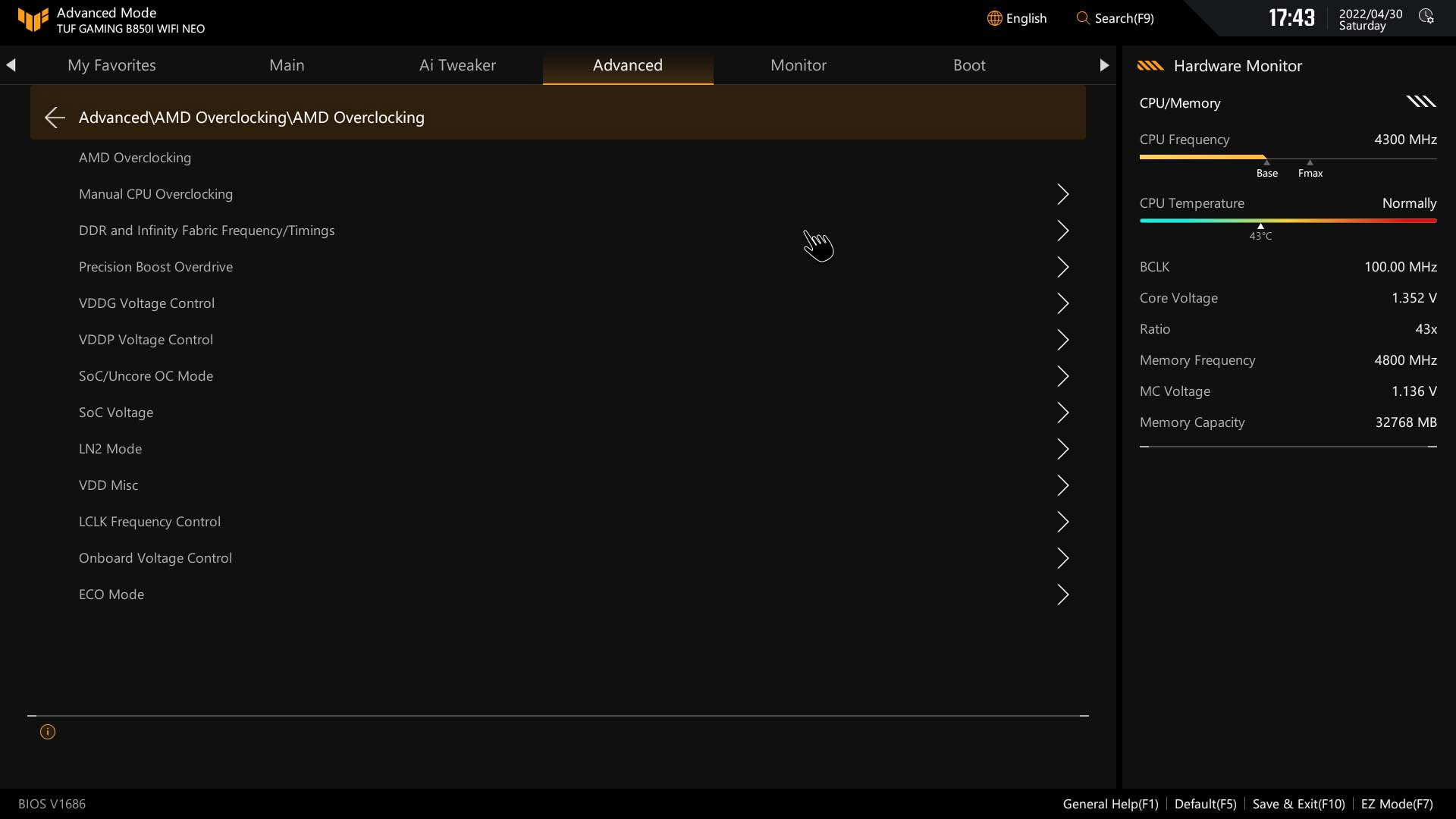
The Ai Tweaker section is where all the overclocking magic happens, and ASUS makes it relatively easy to find settings whether you're here just for a few PBO controls or a full-on manual overclock. As you'd expect, the DRAM timing options are extensive, while the PBO section is where you'll find Curve Optimizer, Curve Shaper, Eco Mode and more detailed PBO options. ASUS locates its Loadline Calibration and current capability options under the DIGI+ VRM menu. If you've used the AMD Overclocking section under the Advanced menu in the past, this is now largely redundant as the options have been copied to the Ai Tweaker section.
 9