 4
Halo: Campaign Evolved Handheld Performance Review
Performance »Out-of-Box Experience on SteamOS
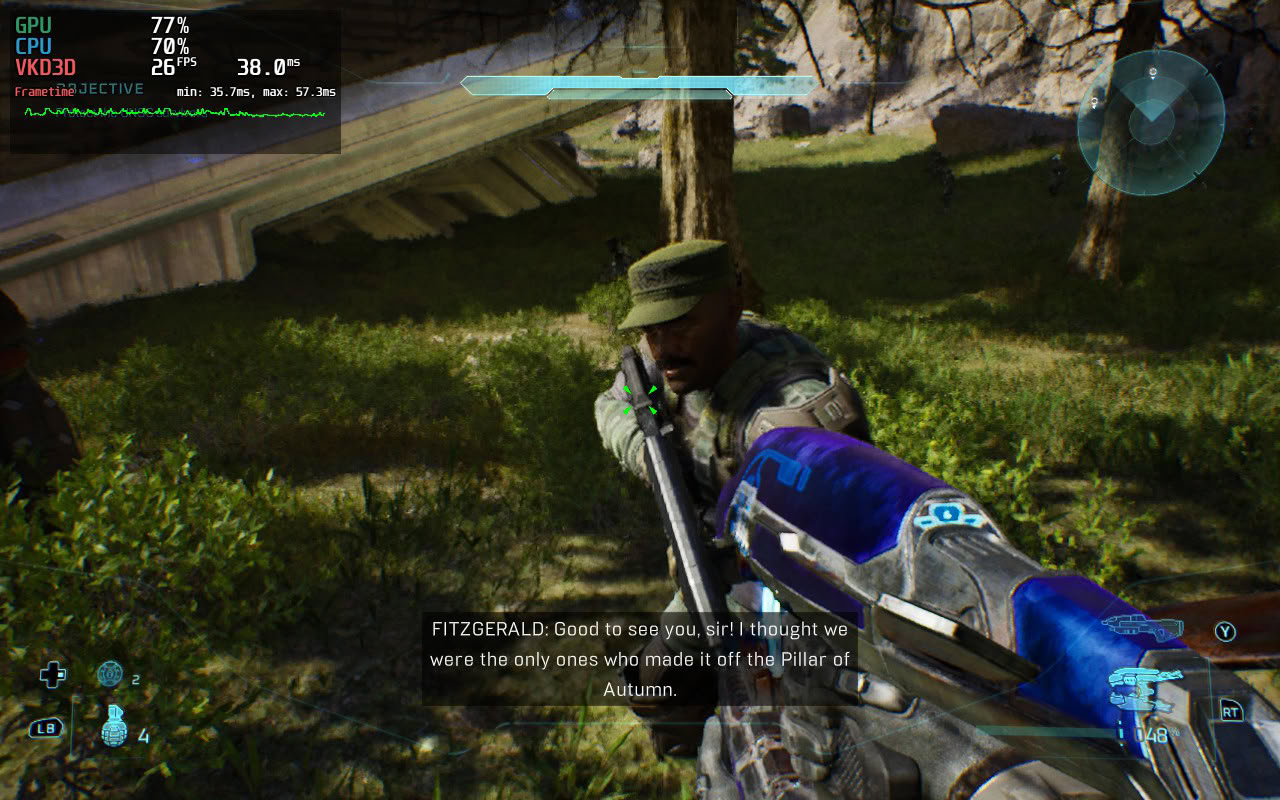
Halo: Campaign Evolved launches without issues on SteamOS. You don't have to wait for shaders to compile and are immediately shown the Microsoft account sign-in page, where you have to link your Microsoft/Xbox account to play the game. After that, you're greeted with a fairly comprehensive initial setup screen where you can tweak various settings to your liking.
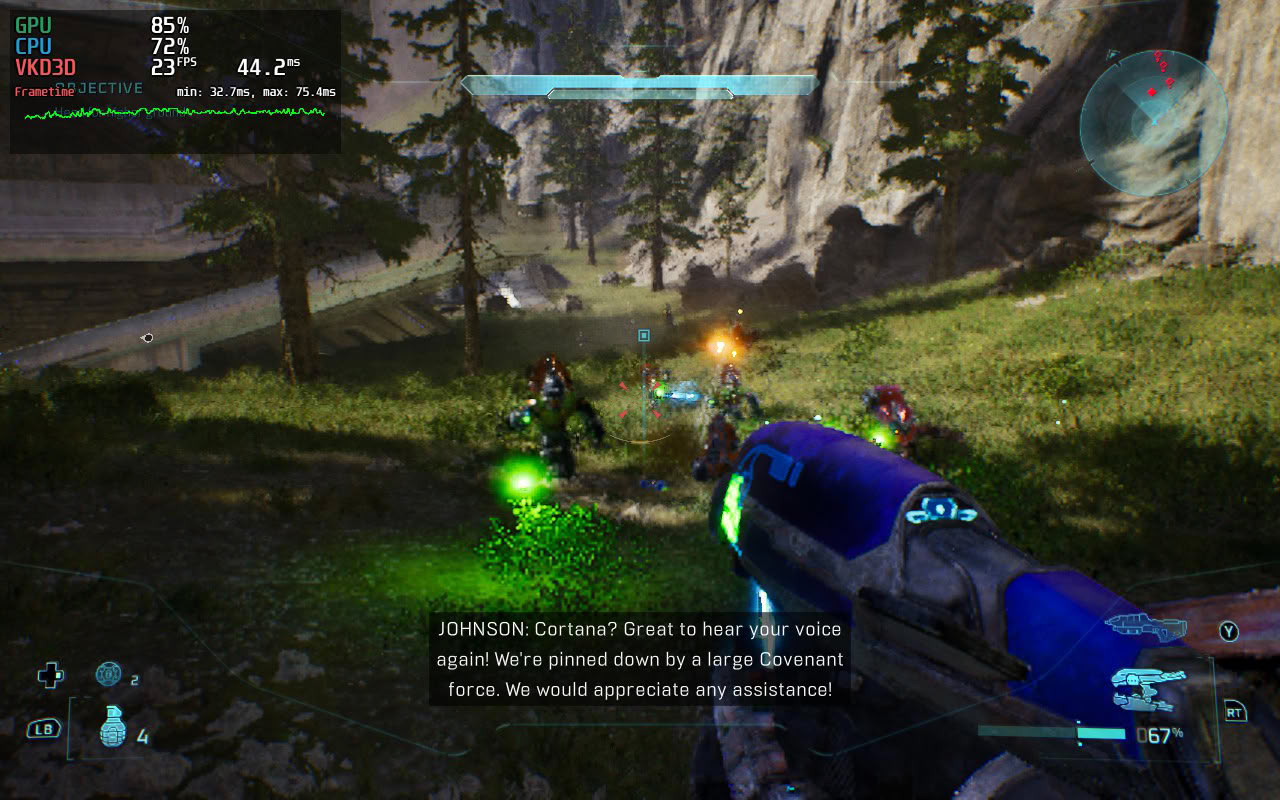
Going into the video settings reveals that the Steam Deck, as well as other PC handhelds, can't set any graphics setting above Medium. They also have access to Very Low quality settings that, for some reason, aren't available on regular PCs.
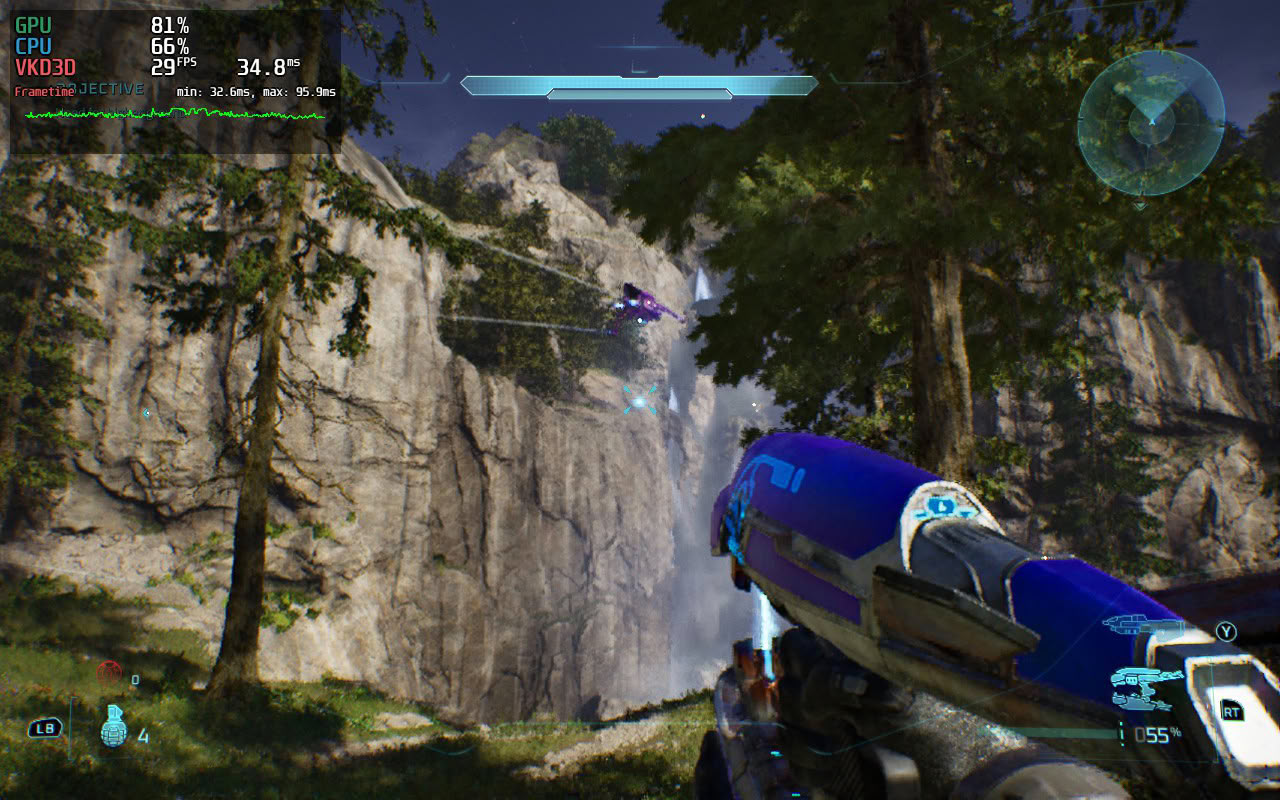
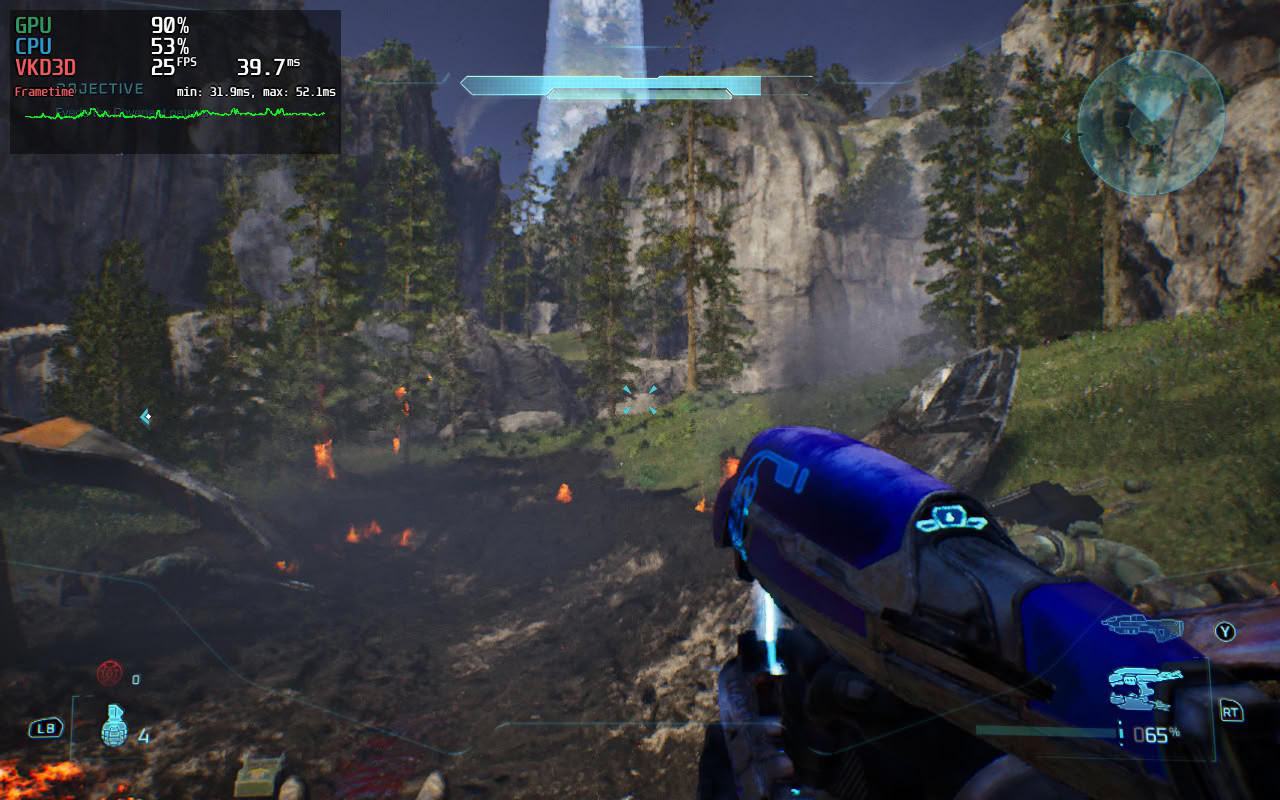
Once you set everything up and start the first mission, you may think that Halo: Campaign Evolved is playable on the Steam Deck, but that quickly proves not to be the case once you start the second mission, Halo. No matter how low you go, the game will suffer frequent drops below 30 FPS while looking like a watercolor painting because you have to use FSR set to Low (equivalent to Ultra Performance). Alternatively, you can use TSR and set the resolution scale to 50% (TSR uses a separate Resolution Scale slider), resulting in noticeably better image quality and roughly the same average performance.
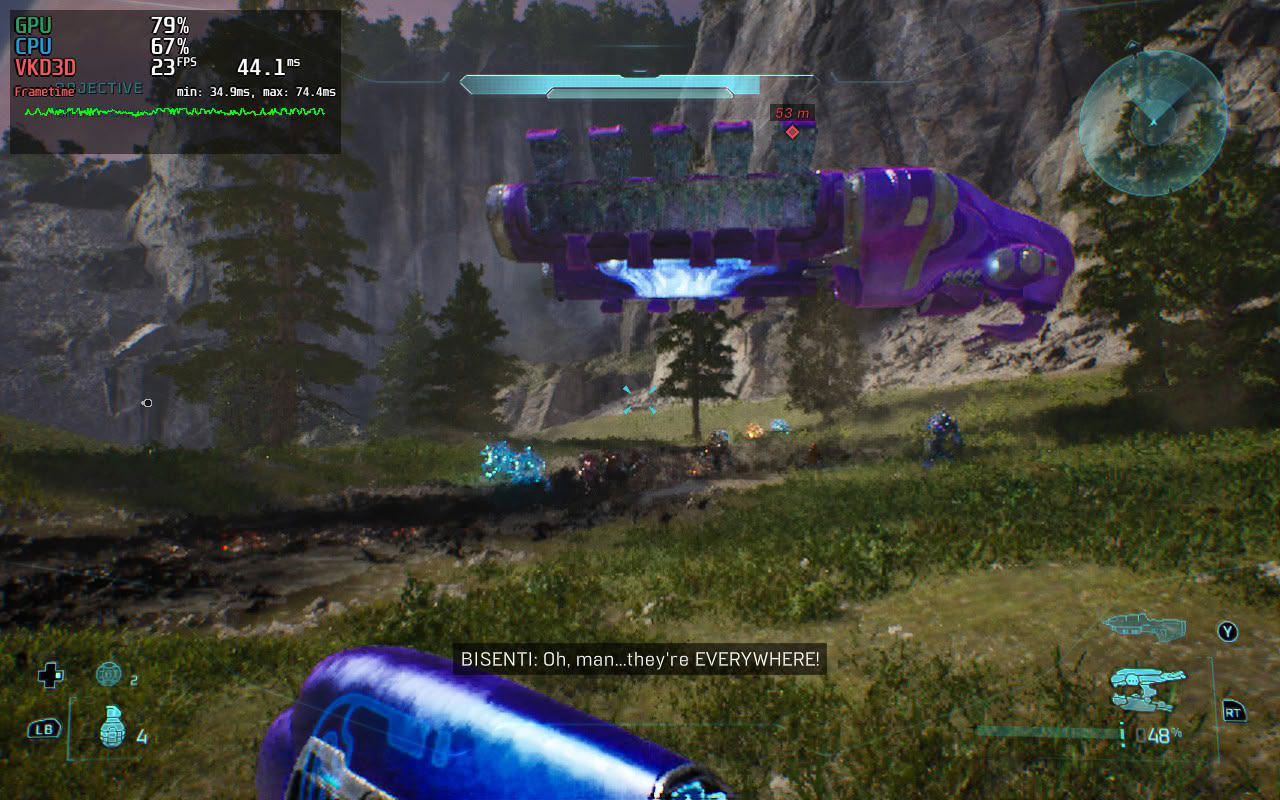
The closest you can get to playable performance is by setting everything—including the Geometry Quality option that controls the density and draw distance of ground cover—to Ultra Low. This completely removes foliage, making the remake look like the original, only with even fewer blades of grass on the ground. Alas, even stripping the landscape of all plant life won't let you maintain a steady 30 FPS because the Deck's CPU is simply too weak to sustain that level of performance in most outdoor areas and during larger battles.
If you own a Steam Deck, we recommend skipping this game and spending your money on Halo: The Master Chief Collection instead, which not only packs six games but also runs much, much better on the Steam Deck.
Out-of-Box Experience on Windows
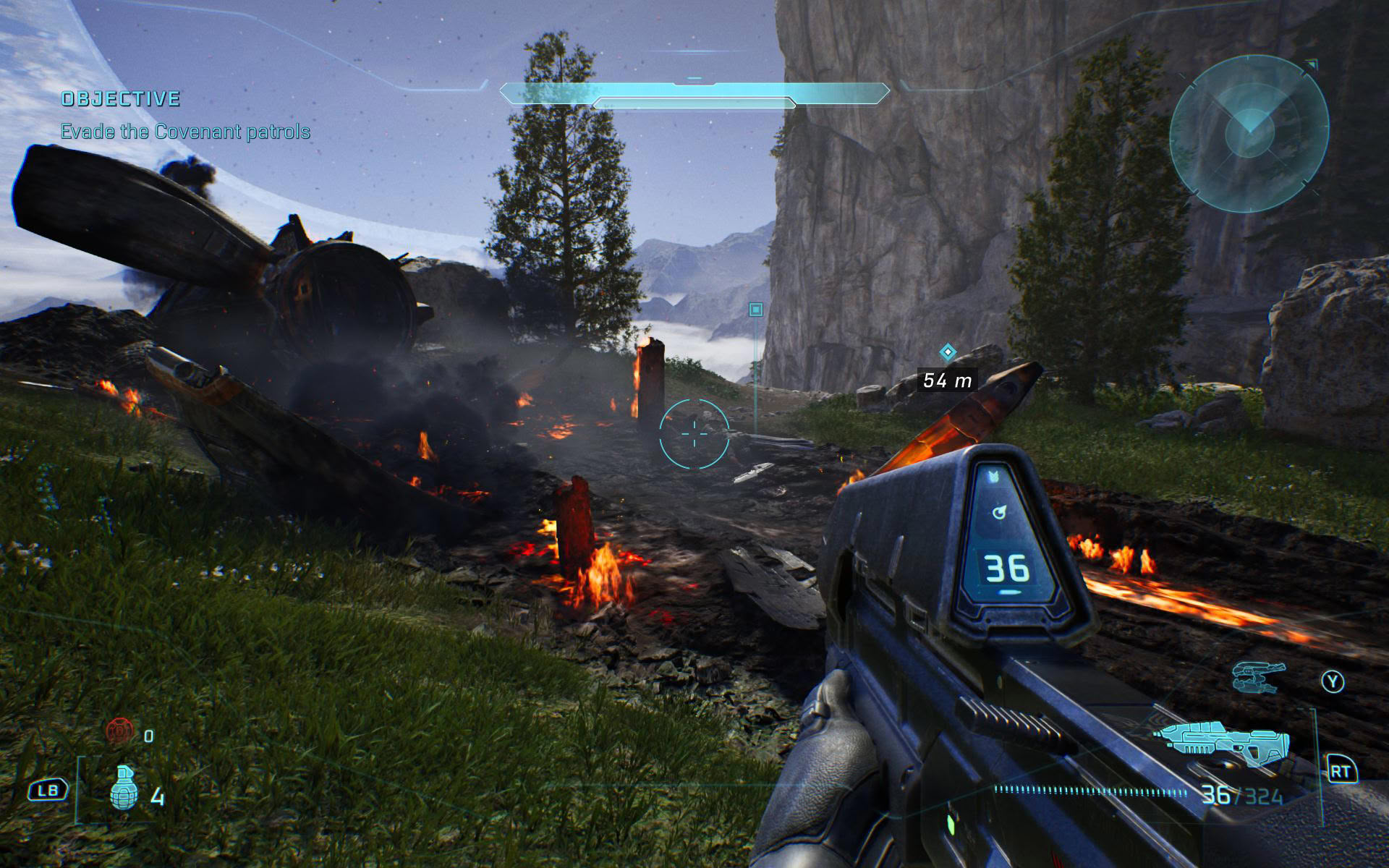
On Windows, we also didn't have to wait for shaders to compile since Intel and Microsoft provide precompiled shaders for MSI and ASUS handhelds. Once you sit through a few intro videos, you once again have to link your Microsoft/Xbox account before you can play the game. Note that you can't change the resolution in-game while remaining in fullscreen because doing so switches the game to windowed mode. The game only supports borderless fullscreen and windowed modes.
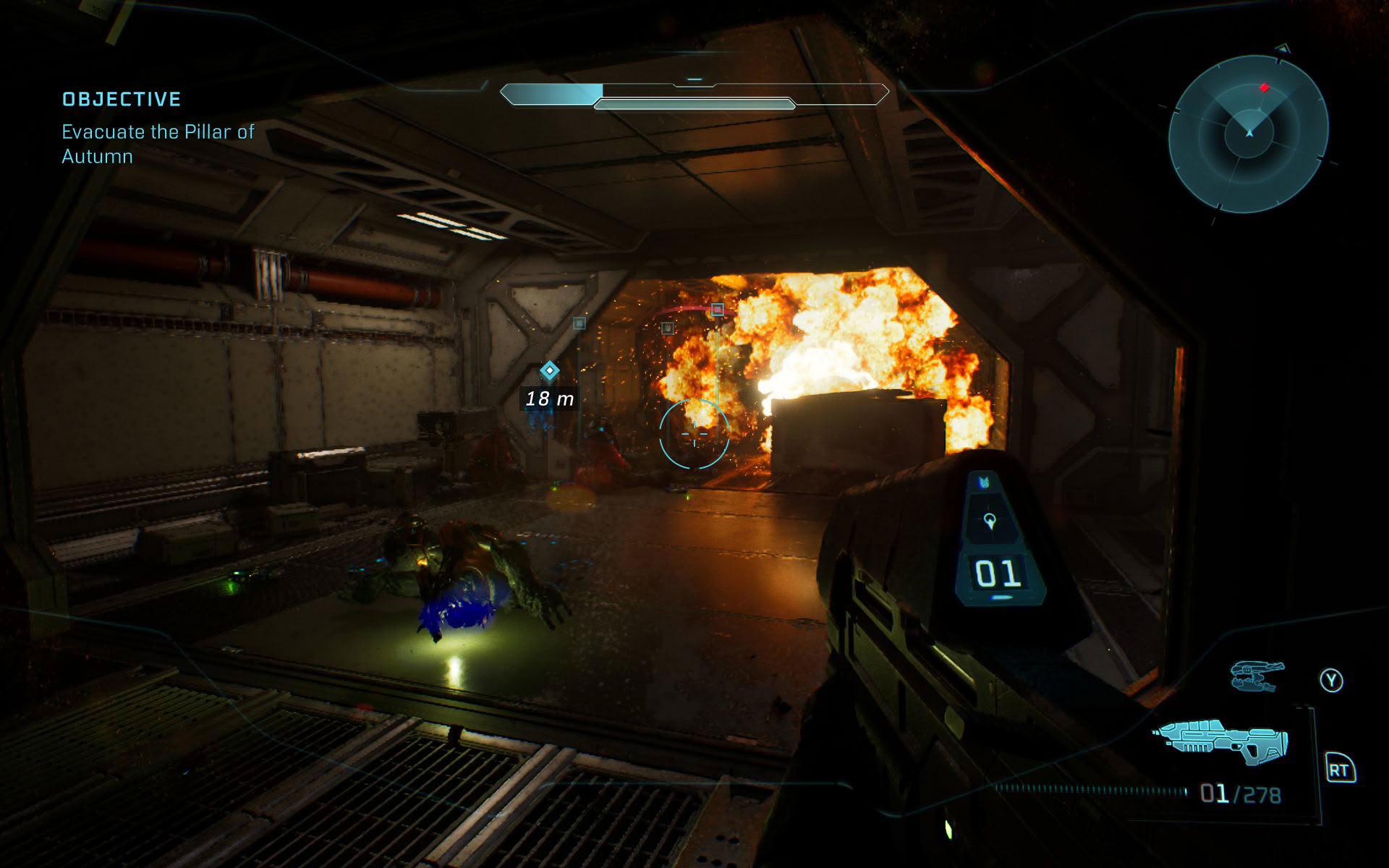
In general, the game works fine on Windows handhelds, but some run it better than others. While the ASUS ROG Ally X, Xbox Ally X, and MSI Claw 8 EX all performed within expectations, the MSI Claw 8 was, like in Assassin's Creed Black Flag Resynced, slower than expected. The handheld ran the game quite poorly at 15 W, and at 25 W it couldn't even keep up with the ROG Ally X, marking yet another game where the MSI Claw 8 falls short of its potential. We hope Intel releases a day-one graphics driver when the game officially launches on July 28 to improve performance on the Claw 8 because, right now, the handheld performs well below its potential in Halo: Campaign Evolved.
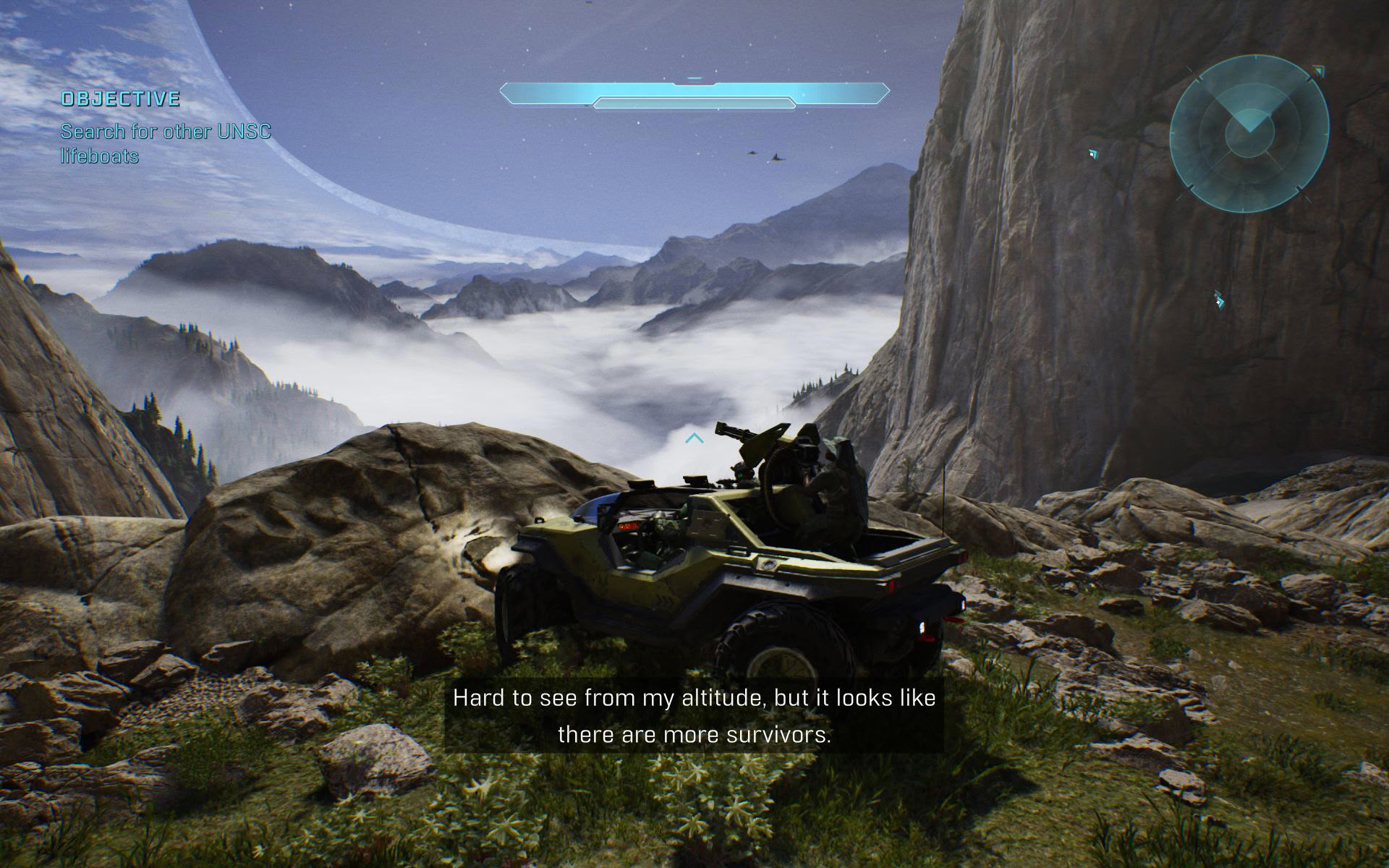
As for the rest of the Windows handheld lineup, the Claw 8 EX lets you enjoy the game at 1200p with XeSS set to High (59% render scale) and most settings set to Medium, aside from Global Illumination (Very Low) and Lighting Quality (Low). This results in a very stable 40 FPS, with performance reaching up to ~60 FPS in indoor areas and only very rarely dropping below 40 FPS. The Claw 8, on the other hand, runs the game much more poorly, meaning you'll have to lower the resolution to 900p, set XeSS to Medium, and drop most settings to Low to achieve around 40 FPS with frequent drops into the mid- and high 30s.
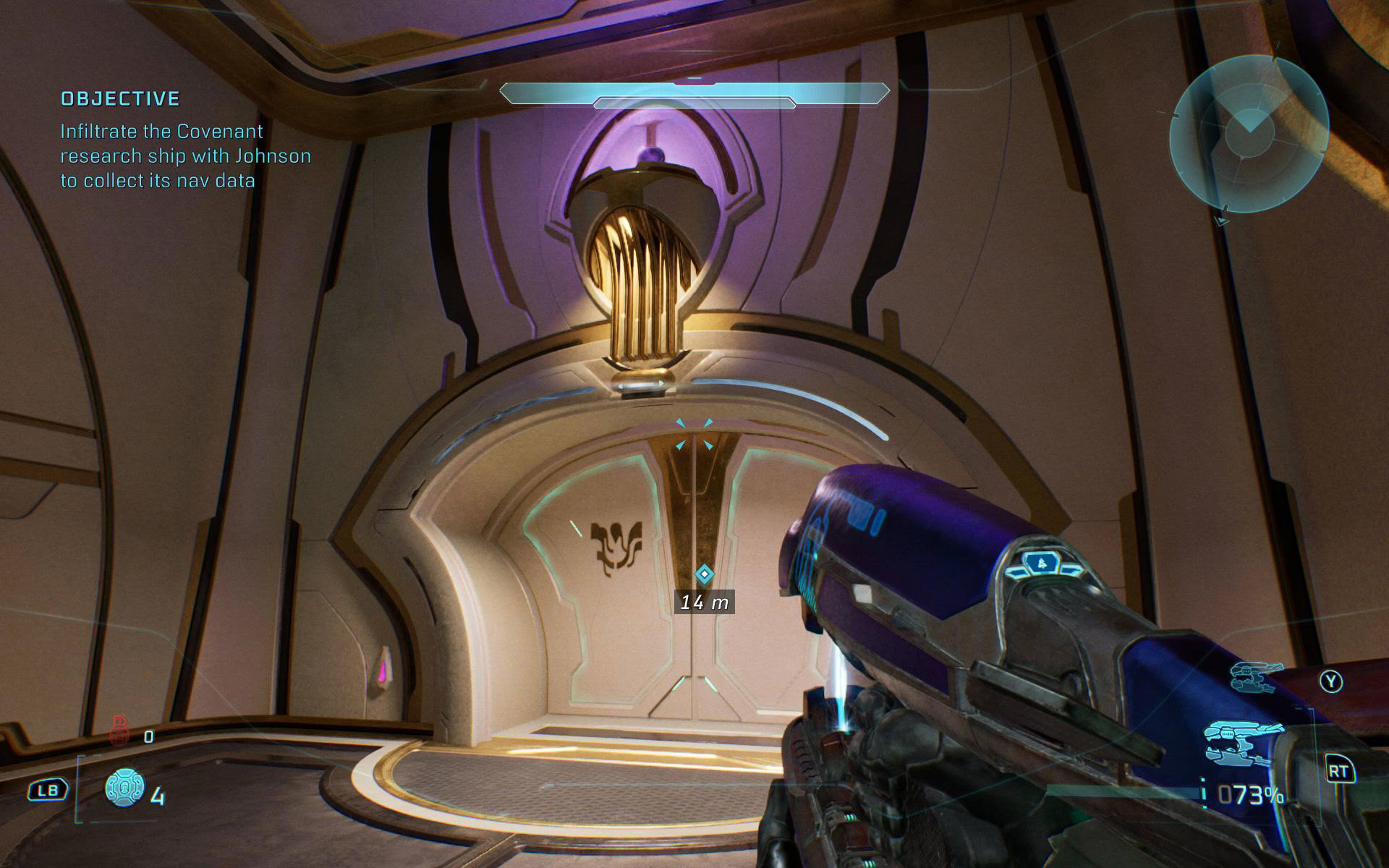
The ROG Xbox Ally X offers similar performance, but at 900p. We also recommend using TSR set to 60% resolution scale instead of FSR set to High (59% render scale) because TSR looks better while delivering virtually identical performance. The ROG Ally X has to run the game at 720p with either FSR set to Ultra or TSR set to a 70% render scale.
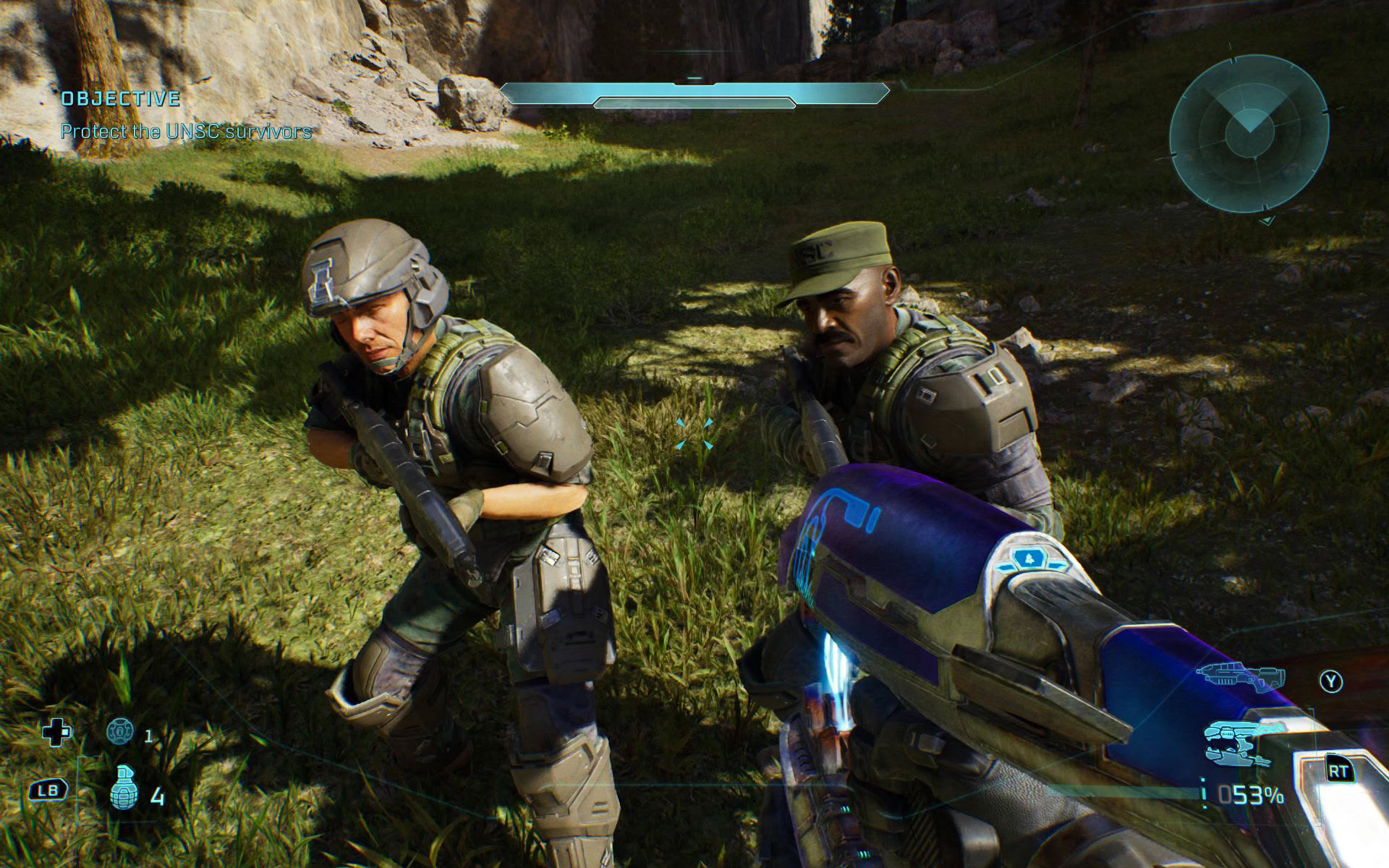
We don't recommend using frame generation in this game because the frame rate varies significantly depending on the area you're in and whether you're in combat, resulting in a very uneven experience with noticeable latency spikes whenever performance drops, particularly in outdoor areas and during larger battles. That said, nothing stops you from trying it, and while we simply couldn't enjoy the game with frame generation enabled on handhelds, your experience may be more positive.
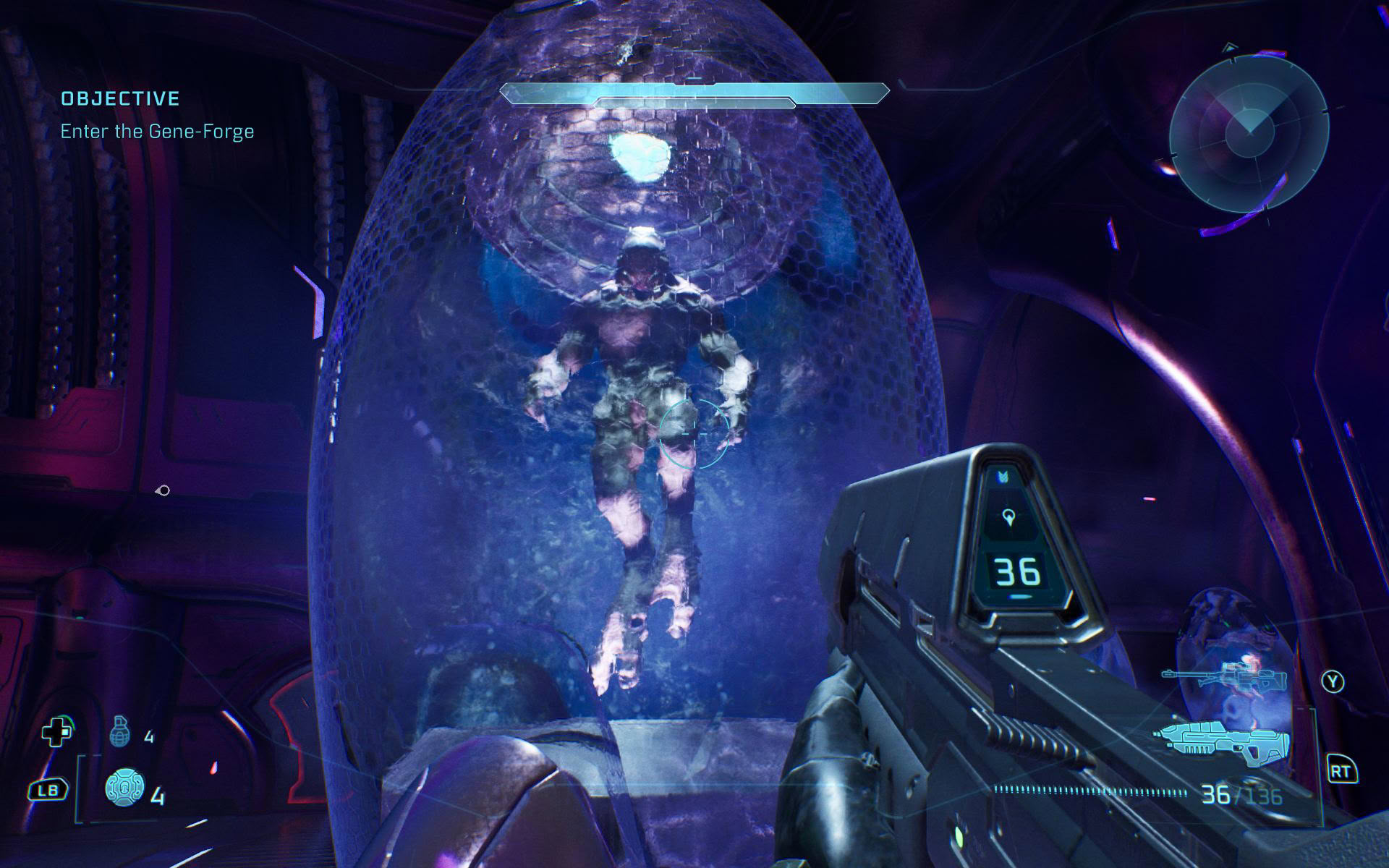
While we didn't notice any shader compilation stutters, we did encounter traversal stutters, which were more pronounced on the two MSI handhelds. The game even started freezing for about half a second every once in a while after about an hour of playing it on the MSI Claw 8 EX, forcing us to restart the game to get rid of the freezes.
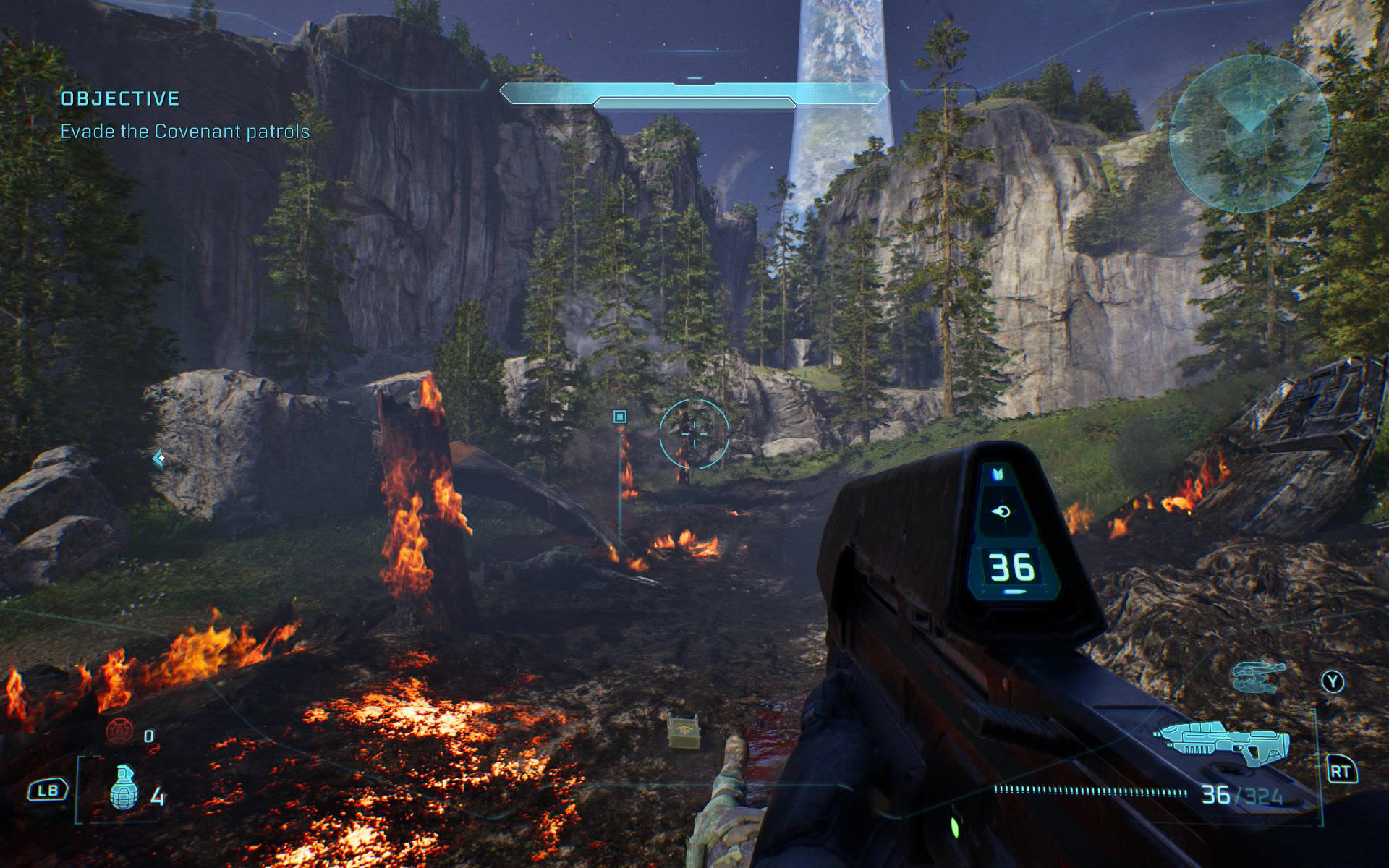
Considering that the original Halo, as well as every other Halo title, was designed with controllers in mind, Halo: Campaign Evolved also plays great with a controller. Aim assist is helpful without feeling overbearing, and the game felt great even on the MSI Claw 8 EX's loose thumbsticks. That said, we had the best experience on the Xbox Ally X, which exhibited less pronounced stuttering and features much tighter thumbsticks than the Claw 8 EX.
Nov 11th, 2026 17:55 CST
change timezone
New Forum Posts
- WarpCoreBench scores! (14)
- Warning for Windows 10 and 11 users running newer AMD GPU drivers (49)
- Bought MAX-P495 - Which model? (29)
- GeekMagic Ultra Smart WiFi Weather Station (3)
- DTS DCH Driver for Realtek HDA [DTS:X APO4 + DTS Interactive] (2809)
- Rare GPUs / Unreleased GPUs (2271)
- Samsung 870 EVO - Beware, certain batches prone to failure! (1486)
- Windows new update 26H2 - Throttlestop (10)
- When you could finally run Crysis maxed out? (42)
- TPU's F@H Team (20569)
Popular Reviews
- AMD Zen 6 Technical Deep Dive
- Upcoming Hardware Launches 2027 (Updated Nov 2026)
- Gigabyte Z890I Aorus Ultra Review
- XPG NIMBUS PLUS Review - Mid-range Chair With Strong Competitors
- INNOCN 45C1R Review - Two QHD Screens, Zero Bezels
- NZXT H7 RGB+ Review
- Phantom Blade Zero Performance Benchmark Review - 35 GPUs Tested
- Gears of War: E-Day Performance Benchmark Review - 35 GPUs Tested
- NZXT H5 Review
- be quiet! Light Mount TKL Keyboard Review
TPU on YouTube
Controversial News Posts
- OpenAI CEO Argues Home PCs Waste the World's Limited DRAM Supply (152)
- NVIDIA Launches Investigation Into Jensen Huang's Relationship With Suspected Chinese Spy (136)
- Intel "Raptor Lake Next" 16-Core and 20-Core CPUs Surface (130)
- Legendary Game Studio BioWare Shuts Down Following EA Layoffs (104)
- Dell CEO Says the Memory Shortage Will Get Worse in 2027 (95)
- NVIDIA GeForce RTX 50-Series Scheduled for up to $500 Price Hike This Week (89)
- Modder Fits RTX 5090 With Four 8-Pin Connectors, Halving Current per Wire (80)
- AMD Radeon Owners Can Now Run Nearly Every DLSS Feature Through Fan-Made Mod (80)