 17
Nioh 3 Handheld Performance Review
Performance »Out-of-Box Experience on SteamOS

On SteamOS, you're greeted with a fairly short shader precompiling step that takes only a few minutes to complete during the initial launch. On subsequent launches, you only have to wait for a few seconds for shaders to compile.
One of the first issues we encountered was that movies wouldn't play. We tried running the game with Proton GE, which usually solves this issue, but no dice. Unfortunately, movies not playing is the least of the game's problems on Steam Deck.

Overall performance on the Steam Deck is atrocious. You may hit 30 FPS in the tutorial area, but once you're out in the open world, the frame rate drops to ~20 FPS with constant drops to high and mid-10s. Another issue is that the game runs in slow motion, which seems to be a Katana Engine issue that manifests when you can't maintain a constant locked frame rate (30, 60, or 120).
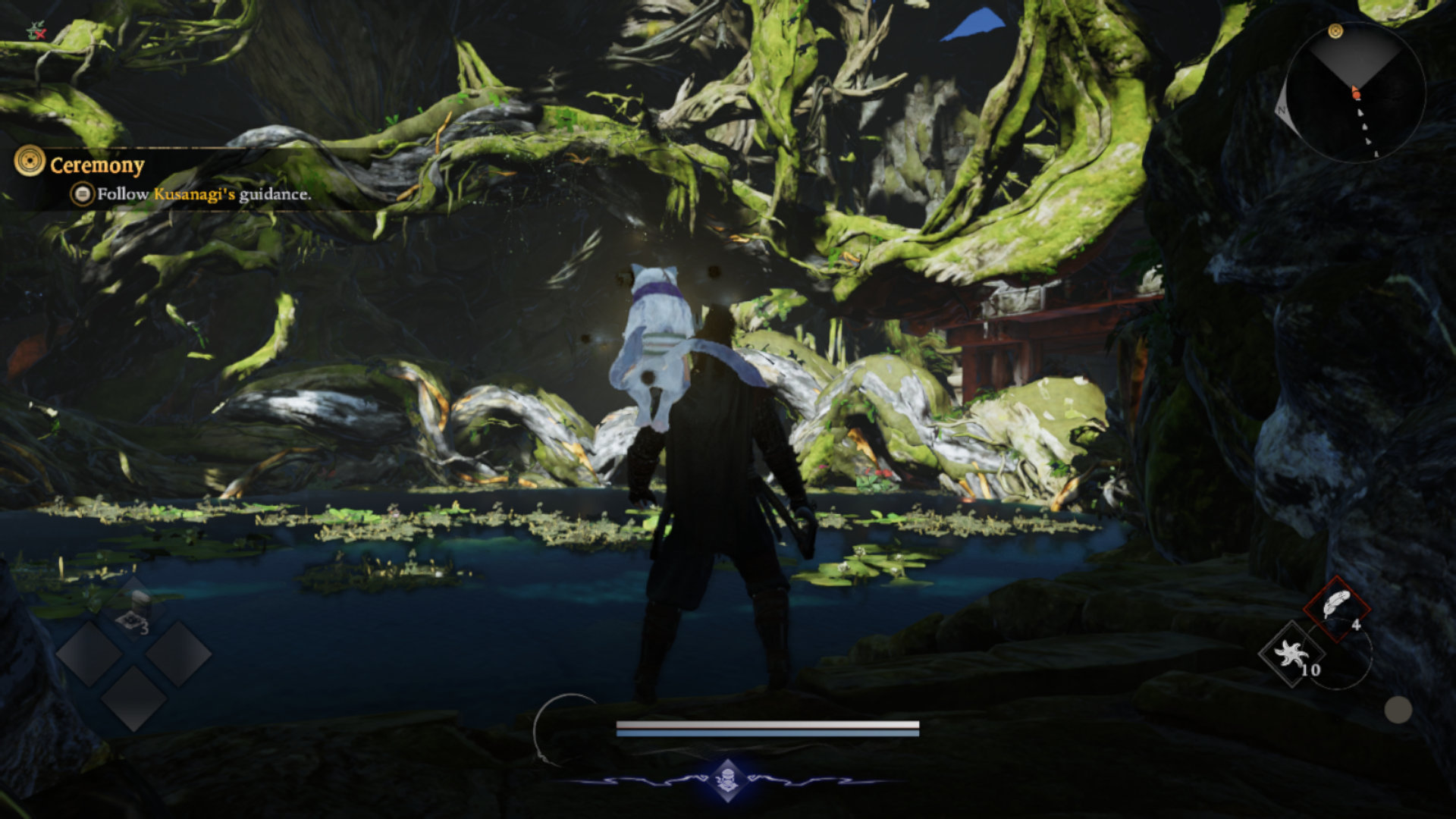
That said, it looks like slow-motion gameplay also affects Linux gamers in general, even those with fairly beefy machines, so it might just be that the game is busted on Linux. Different Proton versions have no effect on performance. The game hammers both the CPU and GPU, and it looks like 16 GB of total memory just isn't enough. In short, Nioh 3 is unplayable on Steam Deck.
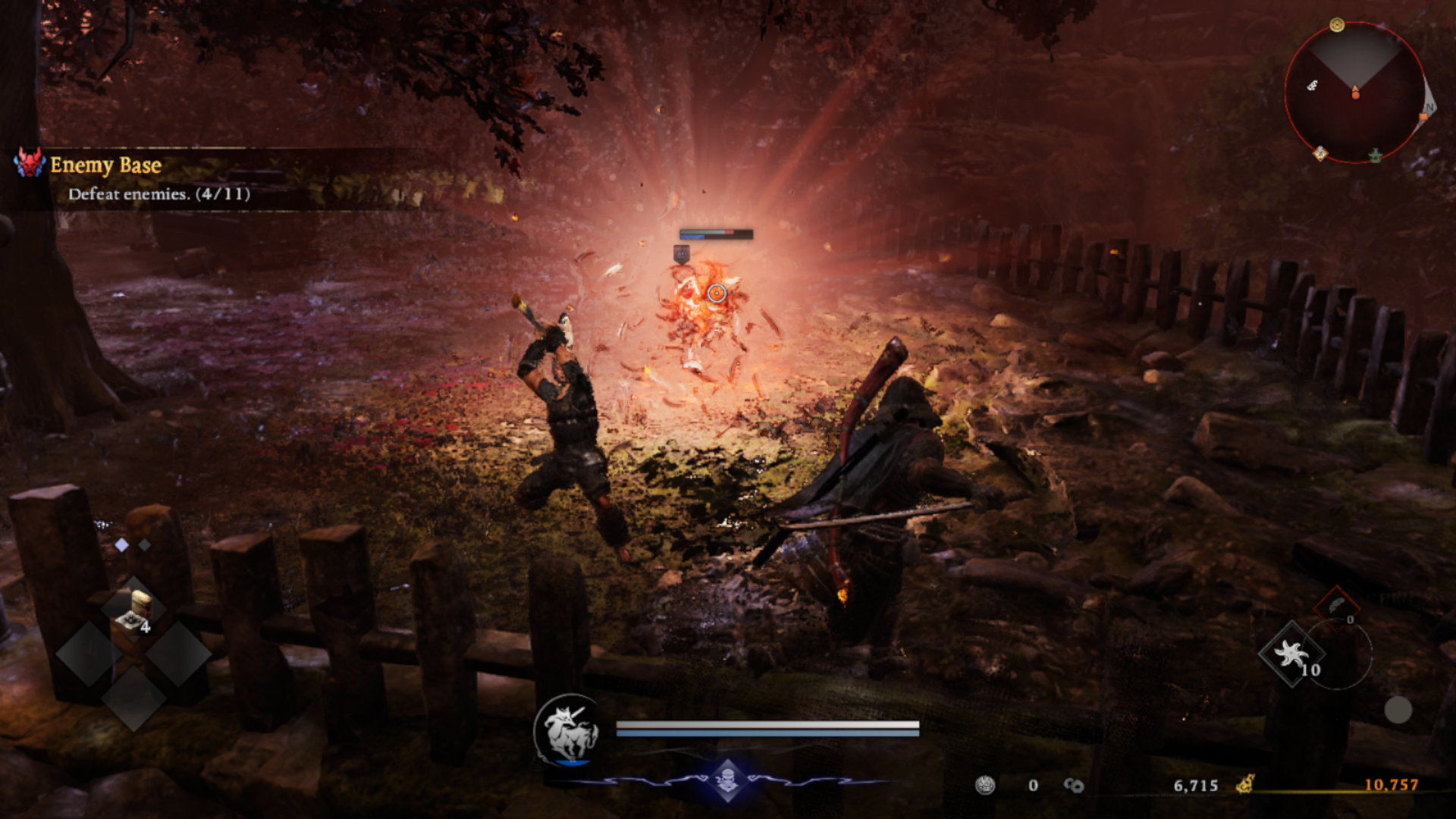
On our ROG Ally, Nioh 3 also runs in slow motion unless we lock the frame rate to 30. But even then, the game works normally for a few seconds, then slows down for a few seconds, and just goes back and forth, making it unplayable. We tried increasing the VRAM allocation to 6 GB and 8 GB, and even set it to "Auto," but the results were the same. Nioh 3 is unplayable on our ROG Ally with SteamOS, but it might be playable on yours if you run Windows on it.

We aren't sure whether Nioh 3 just doesn't work well on Linux (people have listed all sorts of issues over on ProtonDB), or whether the Steam Deck and ROG Ally just don't have enough memory for the game. As we've said, you can get a few seconds of normal gameplay on the ROG Ally when locked to 30 FPS, but then the game goes back to slow motion, then it runs fine for a few seconds, and so on. It could be that Nioh 3 instead of hitching goes into slow motion when the frame buffer is full, returns to normal when VRAM is flushed, and then goes back to slow motion when textures fill the GPU-allocated memory.
Out-of-Box Experience on Windows

On Windows, the game is super demanding, but it's quite stable on both the ROG Xbox Ally X and the ROG Ally X. Sure, the framerate fluctuates between the high 30s and low 50s, but we didn't experience slow-motion gameplay during our testing.
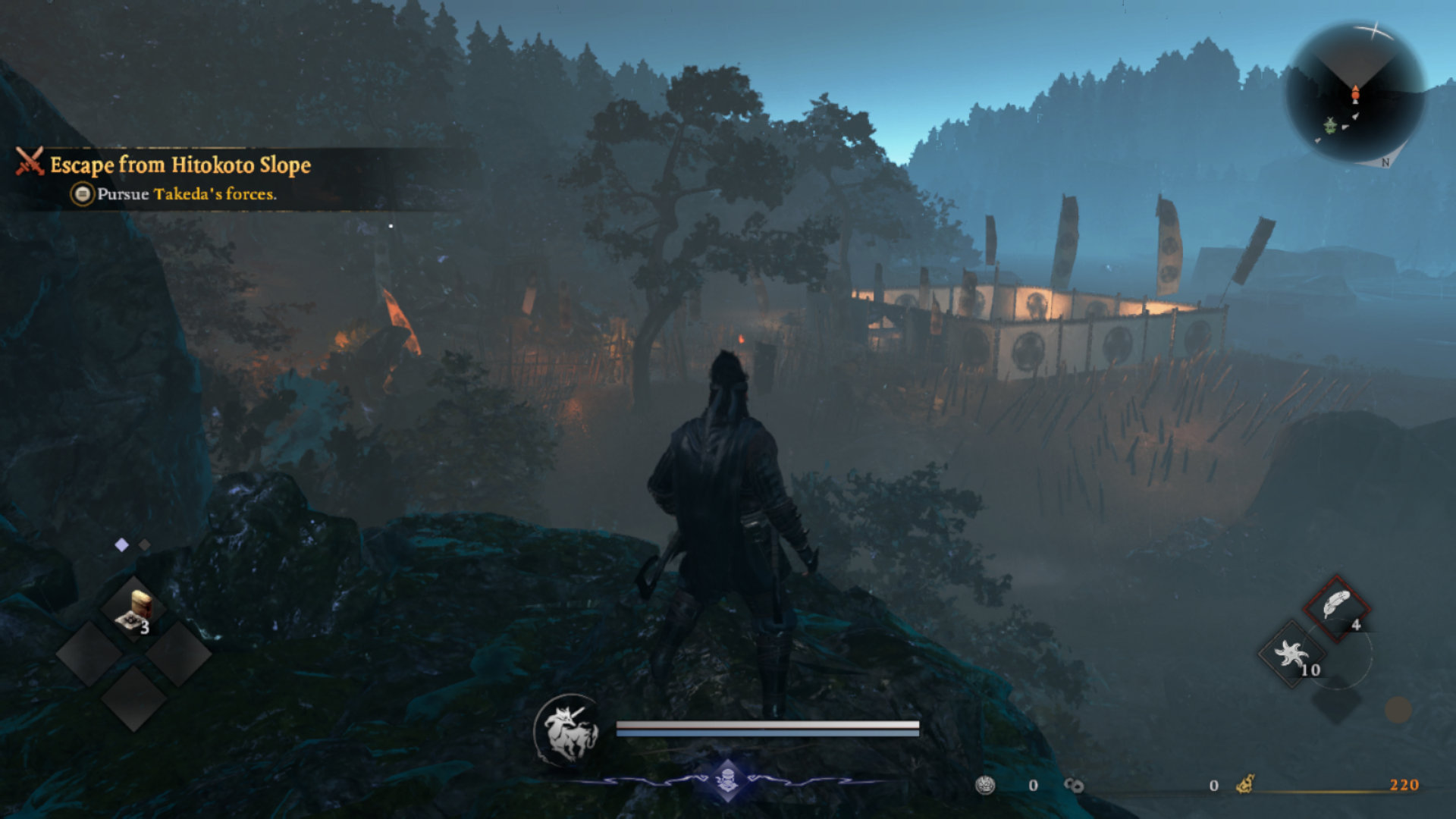
The game has relatively frequent traversal stutters, but it doesn't switch to slow motion all the time as it does on the Steam Deck and ROG Ally. Since our two Windows machines both have 24 GB of RAM, and the game can use around 7 GB of VRAM even on the Very Low preset, slowdowns could be due to insufficient memory.
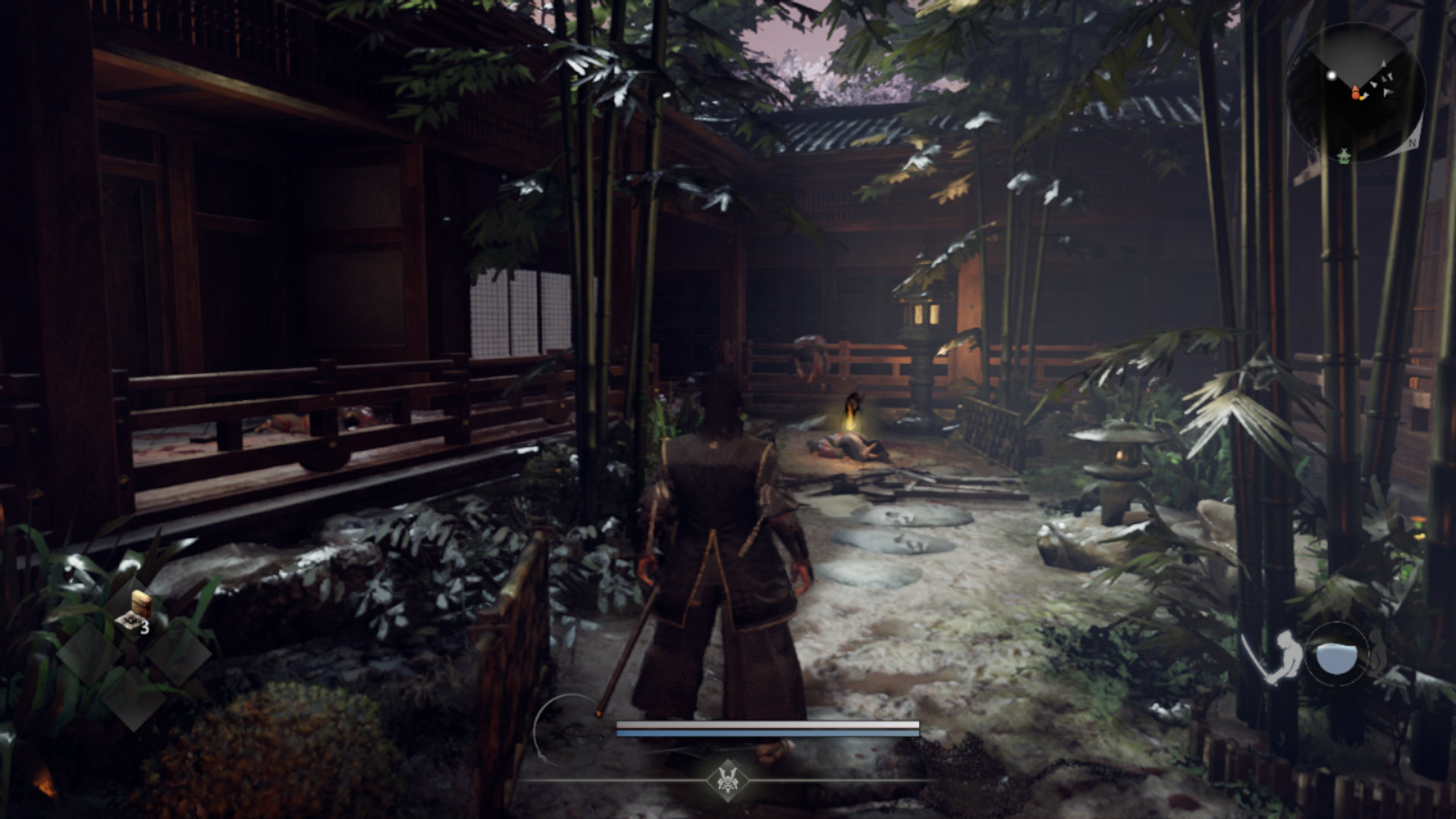
Anyway, once you launch Nioh 3 for the first time, you'll have to wait a few minutes for the shaders to compile, and then only a few seconds on subsequent launches. The movies didn't play on our PC and ROG Ally X, but we solved this by typing the following command into Windows Command Prompt:
winget install 9n4d0msmp0pt -s msstore
Typing the command should install the necessary codec pack needed for in-game movies to play.

Performance-wise, Nioh 3 is unreasonably demanding. The game looks no more than okay even on Ultra settings, but is extremely demanding on both the CPU and GPU. It also uses almost 7 GB of VRAM even when you set everything to low. It looks like Nioh 3 is another Katana Engine dumpster fire. We really don't understand why Koei Tecmo keeps pushing the engine when it's clear it suffers from a variety of problems, both on consoles and on PC.

You can expect the frame rate to fluctuate between the high 30s and low 50s on both machines at 900p, with upscaling enabled and most settings set to their lowest values. While the Xbox Ally X can get away with upping a few options to "Low" instead of "Very Low," you'll have to run the game at the "Very Low" preset on the ROG Ally X since you cannot snag a few extra frames using the 35 W power profile like you can on the Xbox Ally X. Also, the game performs pretty much the same on the Z1 Extreme and Z2 Extreme at higher TDP values. At 25 W, the Z2 Extreme is only around 10% faster.
Nioh 3 plays great on a controller since it is a controller-first title.
Nov 13th, 2026 07:41 PST
change timezone
Latest GPU Drivers
New Forum Posts
- Dual B70 or Dual R9700 Pro on Linux (0)
- To AiO CPU Cooler users? (6)
- Microsoft Exchange/365 outages? (40)
- I won't download games that are larger than 30–40 GB. (107)
- Slow SSD read speeds - help! (2)
- Any other old-timers here planning to play WoW Forever? (150)
- Requesting original VBIOS for Gigabyte RX 5700 XT GAMING OC 8G Rev 2.0 (Micron) (0)
- Home page search by category (6)
- Windows 11 General Discussion (7727)
- Warning for Windows 10 and 11 users running newer AMD GPU drivers (58)
Popular Reviews
- AMD Zen 6 Technical Deep Dive
- Corsair HX1000i Shift Crystal Review
- NZXT C1200 Platinum Review
- Upcoming Hardware Launches 2027 (Updated Nov 2026)
- Montech King 95 3D PRO Review
- NZXT H7 RGB+ Review
- NZXT H5 Review
- Phantom Blade Zero Performance Benchmark Review - 35 GPUs Tested
- XPG NIMBUS PLUS Review - Mid-range Chair With Strong Competitors
- Gigabyte Z890I Aorus Ultra Review
TPU on YouTube
Controversial News Posts
- NVIDIA Co-Founder and CEO Jensen Huang Officially Resigns (353)
- OpenAI CEO Argues Home PCs Waste the World's Limited DRAM Supply (152)
- NVIDIA Launches Investigation Into Jensen Huang's Relationship With Suspected Chinese Spy (136)
- Intel "Raptor Lake Next" 16-Core and 20-Core CPUs Surface (130)
- Legendary Game Studio BioWare Shuts Down Following EA Layoffs (104)
- Dell CEO Says the Memory Shortage Will Get Worse in 2027 (95)
- NVIDIA GeForce RTX 50-Series Scheduled for up to $500 Price Hike This Week (89)
- Modder Fits RTX 5090 With Four 8-Pin Connectors, Halving Current per Wire (80)