 12
NZXT H6 RGB+ Review
A Closer Look - Inside »A Closer Look - Outside
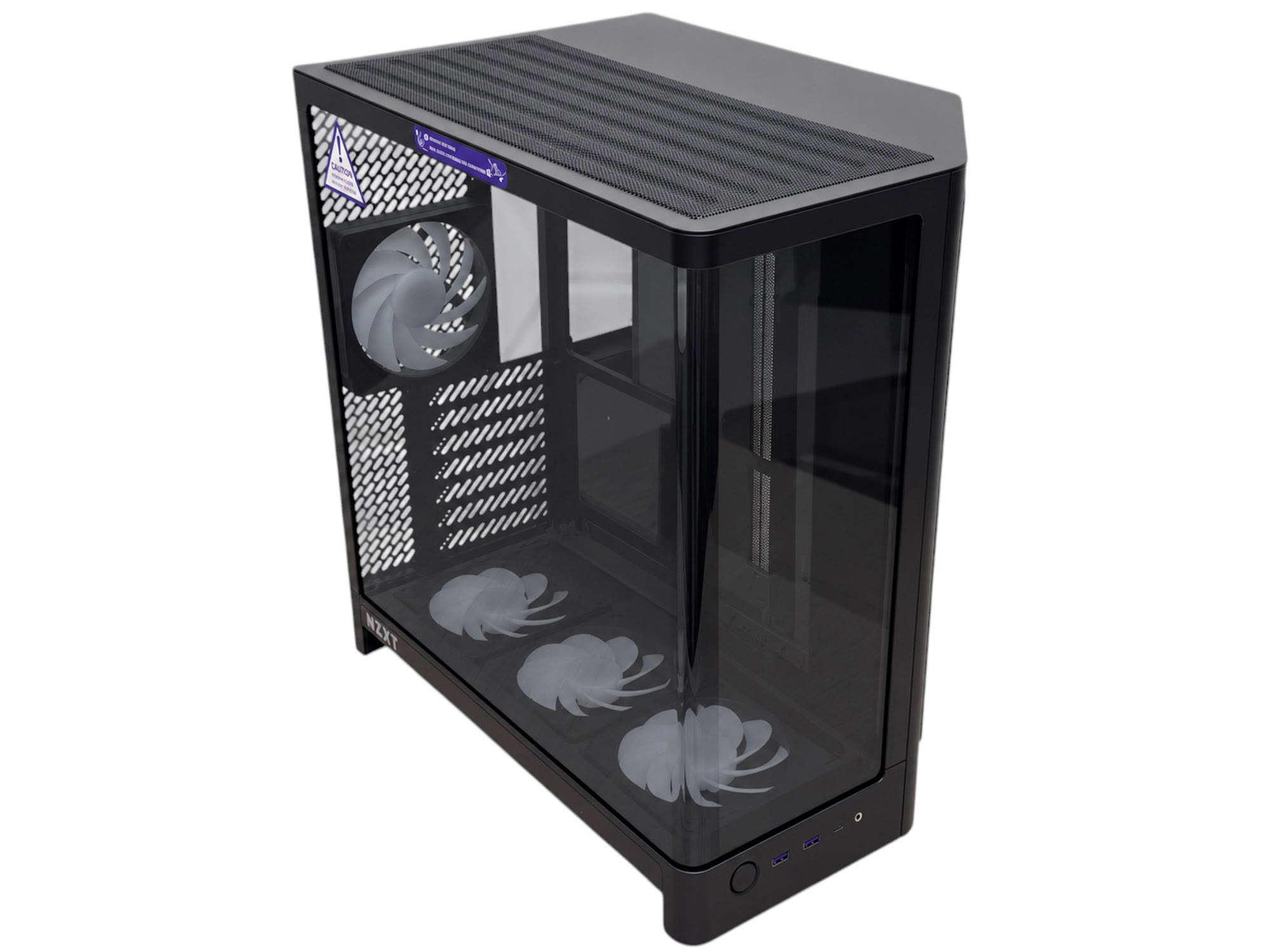
NZXT's H6 cases are designed to be compact, and the new model is just a touch larger than the previous generation. For a dual chamber case, it still looks very compact, which is in part thanks to most fan mounts having an upper fan size limit of 120 mm, plus no E-ATX motherboard support, leaving those to the larger H9, while it stands at just 448 mm tall. The previous models still have an unrestricted view of the interior, but with two flat panels, while here we have just one curved one. It's always eye-catching, but most prefer one or the other, although it has to be said it's supremely easy to install and just slides straight into place. This can't be said for many others we've used.
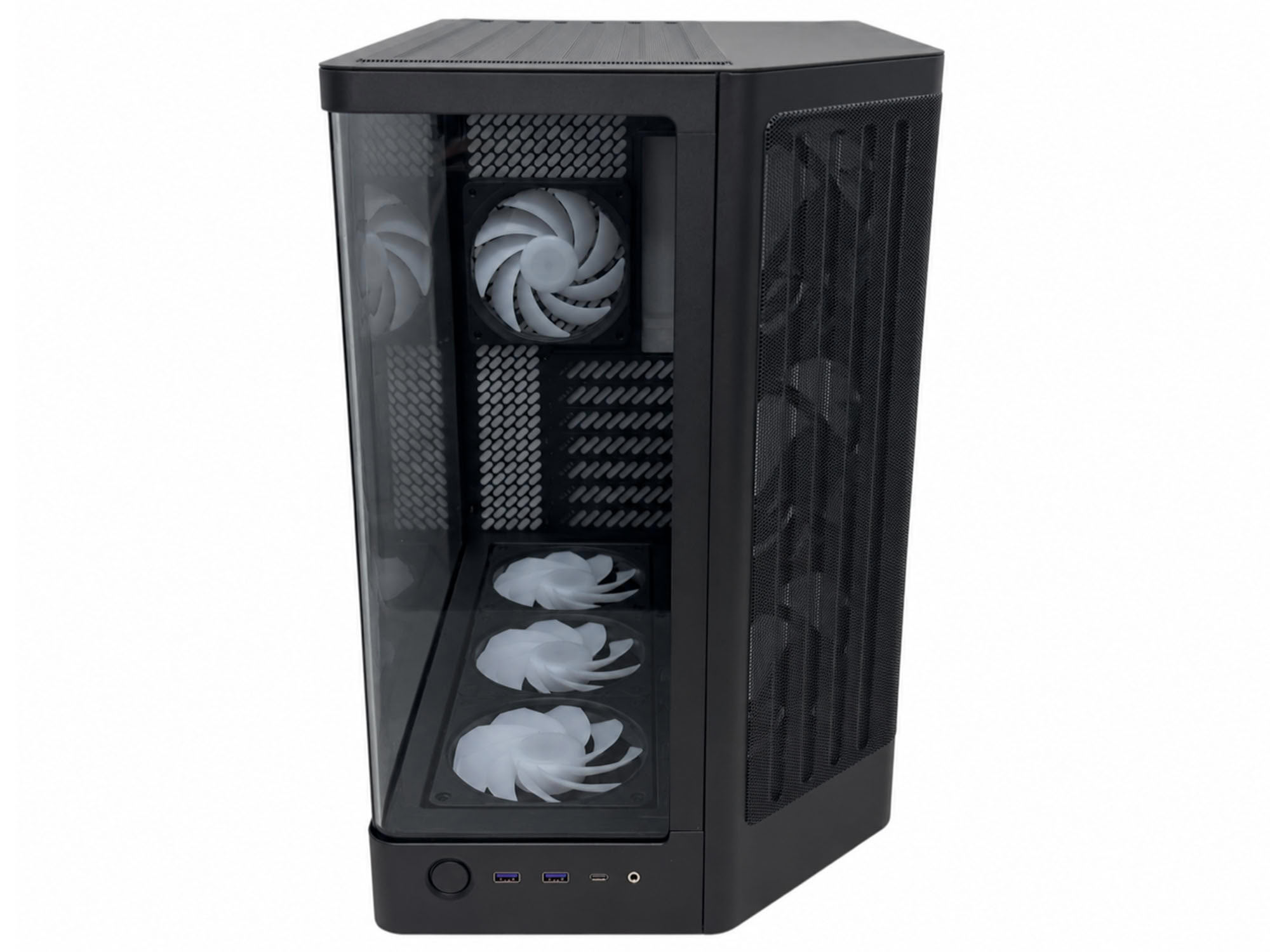
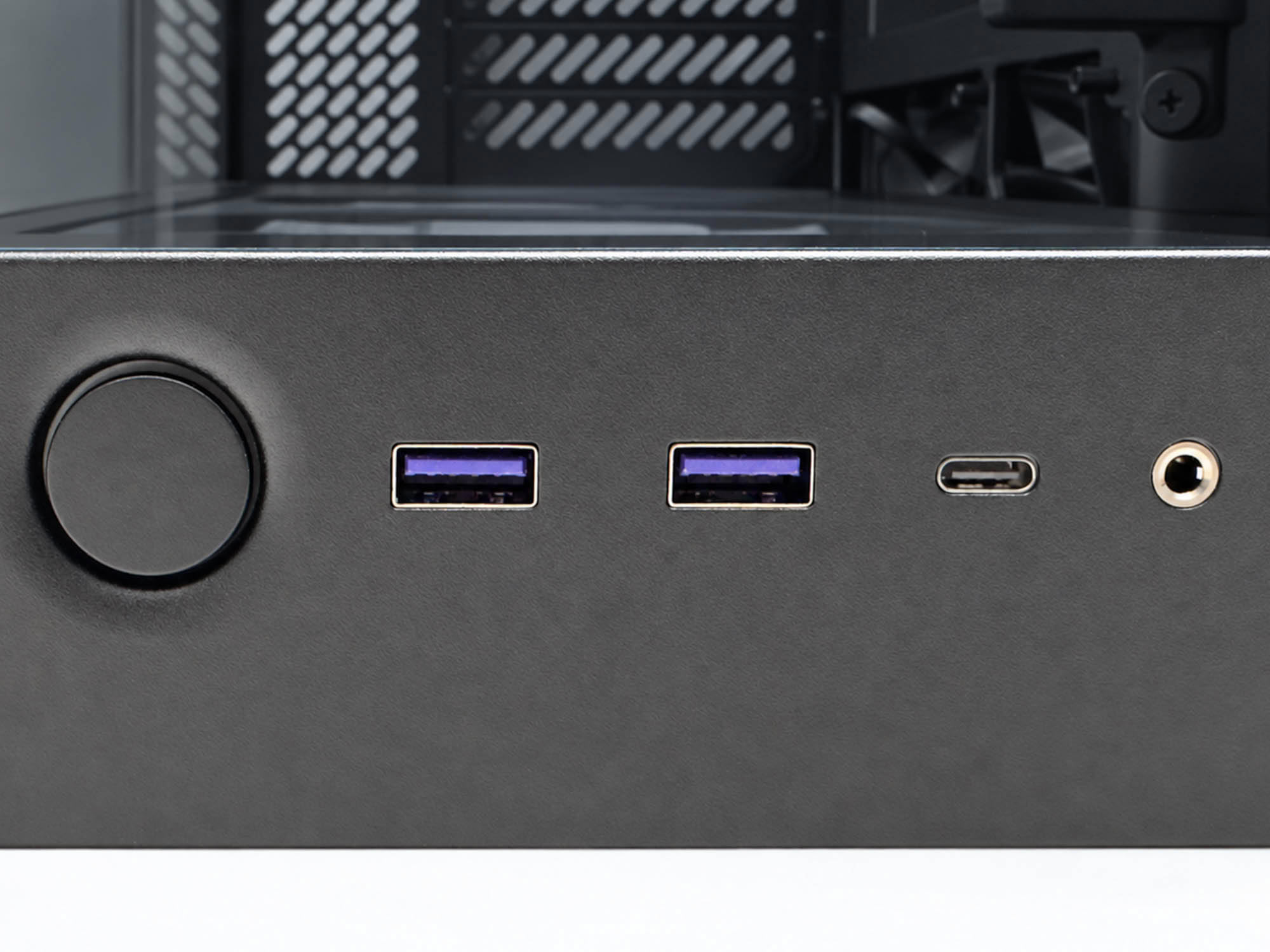
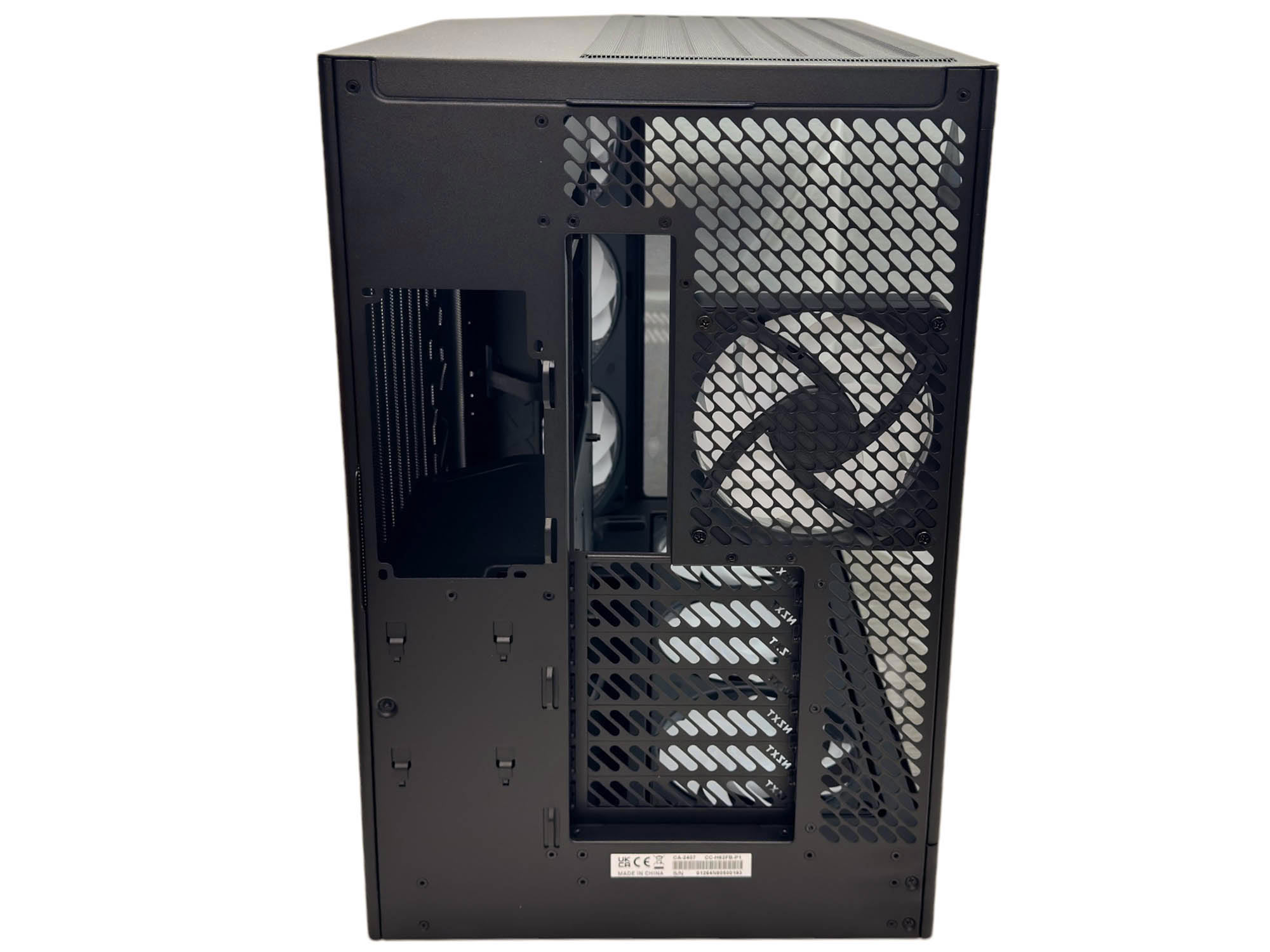
The view at the front reveals a large side vent angled at 45 degrees and equipped with three fans - actually a 360 mm fan frame, with another in the base and a single fan at the rear. The front panel offers a single large power button, two Type-A USB ports, a USB 3.2 Gen 2x2 20 Gbps Type-C port, and an audio combo jack. The rear reveals a typical dual-chamber layout with a mid-mounted PSU in the rear chamber.
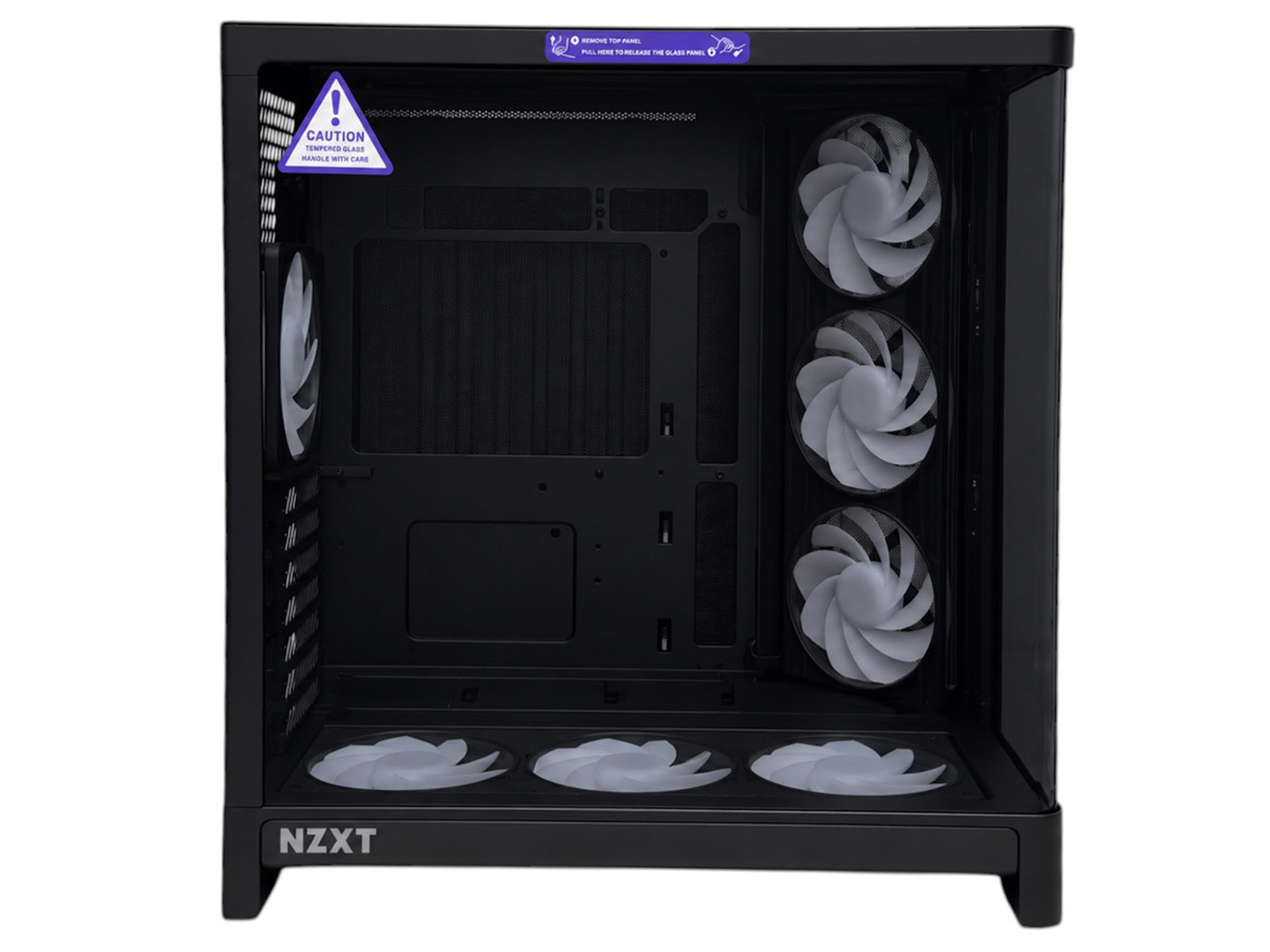
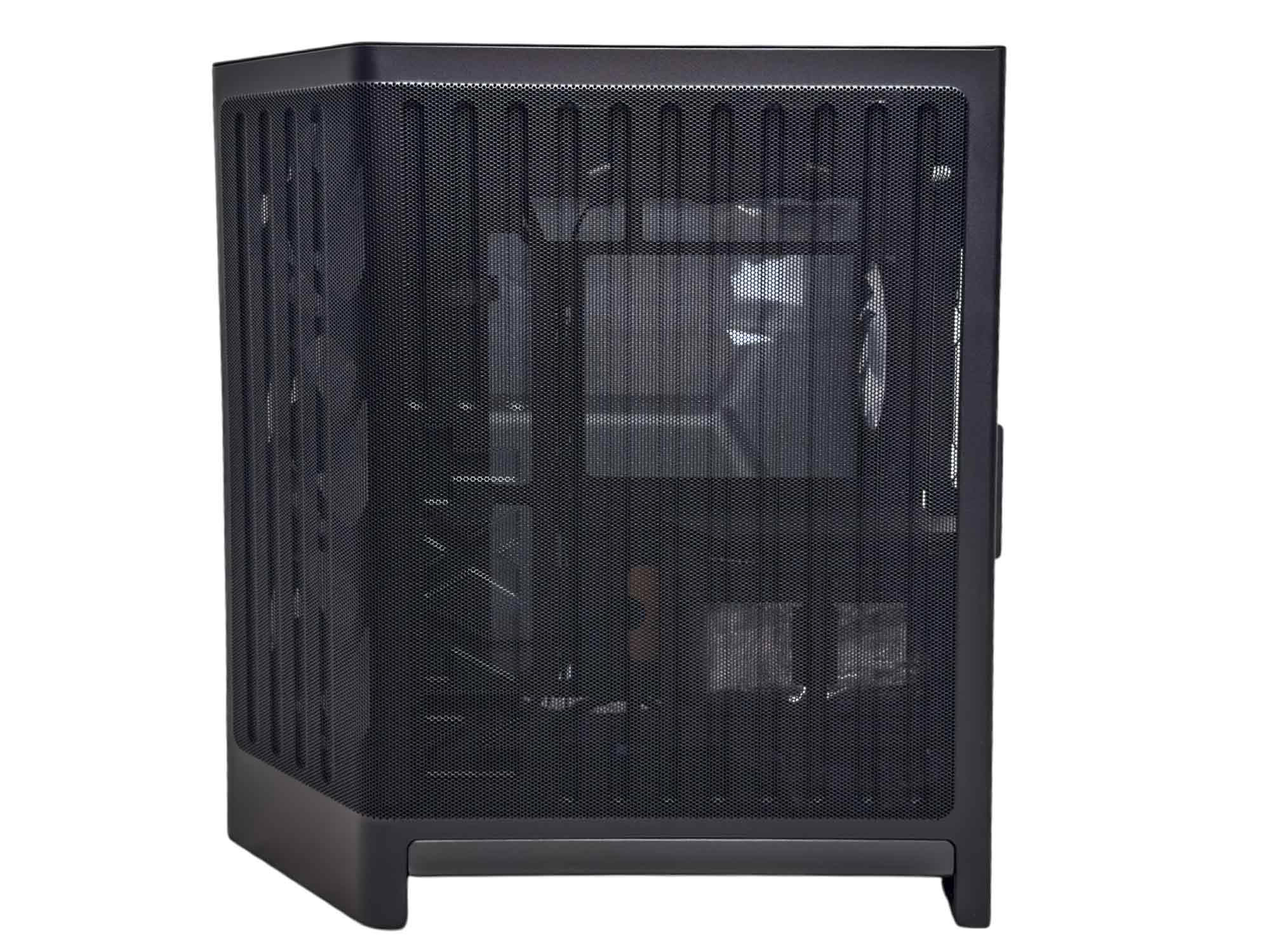
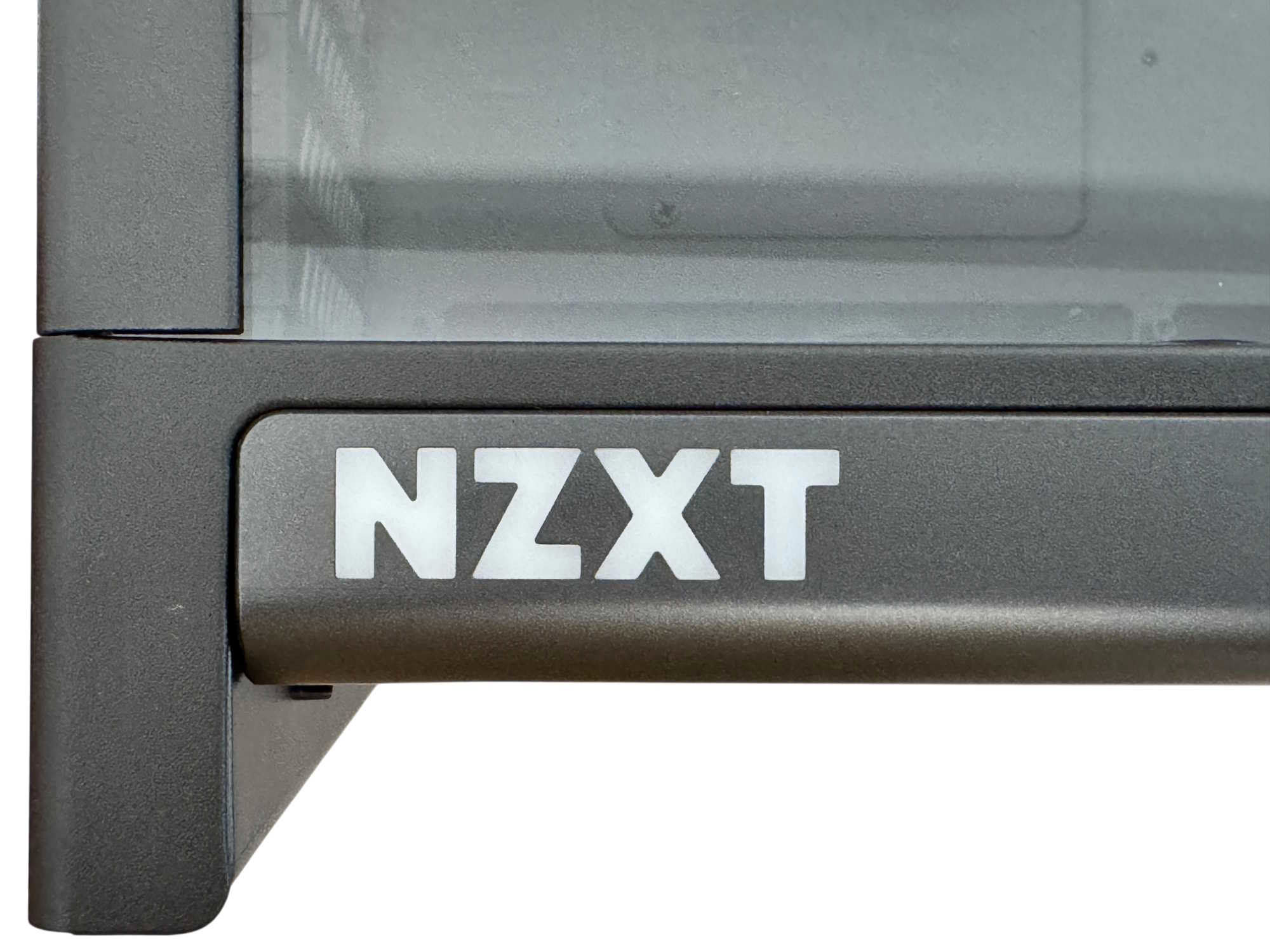
Side-on, the glass side panel sits between the upper and lower panels, giving an unrestricted view of the interior, with the glass itself being slightly tinted. The far side panel is also bent to follow the angled front section, with ridges pressed into the enormous mesh section that provide a degree of added rigidity. This is just as well, as the mesh area easily bends to the touch and the panel itself is only 1 mm-thick steel. The mesh also serves as the only dust filter for the side intake fans. The NZXT logo on the side of the case is a nice touch and as the case's name suggests, this is illuminated.
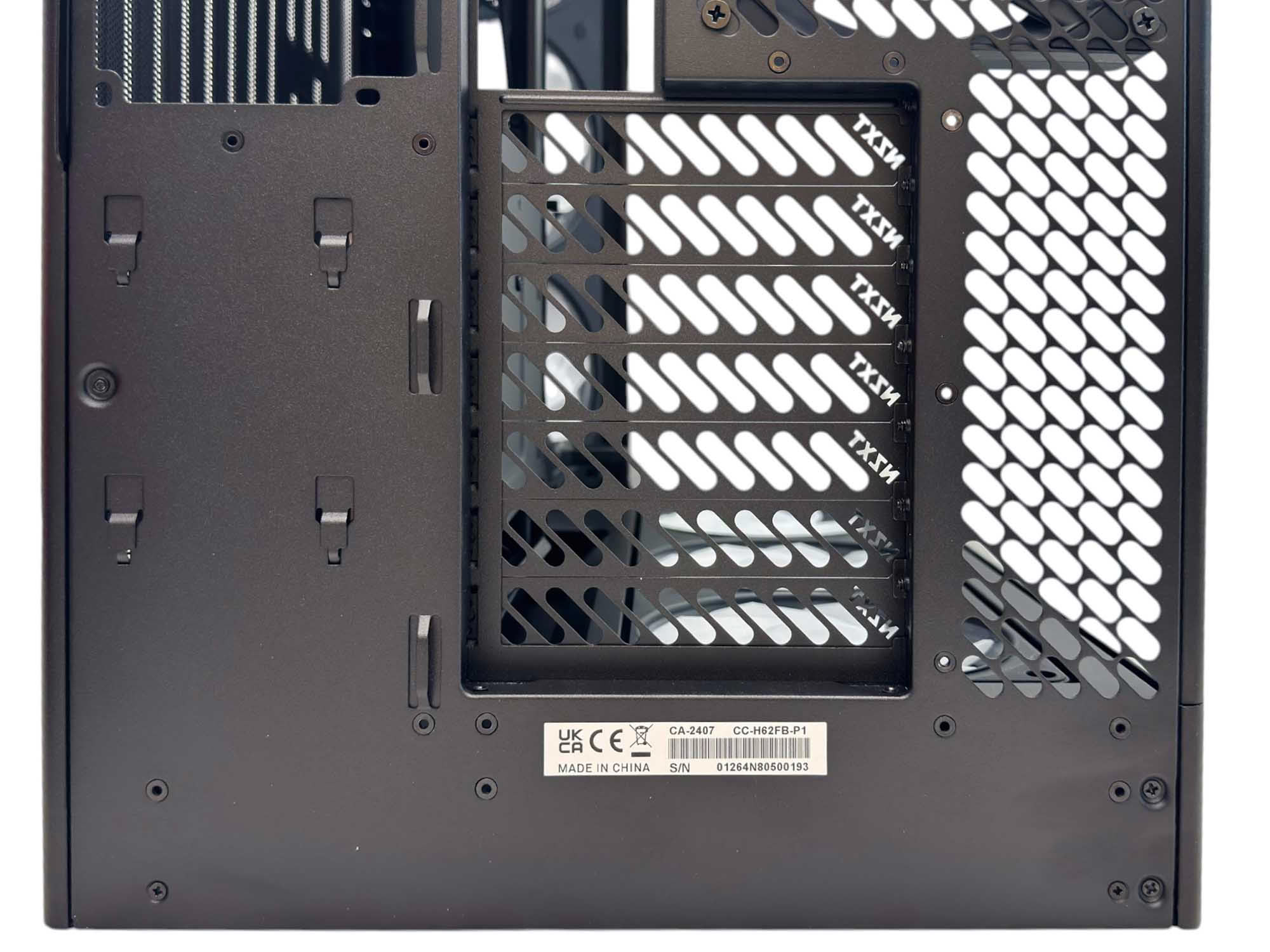
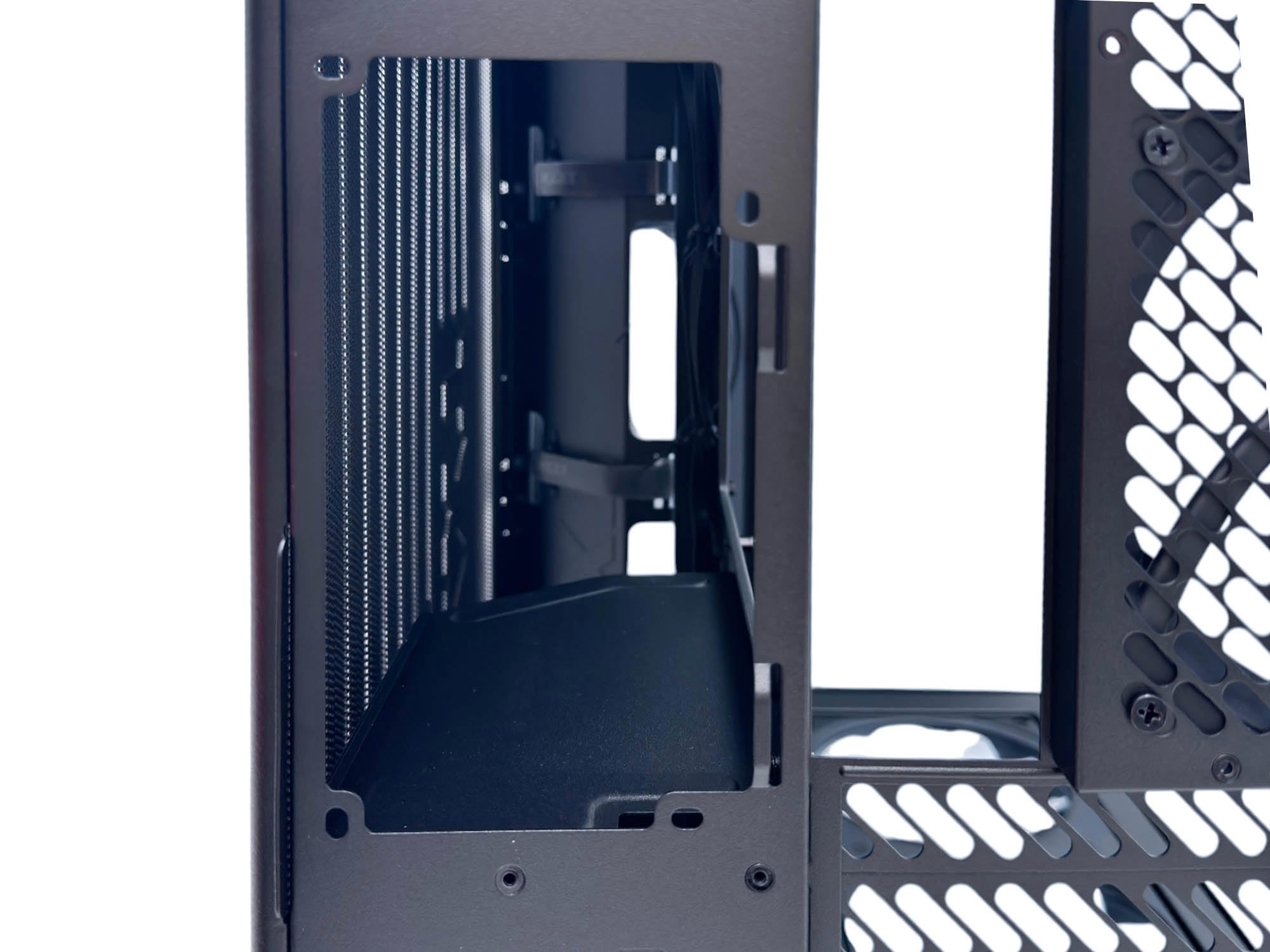
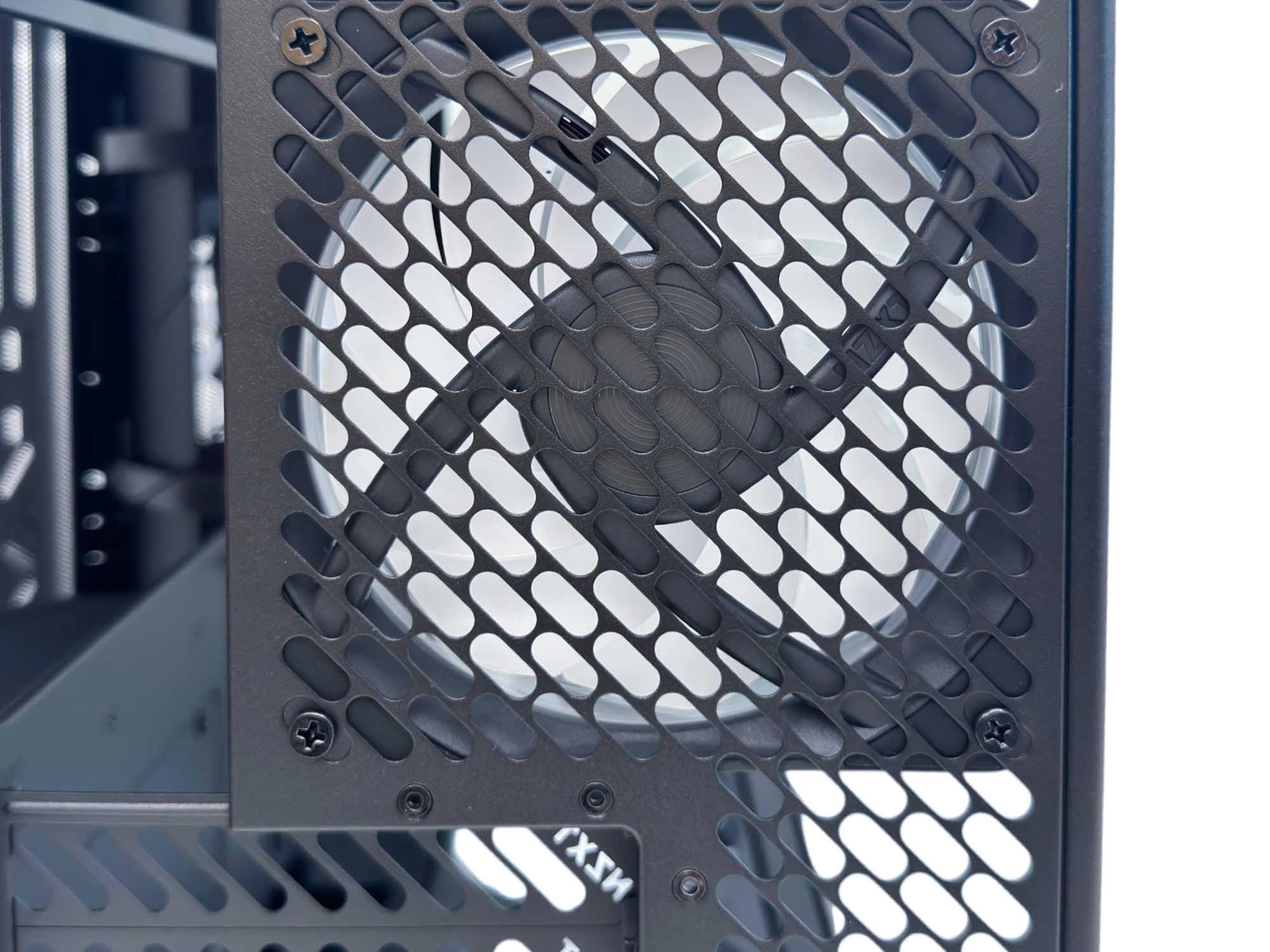
There are seven PCI expansion slot covers, each with large vents and a rather unique NZXT logo cut into them. Securing PCIe devices is done from the inside of the chassis. The PSU will install from the side and the mount has a length limit of 200 mm, but you'll likely want to sit well south of that, especially if you want to use a rear connector motherboard. The included F120 RGB fan is the largest that will fit into the slot and, like all the other fans, is pre-wired to an NZXT Control Hub Lite fan and lighting controller. Yes, that means you'll have to use NZXT's CAM software to control the fans.
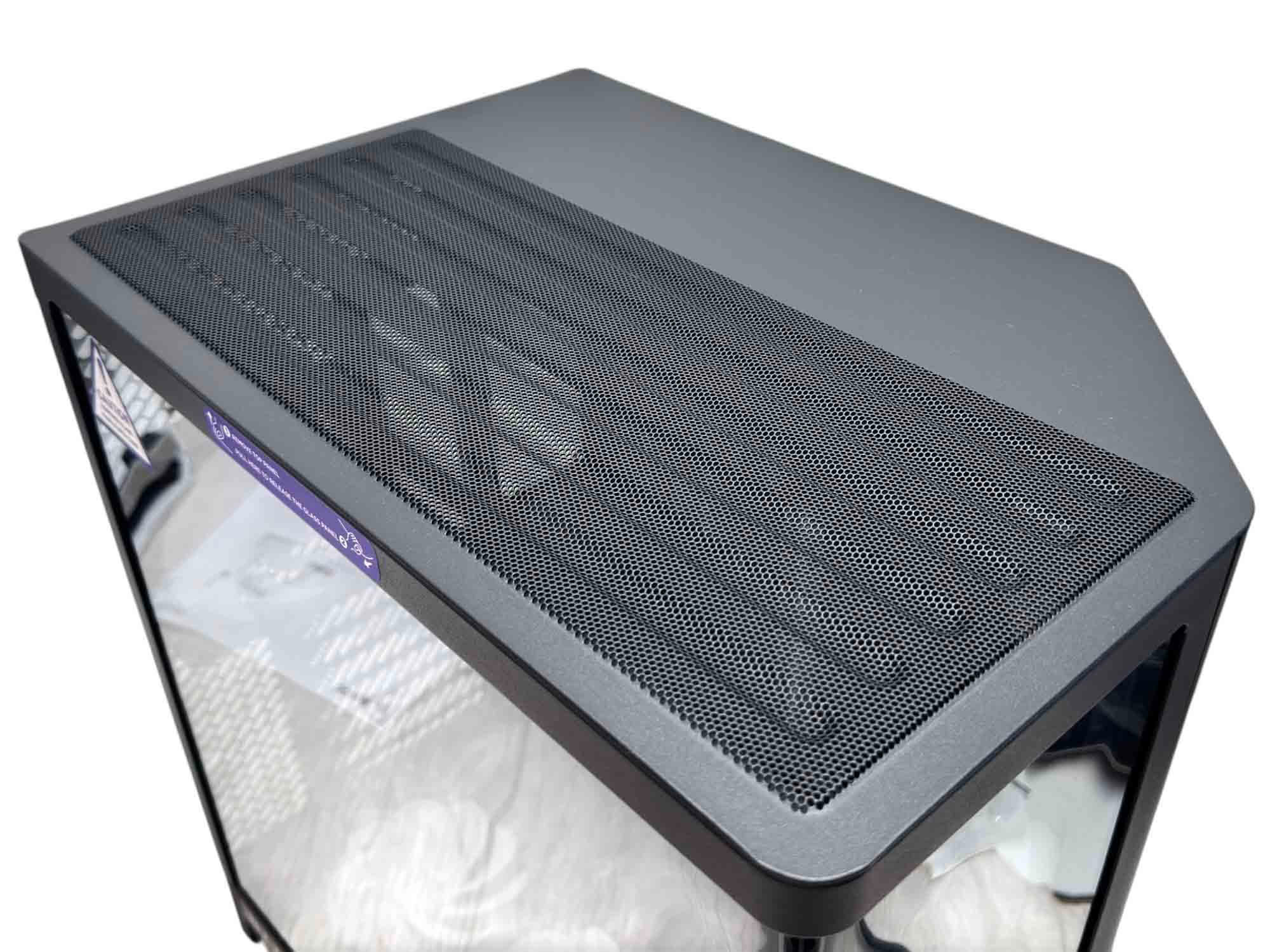
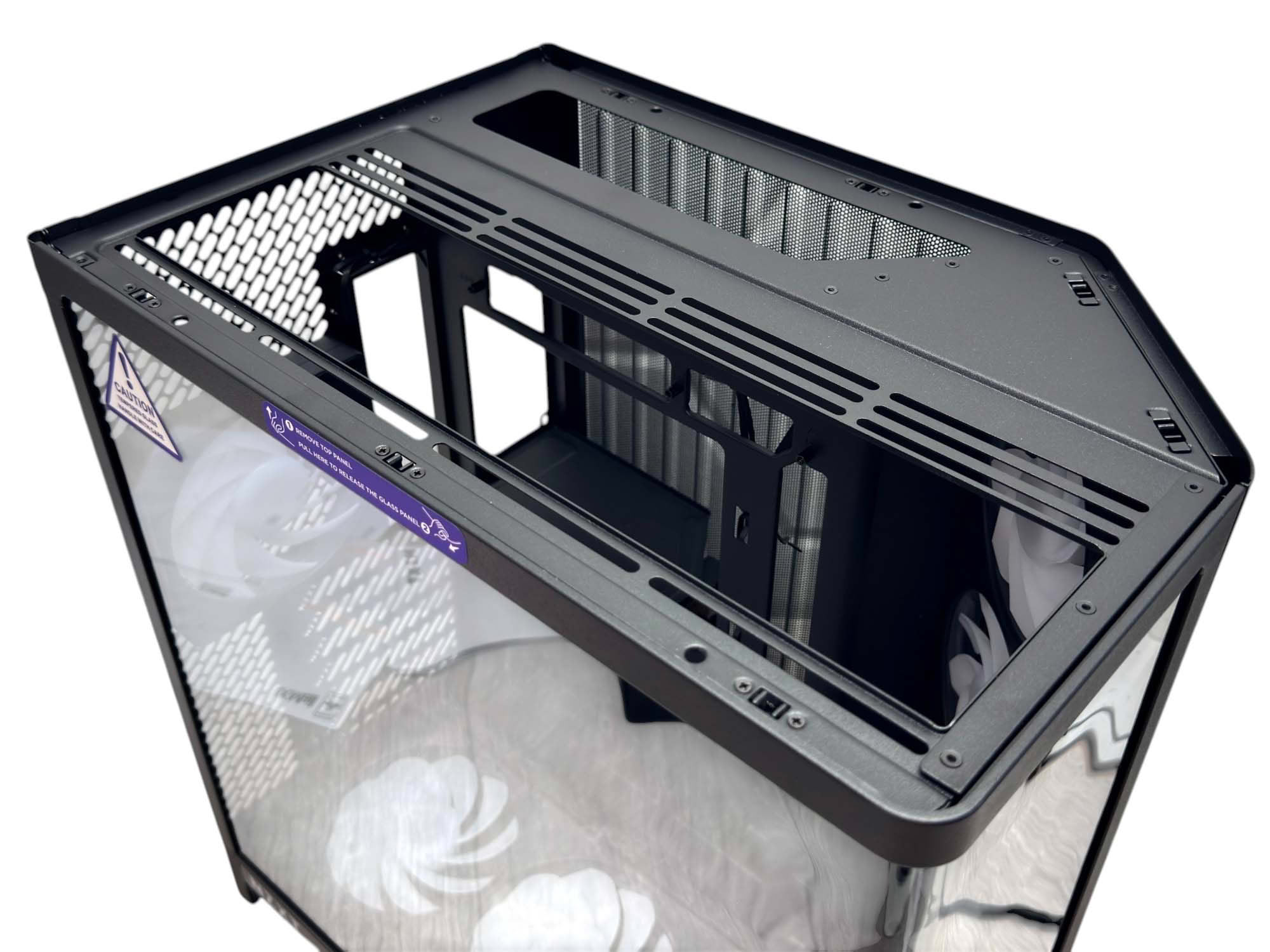
The roof panel is removable using a tab at the rear, although it is quite stiff. It features the same ridged mesh design as the steel side panel, with the mesh again being part of the panel and not a separate removable dust filter. On the specifications page NZXT states that only 120 mm fans fit here, but two 140 mm fans fit fine in the roof with plenty of clearance, with the manual agreeing with us, so the website has a small typo. A niche option perhaps, as clearly NZXT is hoping you'll buy a 360 mm Kraken cooler for the roof. One other reason is that the fan hub has no more free channels, so you'd have to power the fans from your motherboard.
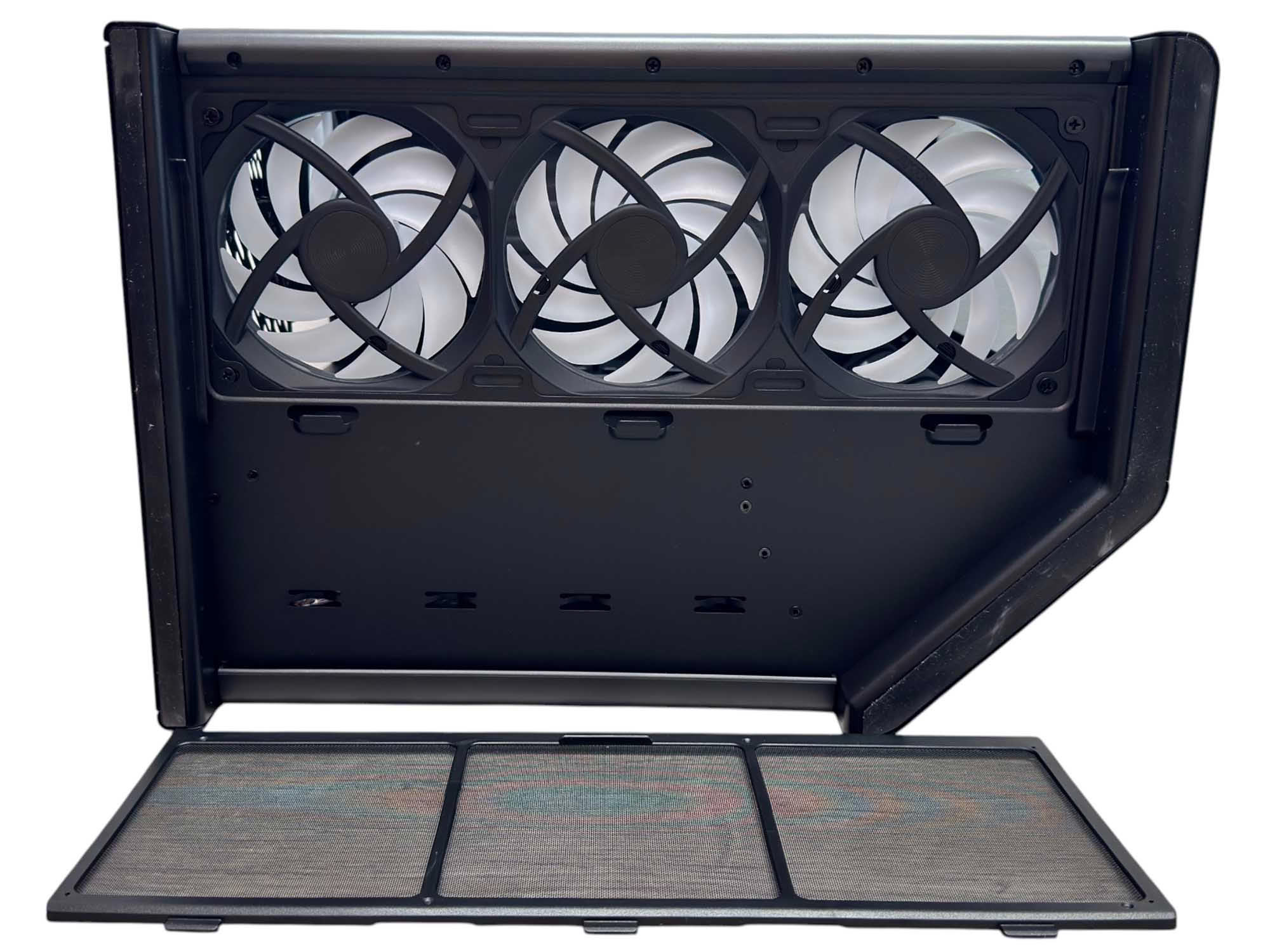
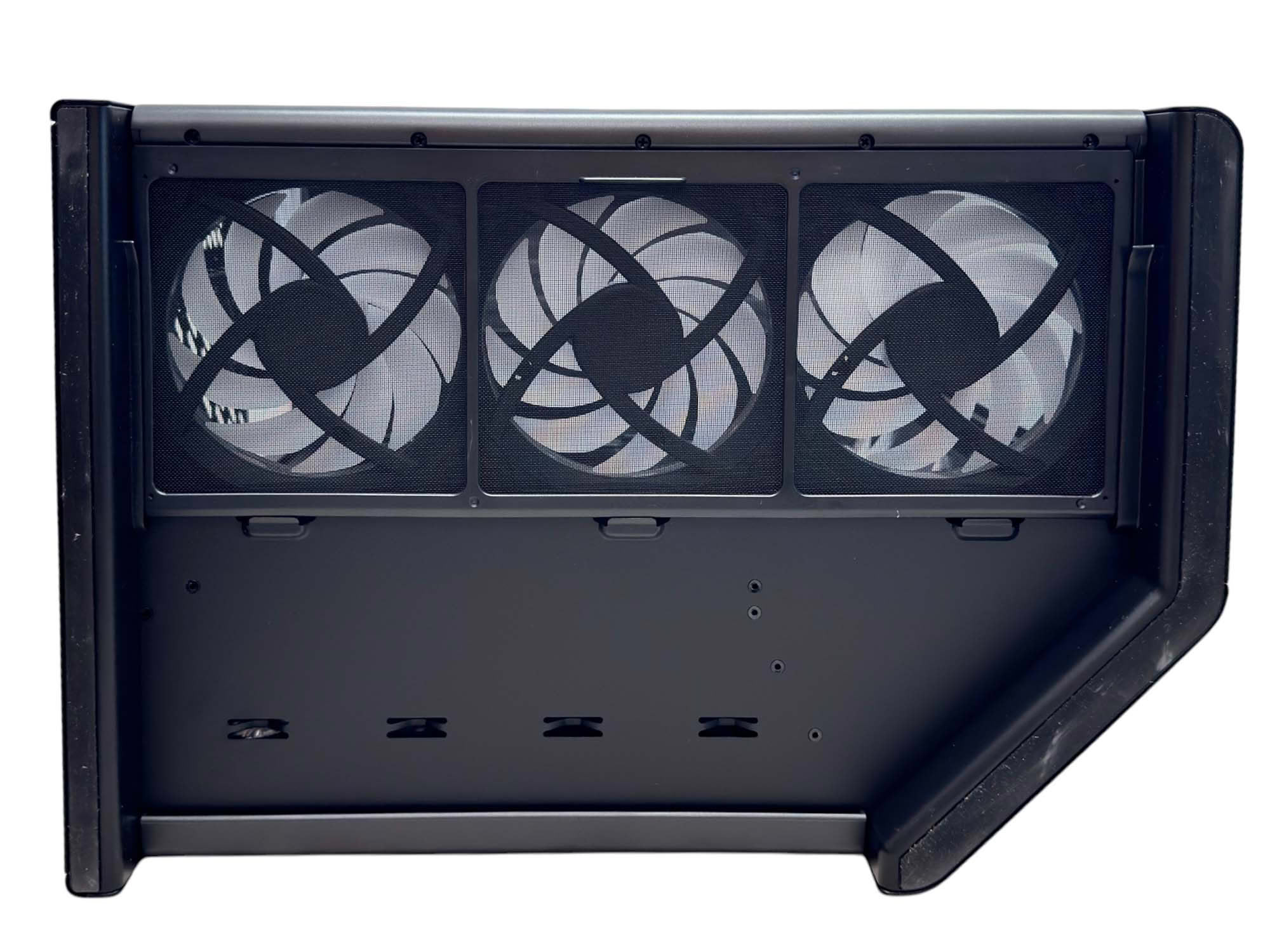
The fan frames are removable, as you can see from this one in the base, but you're essentially buying the H6 RGB+ for them and the control hub; otherwise, you may as well opt for the much cheaper standard H6. The base also has a removable dust filter. The fans feature reversed blades, so they act as intakes.
Nov 11th, 2026 23:39 CST
change timezone
New Forum Posts
- Case to fit 2X Alphacool NexXxoS UT60 Rads (6)
- Your PC ATM (36404)
- Steam Deck Owners Clubhouse (621)
- Request - revert LFC behaviour to old patch. (1)
- My dell g15 5510 is stuck at 210 mhz while pulling impossible wattage (27)
- Unallocated space in ssd , is it normal? (6)
- GPU database: Incorrect Pixel Rate on all GeForce GTX 780 Ti entries – 50+ cards affected (6)
- Gacha Games - Discussions, Pulls, Updates, etc. (1150)
- TPU's Nostalgic Hardware Club (22145)
- Classic Blizzard games (WarCraft 1-2, Diablo 1-2, StarCraft 1) (3)
Popular Reviews
- AMD Zen 6 Technical Deep Dive
- Upcoming Hardware Launches 2027 (Updated Nov 2026)
- XPG NIMBUS PLUS Review - Mid-range Chair With Strong Competitors
- NZXT H7 RGB+ Review
- NZXT C1200 Platinum Review
- NZXT H5 Review
- Montech King 95 3D PRO Review
- Phantom Blade Zero Performance Benchmark Review - 35 GPUs Tested
- Gigabyte Z890I Aorus Ultra Review
- INNOCN 45C1R Review - Two QHD Screens, Zero Bezels
TPU on YouTube
Controversial News Posts
- OpenAI CEO Argues Home PCs Waste the World's Limited DRAM Supply (152)
- NVIDIA Launches Investigation Into Jensen Huang's Relationship With Suspected Chinese Spy (136)
- Intel "Raptor Lake Next" 16-Core and 20-Core CPUs Surface (130)
- Legendary Game Studio BioWare Shuts Down Following EA Layoffs (104)
- Dell CEO Says the Memory Shortage Will Get Worse in 2027 (95)
- NVIDIA GeForce RTX 50-Series Scheduled for up to $500 Price Hike This Week (89)
- AMD Radeon Owners Can Now Run Nearly Every DLSS Feature Through Fan-Made Mod (80)
- Modder Fits RTX 5090 With Four 8-Pin Connectors, Halving Current per Wire (80)