 1
Star Wars Zero Company Handheld Performance Review
Performance »Out-of-Box Experience on SteamOS
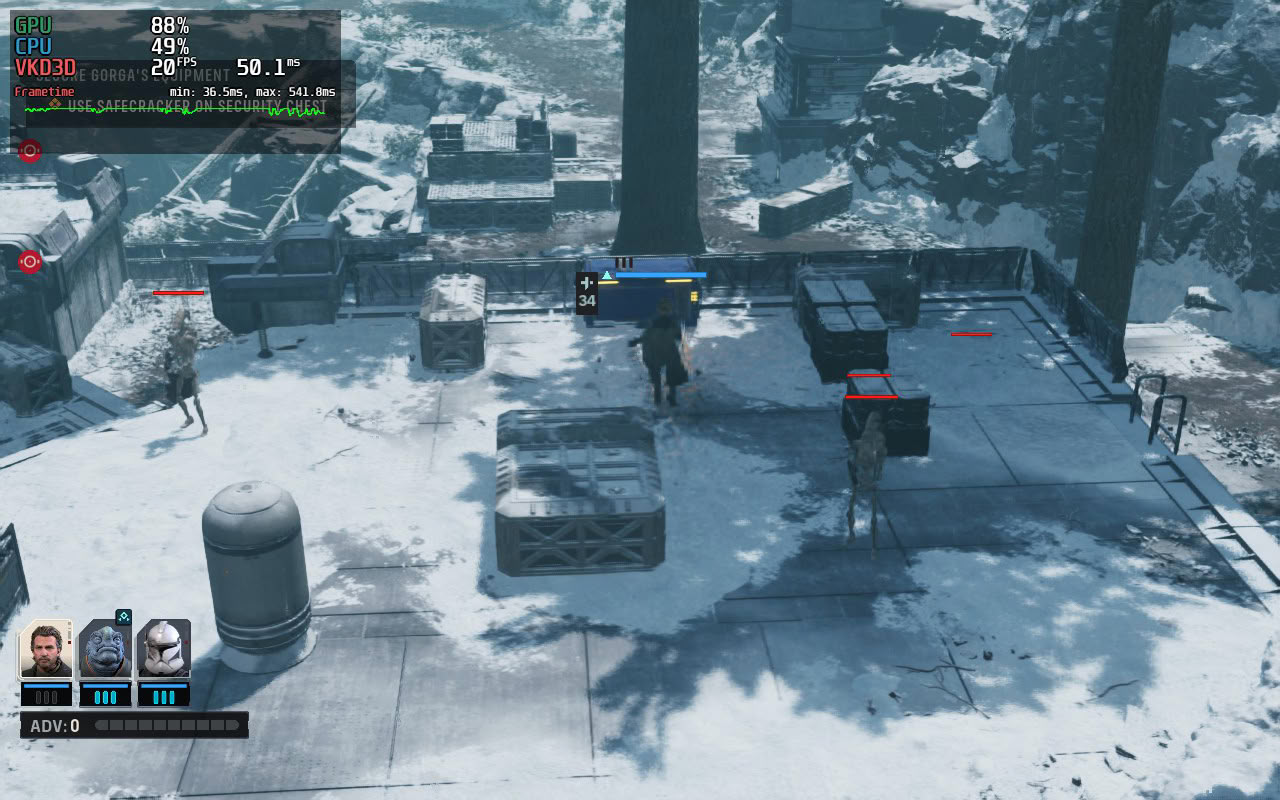
There are no surprises when you install and launch Star Wars Zero Company for the first time on SteamOS. Valve handles the shader precache, which is downloaded to your Steam Deck along with the game, but you still have to go through a short (about 10 seconds) shader compilation screen every time you launch the game.
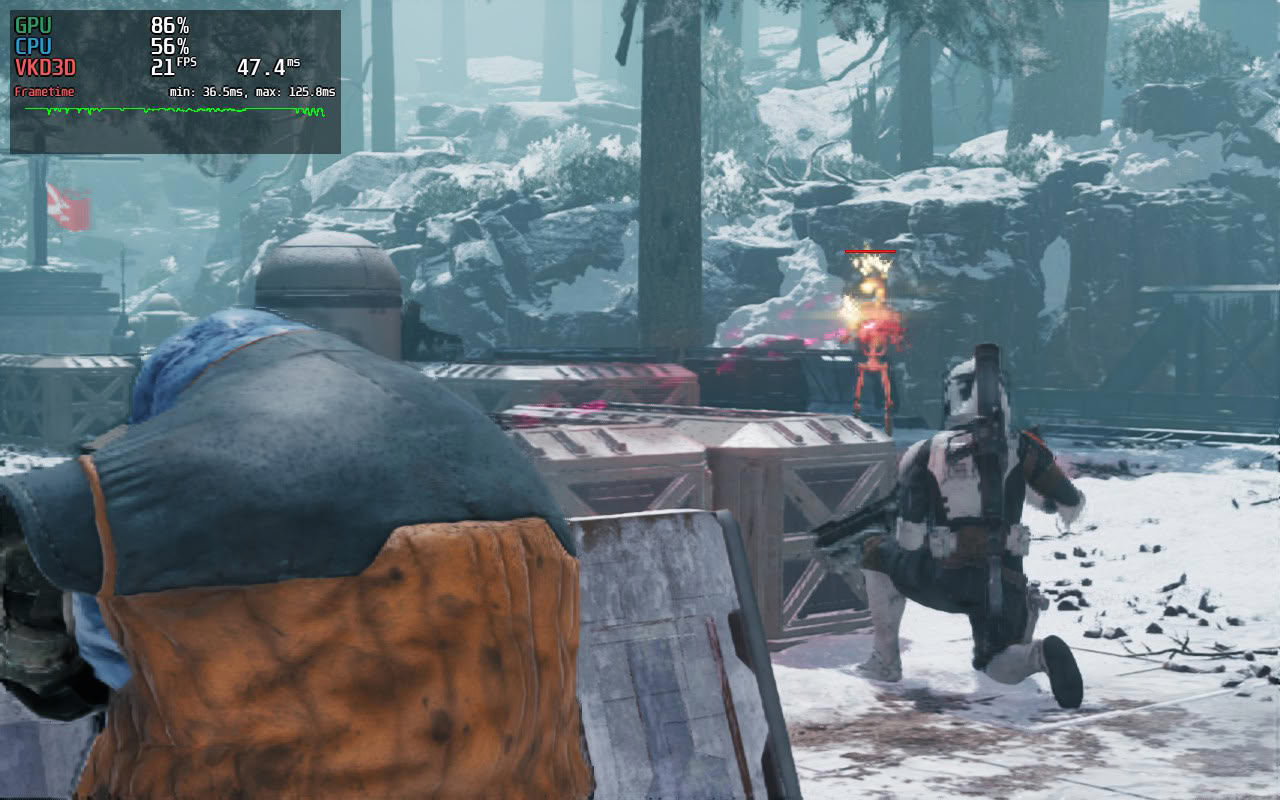
When you start the game, though, you'll quickly realize that Star Wars Zero Company is more than the Steam Deck can chew. We experienced performance in the low to high teens, with upscaling not improving the experience by much. At best, you can muster about 20–25 FPS, but the amount of stuttering in play makes this one of the worst-performing games on the Deck we've ever tested.
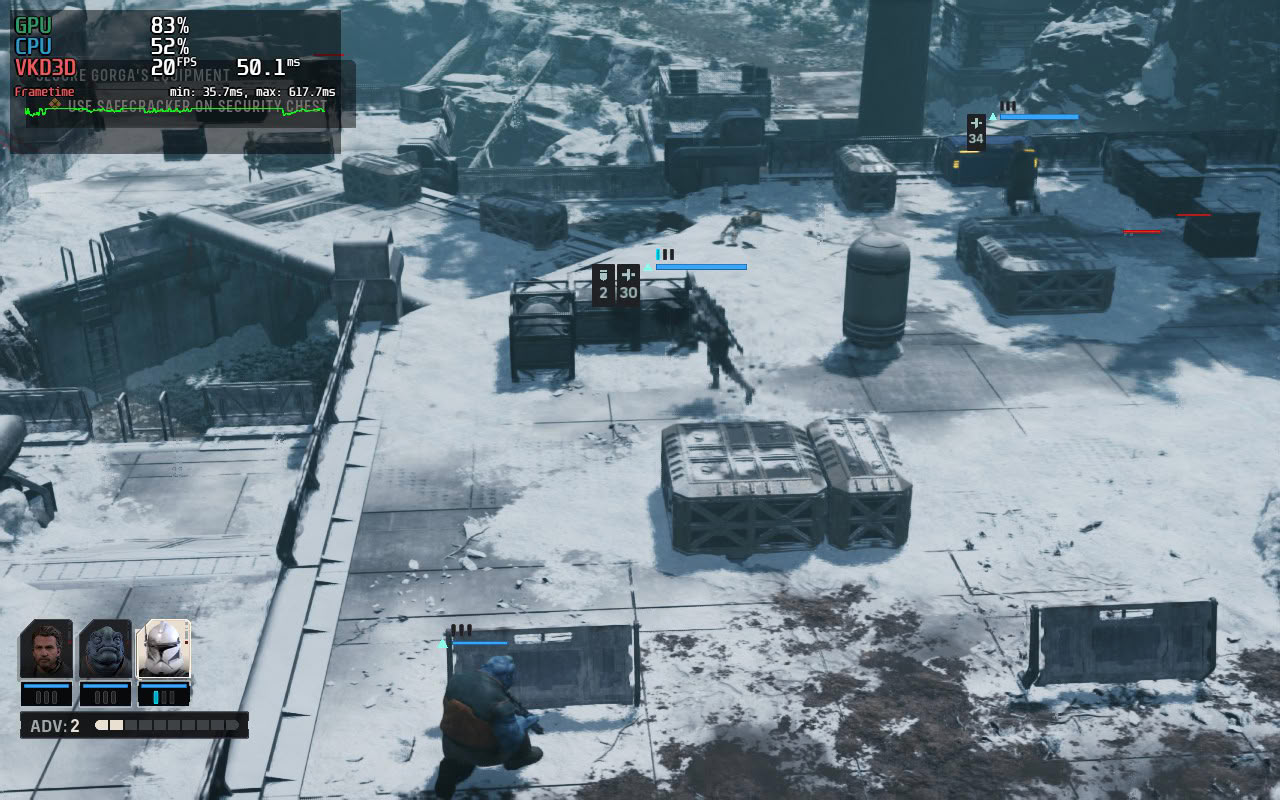
Some comedians on Reddit recommend enabling frame gen, which they claim makes the game "playable," but doing so doesn't improve frame rates much and only introduces wild input latency spikes that, in combination with the stutters, make the entire experience pitiable. There will likely be mods out there created for potato PCs and the Deck that will make the game playable, but the unmodded game is best avoided on Valve's handheld.
Out-of-Box Experience on Windows

On Windows, you have to wait through the initial shader compilation step, which takes about 7–10 minutes to finish depending on the device. During subsequent launches, you only have to wait about 10 seconds for it to finish. Once you reach the main menu and start the game, you will have an experience ranging from quite playable to barely playable, depending on the Windows handheld you own.
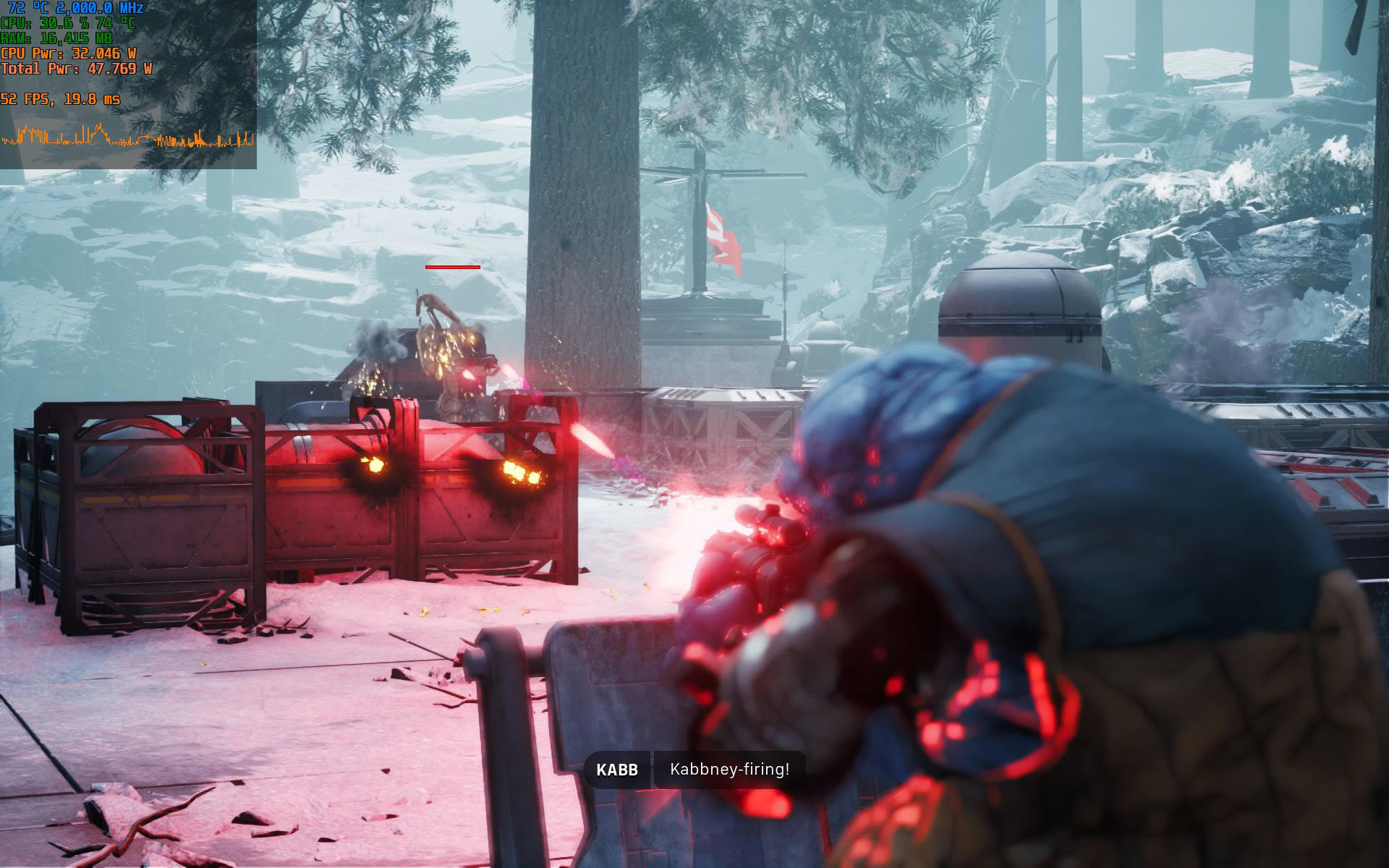
We found the game to run pretty well on the MSI Claw 8 EX since the G3 Extreme is a beast and okayish on the Xbox Ally X. On the flip side, the amount of stuttering is nigh unbearable on the MSI Claw 8, even though the machine closely matches the Xbox Ally X performance-wise, at least at 1080p. The truth is that both Intel handhelds suffer from much worse stuttering than we noticed on AMD handhelds, but thanks to the G3 Extreme's oodles of raw power, the Claw 8 EX can push through the stuttering and still provide more than a decent gaming experience in Star Wars ZCOM. Lastly, the ASUS ROG Ally X provides a playable experience if you're fine with playing the game at 720p and dealing with frequent drops to the 20s due to stuttering.
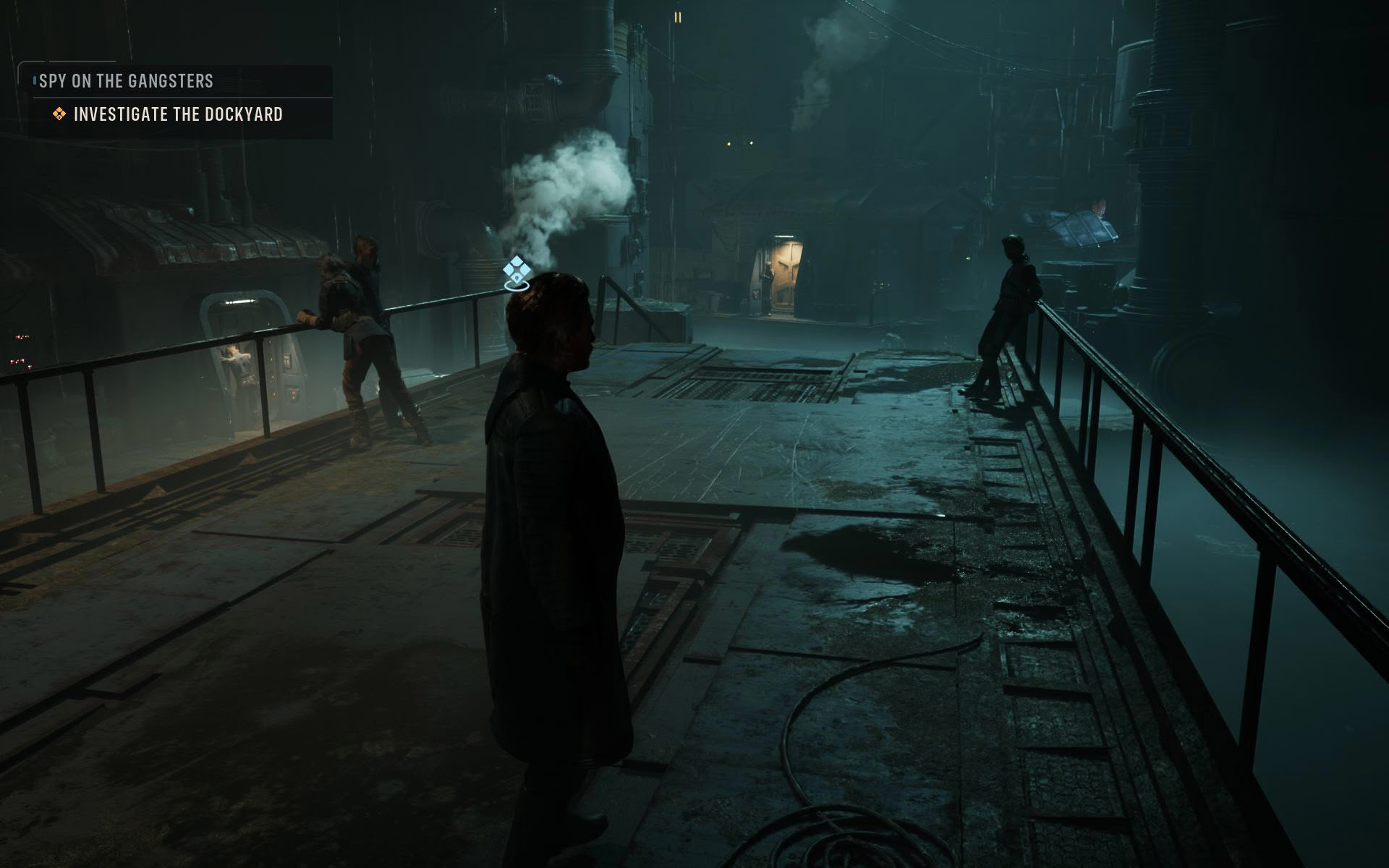
It's funny, and kind of sad, just how unoptimized Star Wars Zero Company is. When you're standing still, every Windows handheld we tested the game on provides a rather solid frame rate, even at higher resolutions. But as soon as you start moving the camera during turn-based battles or start moving during the real-time, third-person exploration sections, the game falls apart, the frame rate drops considerably, and you're subjected to tons of hitching. This is like playing XCOM 2 at release all over again, which also suffered from atrocious performance issues.
Aside from stuttering galore, which is much worse on Intel handhelds (just look at those pathetic minimum frame rate numbers the Claw 8 managed to achieve), Star Wars ZCOM also has its fair share of bugs. The End Turn screen can stall, with you having to wait what feels like forever to start a new turn; missions can bug out at random points, forcing you to restart them; we also experienced multiple game crashes; frame generation doesn't work at all on Intel handhelds; and we had to disable the Environment Geometry Detail toggle, which controls Nanite, even on the mighty Claw 8 EX because it makes stuttering worse and significantly decreases performance. In general, Star Wars Zero Company is a mess of a game from a technical standpoint, at least on PC handhelds.
As for controller support, the game plays great with one, although you won't be able to pull off your moves and pan the map as quickly as you can with a keyboard and mouse.
Nov 11th, 2026 17:55 CST
change timezone
New Forum Posts
- WarpCoreBench scores! (14)
- Warning for Windows 10 and 11 users running newer AMD GPU drivers (49)
- Bought MAX-P495 - Which model? (29)
- GeekMagic Ultra Smart WiFi Weather Station (3)
- DTS DCH Driver for Realtek HDA [DTS:X APO4 + DTS Interactive] (2809)
- Rare GPUs / Unreleased GPUs (2271)
- Samsung 870 EVO - Beware, certain batches prone to failure! (1486)
- Windows new update 26H2 - Throttlestop (10)
- When you could finally run Crysis maxed out? (42)
- TPU's F@H Team (20569)
Popular Reviews
- AMD Zen 6 Technical Deep Dive
- Upcoming Hardware Launches 2027 (Updated Nov 2026)
- Gigabyte Z890I Aorus Ultra Review
- XPG NIMBUS PLUS Review - Mid-range Chair With Strong Competitors
- INNOCN 45C1R Review - Two QHD Screens, Zero Bezels
- NZXT H7 RGB+ Review
- Phantom Blade Zero Performance Benchmark Review - 35 GPUs Tested
- Gears of War: E-Day Performance Benchmark Review - 35 GPUs Tested
- NZXT H5 Review
- be quiet! Light Mount TKL Keyboard Review
TPU on YouTube
Controversial News Posts
- OpenAI CEO Argues Home PCs Waste the World's Limited DRAM Supply (152)
- NVIDIA Launches Investigation Into Jensen Huang's Relationship With Suspected Chinese Spy (136)
- Intel "Raptor Lake Next" 16-Core and 20-Core CPUs Surface (130)
- Legendary Game Studio BioWare Shuts Down Following EA Layoffs (104)
- Dell CEO Says the Memory Shortage Will Get Worse in 2027 (95)
- NVIDIA GeForce RTX 50-Series Scheduled for up to $500 Price Hike This Week (89)
- Modder Fits RTX 5090 With Four 8-Pin Connectors, Halving Current per Wire (80)
- AMD Radeon Owners Can Now Run Nearly Every DLSS Feature Through Fan-Made Mod (80)